V4.5Artists
sort: FAVS▾
▾
>
$

Popular NovelAI artist tags — V4.5

artist --count 16,352[221/273]
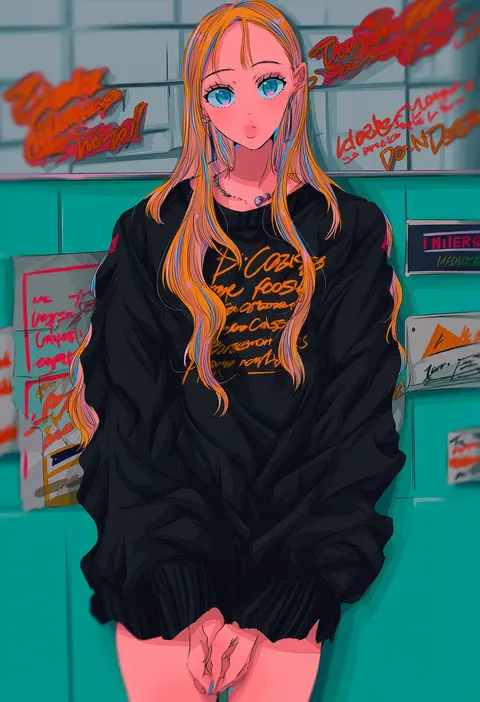
najuco (naju0517)
ARTIST0x3390
0
tokunaga akimasa
ARTIST0x3391
0
nekokotei
ARTIST0x3392
0
kurokoeda
ARTIST0x3393
0
seika okawari
ARTIST0x3394
0
maeda hiroyuki
ARTIST0x3395
0
orga
ARTIST0x3396
0
maeda risou
ARTIST0x3397
0
nattororo
ARTIST0x3398
0
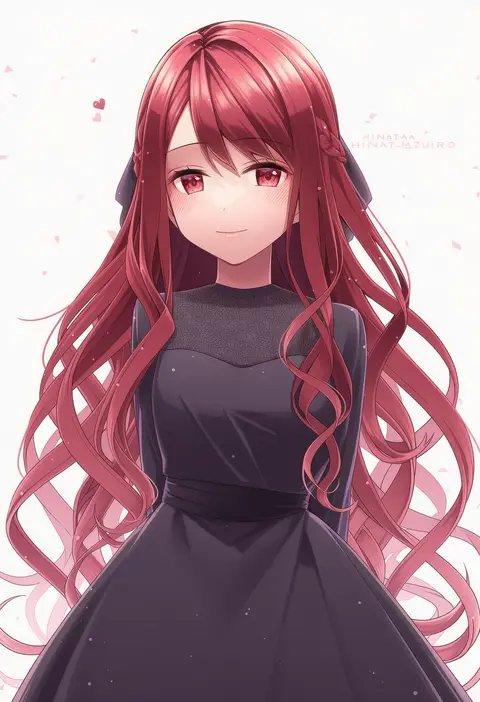
hinata mizuiro
ARTIST0x3399
0
shokugyo
ARTIST0x339A
0
sonjow4
ARTIST0x339B
0
yoshikawa tatsuya
ARTIST0x339C
0
my nameisyoon
ARTIST0x339D
0
yone
ARTIST0x339E
0
mochi-iri kinchaku
ARTIST0x339F
0
natsuiro xx
ARTIST0x33A0
0
chiemo (xcem)
ARTIST0x33A1
0
shinozuki takumi
ARTIST0x33A2
0
k0nfette
ARTIST0x33A3
0
chiruto
ARTIST0x33A4
0
shirahama kamome
ARTIST0x33A5
0
rinko (mg54)
ARTIST0x33A6
0
potatomochii
ARTIST0x33A7
0
tokumei wombat
ARTIST0x33A8
0
catowjeemson
ARTIST0x33A9
0
kyou (tr-6)
ARTIST0x33AA
0
stup-jam
ARTIST0x33AB
0
sofusan1526
ARTIST0x33AC
0
idora (idola)
ARTIST0x33AD
0
anapom
ARTIST0x33AE
0
oneirio
ARTIST0x33AF
0
yoshizane akihiro
ARTIST0x33B0
0
ibuki (abuki)
ARTIST0x33B1
0
yuyuharu 1027
ARTIST0x33B2
0
fusazakura
ARTIST0x33B3
0
gin (tttetu123)
ARTIST0x33B4
0
yashima takahiro
ARTIST0x33B5
0
takahashi keitarou
ARTIST0x33B6
0
shibacha
ARTIST0x33B7
0
yonu (yonurime)
ARTIST0x33B8
0
yae (mono110)
ARTIST0x33B9
0
akashieru
ARTIST0x33BA
0
kawagoe pochi
ARTIST0x33BB
0
nokuhashi
ARTIST0x33BC
0
thin (suzuneya)
ARTIST0x33BD
0
idaten93
ARTIST0x33BE
0
daidai ookami
ARTIST0x33BF
0
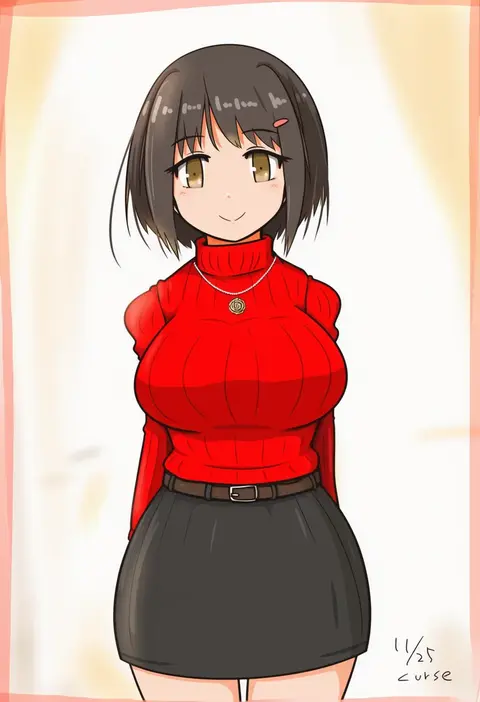
curse (023)
ARTIST0x33C0
0
sumisaki yuzuna
ARTIST0x33C1
0
ayasaka
ARTIST0x33C2
0
kakeru (dbskakeru)
ARTIST0x33C3
0
iroha (iroha matsurika)
ARTIST0x33C4
0
tonchamon san
ARTIST0x33C5
0
yurume atsushi
ARTIST0x33C6
0
durindana 7
ARTIST0x33C7
0
sami (object dump)
ARTIST0x33C8
0
kousetsu
ARTIST0x33C9
0
same anko
ARTIST0x33CA
0
yuza
ARTIST0x33CB
0

What these tags change

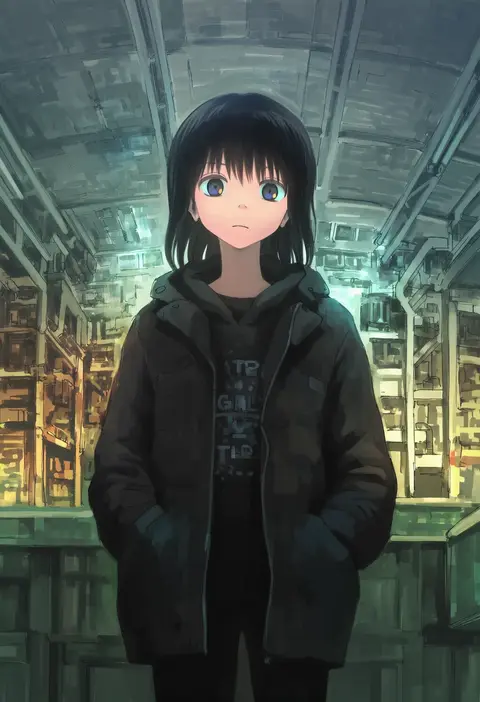
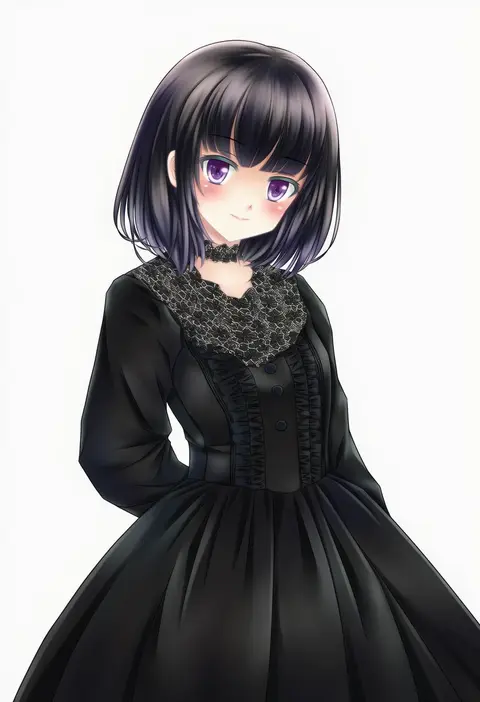
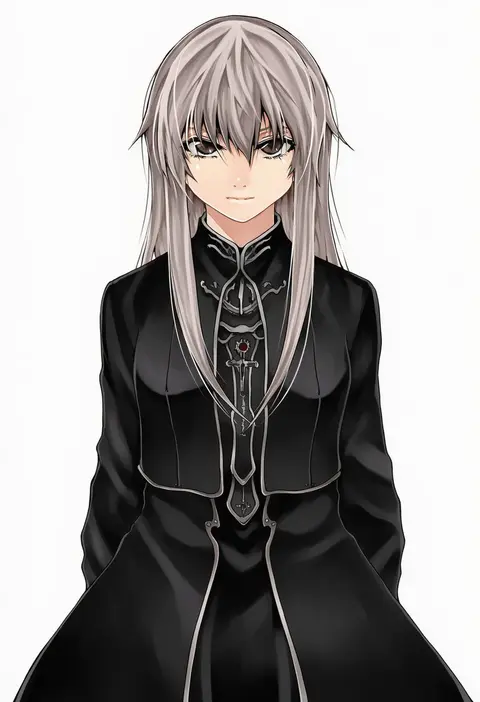
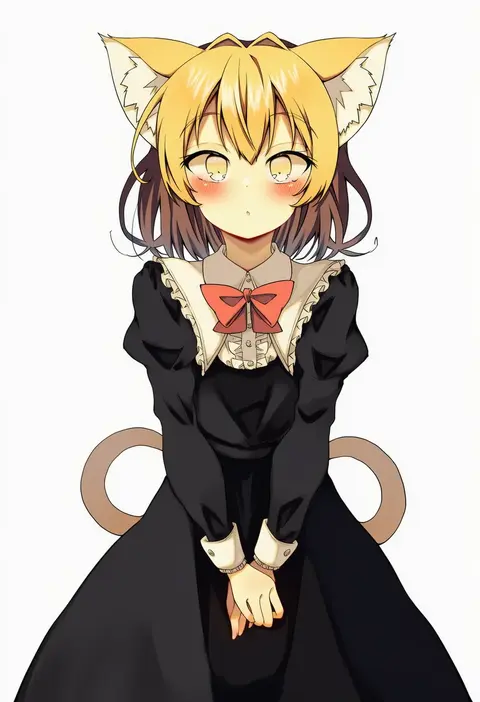
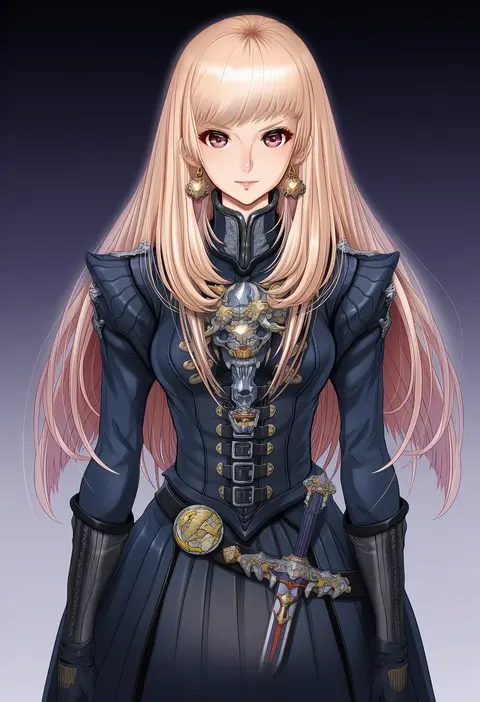
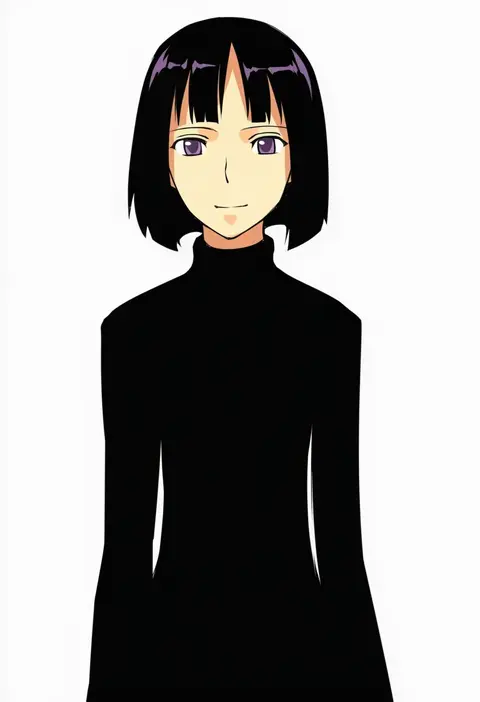
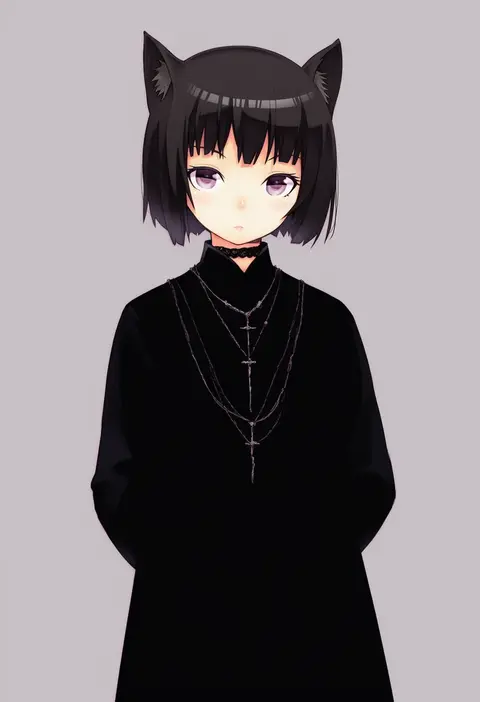
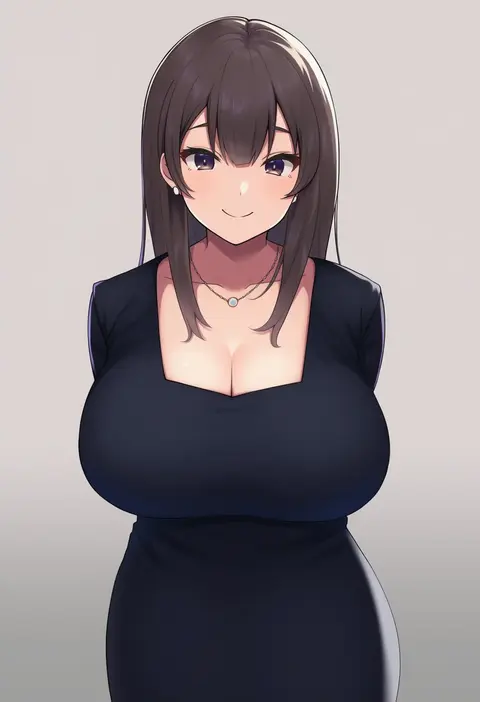
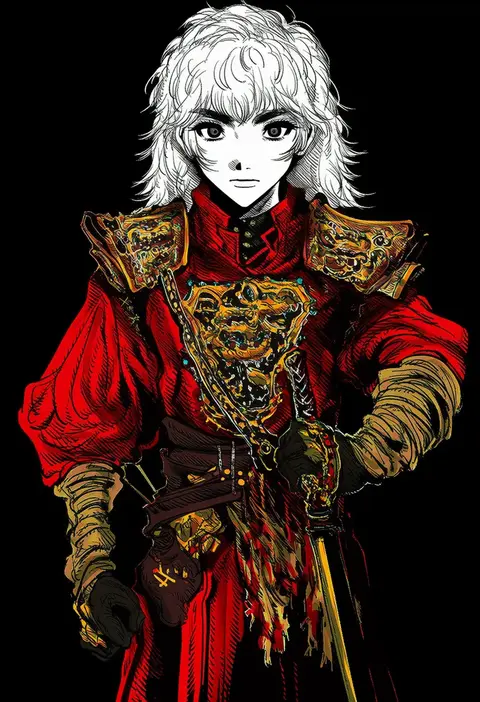
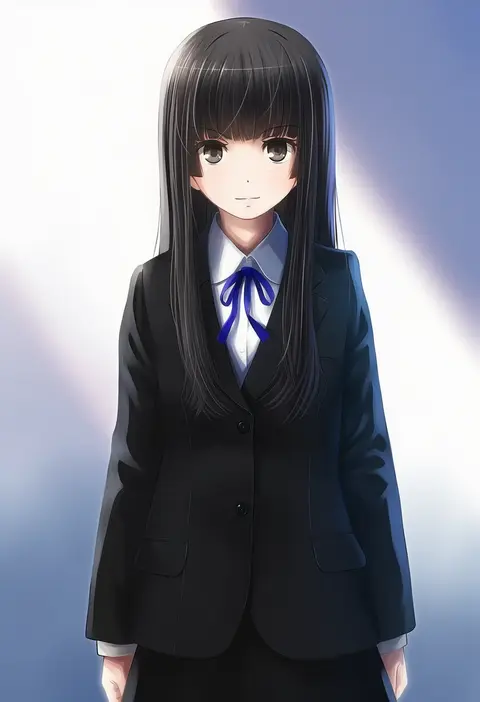
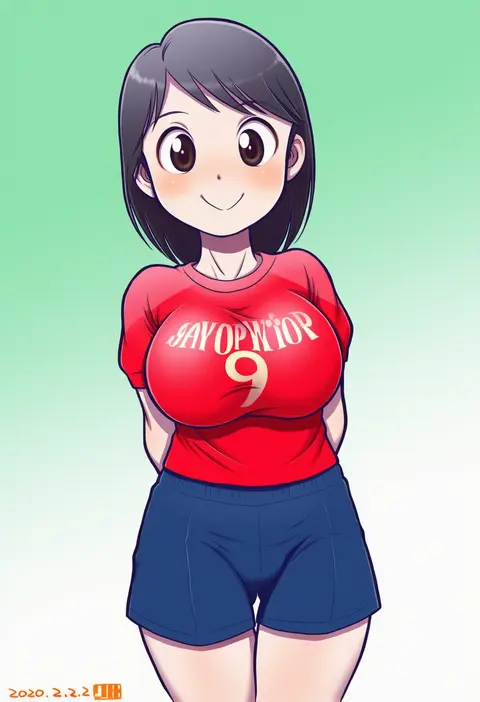
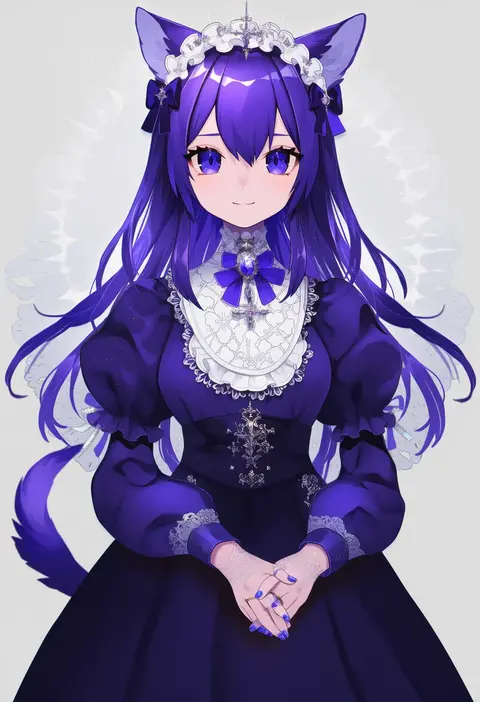
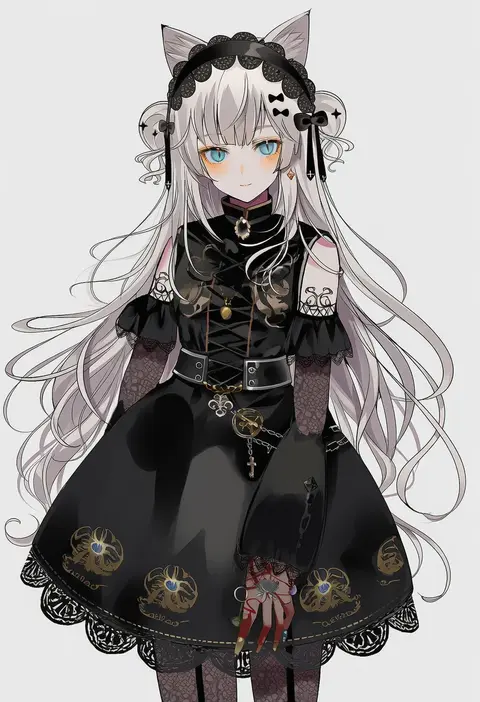
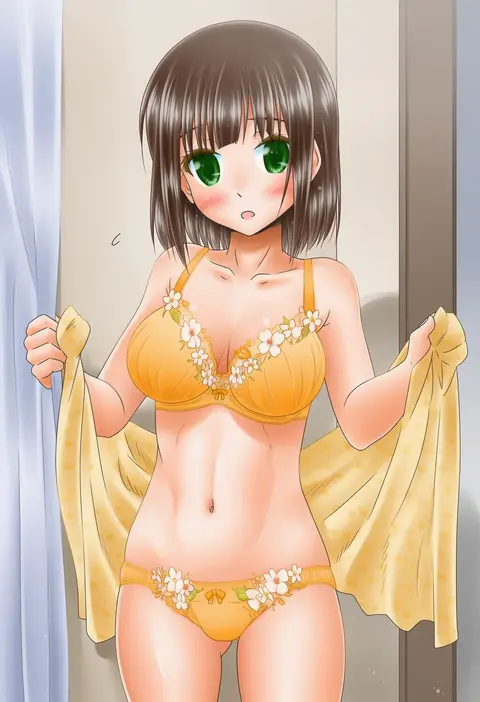
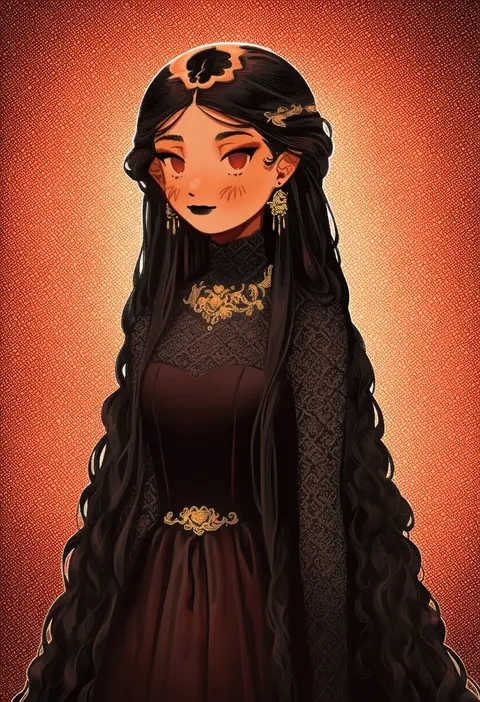
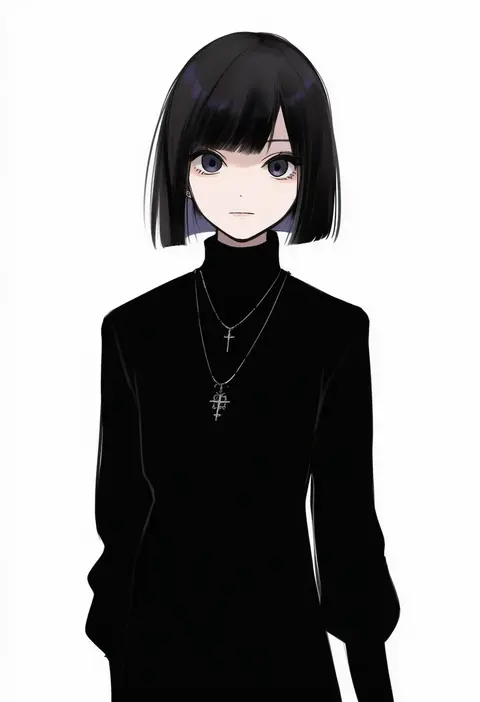
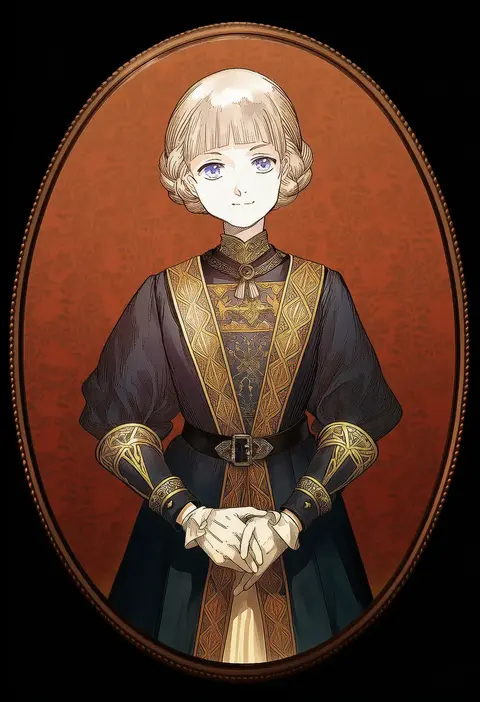
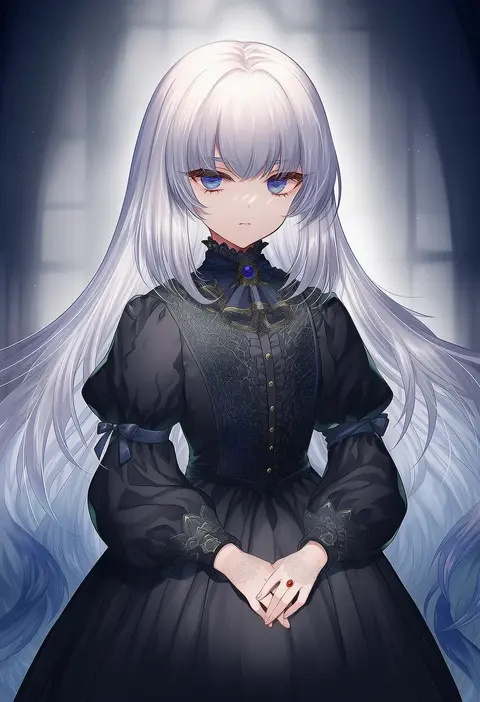
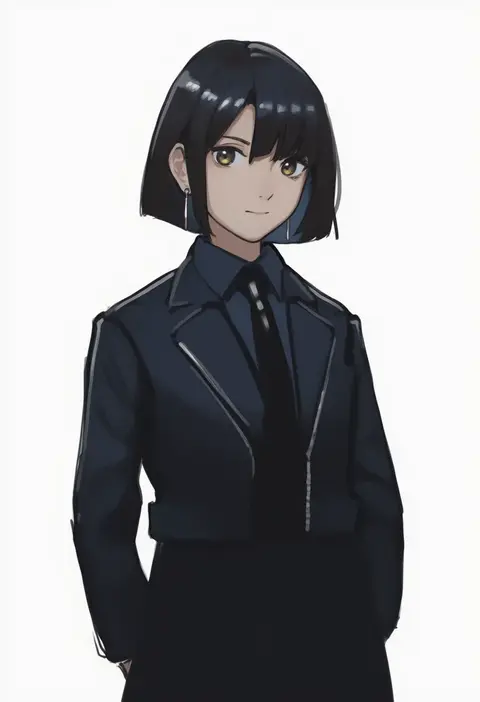
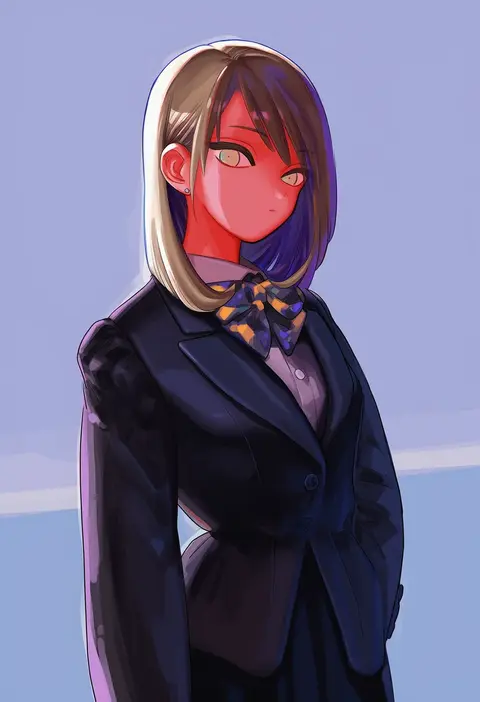
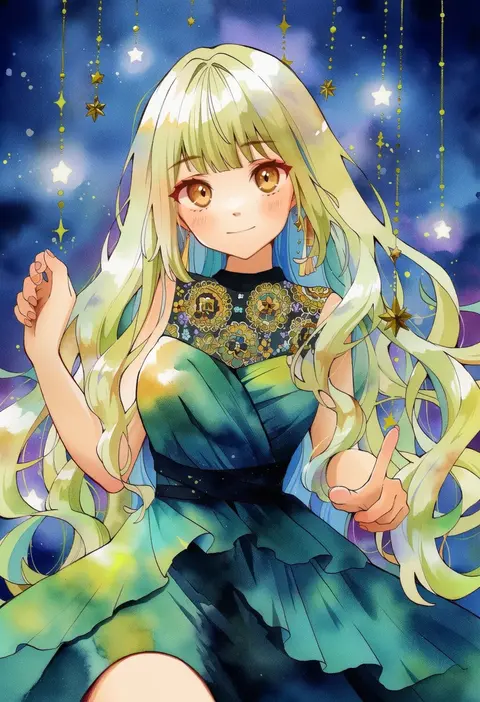
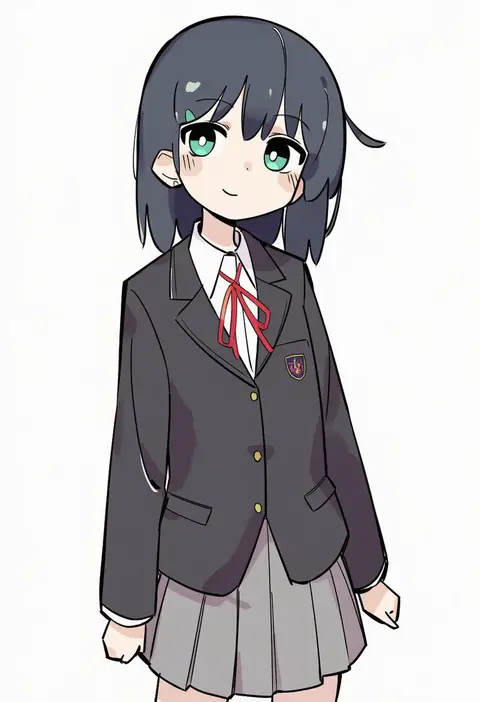
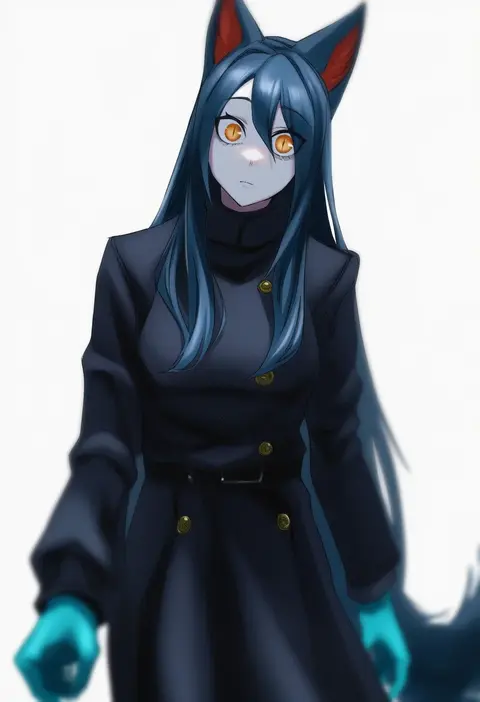
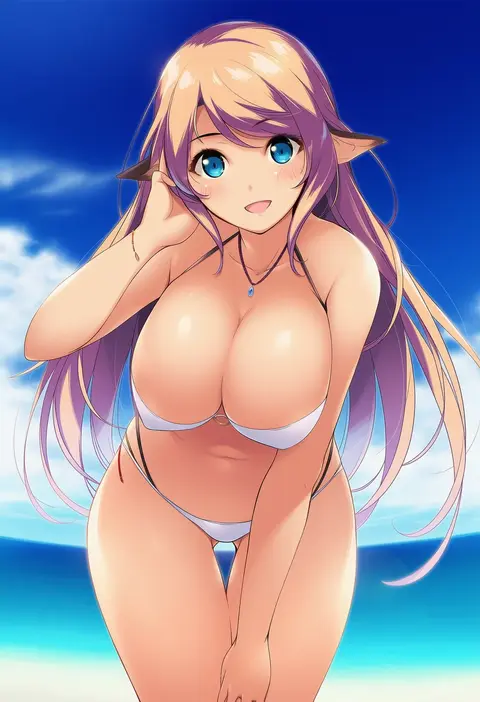
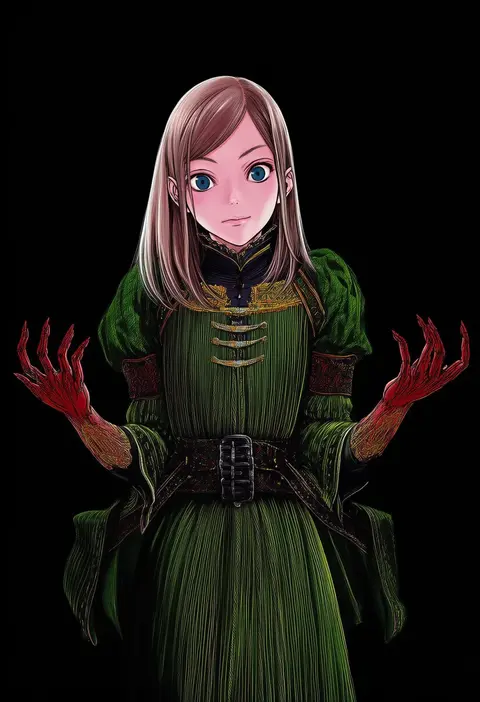
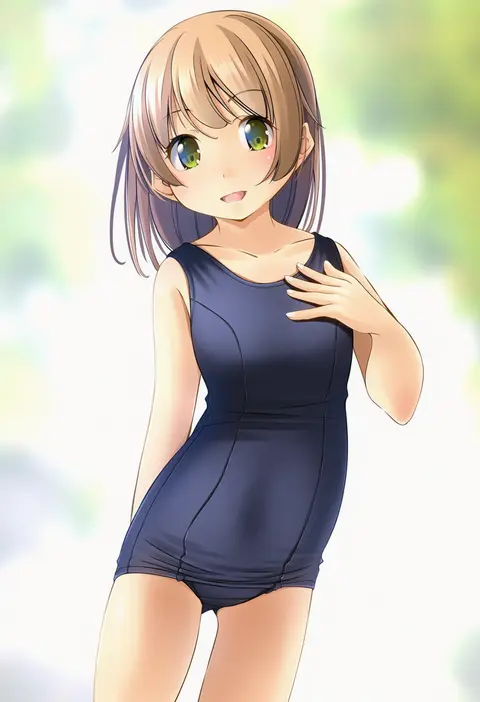
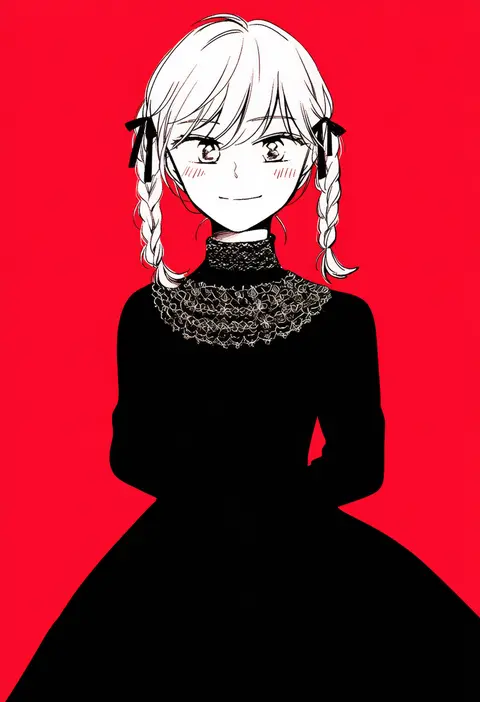
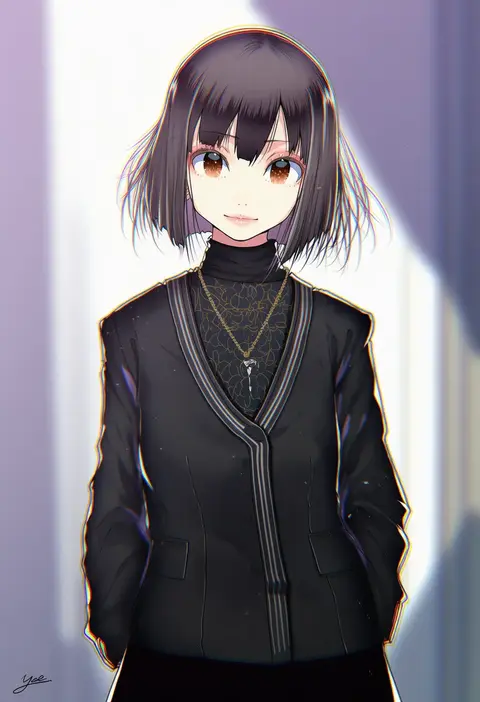
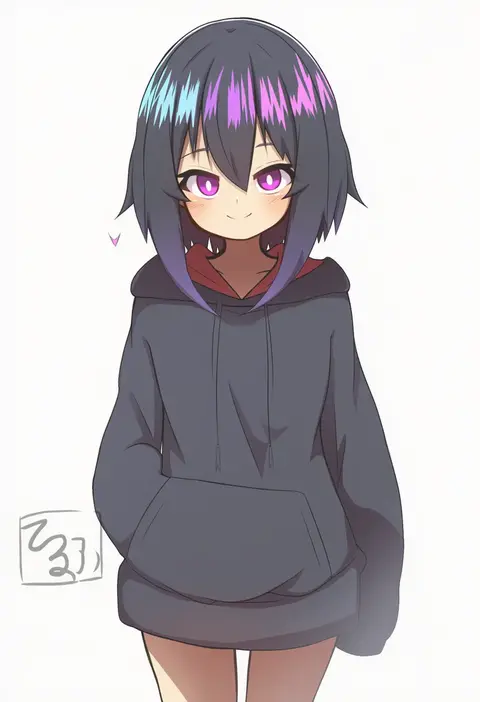
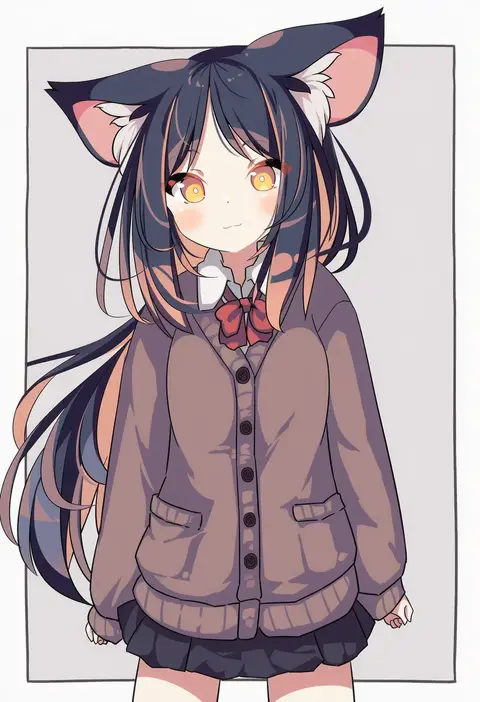
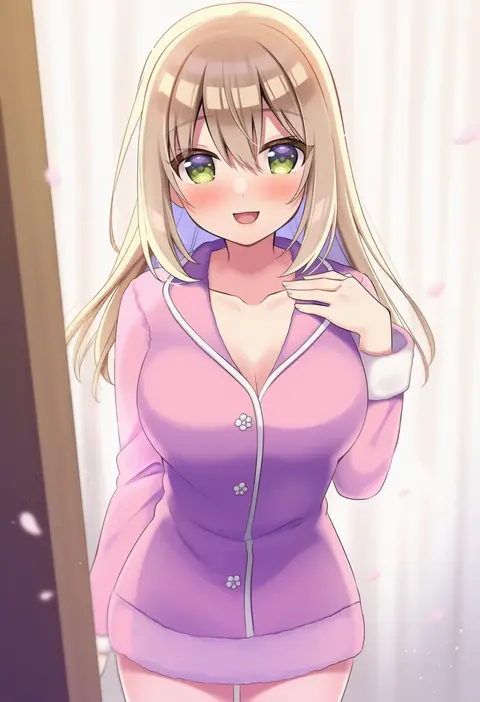
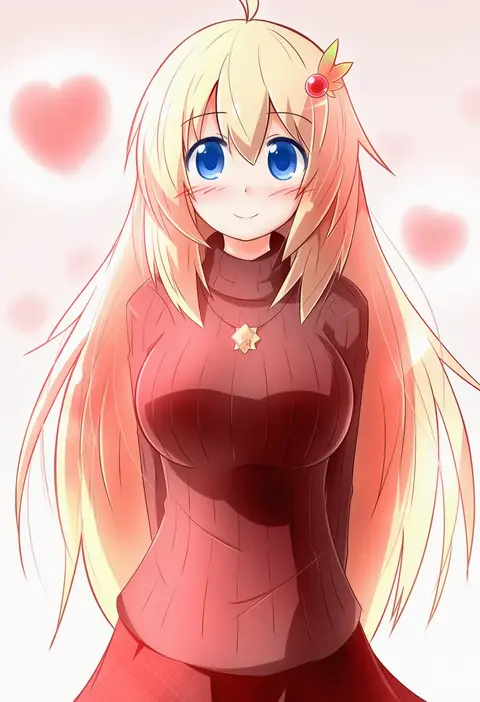
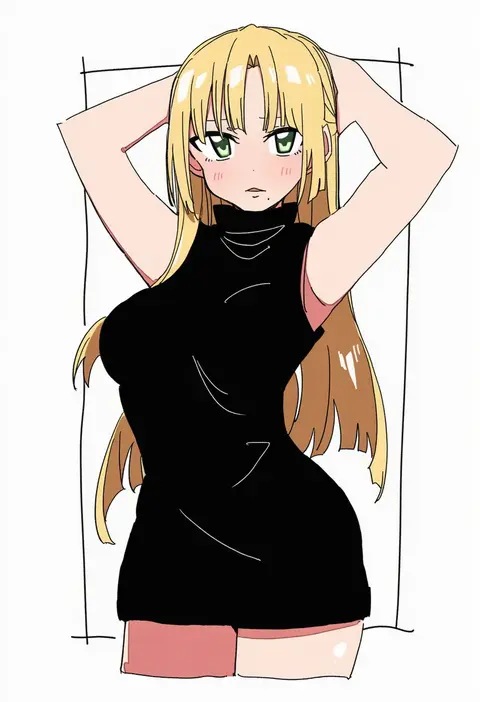
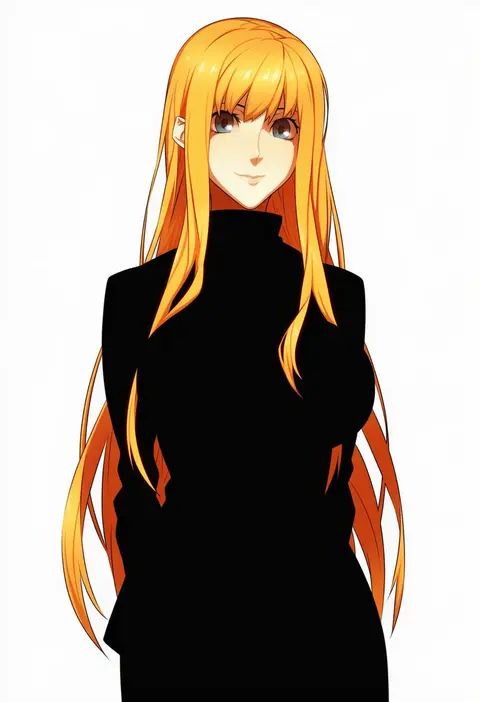
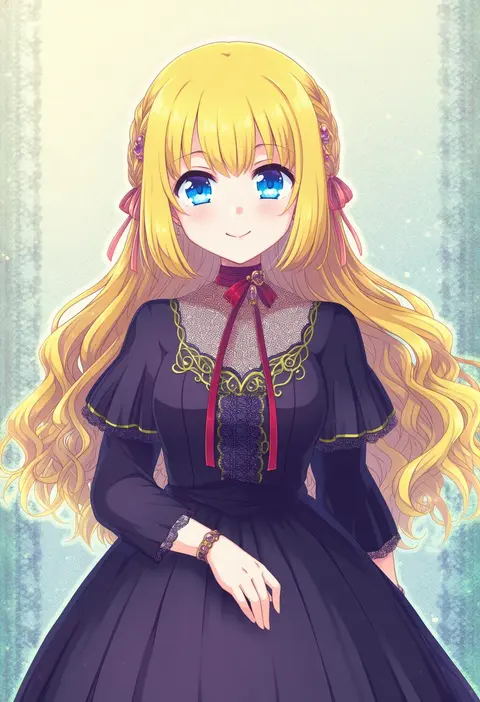
Artist tags tell NovelAI Diffusion to draw in a specific artist's style: line weight, paint texture, face shapes and palette all shift at once. Character and outfit tags decide what is drawn; artist tags decide how. 16,352 tags are listed for V4.5.
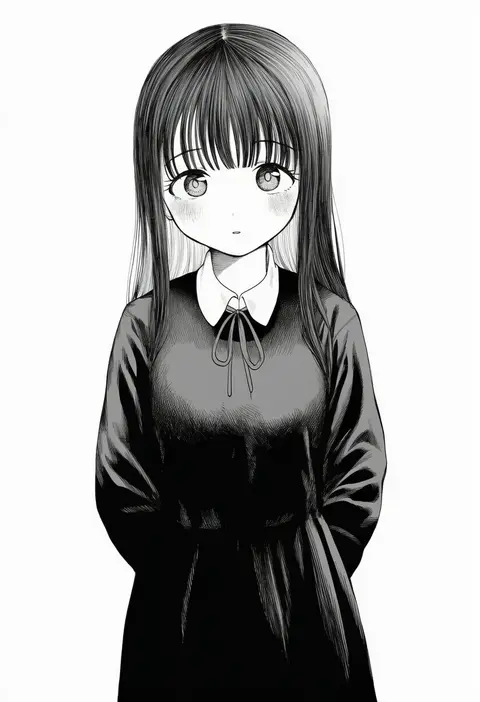
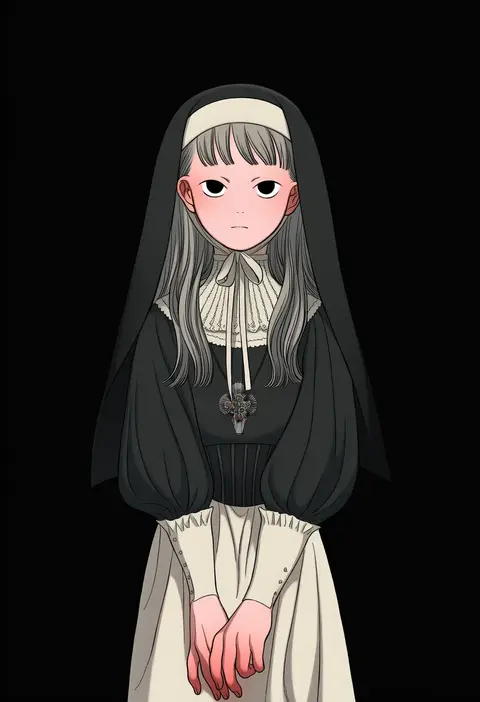
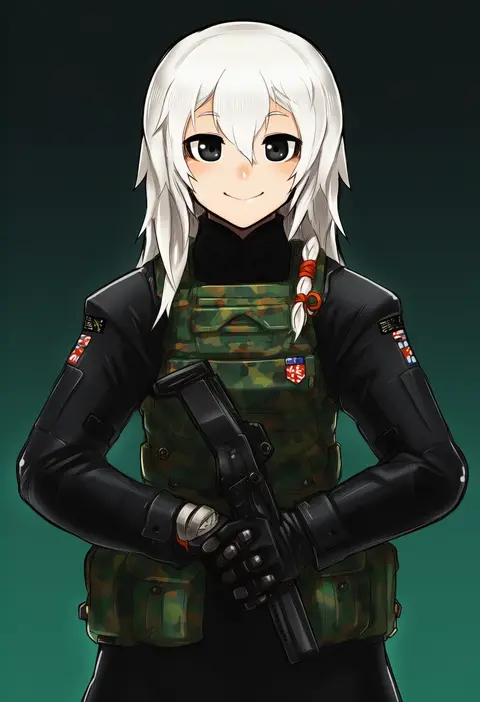
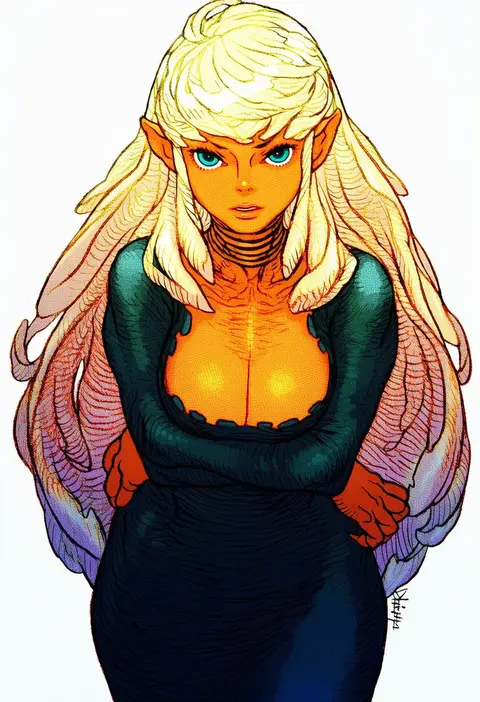
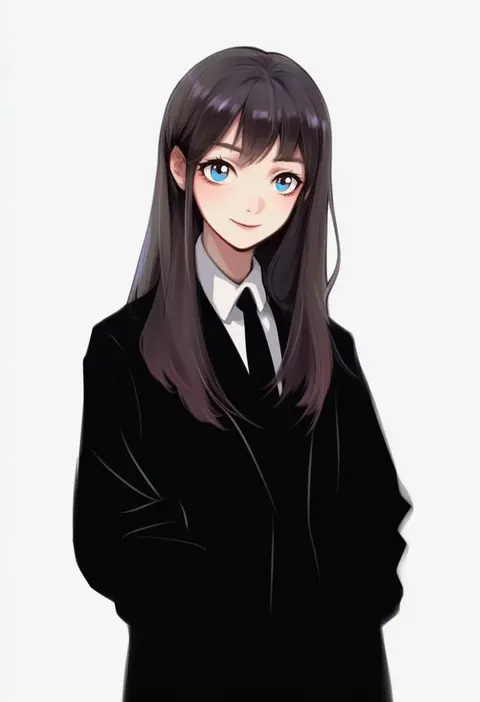
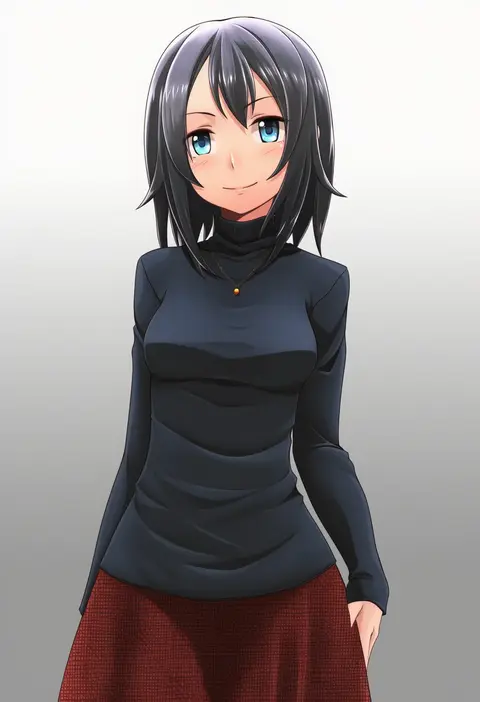
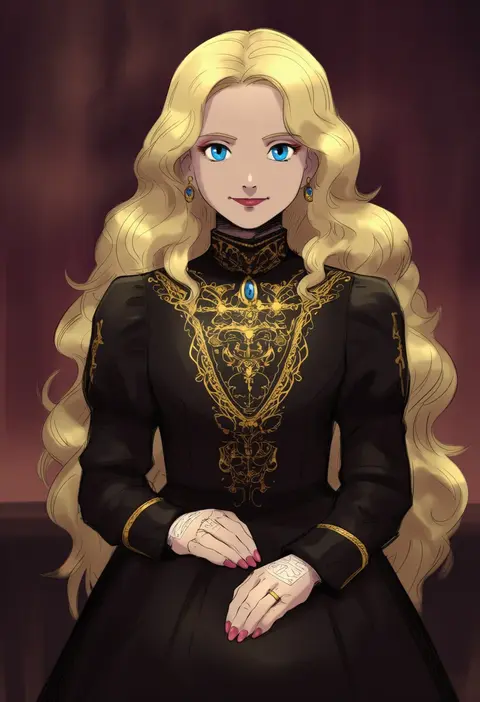
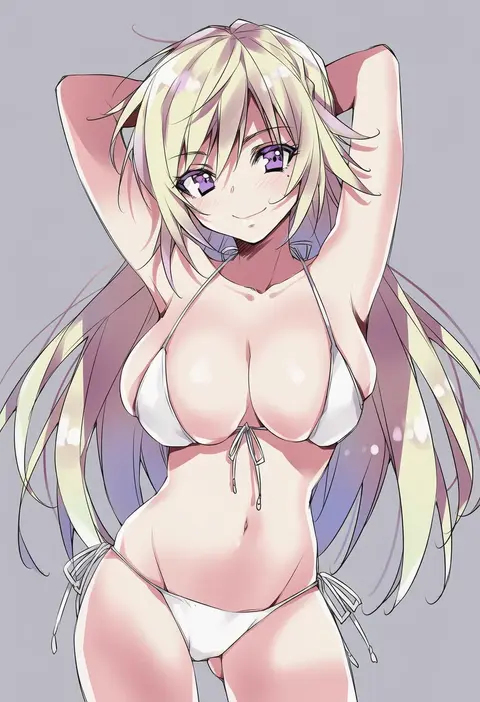
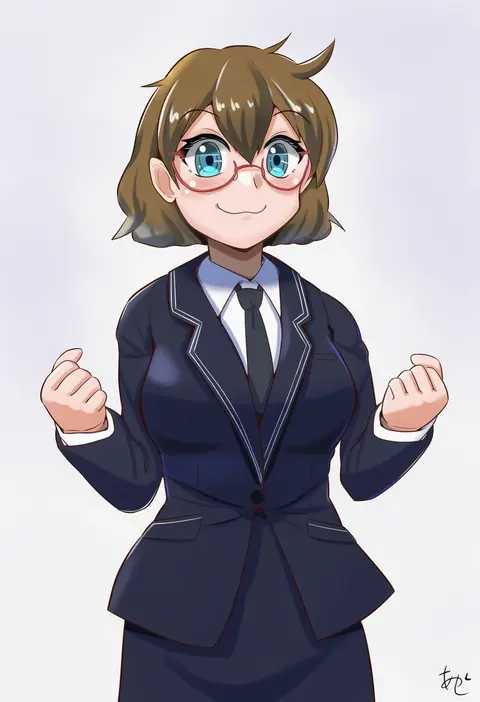
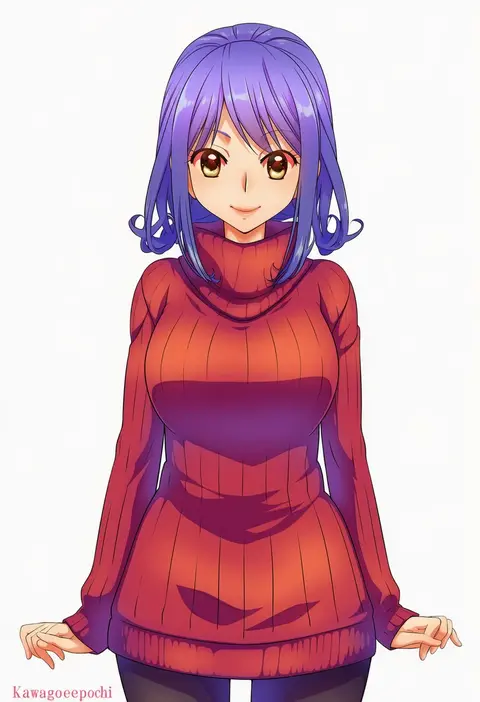
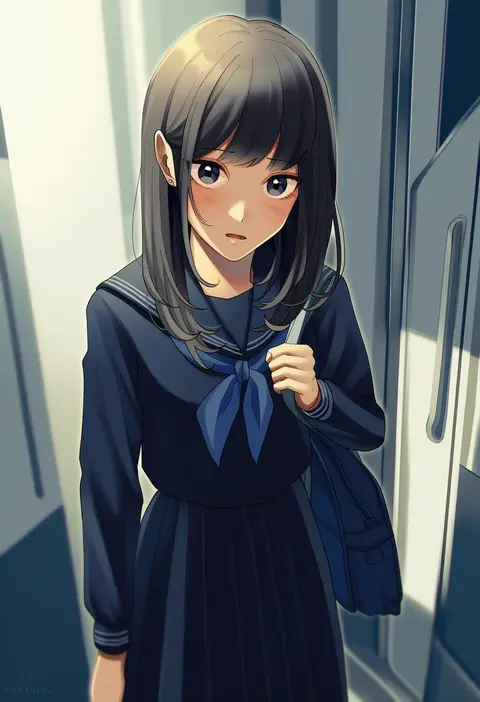
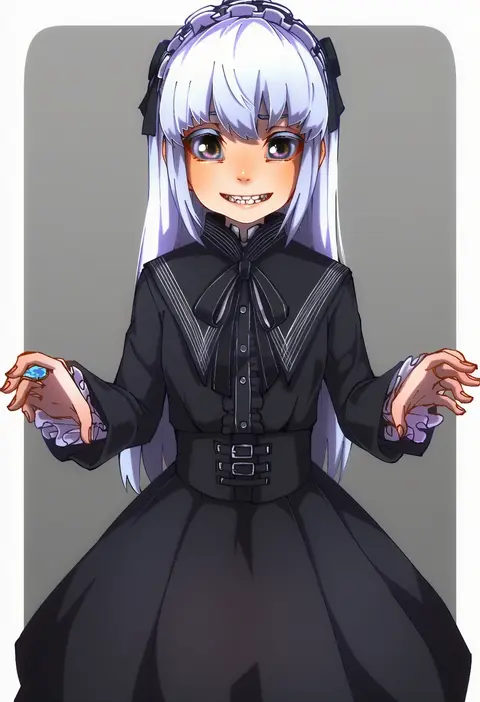
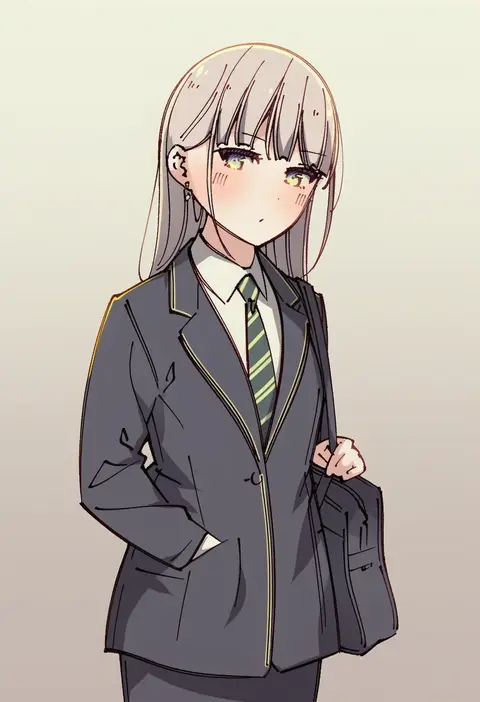
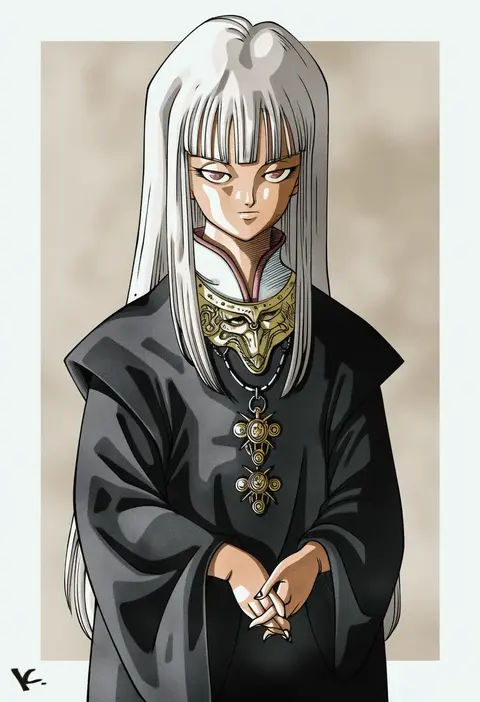
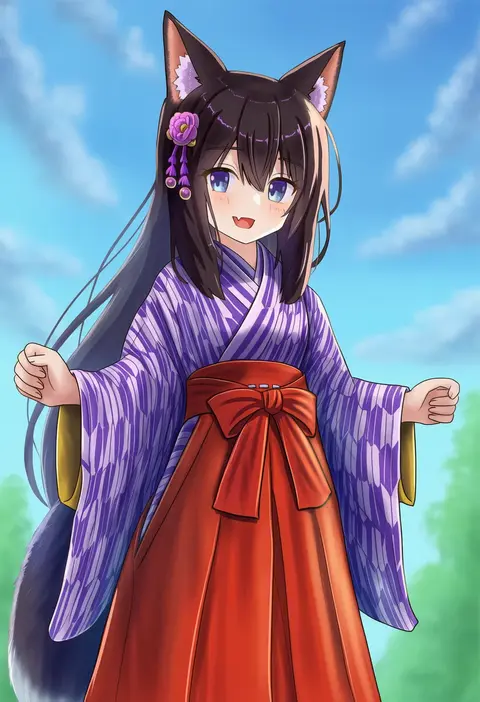
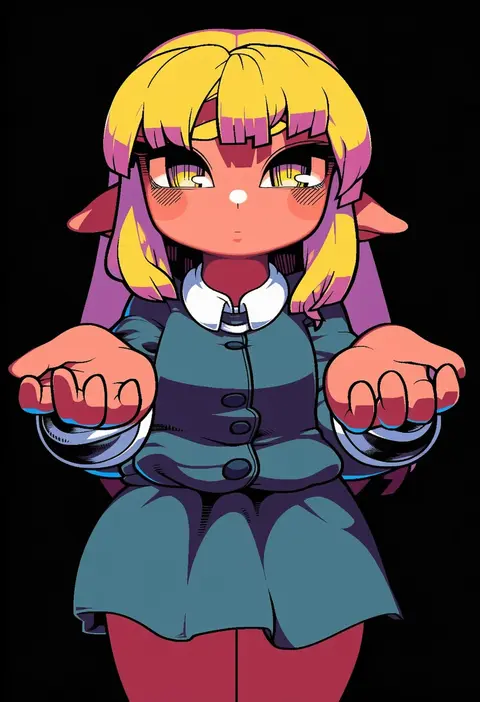
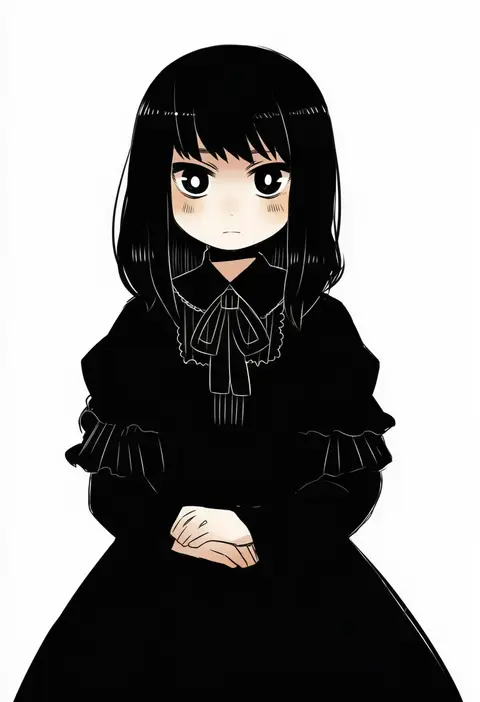
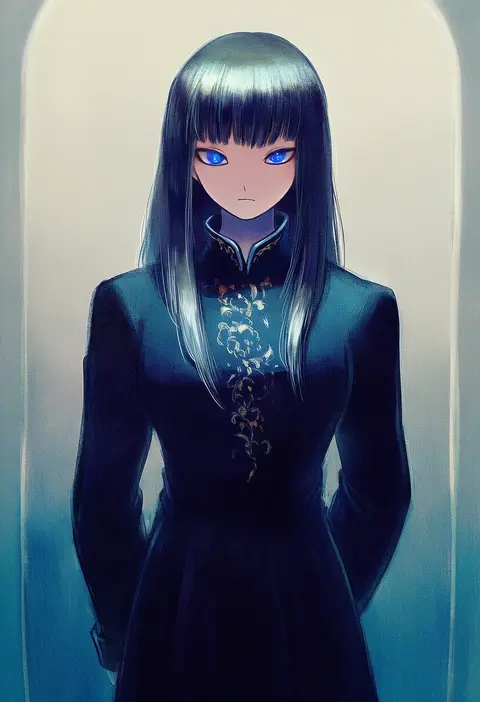
Every tag listed here is verified to react in NovelAI. All images use the same prompt, seed and settings with only the artist tag swapped, so the difference between two images is the style that tag brings in.

How to use them

Put the artist tag near the front of the prompt, e.g. "<artist>, 1girl, solo, best quality, masterpiece, cowboy shot". Two or three artist tags blend styles; lower the weight with "0.8::<artist>::" when the style overpowers the character.

SCORE sorts by Danbooru's top score, POSTS by post count, FAVS by hearts on this site. Open a card to see V5 and V4.5 side by side on the same seed.

V5 vs V4.5

V5 usually lands closer to the artist's real style, and tags that did nothing on V4.5 often react on V5. V4.5 still fits older and doujin-heavy artists better. Try V5 first, fall back to V4.5.

FAQ

Where does the artist tag go?
Near the front of the prompt. Use "0.8::tag::" to adjust its weight.

Can I stack artist tags?
Yes, styles blend. Past two or three the result stops looking like anyone.

Are these the artists' own works?
No. Every image is a NovelAI sample generated from the tag.