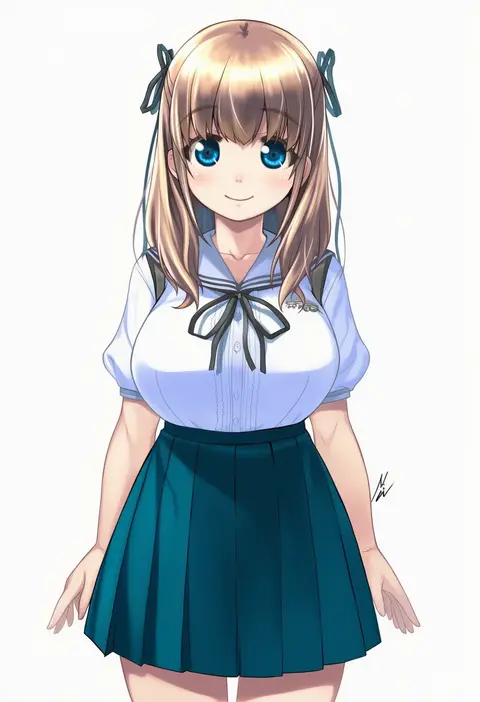
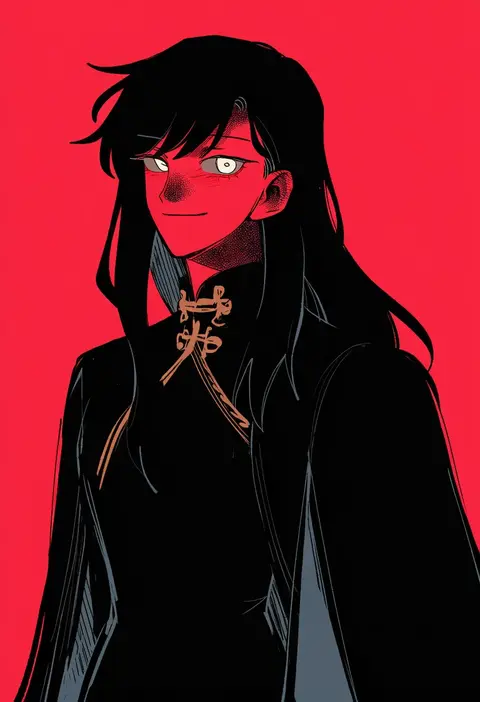
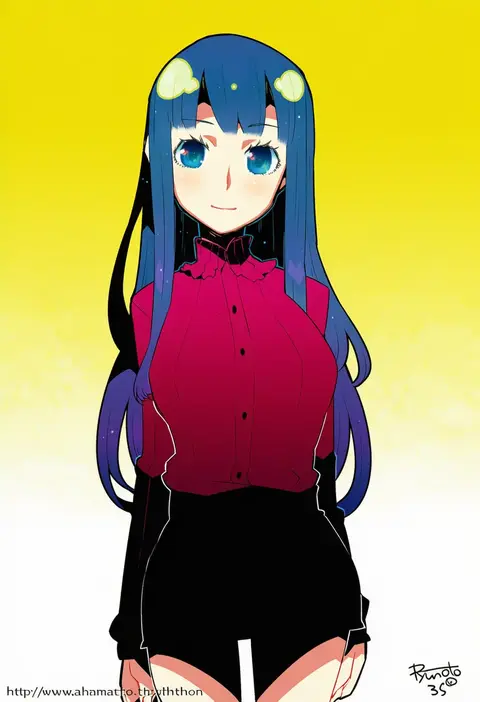
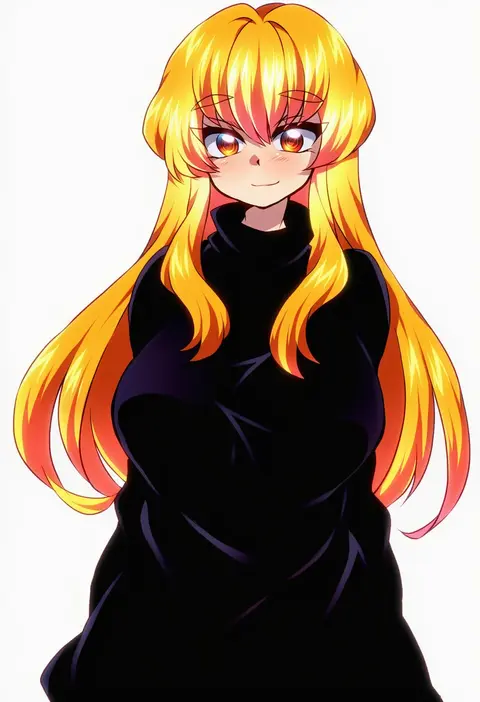
V4.5Artists
sort: FAVS▾
▾
>
$

Popular NovelAI artist tags — V4.5

artist --count 16,352[227/273]
oden (th-inaba)
ARTIST0x34F8
0
mizuki gyokuran
ARTIST0x34F9
0
yogurt pt
ARTIST0x34FA
0
hamamoto ryuusuke
ARTIST0x34FB
0
natsu hotaru
ARTIST0x34FC
0
uraki
ARTIST0x34FD
0
moko (mokochisa)
ARTIST0x34FE
0
shishi osamu
ARTIST0x34FF
0
221 (tsutsuichi)
ARTIST0x3500
0
kiru (m putorius)
ARTIST0x3501
0
hasekura chiaki
ARTIST0x3502
0
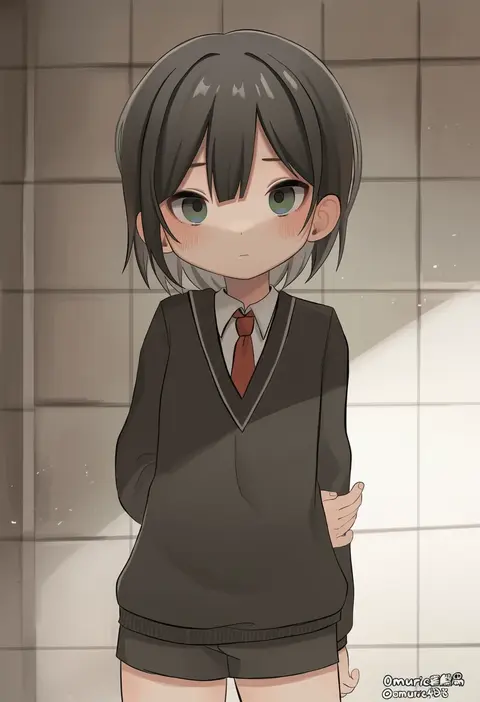
omurice (roza4957)
ARTIST0x3503
0
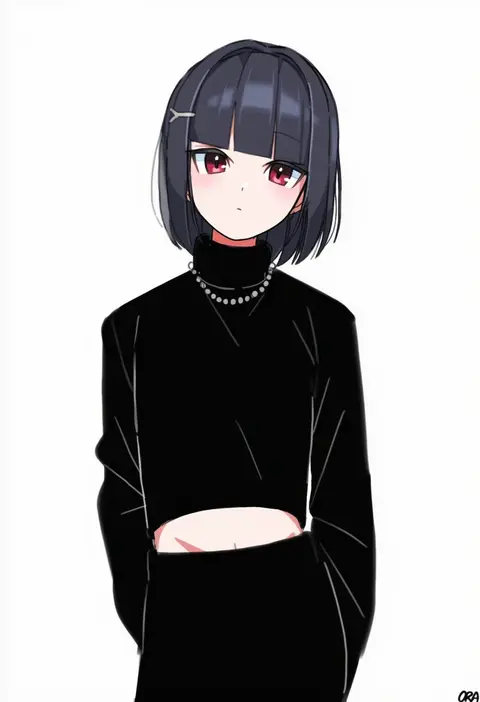
ora (oraora oekaki)
ARTIST0x3504
0
m (neteitai10)
ARTIST0x3505
0
hitogome
ARTIST0x3506
0
mo (mocopo)
ARTIST0x3507
0
yoshimizu kagami
ARTIST0x3508
0
monsuu (hoffman)
ARTIST0x3509
0
yotti
ARTIST0x350A
0
mugimugigo
ARTIST0x350B
0
nicole pmonachi
ARTIST0x350C
0
pingo
ARTIST0x350D
0
toma (shinozaki)
ARTIST0x350E
0
tera dash
ARTIST0x350F
0
natsugu72
ARTIST0x3510
0
ffccll
ARTIST0x3511
0
nyorotono
ARTIST0x3512
0
momoiro
ARTIST0x3513
0
hidezi
ARTIST0x3514
0
rato
ARTIST0x3515
0
shenaidi
ARTIST0x3516
0
reon (saikyou)
ARTIST0x3517
0
shimesaba kohada
ARTIST0x3518
0
curry gohan
ARTIST0x3519
0
phenne
ARTIST0x351A
0
nekoneko
ARTIST0x351B
0
kashinoki (koaaski)
ARTIST0x351C
0
kimidori (kimidoriri)
ARTIST0x351D
0
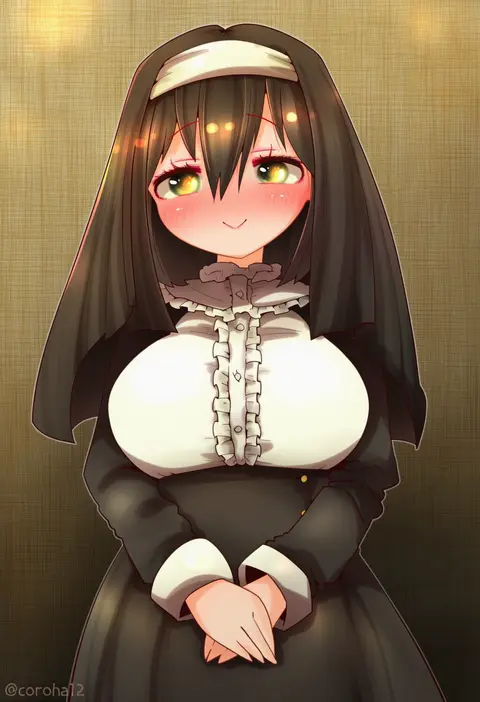
coroha
ARTIST0x351E
0
mawaru (mawaru)
ARTIST0x351F
0
ryou-san
ARTIST0x3520
0
atoki
ARTIST0x3521
0
p19
ARTIST0x3522
0
chii (tsumami tsumamare)
ARTIST0x3523
0
witoi (roa)
ARTIST0x3524
0
winn
ARTIST0x3525
0
tsuji kazuho
ARTIST0x3526
0
uumaru
ARTIST0x3527
0
munlu (wolupus)
ARTIST0x3528
0
sasa kichi
ARTIST0x3529
0
cezaria
ARTIST0x352A
0
nitako
ARTIST0x352B
0
kikuchi tsutomu
ARTIST0x352C
0
kaneaki mukku
ARTIST0x352D
0
mizutame tori
ARTIST0x352E
0
akinomiya asuka
ARTIST0x352F
0
akimoto dai
ARTIST0x3530
0
gambler club
ARTIST0x3531
0
hoshiringo0902
ARTIST0x3532
0
tsuduya (knt31)
ARTIST0x3533
0

What these tags change

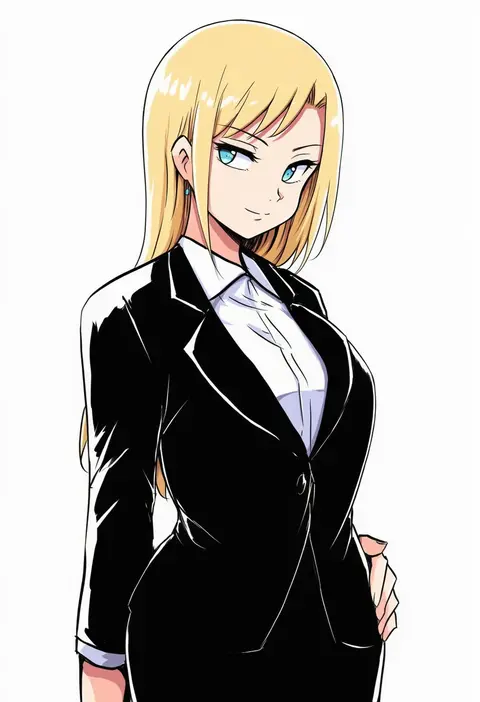
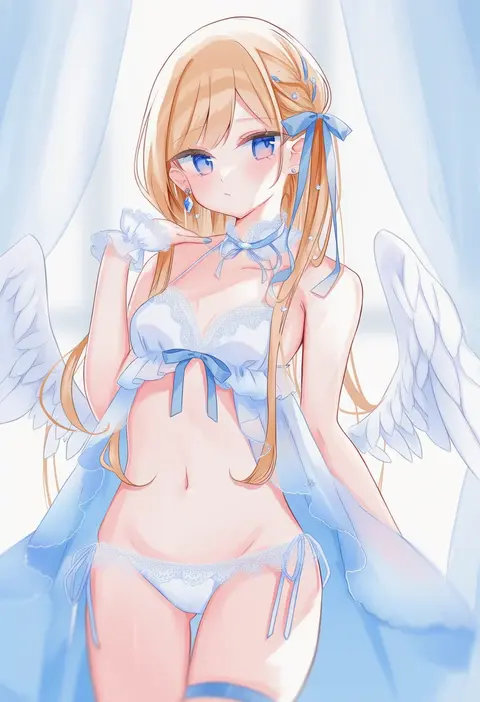
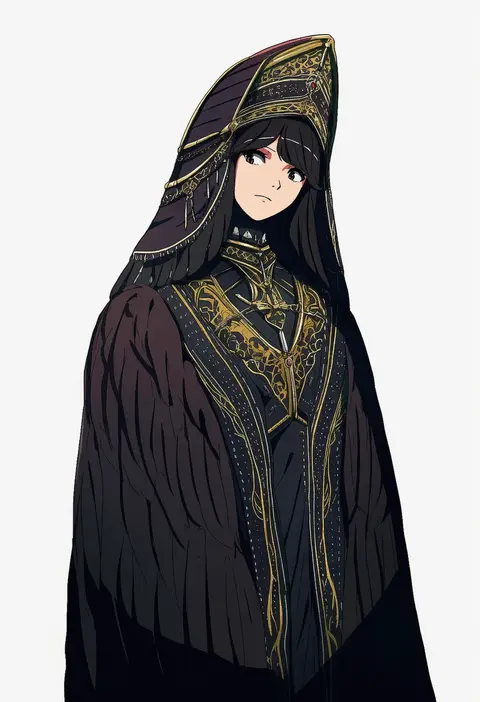
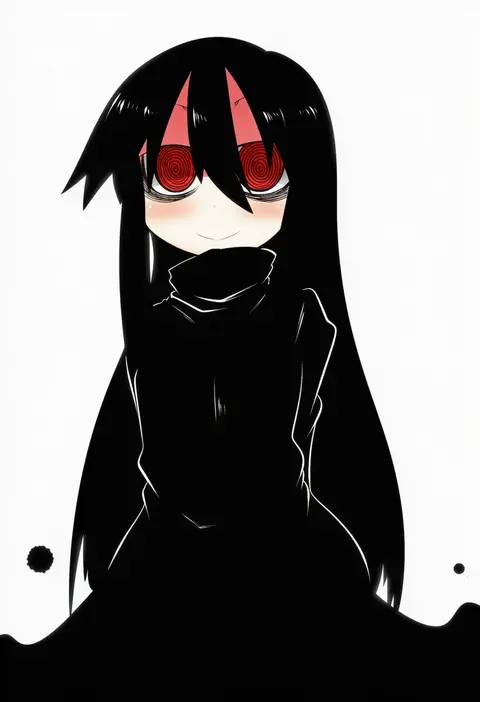
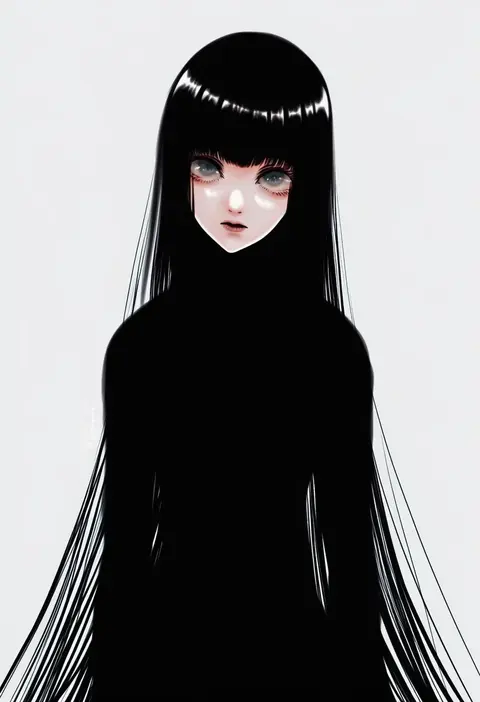
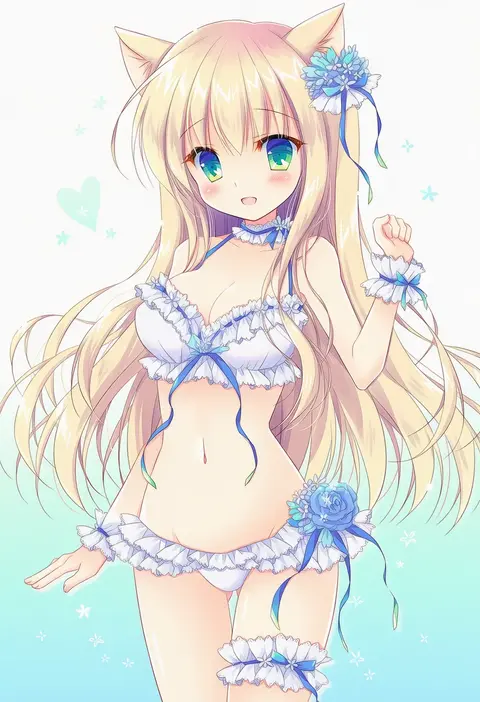
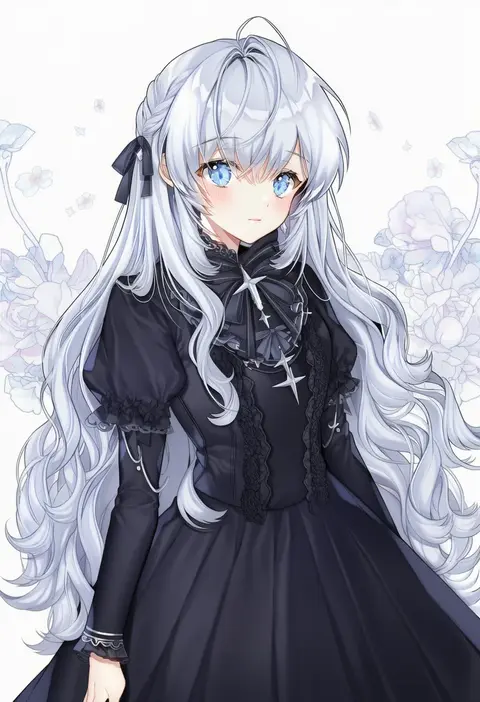
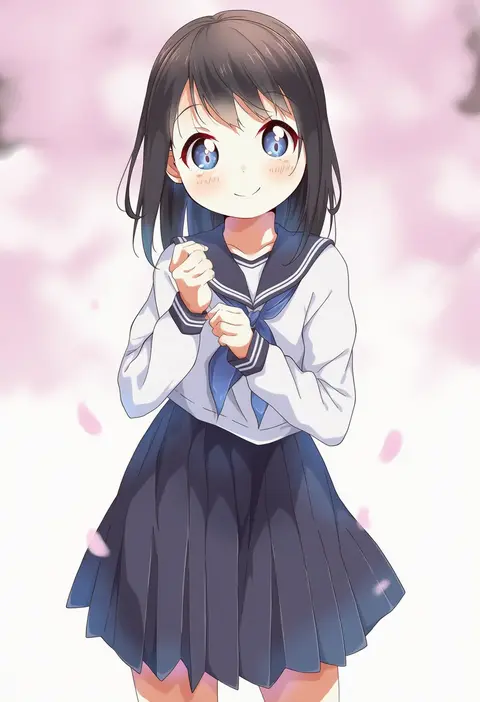
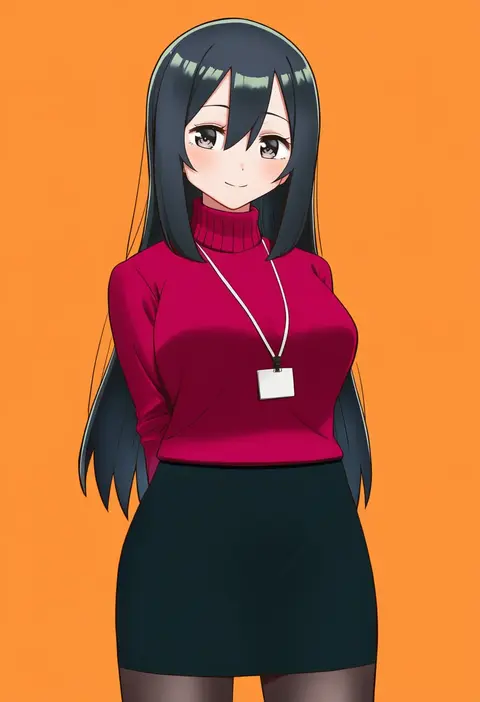
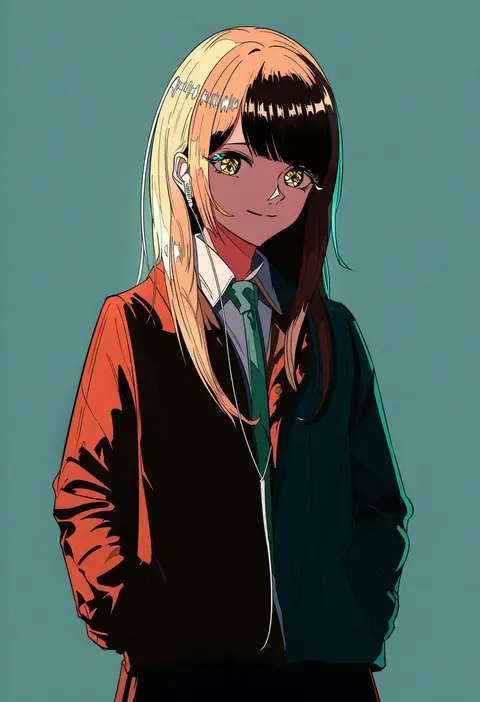
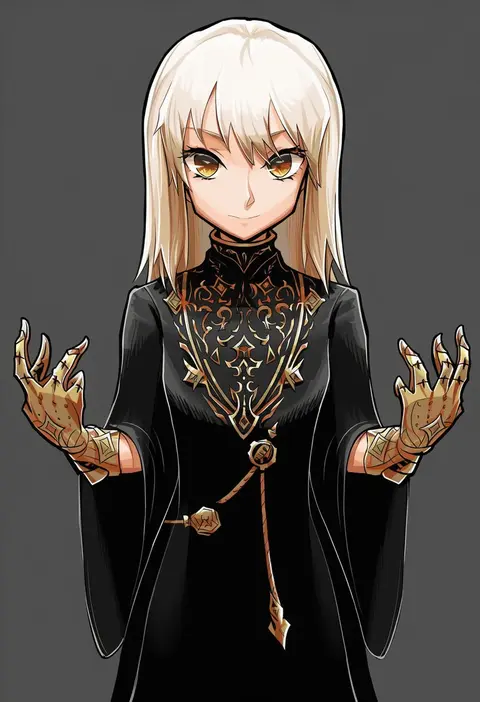
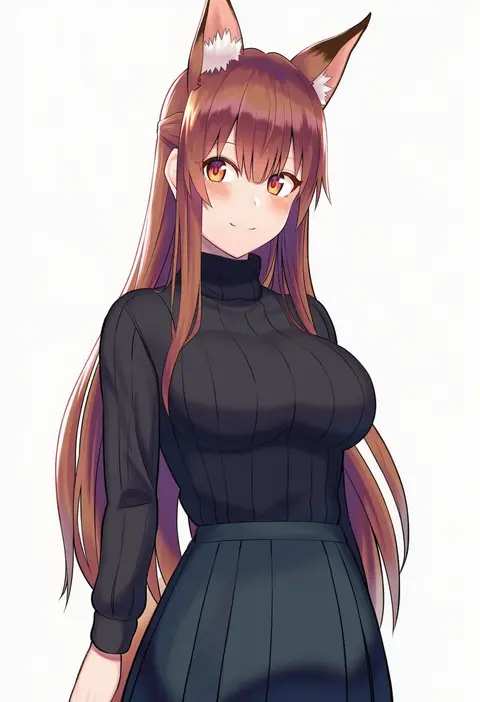
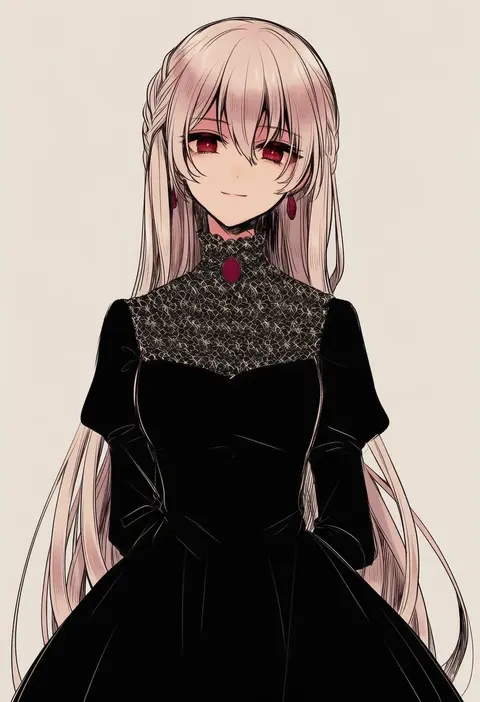
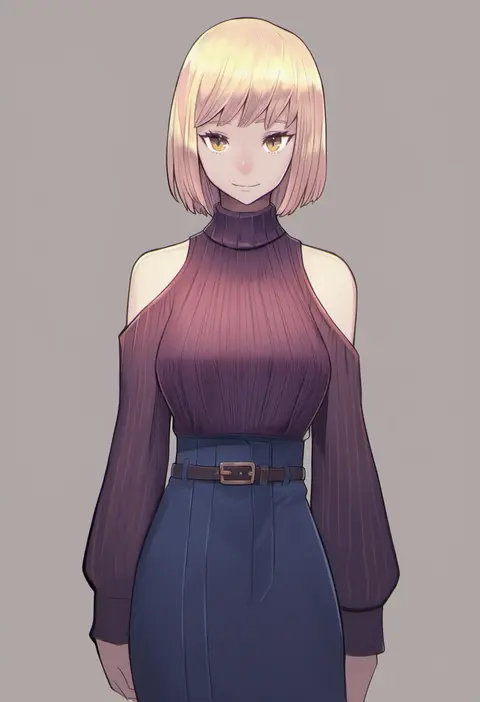
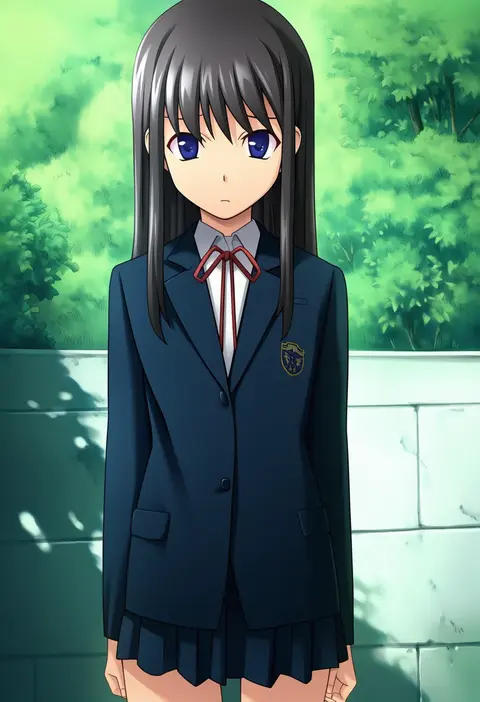
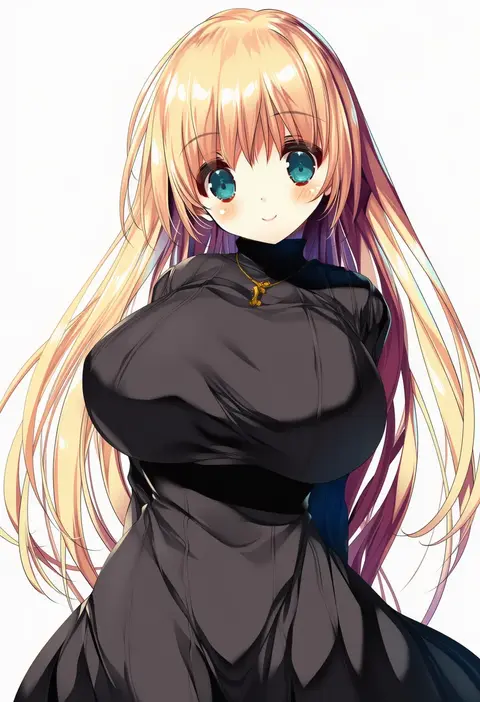
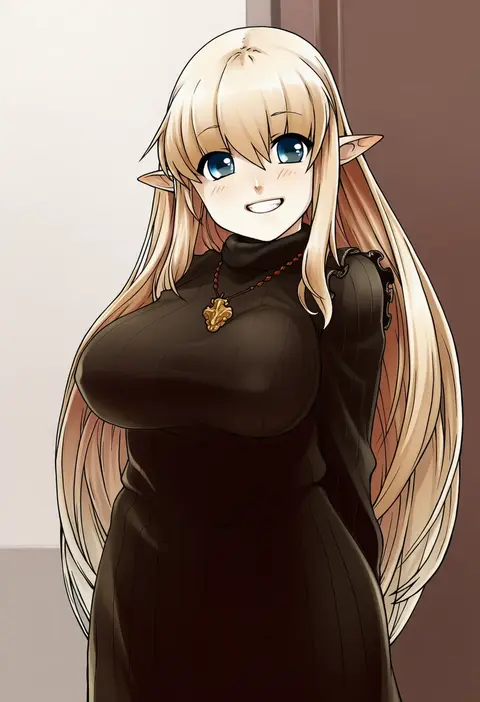
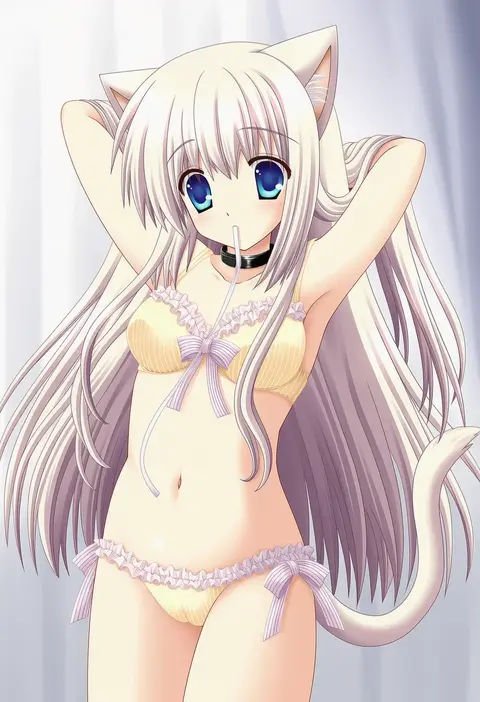
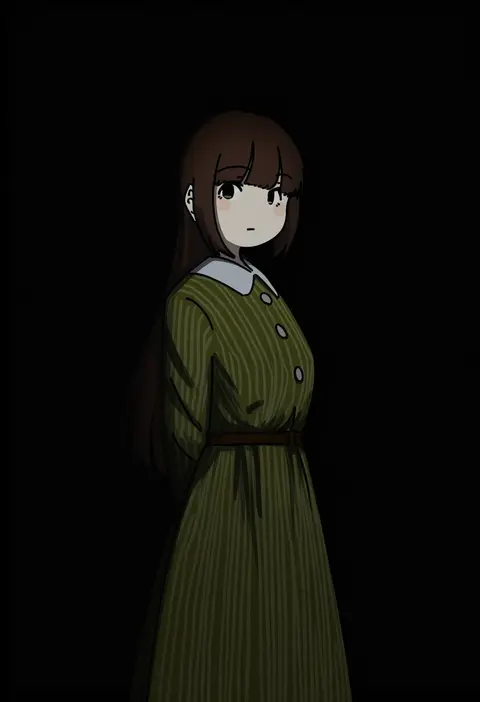
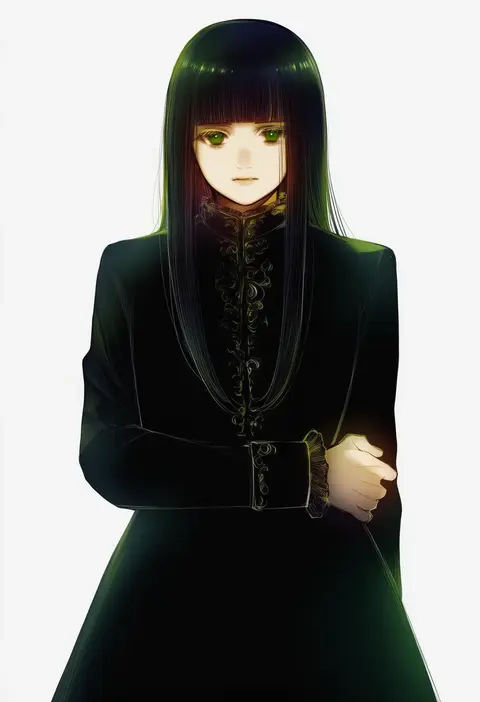
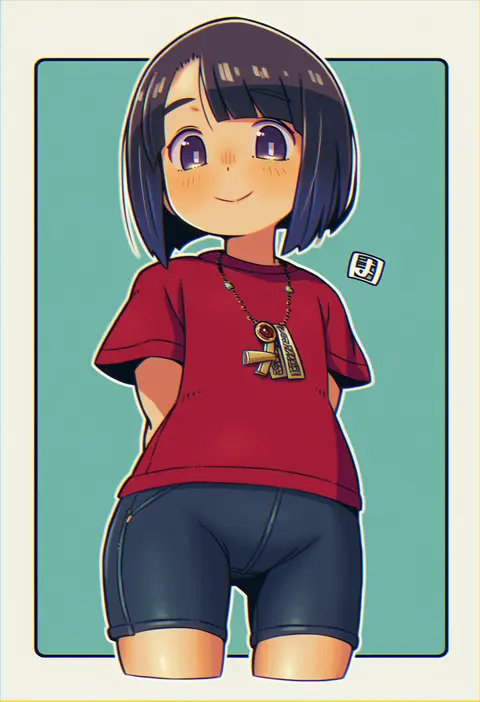
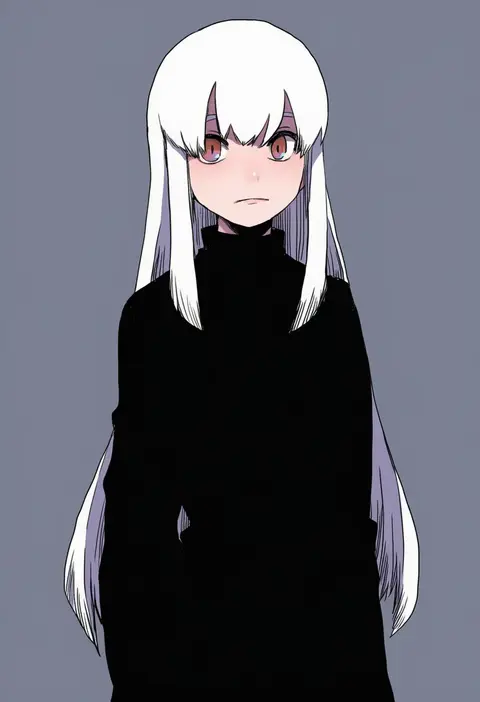
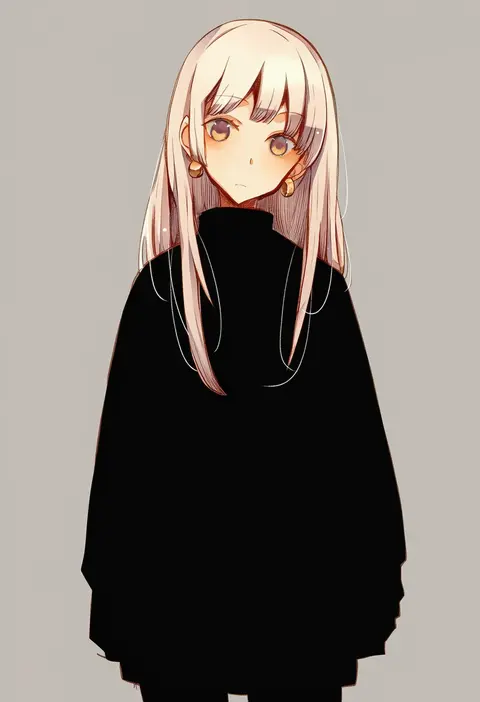
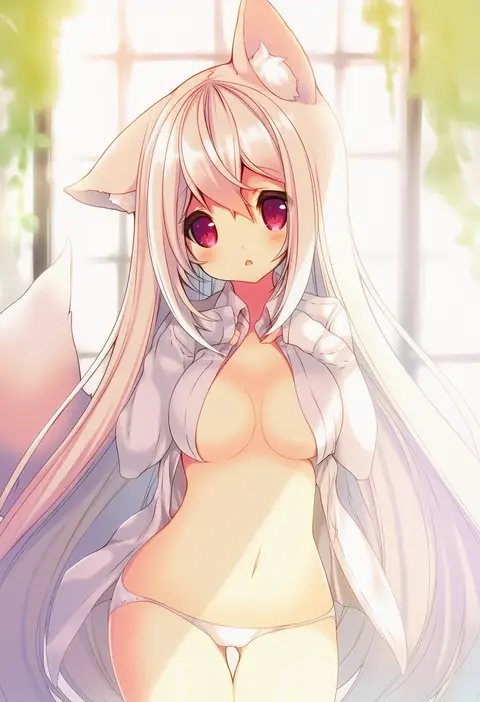
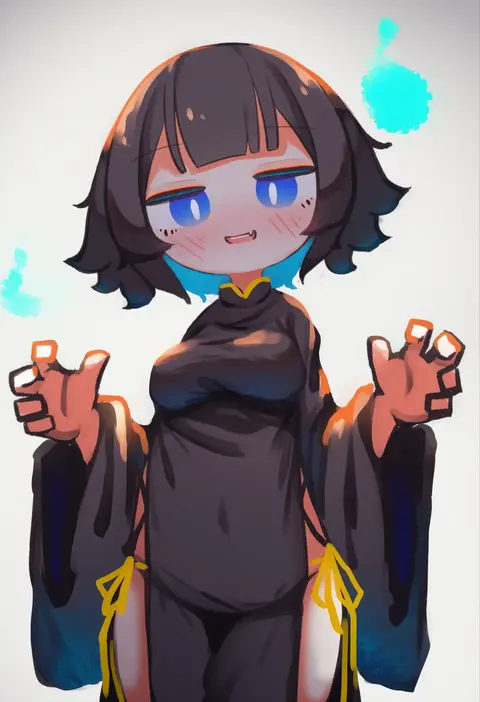
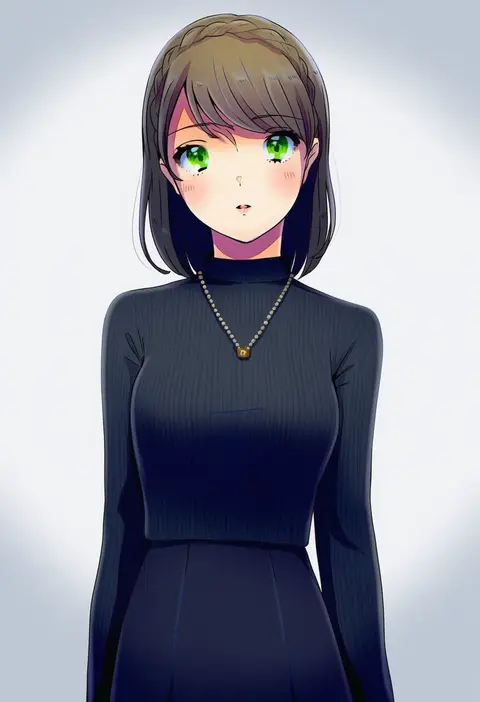
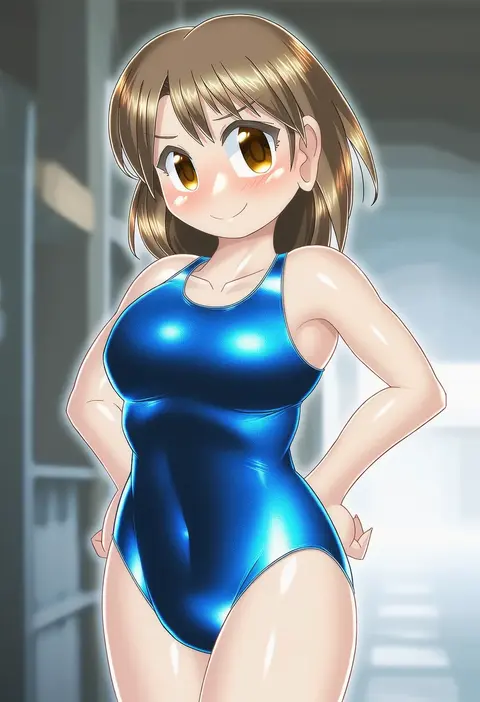
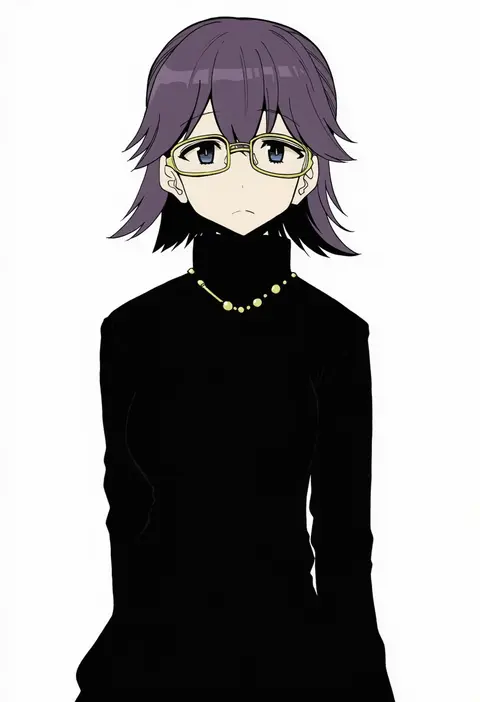
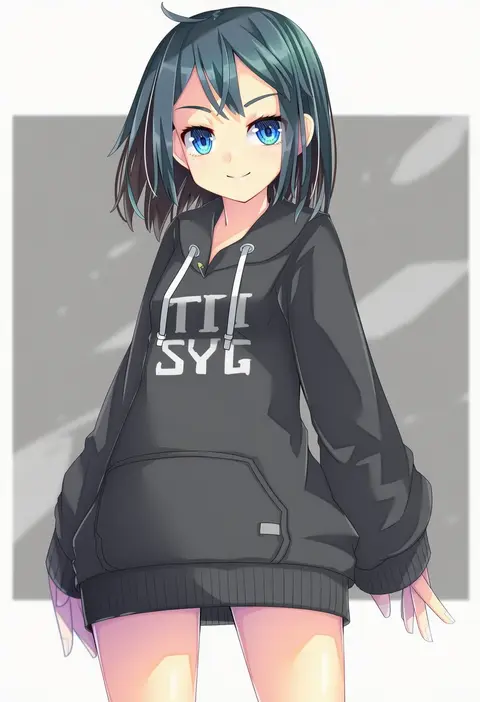
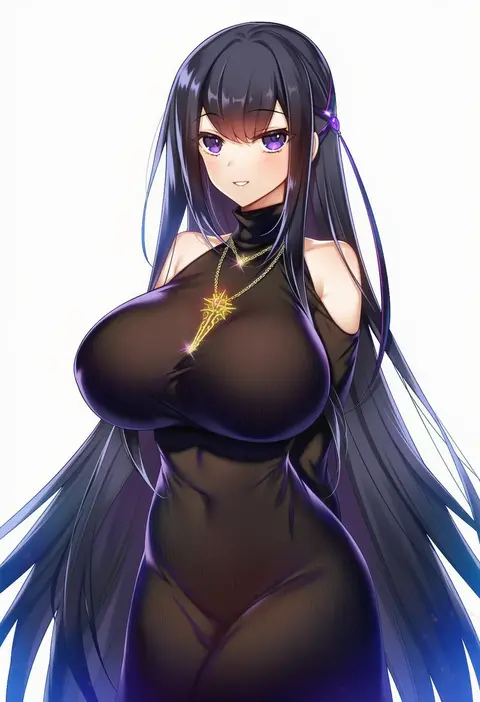
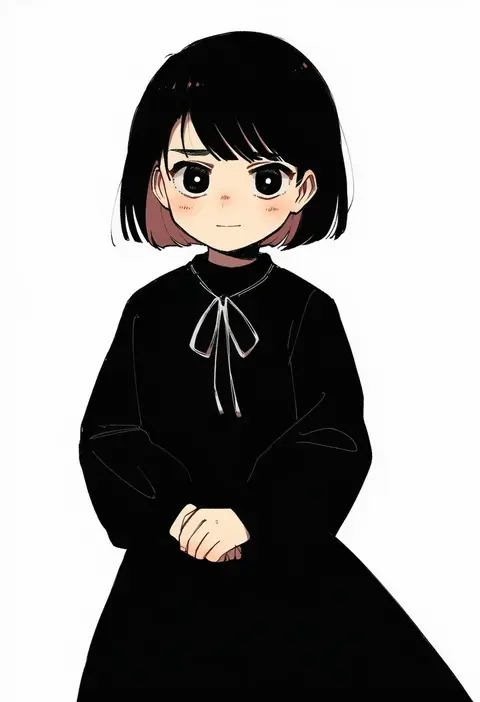
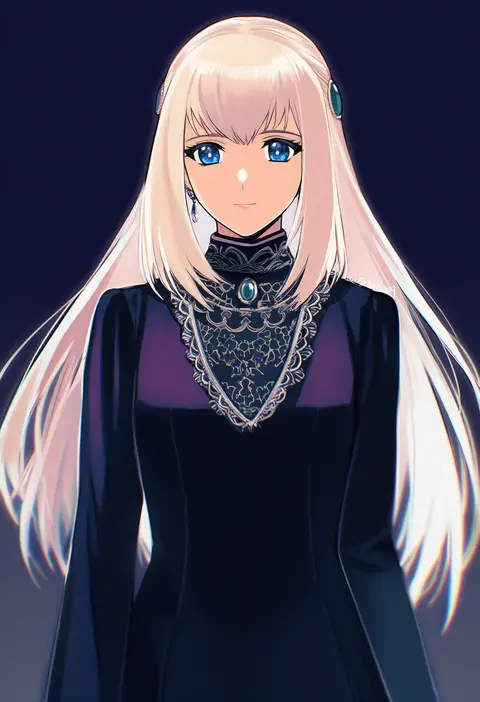
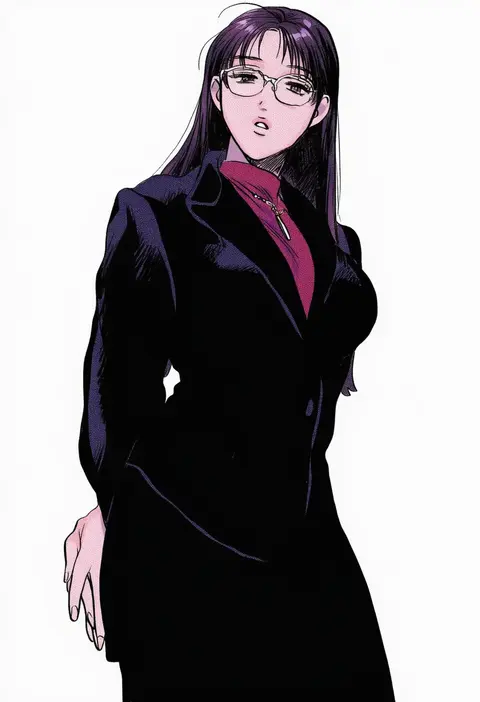
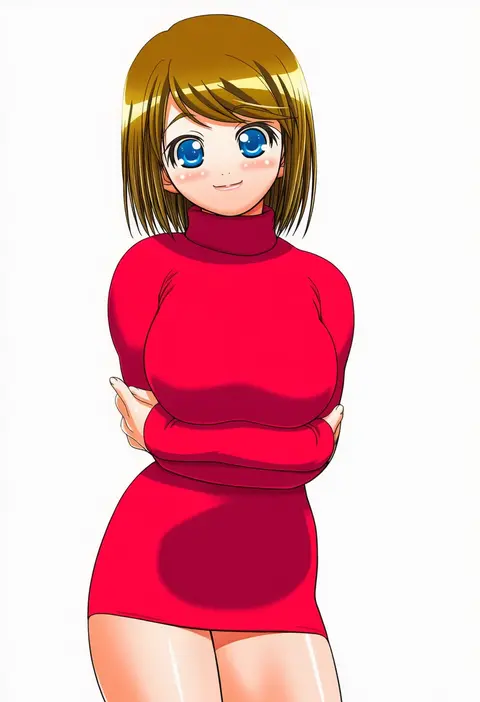
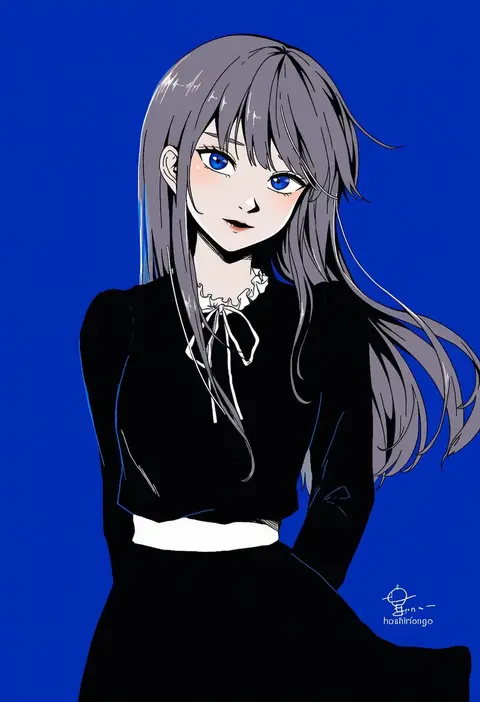
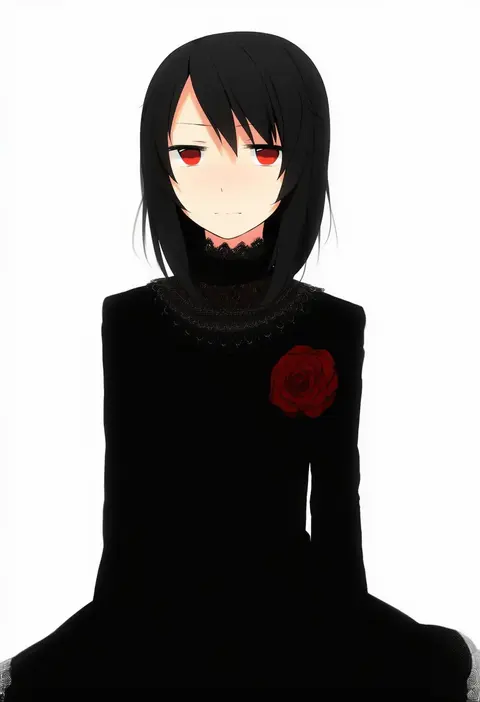
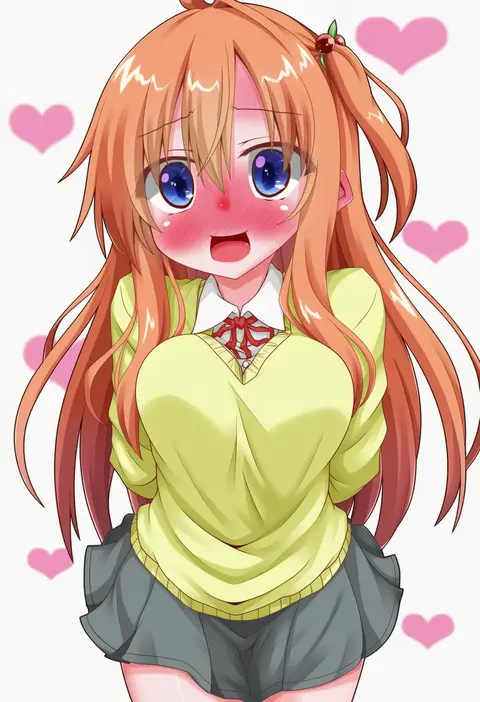
Artist tags tell NovelAI Diffusion to draw in a specific artist's style: line weight, paint texture, face shapes and palette all shift at once. Character and outfit tags decide what is drawn; artist tags decide how. 16,352 tags are listed for V4.5.
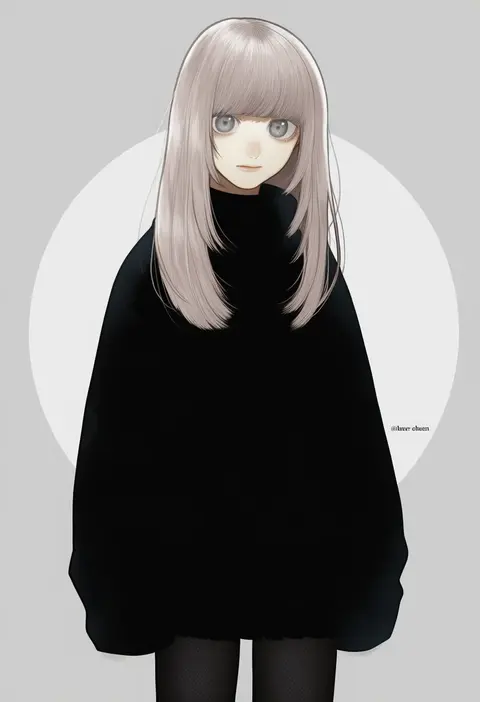
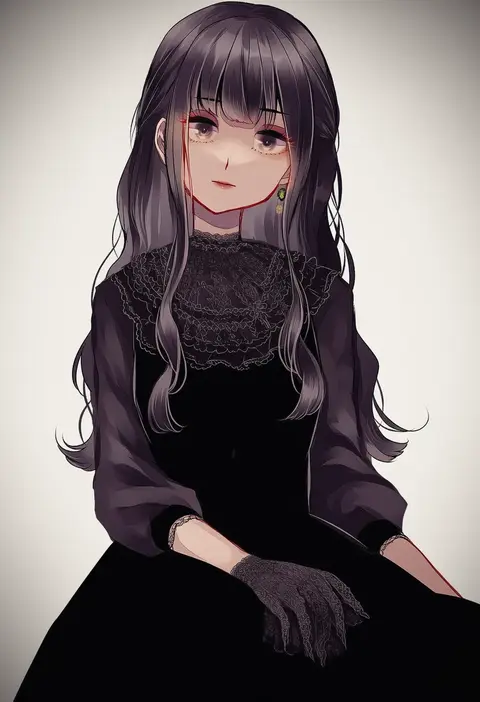
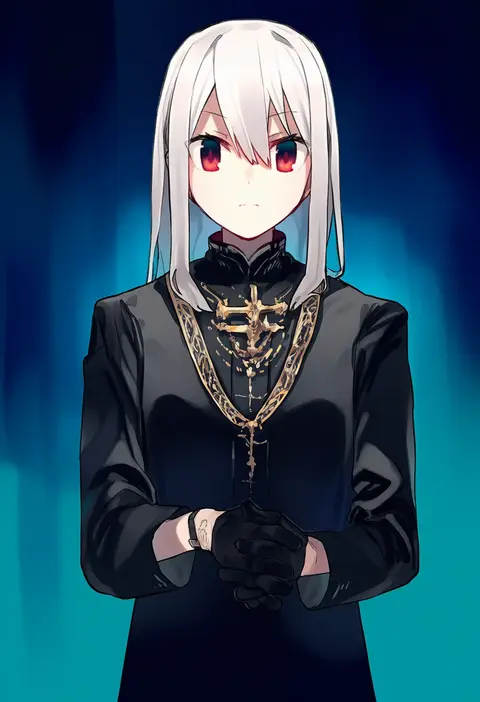
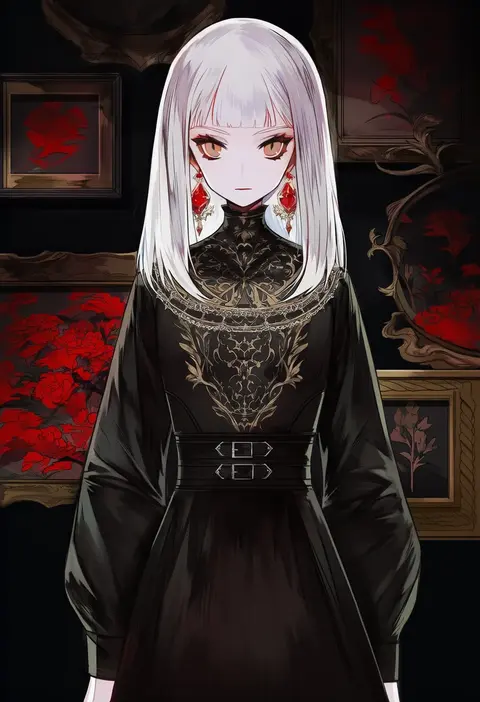
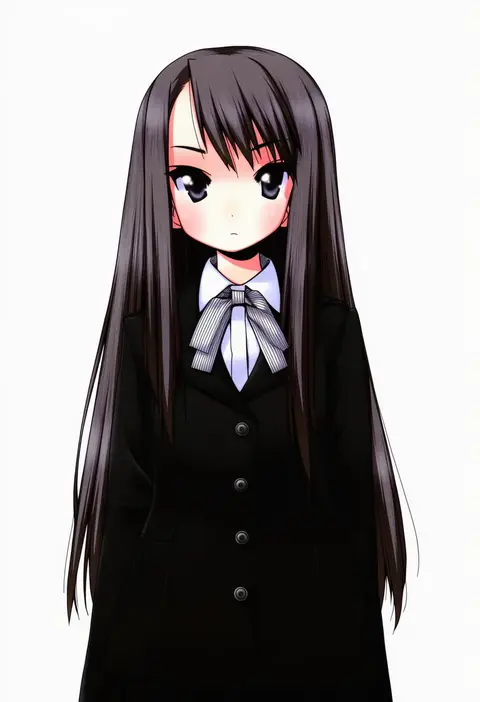
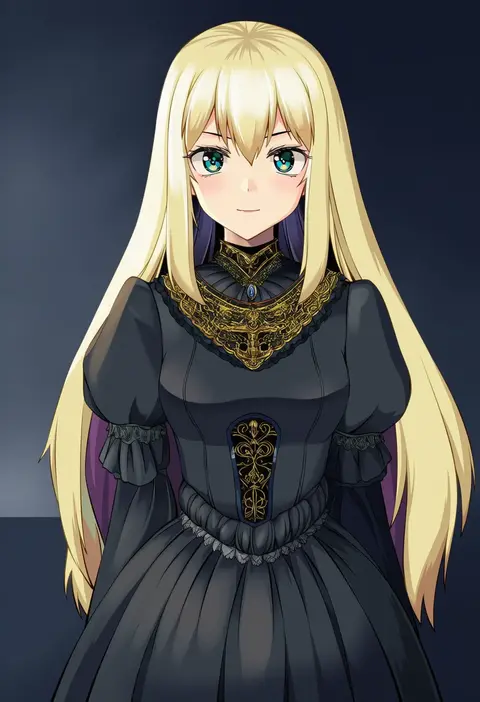
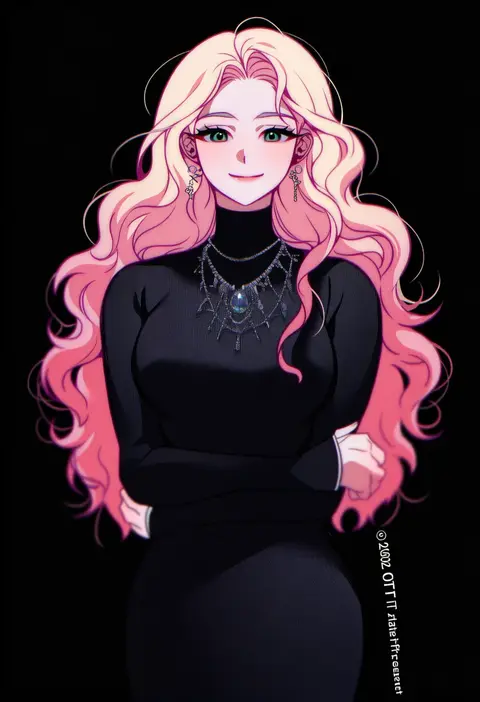
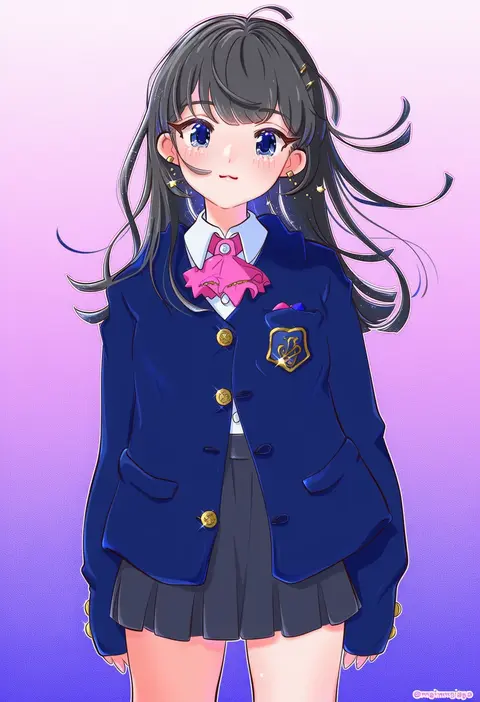
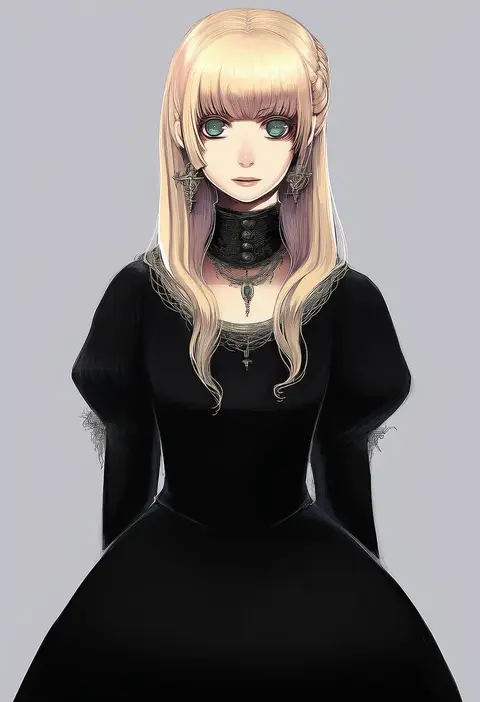
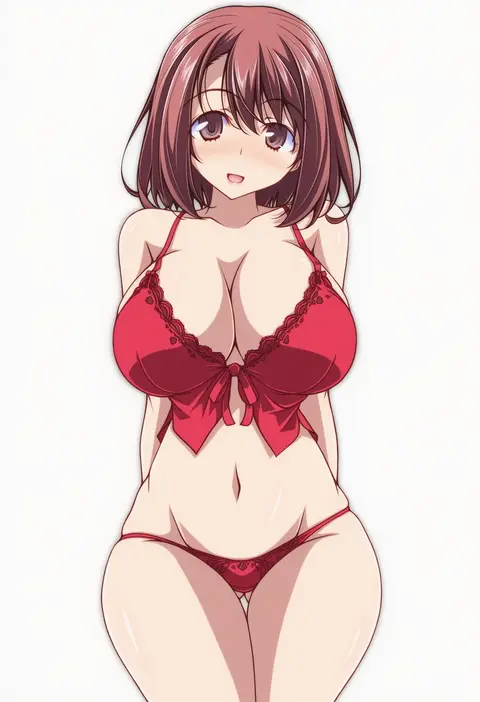
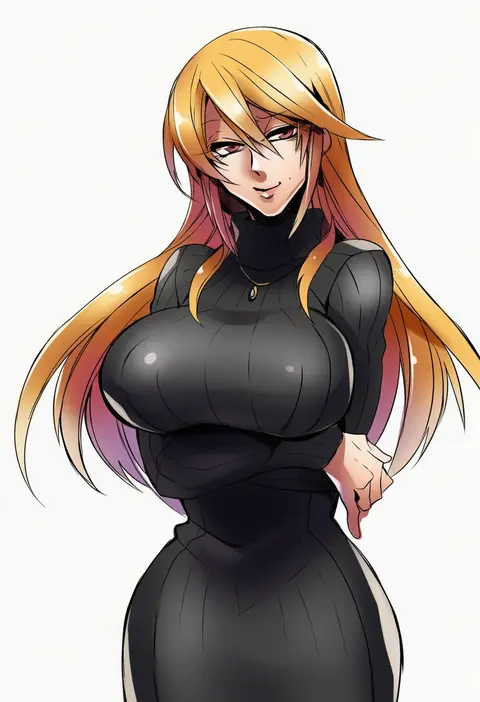
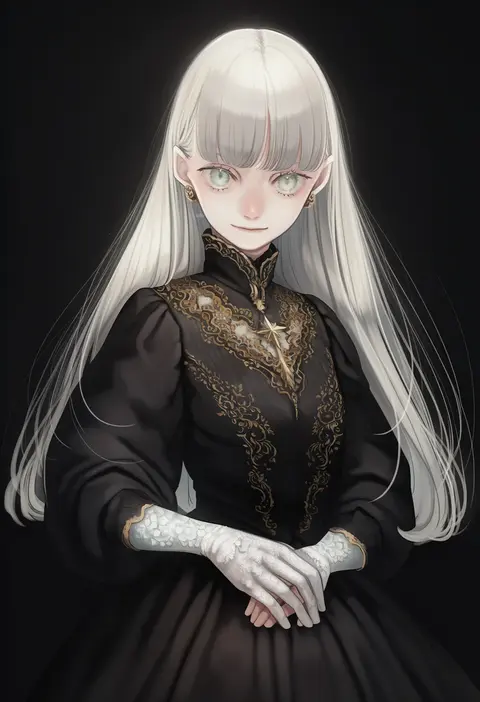
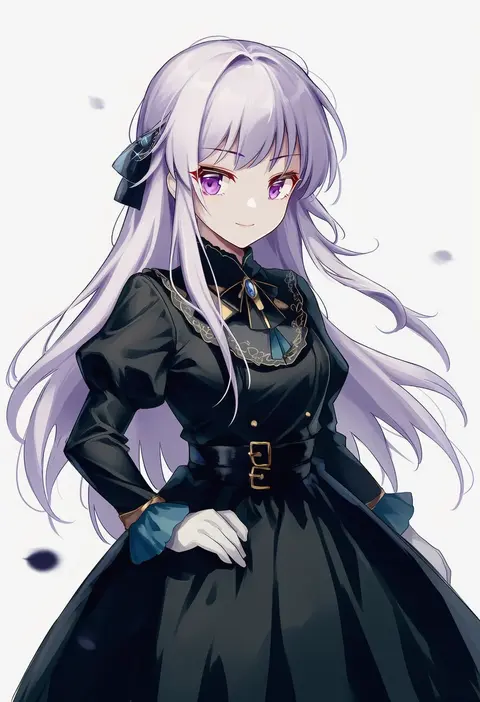
Every tag listed here is verified to react in NovelAI. All images use the same prompt, seed and settings with only the artist tag swapped, so the difference between two images is the style that tag brings in.

How to use them

Put the artist tag near the front of the prompt, e.g. "<artist>, 1girl, solo, best quality, masterpiece, cowboy shot". Two or three artist tags blend styles; lower the weight with "0.8::<artist>::" when the style overpowers the character.

SCORE sorts by Danbooru's top score, POSTS by post count, FAVS by hearts on this site. Open a card to see V5 and V4.5 side by side on the same seed.

V5 vs V4.5

V5 usually lands closer to the artist's real style, and tags that did nothing on V4.5 often react on V5. V4.5 still fits older and doujin-heavy artists better. Try V5 first, fall back to V4.5.

FAQ

Where does the artist tag go?
Near the front of the prompt. Use "0.8::tag::" to adjust its weight.

Can I stack artist tags?
Yes, styles blend. Past two or three the result stops looking like anyone.

Are these the artists' own works?
No. Every image is a NovelAI sample generated from the tag.