V4.5Artists
sort: FAVS▾
▾
>
$

Popular NovelAI artist tags — V4.5

artist --count 16,352[228/273]
zerosu (take out)
ARTIST0x3534
0
visket53
ARTIST0x3535
0
reo (mmocc123)
ARTIST0x3536
0
akasaka yuzu
ARTIST0x3537
0
hekoningyou (waraningyou)
ARTIST0x3538
0
216
ARTIST0x3539
0
nanatsuta
ARTIST0x353A
0
shinia
ARTIST0x353B
0
matatabi maru
ARTIST0x353C
0
xox xxxxxx
ARTIST0x353D
0
ichirino minagi
ARTIST0x353E
0
dai-xt
ARTIST0x353F
0
futaba suetsuki
ARTIST0x3540
0
chro (kuu)
ARTIST0x3541
0
malino (dream maker)
ARTIST0x3542
0
graysheartart
ARTIST0x3543
0
sankomichi
ARTIST0x3544
0
tomoya kankurou
ARTIST0x3545
0
asagao minoru
ARTIST0x3546
0
hinanosuke
ARTIST0x3547
0
yupiteru
ARTIST0x3548
0
loundraw
ARTIST0x3549
0
mono lith
ARTIST0x354A
0
un do
ARTIST0x354B
0
reiha (penetrate)
ARTIST0x354C
0
wanko (takohati8)
ARTIST0x354D
0
hazakura satsuki
ARTIST0x354E
0
joou heika (precare deum)
ARTIST0x354F
0
mister (black and white)
ARTIST0x3550
0
yumibakama meme
ARTIST0x3551
0
nakamura tetsuya
ARTIST0x3552
0
taruhi
ARTIST0x3553
0
torajirou (toraneko zirou)
ARTIST0x3554
0
ran system
ARTIST0x3555
0
asagi nanami
ARTIST0x3556
0
noritama (gozen)
ARTIST0x3557
0
wapokichi
ARTIST0x3558
0
sea scorpion (umisasori)
ARTIST0x3559
0
nagare hyougo
ARTIST0x355A
0
kijima (amayadori-tei)
ARTIST0x355B
0
im (badmasa)
ARTIST0x355C
0
kamachi (kamati0maru)
ARTIST0x355D
0
koto (shiberia39)
ARTIST0x355E
0
meimi k
ARTIST0x355F
0
yeneny
ARTIST0x3560
0
suzumaru
ARTIST0x3561
0
shirocha tei
ARTIST0x3562
0
wulie errr
ARTIST0x3563
0
dasukasuki 3g
ARTIST0x3564
0
itsumi (itumiyuo)
ARTIST0x3565
0
kasuga souichi
ARTIST0x3566
0
usa (dai9c carnival)
ARTIST0x3567
0
touchika
ARTIST0x3568
0
konogi nogi
ARTIST0x3569
0
hilamaru
ARTIST0x356A
0
toma tokage
ARTIST0x356B
0
mao yu
ARTIST0x356C
0
cross akiha
ARTIST0x356D
0
dododo dadada
ARTIST0x356E
0
mihatarou
ARTIST0x356F
0

What these tags change

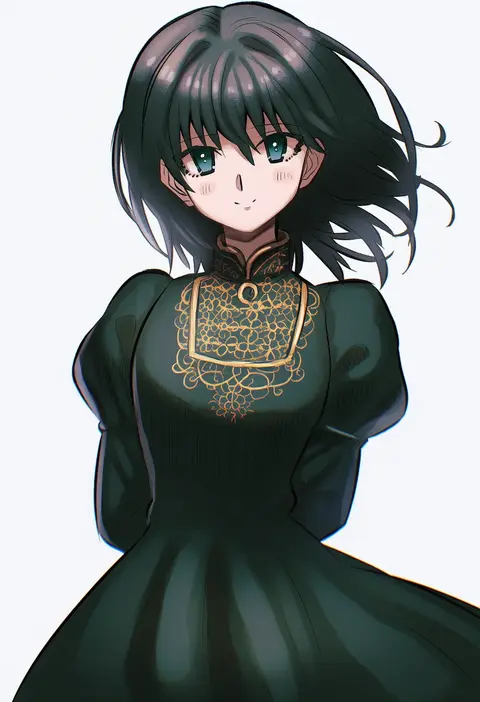
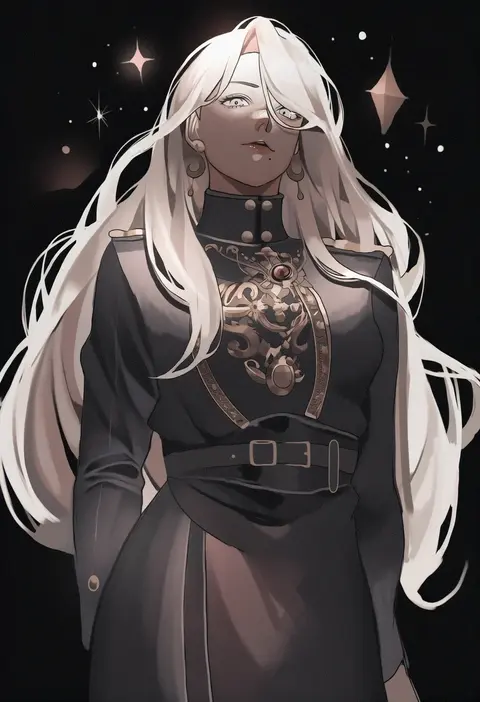
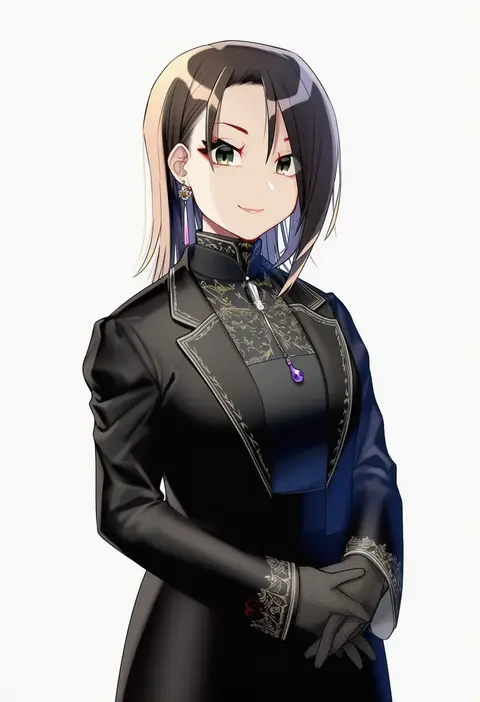
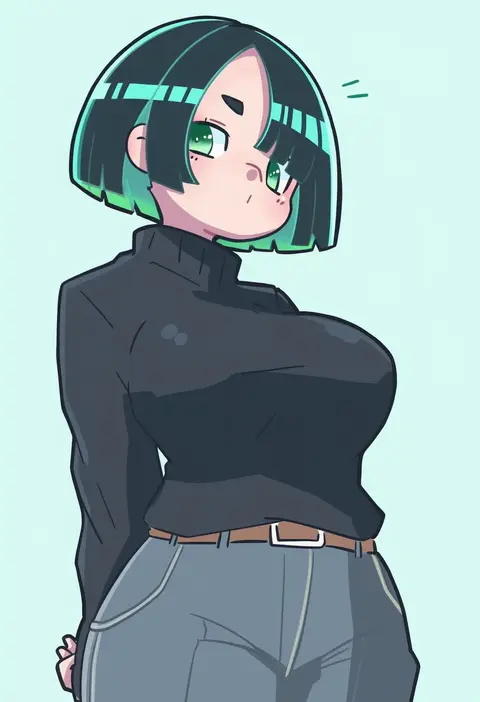
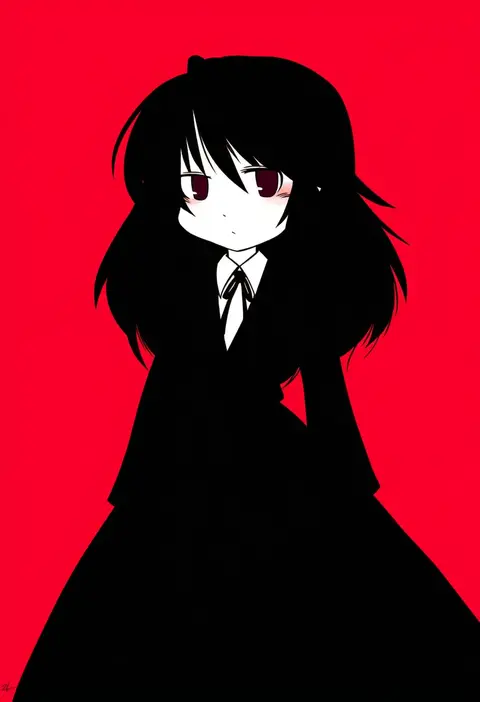
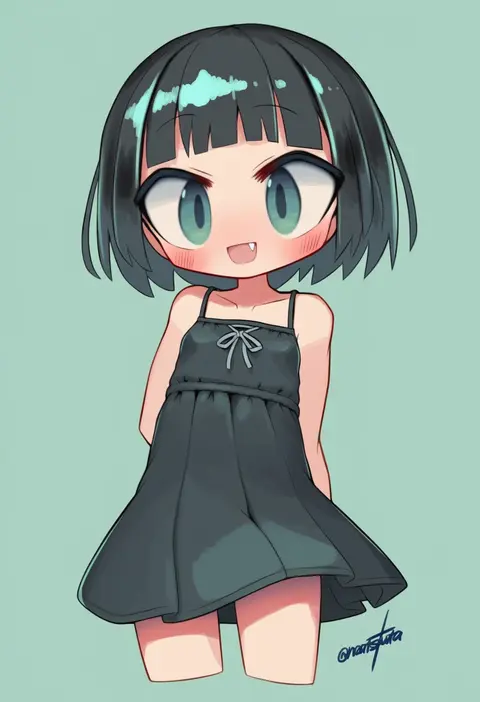
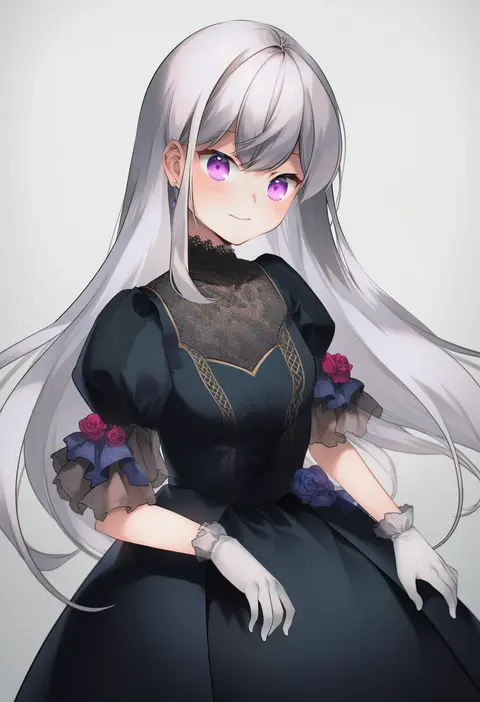
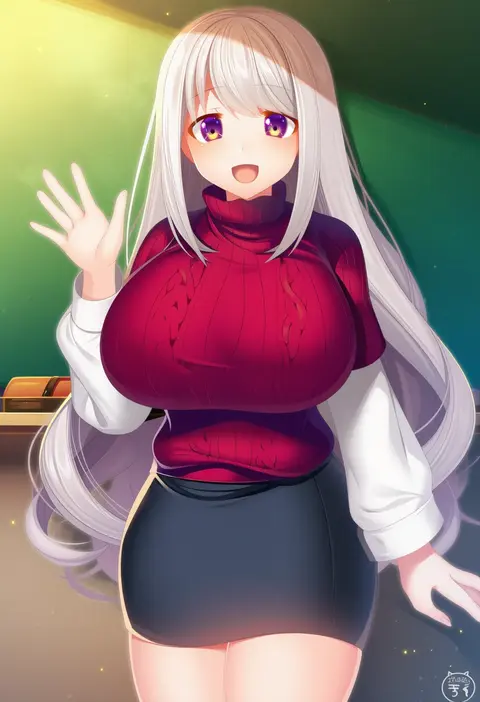
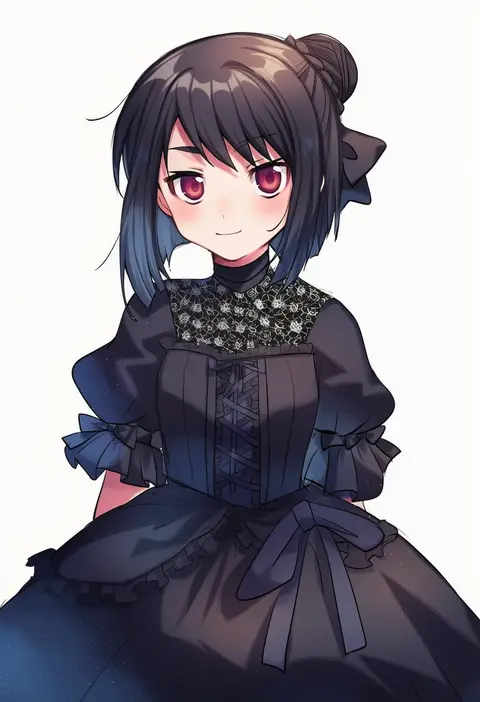
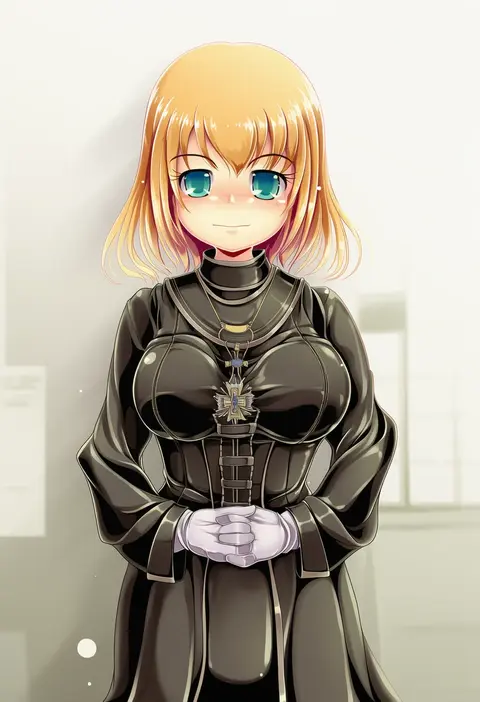
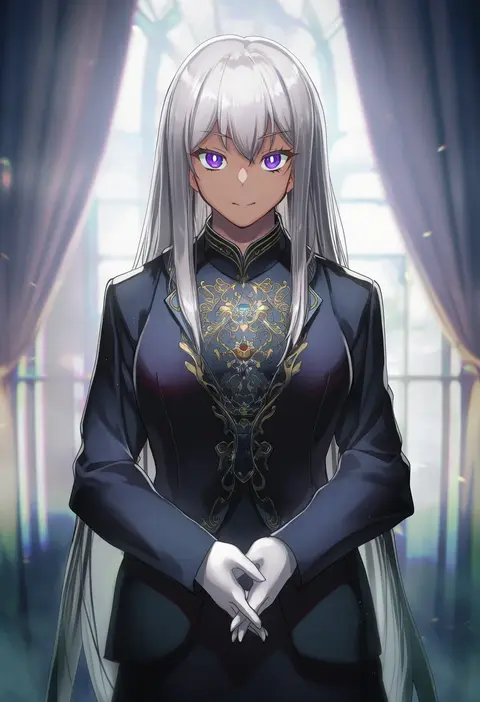
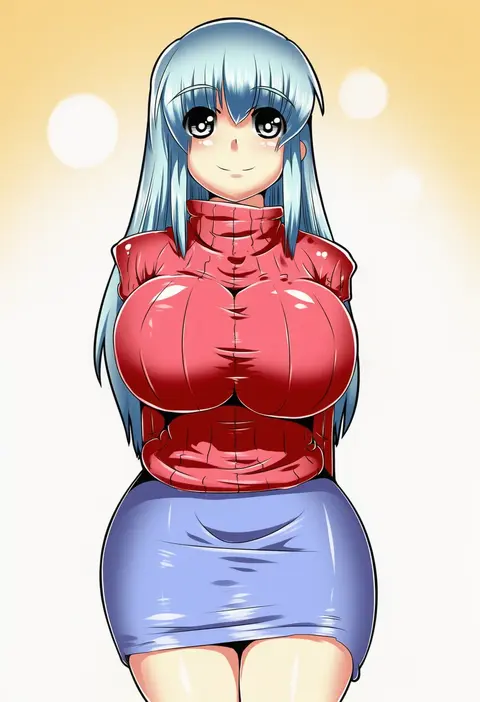
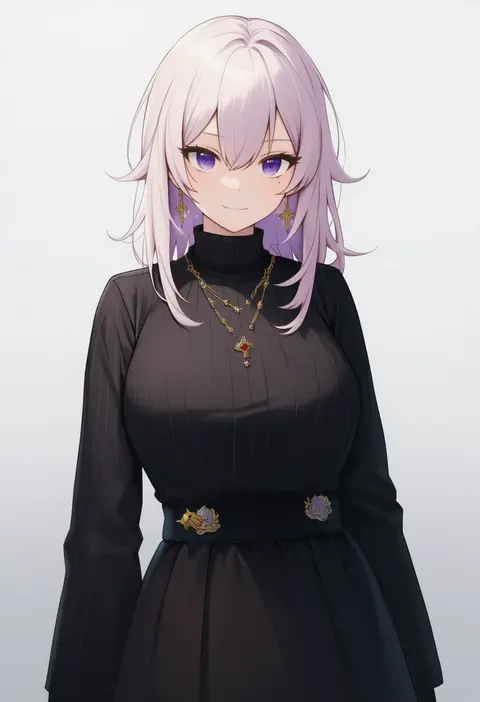
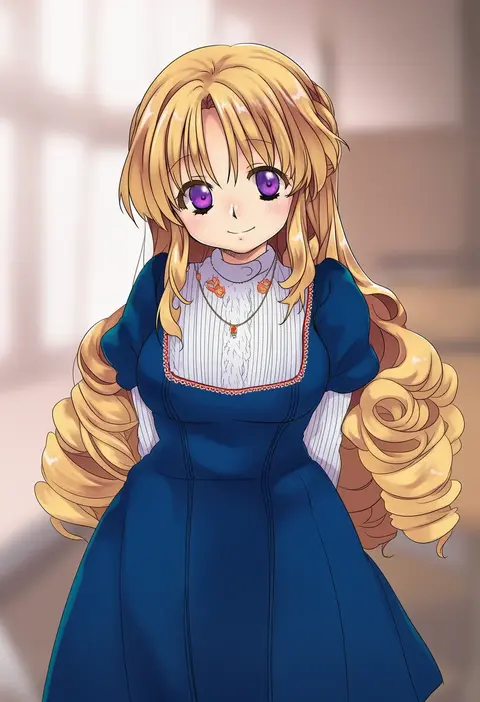
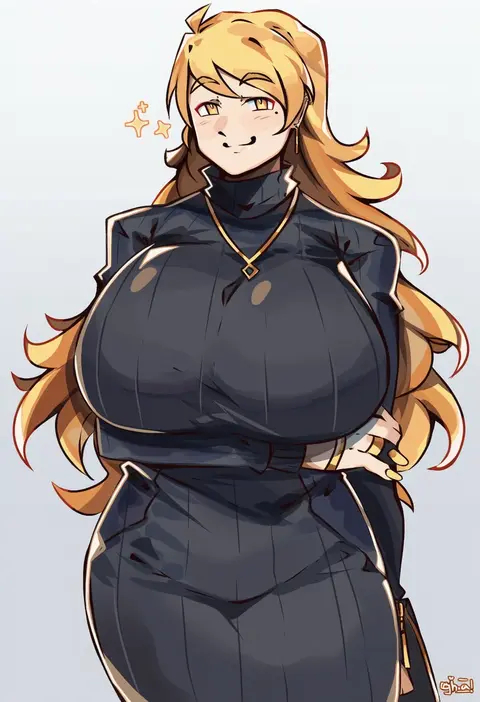
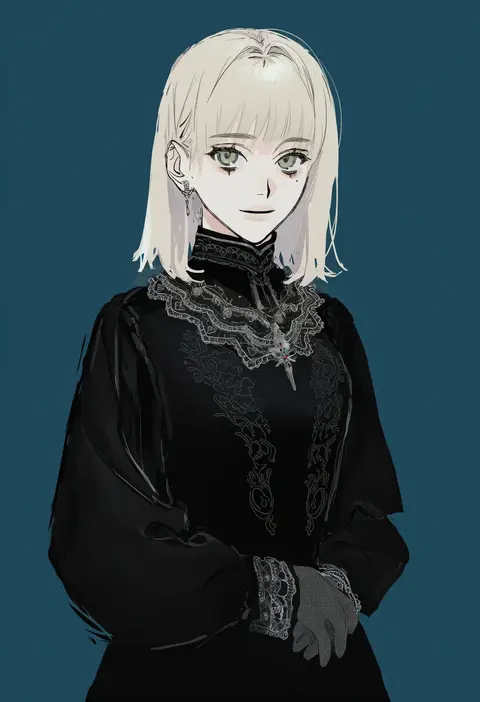
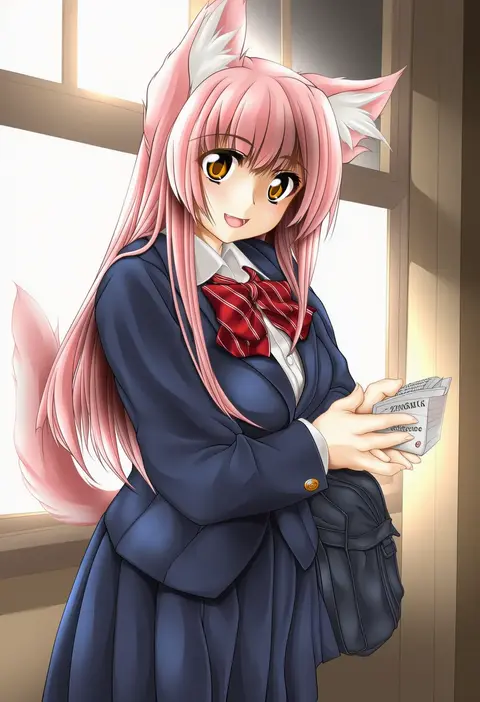
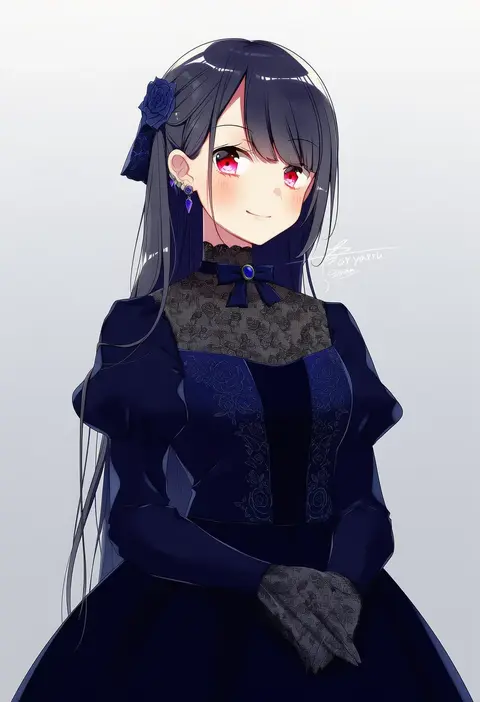
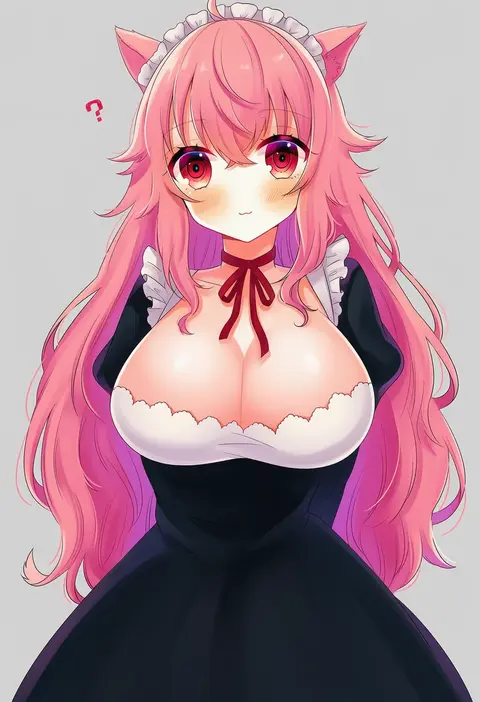
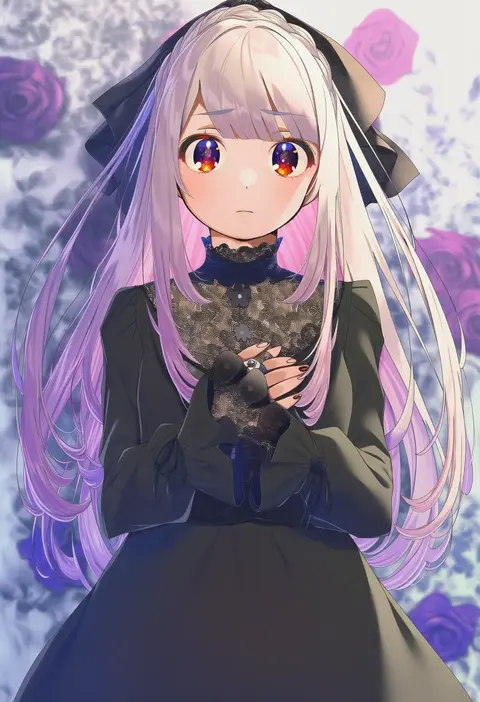
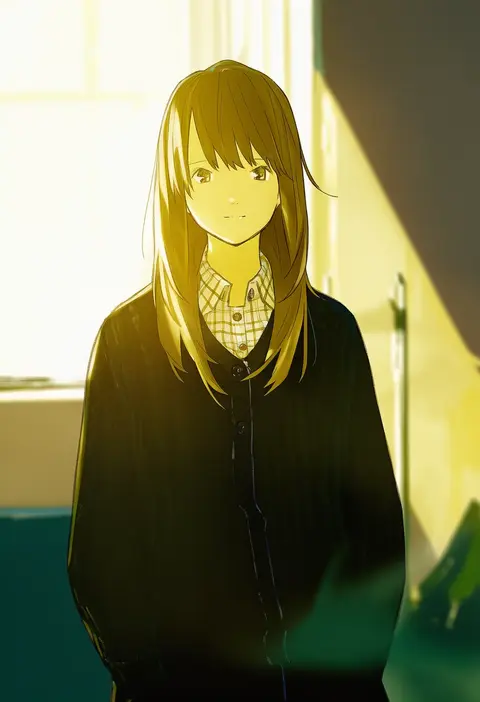
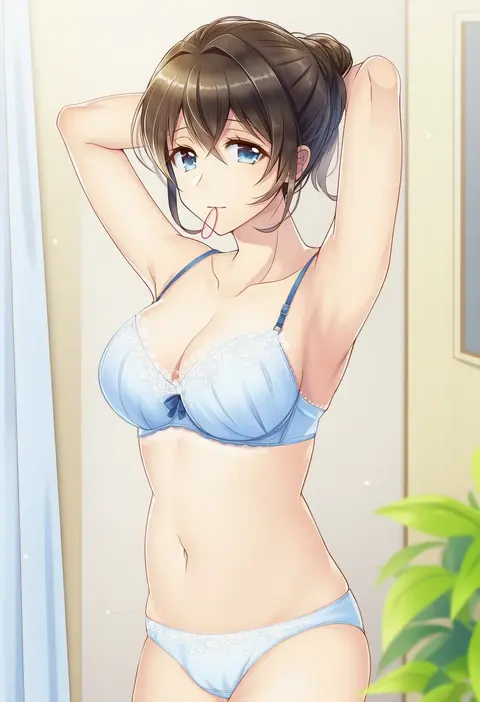
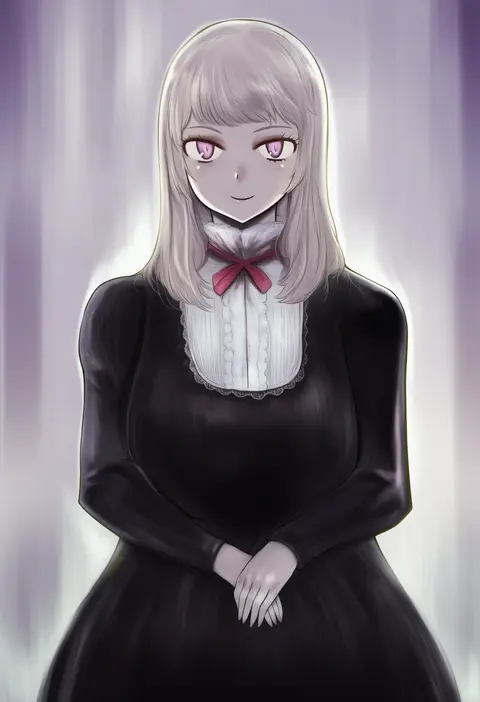
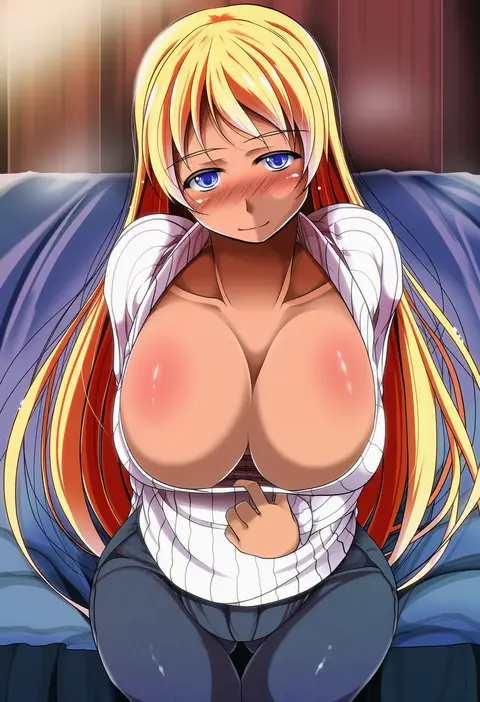
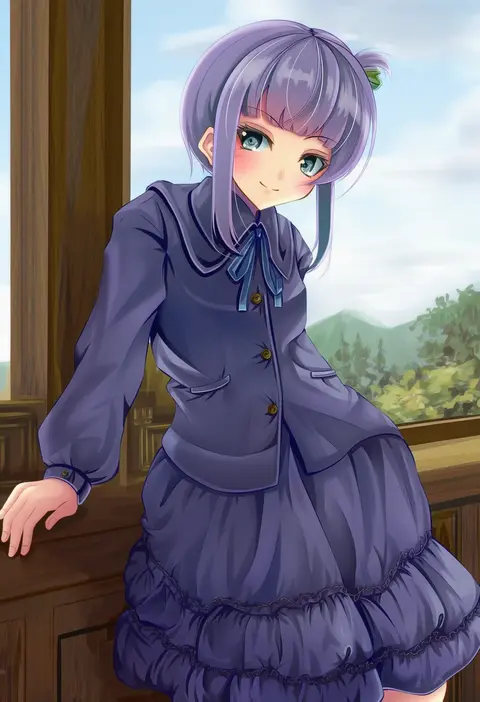
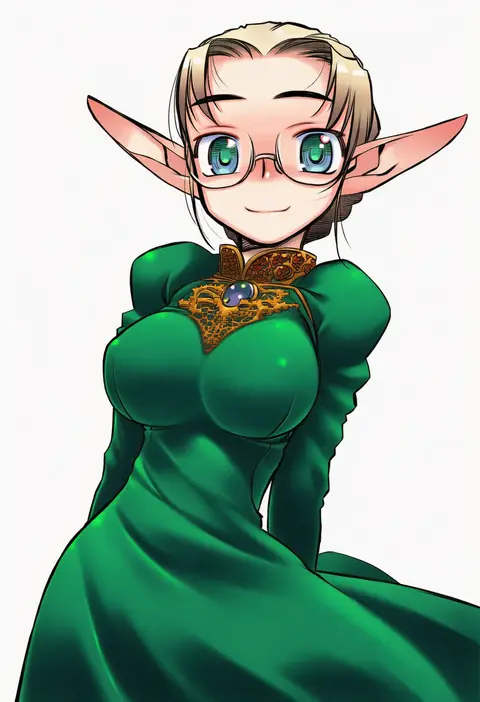
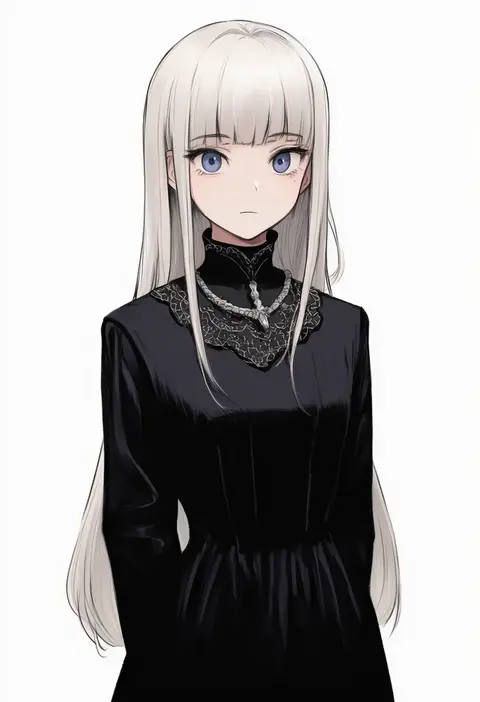
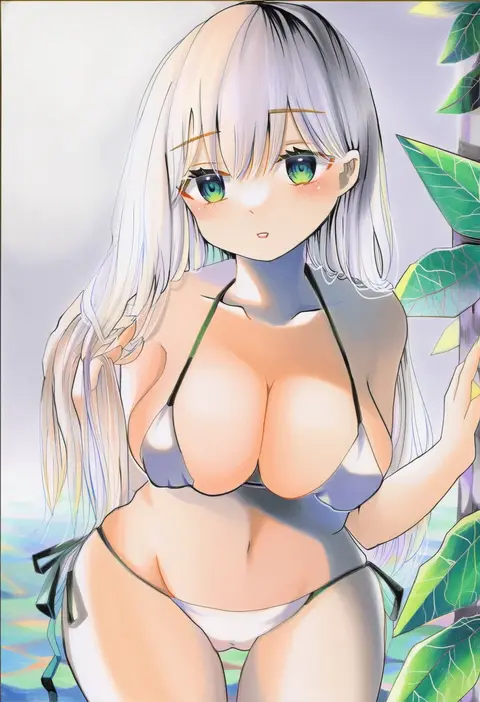
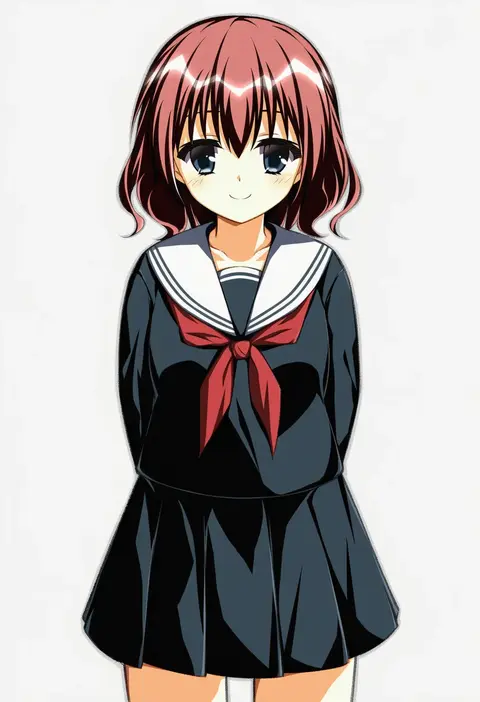
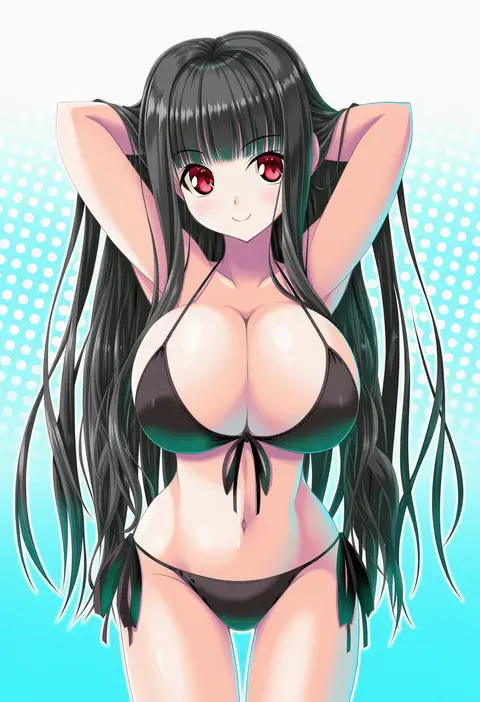
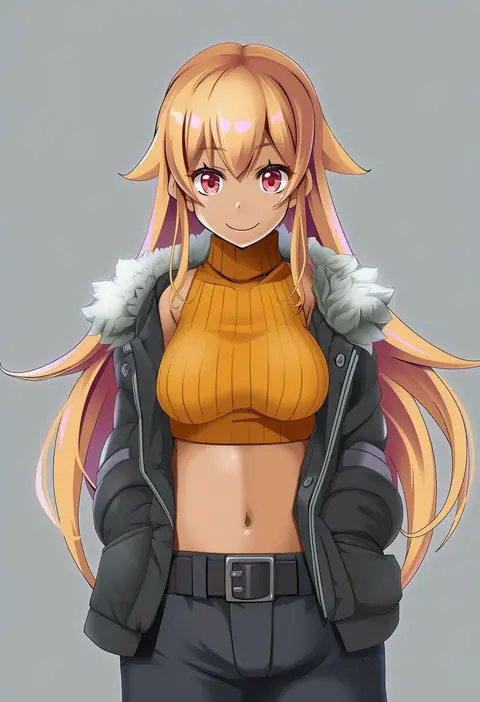
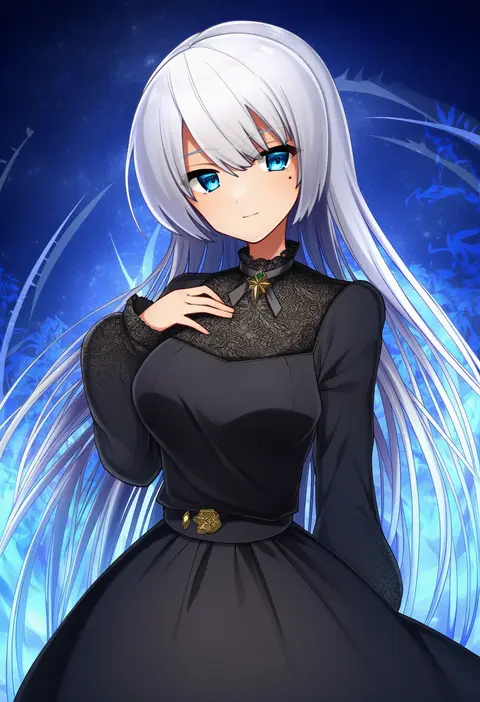
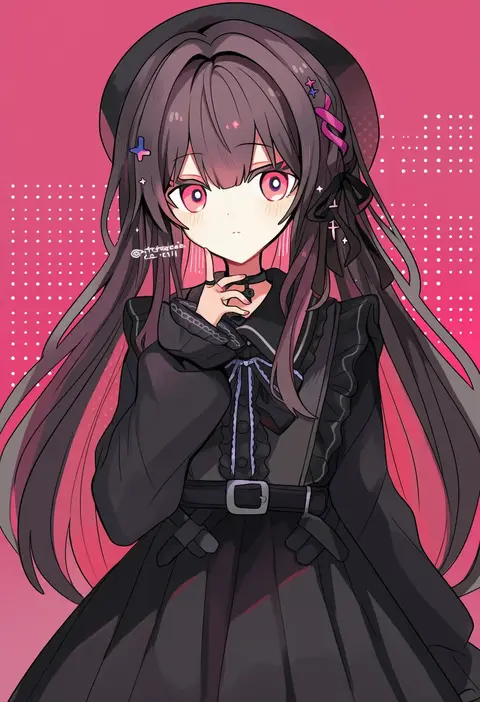
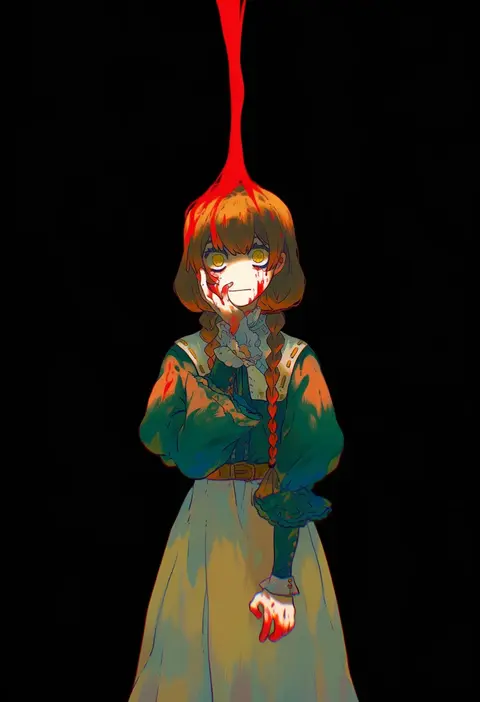
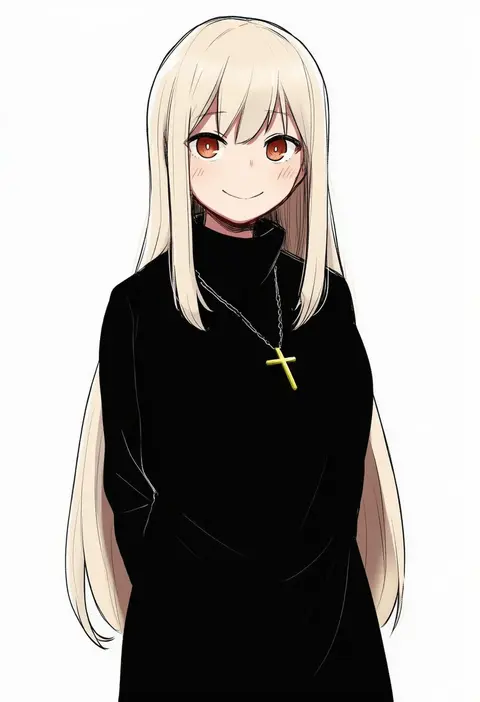
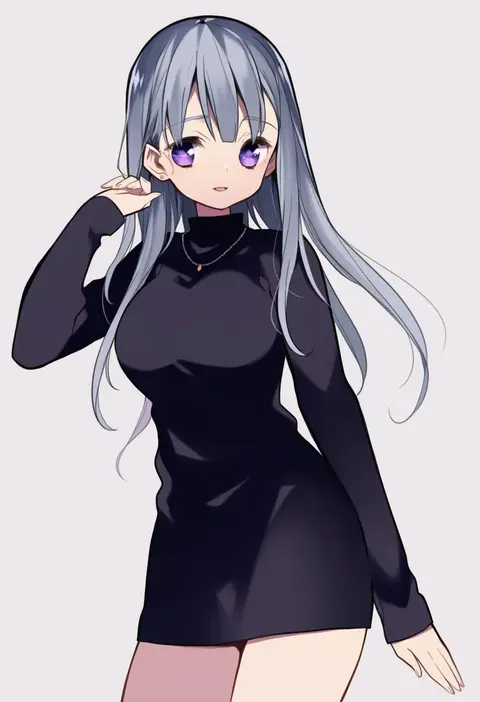
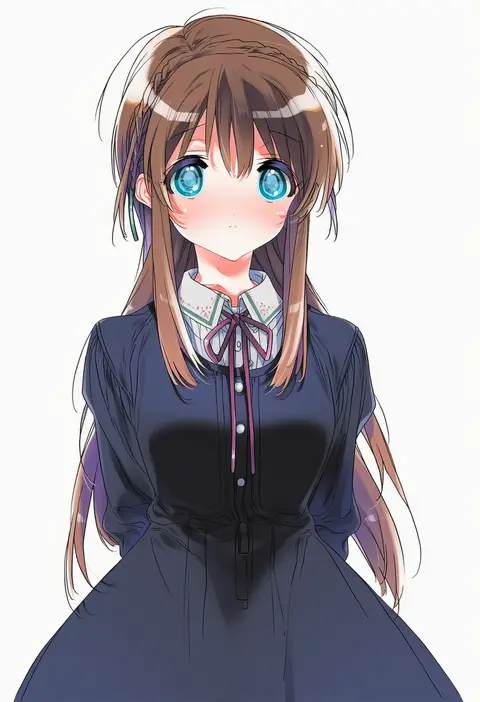
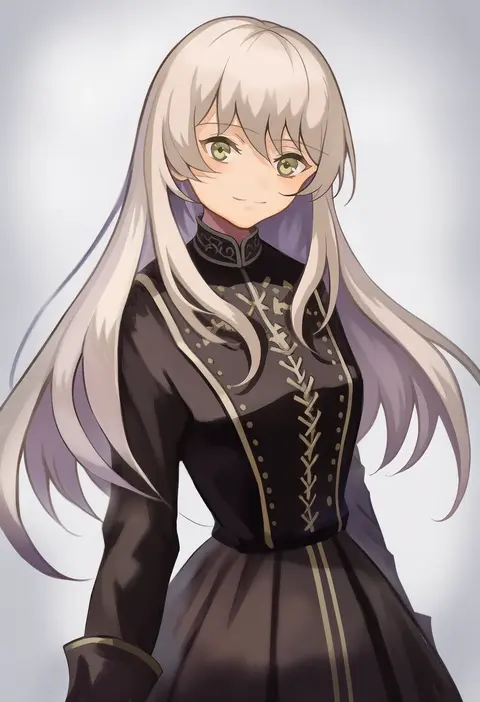
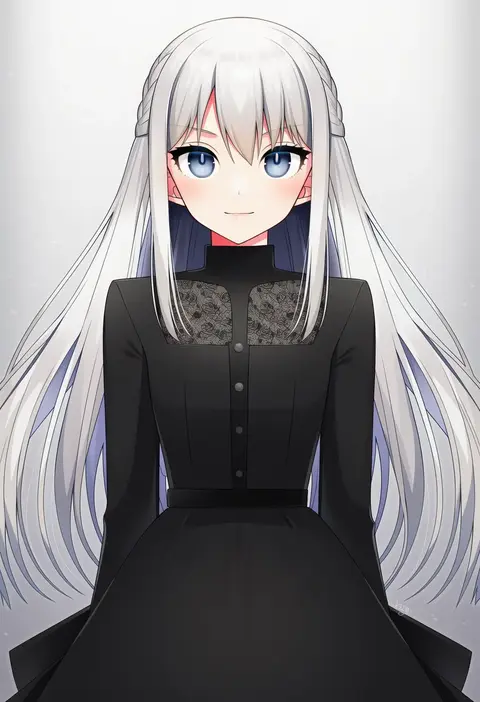
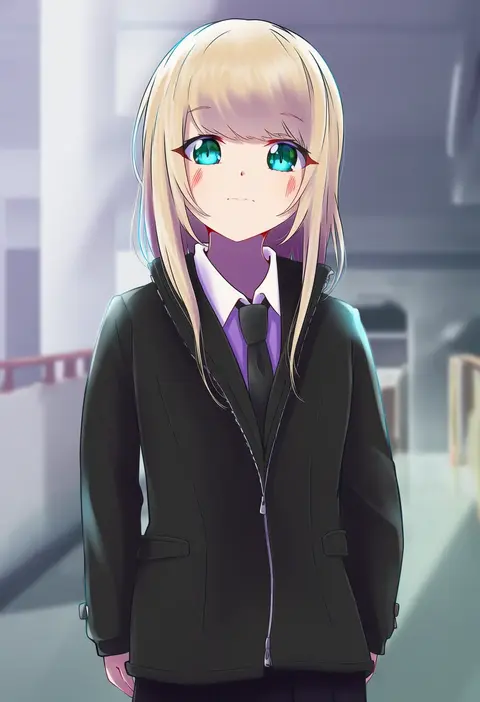
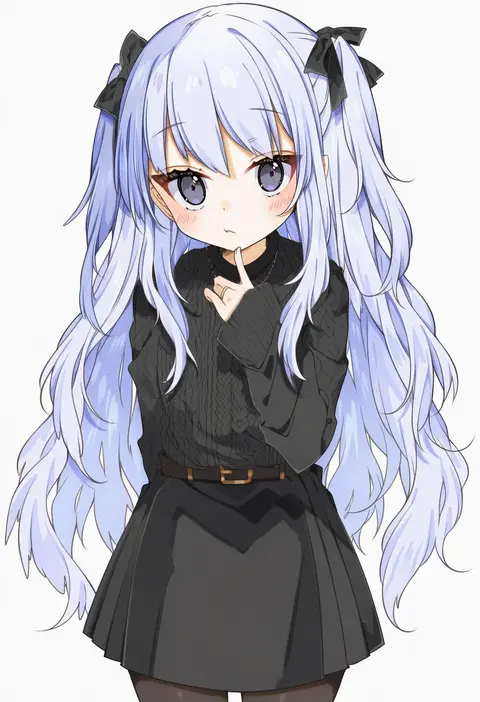
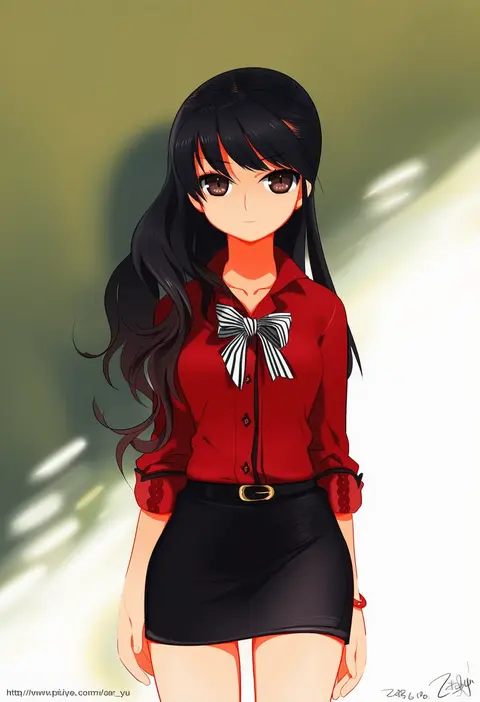
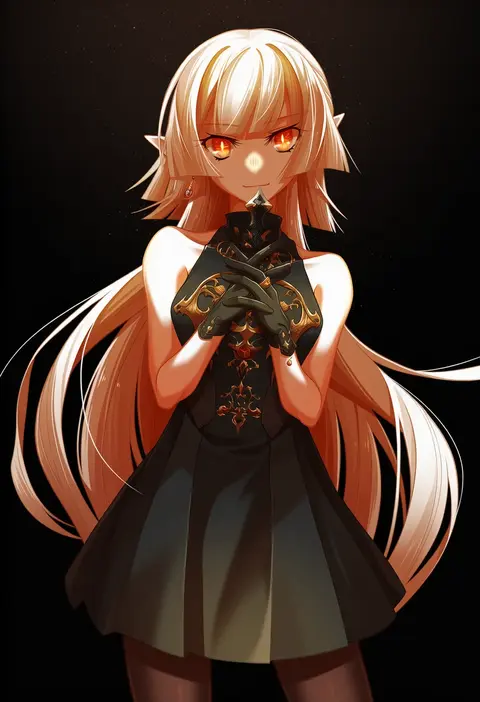
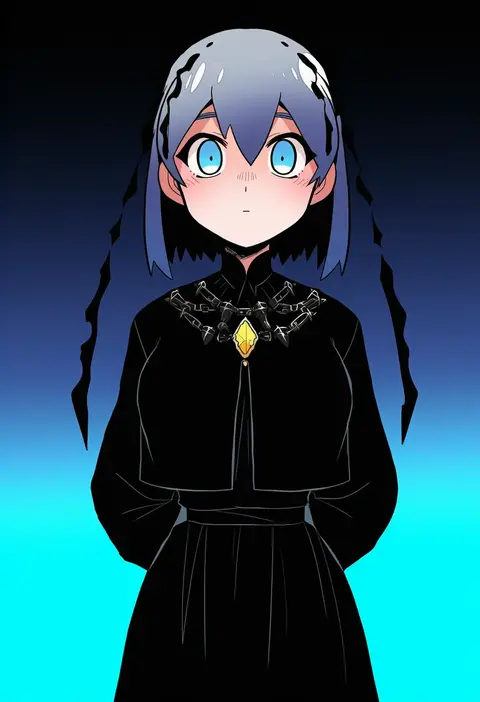
Artist tags tell NovelAI Diffusion to draw in a specific artist's style: line weight, paint texture, face shapes and palette all shift at once. Character and outfit tags decide what is drawn; artist tags decide how. 16,352 tags are listed for V4.5.
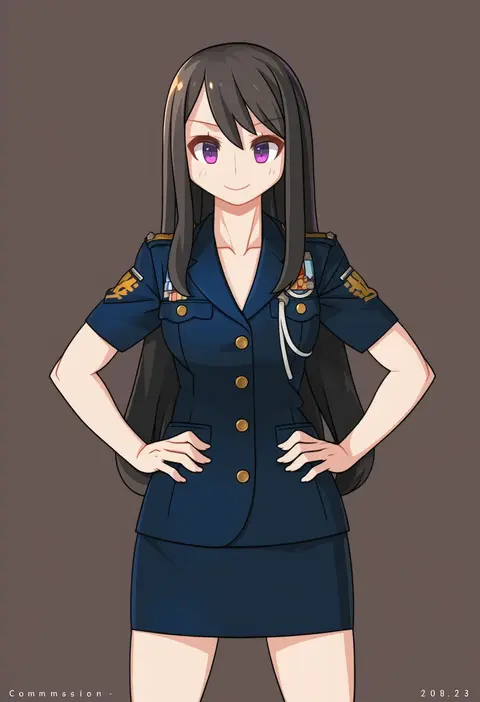
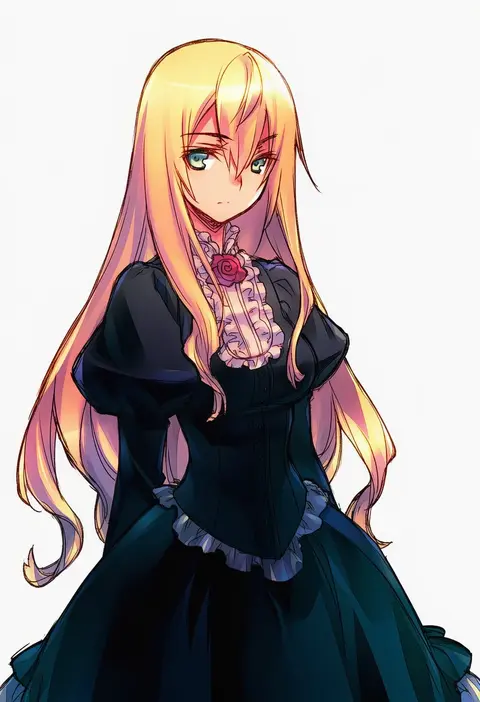
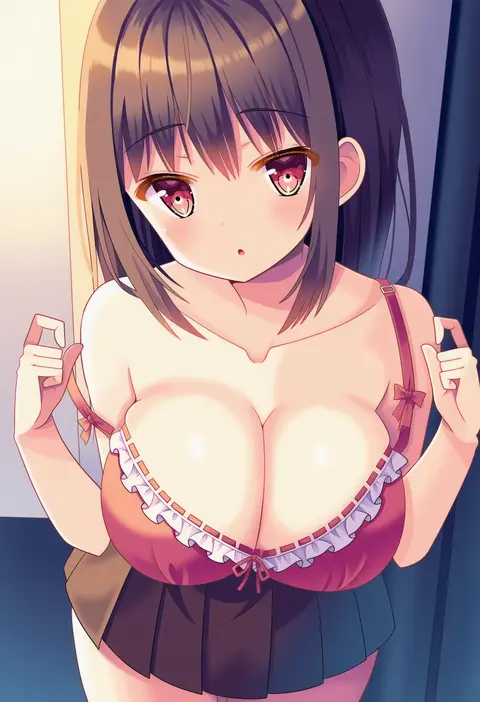
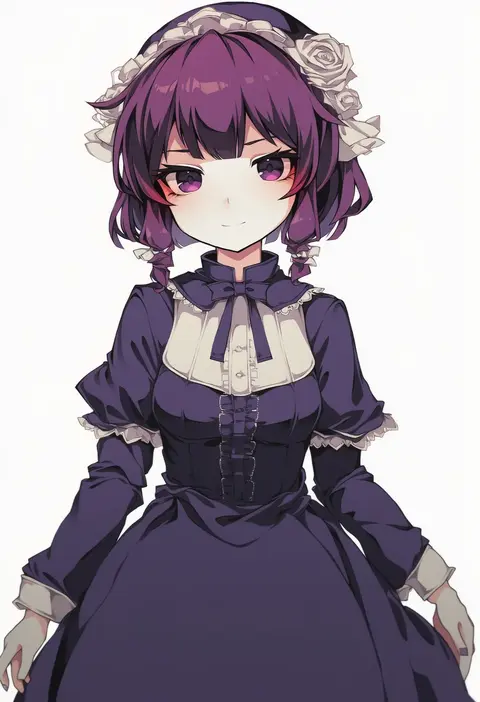
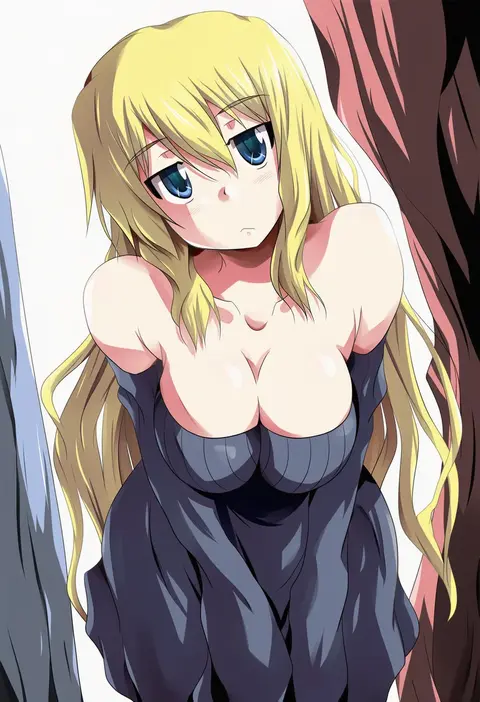
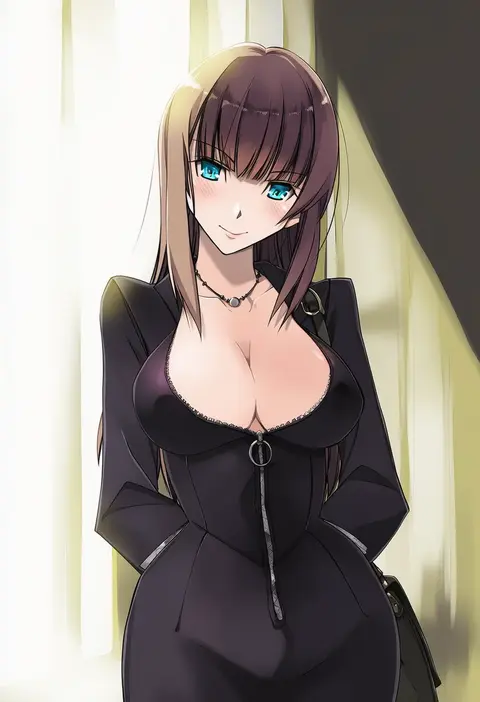
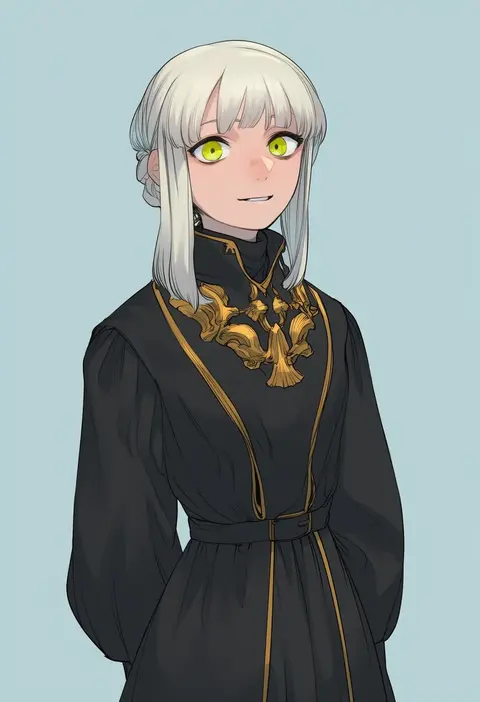
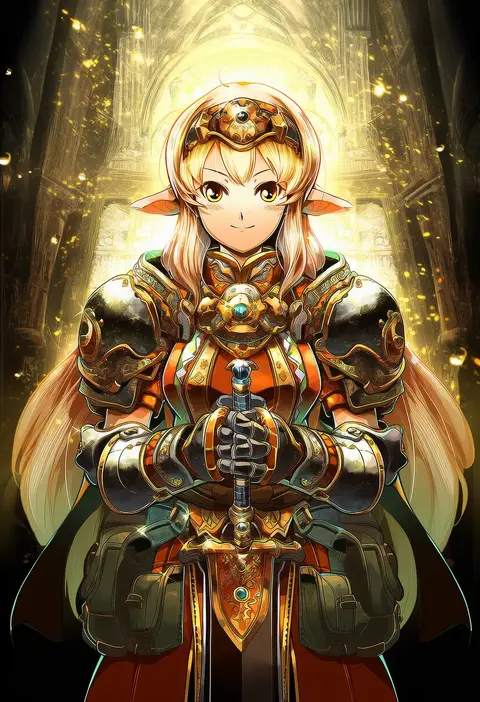
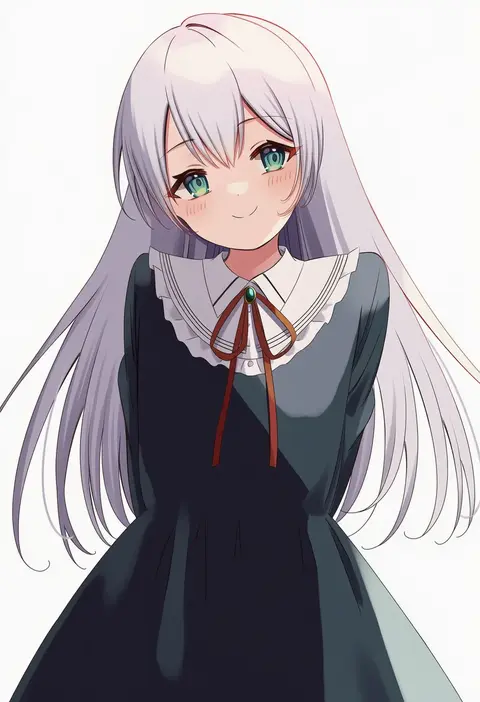
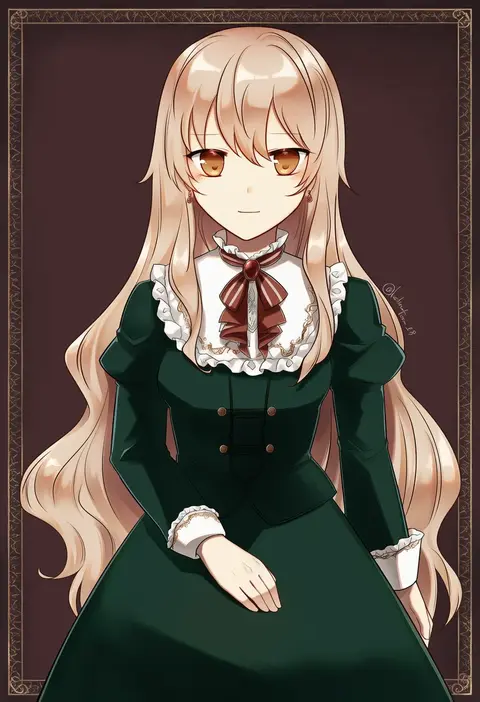
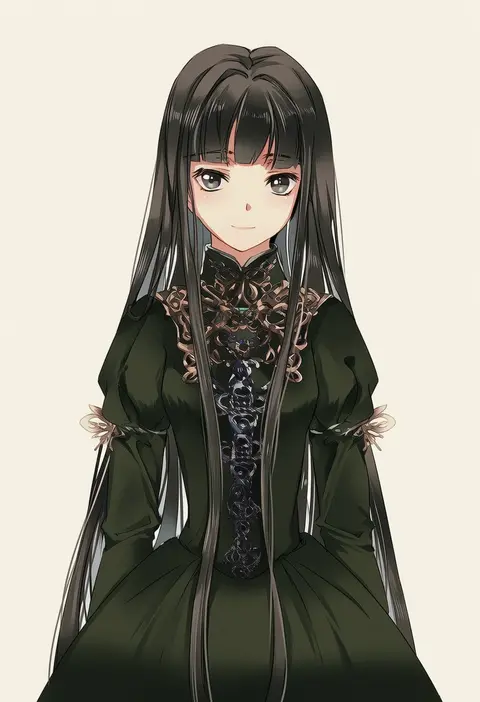
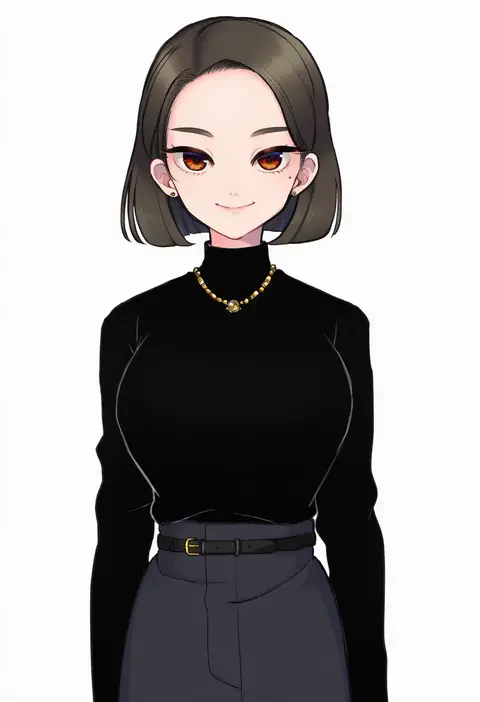
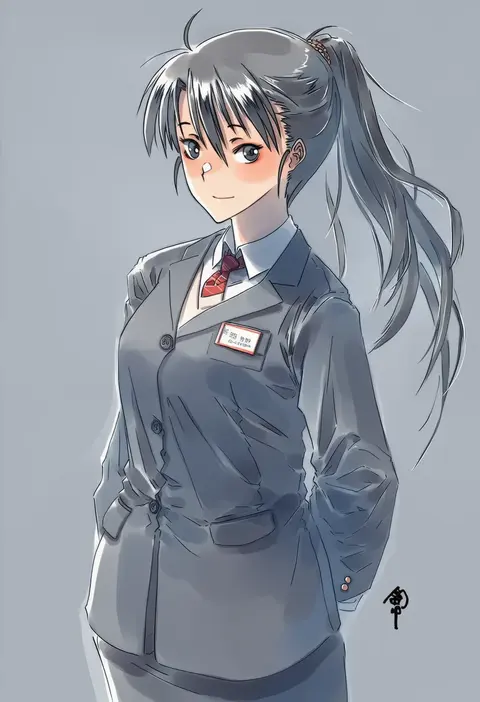
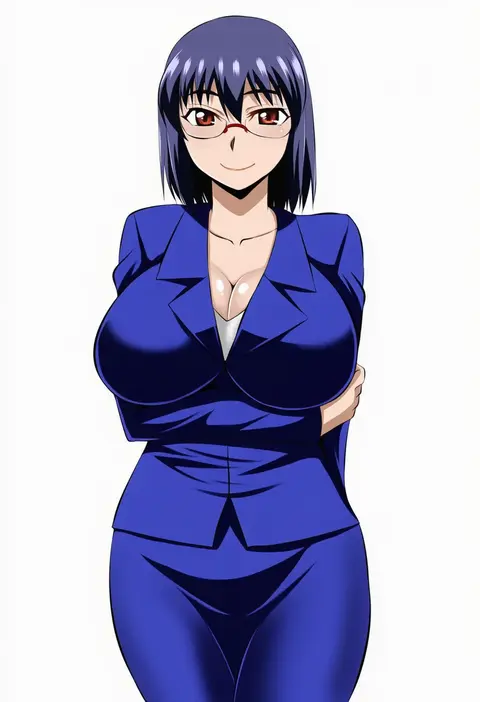
Every tag listed here is verified to react in NovelAI. All images use the same prompt, seed and settings with only the artist tag swapped, so the difference between two images is the style that tag brings in.

How to use them

Put the artist tag near the front of the prompt, e.g. "<artist>, 1girl, solo, best quality, masterpiece, cowboy shot". Two or three artist tags blend styles; lower the weight with "0.8::<artist>::" when the style overpowers the character.

SCORE sorts by Danbooru's top score, POSTS by post count, FAVS by hearts on this site. Open a card to see V5 and V4.5 side by side on the same seed.

V5 vs V4.5

V5 usually lands closer to the artist's real style, and tags that did nothing on V4.5 often react on V5. V4.5 still fits older and doujin-heavy artists better. Try V5 first, fall back to V4.5.

FAQ

Where does the artist tag go?
Near the front of the prompt. Use "0.8::tag::" to adjust its weight.

Can I stack artist tags?
Yes, styles blend. Past two or three the result stops looking like anyone.

Are these the artists' own works?
No. Every image is a NovelAI sample generated from the tag.