V4.5Artists
sort: FAVS▾
▾
>
$

Popular NovelAI artist tags — V4.5

artist --count 16,352[231/273]
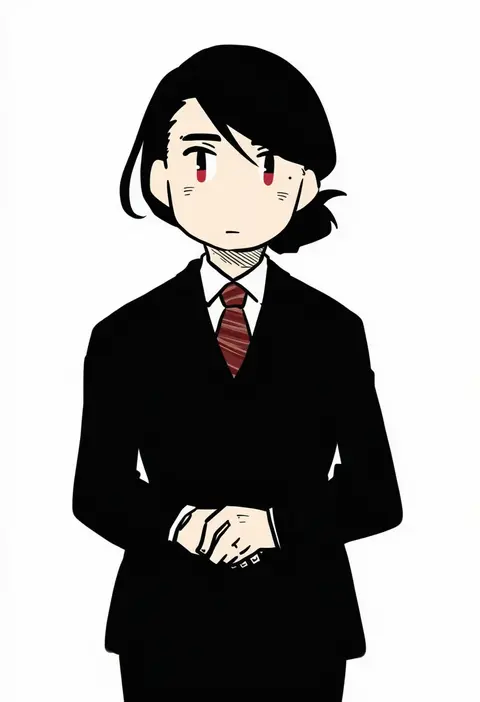
betchan
ARTIST0x35E8
0
kannagi kaname
ARTIST0x35E9
0
kemonomichi (blue black)
ARTIST0x35EA
0
suzune hapinesu
ARTIST0x35EB
0
dasoku sentarou
ARTIST0x35EC
0
yasuhiko yoshikazu
ARTIST0x35ED
0
matsuba mattsu
ARTIST0x35EE
0
minasenagi
ARTIST0x35EF
0
chobi (penguin paradise)
ARTIST0x35F0
0
nishiyama (whatsoy)
ARTIST0x35F1
0
tengxiang lingnai
ARTIST0x35F2
0
misuguu
ARTIST0x35F3
0
ixima
ARTIST0x35F4
0
remi (mozzaremi)
ARTIST0x35F5
0
dreamlight2000
ARTIST0x35F6
0
jibakurei (elite unchi)
ARTIST0x35F7
0
boro
ARTIST0x35F8
0
okuragon
ARTIST0x35F9
0
sayoyonsayoyo
ARTIST0x35FA
0
hangleing
ARTIST0x35FB
0
walfie
ARTIST0x35FC
0
primary stage
ARTIST0x35FD
0
youhe hino
ARTIST0x35FE
0
peroncho
ARTIST0x35FF
0
shiroino (shirayuki mutsuki)
ARTIST0x3600
0
vo1ez
ARTIST0x3601
0
makita maki
ARTIST0x3602
0
nibo (att 130)
ARTIST0x3603
0
junjun (kimi-la)
ARTIST0x3604
0
octodeco
ARTIST0x3605
0
bitter crown
ARTIST0x3606
0
dofresh
ARTIST0x3607
0
usapenpen2019
ARTIST0x3608
0
yumiyumo3o
ARTIST0x3609
0
moor
ARTIST0x360A
0
onaji (sokudo seigen)
ARTIST0x360B
0
carrot summer
ARTIST0x360C
0
stellarspin
ARTIST0x360D
0
clea (geee13)
ARTIST0x360E
0
kmitty
ARTIST0x360F
0
yomotsuki road
ARTIST0x3610
0
pinocchio-p
ARTIST0x3611
0
itsukia
ARTIST0x3612
0
ktokei (kurokku-tokei)
ARTIST0x3613
0
tori (10ri)
ARTIST0x3614
0
tinybiard
ARTIST0x3615
0
umenodo
ARTIST0x3616
0
culotte (hosenrock)
ARTIST0x3617
0
aoinu
ARTIST0x3618
0
kouichi eiji
ARTIST0x3619
0
sunaya yanokura
ARTIST0x361A
0
a-shacho
ARTIST0x361B
0
kurumi tsuchi
ARTIST0x361C
0
tatejima uri
ARTIST0x361D
0
jidao huashi
ARTIST0x361E
0
shirai tanuki
ARTIST0x361F
0
hisako (6anmbblfnjueeff)
ARTIST0x3620
0
ruki (ruki6248ta)
ARTIST0x3621
0
fushimi asuha
ARTIST0x3622
0
ueda yumehito
ARTIST0x3623
0

What these tags change

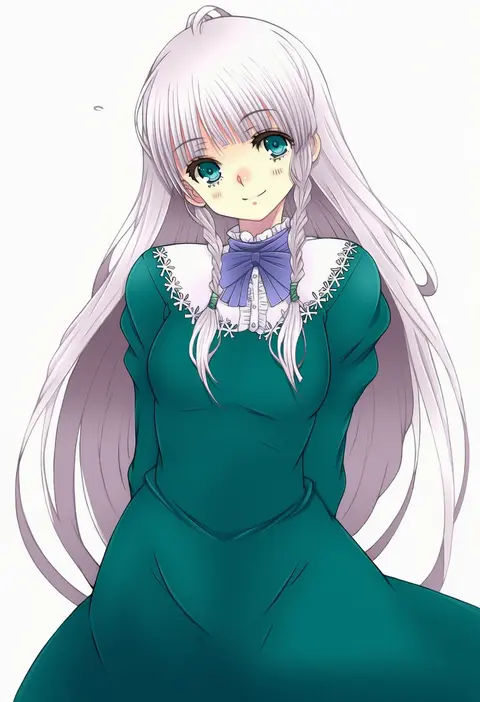
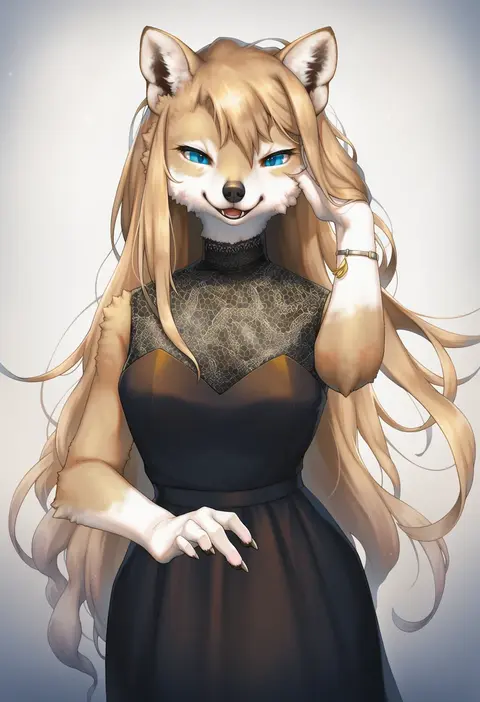
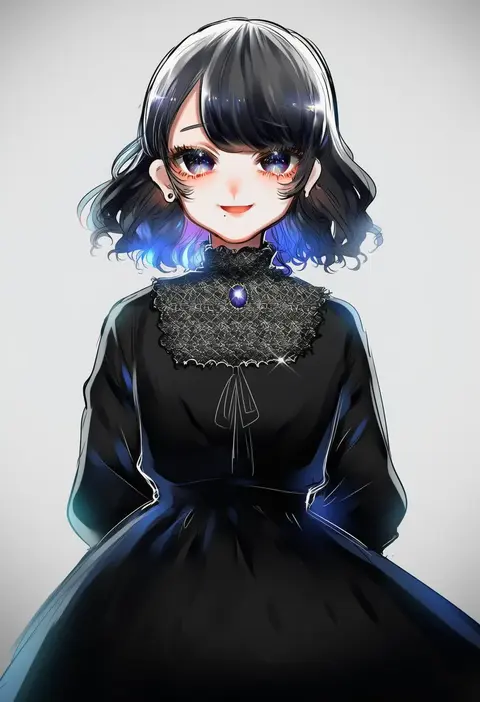
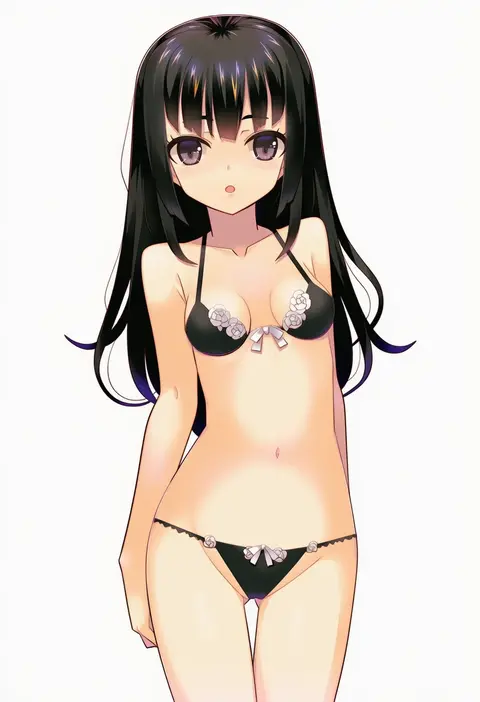
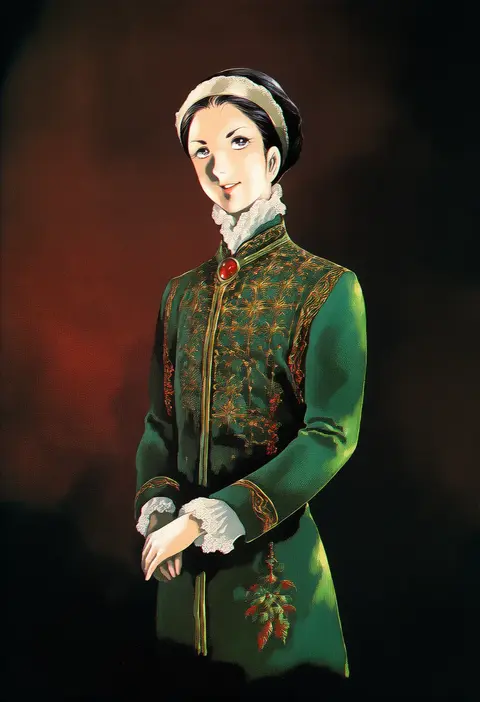
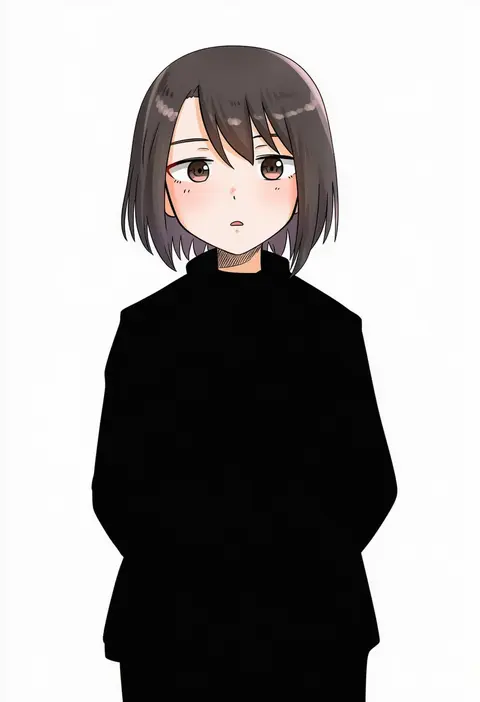
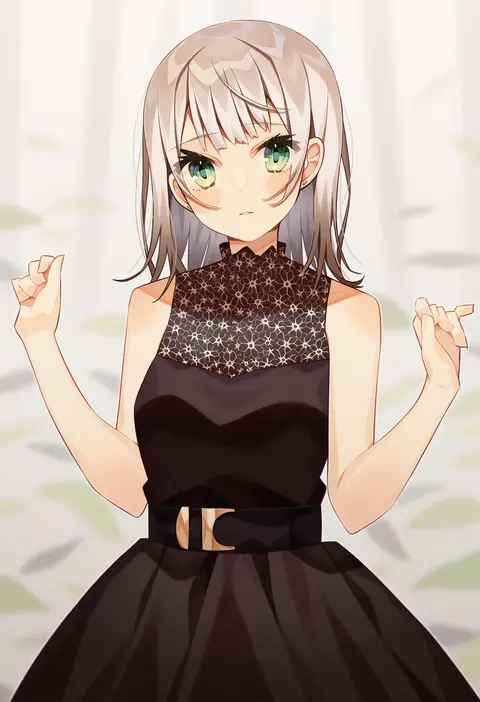
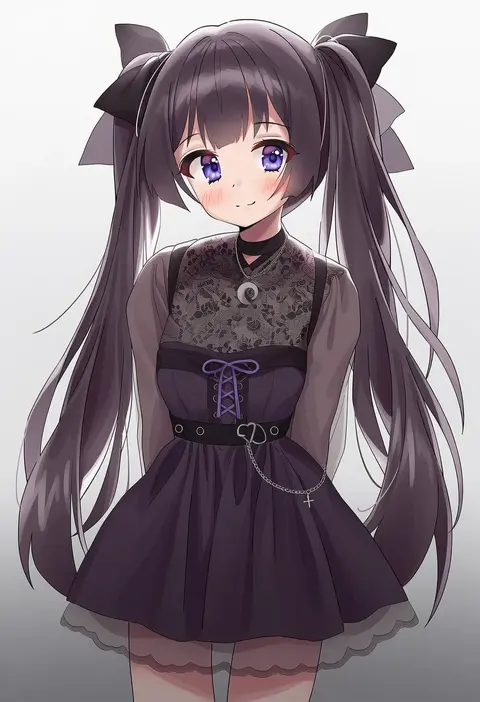
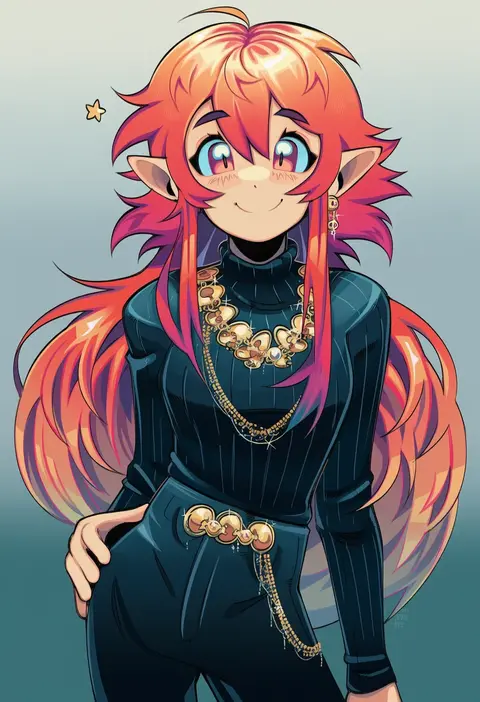
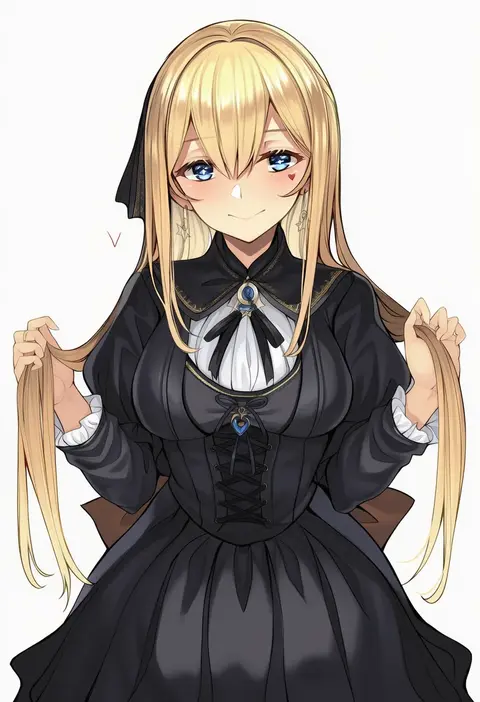
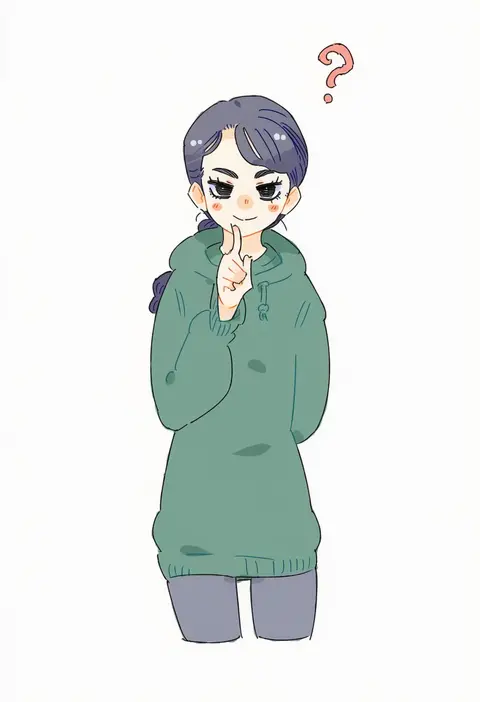
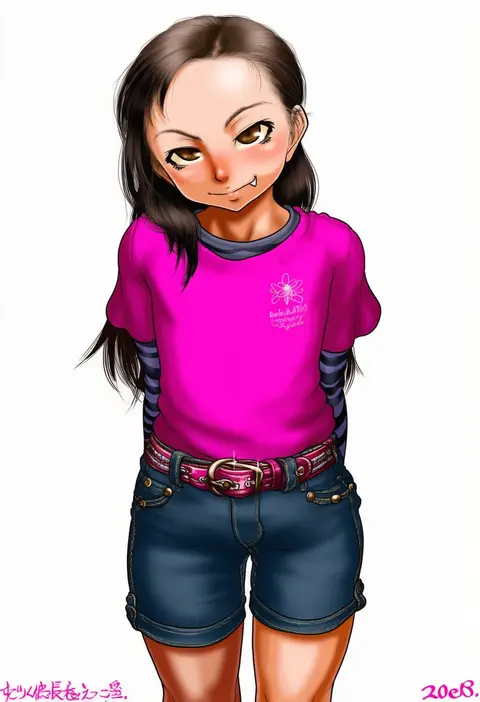
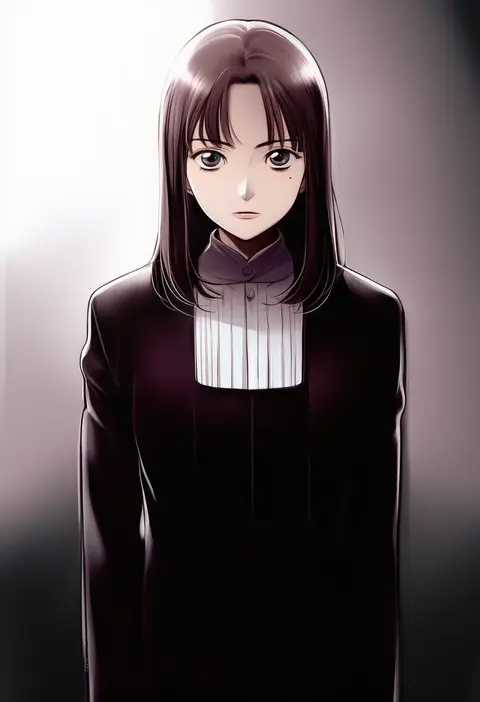
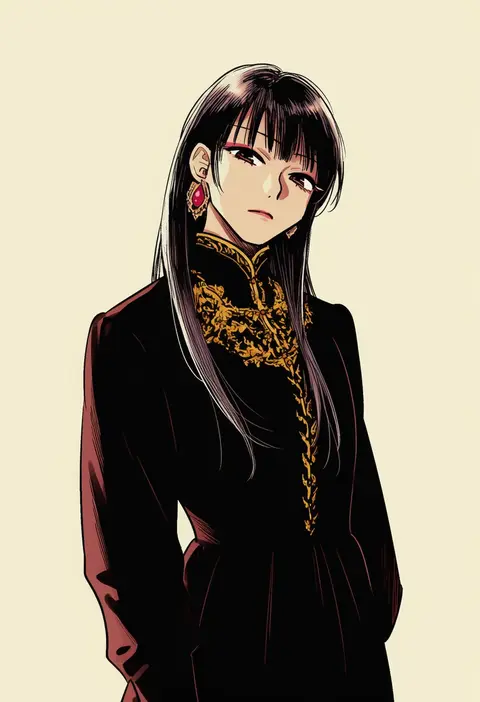
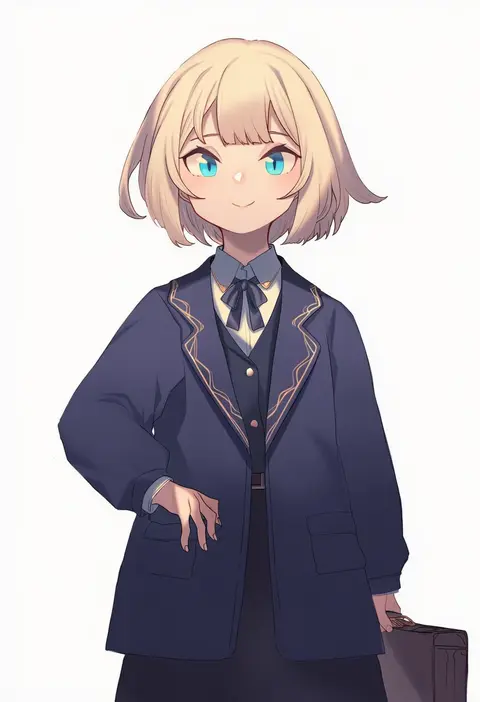
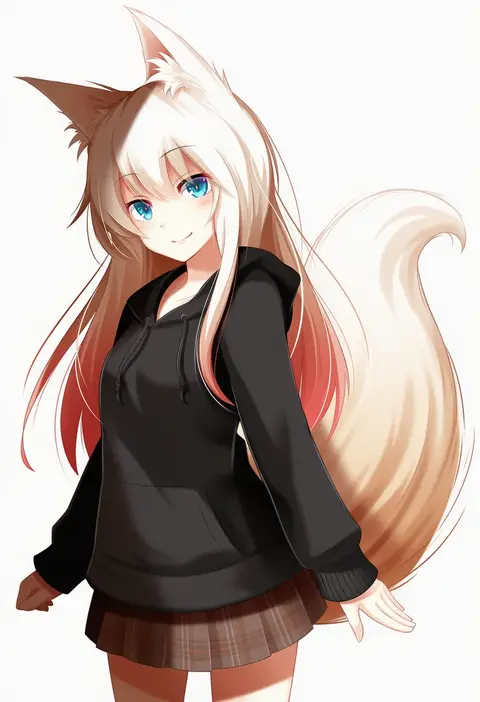
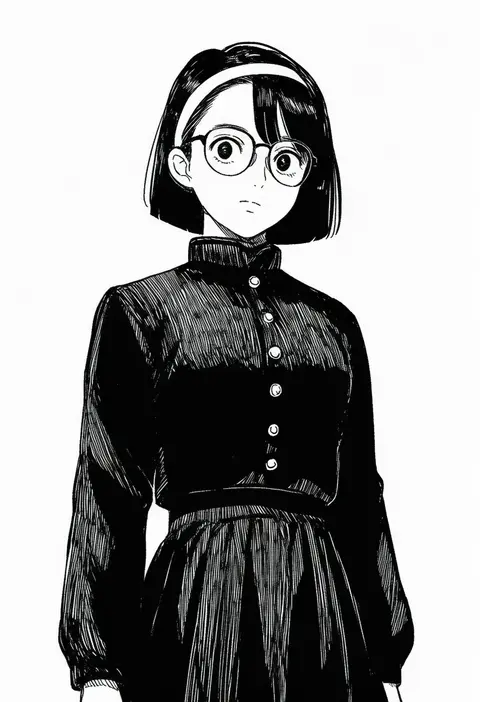
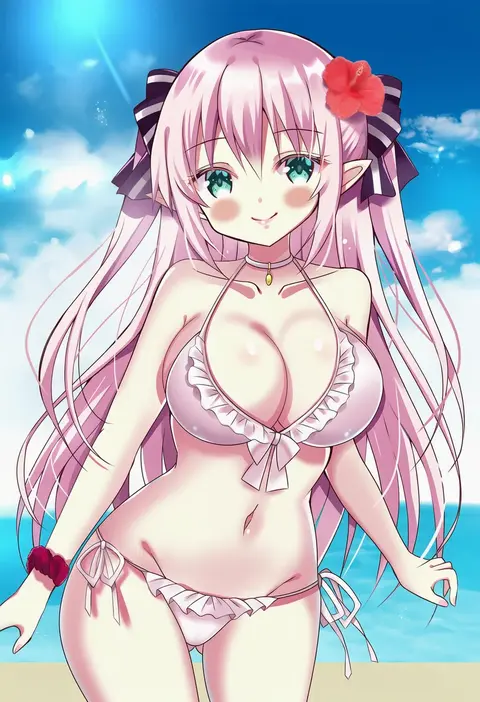
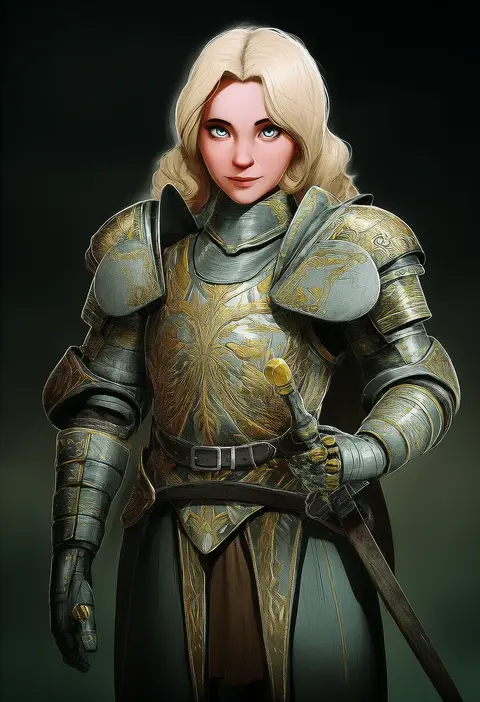
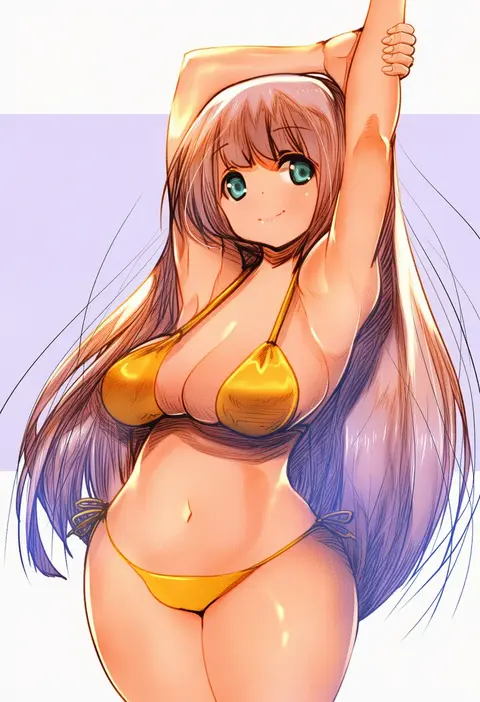
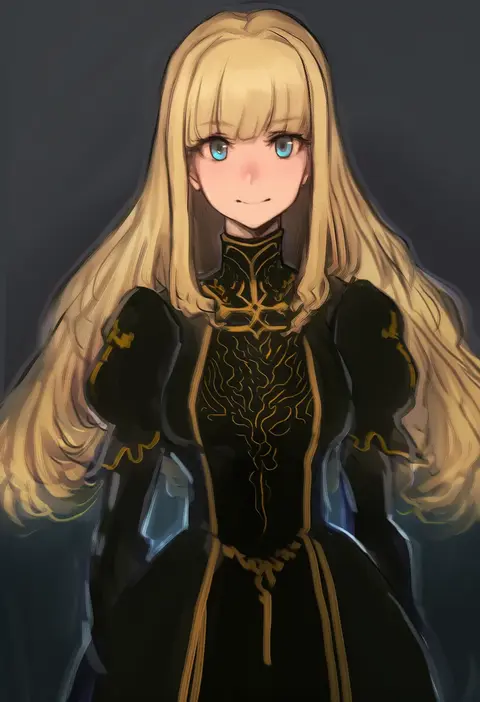
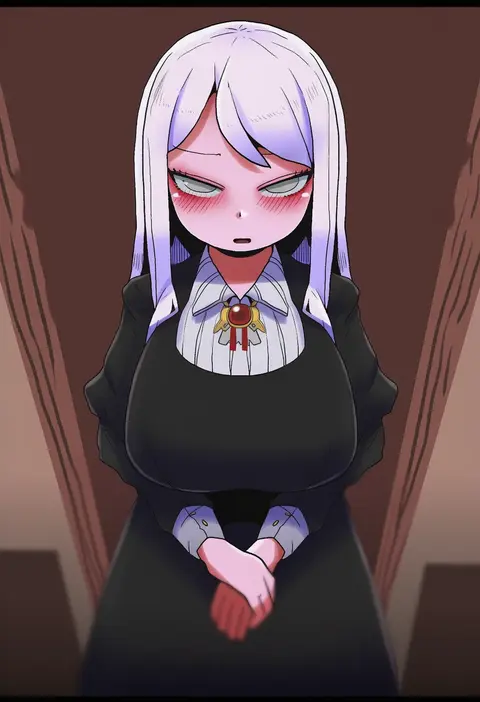
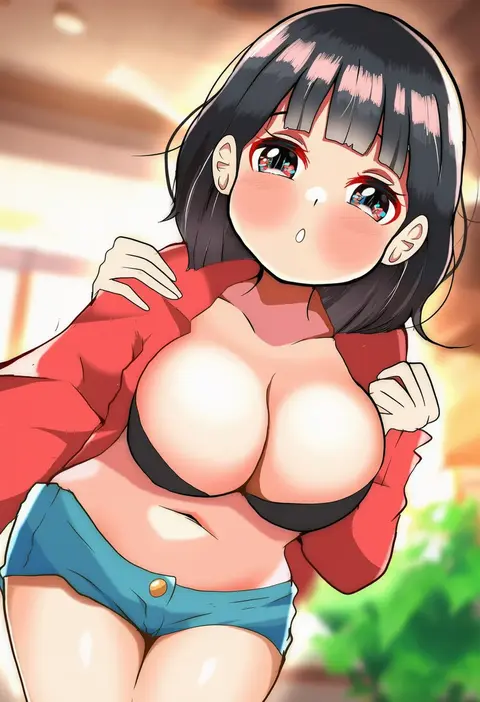
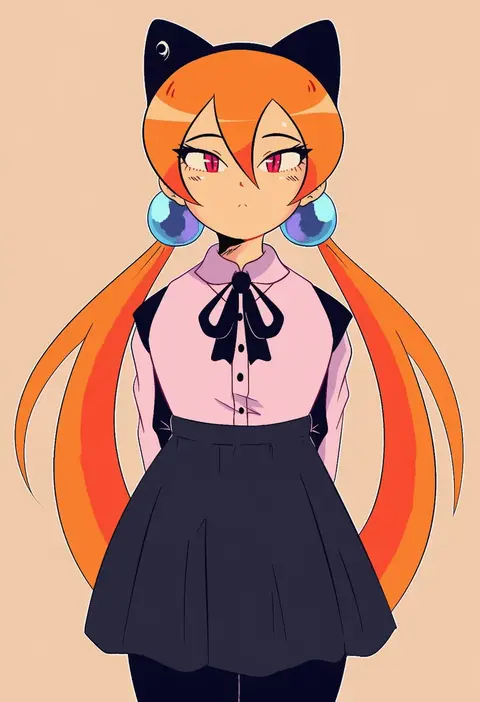
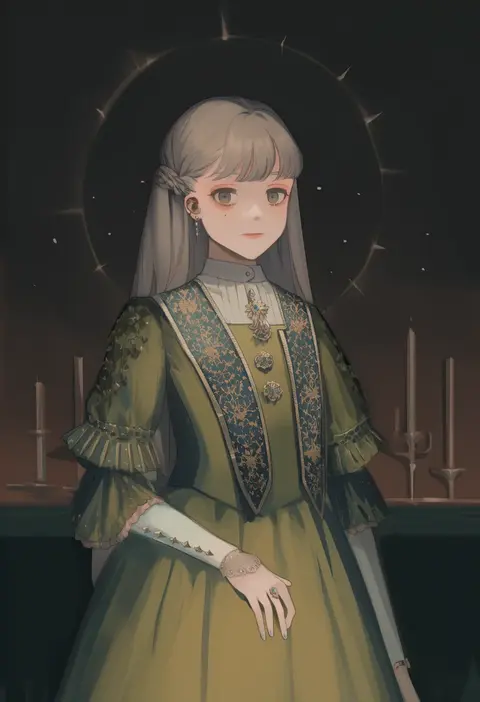
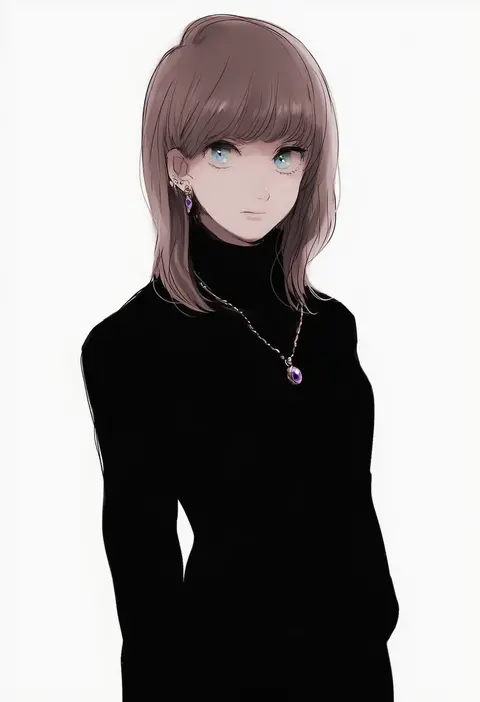
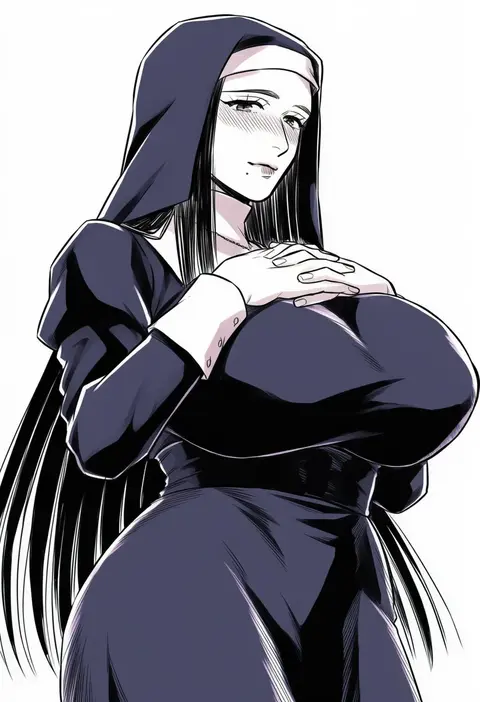
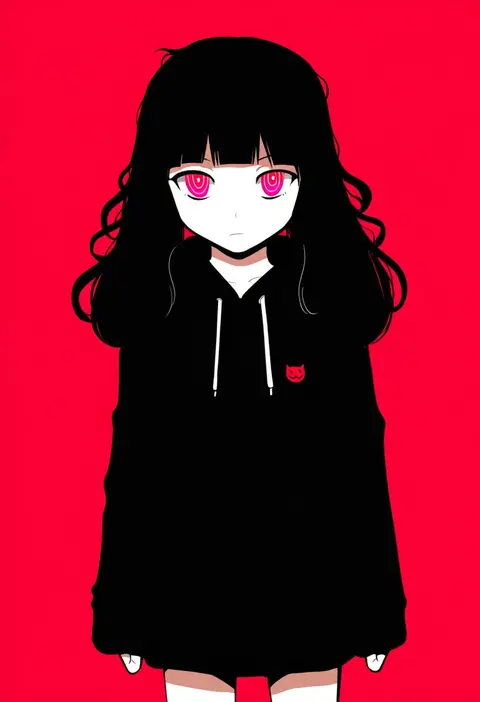
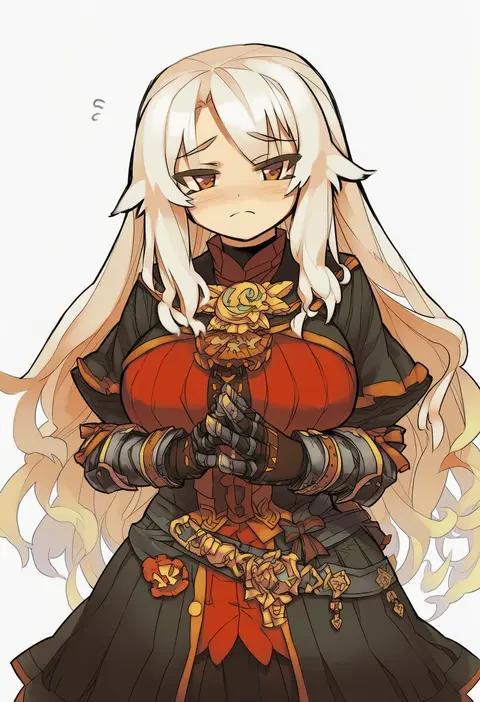
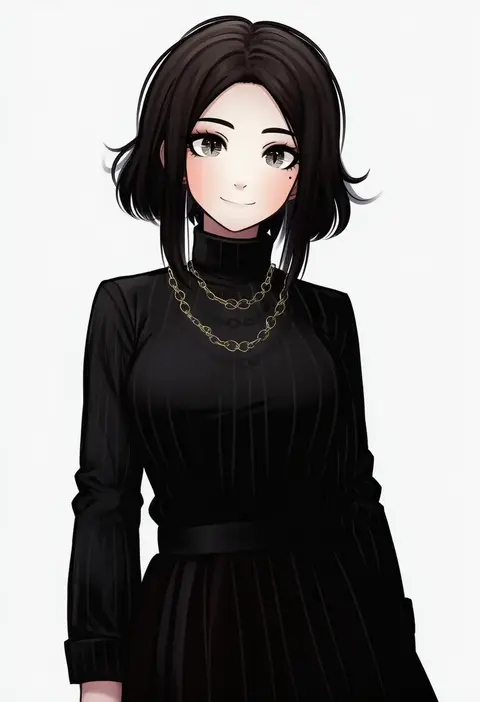
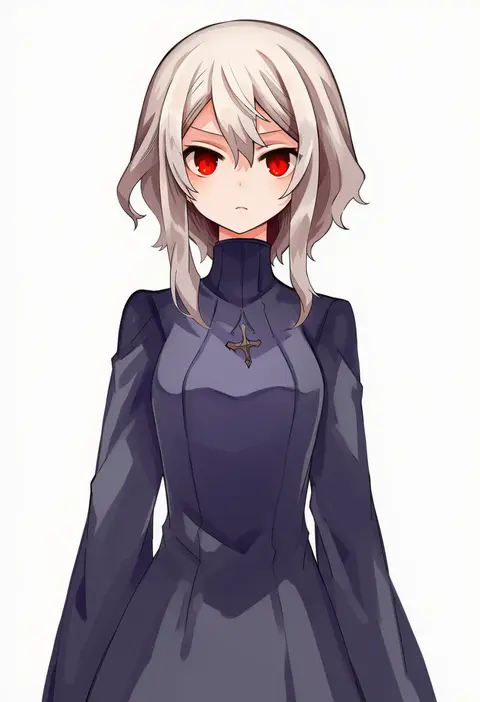
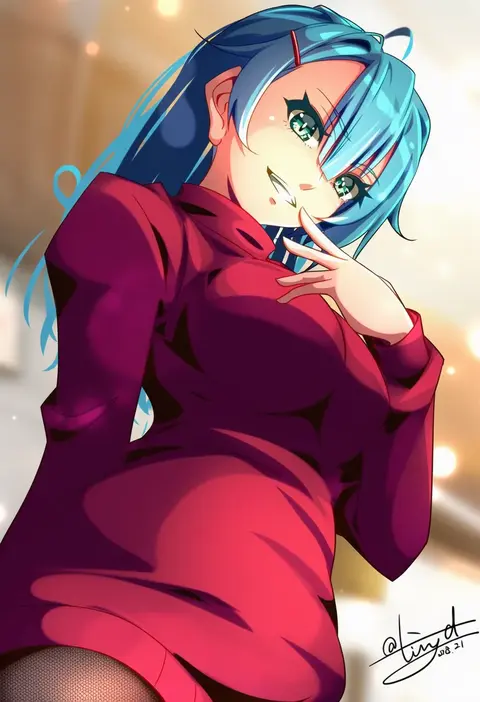
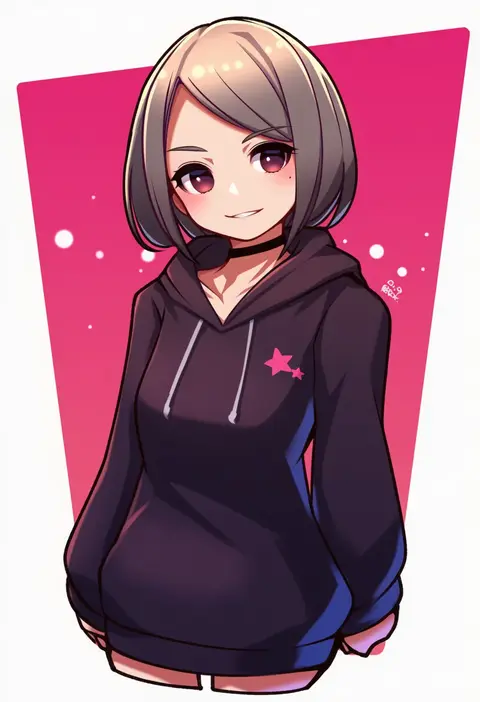
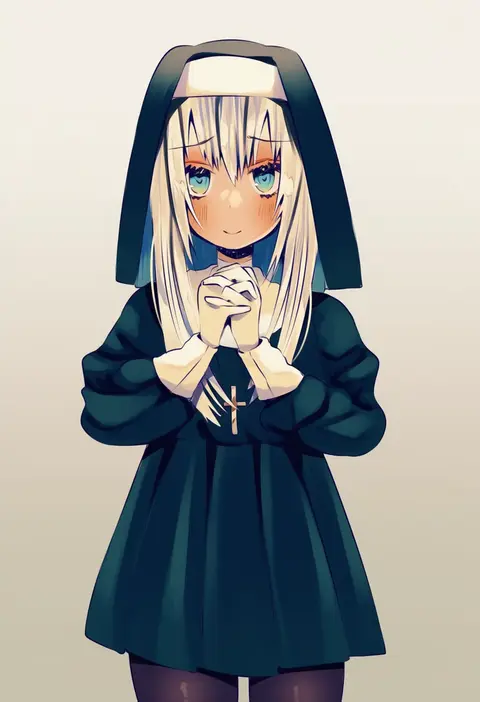
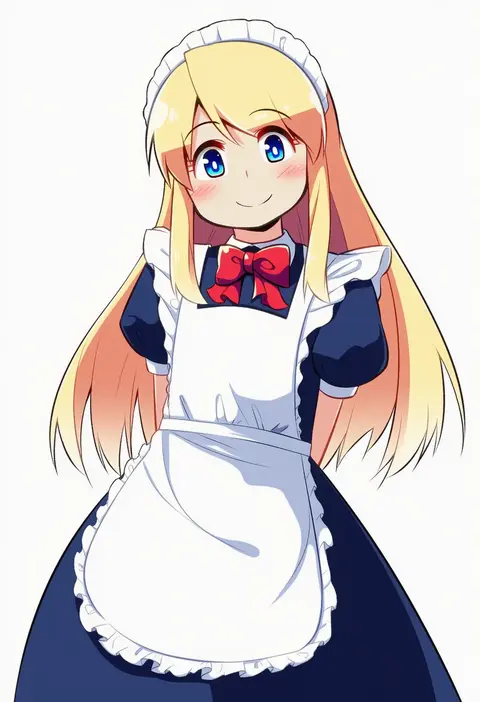
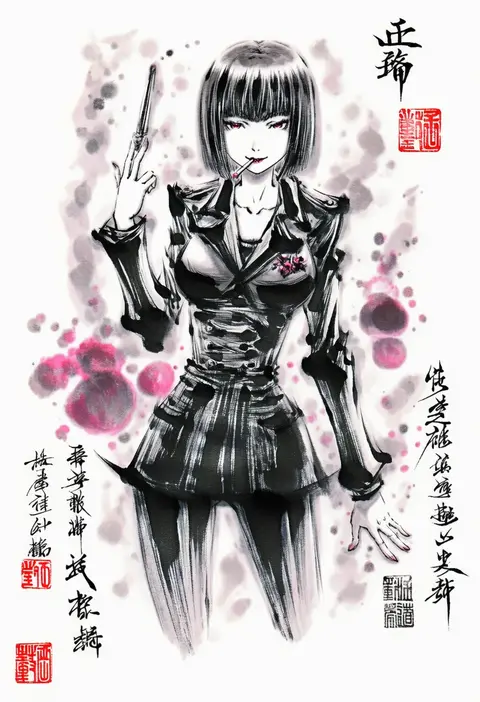
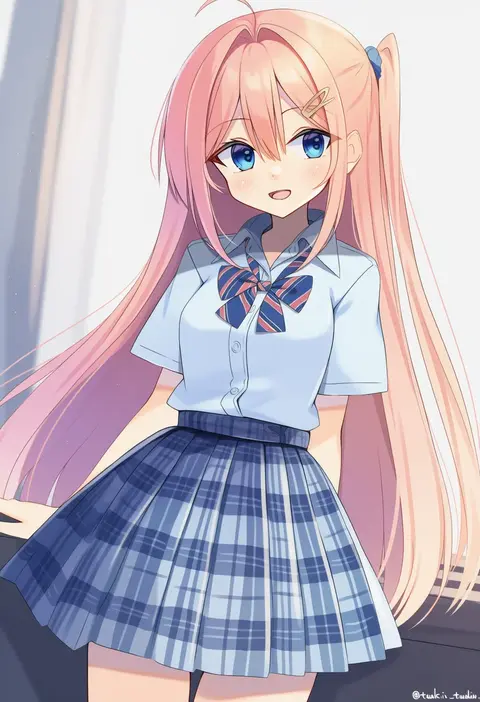
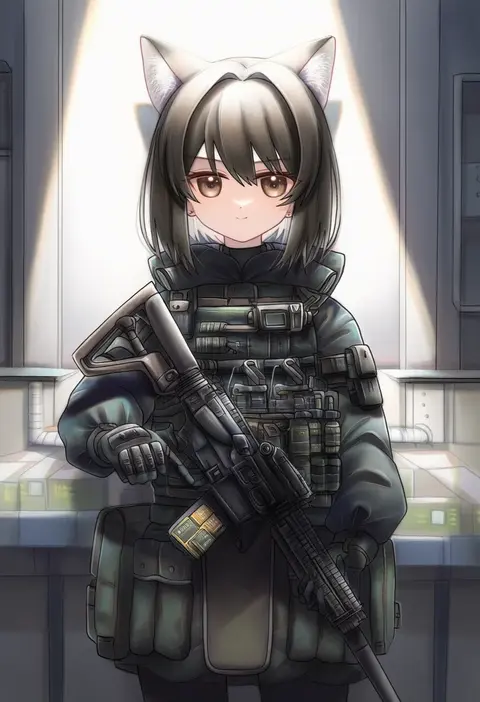
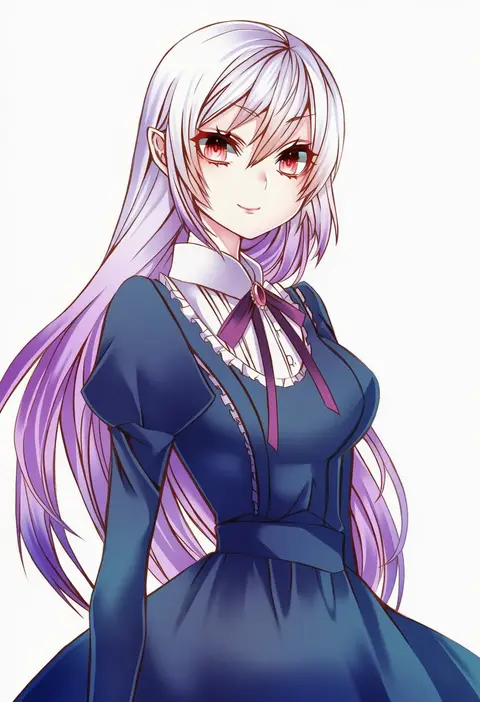
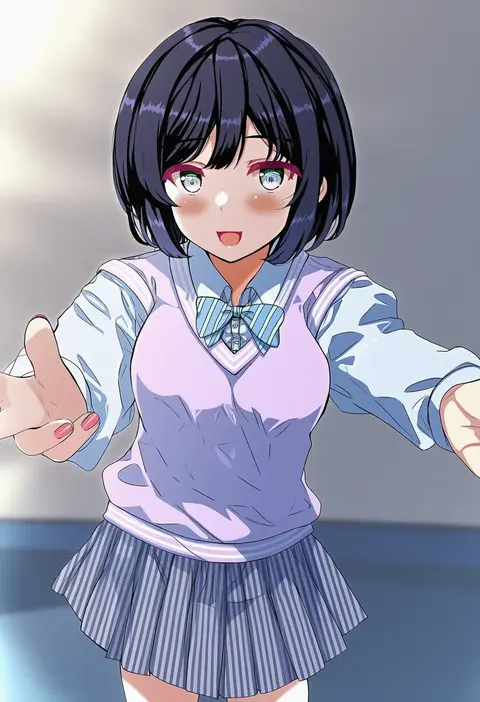
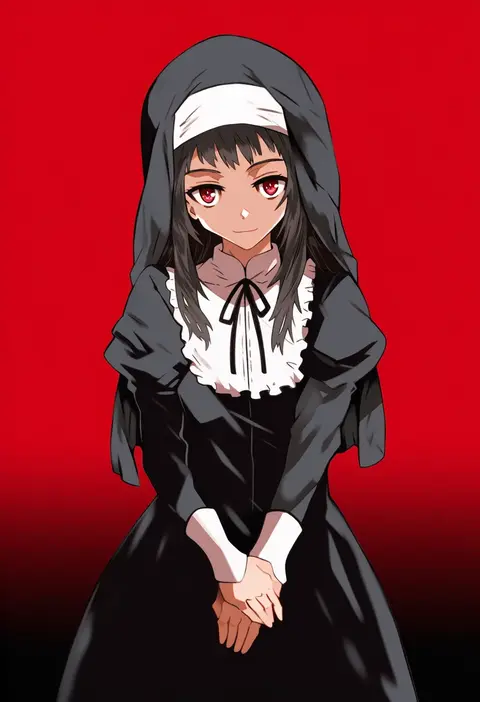
Artist tags tell NovelAI Diffusion to draw in a specific artist's style: line weight, paint texture, face shapes and palette all shift at once. Character and outfit tags decide what is drawn; artist tags decide how. 16,352 tags are listed for V4.5.
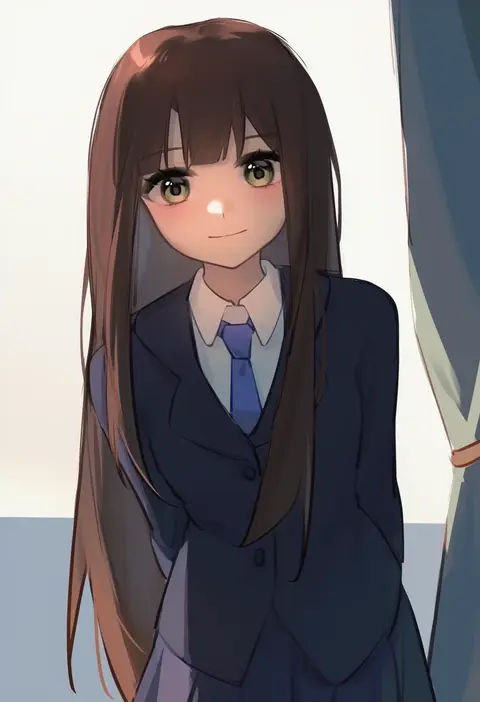
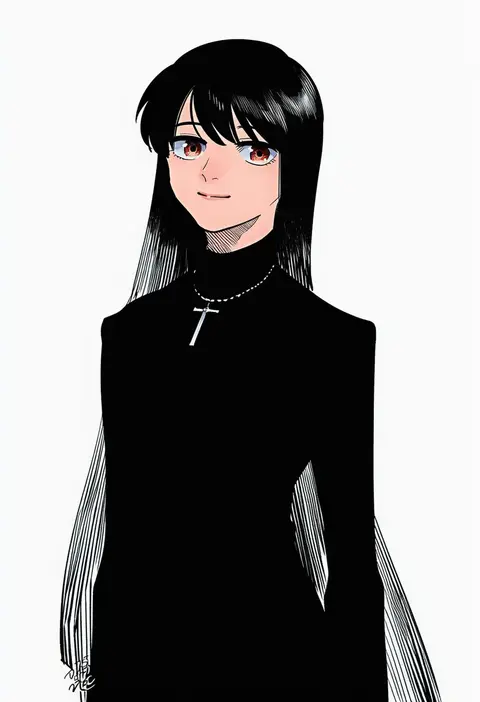
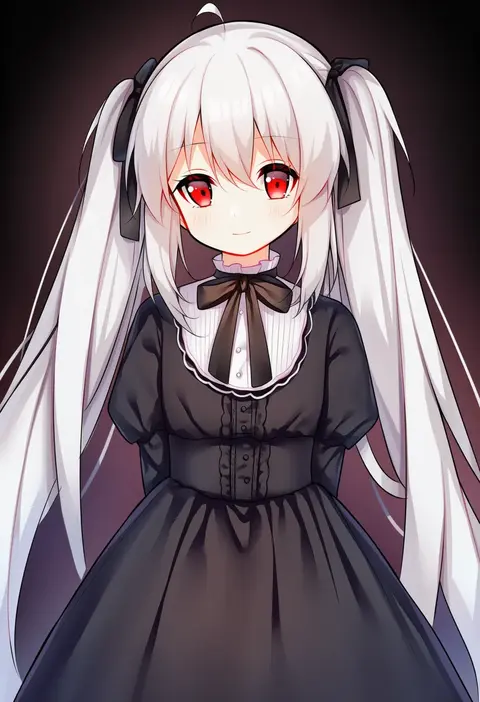
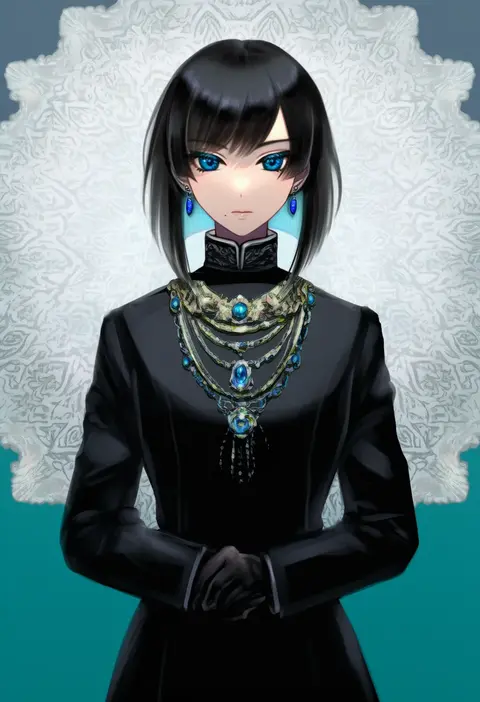
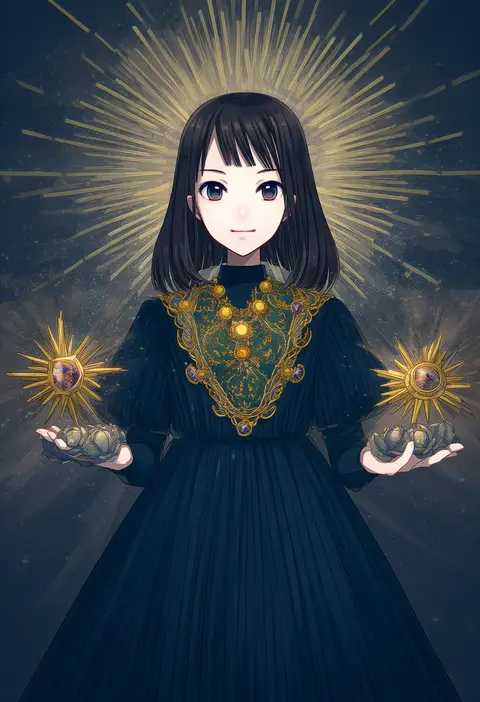
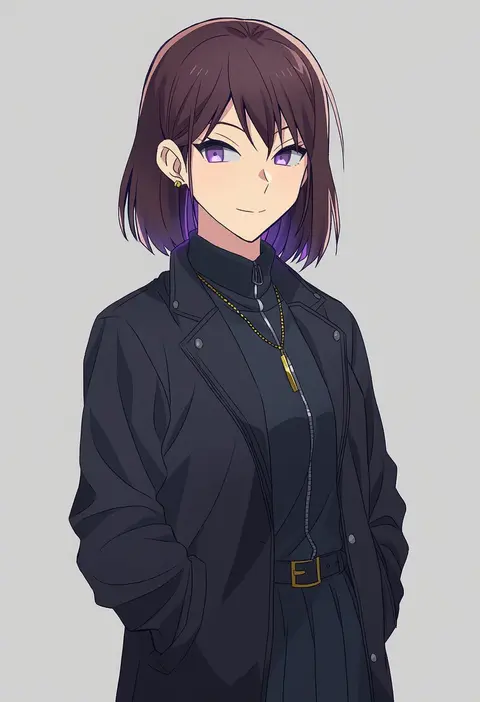
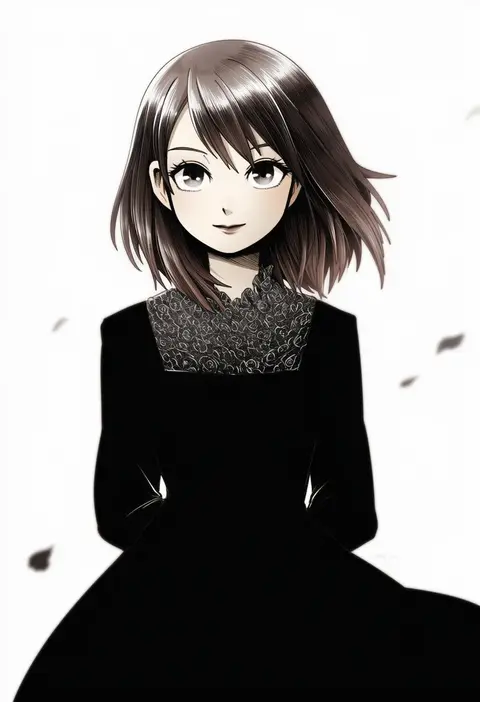
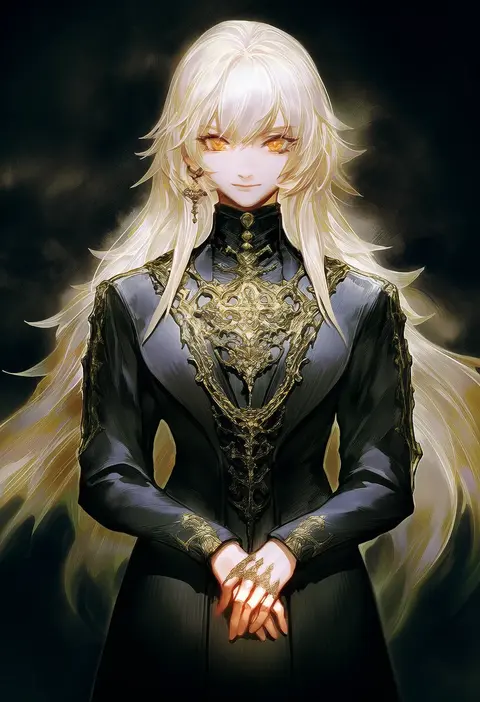
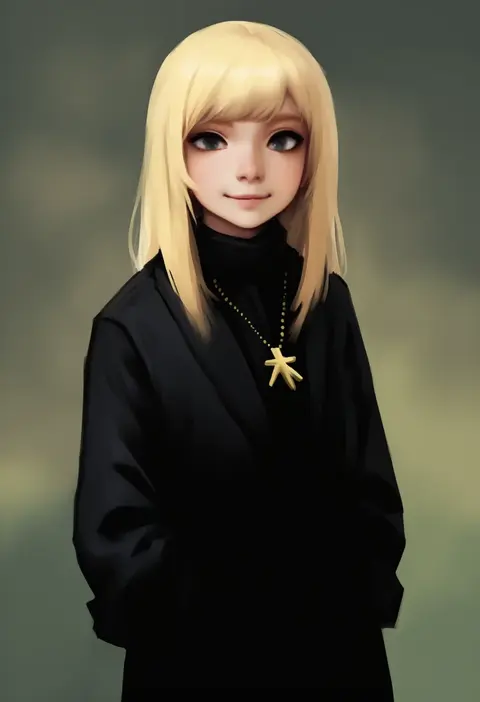
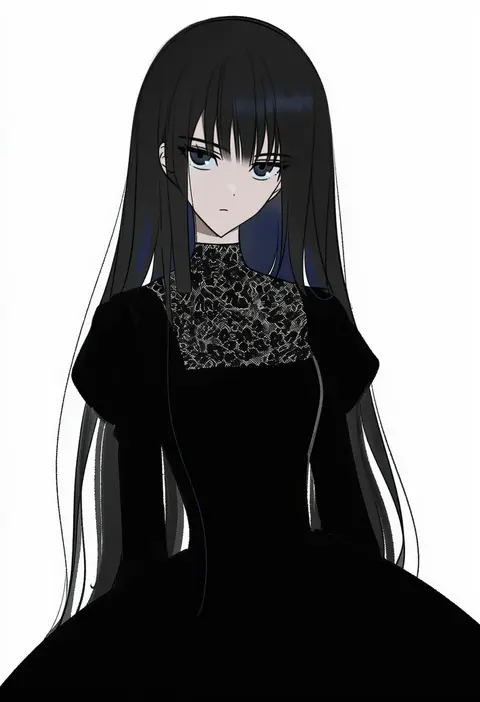
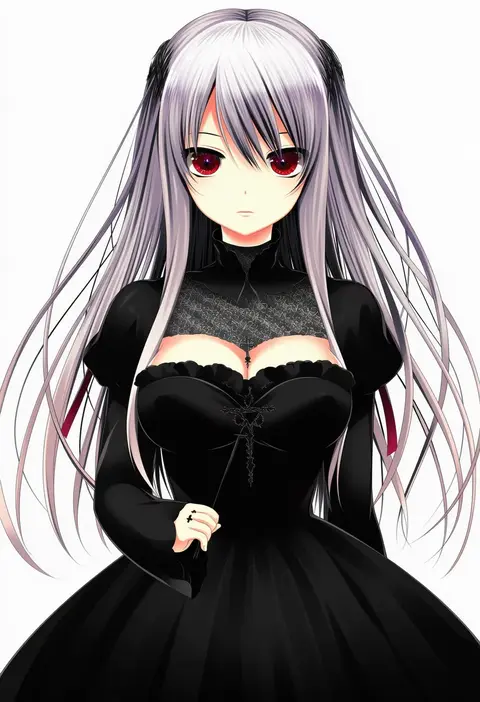
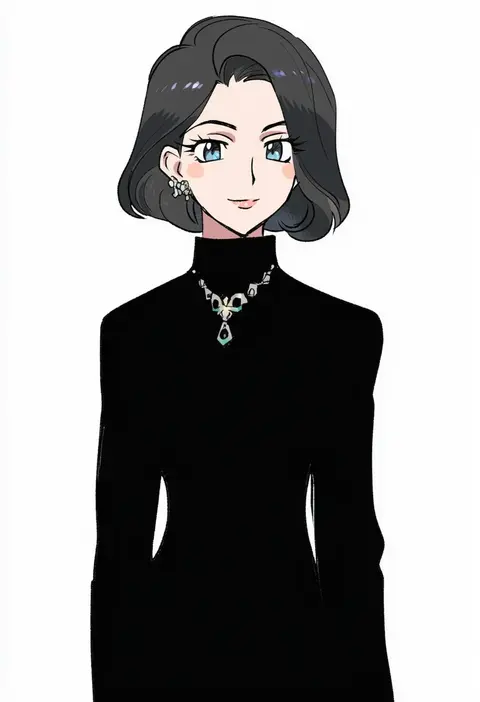
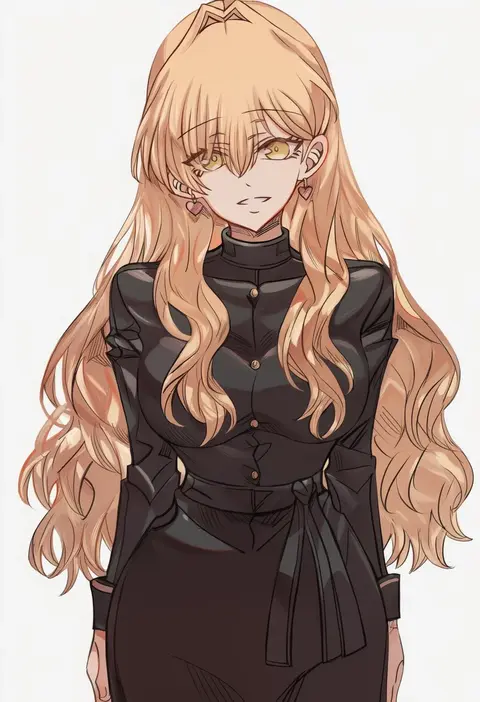
Every tag listed here is verified to react in NovelAI. All images use the same prompt, seed and settings with only the artist tag swapped, so the difference between two images is the style that tag brings in.

How to use them

Put the artist tag near the front of the prompt, e.g. "<artist>, 1girl, solo, best quality, masterpiece, cowboy shot". Two or three artist tags blend styles; lower the weight with "0.8::<artist>::" when the style overpowers the character.

SCORE sorts by Danbooru's top score, POSTS by post count, FAVS by hearts on this site. Open a card to see V5 and V4.5 side by side on the same seed.

V5 vs V4.5

V5 usually lands closer to the artist's real style, and tags that did nothing on V4.5 often react on V5. V4.5 still fits older and doujin-heavy artists better. Try V5 first, fall back to V4.5.

FAQ

Where does the artist tag go?
Near the front of the prompt. Use "0.8::tag::" to adjust its weight.

Can I stack artist tags?
Yes, styles blend. Past two or three the result stops looking like anyone.

Are these the artists' own works?
No. Every image is a NovelAI sample generated from the tag.