V4.5Artists
sort: FAVS▾
▾
>
$

Popular NovelAI artist tags — V4.5

artist --count 16,352[232/273]
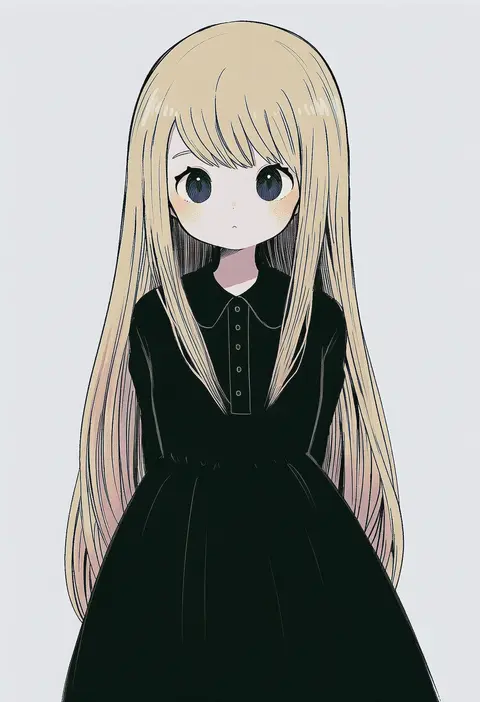
ayu (mog)
ARTIST0x3624
0
sakimori (hououbds)
ARTIST0x3625
0
xingzhi lv
ARTIST0x3626
0
shibafu (glock23)
ARTIST0x3627
0
yuasan
ARTIST0x3628
0
enami hakase
ARTIST0x3629
0
fujishiro emyu
ARTIST0x362A
0
miyoshi yoshimi
ARTIST0x362B
0
tokio (okt0w0)
ARTIST0x362C
0
boyano
ARTIST0x362D
0
coa (chroo x)
ARTIST0x362E
0
nagomi (mokatitk)
ARTIST0x362F
0
iroha (shiki)
ARTIST0x3630
0
yatsuhashi kyouto
ARTIST0x3631
0
uguisu mochi (ykss35)
ARTIST0x3632
0
ana (rznuscrf)
ARTIST0x3633
0
emon-yu
ARTIST0x3634
0
dishing
ARTIST0x3635
0
yamamoto kazue
ARTIST0x3636
0
kitayuki kajika
ARTIST0x3637
0
sunameri oishii
ARTIST0x3638
0
gemi
ARTIST0x3639
0
tesshii (riza4828)
ARTIST0x363A
0
nobori ranzu
ARTIST0x363B
0
lor (roasyerizyonirapi)
ARTIST0x363C
0
kiryuu makoto
ARTIST0x363D
0
shirasu youichi
ARTIST0x363E
0
kuzumomo
ARTIST0x363F
0
auko
ARTIST0x3640
0
minazuki haruka
ARTIST0x3641
0
sakuramarusan
ARTIST0x3642
0
bob (you-u-kai)
ARTIST0x3643
0
osamada meika
ARTIST0x3644
0
kuroneko douji
ARTIST0x3645
0
studiolg
ARTIST0x3646
0
andanden
ARTIST0x3647
0
ichimedoo
ARTIST0x3648
0
empew
ARTIST0x3649
0
hoshihuri
ARTIST0x364A
0
hakou (barasensou)
ARTIST0x364B
0
naka akira
ARTIST0x364C
0
suzuno naru
ARTIST0x364D
0
tami (joemanyodw)
ARTIST0x364E
0
azuma minatsu
ARTIST0x364F
0
gin fragrans
ARTIST0x3650
0
inzup
ARTIST0x3651
0
tonta (tonta1231)
ARTIST0x3652
0
egawa akira
ARTIST0x3653
0
kakuteru sudachi
ARTIST0x3654
0
kouga (mutsumi)
ARTIST0x3655
0
moroyan
ARTIST0x3656
0
chikuwa (odennabe)
ARTIST0x3657
0
kobanzame
ARTIST0x3658
0
gurifu
ARTIST0x3659
0
maruneko
ARTIST0x365A
0
shii (kairi-t-k0317)
ARTIST0x365B
0
lium
ARTIST0x365C
0
sasakama (sasagaki01)
ARTIST0x365D
0
ochazuke
ARTIST0x365E
0
uno usaya
ARTIST0x365F
0

What these tags change

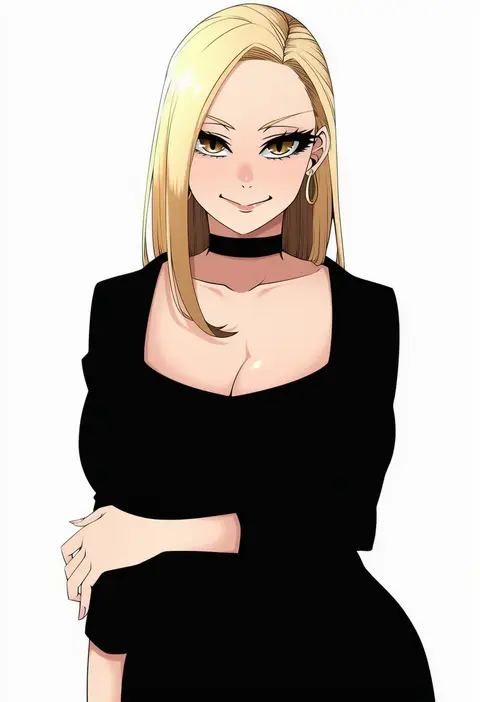
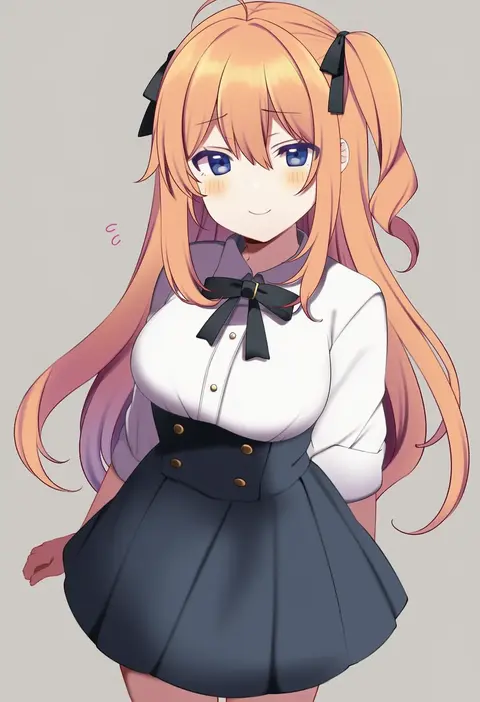
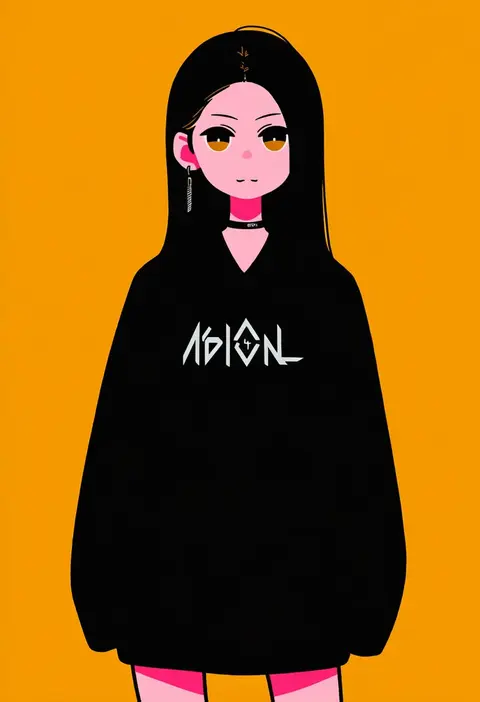
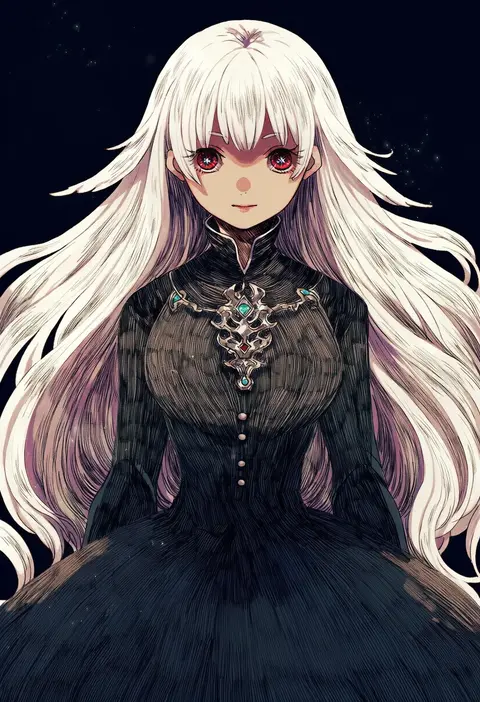
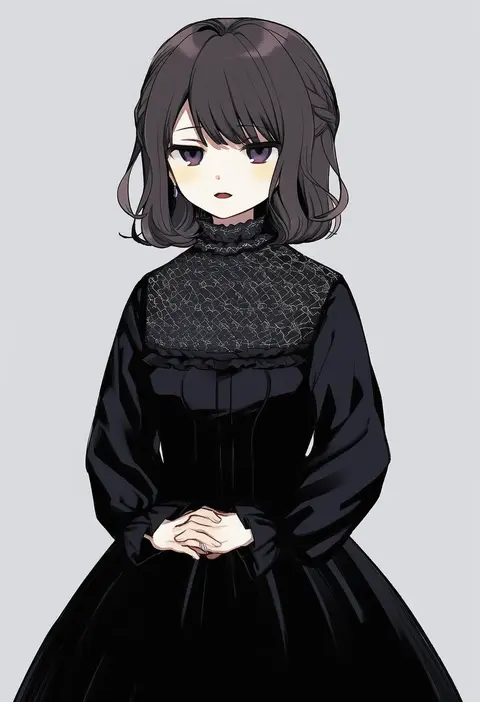
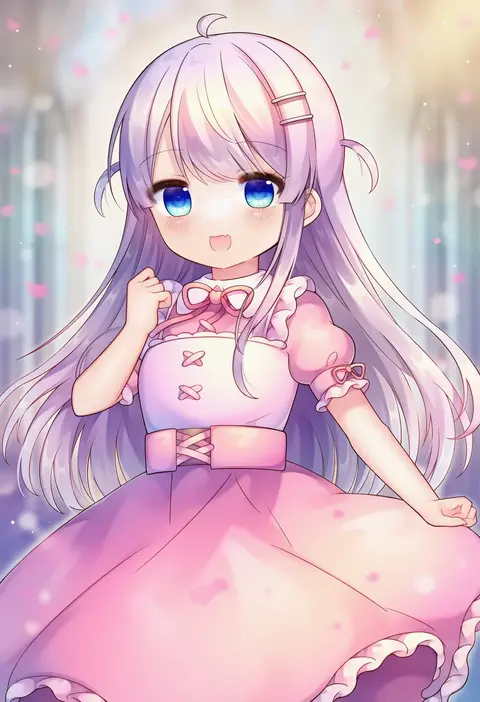
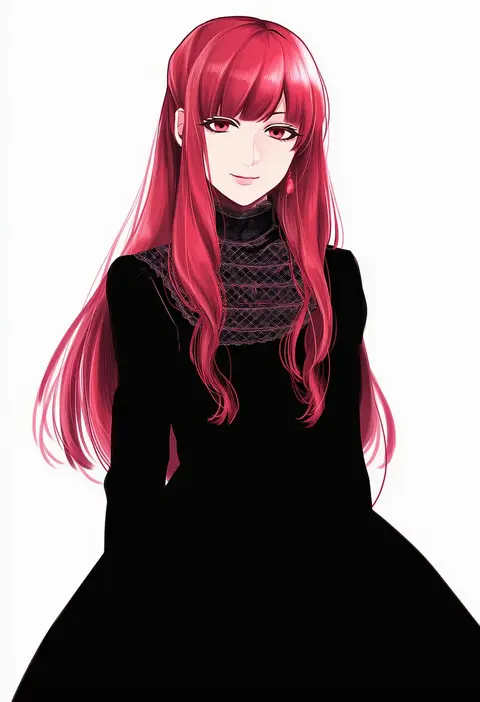
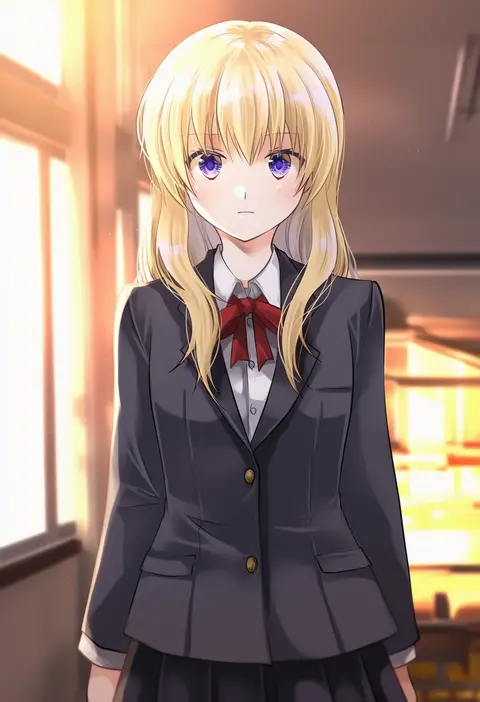
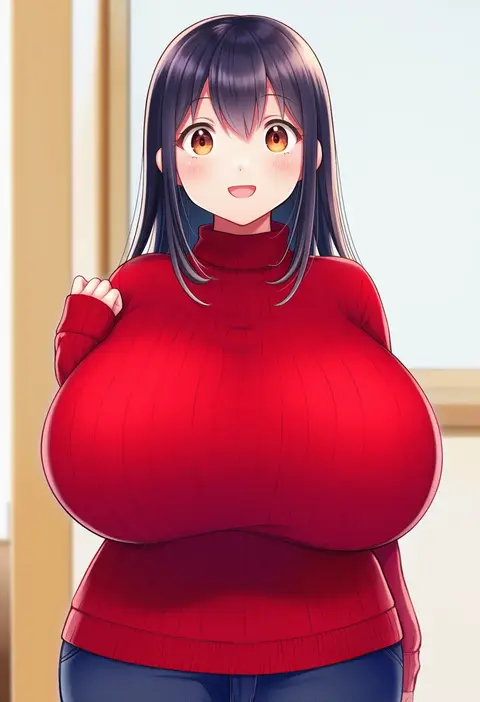
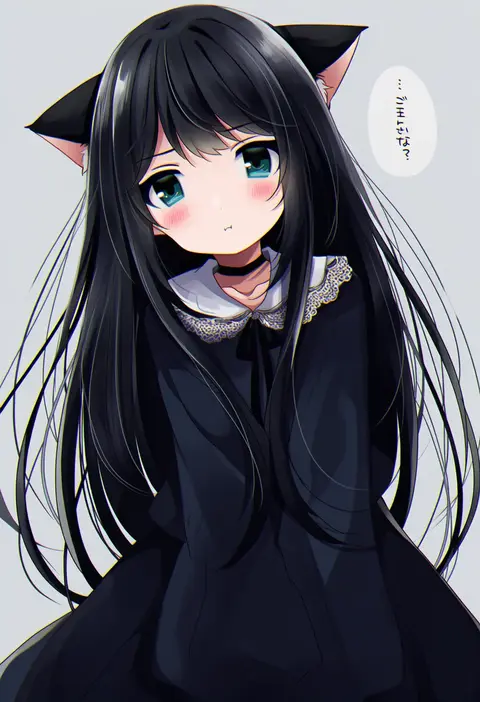
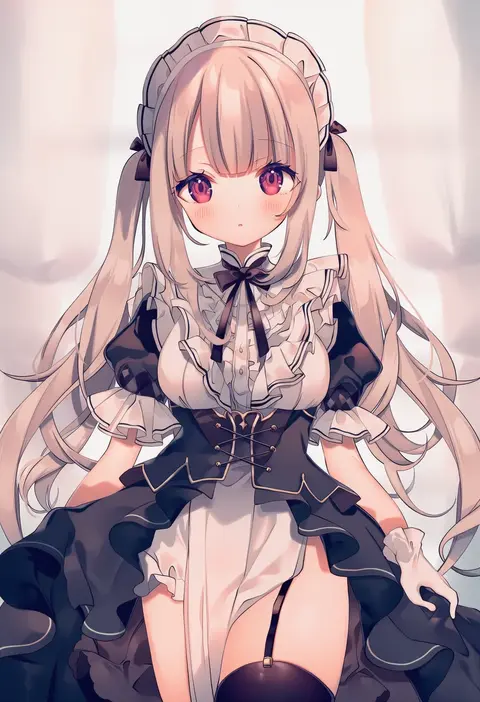
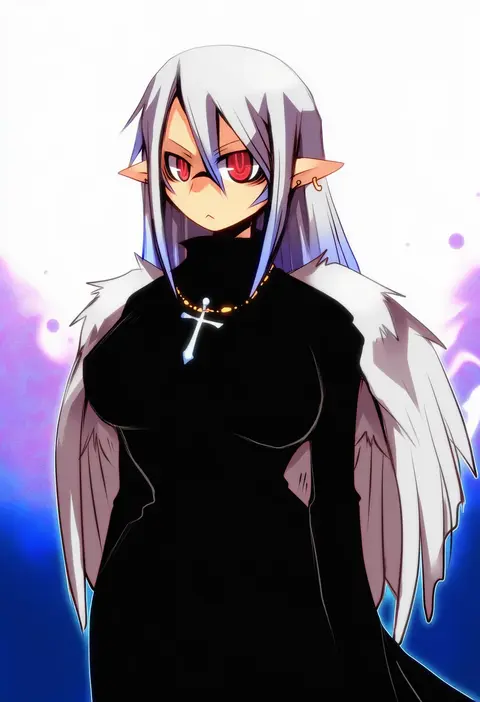
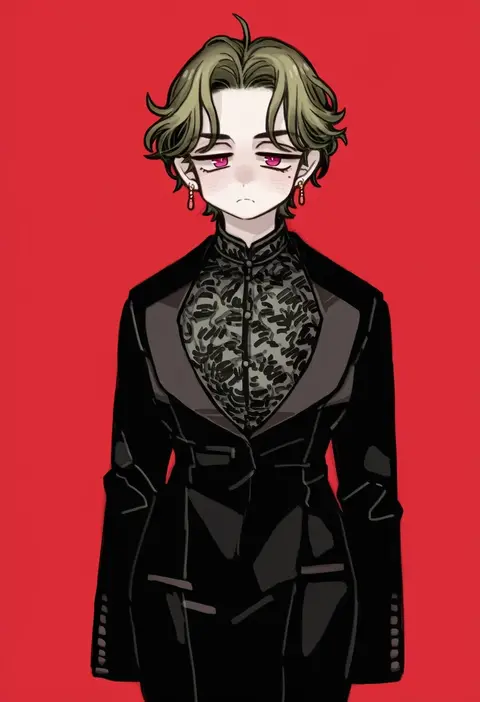
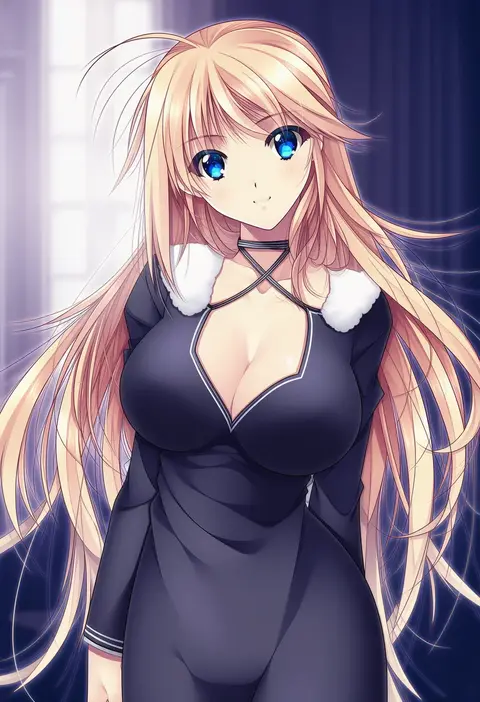
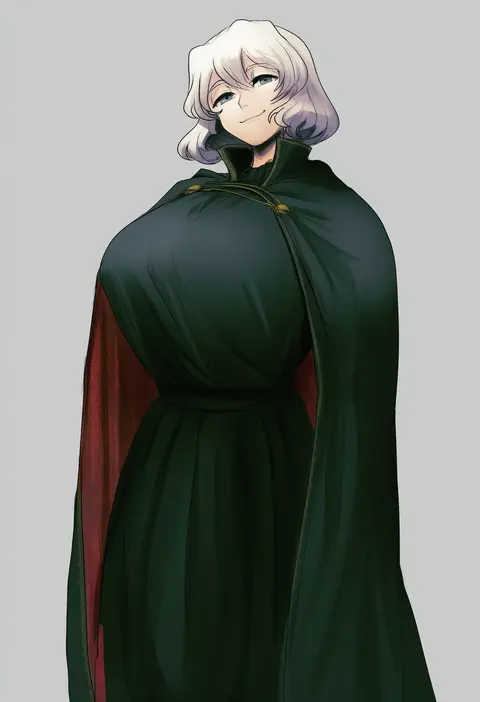
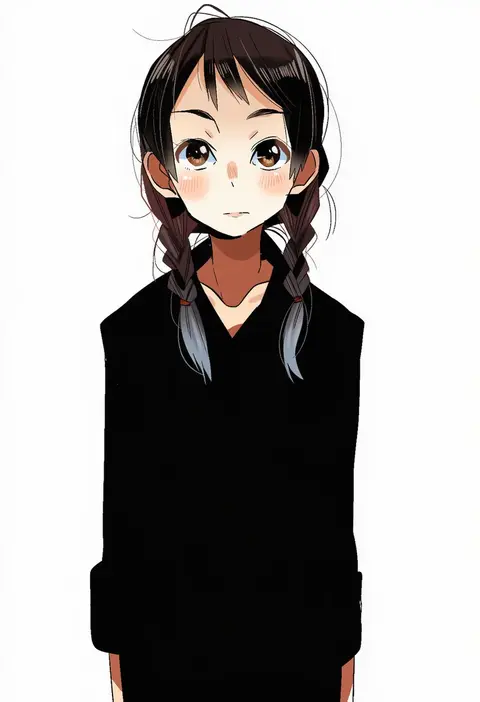
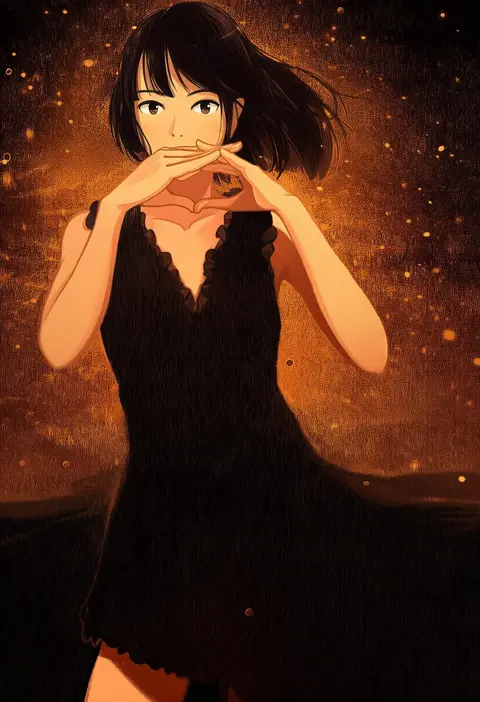
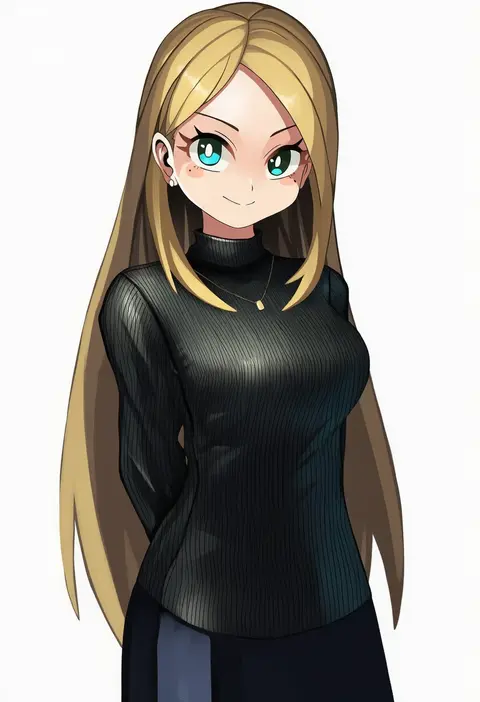
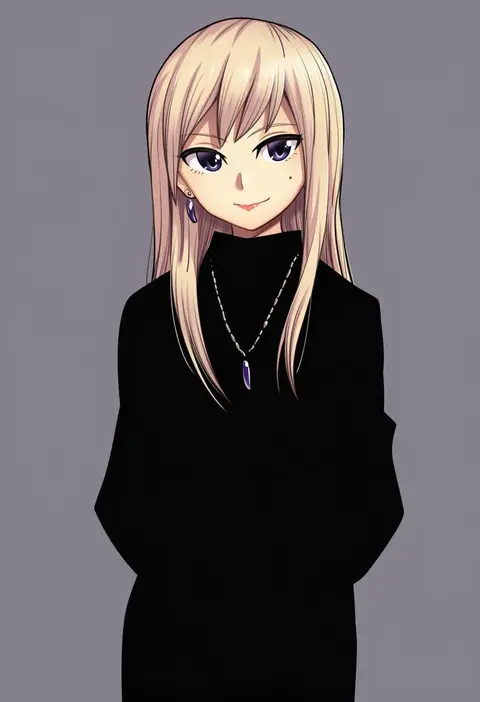
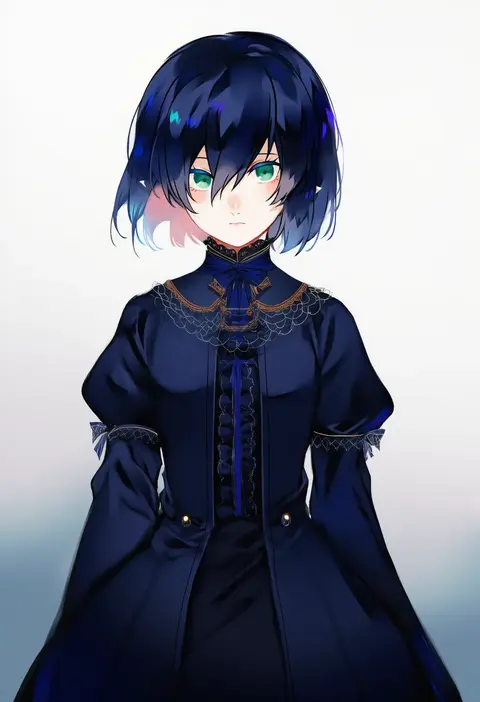
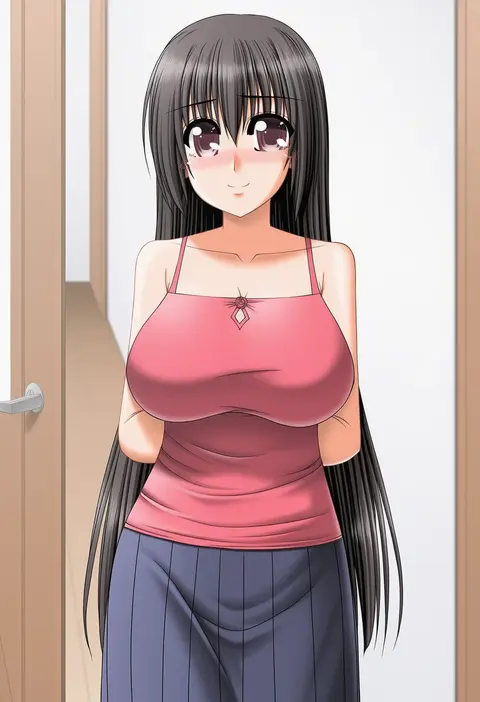
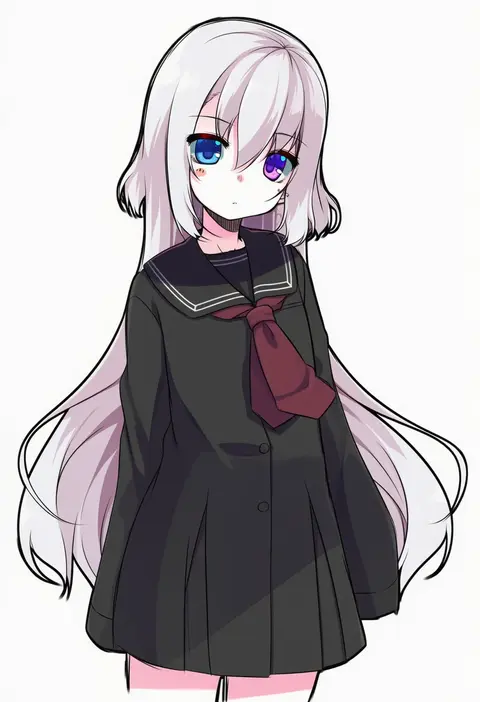
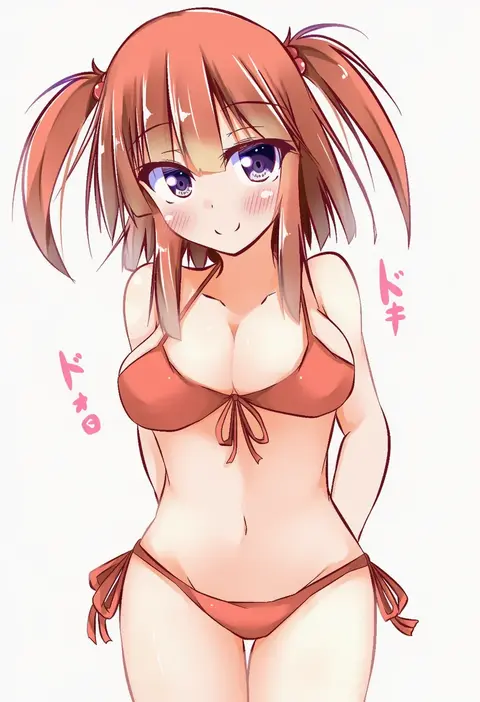
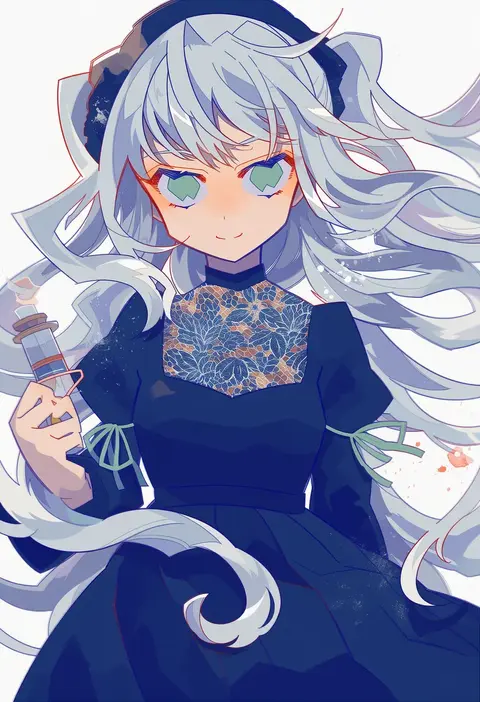
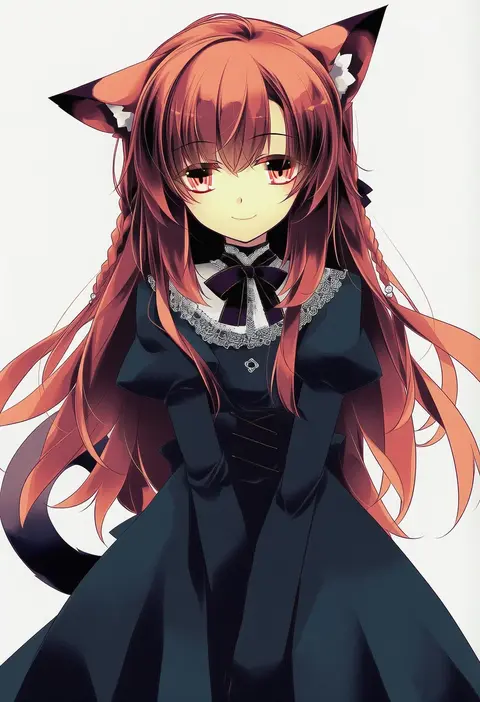
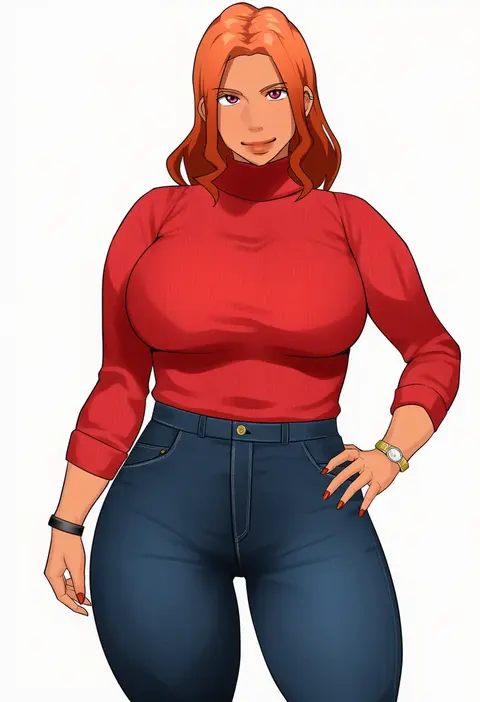
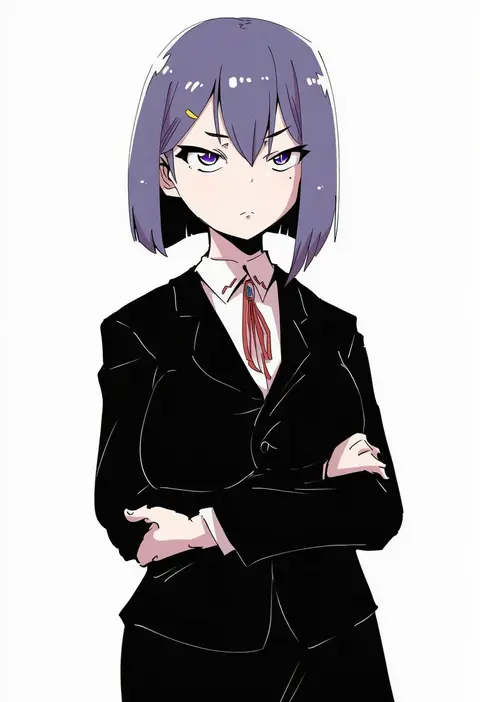
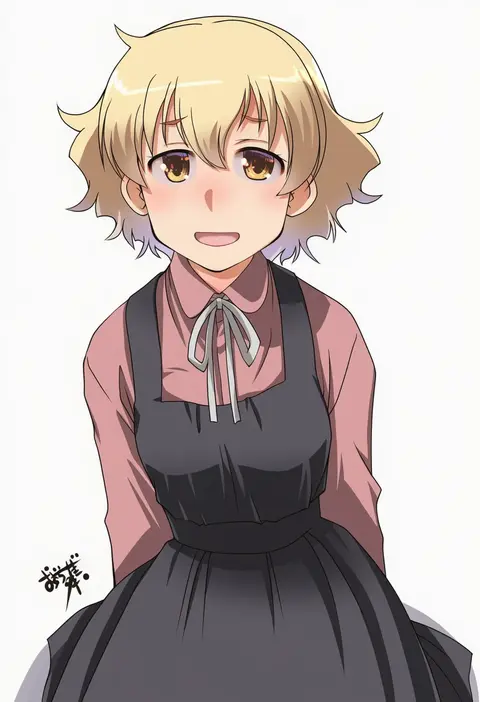
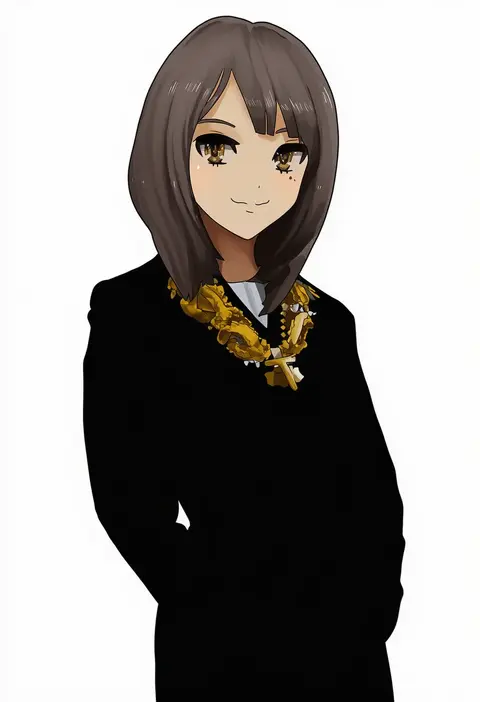
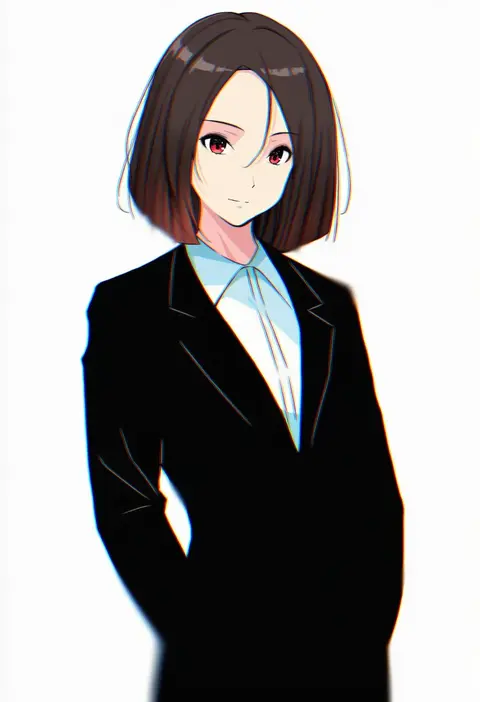
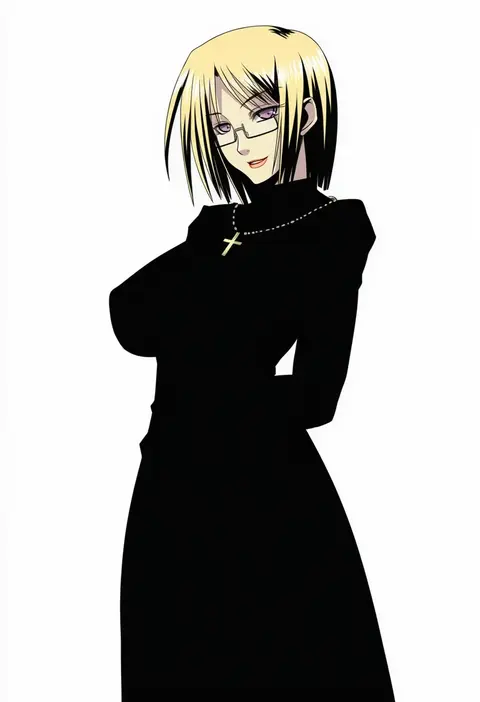
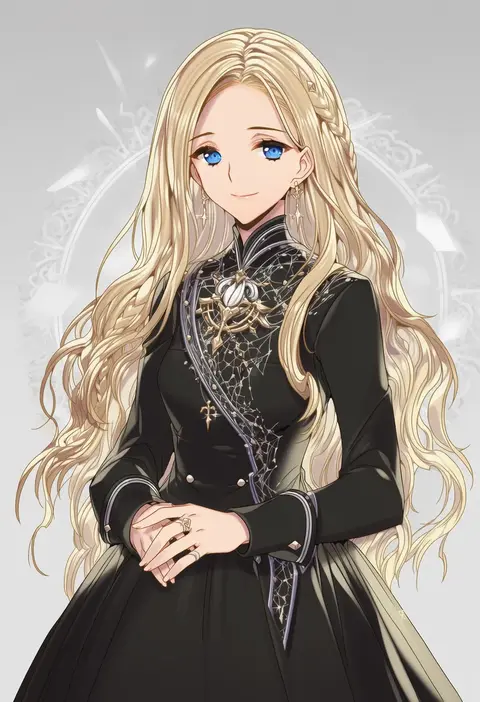
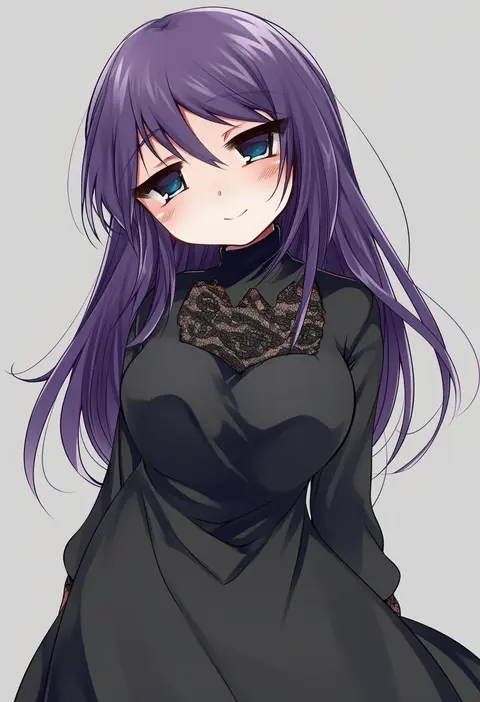
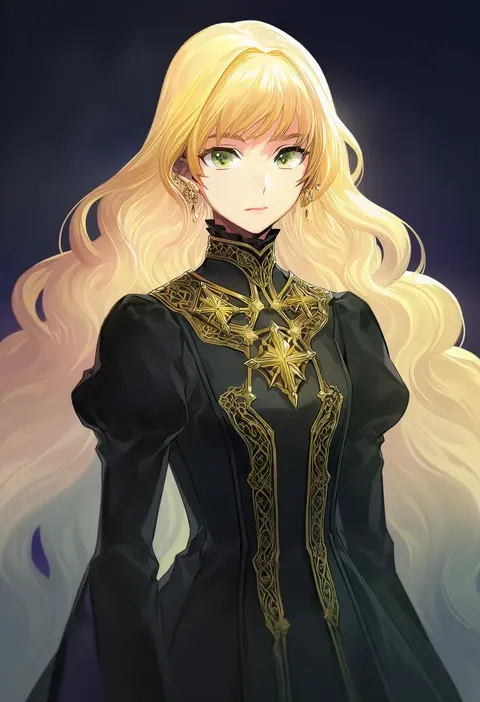
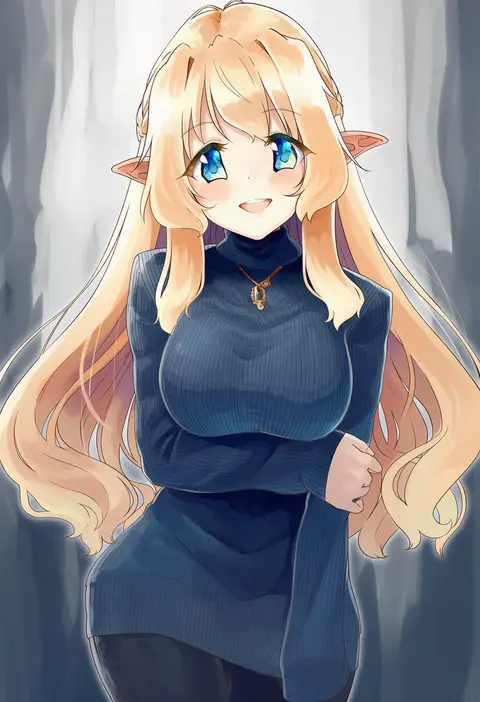
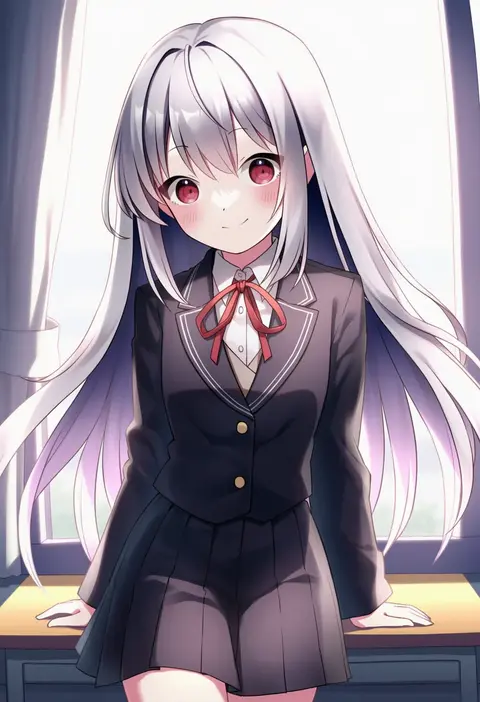
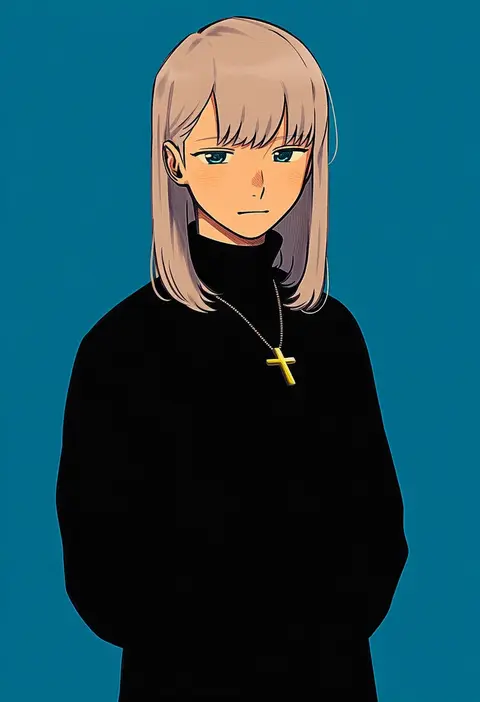
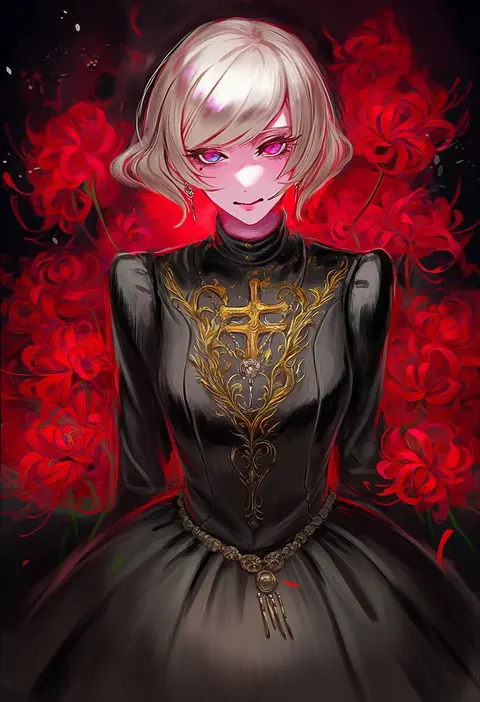
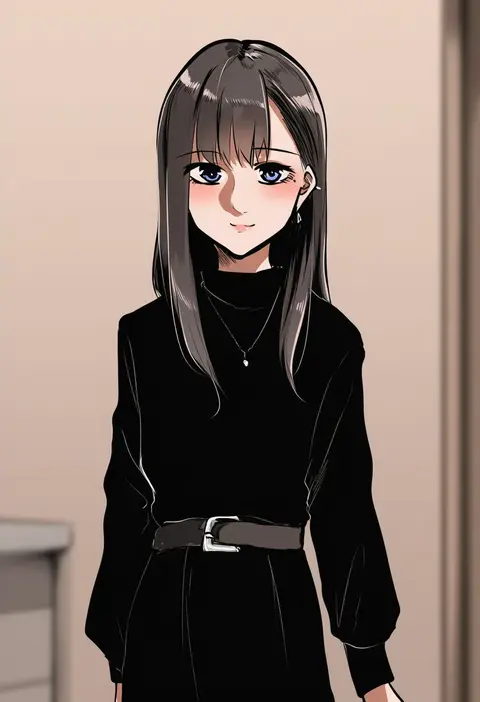
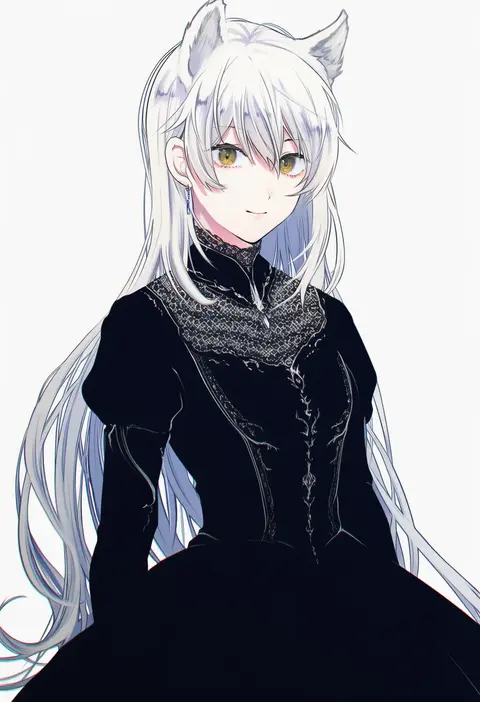
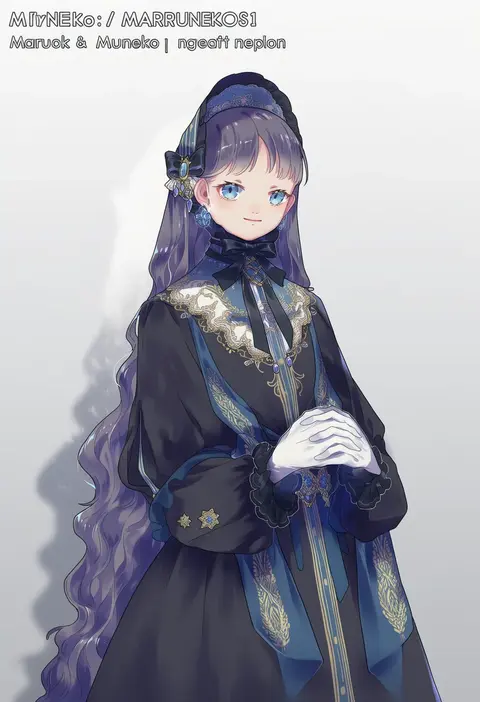
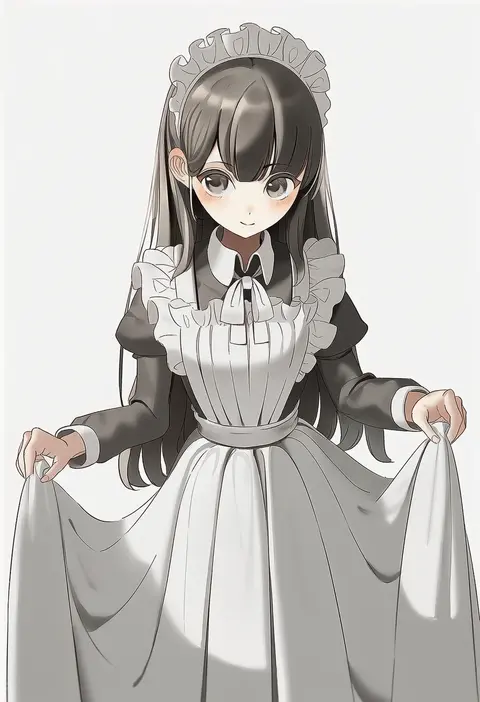
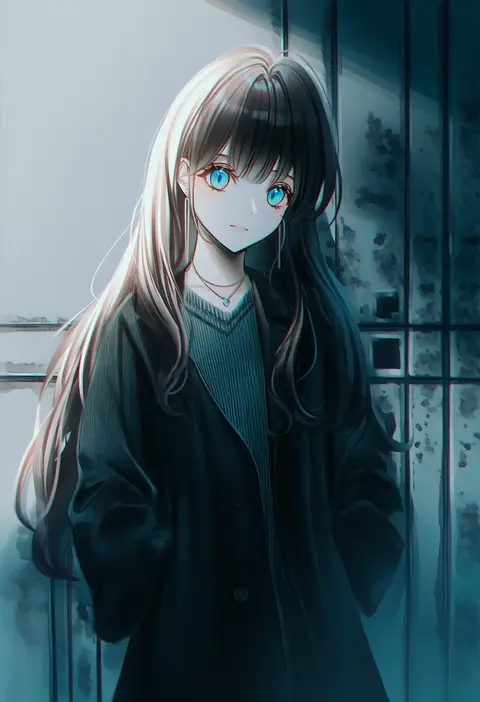
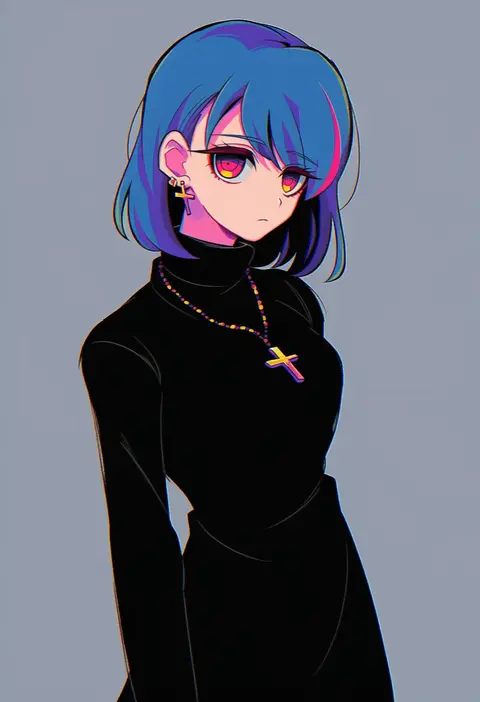
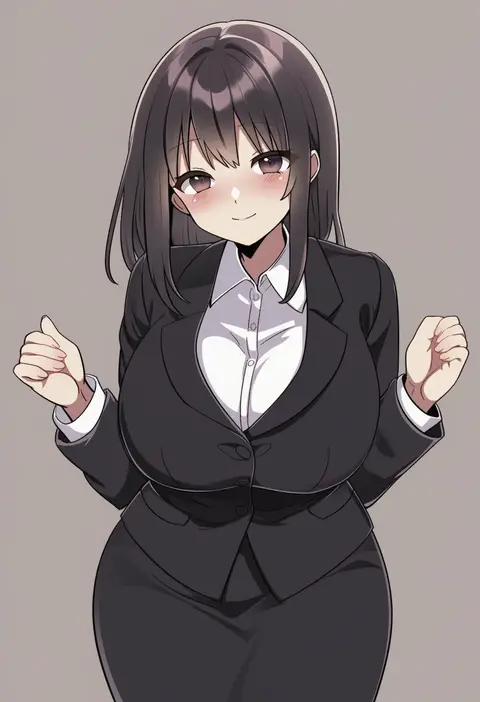
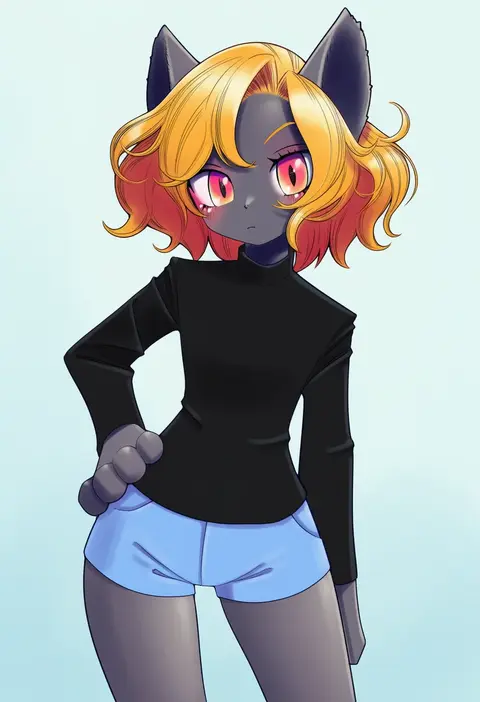
Artist tags tell NovelAI Diffusion to draw in a specific artist's style: line weight, paint texture, face shapes and palette all shift at once. Character and outfit tags decide what is drawn; artist tags decide how. 16,352 tags are listed for V4.5.
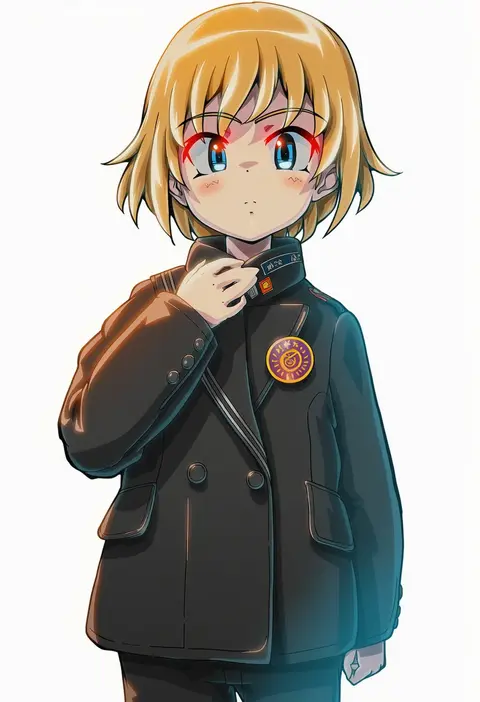
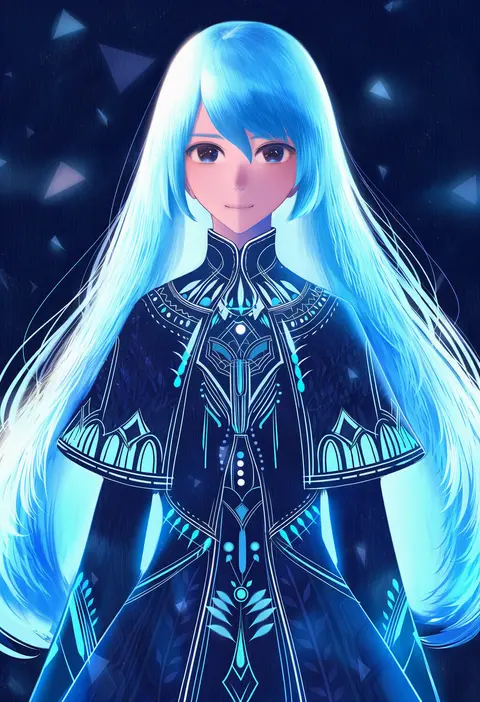
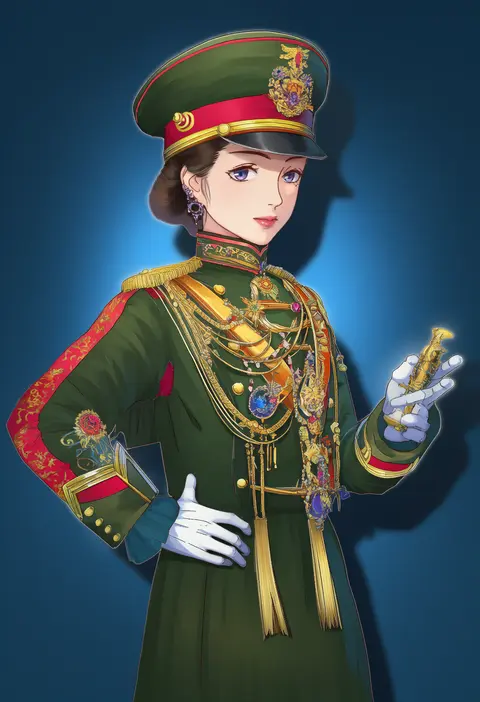
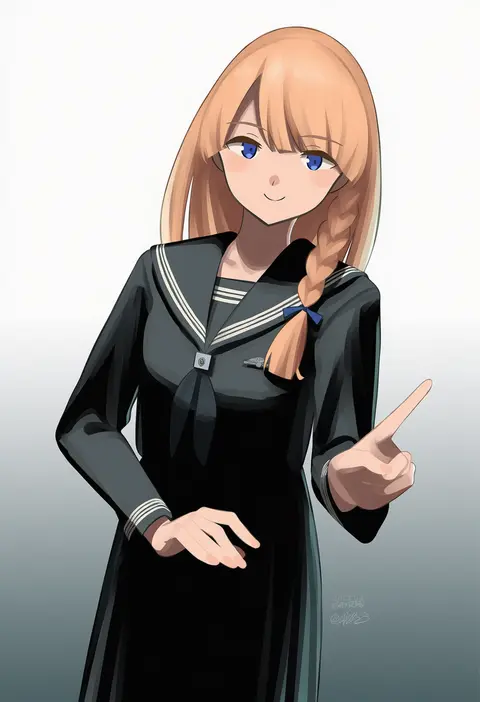
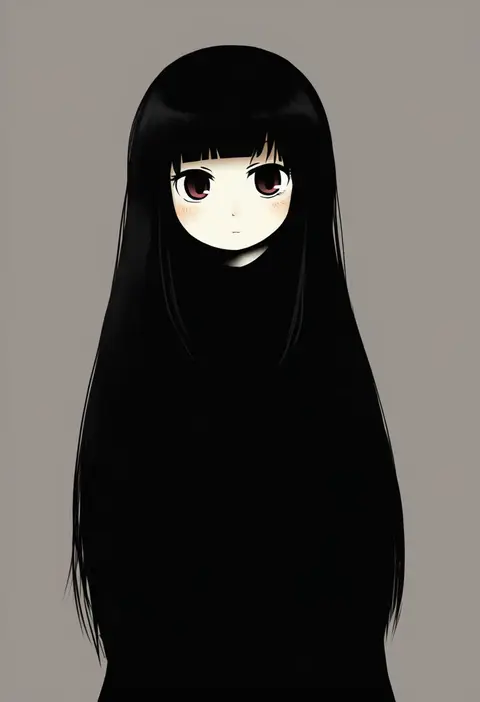
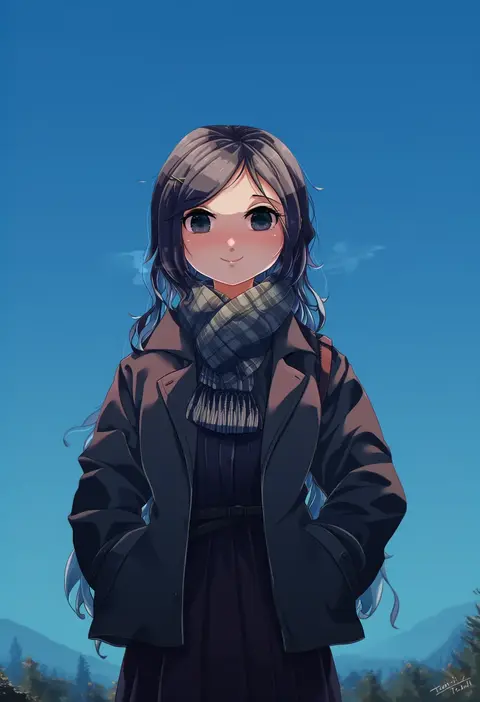
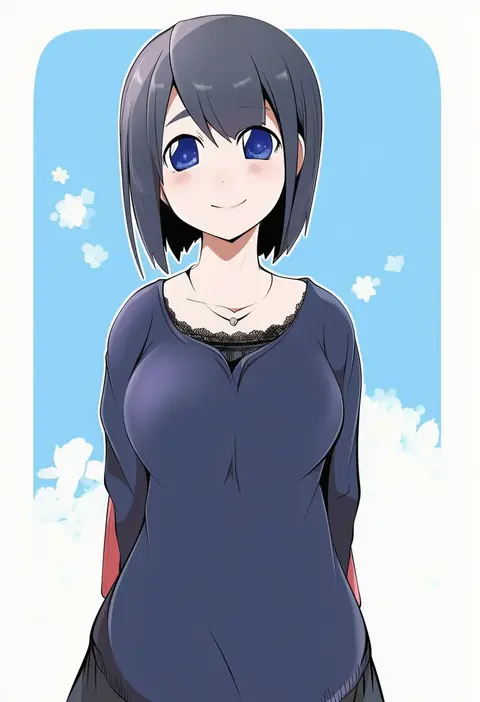
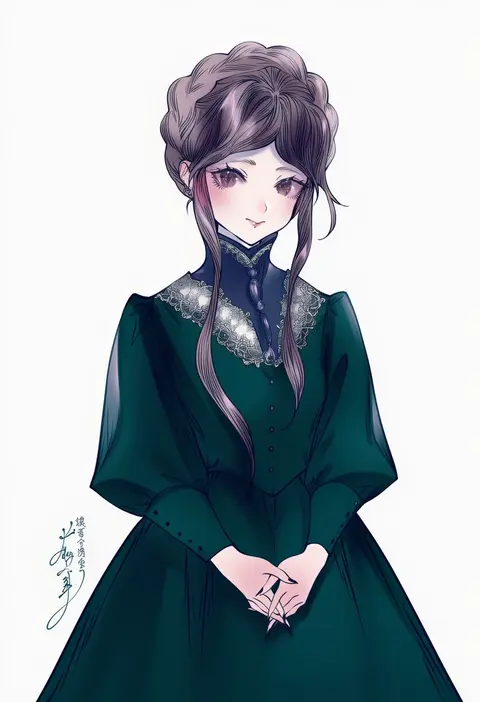
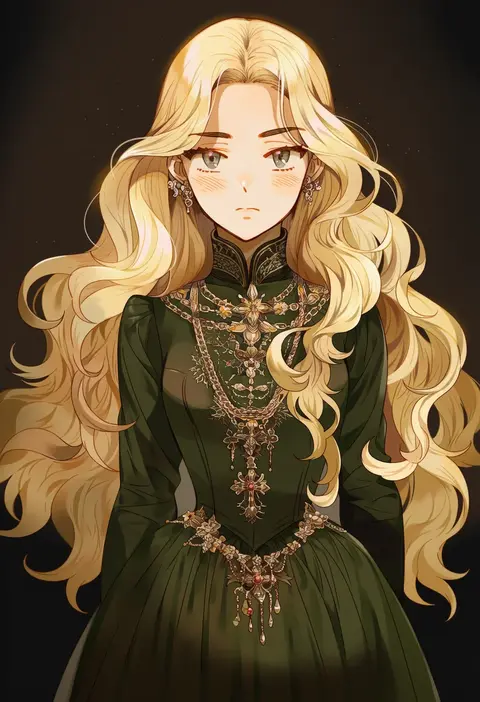
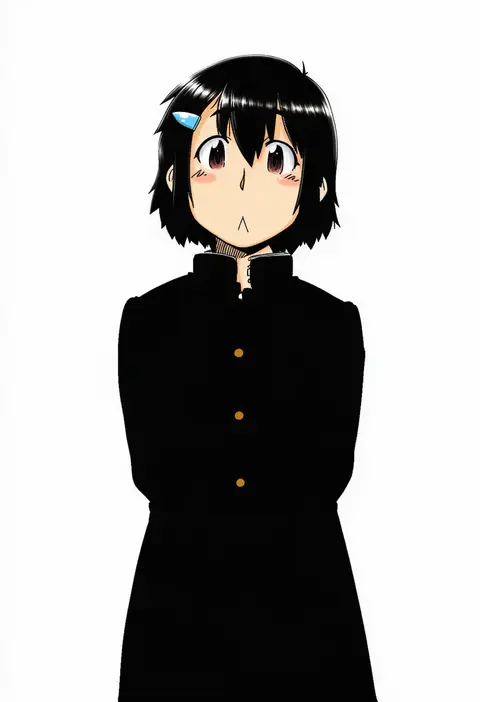
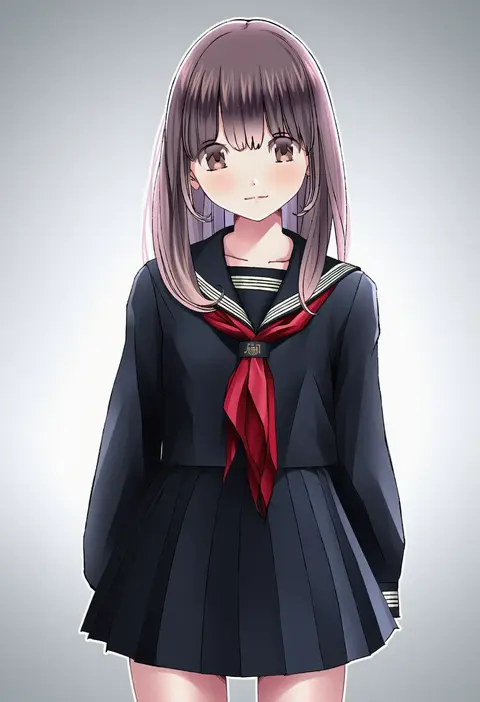
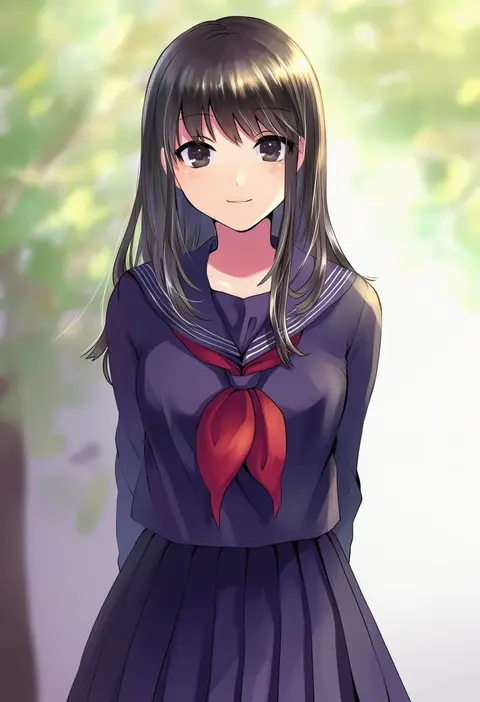
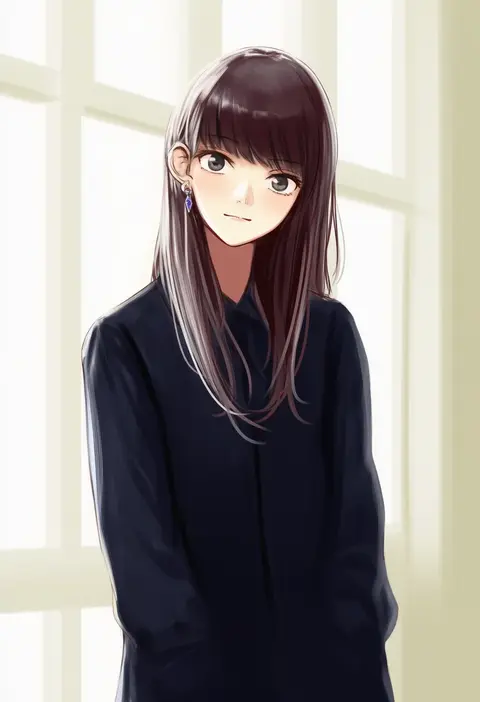
Every tag listed here is verified to react in NovelAI. All images use the same prompt, seed and settings with only the artist tag swapped, so the difference between two images is the style that tag brings in.

How to use them

Put the artist tag near the front of the prompt, e.g. "<artist>, 1girl, solo, best quality, masterpiece, cowboy shot". Two or three artist tags blend styles; lower the weight with "0.8::<artist>::" when the style overpowers the character.

SCORE sorts by Danbooru's top score, POSTS by post count, FAVS by hearts on this site. Open a card to see V5 and V4.5 side by side on the same seed.

V5 vs V4.5

V5 usually lands closer to the artist's real style, and tags that did nothing on V4.5 often react on V5. V4.5 still fits older and doujin-heavy artists better. Try V5 first, fall back to V4.5.

FAQ

Where does the artist tag go?
Near the front of the prompt. Use "0.8::tag::" to adjust its weight.

Can I stack artist tags?
Yes, styles blend. Past two or three the result stops looking like anyone.

Are these the artists' own works?
No. Every image is a NovelAI sample generated from the tag.