V4.5Artists
sort: FAVS▾
▾
>
$

Popular NovelAI artist tags — V4.5

artist --count 16,352[247/273]
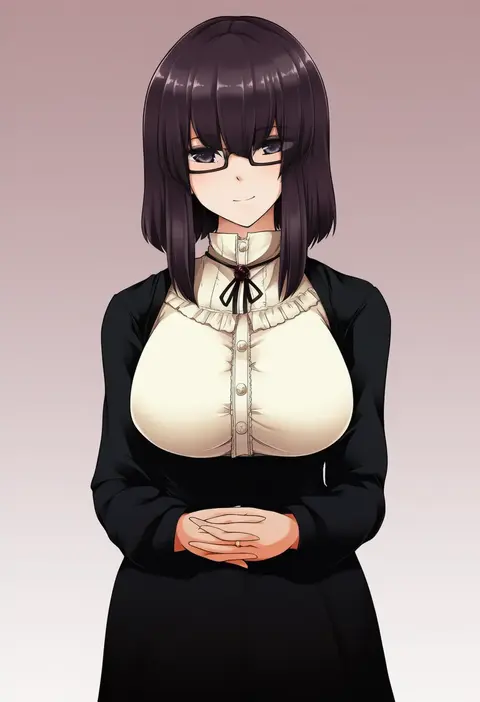
hazuki kyou
ARTIST0x39A8
0
harikamo
ARTIST0x39A9
0
renakobonb
ARTIST0x39AA
0
shiratama dango
ARTIST0x39AB
0
natsuko (bluecandy)
ARTIST0x39AC
0
ok ko19
ARTIST0x39AD
0
moekon
ARTIST0x39AE
0
rikuwo
ARTIST0x39AF
0
nitoya 00630a
ARTIST0x39B0
0
takatsukasa yue
ARTIST0x39B1
0
kotaro-nosuke
ARTIST0x39B2
0
rosmino
ARTIST0x39B3
0
yuu (mboj fdk)
ARTIST0x39B4
0
macco
ARTIST0x39B5
0
azukiharuta ju
ARTIST0x39B6
0
meziro001
ARTIST0x39B7
0
mei (maysroom)
ARTIST0x39B8
0
ouno (nounai disintegration)
ARTIST0x39B9
0
mimimi (mimimim9999)
ARTIST0x39BA
0
trefle r
ARTIST0x39BB
0
nakkar
ARTIST0x39BC
0
ataru (ataru-littlebird)
ARTIST0x39BD
0
bo (774berry)
ARTIST0x39BE
0
senmu (0107)
ARTIST0x39BF
0
itowo (itowc)
ARTIST0x39C0
0
suetake (kinrui)
ARTIST0x39C1
0
purin a la mode (popup)
ARTIST0x39C2
0
1jumangoku
ARTIST0x39C3
0
sofy
ARTIST0x39C4
0
ridy (ri sui)
ARTIST0x39C5
0
sunanuko (ramuneko)
ARTIST0x39C6
0
fc (efushii)
ARTIST0x39C7
0
uraharukon
ARTIST0x39C8
0
shin (highest1192)
ARTIST0x39C9
0
maruyo
ARTIST0x39CA
0
uta (kuroneko)
ARTIST0x39CB
0
ryoku sui
ARTIST0x39CC
0
hamadaichi
ARTIST0x39CD
0
kobashi daku
ARTIST0x39CE
0
shigureru
ARTIST0x39CF
0
reammara
ARTIST0x39D0
0
momoniku (taretare-13)
ARTIST0x39D1
0
naru (andante)
ARTIST0x39D2
0
lvlv
ARTIST0x39D3
0
noel (noel-gunso)
ARTIST0x39D4
0
napo
ARTIST0x39D5
0
sakai waka
ARTIST0x39D6
0
shin (shin k009)
ARTIST0x39D7
0
domo (domo kizusuki)
ARTIST0x39D8
0
yukiharu
ARTIST0x39D9
0
kimarin
ARTIST0x39DA
0
komorihikki
ARTIST0x39DB
0
jan1214
ARTIST0x39DC
0
oono tetsuya
ARTIST0x39DD
0
plum0o0
ARTIST0x39DE
0
moti coi
ARTIST0x39DF
0
uraki (tetsu420)
ARTIST0x39E0
0
ototsu kei
ARTIST0x39E1
0
takasugi heppu
ARTIST0x39E2
0
huyuharu0214
ARTIST0x39E3
0

What these tags change

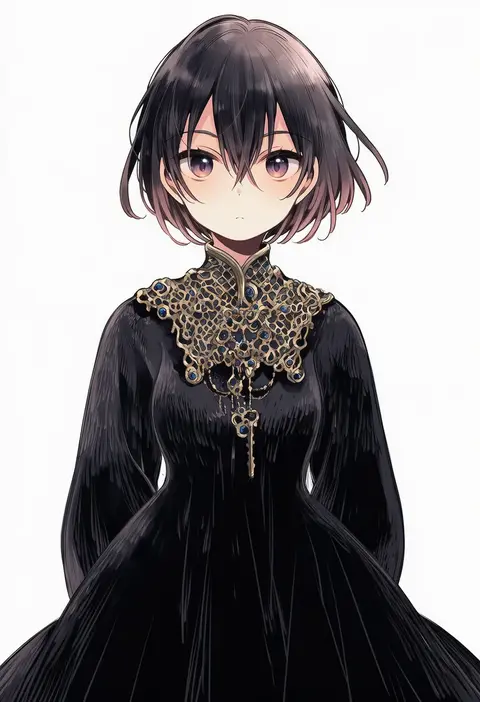
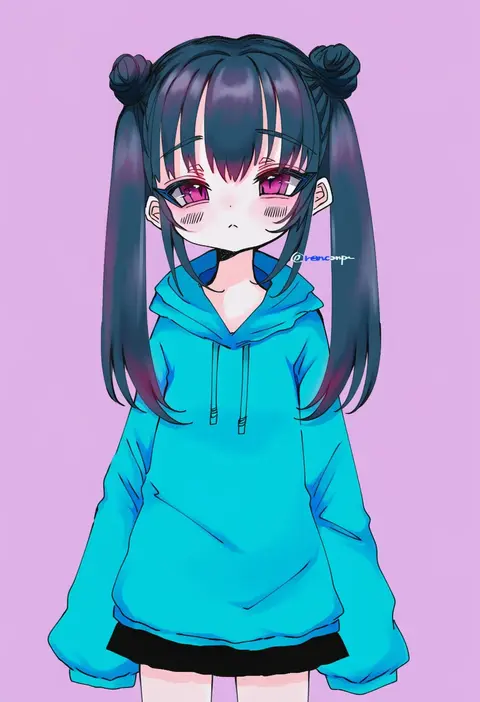
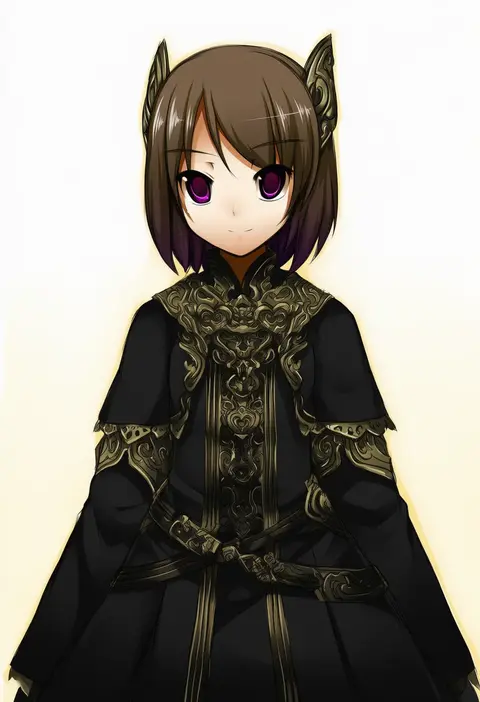
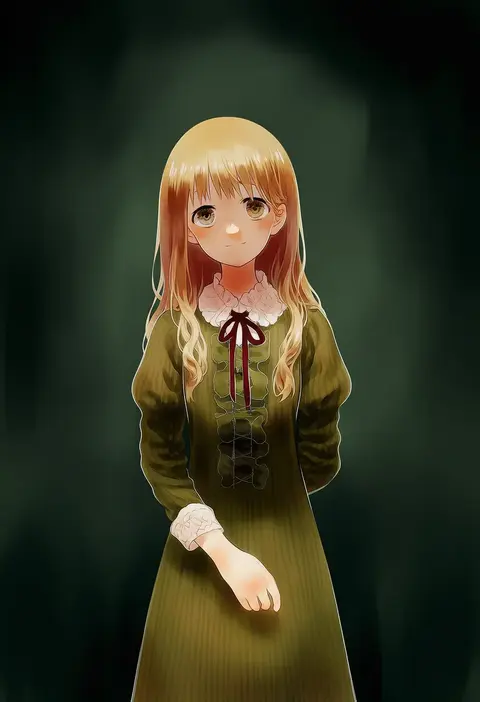
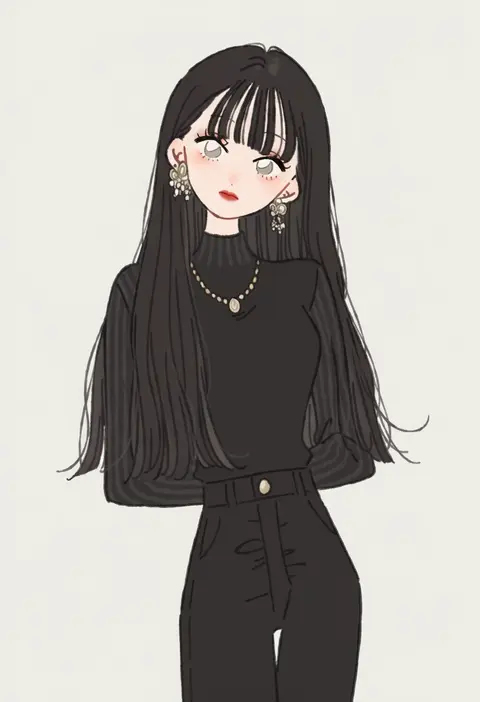
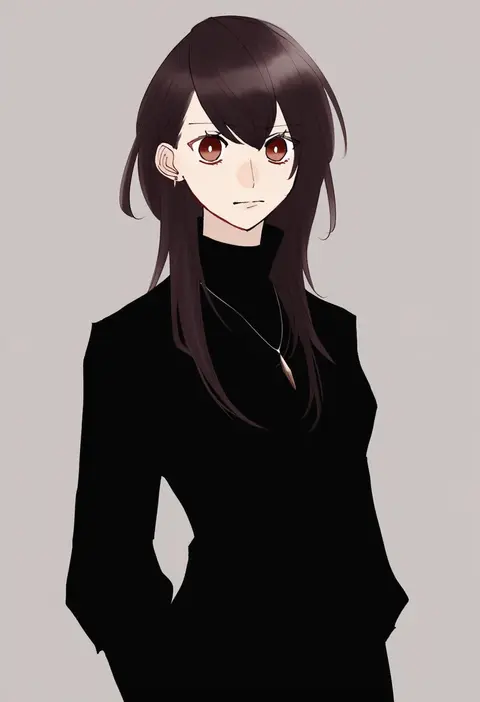
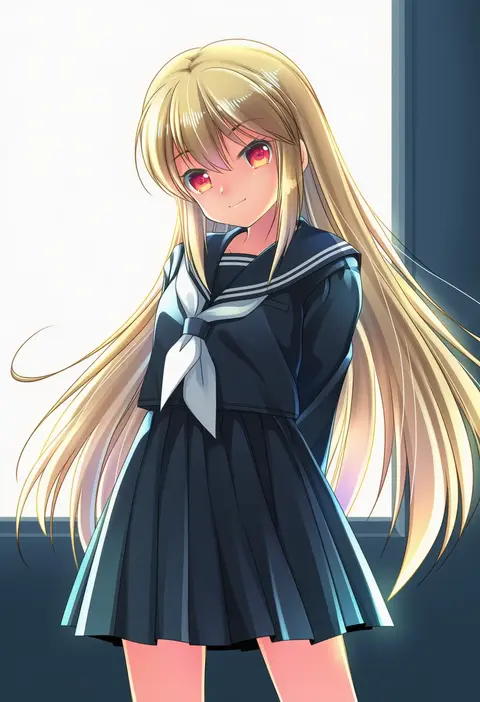
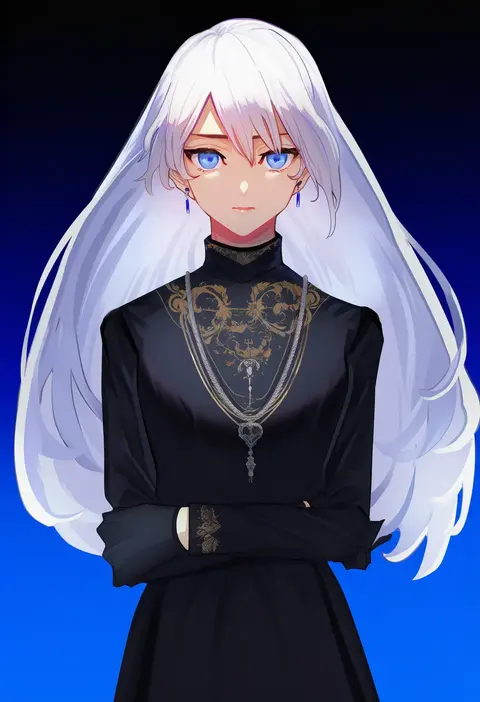
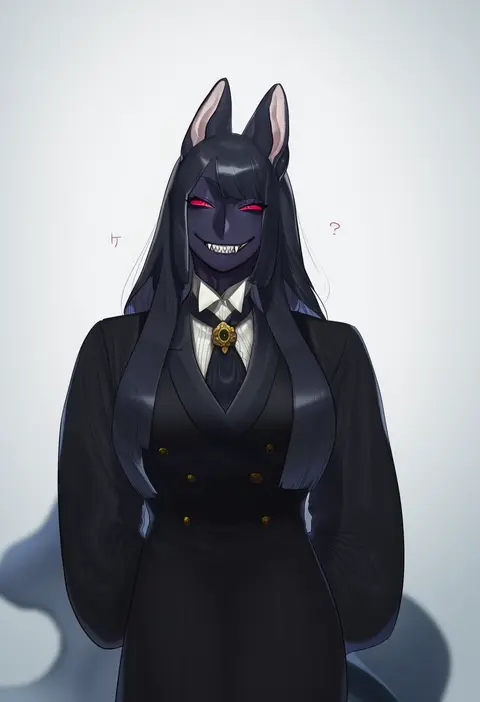
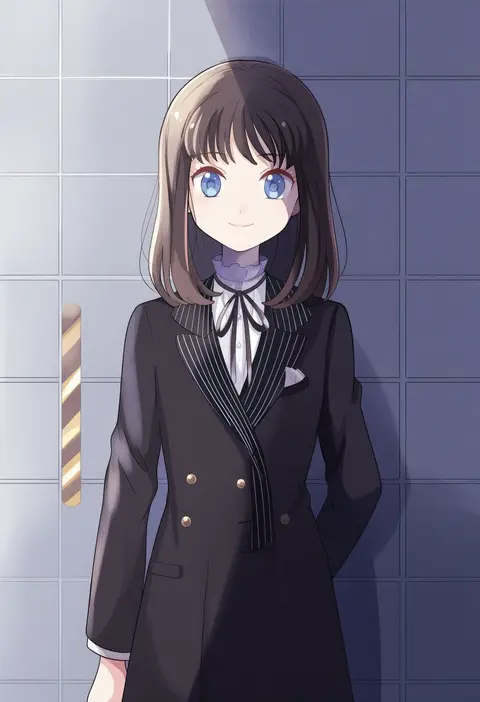
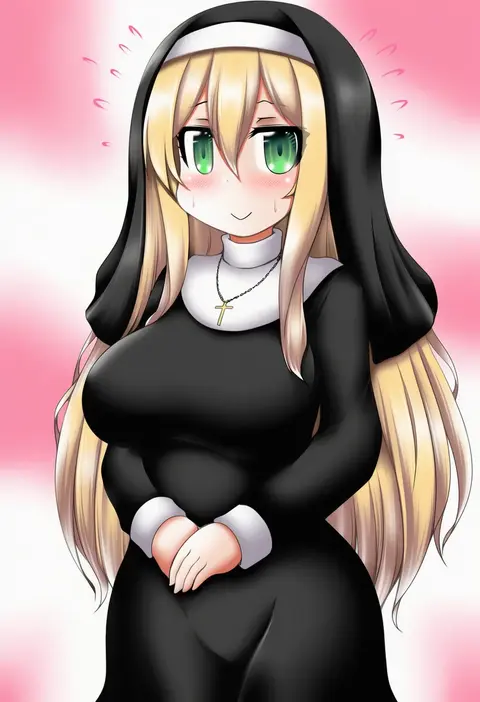
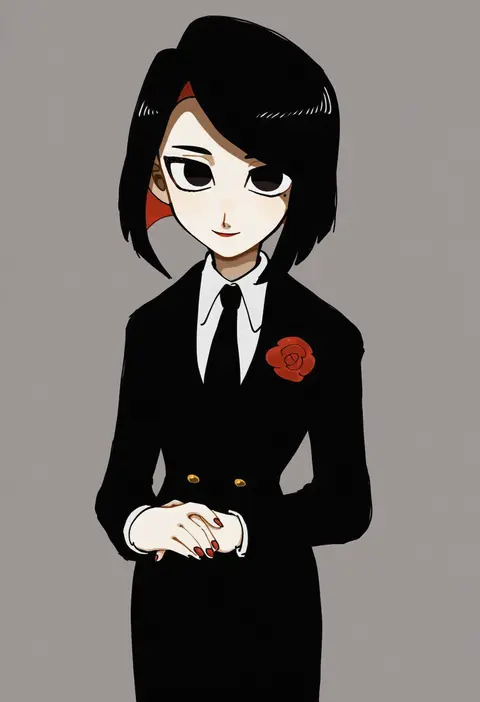
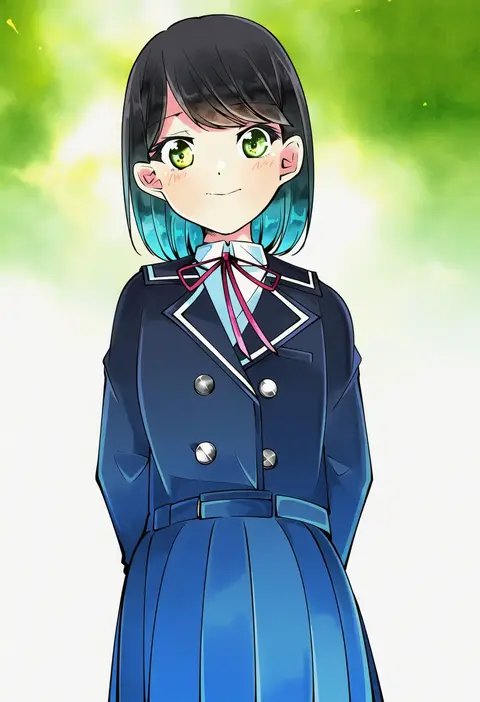
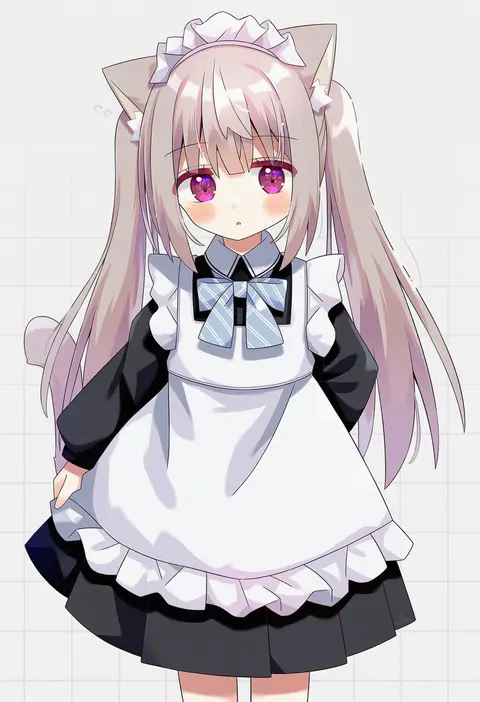
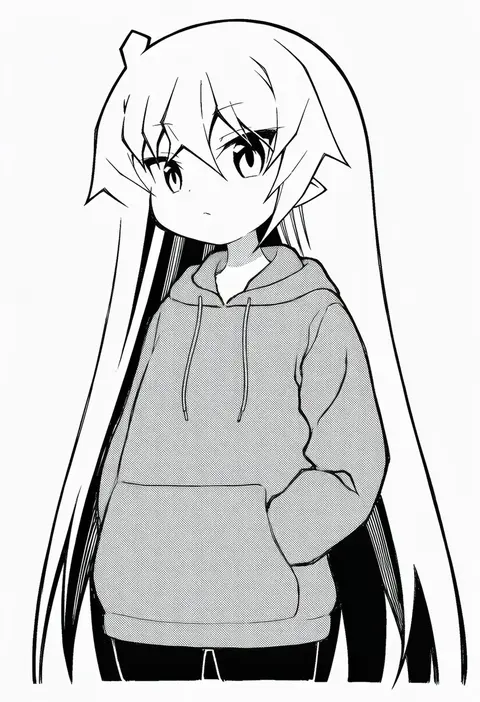
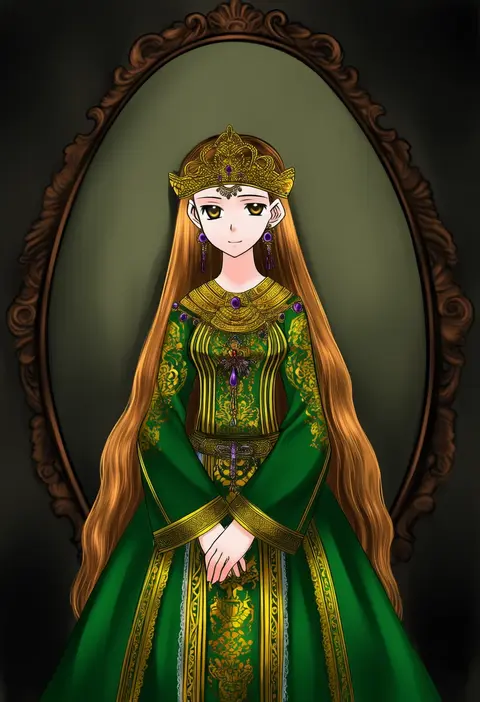
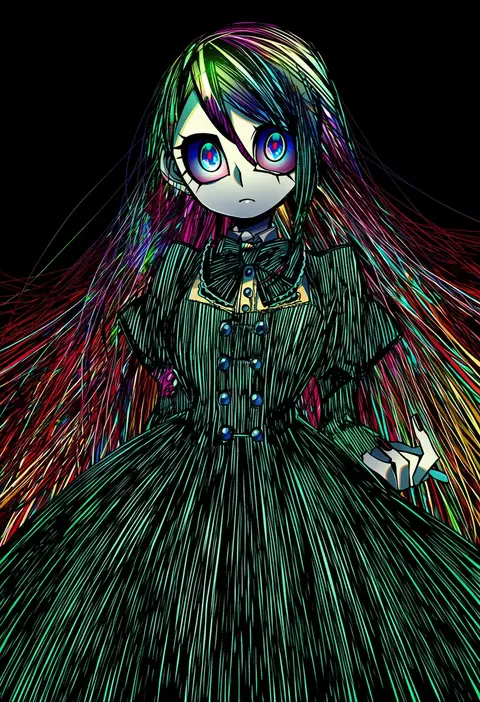
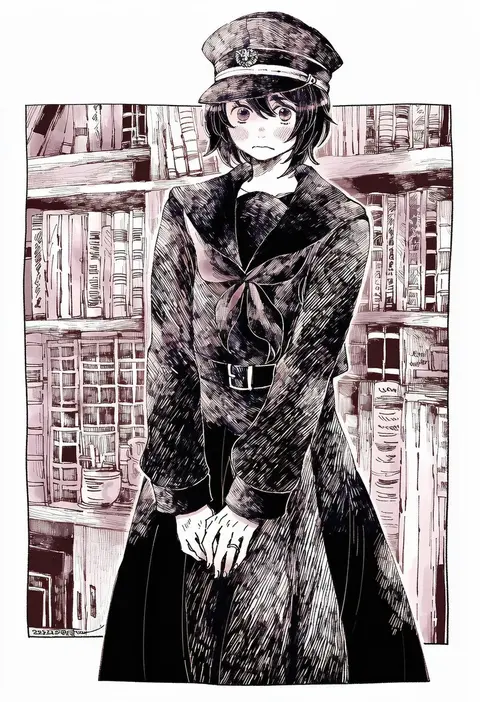
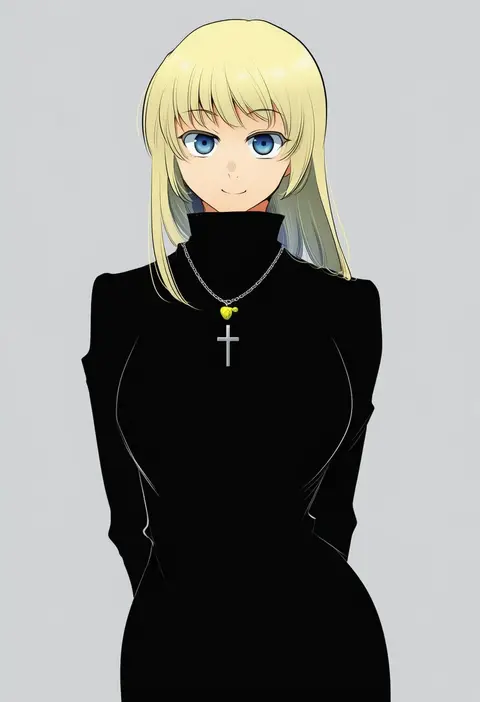
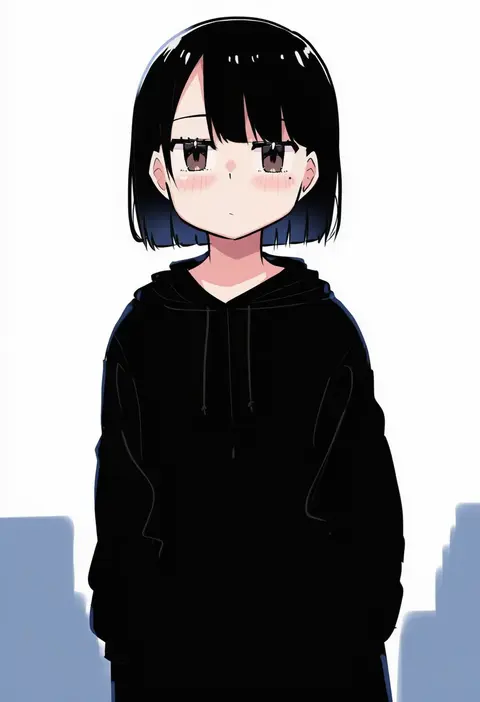
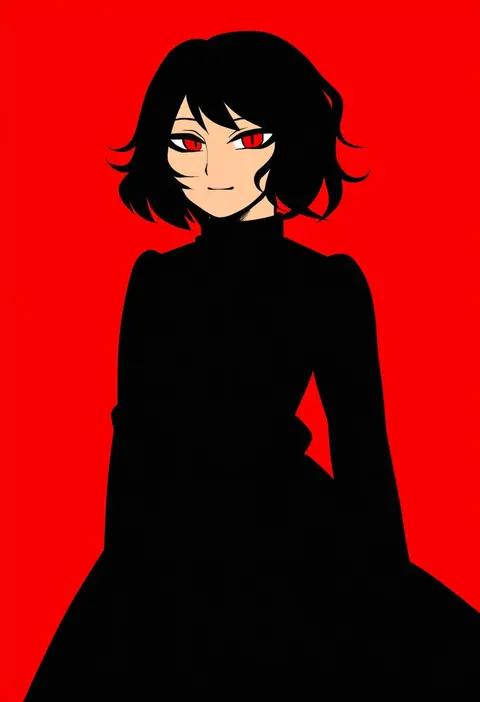
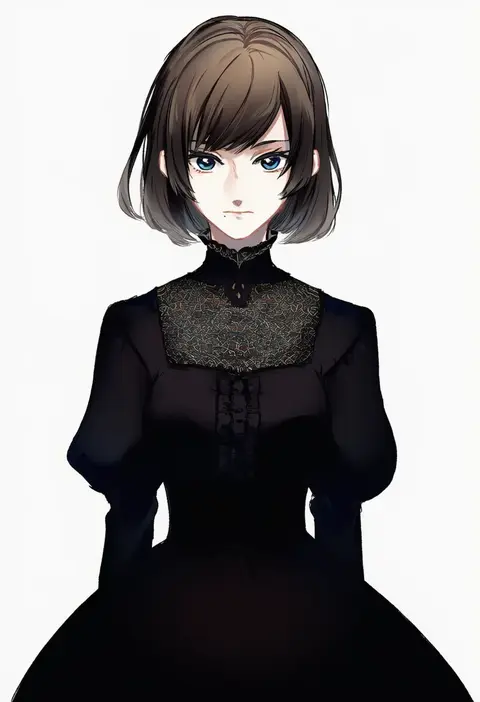
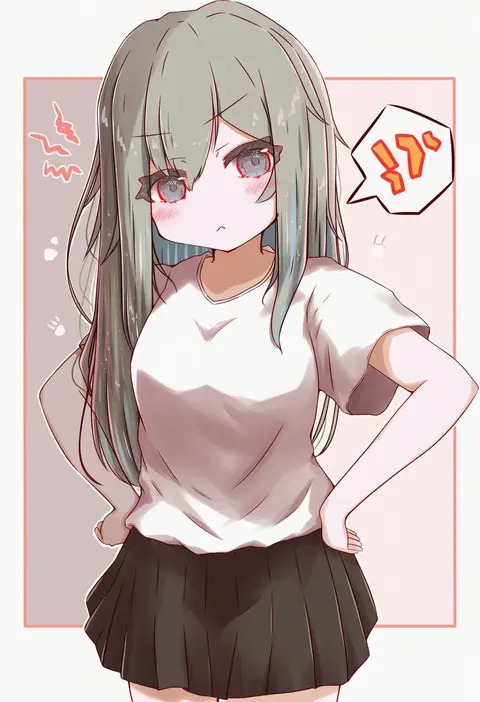
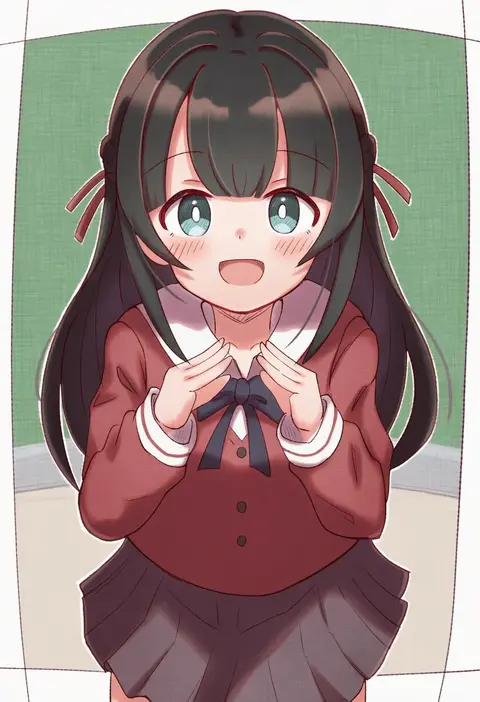
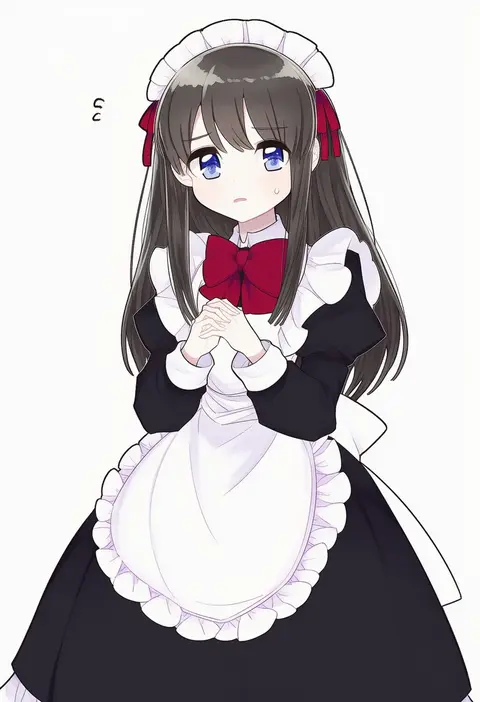
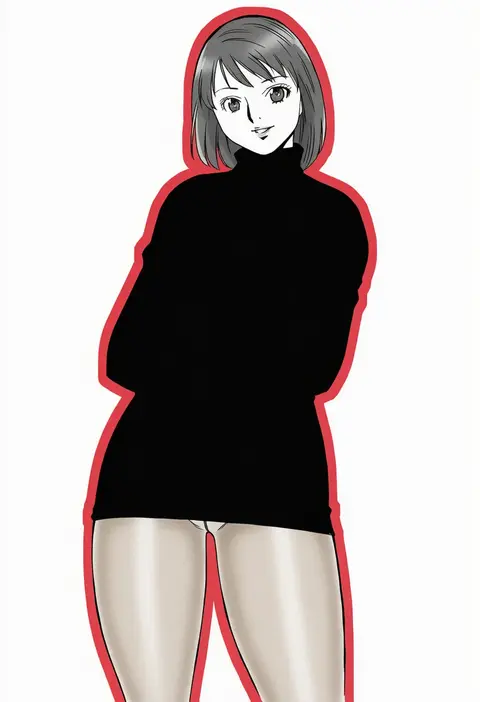
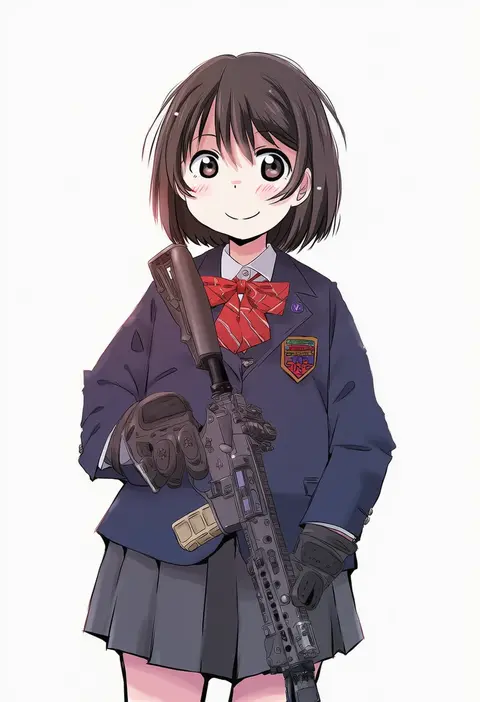
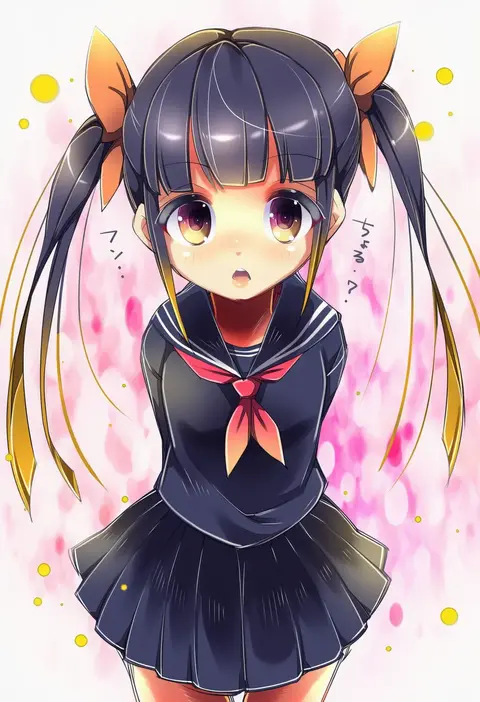
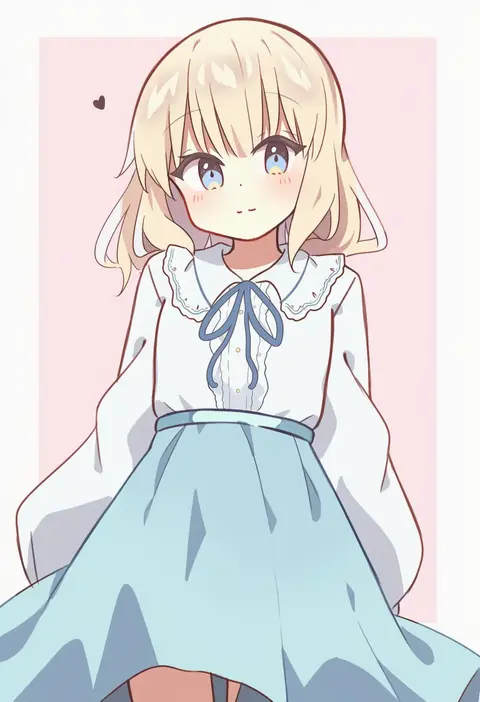
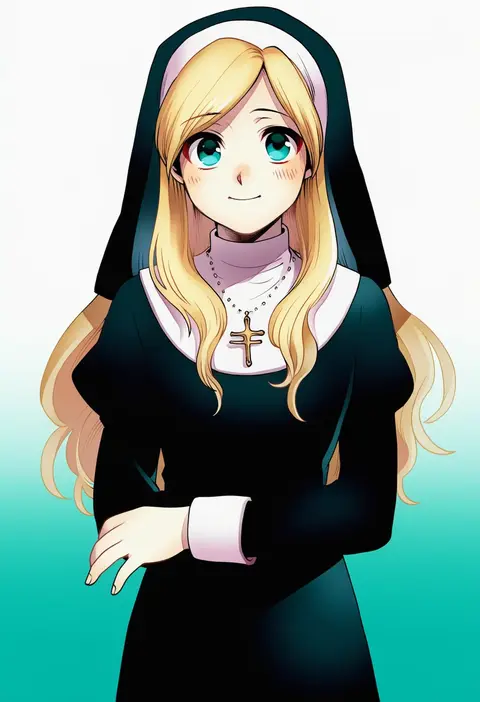
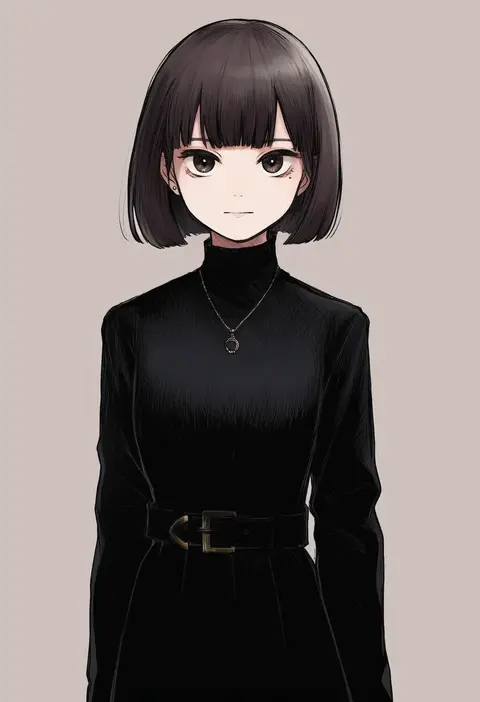
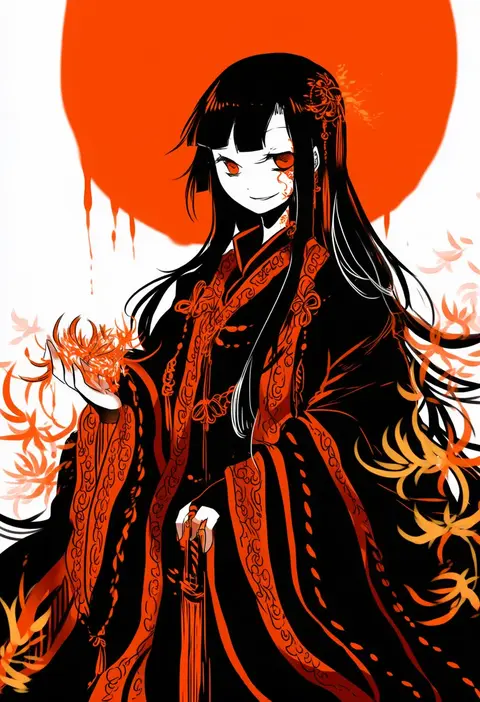
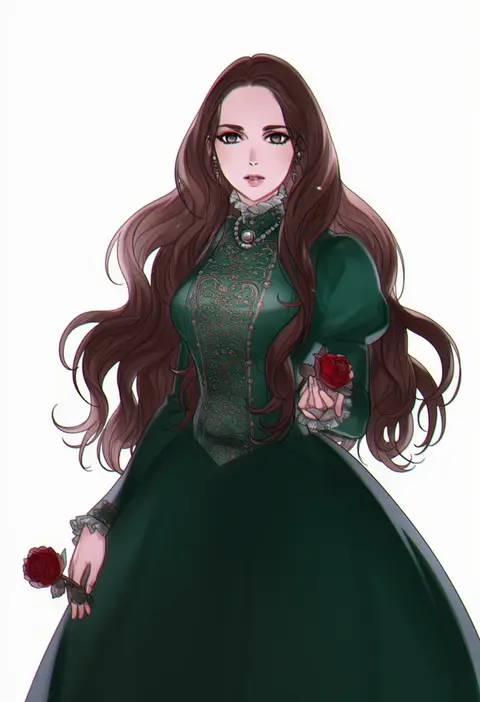
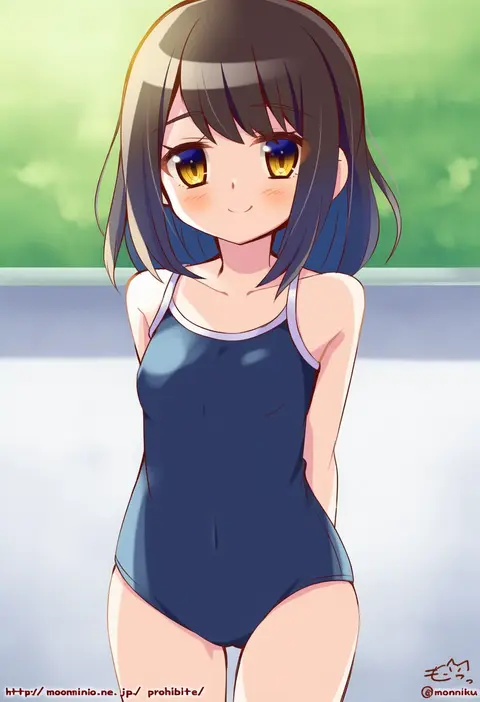
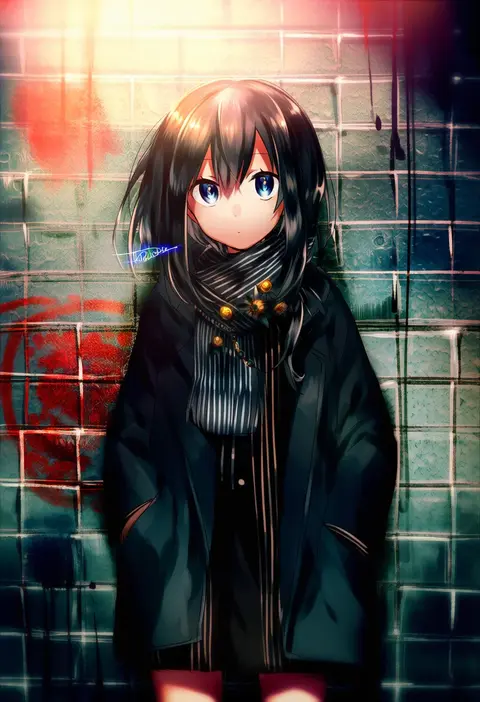
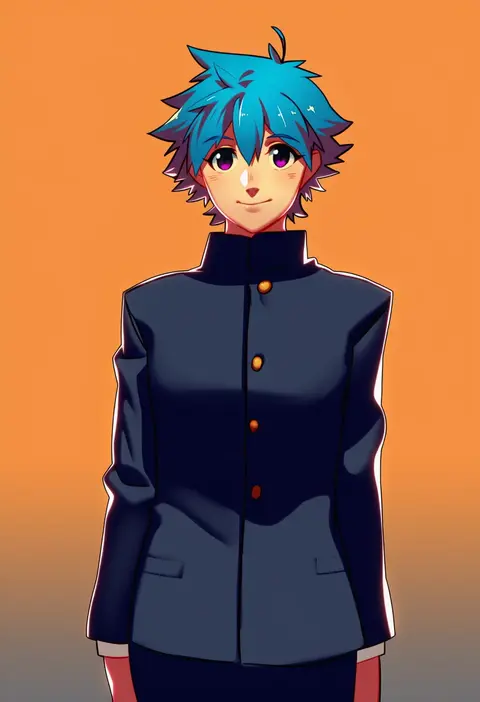
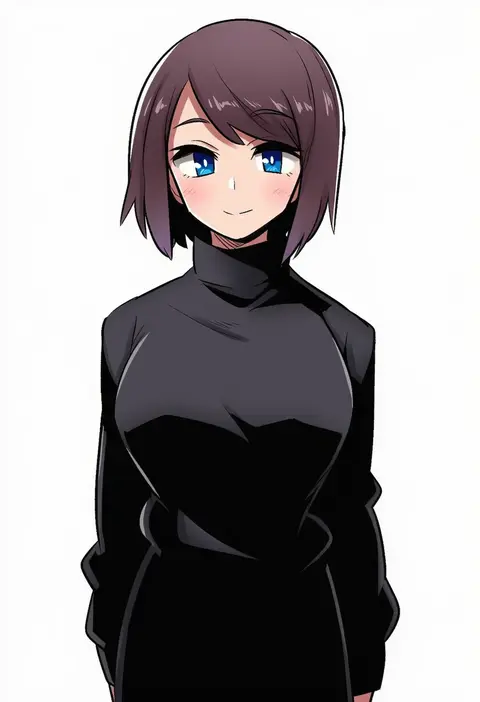
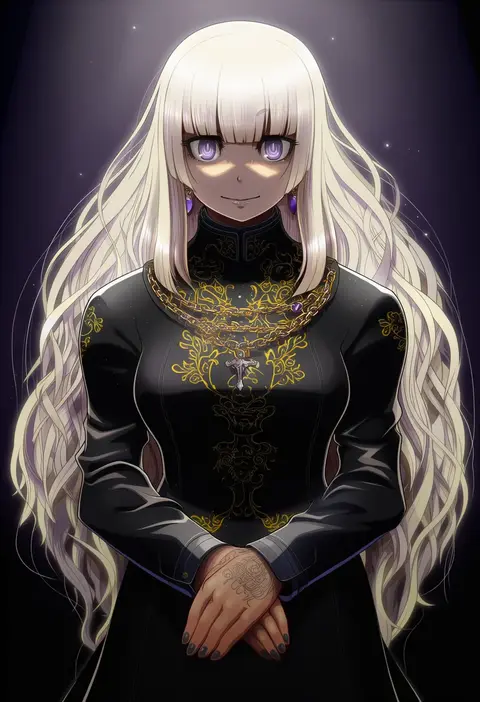
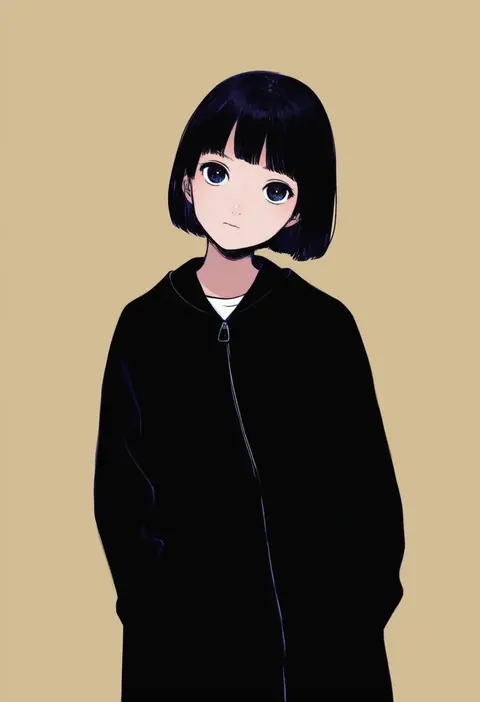
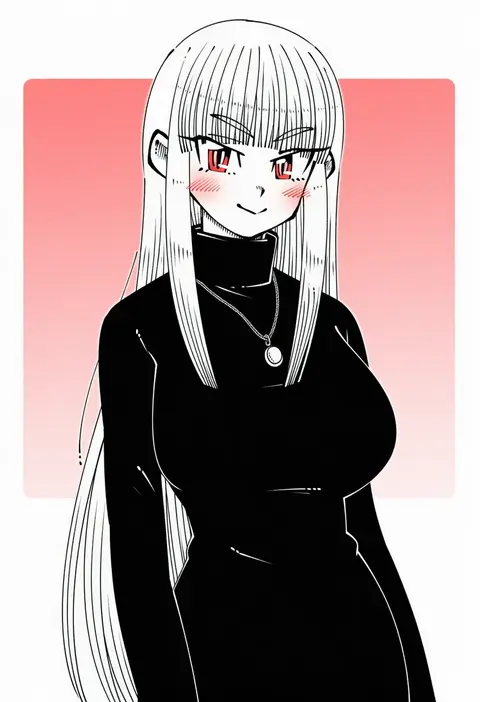
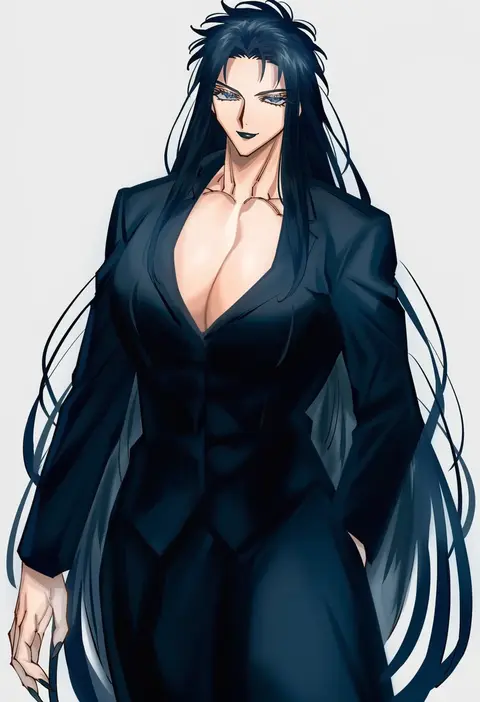
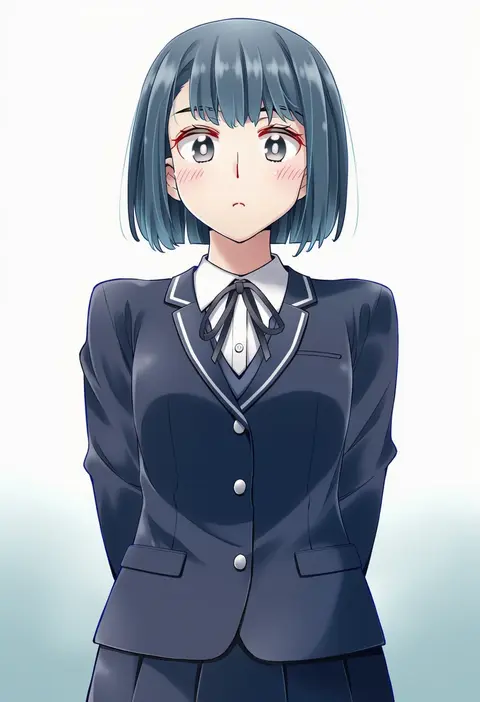
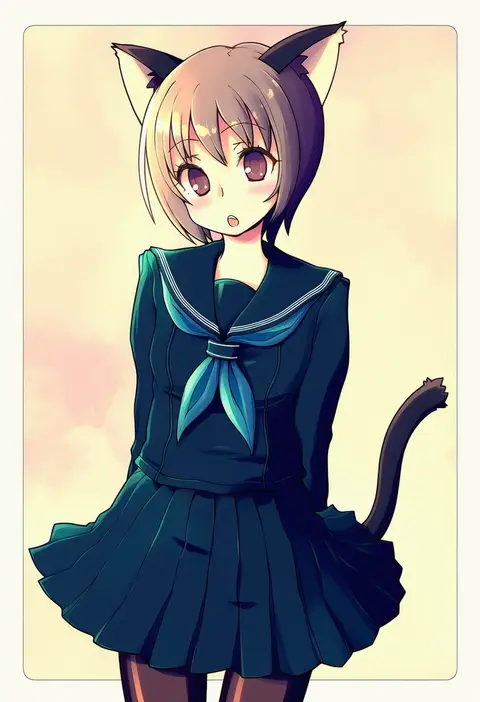
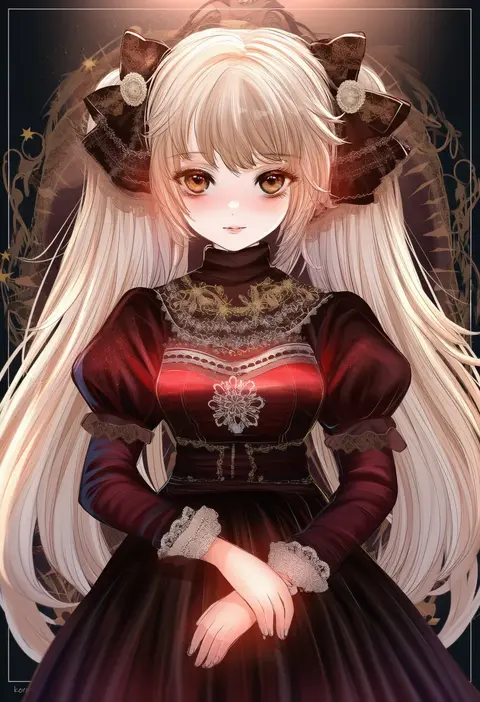
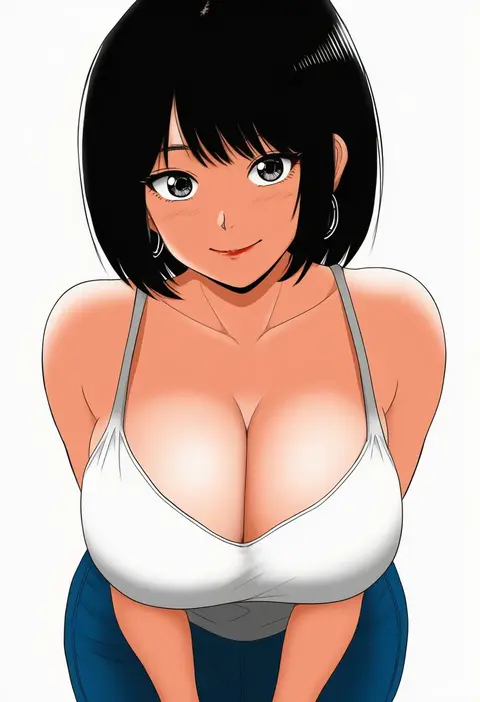
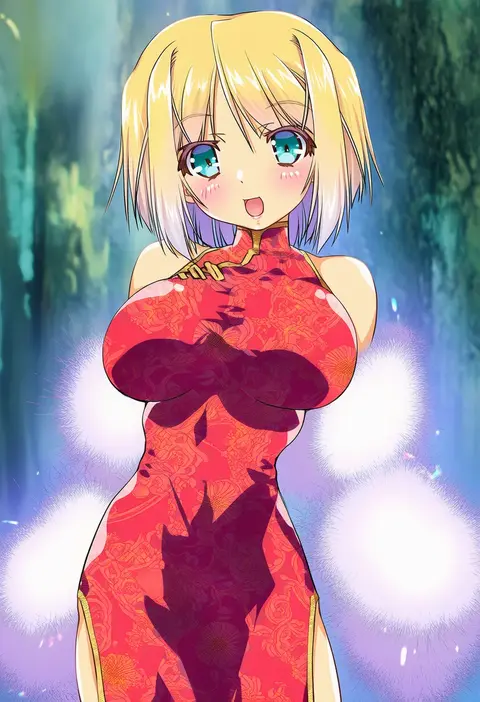
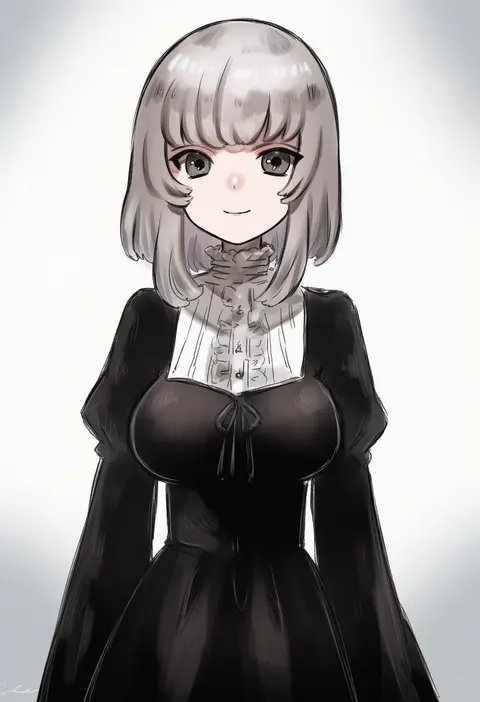
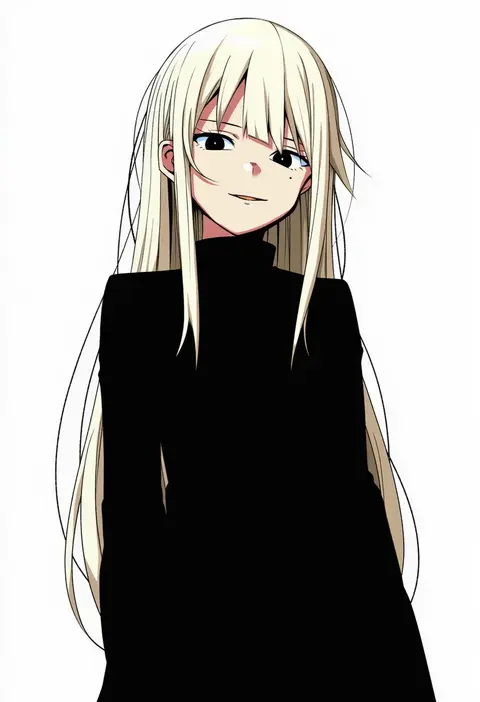
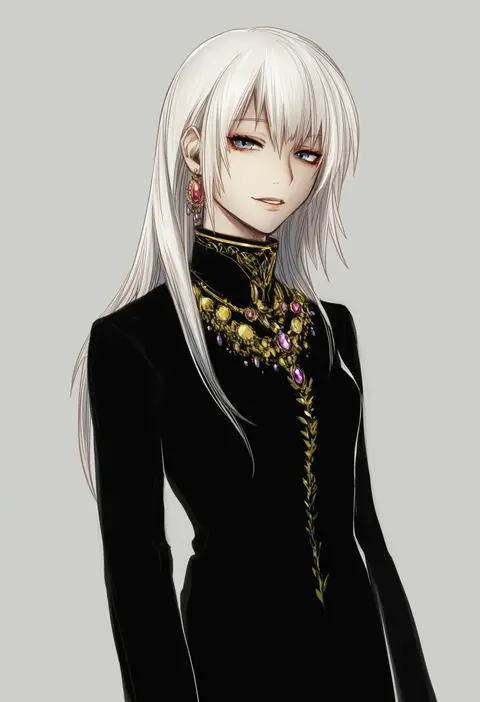
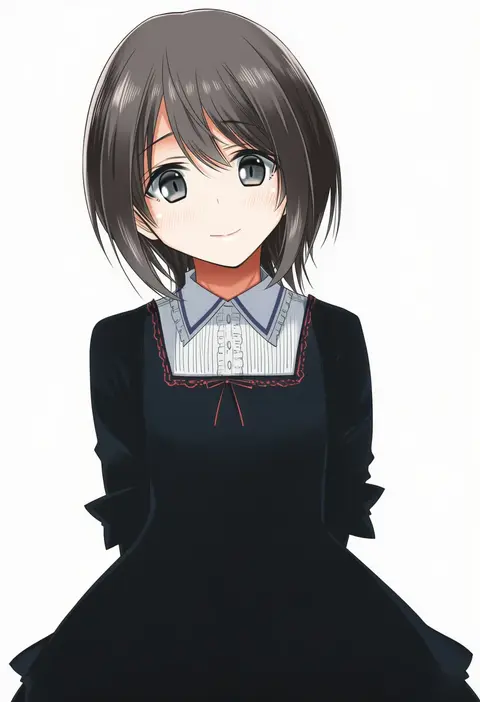
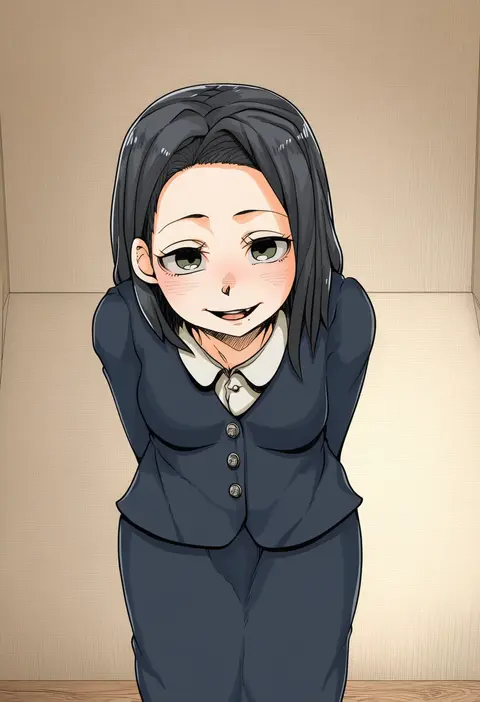
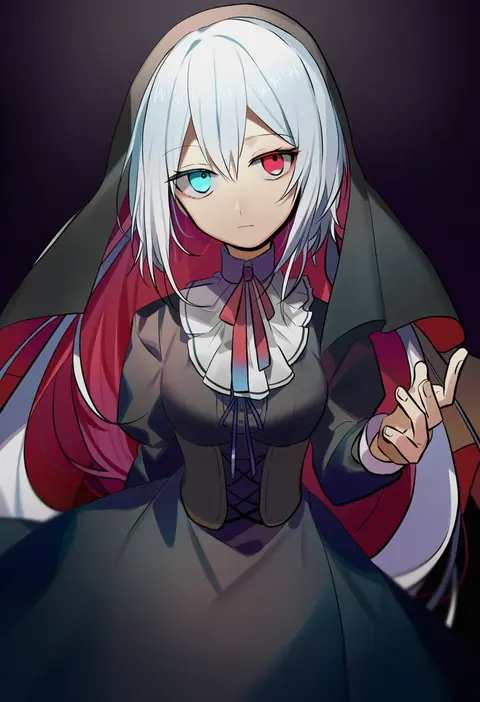
Artist tags tell NovelAI Diffusion to draw in a specific artist's style: line weight, paint texture, face shapes and palette all shift at once. Character and outfit tags decide what is drawn; artist tags decide how. 16,352 tags are listed for V4.5.
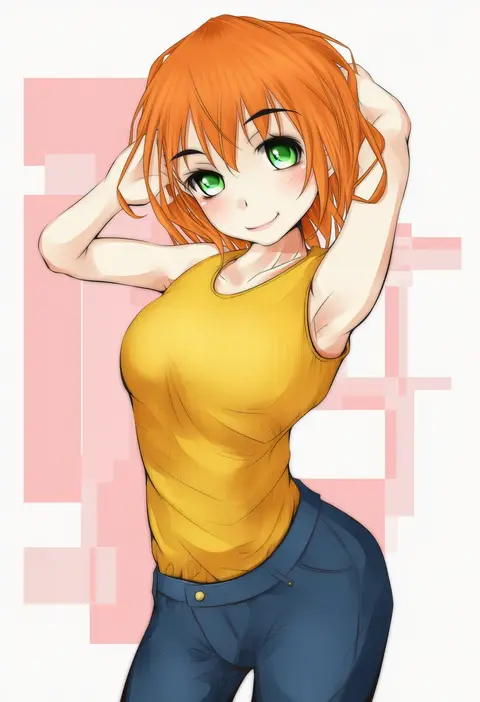
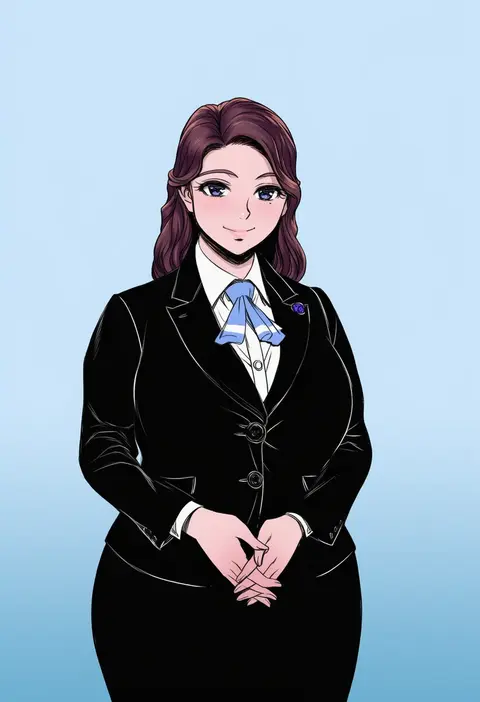
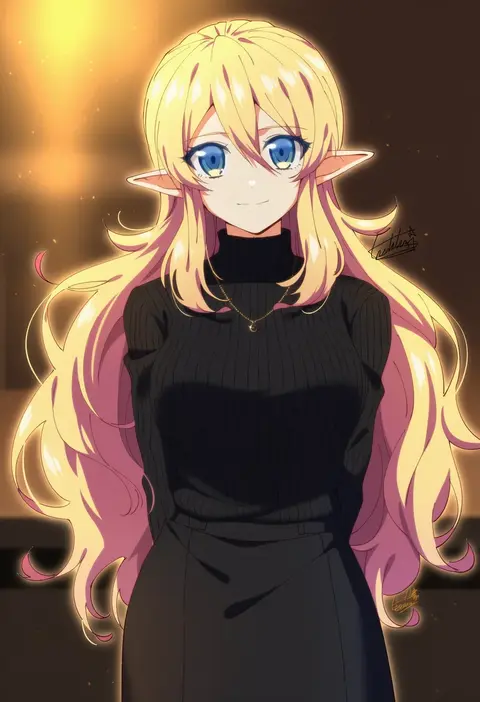
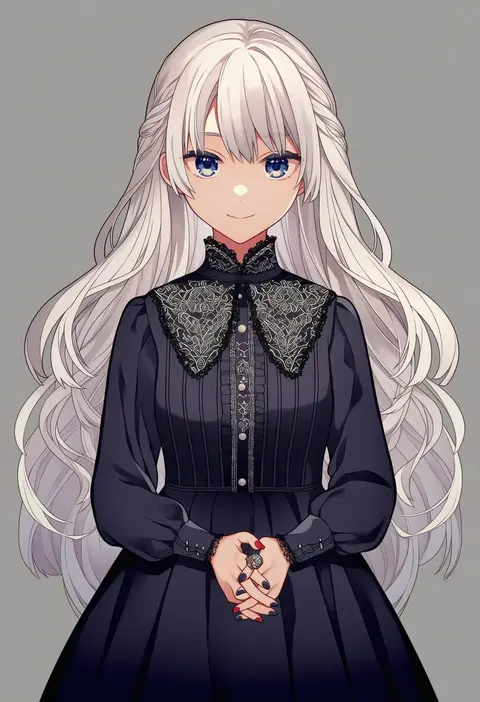
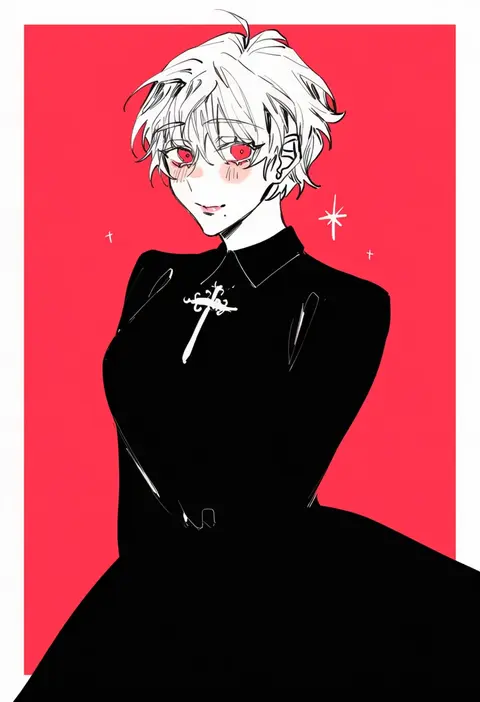
Every tag listed here is verified to react in NovelAI. All images use the same prompt, seed and settings with only the artist tag swapped, so the difference between two images is the style that tag brings in.

How to use them

Put the artist tag near the front of the prompt, e.g. "<artist>, 1girl, solo, best quality, masterpiece, cowboy shot". Two or three artist tags blend styles; lower the weight with "0.8::<artist>::" when the style overpowers the character.

SCORE sorts by Danbooru's top score, POSTS by post count, FAVS by hearts on this site. Open a card to see V5 and V4.5 side by side on the same seed.

V5 vs V4.5

V5 usually lands closer to the artist's real style, and tags that did nothing on V4.5 often react on V5. V4.5 still fits older and doujin-heavy artists better. Try V5 first, fall back to V4.5.

FAQ

Where does the artist tag go?
Near the front of the prompt. Use "0.8::tag::" to adjust its weight.

Can I stack artist tags?
Yes, styles blend. Past two or three the result stops looking like anyone.

Are these the artists' own works?
No. Every image is a NovelAI sample generated from the tag.