V4.5Artists
sort: FAVS▾
▾
>
$

Popular NovelAI artist tags — V4.5

artist --count 16,352[249/273]
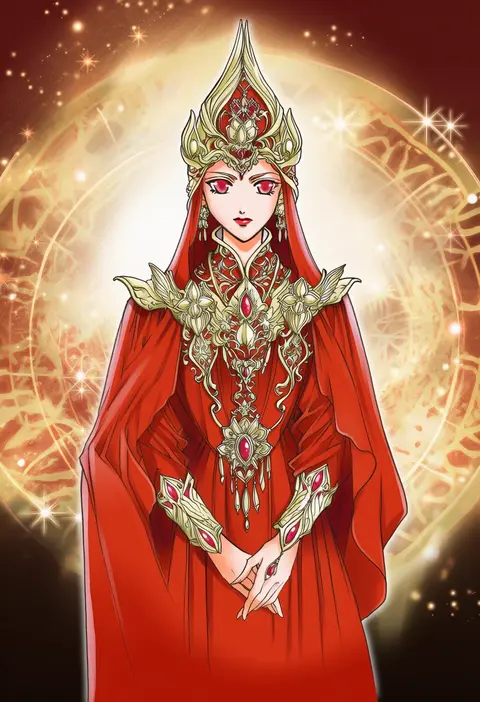
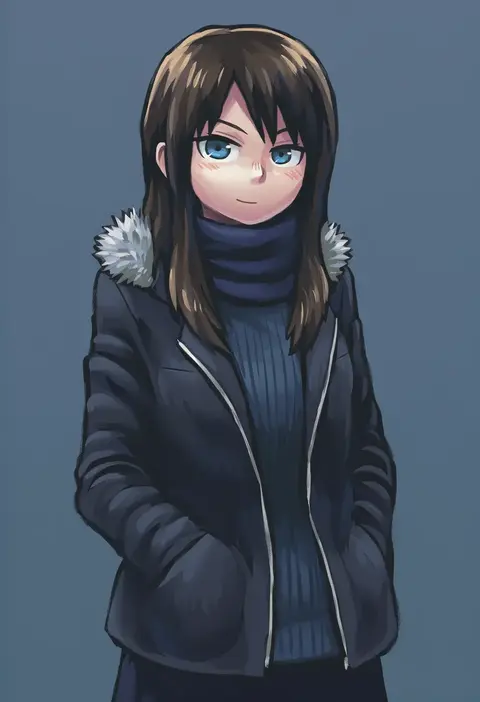
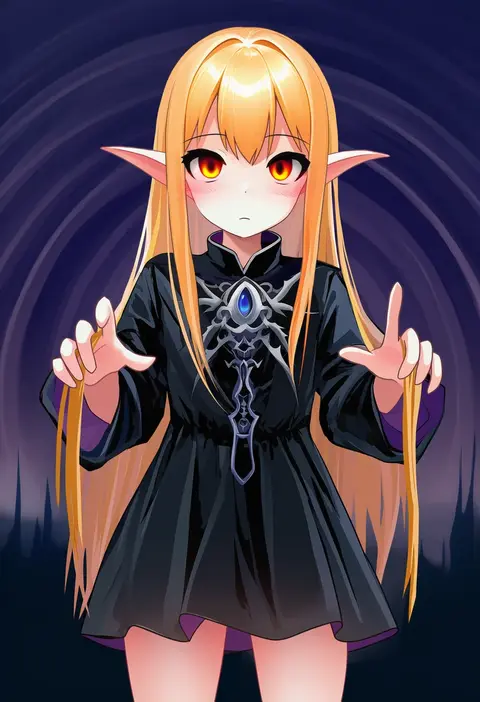
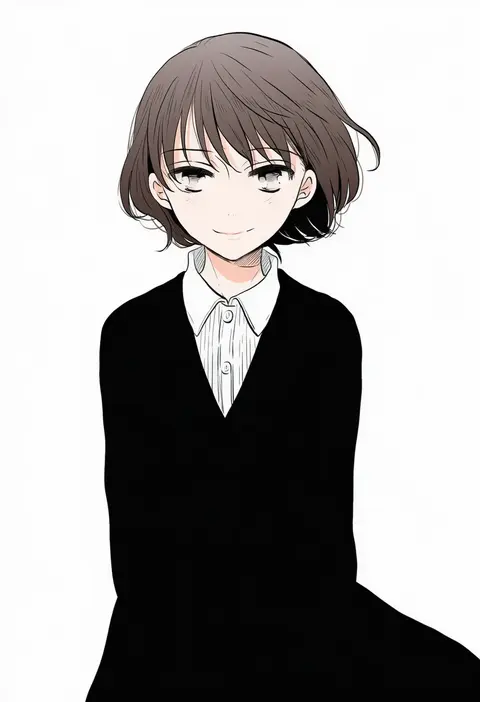
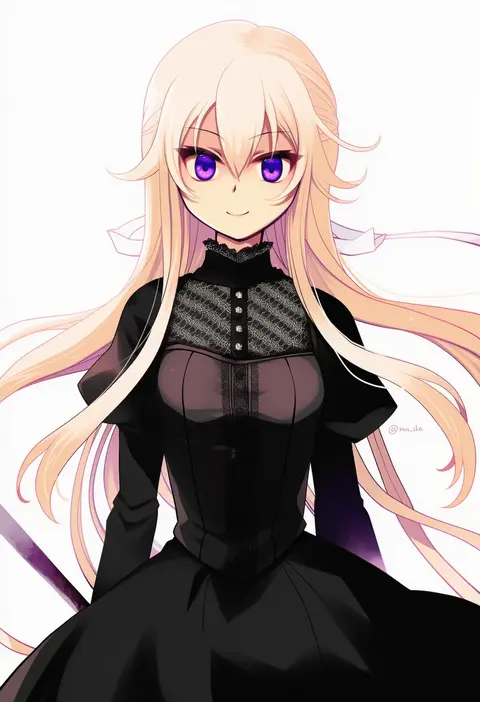
kazuki-mendou
ARTIST0x3A20
0
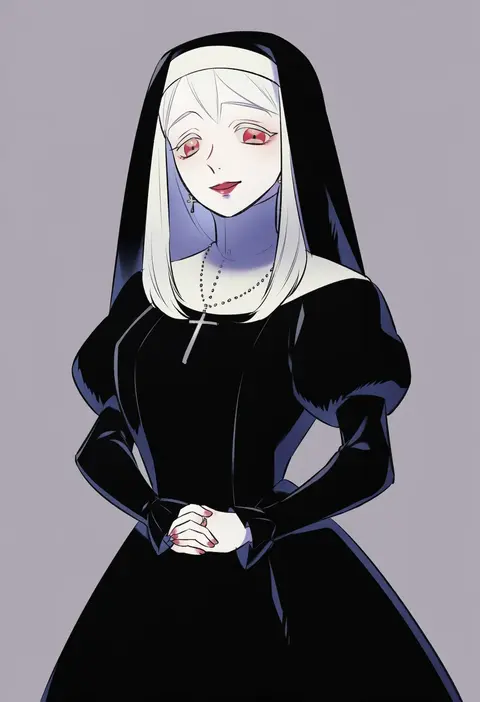
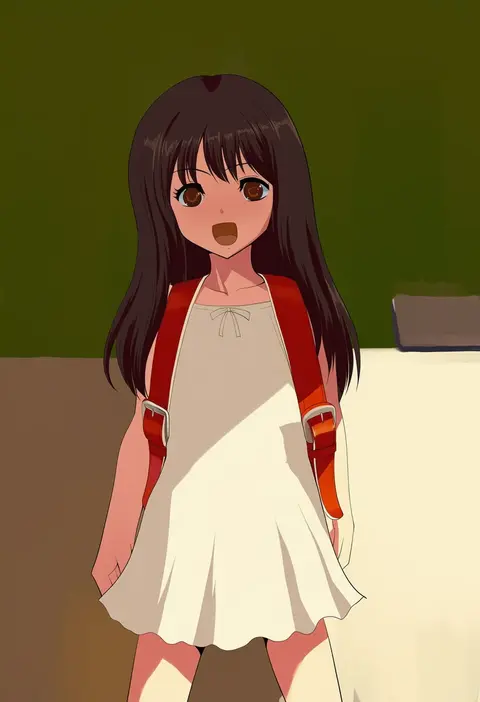
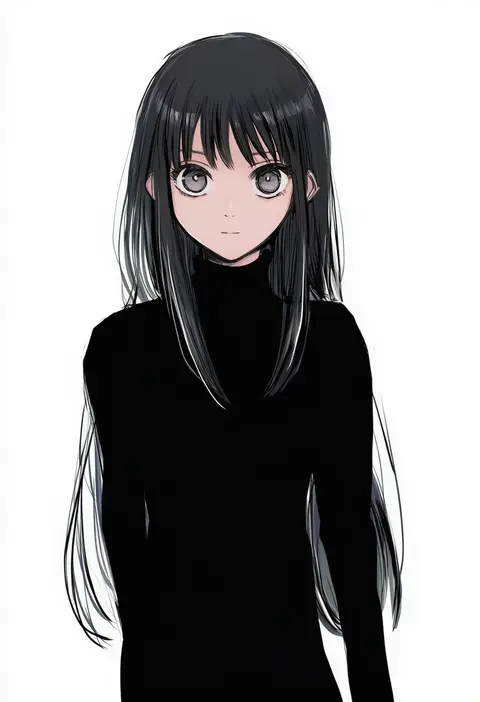
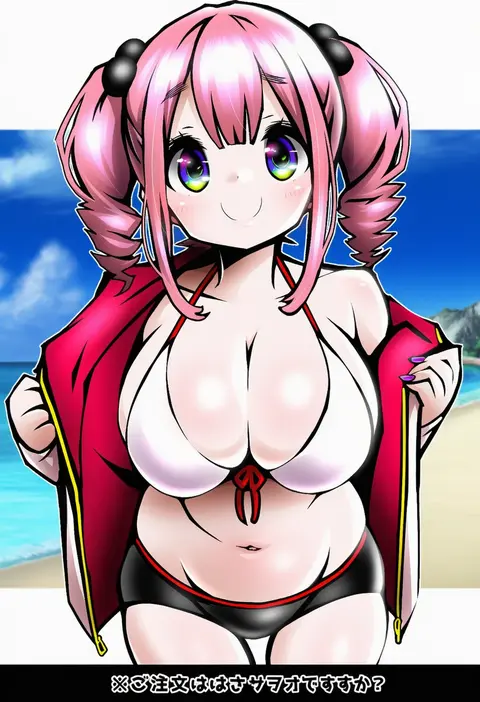
namu (nurui cha)
ARTIST0x3A21
0
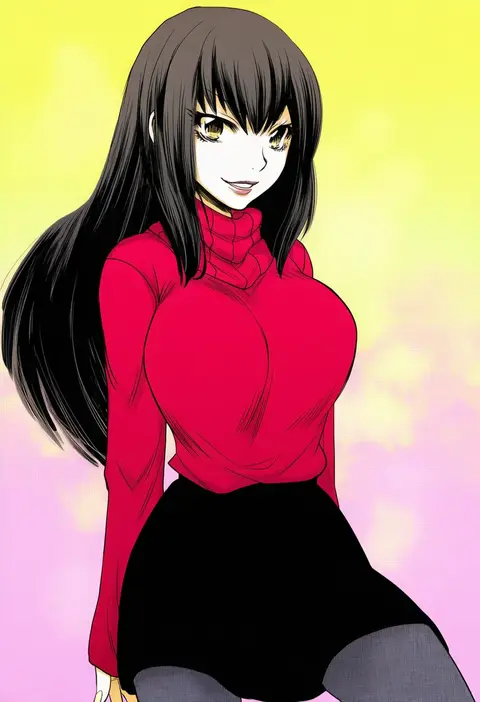
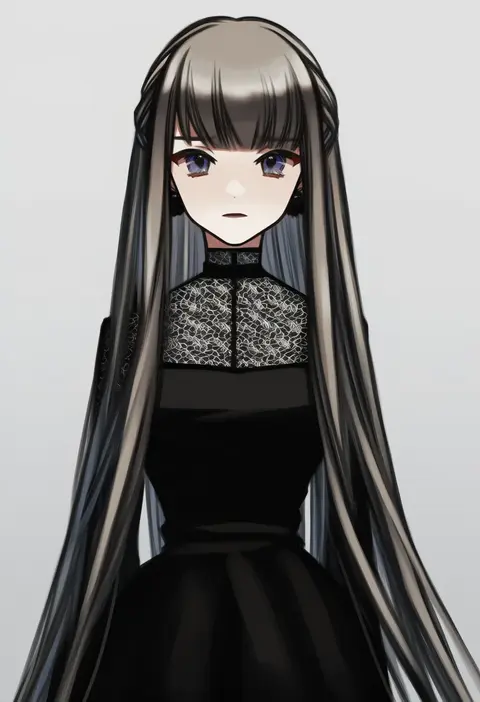
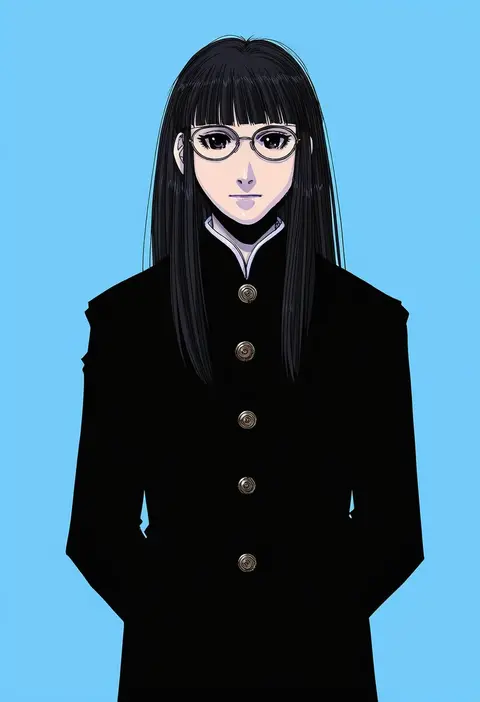
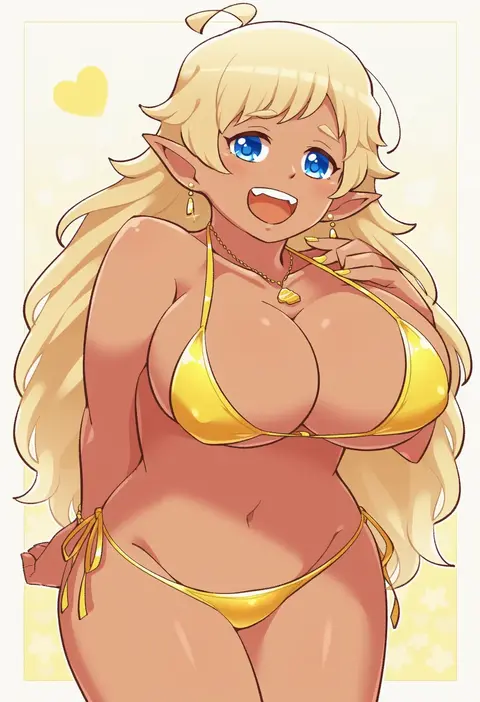
nikomi (nikomix)
ARTIST0x3A22
0
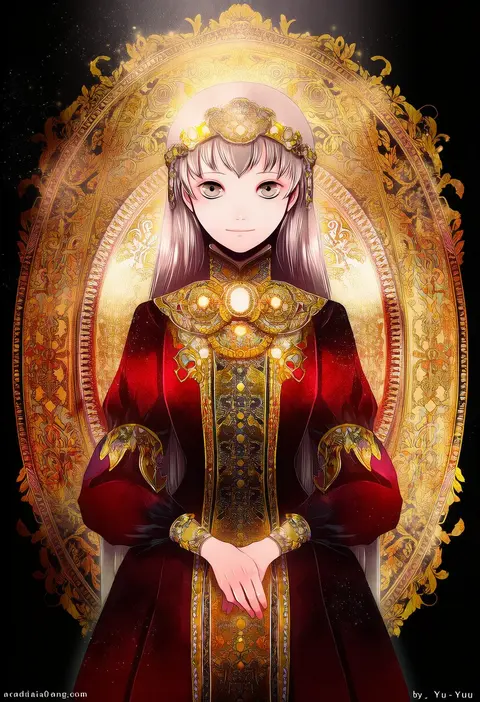
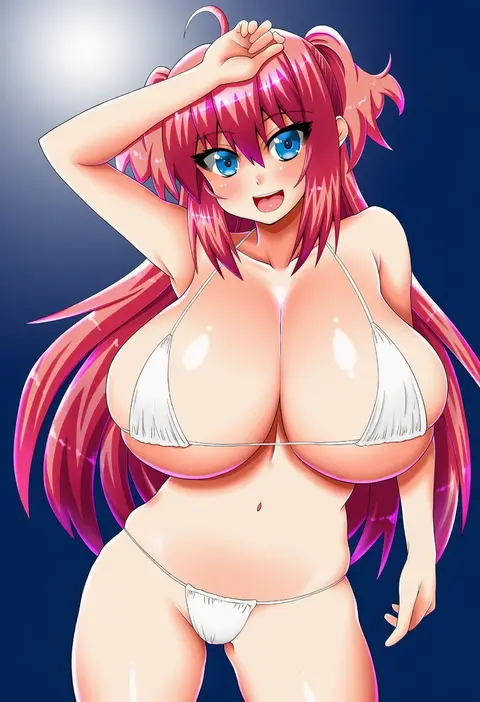
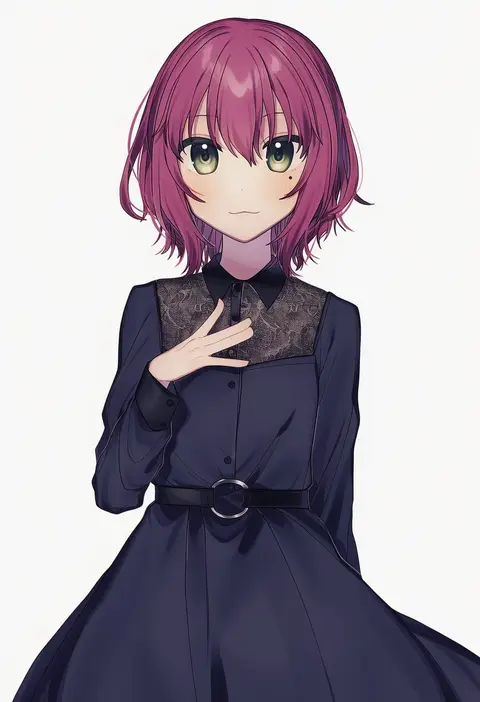
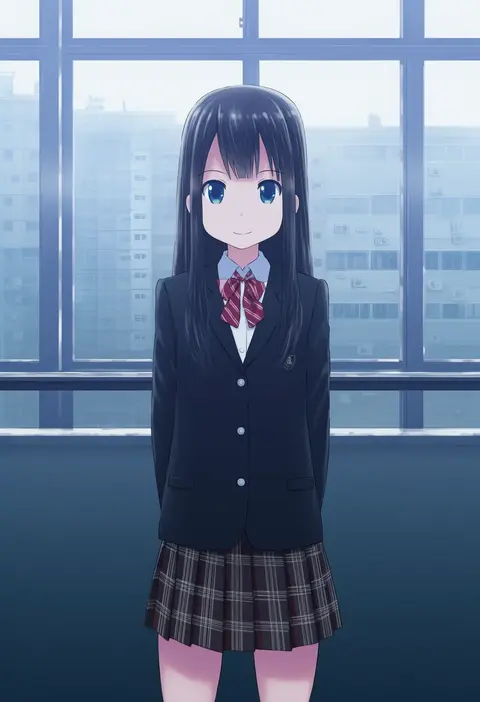
yuu (arcadia)
ARTIST0x3A23
0
aku (dejigiga)
ARTIST0x3A24
0
bluekomadori
ARTIST0x3A25
0
soranagi
ARTIST0x3A26
0
mori no kaeru
ARTIST0x3A27
0
artisticjinsky
ARTIST0x3A28
0
chi gu
ARTIST0x3A29
0
rateratte
ARTIST0x3A2A
0
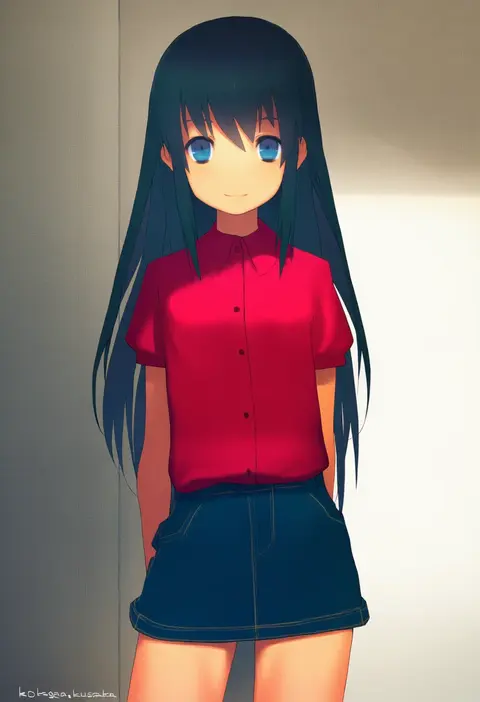
kusaka kokage
ARTIST0x3A2B
0
shigemitsu jun
ARTIST0x3A2C
0
kousaka 0v0
ARTIST0x3A2D
0
matra milan
ARTIST0x3A2E
0
1nupool
ARTIST0x3A2F
0
sebas murasaki
ARTIST0x3A30
0
des (namaasi)
ARTIST0x3A31
0
natori (natorism)
ARTIST0x3A32
0
tareko
ARTIST0x3A33
0
sawa (snack yoshie)
ARTIST0x3A34
0
onigiri (ginseitou)
ARTIST0x3A35
0
gaako illust
ARTIST0x3A36
0
yamadori yoshitomo
ARTIST0x3A37
0
pika (kai9464)
ARTIST0x3A38
0
kuchibashi (9180)
ARTIST0x3A39
0
azuma seiji
ARTIST0x3A3A
0
asuka rkgk
ARTIST0x3A3B
0
shiromiso
ARTIST0x3A3C
0
satou memeko
ARTIST0x3A3D
0
ichifuji nitaka
ARTIST0x3A3E
0
kikuchi michitaka
ARTIST0x3A3F
0
minamiya mia
ARTIST0x3A40
0
hidari (nanmu-left)
ARTIST0x3A41
0
miyu (matsunohara)
ARTIST0x3A42
0
zebrablack
ARTIST0x3A43
0
aopanda
ARTIST0x3A44
0
isou nagi
ARTIST0x3A45
0
catsubun (kkst0904)
ARTIST0x3A46
0
micho
ARTIST0x3A47
0
konohanaya
ARTIST0x3A48
0
take toshiaki
ARTIST0x3A49
0
tudurimike
ARTIST0x3A4A
0
kakinoki mikan (kari)
ARTIST0x3A4B
0
kayama benio
ARTIST0x3A4C
0
mirimo
ARTIST0x3A4D
0
ochakai shin'ya
ARTIST0x3A4E
0
ogawa maiko
ARTIST0x3A4F
0
rapameri
ARTIST0x3A50
0
kedama (kedama akaza)
ARTIST0x3A51
0
oono imo
ARTIST0x3A52
0
hanazuka ryouji
ARTIST0x3A53
0
hoshi-toge
ARTIST0x3A54
0
murasaki saki
ARTIST0x3A55
0
inika
ARTIST0x3A56
0
kechon-san
ARTIST0x3A57
0
yamo (sky2world)
ARTIST0x3A58
0
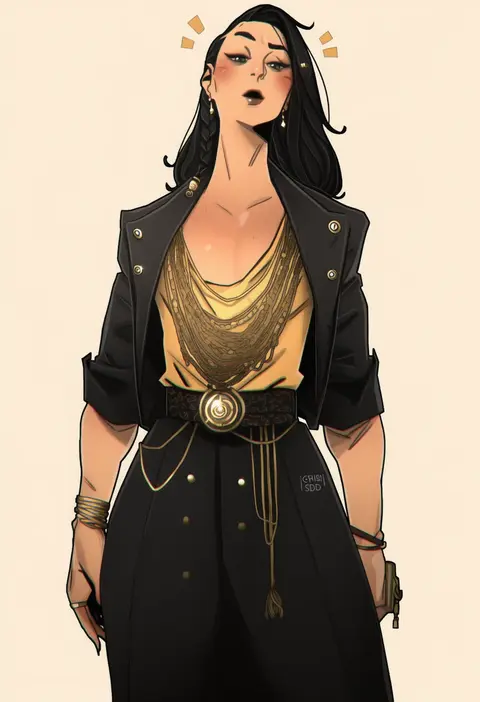
chris sdd
ARTIST0x3A59
0
manabe mana
ARTIST0x3A5A
0
shiromamekei
ARTIST0x3A5B
0

What these tags change

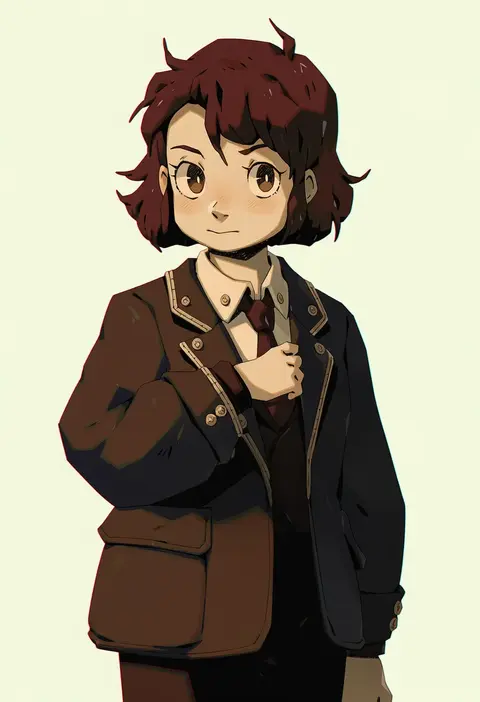
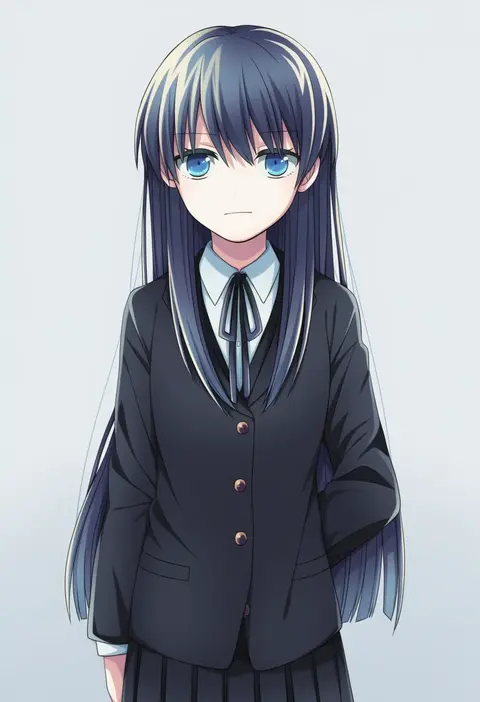
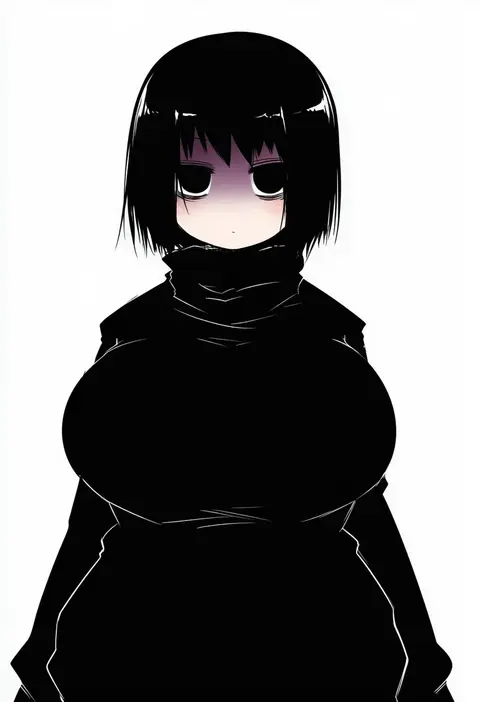
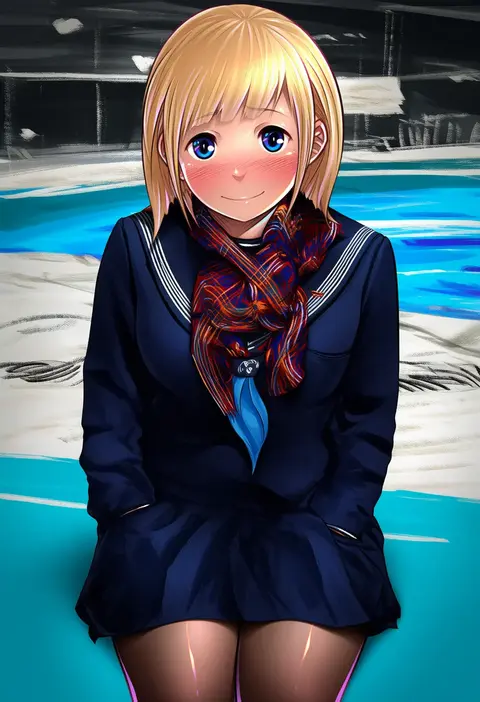
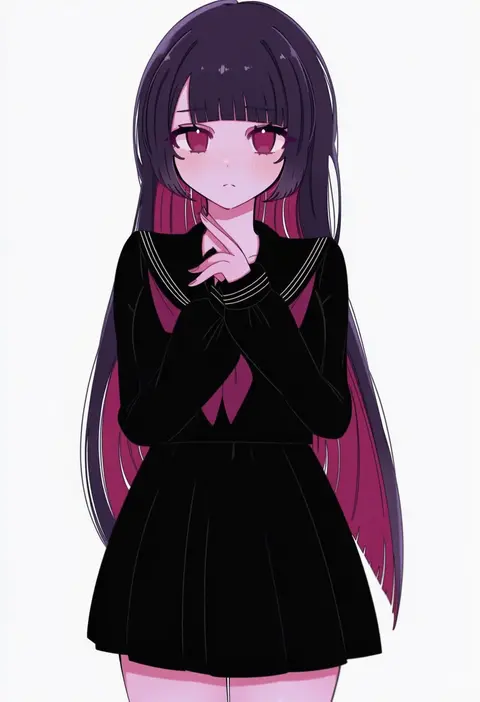
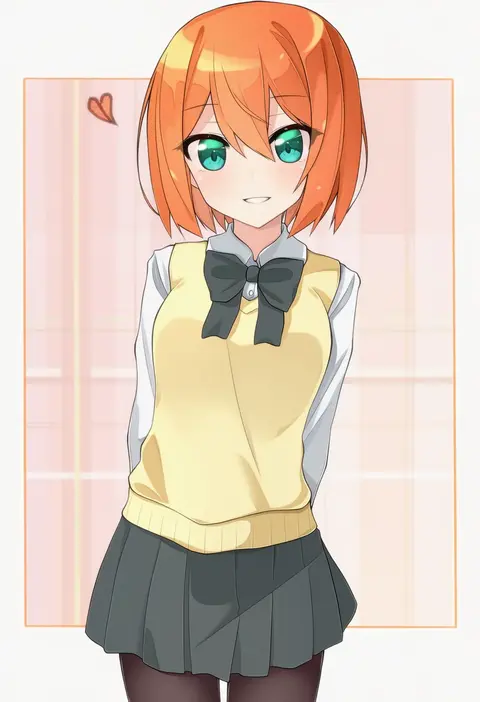
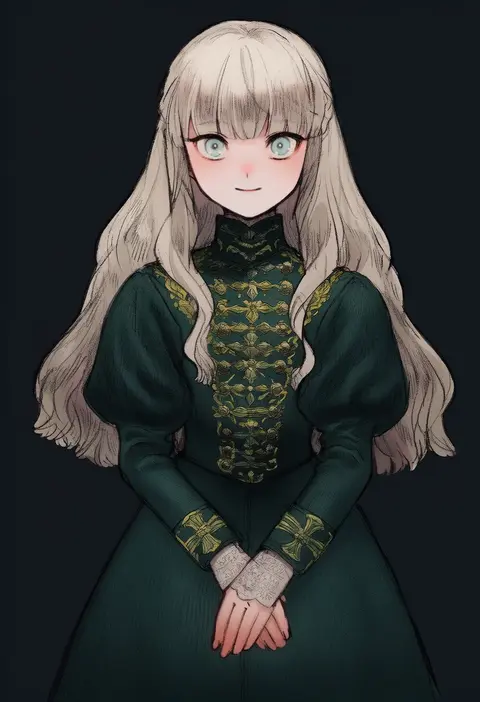
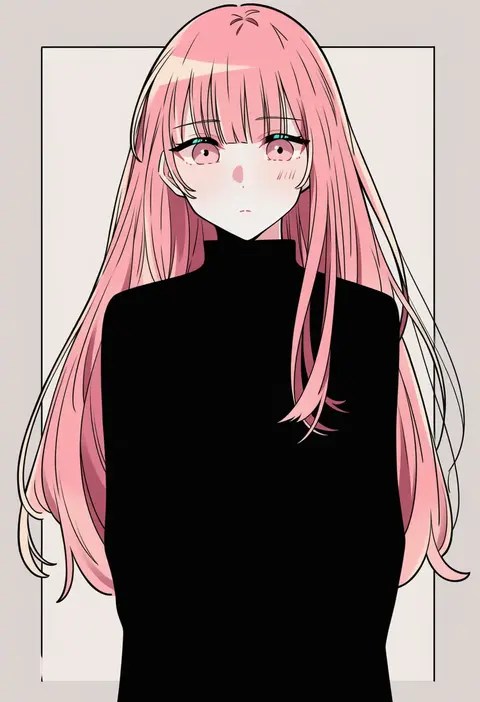
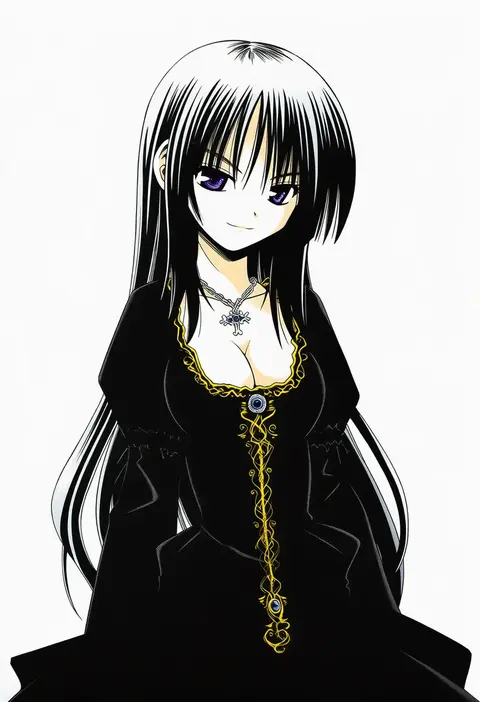
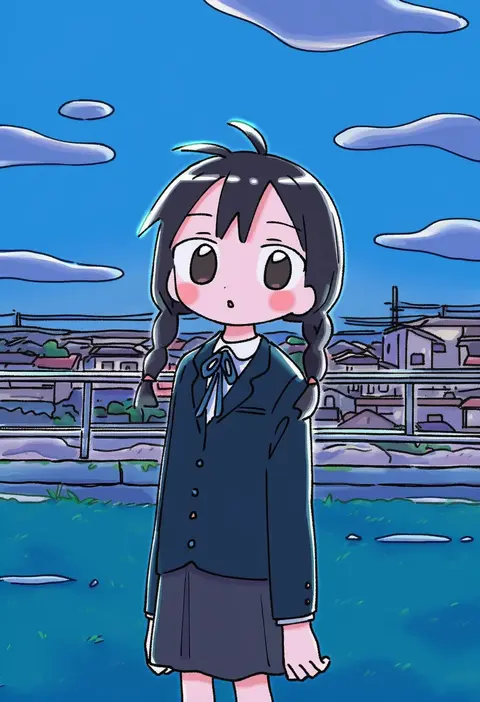
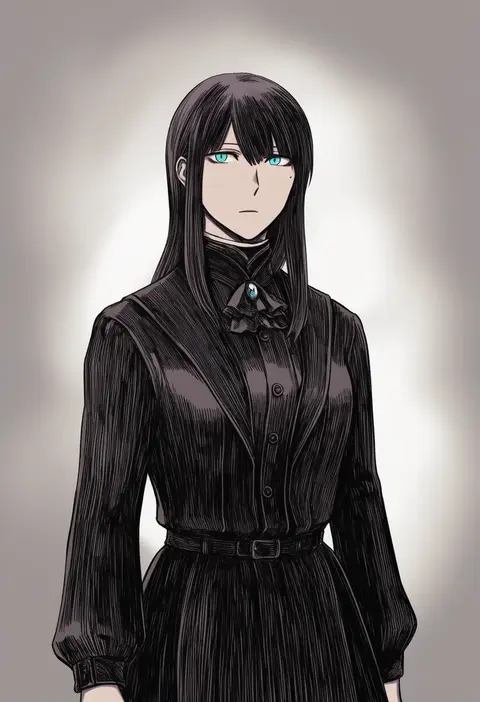
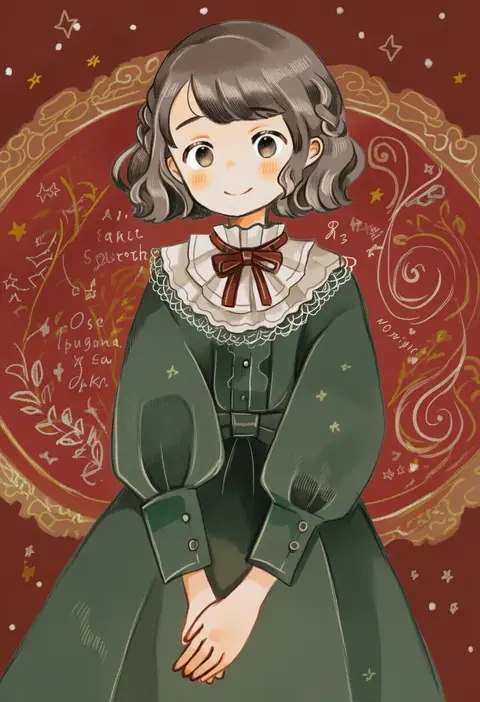
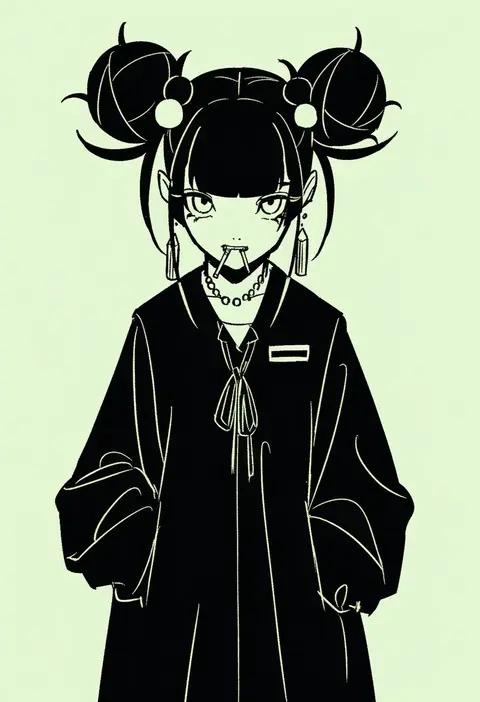
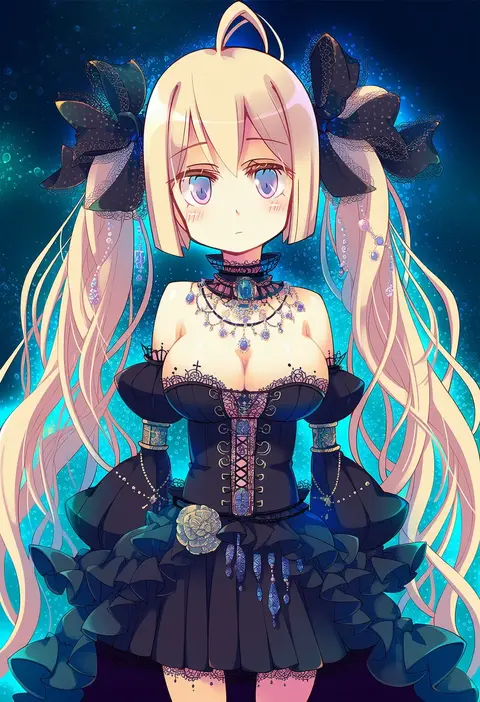
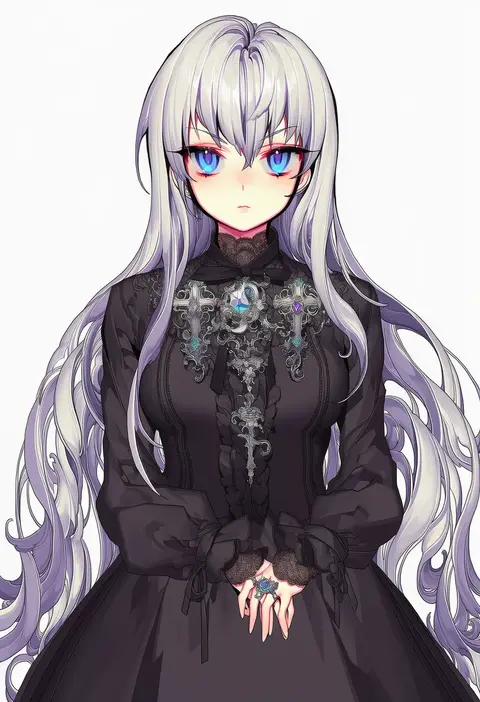
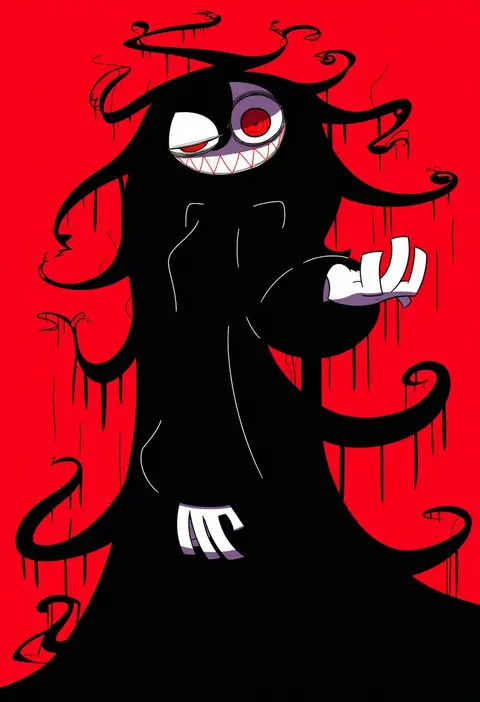
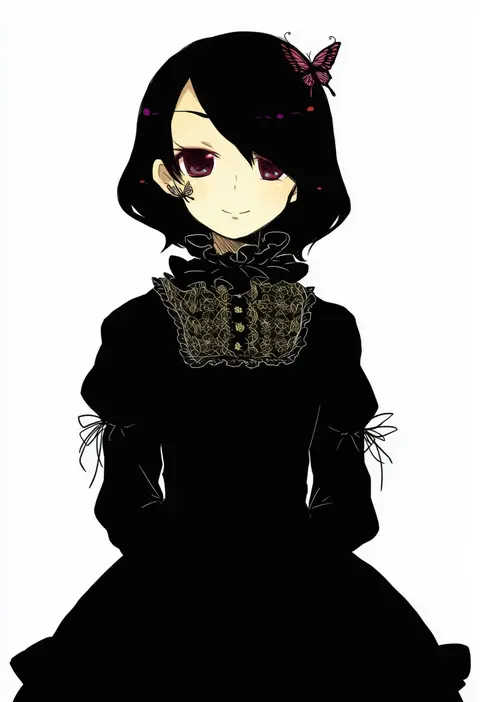
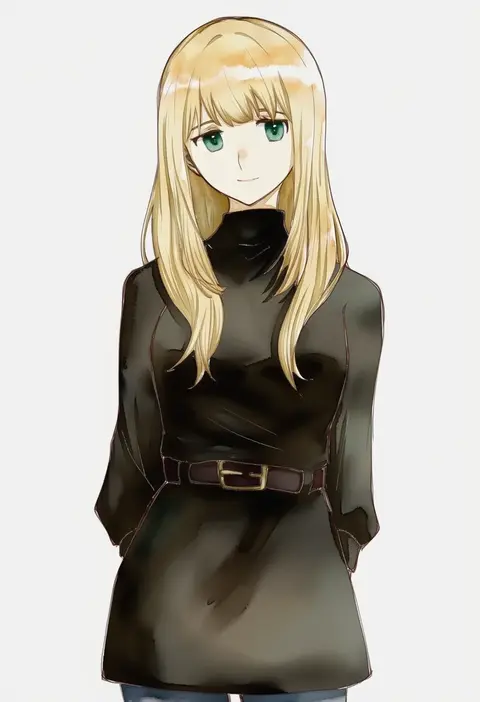
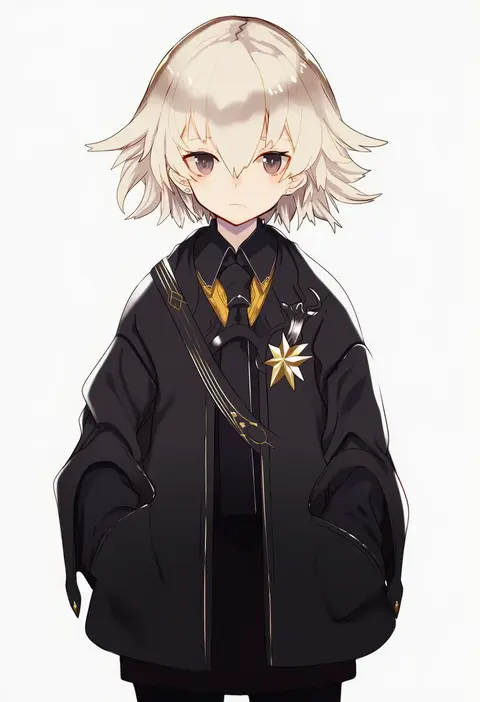
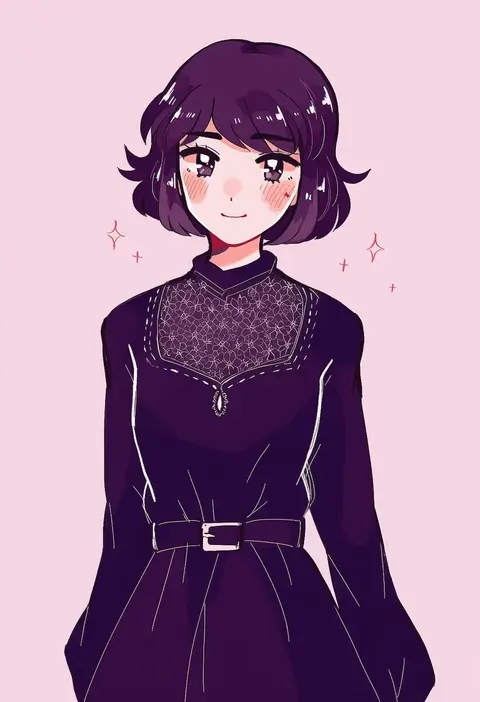
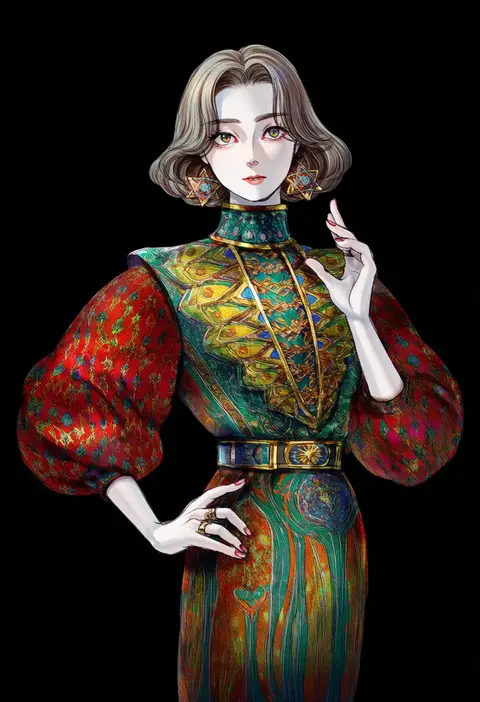
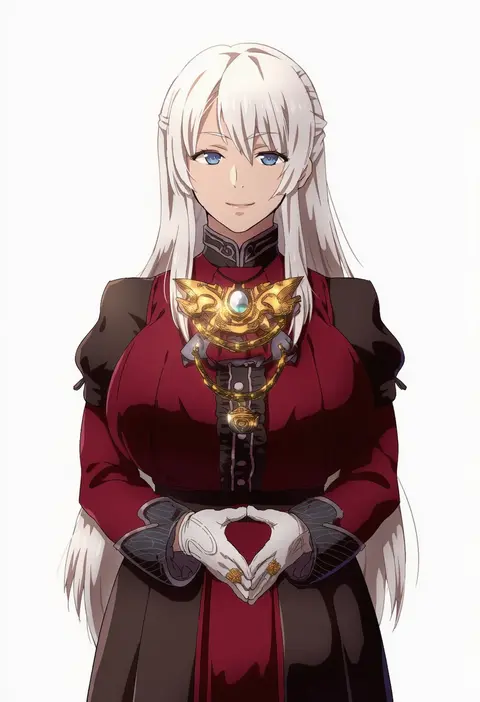
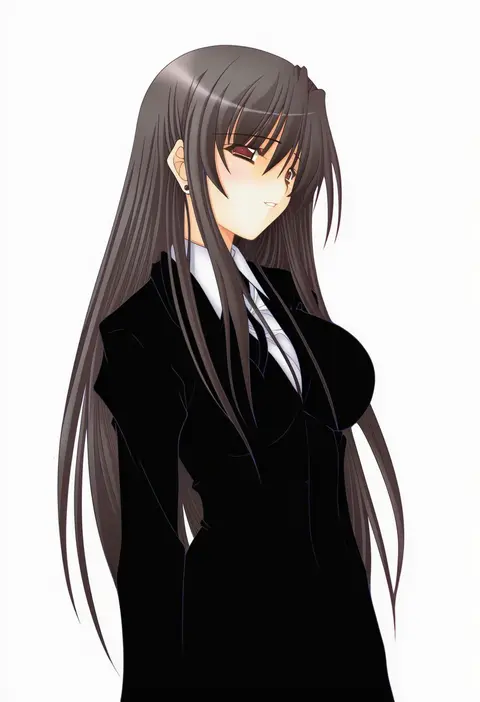
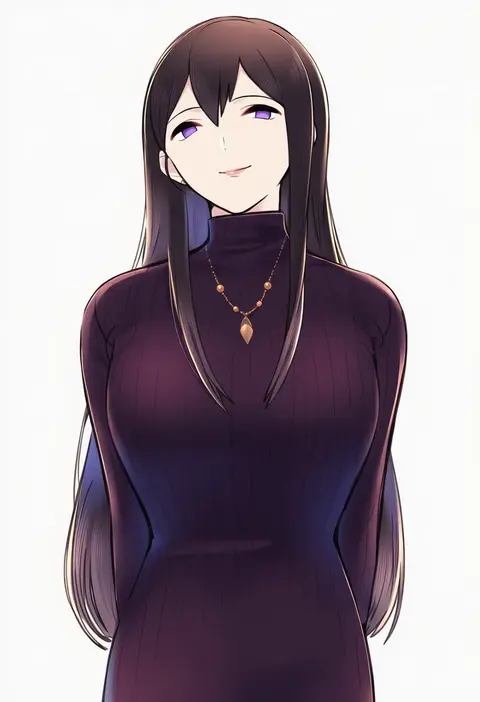
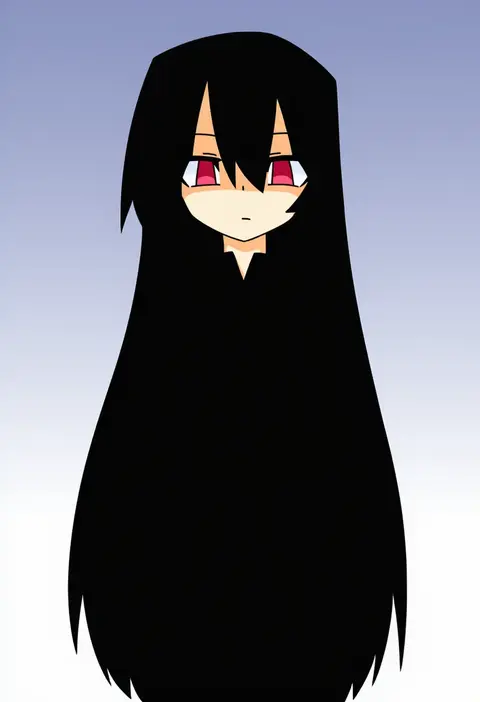
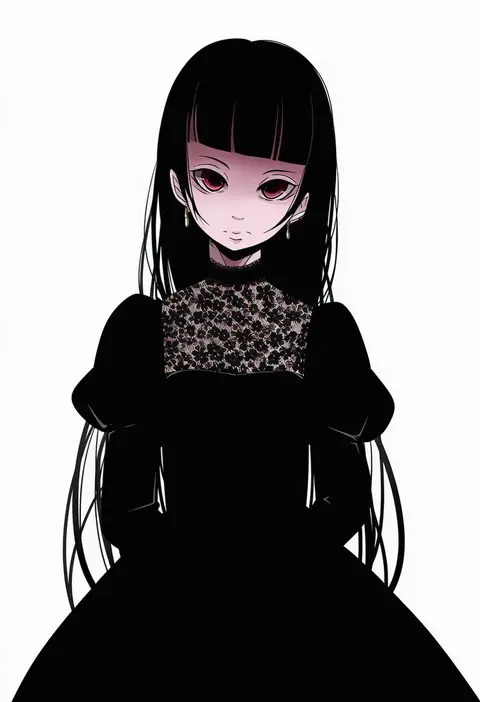
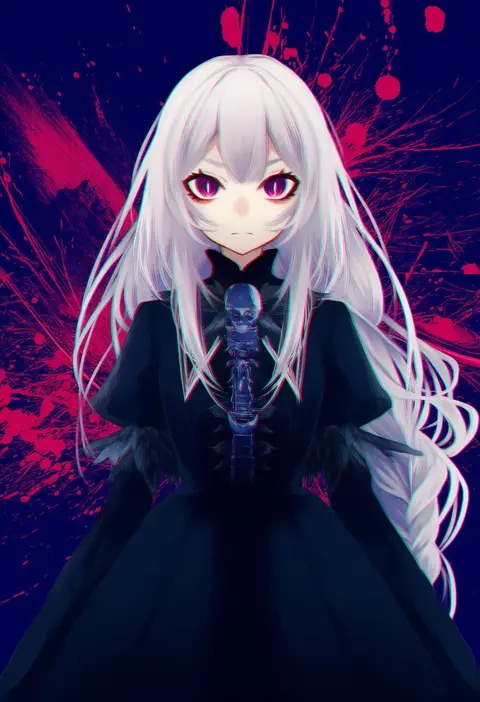
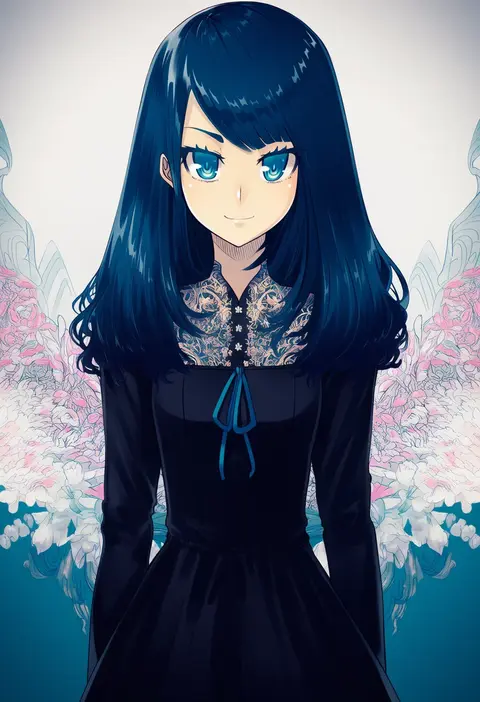
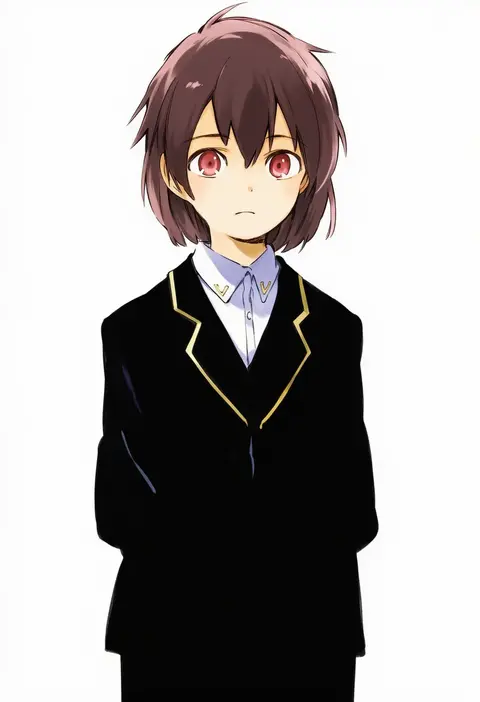
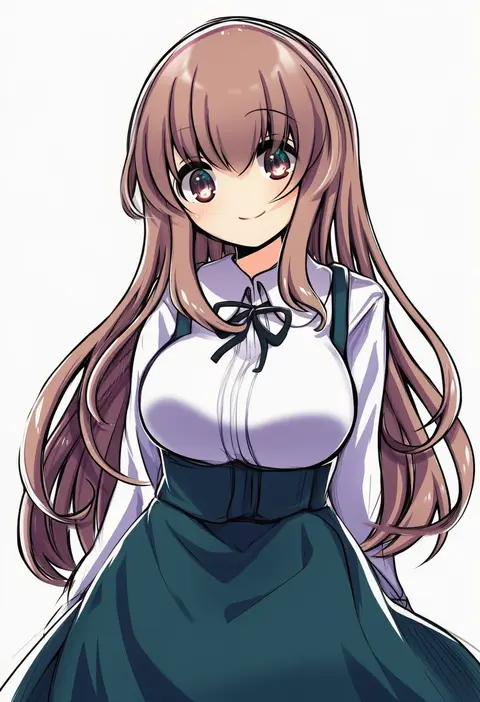
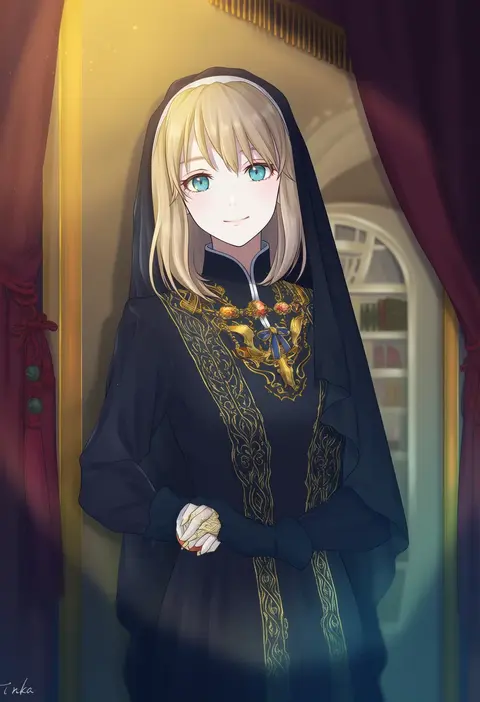
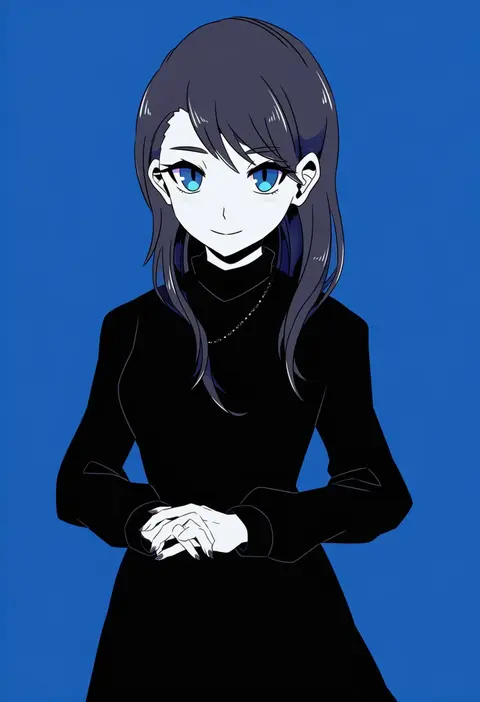
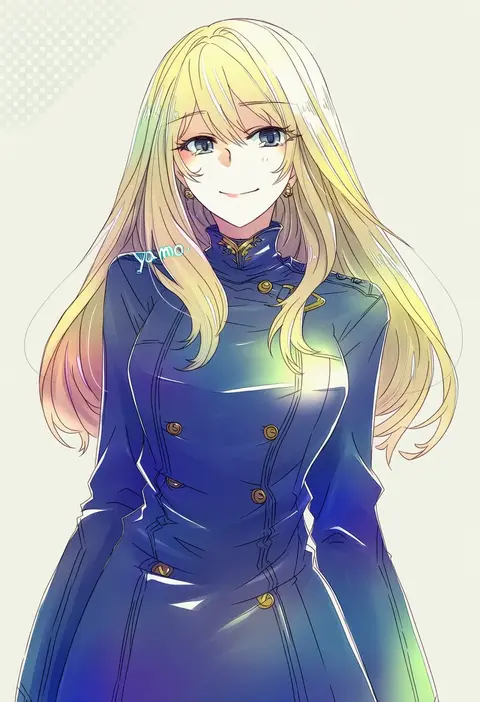
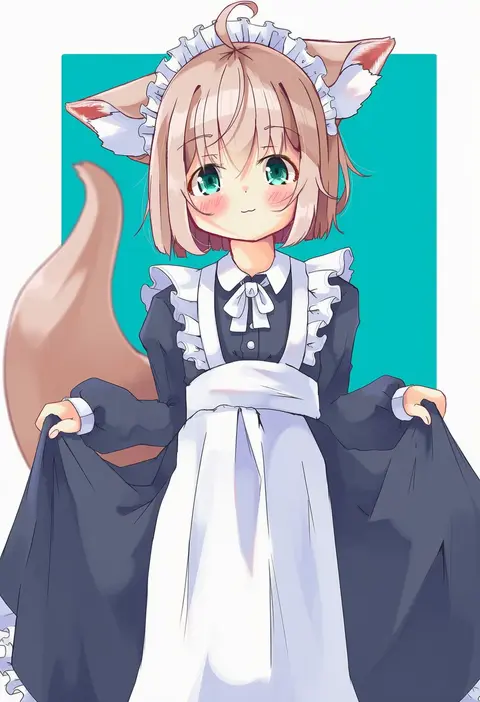
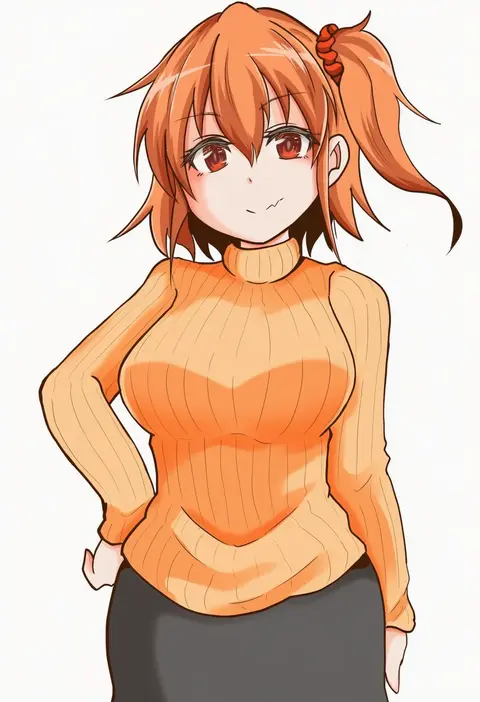
Artist tags tell NovelAI Diffusion to draw in a specific artist's style: line weight, paint texture, face shapes and palette all shift at once. Character and outfit tags decide what is drawn; artist tags decide how. 16,352 tags are listed for V4.5.
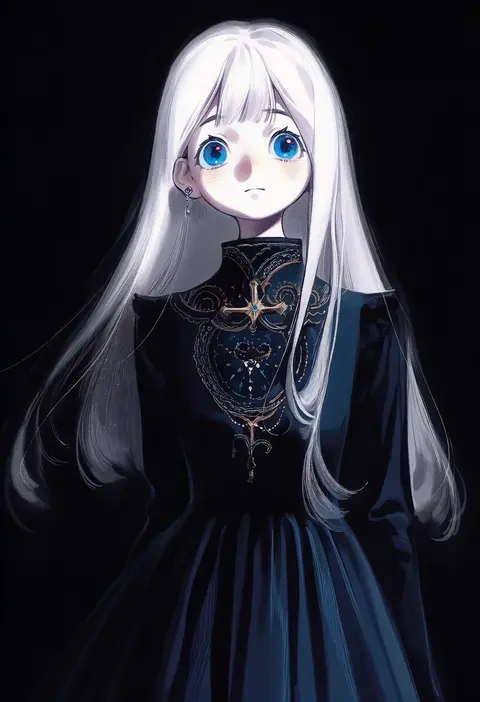
Every tag listed here is verified to react in NovelAI. All images use the same prompt, seed and settings with only the artist tag swapped, so the difference between two images is the style that tag brings in.

How to use them

Put the artist tag near the front of the prompt, e.g. "<artist>, 1girl, solo, best quality, masterpiece, cowboy shot". Two or three artist tags blend styles; lower the weight with "0.8::<artist>::" when the style overpowers the character.

SCORE sorts by Danbooru's top score, POSTS by post count, FAVS by hearts on this site. Open a card to see V5 and V4.5 side by side on the same seed.

V5 vs V4.5

V5 usually lands closer to the artist's real style, and tags that did nothing on V4.5 often react on V5. V4.5 still fits older and doujin-heavy artists better. Try V5 first, fall back to V4.5.

FAQ

Where does the artist tag go?
Near the front of the prompt. Use "0.8::tag::" to adjust its weight.

Can I stack artist tags?
Yes, styles blend. Past two or three the result stops looking like anyone.

Are these the artists' own works?
No. Every image is a NovelAI sample generated from the tag.