V4.5Artists
sort: FAVS▾
▾
>
$

Popular NovelAI artist tags — V4.5

artist --count 16,352[253/273]
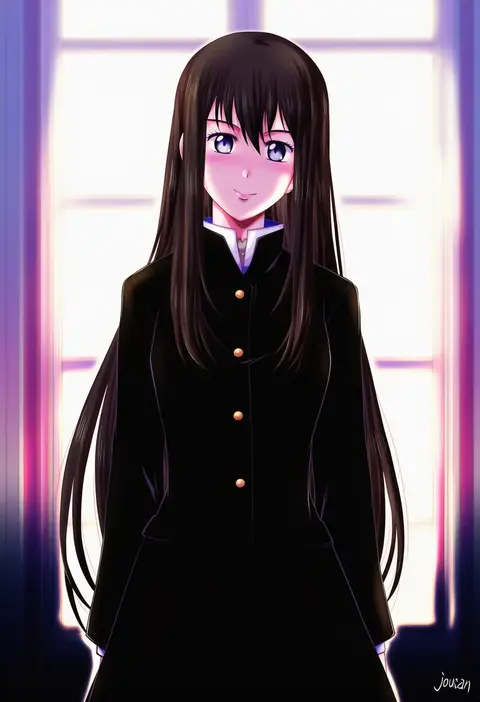
xiacheng tatsuya
ARTIST0x3B10
0
hikanyan
ARTIST0x3B11
0
helbai
ARTIST0x3B12
0
karasumi (aiseec)
ARTIST0x3B13
0
midoribox
ARTIST0x3B14
0
urokogaran
ARTIST0x3B15
0
acesrulez
ARTIST0x3B16
0
nura (oaaaaaa)
ARTIST0x3B17
0
renta (deja-vu)
ARTIST0x3B18
0
tariah furlow
ARTIST0x3B19
0
motojima hakka
ARTIST0x3B1A
0
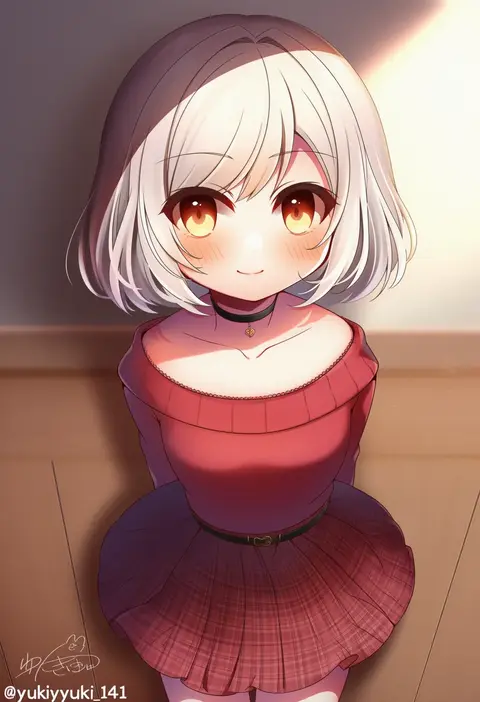
yukiyuki 441
ARTIST0x3B1B
0
sano (hospital 0434)
ARTIST0x3B1C
0
matsuri (matsuike)
ARTIST0x3B1D
0
shutou mq
ARTIST0x3B1E
0
ryou (shirotsumesou)
ARTIST0x3B1F
0
oza watto
ARTIST0x3B20
0
dizdoodz
ARTIST0x3B21
0
hotate rayan
ARTIST0x3B22
0
soranagi yuki
ARTIST0x3B23
0
sousui hani
ARTIST0x3B24
0
saipin
ARTIST0x3B25
0
yoshizuki kumichi
ARTIST0x3B26
0
natsuo (720ge)
ARTIST0x3B27
0
oro9
ARTIST0x3B28
0
osu (osumankokuou)
ARTIST0x3B29
0
satome setsuko
ARTIST0x3B2A
0
kumaori jun
ARTIST0x3B2B
0
c (neta)
ARTIST0x3B2C
0
enouchi ai
ARTIST0x3B2D
0
bondson
ARTIST0x3B2E
0
tribute (tributism)
ARTIST0x3B2F
0
kirin (suzoke 1)
ARTIST0x3B30
0
suou sakura
ARTIST0x3B31
0
yamadori ofuu
ARTIST0x3B32
0
youchi123
ARTIST0x3B33
0
maniani
ARTIST0x3B34
0
moriguchi nao (naonao)
ARTIST0x3B35
0
pos (shiratama-ya)
ARTIST0x3B36
0
riyo (riyontoko)
ARTIST0x3B37
0
arikomen
ARTIST0x3B38
0
roshiakouji-chan
ARTIST0x3B39
0
master (4th)
ARTIST0x3B3A
0
nimbus goldbrum
ARTIST0x3B3B
0
prtn (ttnx)
ARTIST0x3B3C
0
gigi d.g.
ARTIST0x3B3D
0
shimanoji
ARTIST0x3B3E
0
amasa mitsunaru
ARTIST0x3B3F
0
kousa (black tea)
ARTIST0x3B40
0
dakkusu
ARTIST0x3B41
0
emu (toran)
ARTIST0x3B42
0
sano sanoko
ARTIST0x3B43
0
manaka (pdx)
ARTIST0x3B44
0
niji (nijioki)
ARTIST0x3B45
0
kitamura (bamboo)
ARTIST0x3B46
0
neko yume
ARTIST0x3B47
0
nakamura hinata
ARTIST0x3B48
0
y y (ysk ygc)
ARTIST0x3B49
0
mikan ame (gumi)
ARTIST0x3B4A
0
dkou
ARTIST0x3B4B
0

What these tags change

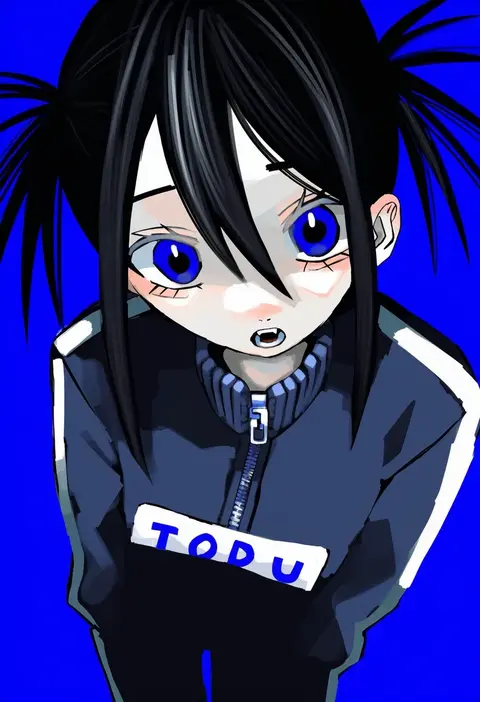
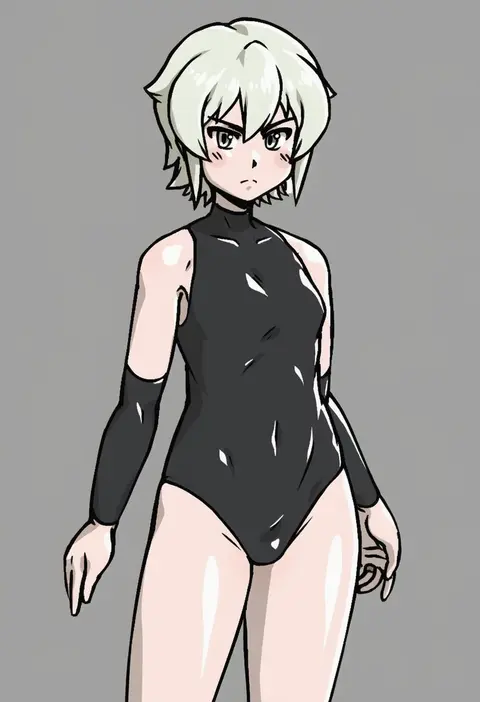
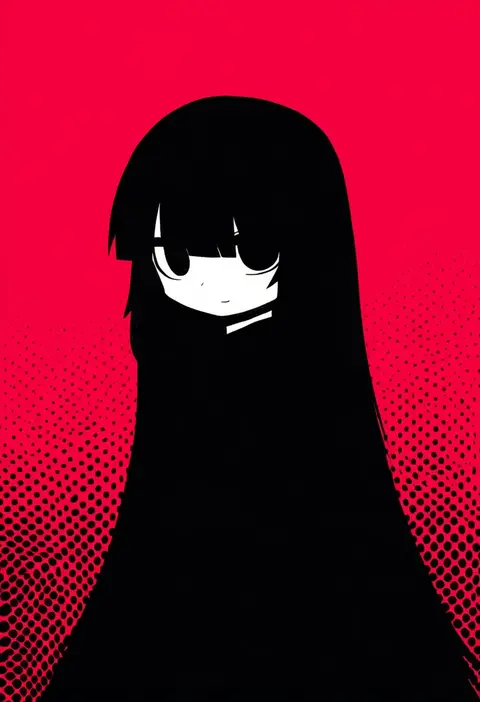
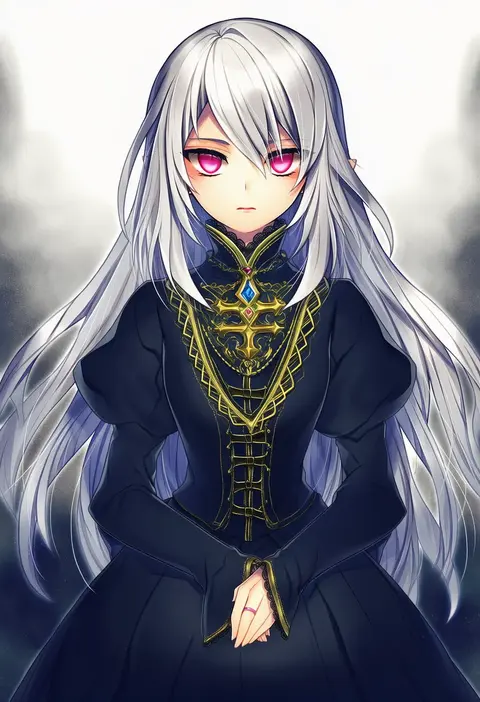
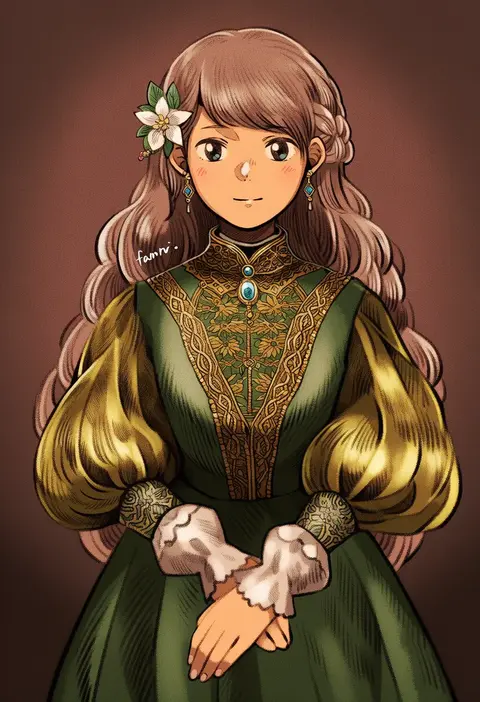
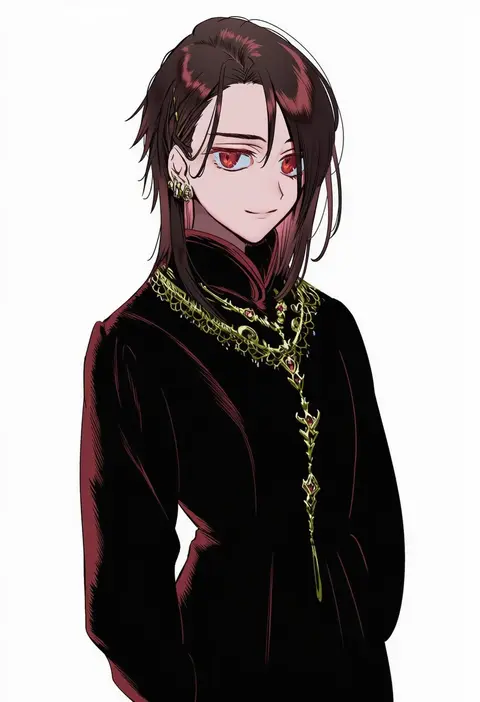
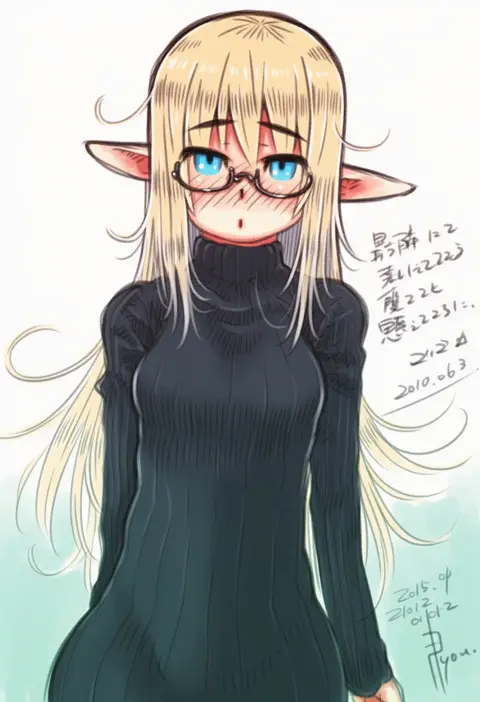
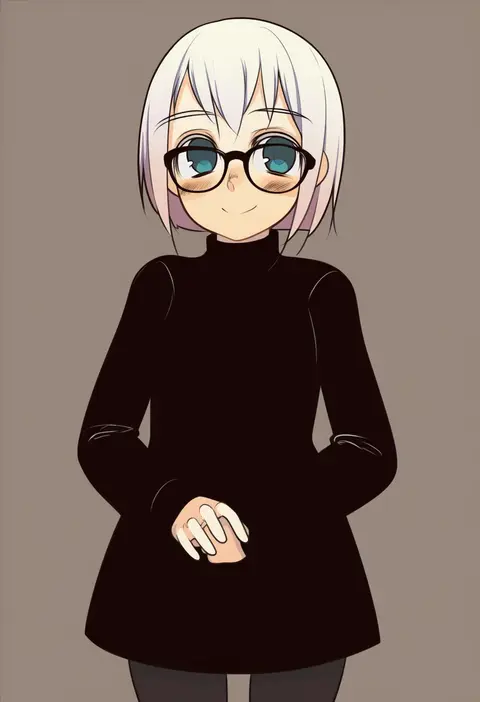
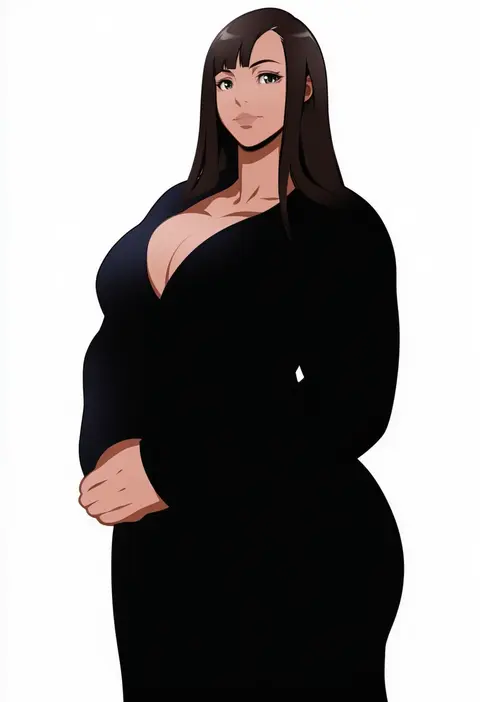
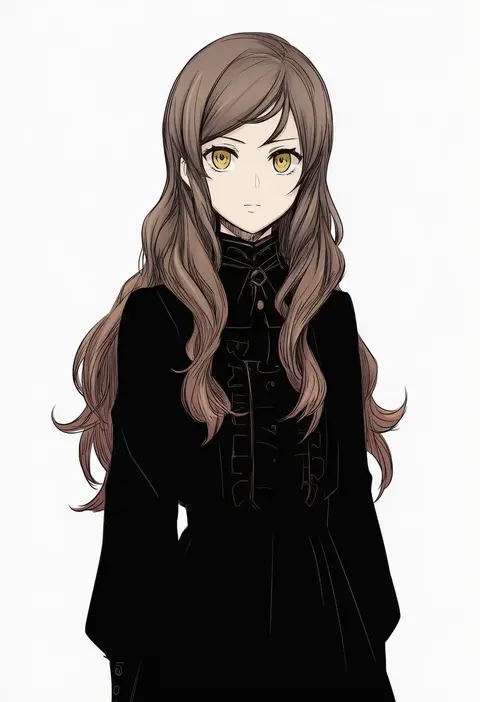
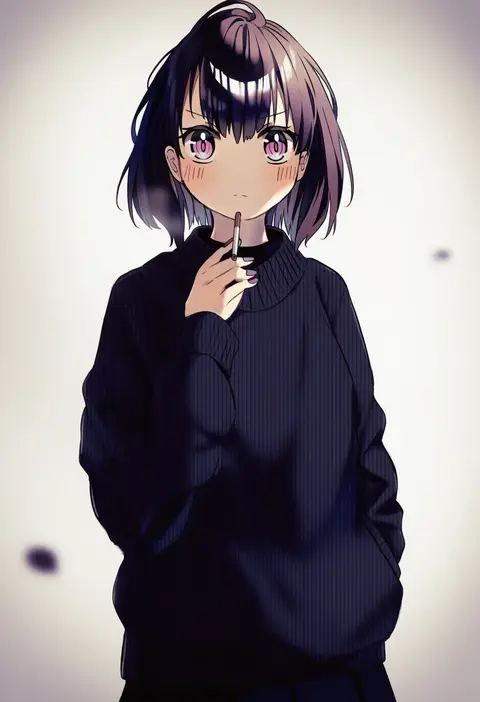
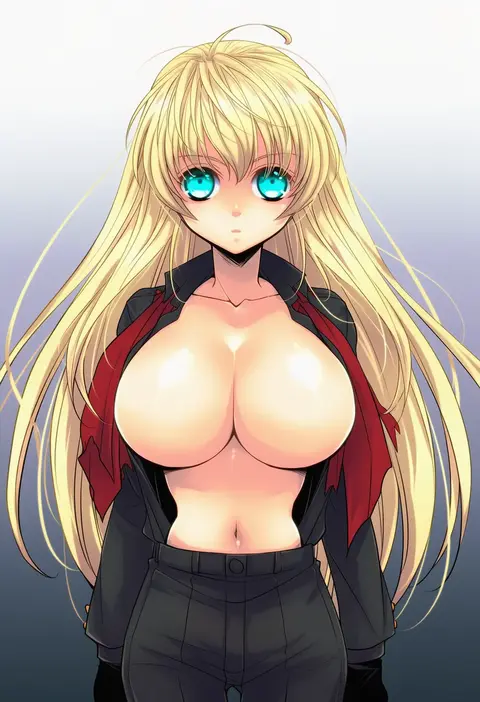
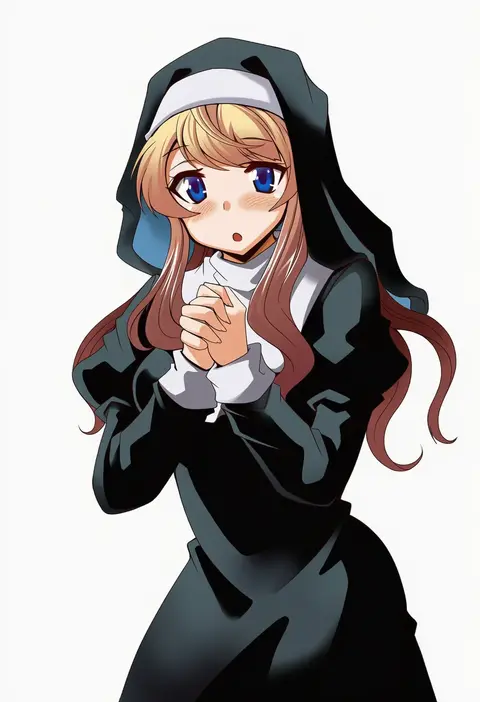
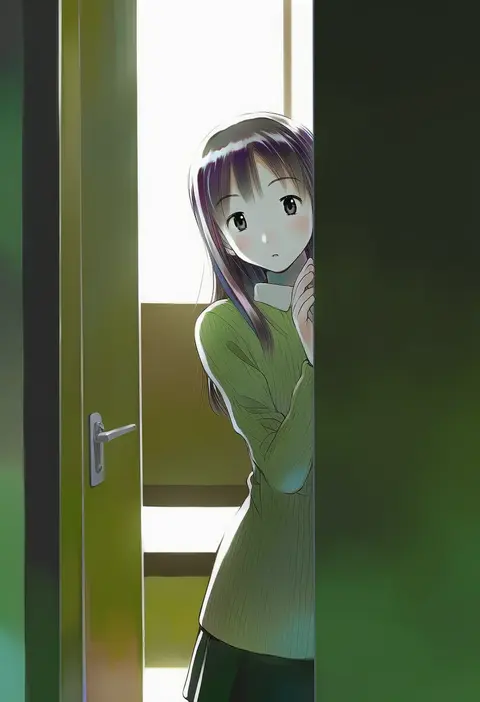
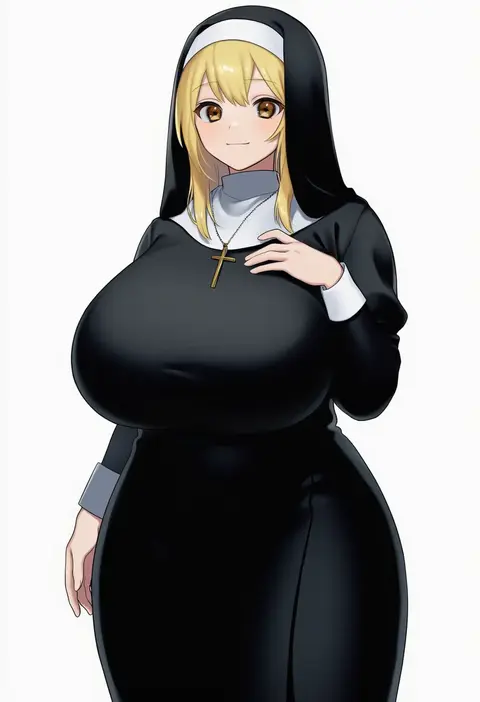
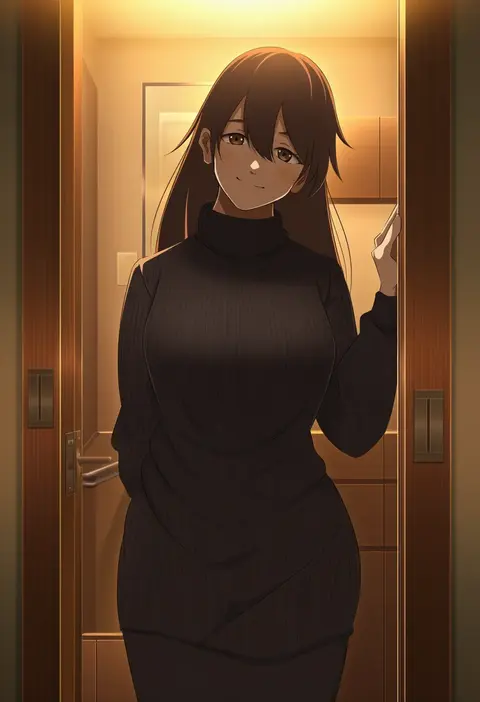
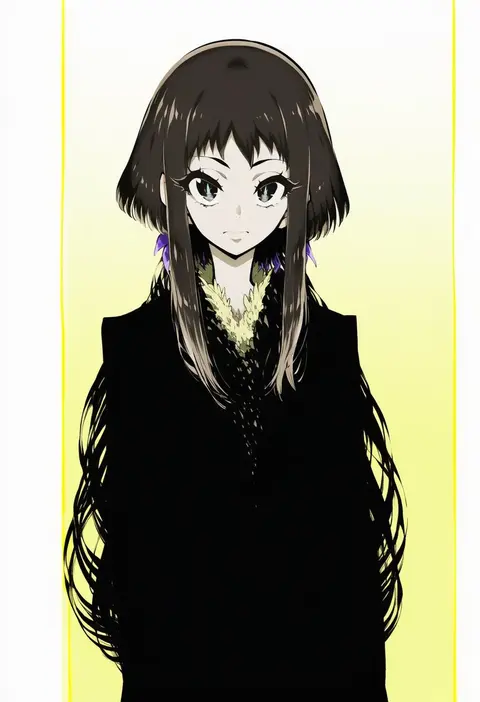
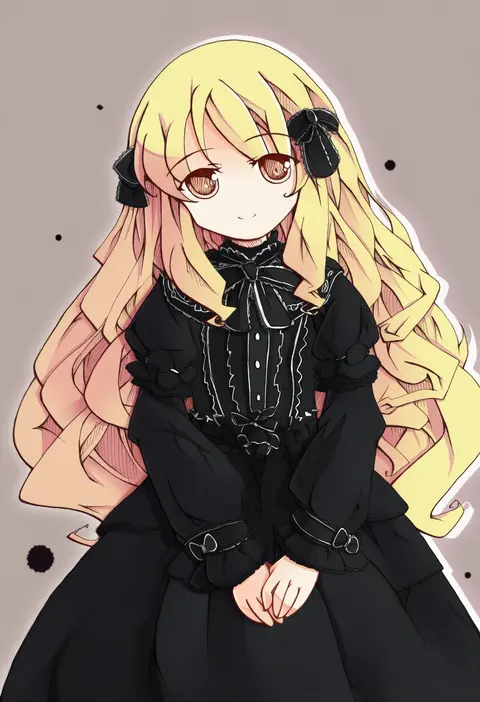
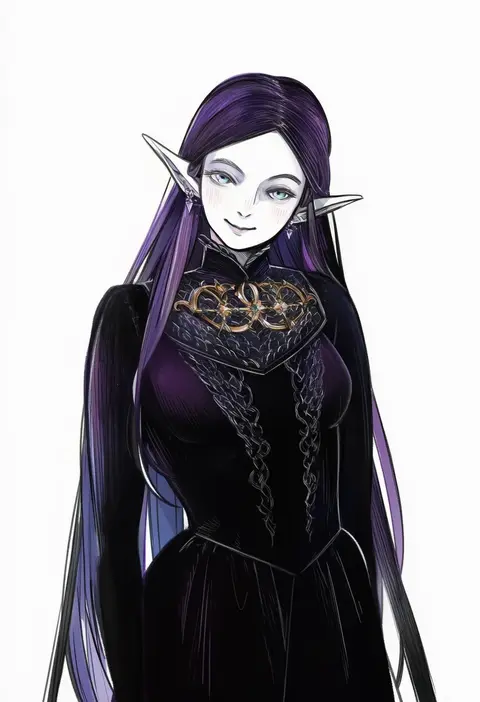
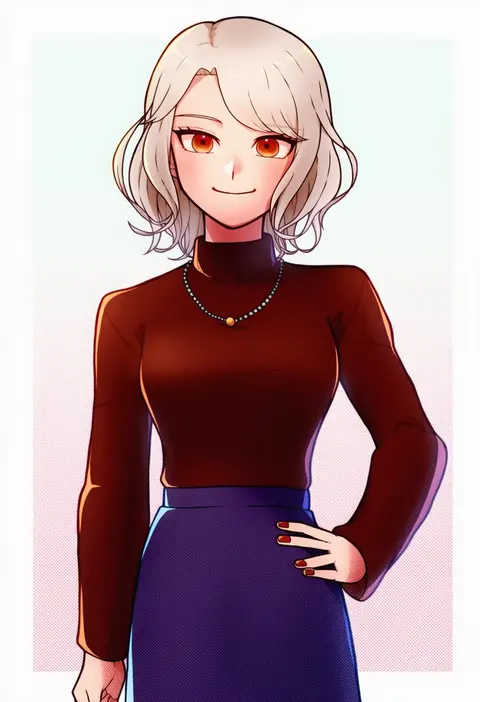
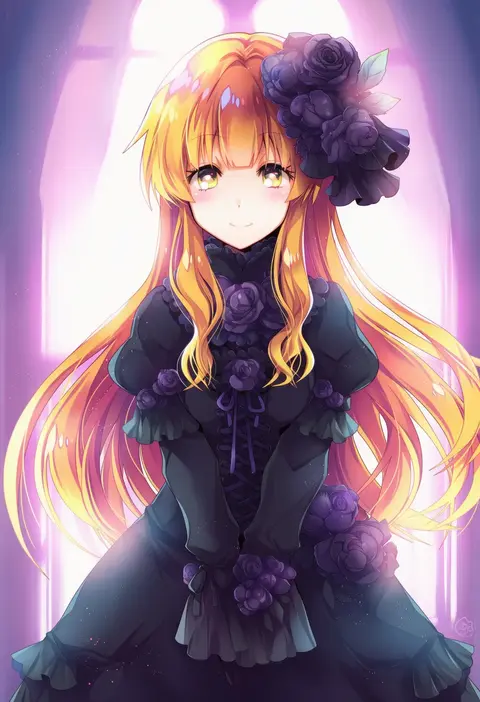
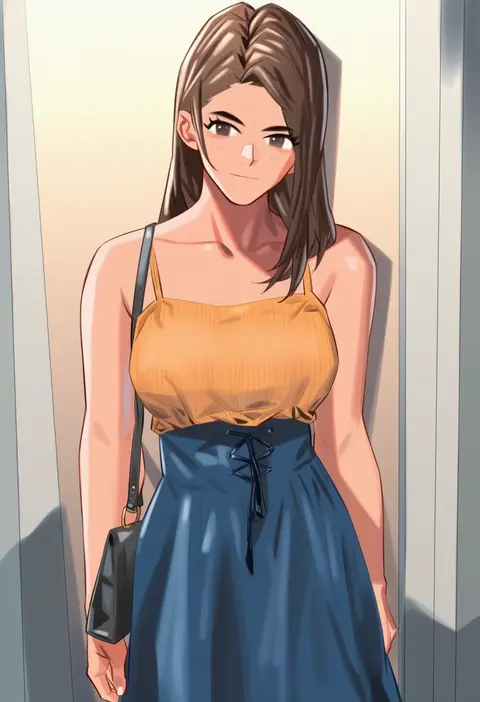
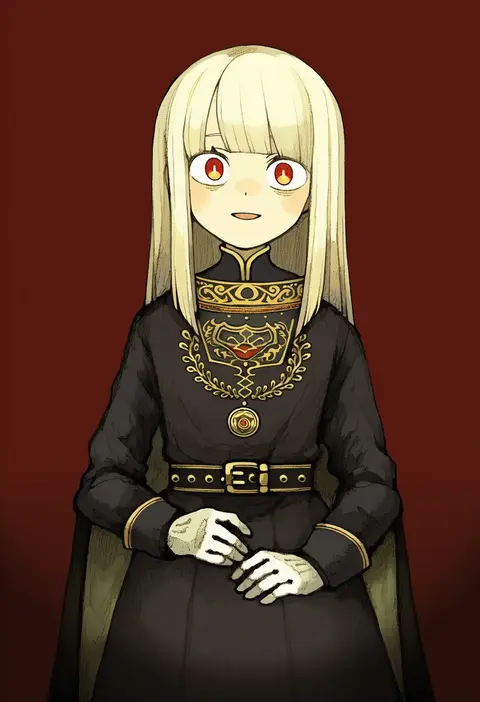
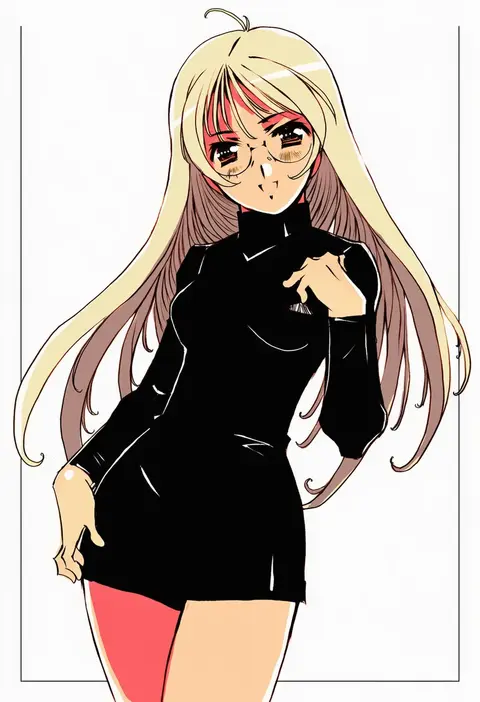
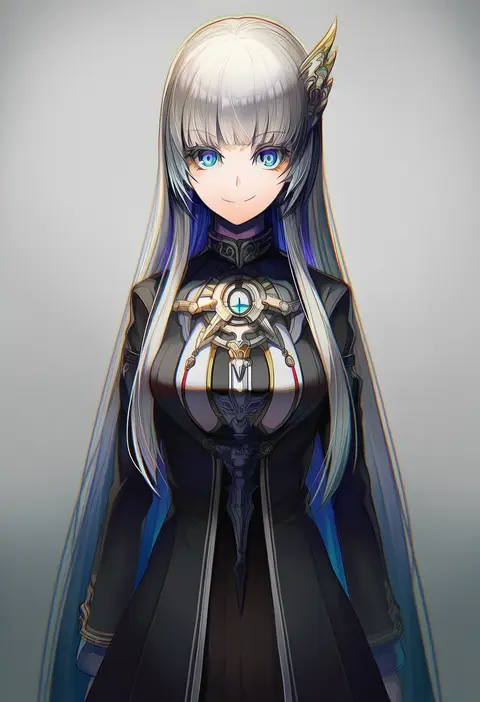
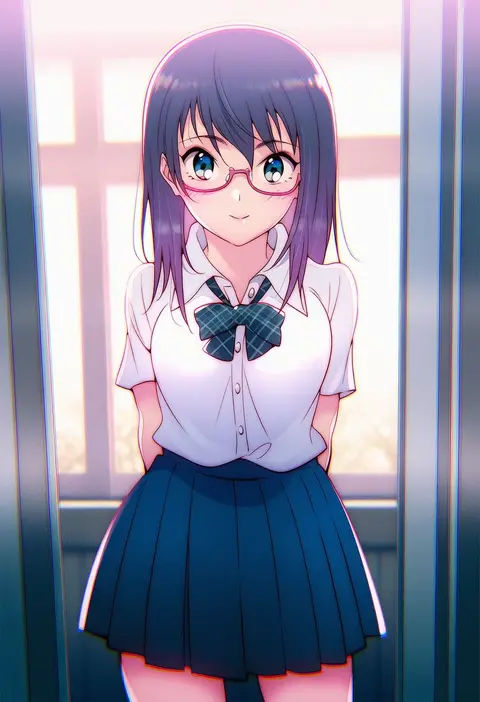
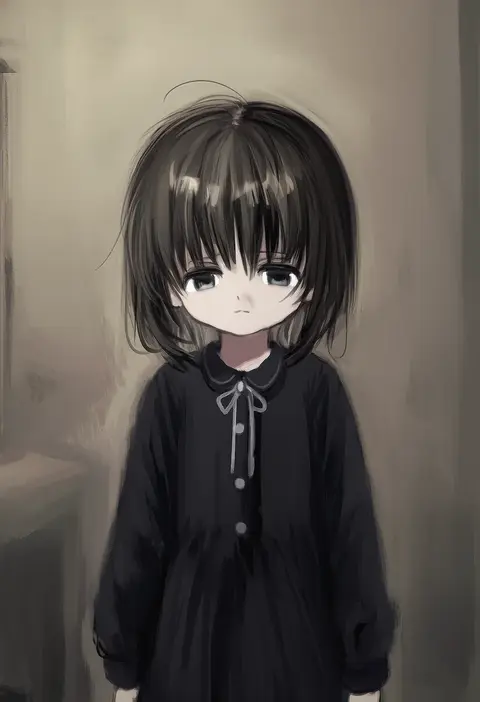
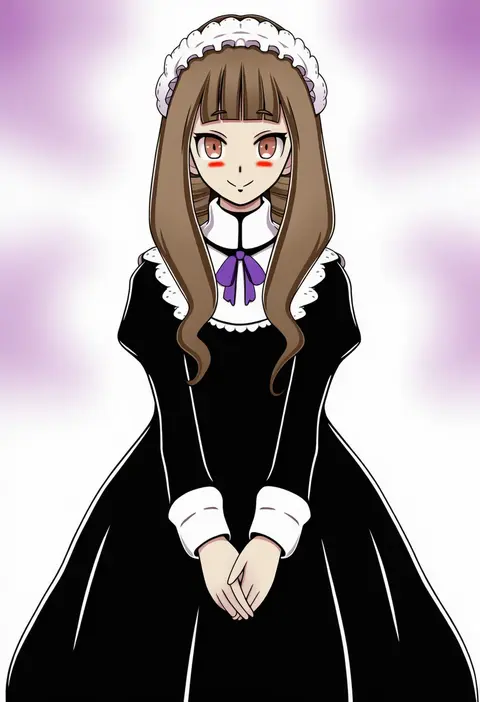
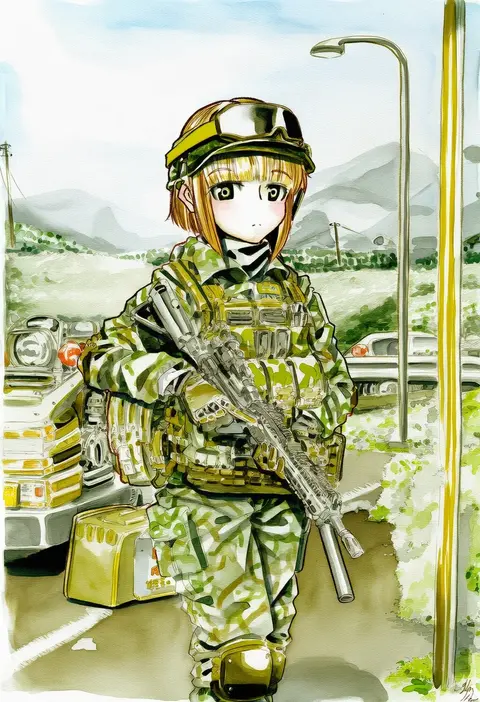
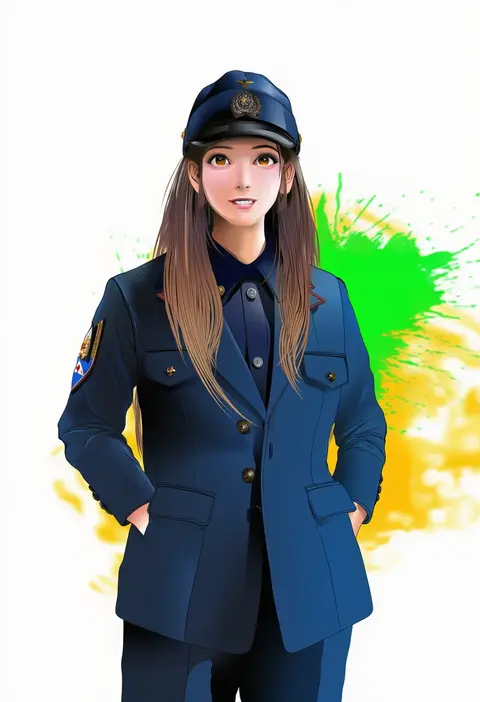
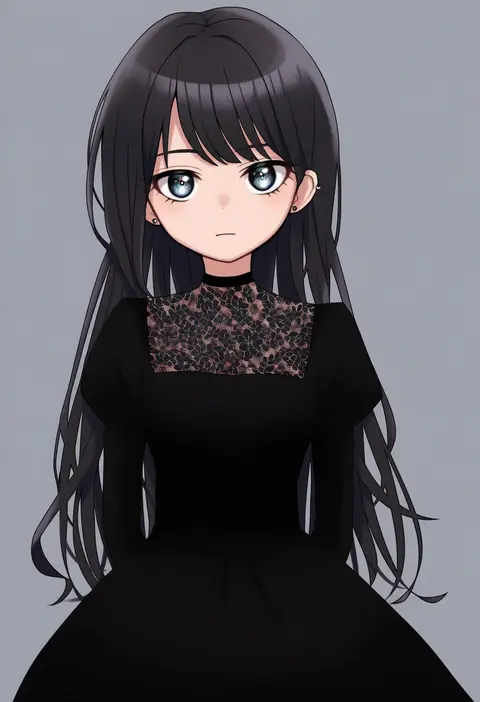
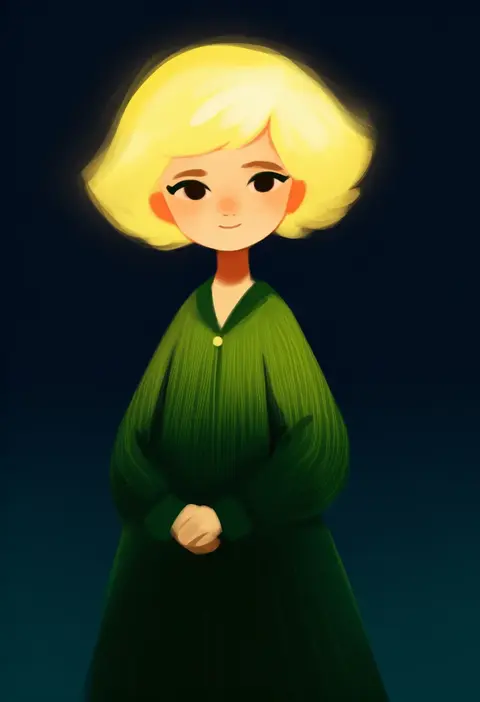
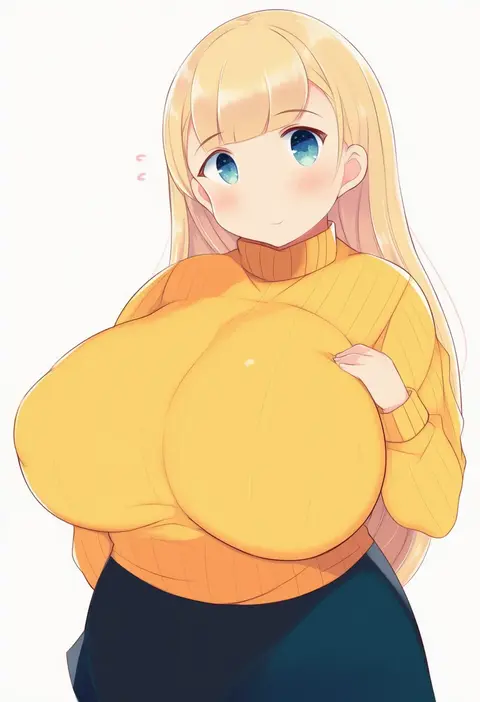
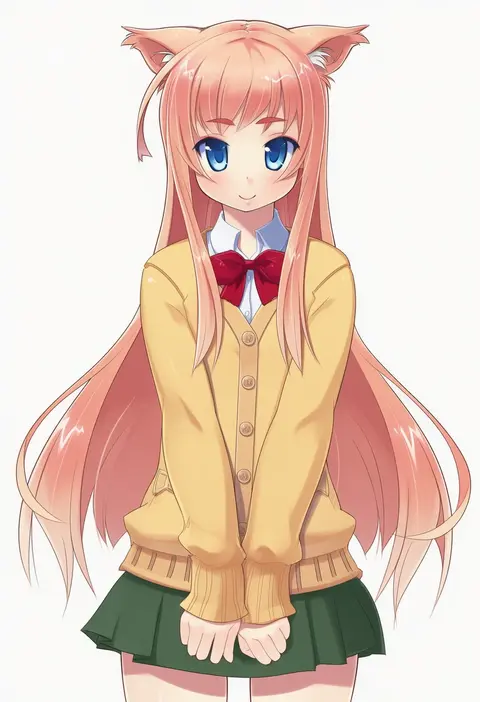
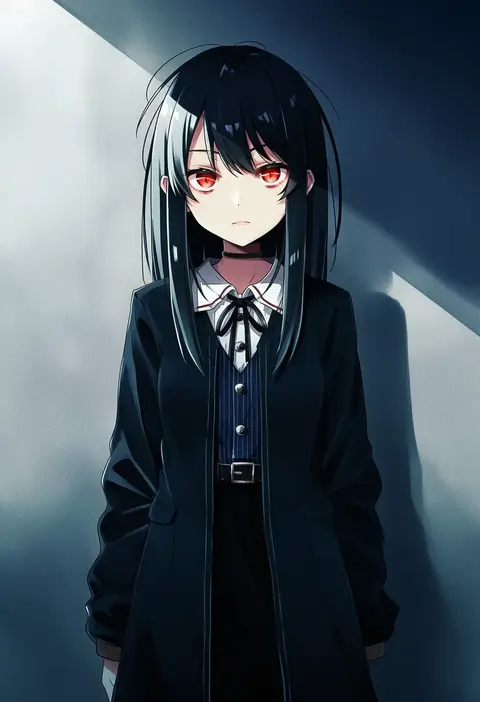
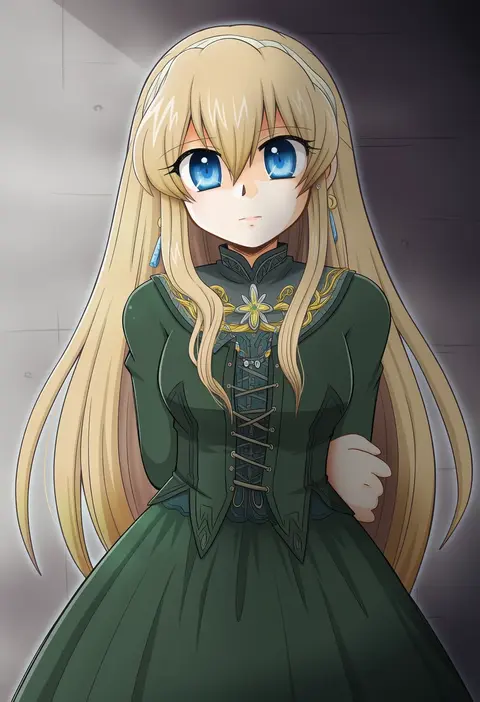
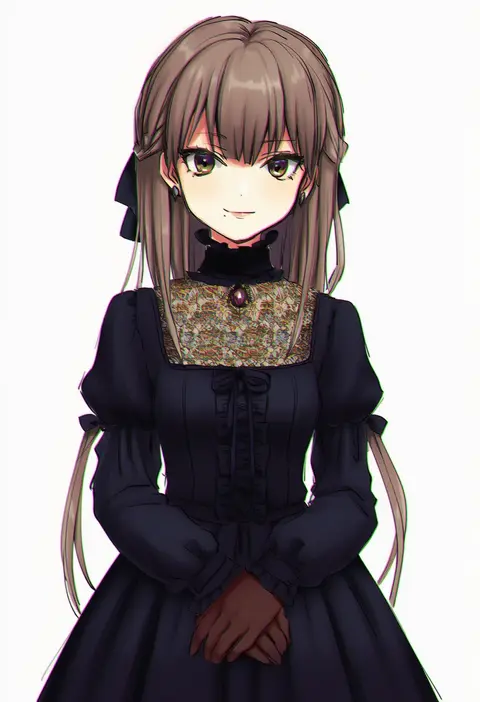
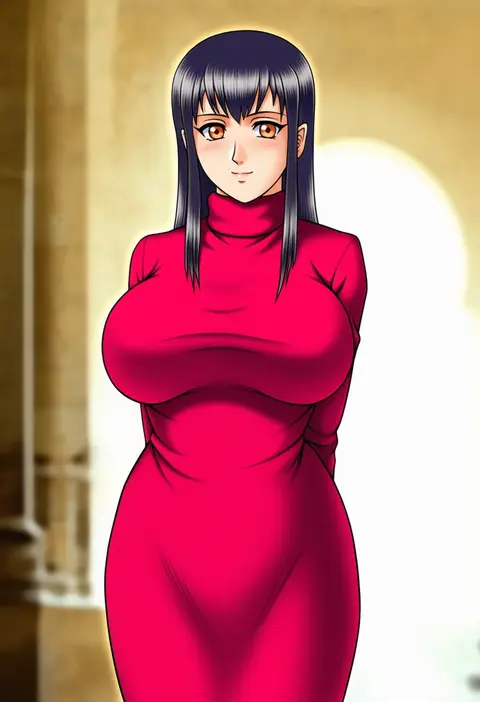
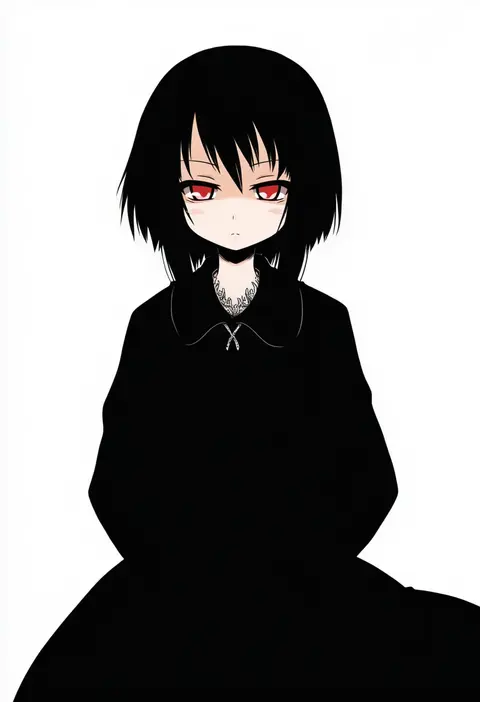
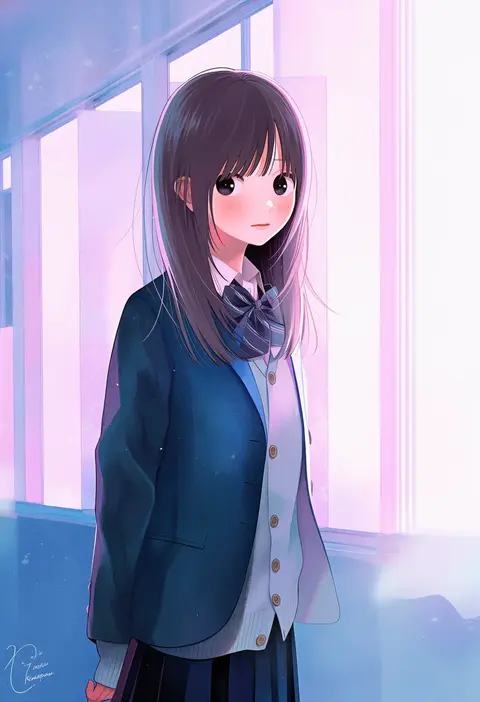
Artist tags tell NovelAI Diffusion to draw in a specific artist's style: line weight, paint texture, face shapes and palette all shift at once. Character and outfit tags decide what is drawn; artist tags decide how. 16,352 tags are listed for V4.5.
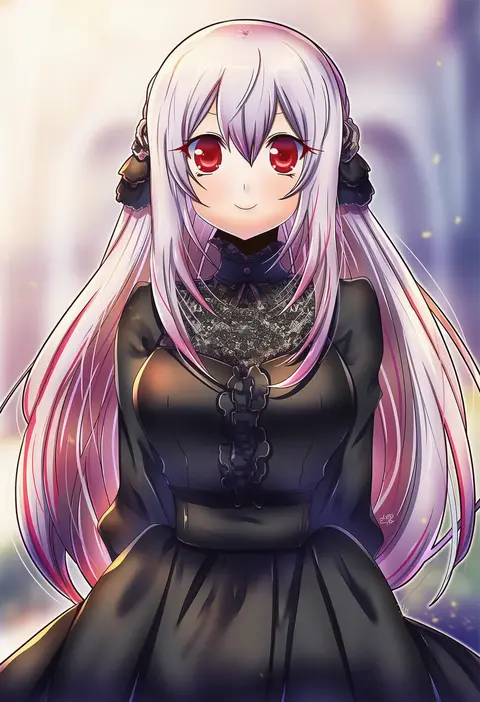
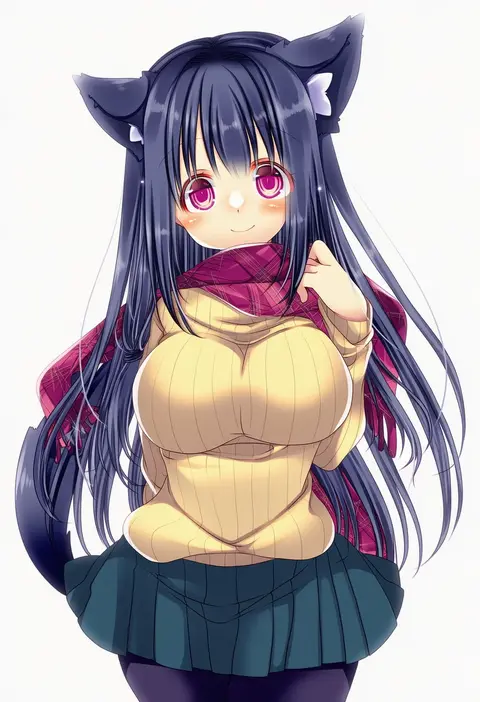
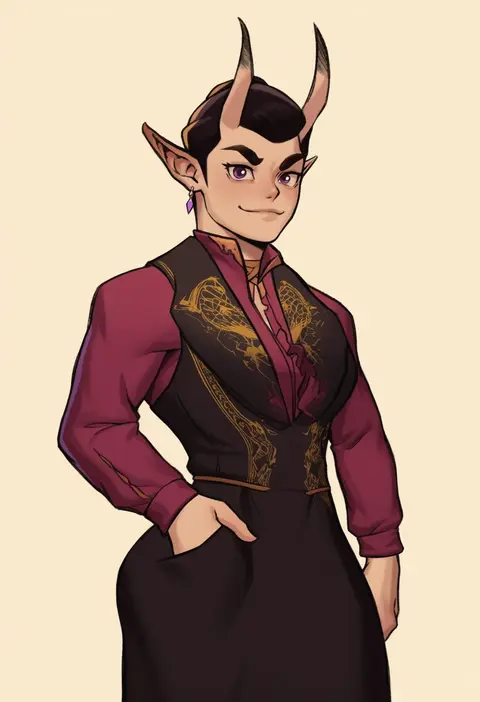
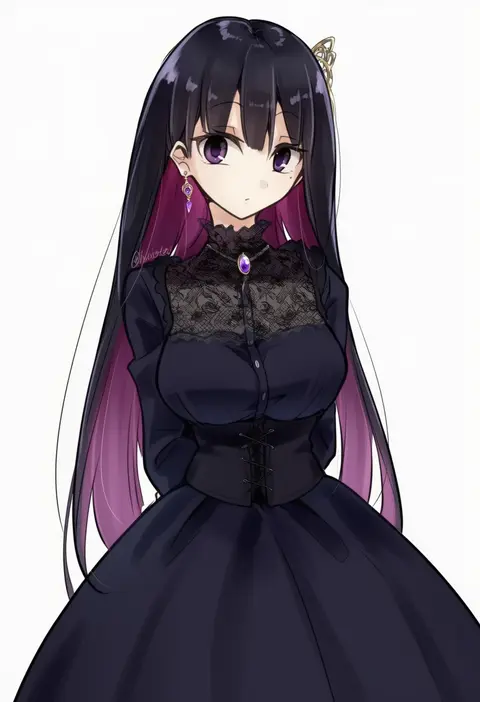
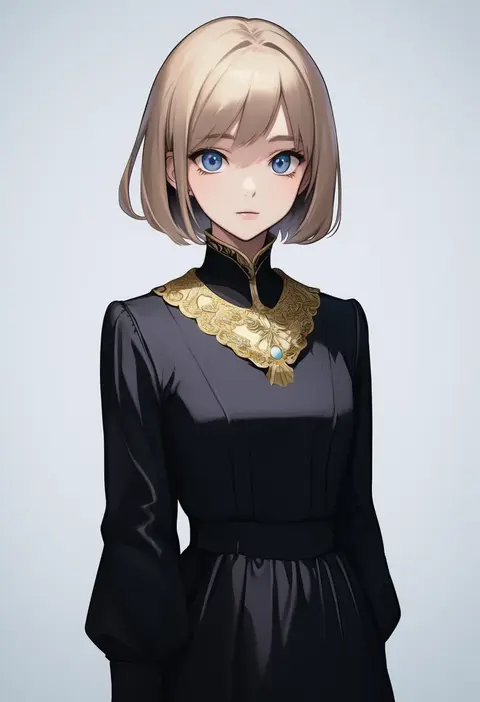
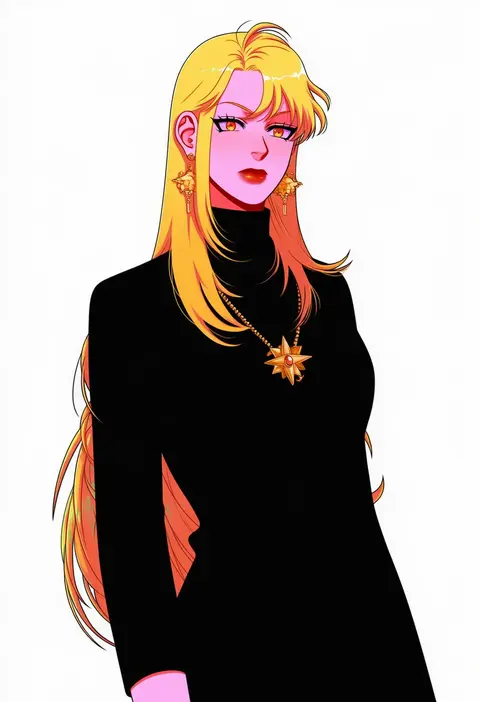
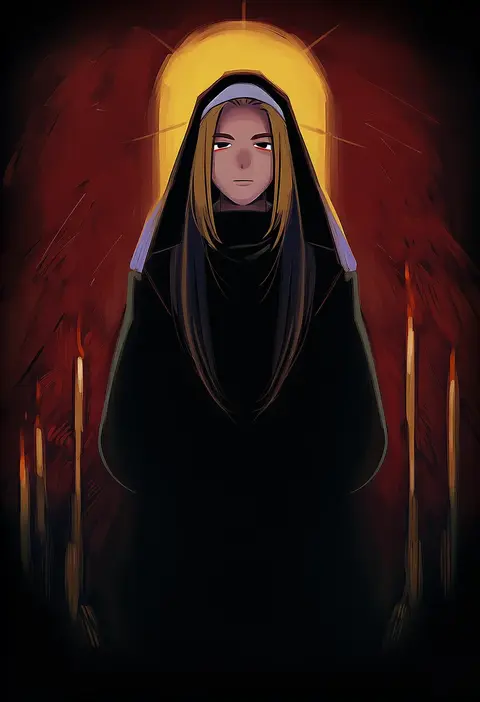
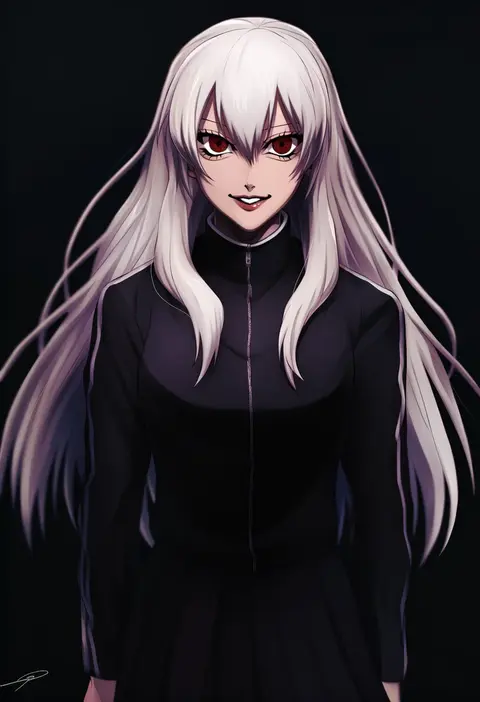
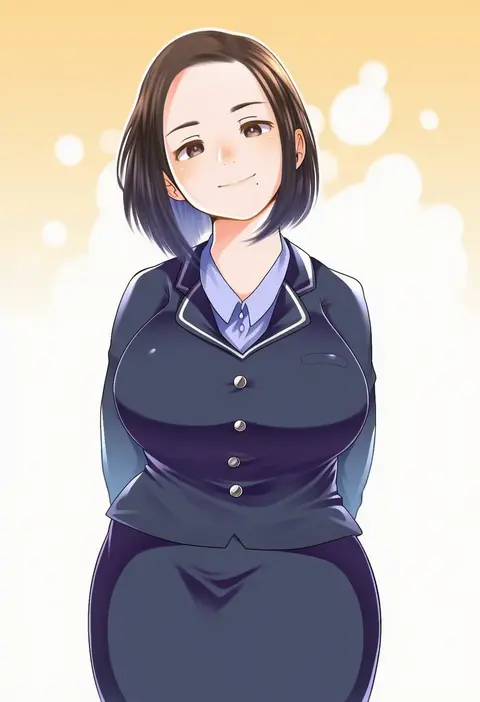
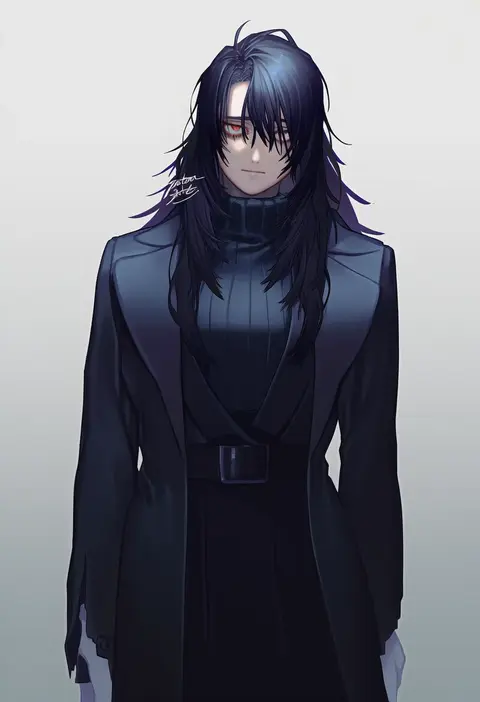
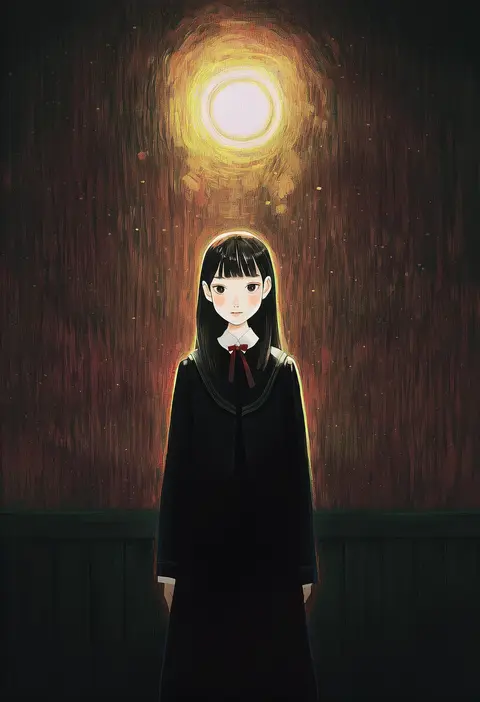
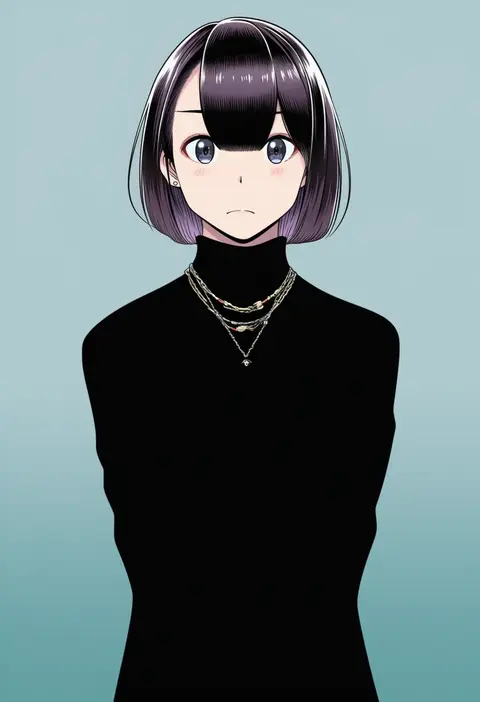
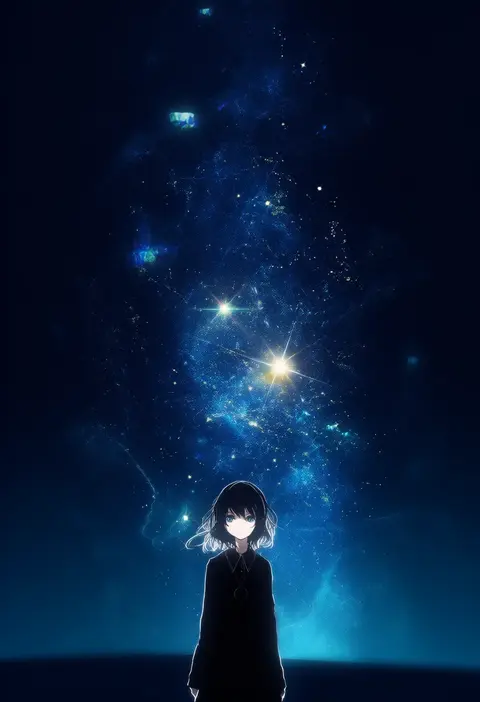
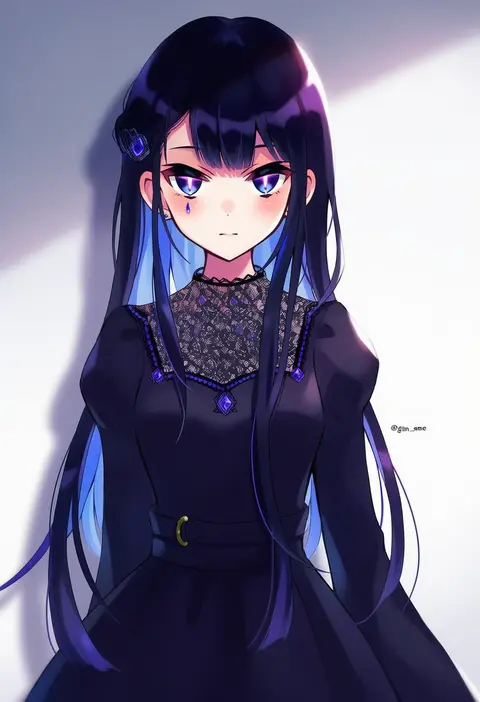
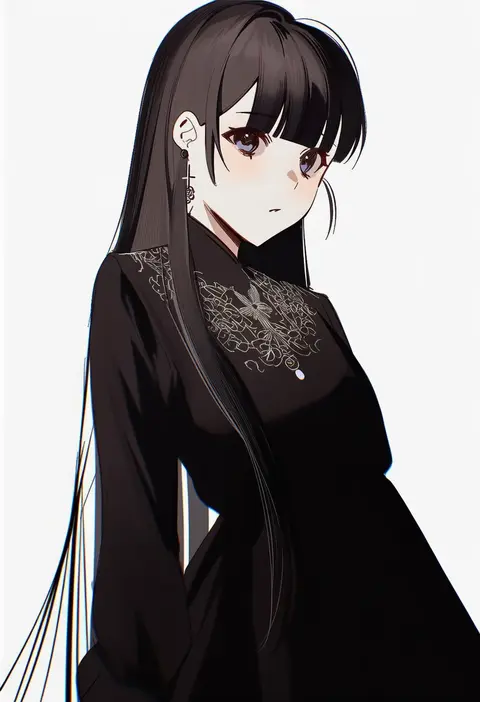
Every tag listed here is verified to react in NovelAI. All images use the same prompt, seed and settings with only the artist tag swapped, so the difference between two images is the style that tag brings in.

How to use them

Put the artist tag near the front of the prompt, e.g. "<artist>, 1girl, solo, best quality, masterpiece, cowboy shot". Two or three artist tags blend styles; lower the weight with "0.8::<artist>::" when the style overpowers the character.

SCORE sorts by Danbooru's top score, POSTS by post count, FAVS by hearts on this site. Open a card to see V5 and V4.5 side by side on the same seed.

V5 vs V4.5

V5 usually lands closer to the artist's real style, and tags that did nothing on V4.5 often react on V5. V4.5 still fits older and doujin-heavy artists better. Try V5 first, fall back to V4.5.

FAQ

Where does the artist tag go?
Near the front of the prompt. Use "0.8::tag::" to adjust its weight.

Can I stack artist tags?
Yes, styles blend. Past two or three the result stops looking like anyone.

Are these the artists' own works?
No. Every image is a NovelAI sample generated from the tag.