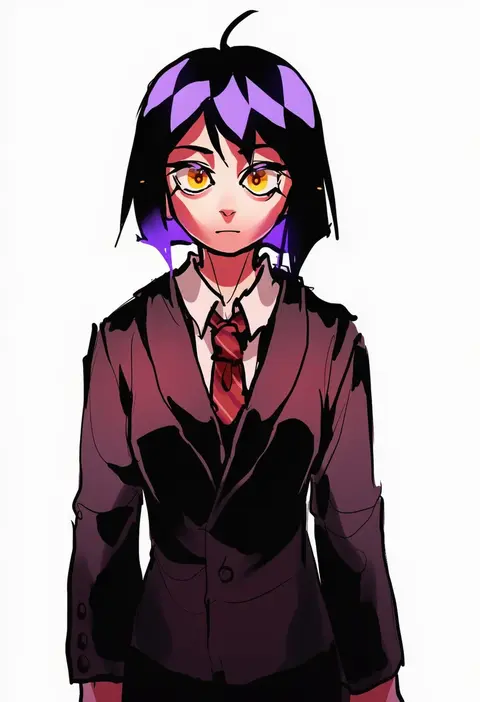
V4.5Artists
sort: FAVS▾
▾
>
$

Popular NovelAI artist tags — V4.5

artist --count 16,352[255/273]
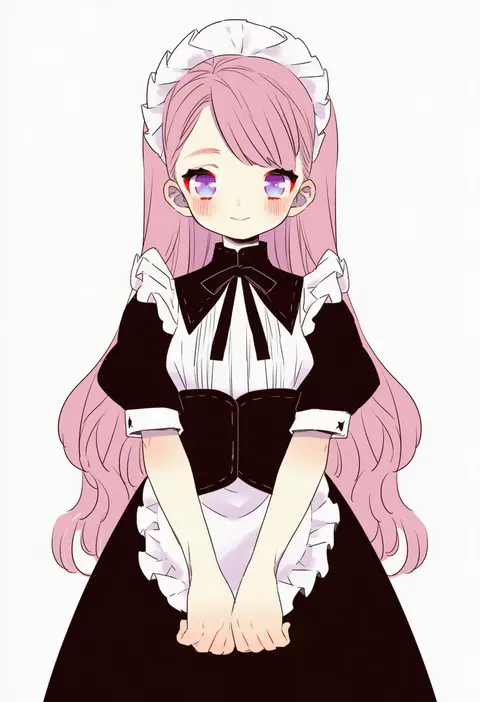
akasia
ARTIST0x3B88
0
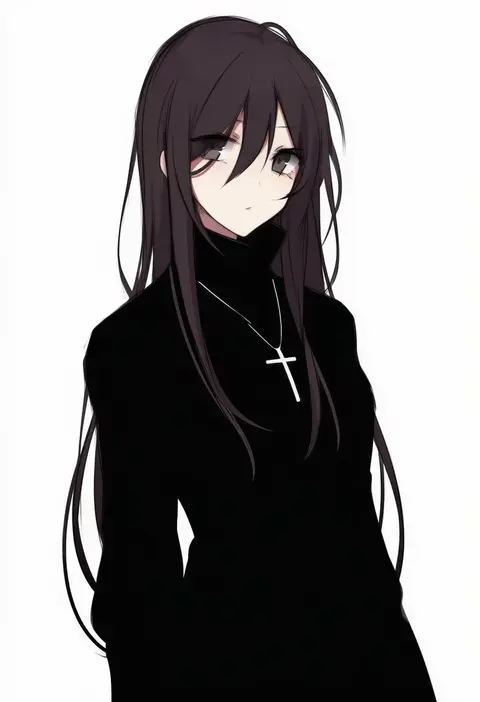
cocopalm
ARTIST0x3B89
0
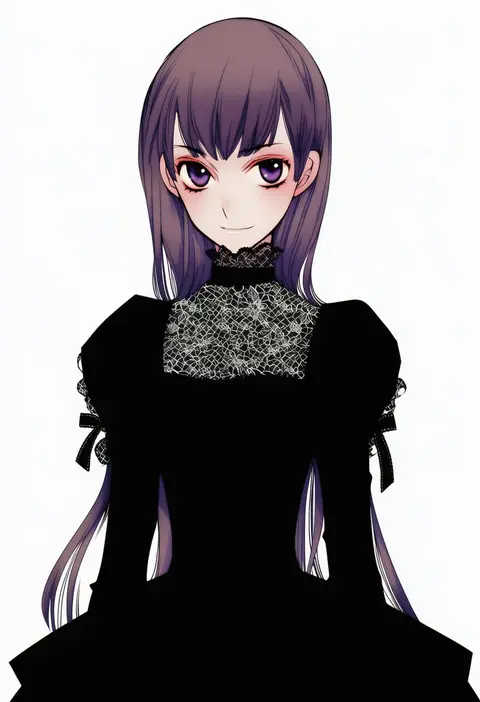
komiya kuniharu
ARTIST0x3B8A
0
polorinken
ARTIST0x3B8B
0
uniunimikan
ARTIST0x3B8C
0
mimo lm
ARTIST0x3B8D
0
oritako
ARTIST0x3B8E
0
sentape
ARTIST0x3B8F
0
sky kiki
ARTIST0x3B90
0
maitou
ARTIST0x3B91
0
hatsune negame
ARTIST0x3B92
0
waneella
ARTIST0x3B93
0
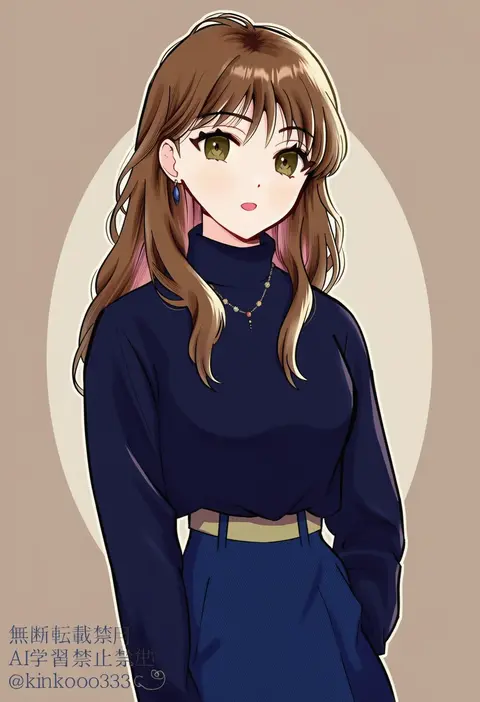
piyo (kinkooo333)
ARTIST0x3B94
0
kouga yun
ARTIST0x3B95
0
saishosaisekojo
ARTIST0x3B96
0
kuena
ARTIST0x3B97
0
kyata ti666
ARTIST0x3B98
0
u u ki u u
ARTIST0x3B99
0
ferret-san
ARTIST0x3B9A
0
sougetsu (yosinoya35)
ARTIST0x3B9B
0
kannazuki hato
ARTIST0x3B9C
0
hitofutarai
ARTIST0x3B9D
0
baku taso
ARTIST0x3B9E
0
jiekuijiangshadaonijiamenkou
ARTIST0x3B9F
0
kanmoku-san
ARTIST0x3BA0
0
miroku san-ju
ARTIST0x3BA1
0
aryuma772
ARTIST0x3BA2
0
balnom
ARTIST0x3BA3
0
linda
ARTIST0x3BA4
0
ryuuka sane
ARTIST0x3BA5
0
igashiko
ARTIST0x3BA6
0
fukuoka katsumi
ARTIST0x3BA7
0
amano kozue
ARTIST0x3BA8
0
colon br
ARTIST0x3BA9
0
izuka daisuke
ARTIST0x3BAA
0
suan ringo
ARTIST0x3BAB
0
karasu (naoshow357)
ARTIST0x3BAC
0
shiroma (mamiko)
ARTIST0x3BAD
0
kuroi nyan
ARTIST0x3BAE
0
renshirenji
ARTIST0x3BAF
0
hama (22ji kara 24ji)
ARTIST0x3BB0
0
buna shimeji (keymush)
ARTIST0x3BB1
0
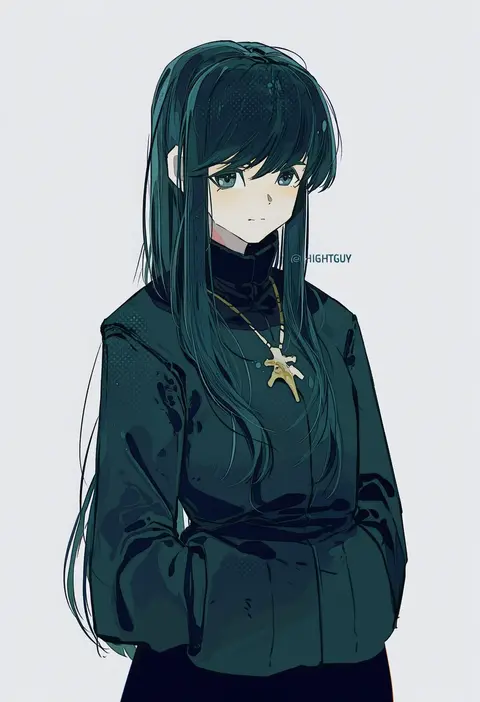
hightguy
ARTIST0x3BB2
0
ccccc (jpn m0)
ARTIST0x3BB3
0
samuimu
ARTIST0x3BB4
0
katto8452
ARTIST0x3BB5
0
kuroihato
ARTIST0x3BB6
0
masaki (machisora)
ARTIST0x3BB7
0
tsukuda hayato
ARTIST0x3BB8
0
kikuchi mataha
ARTIST0x3BB9
0
hana (mew)
ARTIST0x3BBA
0
makoto ikemu
ARTIST0x3BBB
0
haru57928031
ARTIST0x3BBC
0
kobeya (tonari no kobeya)
ARTIST0x3BBD
0
uochandayo
ARTIST0x3BBE
0
miiko (drops7)
ARTIST0x3BBF
0
mof
ARTIST0x3BC0
0
yuzuki (yuduame)
ARTIST0x3BC1
0
azuki akizuki
ARTIST0x3BC2
0
waiwa way
ARTIST0x3BC3
0

What these tags change

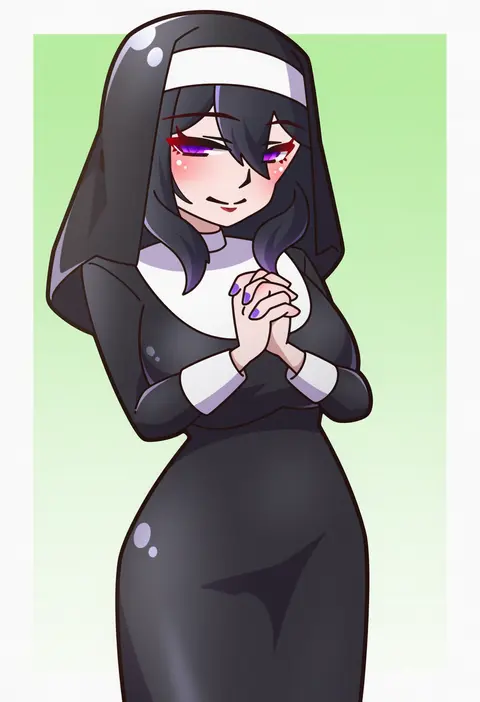
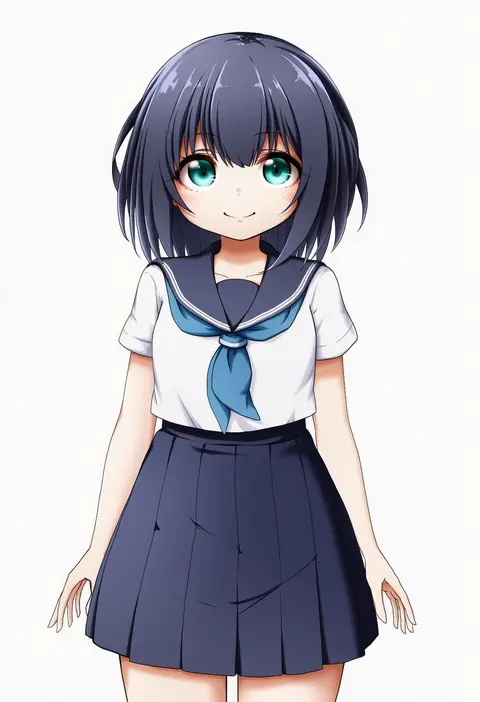
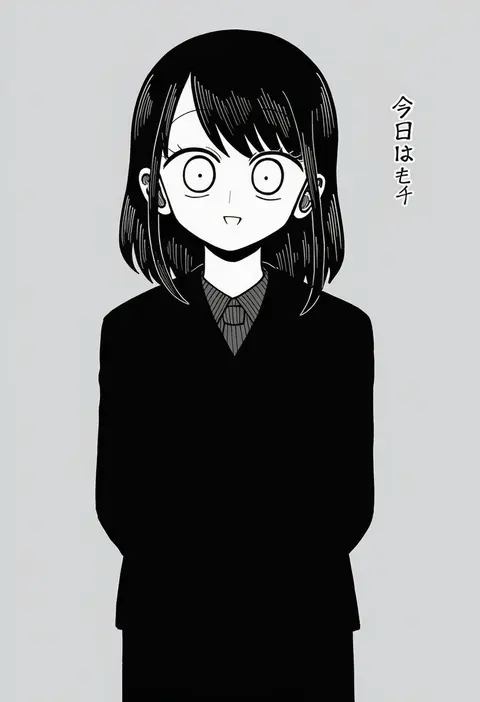
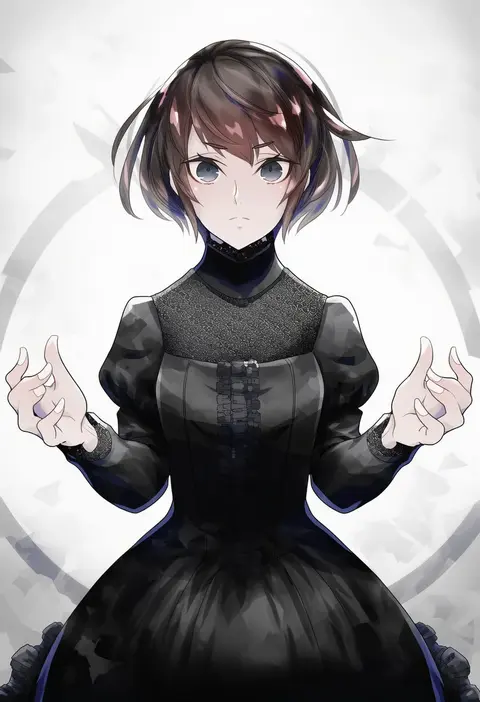
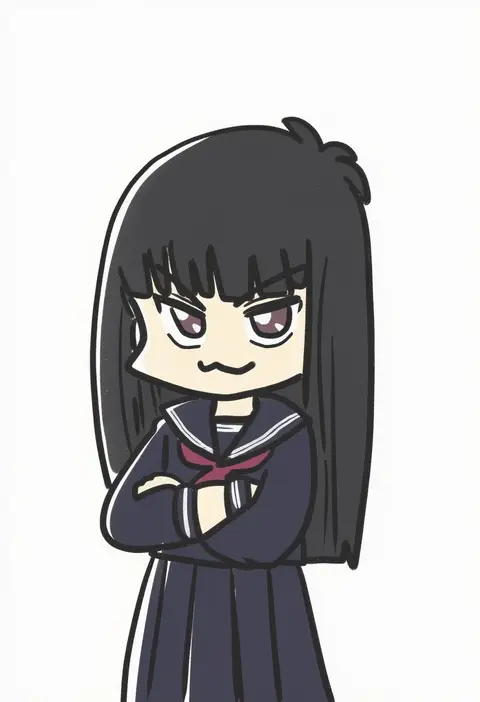
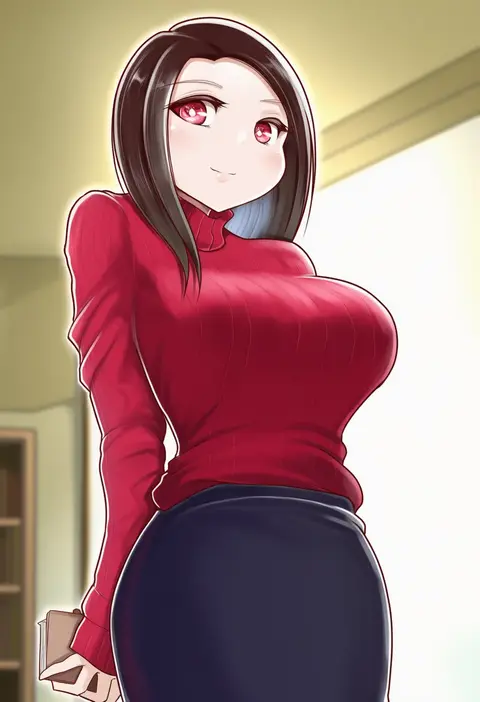
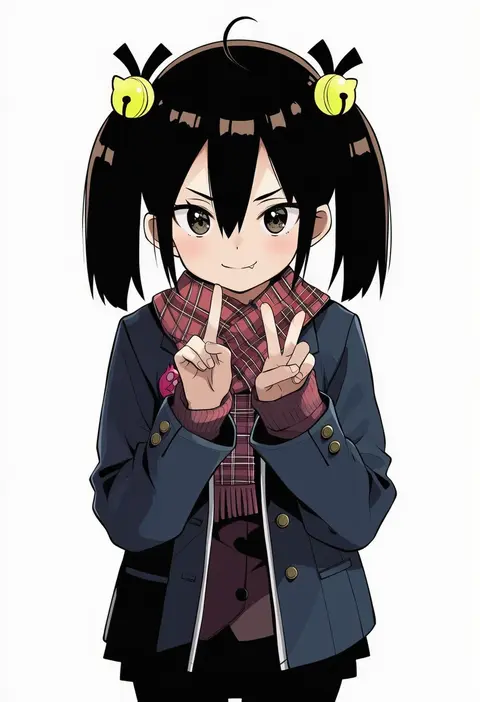
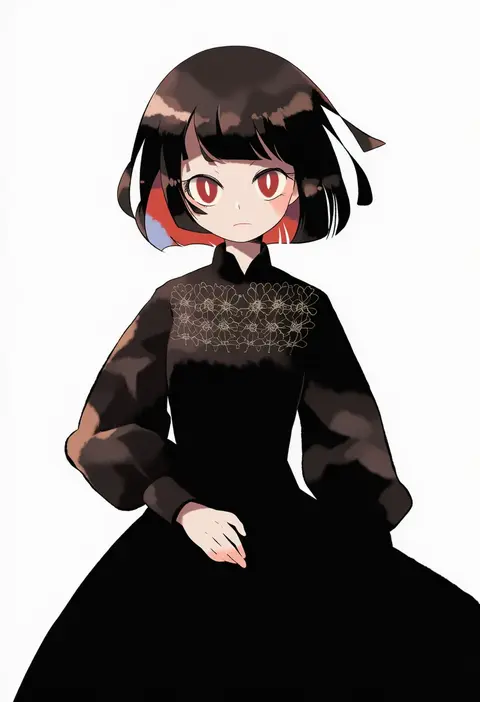
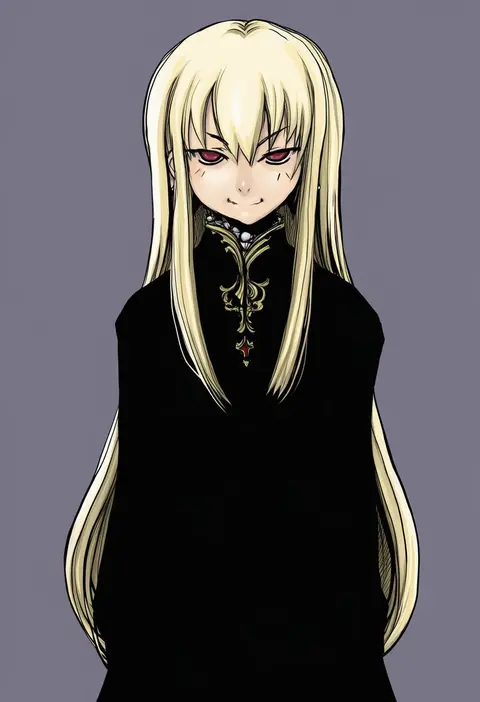
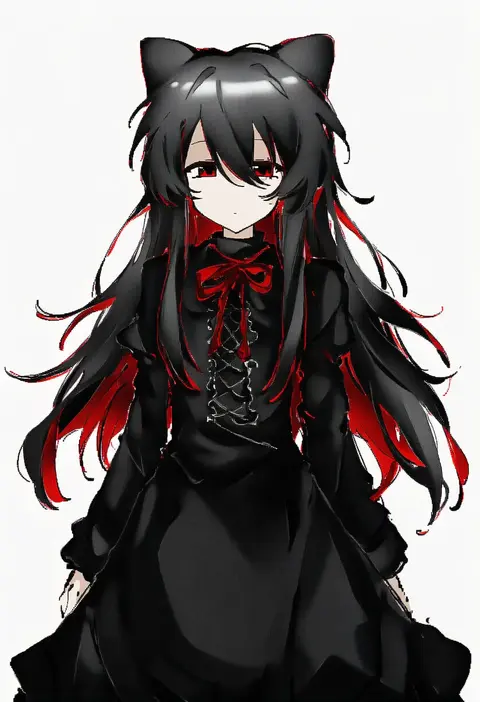
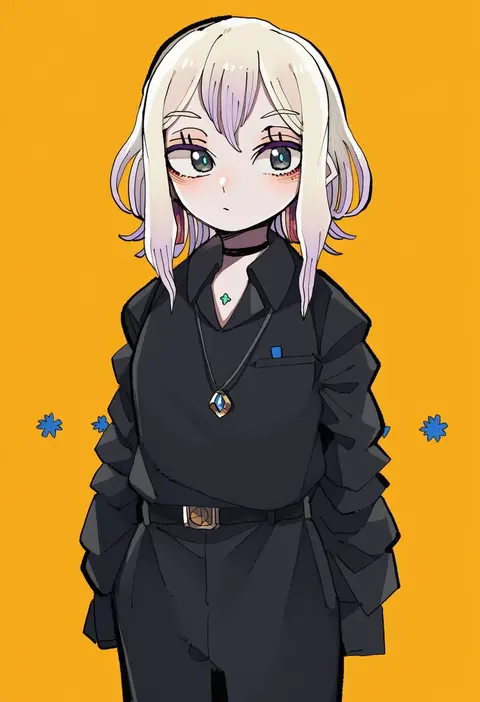
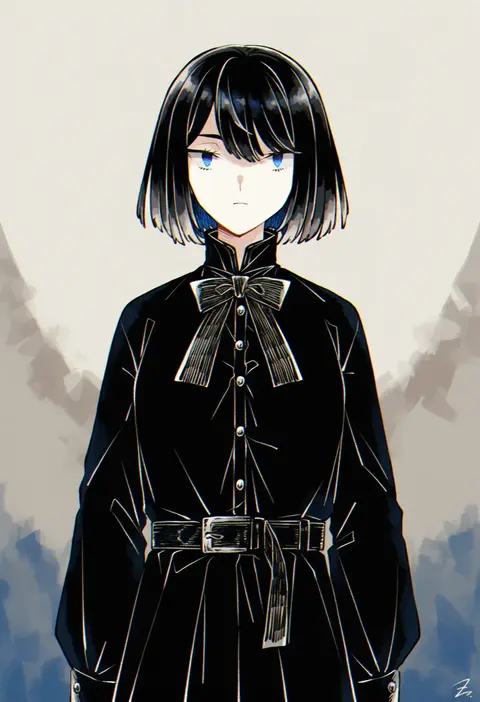
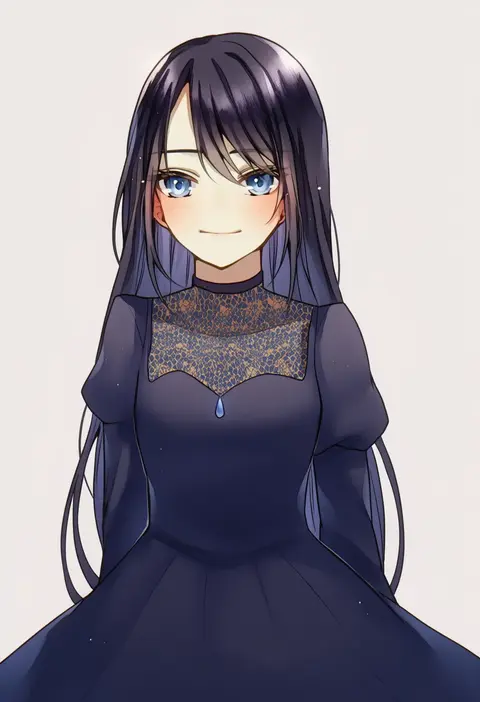
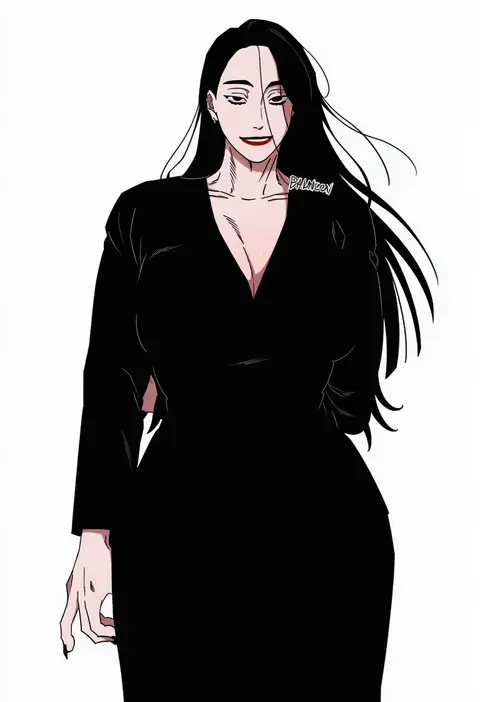
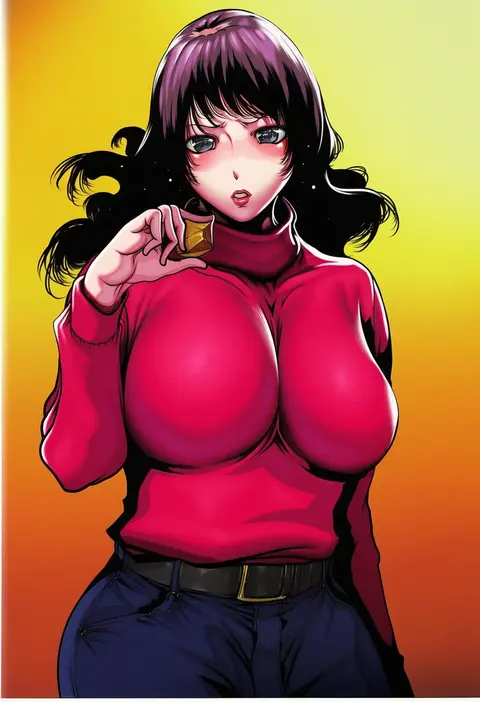
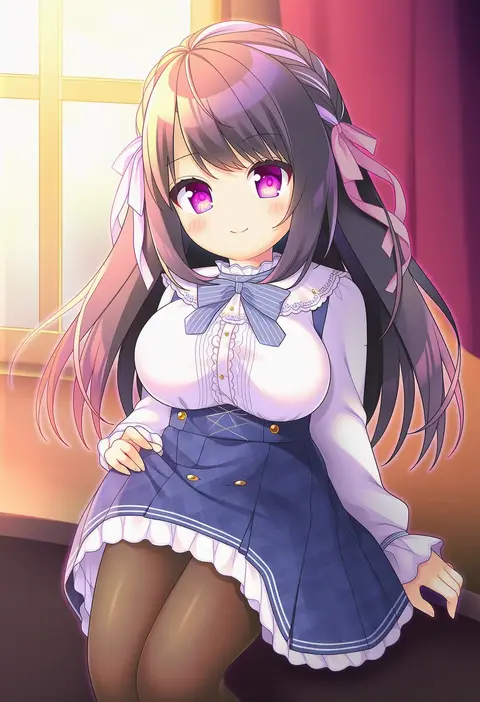
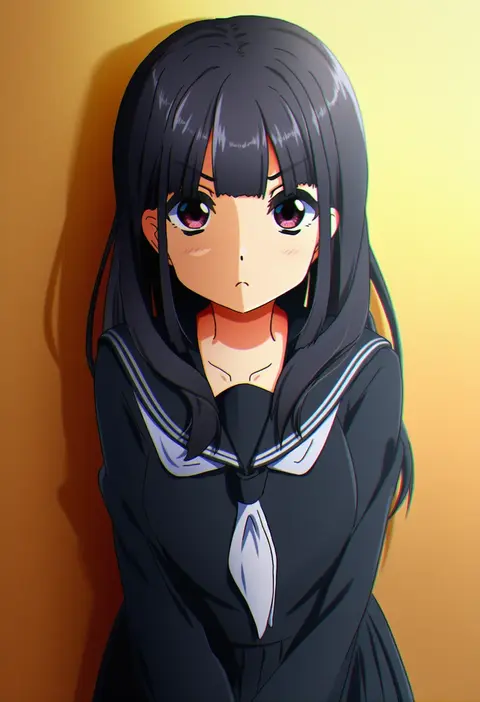
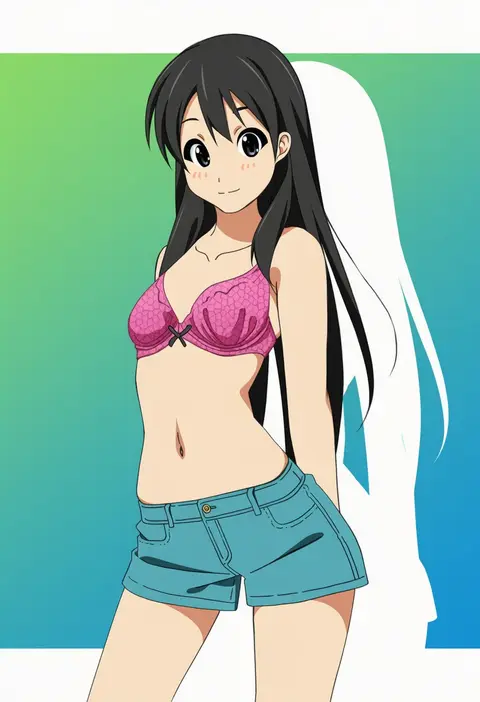
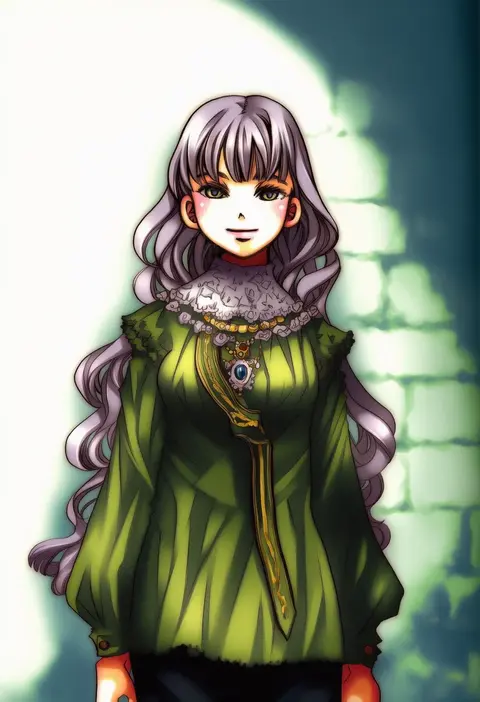
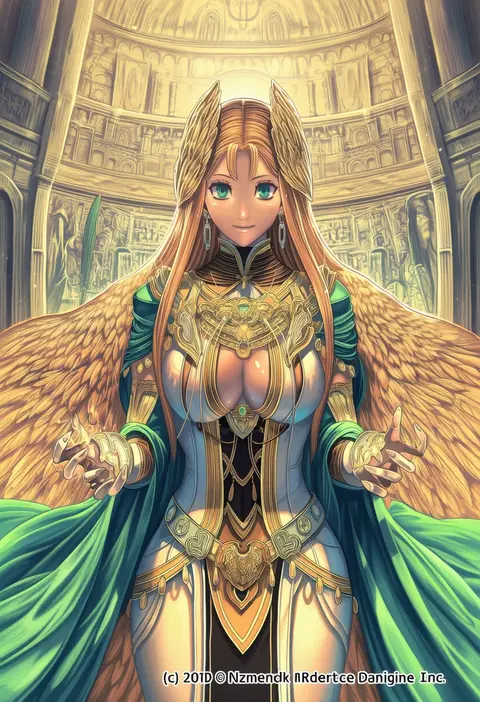
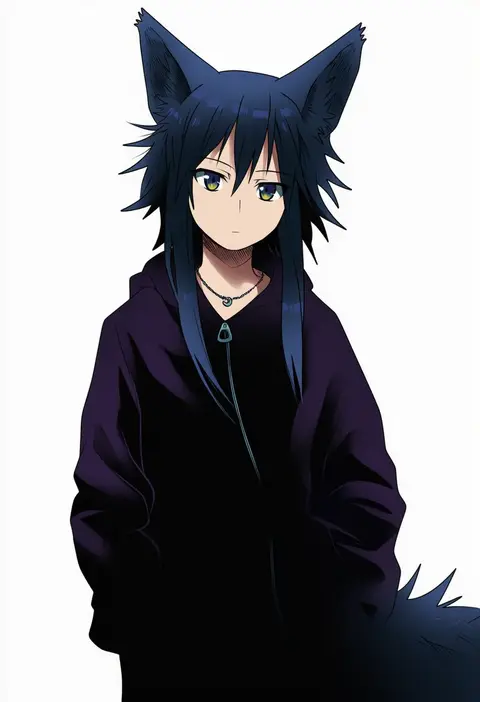
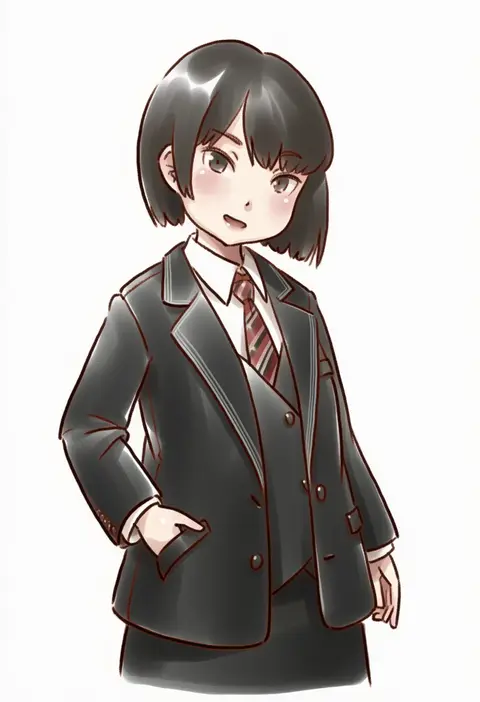
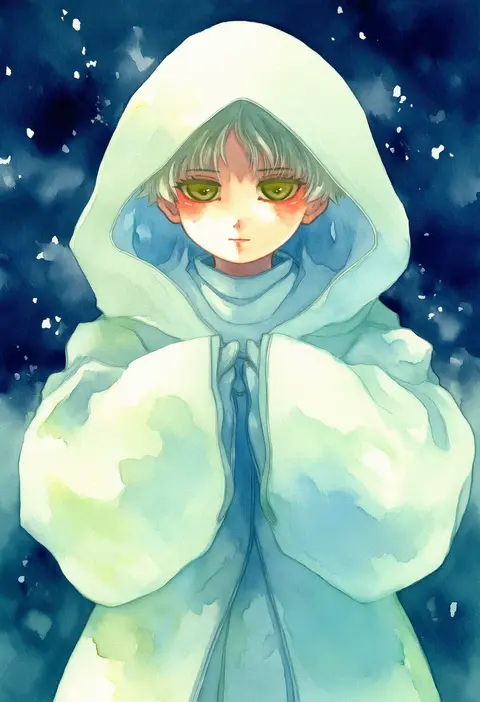
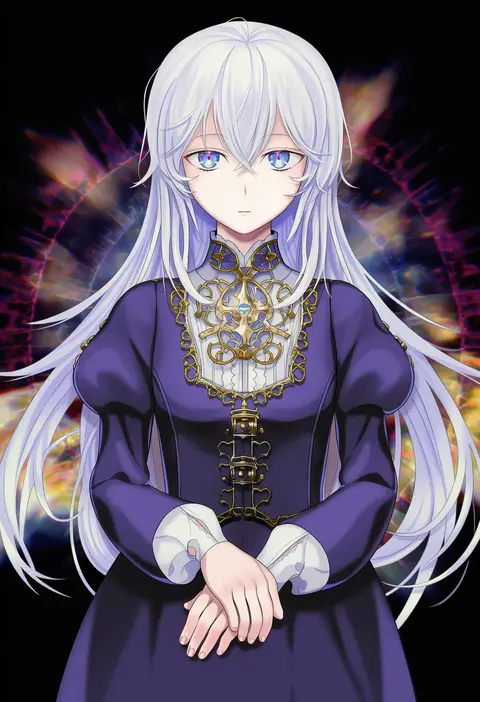
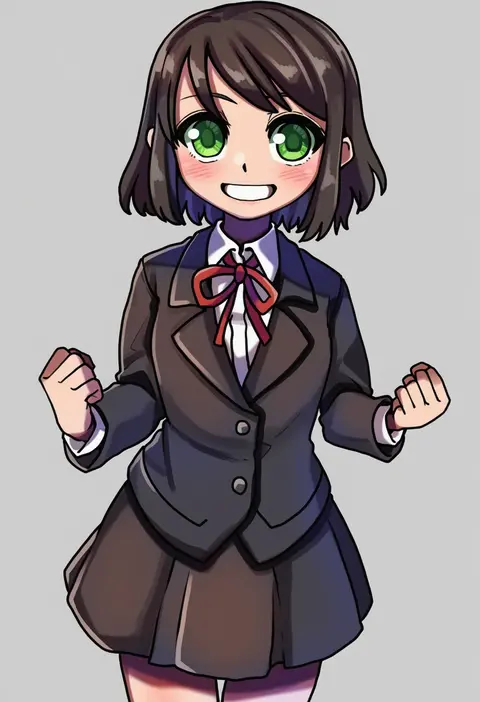
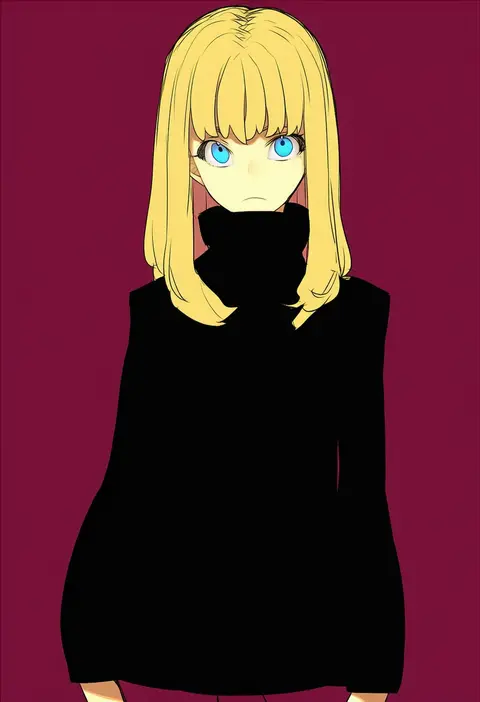
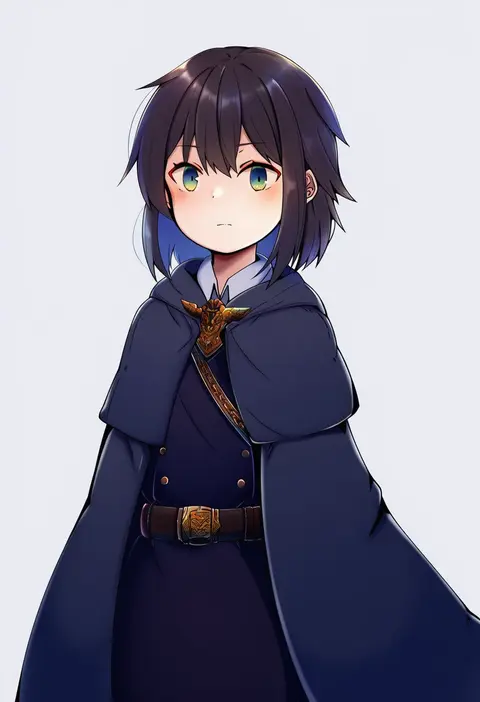
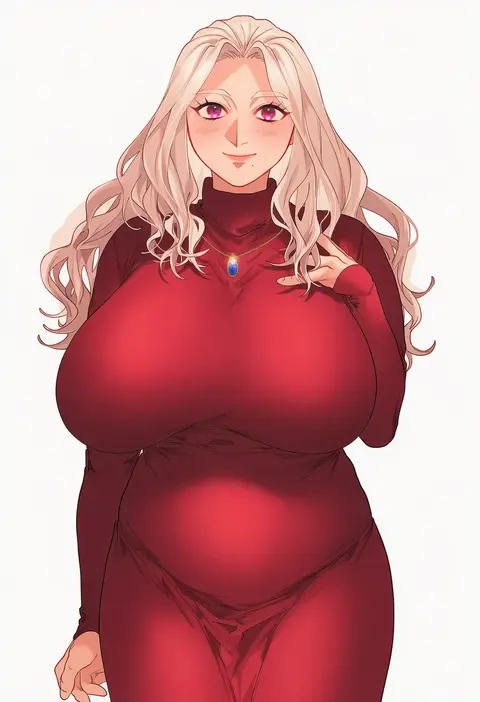
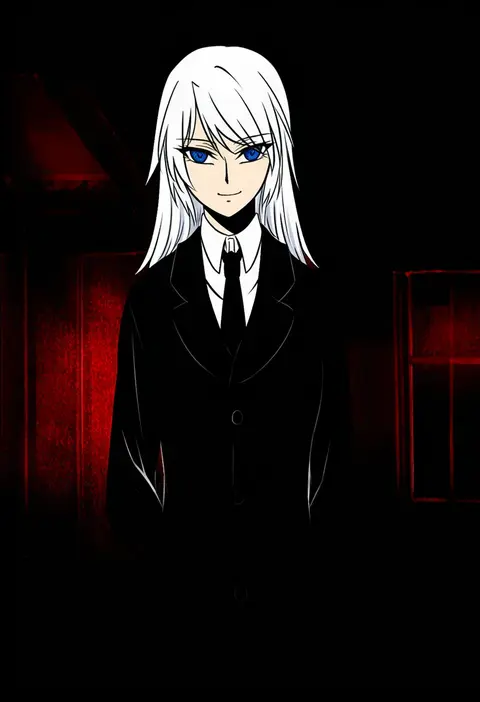
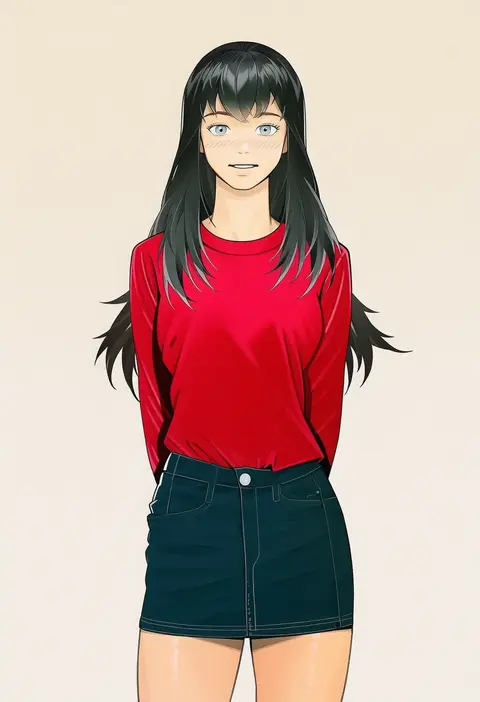
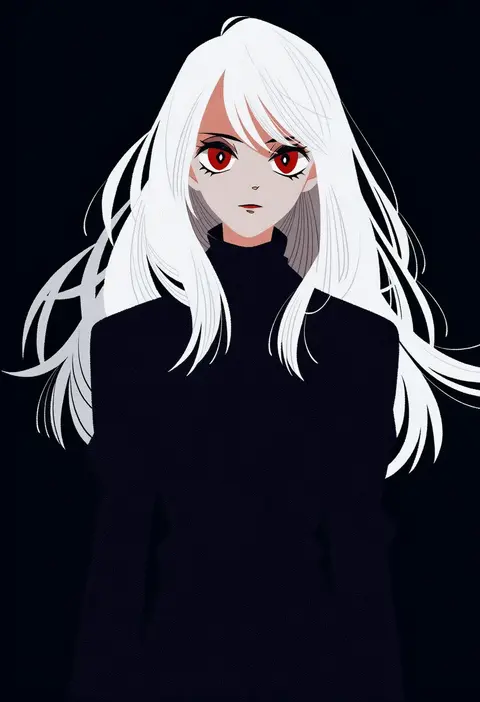
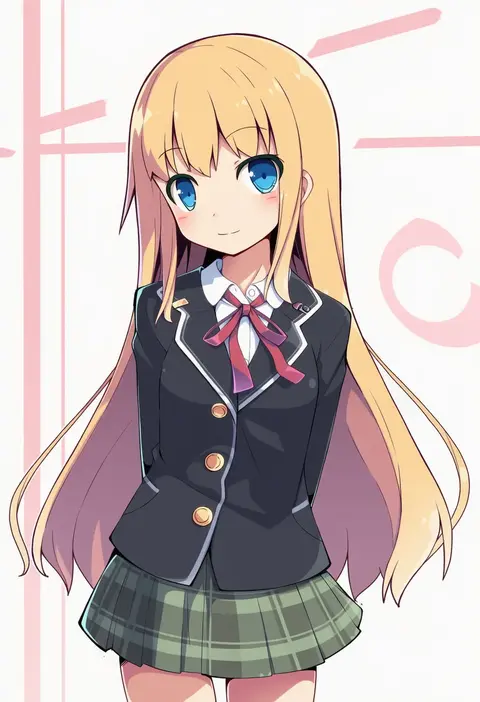
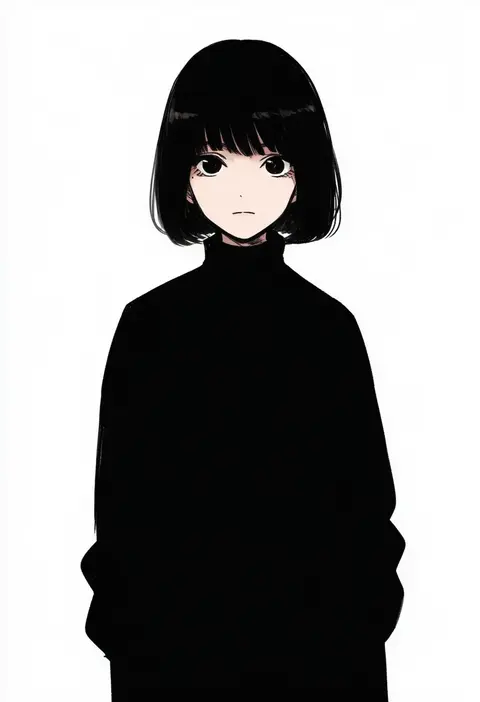
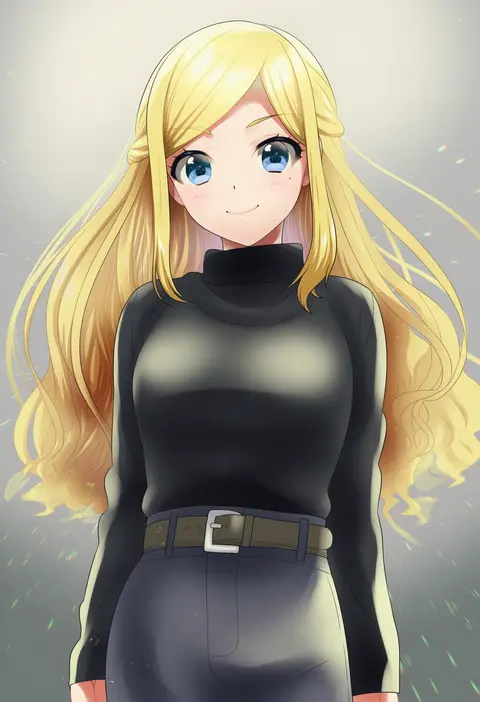
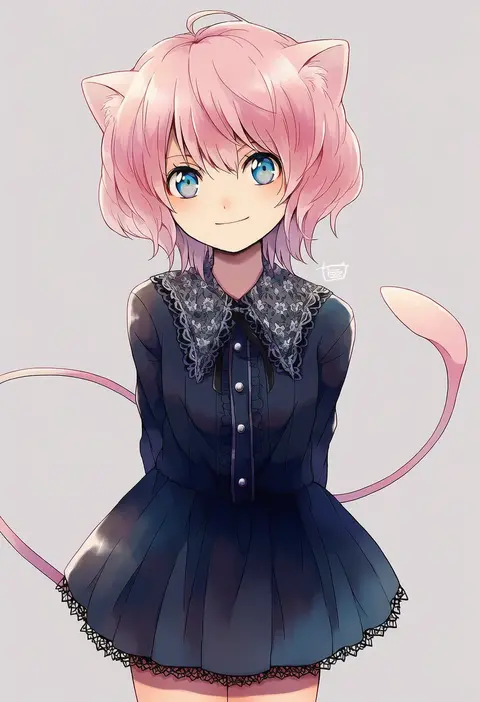
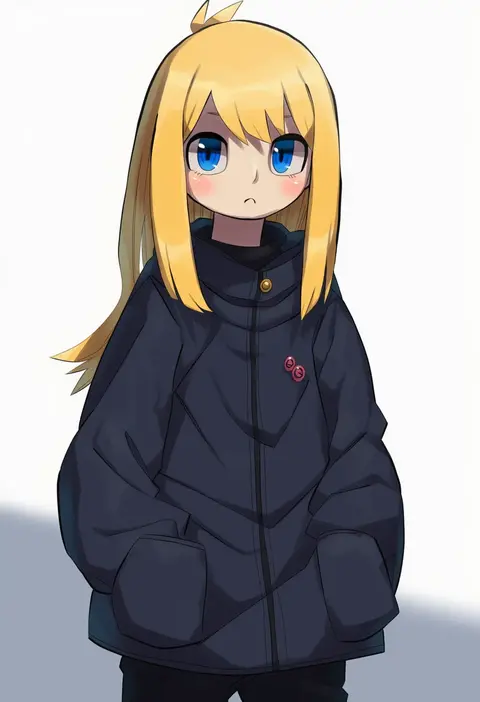
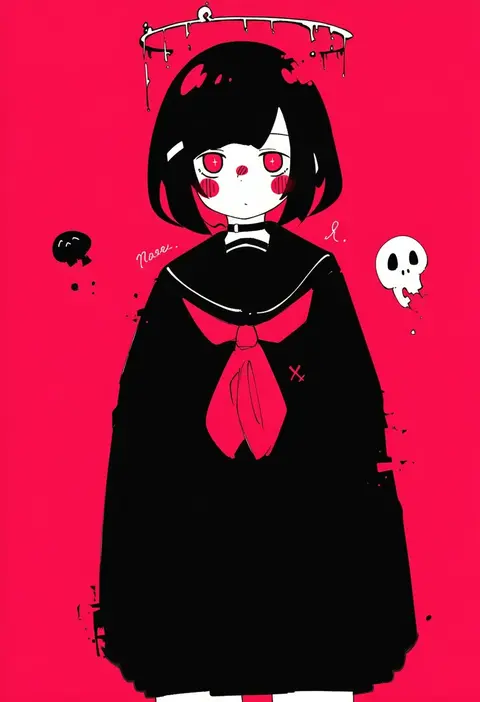
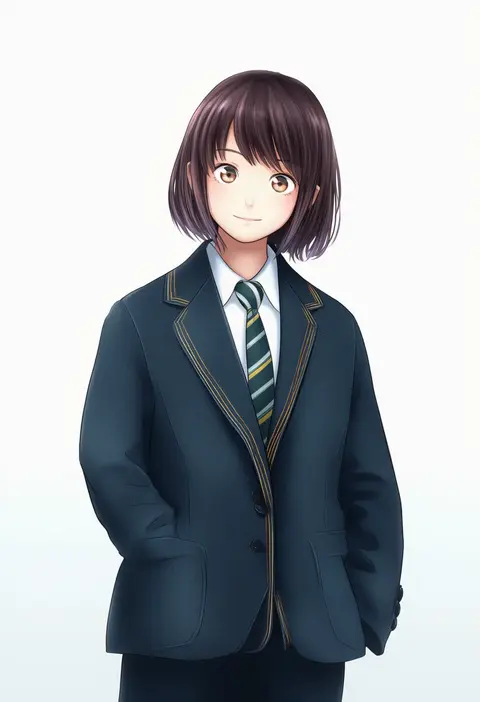
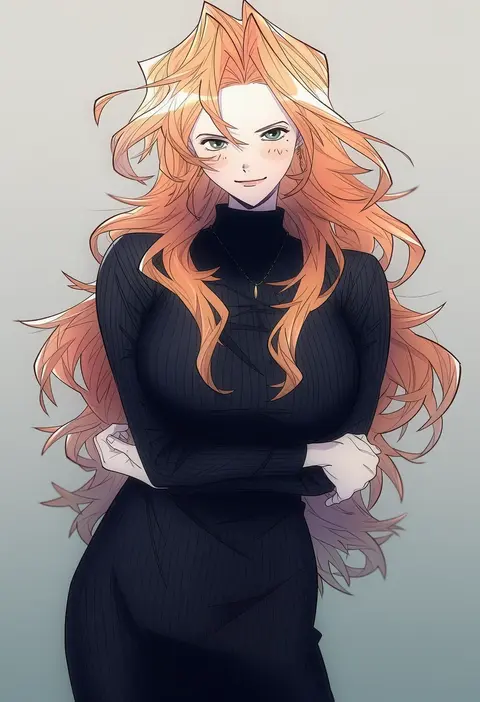
Artist tags tell NovelAI Diffusion to draw in a specific artist's style: line weight, paint texture, face shapes and palette all shift at once. Character and outfit tags decide what is drawn; artist tags decide how. 16,352 tags are listed for V4.5.
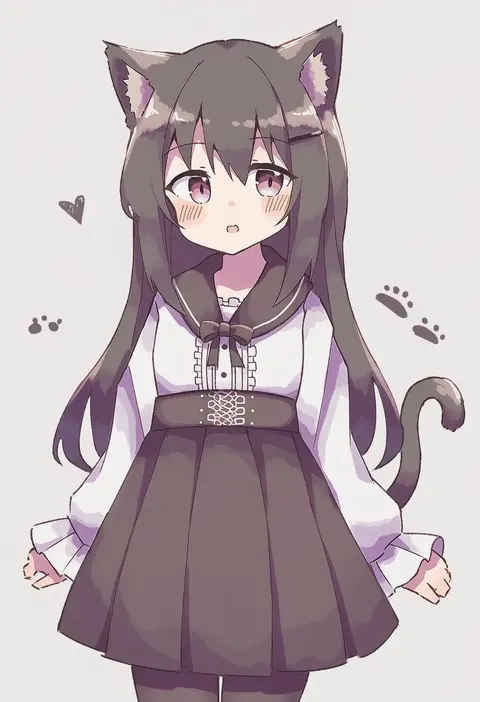
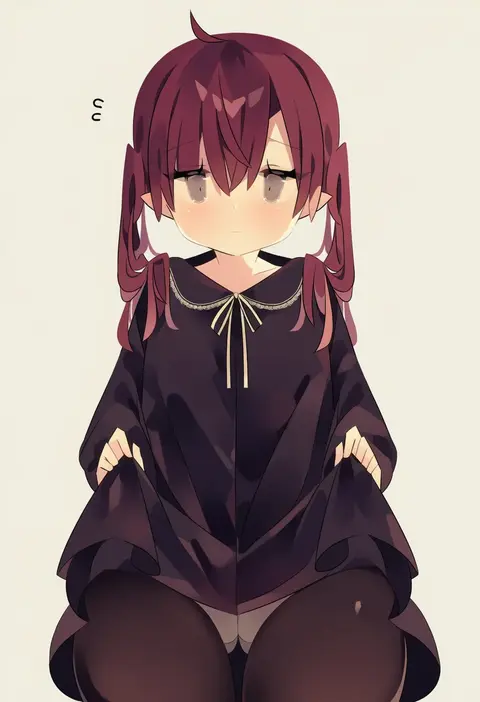
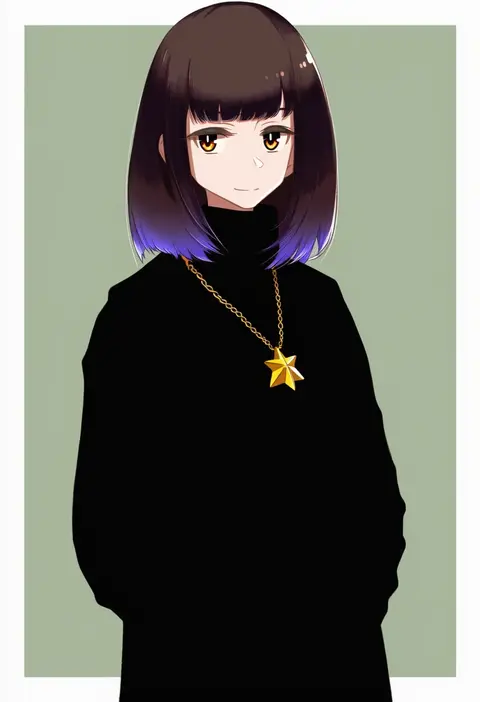
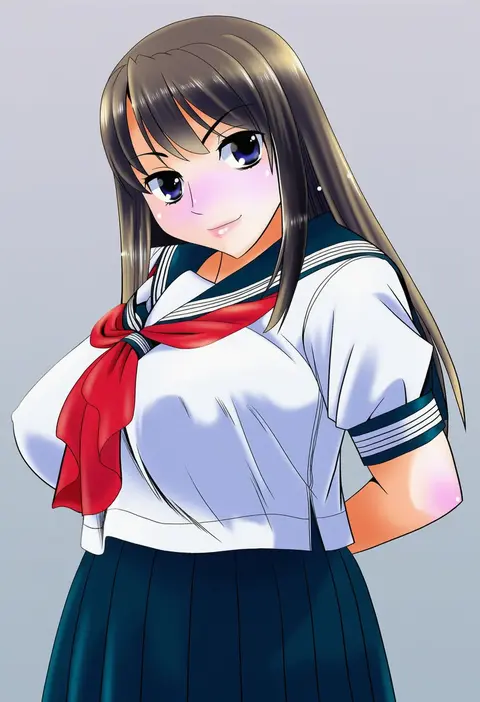
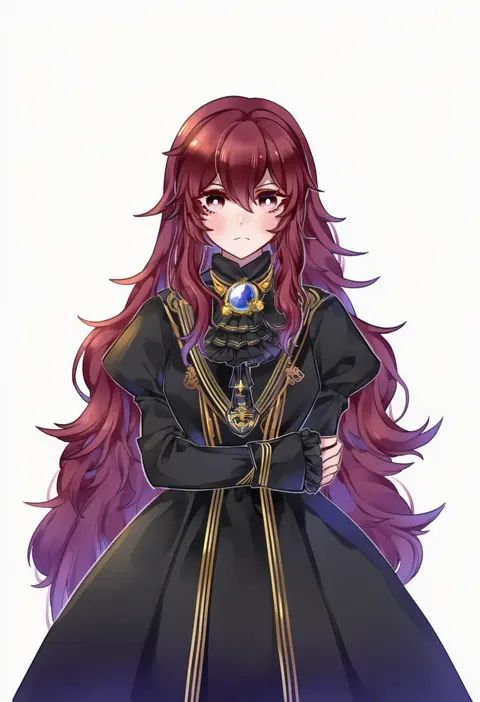
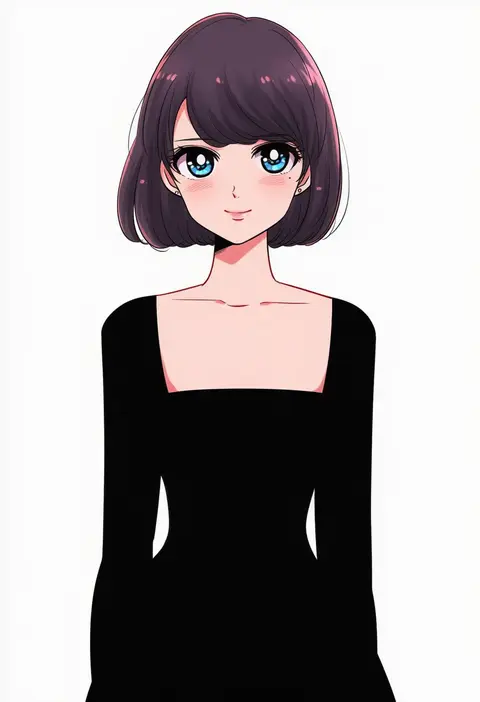
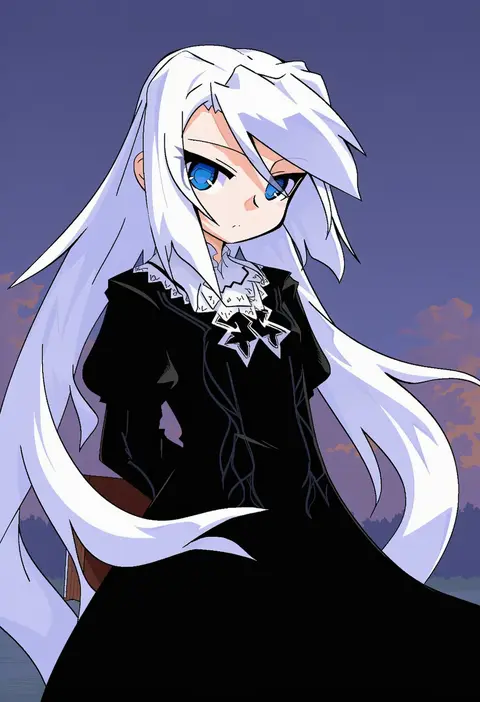
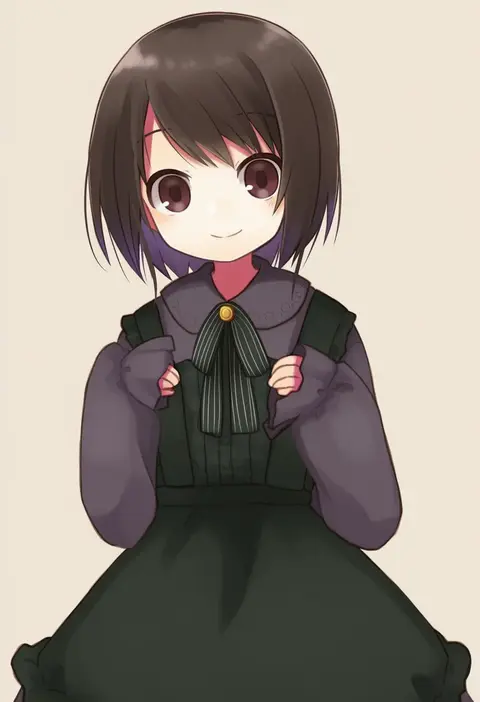
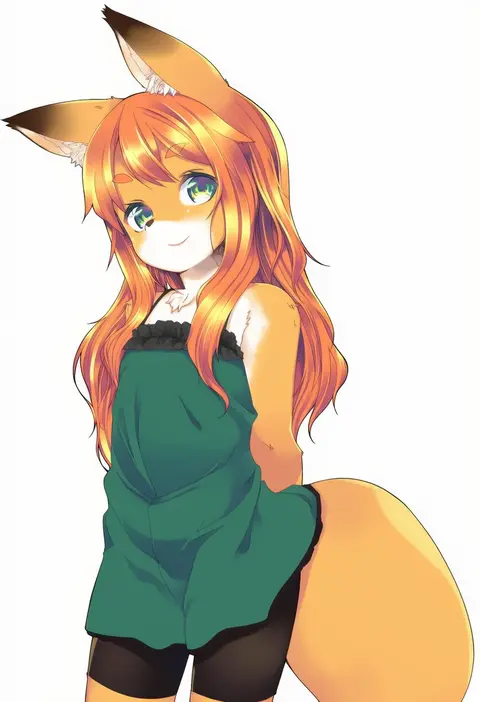
Every tag listed here is verified to react in NovelAI. All images use the same prompt, seed and settings with only the artist tag swapped, so the difference between two images is the style that tag brings in.

How to use them

Put the artist tag near the front of the prompt, e.g. "<artist>, 1girl, solo, best quality, masterpiece, cowboy shot". Two or three artist tags blend styles; lower the weight with "0.8::<artist>::" when the style overpowers the character.

SCORE sorts by Danbooru's top score, POSTS by post count, FAVS by hearts on this site. Open a card to see V5 and V4.5 side by side on the same seed.

V5 vs V4.5

V5 usually lands closer to the artist's real style, and tags that did nothing on V4.5 often react on V5. V4.5 still fits older and doujin-heavy artists better. Try V5 first, fall back to V4.5.

FAQ

Where does the artist tag go?
Near the front of the prompt. Use "0.8::tag::" to adjust its weight.

Can I stack artist tags?
Yes, styles blend. Past two or three the result stops looking like anyone.

Are these the artists' own works?
No. Every image is a NovelAI sample generated from the tag.