V4.5Artists
sort: FAVS▾
▾
>
$

Popular NovelAI artist tags — V4.5

artist --count 16,352[270/273]
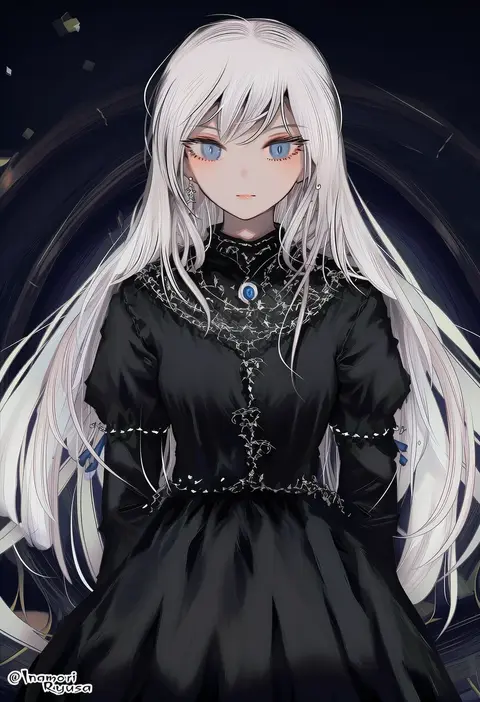
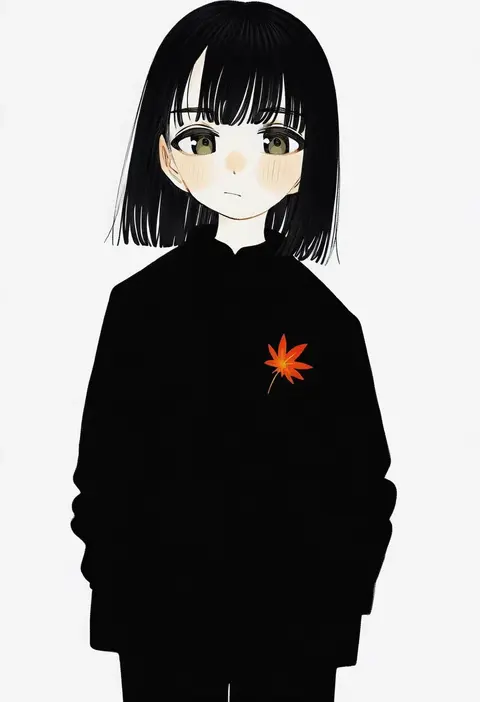
inaeda kei
ARTIST0x3F0C
0
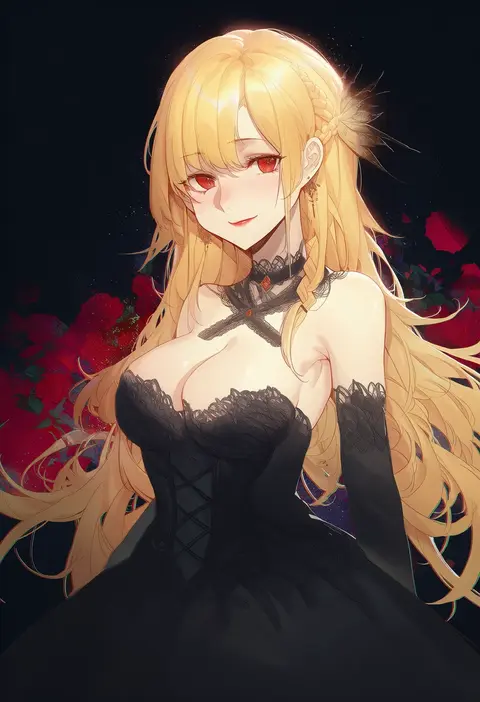
nemu mohu
ARTIST0x3F0D
0
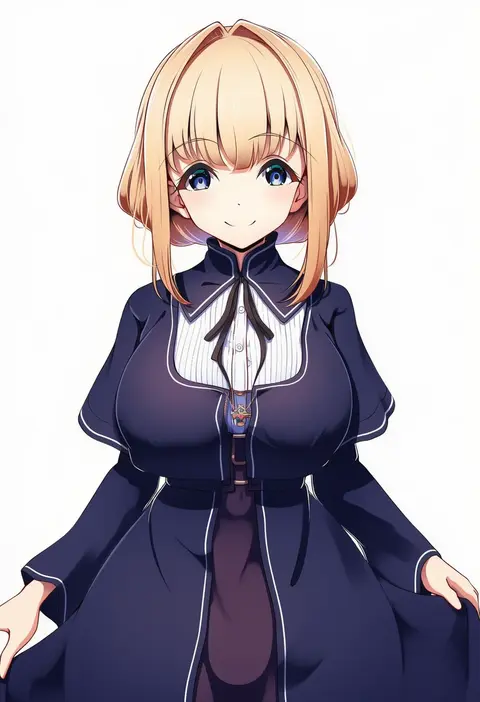
kirby d a
ARTIST0x3F0E
0
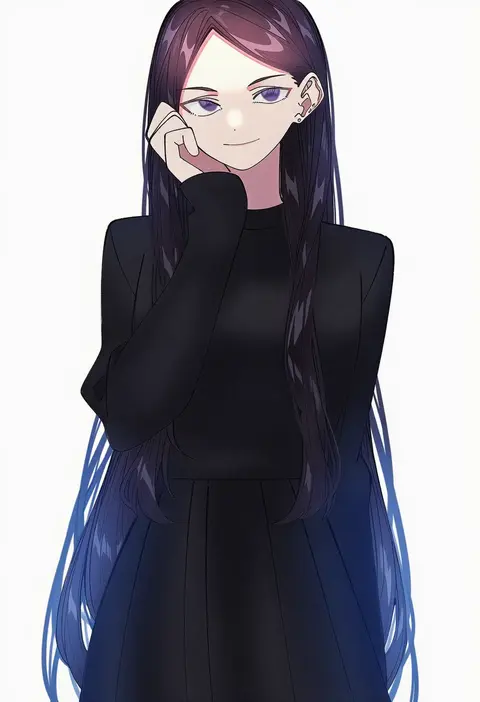
akai (ugokashitari)
ARTIST0x3F0F
0
yodare (3yami8)
ARTIST0x3F10
0
mori toshiaki
ARTIST0x3F11
0
dasha
ARTIST0x3F12
0
kurokaji
ARTIST0x3F13
0
agwing86
ARTIST0x3F14
0
remsor076
ARTIST0x3F15
0
dainamitee
ARTIST0x3F16
0
ya mari 6363
ARTIST0x3F17
0
u jie
ARTIST0x3F18
0
everyday2
ARTIST0x3F19
0
ryeon (bluetom1)
ARTIST0x3F1A
0
kurisu sai
ARTIST0x3F1B
0
bob (bobtheneet)
ARTIST0x3F1C
0
tenoo12
ARTIST0x3F1D
0
kuroduki (pieat)
ARTIST0x3F1E
0
amagi (volfuji)
ARTIST0x3F1F
0
kana (kanna runa0620)
ARTIST0x3F20
0
gurasion (gurasion)
ARTIST0x3F21
0
kuziaaizuk
ARTIST0x3F22
0
umezawa itte
ARTIST0x3F23
0
enarane
ARTIST0x3F24
0
isu (is88)
ARTIST0x3F25
0
y (036 yng)
ARTIST0x3F26
0
gabrieltenma77
ARTIST0x3F27
0
sutokame
ARTIST0x3F28
0
az toride
ARTIST0x3F29
0
karasuma kuraha
ARTIST0x3F2A
0
akehi yuki
ARTIST0x3F2B
0
dura
ARTIST0x3F2C
0
ko kita
ARTIST0x3F2D
0
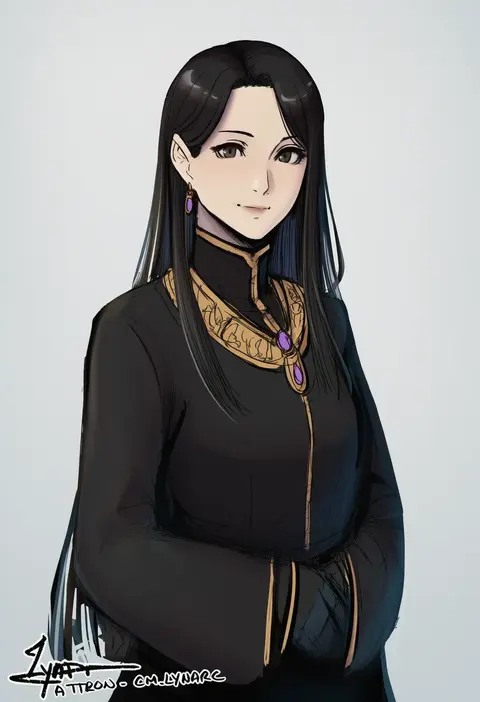
cm lynarc
ARTIST0x3F2E
0
itou korosuke
ARTIST0x3F2F
0
maa (forsythia1729)
ARTIST0x3F30
0
iuew
ARTIST0x3F31
0
audiodude
ARTIST0x3F32
0
mizuki (uzuki no sato)
ARTIST0x3F33
0
nakiusagi
ARTIST0x3F34
0
oiun
ARTIST0x3F35
0
kasiwamoti11
ARTIST0x3F36
0
pretty-purin720
ARTIST0x3F37
0
bojue (hakus 1128)
ARTIST0x3F38
0
frost fog
ARTIST0x3F39
0
amatari sukuzakki
ARTIST0x3F3A
0
kirin toroika
ARTIST0x3F3B
0
city forest online
ARTIST0x3F3C
0
komomo (ptkrx)
ARTIST0x3F3D
0
mikripkm
ARTIST0x3F3E
0
tomo-graphy
ARTIST0x3F3F
0
turnip kabura
ARTIST0x3F40
0
cui (jidanhaidaitang)
ARTIST0x3F41
0
kawamochi (tddm3573)
ARTIST0x3F42
0
machi (ritovoyage)
ARTIST0x3F43
0
potto
ARTIST0x3F44
0
bai qi-qsr
ARTIST0x3F45
0
mashio
ARTIST0x3F46
0
chobonu
ARTIST0x3F47
0

What these tags change

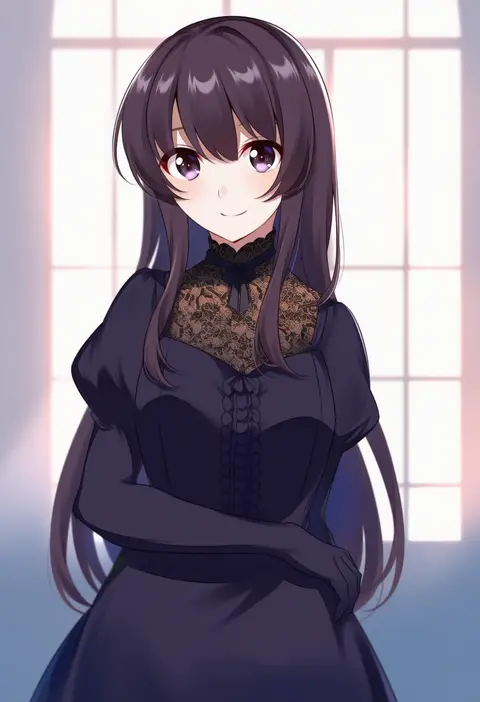
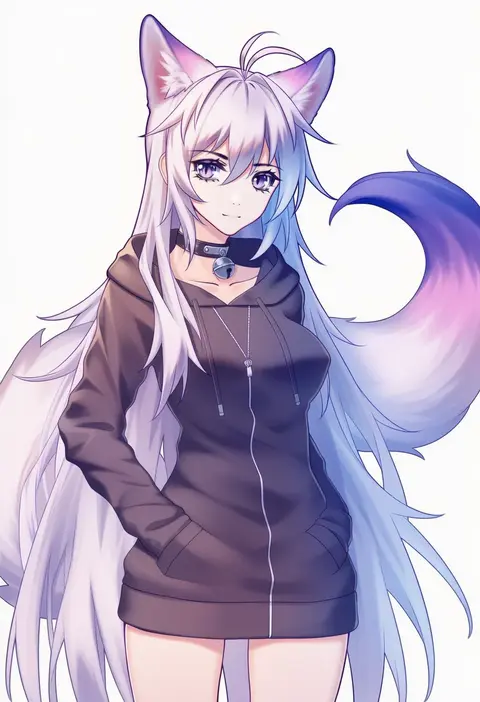
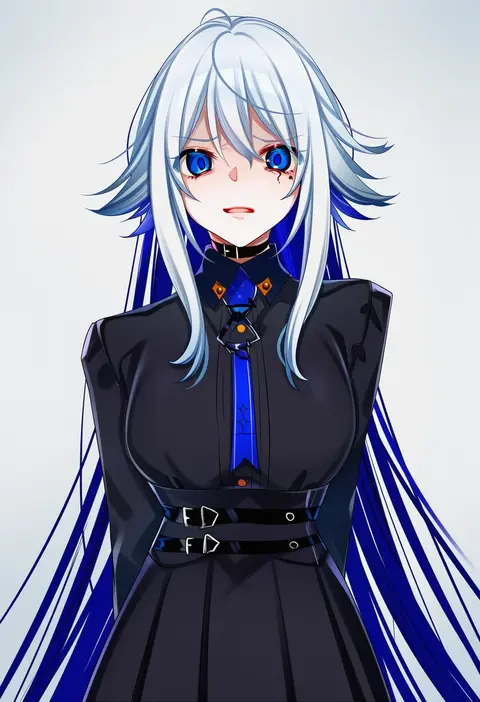
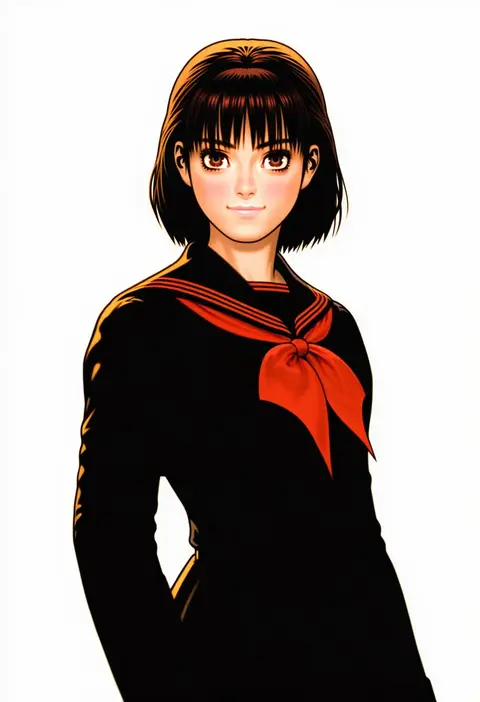
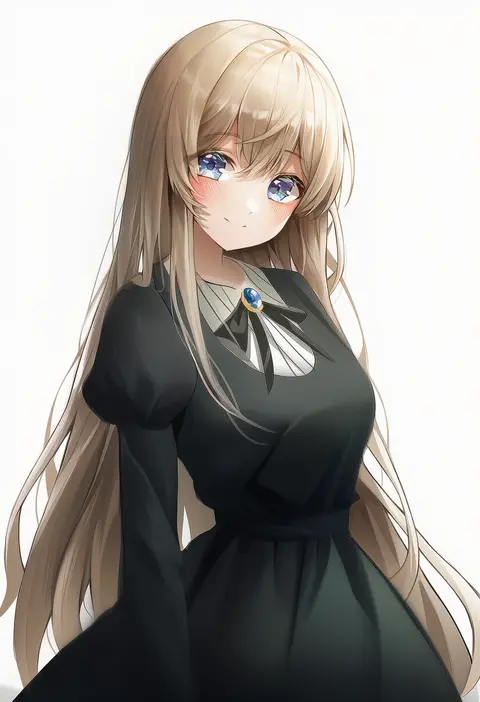
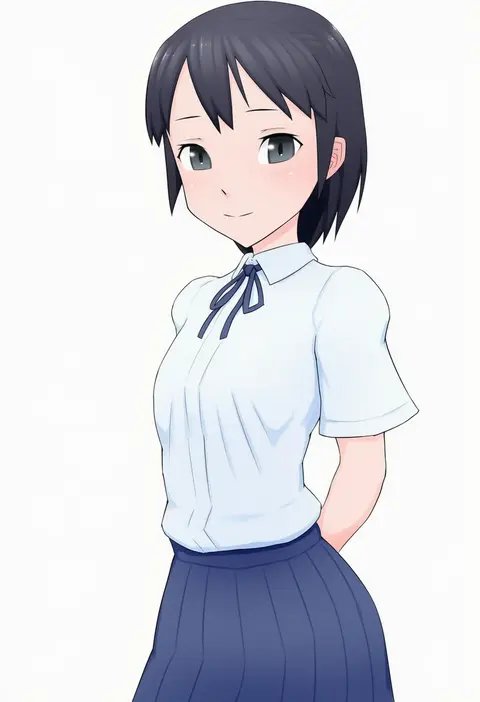
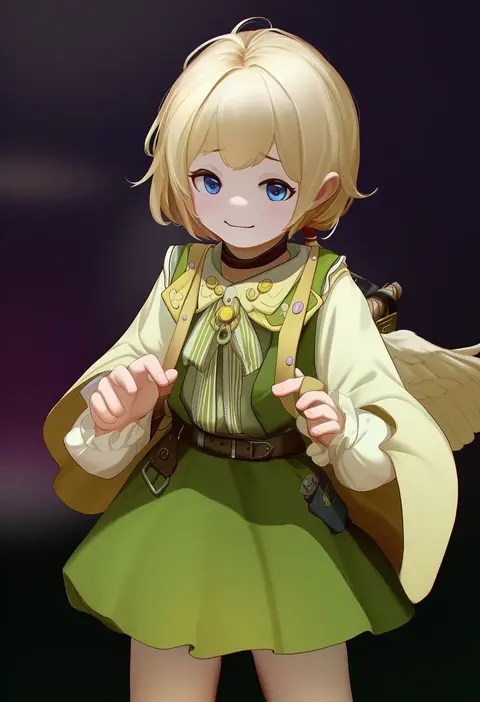
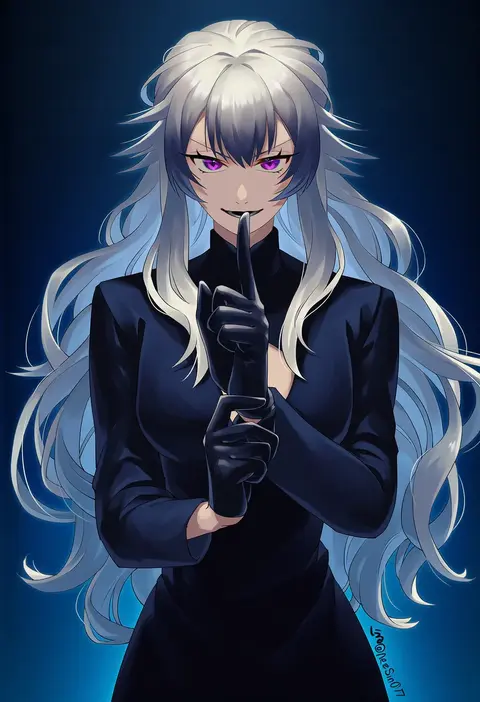
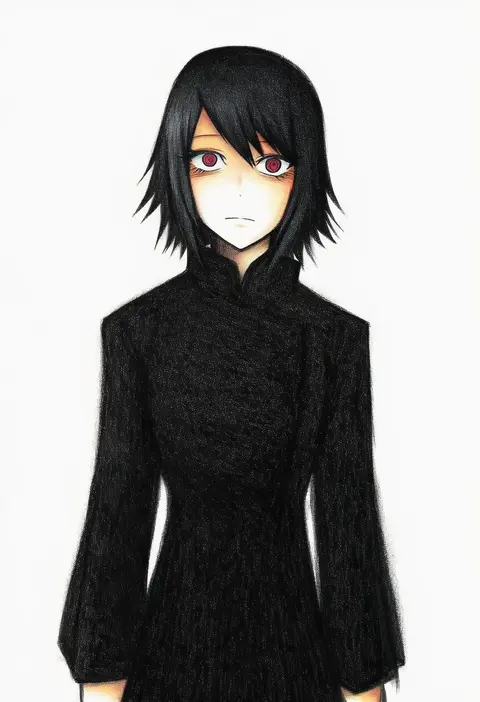
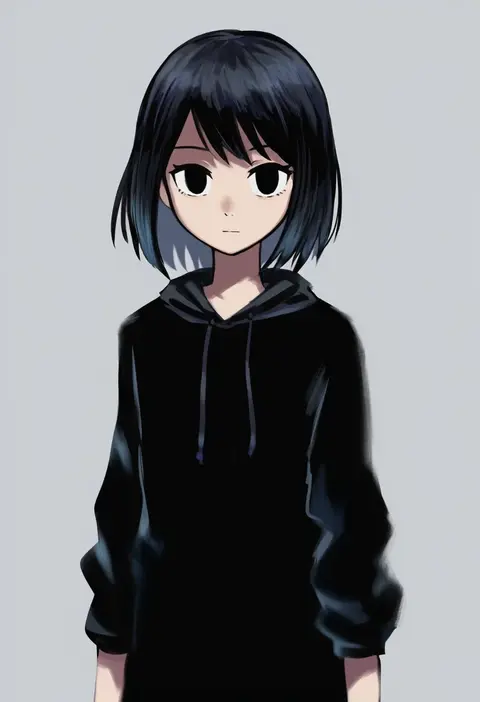
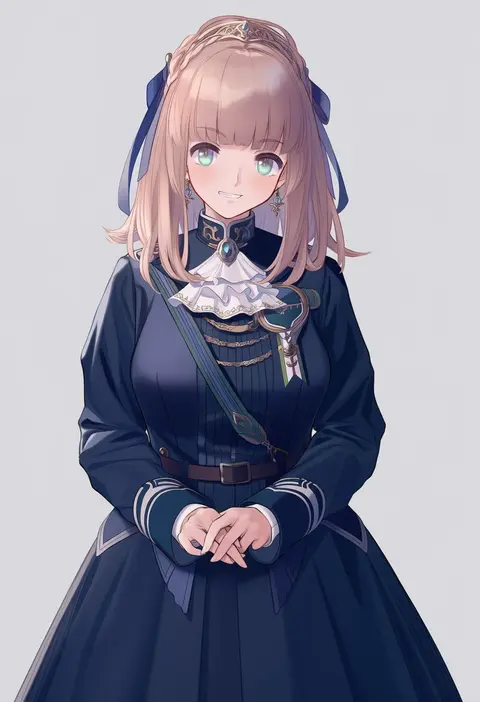
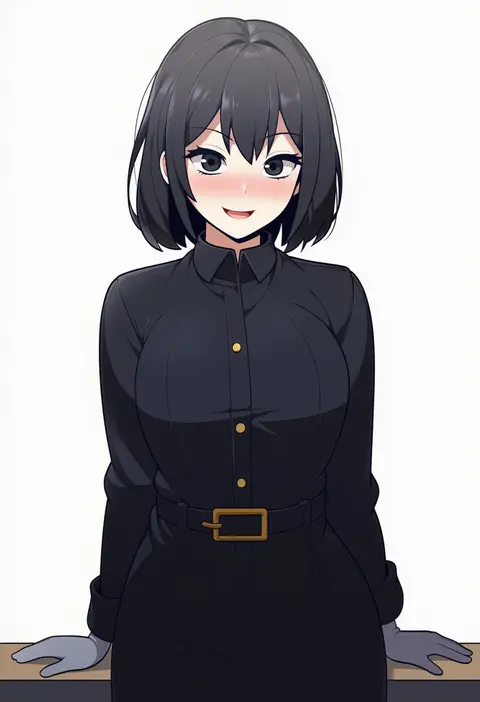
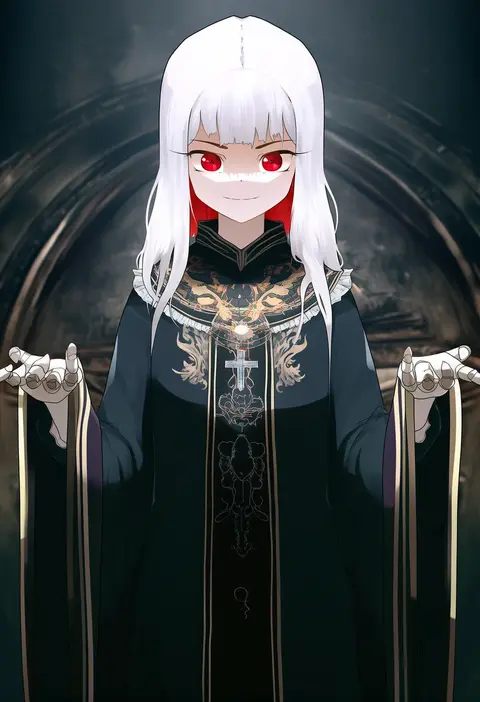
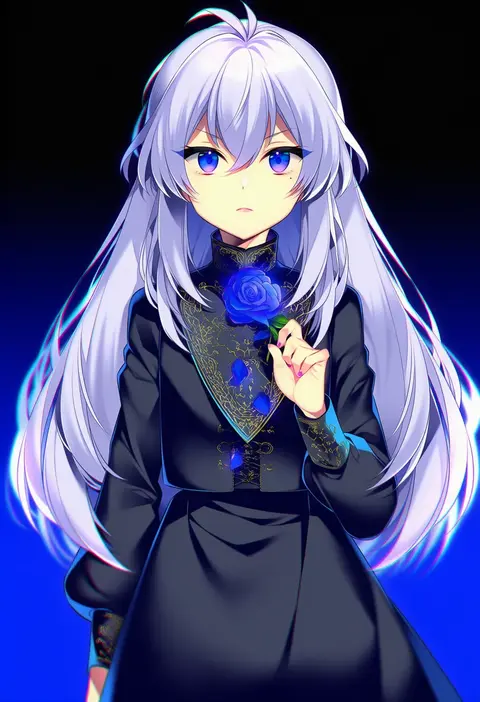
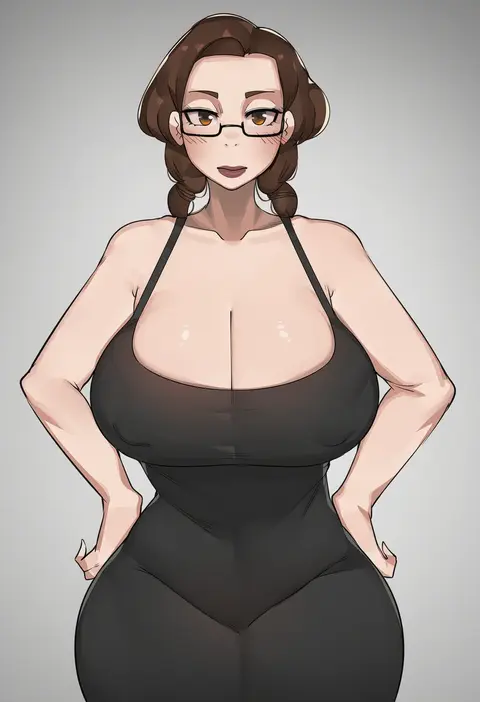
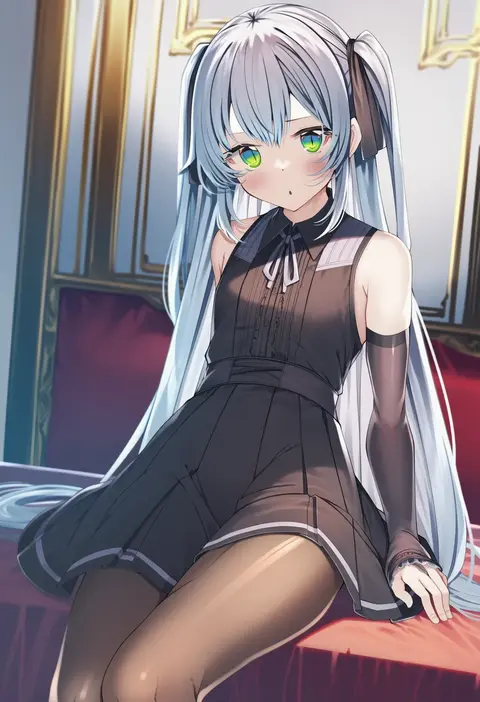
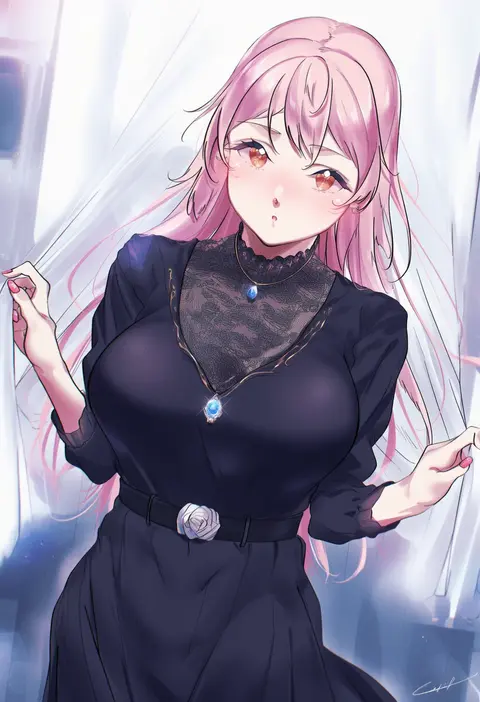
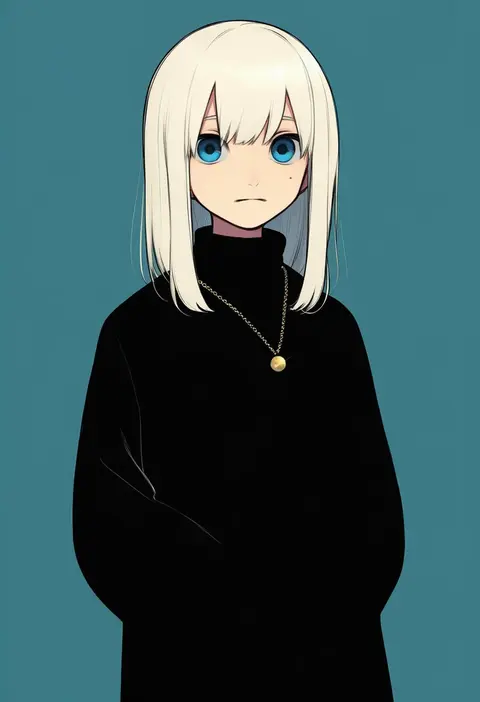
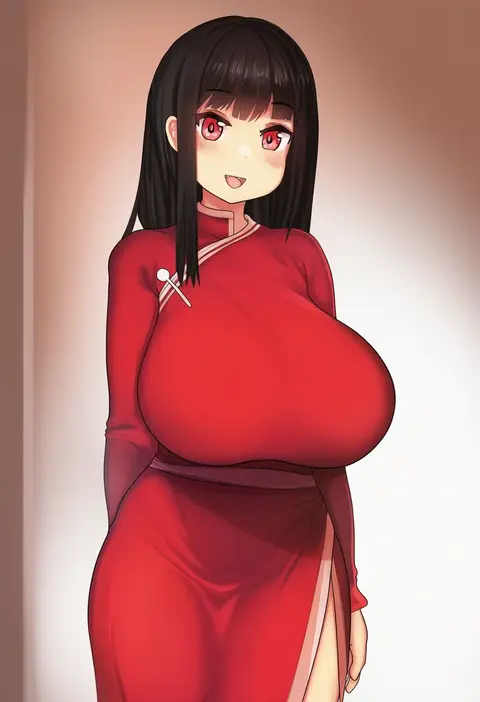
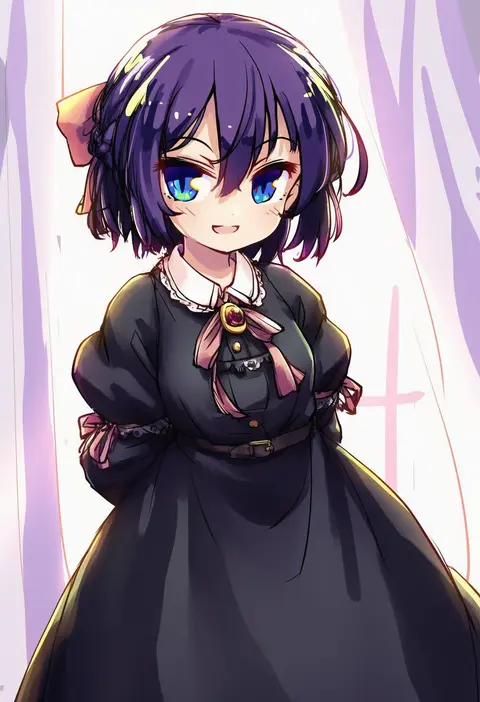
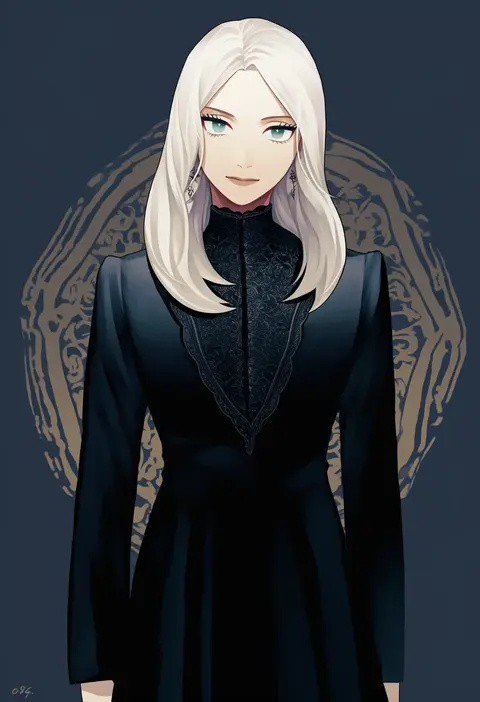
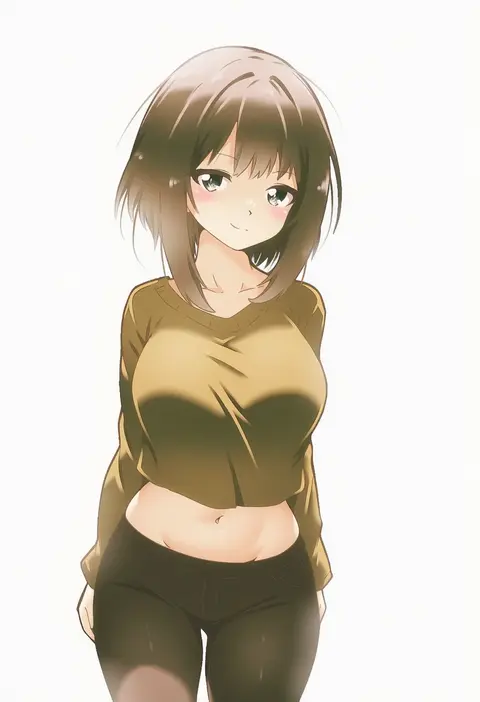
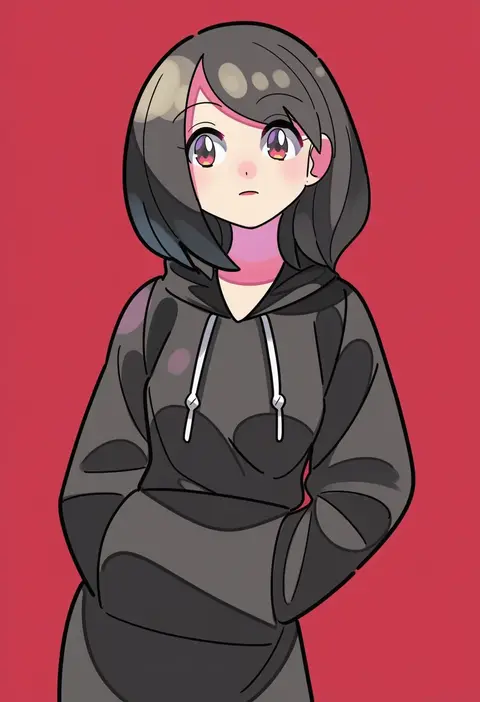
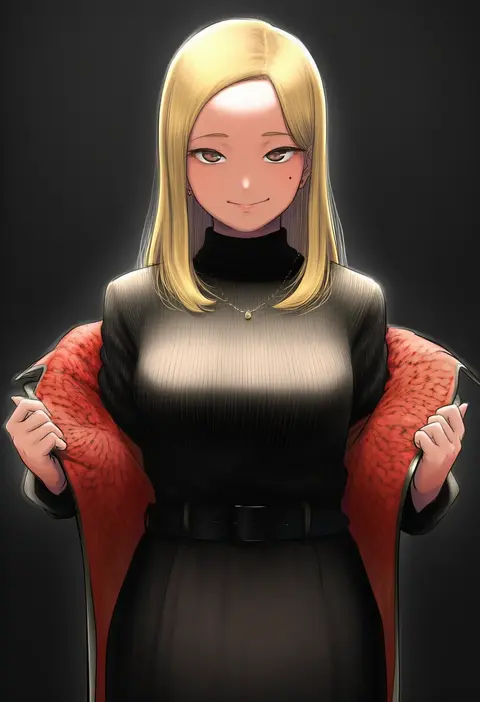
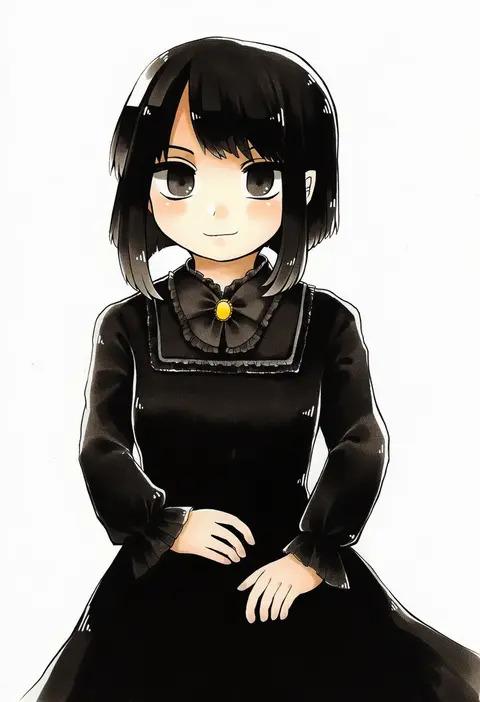
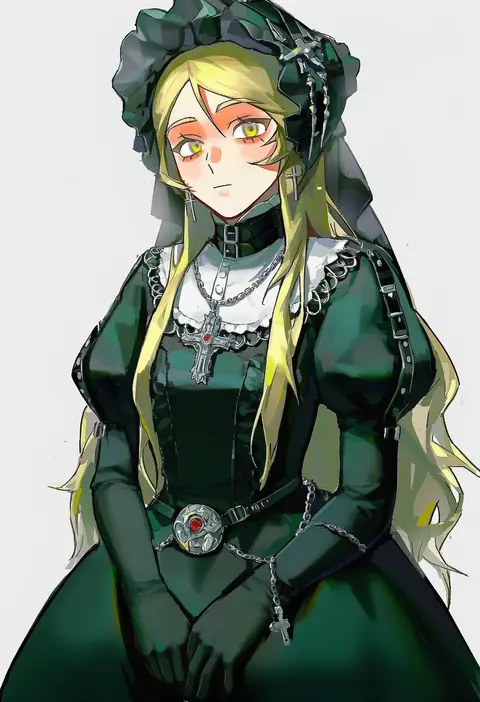
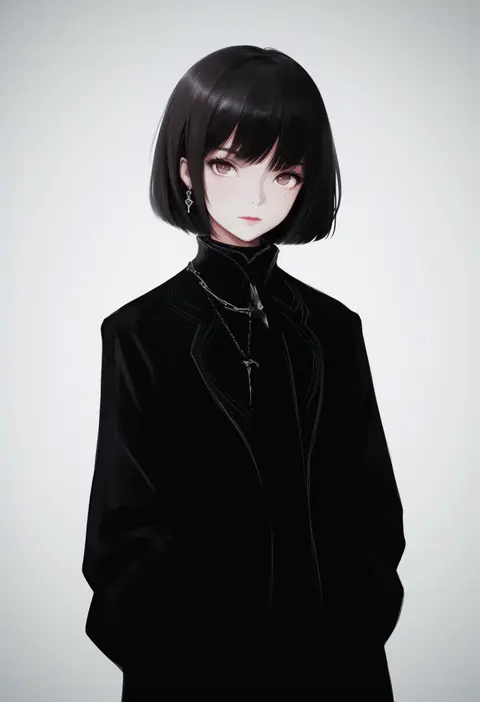
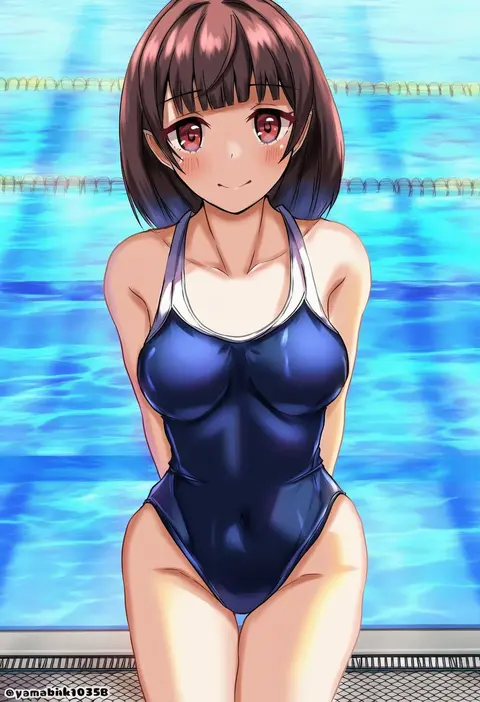
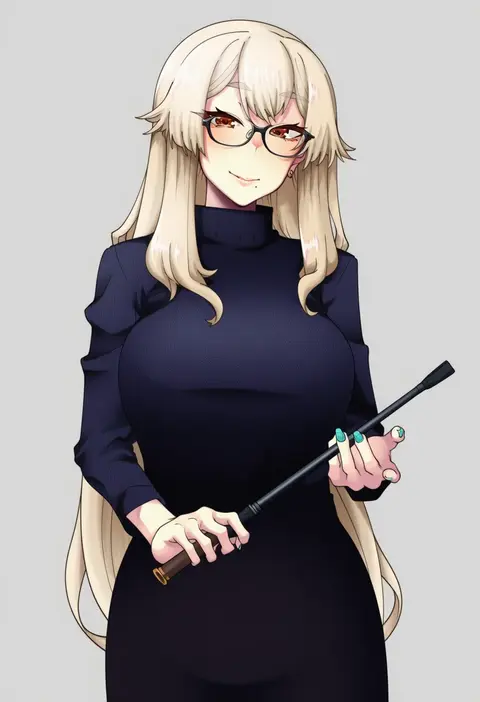
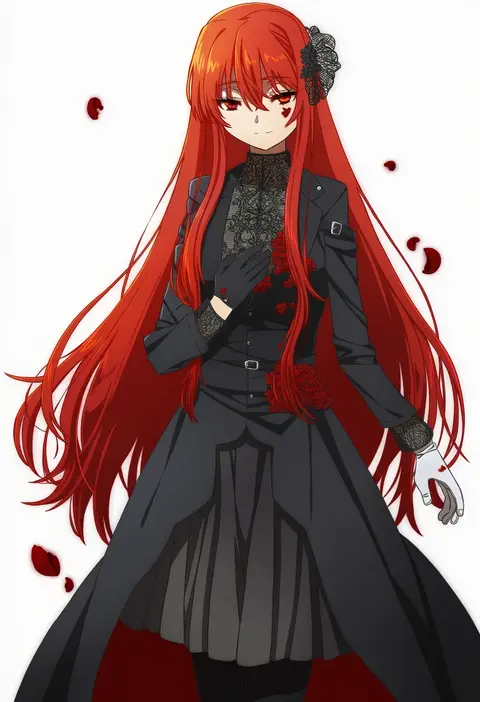
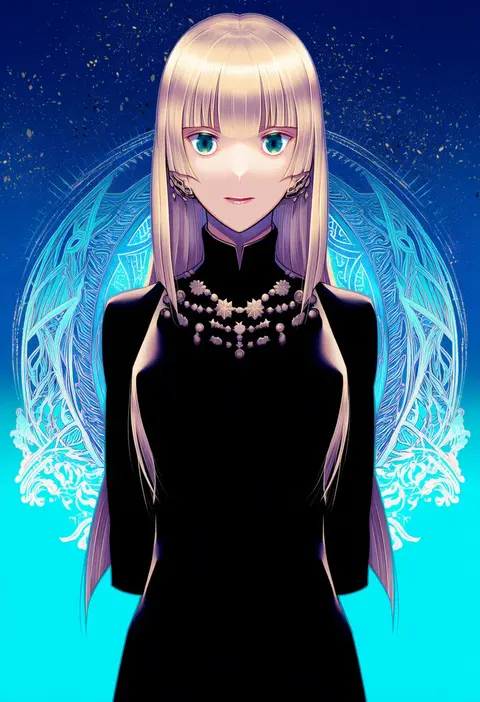
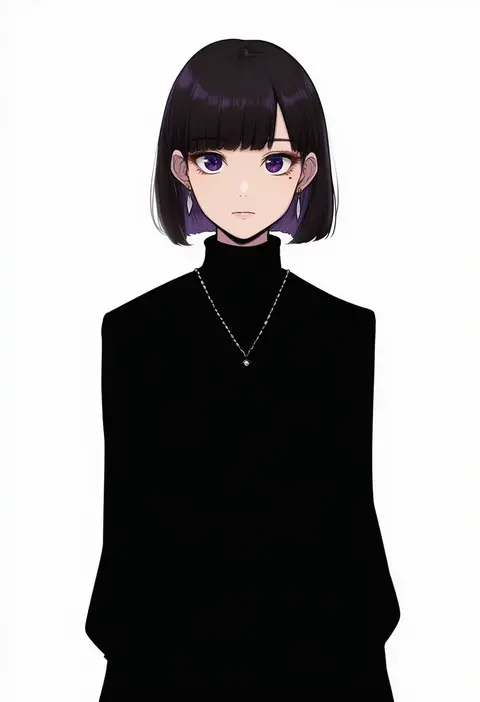
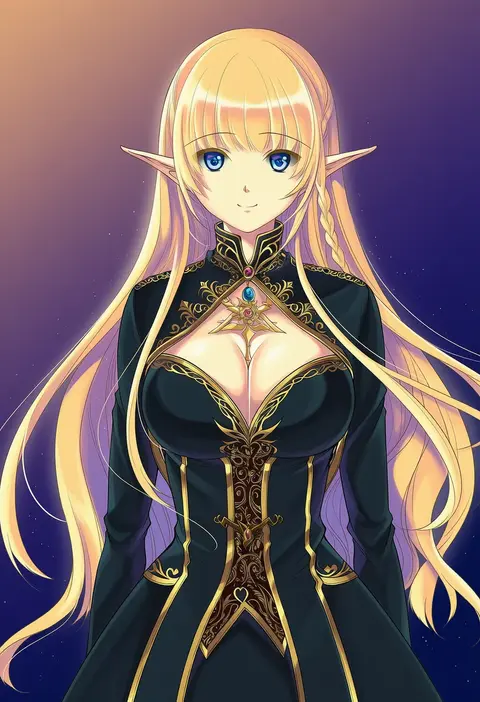
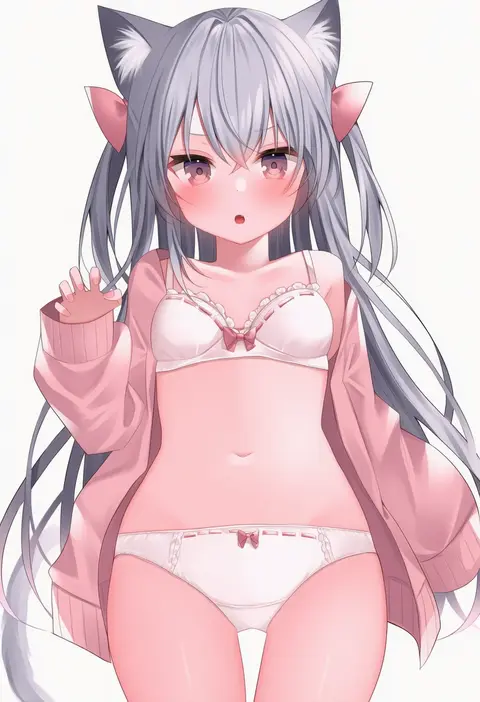
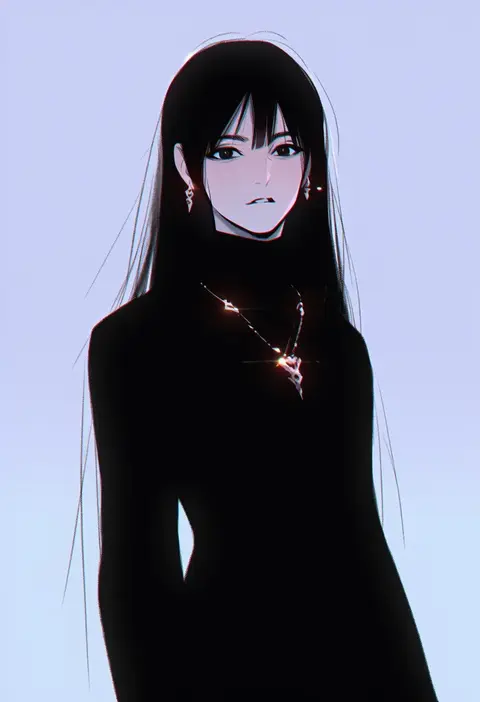
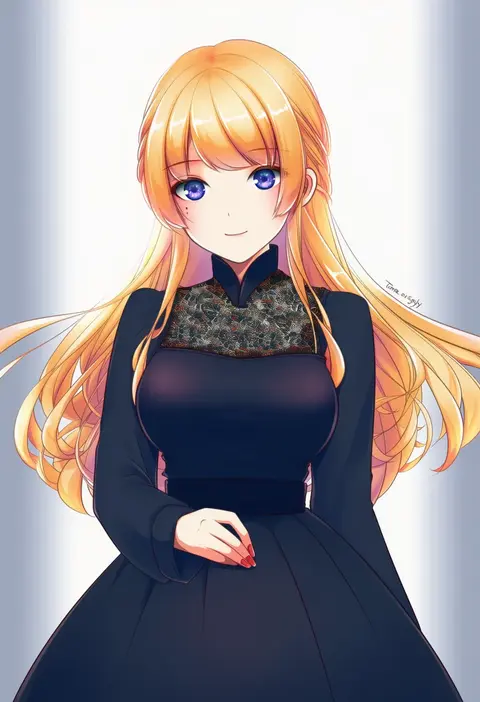
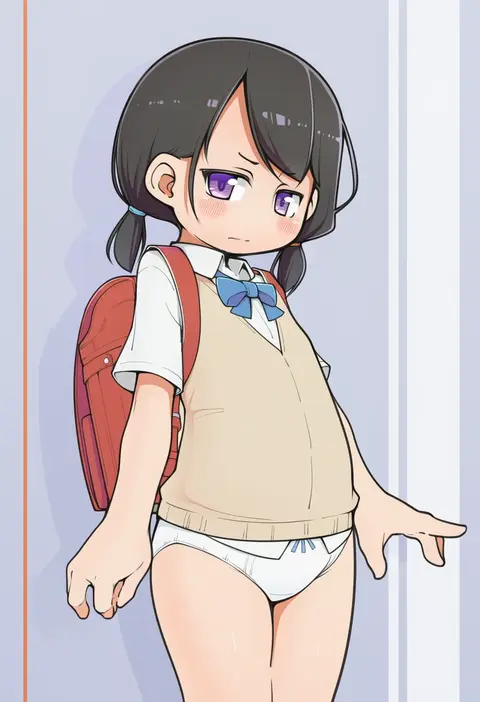
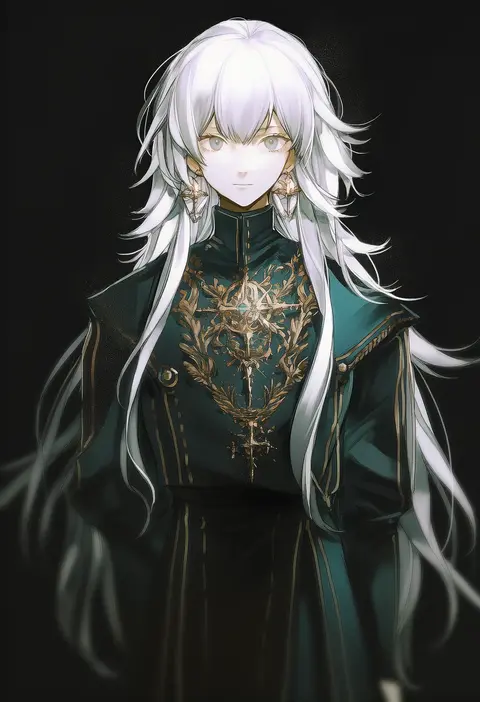
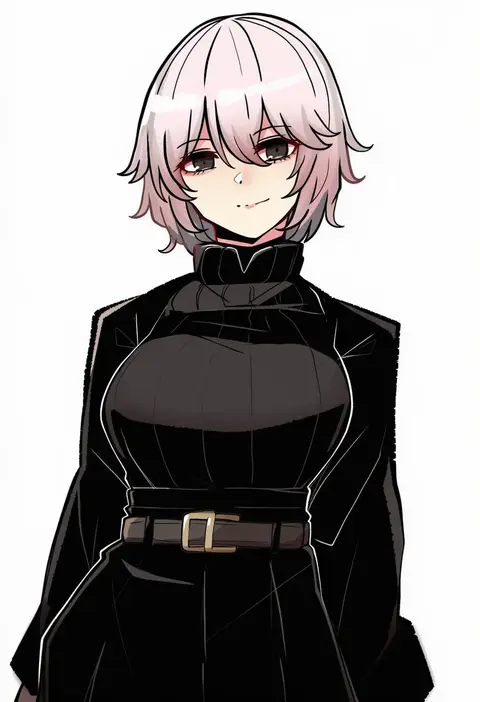
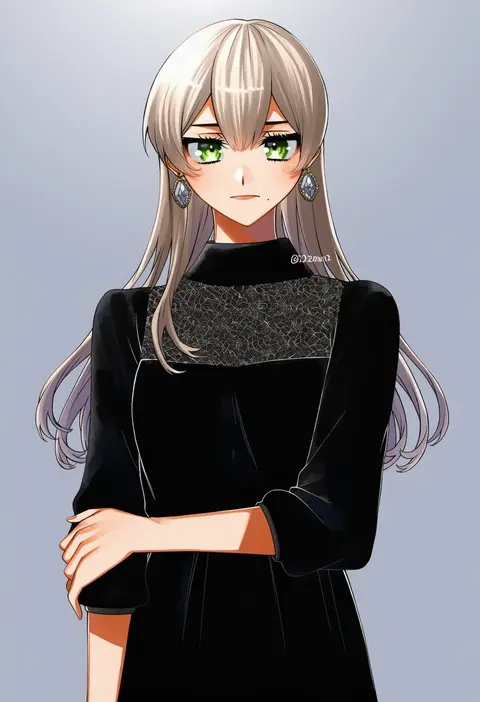
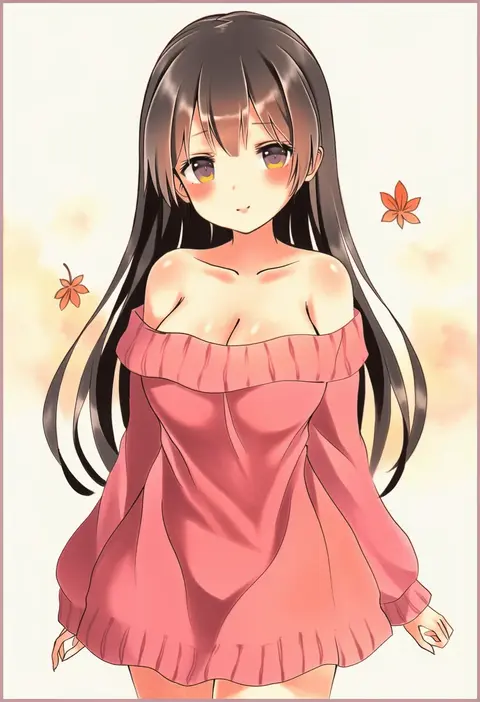
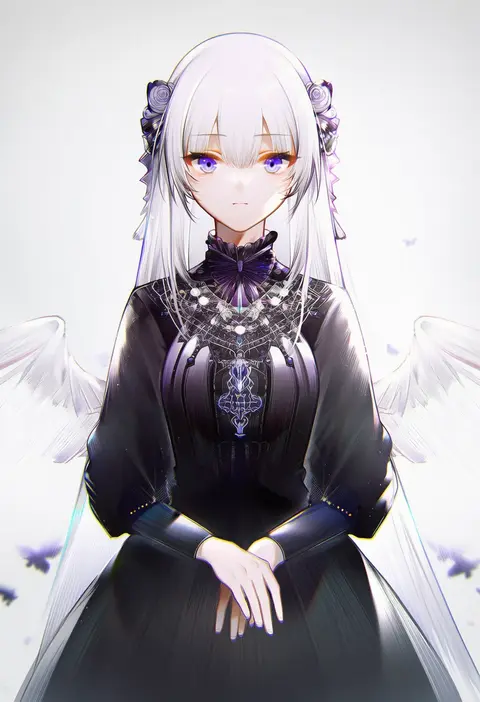
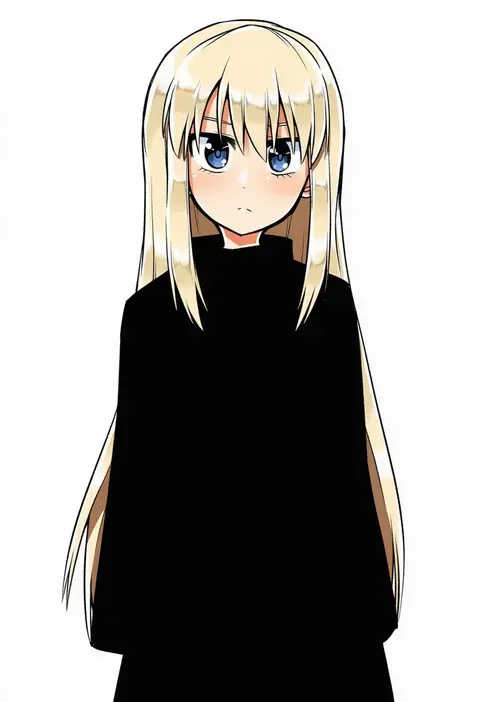
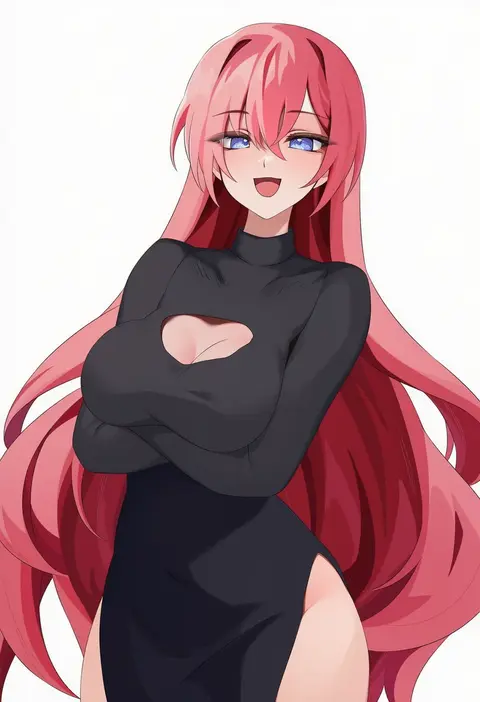
Artist tags tell NovelAI Diffusion to draw in a specific artist's style: line weight, paint texture, face shapes and palette all shift at once. Character and outfit tags decide what is drawn; artist tags decide how. 16,352 tags are listed for V4.5.
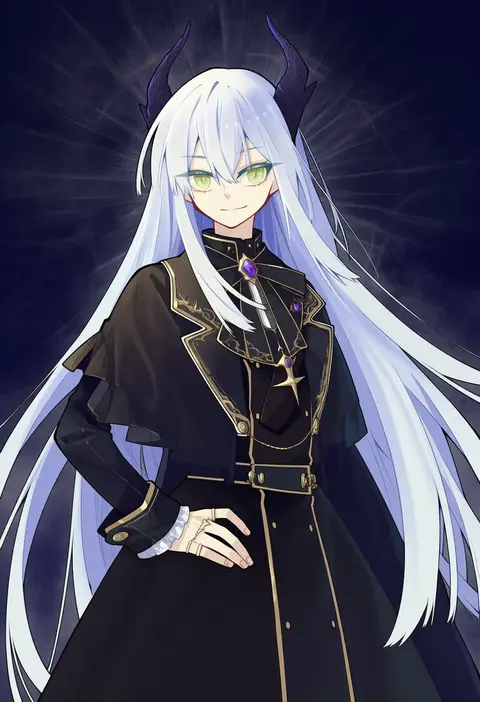
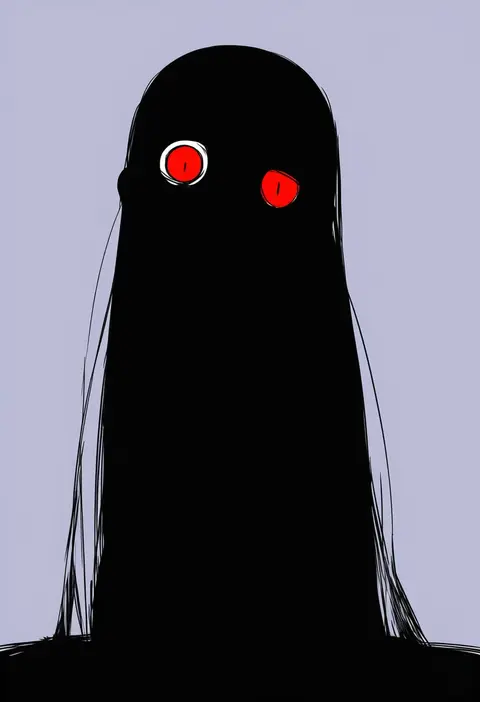
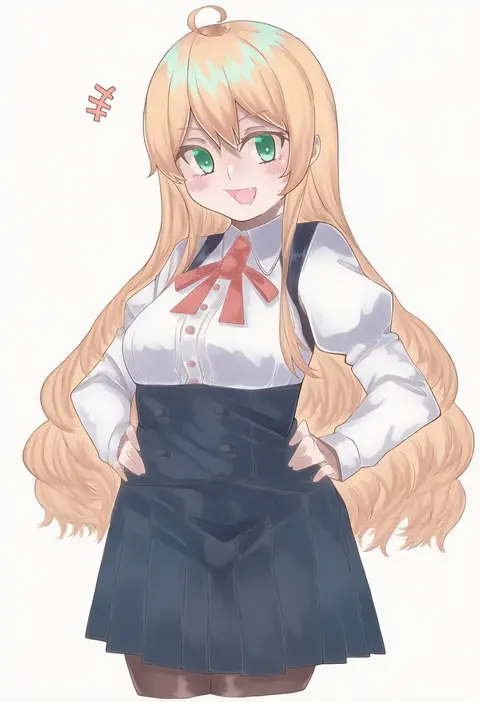
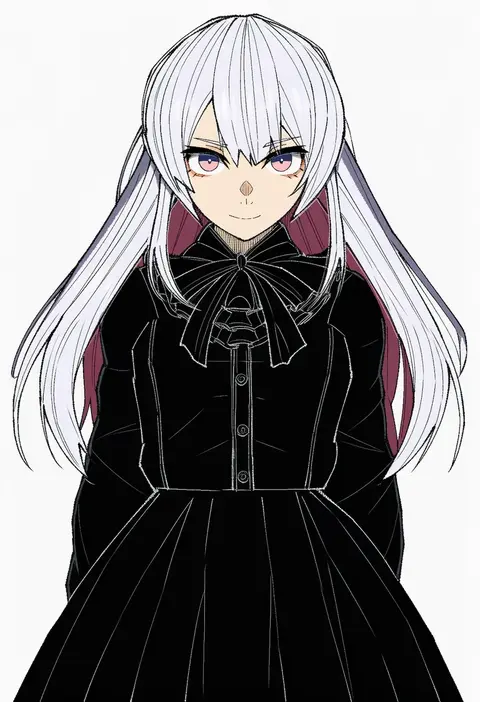
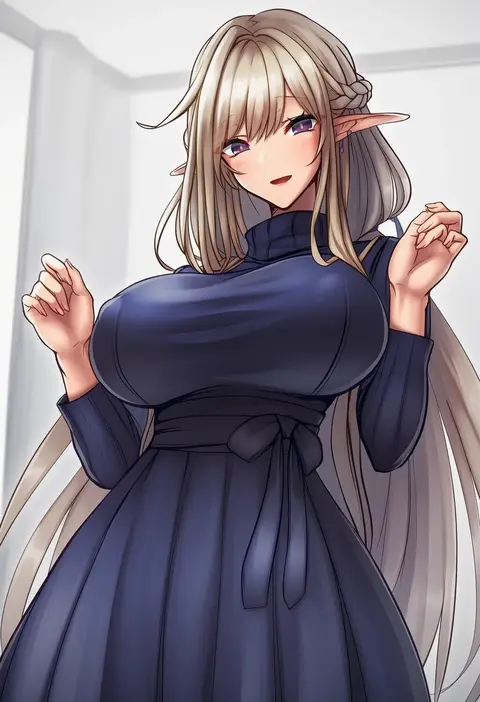
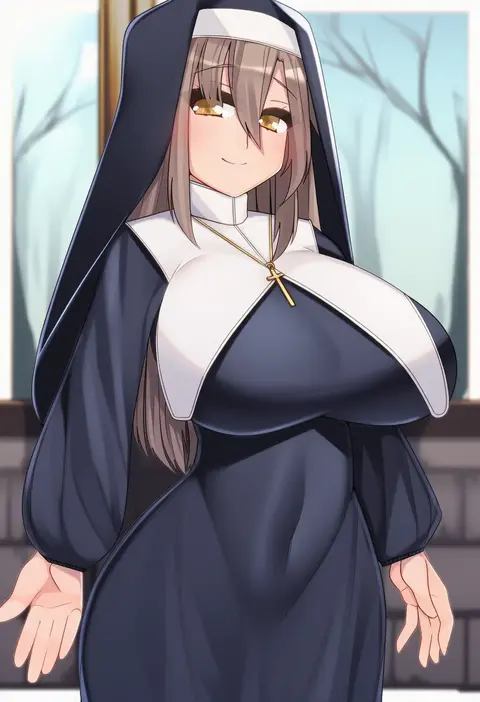
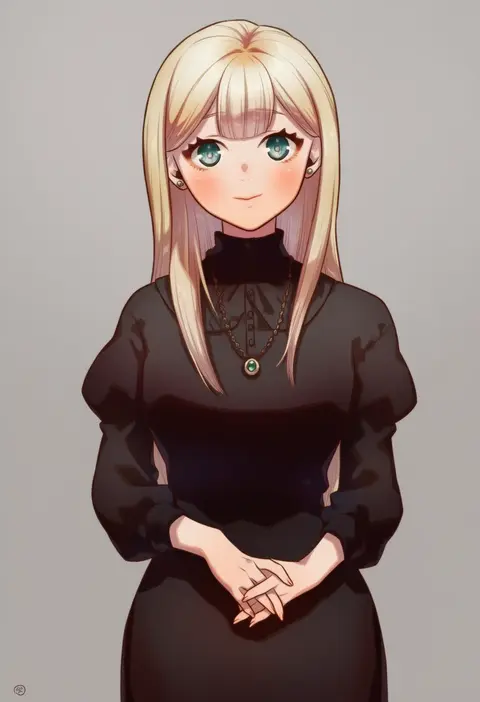
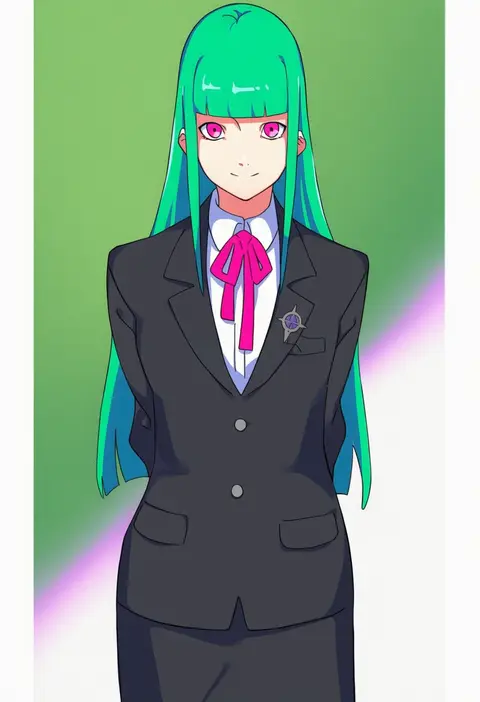
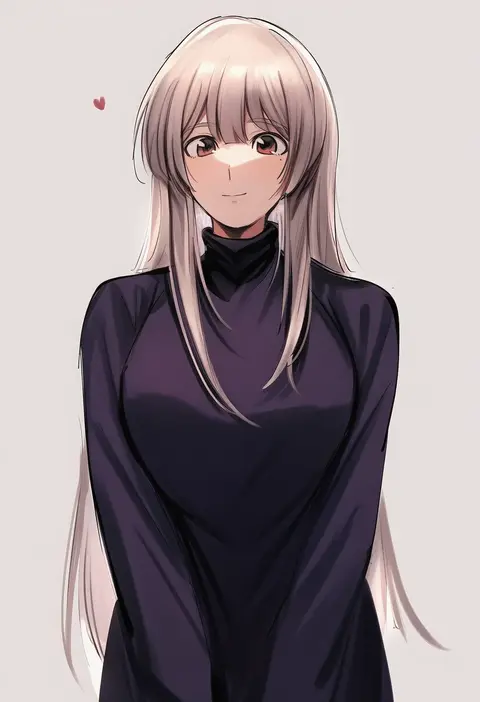
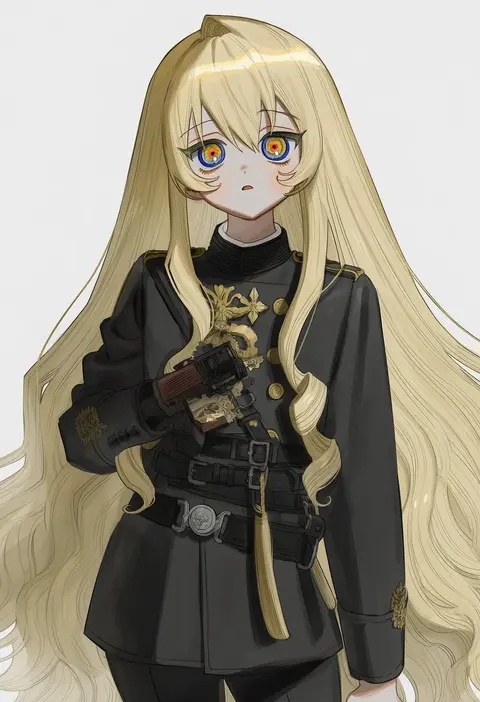
Every tag listed here is verified to react in NovelAI. All images use the same prompt, seed and settings with only the artist tag swapped, so the difference between two images is the style that tag brings in.

How to use them

Put the artist tag near the front of the prompt, e.g. "<artist>, 1girl, solo, best quality, masterpiece, cowboy shot". Two or three artist tags blend styles; lower the weight with "0.8::<artist>::" when the style overpowers the character.

SCORE sorts by Danbooru's top score, POSTS by post count, FAVS by hearts on this site. Open a card to see V5 and V4.5 side by side on the same seed.

V5 vs V4.5

V5 usually lands closer to the artist's real style, and tags that did nothing on V4.5 often react on V5. V4.5 still fits older and doujin-heavy artists better. Try V5 first, fall back to V4.5.

FAQ

Where does the artist tag go?
Near the front of the prompt. Use "0.8::tag::" to adjust its weight.

Can I stack artist tags?
Yes, styles blend. Past two or three the result stops looking like anyone.

Are these the artists' own works?
No. Every image is a NovelAI sample generated from the tag.