V4.5Artists
sort: FAVS▾
▾
>
$

Popular NovelAI artist tags — V4.5

artist --count 16,352[272/273]
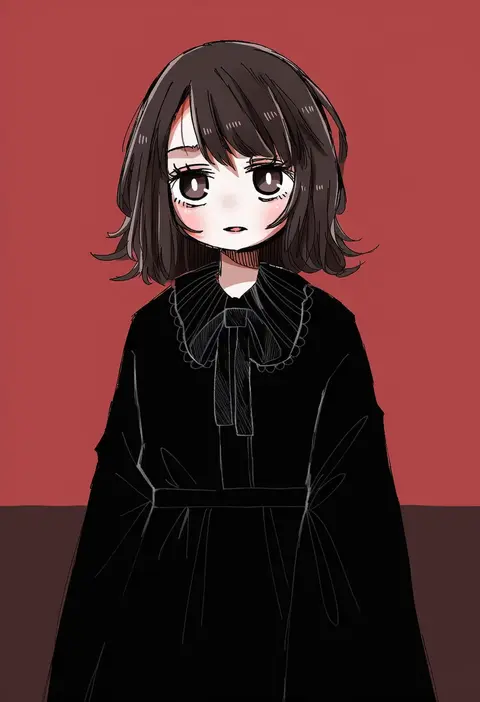
salt (seasoning)
ARTIST0x3F84
0
shirotsuki shirone
ARTIST0x3F85
0
skyrail
ARTIST0x3F86
0
bongfill
ARTIST0x3F87
0
negiwo
ARTIST0x3F88
0
sinko
ARTIST0x3F89
0
kamishiro (rsg10679)
ARTIST0x3F8A
0
icedev
ARTIST0x3F8B
0
inu totemo
ARTIST0x3F8C
0
dongchuan
ARTIST0x3F8D
0
as4gi
ARTIST0x3F8E
0
kishimen
ARTIST0x3F8F
0
tooku nomura (artist)
ARTIST0x3F90
0
xiu kukkii
ARTIST0x3F91
0
chilwell seele
ARTIST0x3F92
0
hinainf
ARTIST0x3F93
0
moonsorrow
ARTIST0x3F94
0
chou shippai-saku
ARTIST0x3F95
0
to@st
ARTIST0x3F96
0
maki daikichi
ARTIST0x3F97
0
milim nova
ARTIST0x3F98
0
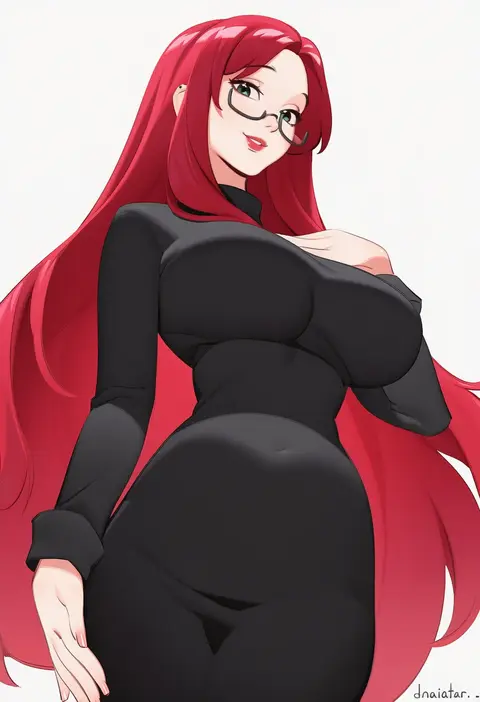
dnaitari
ARTIST0x3F99
0
pc fworks
ARTIST0x3F9A
0
ayo rimaisu
ARTIST0x3F9B
0
kanaria (bocmn)
ARTIST0x3F9C
0
oshiruko (oshiruko s2)
ARTIST0x3F9D
0
egooo
ARTIST0x3F9E
0
czk
ARTIST0x3F9F
0
hiroki (hirokiart)
ARTIST0x3FA0
0
najar
ARTIST0x3FA1
0
shishou (doragyurosu)
ARTIST0x3FA2
0
kurozu (crozu)
ARTIST0x3FA3
0
nichijo
ARTIST0x3FA4
0
betabetamaru
ARTIST0x3FA5
0
humiyou
ARTIST0x3FA6
0
jh
ARTIST0x3FA7
0
matsuba (idiotlantern)
ARTIST0x3FA8
0
pepushi drow
ARTIST0x3FA9
0
ariaridoradora
ARTIST0x3FAA
0
ryo-suzuki
ARTIST0x3FAB
0
fujikawa arika
ARTIST0x3FAC
0
kuroda roku (345)
ARTIST0x3FAD
0
myoushun
ARTIST0x3FAE
0
mokujin hornywood
ARTIST0x3FAF
0
zettai yarumoni
ARTIST0x3FB0
0
evilaudio
ARTIST0x3FB1
0
kumaisao
ARTIST0x3FB2
0
hyou (pixiv3677917)
ARTIST0x3FB3
0
kakerayuri
ARTIST0x3FB4
0
yeero
ARTIST0x3FB5
0
eye (mememem)
ARTIST0x3FB6
0
momiahair
ARTIST0x3FB7
0
ruohire9
ARTIST0x3FB8
0
toyoi yuuta
ARTIST0x3FB9
0
wakame
ARTIST0x3FBA
0
aoihitsuji
ARTIST0x3FBB
0
day walker1117
ARTIST0x3FBC
0
fune (fune93ojj)
ARTIST0x3FBD
0
noy
ARTIST0x3FBE
0
plover
ARTIST0x3FBF
0

What these tags change

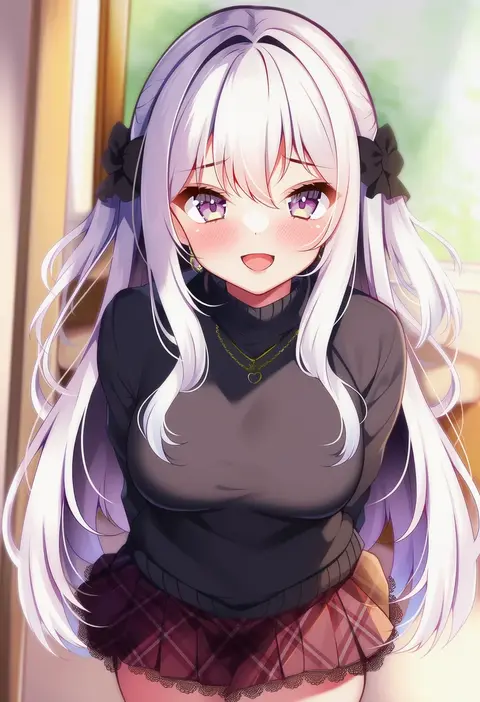
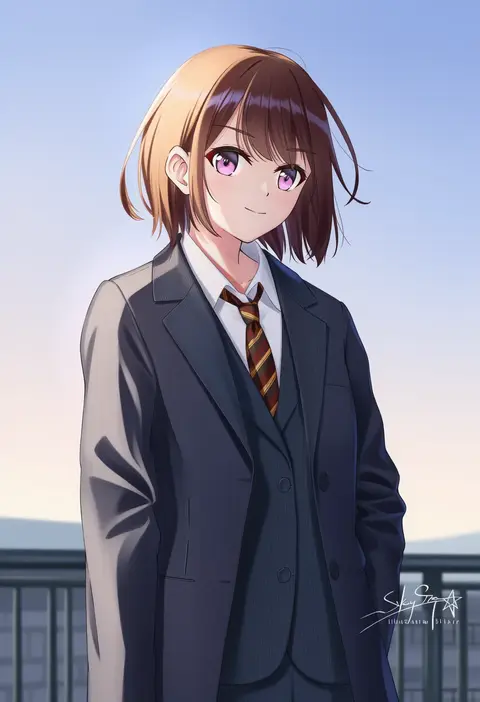
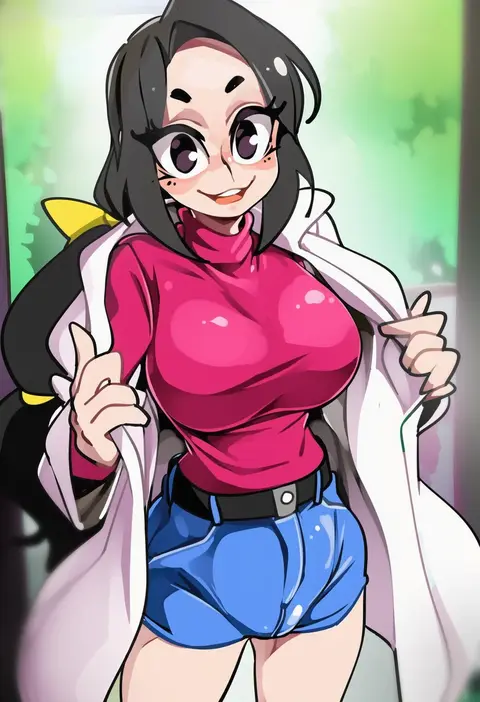
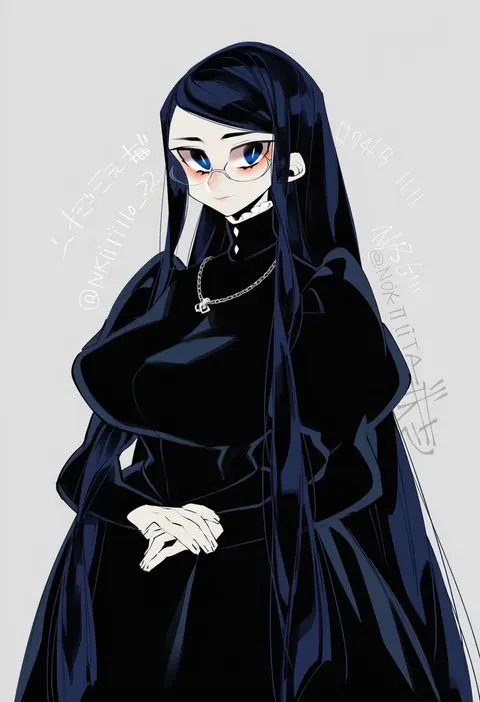
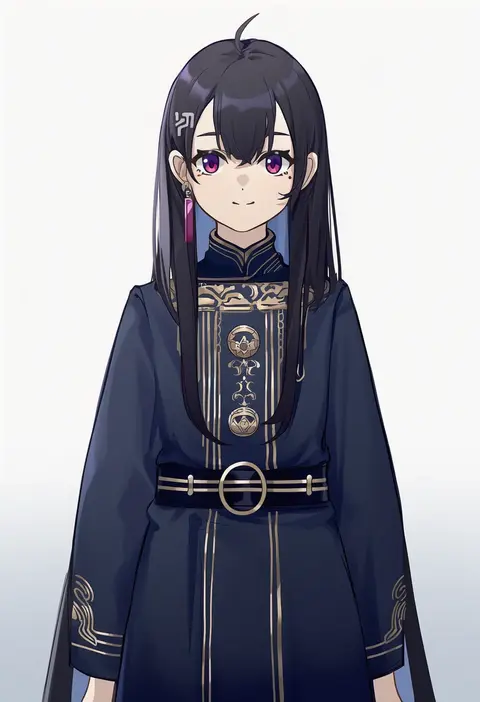
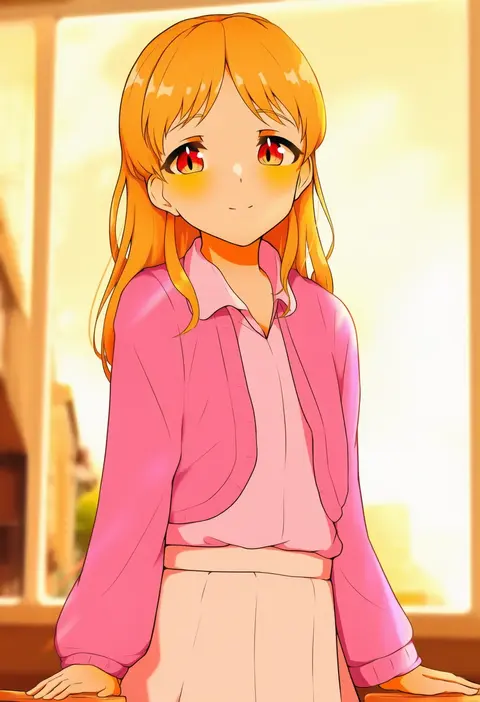
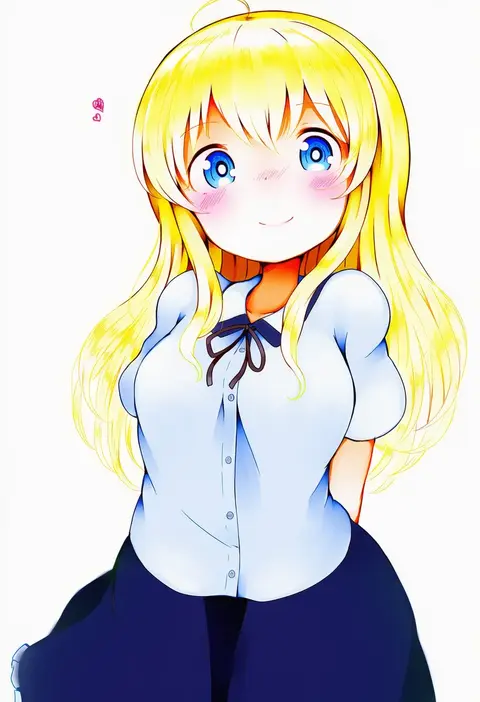
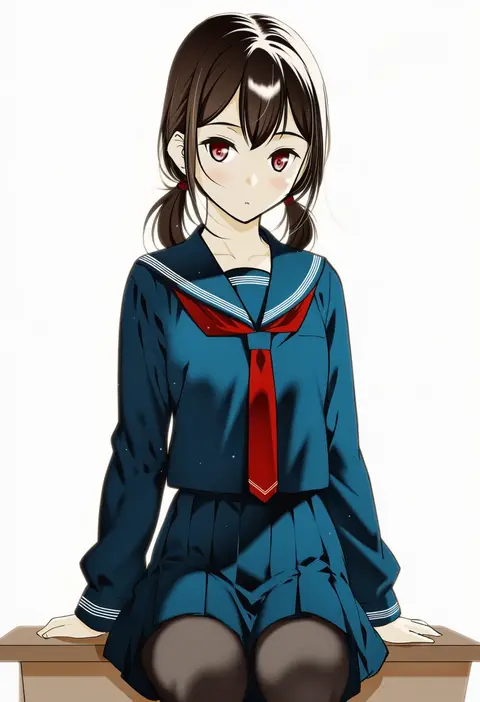
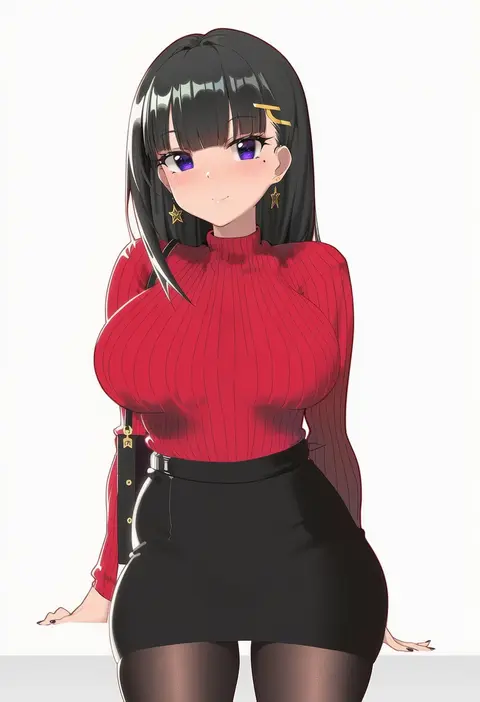
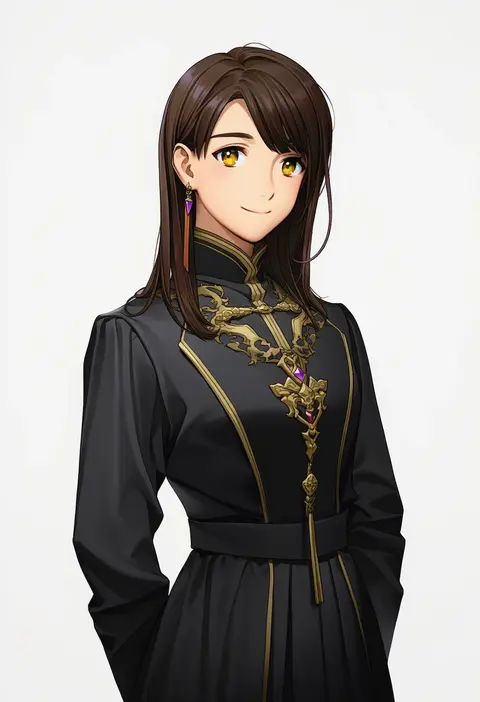
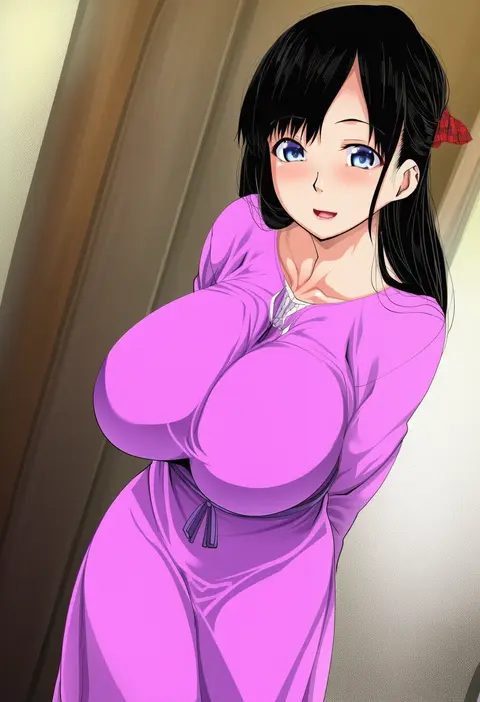
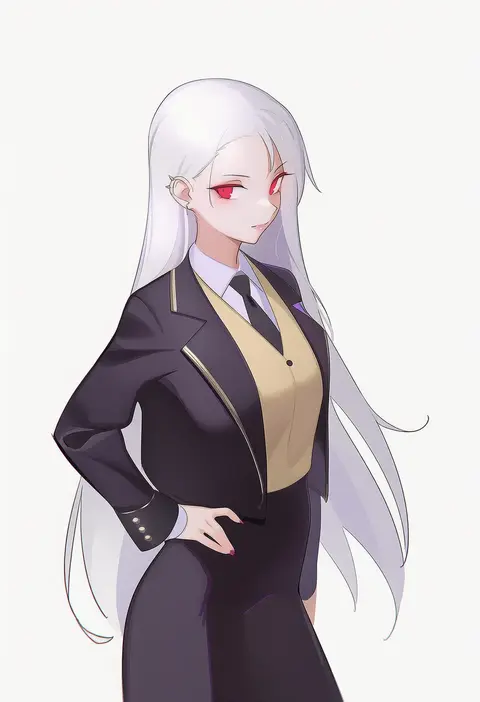
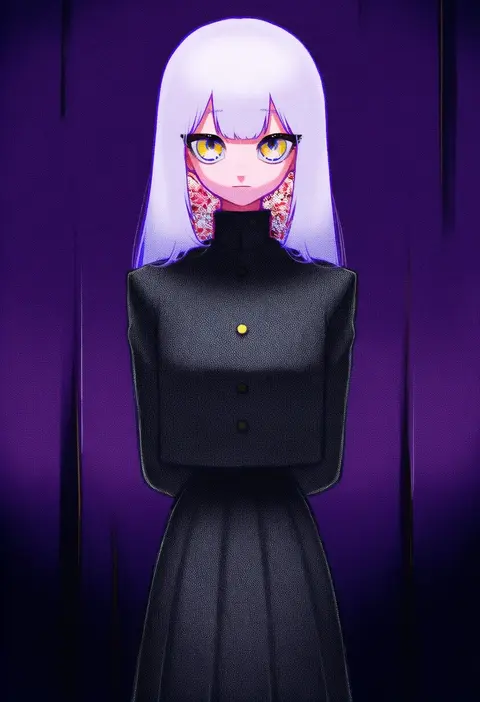
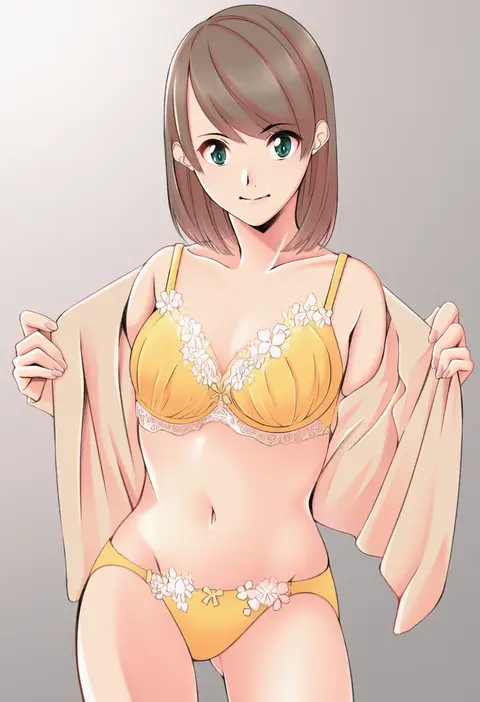
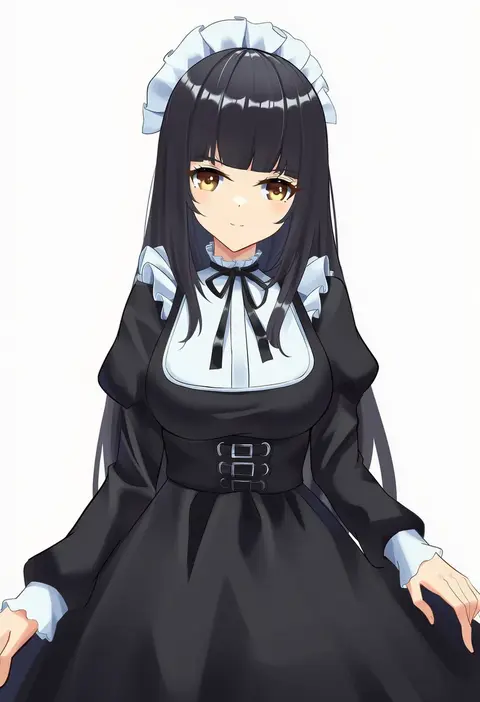
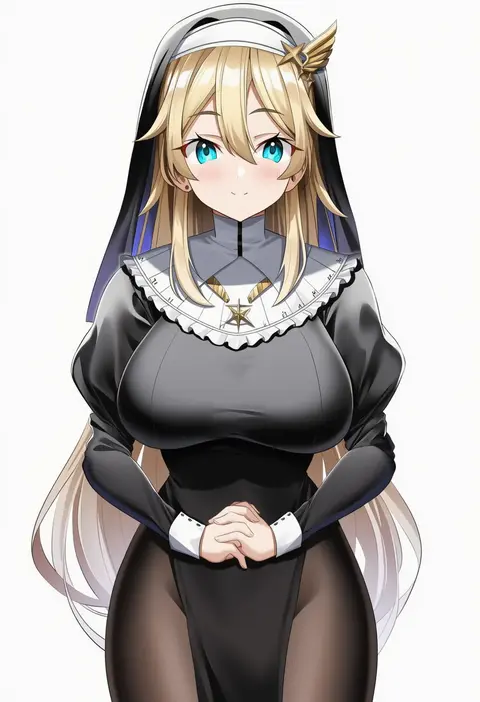
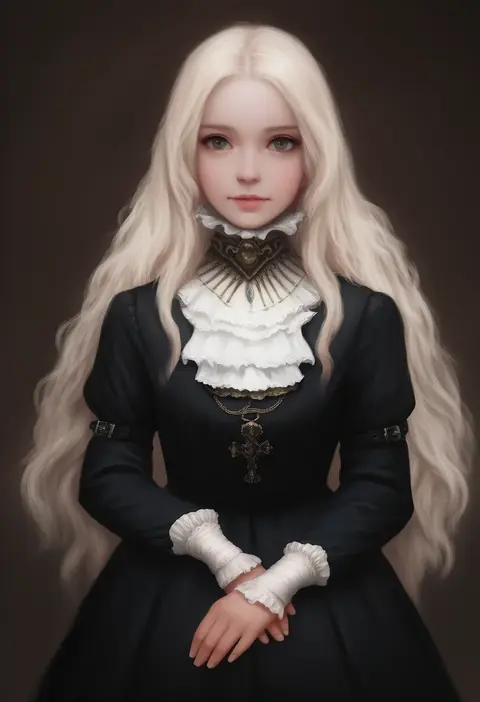
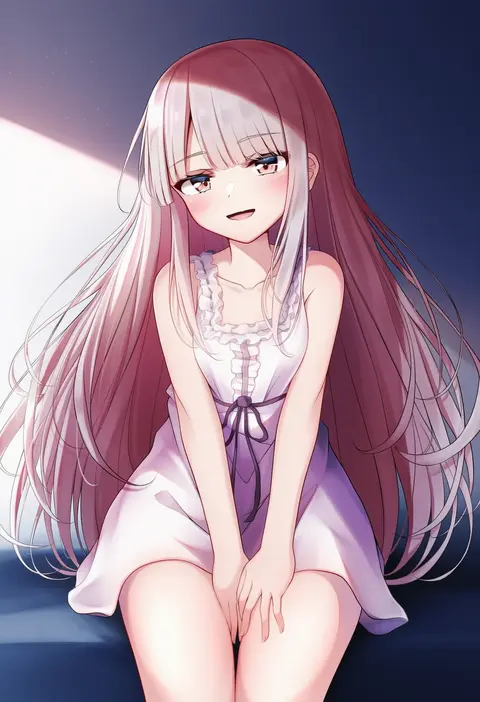
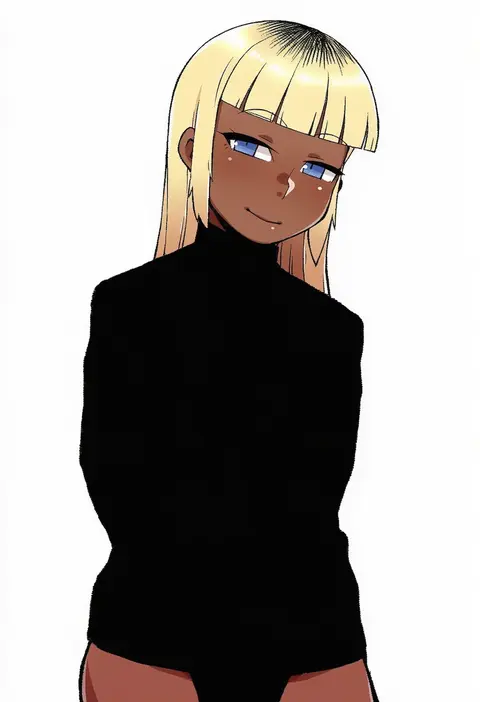
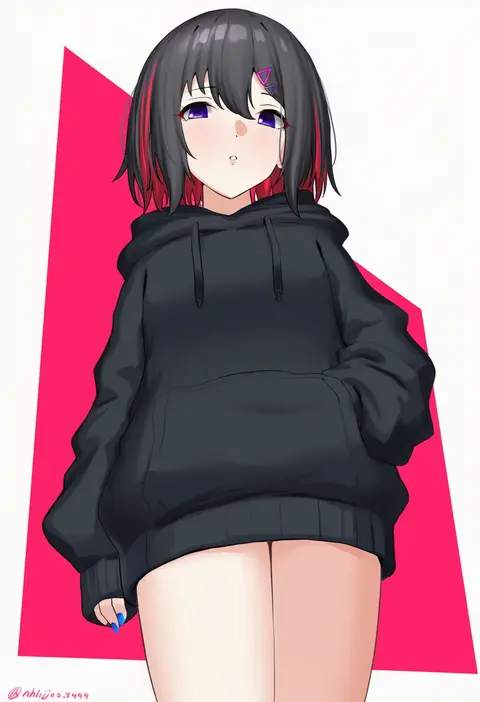
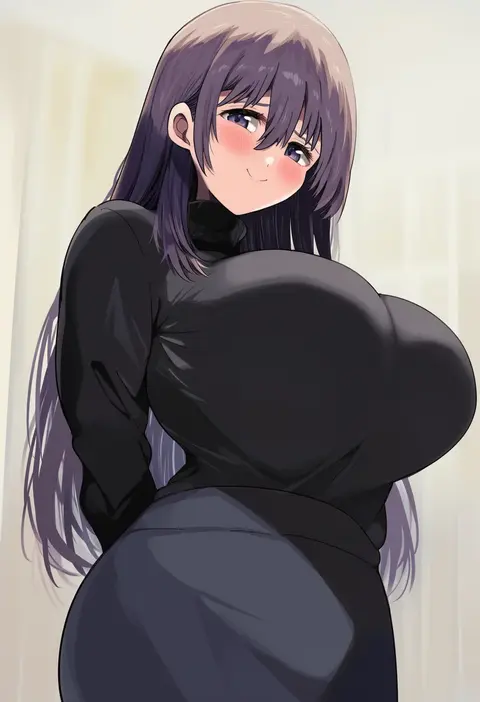
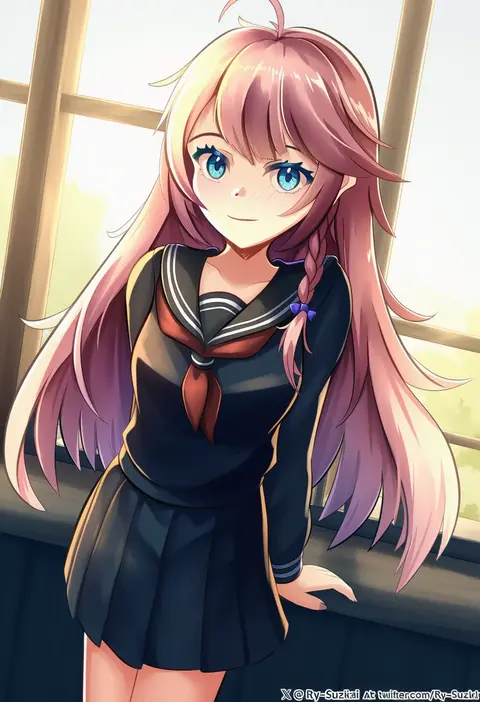
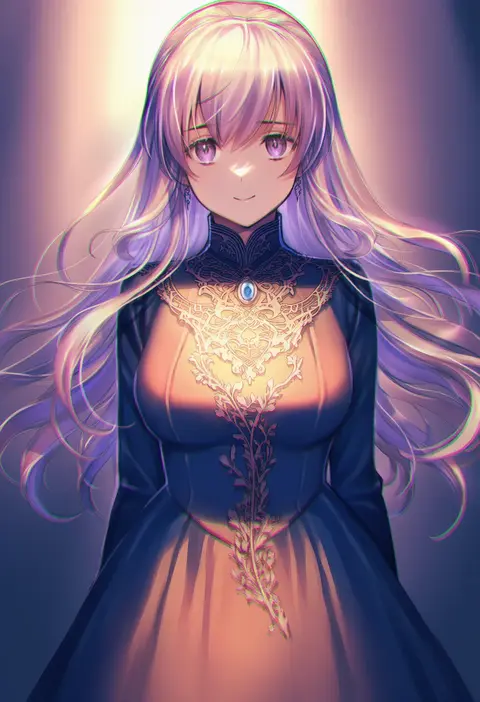
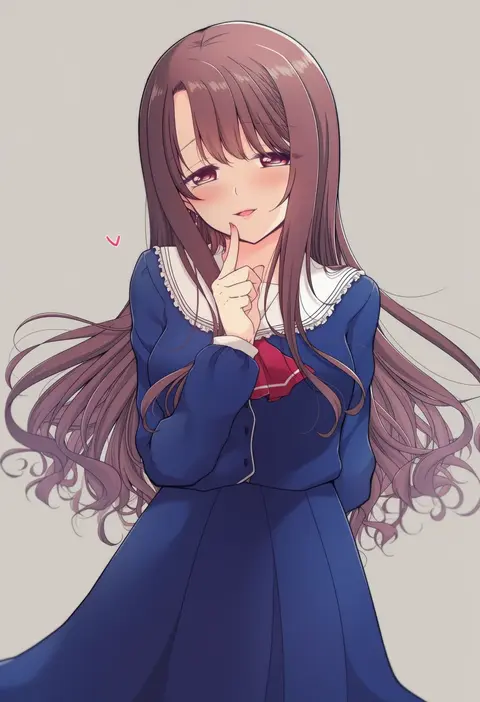
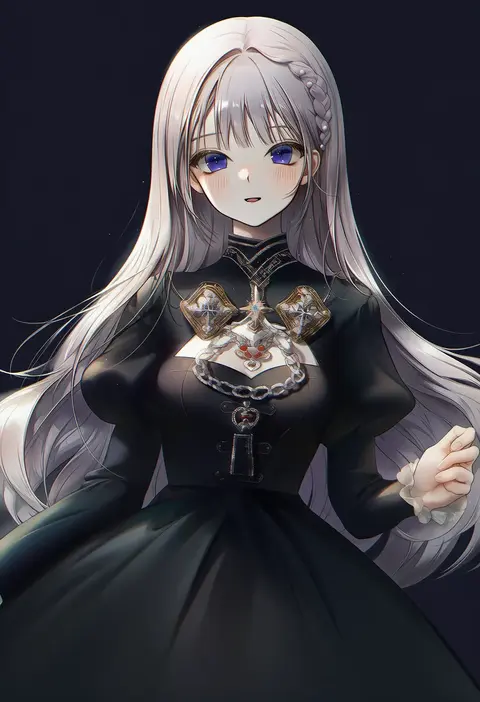
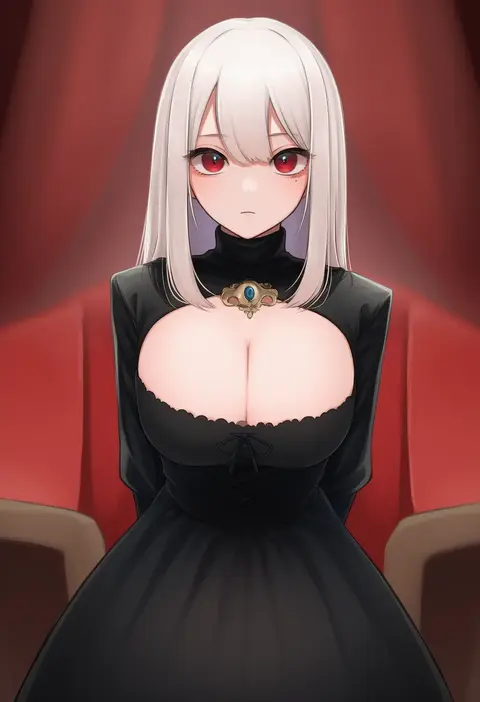
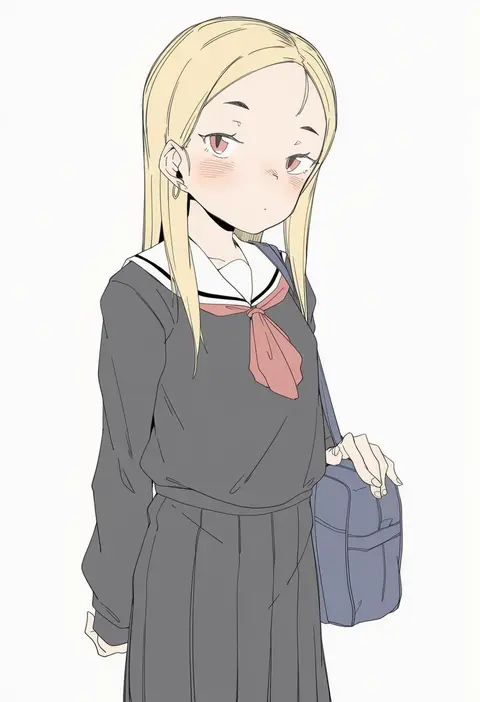
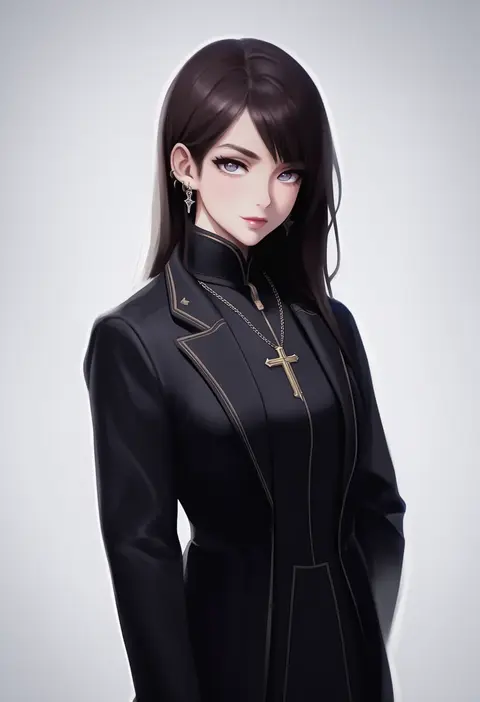
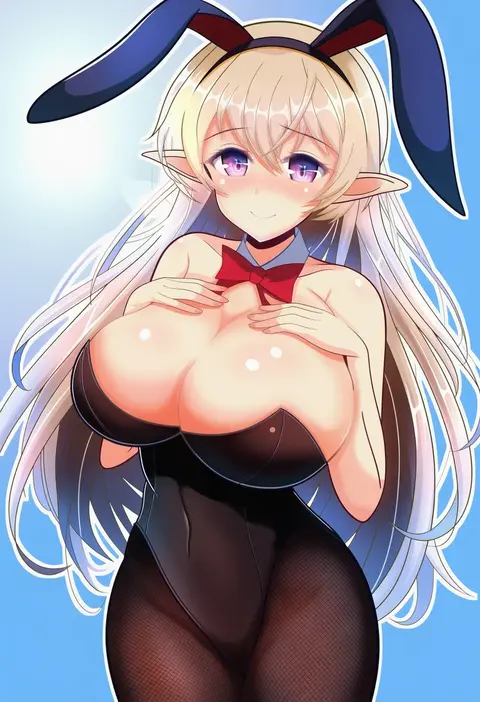
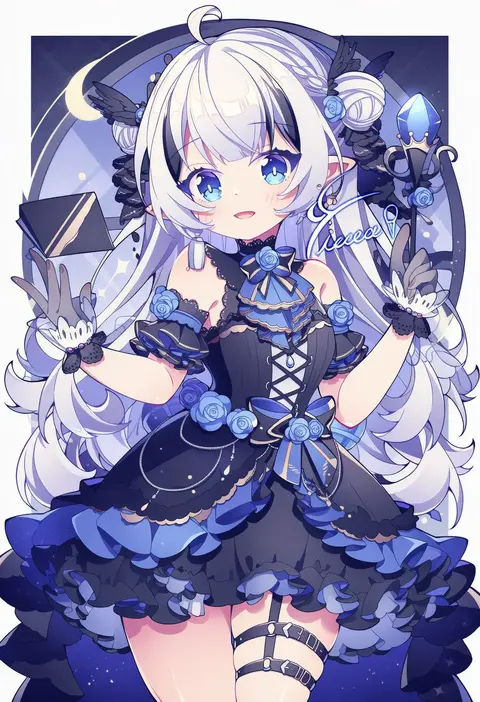
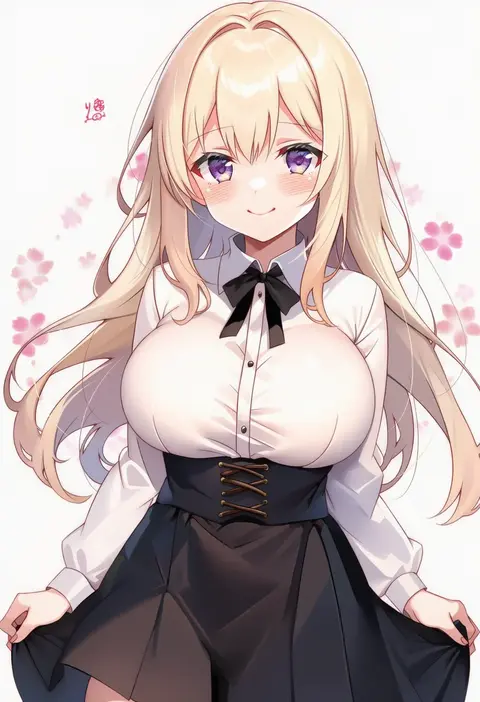
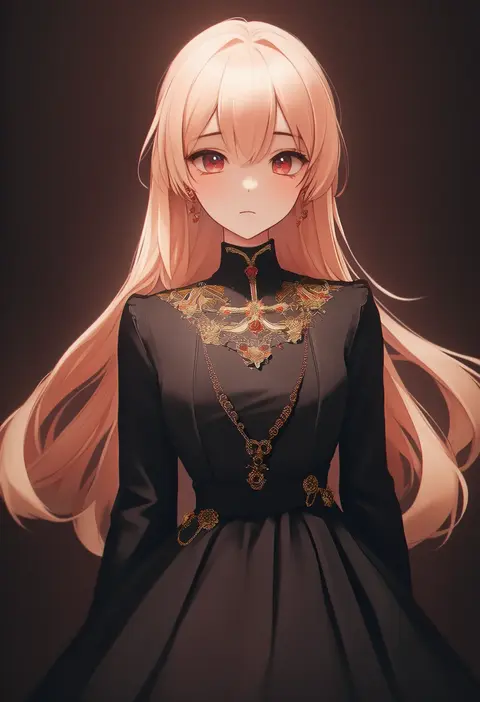
Artist tags tell NovelAI Diffusion to draw in a specific artist's style: line weight, paint texture, face shapes and palette all shift at once. Character and outfit tags decide what is drawn; artist tags decide how. 16,352 tags are listed for V4.5.
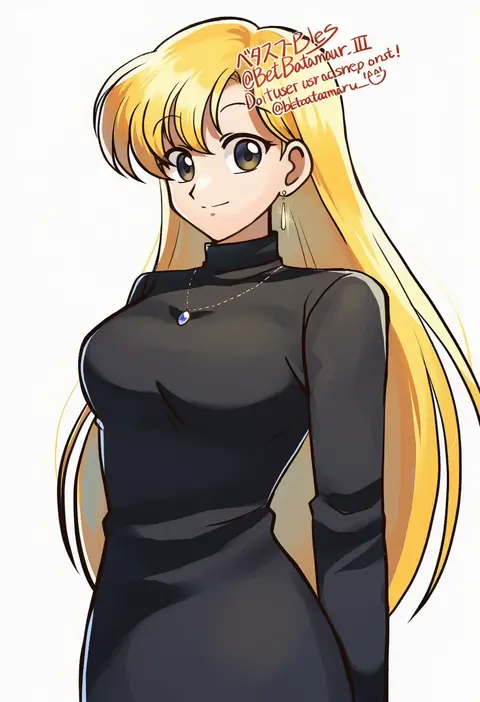
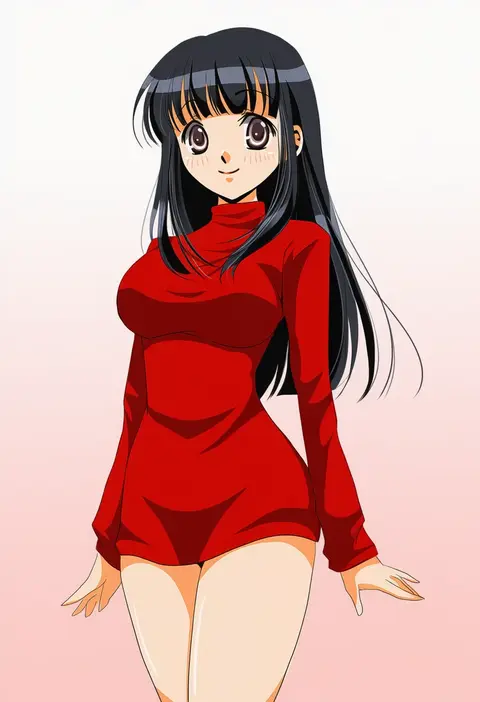
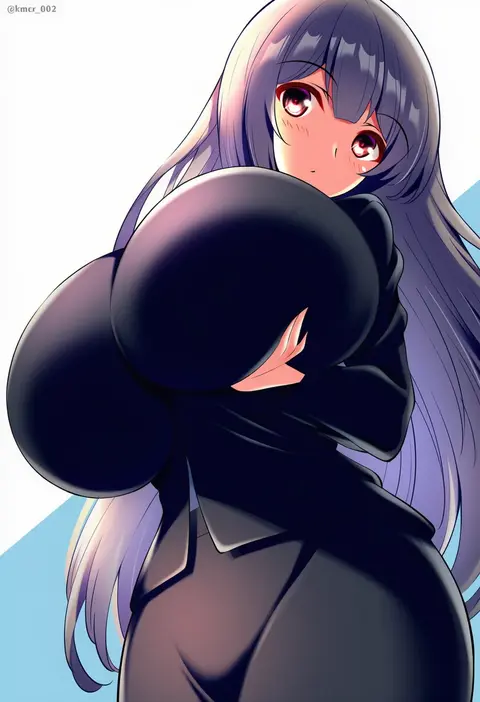
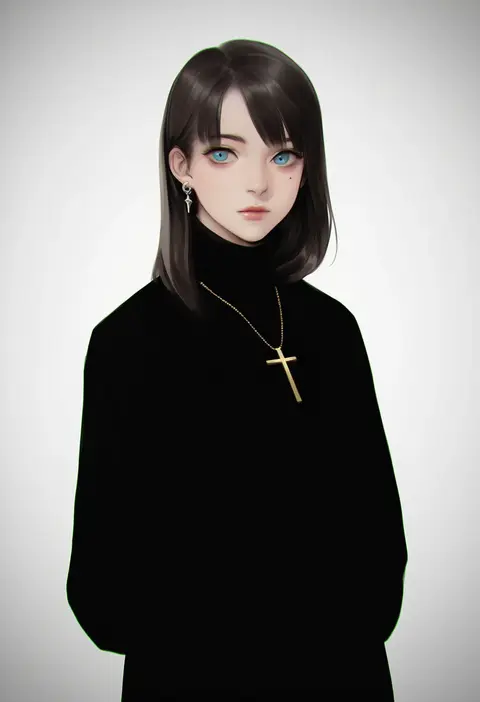
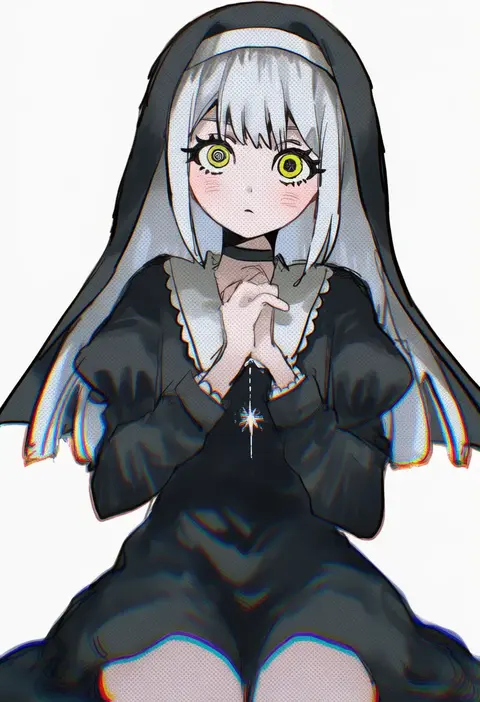
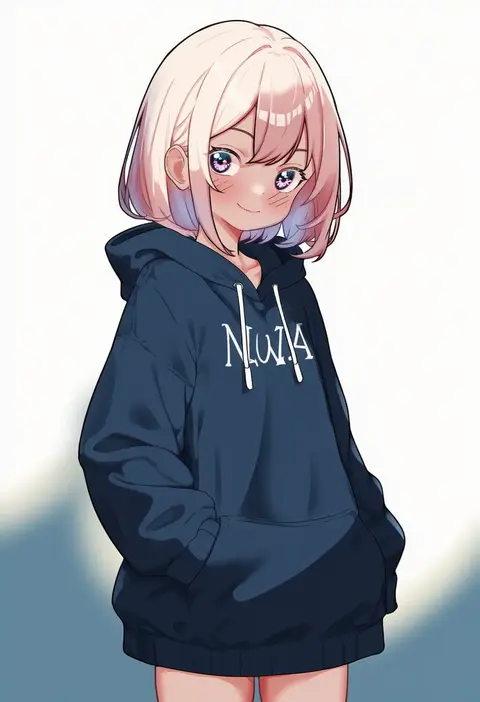
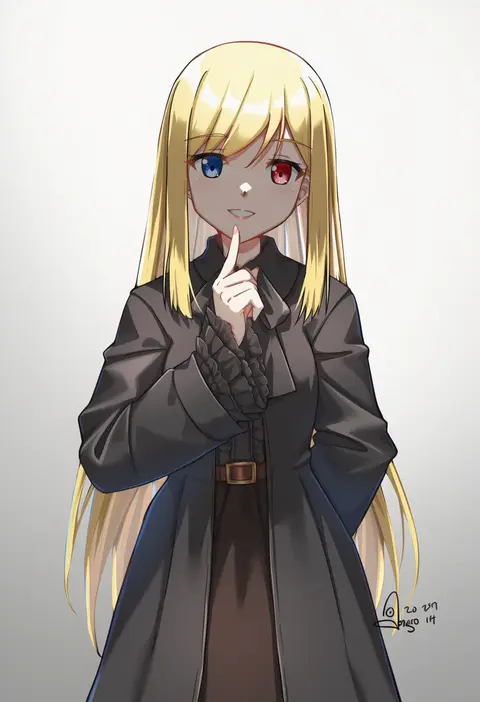
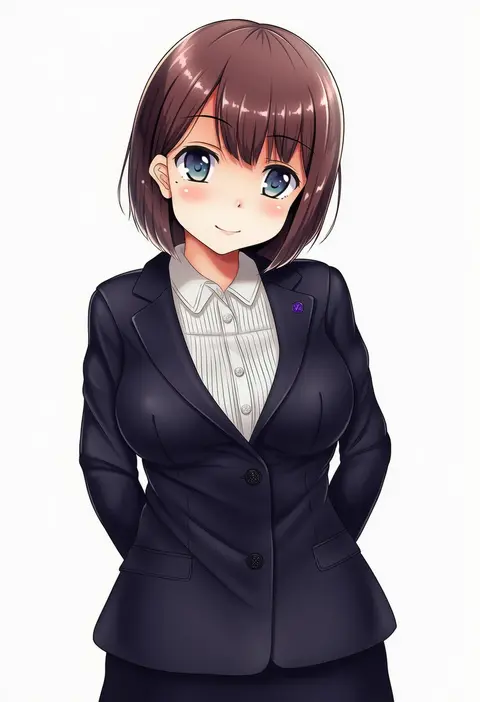
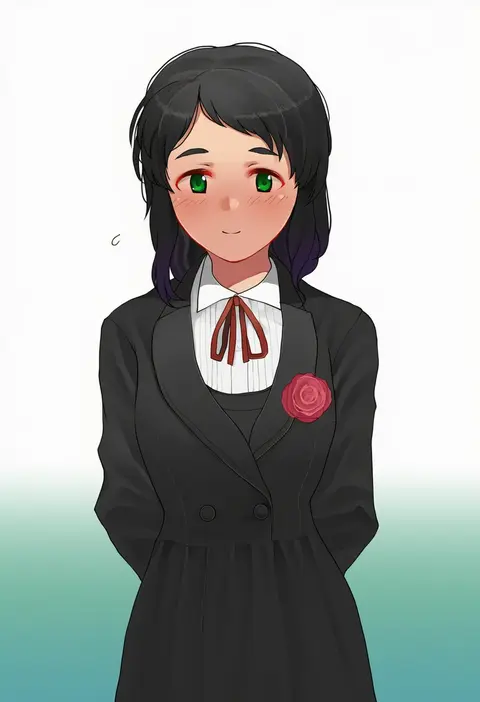
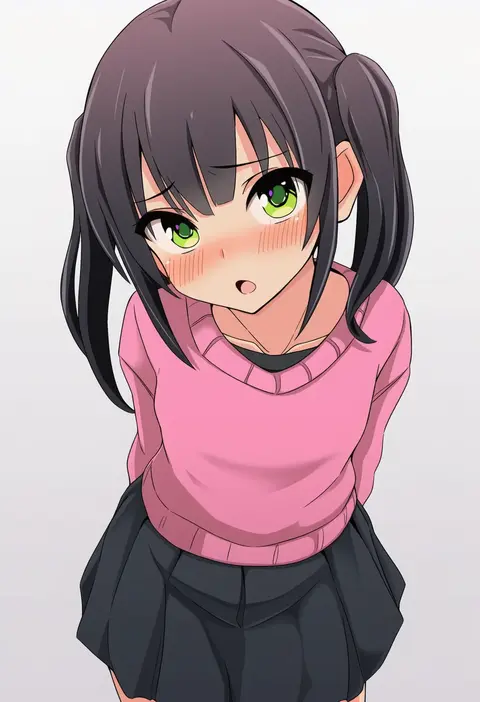
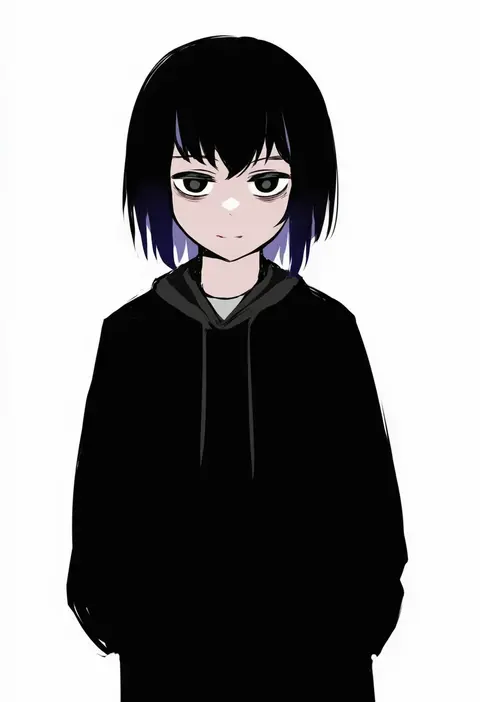
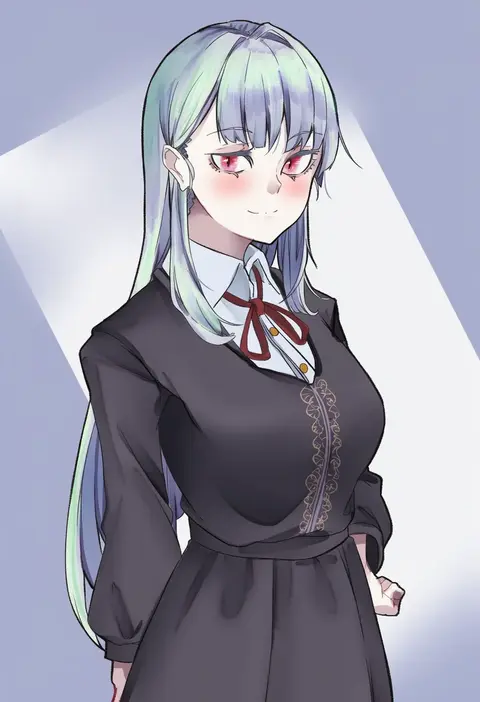
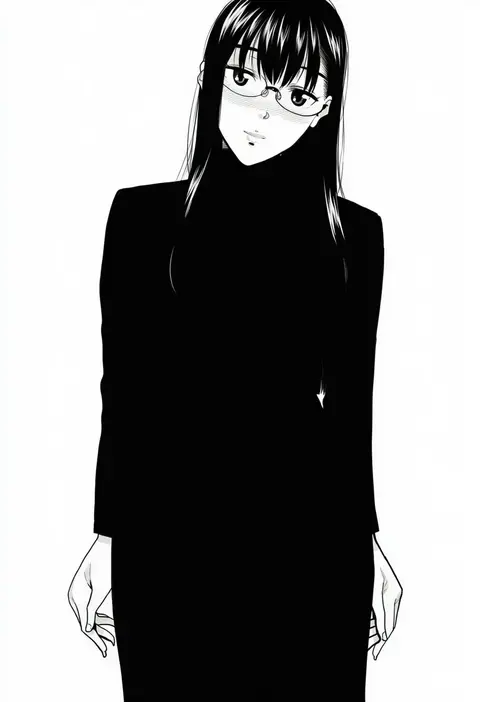
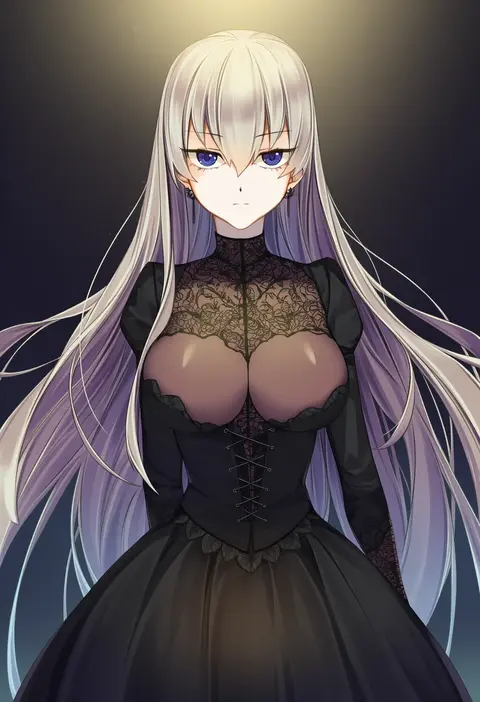
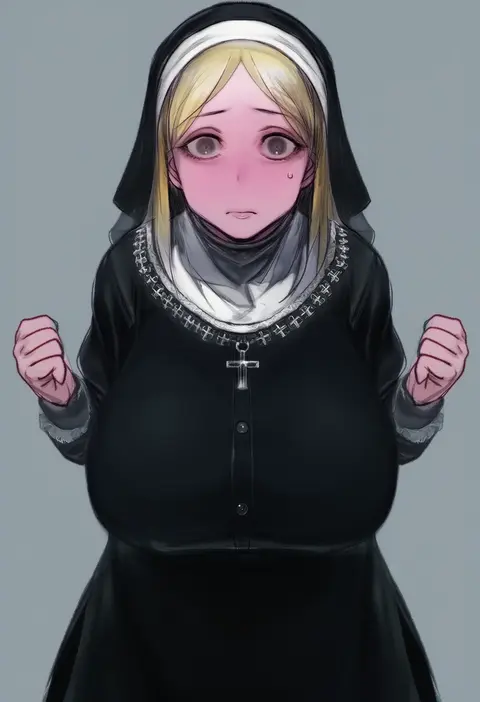
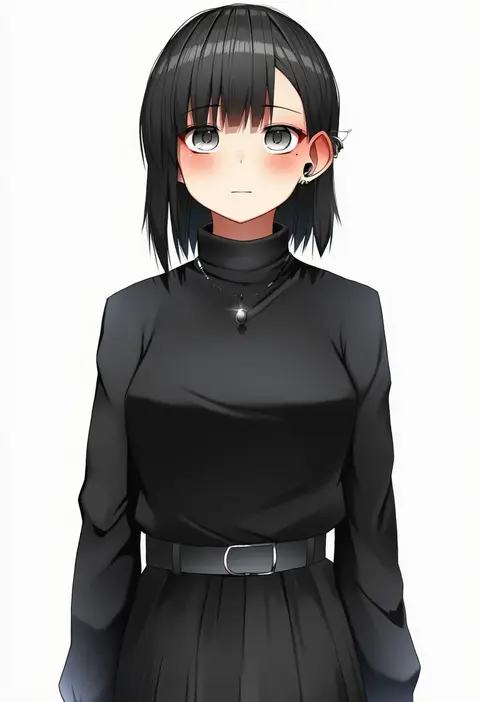
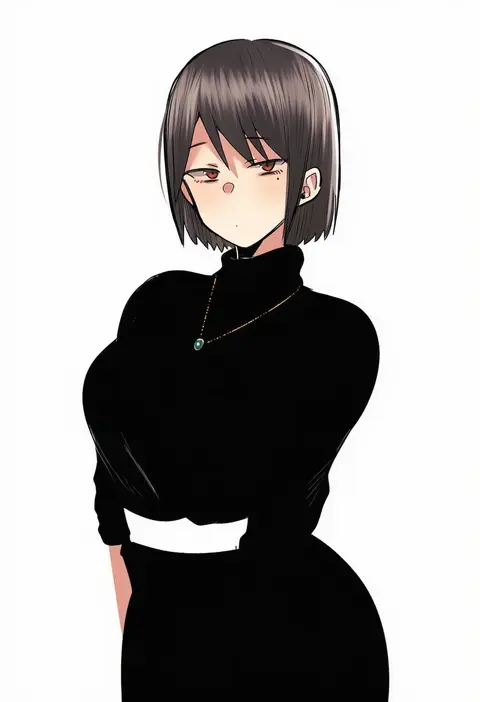
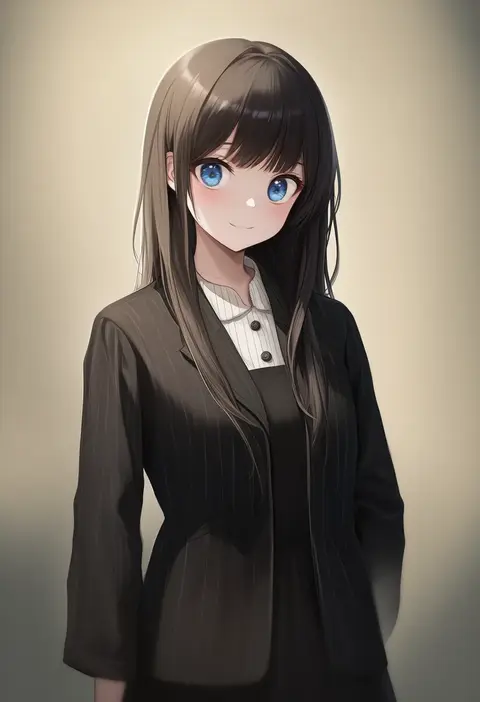
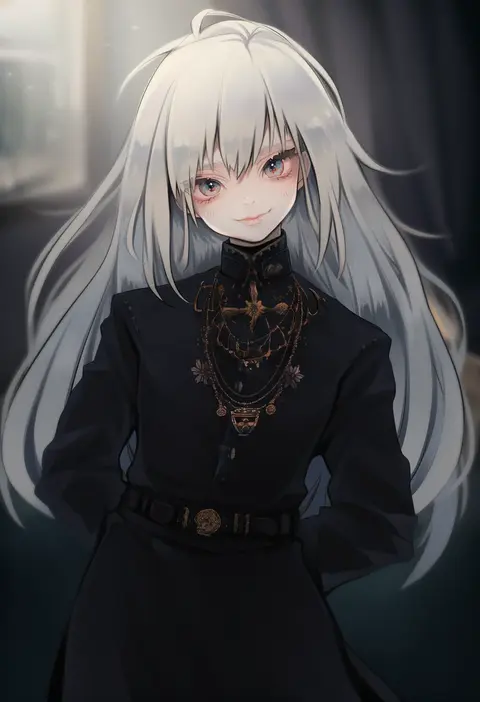
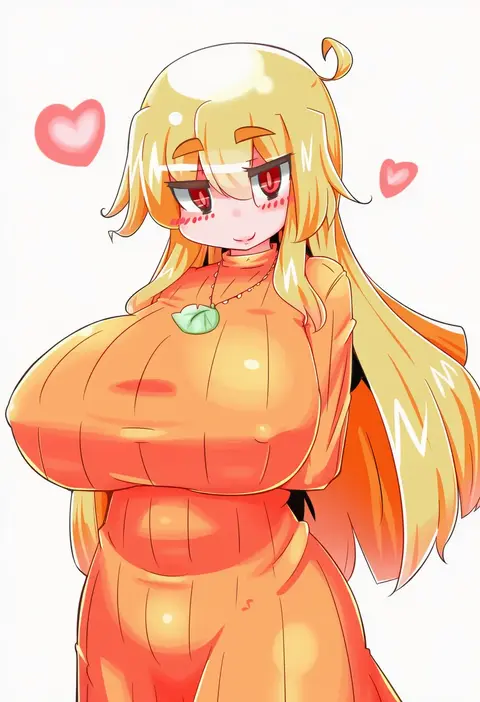
Every tag listed here is verified to react in NovelAI. All images use the same prompt, seed and settings with only the artist tag swapped, so the difference between two images is the style that tag brings in.

How to use them

Put the artist tag near the front of the prompt, e.g. "<artist>, 1girl, solo, best quality, masterpiece, cowboy shot". Two or three artist tags blend styles; lower the weight with "0.8::<artist>::" when the style overpowers the character.

SCORE sorts by Danbooru's top score, POSTS by post count, FAVS by hearts on this site. Open a card to see V5 and V4.5 side by side on the same seed.

V5 vs V4.5

V5 usually lands closer to the artist's real style, and tags that did nothing on V4.5 often react on V5. V4.5 still fits older and doujin-heavy artists better. Try V5 first, fall back to V4.5.

FAQ

Where does the artist tag go?
Near the front of the prompt. Use "0.8::tag::" to adjust its weight.

Can I stack artist tags?
Yes, styles blend. Past two or three the result stops looking like anyone.

Are these the artists' own works?
No. Every image is a NovelAI sample generated from the tag.