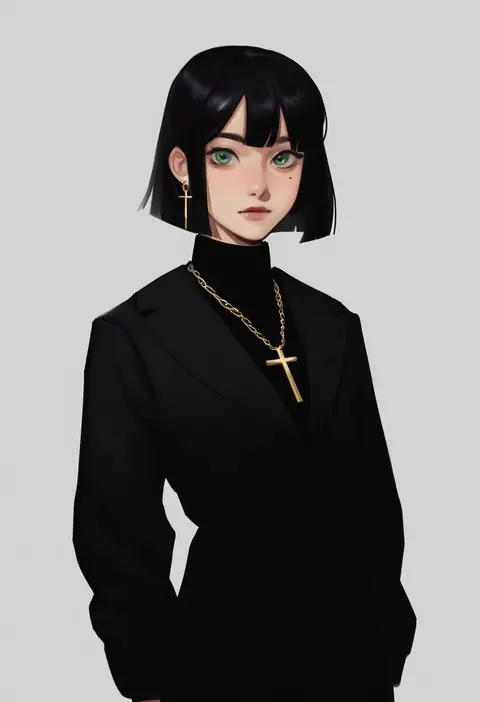
V4.5Artists
sort: FAVS▾
▾
>
$

Popular NovelAI artist tags — V4.5

artist --count 16,352[31/273]
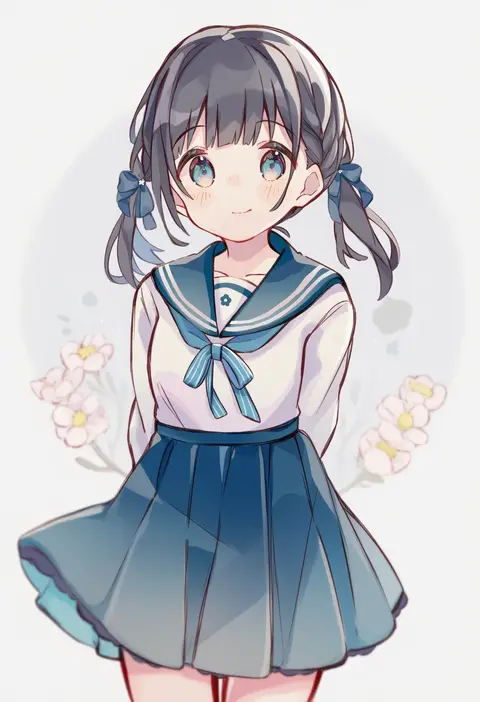
sencha (senta 10)
ARTIST0x0708
1
george man
ARTIST0x0709
1
yukimoto shuuji (gurigura)
ARTIST0x070A
1
mashikaku (ma4kaku10fu)
ARTIST0x070B
1
gecchu
ARTIST0x070C
1
mohei
ARTIST0x070D
1
kanamochi kanato
ARTIST0x070E
1
eilinna
ARTIST0x070F
1
shima (wansyon144)
ARTIST0x0710
1
0930erina
ARTIST0x0711
1
@@@ (eckzahn)
ARTIST0x0712
1
mgomurainu
ARTIST0x0713
1
kou hiyoyo
ARTIST0x0714
1
nozo (hitomiz)
ARTIST0x0715
1
nuu (nu-nyu)
ARTIST0x0716
1
mari audio
ARTIST0x0717
1
adochansukisuki
ARTIST0x0718
1
hana kazari
ARTIST0x0719
1
takenoko mgrc
ARTIST0x071A
1
4suke
ARTIST0x071B
1
ozu (oz yarimasu)
ARTIST0x071C
1
kotobuki (tiny life)
ARTIST0x071D
1
tsukiyo (skymint)
ARTIST0x071E
1
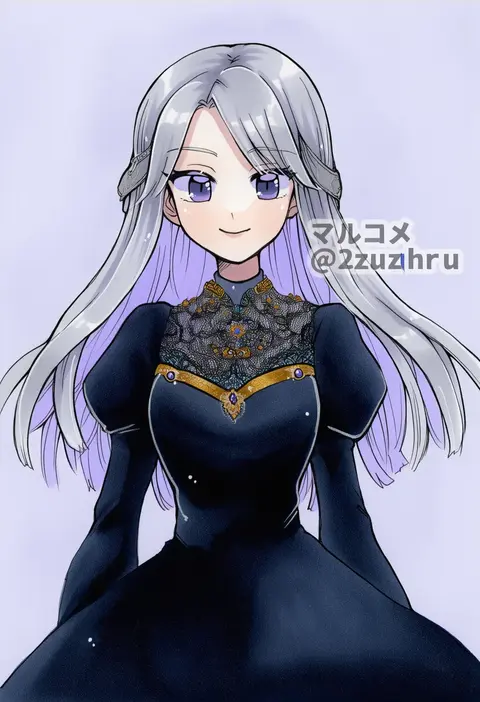
2zuz4hru
ARTIST0x071F
1
eichi turnr
ARTIST0x0720
1
akanasu
ARTIST0x0721
1
azuma yukihiko
ARTIST0x0722
1
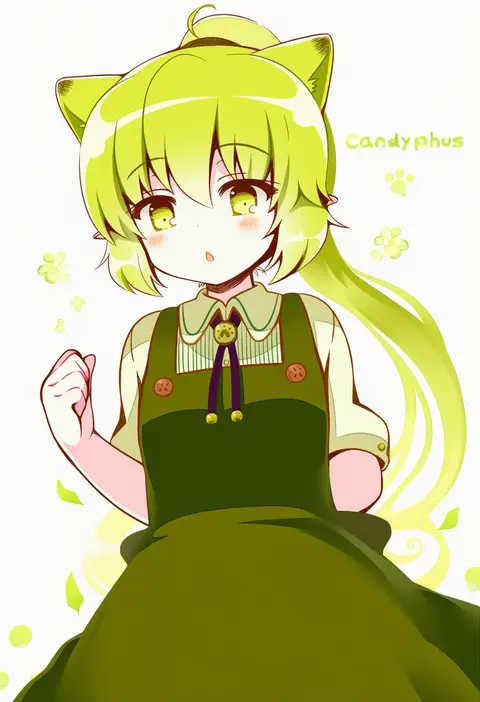
23 (candy chapus)
ARTIST0x0723
1
kaga3chi
ARTIST0x0724
1
acryl
ARTIST0x0725
1
llkapital
ARTIST0x0726
1
oyama yoihaya
ARTIST0x0727
1
himegi
ARTIST0x0728
1
shika (s1ka)
ARTIST0x0729
1
rui (sugar3)
ARTIST0x072A
1
masaki itsuki
ARTIST0x072B
1
chimmyming
ARTIST0x072C
1
aboude art
ARTIST0x072D
1
5altybitter5
ARTIST0x072E
1
kuramoto kaya
ARTIST0x072F
1
naru (wish field)
ARTIST0x0730
1
merumeru626
ARTIST0x0731
1
akira ituki
ARTIST0x0732
1
watanabe tomari
ARTIST0x0733
1
tenhiro naoto
ARTIST0x0734
1
shirosaki london
ARTIST0x0735
1
tokkakyou
ARTIST0x0736
1
kitamurashu
ARTIST0x0737
1
otoki raku
ARTIST0x0738
1
kaito (kaixm)
ARTIST0x0739
1
ooishi ryuuko
ARTIST0x073A
1
yuki mami
ARTIST0x073B
1
zukky000
ARTIST0x073C
1
xkl3001
ARTIST0x073D
1
udppagen
ARTIST0x073E
1
megubiru
ARTIST0x073F
1
jina
ARTIST0x0740
1
ishiyumi
ARTIST0x0741
1
horosuke
ARTIST0x0742
1
lazyprocrastinator
ARTIST0x0743
1

What these tags change

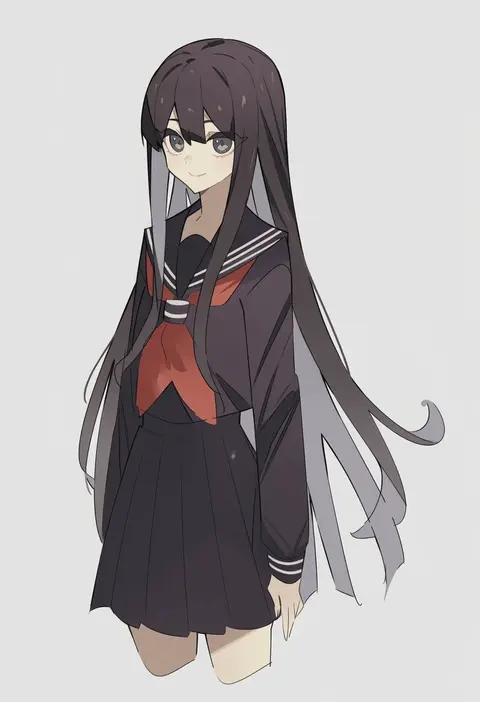
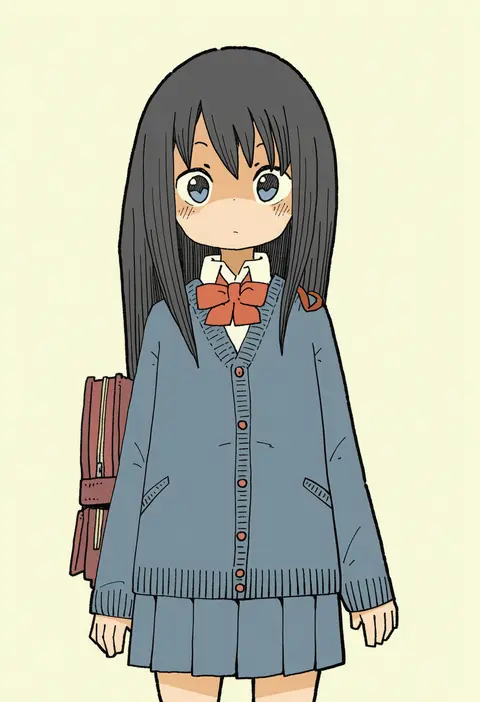
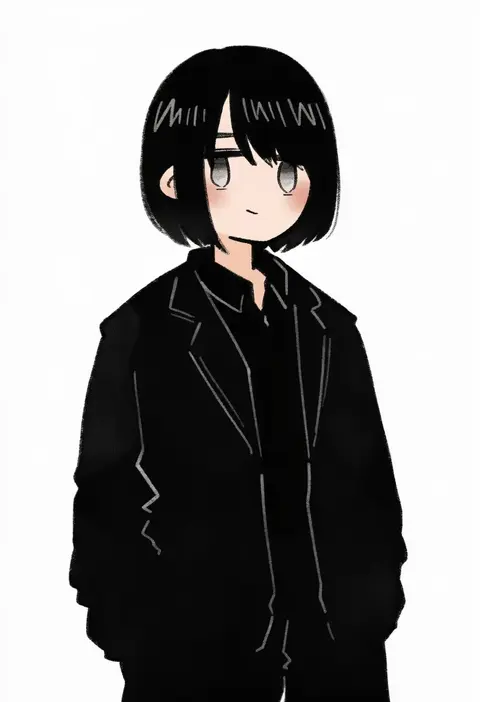
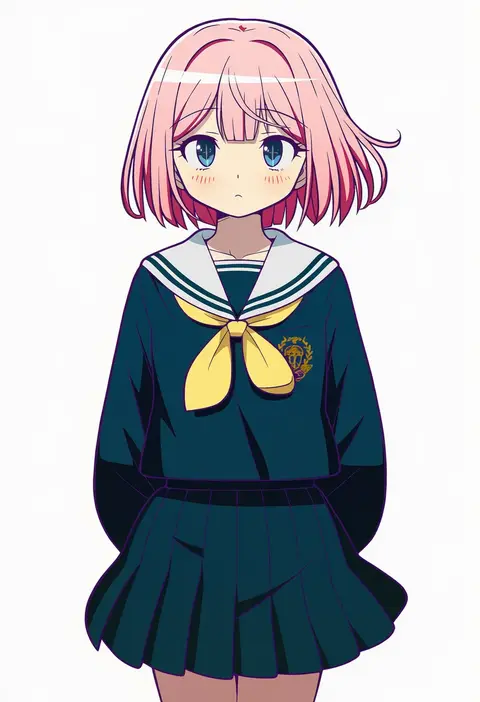
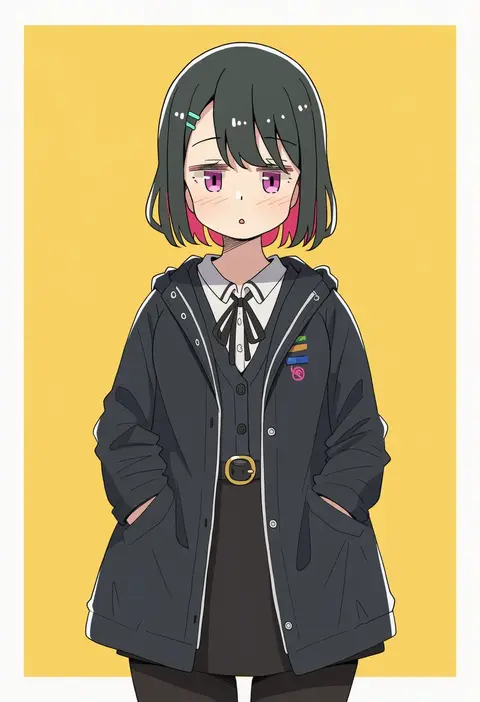
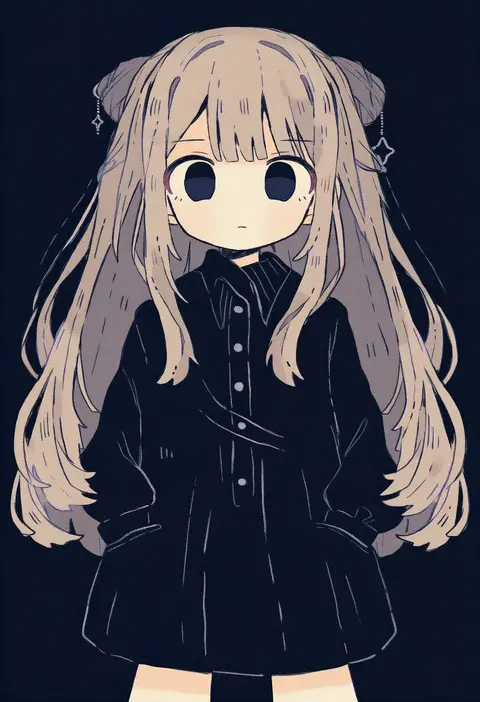
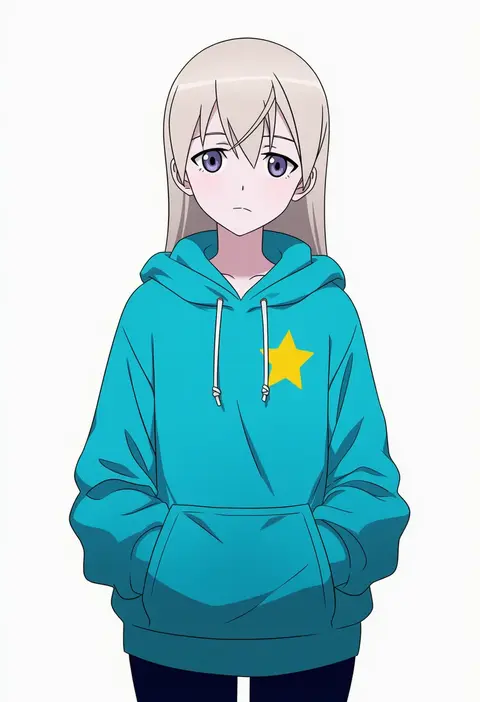
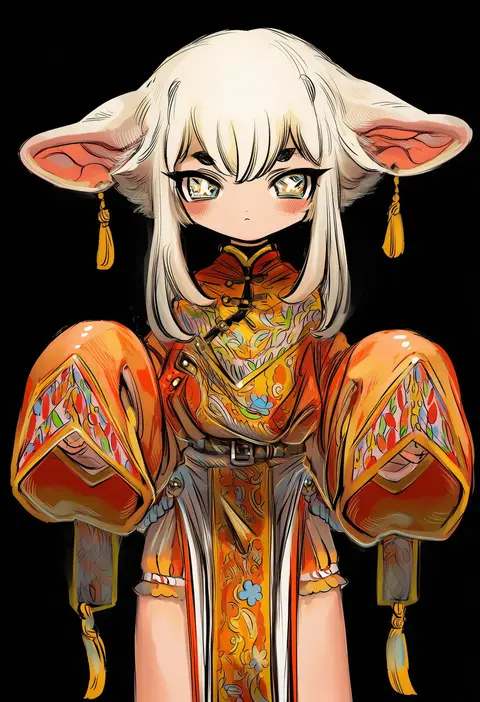
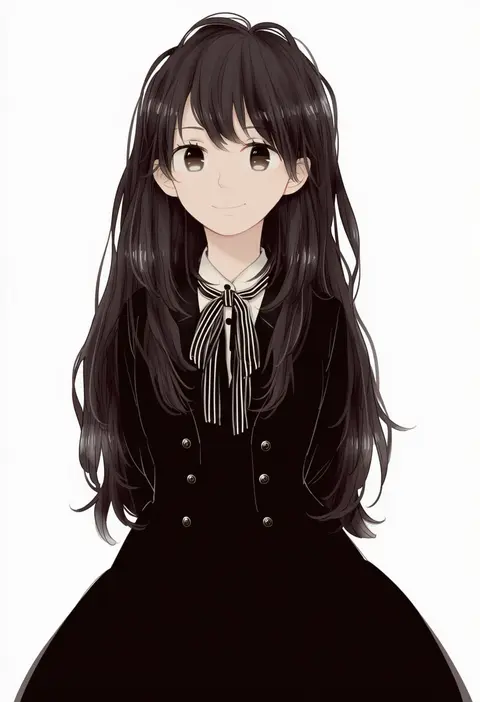
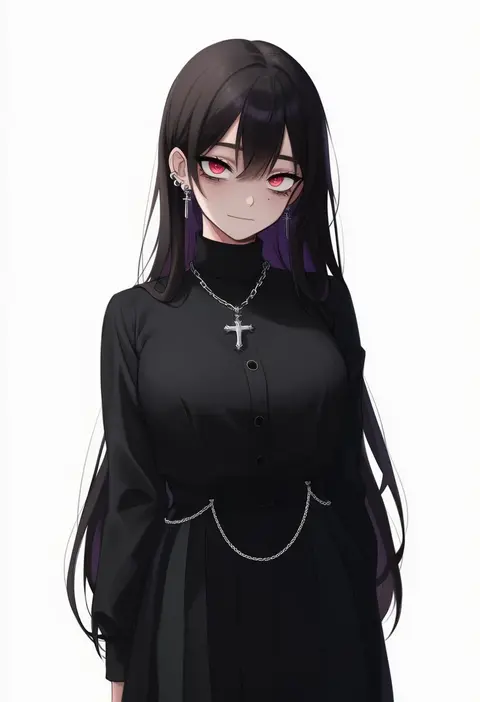
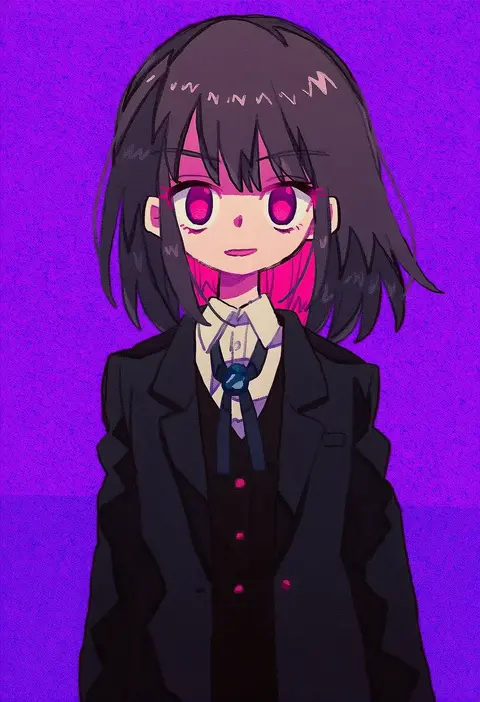
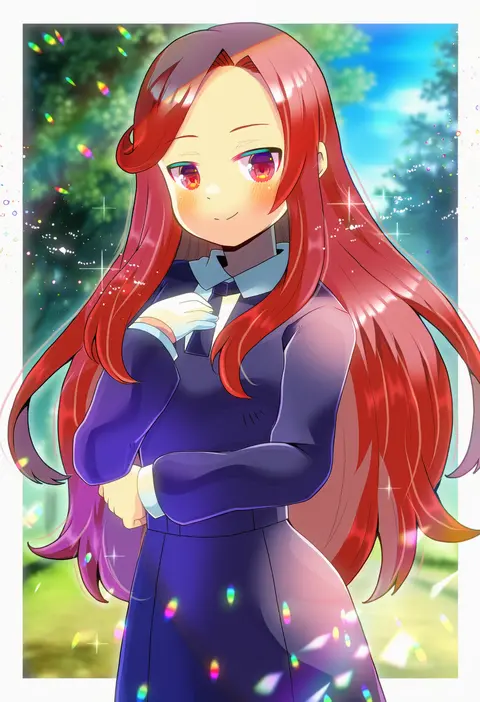
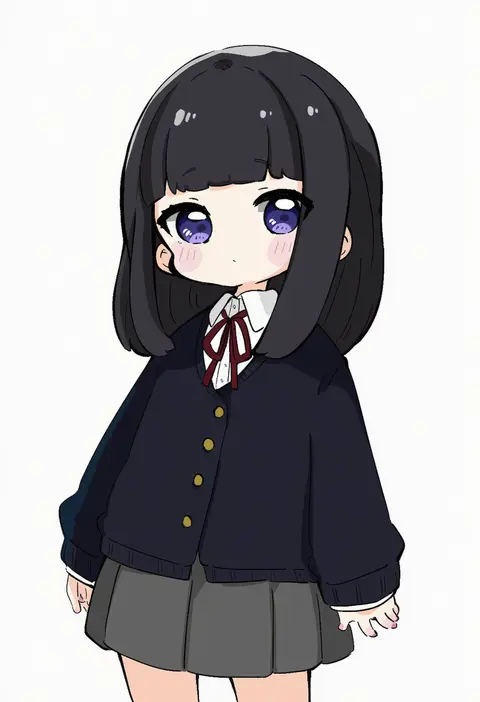
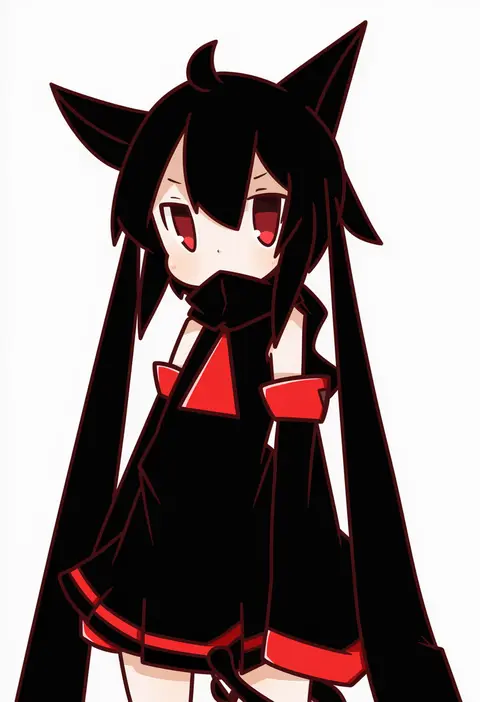
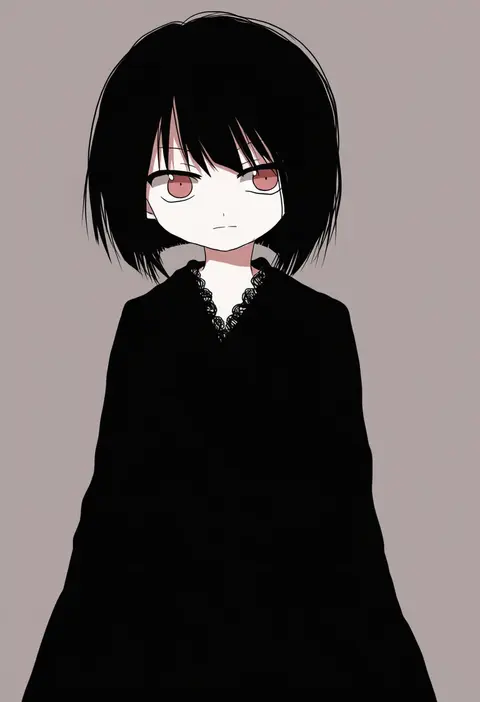
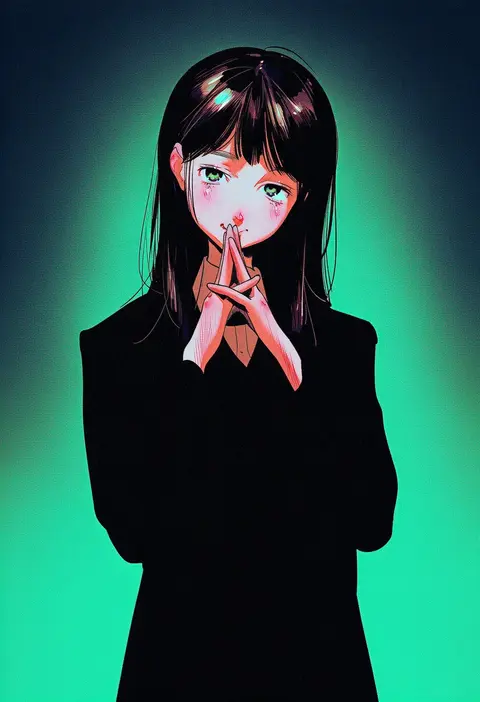
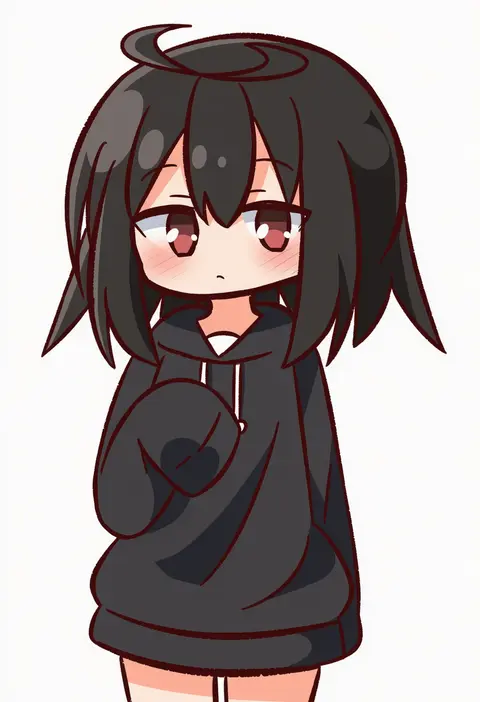
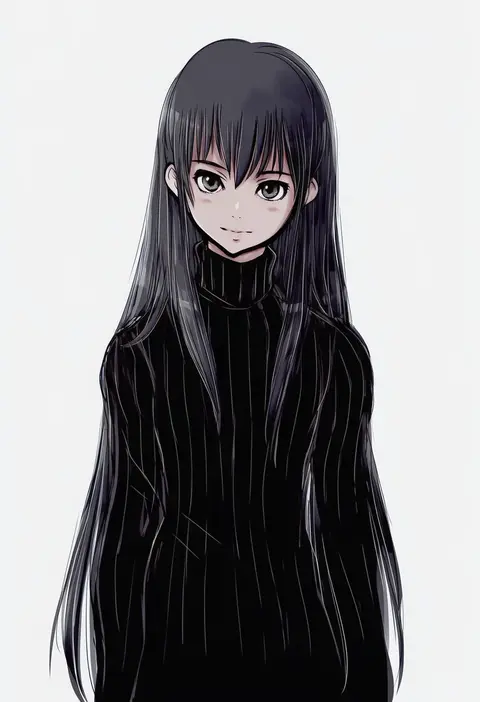
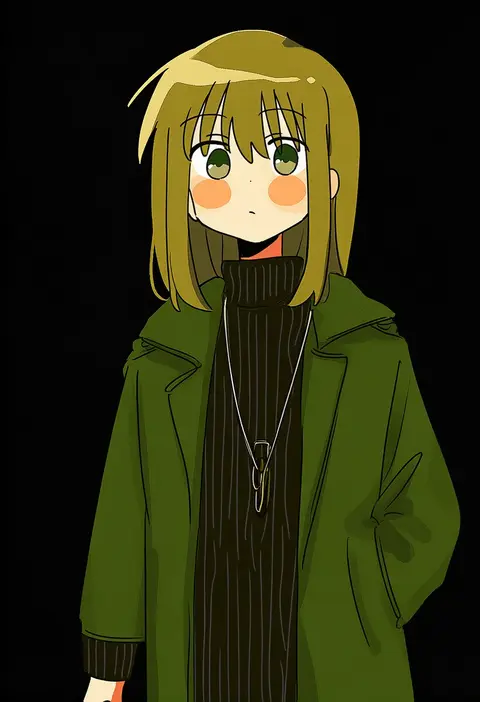
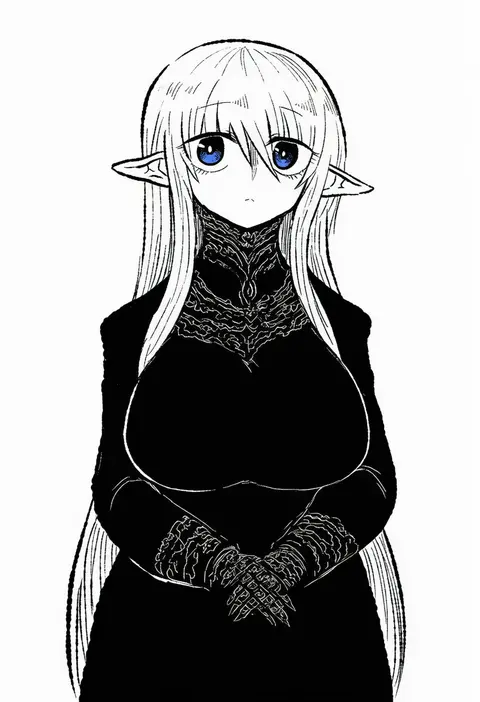
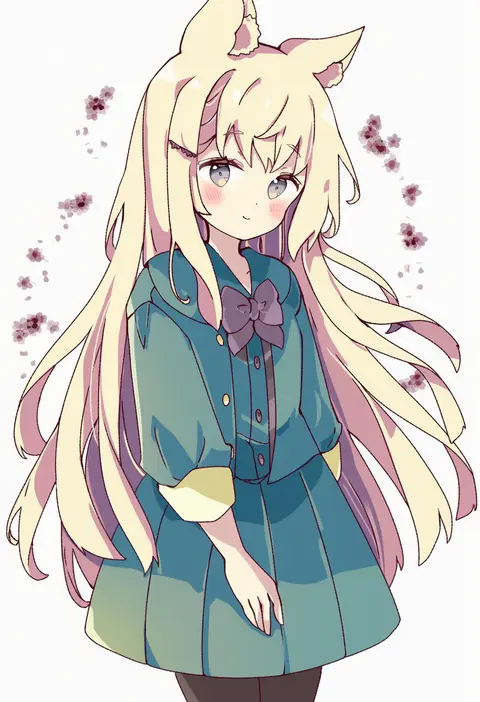
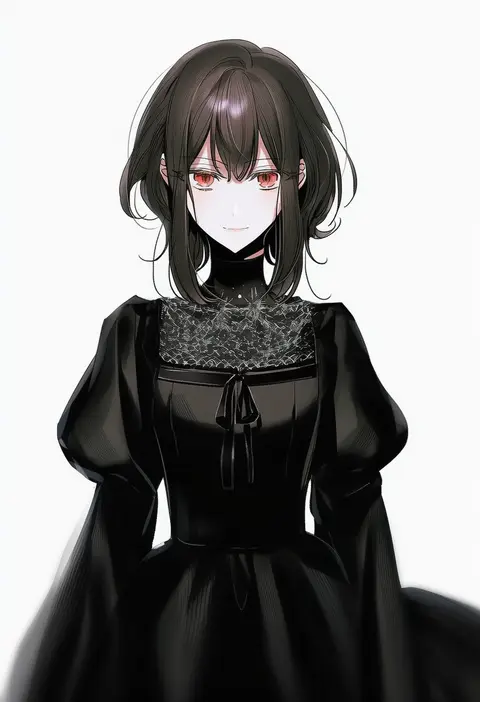
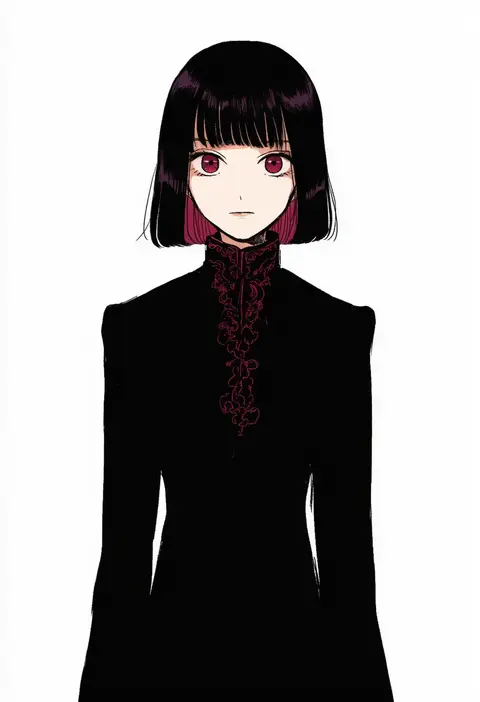
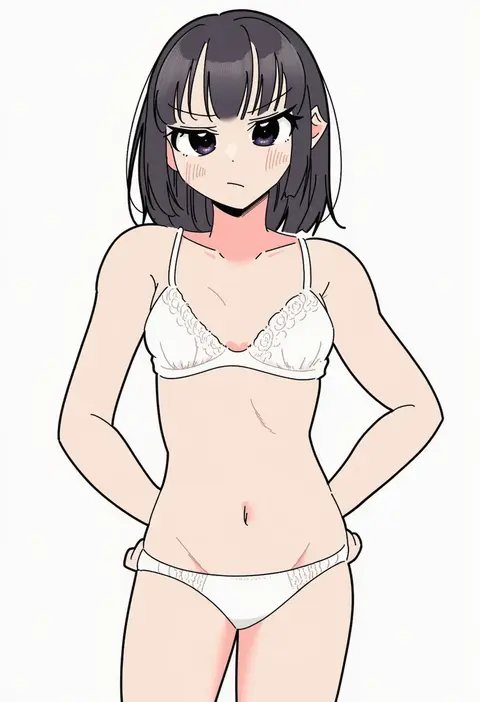
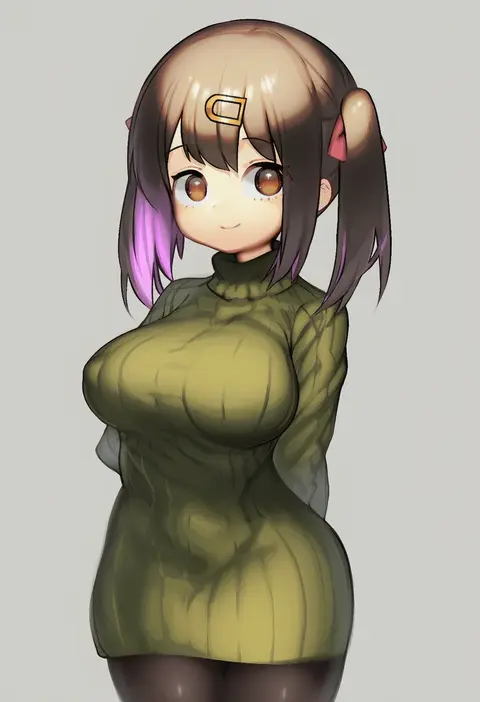
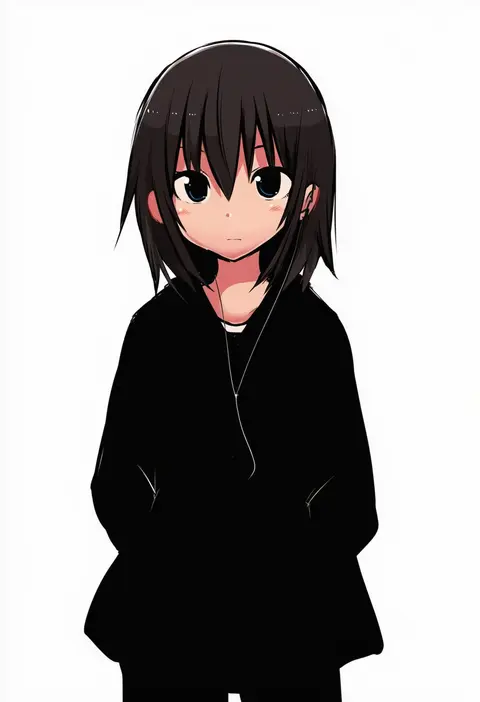
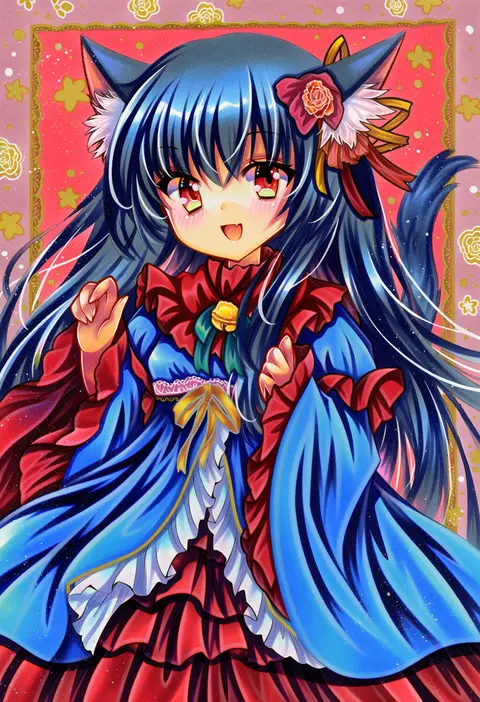
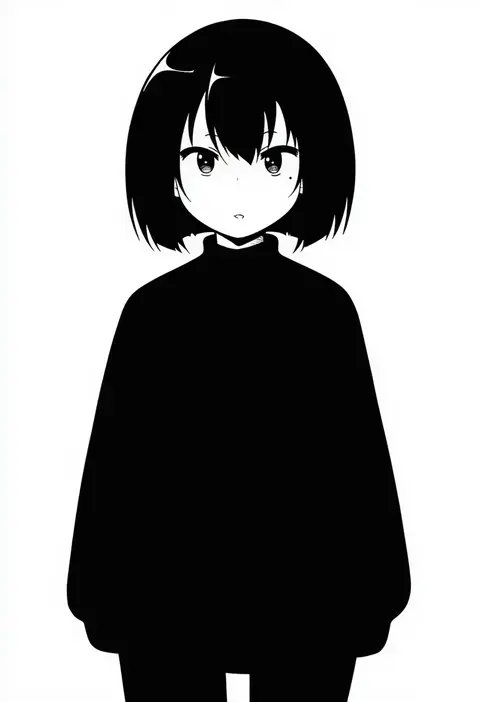
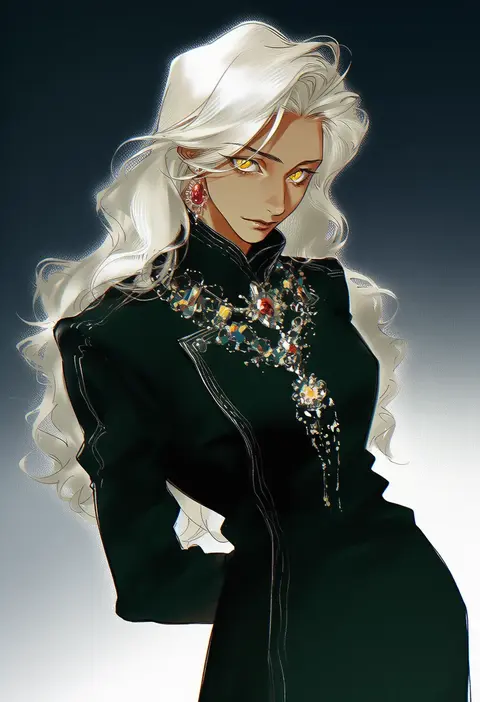
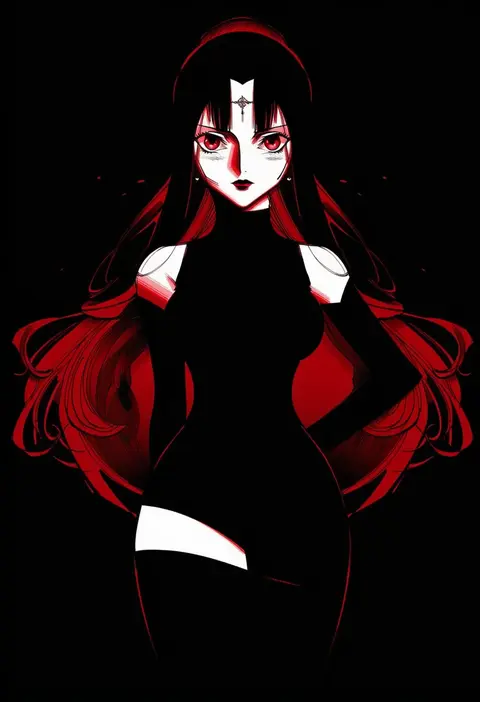
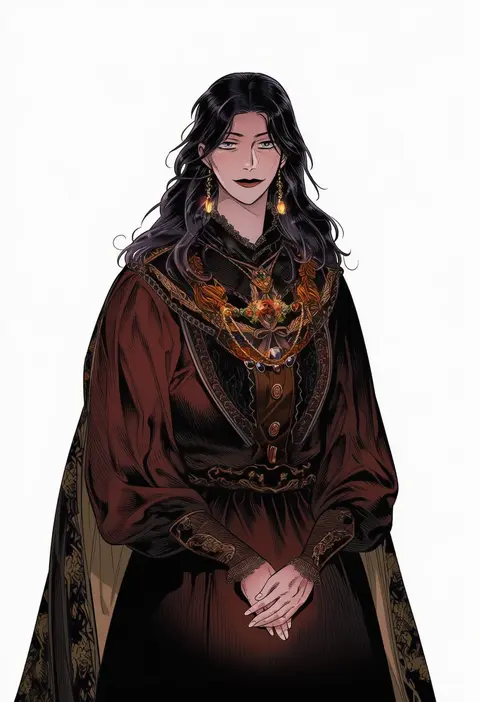
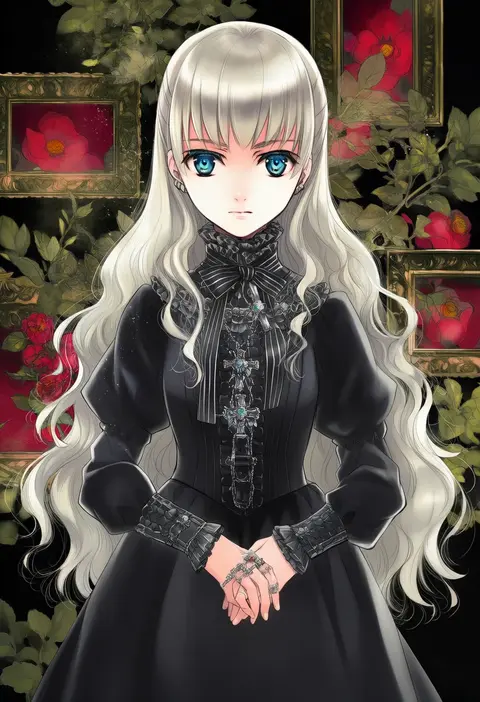
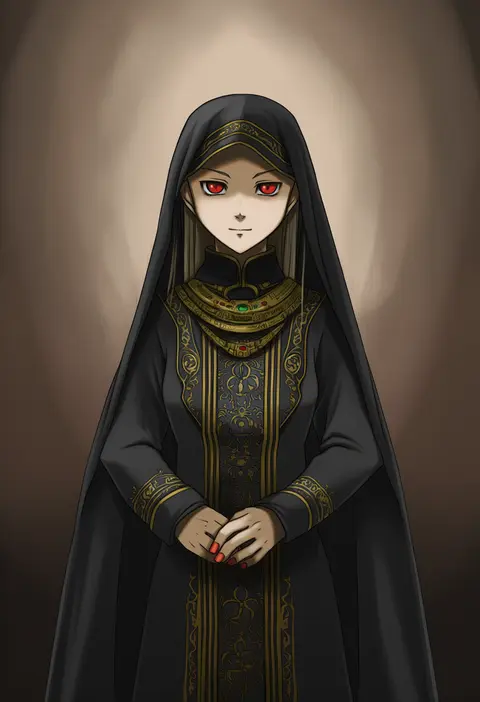
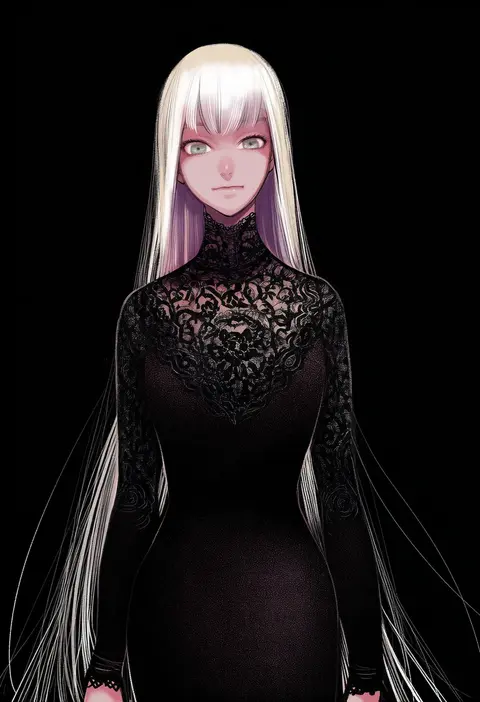
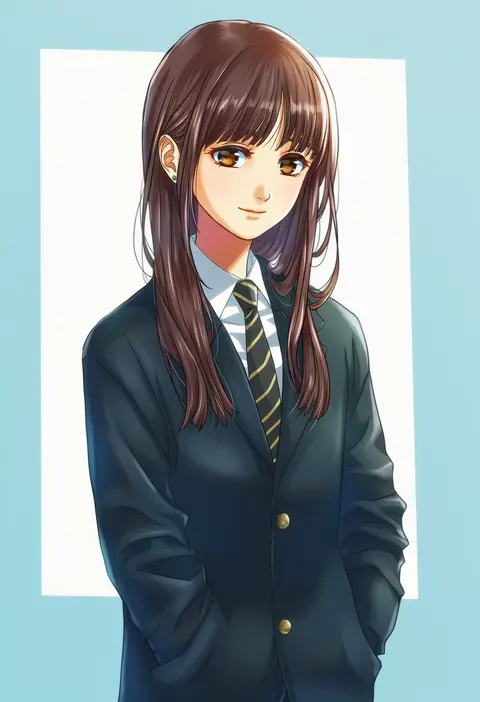
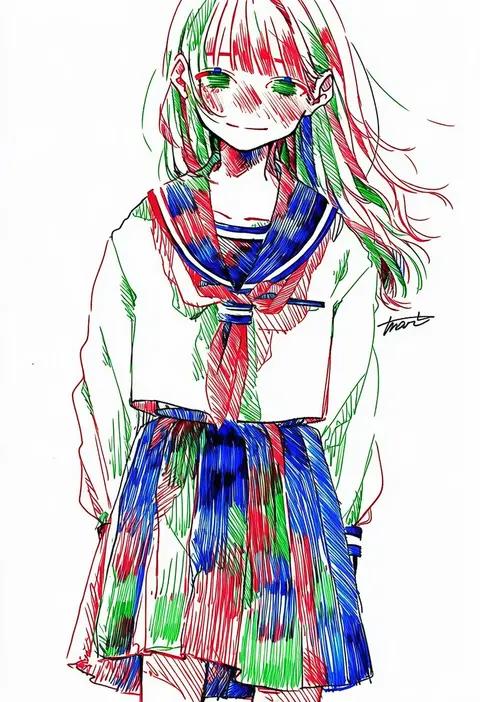
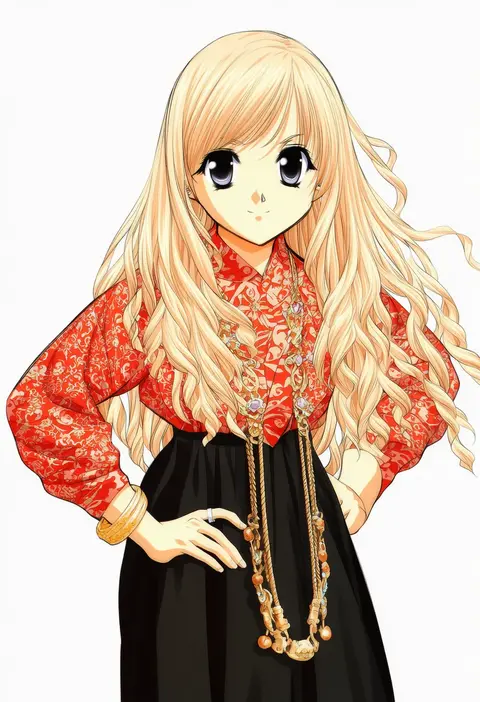
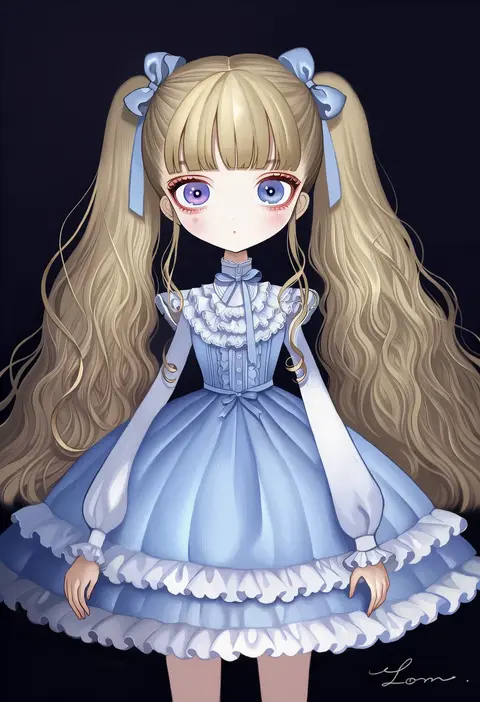
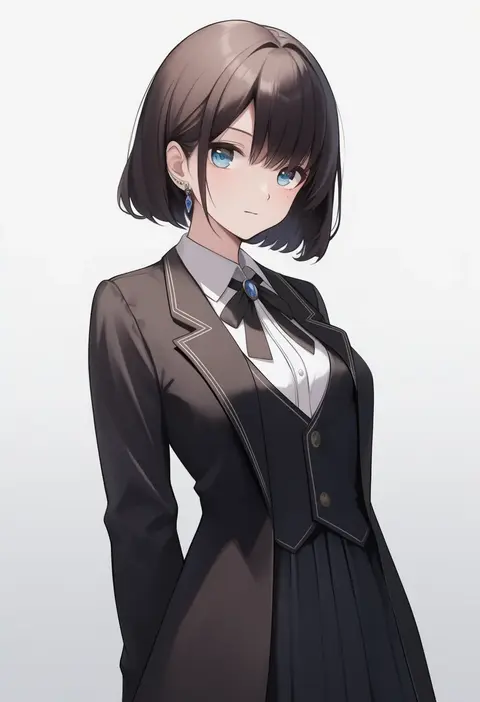
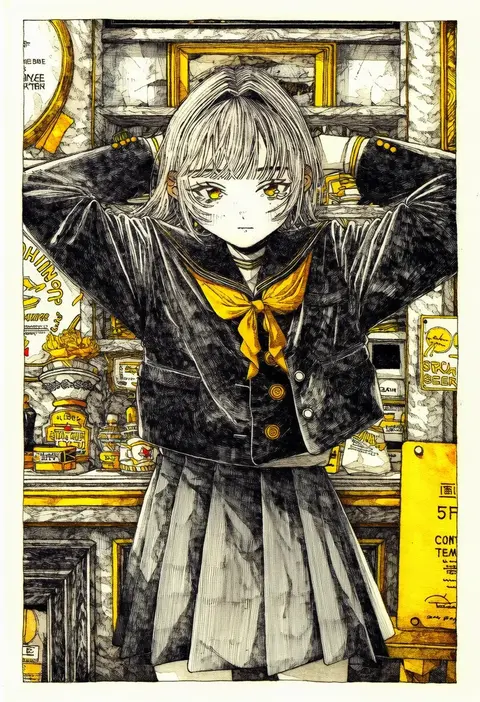
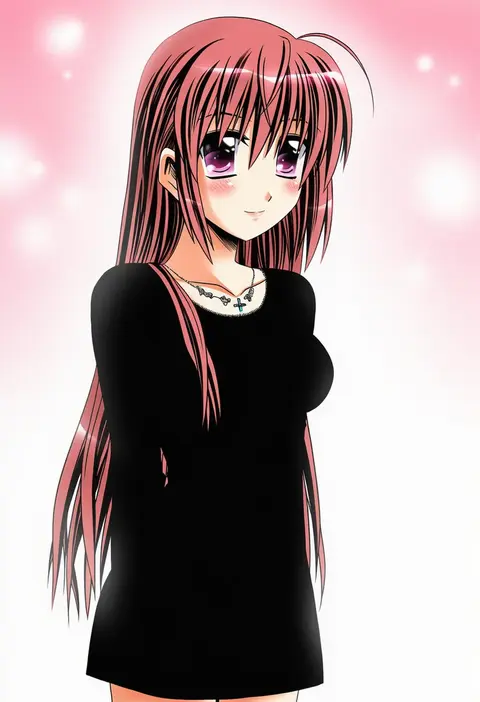
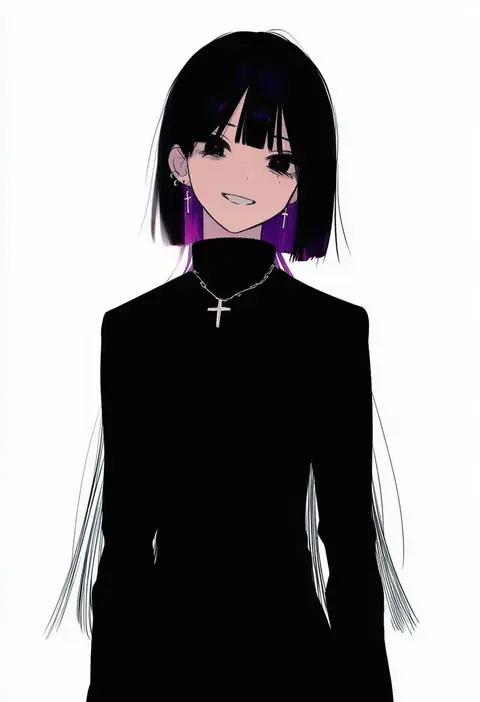
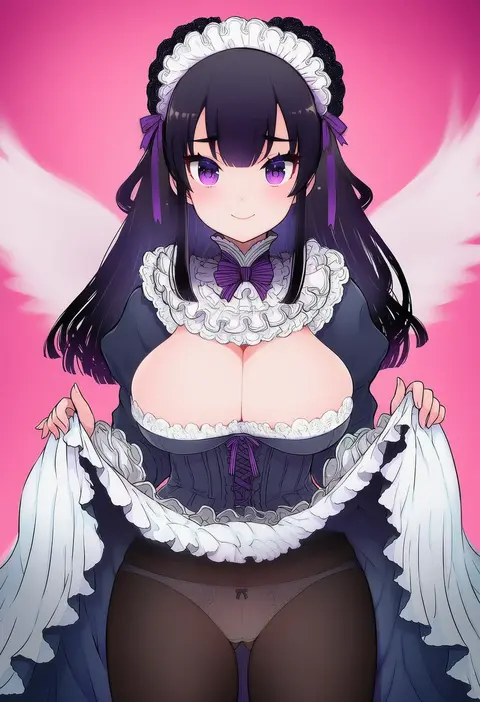
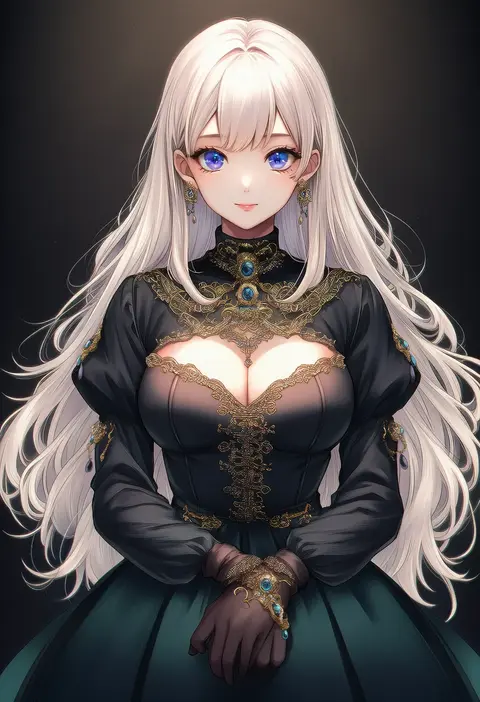
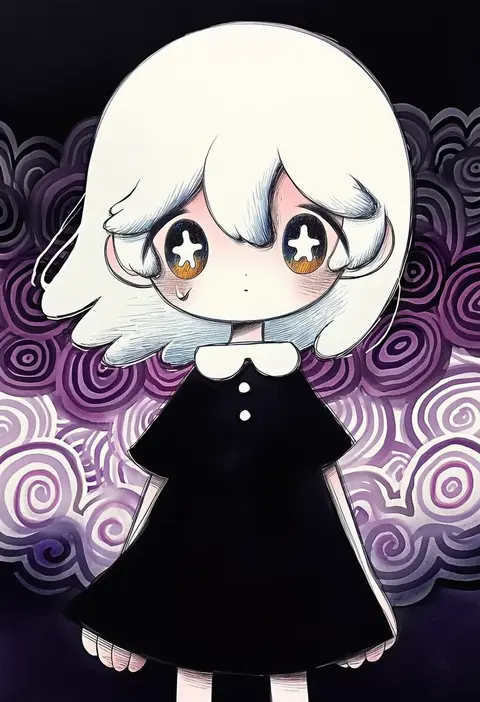
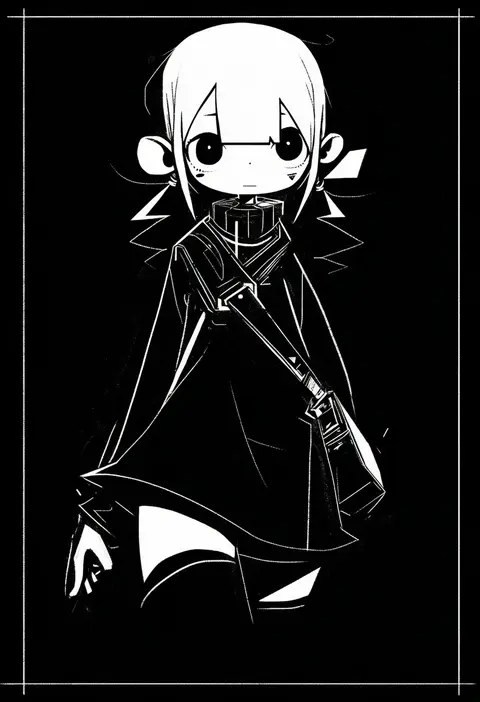
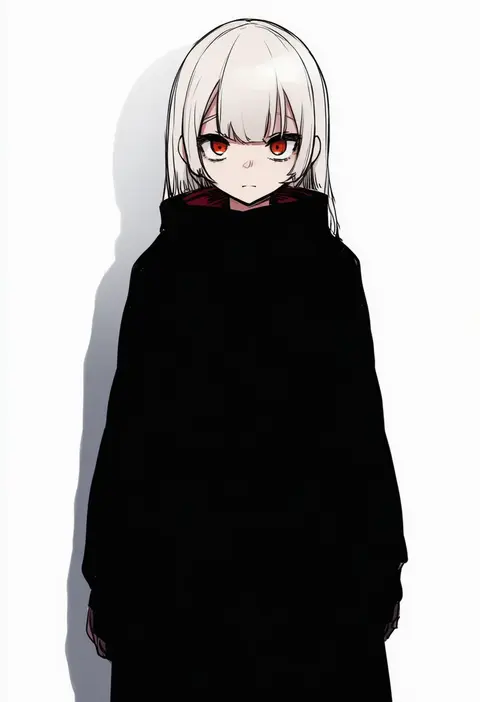
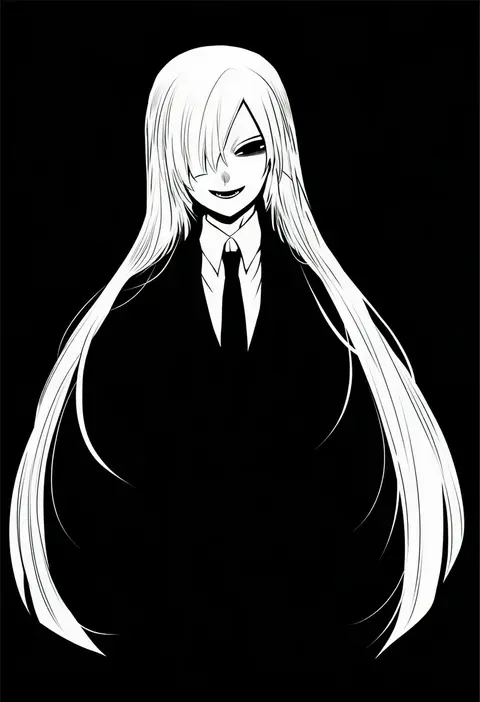
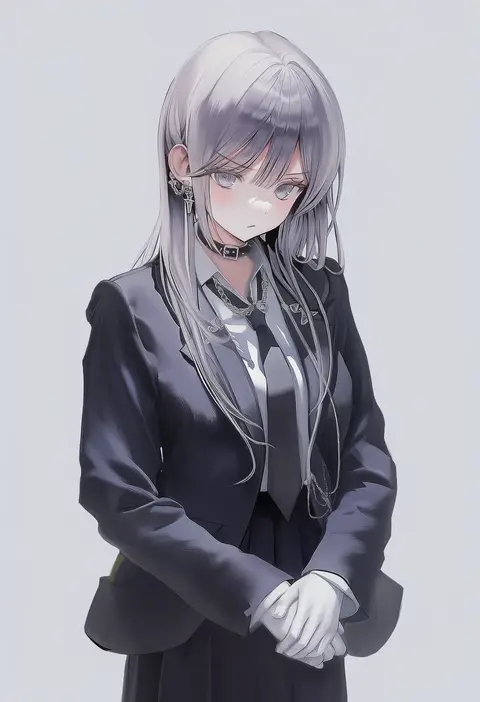
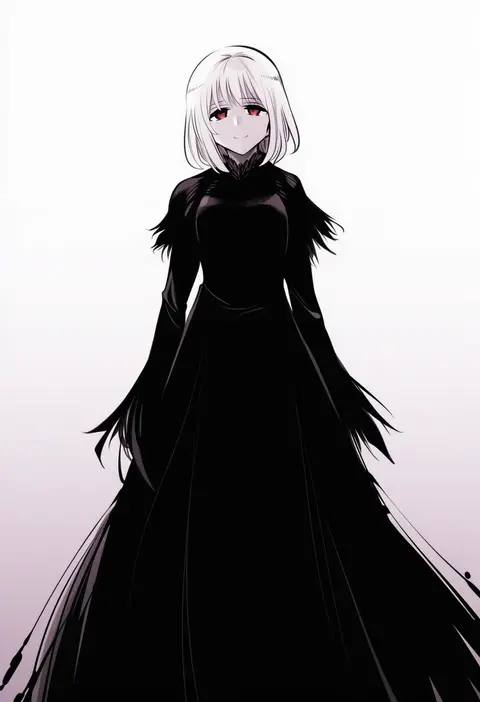
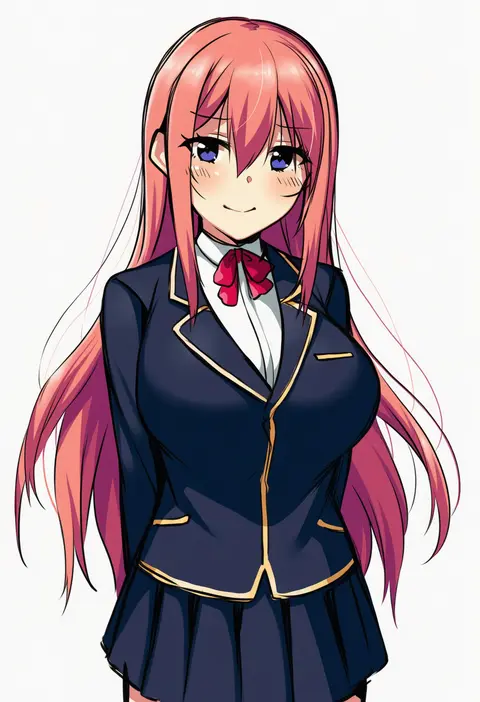
Artist tags tell NovelAI Diffusion to draw in a specific artist's style: line weight, paint texture, face shapes and palette all shift at once. Character and outfit tags decide what is drawn; artist tags decide how. 16,352 tags are listed for V4.5.
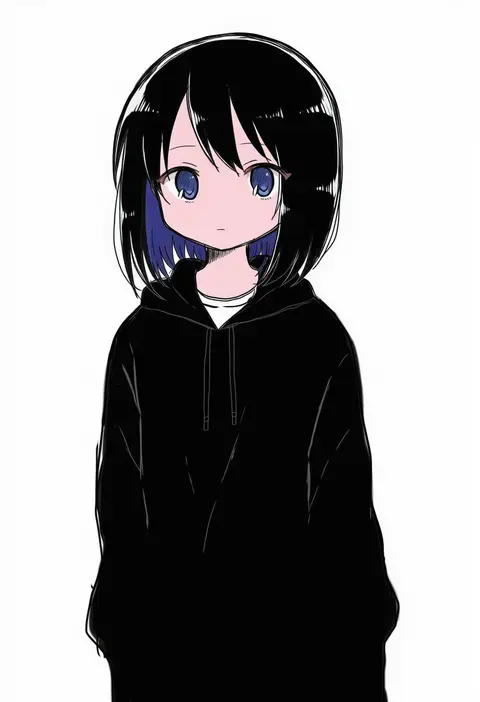
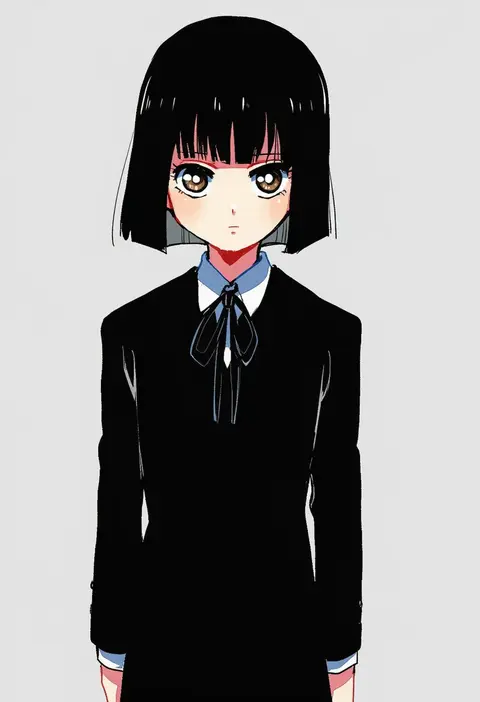
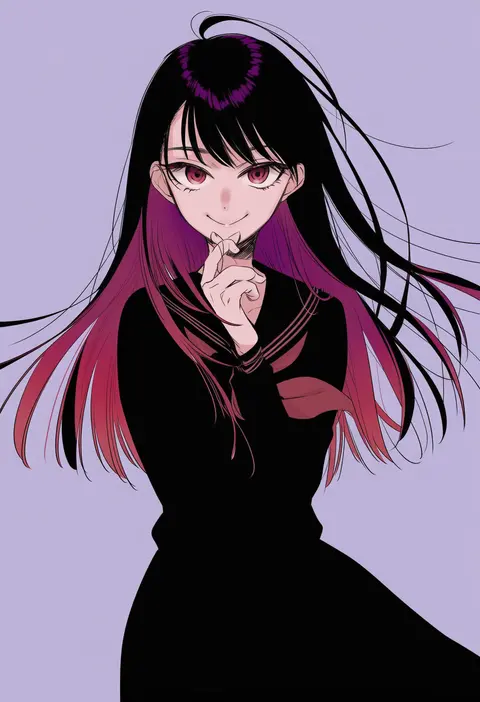
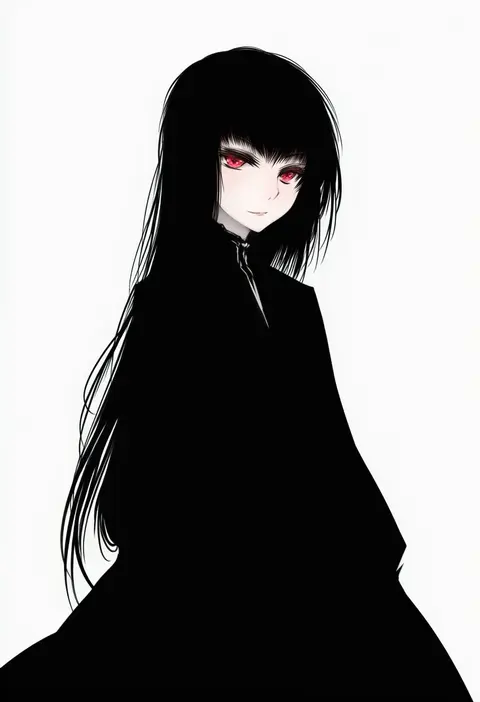
Every tag listed here is verified to react in NovelAI. All images use the same prompt, seed and settings with only the artist tag swapped, so the difference between two images is the style that tag brings in.

How to use them

Put the artist tag near the front of the prompt, e.g. "<artist>, 1girl, solo, best quality, masterpiece, cowboy shot". Two or three artist tags blend styles; lower the weight with "0.8::<artist>::" when the style overpowers the character.

SCORE sorts by Danbooru's top score, POSTS by post count, FAVS by hearts on this site. Open a card to see V5 and V4.5 side by side on the same seed.

V5 vs V4.5

V5 usually lands closer to the artist's real style, and tags that did nothing on V4.5 often react on V5. V4.5 still fits older and doujin-heavy artists better. Try V5 first, fall back to V4.5.

FAQ

Where does the artist tag go?
Near the front of the prompt. Use "0.8::tag::" to adjust its weight.

Can I stack artist tags?
Yes, styles blend. Past two or three the result stops looking like anyone.

Are these the artists' own works?
No. Every image is a NovelAI sample generated from the tag.