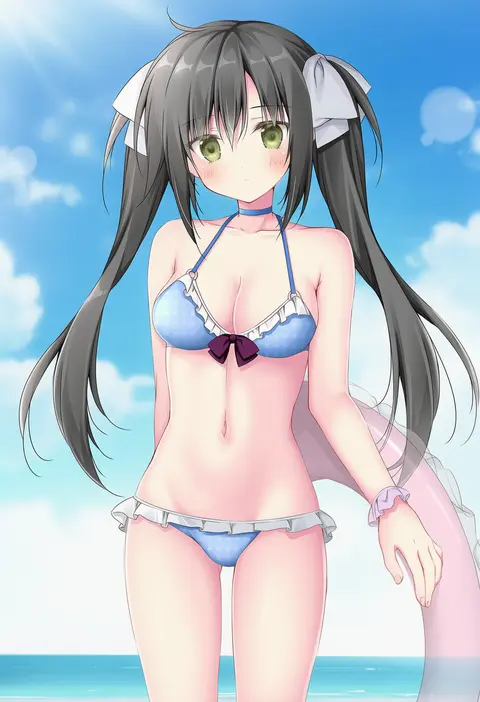
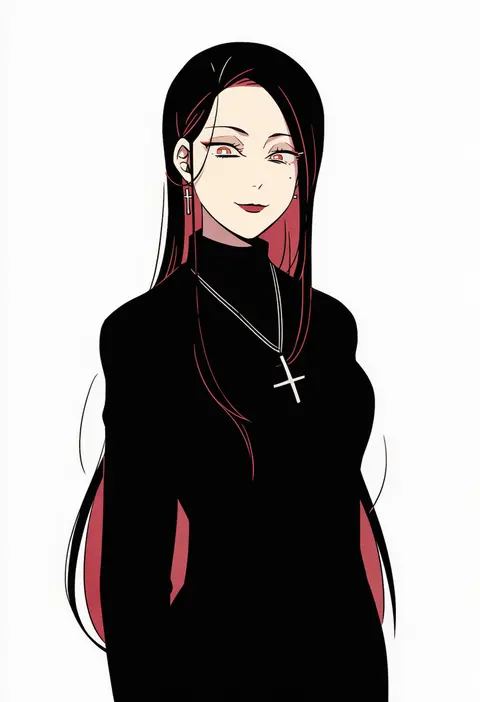
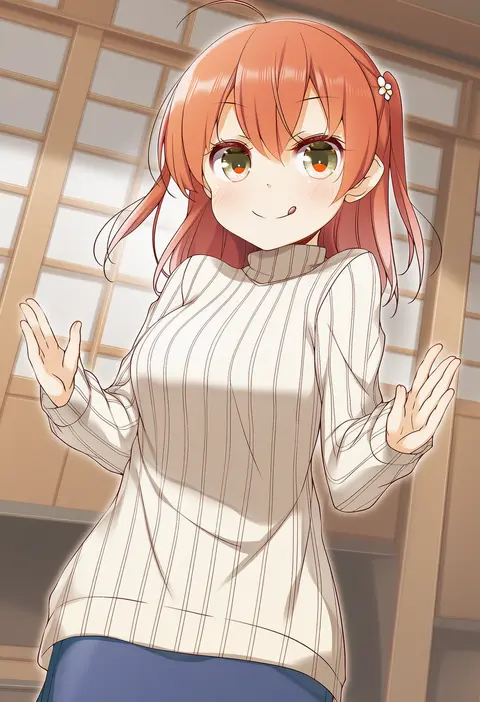
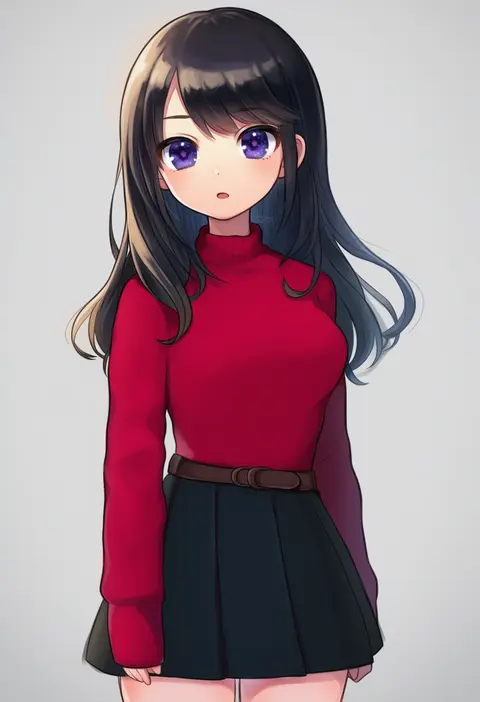
V4.5Artists
sort: FAVS▾
▾
>
$

Popular NovelAI artist tags — V4.5

artist --count 16,352[28/273]
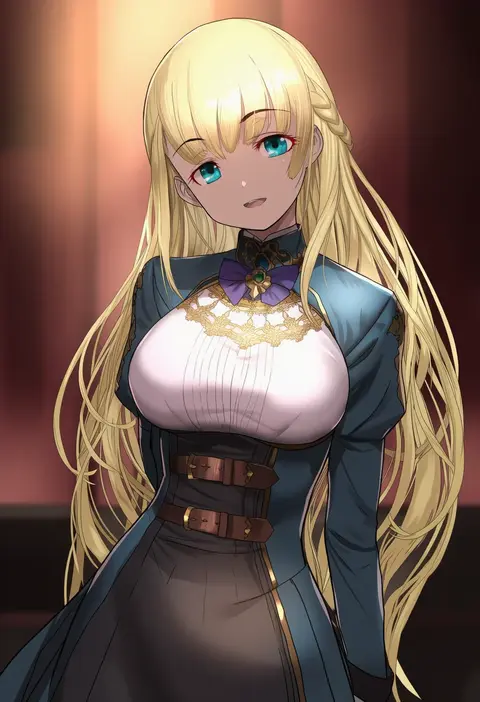
adachi yousuke
ARTIST0x0654
1
mizuki hitoshi
ARTIST0x0655
1
sakutake (ue3sayu)
ARTIST0x0656
1
momose (oqo)
ARTIST0x0657
1
33 gaff
ARTIST0x0658
1
jin (mugenjin)
ARTIST0x0659
1
migolu
ARTIST0x065A
1
nanami (nunnun 0410)
ARTIST0x065B
1
takana shinno
ARTIST0x065C
1
tenmaso
ARTIST0x065D
1
agahari
ARTIST0x065E
1
atsushi (aaa-bbb)
ARTIST0x065F
1
hamu koutarou
ARTIST0x0660
1
kame (kamepan44231)
ARTIST0x0661
1
akitetsu
ARTIST0x0662
1
akamatsu ken
ARTIST0x0663
1
honda tamanosuke
ARTIST0x0664
1
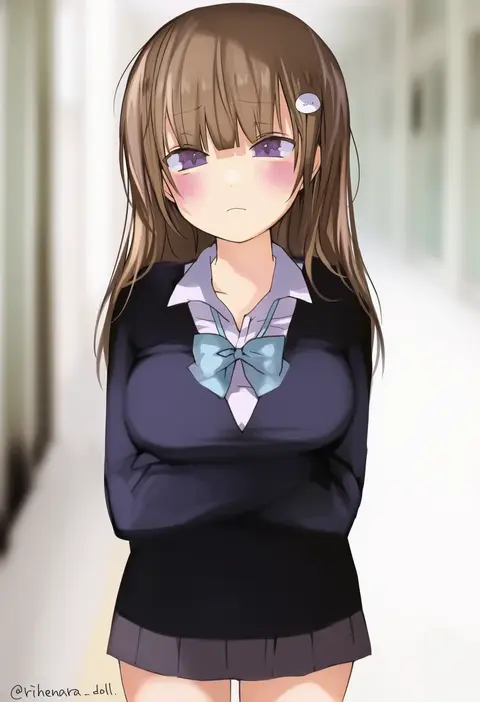
yukari (rihenara doll)
ARTIST0x0665
1
satou samu
ARTIST0x0666
1
byakuya reki
ARTIST0x0667
1
7ife
ARTIST0x0668
1
kanon (kurogane knights)
ARTIST0x0669
1
lyy
ARTIST0x066A
1
chihuri
ARTIST0x066B
1
izumi tsubasu
ARTIST0x066C
1
tsukudani norio
ARTIST0x066D
1
cocoloco
ARTIST0x066E
1
corn kuten
ARTIST0x066F
1
takenashi eri
ARTIST0x0670
1
chagamaka
ARTIST0x0671
1
rebecca (keinelove)
ARTIST0x0672
1
warugaki (sk-ii)
ARTIST0x0673
1
akagashi hagane
ARTIST0x0674
1
baba (baba seimaijo)
ARTIST0x0675
1
ukata
ARTIST0x0676
1
reia
ARTIST0x0677
1
ruu (tksymkw)
ARTIST0x0678
1
yamada rei (rou)
ARTIST0x0679
1
picpicgram
ARTIST0x067A
1
ancotaku
ARTIST0x067B
1
itomugi-kun
ARTIST0x067C
1
berusuke (beru no su)
ARTIST0x067D
1
azuma aya
ARTIST0x067E
1
kurihara sakura
ARTIST0x067F
1
mian lang
ARTIST0x0680
1
nishikujic
ARTIST0x0681
1
misteor
ARTIST0x0682
1
korie riko
ARTIST0x0683
1
ssalbulre
ARTIST0x0684
1
yume no owari
ARTIST0x0685
1
meopun (meopen429)
ARTIST0x0686
1
kikuyoshi (tracco)
ARTIST0x0687
1
4b-enpitsu
ARTIST0x0688
1
arin (fanfan013)
ARTIST0x0689
1
ashima (roro046)
ARTIST0x068A
1
aizawa (aizawatsu)
ARTIST0x068B
1
yuuki rika
ARTIST0x068C
1
yamanashi taiki
ARTIST0x068D
1
hinomaru (futagun)
ARTIST0x068E
1
alcxome
ARTIST0x068F
1

What these tags change

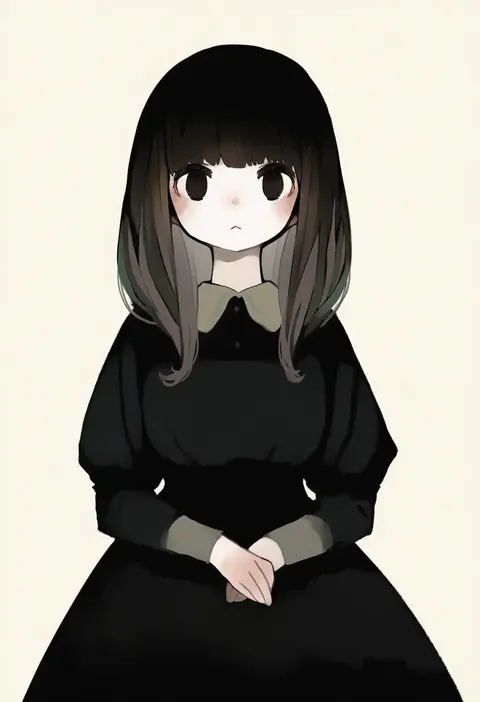
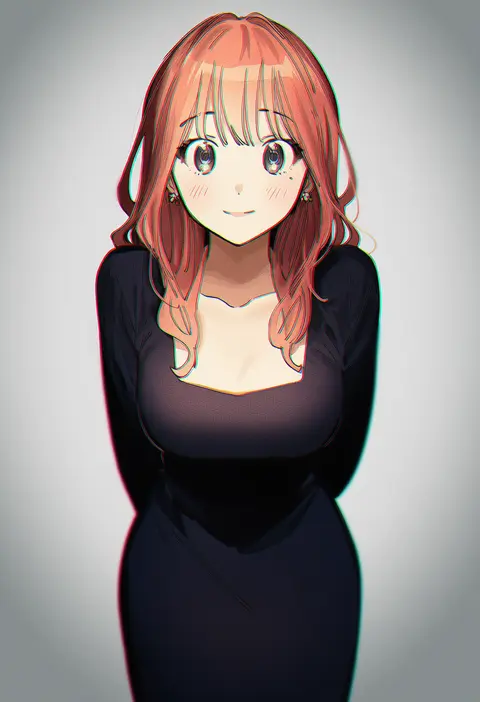
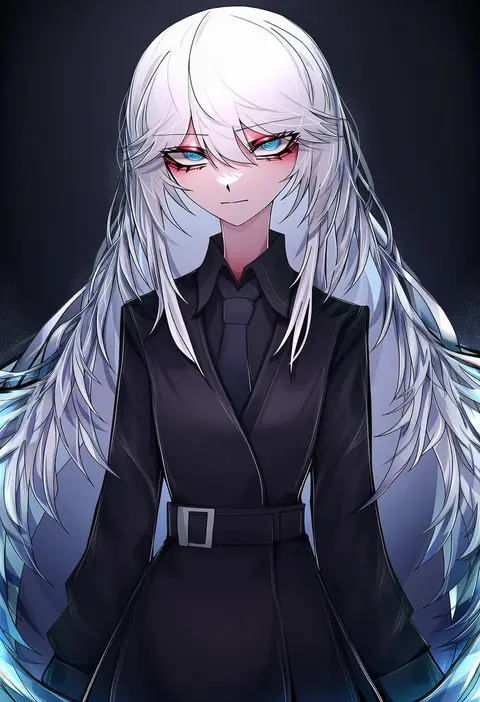
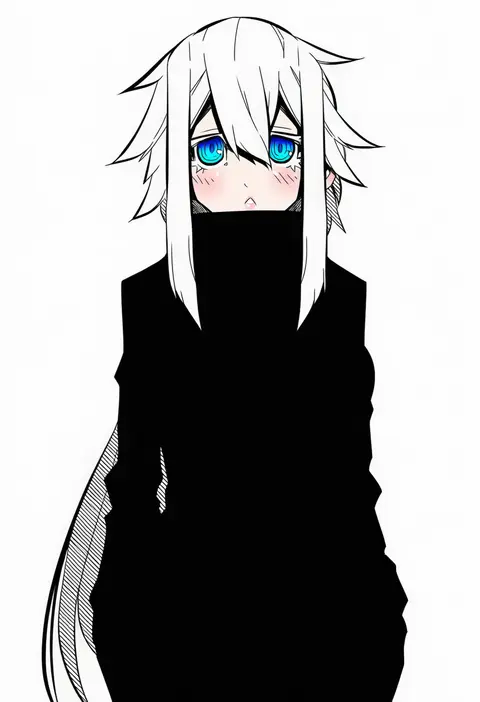
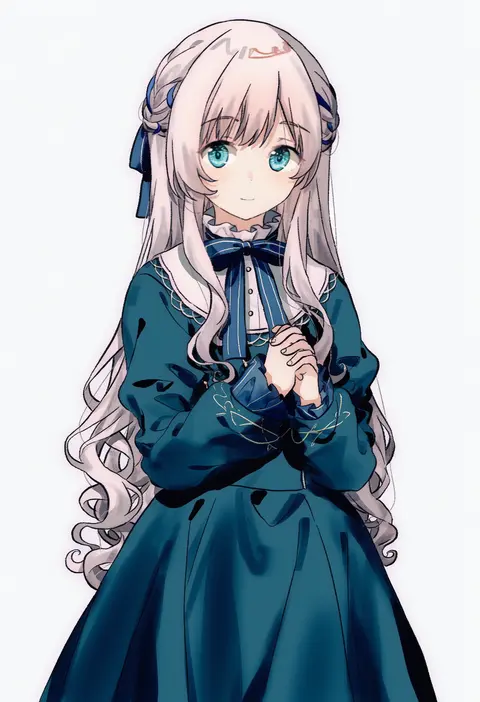
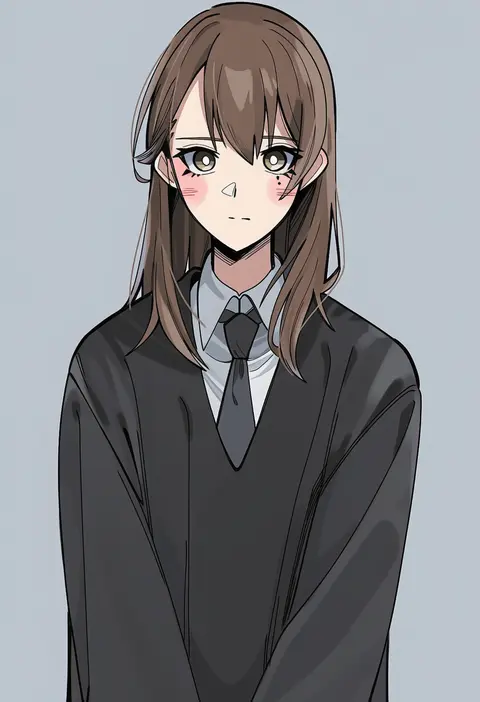
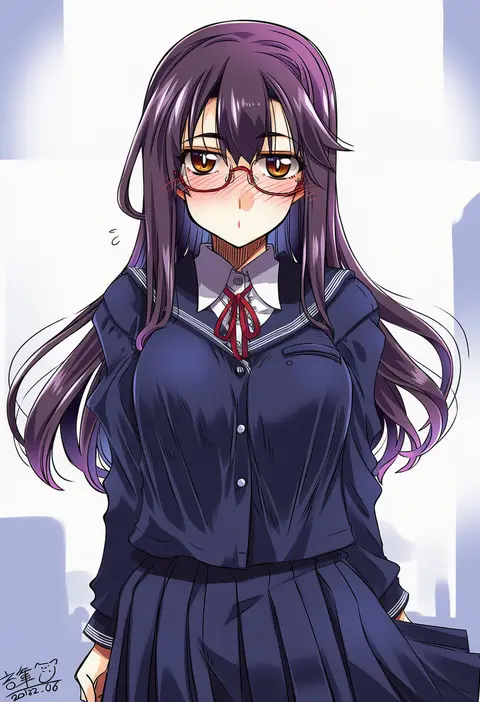
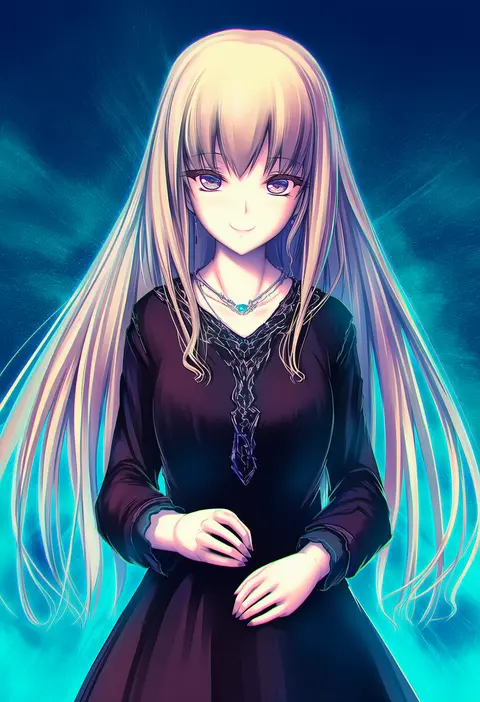
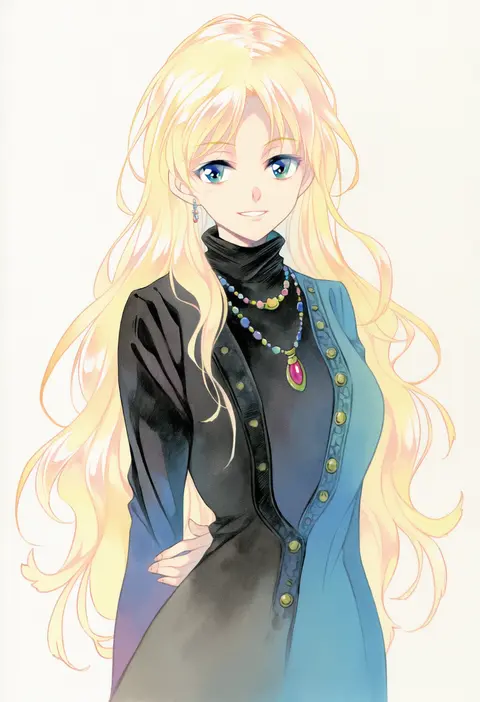
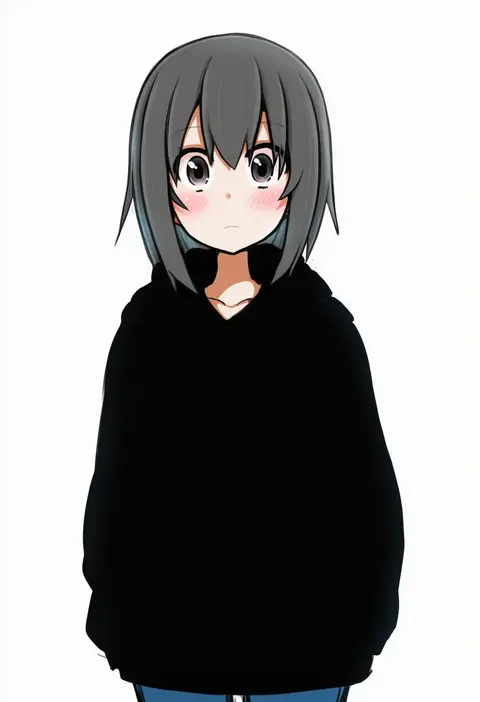
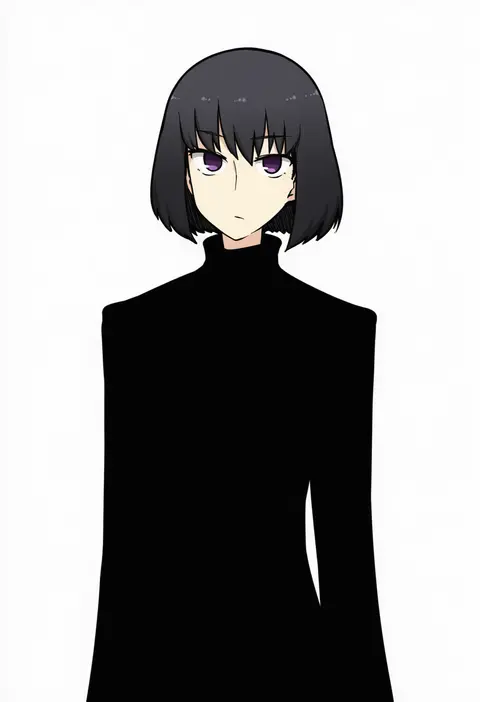
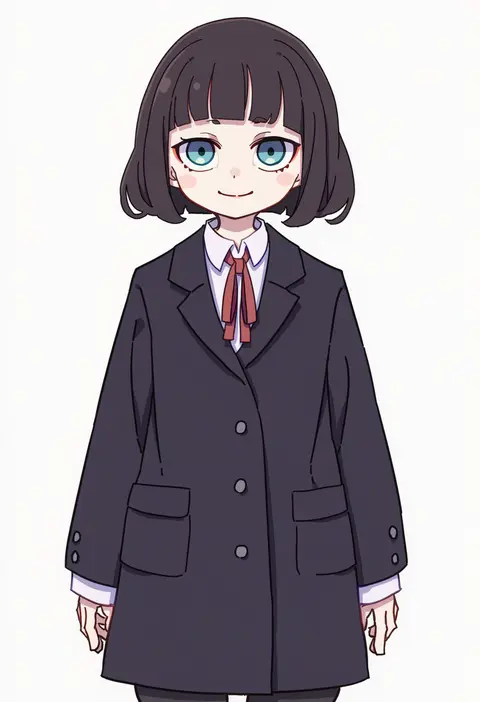
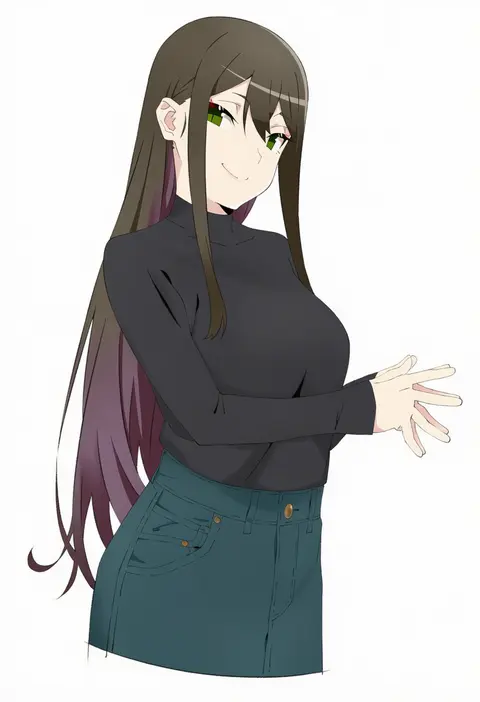
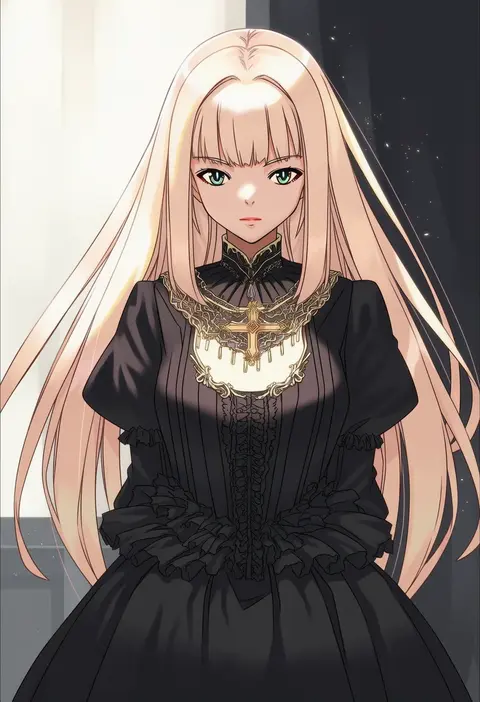
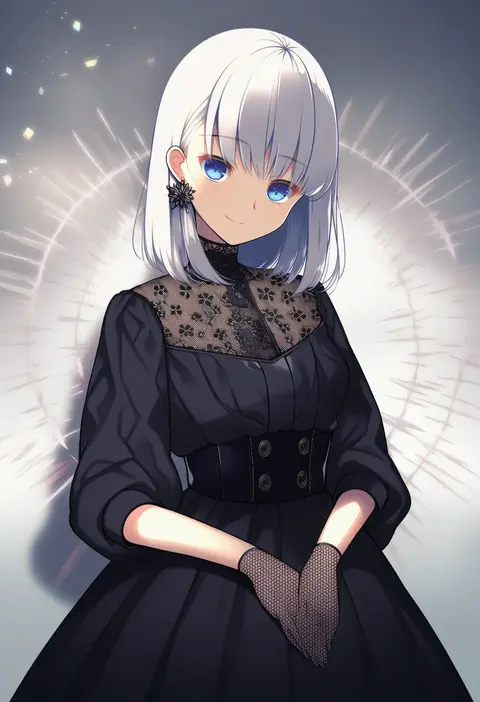
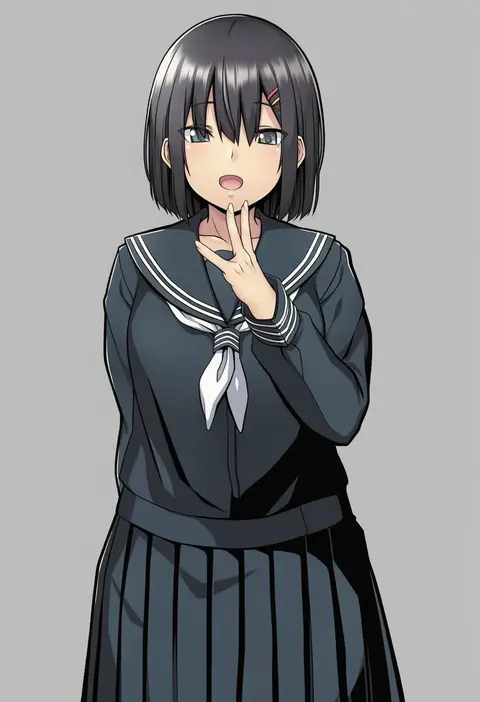
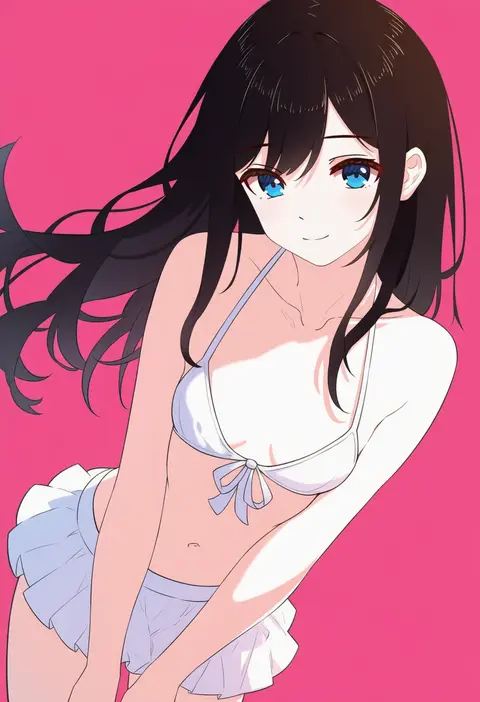
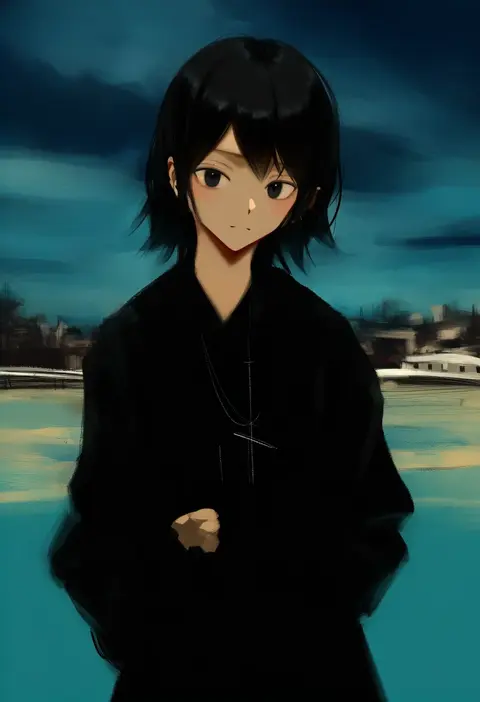
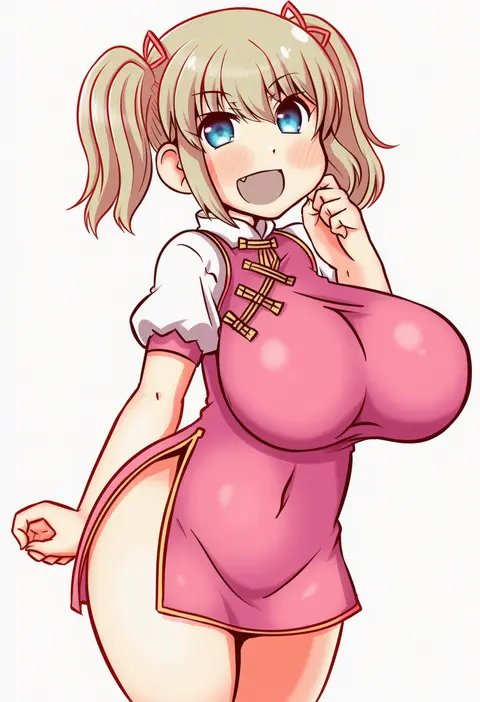
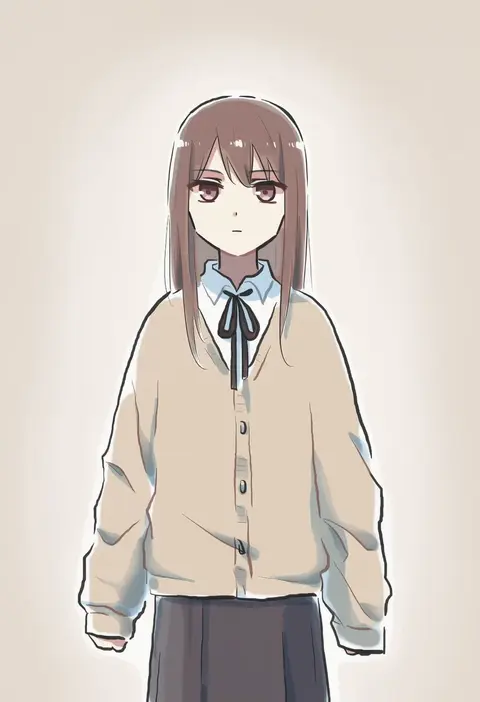
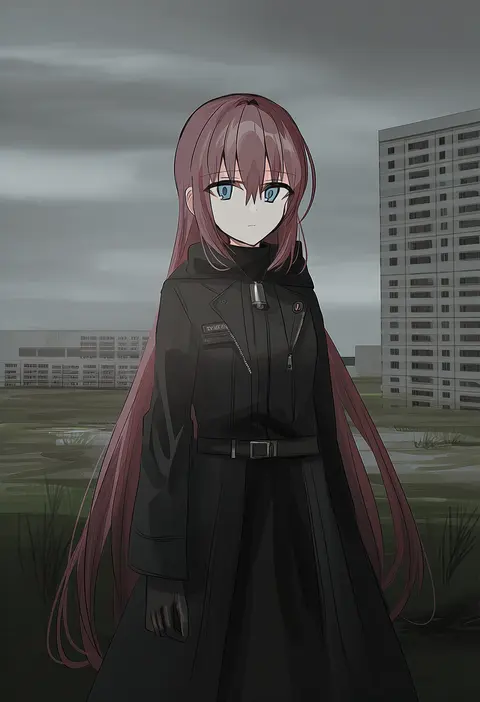
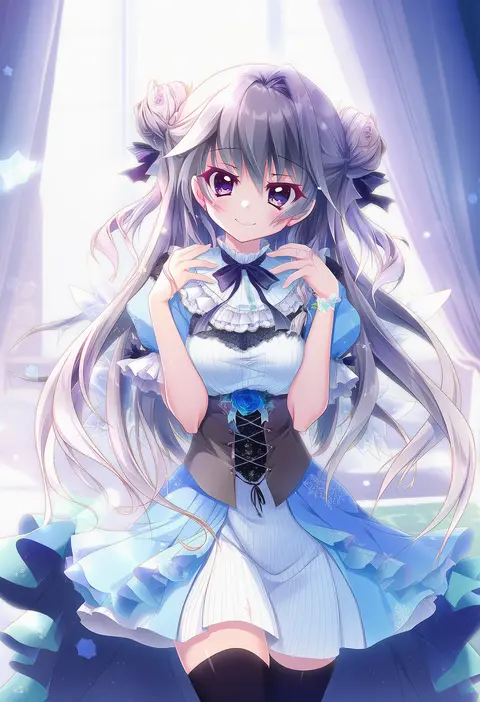
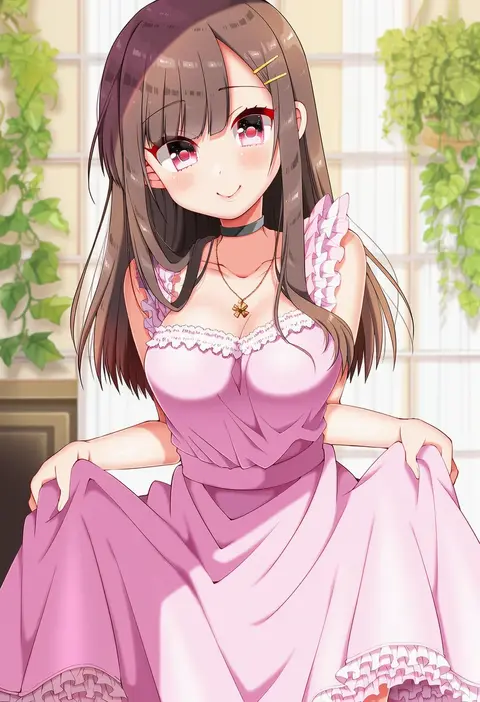
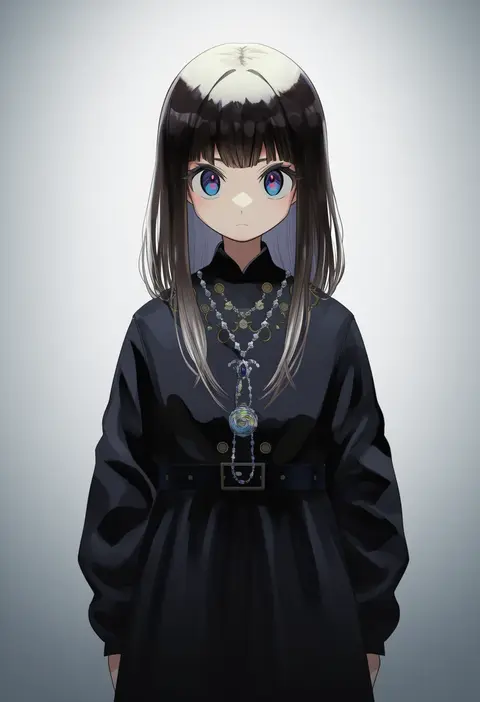
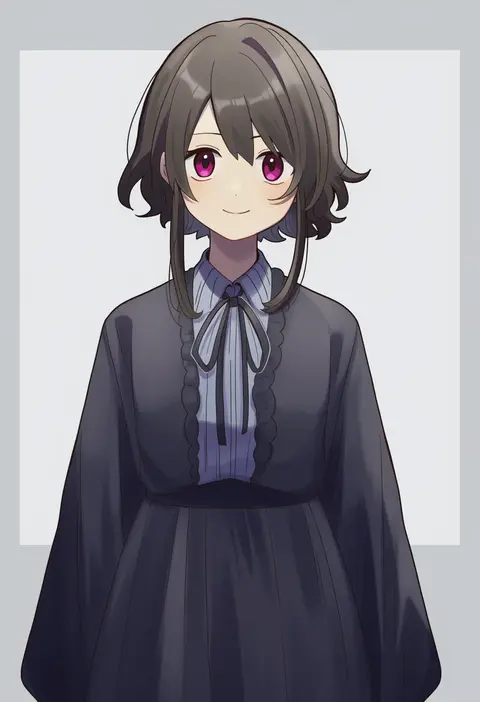
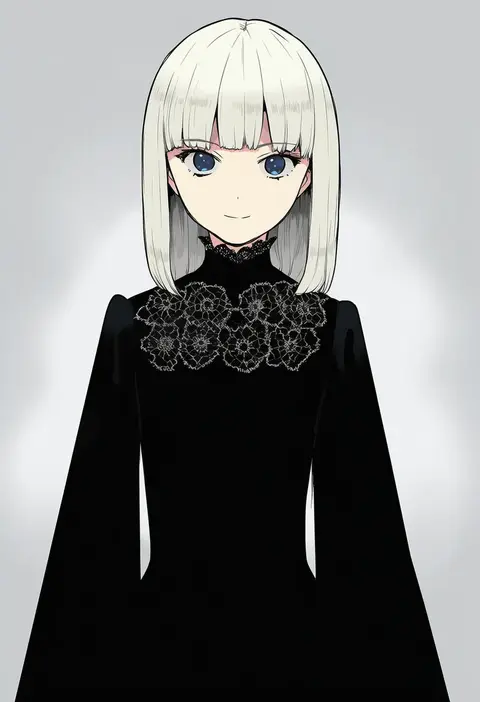
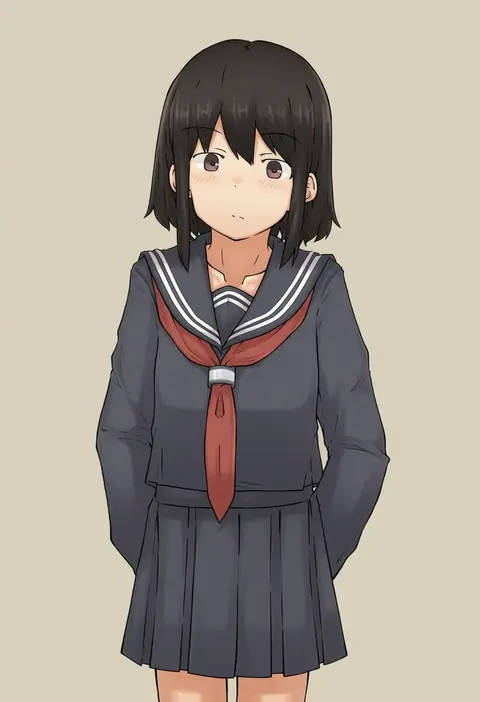
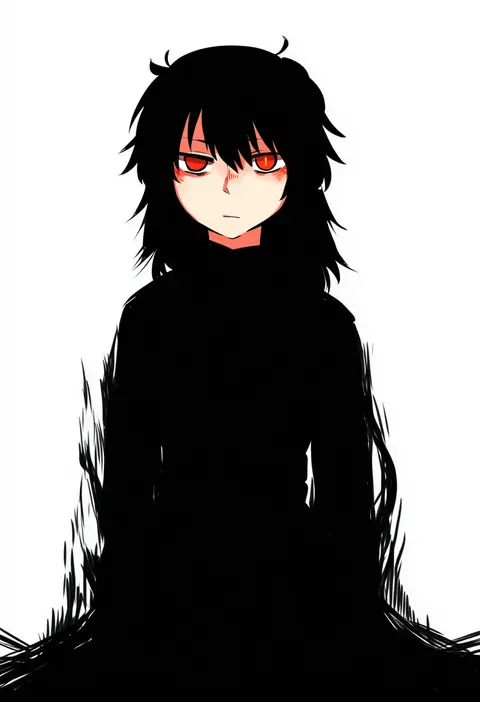
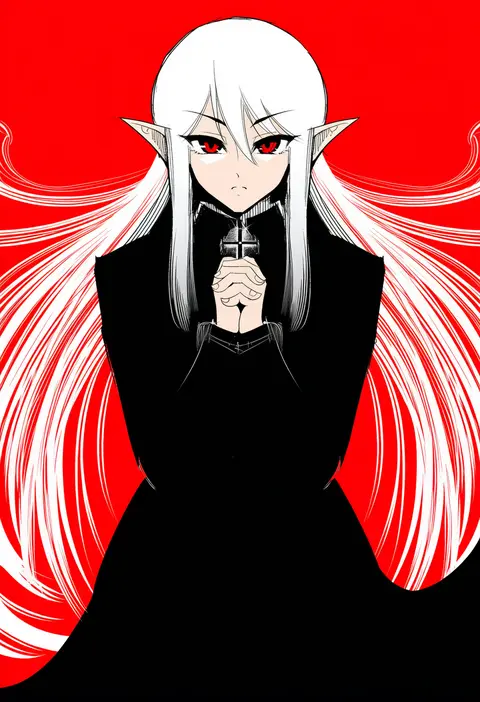
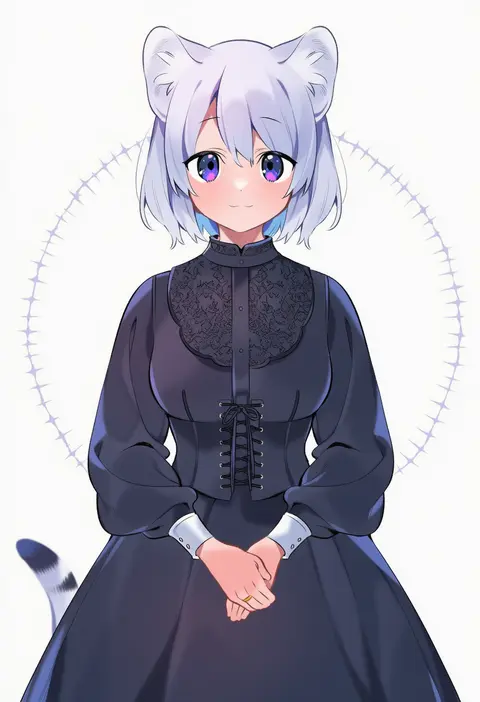
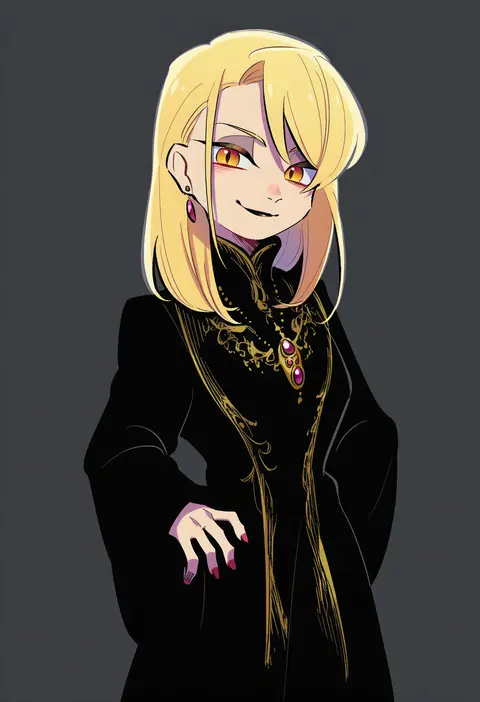
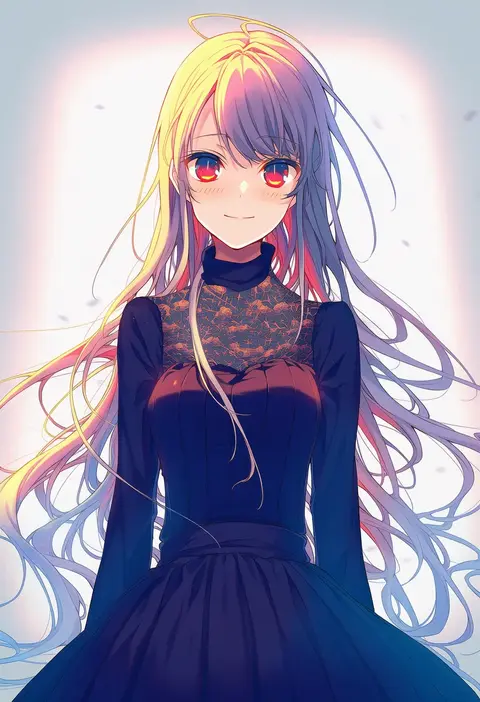
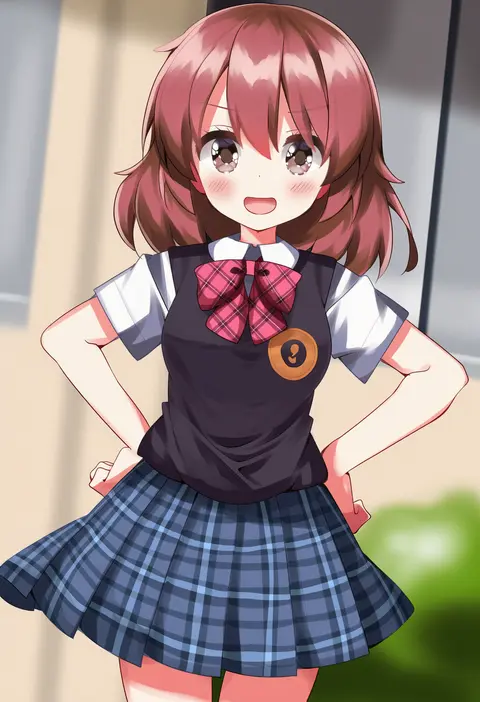
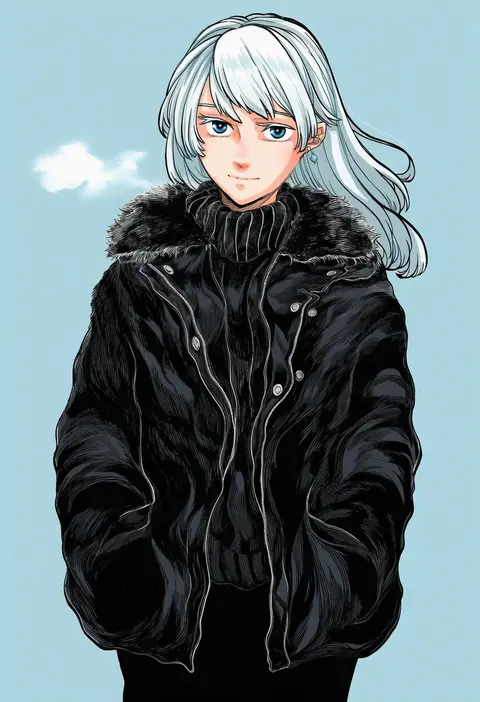
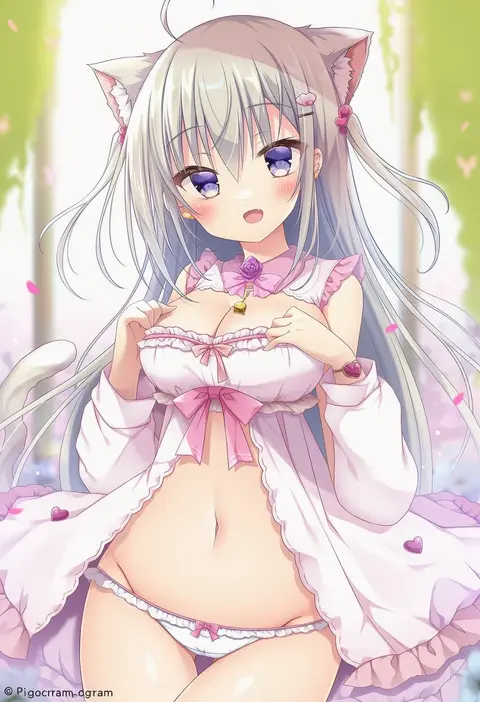
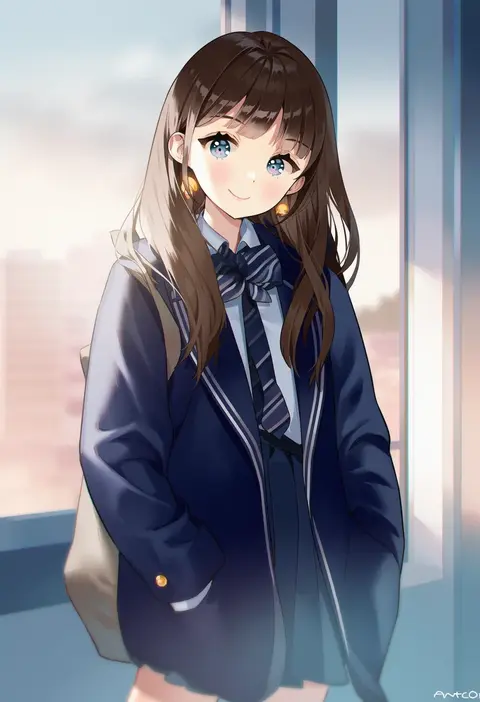
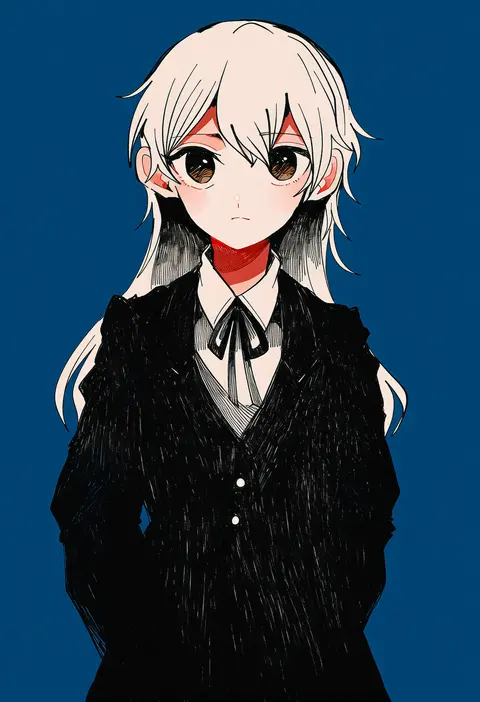
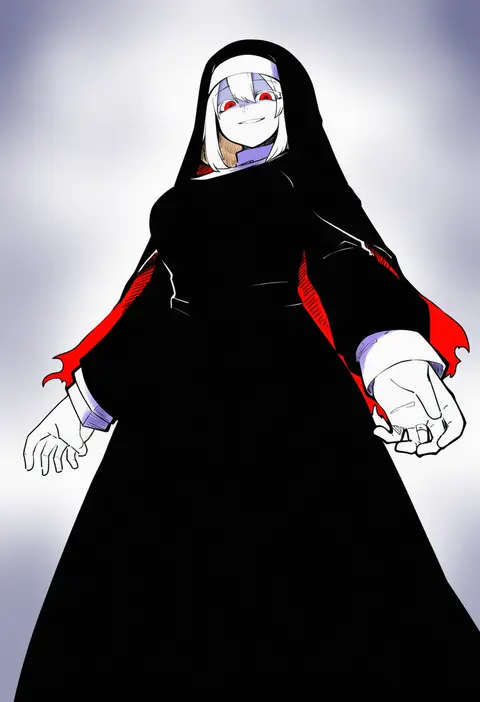
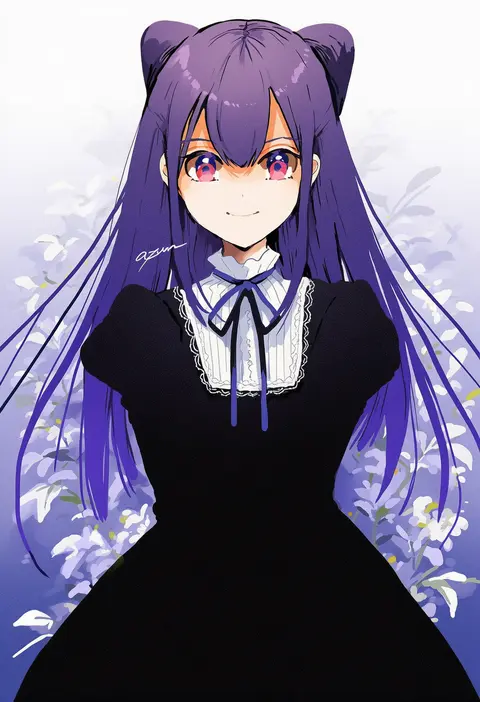
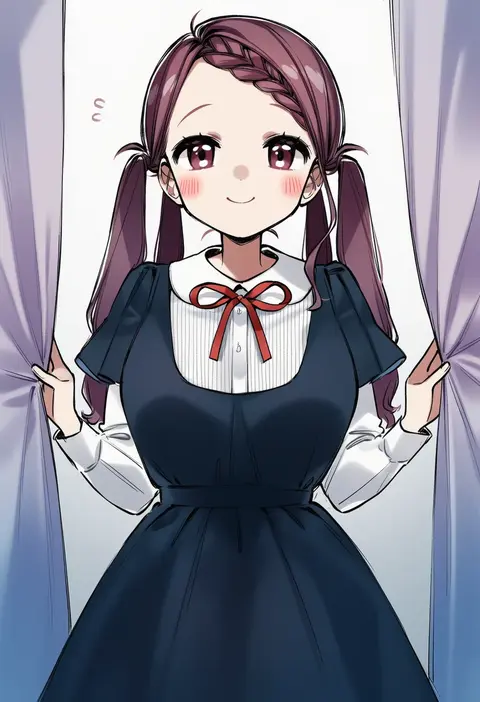
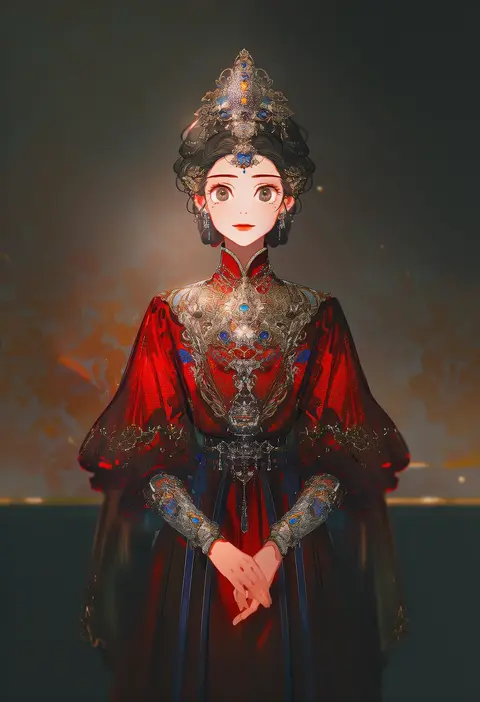
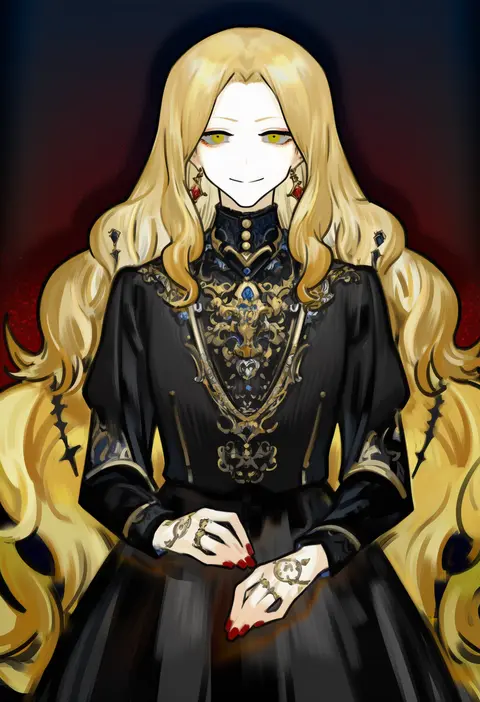
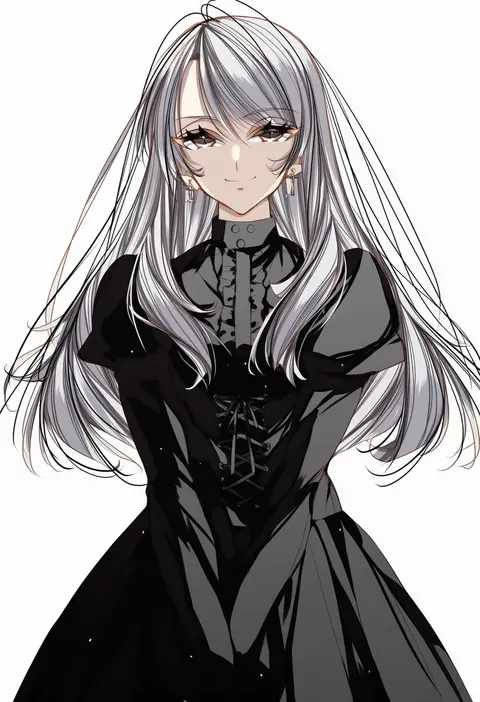
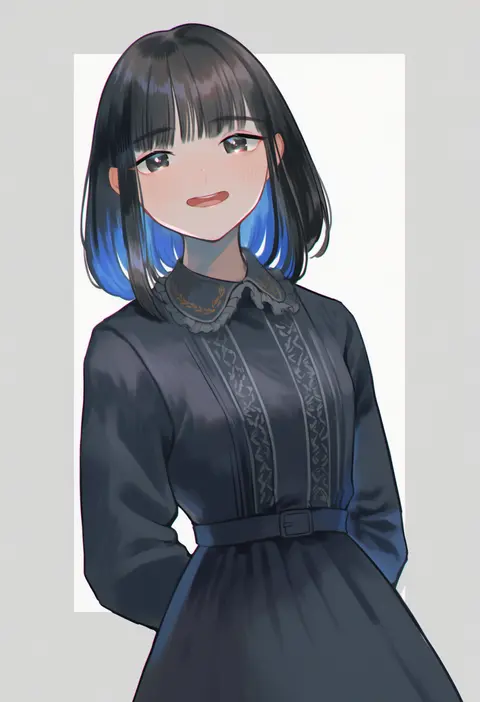
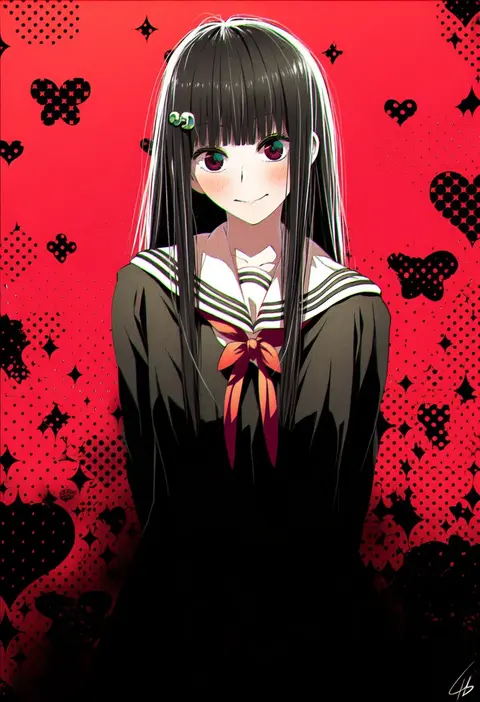
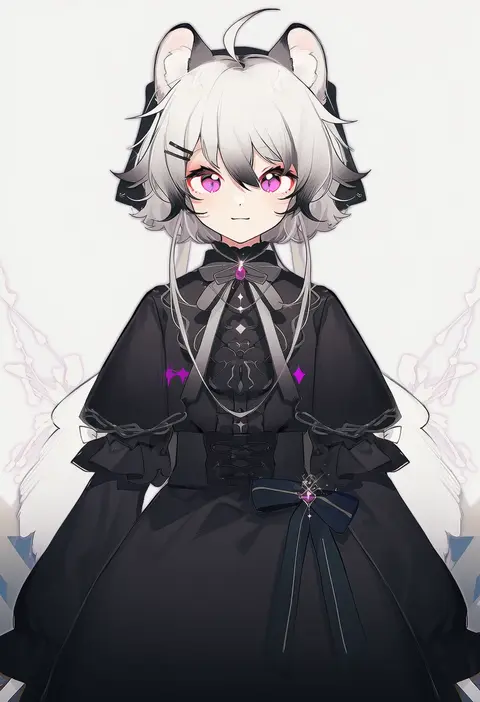
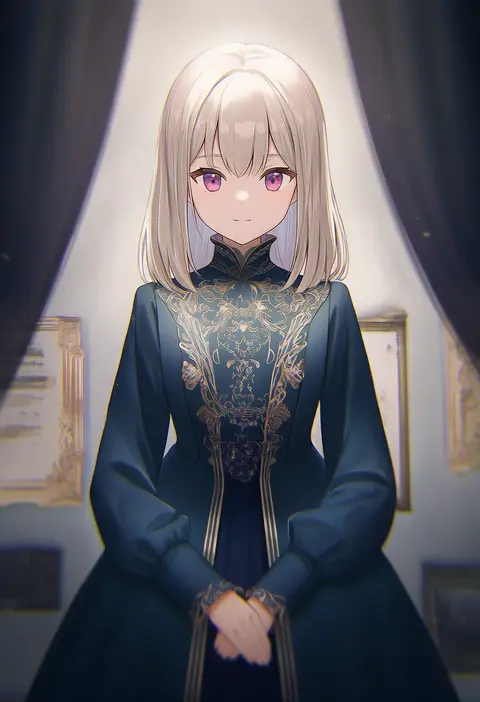
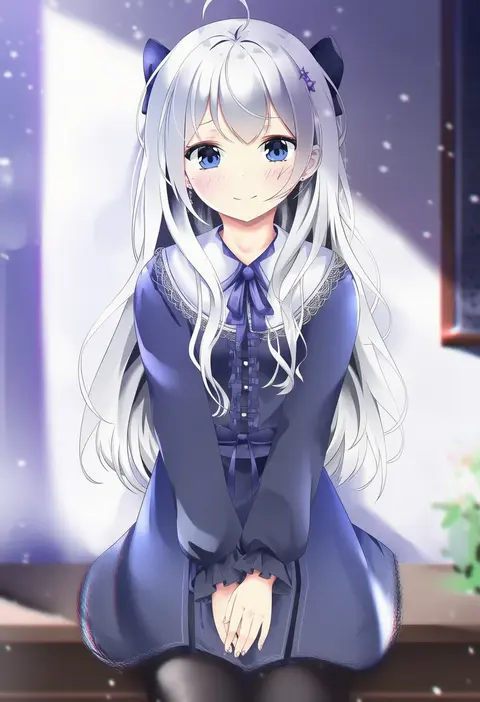
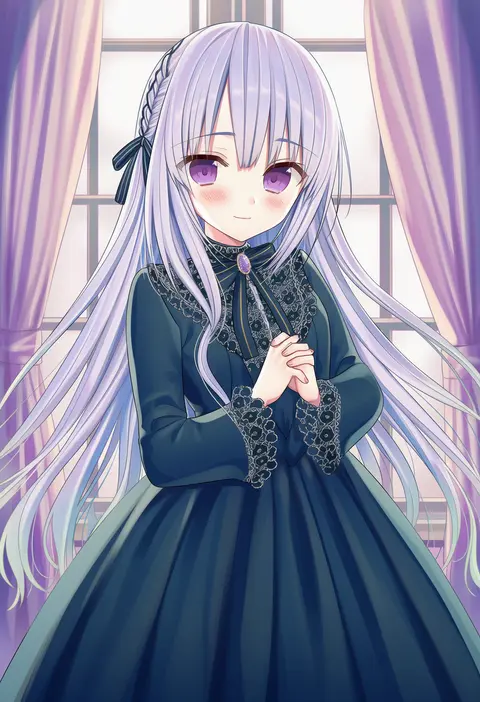
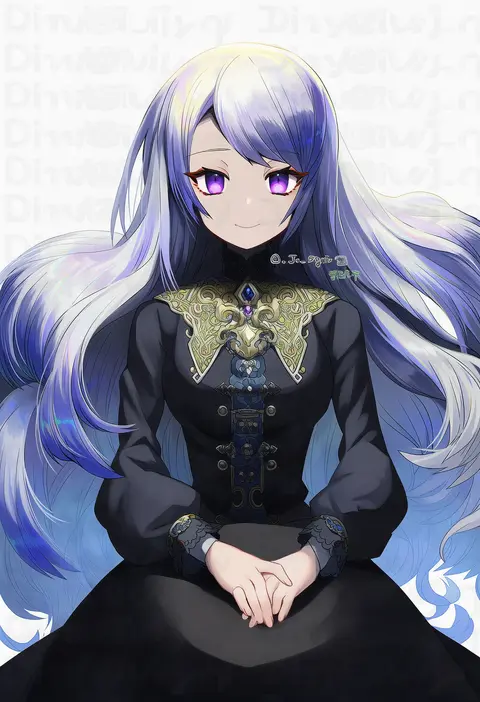
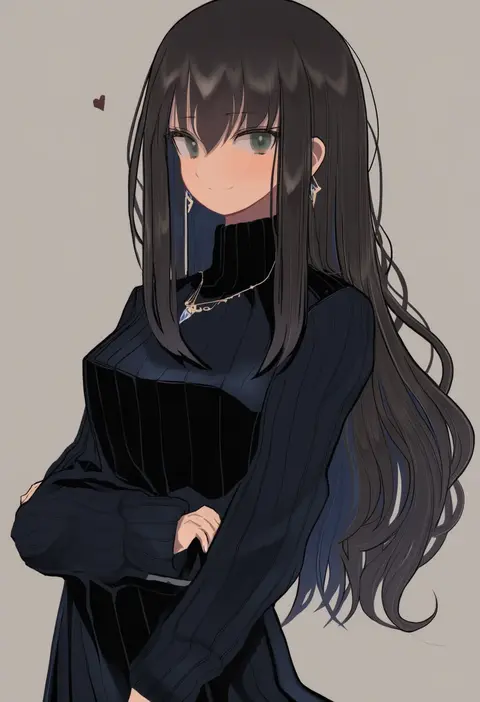
Artist tags tell NovelAI Diffusion to draw in a specific artist's style: line weight, paint texture, face shapes and palette all shift at once. Character and outfit tags decide what is drawn; artist tags decide how. 16,352 tags are listed for V4.5.
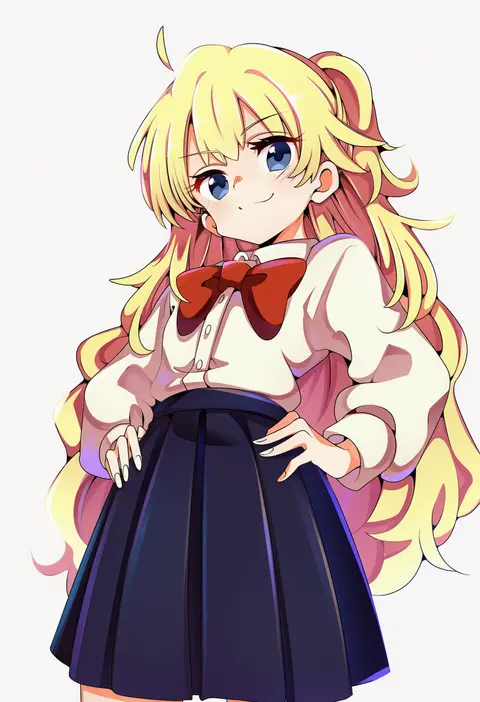
Every tag listed here is verified to react in NovelAI. All images use the same prompt, seed and settings with only the artist tag swapped, so the difference between two images is the style that tag brings in.

How to use them

Put the artist tag near the front of the prompt, e.g. "<artist>, 1girl, solo, best quality, masterpiece, cowboy shot". Two or three artist tags blend styles; lower the weight with "0.8::<artist>::" when the style overpowers the character.

SCORE sorts by Danbooru's top score, POSTS by post count, FAVS by hearts on this site. Open a card to see V5 and V4.5 side by side on the same seed.

V5 vs V4.5

V5 usually lands closer to the artist's real style, and tags that did nothing on V4.5 often react on V5. V4.5 still fits older and doujin-heavy artists better. Try V5 first, fall back to V4.5.

FAQ

Where does the artist tag go?
Near the front of the prompt. Use "0.8::tag::" to adjust its weight.

Can I stack artist tags?
Yes, styles blend. Past two or three the result stops looking like anyone.

Are these the artists' own works?
No. Every image is a NovelAI sample generated from the tag.