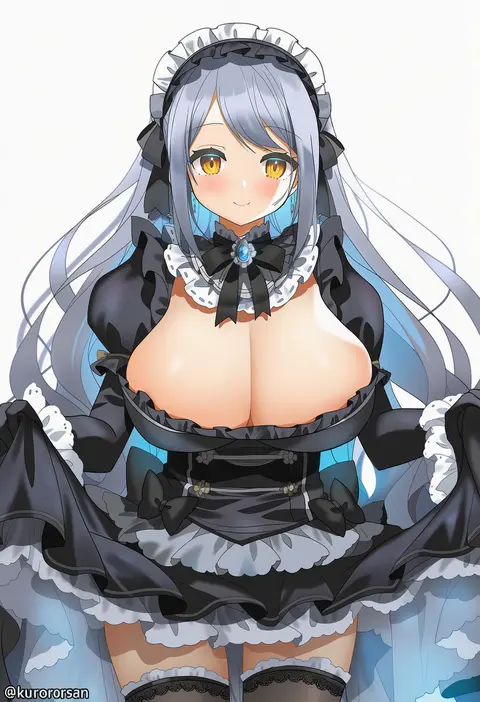
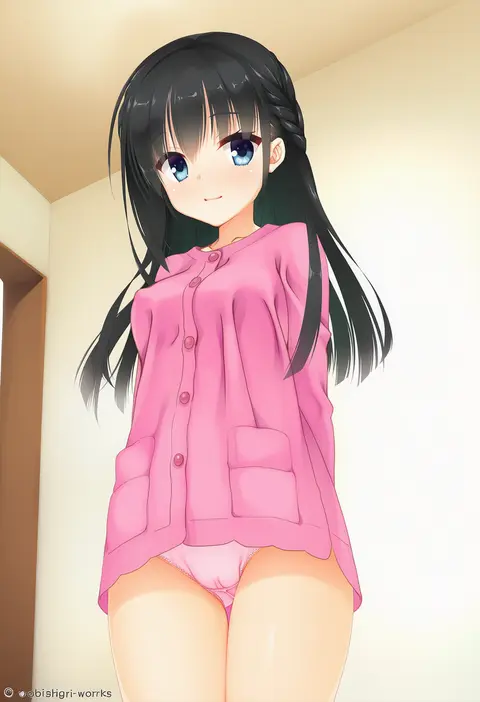
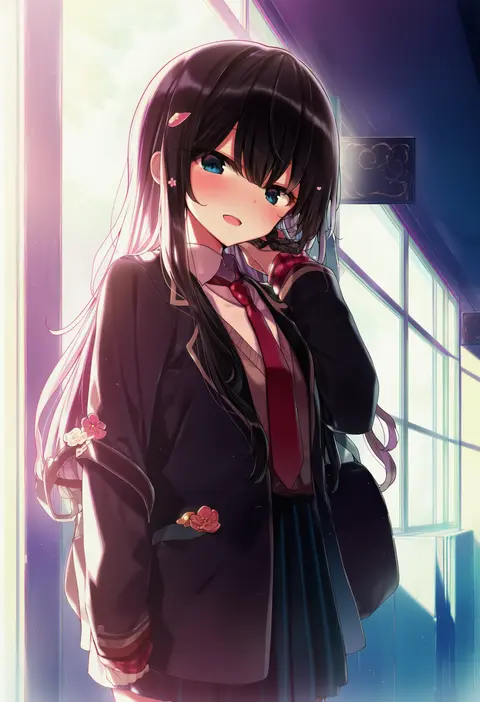
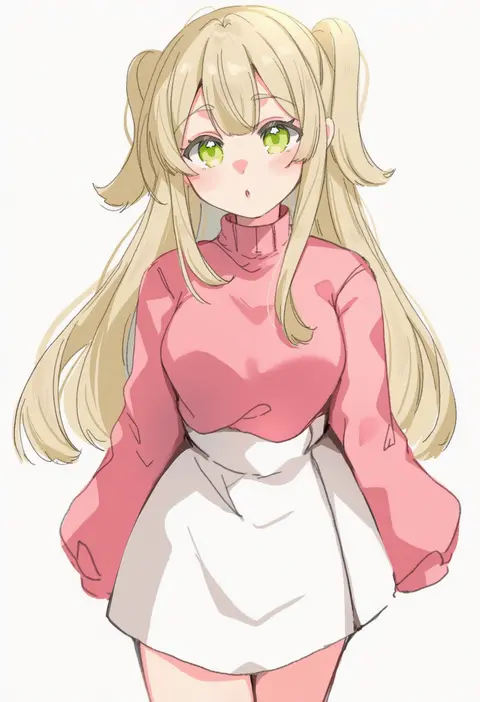
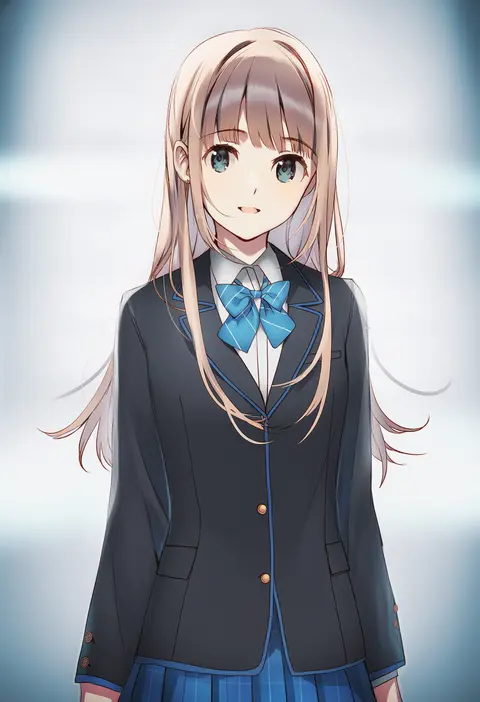
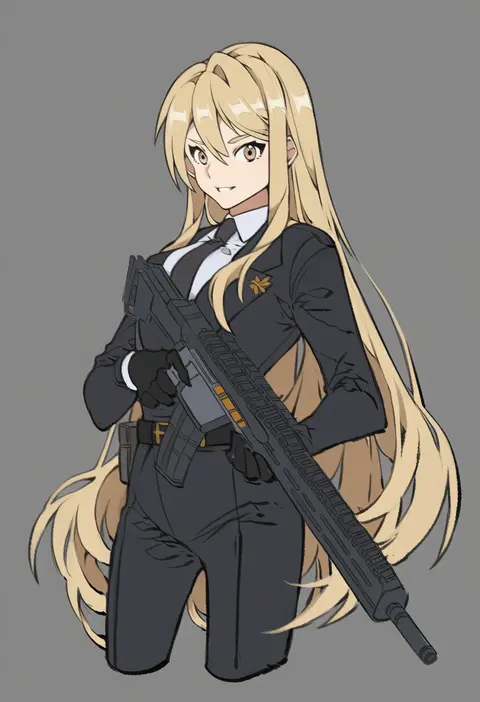
V4.5Artists
sort: FAVS▾
▾
>
$

Popular NovelAI artist tags — V4.5

artist --count 16,352[25/273]
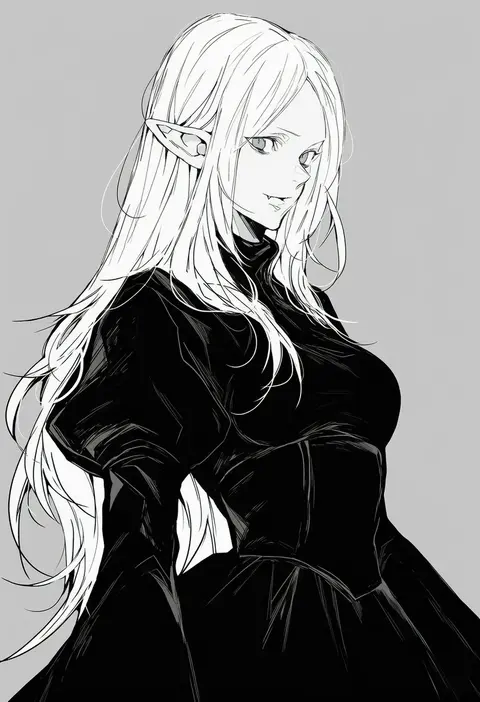
nishiii26miii
ARTIST0x05A0
1
kurot
ARTIST0x05A1
1
kobuichi
ARTIST0x05A2
1
shnva
ARTIST0x05A3
1
paragasu (parags112)
ARTIST0x05A4
1
1ssakawaguchi
ARTIST0x05A5
1
nishikikope
ARTIST0x05A6
1
kenkou cross
ARTIST0x05A7
1
kamu (geeenius)
ARTIST0x05A8
1
achiki
ARTIST0x05A9
1
zhibuji loom
ARTIST0x05AA
1
megateru
ARTIST0x05AB
1
dc (makezzal)
ARTIST0x05AC
1
tf cafe
ARTIST0x05AD
1
aningay
ARTIST0x05AE
1
coffee-kizoku
ARTIST0x05AF
1
shiromanta
ARTIST0x05B0
1
suimya
ARTIST0x05B1
1
haidao mao
ARTIST0x05B2
1
kotoyama
ARTIST0x05B3
1
akechi (826988799)
ARTIST0x05B4
1
yasaikakiage
ARTIST0x05B5
1
touzai (poppin phl95)
ARTIST0x05B6
1
hwansang
ARTIST0x05B7
1
onigirikun
ARTIST0x05B8
1
rubi-sama
ARTIST0x05B9
1
usamochi.
ARTIST0x05BA
1
kishida mel
ARTIST0x05BB
1
nannacy7
ARTIST0x05BC
1
kurotofu
ARTIST0x05BD
1
makuran
ARTIST0x05BE
1
osakana (denpa yun'yun)
ARTIST0x05BF
1
shirogane (platinum)
ARTIST0x05C0
1
5rwpvc
ARTIST0x05C1
1
mitsumoto jouji
ARTIST0x05C2
1
btmr game
ARTIST0x05C3
1
ueyama michirou
ARTIST0x05C4
1
gohanduck
ARTIST0x05C5
1
58 (opal 00 58)
ARTIST0x05C6
1
987645321o
ARTIST0x05C7
1
yonemuro
ARTIST0x05C8
1
7aka ne11
ARTIST0x05C9
1
komori kuzuyu
ARTIST0x05CA
1
naga u
ARTIST0x05CB
1
asaya minoru
ARTIST0x05CC
1
hoshina meito
ARTIST0x05CD
1
no-kan
ARTIST0x05CE
1
0002koko
ARTIST0x05CF
1
ukai saki
ARTIST0x05D0
1
chita (ketchup)
ARTIST0x05D1
1
ewa (seraphhuiyu)
ARTIST0x05D2
1
kobayashi ritz
ARTIST0x05D3
1
taira yuuki
ARTIST0x05D4
1
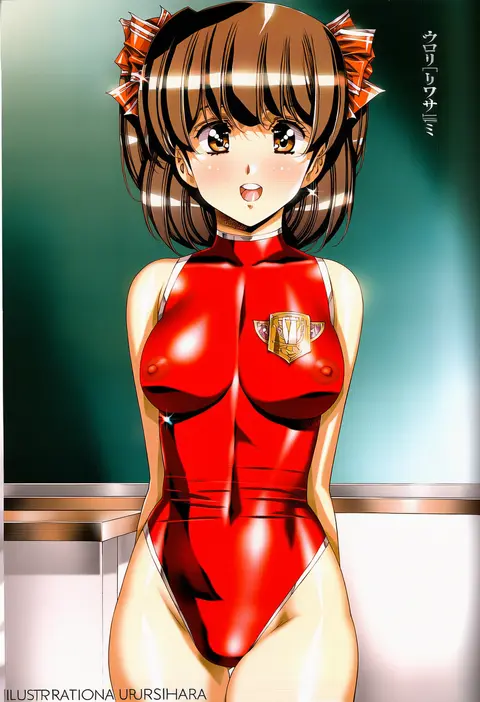
urushihara satoshi
ARTIST0x05D5
1
amane soh
ARTIST0x05D6
1
esukee
ARTIST0x05D7
1
ahase hino
ARTIST0x05D8
1
2-g
ARTIST0x05D9
1
weee (raemz)
ARTIST0x05DA
1
papajay (jennygin2)
ARTIST0x05DB
1

What these tags change

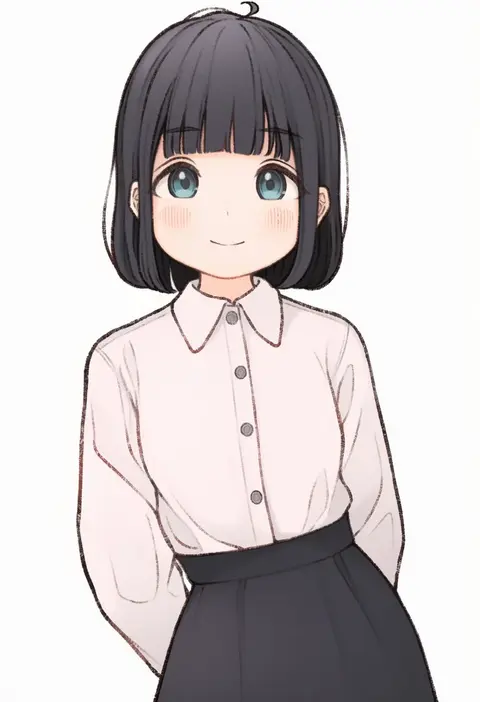
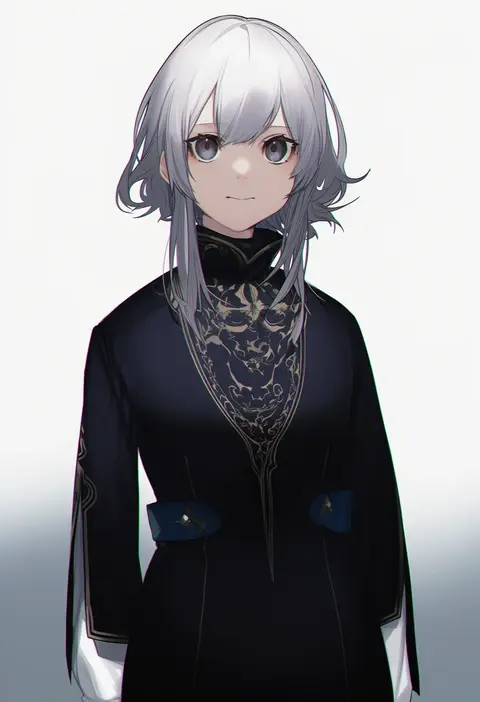
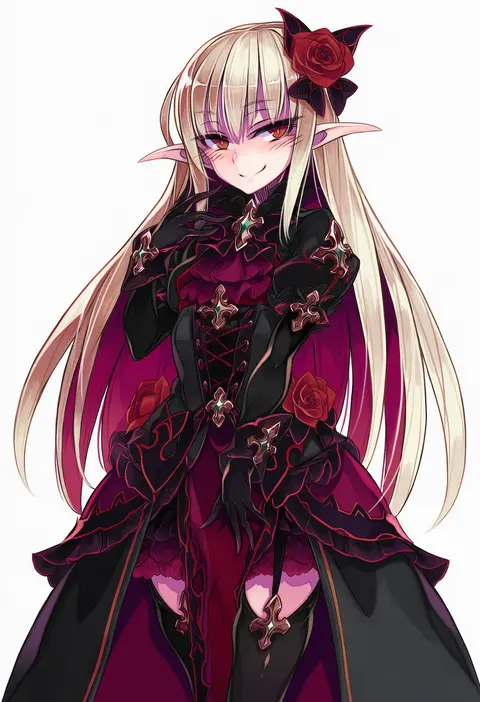
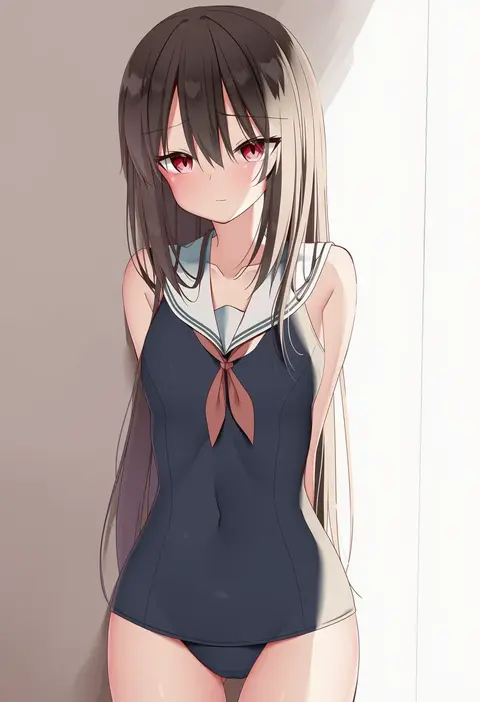
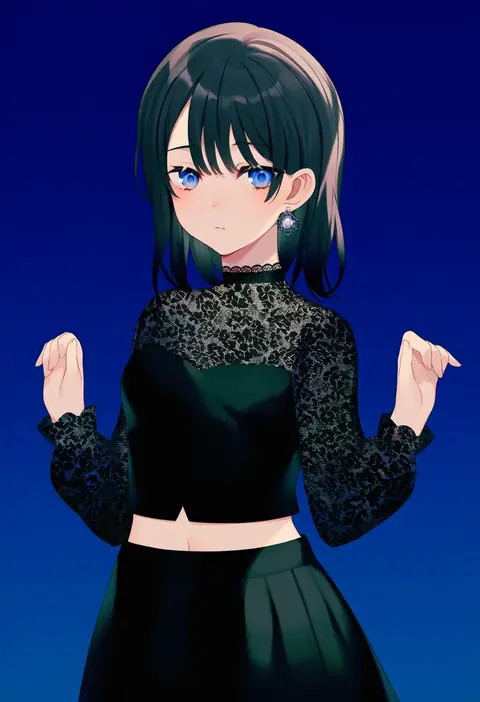
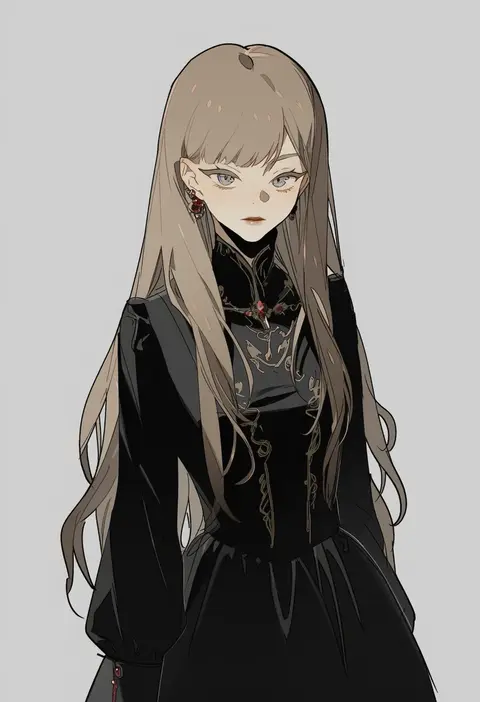
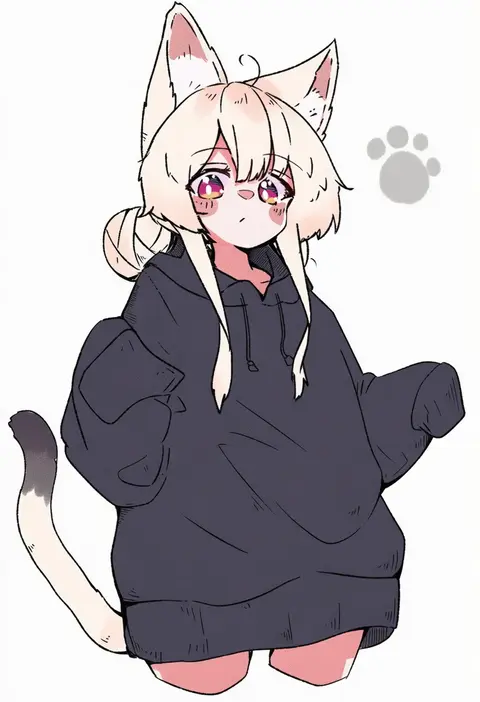
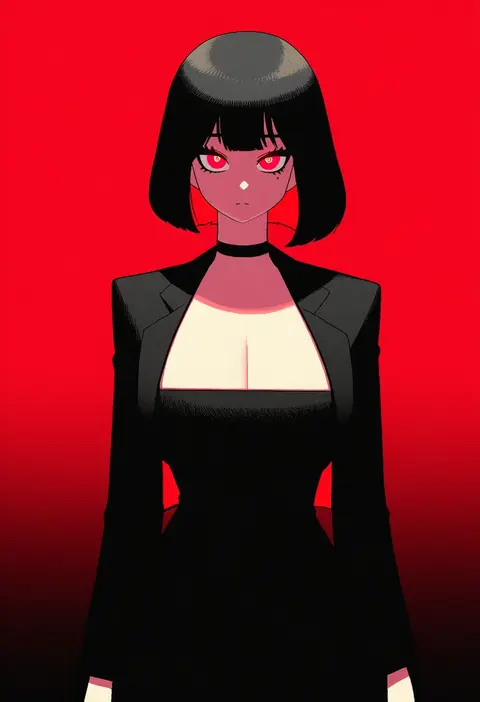
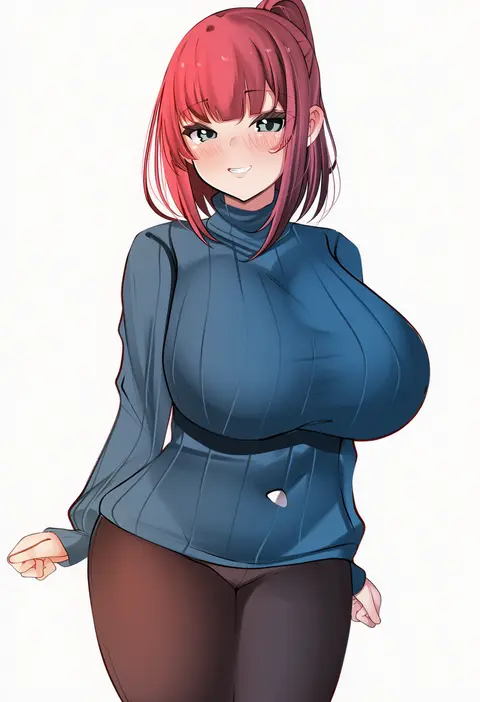
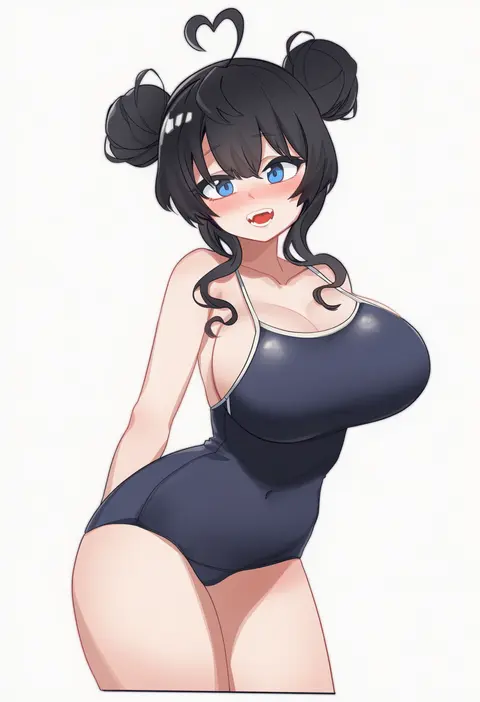
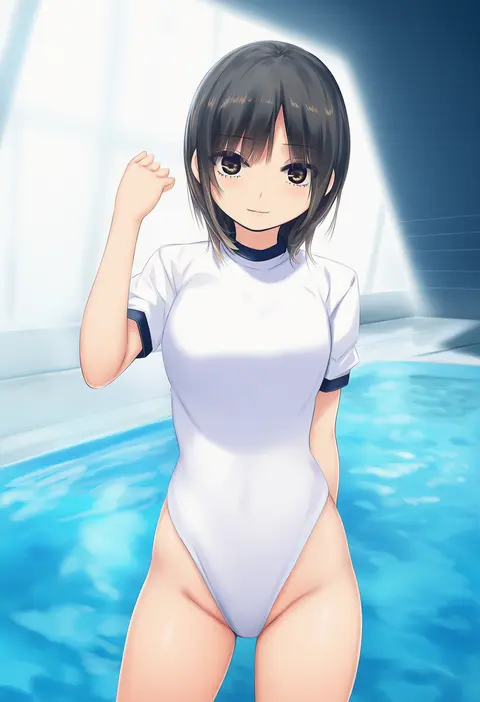
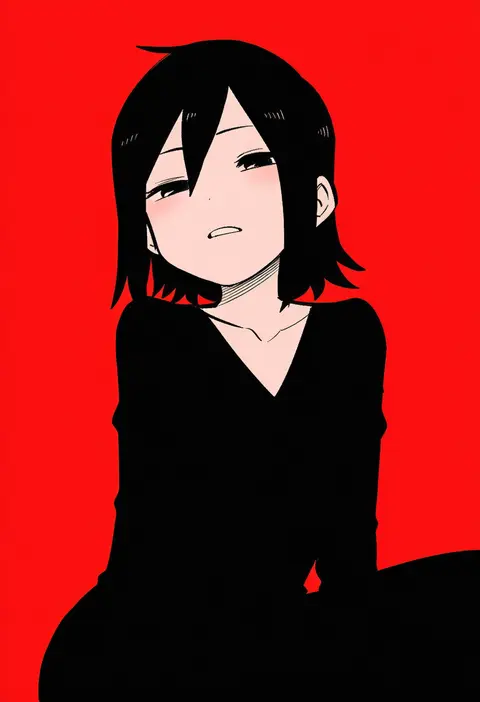
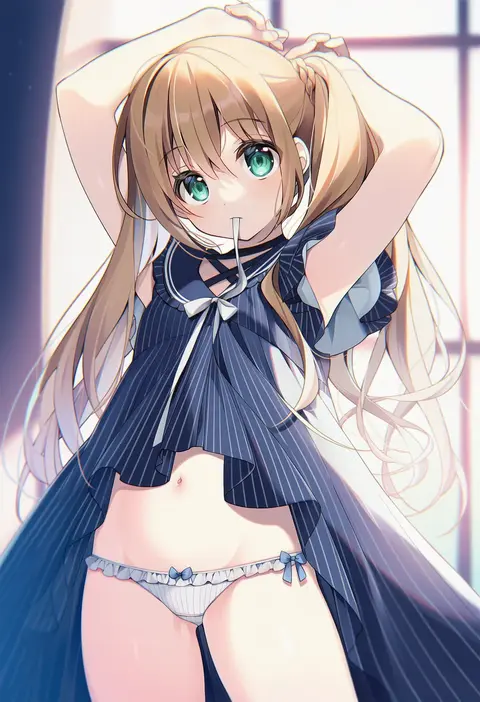
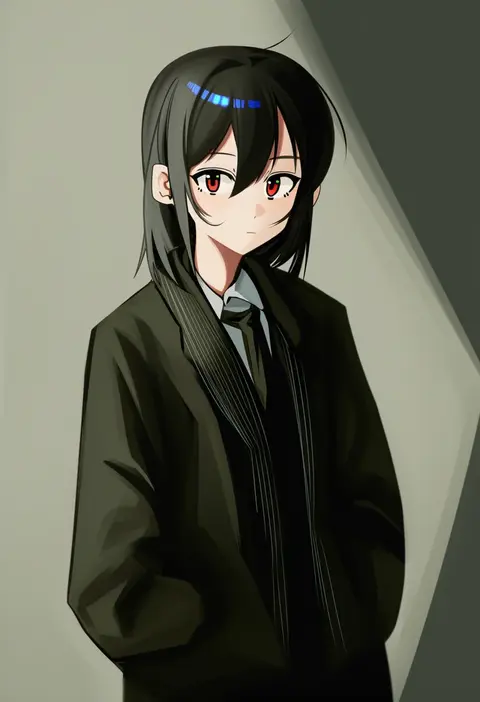
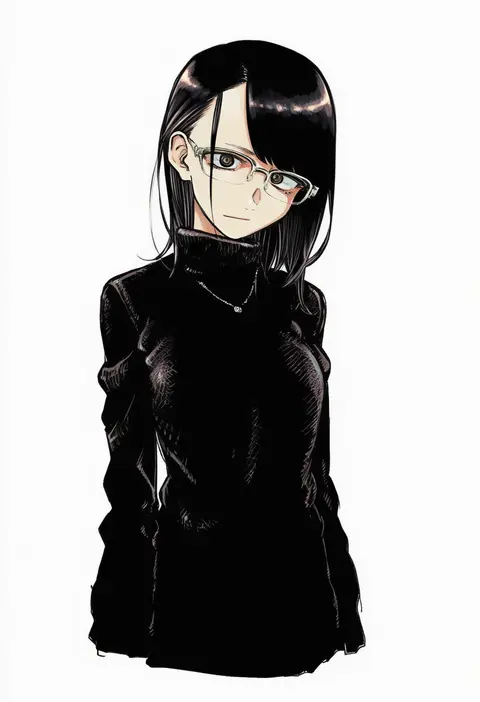
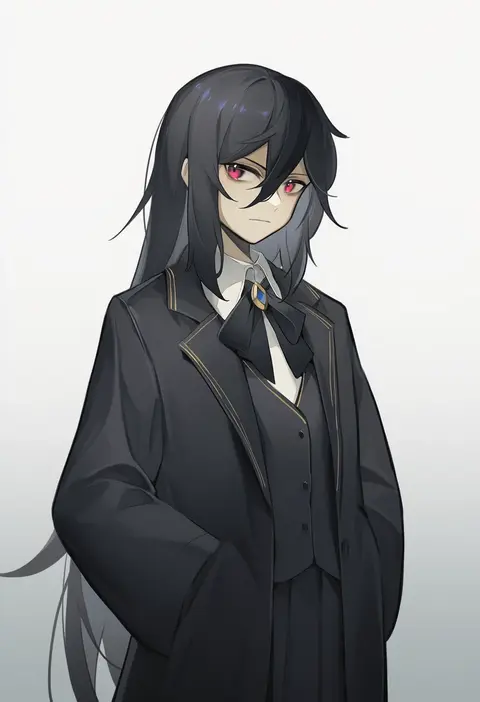
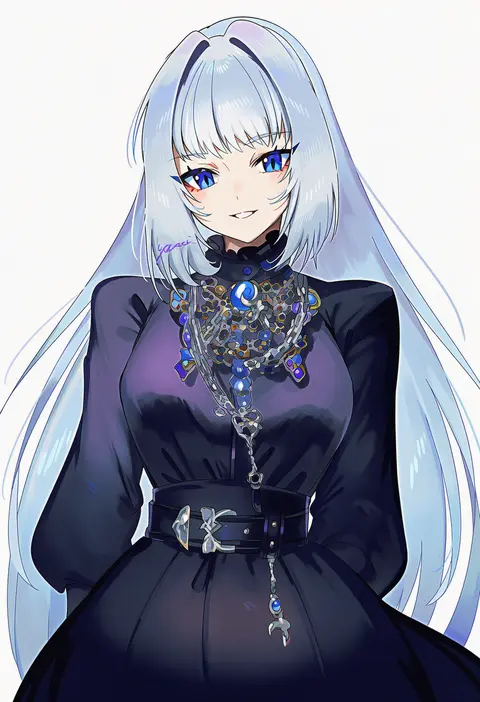
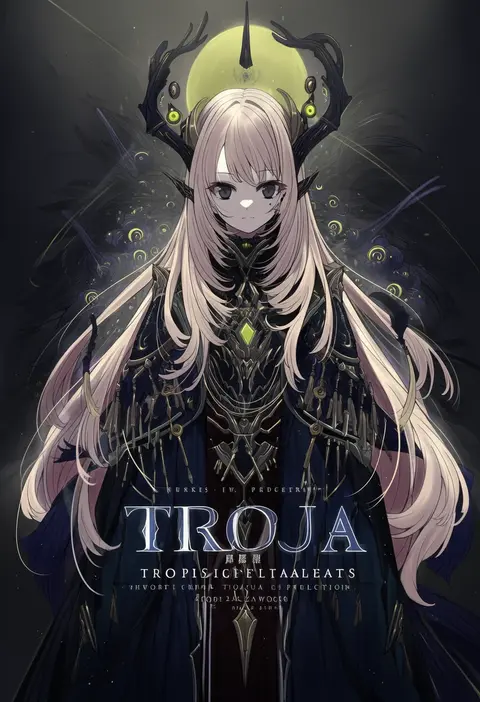
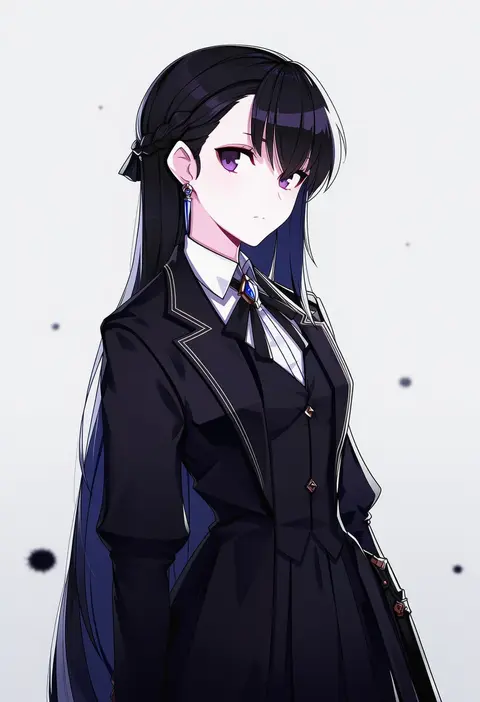
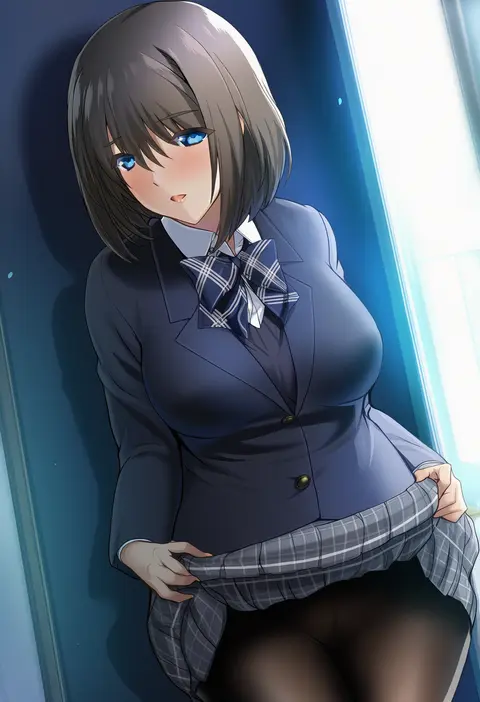
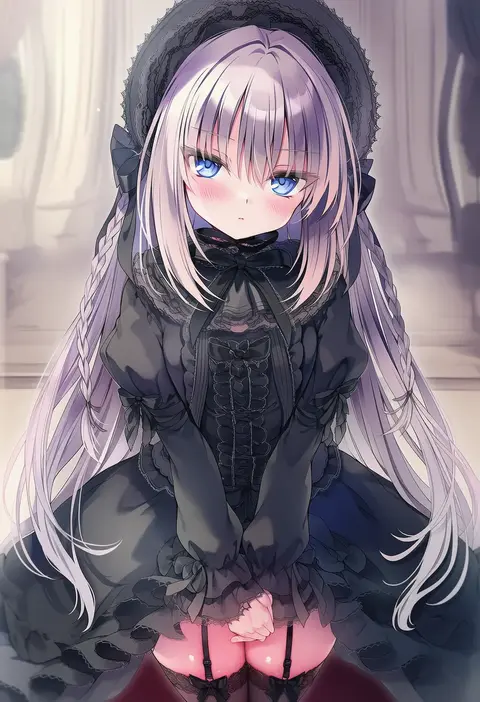
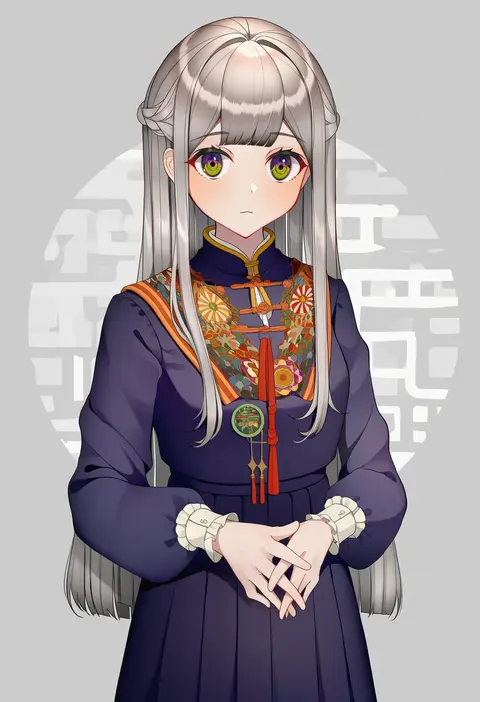
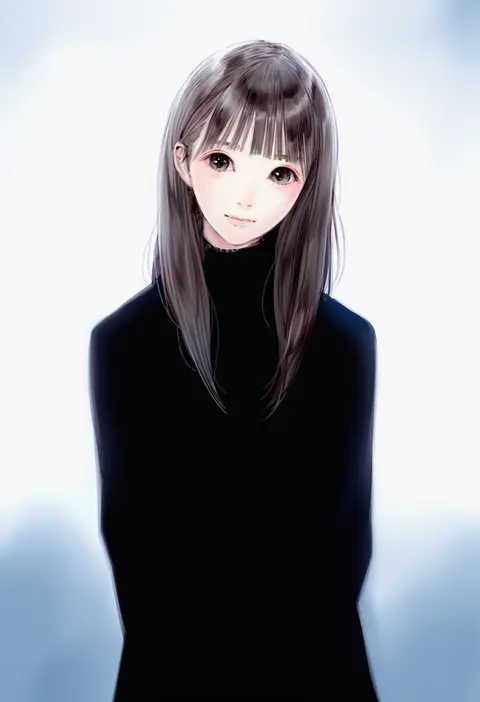
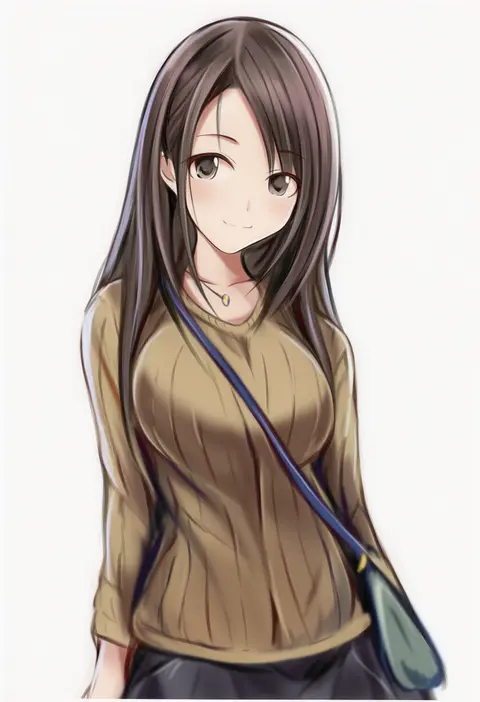
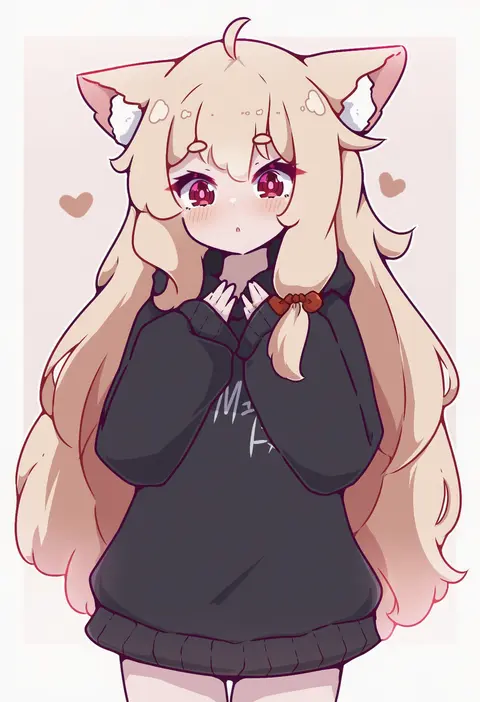
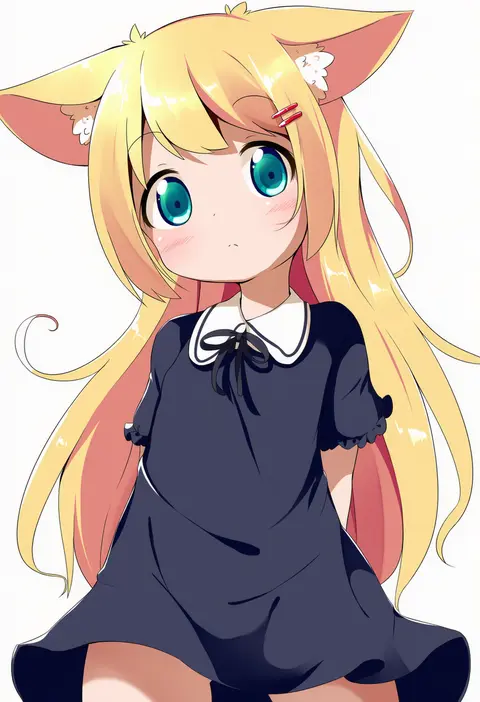
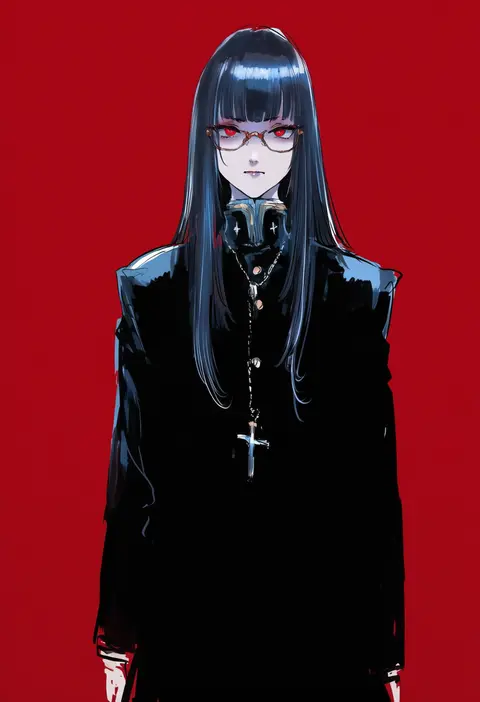
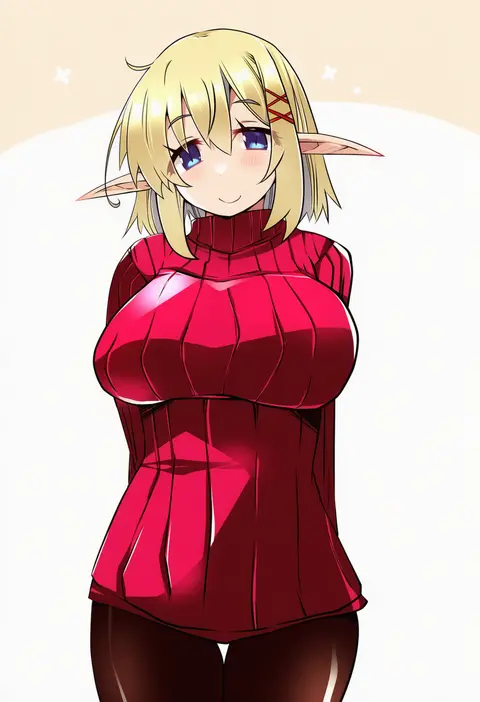
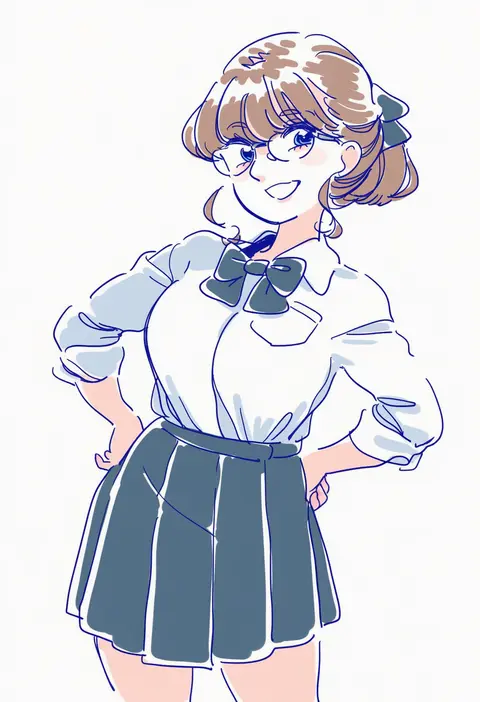
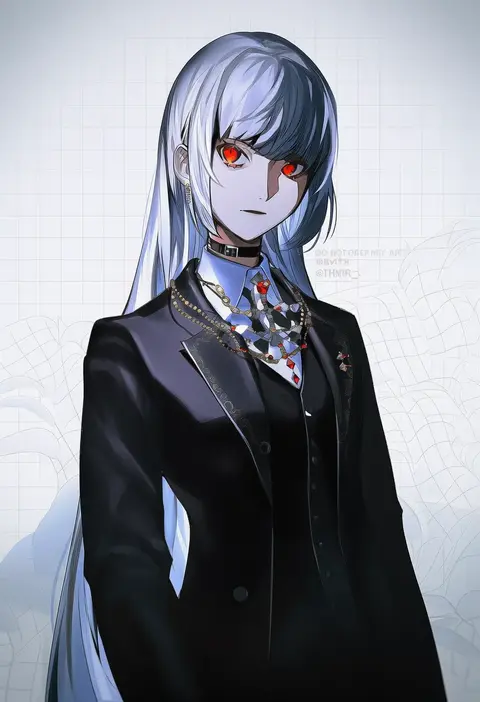
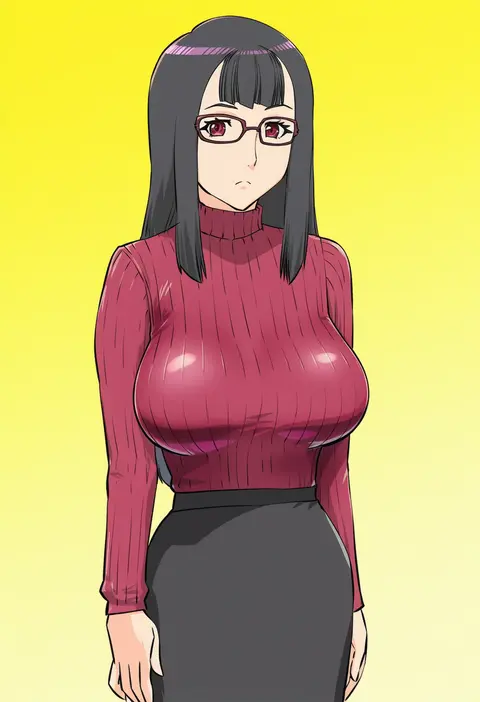
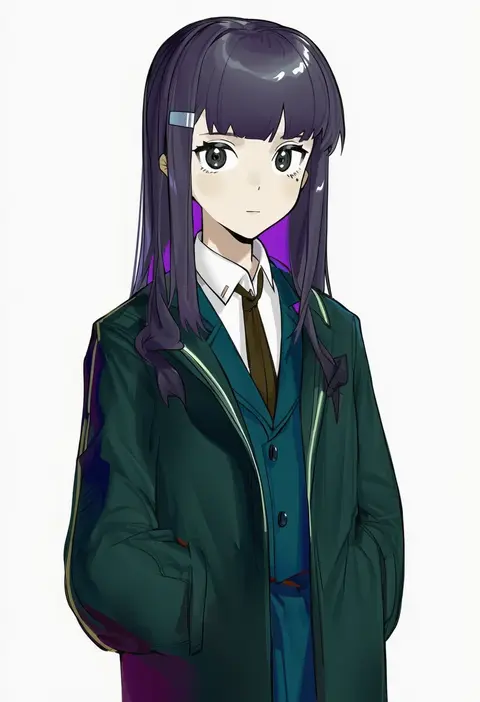
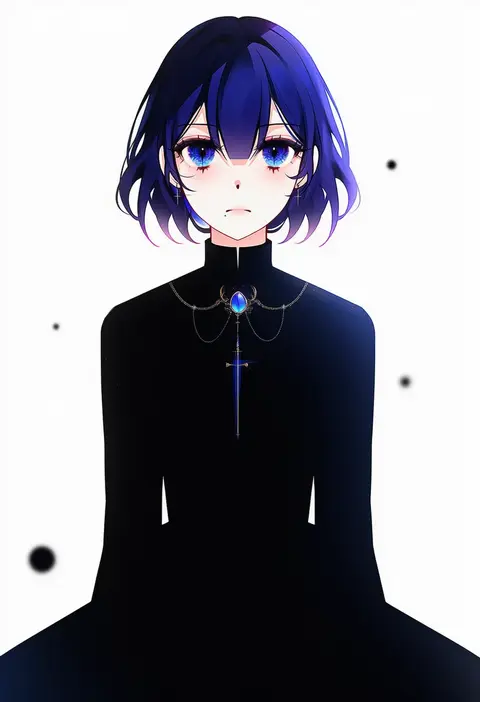
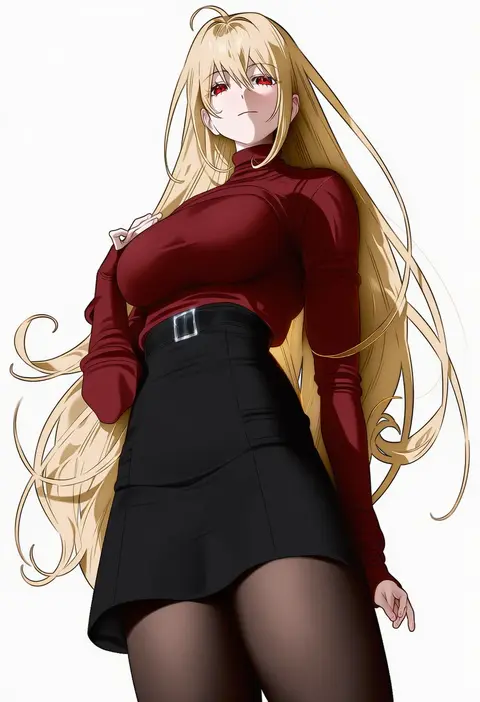
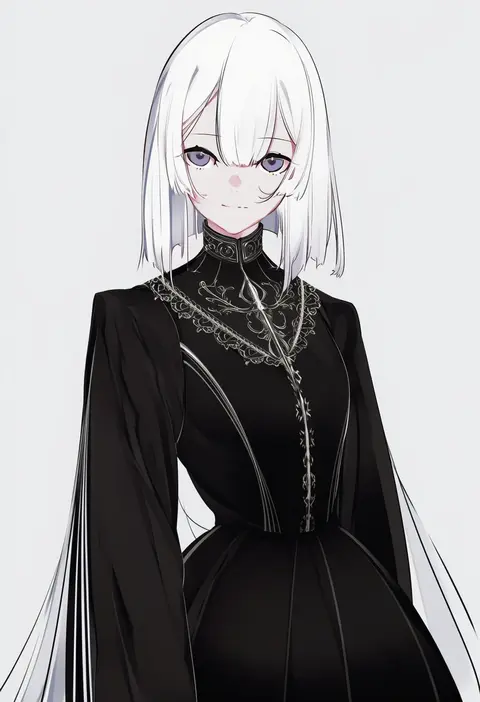
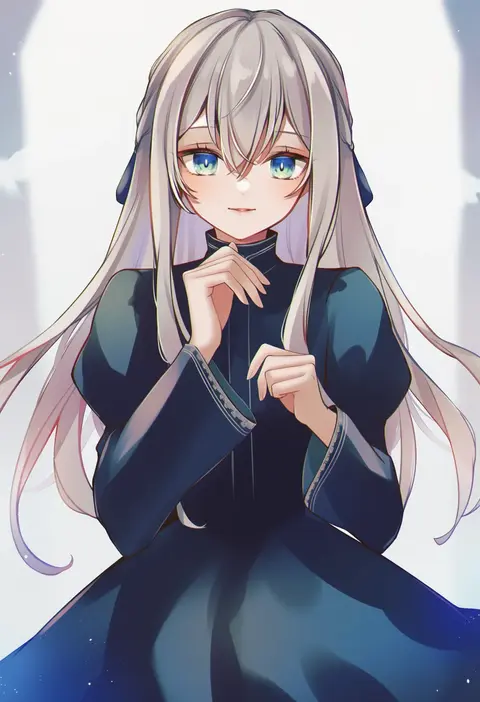
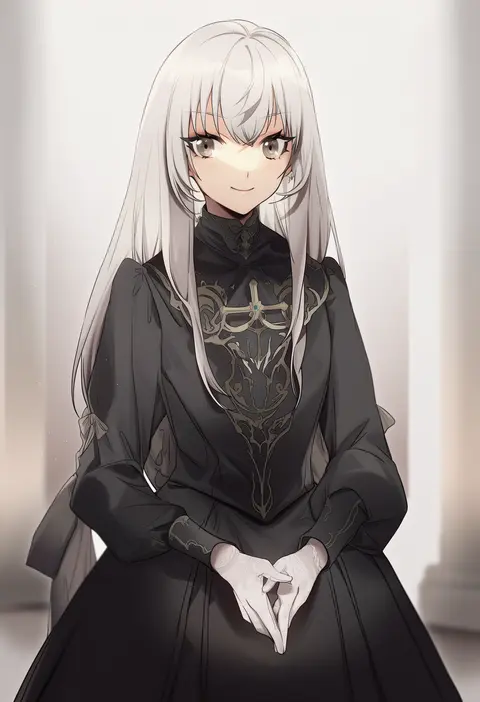
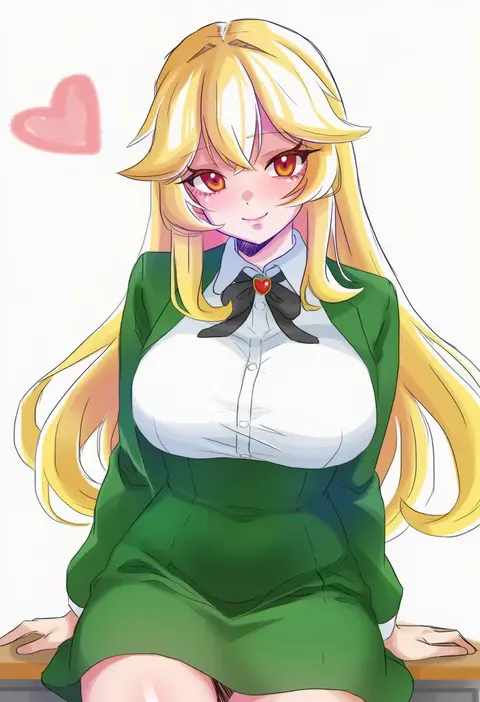
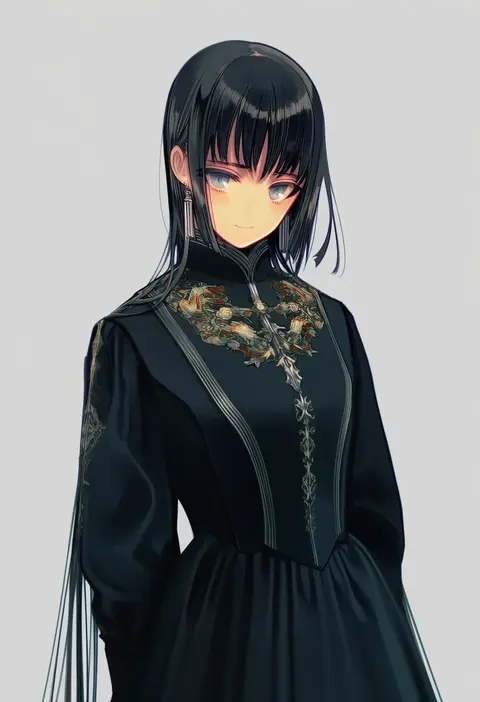
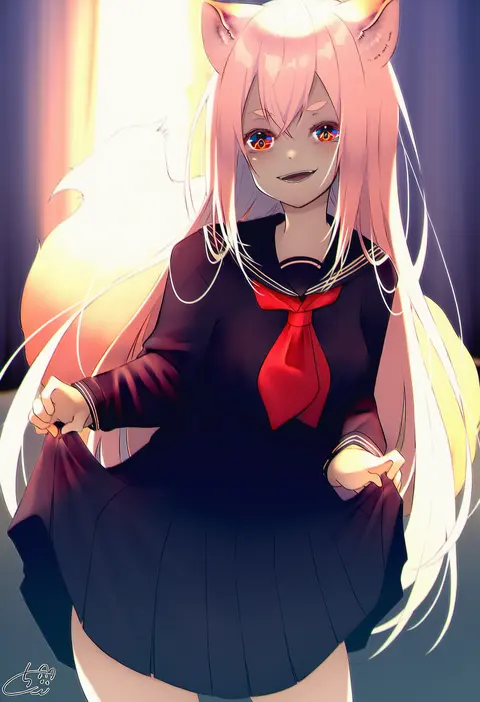
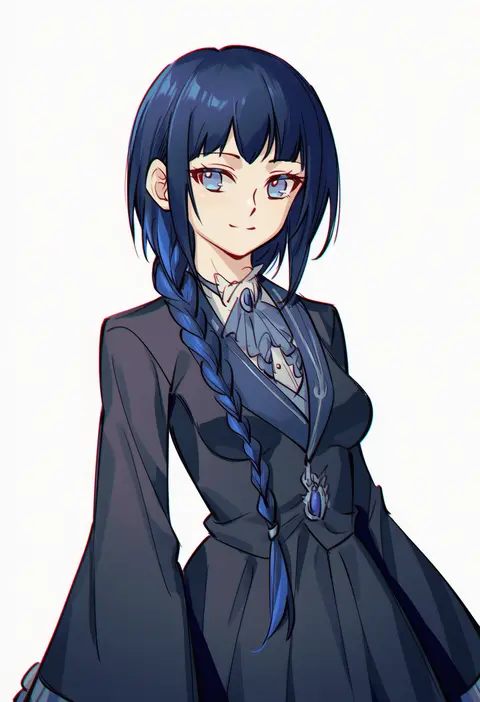
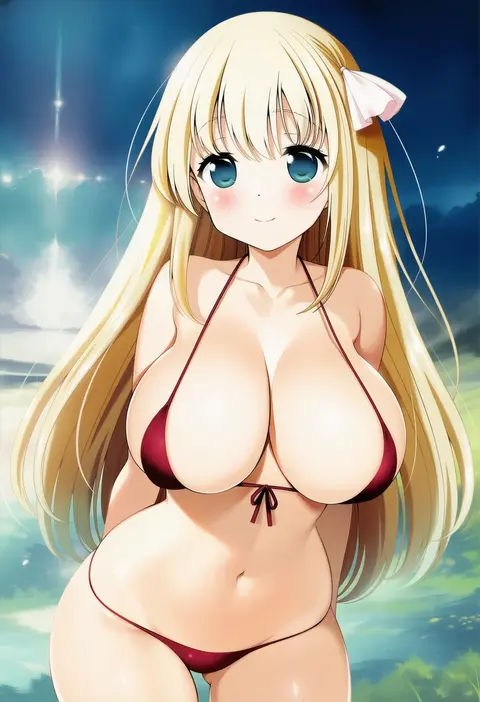
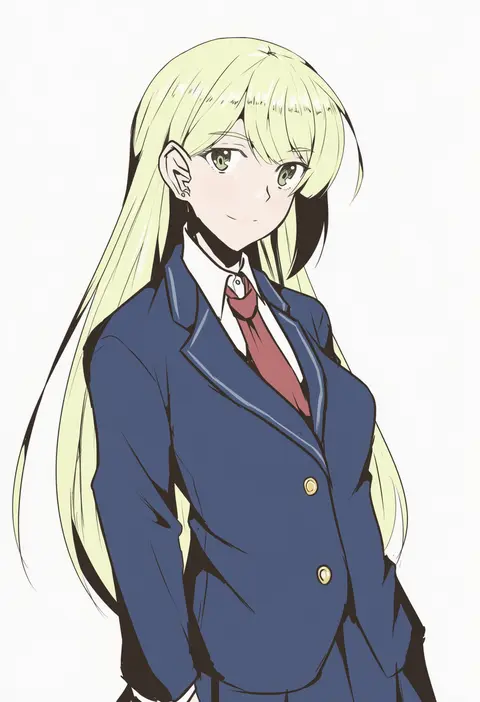
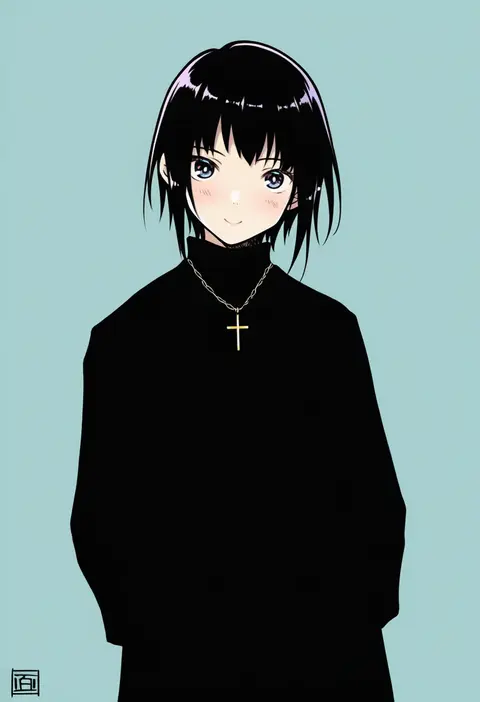
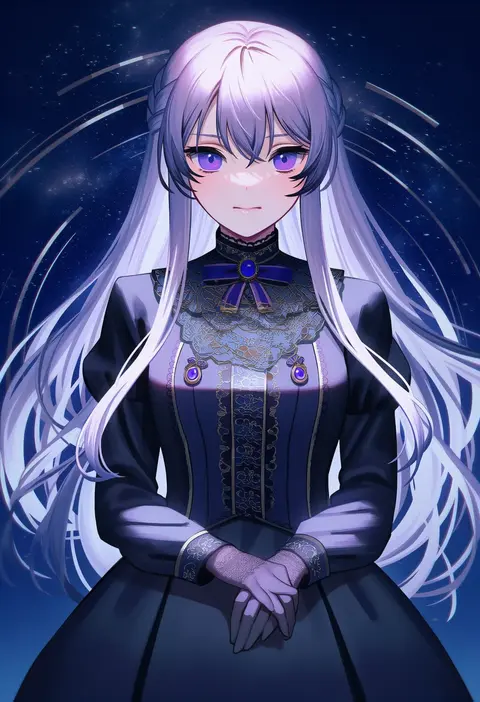
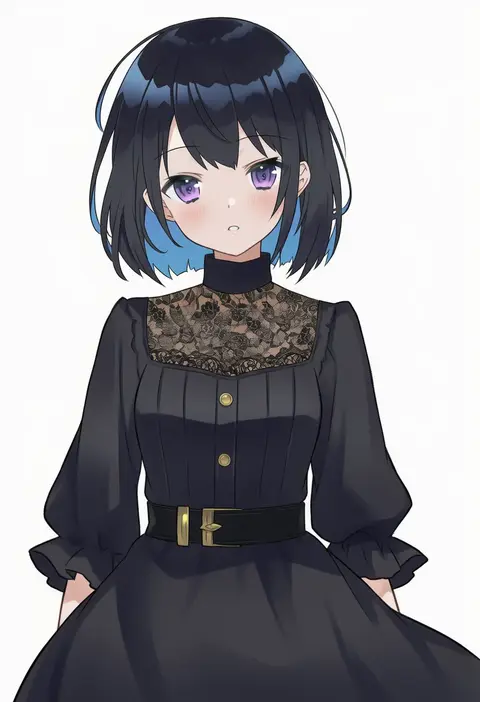
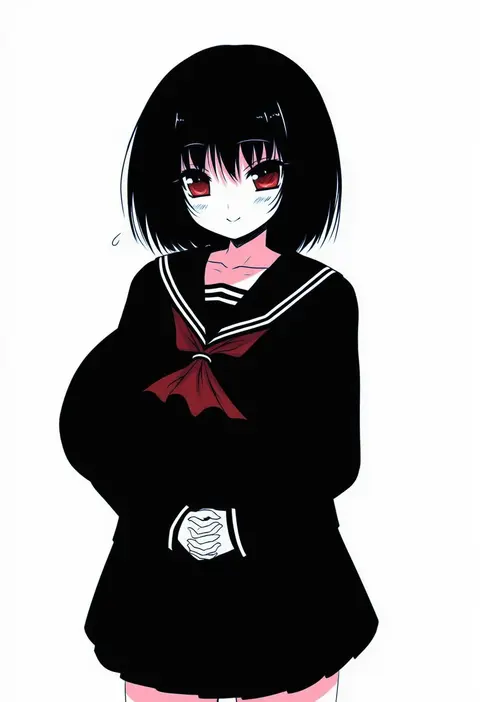
Artist tags tell NovelAI Diffusion to draw in a specific artist's style: line weight, paint texture, face shapes and palette all shift at once. Character and outfit tags decide what is drawn; artist tags decide how. 16,352 tags are listed for V4.5.
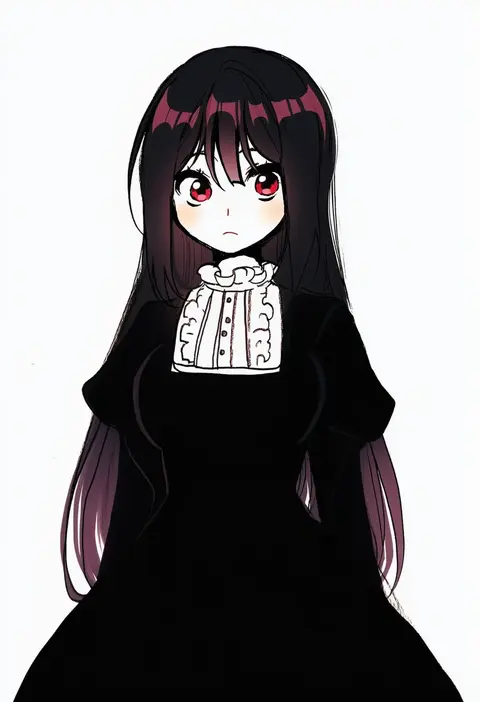
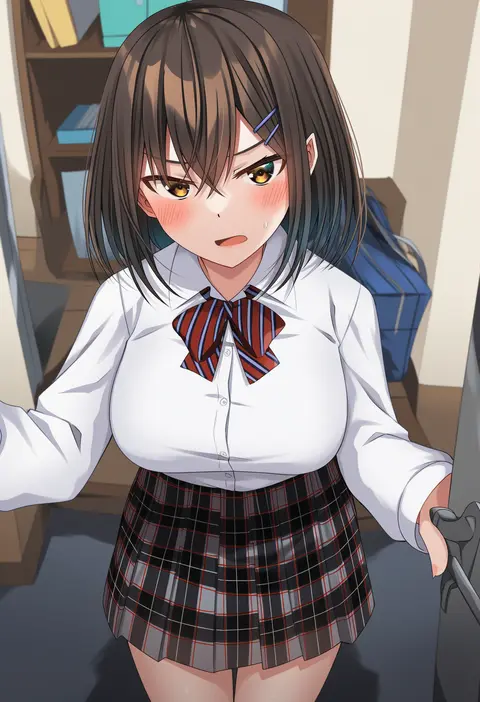
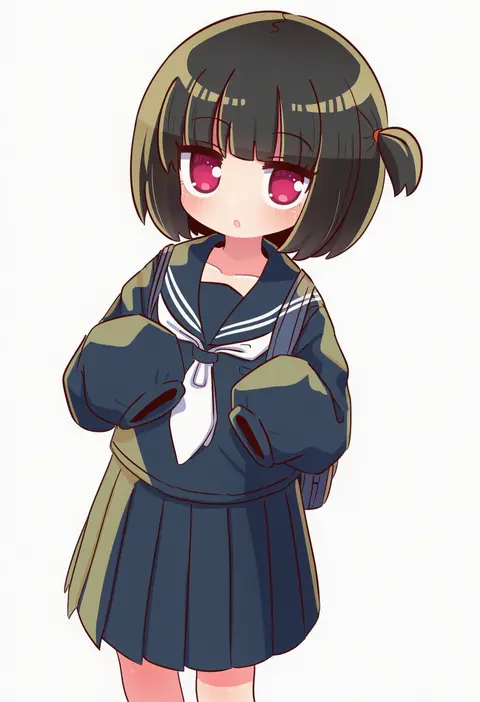
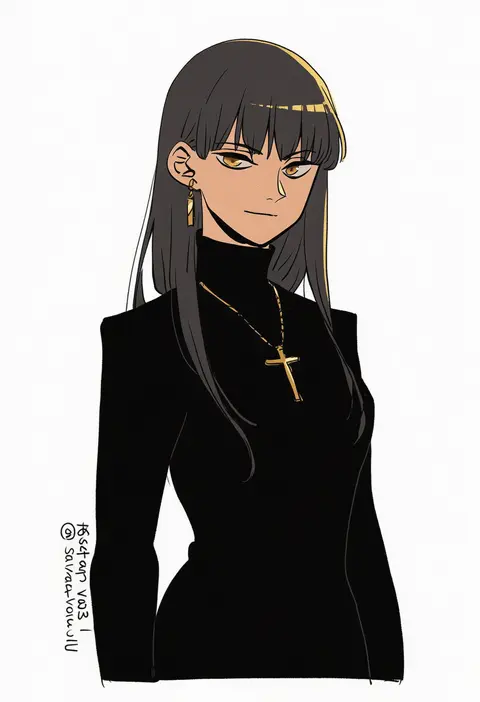
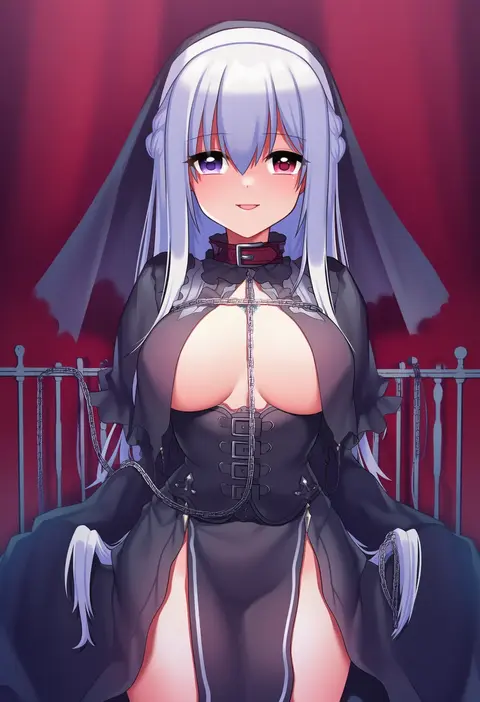
Every tag listed here is verified to react in NovelAI. All images use the same prompt, seed and settings with only the artist tag swapped, so the difference between two images is the style that tag brings in.

How to use them

Put the artist tag near the front of the prompt, e.g. "<artist>, 1girl, solo, best quality, masterpiece, cowboy shot". Two or three artist tags blend styles; lower the weight with "0.8::<artist>::" when the style overpowers the character.

SCORE sorts by Danbooru's top score, POSTS by post count, FAVS by hearts on this site. Open a card to see V5 and V4.5 side by side on the same seed.

V5 vs V4.5

V5 usually lands closer to the artist's real style, and tags that did nothing on V4.5 often react on V5. V4.5 still fits older and doujin-heavy artists better. Try V5 first, fall back to V4.5.

FAQ

Where does the artist tag go?
Near the front of the prompt. Use "0.8::tag::" to adjust its weight.

Can I stack artist tags?
Yes, styles blend. Past two or three the result stops looking like anyone.

Are these the artists' own works?
No. Every image is a NovelAI sample generated from the tag.