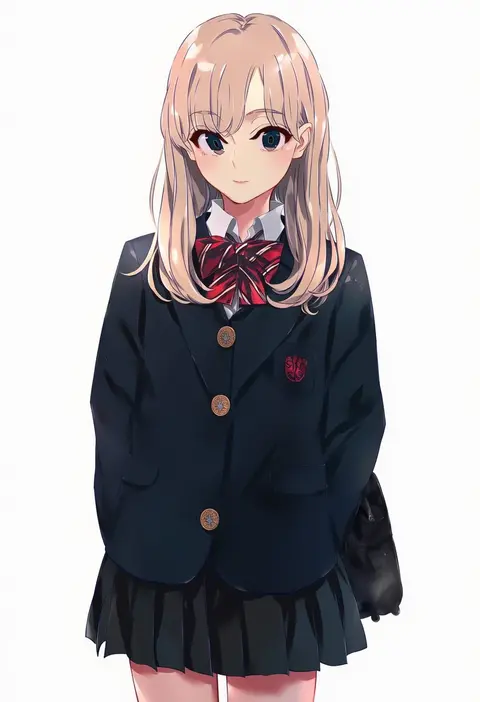
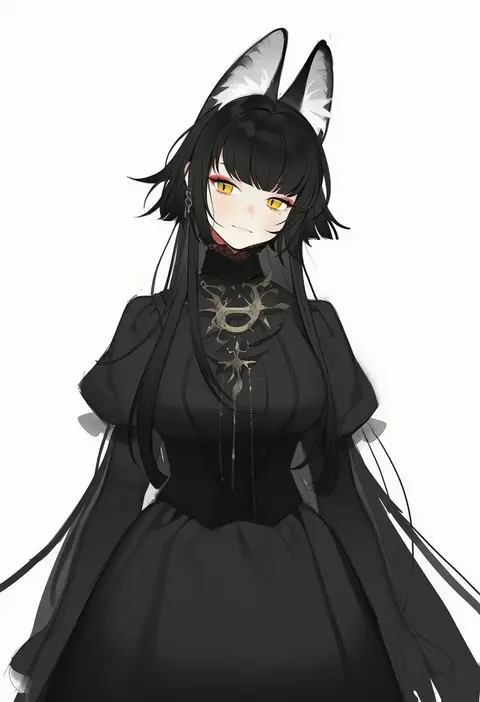
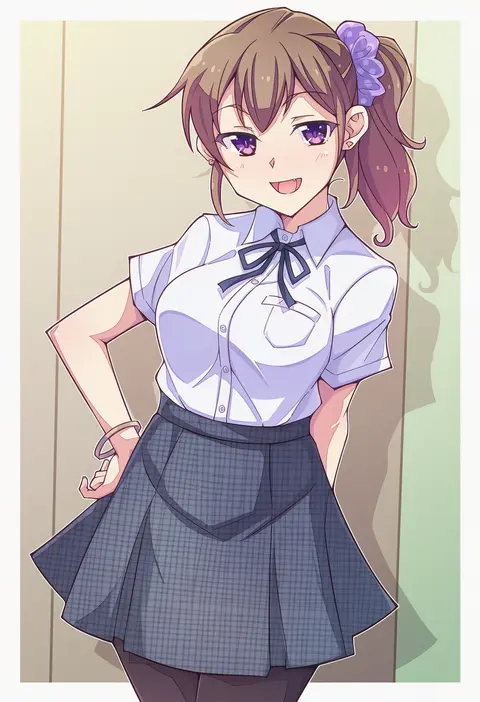
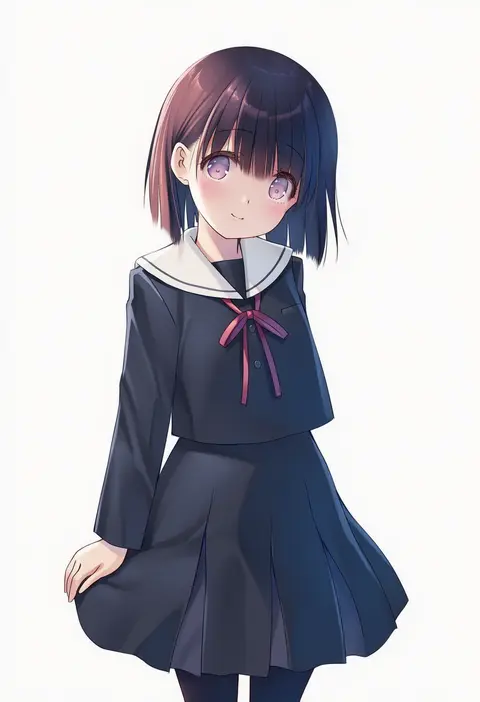
V4.5Artists
sort: FAVS▾
▾
>
$

Popular NovelAI artist tags — V4.5

artist --count 16,352[27/273]
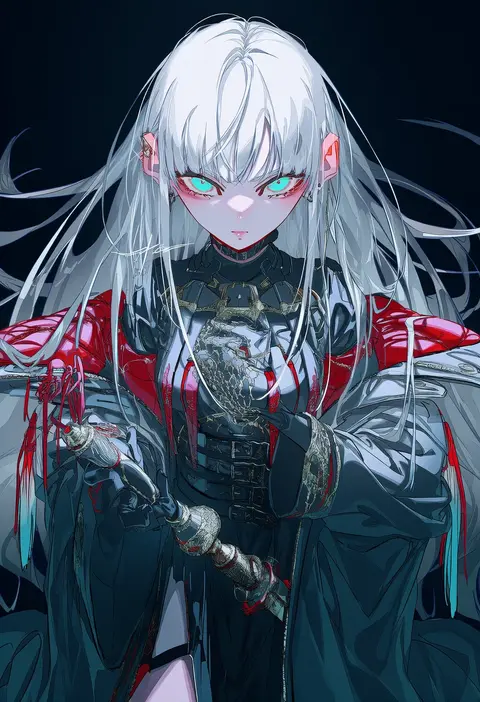
rolua
ARTIST0x0618
1
g yuusuke
ARTIST0x0619
1
bingansuan jiamouren
ARTIST0x061A
1
takanashi ringo
ARTIST0x061B
1
yokoyari mengo
ARTIST0x061C
1
nullken
ARTIST0x061D
1
anbj
ARTIST0x061E
1
tonda
ARTIST0x061F
1
misumi (macaroni)
ARTIST0x0620
1
neko majin
ARTIST0x0621
1
narumi arata
ARTIST0x0622
1
pan (mimi)
ARTIST0x0623
1
yoru nai
ARTIST0x0624
1
shigaraki (strobe blue)
ARTIST0x0625
1
narumi nanami
ARTIST0x0626
1
kirisita
ARTIST0x0627
1
hemogurobin a1c
ARTIST0x0628
1
ponkan 8
ARTIST0x0629
1
bahao diqiu
ARTIST0x062A
1
e20
ARTIST0x062B
1
na-ga
ARTIST0x062C
1
hanamiya natsuka
ARTIST0x062D
1
kobayashi yoshitaka
ARTIST0x062E
1
ferdy's lab
ARTIST0x062F
1
zounose
ARTIST0x0630
1
akkijin
ARTIST0x0631
1
dolldolldd
ARTIST0x0632
1
yuugen
ARTIST0x0633
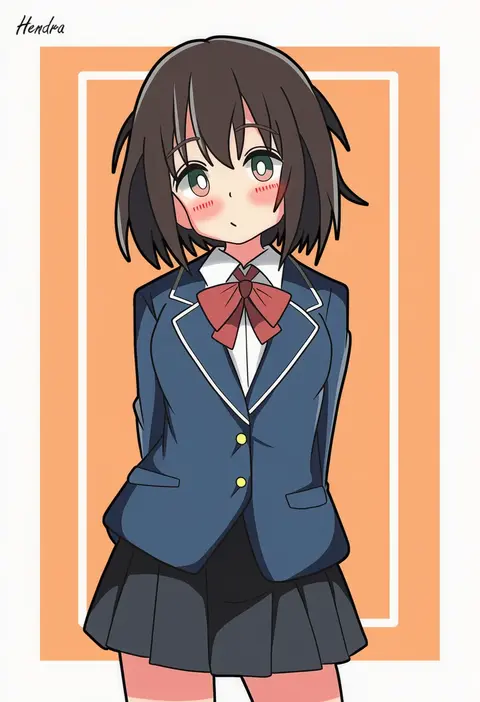
1
hendra
ARTIST0x0634
1
bou (inubou)
ARTIST0x0635
1
uso (ameuzaki)
ARTIST0x0636
1
shirase (shirose)
ARTIST0x0637
1
matsuda hikari
ARTIST0x0638
1
kona ming
ARTIST0x0639
1
nishiki areku
ARTIST0x063A
1
flask (pandora)
ARTIST0x063B
1
boushi-ya
ARTIST0x063C
1
ukami
ARTIST0x063D
1
chonkyorca
ARTIST0x063E
1
penguin maru (penginmaru)
ARTIST0x063F
1
shitacemayo
ARTIST0x0640
1
91007
ARTIST0x0641
1
krudears
ARTIST0x0642
1
matsumiya kiseri
ARTIST0x0643
1
bambi2000line
ARTIST0x0644
1
cato (monocatienus)
ARTIST0x0645
1
horuhara
ARTIST0x0646
1
tetora (oudonoishiize)
ARTIST0x0647
1
shiromochi sakura
ARTIST0x0648
1
6maker
ARTIST0x0649
1
abe (kumayu)
ARTIST0x064A
1
deg (deguana)
ARTIST0x064B
1
horiguchi yukiko
ARTIST0x064C
1
tanihara natsuki
ARTIST0x064D
1
a20 (atsumaru)
ARTIST0x064E
1
nabi (uz02)
ARTIST0x064F
1
yamashichi (mtseven)
ARTIST0x0650
1
montemasa
ARTIST0x0651
1
vihua6
ARTIST0x0652
1
saine
ARTIST0x0653
1

What these tags change

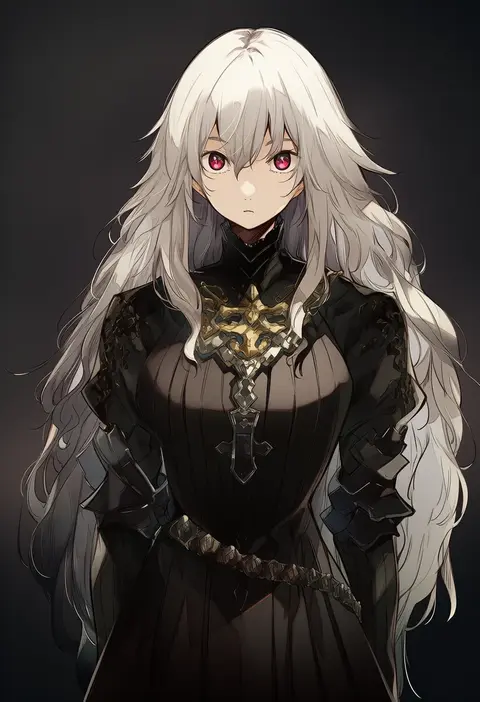
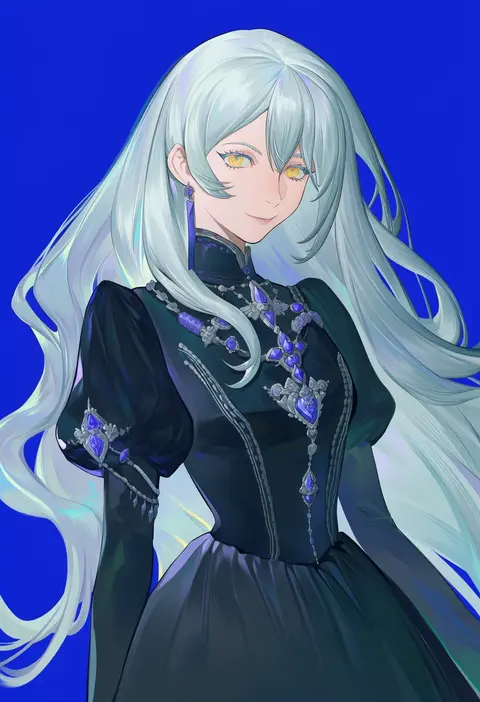
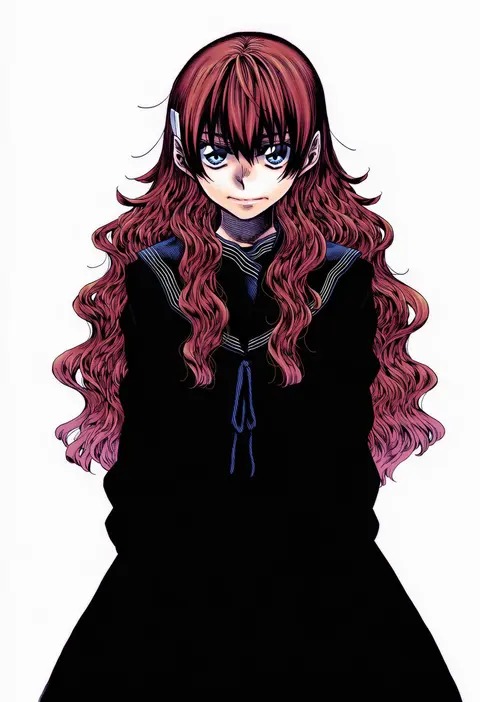
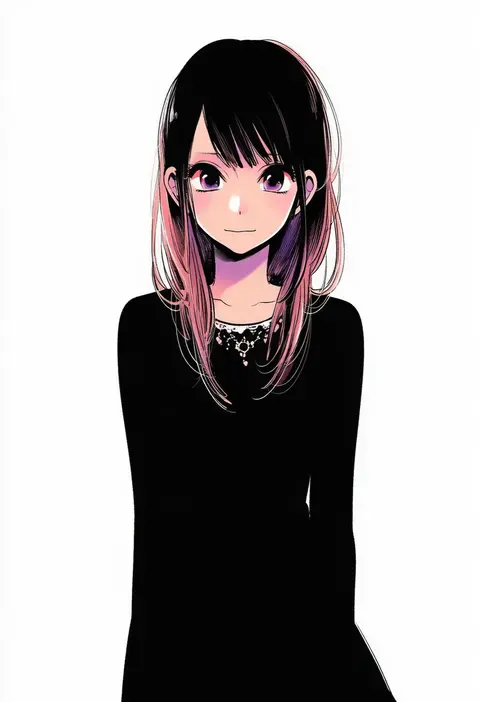
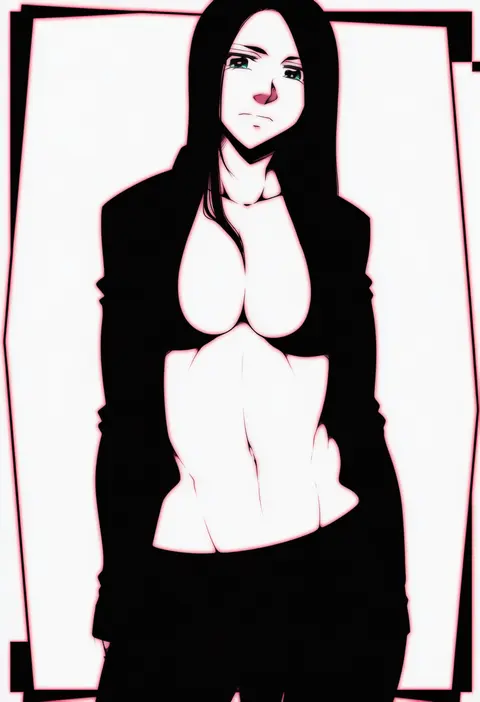
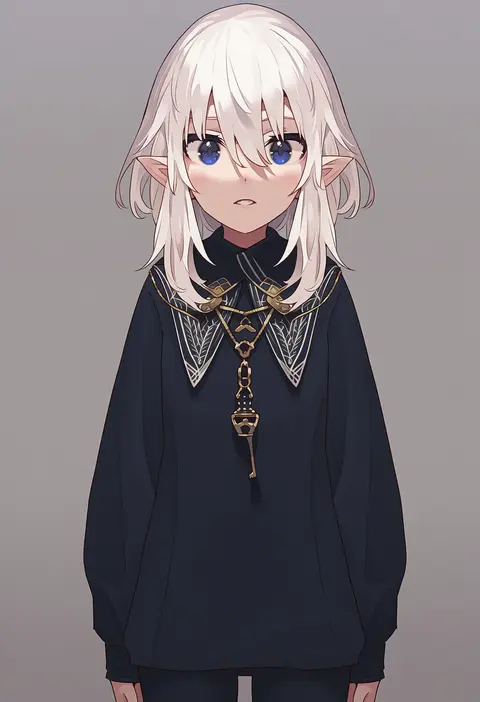
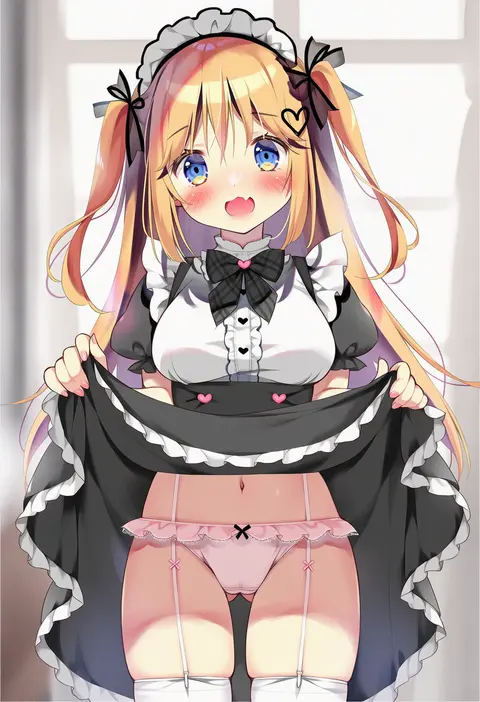
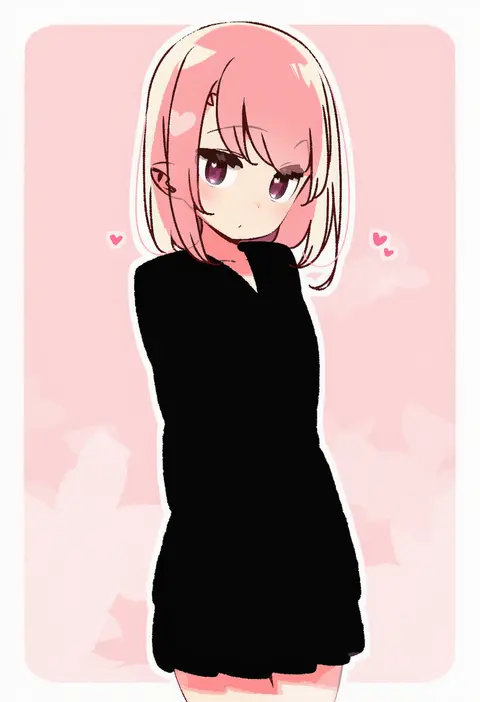
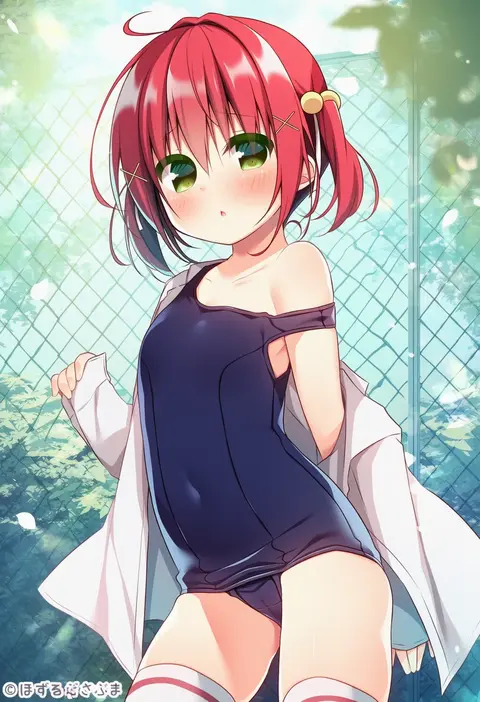
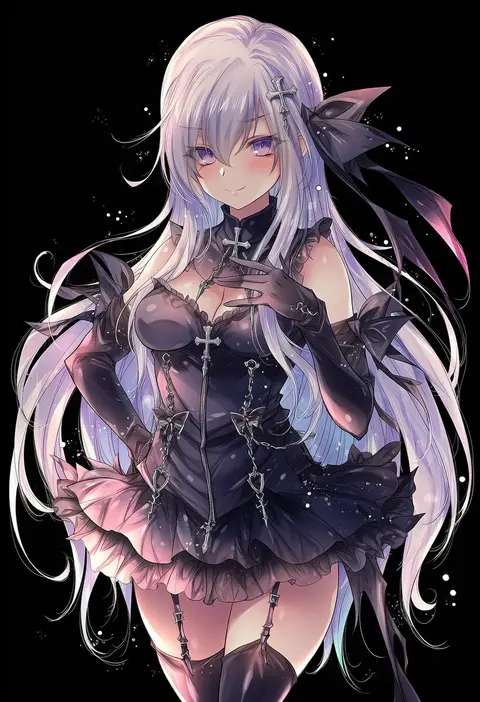
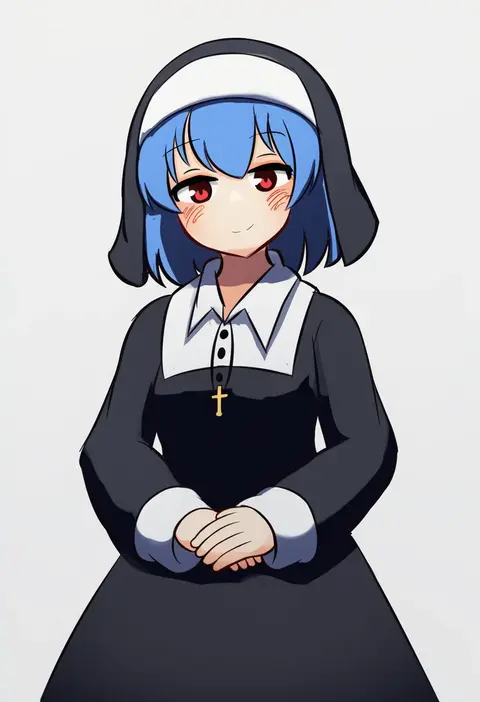
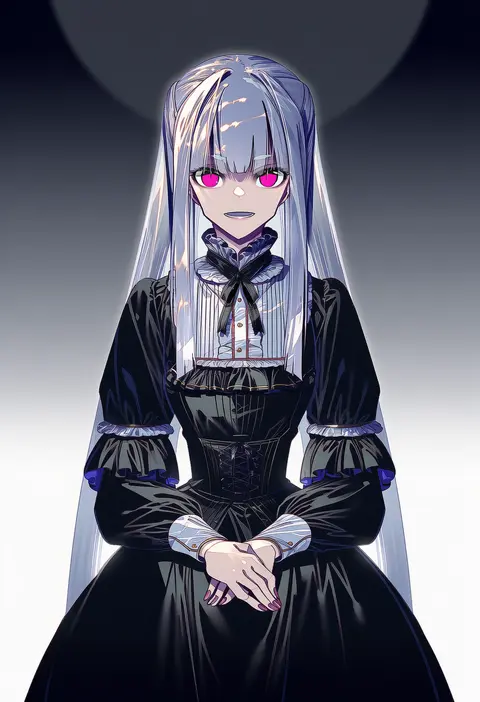
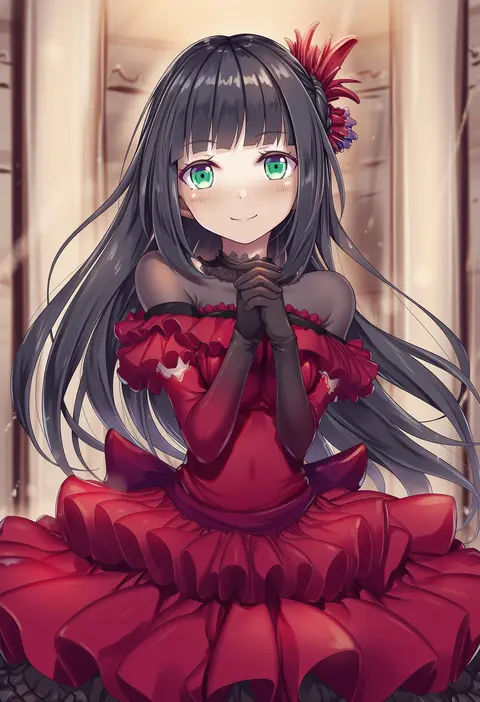
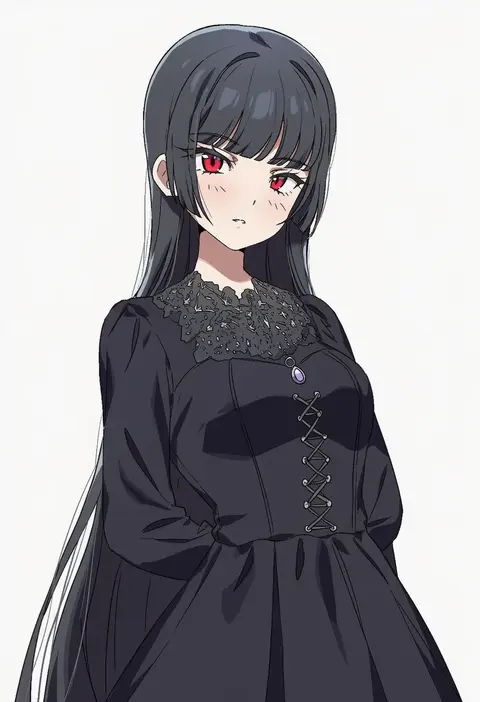
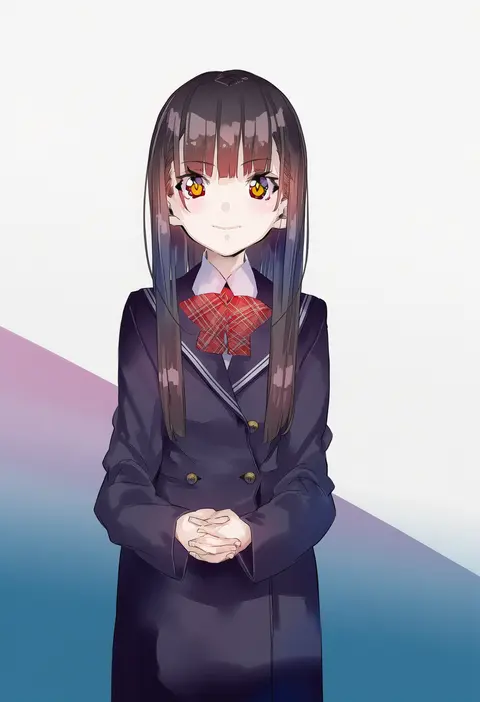
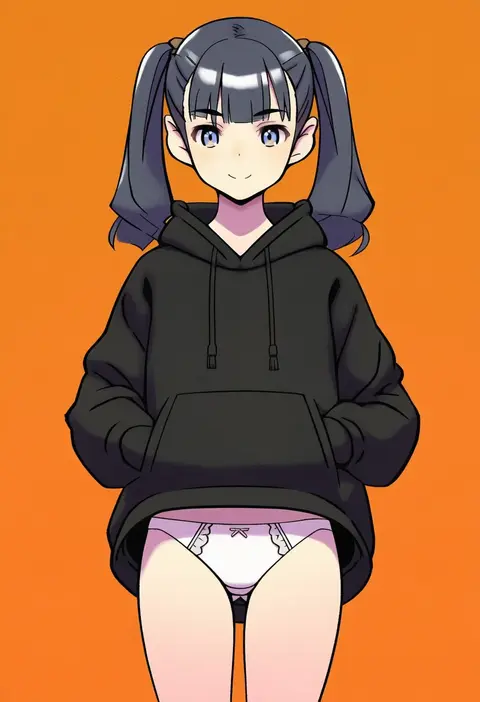
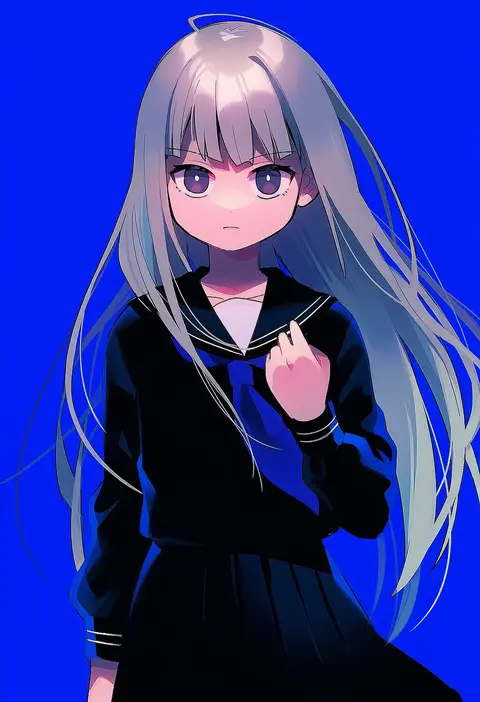
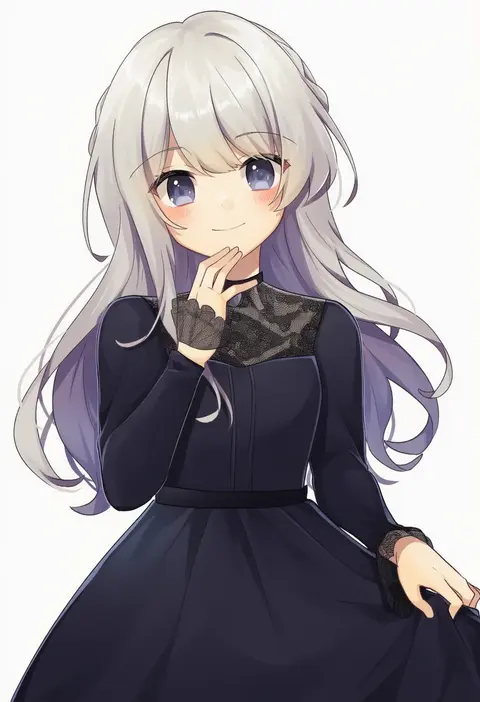
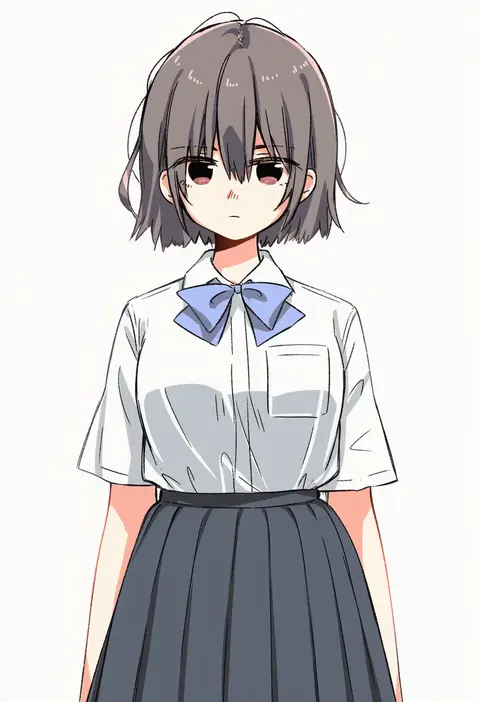
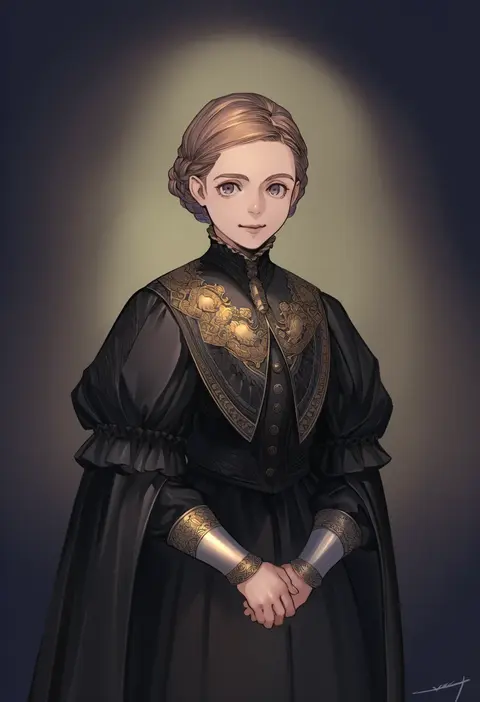
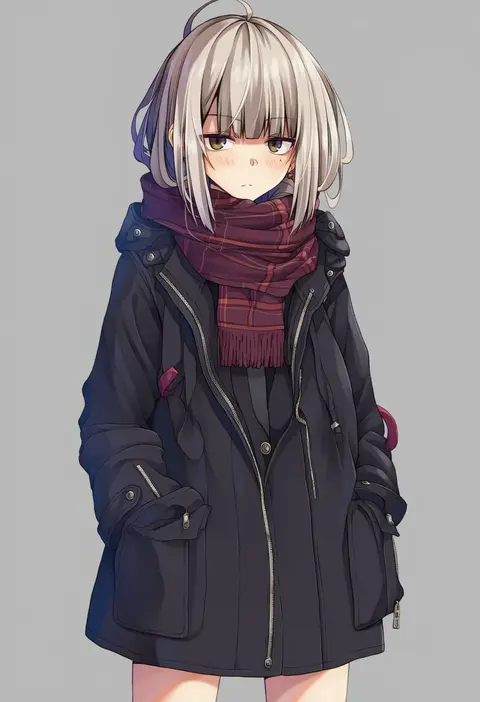
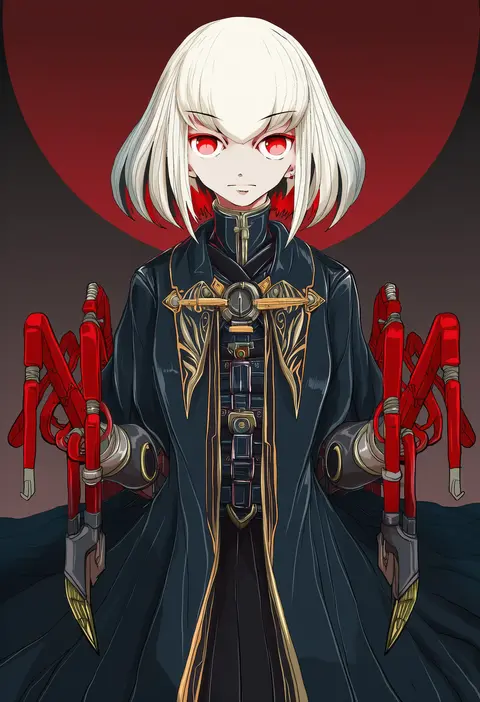
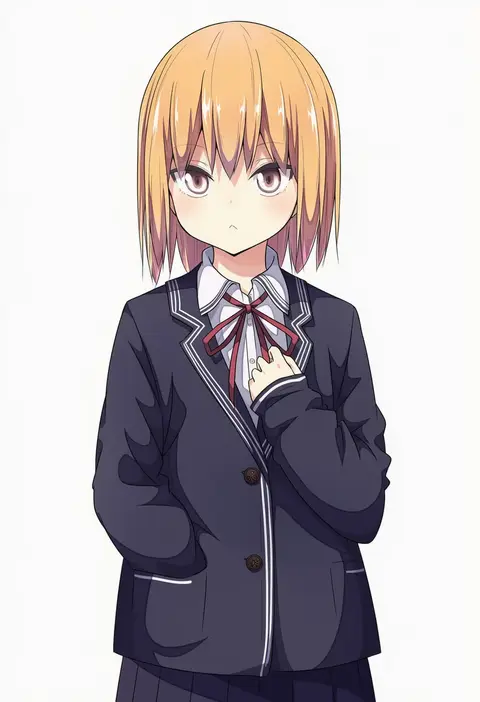
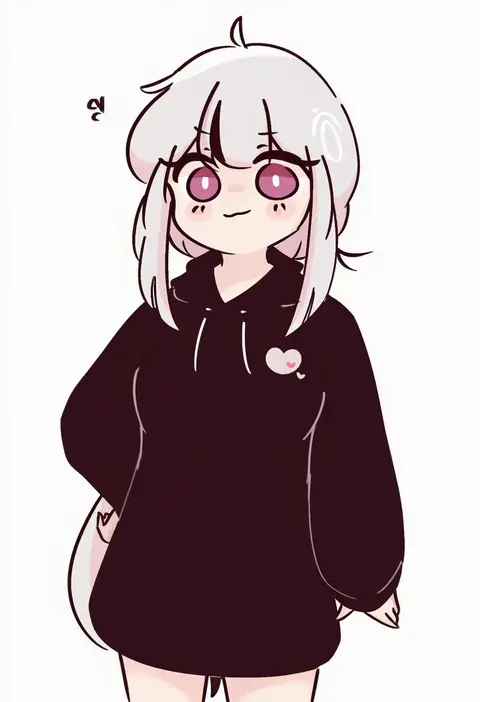
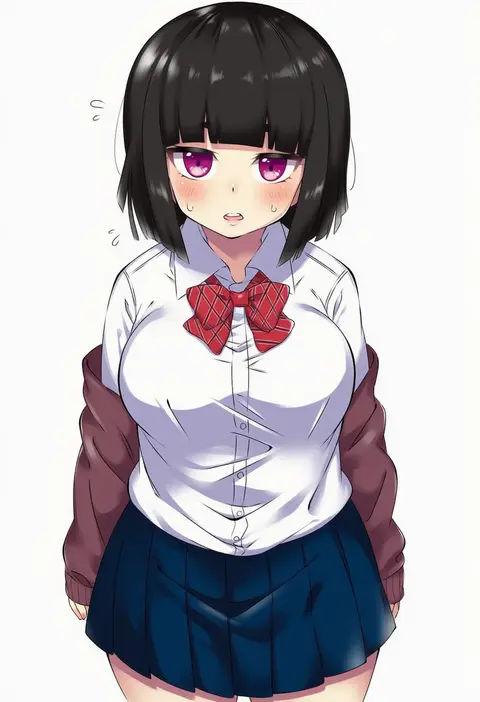
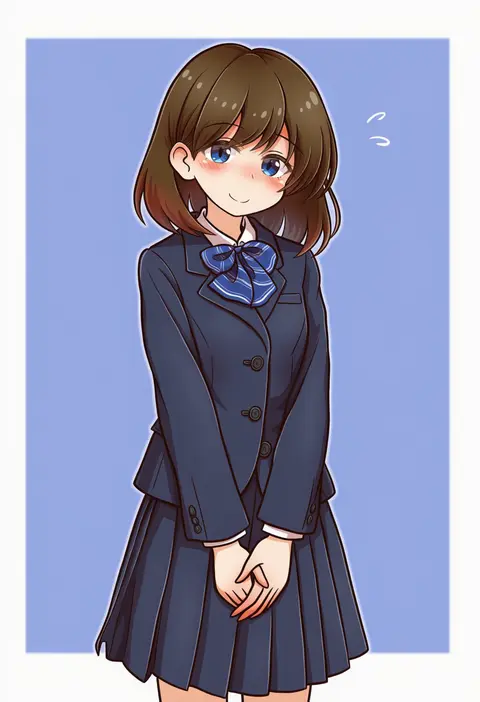
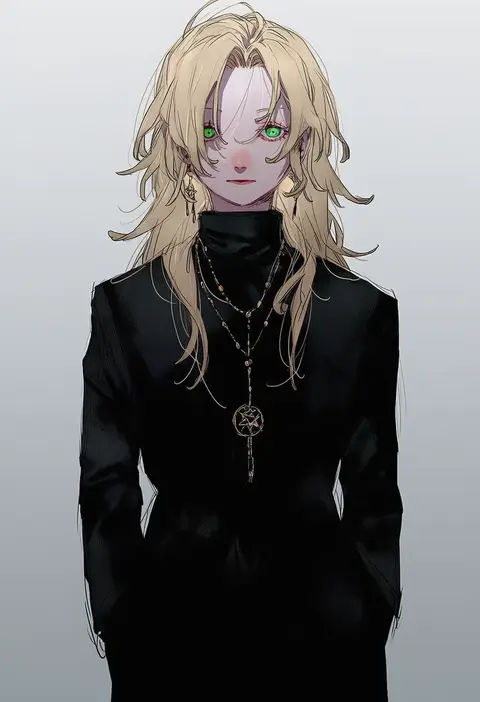
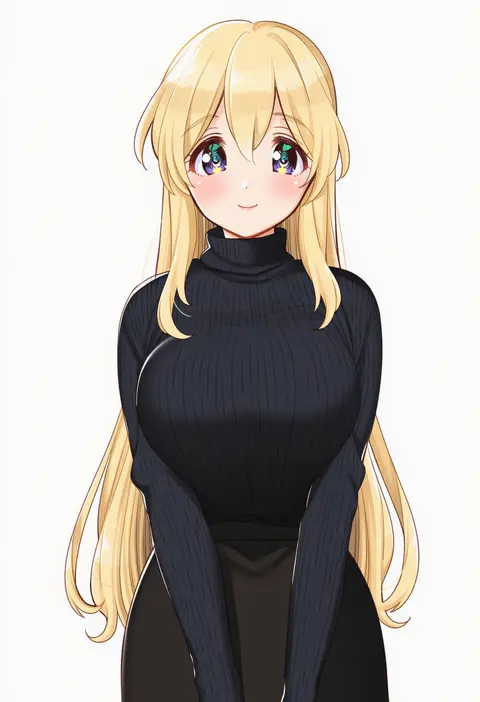
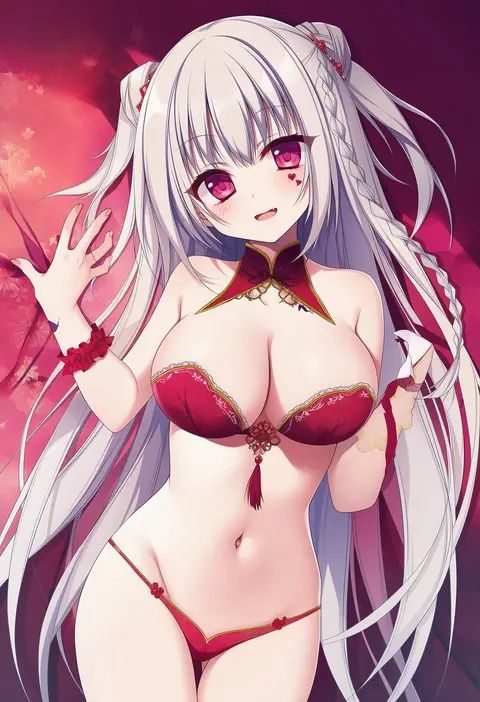
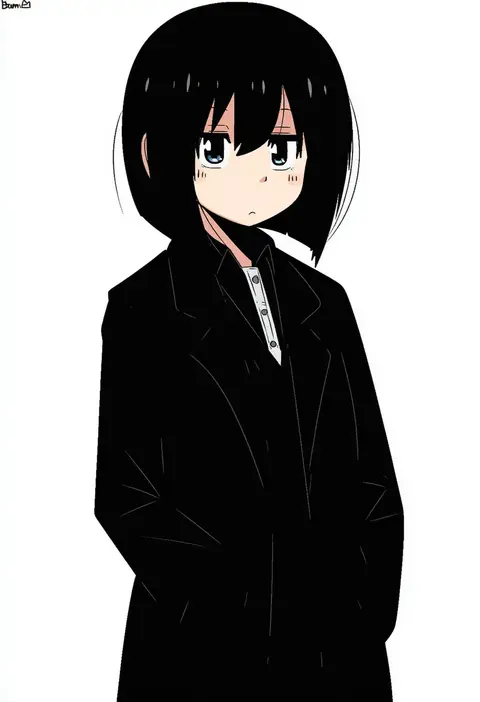
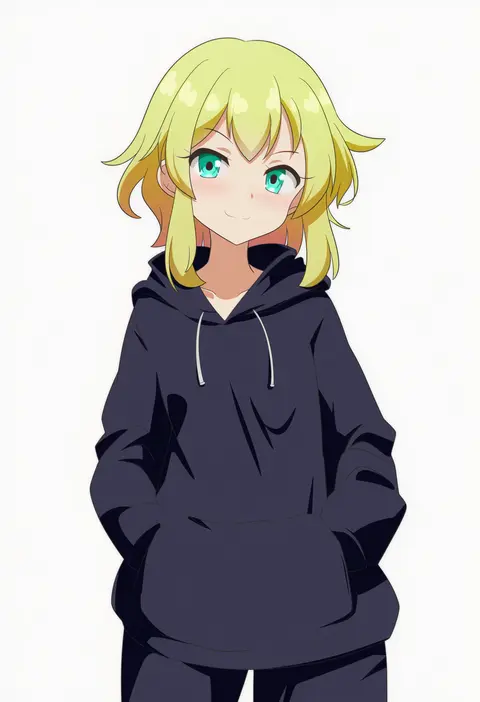
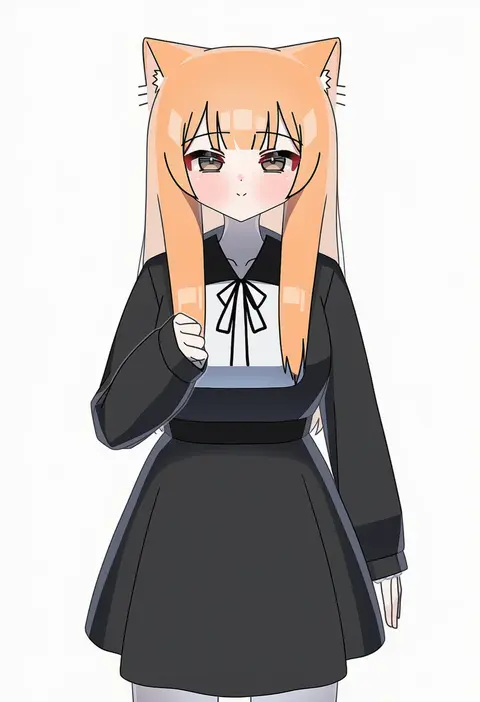
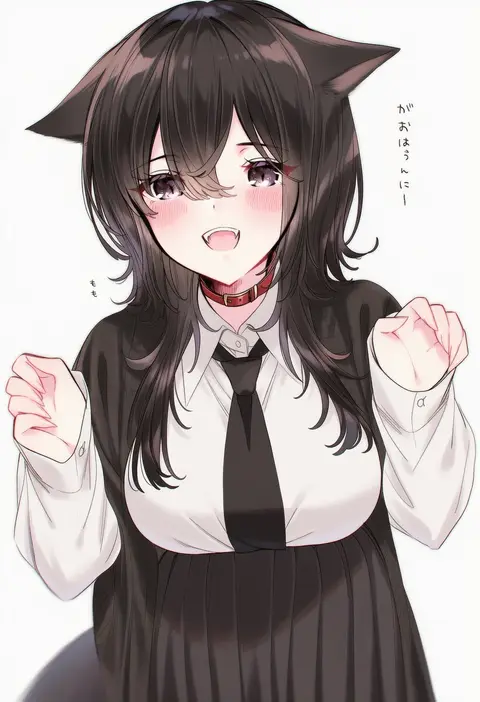
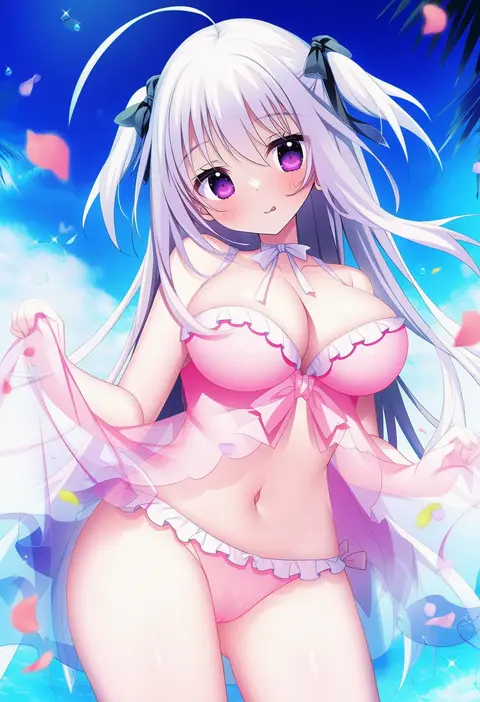
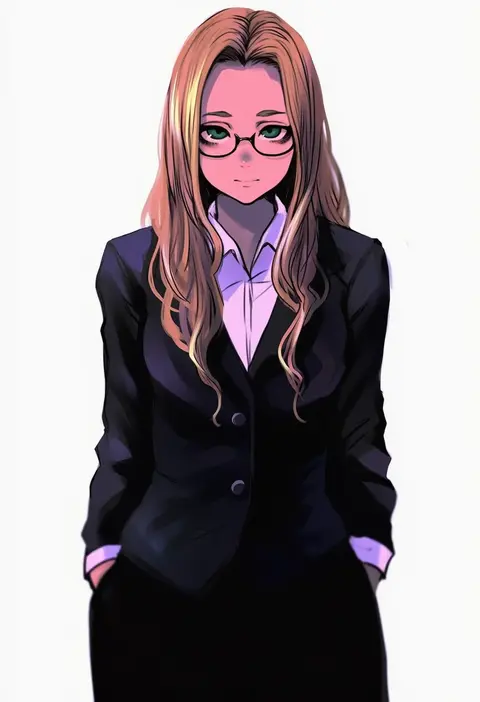
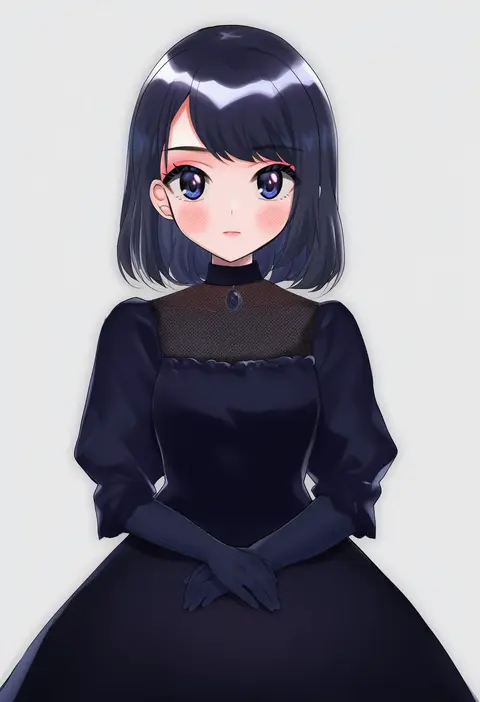
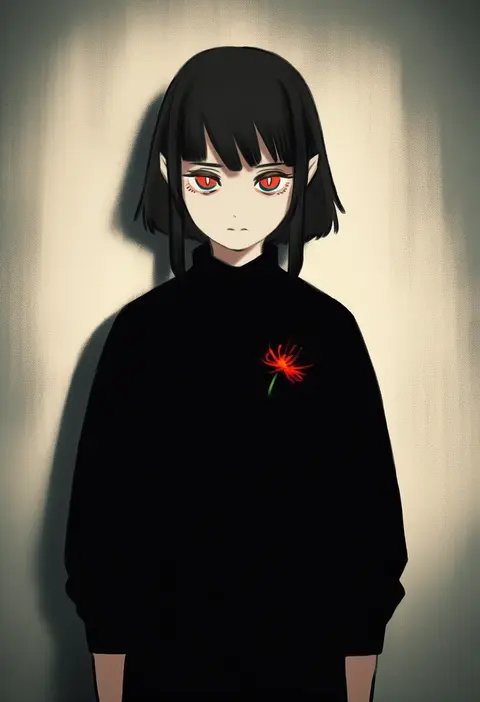
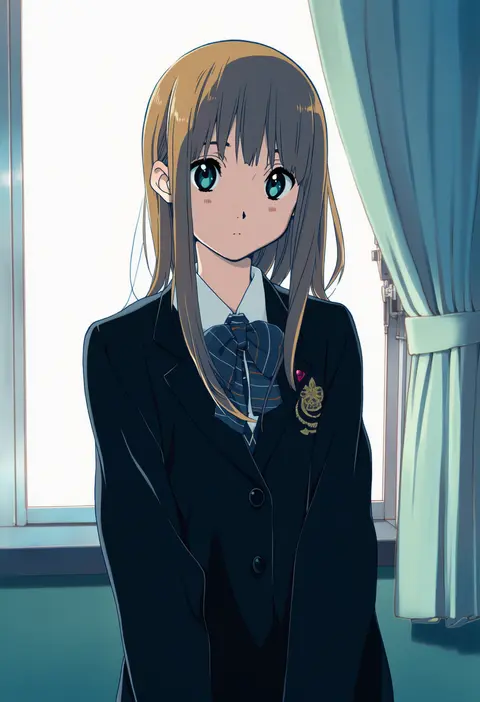
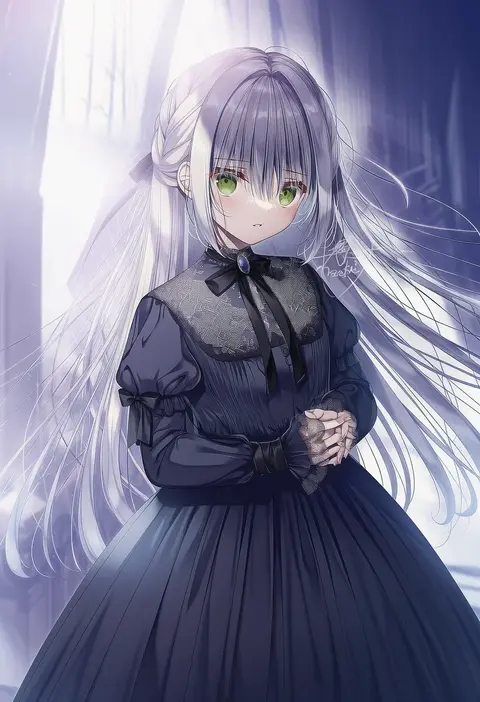
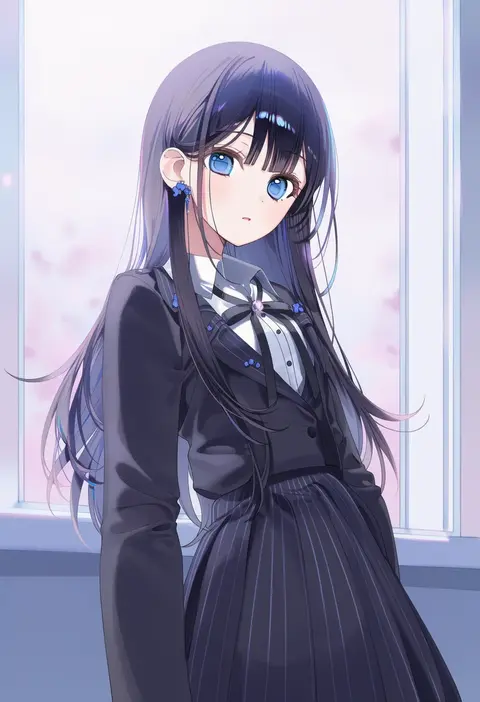
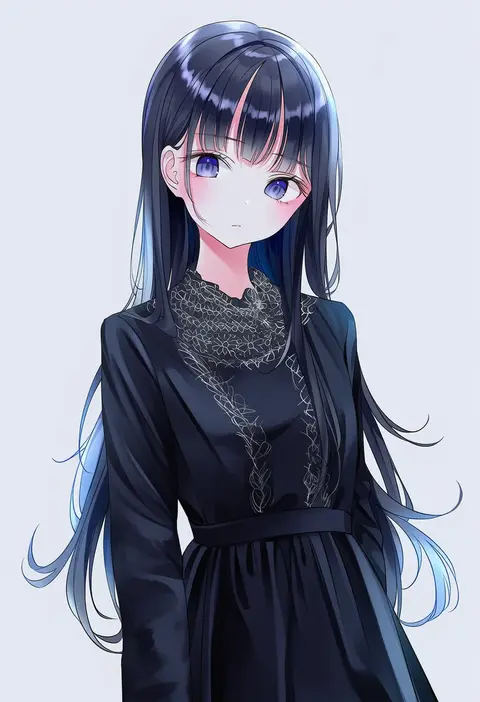
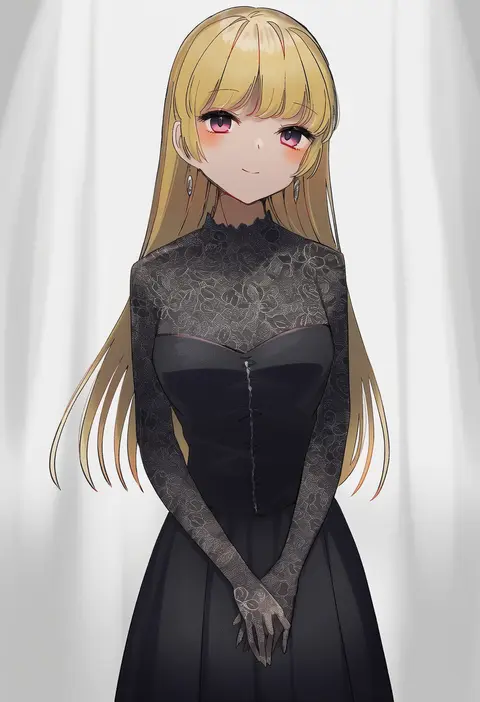
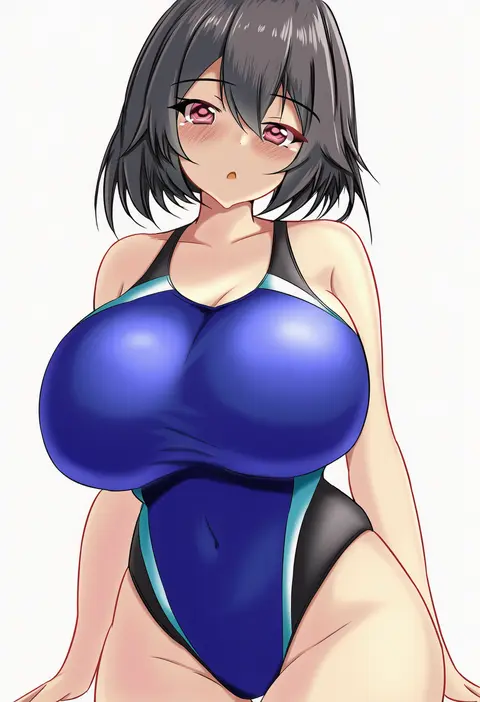
Artist tags tell NovelAI Diffusion to draw in a specific artist's style: line weight, paint texture, face shapes and palette all shift at once. Character and outfit tags decide what is drawn; artist tags decide how. 16,352 tags are listed for V4.5.
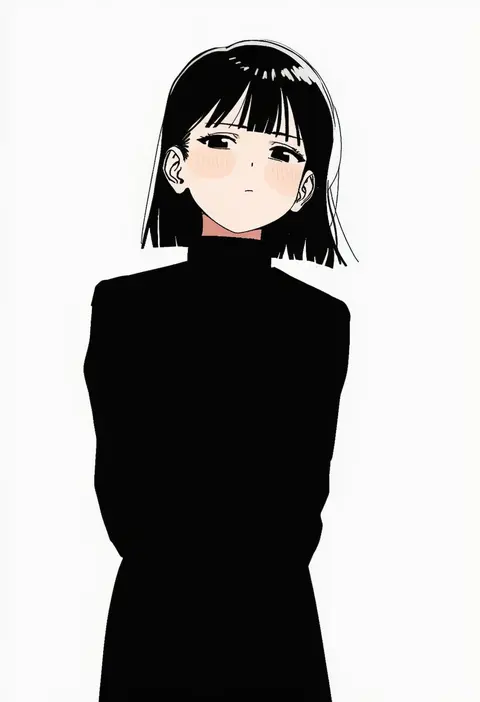
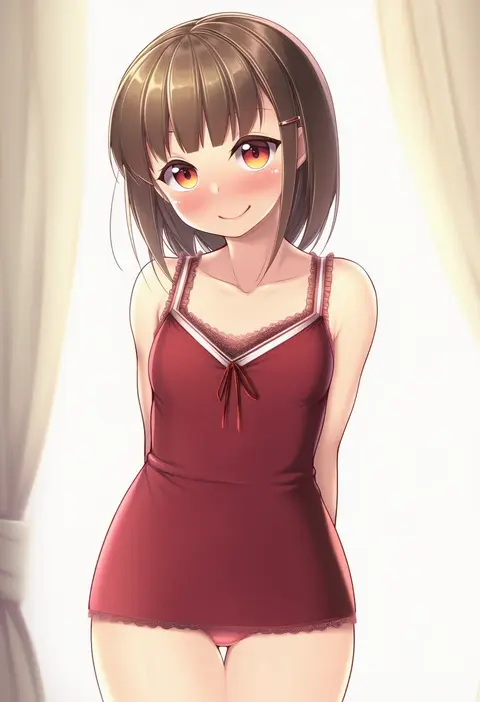
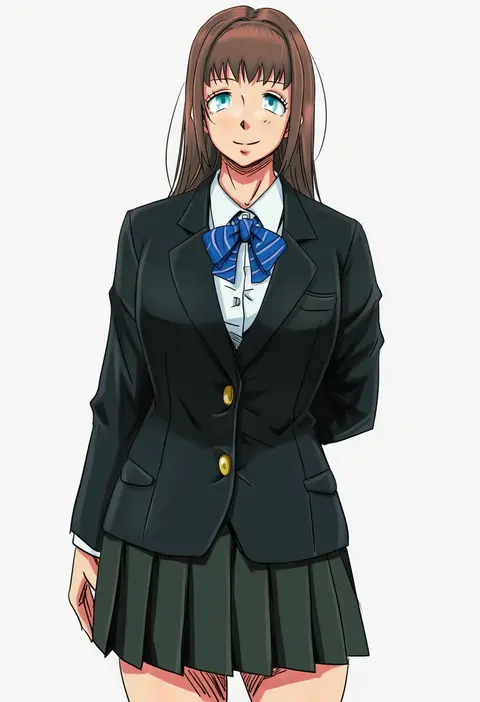
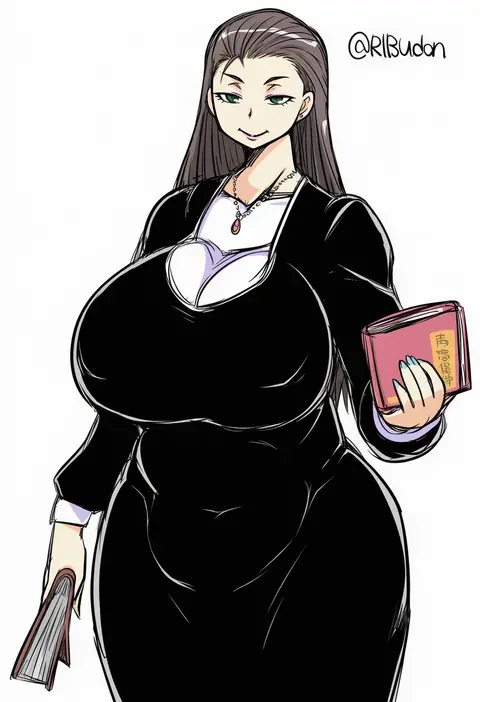
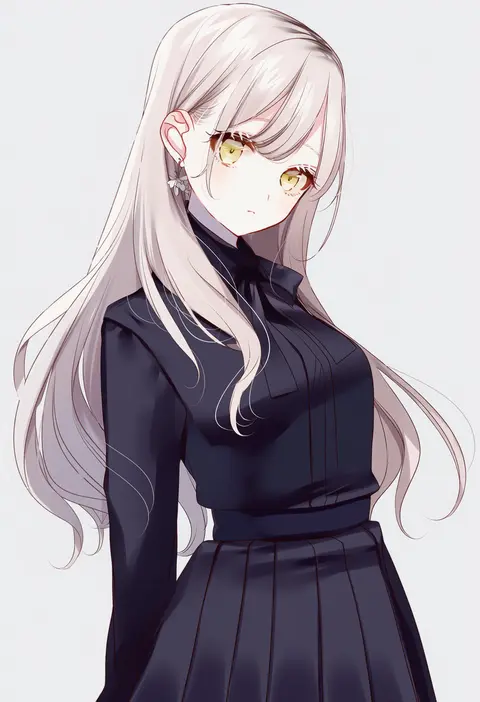
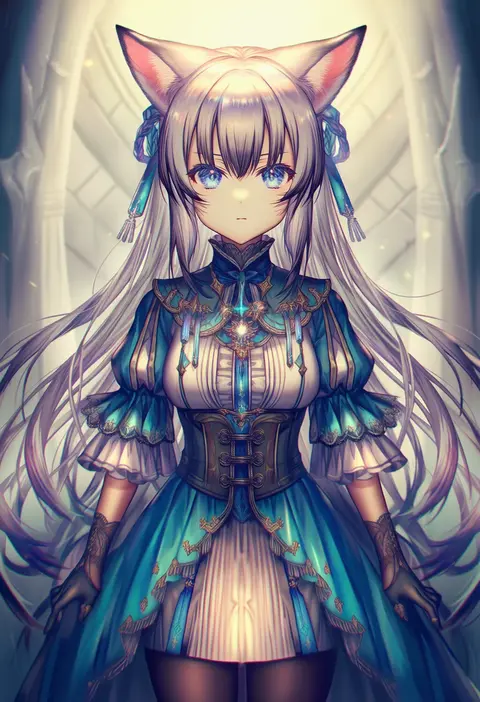
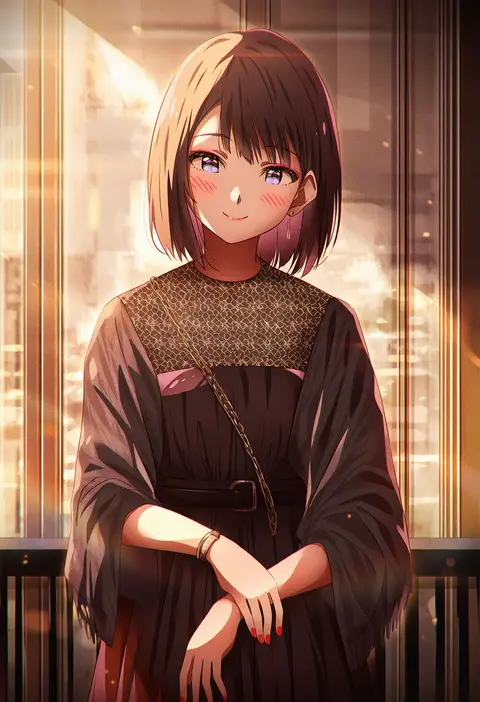
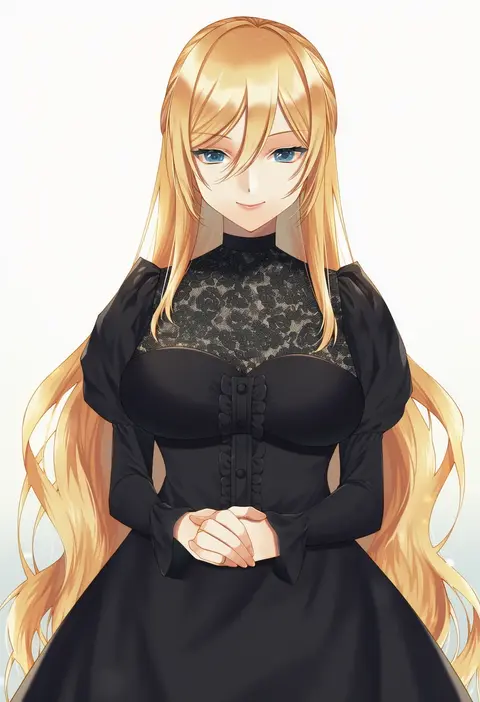
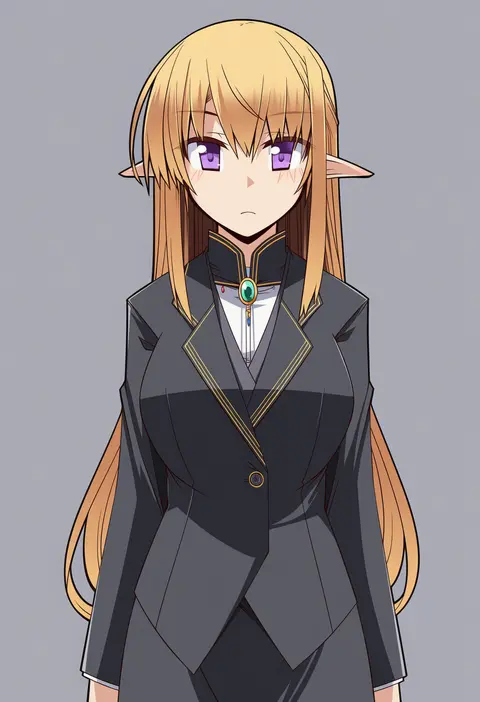
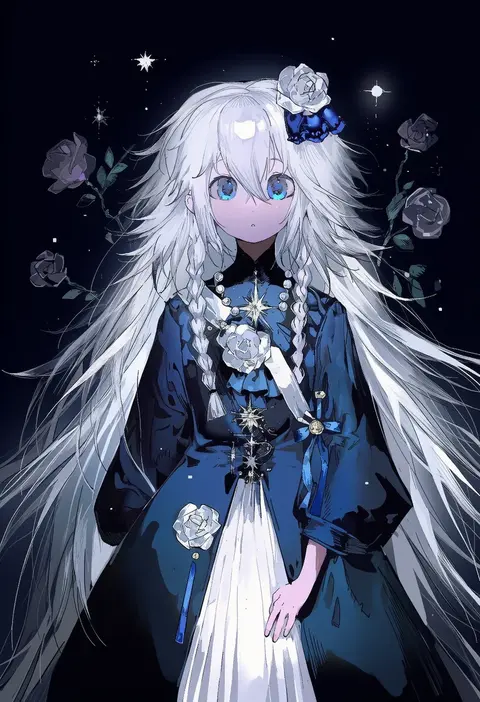
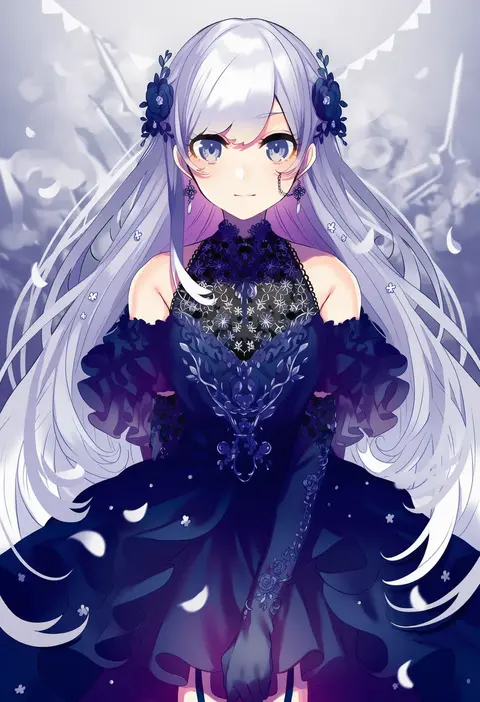
Every tag listed here is verified to react in NovelAI. All images use the same prompt, seed and settings with only the artist tag swapped, so the difference between two images is the style that tag brings in.

How to use them

Put the artist tag near the front of the prompt, e.g. "<artist>, 1girl, solo, best quality, masterpiece, cowboy shot". Two or three artist tags blend styles; lower the weight with "0.8::<artist>::" when the style overpowers the character.

SCORE sorts by Danbooru's top score, POSTS by post count, FAVS by hearts on this site. Open a card to see V5 and V4.5 side by side on the same seed.

V5 vs V4.5

V5 usually lands closer to the artist's real style, and tags that did nothing on V4.5 often react on V5. V4.5 still fits older and doujin-heavy artists better. Try V5 first, fall back to V4.5.

FAQ

Where does the artist tag go?
Near the front of the prompt. Use "0.8::tag::" to adjust its weight.

Can I stack artist tags?
Yes, styles blend. Past two or three the result stops looking like anyone.

Are these the artists' own works?
No. Every image is a NovelAI sample generated from the tag.