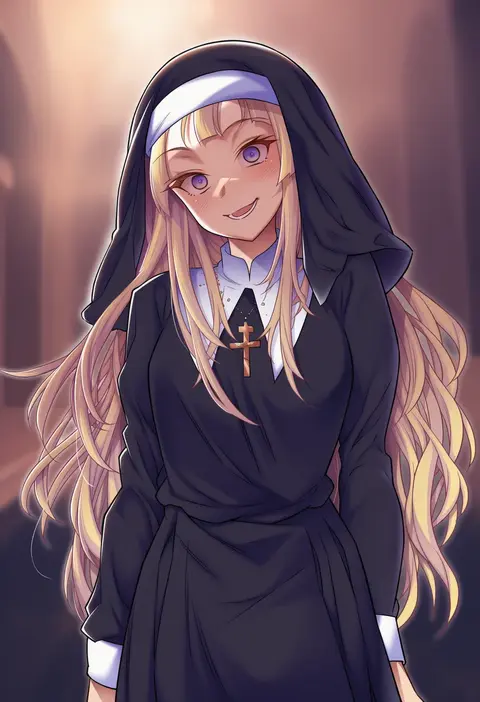
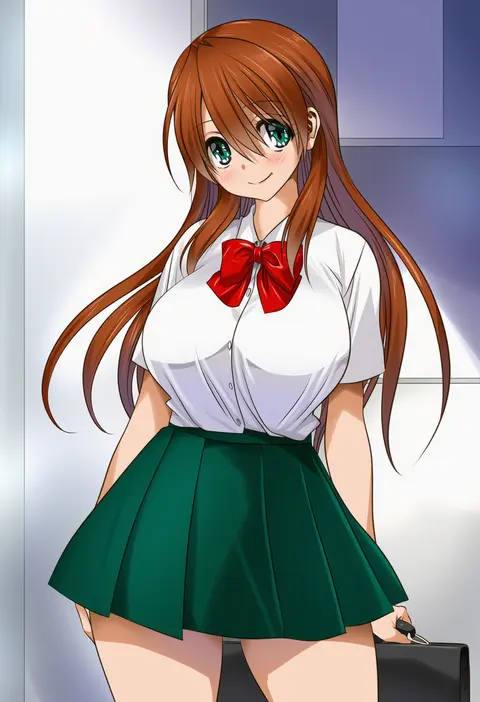
V4.5Artists
sort: FAVS▾
▾
>
$

Popular NovelAI artist tags — V4.5

artist --count 16,352[61/273]
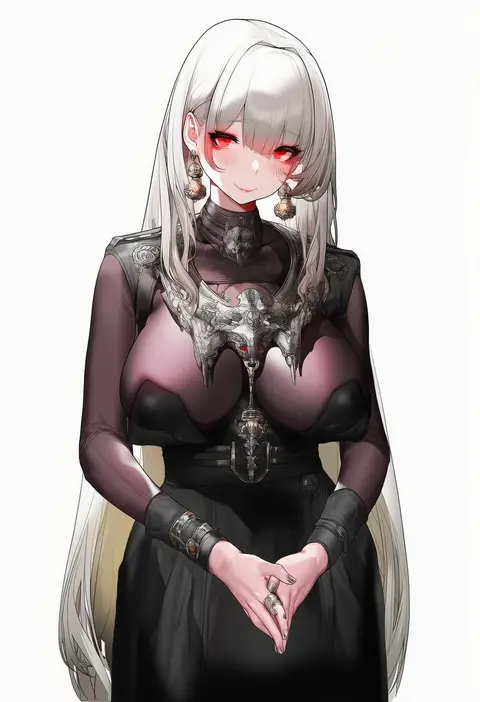
xiaoluo xl
ARTIST0x0E10
0
emu 1316
ARTIST0x0E11
0
jenshenya
ARTIST0x0E12
0
kikumaru bunta
ARTIST0x0E13
0
sankuro (agoitei)
ARTIST0x0E14
0
ura (hamburg oniku)
ARTIST0x0E15
0
kenron toqueen
ARTIST0x0E16
0
yuriwhale
ARTIST0x0E17
0
terebi (shimizu1996)
ARTIST0x0E18
0
icecake
ARTIST0x0E19
0
airenif
ARTIST0x0E1A
0
nagehazushi
ARTIST0x0E1B
0
cero rains
ARTIST0x0E1C
0
matrix16
ARTIST0x0E1D
0
oopartz yang
ARTIST0x0E1E
0
hara kenshi
ARTIST0x0E1F
0
maanu
ARTIST0x0E20
0
s10021
ARTIST0x0E21
0
ocza
ARTIST0x0E22
0
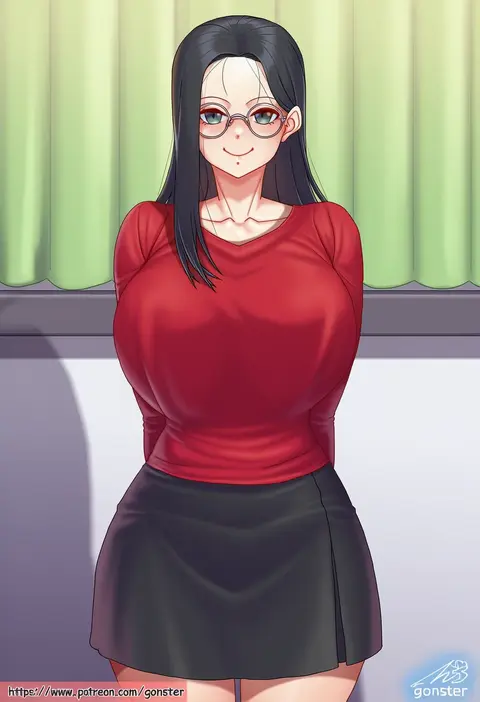
gonster
ARTIST0x0E23
0
komatsu (sakanae)
ARTIST0x0E24
0
kili kilio
ARTIST0x0E25
0
ruriri
ARTIST0x0E26
0
limeblock
ARTIST0x0E27
0
sattinittas
ARTIST0x0E28
0
ormille
ARTIST0x0E29
0
binsen
ARTIST0x0E2A
0
sekai saisoku no panda
ARTIST0x0E2B
0
yukishiro arte
ARTIST0x0E2C
0
serin199
ARTIST0x0E2D
0
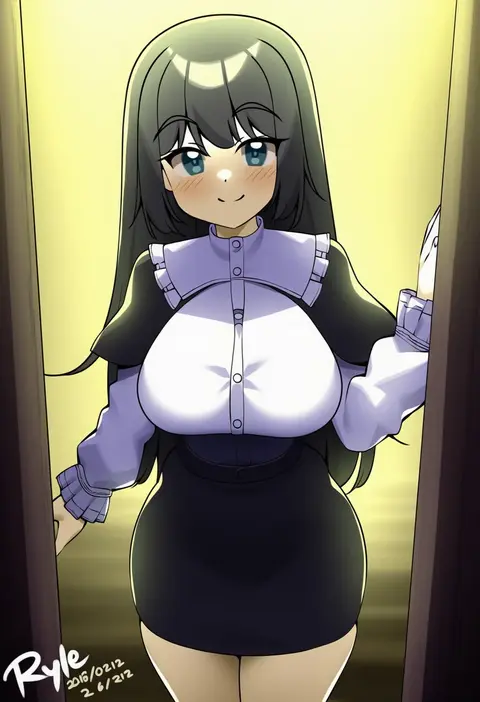
ryle
ARTIST0x0E2E
0
kanniiepan
ARTIST0x0E2F
0
yoko juusuke
ARTIST0x0E30
0
siiqa vivi
ARTIST0x0E31
0
yanyan (shinken gomi)
ARTIST0x0E32
0
wakamesan
ARTIST0x0E33
0
blondy (ldlong)
ARTIST0x0E34
0
xude
ARTIST0x0E35
0
zantyarz
ARTIST0x0E36
0
kupa (jesterwii)
ARTIST0x0E37
0
hagiya masakage
ARTIST0x0E38
0
yukineko1018
ARTIST0x0E39
0
mishima hiroji
ARTIST0x0E3A
0
airseal
ARTIST0x0E3B
0
momomoi momoi
ARTIST0x0E3C
0
white-paka
ARTIST0x0E3D
0
seungju lee
ARTIST0x0E3E
0
hyperbudd
ARTIST0x0E3F
0
noomaru (nomorepeople)
ARTIST0x0E40
0
arlene (ju)
ARTIST0x0E41
0
sirosoil
ARTIST0x0E42
0
aina123
ARTIST0x0E43
0
honda naoki
ARTIST0x0E44
0
gtunver
ARTIST0x0E45
0
ryokucha michi
ARTIST0x0E46
0
wamudraws
ARTIST0x0E47
0
suraimu (suraimuraimu)
ARTIST0x0E48
0
mokyu
ARTIST0x0E49
0
akihazama
ARTIST0x0E4A
0
mitarashi kousei
ARTIST0x0E4B
0

What these tags change

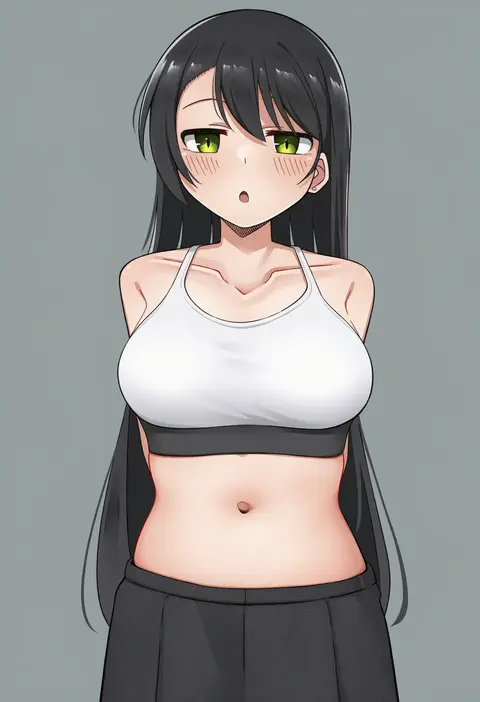
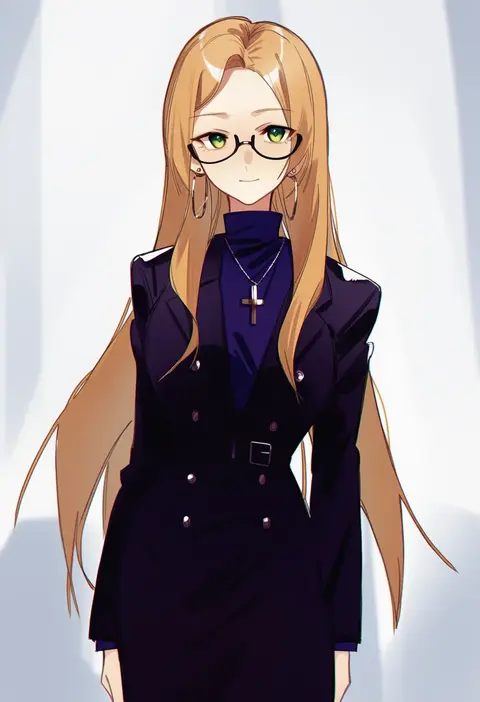
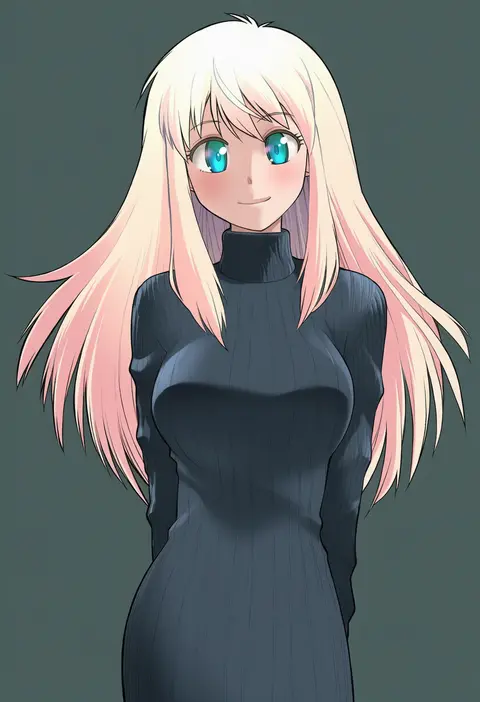
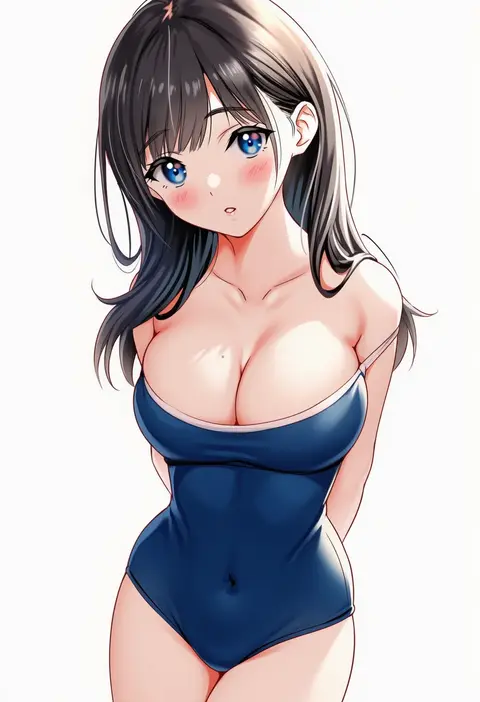
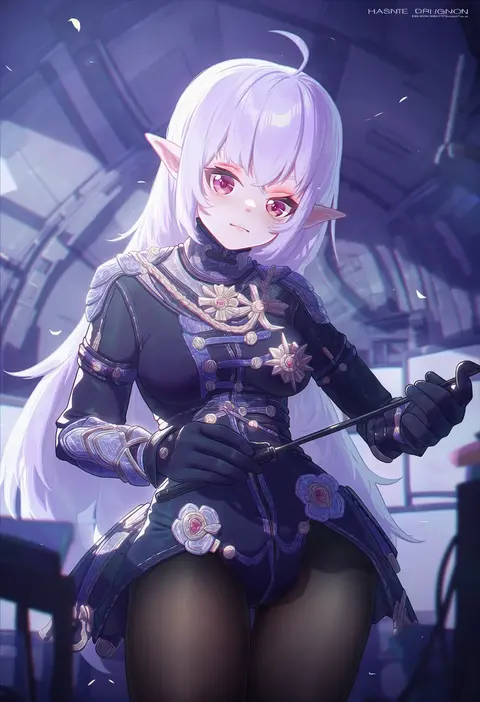
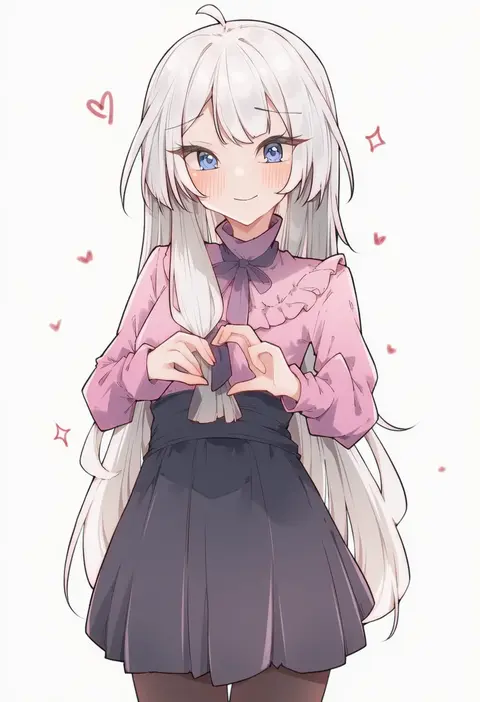
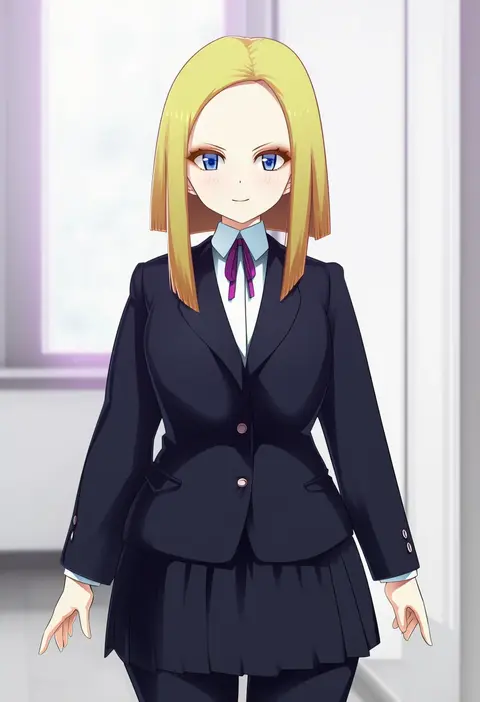
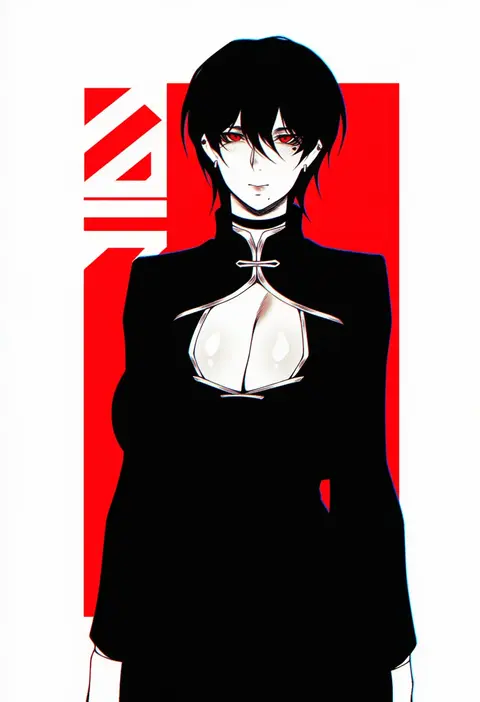
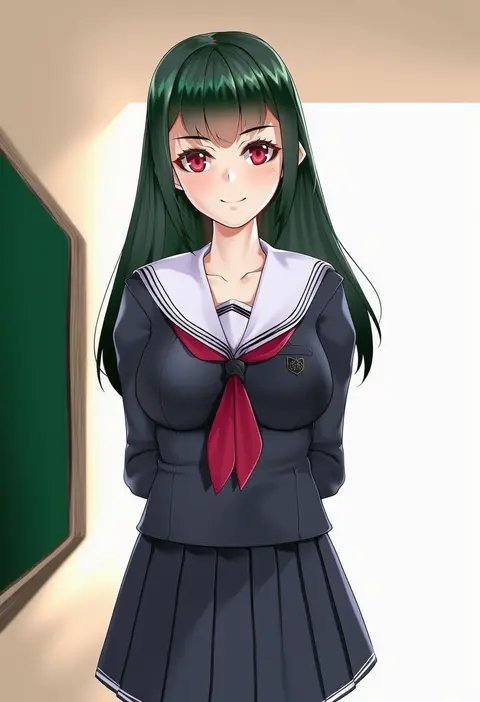
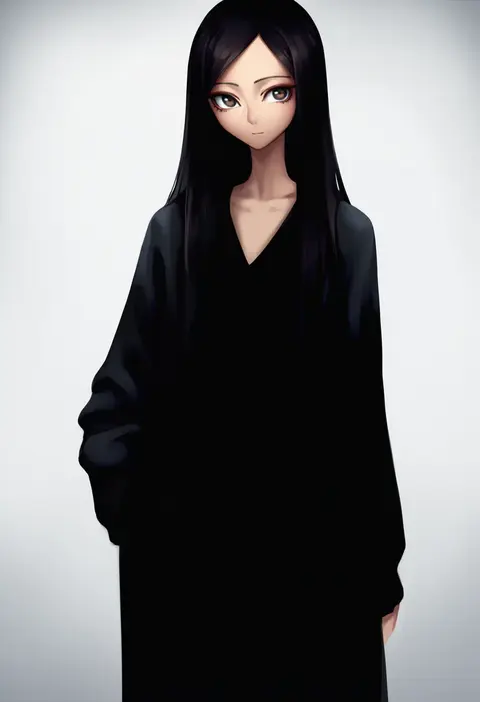
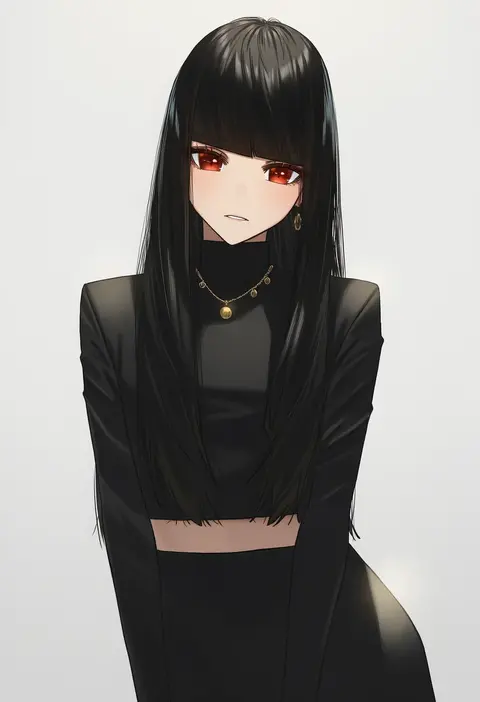
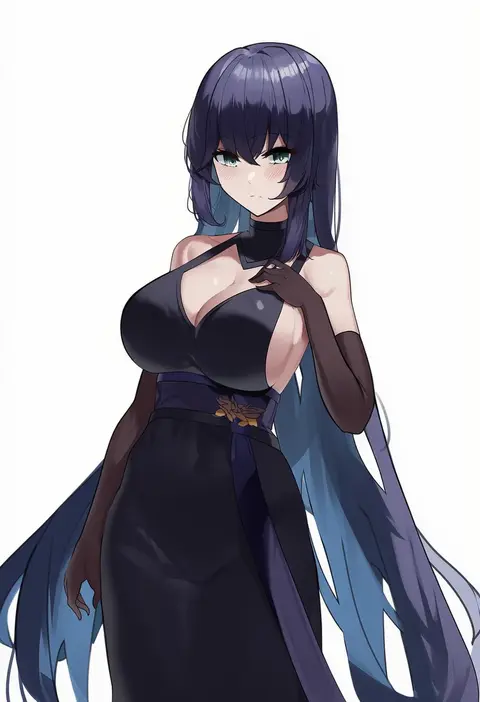
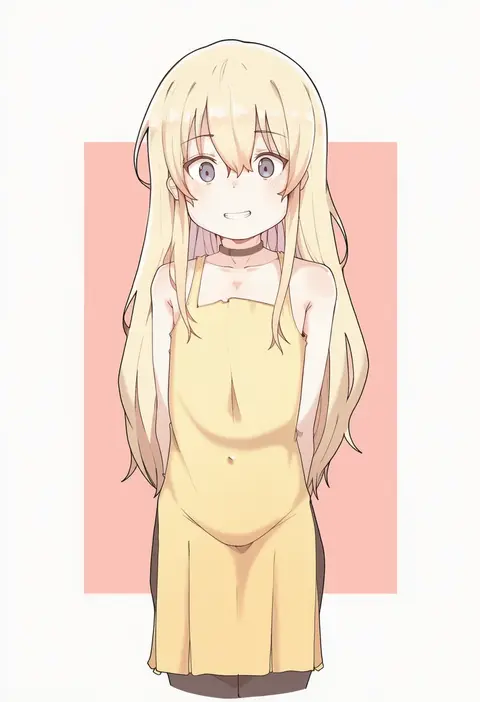
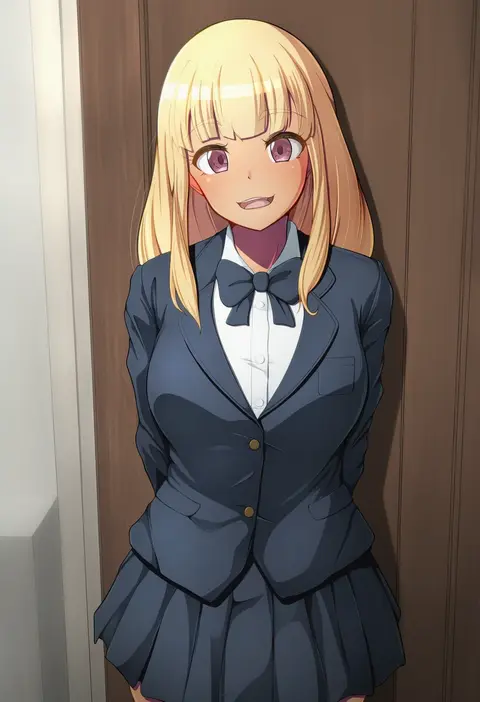
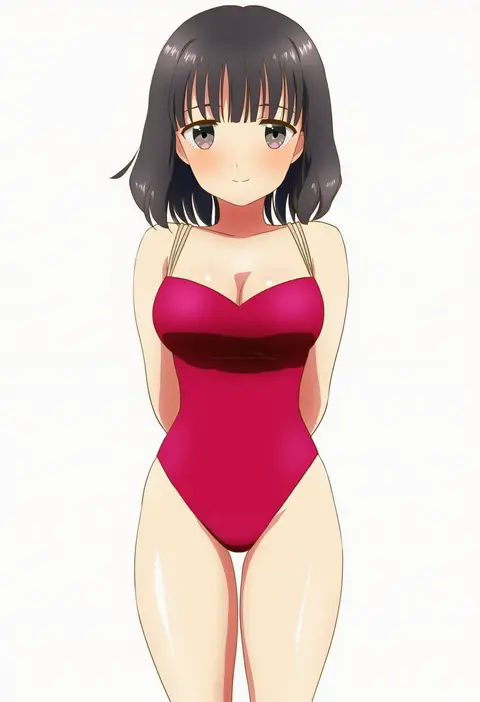
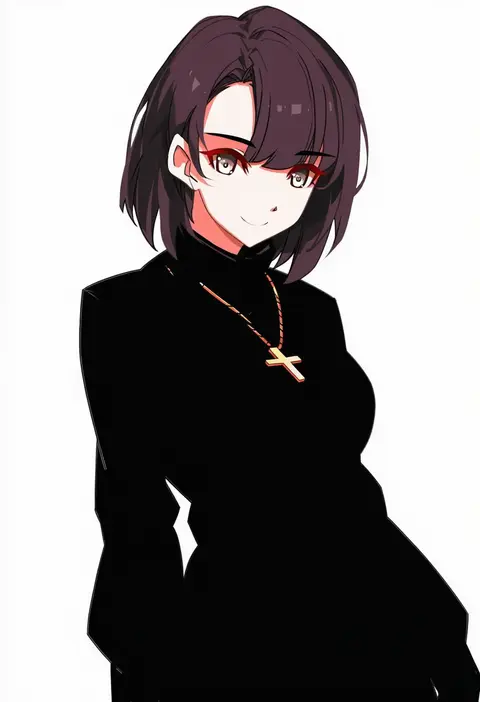
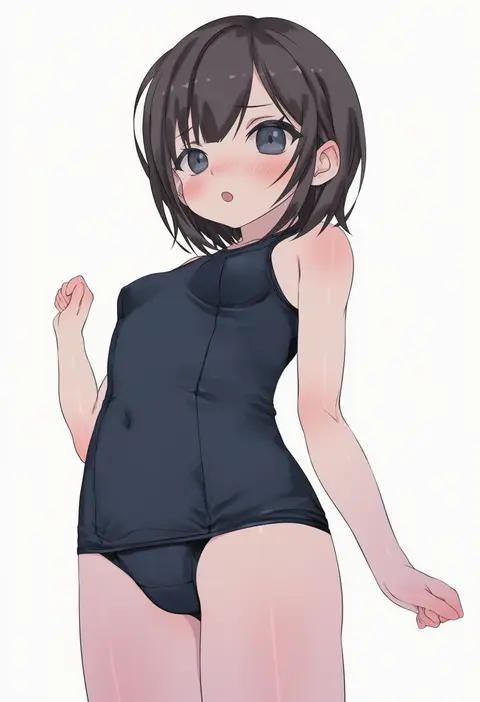
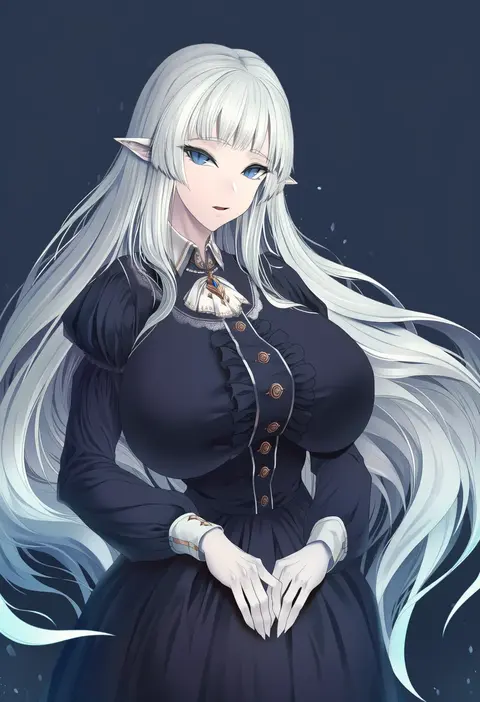
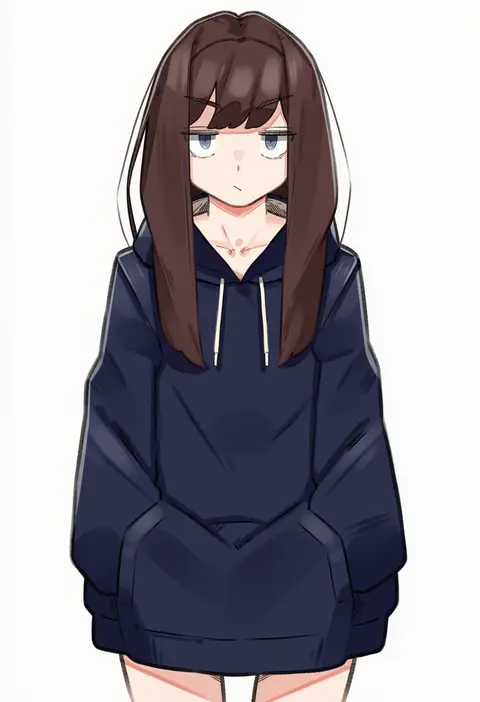
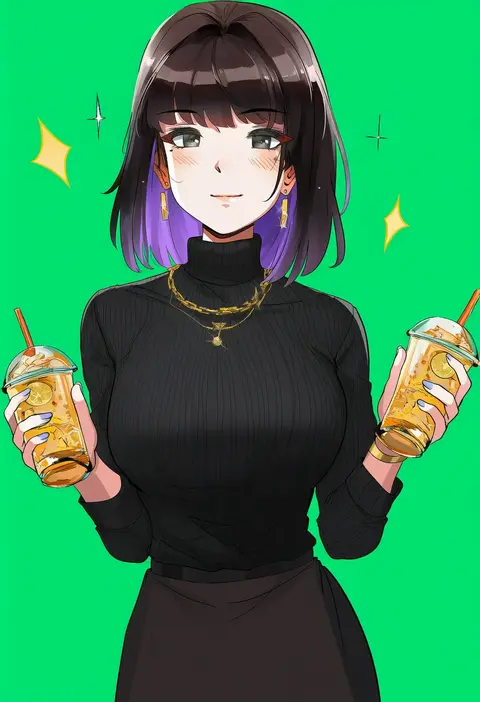
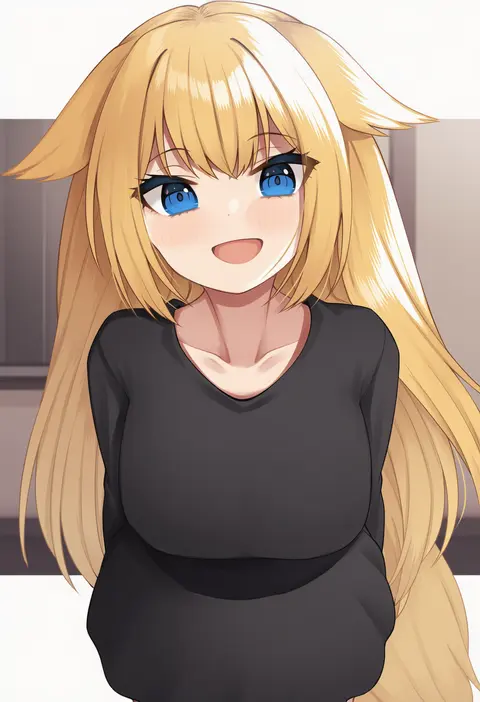
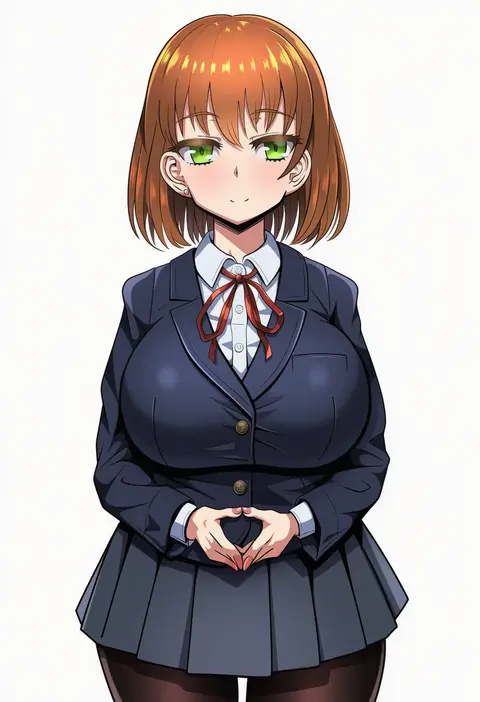
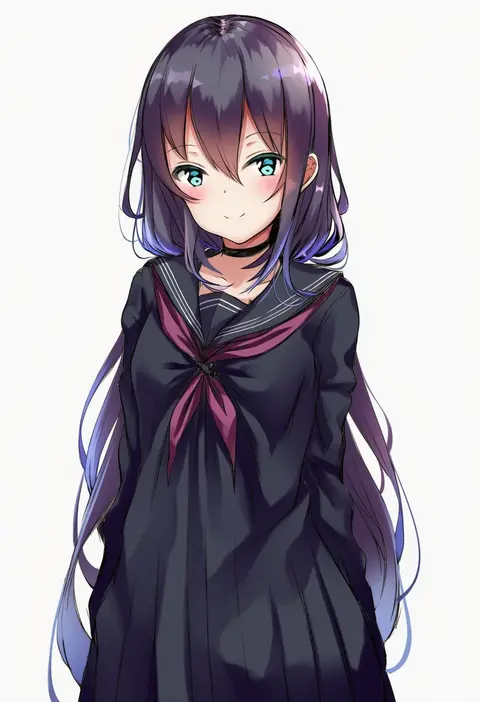
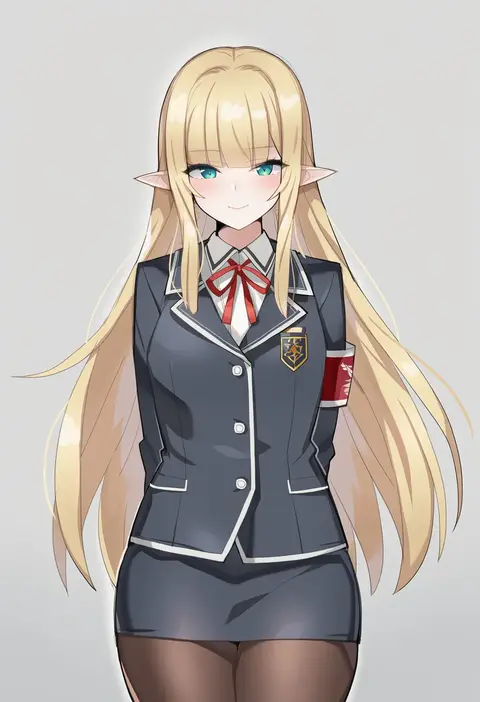
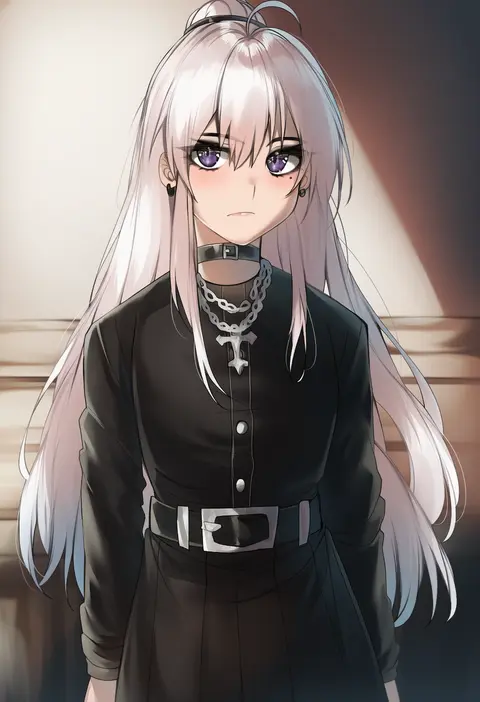
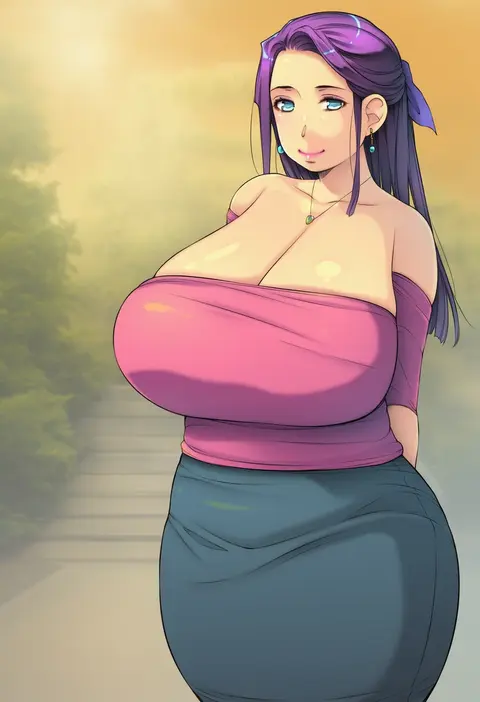
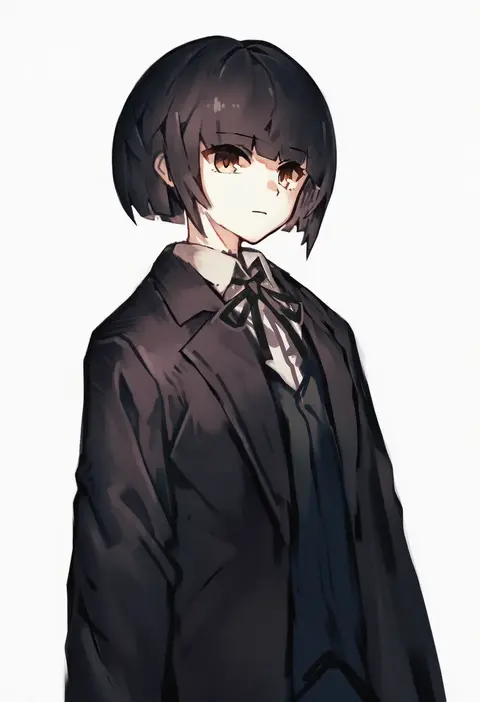
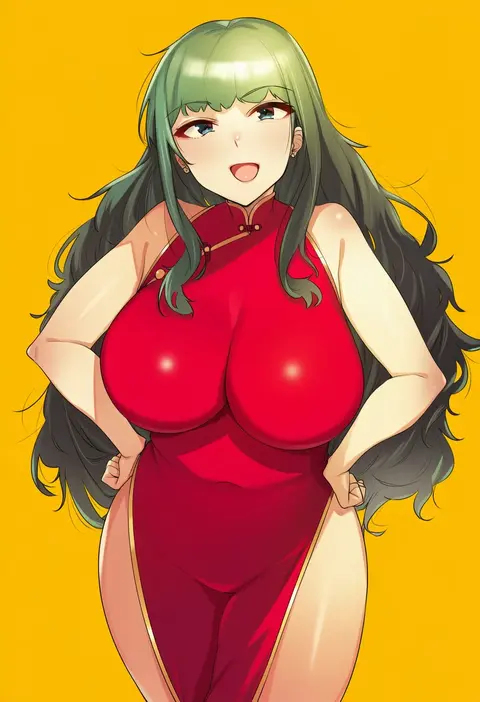
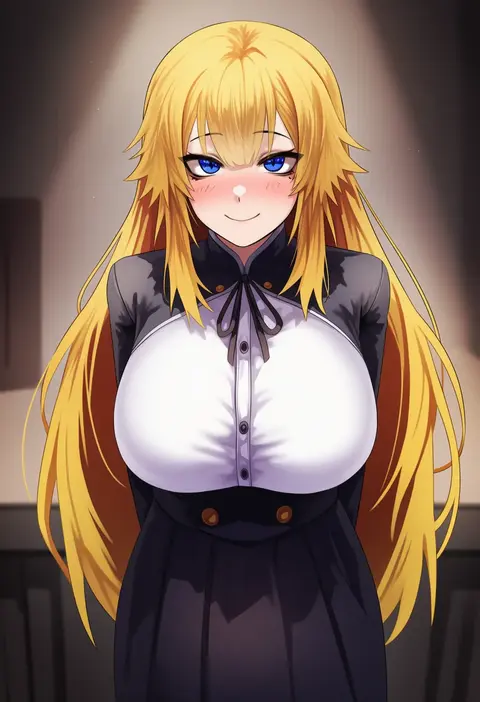
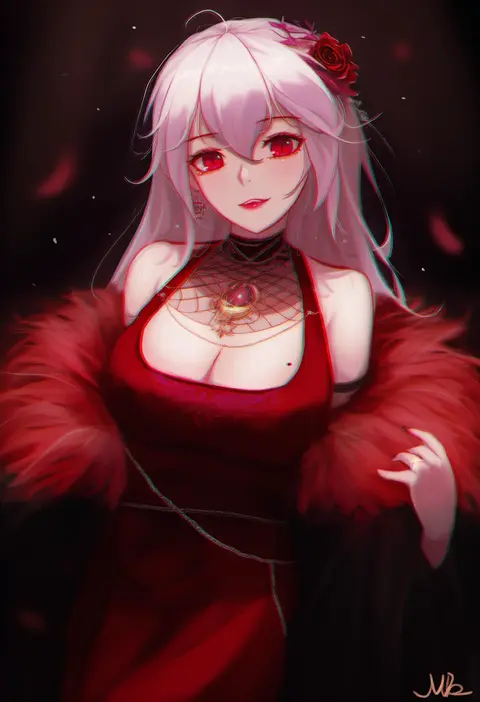
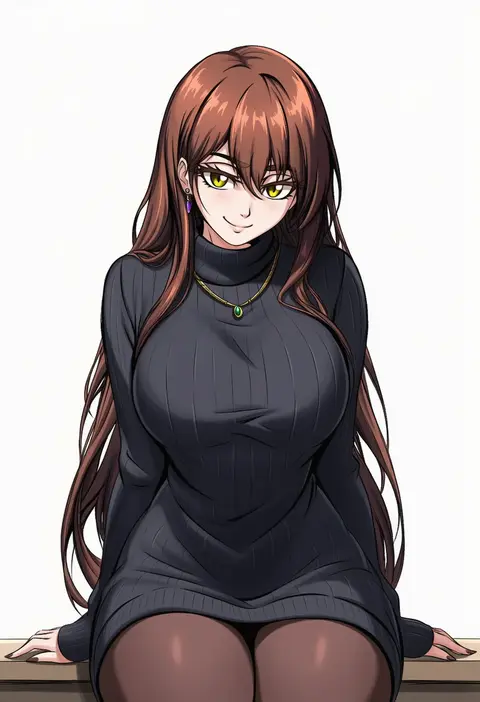
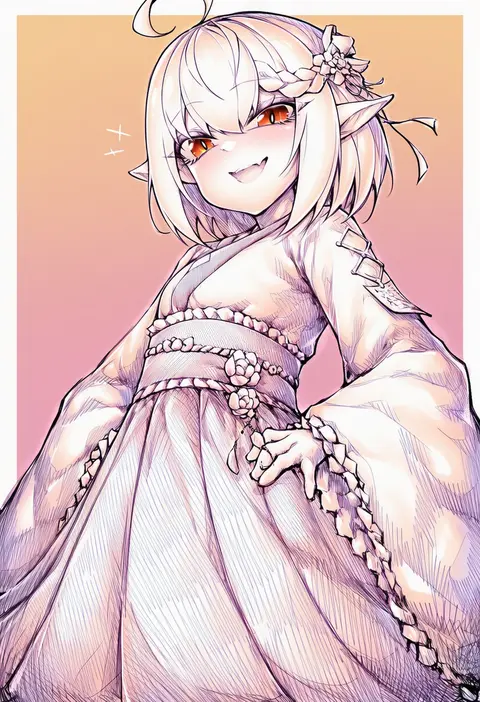
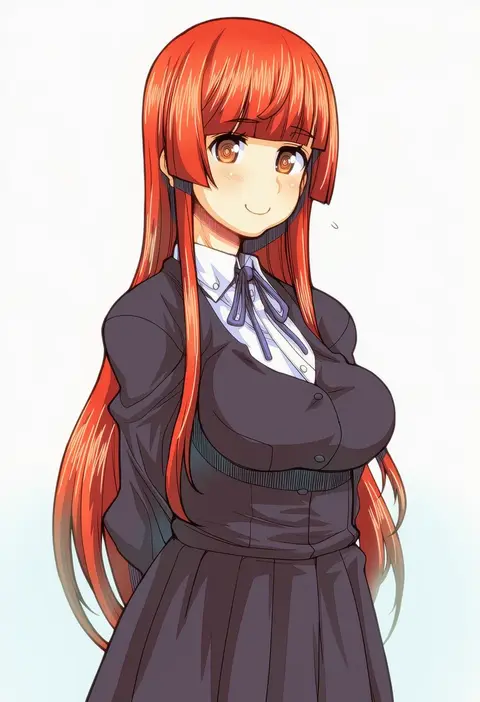
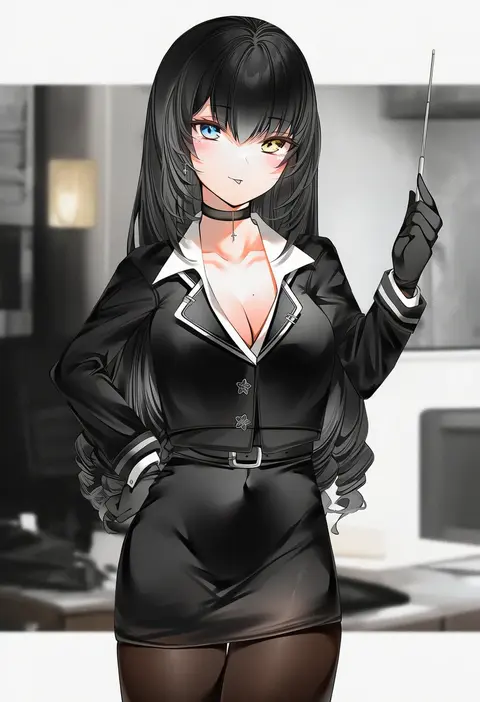
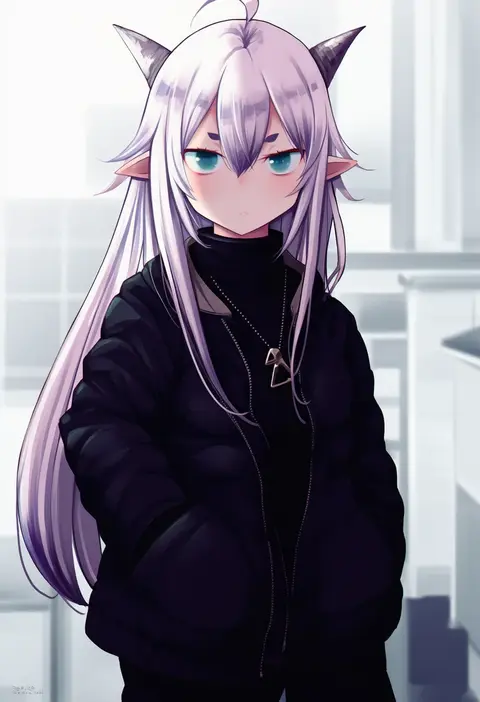
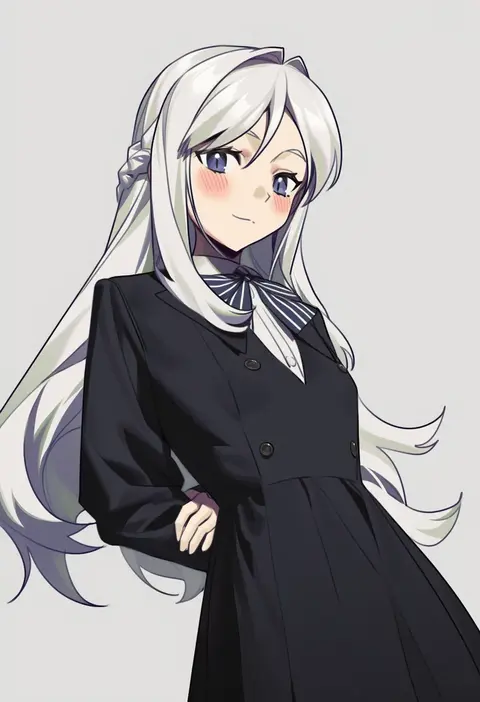
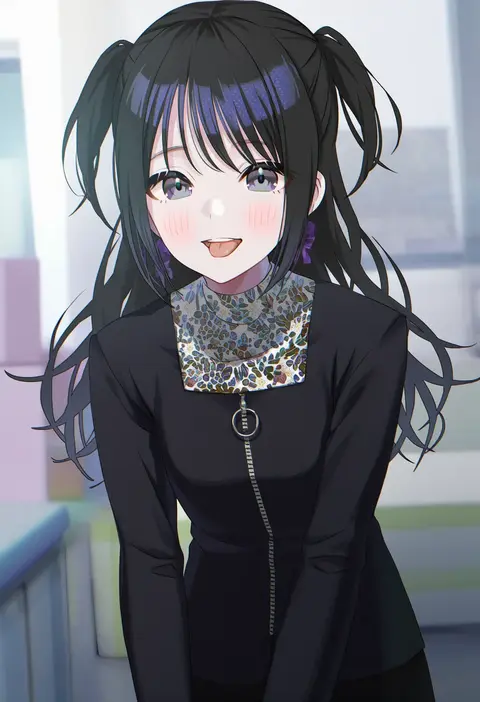
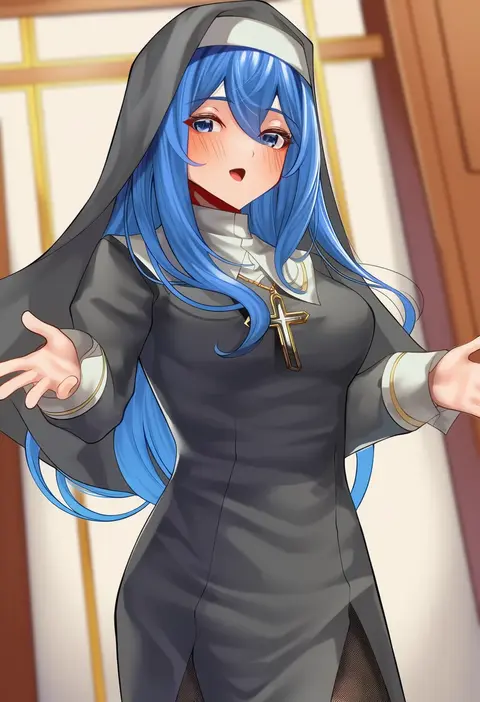
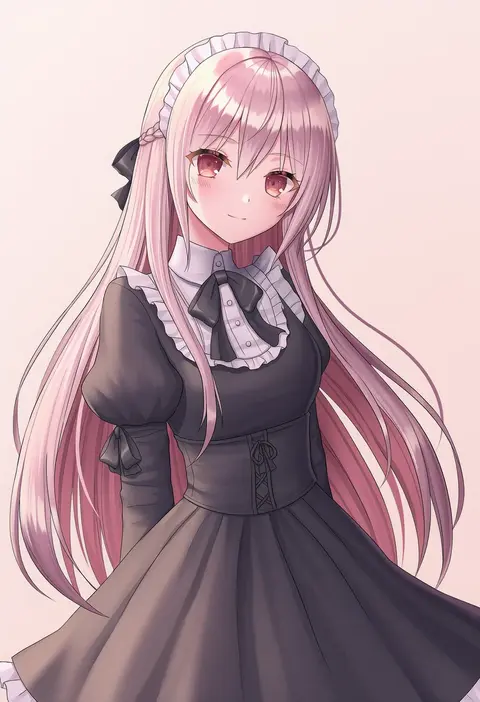
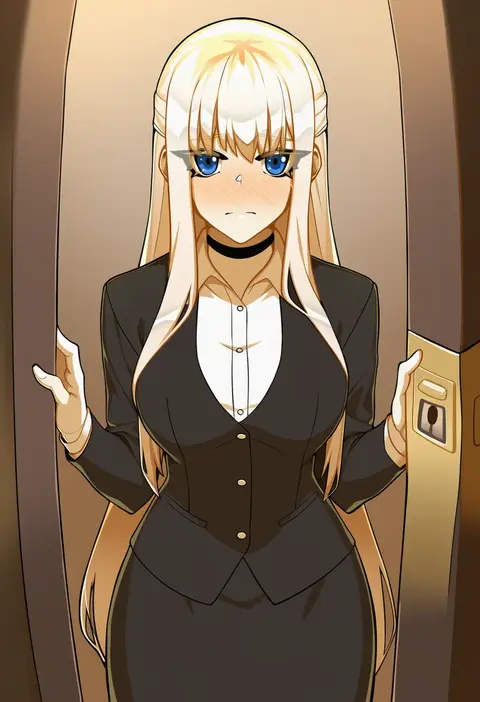
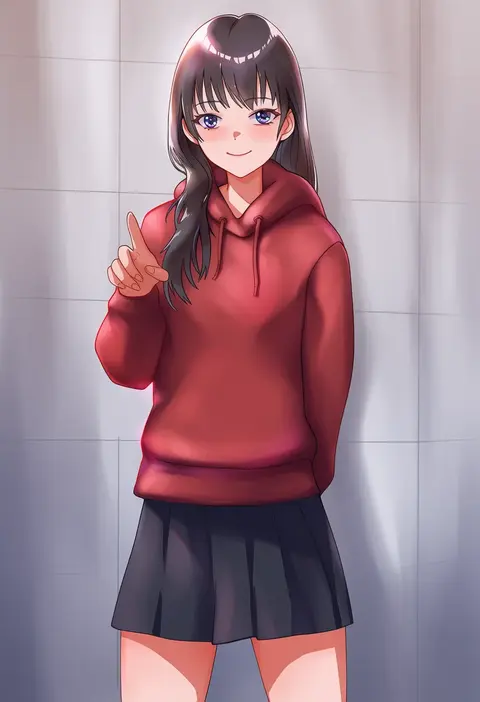
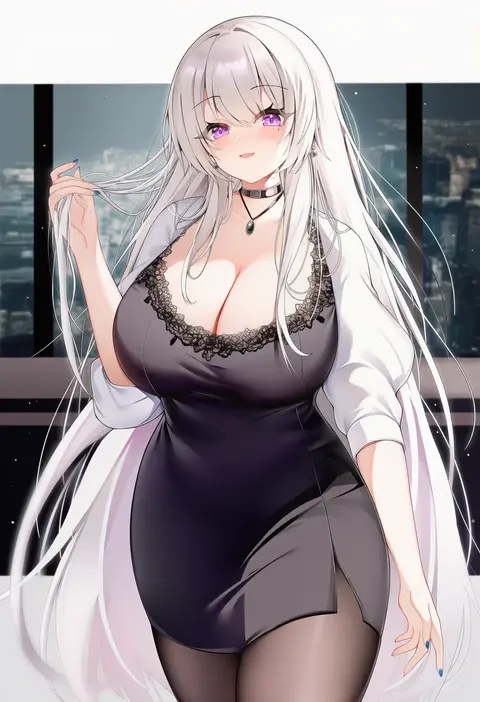
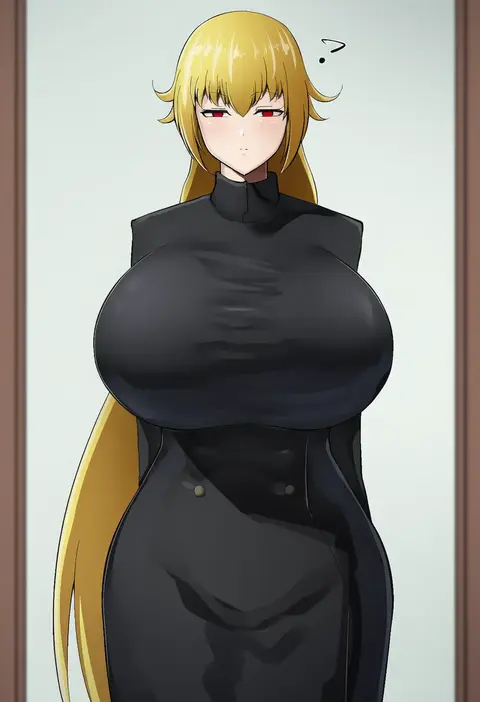
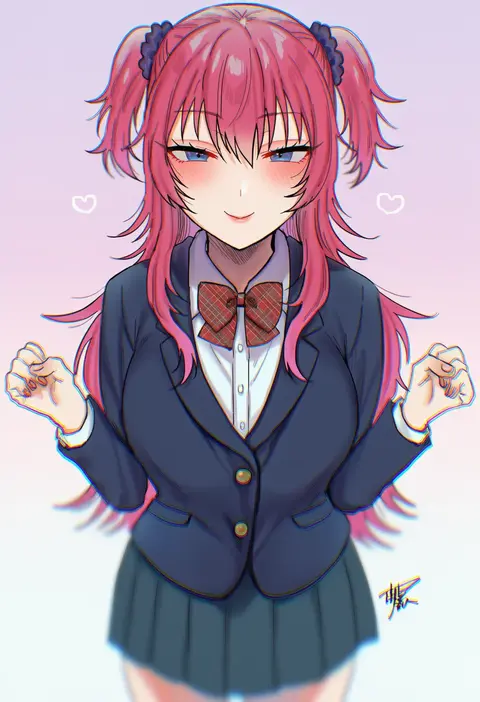
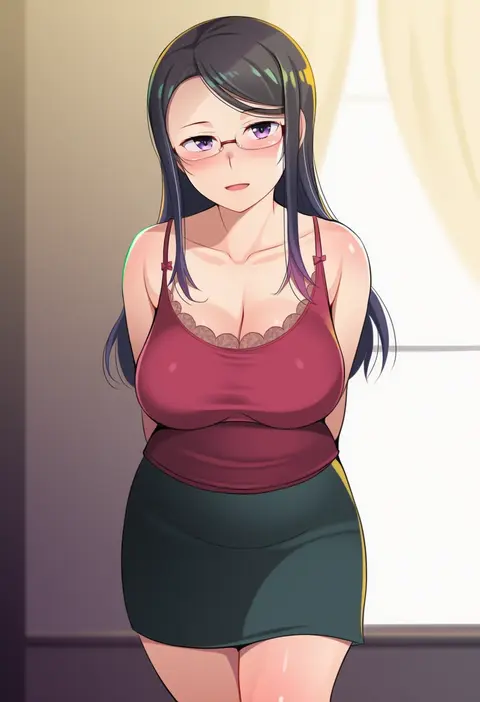
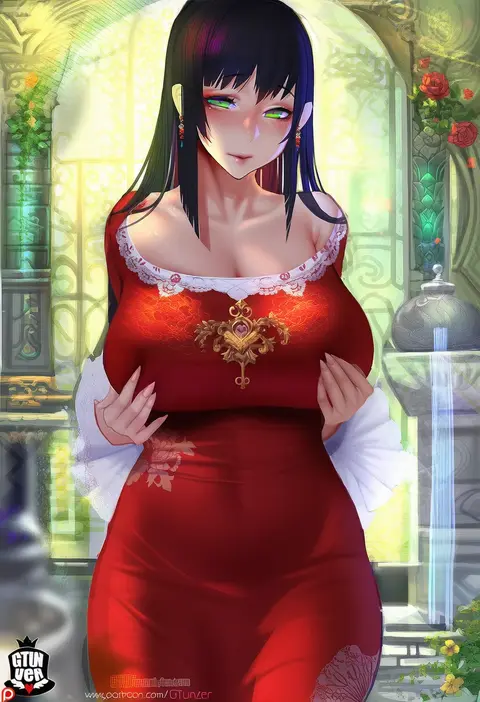
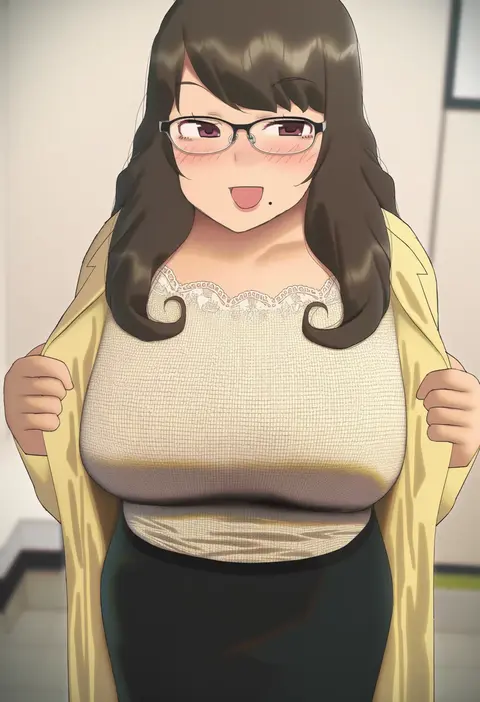
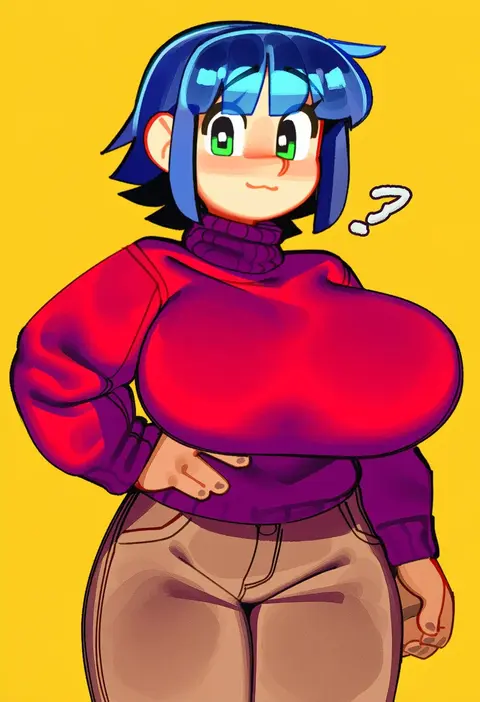
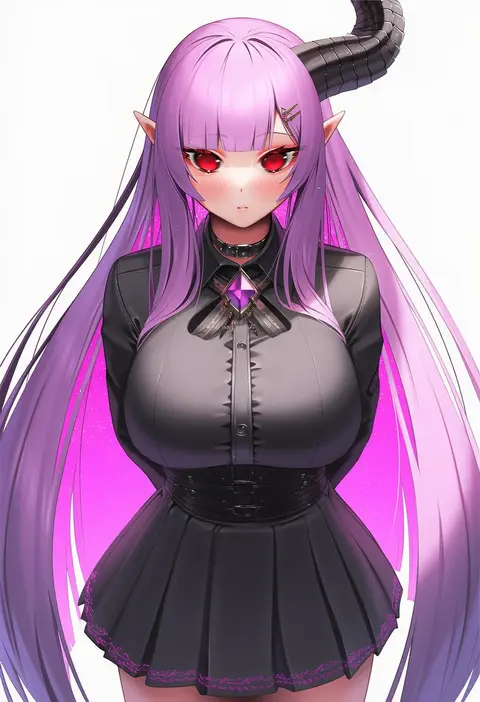
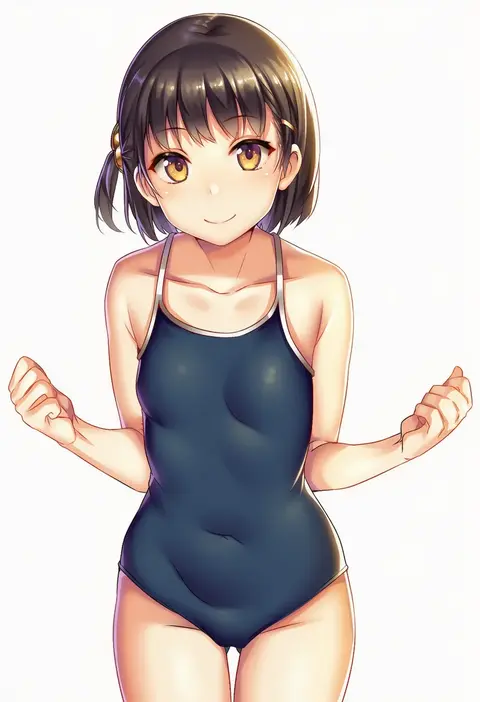
Artist tags tell NovelAI Diffusion to draw in a specific artist's style: line weight, paint texture, face shapes and palette all shift at once. Character and outfit tags decide what is drawn; artist tags decide how. 16,352 tags are listed for V4.5.
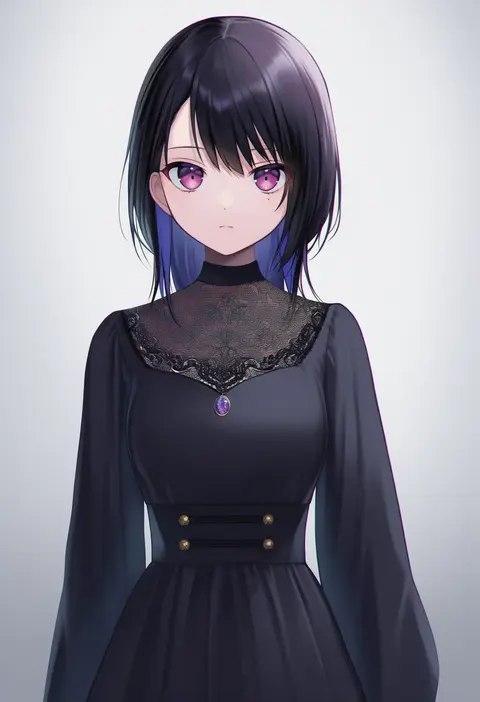
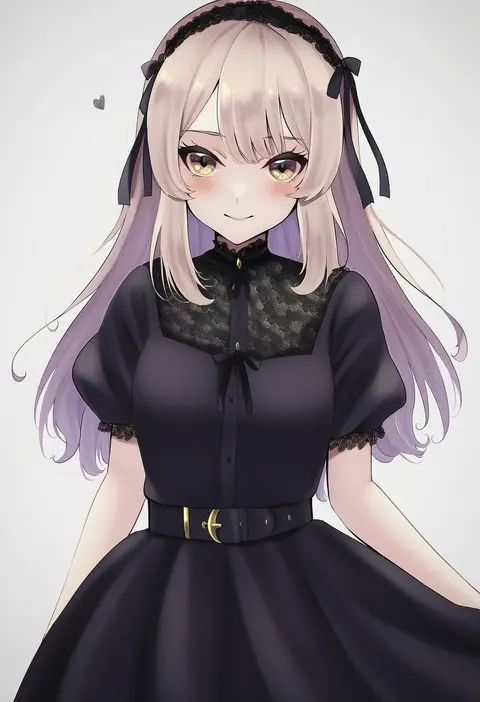
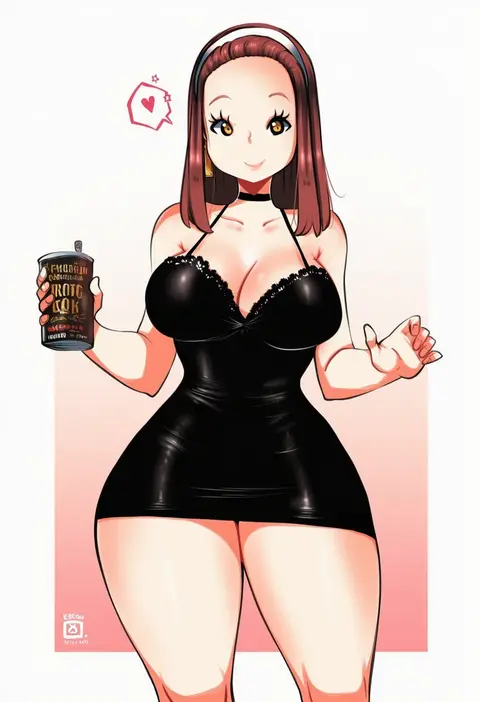
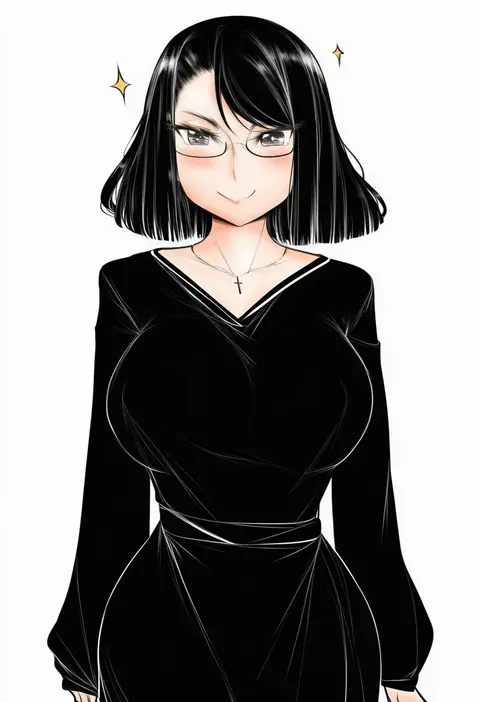
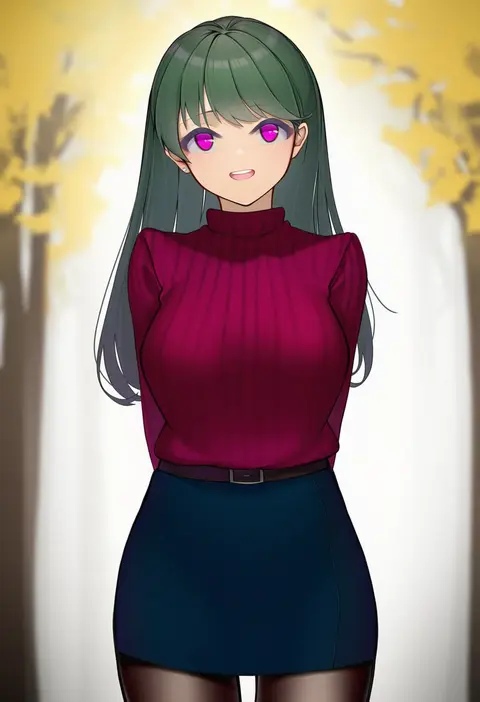
Every tag listed here is verified to react in NovelAI. All images use the same prompt, seed and settings with only the artist tag swapped, so the difference between two images is the style that tag brings in.

How to use them

Put the artist tag near the front of the prompt, e.g. "<artist>, 1girl, solo, best quality, masterpiece, cowboy shot". Two or three artist tags blend styles; lower the weight with "0.8::<artist>::" when the style overpowers the character.

SCORE sorts by Danbooru's top score, POSTS by post count, FAVS by hearts on this site. Open a card to see V5 and V4.5 side by side on the same seed.

V5 vs V4.5

V5 usually lands closer to the artist's real style, and tags that did nothing on V4.5 often react on V5. V4.5 still fits older and doujin-heavy artists better. Try V5 first, fall back to V4.5.

FAQ

Where does the artist tag go?
Near the front of the prompt. Use "0.8::tag::" to adjust its weight.

Can I stack artist tags?
Yes, styles blend. Past two or three the result stops looking like anyone.

Are these the artists' own works?
No. Every image is a NovelAI sample generated from the tag.