V4.5Artists
sort: FAVS▾
▾
>
$

Popular NovelAI artist tags — V4.5

artist --count 16,352[60/273]
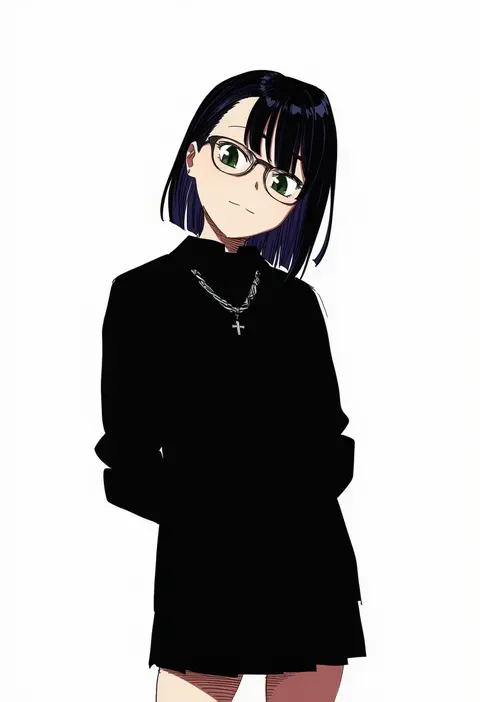
ikezawa shin
ARTIST0x0DD4
0
takio (kani sama)
ARTIST0x0DD5
0
terry (pixiv3274443)
ARTIST0x0DD6
0
mitsugu
ARTIST0x0DD7
0
lds (dstwins97)
ARTIST0x0DD8
0
wu ganlan cai
ARTIST0x0DD9
0
tata (tataice)
ARTIST0x0DDA
0
marumai
ARTIST0x0DDB
0
mell (dmwe3537)
ARTIST0x0DDC
0
yoako
ARTIST0x0DDD
0
kurosususu
ARTIST0x0DDE
0
hua-j
ARTIST0x0DDF
0
rottenpizza
ARTIST0x0DE0
0
morino shoutarou
ARTIST0x0DE1
0
arata (xin)
ARTIST0x0DE2
0
rin ateria
ARTIST0x0DE3
0
doveking
ARTIST0x0DE4
0
vyragami
ARTIST0x0DE5
0
sikijou77o
ARTIST0x0DE6
0
john zhang
ARTIST0x0DE7
0
yonketa
ARTIST0x0DE8
0
musanix
ARTIST0x0DE9
0
ixmmxi
ARTIST0x0DEA
0
rimuu
ARTIST0x0DEB
0
rejean dubois
ARTIST0x0DEC
0
hhh (wave)
ARTIST0x0DED
0
reulem
ARTIST0x0DEE
0
inniyik
ARTIST0x0DEF
0
23 (real xxiii)
ARTIST0x0DF0
0
nyahu (nyahu 77)
ARTIST0x0DF1
0
villainchin
ARTIST0x0DF2
0
zlix0n
ARTIST0x0DF3
0
ningen gokko
ARTIST0x0DF4
0
pnatsu
ARTIST0x0DF5
0
meltyrice
ARTIST0x0DF6
0
pen guin15
ARTIST0x0DF7
0
ekz (robotekz)
ARTIST0x0DF8
0
tamago (eva1314056)
ARTIST0x0DF9
0
kanata (kanade pa)
ARTIST0x0DFA
0
guhanshounen
ARTIST0x0DFB
0
nanao (naoekaki25)
ARTIST0x0DFC
0
yuuki mix
ARTIST0x0DFD
0
sasachin (k+w)
ARTIST0x0DFE
0
m0 chi
ARTIST0x0DFF
0
gamarenji
ARTIST0x0E00
0
cabronpr
ARTIST0x0E01
0
cromachina
ARTIST0x0E02
0
shibori kasu
ARTIST0x0E03
0
nuezou
ARTIST0x0E04
0
turewindwalker
ARTIST0x0E05
0
sasakichi (ssk chi)
ARTIST0x0E06
0
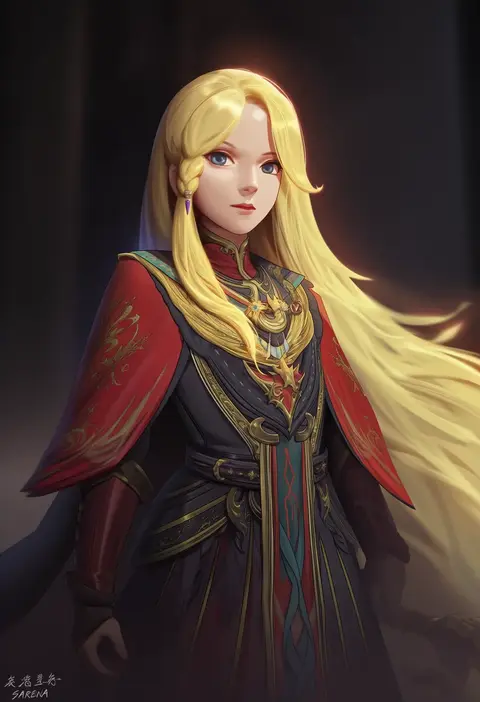
sarena
ARTIST0x0E07
0
bangom r
ARTIST0x0E08
0
talnory
ARTIST0x0E09
0
wanne
ARTIST0x0E0A
0
maruku
ARTIST0x0E0B
0
watanon (gakushokutei)
ARTIST0x0E0C
0
saint laurent paris
ARTIST0x0E0D
0
yoshiheihe
ARTIST0x0E0E
0
moonjunk
ARTIST0x0E0F
0

What these tags change

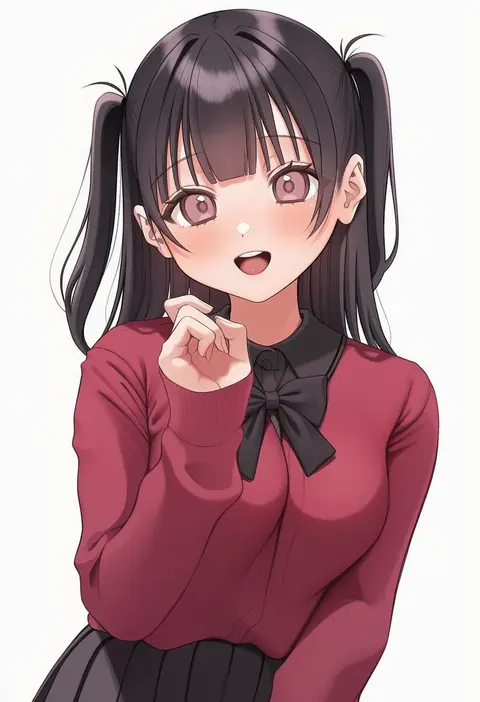
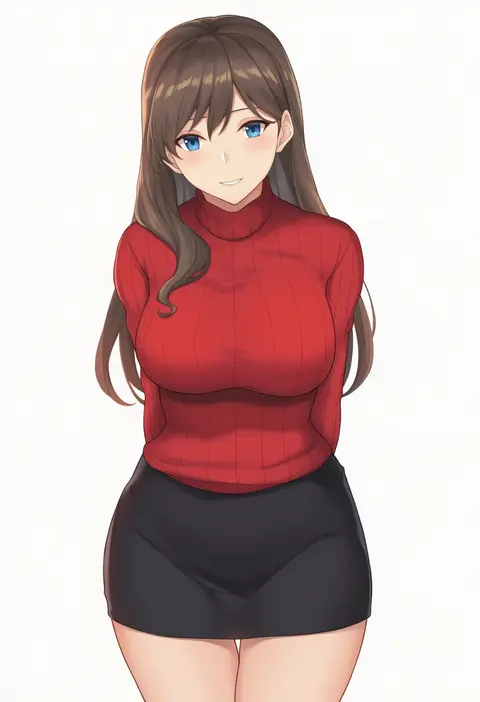
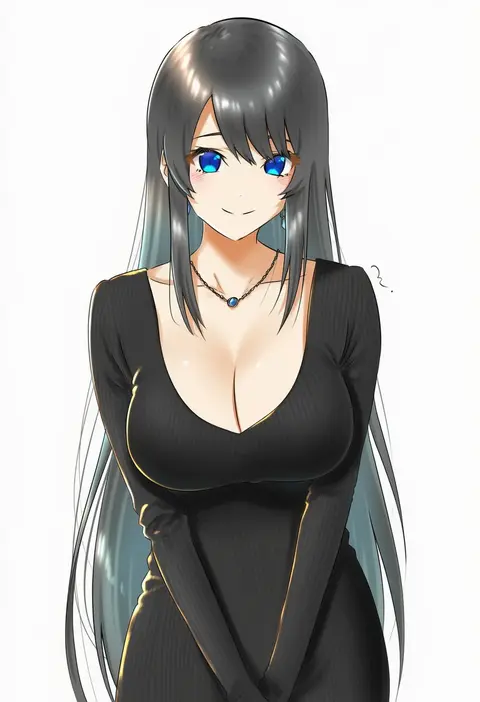
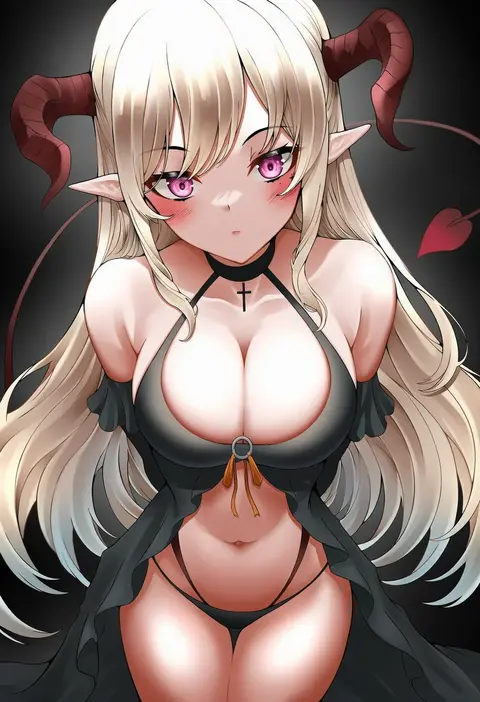
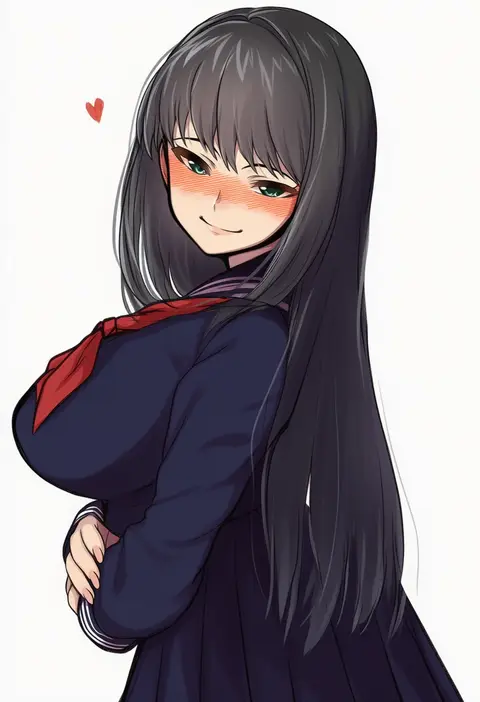
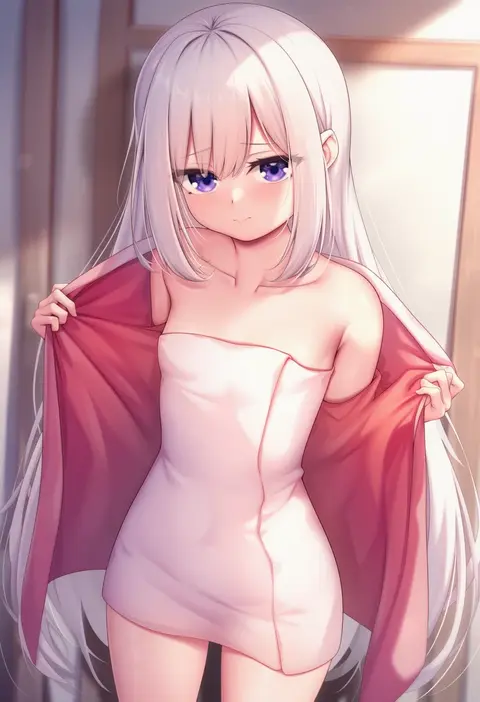
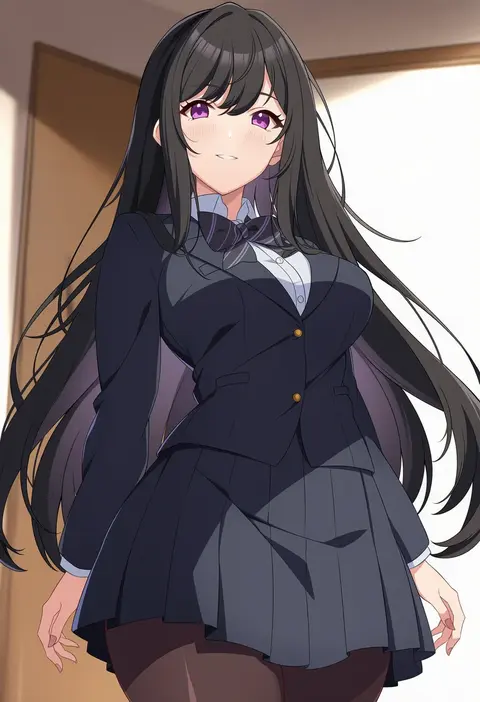
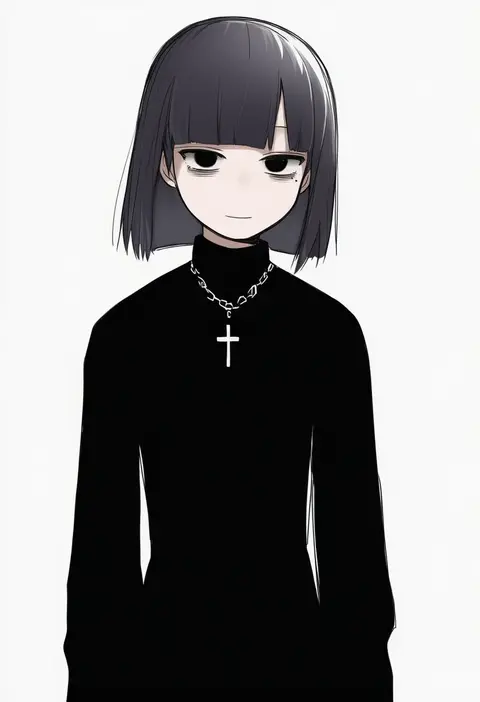
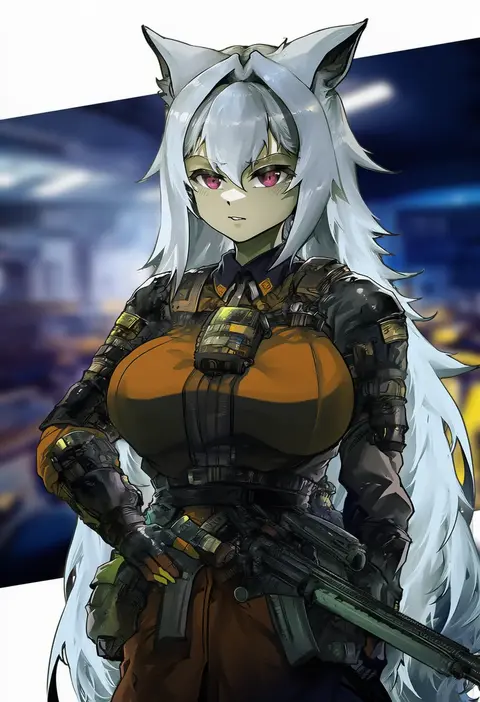
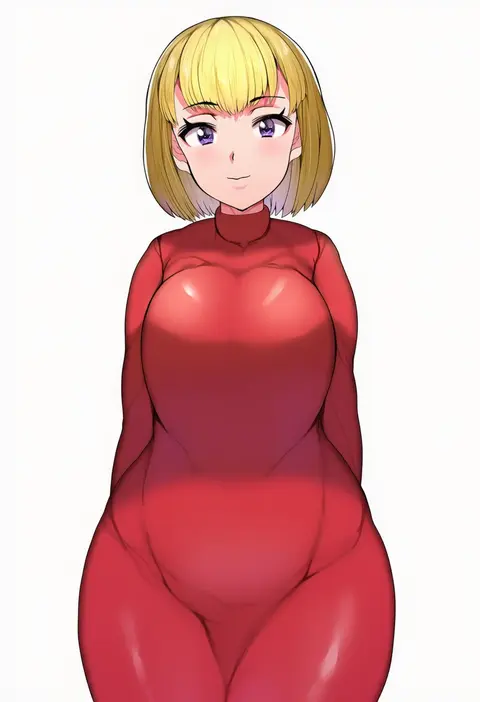
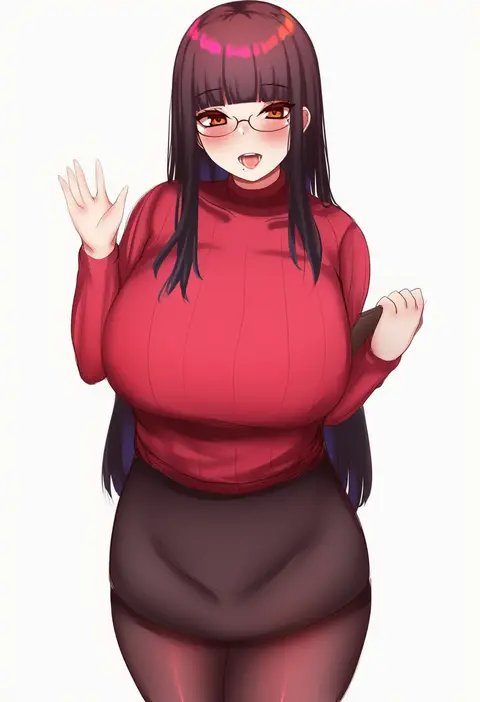
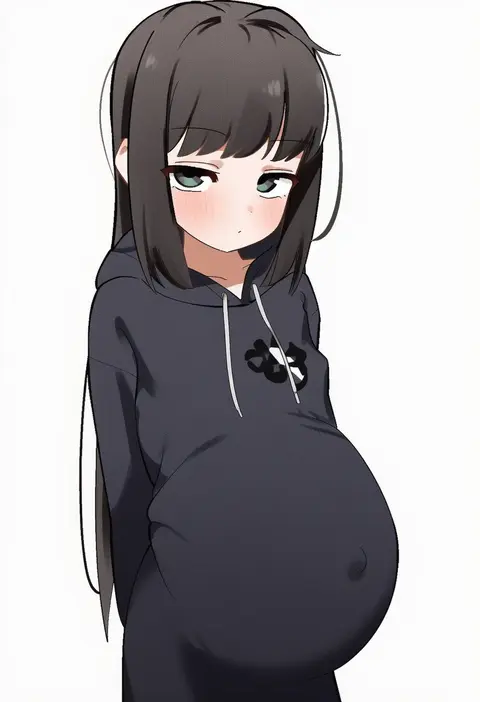
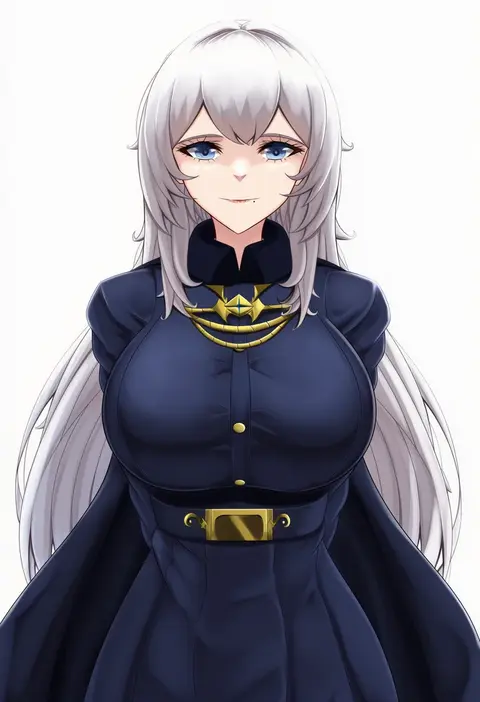
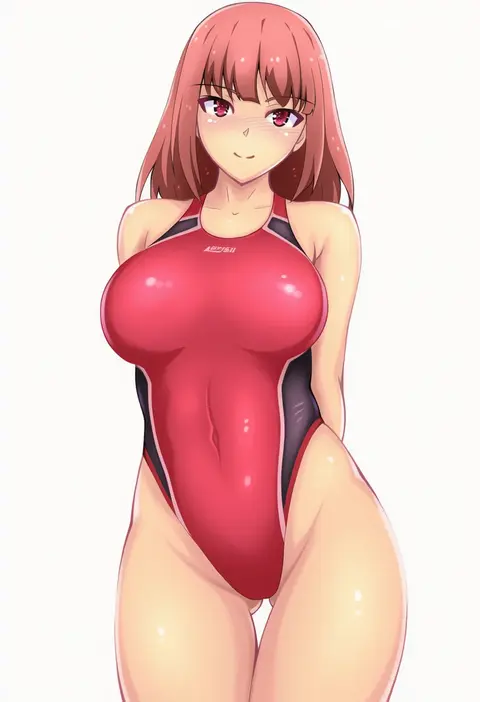
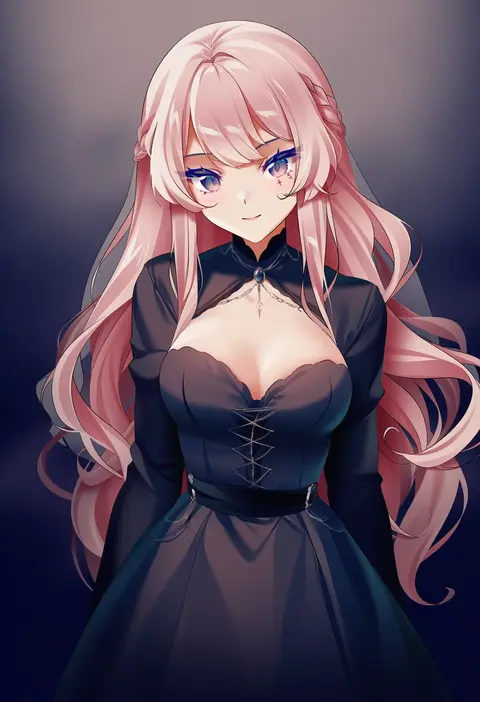
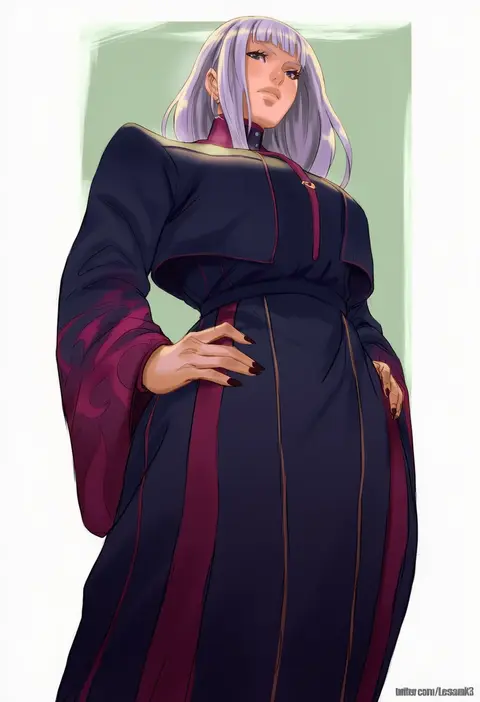
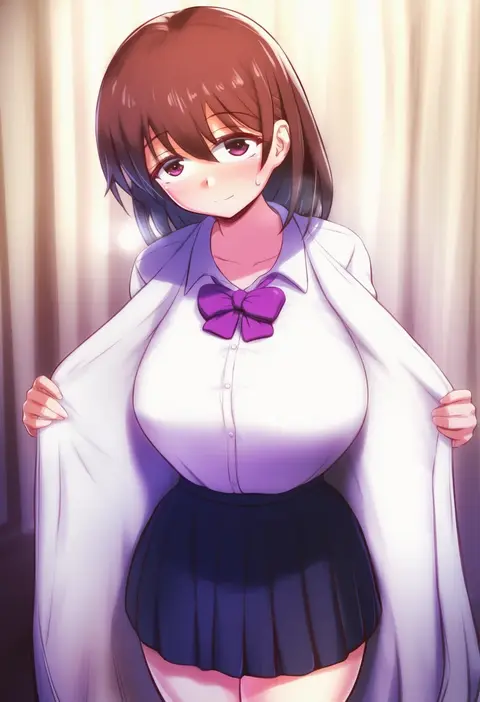
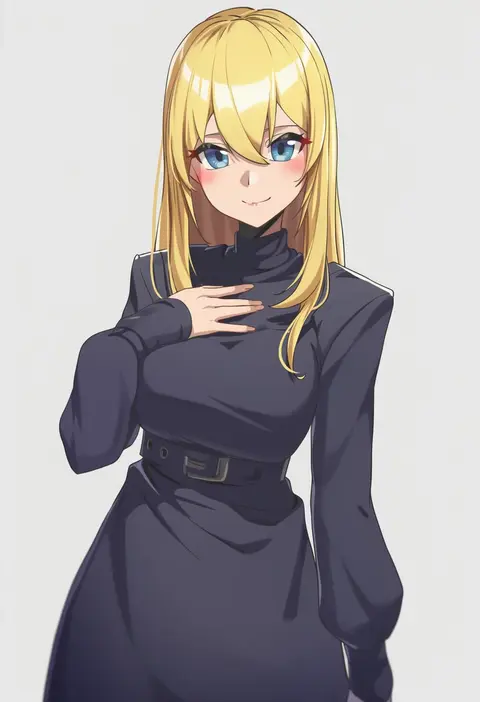
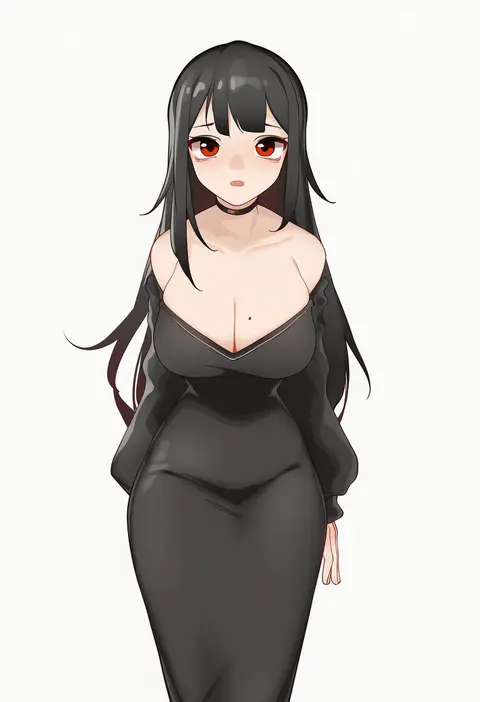
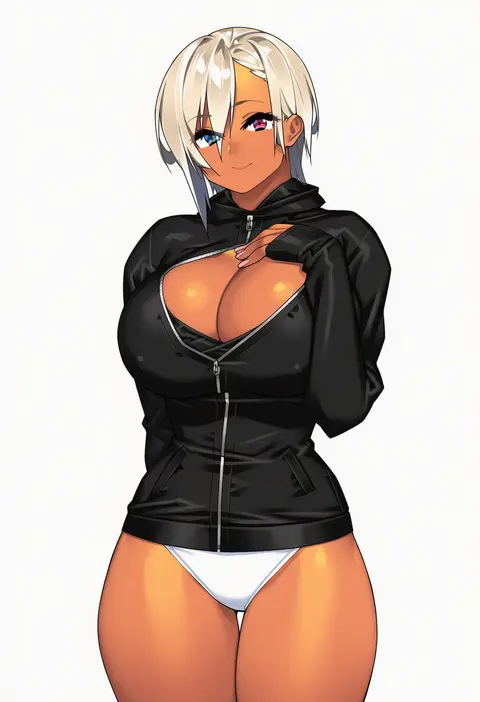
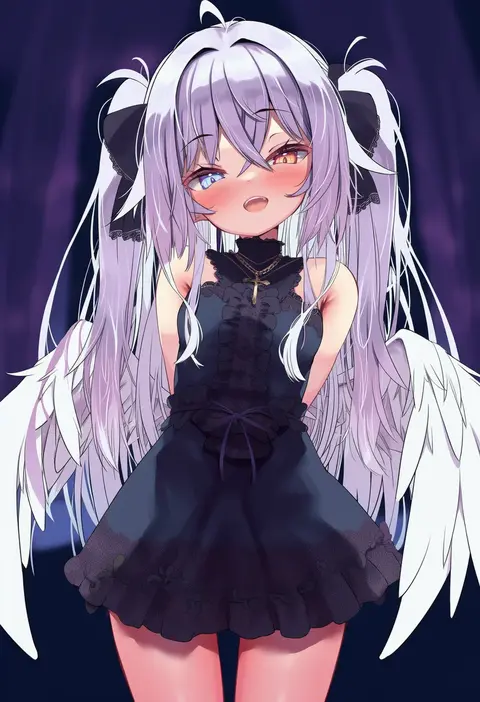
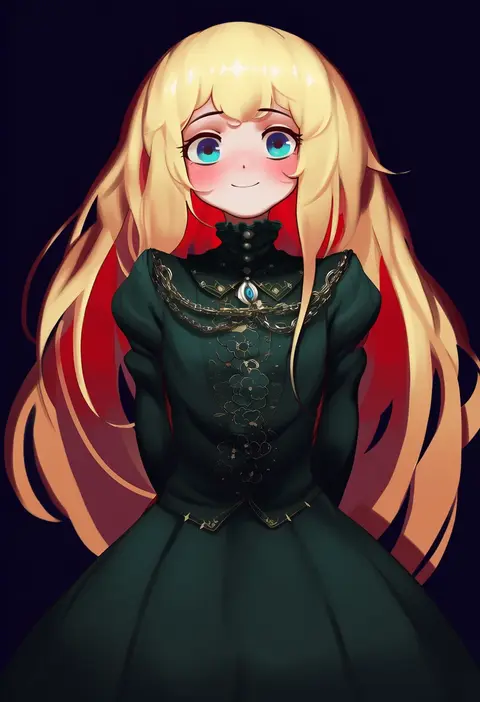
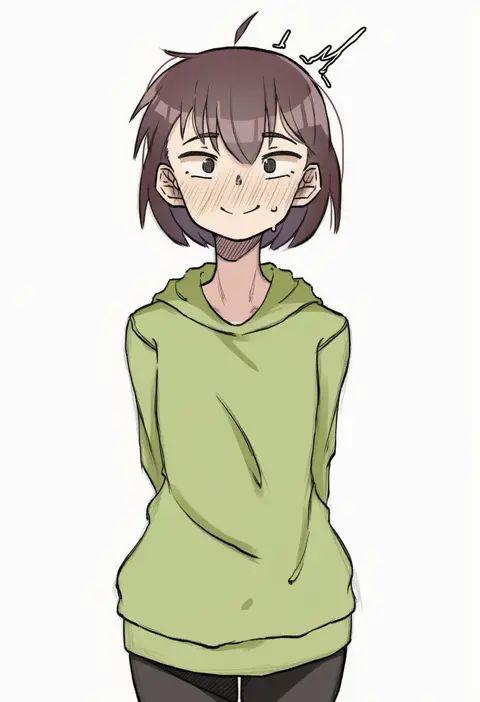
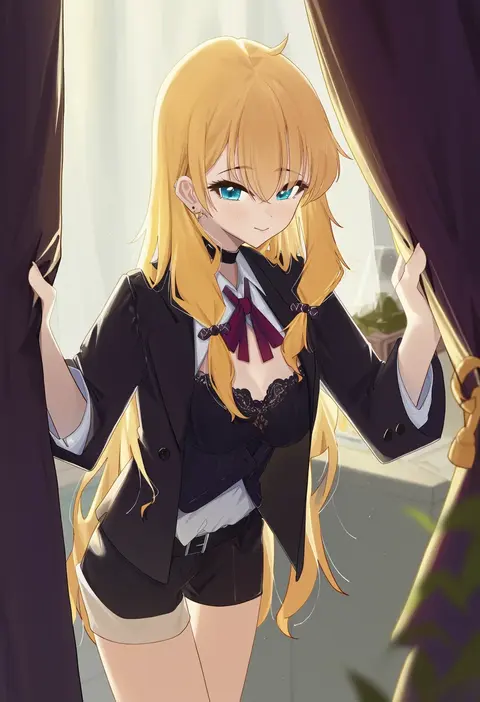
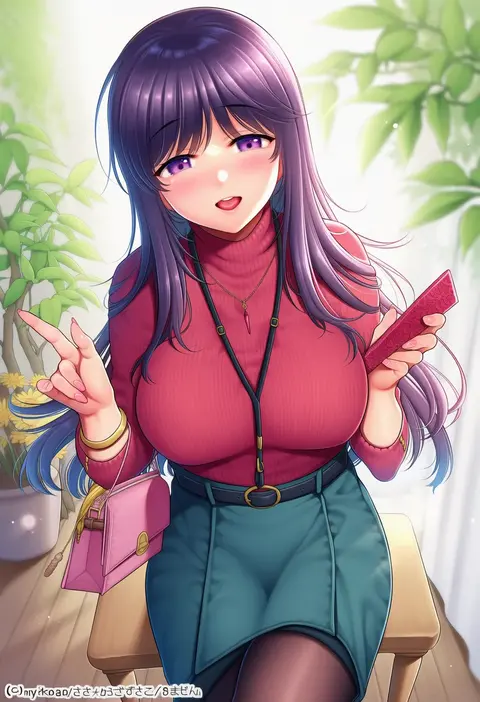
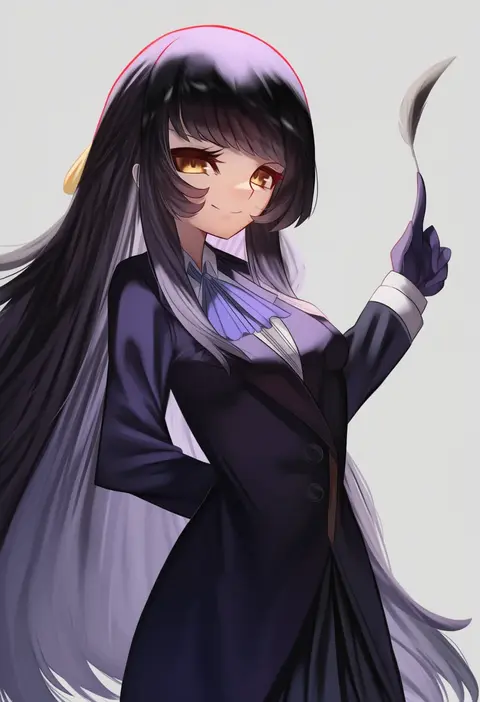
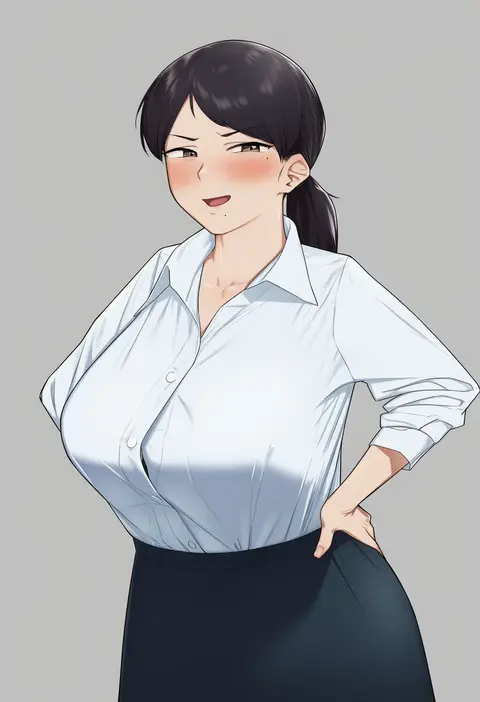
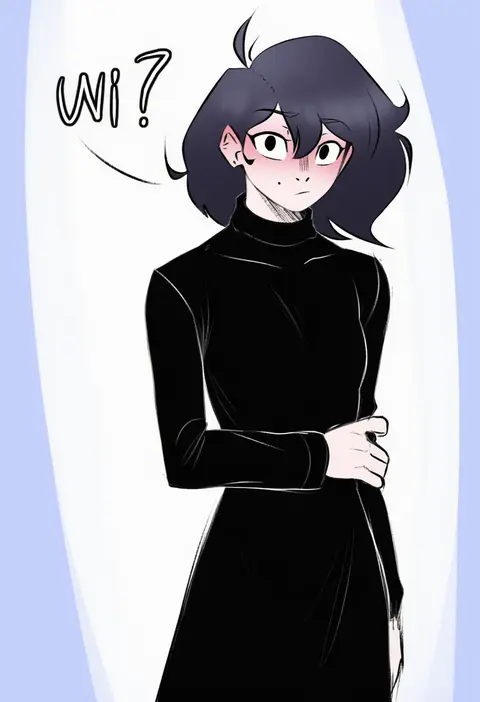
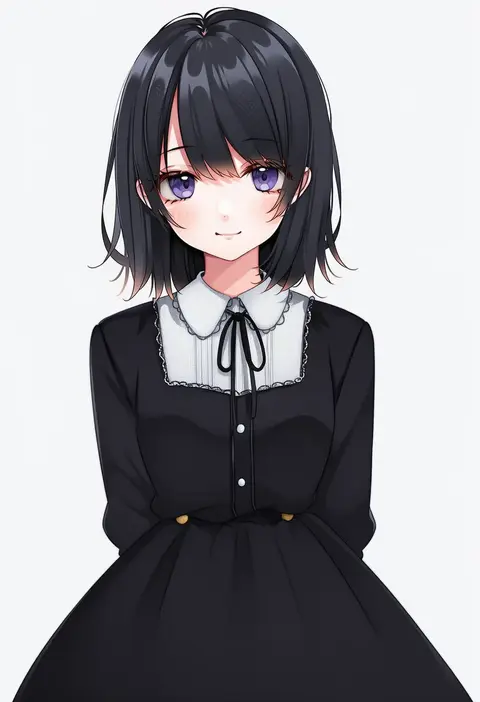
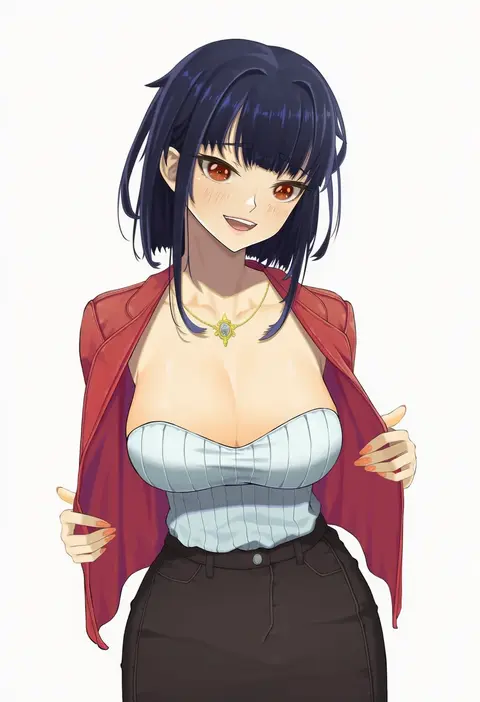
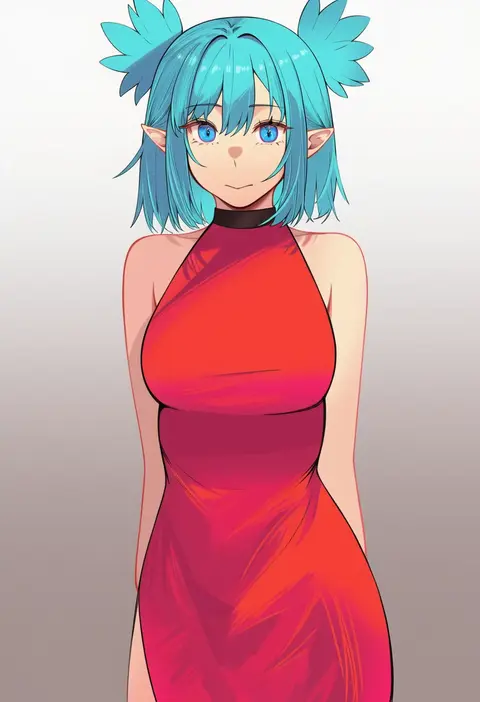
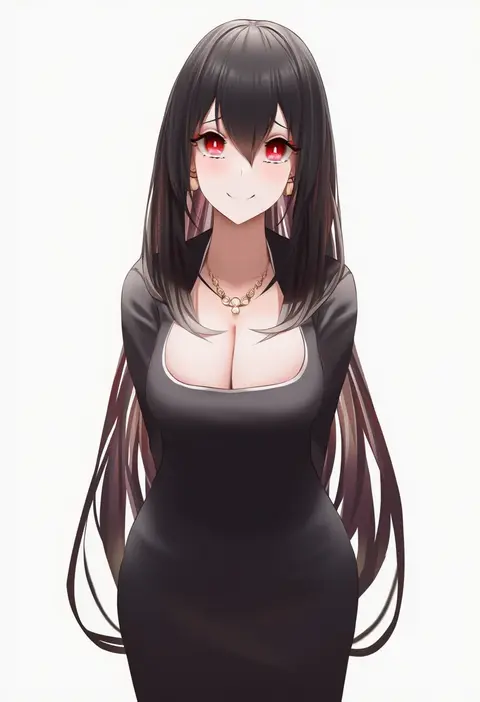
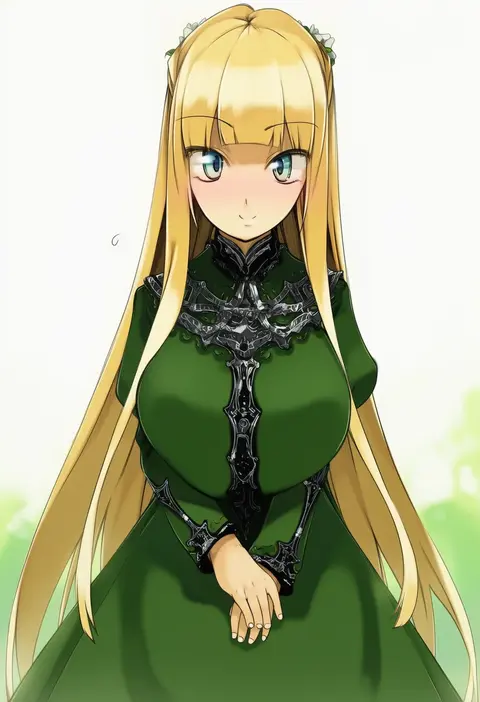
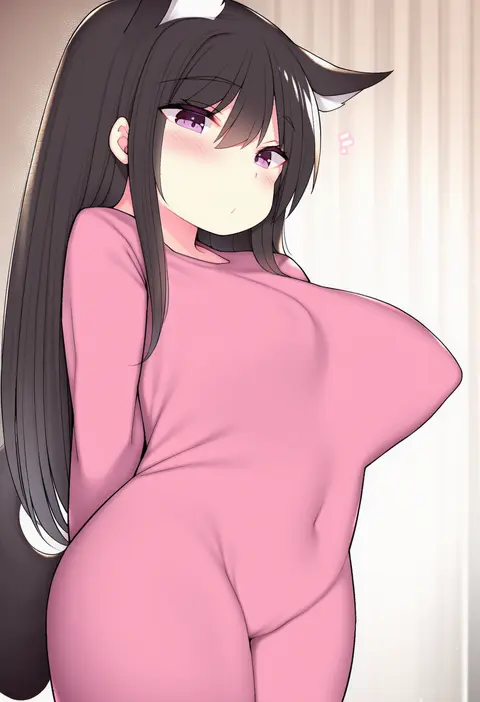
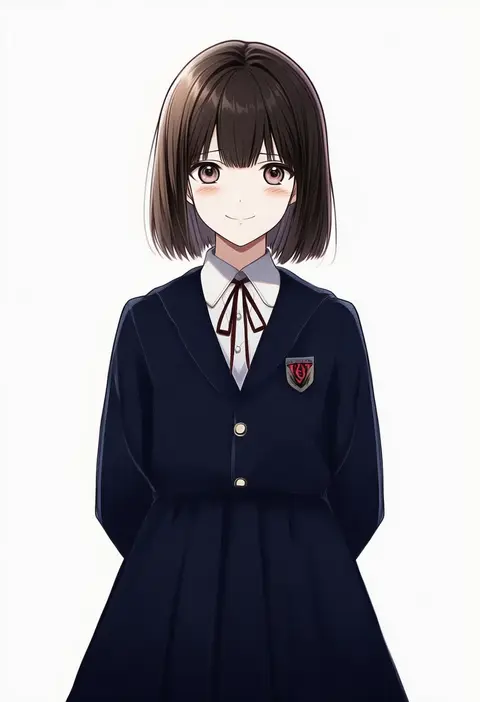
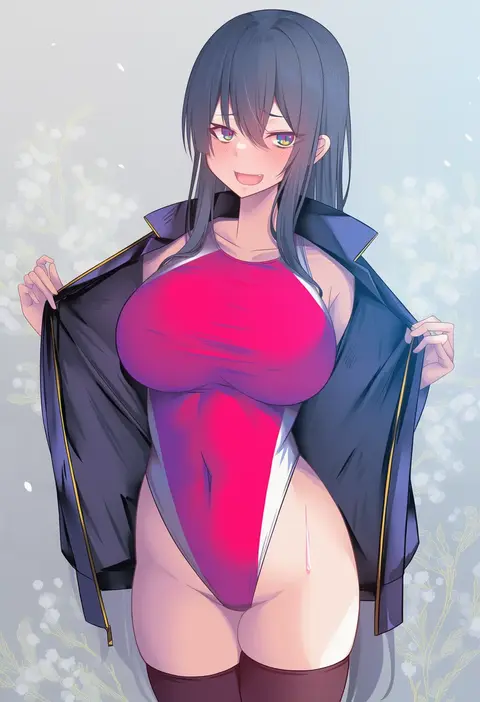
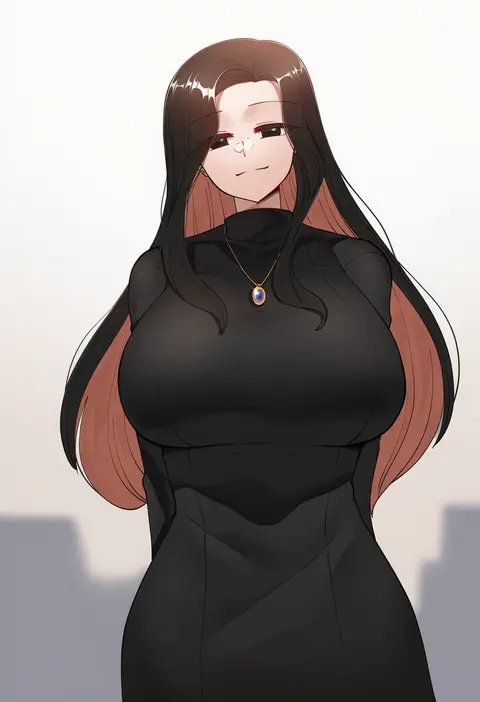
Artist tags tell NovelAI Diffusion to draw in a specific artist's style: line weight, paint texture, face shapes and palette all shift at once. Character and outfit tags decide what is drawn; artist tags decide how. 16,352 tags are listed for V4.5.
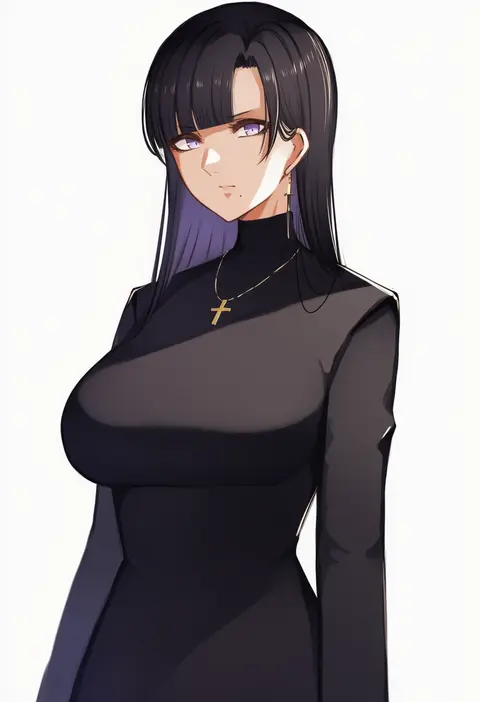
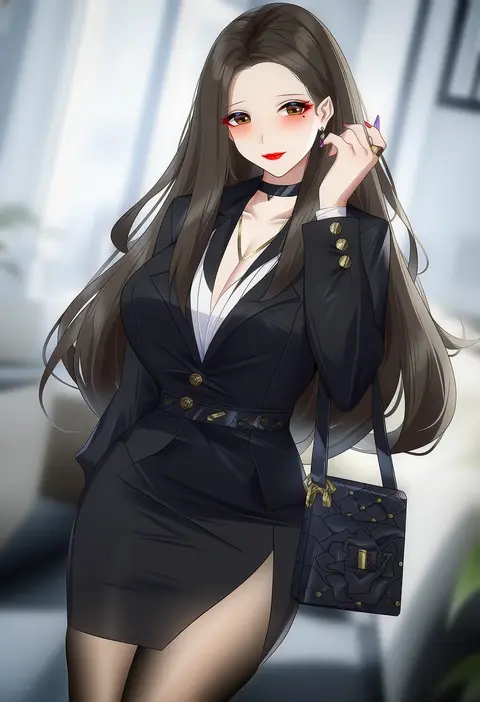
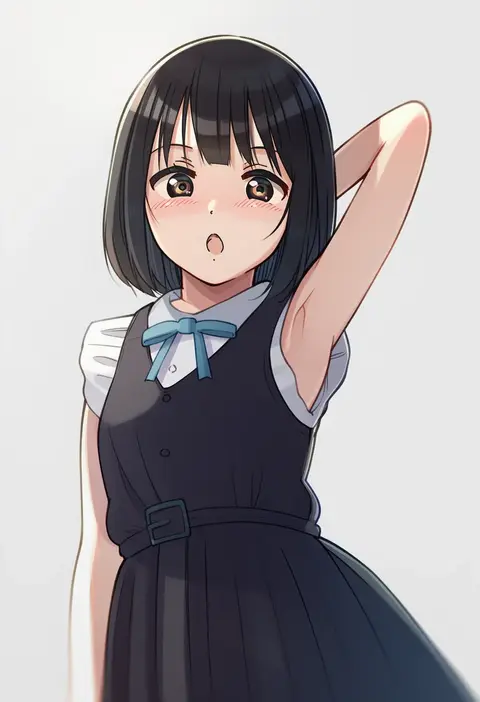
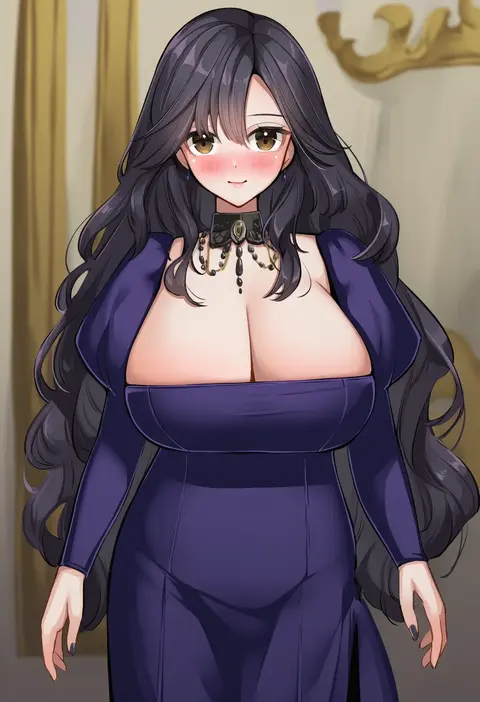
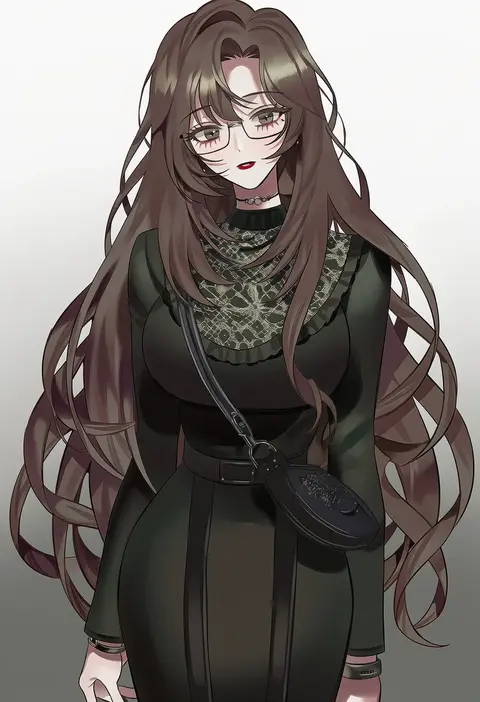
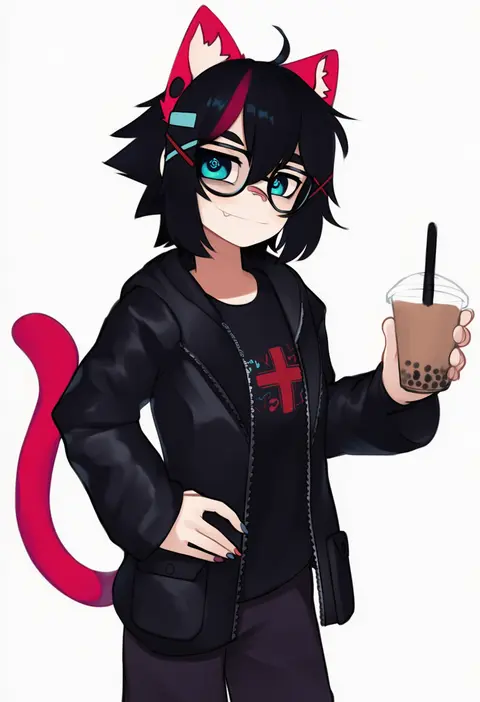
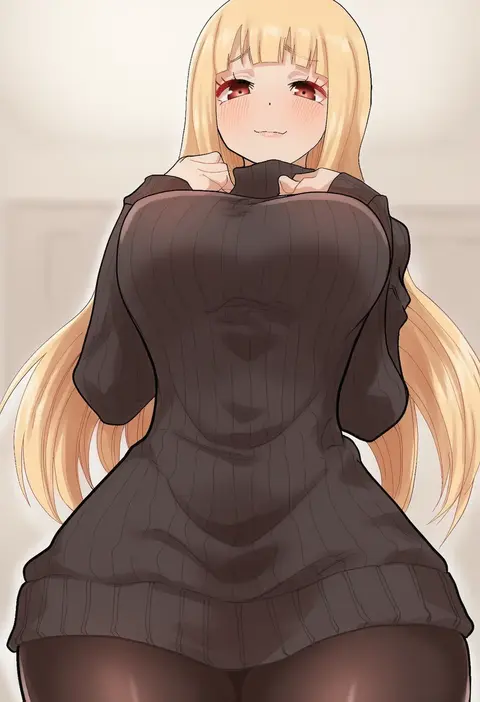
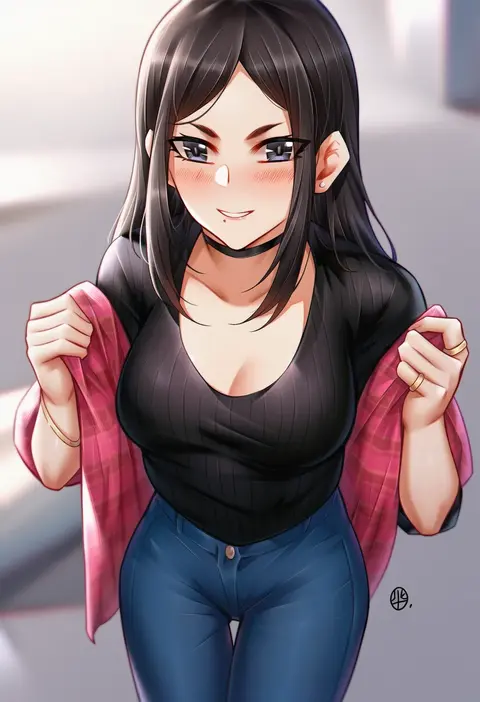
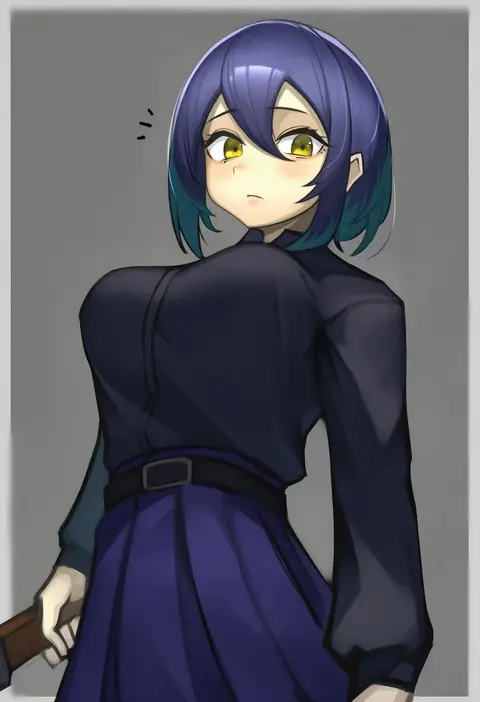
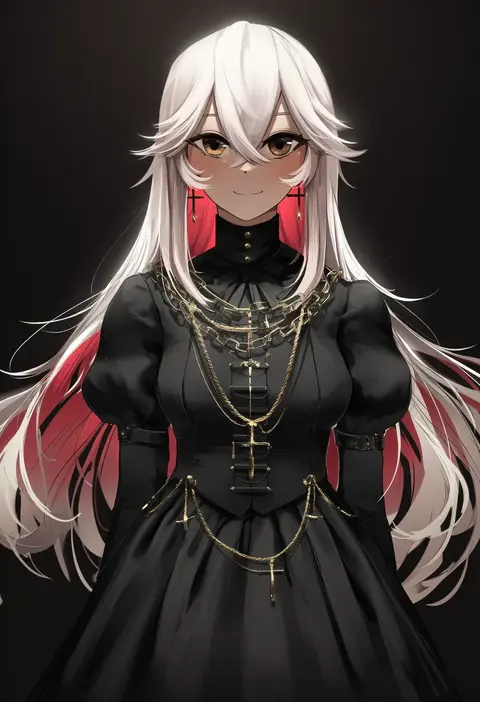
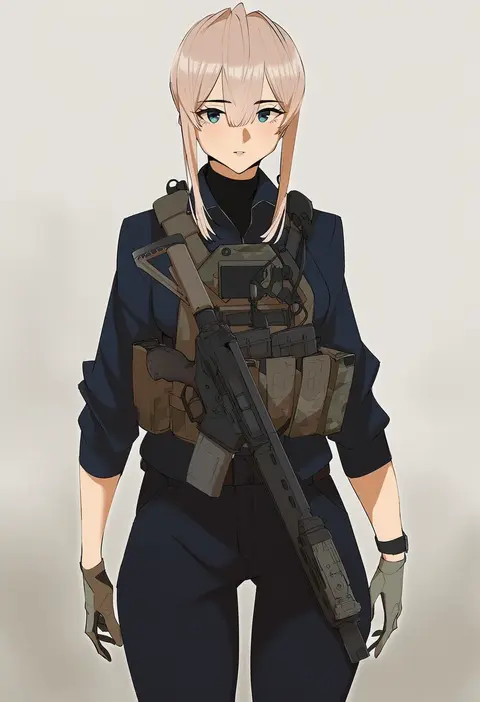
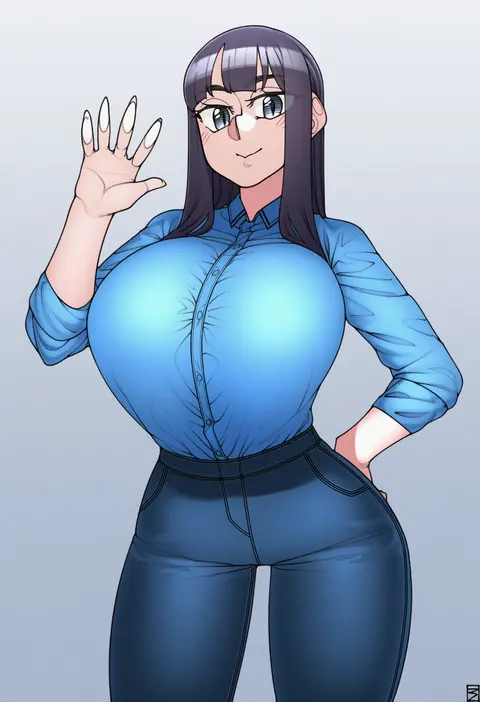
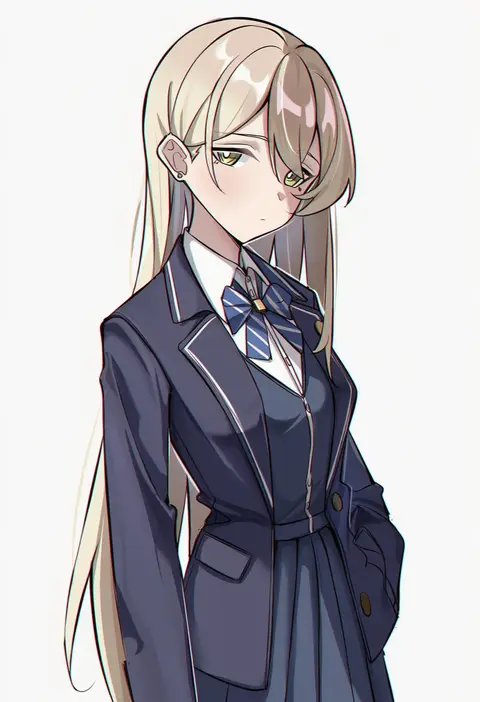
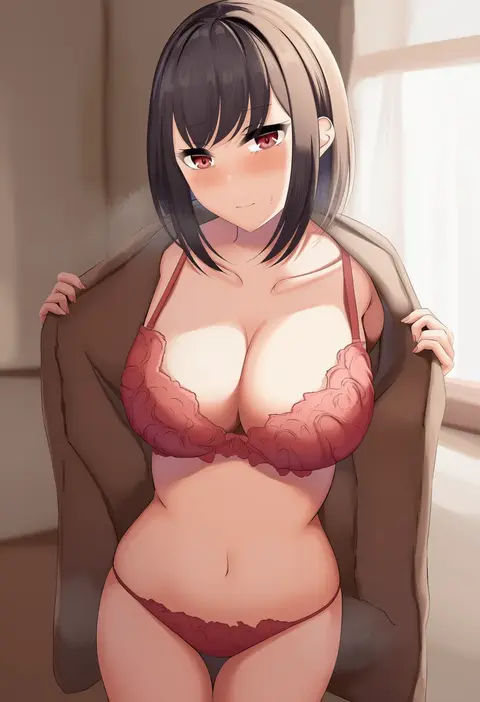
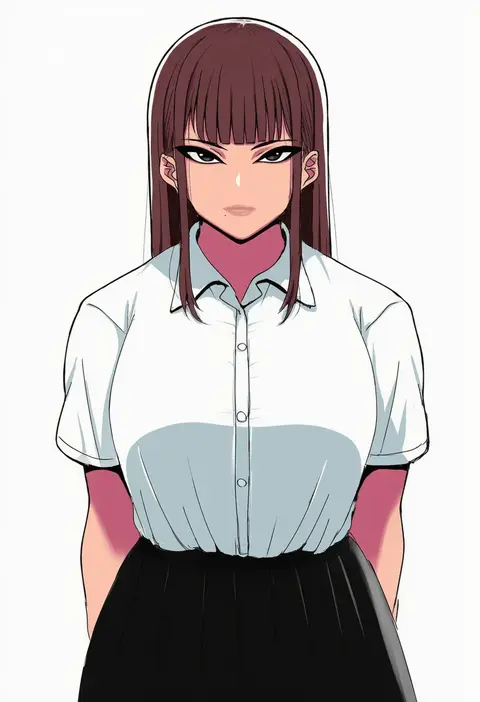
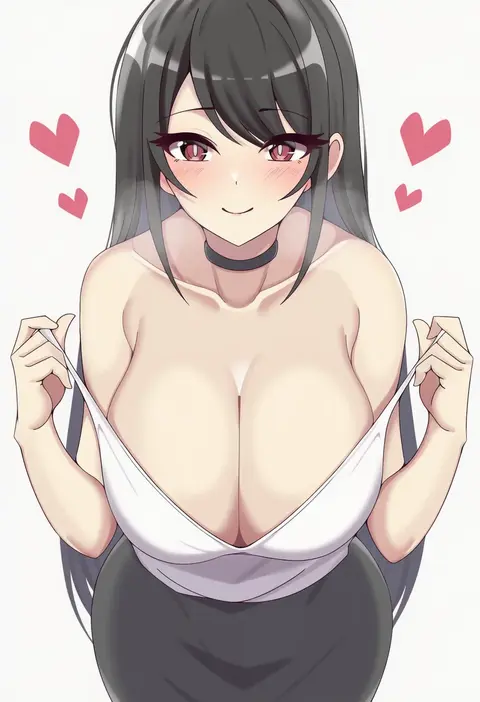
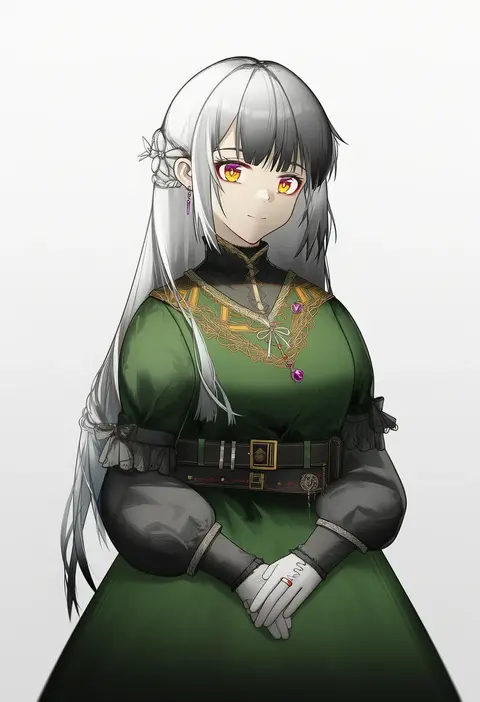
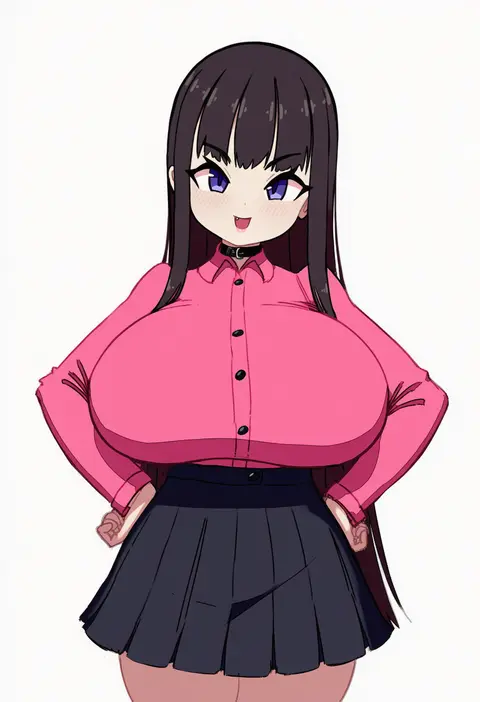
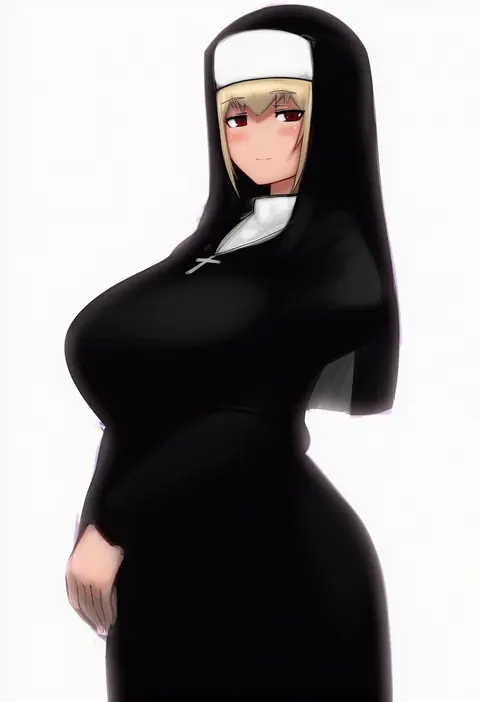
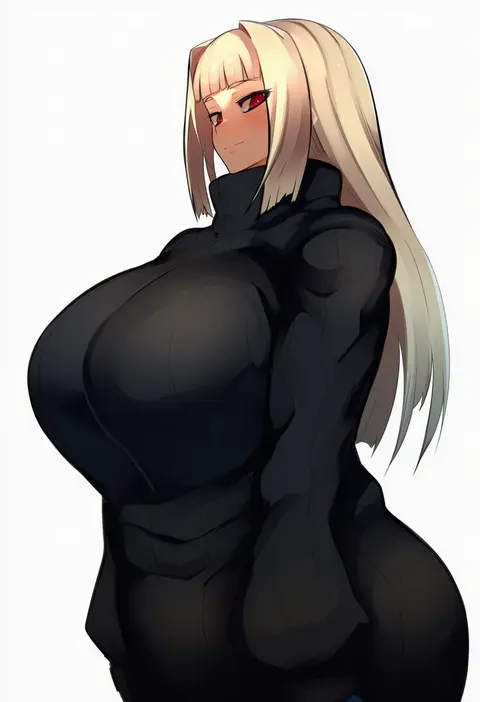
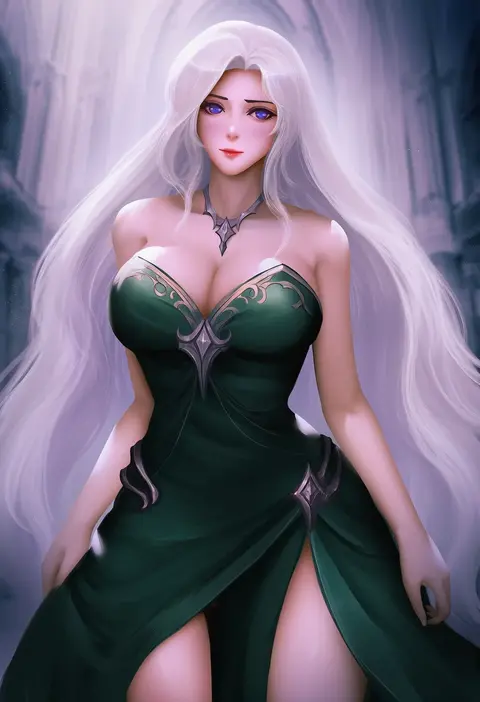
Every tag listed here is verified to react in NovelAI. All images use the same prompt, seed and settings with only the artist tag swapped, so the difference between two images is the style that tag brings in.

How to use them

Put the artist tag near the front of the prompt, e.g. "<artist>, 1girl, solo, best quality, masterpiece, cowboy shot". Two or three artist tags blend styles; lower the weight with "0.8::<artist>::" when the style overpowers the character.

SCORE sorts by Danbooru's top score, POSTS by post count, FAVS by hearts on this site. Open a card to see V5 and V4.5 side by side on the same seed.

V5 vs V4.5

V5 usually lands closer to the artist's real style, and tags that did nothing on V4.5 often react on V5. V4.5 still fits older and doujin-heavy artists better. Try V5 first, fall back to V4.5.

FAQ

Where does the artist tag go?
Near the front of the prompt. Use "0.8::tag::" to adjust its weight.

Can I stack artist tags?
Yes, styles blend. Past two or three the result stops looking like anyone.

Are these the artists' own works?
No. Every image is a NovelAI sample generated from the tag.