V4.5Artists
sort: FAVS▾
▾
>
$

Popular NovelAI artist tags — V4.5

artist --count 16,352[57/273]
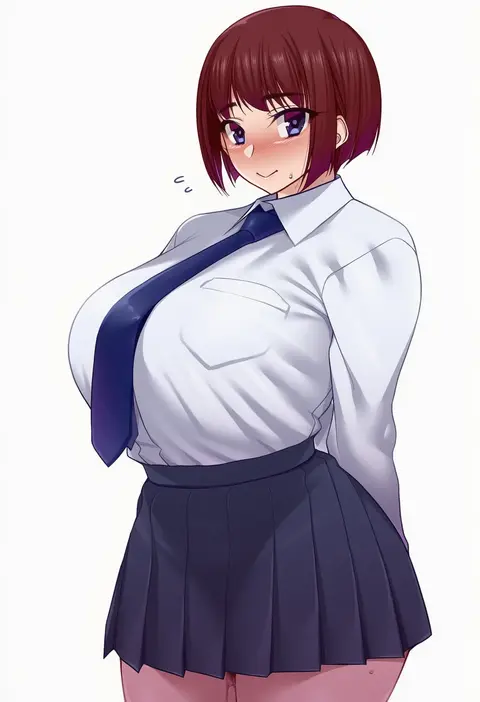
namidame
ARTIST0x0D20
0
hakaba (dairiseki)
ARTIST0x0D21
0
nev (nevblindarts)
ARTIST0x0D22
0
muo (muojjang 0929)
ARTIST0x0D23
0
satchely
ARTIST0x0D24
0
yatanukikey
ARTIST0x0D25
0
hirosenpai
ARTIST0x0D26
0
nasuno (nasuno42)
ARTIST0x0D27
0
watosu
ARTIST0x0D28
0
benevole
ARTIST0x0D29
0
tunamayo (dsasd751)
ARTIST0x0D2A
0
sarhce
ARTIST0x0D2B
0
nagata gata
ARTIST0x0D2C
0
chyraliss
ARTIST0x0D2D
0
softhanten
ARTIST0x0D2E
0
mukuba
ARTIST0x0D2F
0
hashira 14
ARTIST0x0D30
0
e-note
ARTIST0x0D31
0
donggua bing cha
ARTIST0x0D32
0
r-binon
ARTIST0x0D33
0
assha (schector)
ARTIST0x0D34
0
saaal653
ARTIST0x0D35
0
hanetu
ARTIST0x0D36
0
mujinbensin
ARTIST0x0D37
0
toho10min
ARTIST0x0D38
0
d-rex
ARTIST0x0D39
0
nns (sobchan)
ARTIST0x0D3A
0
ten no hoshi
ARTIST0x0D3B
0
yui.h
ARTIST0x0D3C
0
sytokun
ARTIST0x0D3D
0
utsusumi kio
ARTIST0x0D3E
0
shokuyou mogura
ARTIST0x0D3F
0
nicky w
ARTIST0x0D40
0
omelet tomato
ARTIST0x0D41
0
raru (nanaharararu)
ARTIST0x0D42
0
tachibana omina
ARTIST0x0D43
0
sunsun2812
ARTIST0x0D44
0
kibii mocha
ARTIST0x0D45
0
ebon
ARTIST0x0D46
0
aioi u
ARTIST0x0D47
0
rasusurasu
ARTIST0x0D48
0
trente
ARTIST0x0D49
0
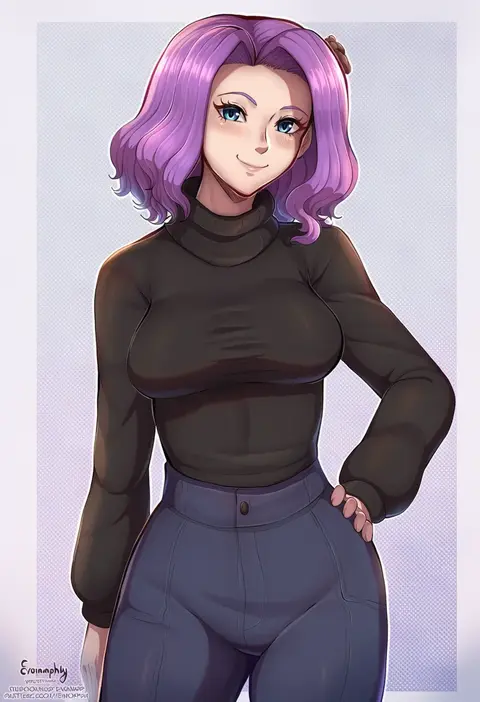
evomanaphy
ARTIST0x0D4A
0
kusugi tai
ARTIST0x0D4B
0
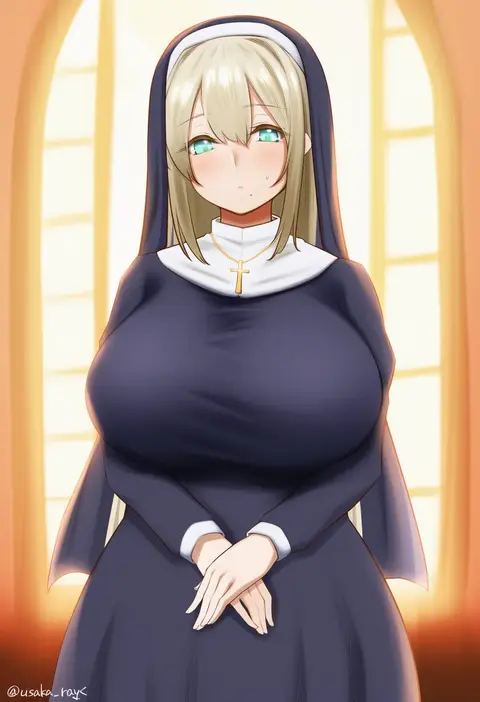
usaka ray
ARTIST0x0D4C
0
iahfy
ARTIST0x0D4D
0
p (tidoriashi)
ARTIST0x0D4E
0
tsushi
ARTIST0x0D4F
0
kitazawa (embers)
ARTIST0x0D50
0
wsfw
ARTIST0x0D51
0
tetori (tetolisto)
ARTIST0x0D52
0
hyulla
ARTIST0x0D53
0
cirnos
ARTIST0x0D54
0
nakatokung
ARTIST0x0D55
0
hisakabe oto
ARTIST0x0D56
0
kokuto (kurousagi1210)
ARTIST0x0D57
0
tiri man
ARTIST0x0D58
0
botan m
ARTIST0x0D59
0
gggg
ARTIST0x0D5A
0
waterkuma
ARTIST0x0D5B
0

What these tags change

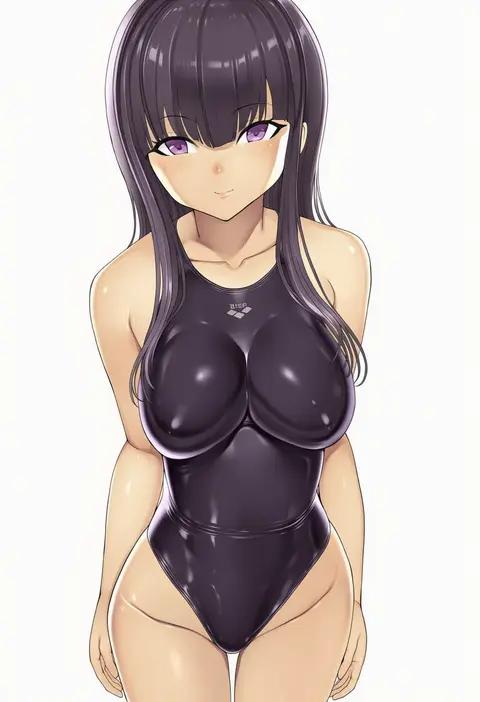
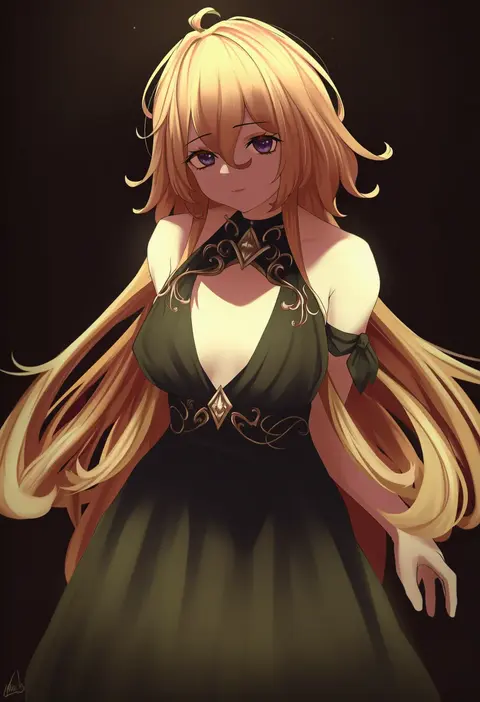
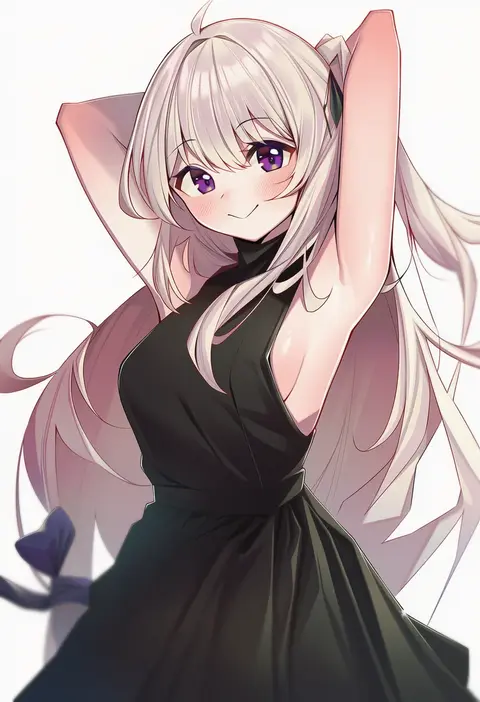
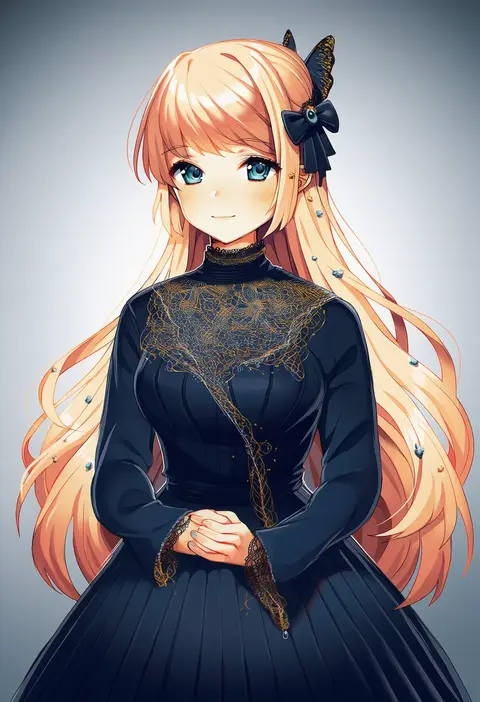
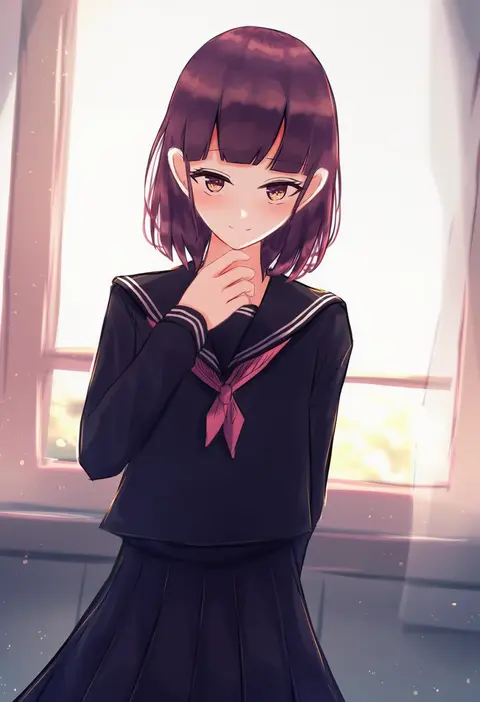
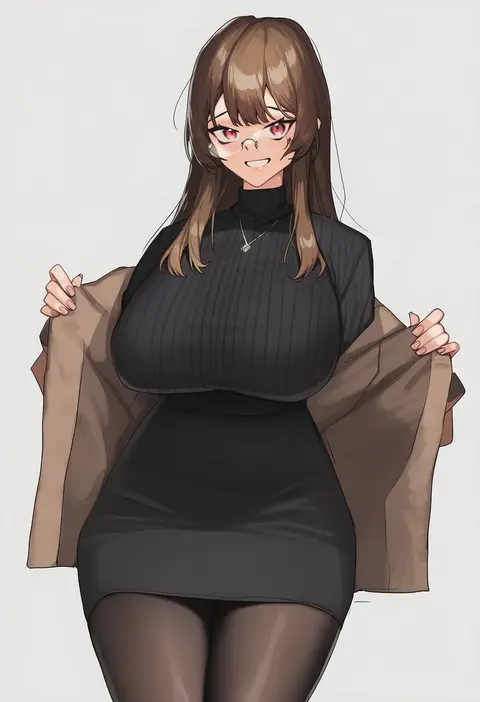
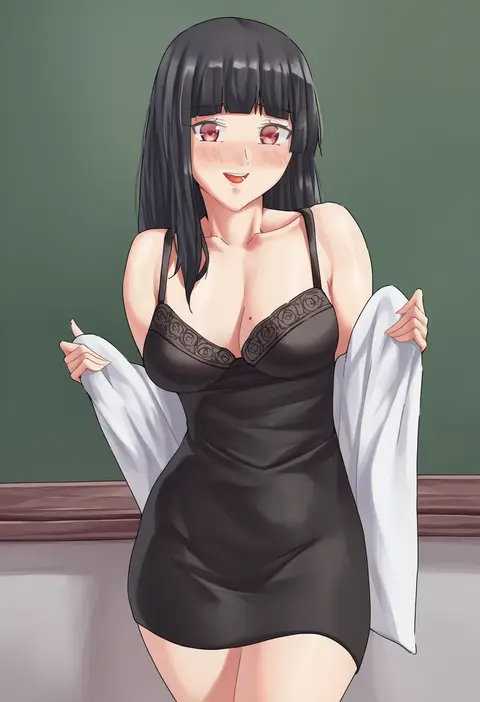
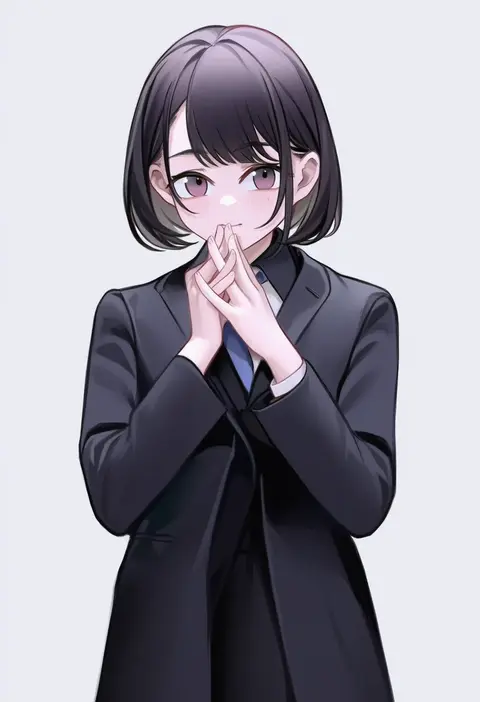
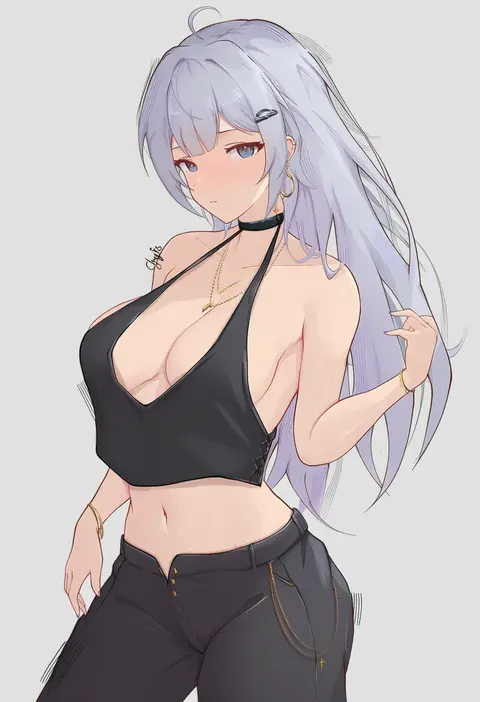
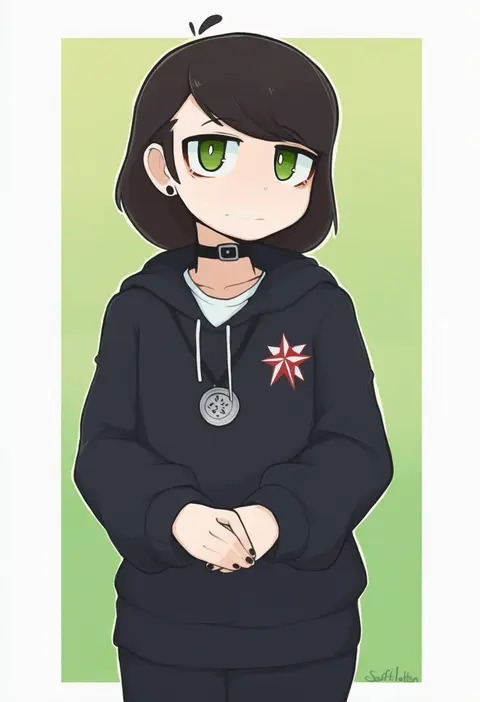
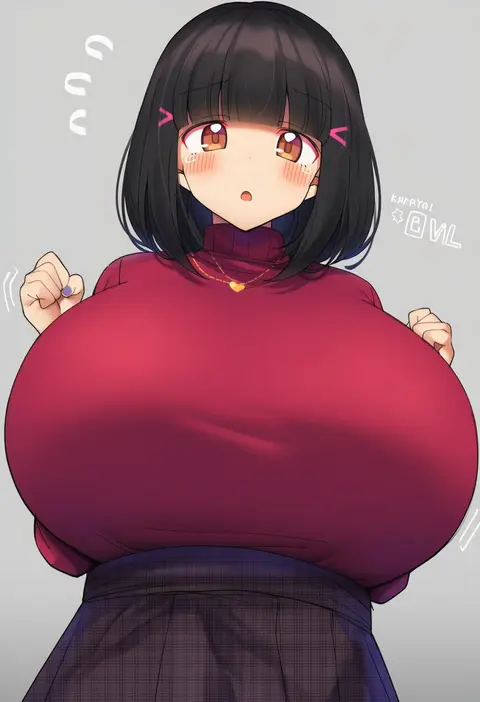
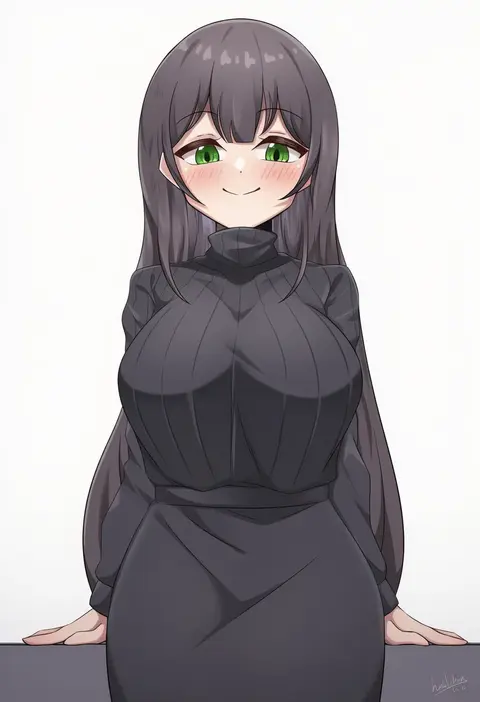
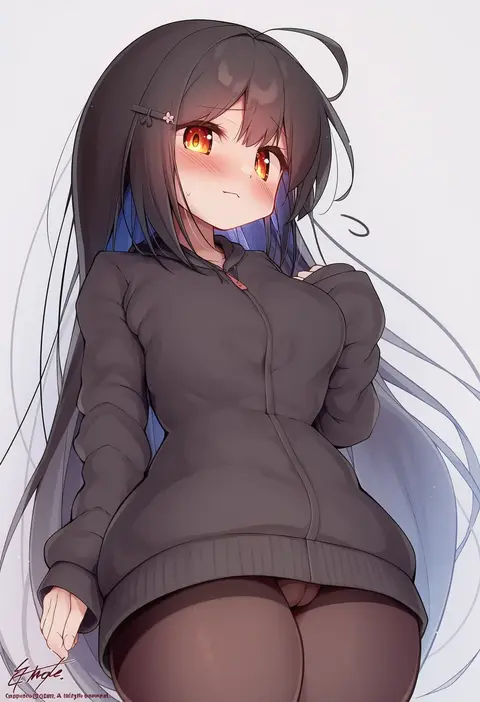
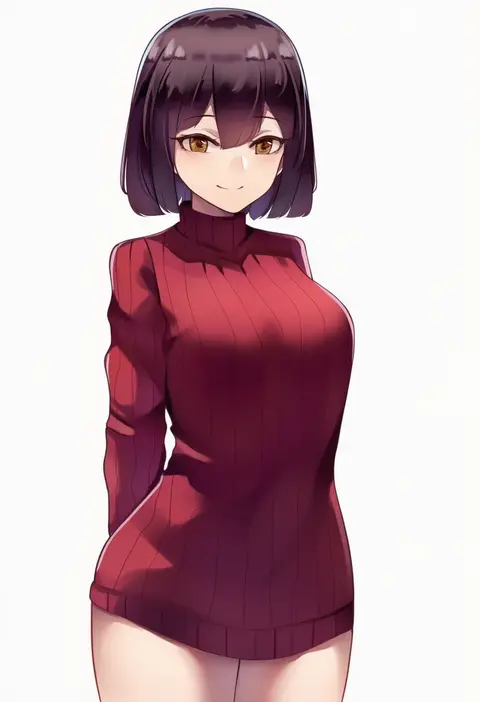
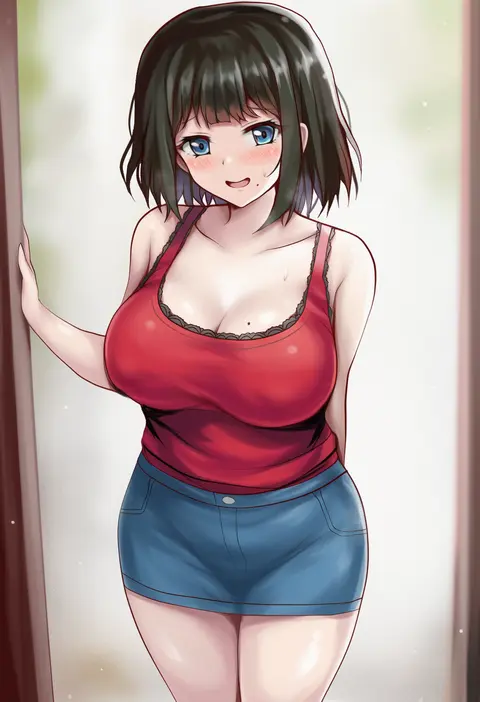
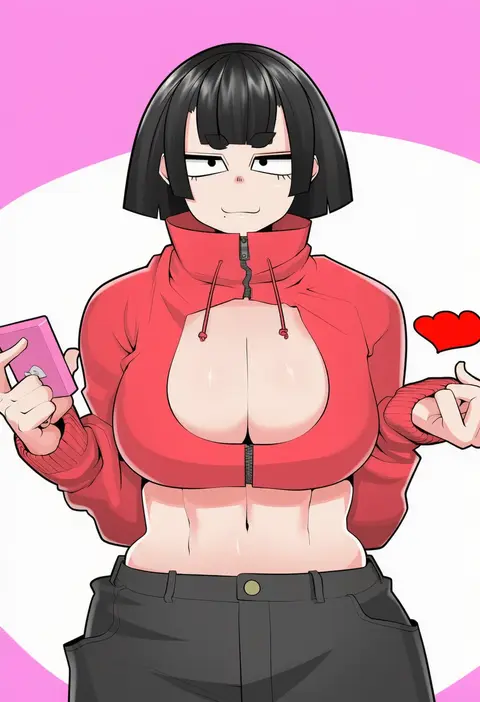
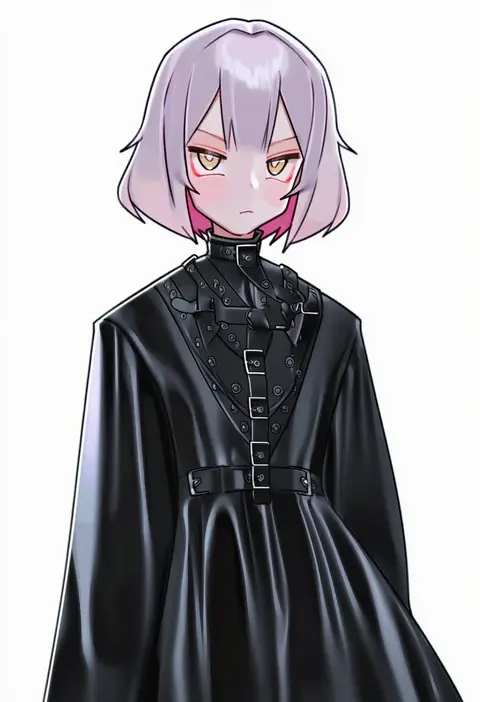
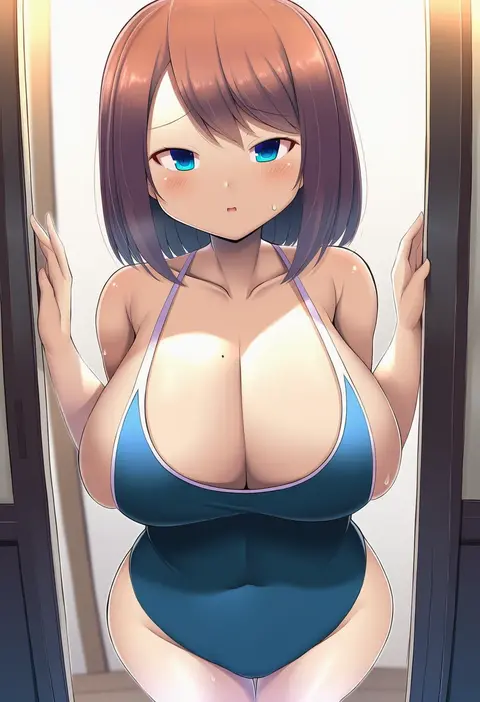
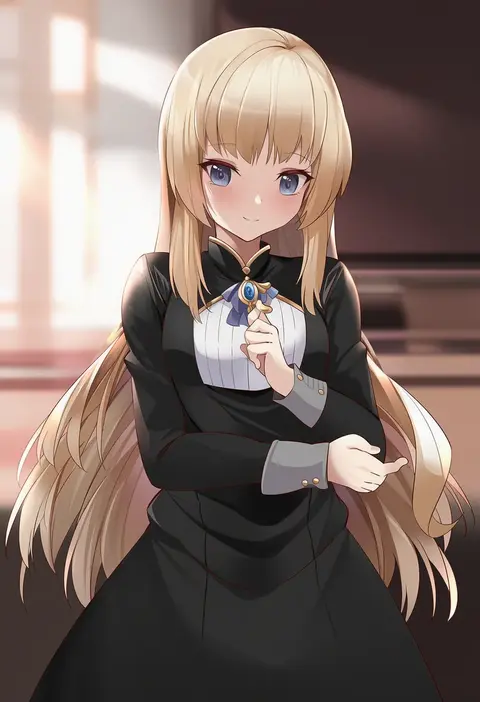
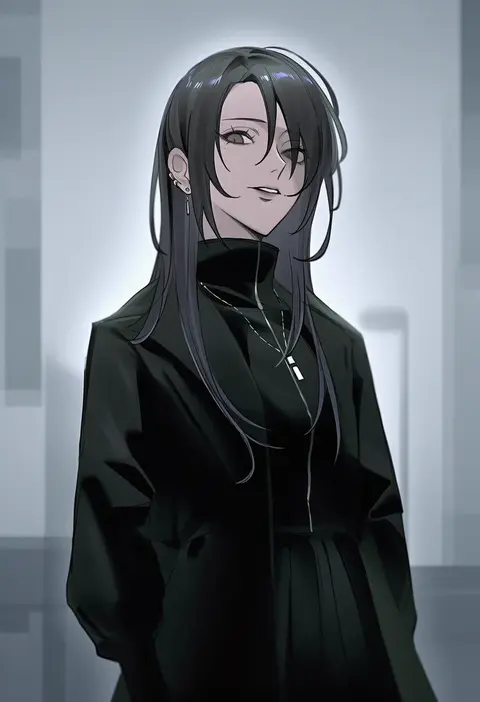
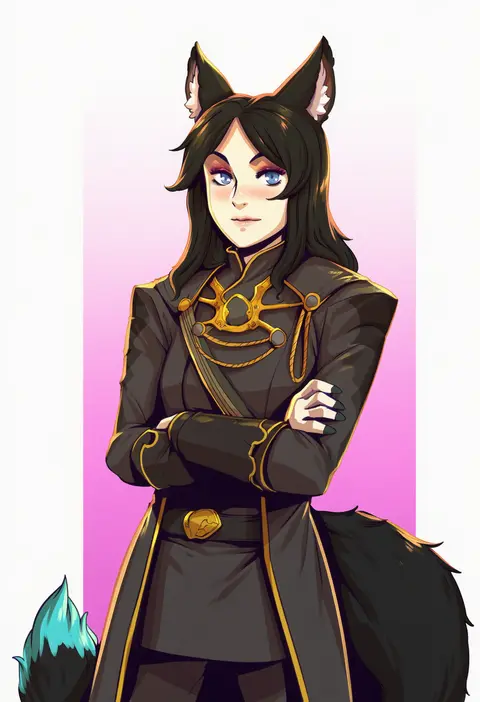
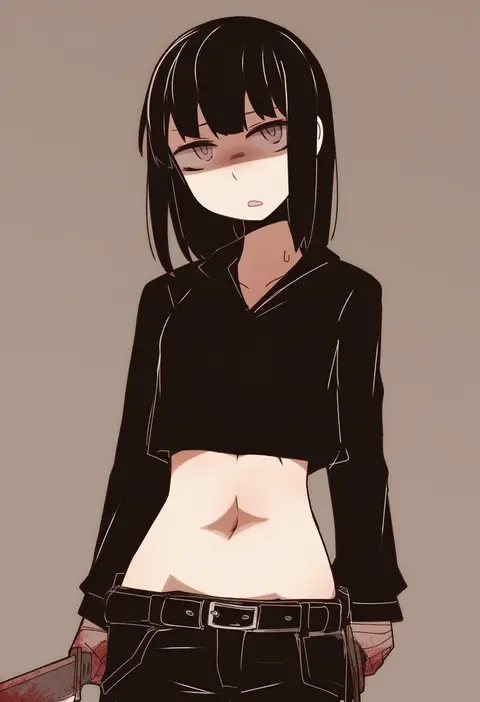
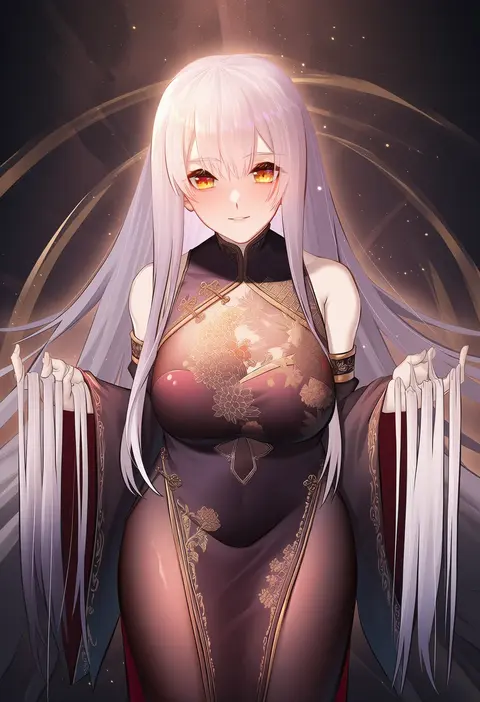
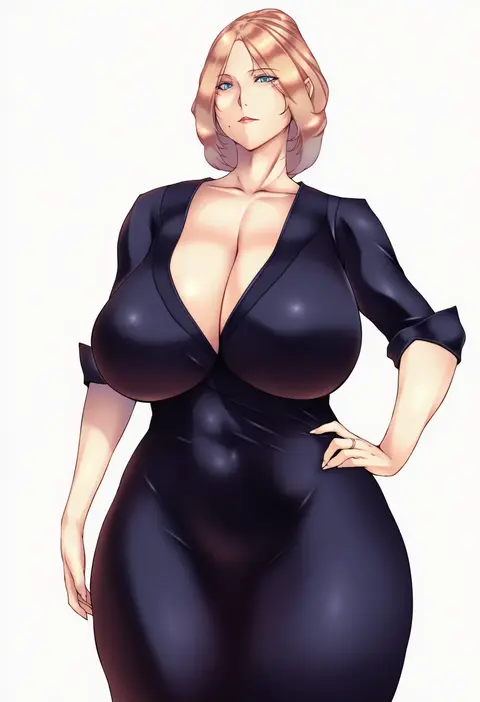
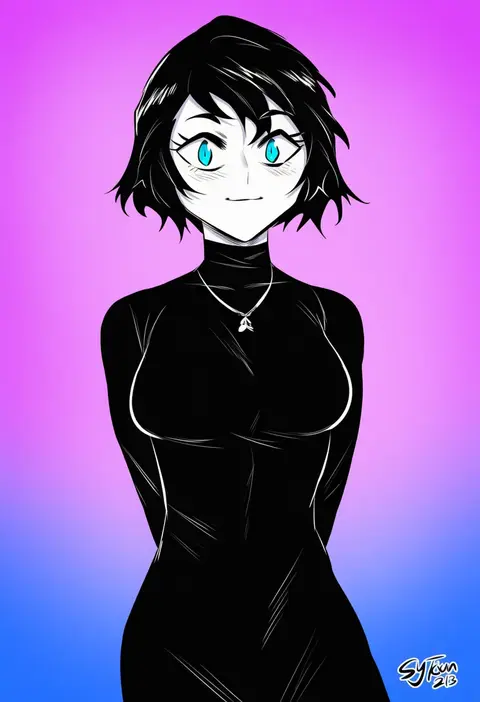
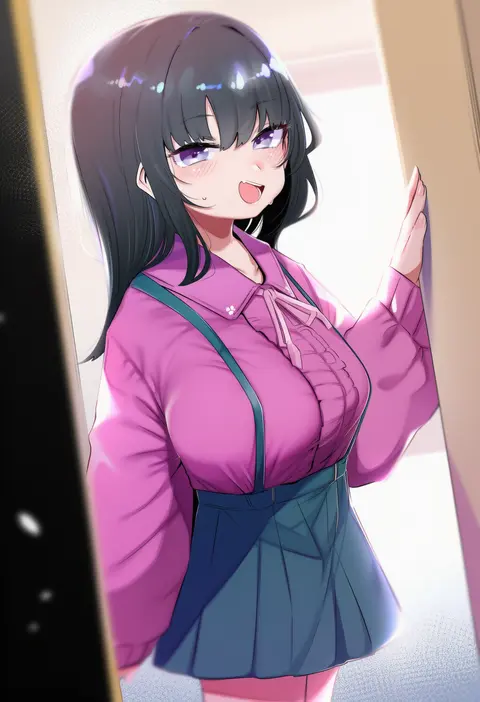
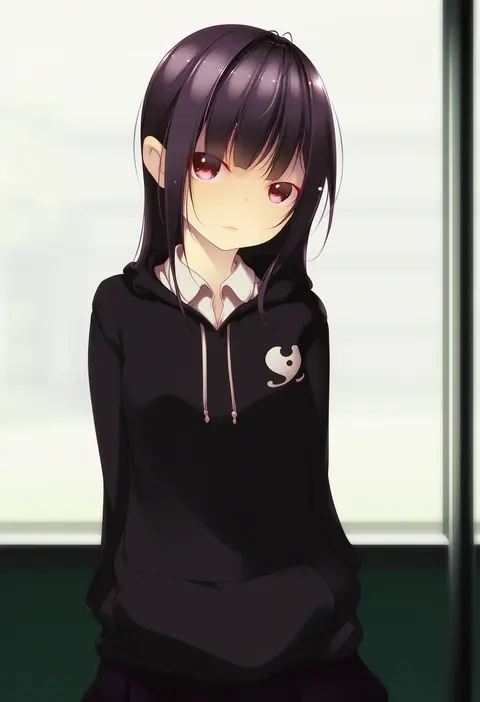
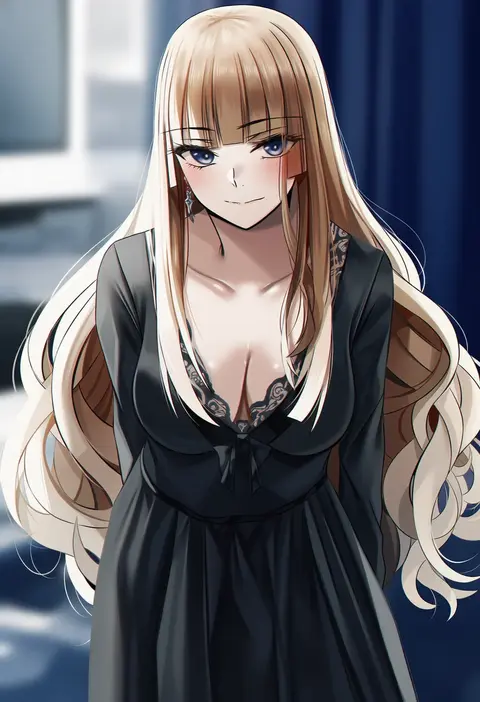
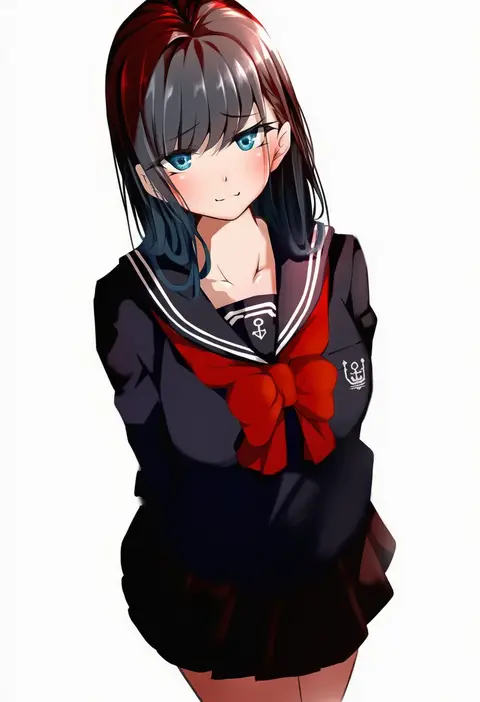
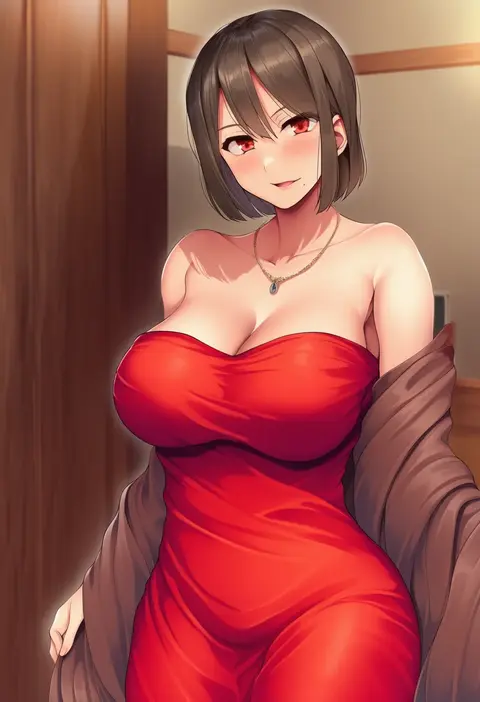
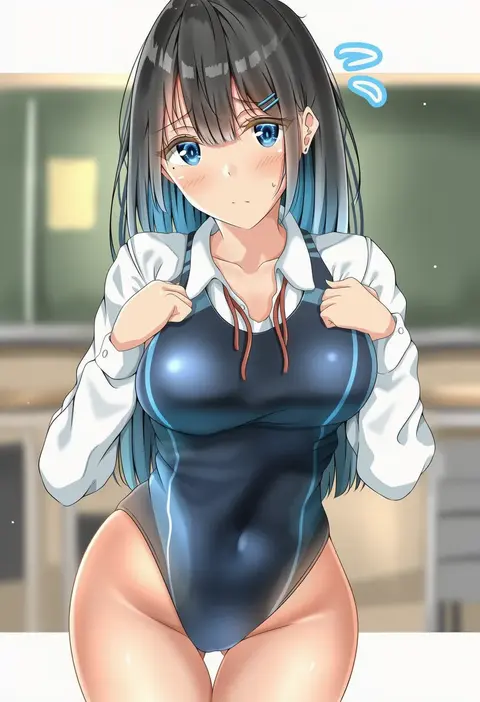
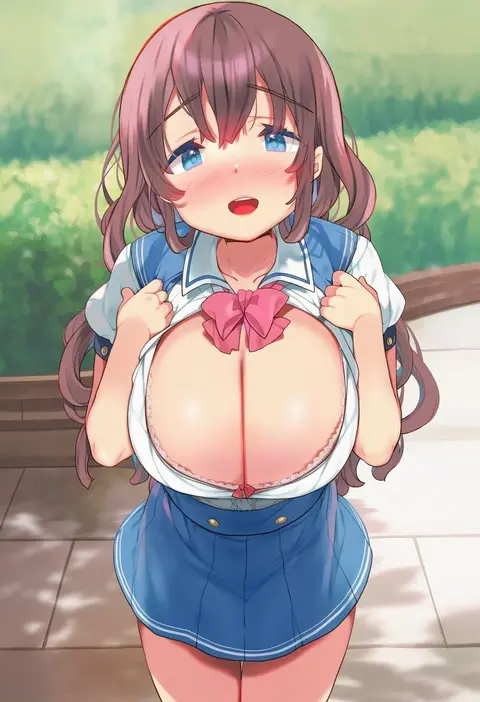
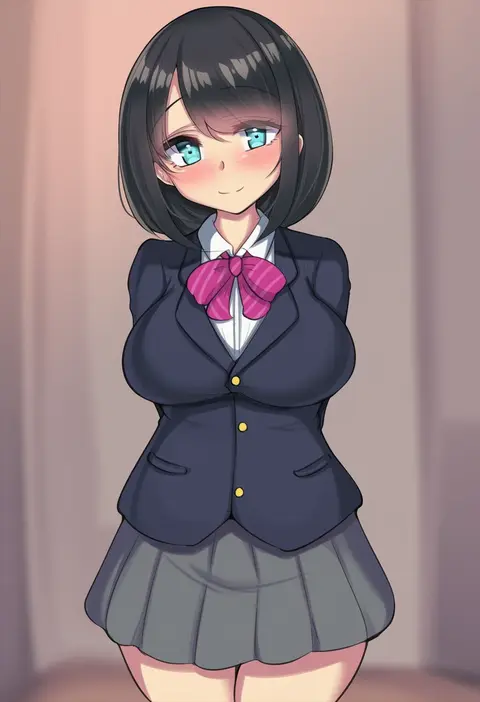
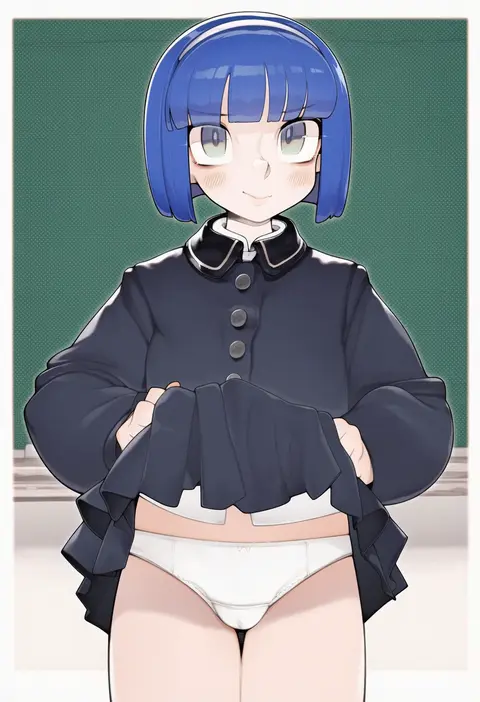
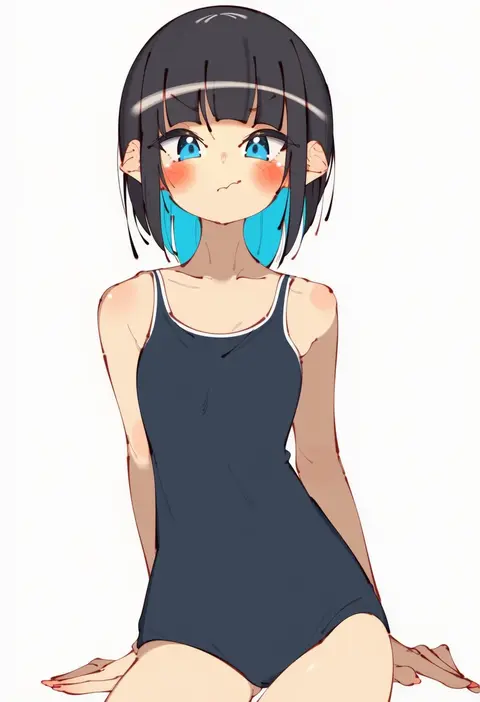
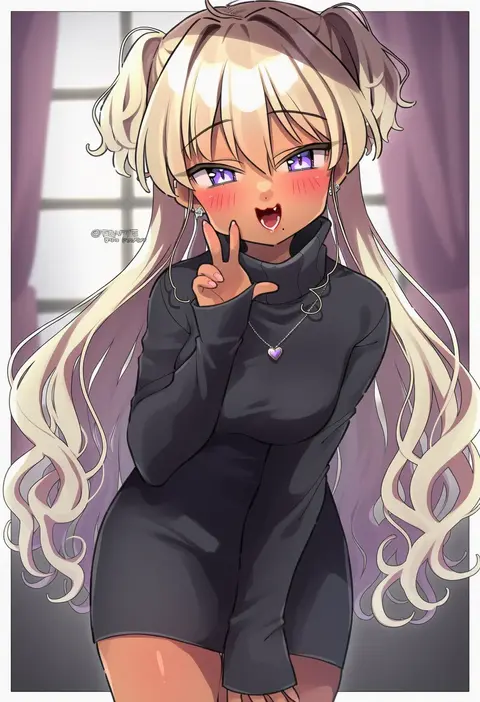
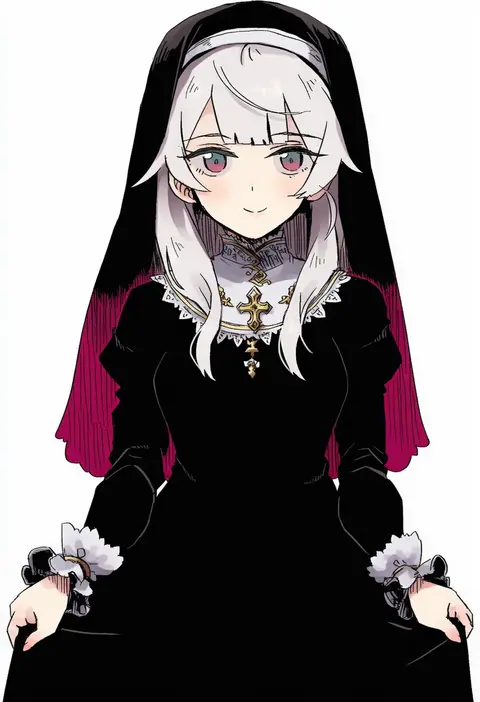
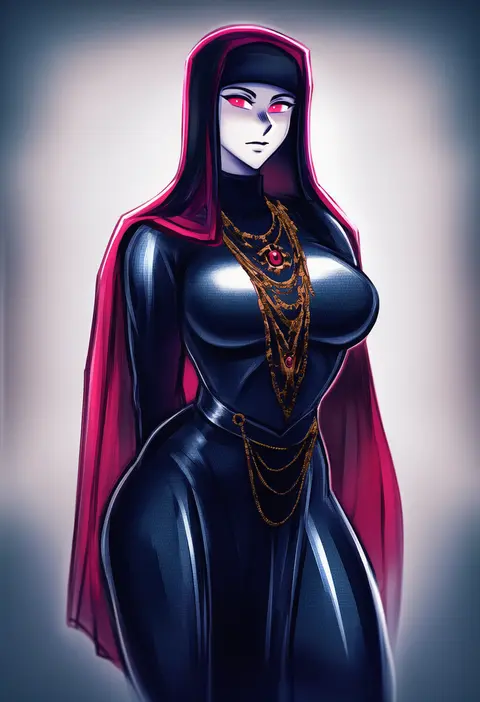
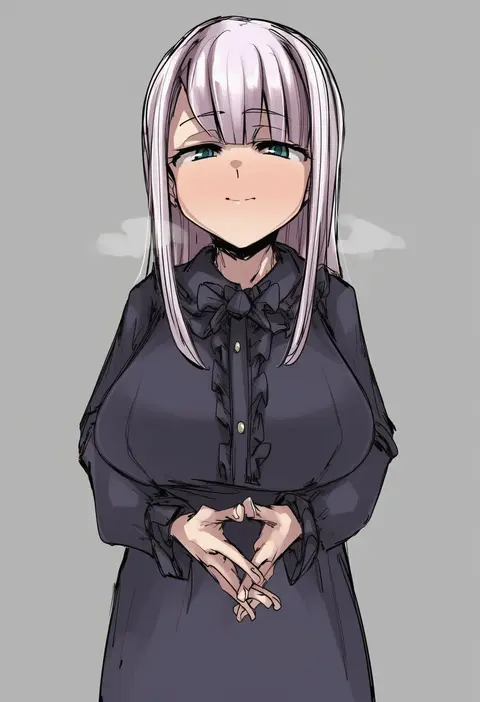
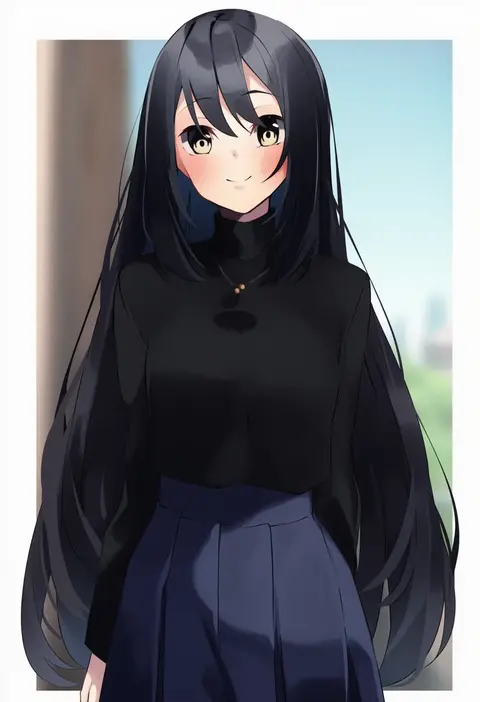
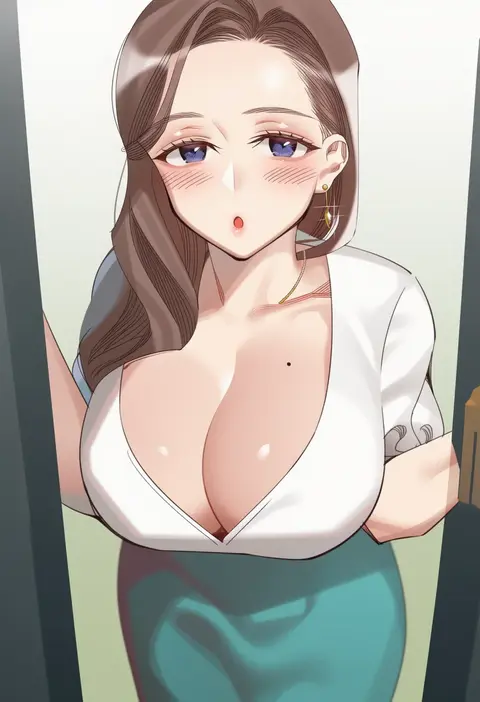
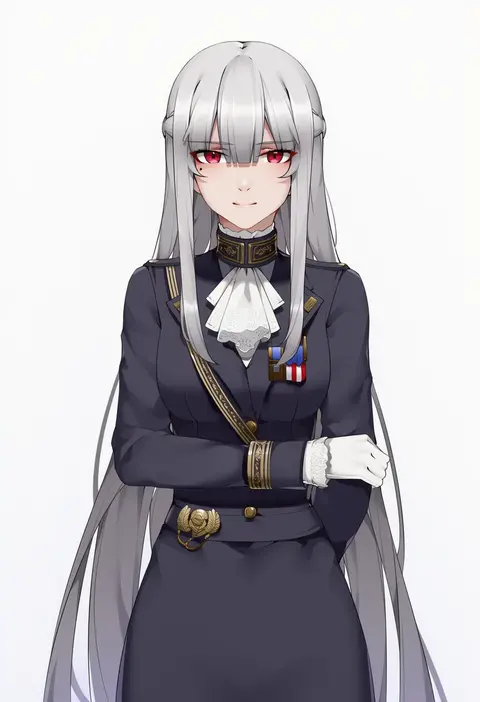
Artist tags tell NovelAI Diffusion to draw in a specific artist's style: line weight, paint texture, face shapes and palette all shift at once. Character and outfit tags decide what is drawn; artist tags decide how. 16,352 tags are listed for V4.5.
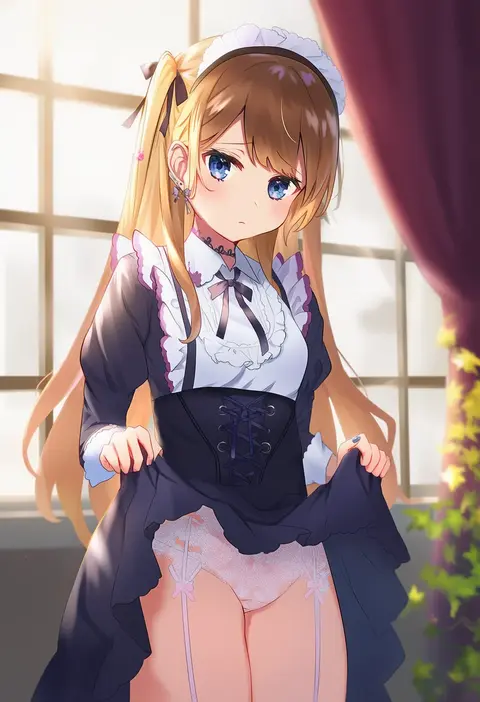
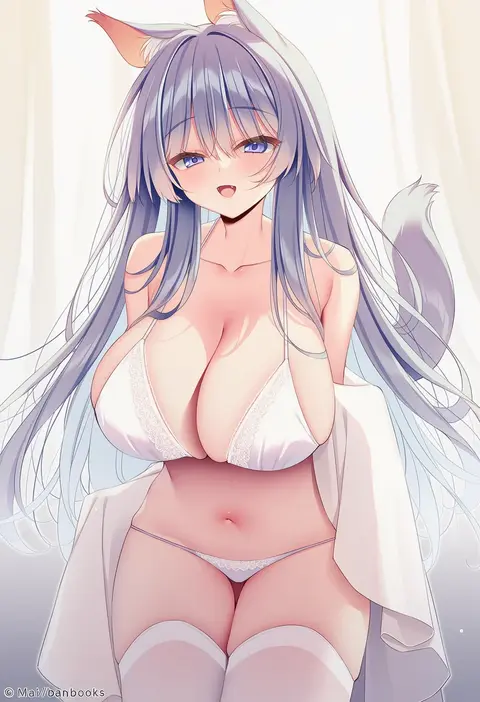
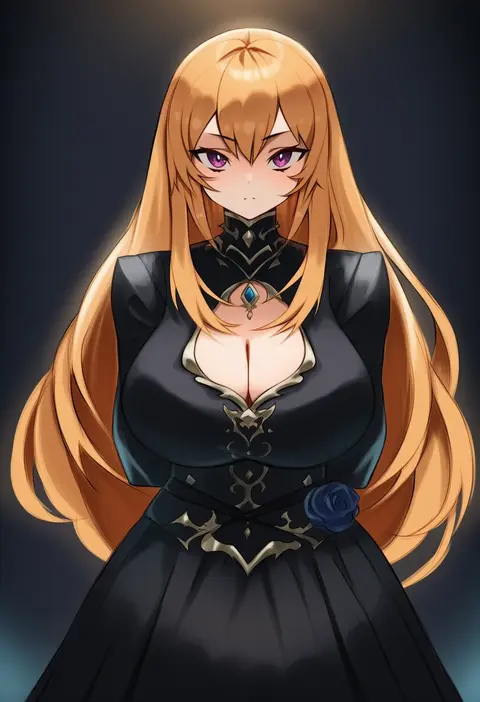
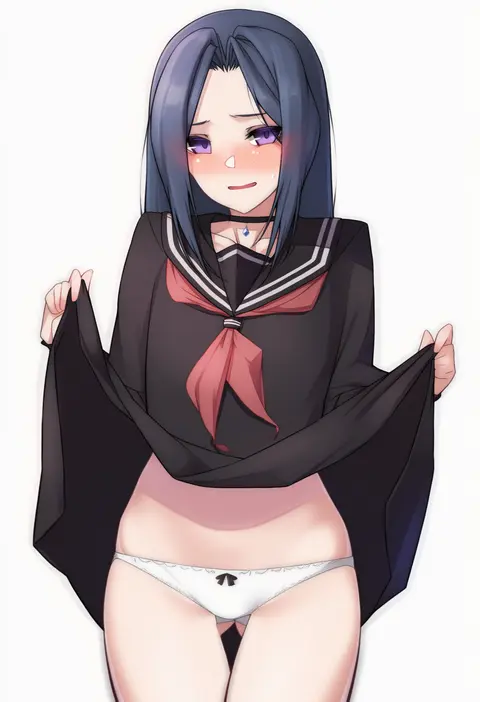
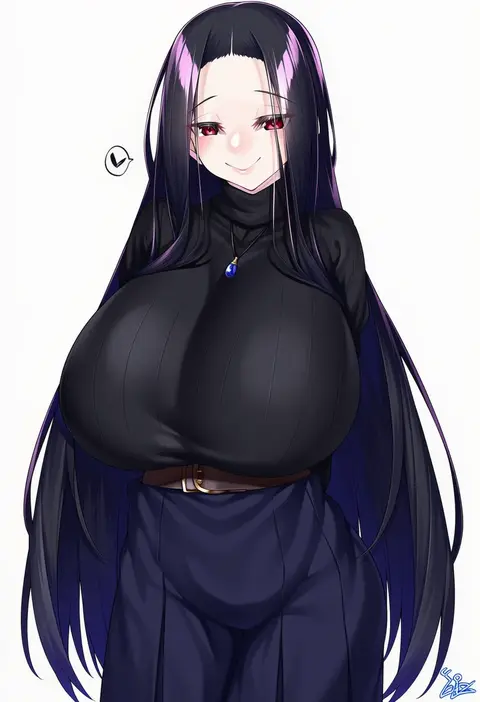
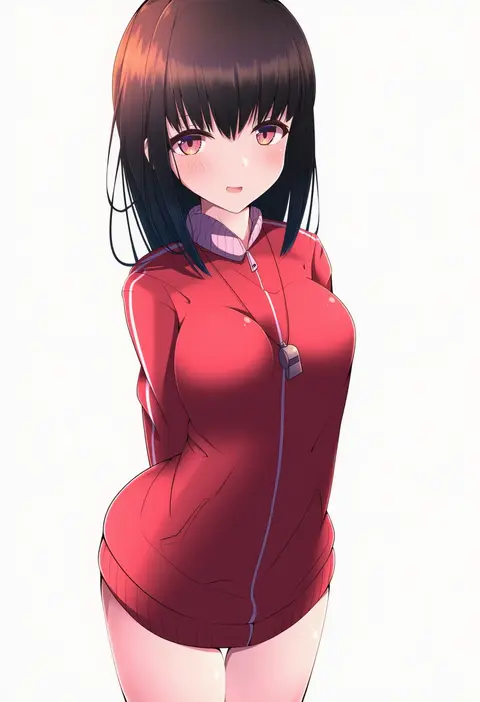
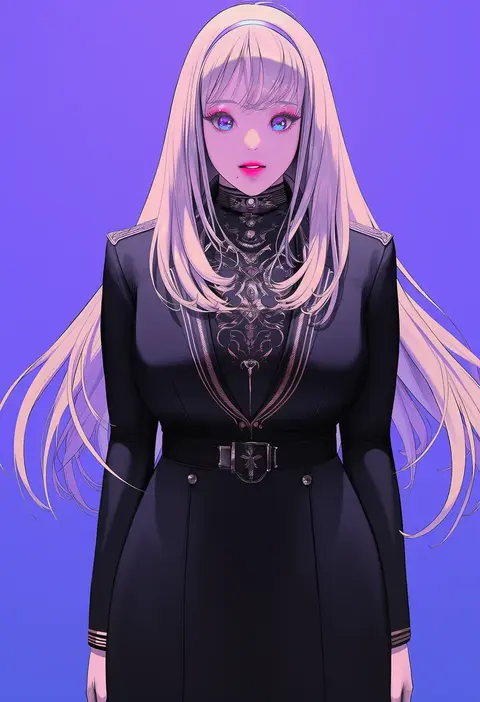
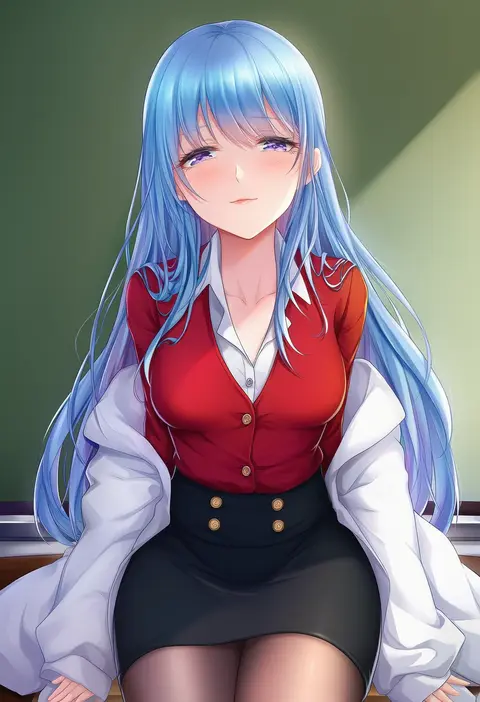
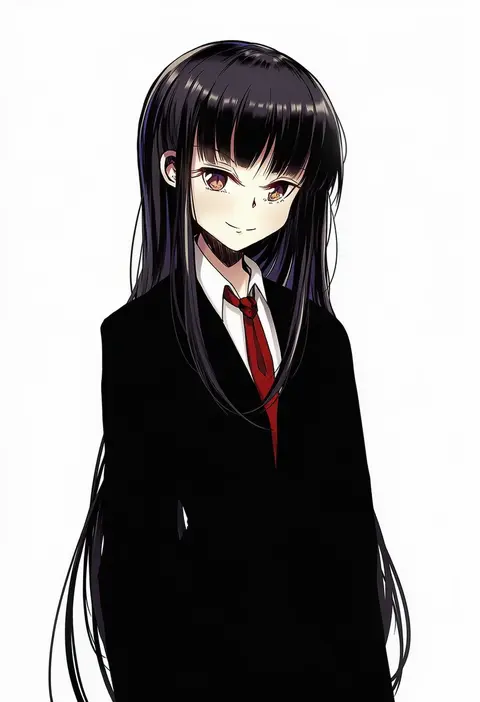
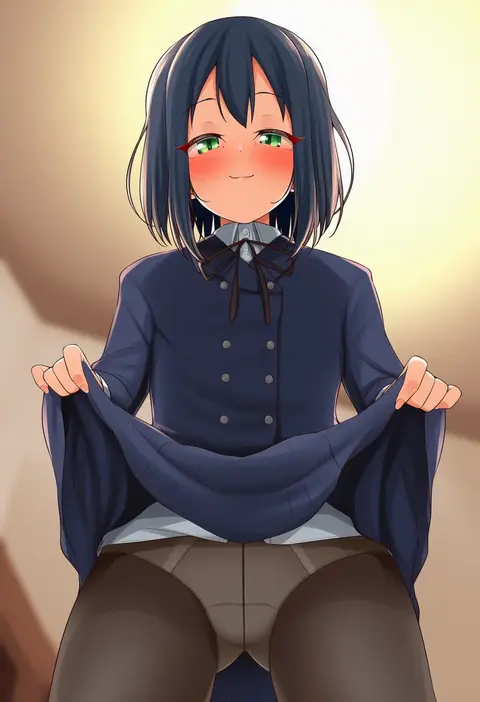
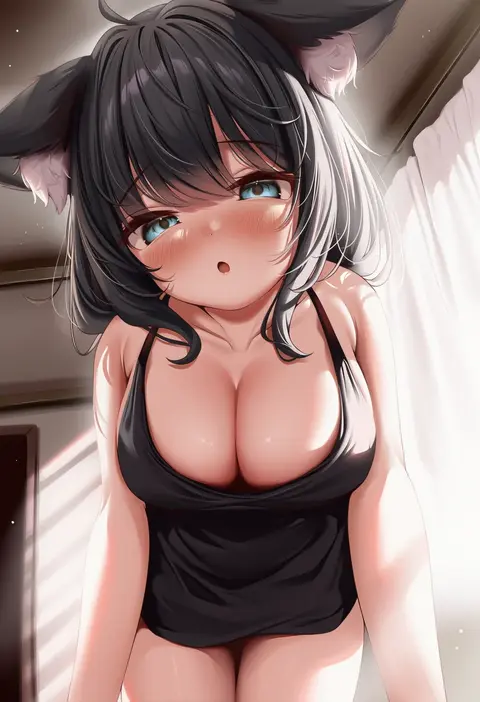
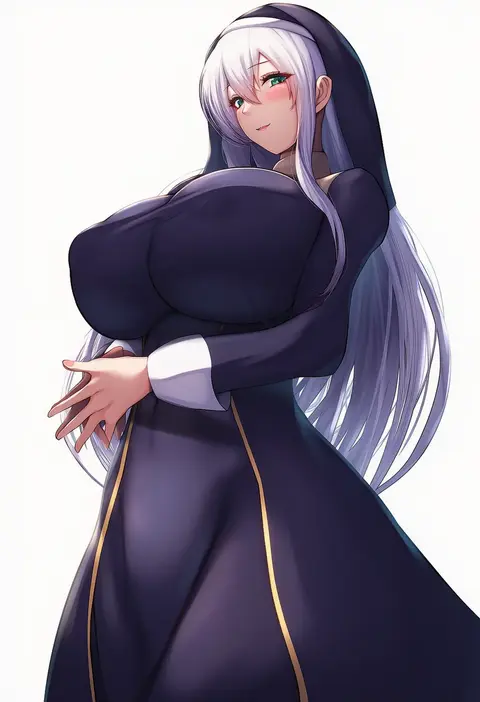
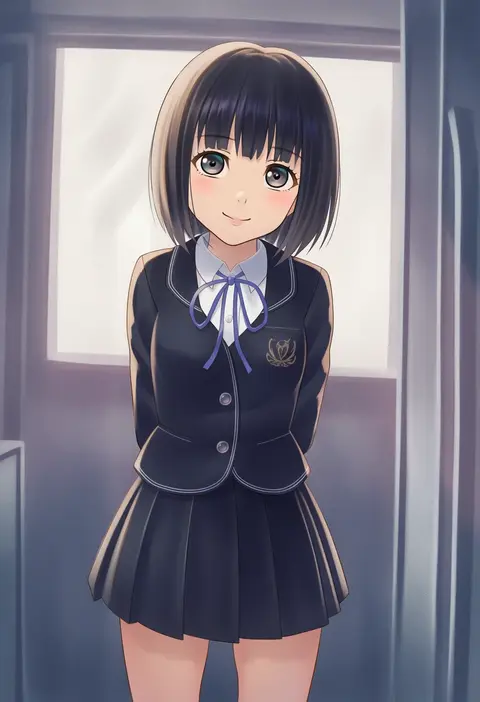
Every tag listed here is verified to react in NovelAI. All images use the same prompt, seed and settings with only the artist tag swapped, so the difference between two images is the style that tag brings in.

How to use them

Put the artist tag near the front of the prompt, e.g. "<artist>, 1girl, solo, best quality, masterpiece, cowboy shot". Two or three artist tags blend styles; lower the weight with "0.8::<artist>::" when the style overpowers the character.

SCORE sorts by Danbooru's top score, POSTS by post count, FAVS by hearts on this site. Open a card to see V5 and V4.5 side by side on the same seed.

V5 vs V4.5

V5 usually lands closer to the artist's real style, and tags that did nothing on V4.5 often react on V5. V4.5 still fits older and doujin-heavy artists better. Try V5 first, fall back to V4.5.

FAQ

Where does the artist tag go?
Near the front of the prompt. Use "0.8::tag::" to adjust its weight.

Can I stack artist tags?
Yes, styles blend. Past two or three the result stops looking like anyone.

Are these the artists' own works?
No. Every image is a NovelAI sample generated from the tag.