V4.5Artists
sort: FAVS▾
▾
>
$

Popular NovelAI artist tags — V4.5

artist --count 16,352[56/273]
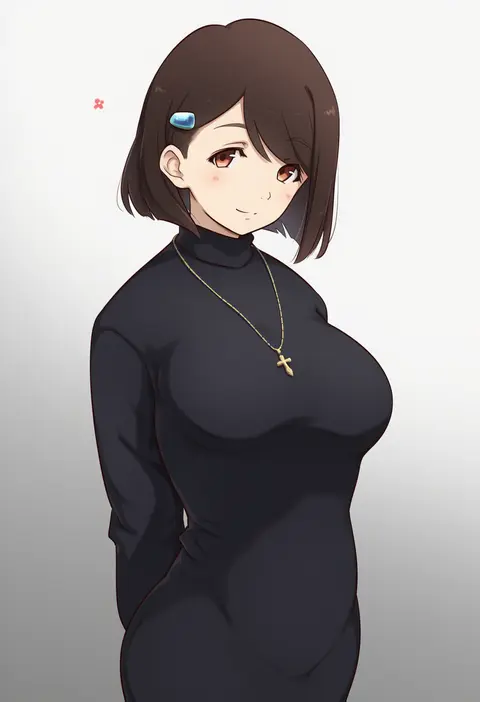
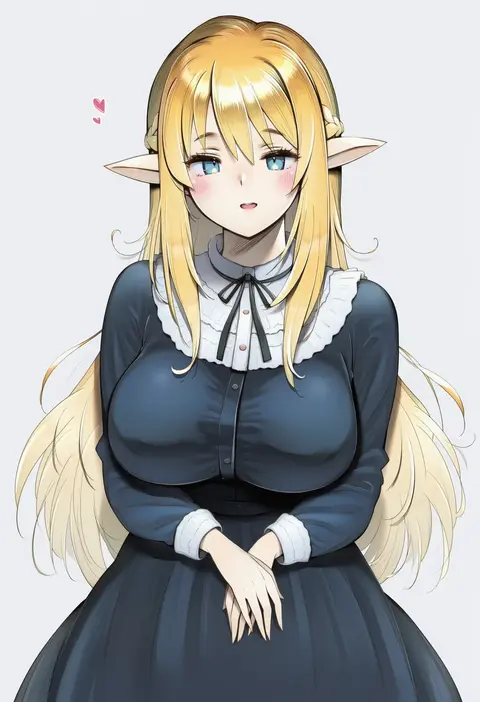
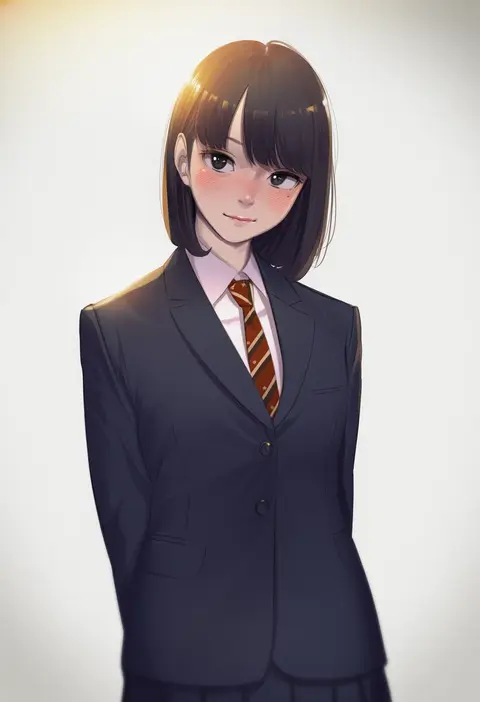
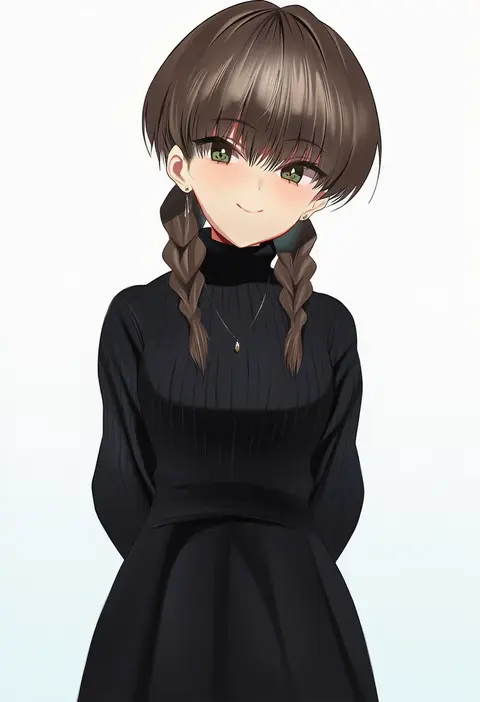
kiikii (kitsukedokoro)
ARTIST0x0CE4
0
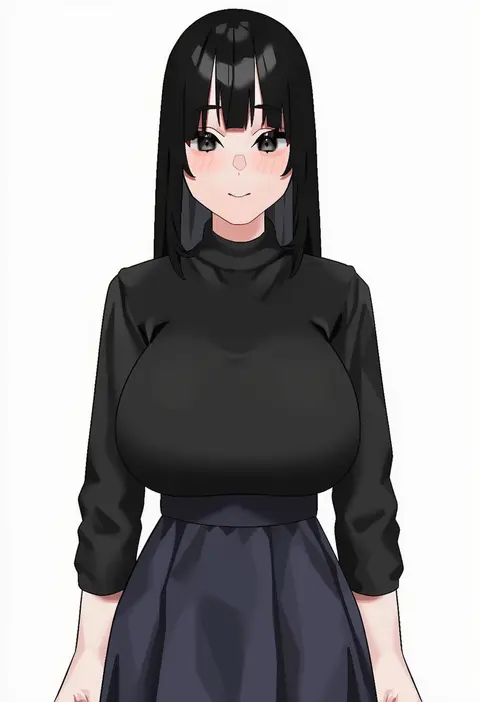
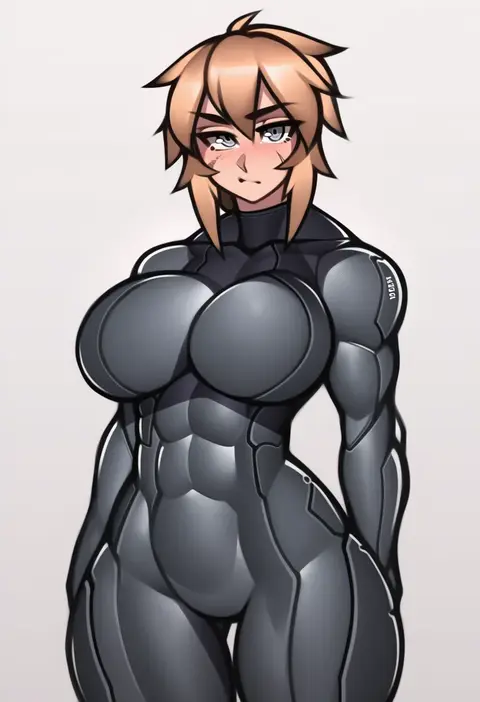
toruneko
ARTIST0x0CE5
0
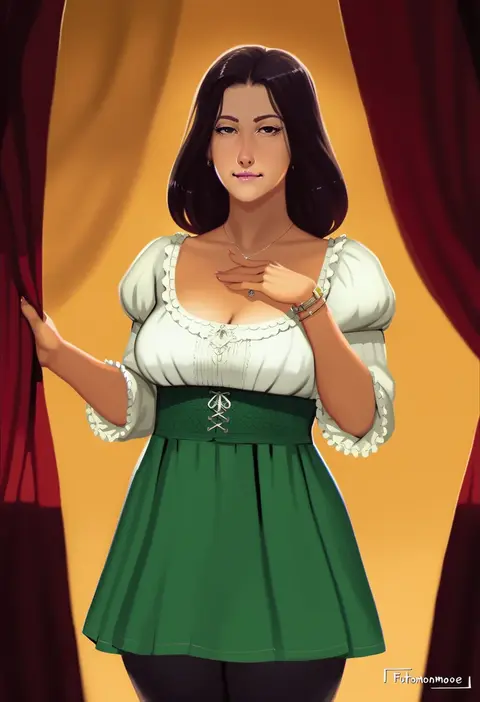
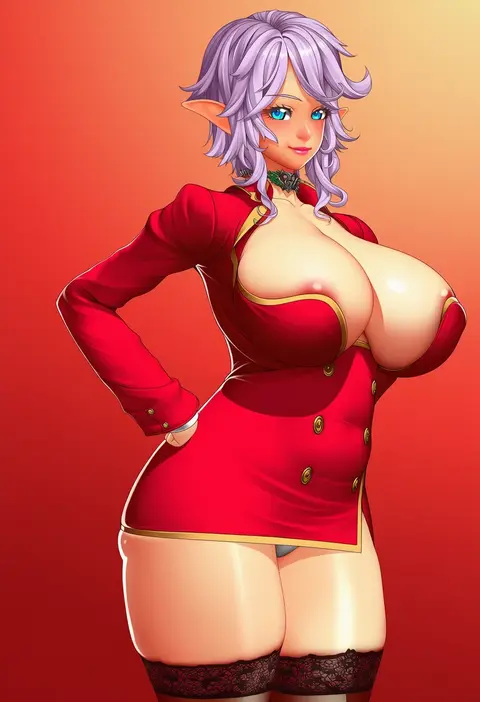
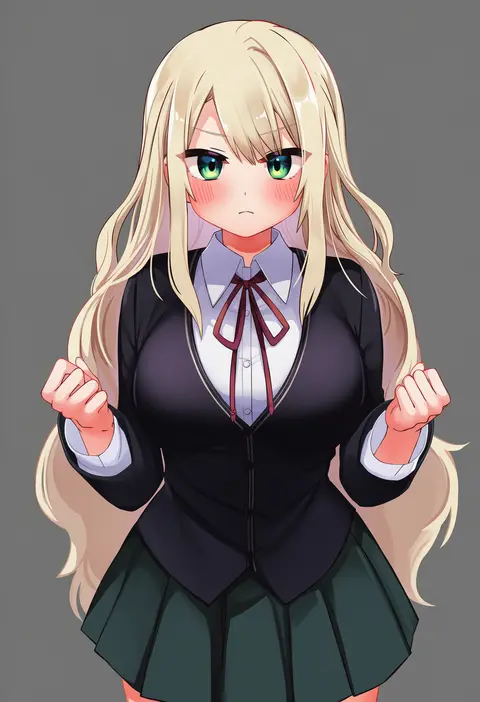
futomomomoe
ARTIST0x0CE6
0
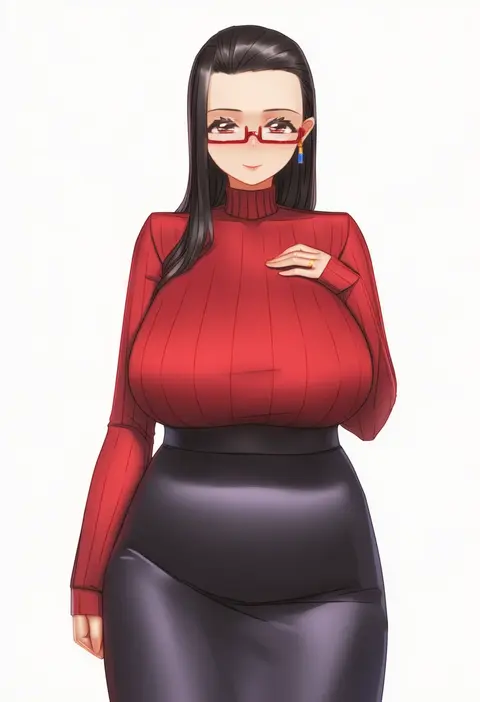
kagi f
ARTIST0x0CE7
0
movik
ARTIST0x0CE8
0
takami masahiro
ARTIST0x0CE9
0
fffukuzawa
ARTIST0x0CEA
0
lucknight
ARTIST0x0CEB
0
qingmingtongzi
ARTIST0x0CEC
0
osanpo02
ARTIST0x0CED
0
roadi3
ARTIST0x0CEE
0
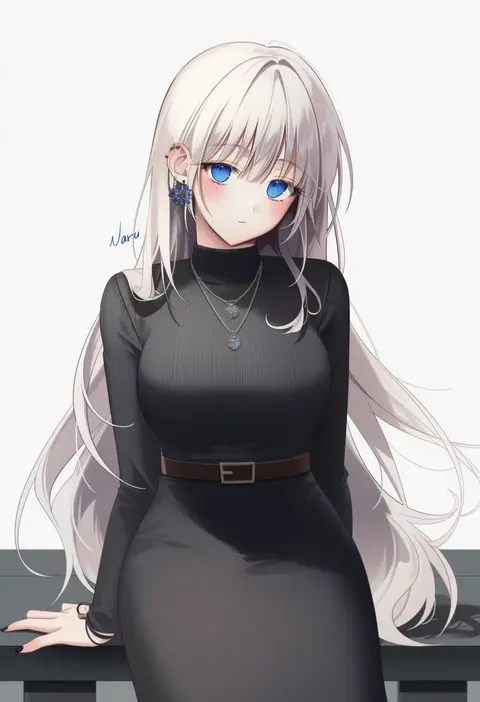
naru 0
ARTIST0x0CEF
0
festa11307070
ARTIST0x0CF0
0
everyntrge
ARTIST0x0CF1
0
deras
ARTIST0x0CF2
0
razalor
ARTIST0x0CF3
0
ctrlz77
ARTIST0x0CF4
0
fumihiro
ARTIST0x0CF5
0
neone
ARTIST0x0CF6
0
senbon tsuki
ARTIST0x0CF7
0
ming (5unri5e666)
ARTIST0x0CF8
0
themaestronoob
ARTIST0x0CF9
0
spindle (aidenr0)
ARTIST0x0CFA
0
altronage
ARTIST0x0CFB
0
snozaki
ARTIST0x0CFC
0
yakimi 27
ARTIST0x0CFD
0
sawasa
ARTIST0x0CFE
0
m k
ARTIST0x0CFF
0
ningen (ningen96)
ARTIST0x0D00
0
envenomist (gengoroumaru)
ARTIST0x0D01
0
anzu ame
ARTIST0x0D02
0
rou (rou22)
ARTIST0x0D03
0
han-0v0
ARTIST0x0D04
0
justrube
ARTIST0x0D05
0
lilac (k32420276)
ARTIST0x0D06
0
mondi hl
ARTIST0x0D07
0
helloimtea
ARTIST0x0D08
0
ayanakitori
ARTIST0x0D09
0
touchuu kasou
ARTIST0x0D0A
0
kinjero
ARTIST0x0D0B
0
prime (prime tw)
ARTIST0x0D0C
0
nisetanaka
ARTIST0x0D0D
0
sasa (sasa ekakiman)
ARTIST0x0D0E
0
yuuki shin
ARTIST0x0D0F
0
takutaku12364
ARTIST0x0D10
0
sousou (sousouworks)
ARTIST0x0D11
0
hato haru
ARTIST0x0D12
0
douya (233)
ARTIST0x0D13
0
ettone
ARTIST0x0D14
0
izure (pixiv16392012)
ARTIST0x0D15
0
elsi
ARTIST0x0D16
0
miyoshi (triple luck)
ARTIST0x0D17
0
gin'you haru
ARTIST0x0D18
0
lunacle
ARTIST0x0D19
0
anagumasan
ARTIST0x0D1A
0
ohgi910
ARTIST0x0D1B
0
hino kagutsuki
ARTIST0x0D1C
0
ekakibito
ARTIST0x0D1D
0
rasahan
ARTIST0x0D1E
0
namidame
ARTIST0x0D1F
0

What these tags change

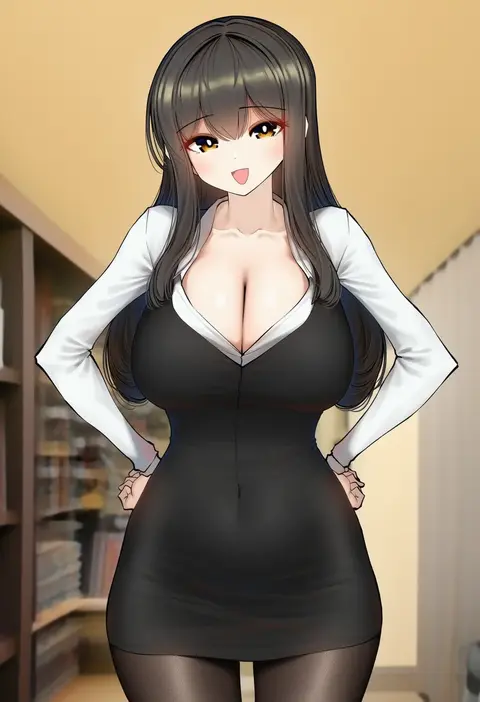
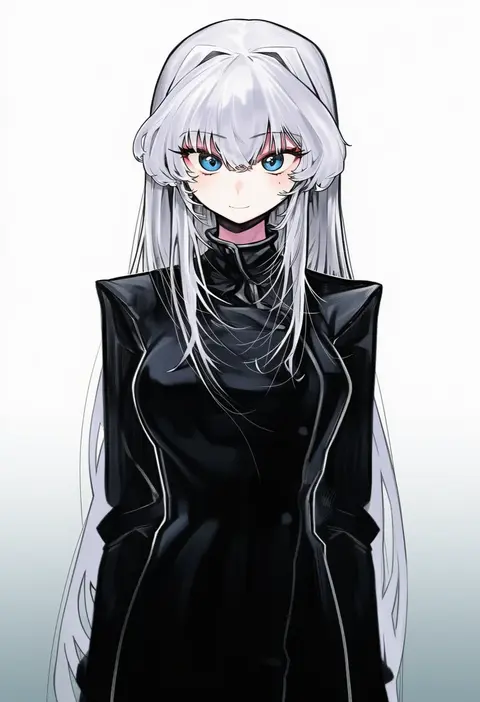
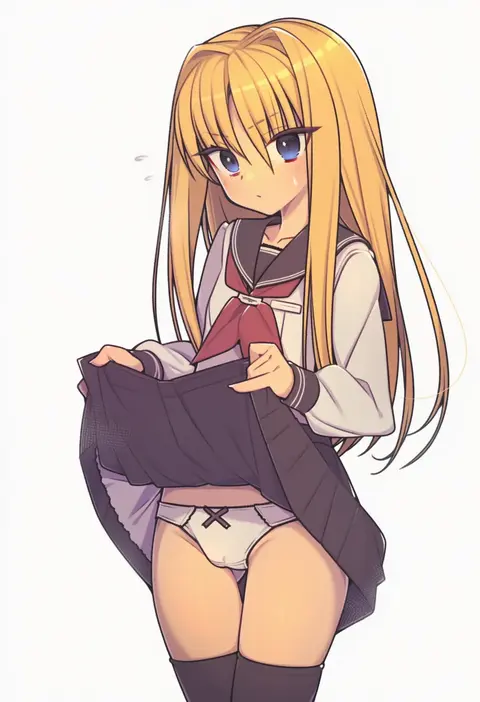
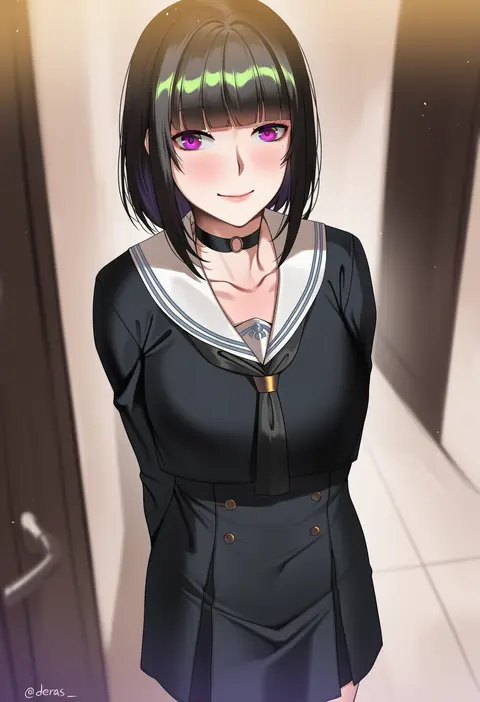
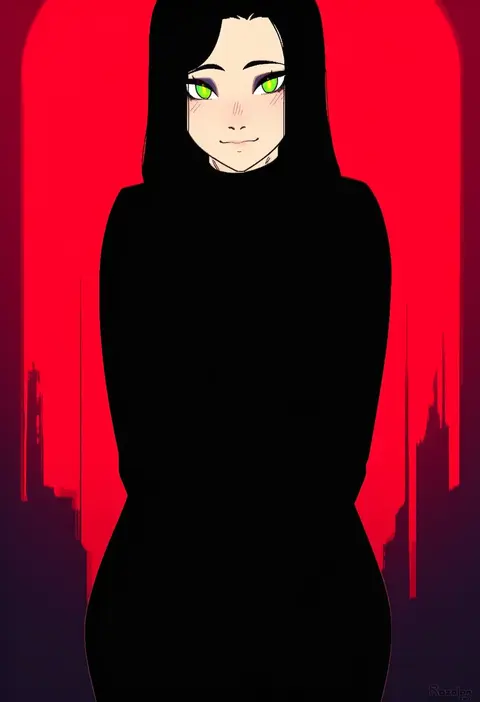
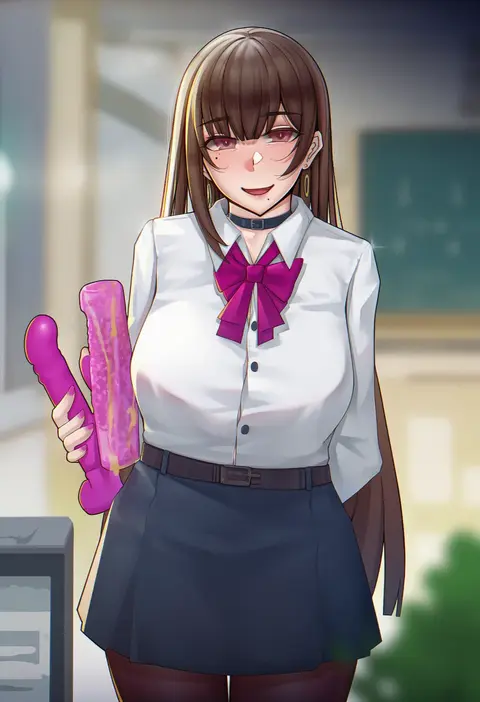
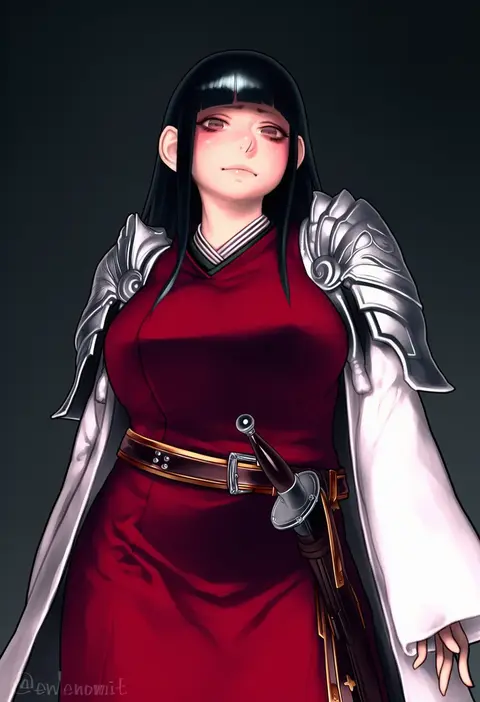
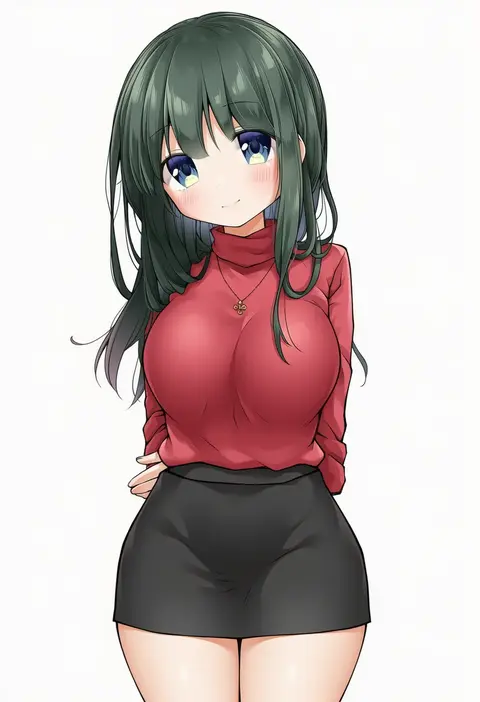
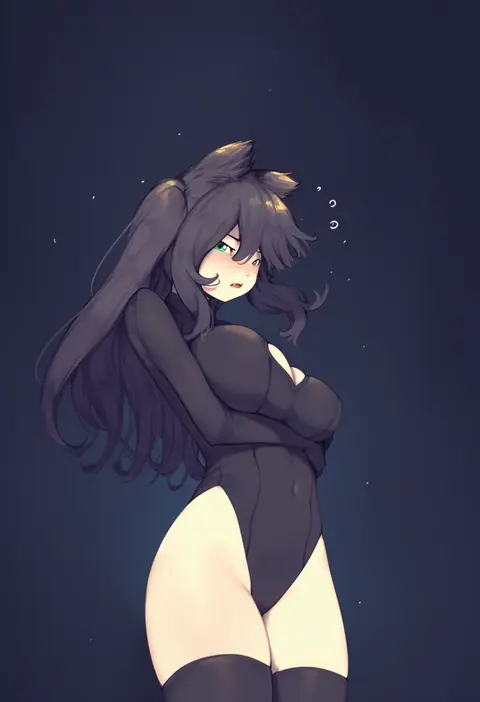
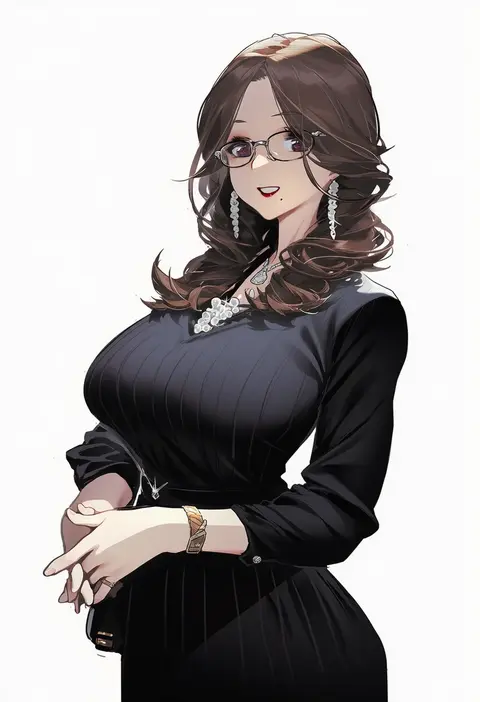
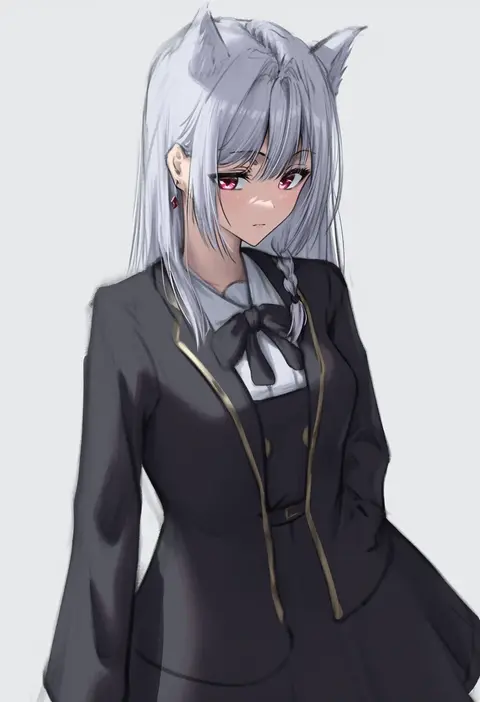
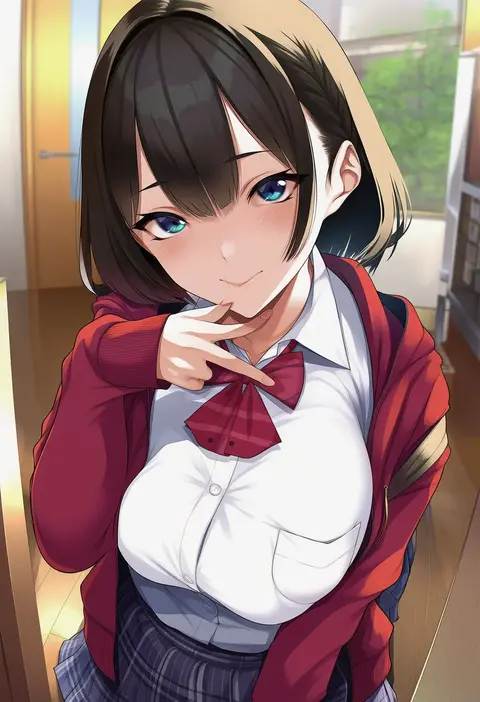
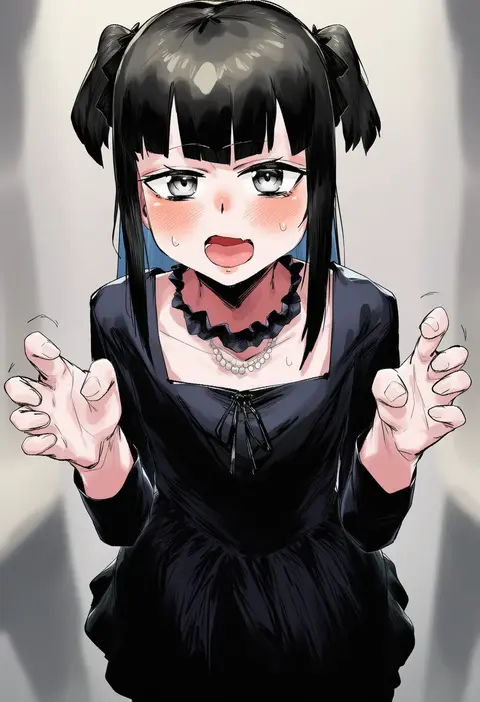
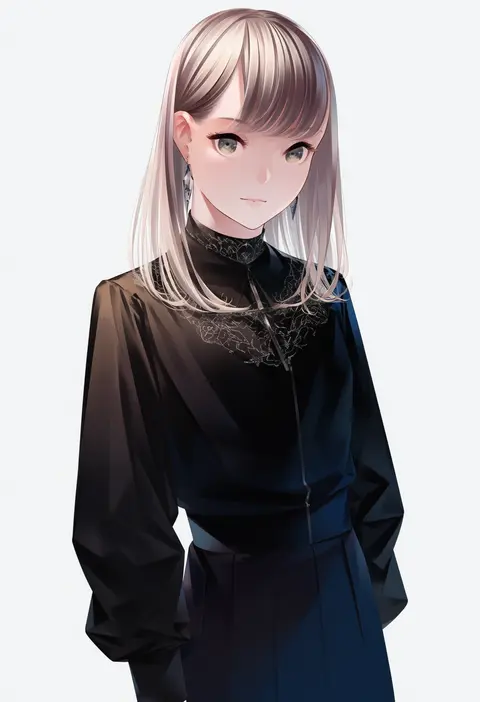
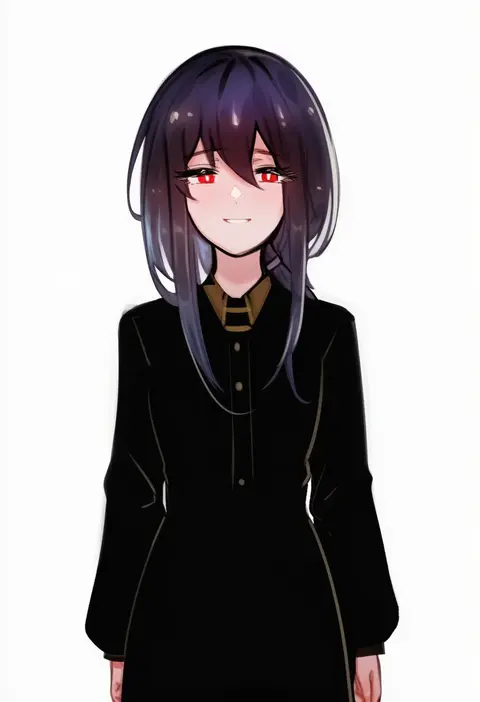
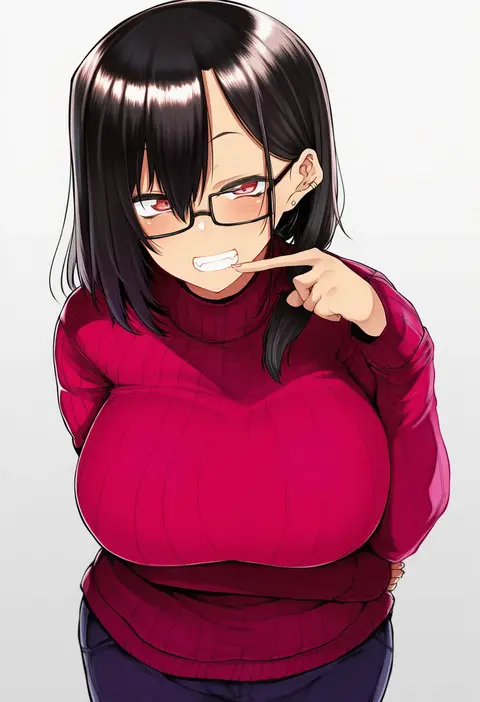
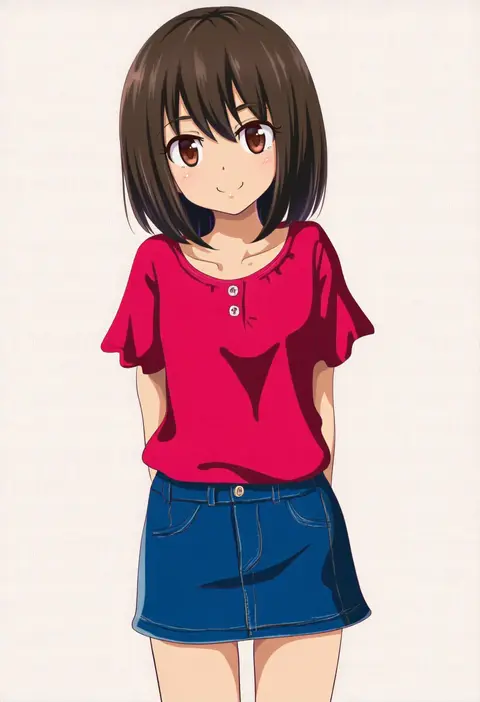
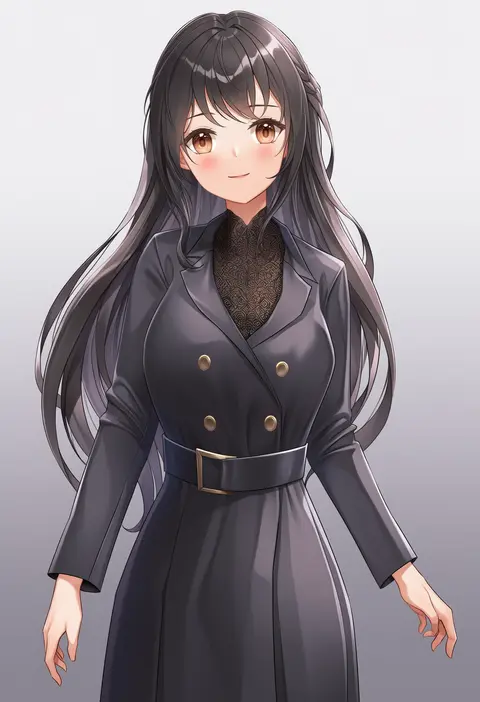
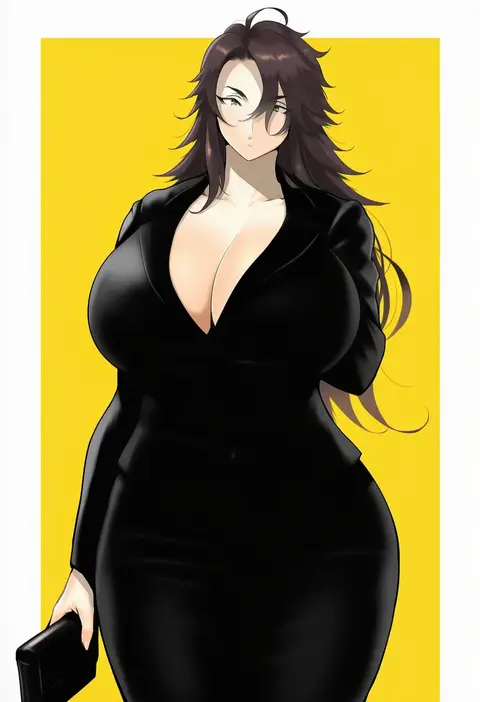
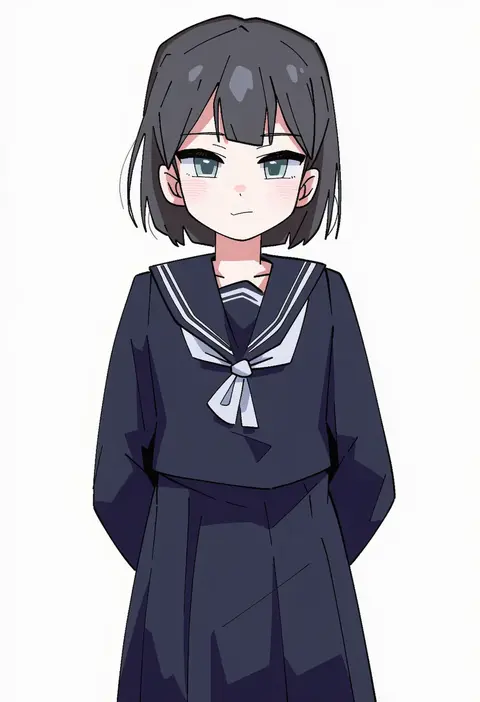
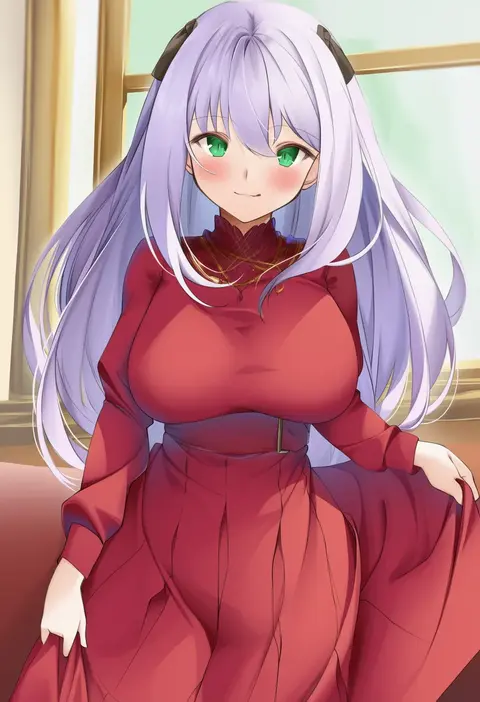
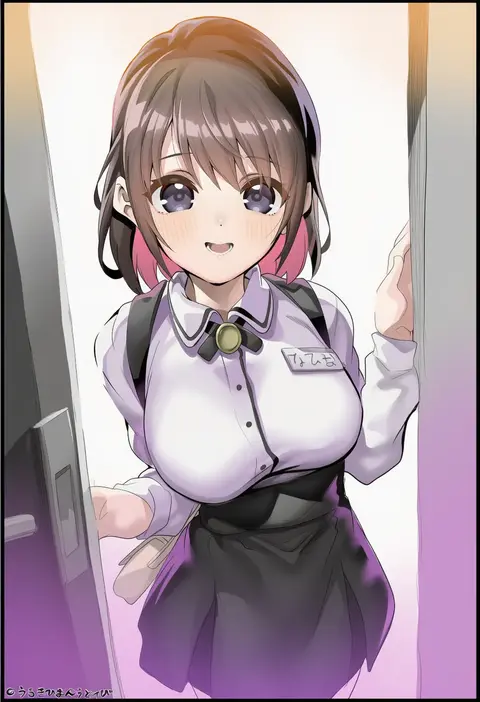
Artist tags tell NovelAI Diffusion to draw in a specific artist's style: line weight, paint texture, face shapes and palette all shift at once. Character and outfit tags decide what is drawn; artist tags decide how. 16,352 tags are listed for V4.5.
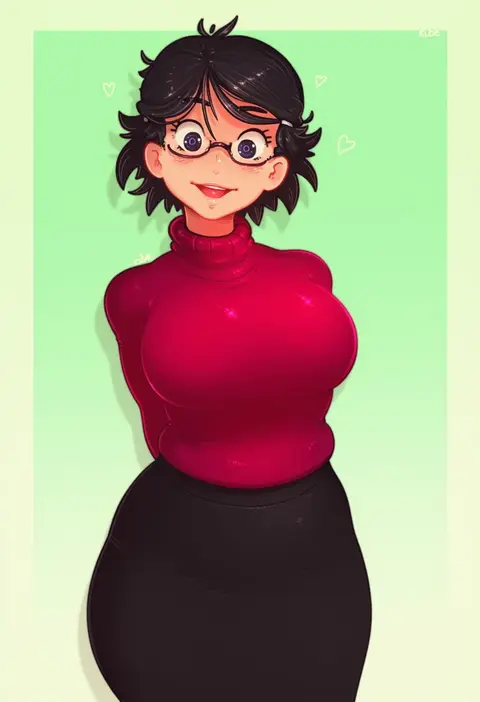
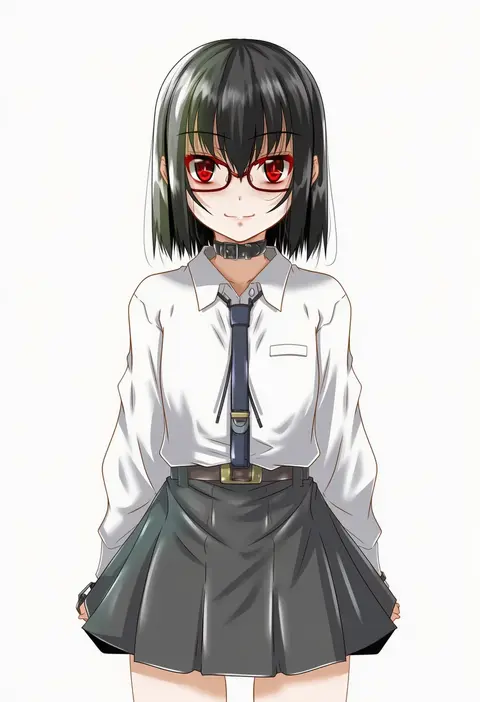
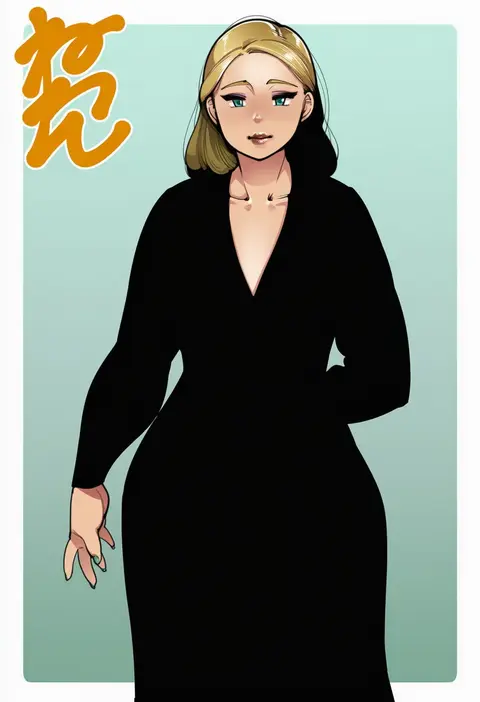
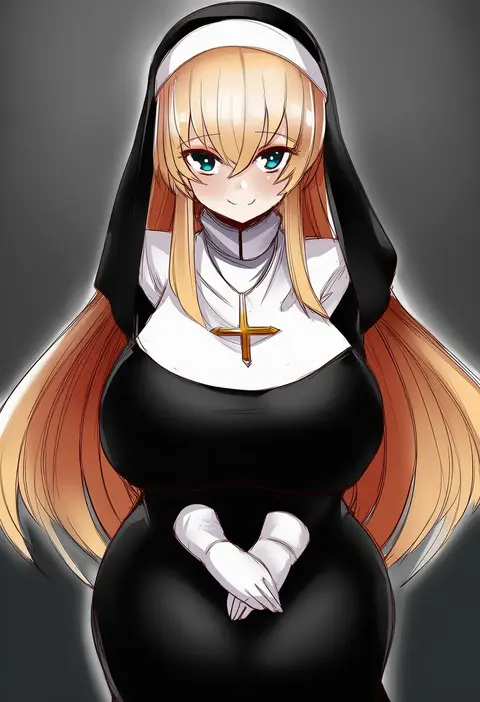
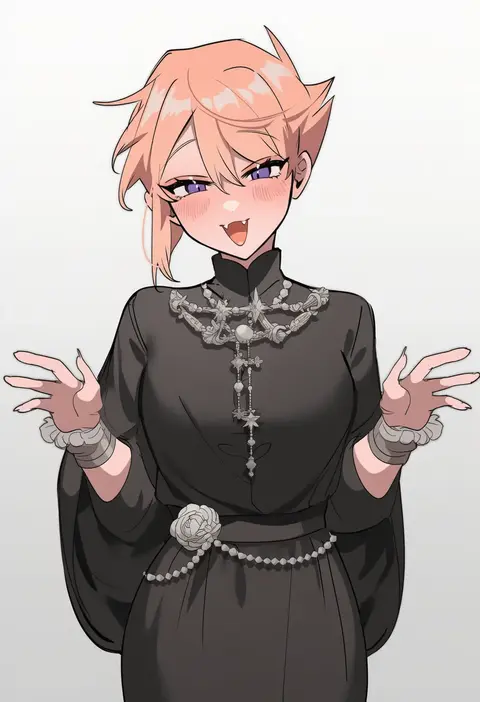
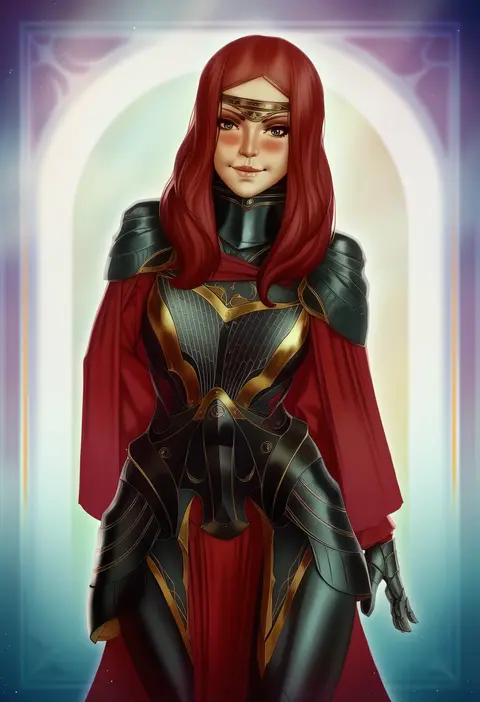
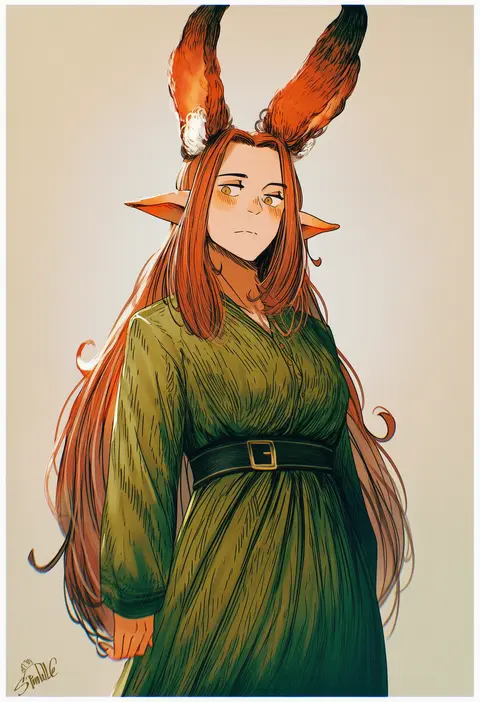
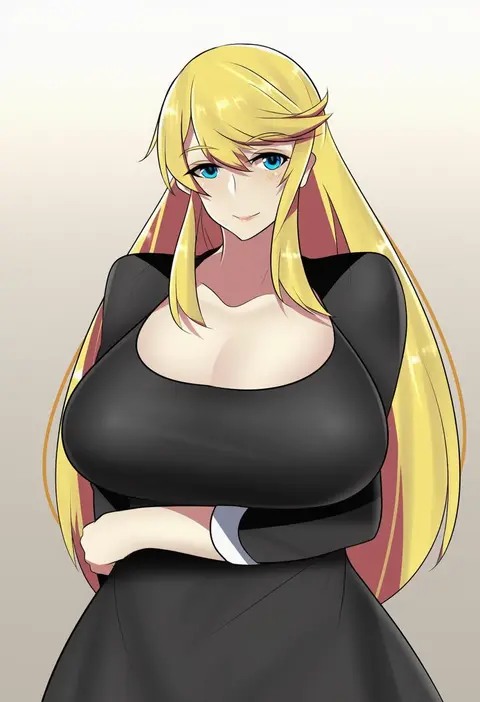
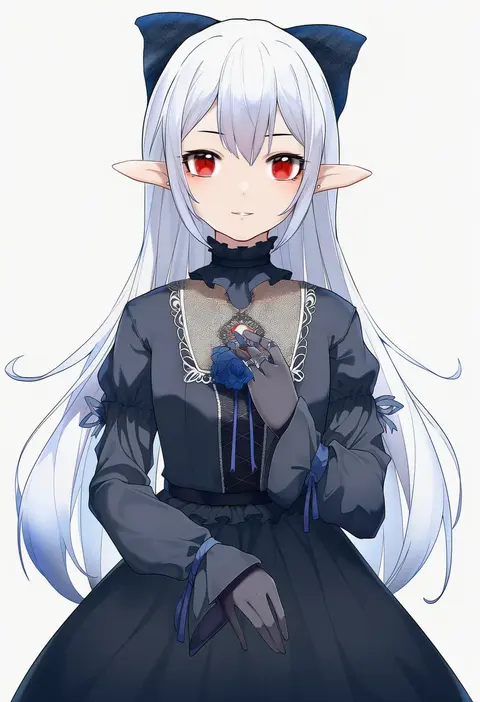
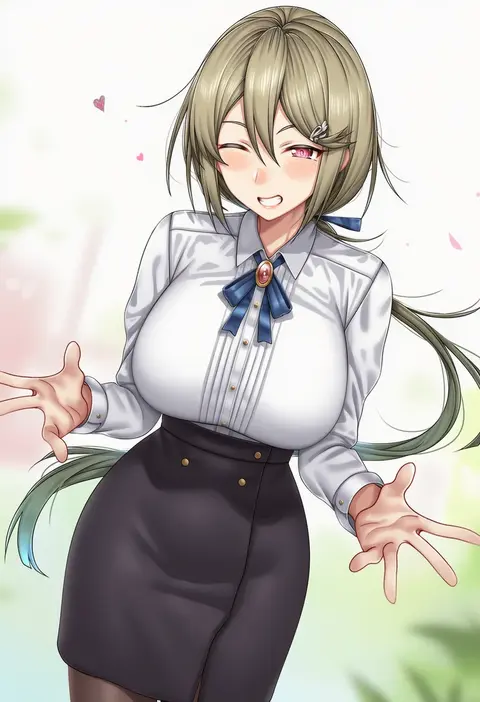
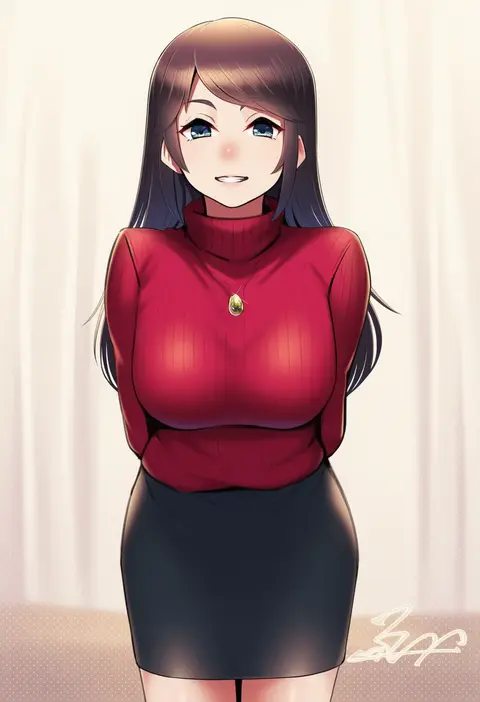
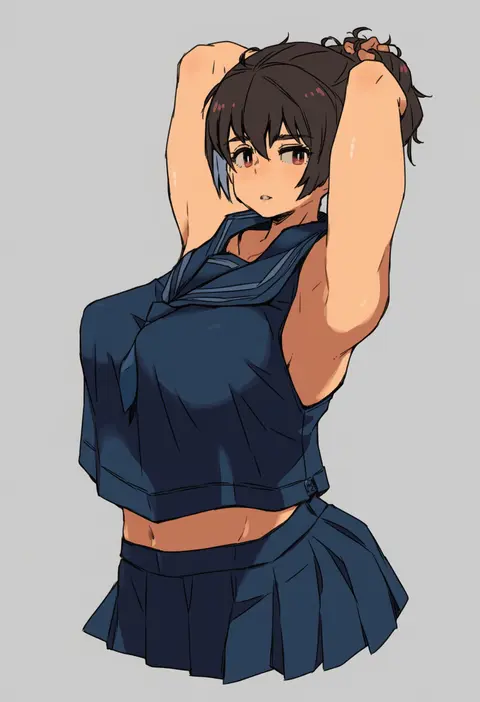
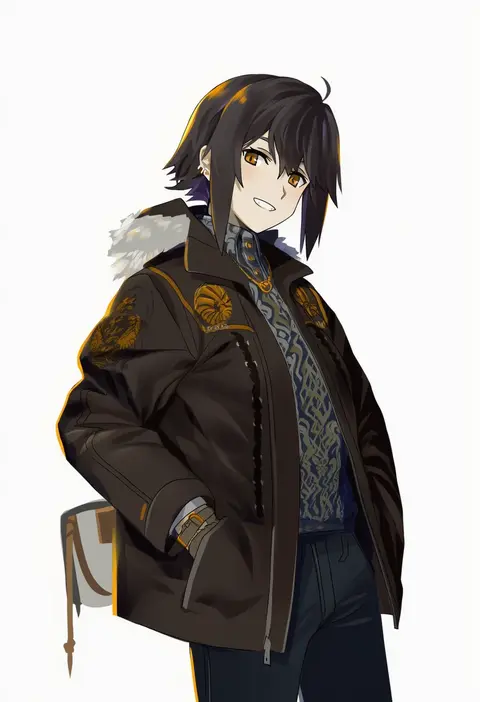
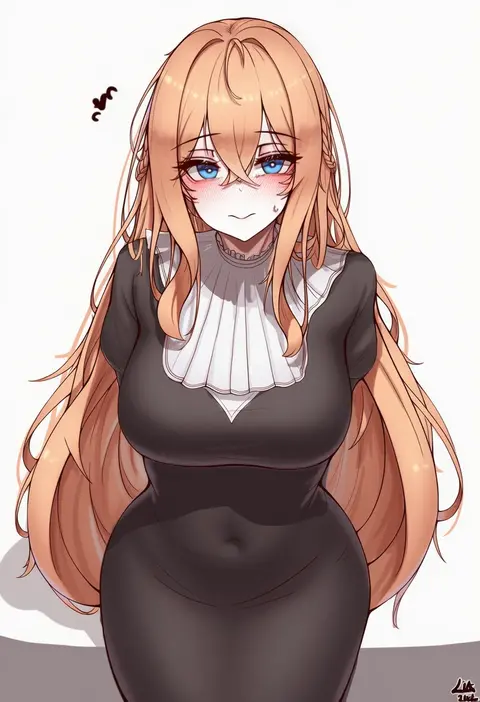
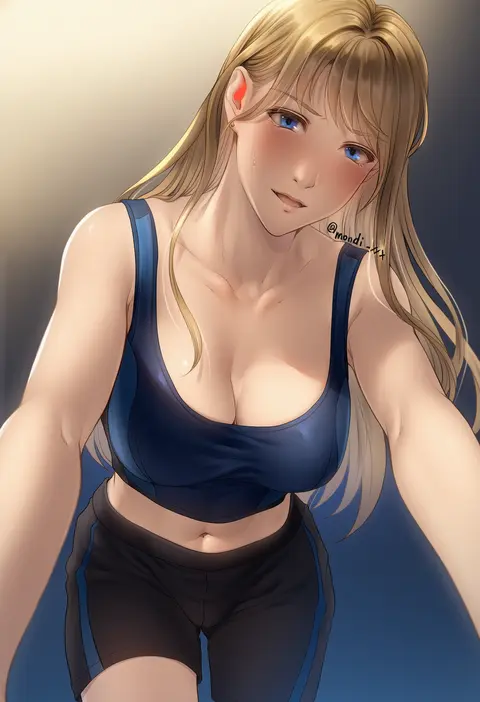
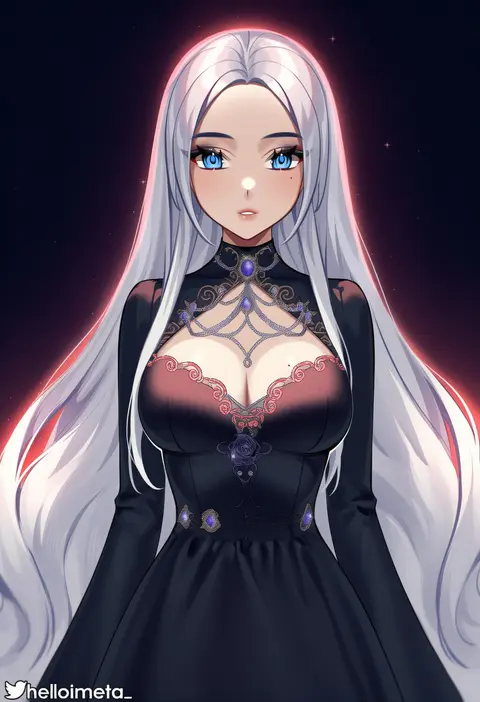
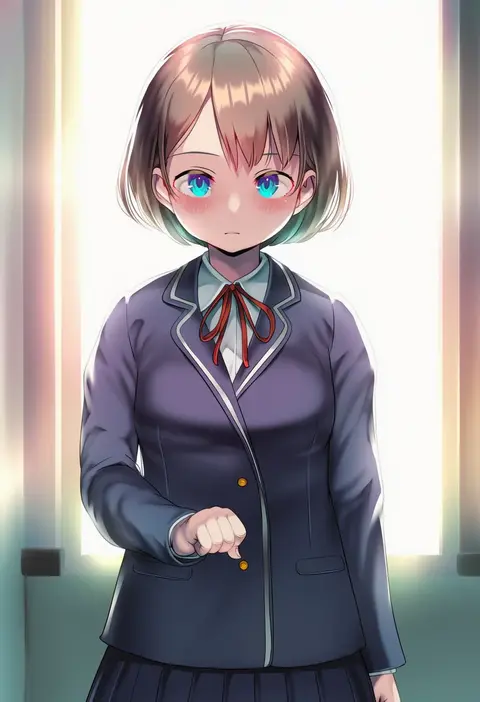
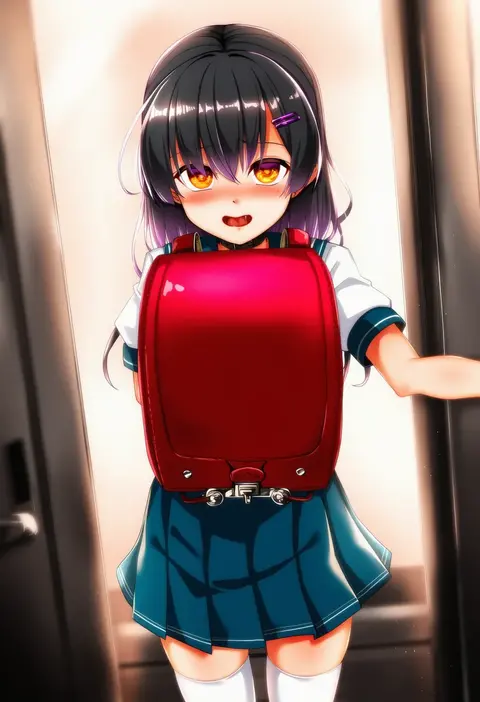
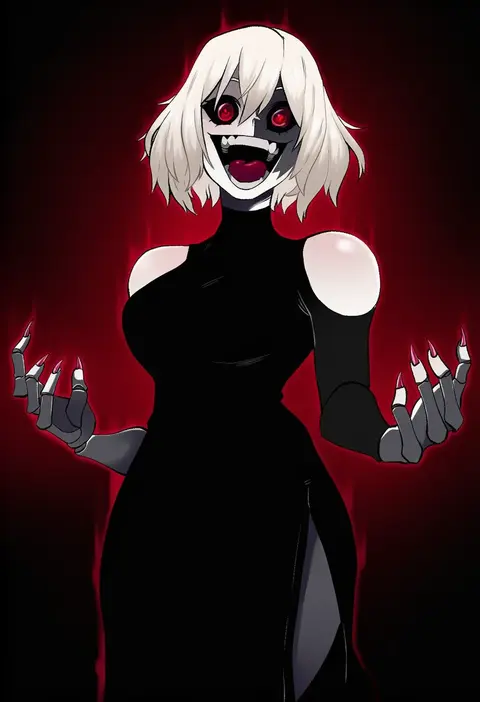
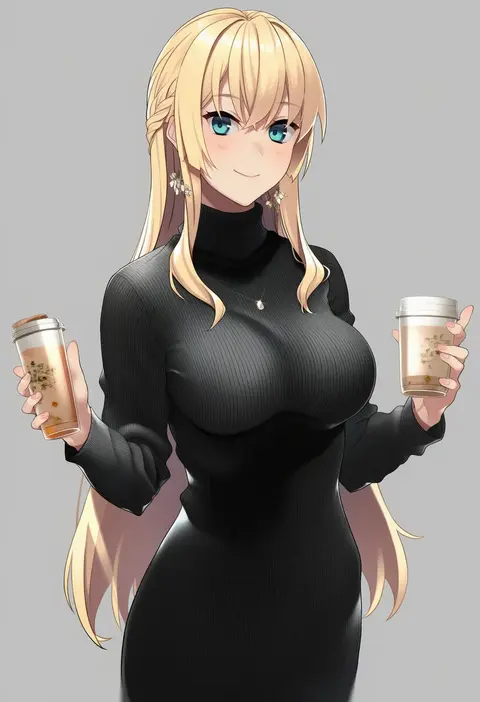
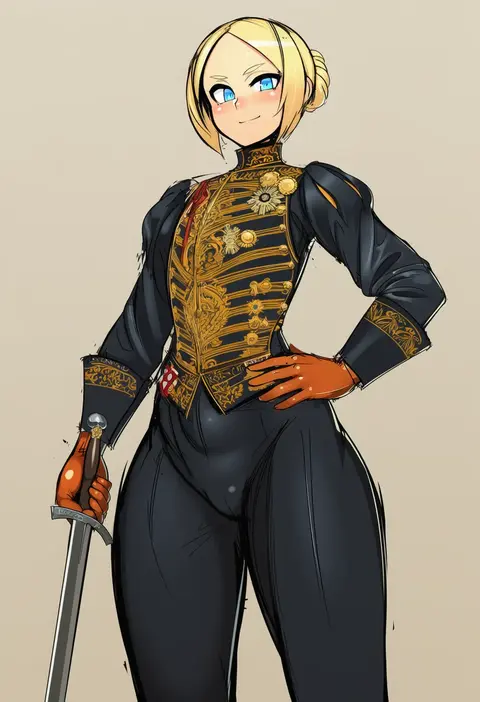
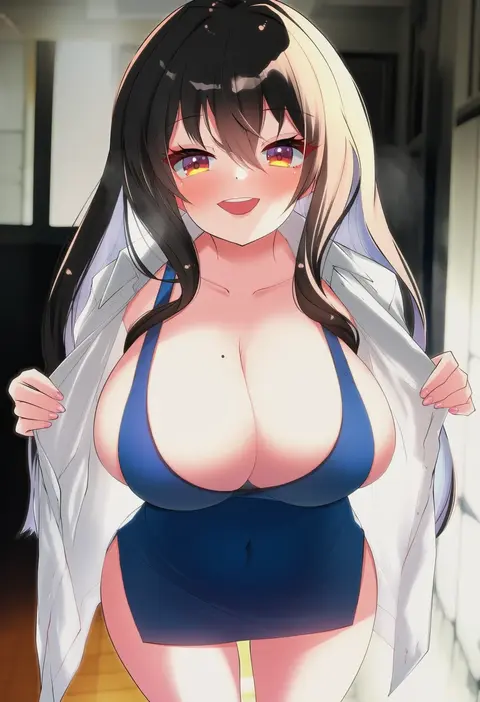
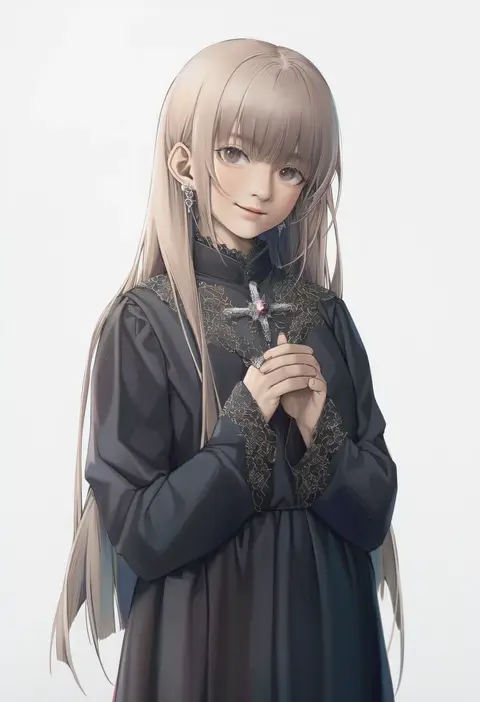
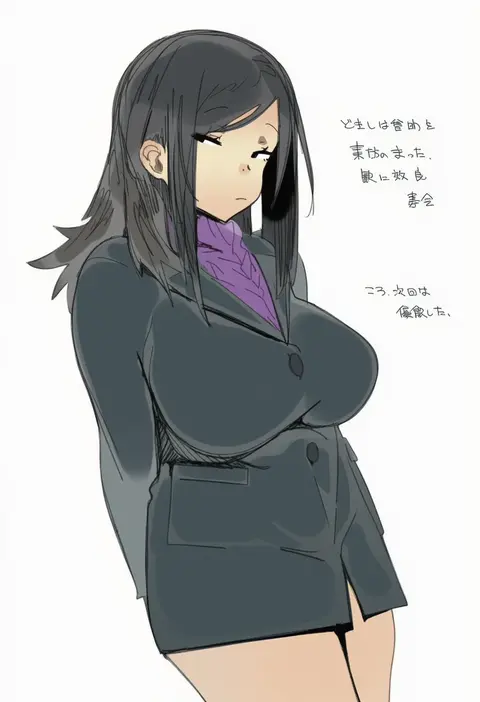
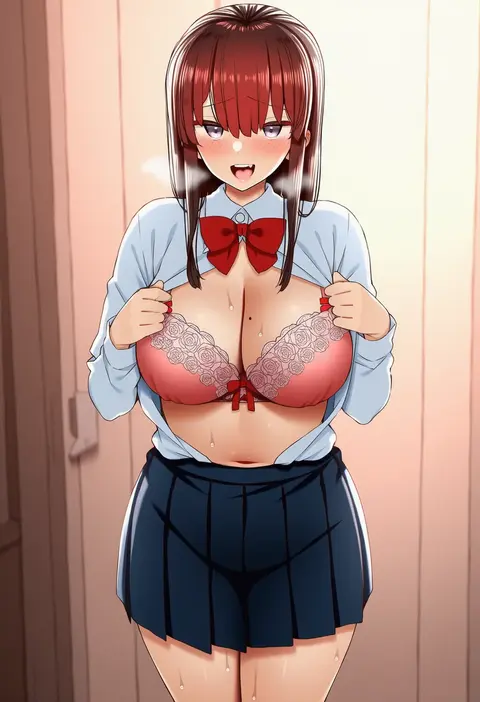
Every tag listed here is verified to react in NovelAI. All images use the same prompt, seed and settings with only the artist tag swapped, so the difference between two images is the style that tag brings in.

How to use them

Put the artist tag near the front of the prompt, e.g. "<artist>, 1girl, solo, best quality, masterpiece, cowboy shot". Two or three artist tags blend styles; lower the weight with "0.8::<artist>::" when the style overpowers the character.

SCORE sorts by Danbooru's top score, POSTS by post count, FAVS by hearts on this site. Open a card to see V5 and V4.5 side by side on the same seed.

V5 vs V4.5

V5 usually lands closer to the artist's real style, and tags that did nothing on V4.5 often react on V5. V4.5 still fits older and doujin-heavy artists better. Try V5 first, fall back to V4.5.

FAQ

Where does the artist tag go?
Near the front of the prompt. Use "0.8::tag::" to adjust its weight.

Can I stack artist tags?
Yes, styles blend. Past two or three the result stops looking like anyone.

Are these the artists' own works?
No. Every image is a NovelAI sample generated from the tag.