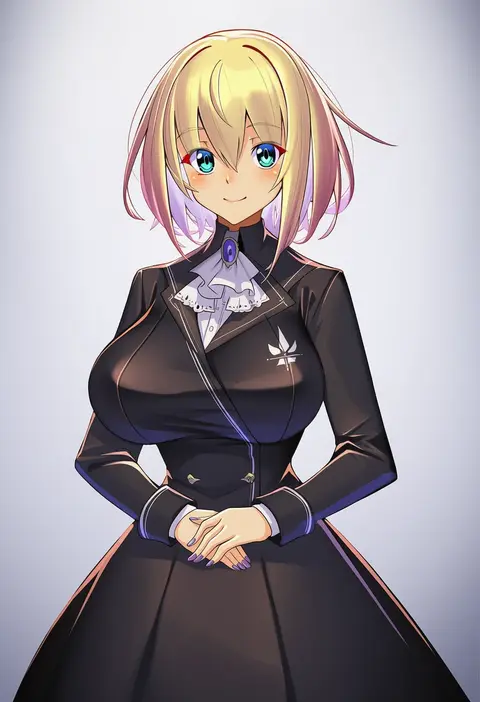
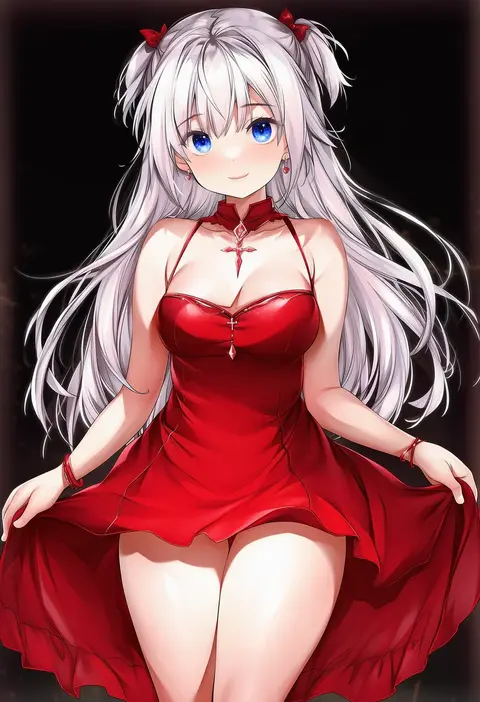
V4.5Artists
sort: FAVS▾
▾
>
$

Popular NovelAI artist tags — V4.5

artist --count 16,352[54/273]
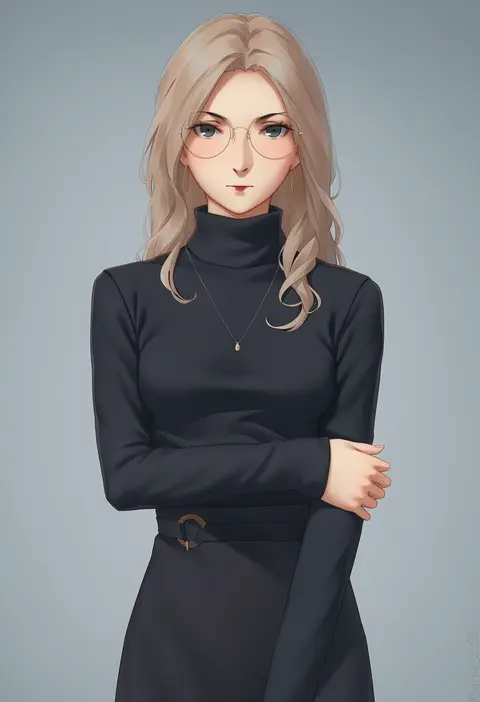
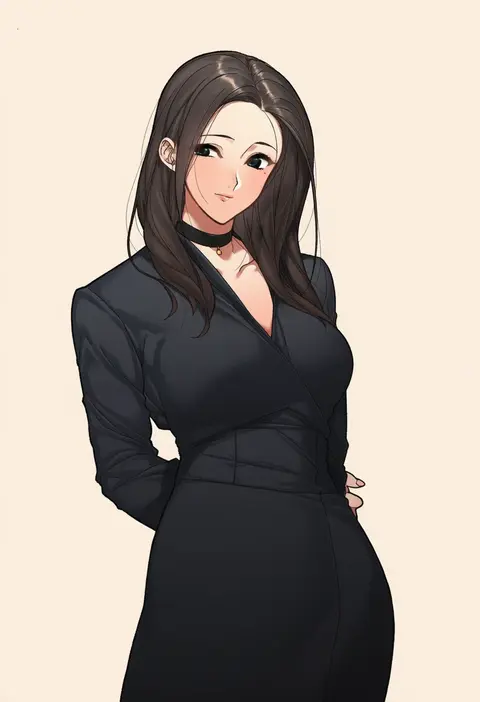
miura-n315
ARTIST0x0C6C
0
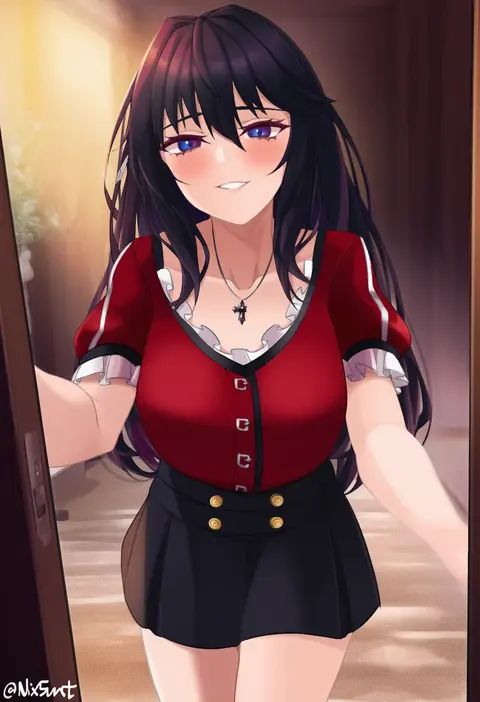
castell
ARTIST0x0C6D
0
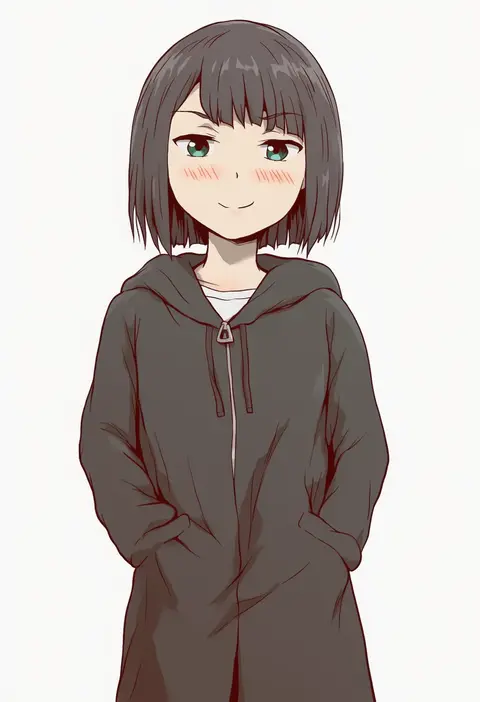
kji (rozo)
ARTIST0x0C6E
0
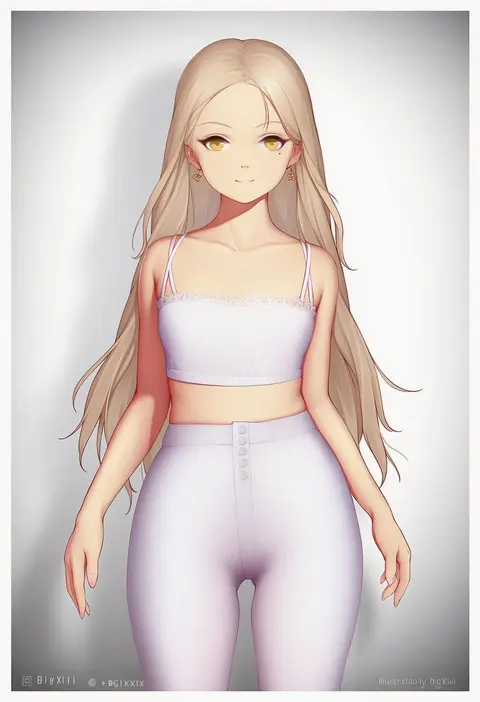
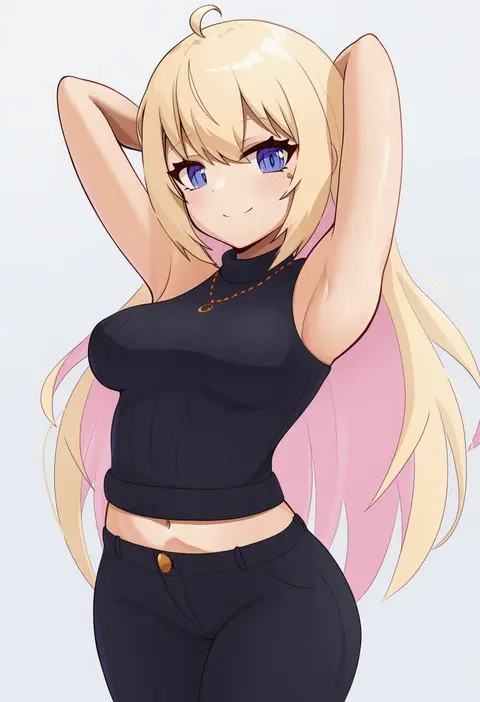
bigxixi
ARTIST0x0C6F
0
ggz (gguzal 95)
ARTIST0x0C70
0
neko neko koneko
ARTIST0x0C71
0
yashemao qishi
ARTIST0x0C72
0
hitokuirou
ARTIST0x0C73
0
yonoki
ARTIST0x0C74
0
junpaku karen
ARTIST0x0C75
0
doyoon 7
ARTIST0x0C76
0
kkry99
ARTIST0x0C77
0
nii manabu
ARTIST0x0C78
0
fh moya
ARTIST0x0C79
0
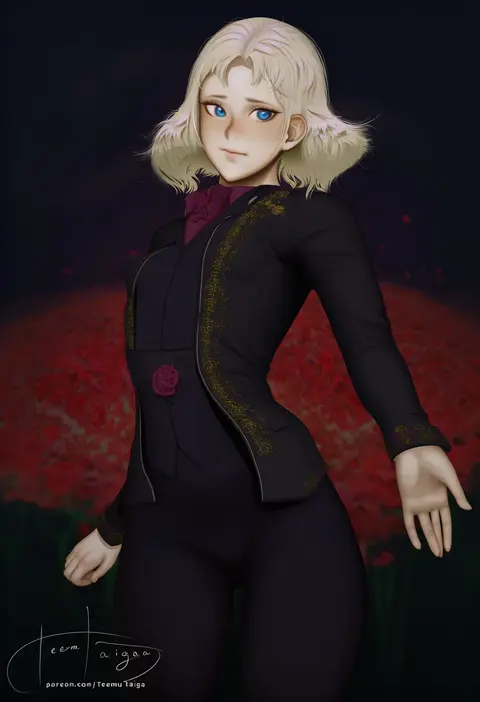
teemu taiga
ARTIST0x0C7A
0
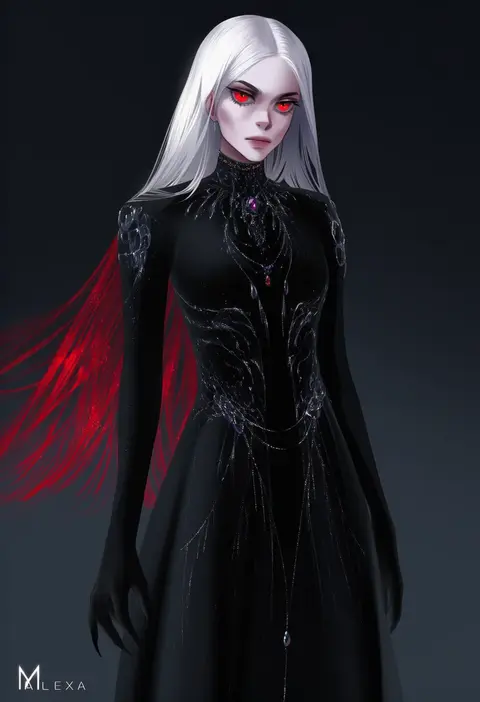
m alexa
ARTIST0x0C7B
0
inu (aerodog)
ARTIST0x0C7C
0
yoo tenchi
ARTIST0x0C7D
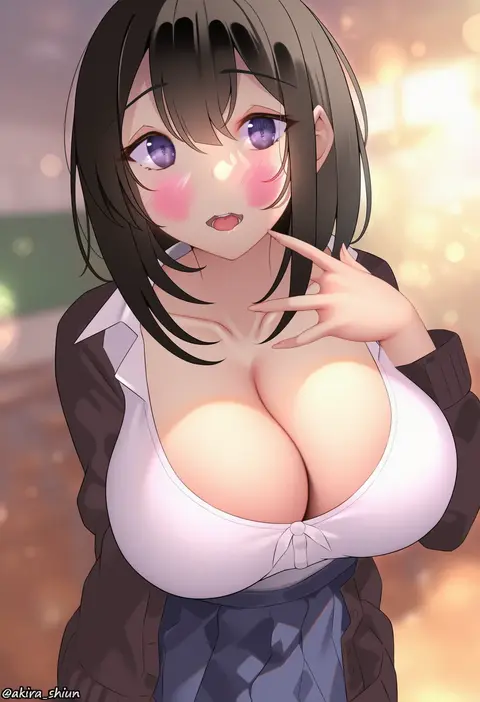
0
akira shiun
ARTIST0x0C7E
0
mathew (srmmk mce)
ARTIST0x0C7F
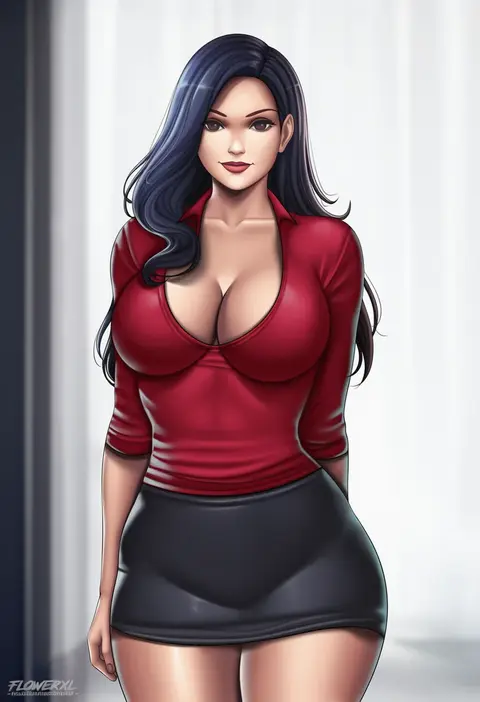
0
flowerxl
ARTIST0x0C80
0
clouble
ARTIST0x0C81
0
an sin
ARTIST0x0C82
0
reroi
ARTIST0x0C83
0
monchan rev3
ARTIST0x0C84
0
konoe ototsugu
ARTIST0x0C85
0
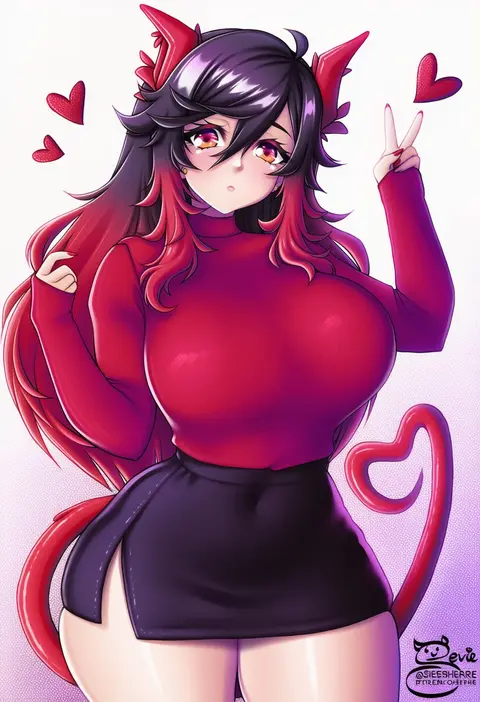
sevie
ARTIST0x0C86
0
blood hood
ARTIST0x0C87
0
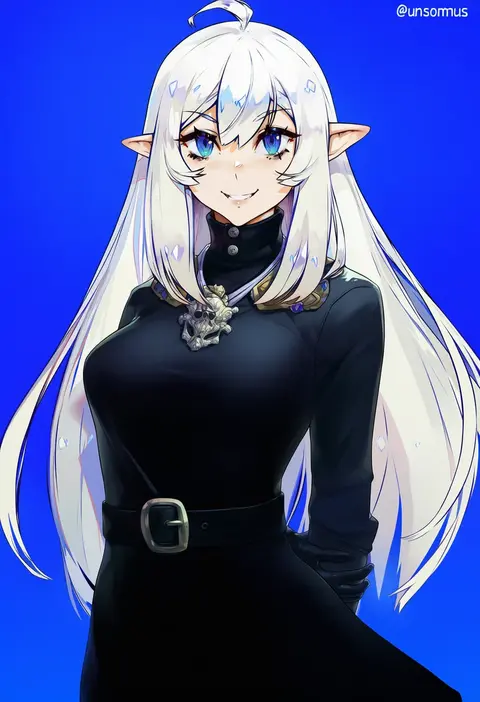
unsomnus
ARTIST0x0C88
0
cl (summer sama)
ARTIST0x0C89
0
cedric (gear art)
ARTIST0x0C8A
0
raiou
ARTIST0x0C8B
0
lynus
ARTIST0x0C8C
0
an yasuri
ARTIST0x0C8D
0
ishimiso (ishimura)
ARTIST0x0C8E
0
band-width
ARTIST0x0C8F
0
gurami (zangizarang)
ARTIST0x0C90
0
akagi asahito
ARTIST0x0C91
0
k52
ARTIST0x0C92
0
nixour
ARTIST0x0C93
0
kuhuku006f86
ARTIST0x0C94
0
telomere
ARTIST0x0C95
0
aldehyde
ARTIST0x0C96
0
felipe godoy
ARTIST0x0C97
0
deaver
ARTIST0x0C98
0
tsubasa tsubasa
ARTIST0x0C99
0
sutora binsuke
ARTIST0x0C9A
0
narushima kanna
ARTIST0x0C9B
0
jellcaps
ARTIST0x0C9C
0
orobou
ARTIST0x0C9D
0
harmonist11
ARTIST0x0C9E
0
blinkblink art
ARTIST0x0C9F
0
anti (0324)
ARTIST0x0CA0
0
zanamaoria
ARTIST0x0CA1
0
kito koruta
ARTIST0x0CA2
0
hinamori (18ar0)
ARTIST0x0CA3
0
dampi
ARTIST0x0CA4
0
ponponmaru
ARTIST0x0CA5
0
takamine nadare
ARTIST0x0CA6
0
chiyingzai
ARTIST0x0CA7
0

What these tags change

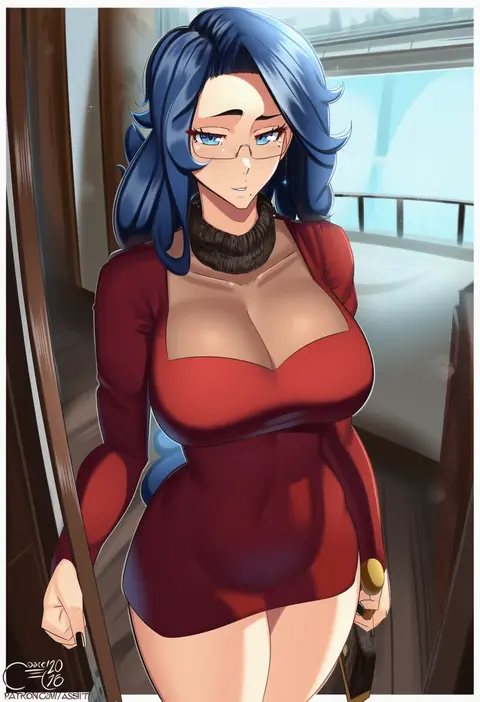
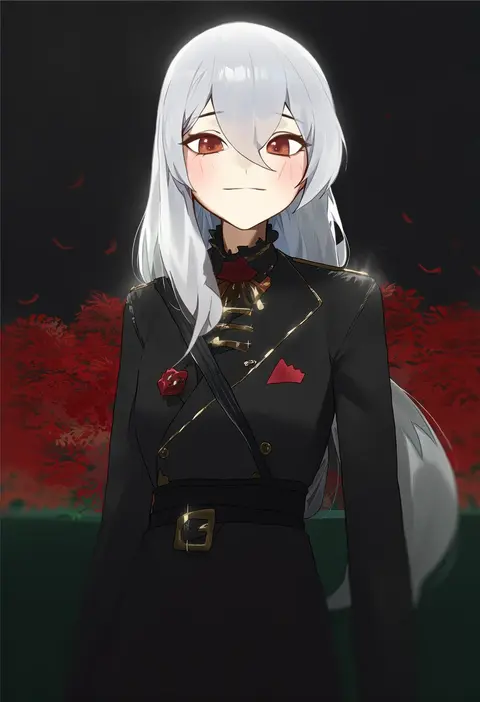
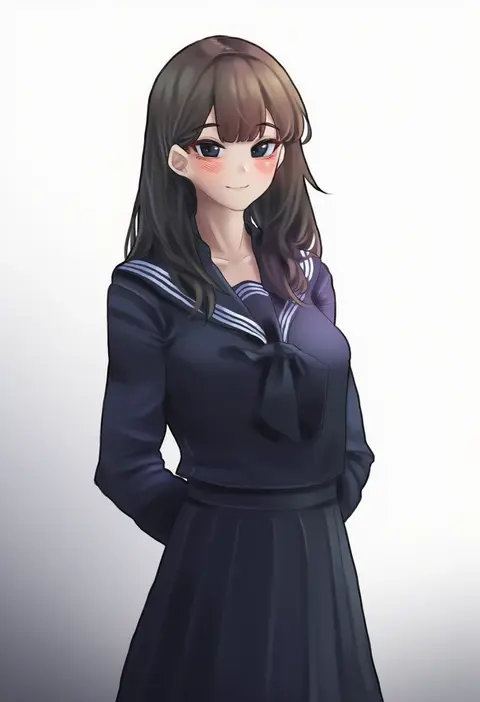
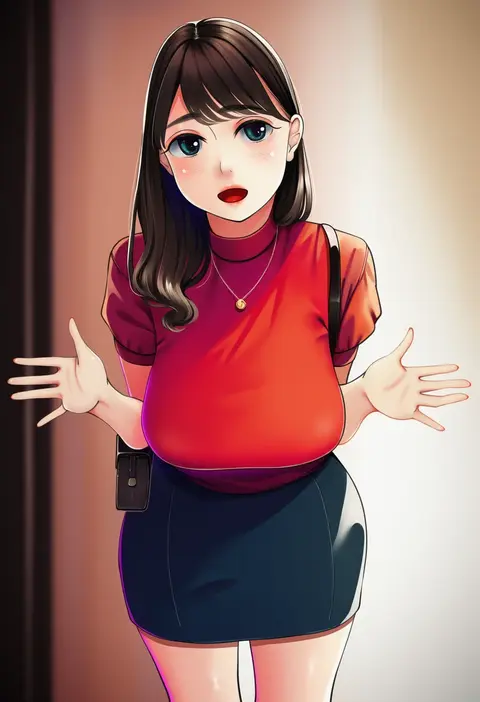
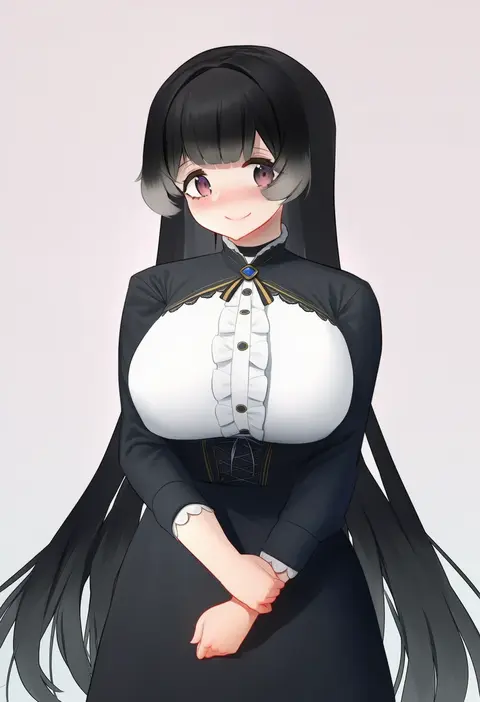
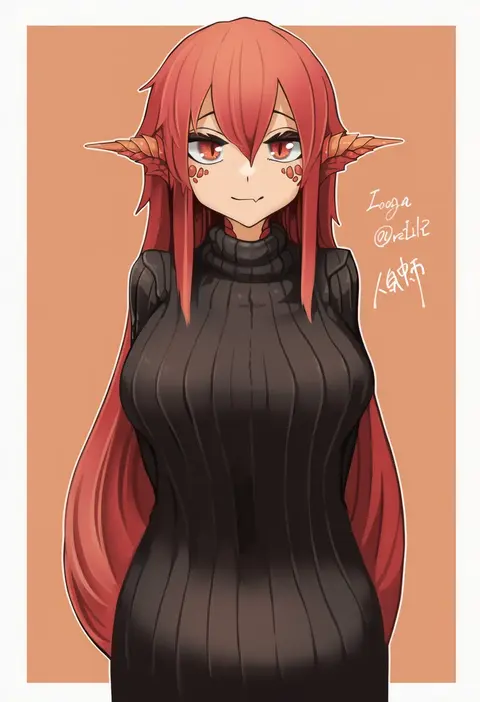
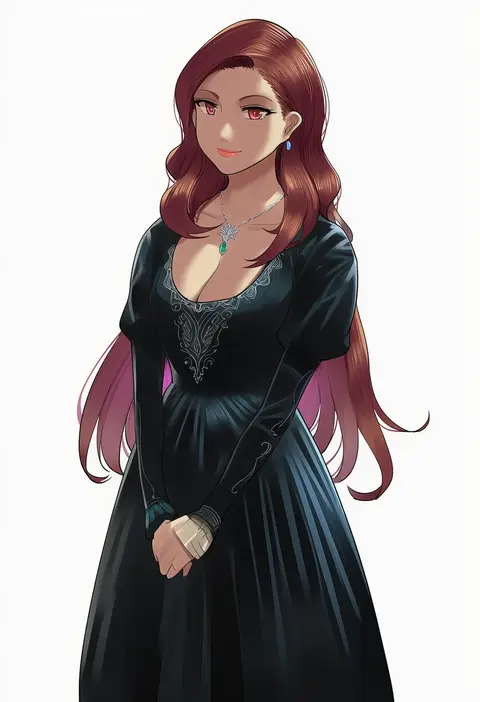
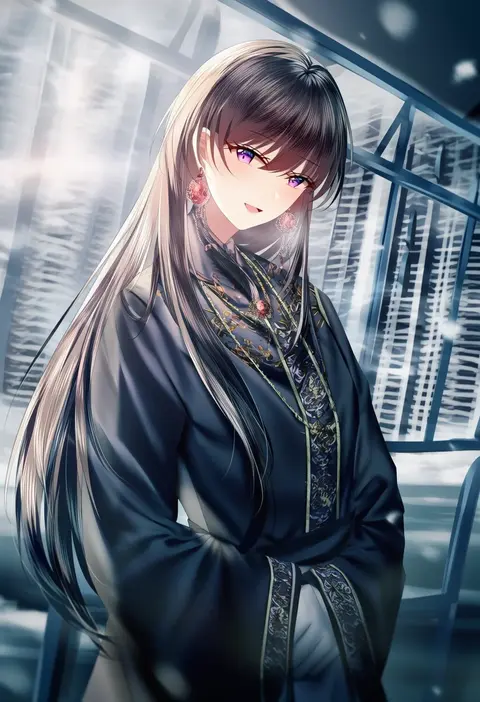
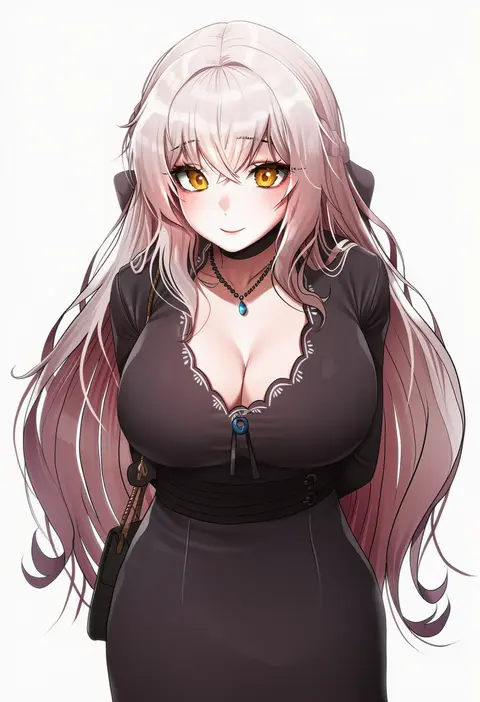
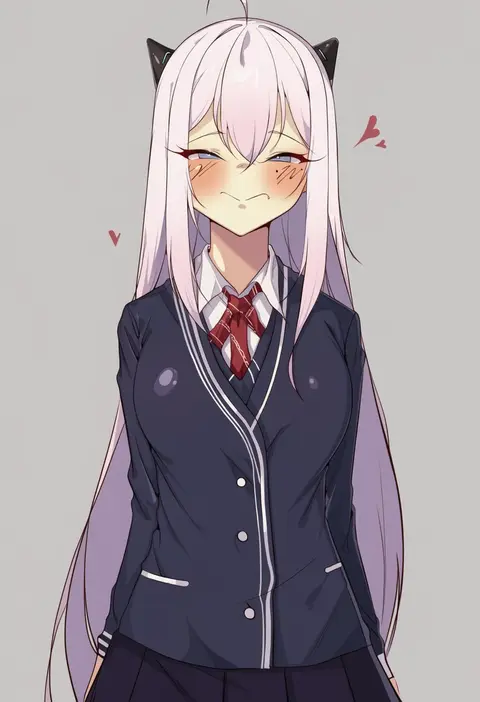
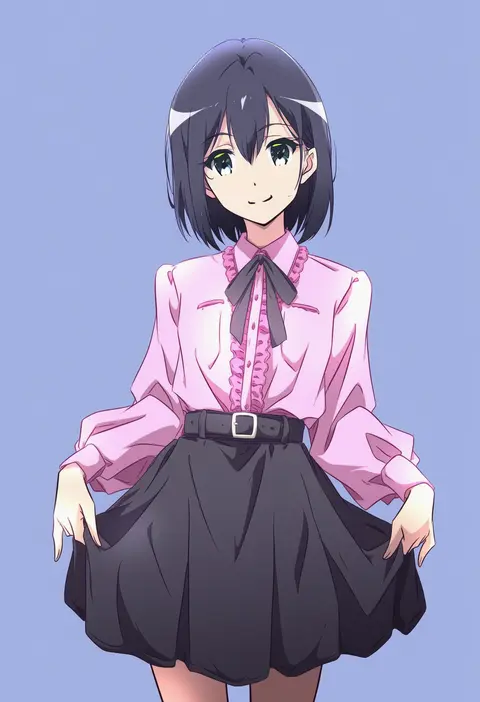
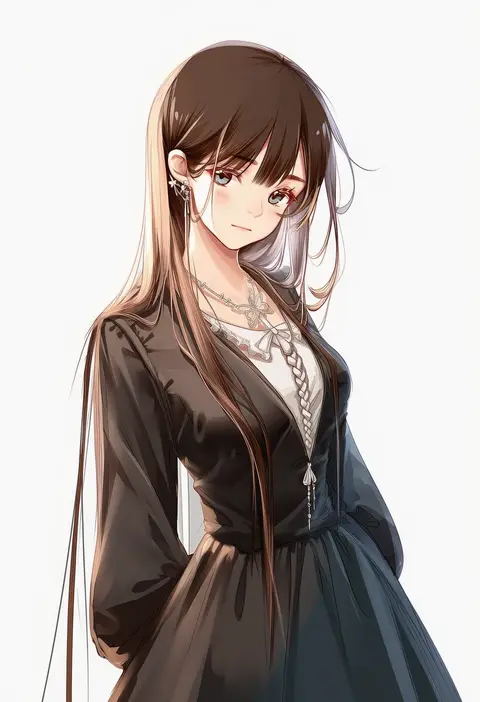
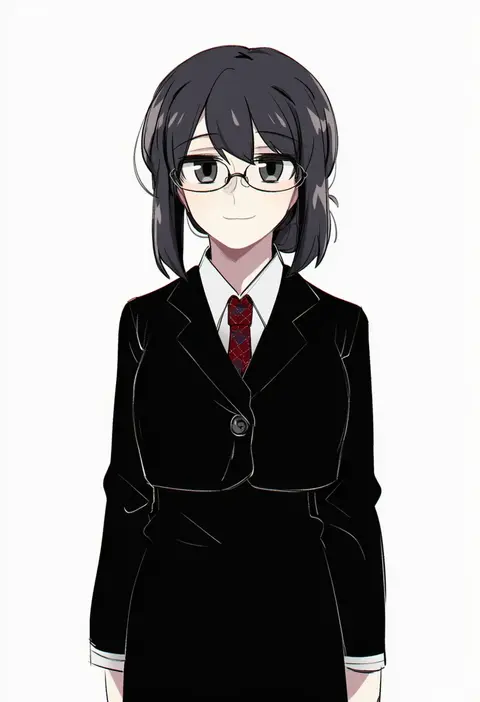
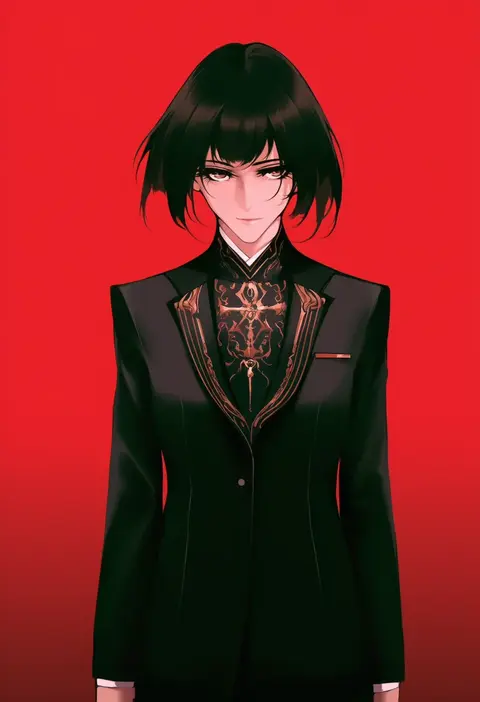
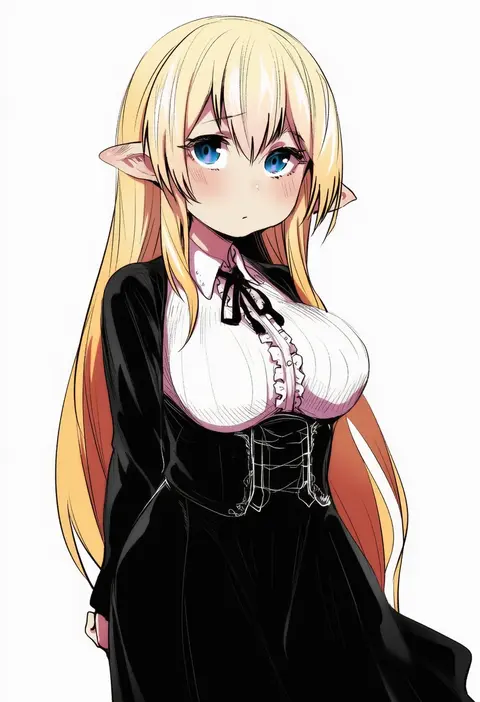
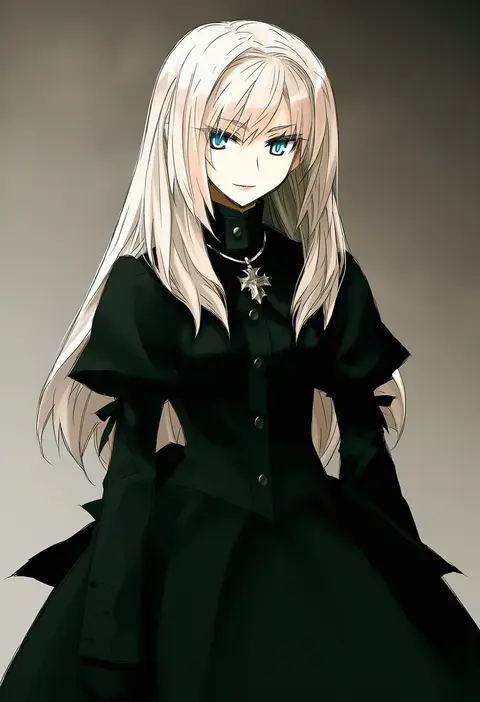
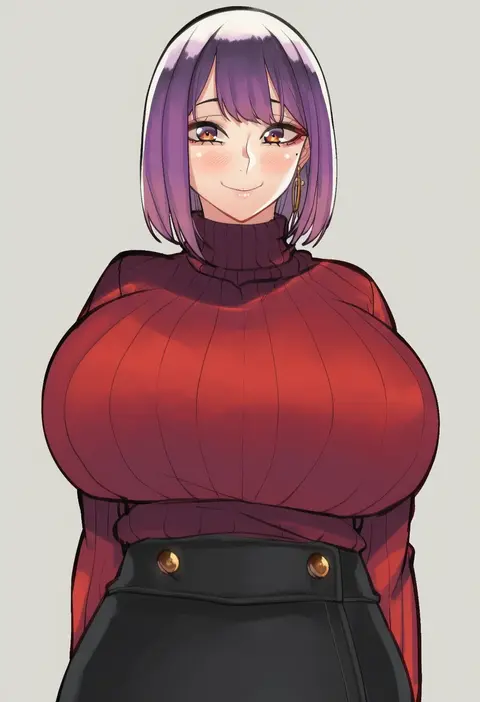
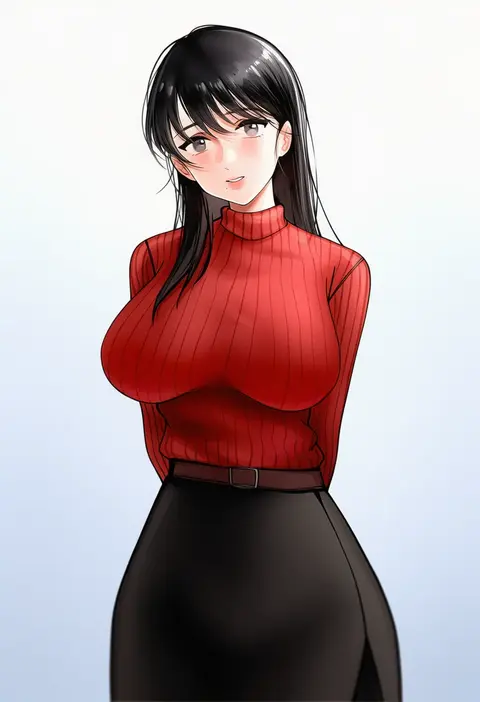
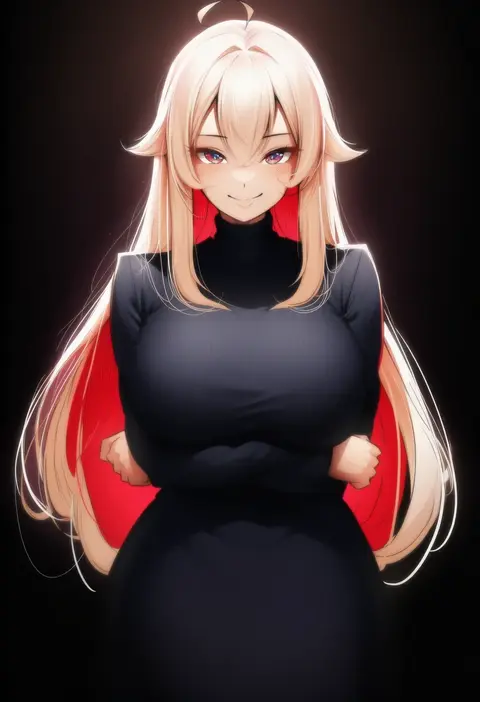
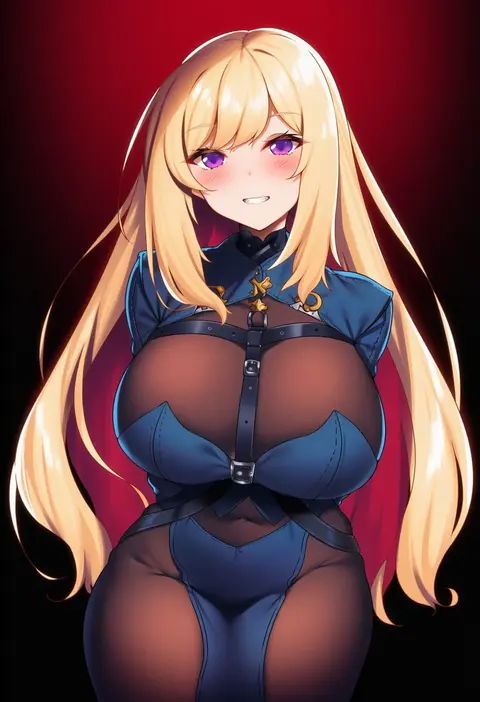
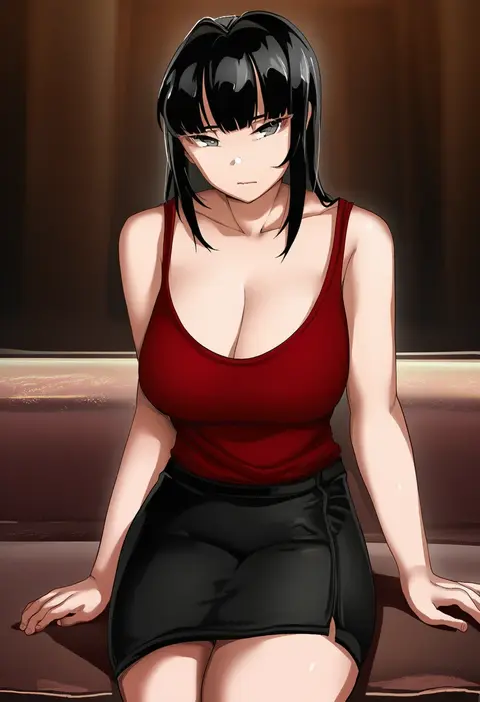
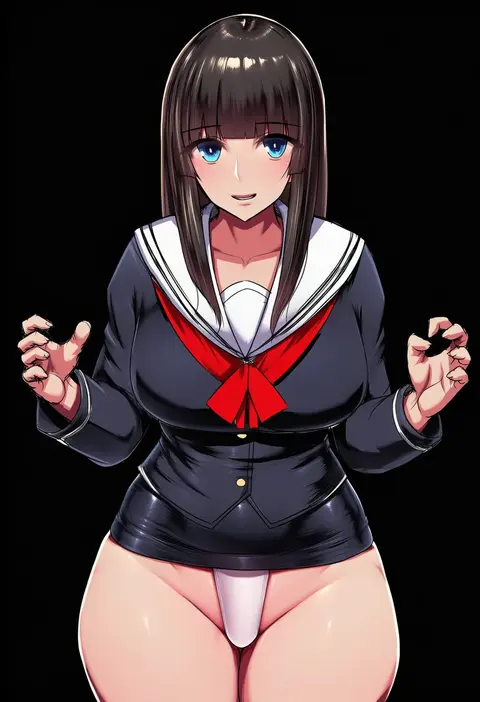
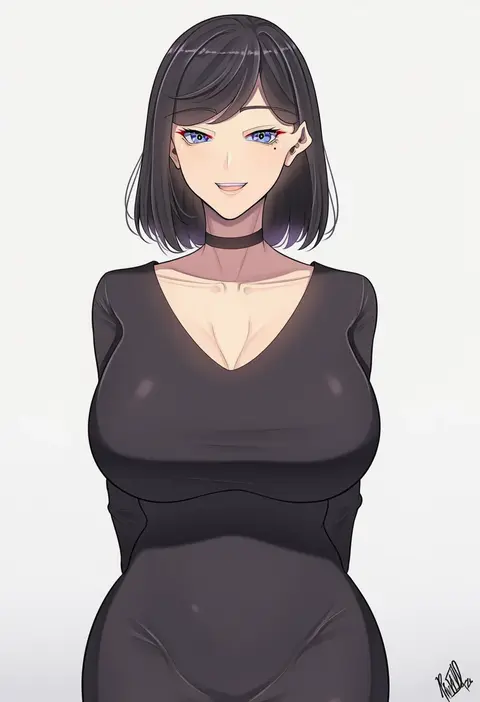
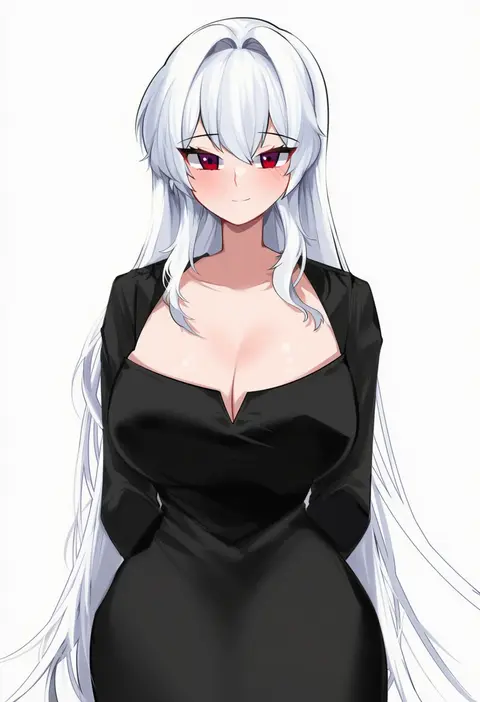
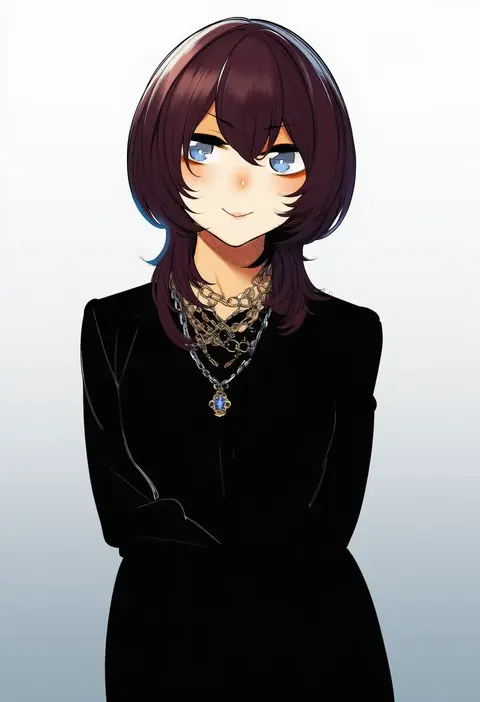
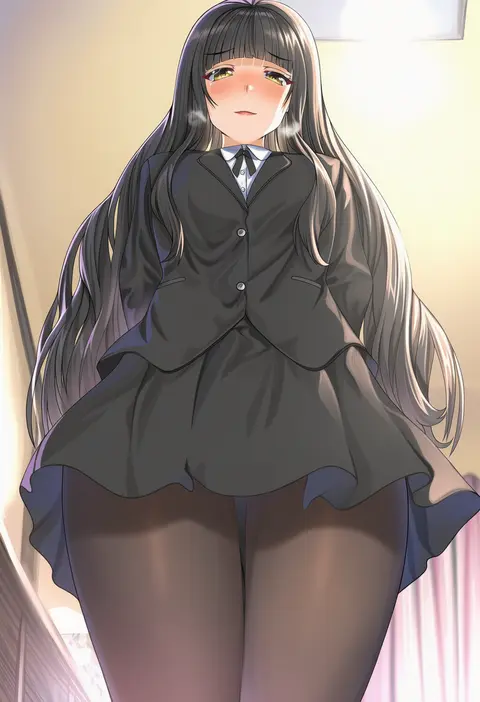
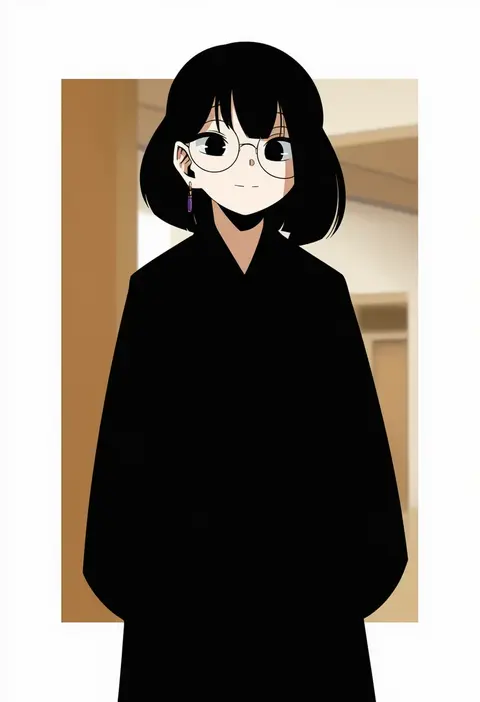
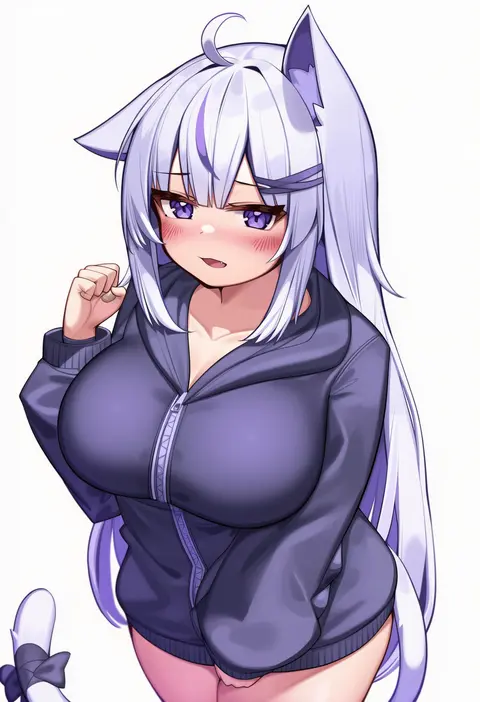
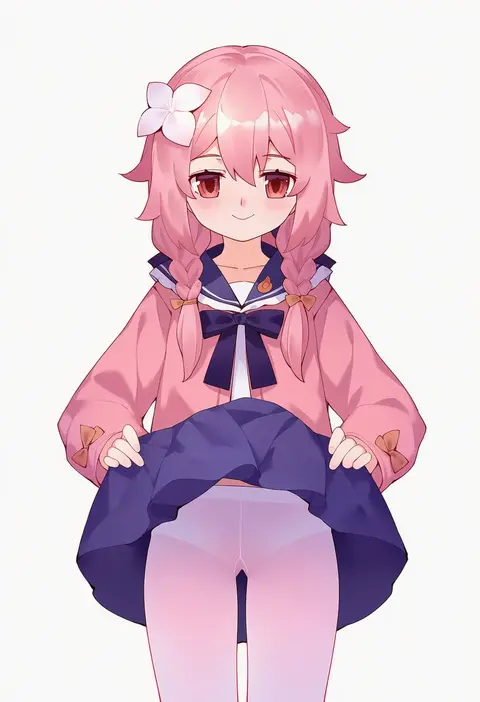
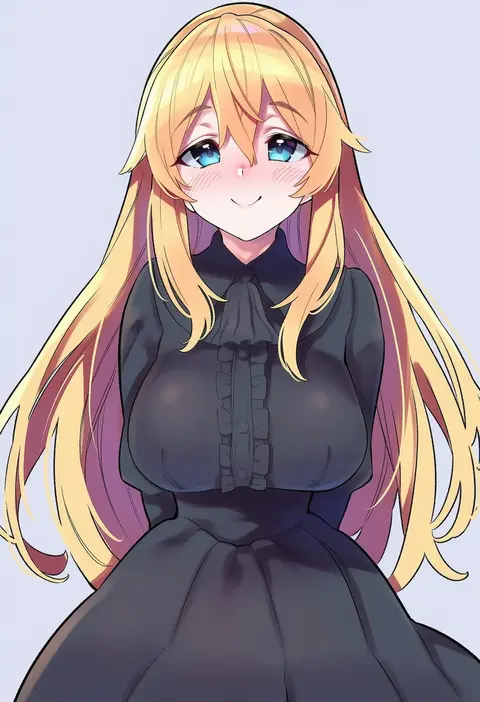
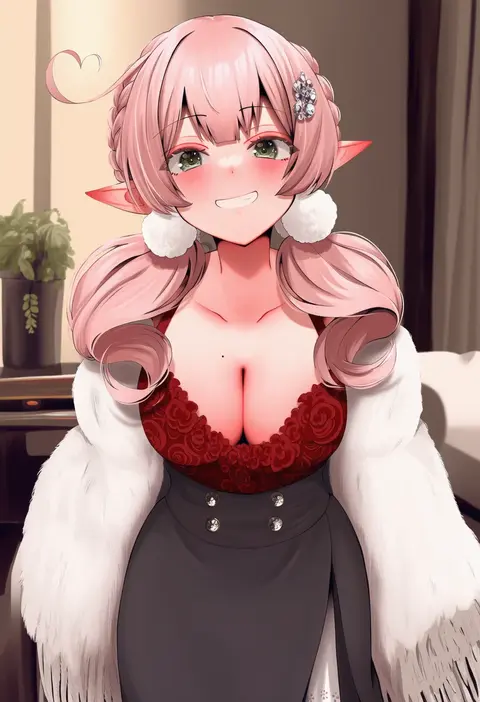
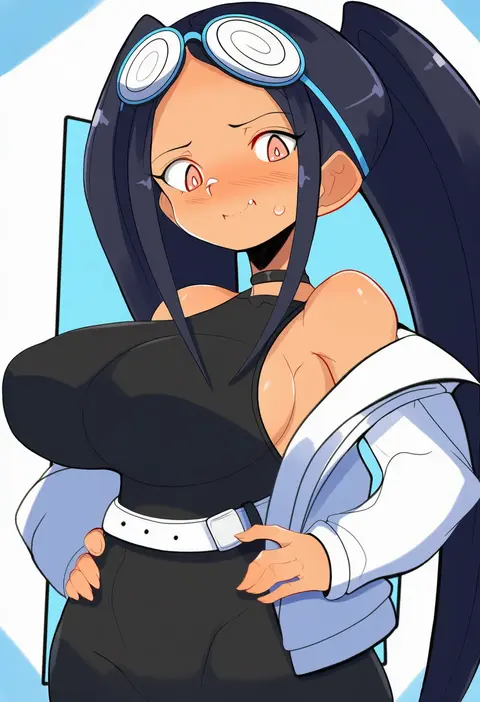
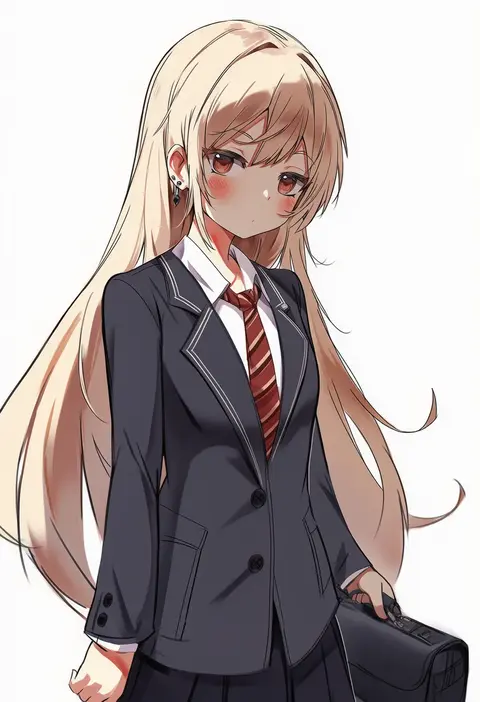
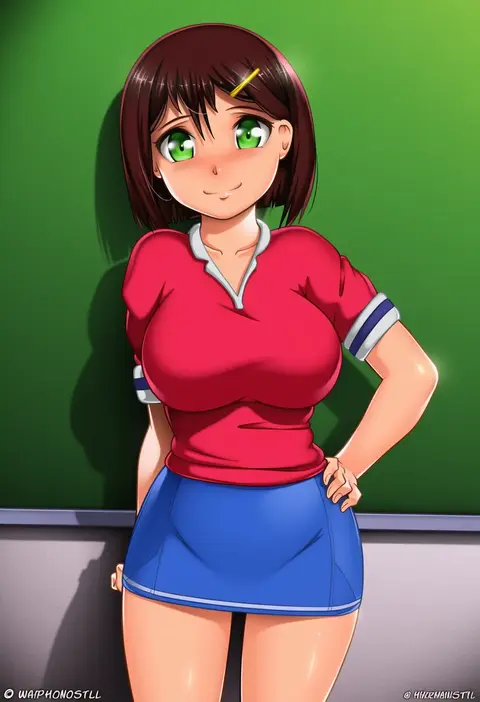
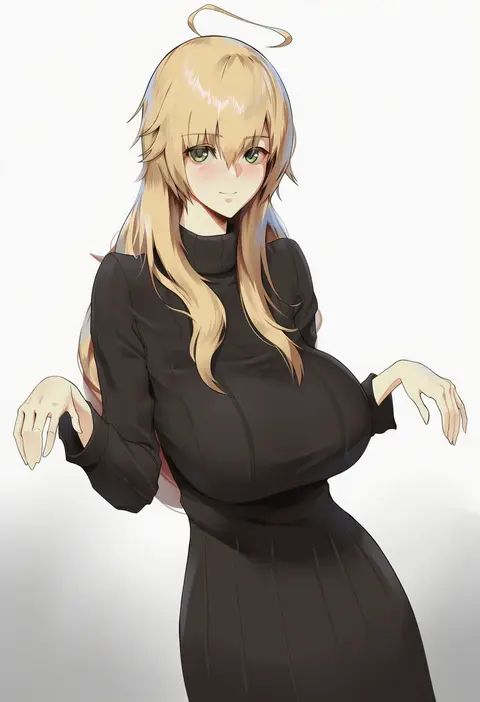
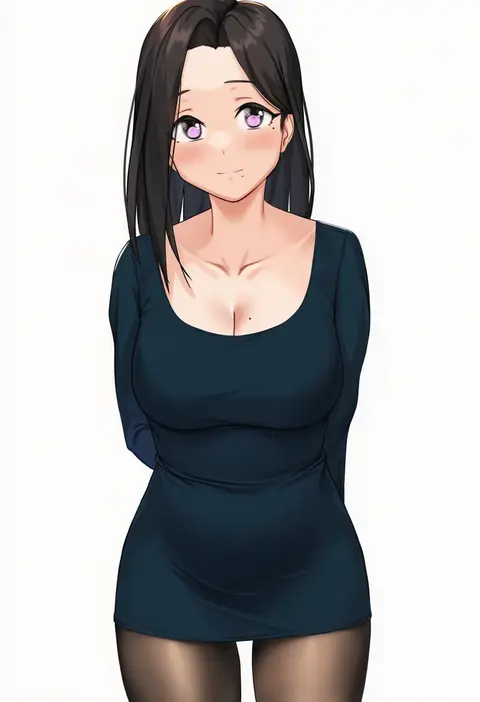
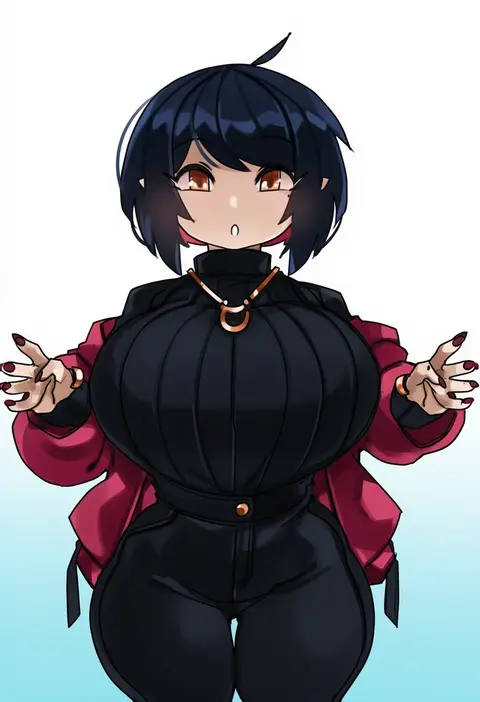
Artist tags tell NovelAI Diffusion to draw in a specific artist's style: line weight, paint texture, face shapes and palette all shift at once. Character and outfit tags decide what is drawn; artist tags decide how. 16,352 tags are listed for V4.5.
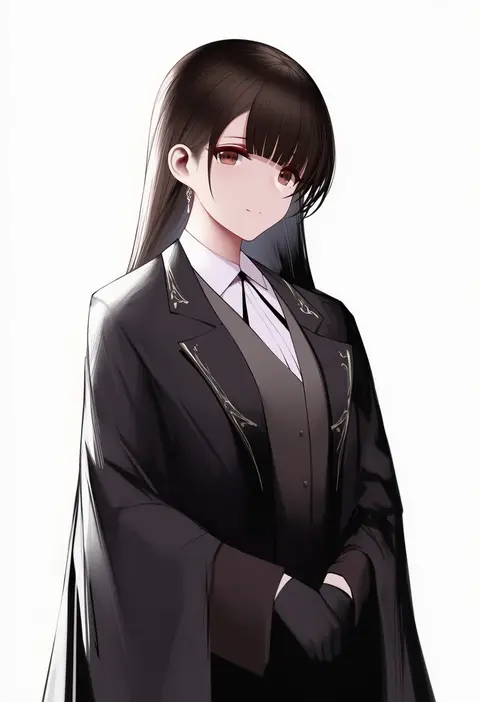
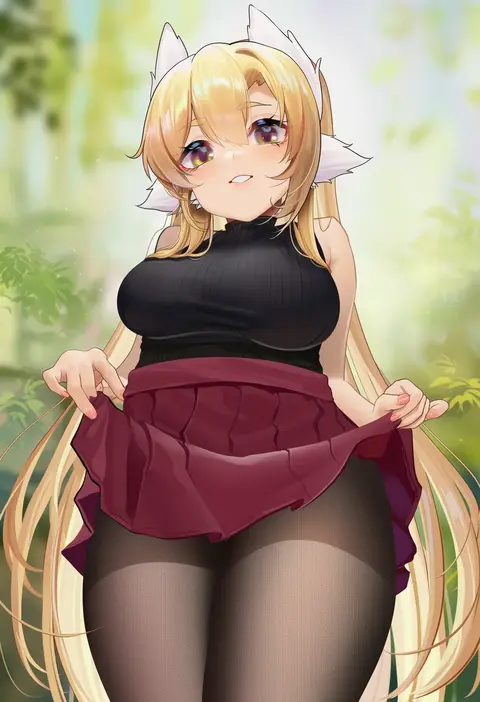
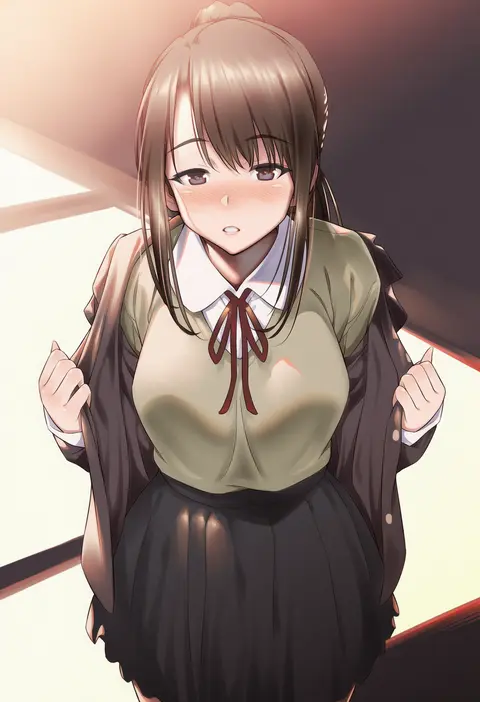
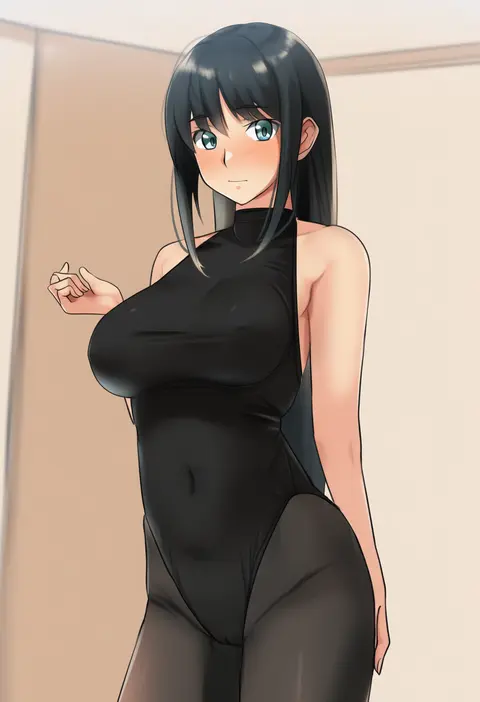
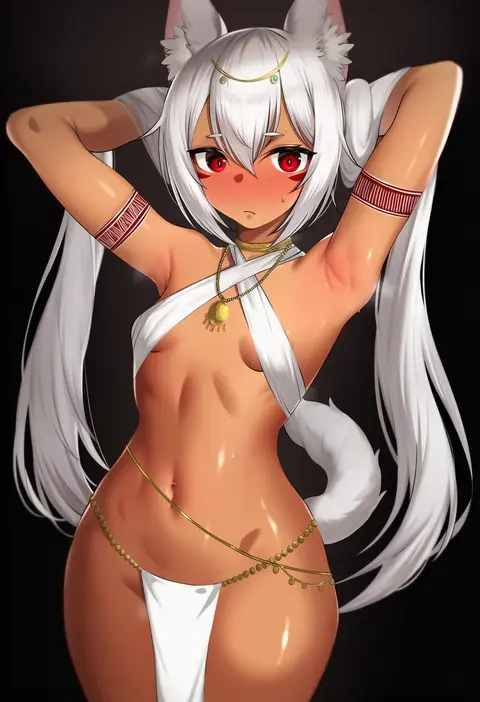
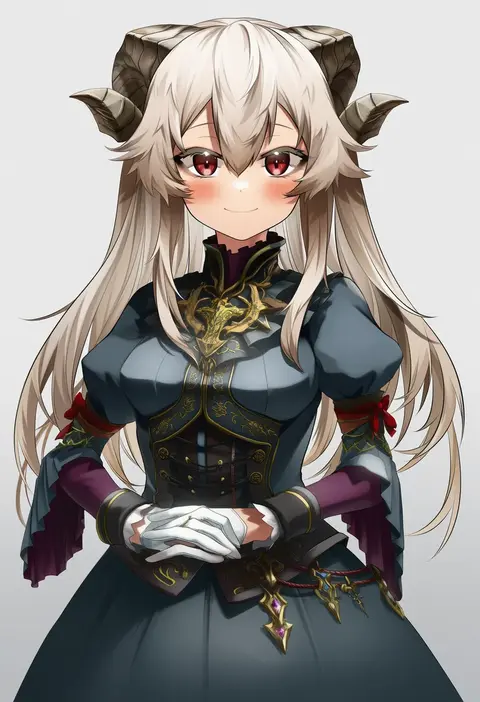
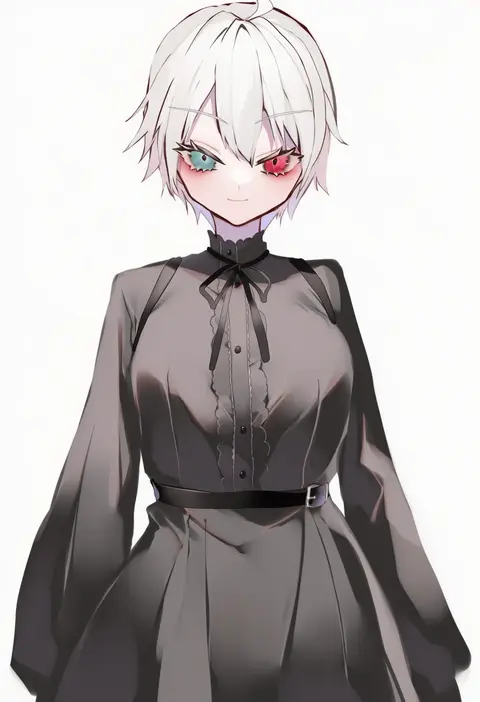
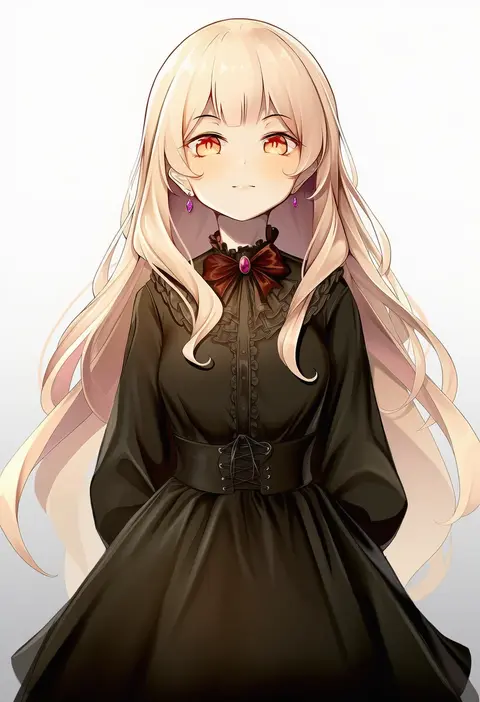
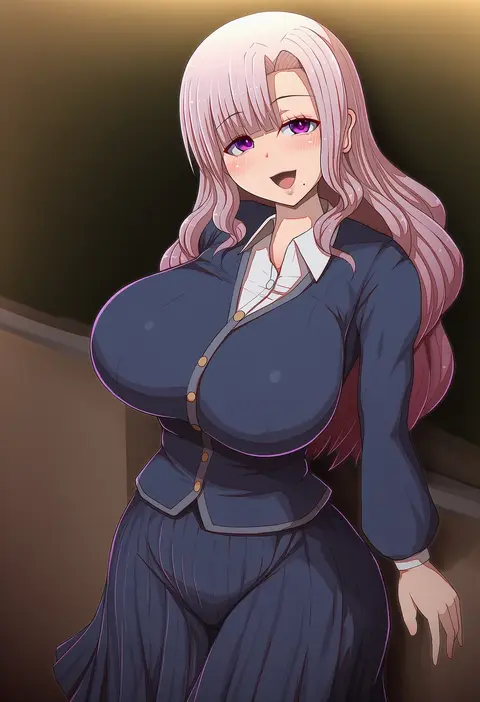
Every tag listed here is verified to react in NovelAI. All images use the same prompt, seed and settings with only the artist tag swapped, so the difference between two images is the style that tag brings in.

How to use them

Put the artist tag near the front of the prompt, e.g. "<artist>, 1girl, solo, best quality, masterpiece, cowboy shot". Two or three artist tags blend styles; lower the weight with "0.8::<artist>::" when the style overpowers the character.

SCORE sorts by Danbooru's top score, POSTS by post count, FAVS by hearts on this site. Open a card to see V5 and V4.5 side by side on the same seed.

V5 vs V4.5

V5 usually lands closer to the artist's real style, and tags that did nothing on V4.5 often react on V5. V4.5 still fits older and doujin-heavy artists better. Try V5 first, fall back to V4.5.

FAQ

Where does the artist tag go?
Near the front of the prompt. Use "0.8::tag::" to adjust its weight.

Can I stack artist tags?
Yes, styles blend. Past two or three the result stops looking like anyone.

Are these the artists' own works?
No. Every image is a NovelAI sample generated from the tag.