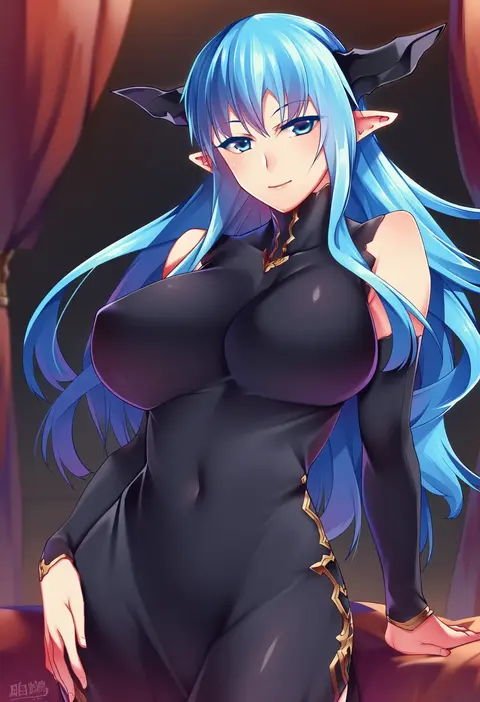
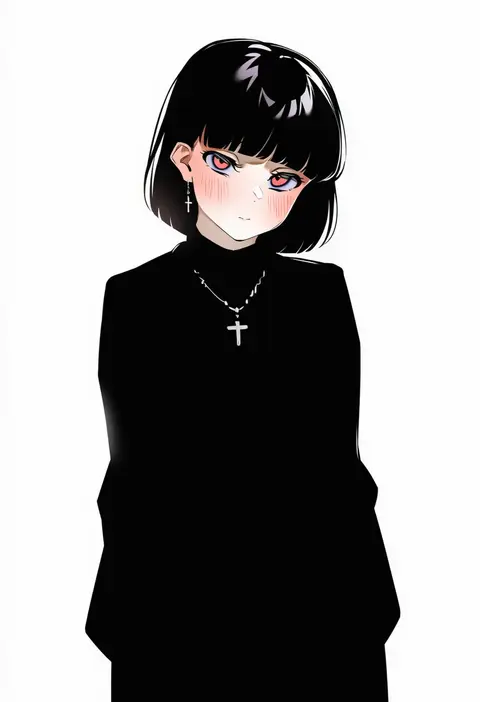
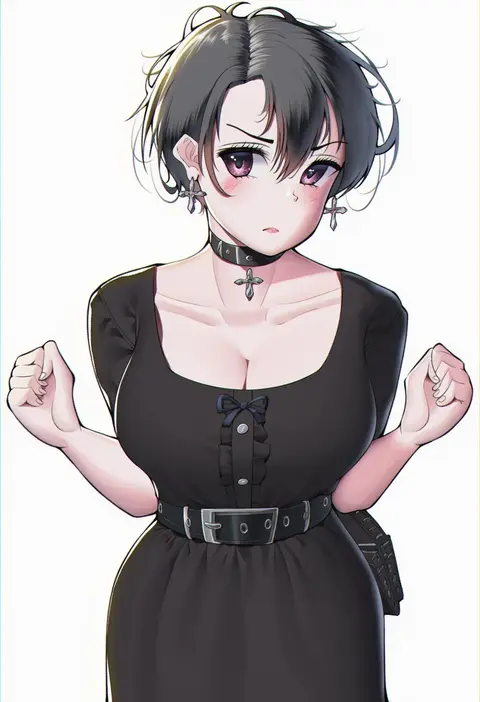
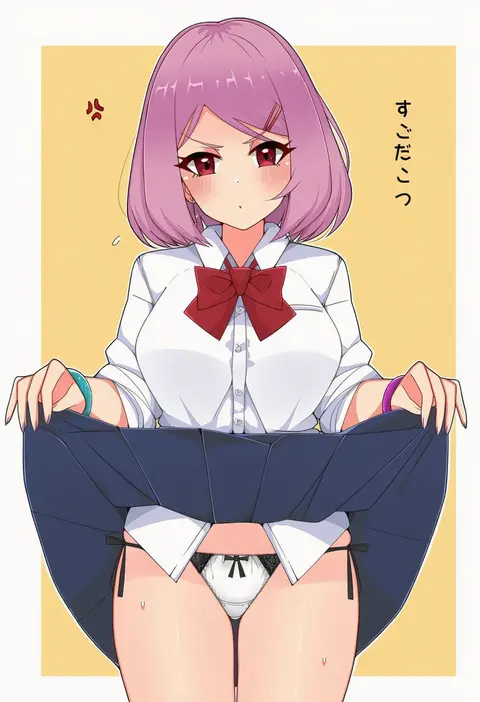
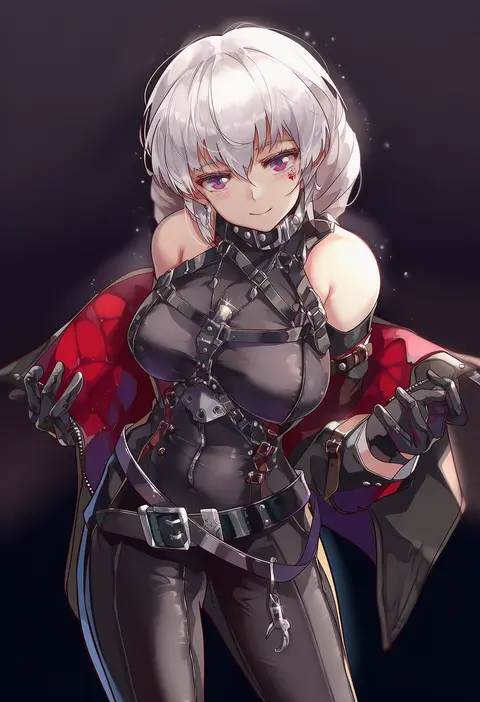
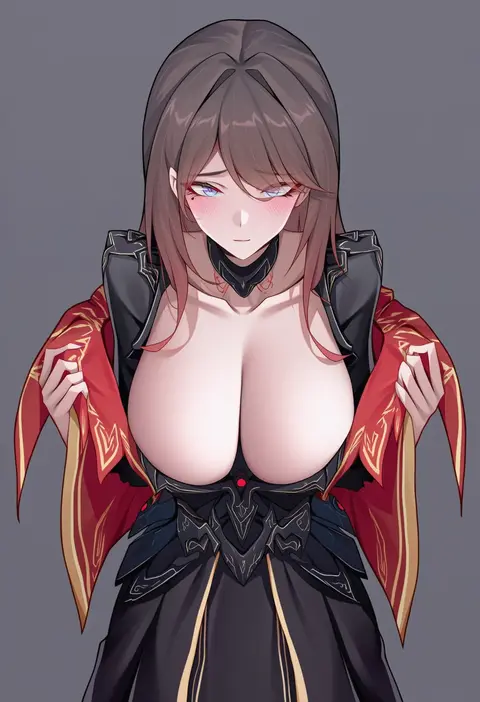
V4.5Artists
sort: FAVS▾
▾
>
$

Popular NovelAI artist tags — V4.5

artist --count 16,352[52/273]
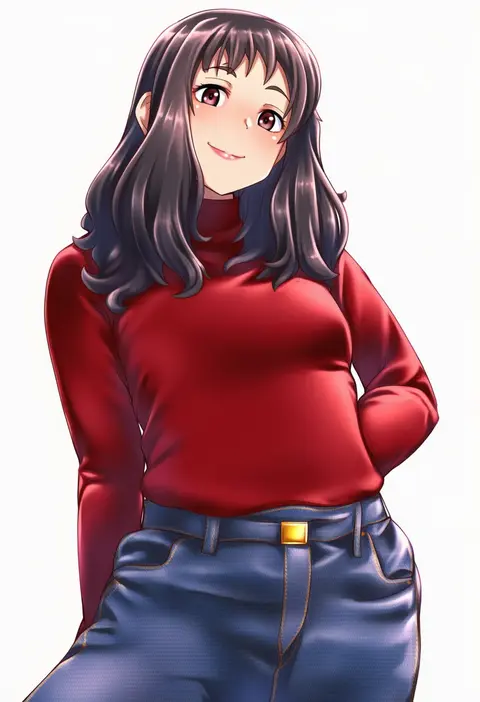
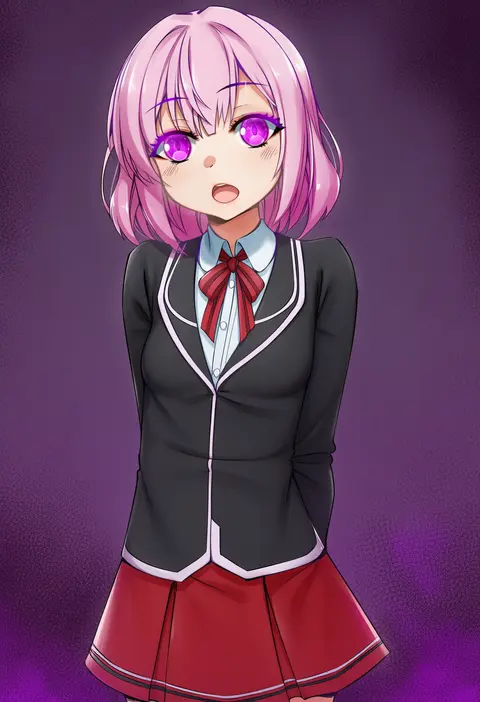
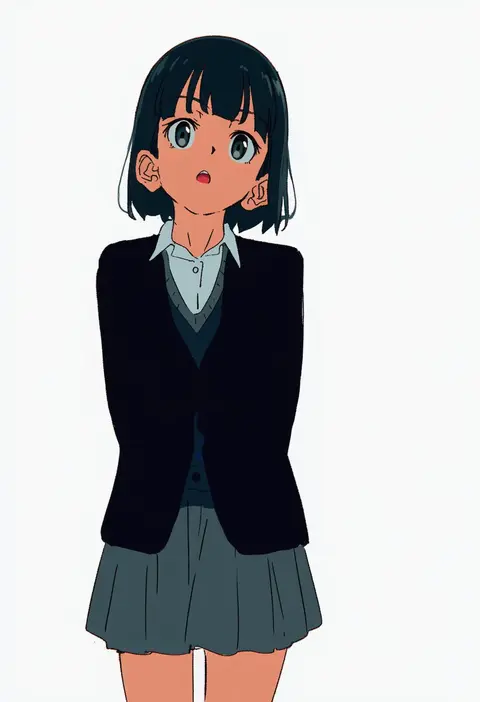
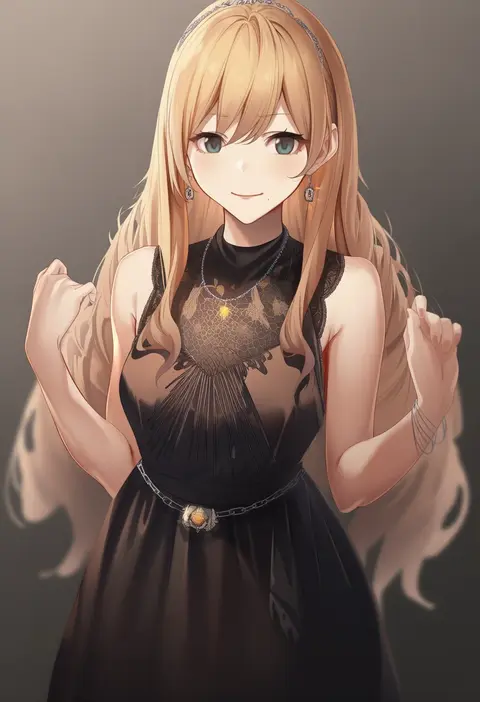
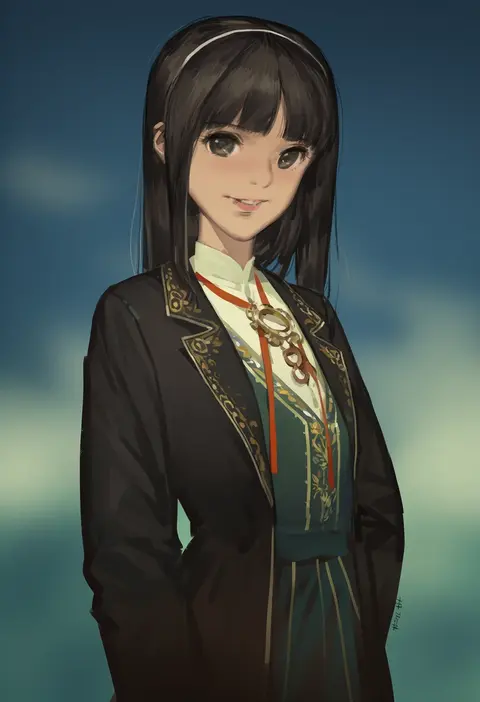
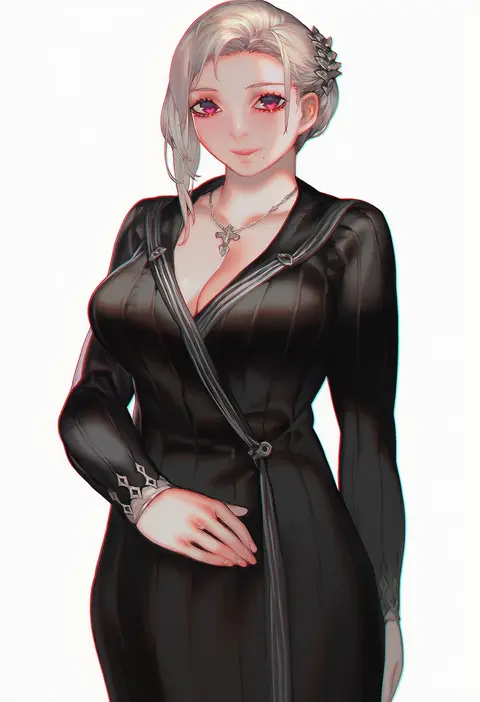
kobamiso (kobalt)
ARTIST0x0BF4
0
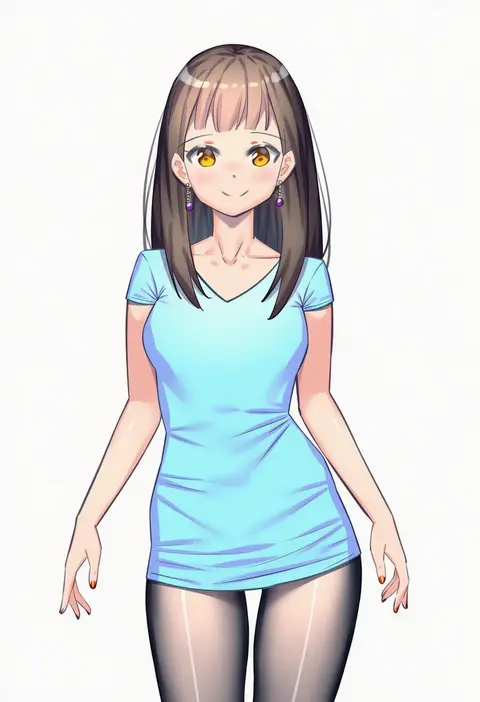
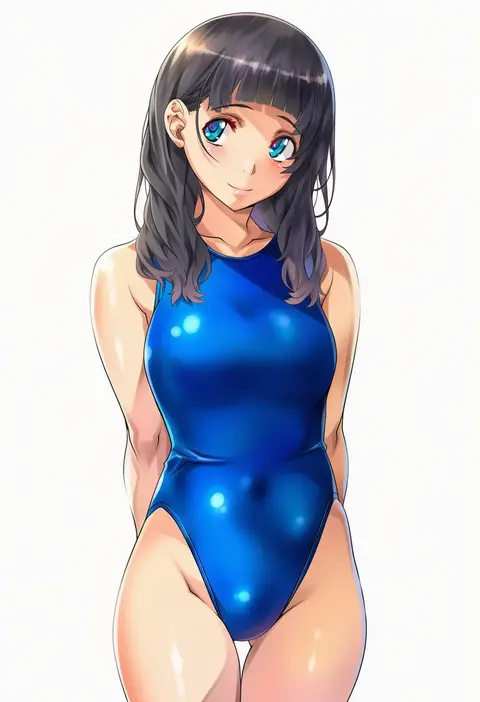
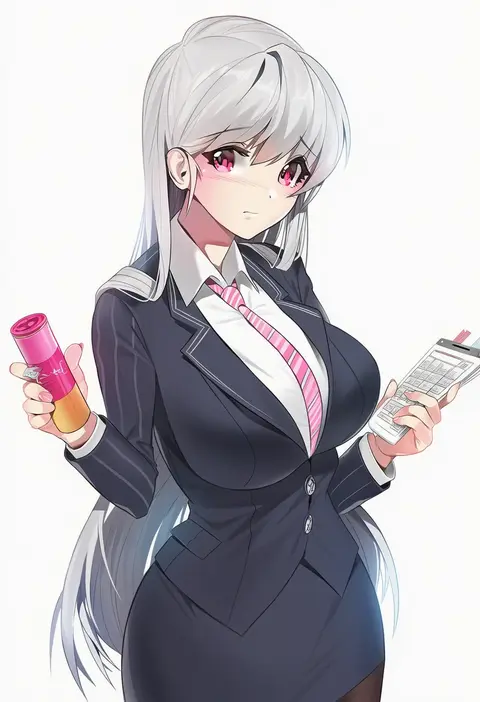
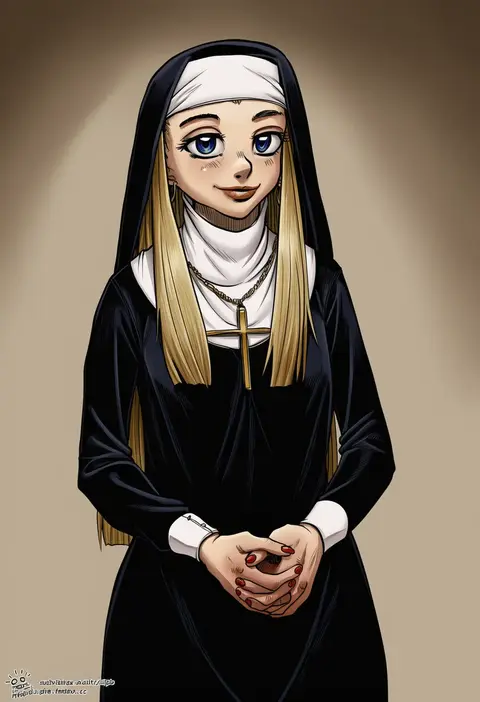
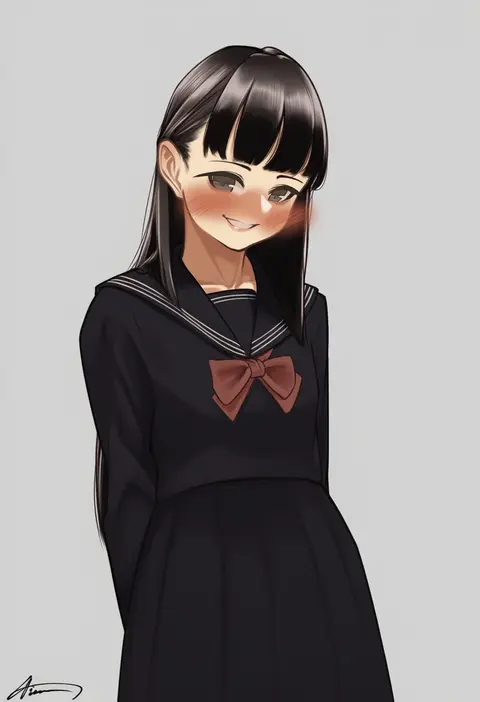
tsuki tokage
ARTIST0x0BF5
0
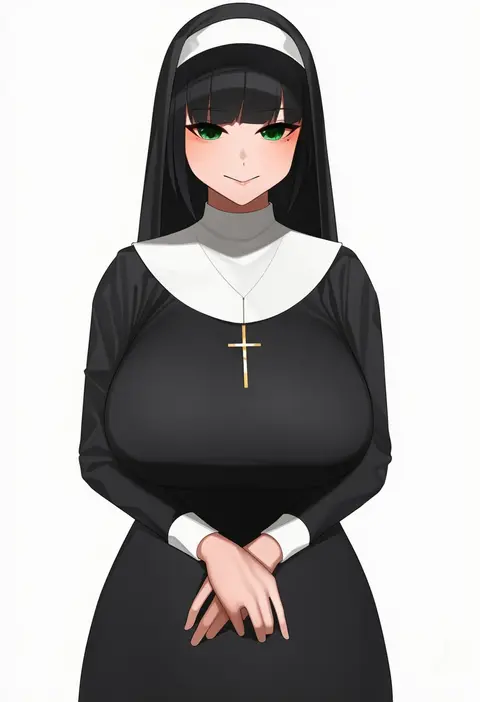
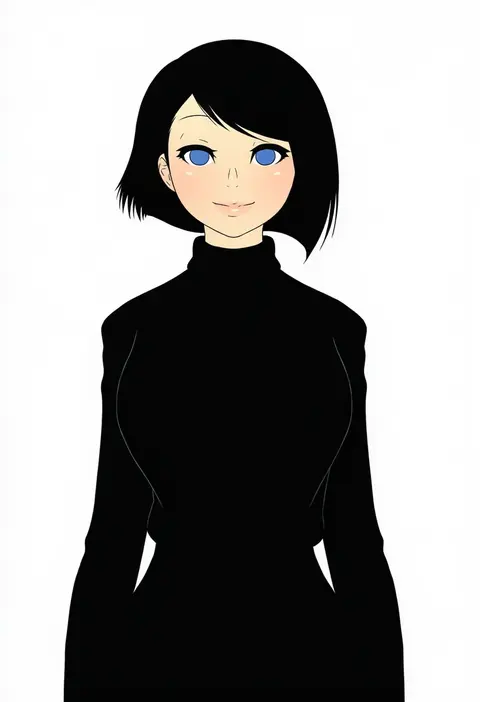
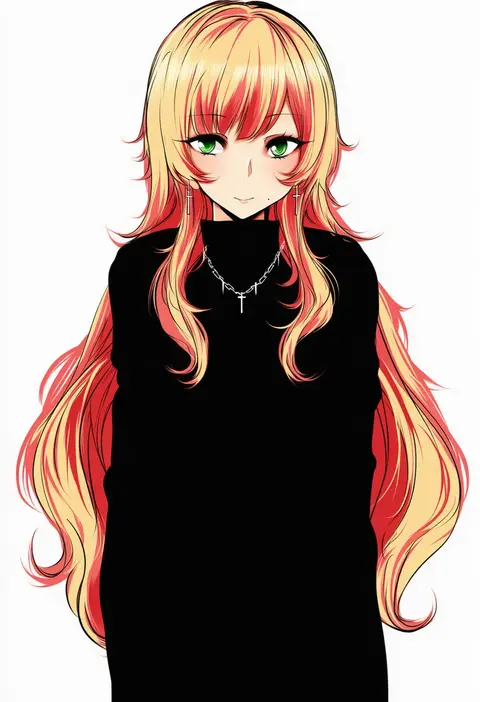
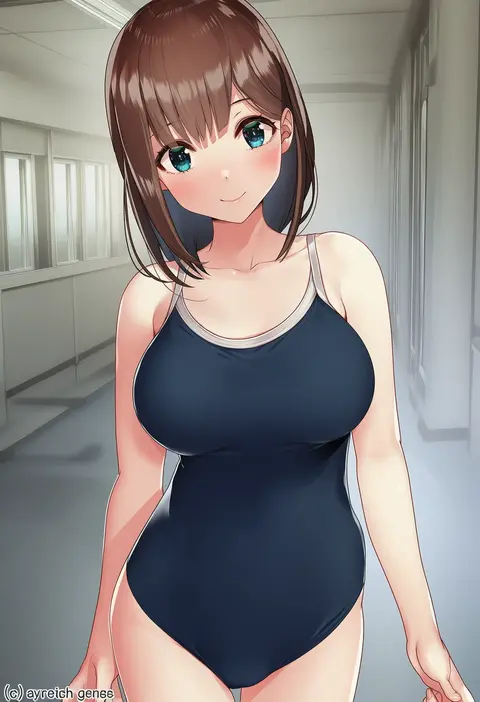
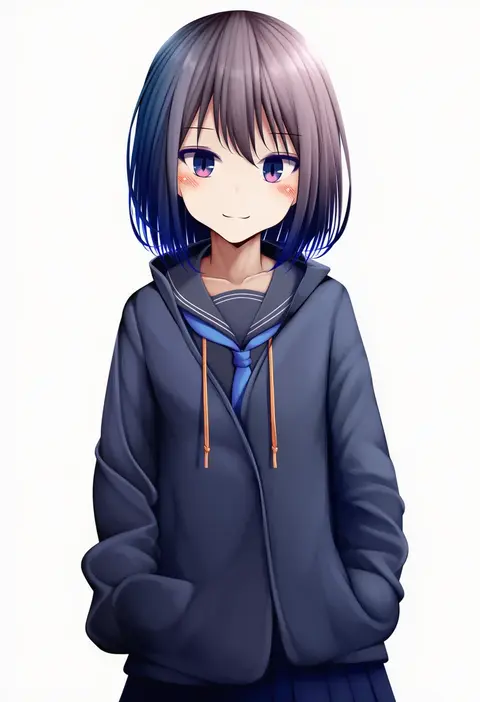
karan
ARTIST0x0BF6
0
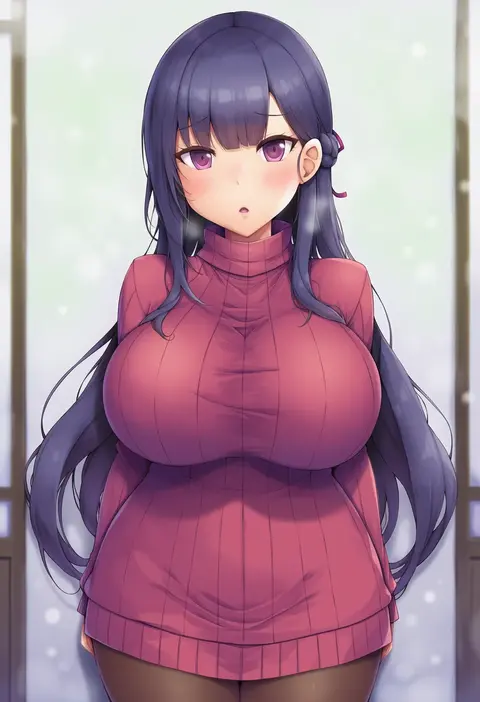
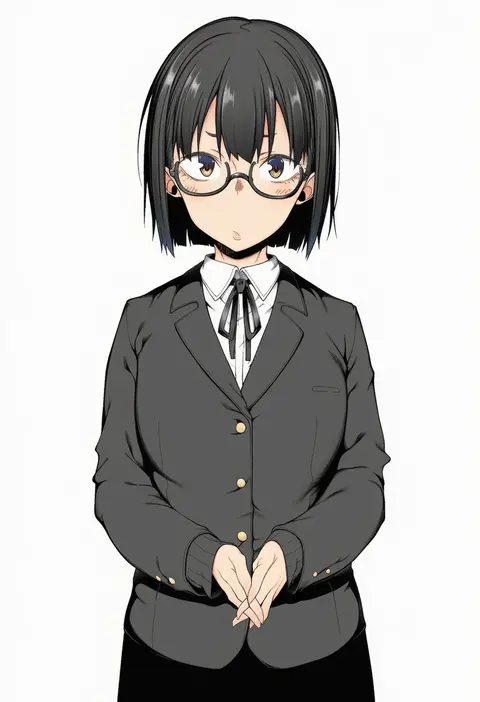
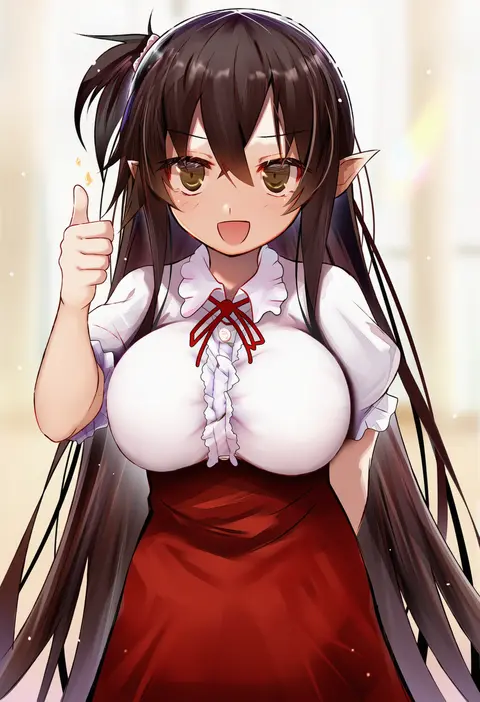
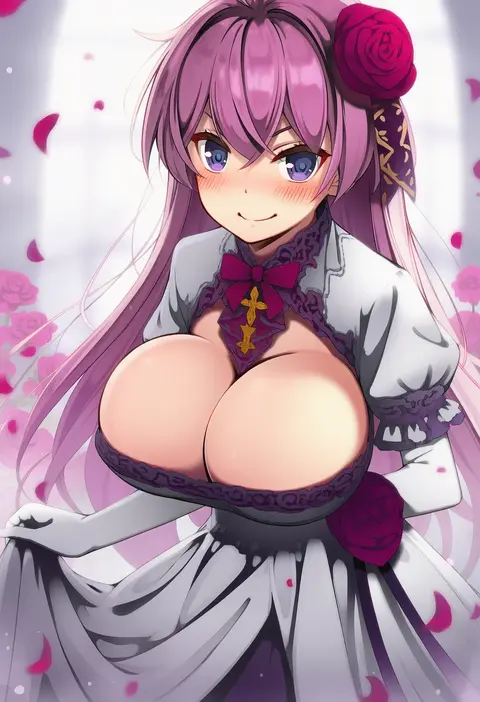
himeliofon
ARTIST0x0BF7
0
k-y
ARTIST0x0BF8
0
shinomu (cinomoon)
ARTIST0x0BF9
0
ikura nagisa
ARTIST0x0BFA
0
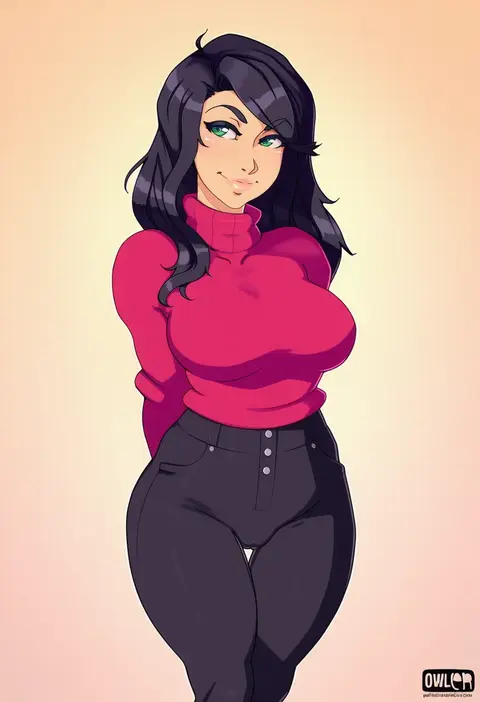
owler
ARTIST0x0BFB
0
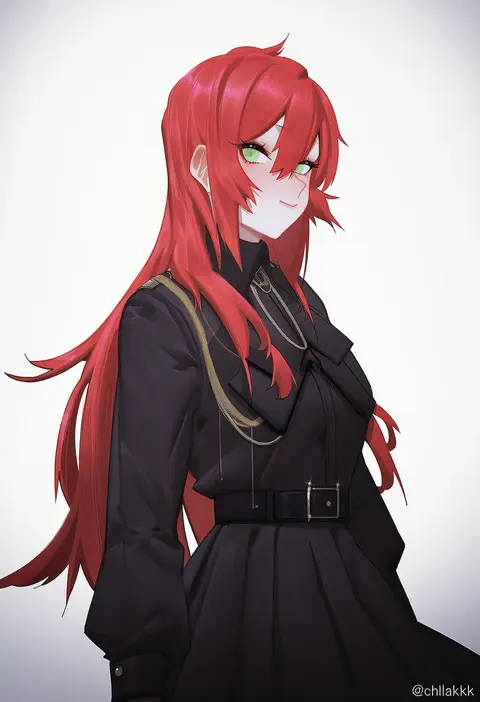
chilakkk
ARTIST0x0BFC
0
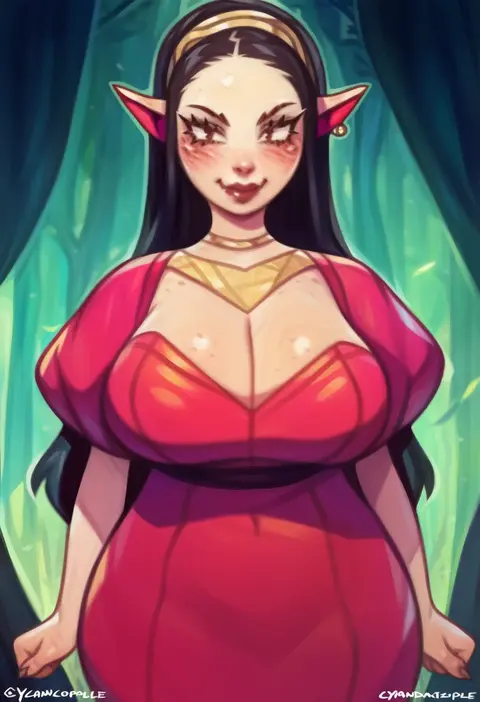
cyancapsule
ARTIST0x0BFD
0
kazawa (tonzura-d)
ARTIST0x0BFE
0
yunagi amane
ARTIST0x0BFF
0
tomoyuki hino
ARTIST0x0C00
0
argule0901
ARTIST0x0C01
0
toru nagase
ARTIST0x0C02
0
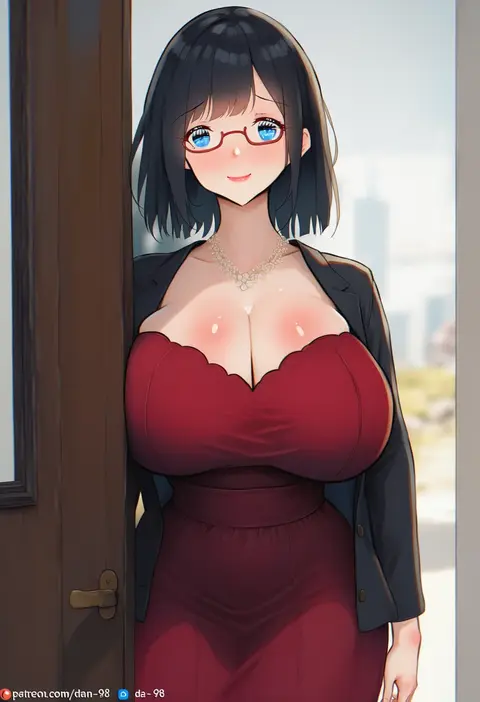
dan-98
ARTIST0x0C03
0
momokumo
ARTIST0x0C04
0
vahn yourdoom
ARTIST0x0C05
0
xiaoxi0619
ARTIST0x0C06
0
senju (snz0)
ARTIST0x0C07
0
yuki usagi (snowcanvas)
ARTIST0x0C08
0
kurowan
ARTIST0x0C09
0
pongldr
ARTIST0x0C0A
0
kihou no gotoku dmc
ARTIST0x0C0B
0
amlichan
ARTIST0x0C0C
0
tomato (lsj44867)
ARTIST0x0C0D
0
nagayori
ARTIST0x0C0E
0
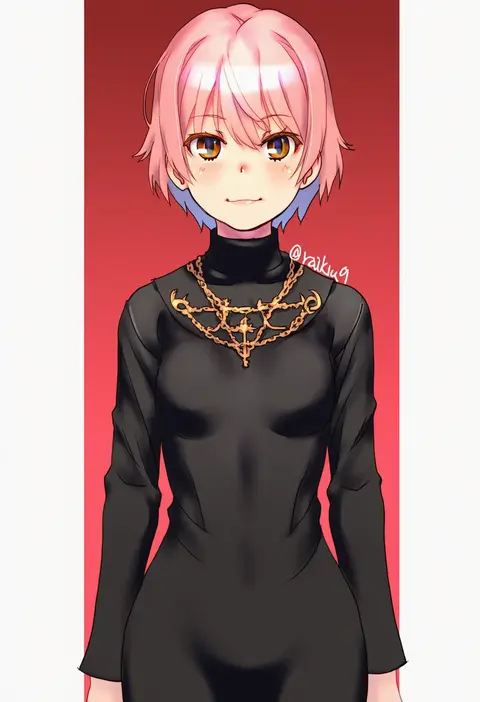
raika9
ARTIST0x0C0F
0
mike inel
ARTIST0x0C10
0
oza osuwari
ARTIST0x0C11
0
brassica
ARTIST0x0C12
0
biya (1024)
ARTIST0x0C13
0
myumi
ARTIST0x0C14
0
jinpaitugounan
ARTIST0x0C15
0
sola (solo0730)
ARTIST0x0C16
0
damda
ARTIST0x0C17
0
agetama
ARTIST0x0C18
0
spirytus tarou
ARTIST0x0C19
0
hjl
ARTIST0x0C1A
0
spidu
ARTIST0x0C1B
0
yamacchi
ARTIST0x0C1C
0
efe
ARTIST0x0C1D
0
yuzuriha (active homing)
ARTIST0x0C1E
0
conto
ARTIST0x0C1F
0
shikuta maru
ARTIST0x0C20
0
masaki nanaya
ARTIST0x0C21
0
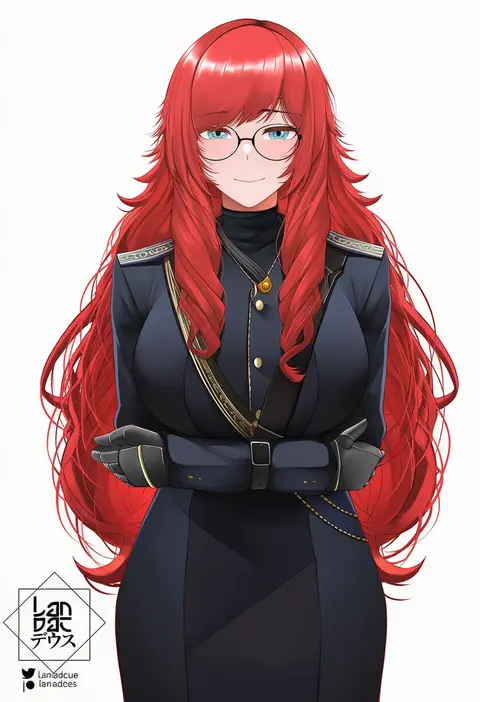
landacdeus
ARTIST0x0C22
0
oogure ito
ARTIST0x0C23
0
takepon1123
ARTIST0x0C24
0
maruko tooto
ARTIST0x0C25
0
kemigawa mondo
ARTIST0x0C26
0
tanaka kusao
ARTIST0x0C27
0
cessa
ARTIST0x0C28
0
koiso usu
ARTIST0x0C29
0
aoin
ARTIST0x0C2A
0
aiharararara
ARTIST0x0C2B
0
tateishi kureha
ARTIST0x0C2C
0
osa (osaosa)
ARTIST0x0C2D
0
zomzomzomsauce
ARTIST0x0C2E
0
ruo zhishi chu jian
ARTIST0x0C2F
0

What these tags change

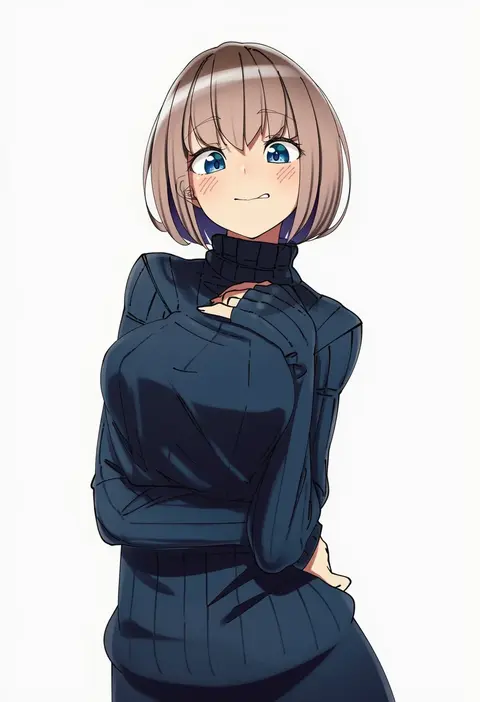
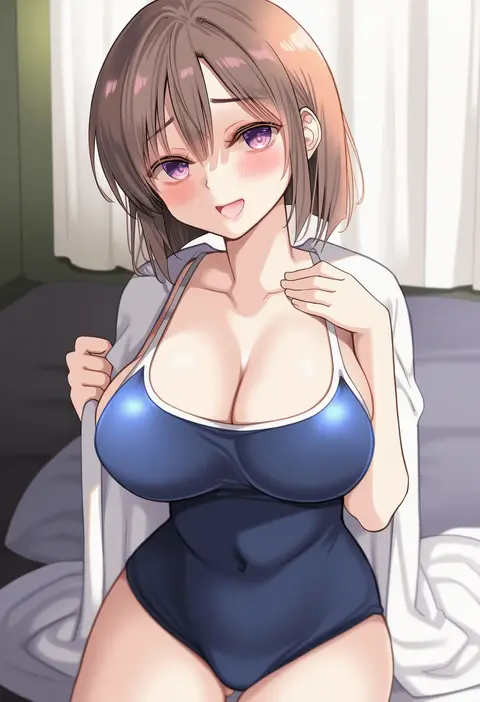
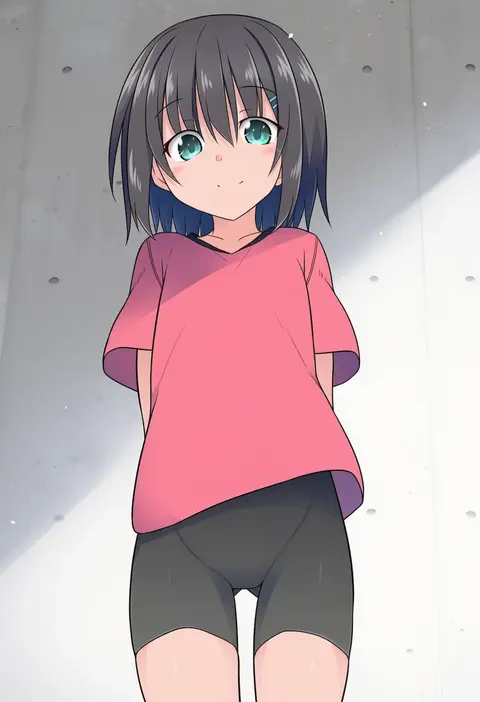
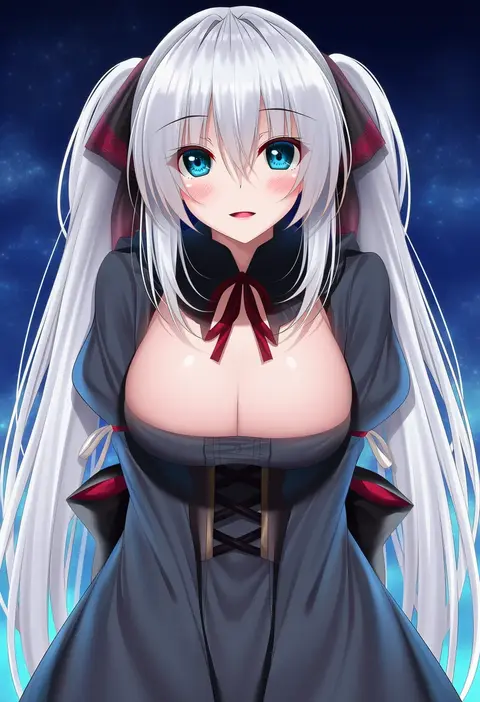
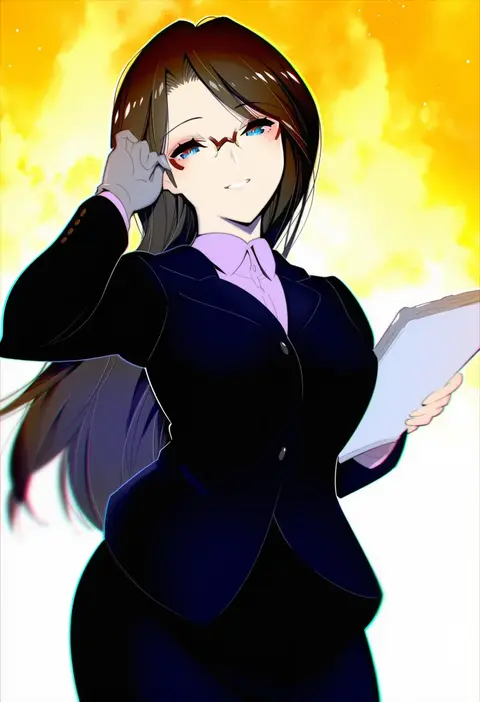
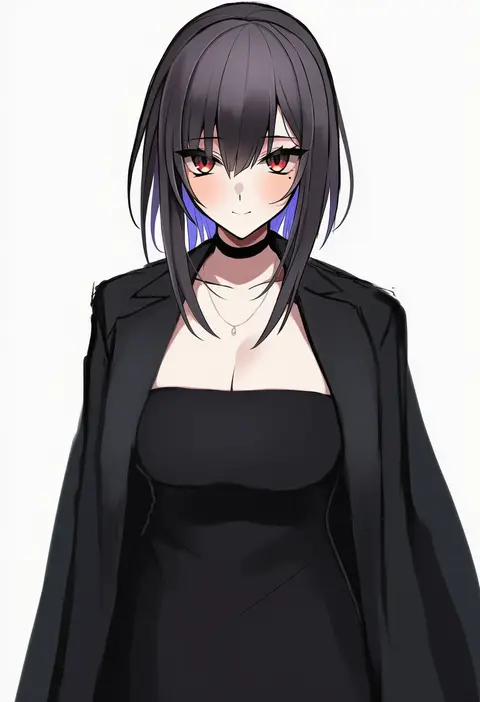
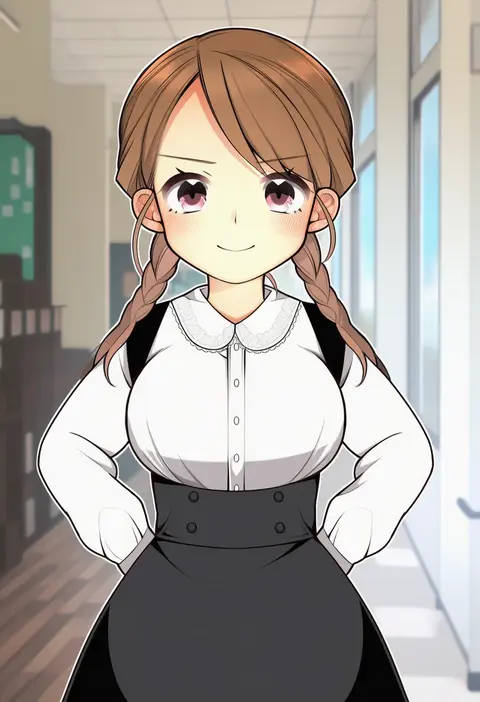
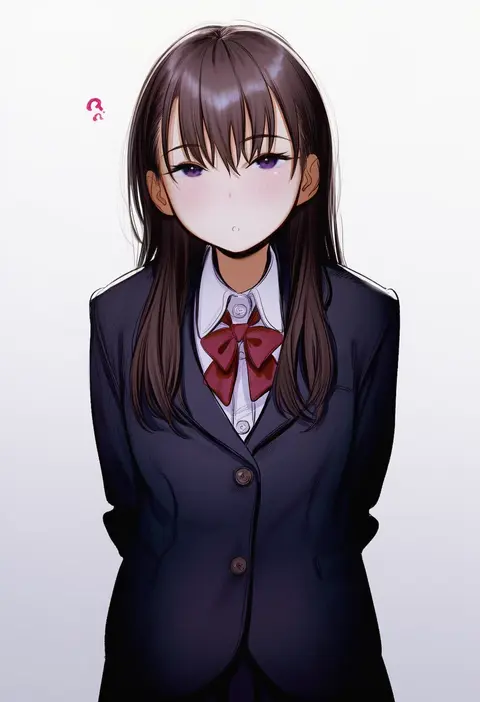
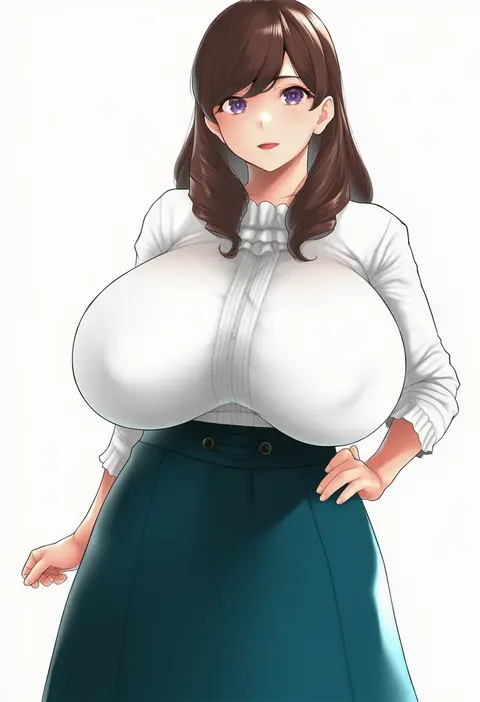
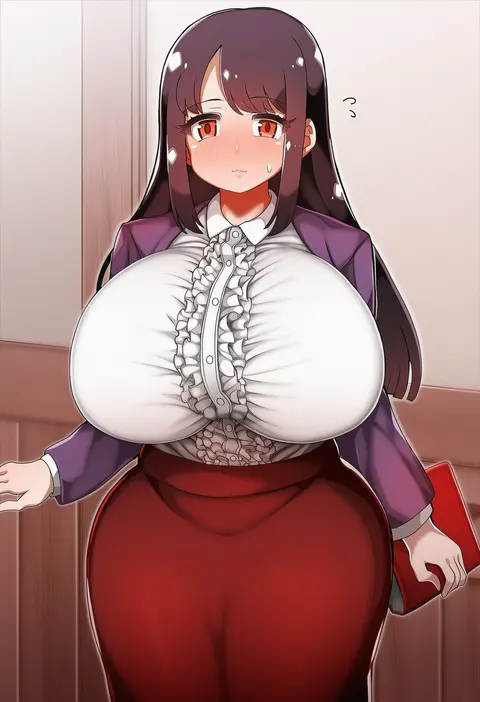
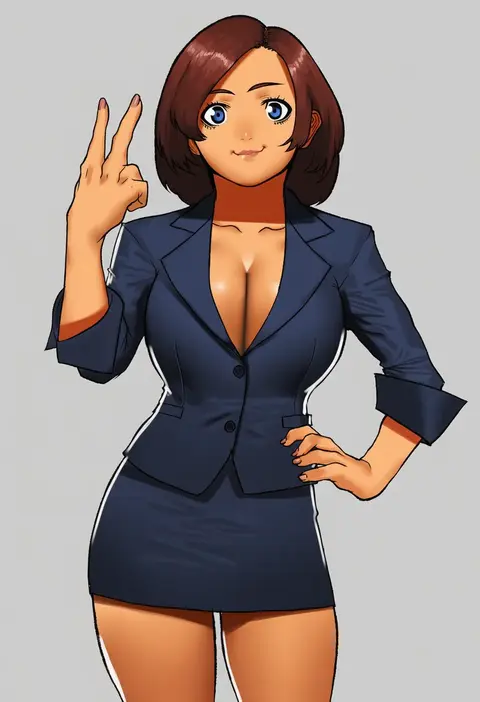
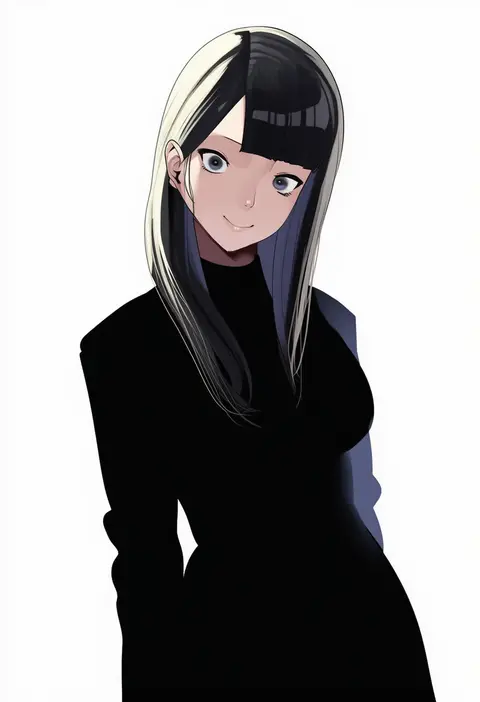
Artist tags tell NovelAI Diffusion to draw in a specific artist's style: line weight, paint texture, face shapes and palette all shift at once. Character and outfit tags decide what is drawn; artist tags decide how. 16,352 tags are listed for V4.5.
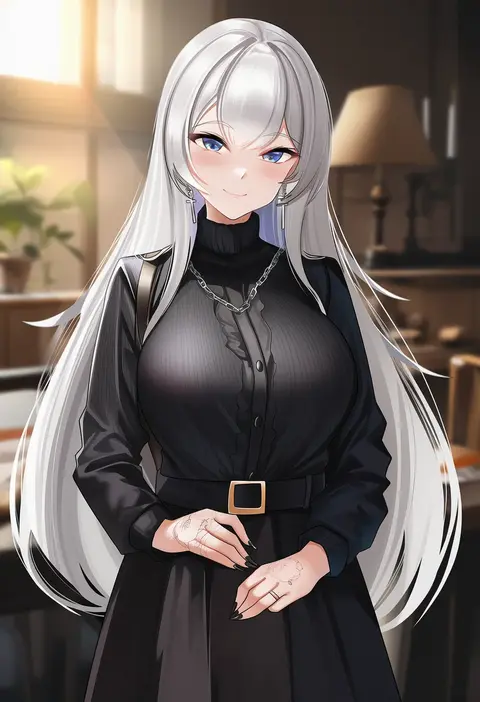
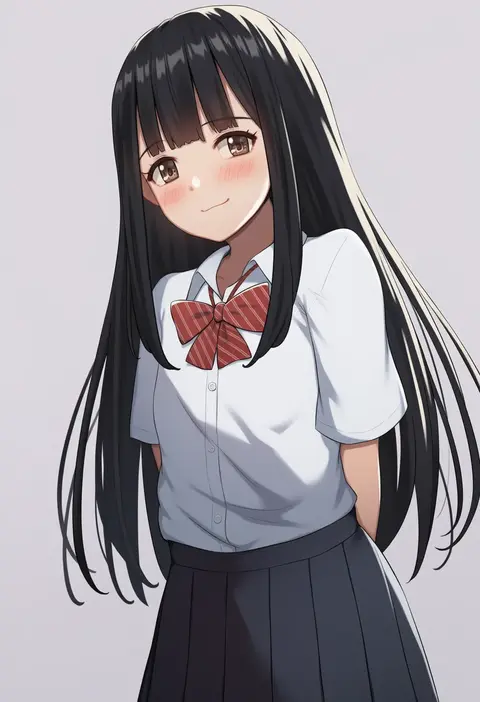
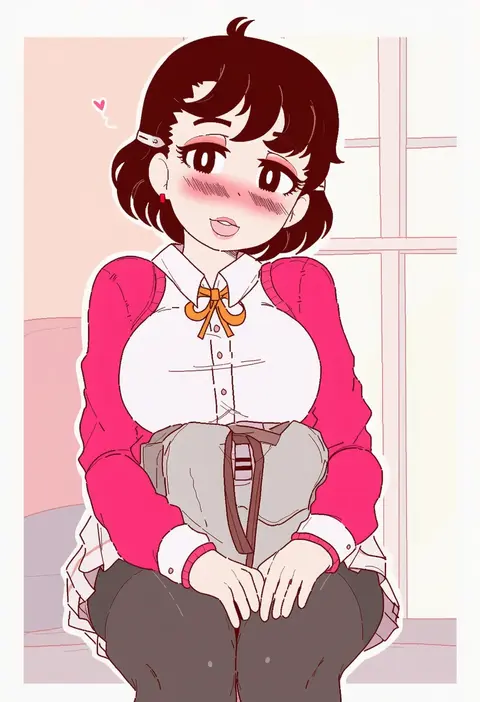
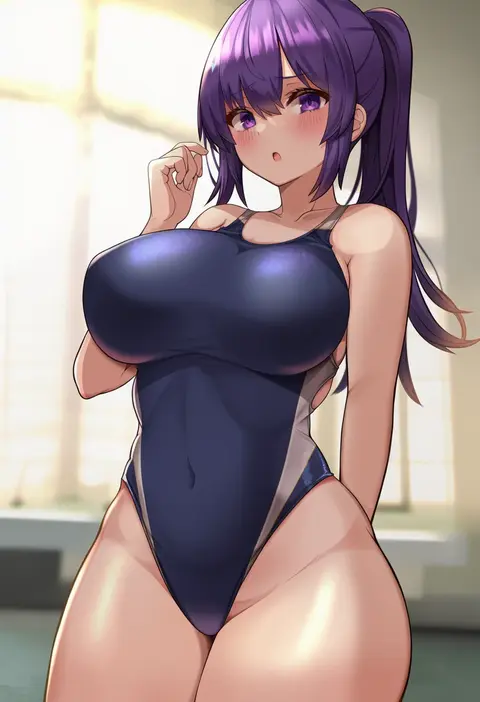
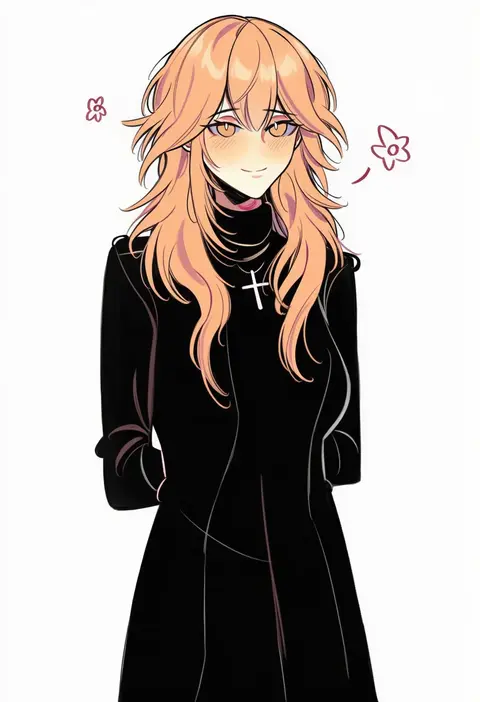
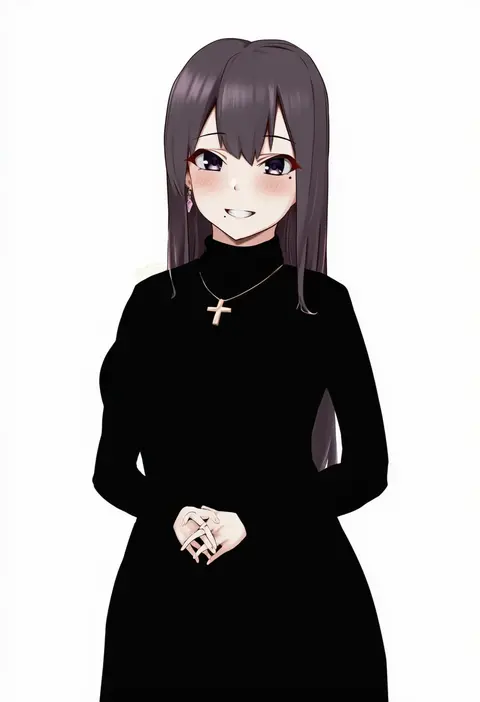
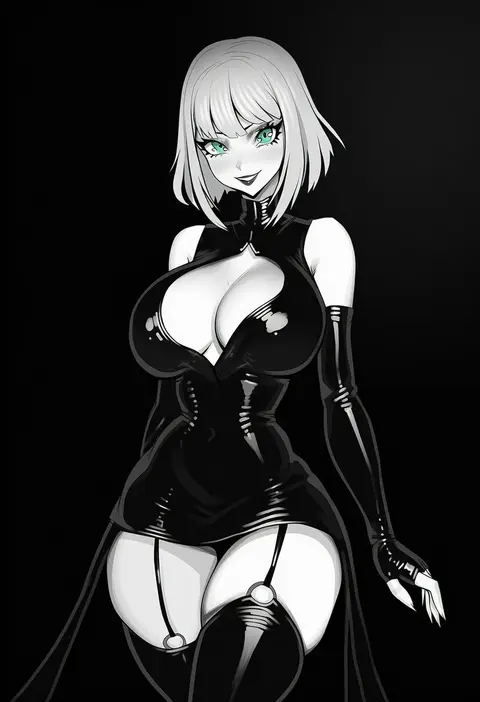
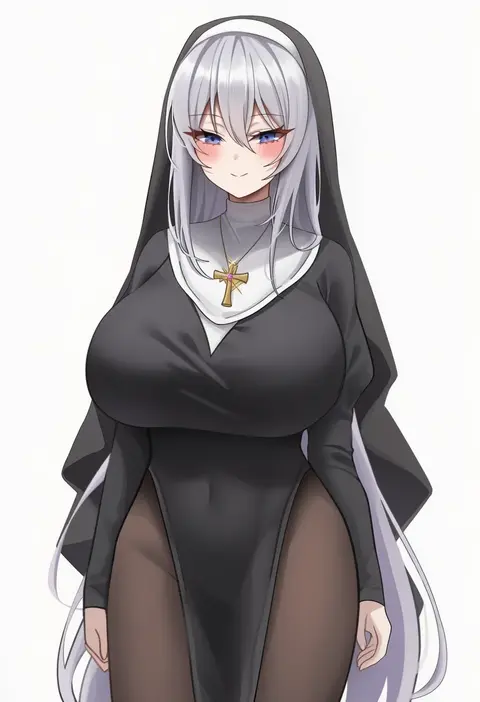
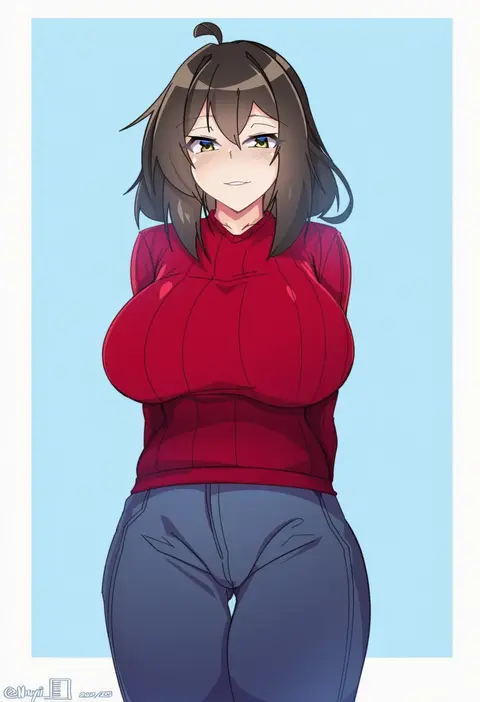
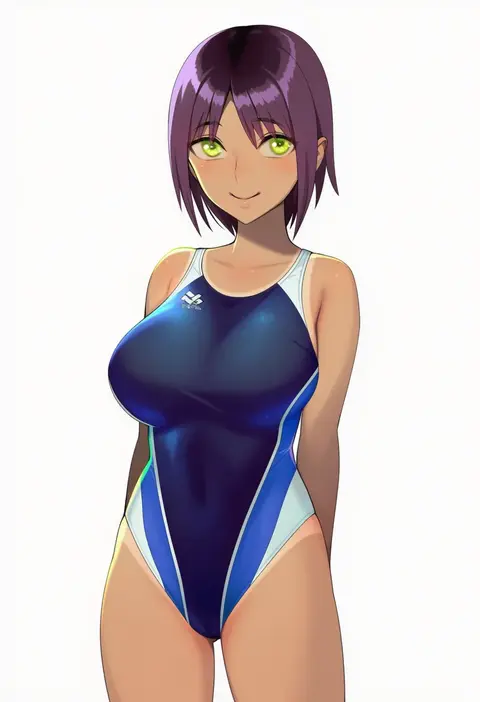
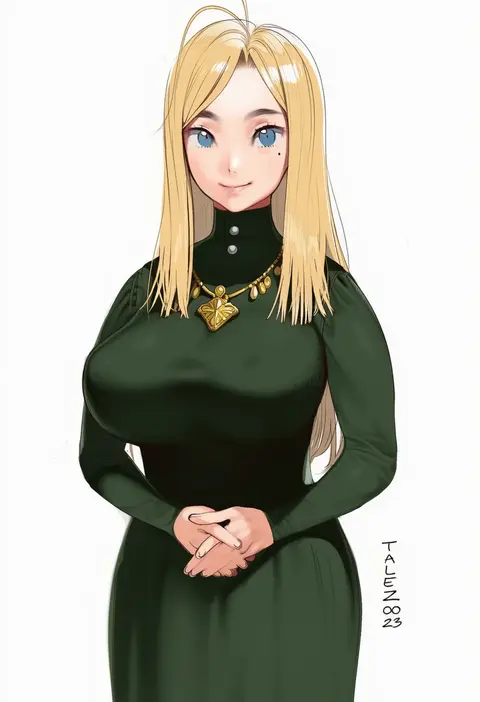
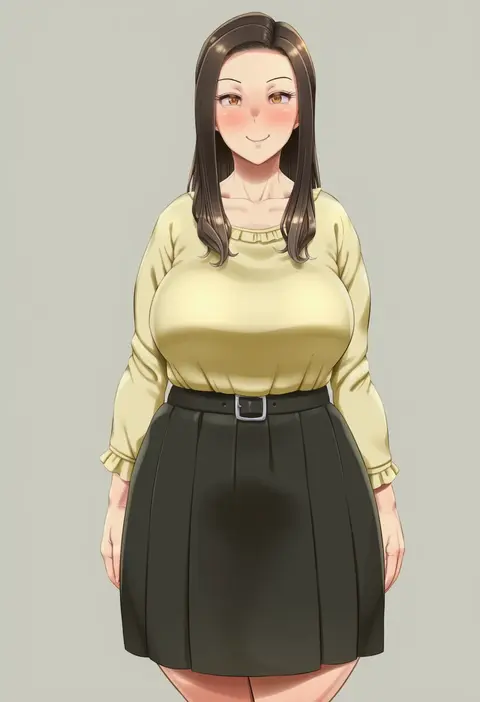
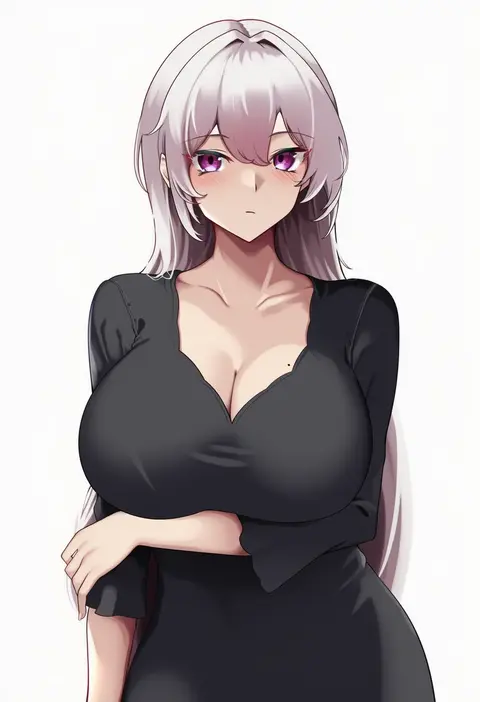
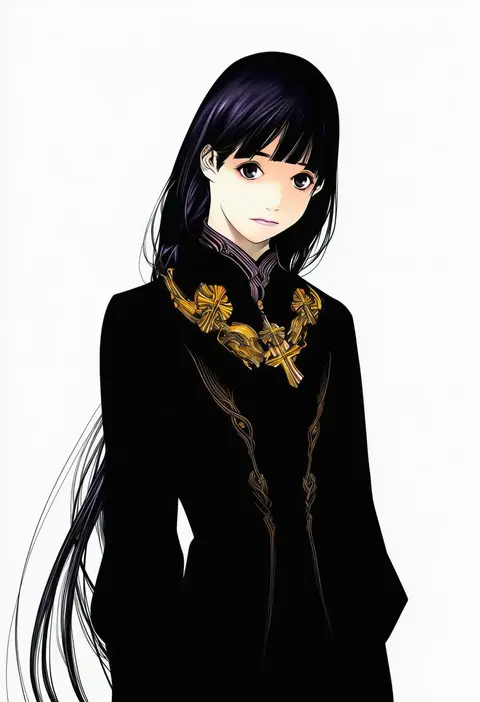
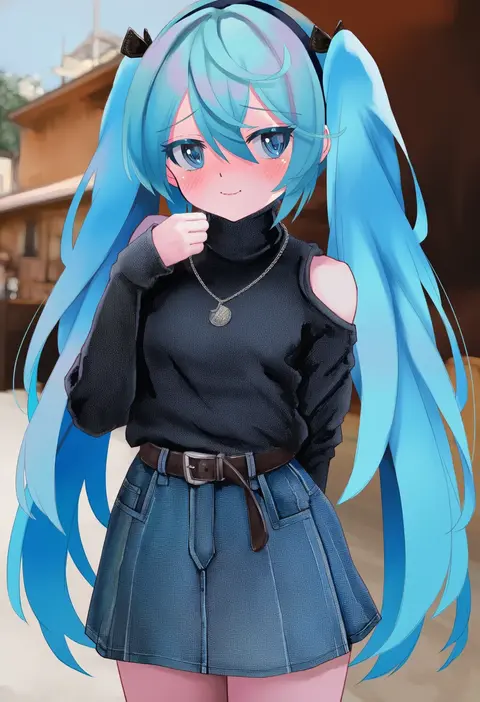
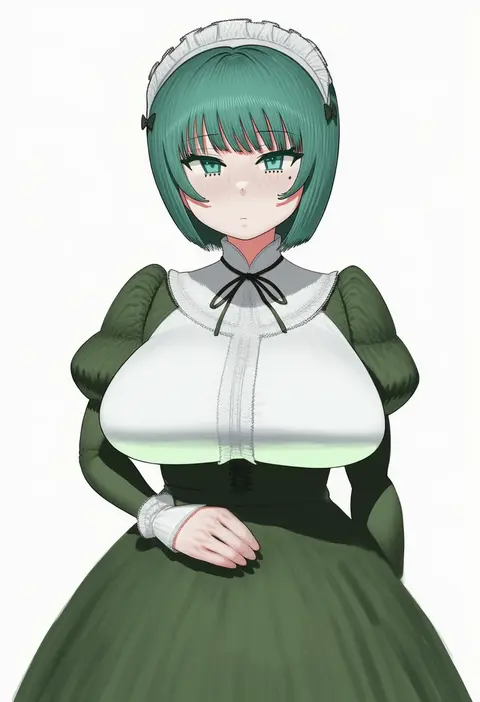
Every tag listed here is verified to react in NovelAI. All images use the same prompt, seed and settings with only the artist tag swapped, so the difference between two images is the style that tag brings in.

How to use them

Put the artist tag near the front of the prompt, e.g. "<artist>, 1girl, solo, best quality, masterpiece, cowboy shot". Two or three artist tags blend styles; lower the weight with "0.8::<artist>::" when the style overpowers the character.

SCORE sorts by Danbooru's top score, POSTS by post count, FAVS by hearts on this site. Open a card to see V5 and V4.5 side by side on the same seed.

V5 vs V4.5

V5 usually lands closer to the artist's real style, and tags that did nothing on V4.5 often react on V5. V4.5 still fits older and doujin-heavy artists better. Try V5 first, fall back to V4.5.

FAQ

Where does the artist tag go?
Near the front of the prompt. Use "0.8::tag::" to adjust its weight.

Can I stack artist tags?
Yes, styles blend. Past two or three the result stops looking like anyone.

Are these the artists' own works?
No. Every image is a NovelAI sample generated from the tag.