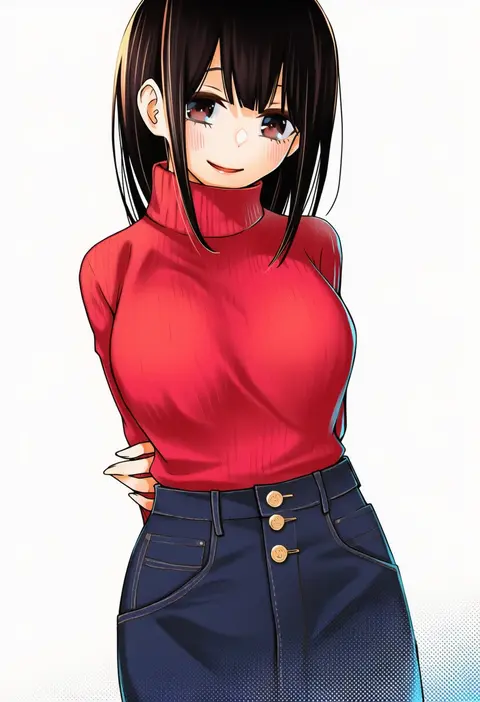
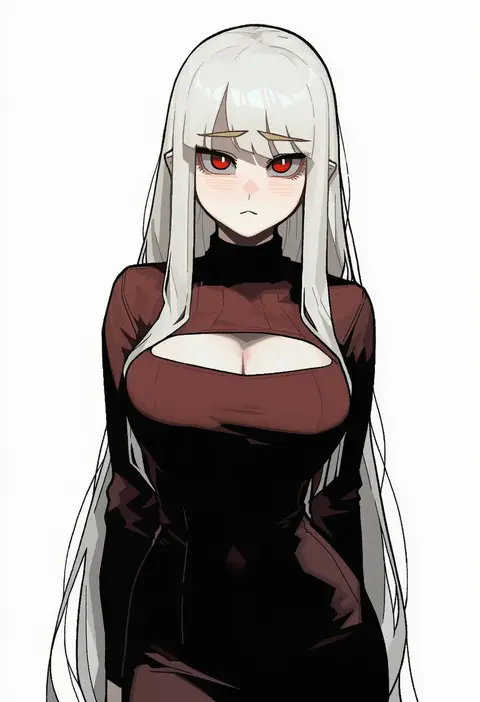
V4.5Artists
sort: FAVS▾
▾
>
$

Popular NovelAI artist tags — V4.5

artist --count 16,352[50/273]
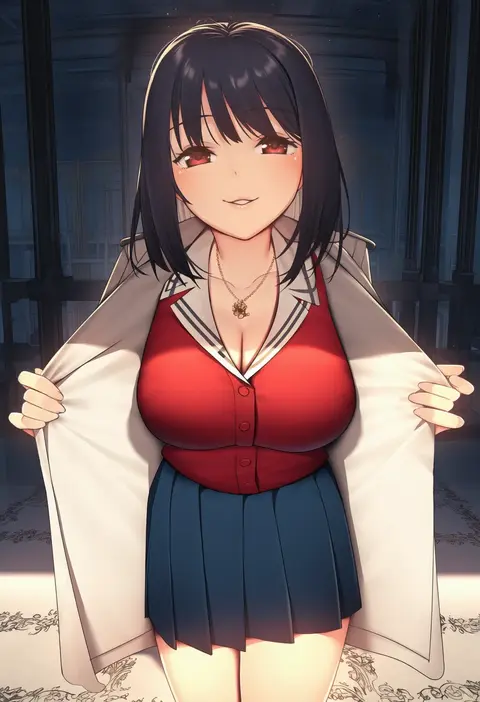
nagareboshi
ARTIST0x0B7C
0
abyonus
ARTIST0x0B7D
0
pdxen
ARTIST0x0B7E
0
maa (maa1)
ARTIST0x0B7F
0
yoru aruki
ARTIST0x0B80
0
meme50
ARTIST0x0B81
0
mr.lime
ARTIST0x0B82
0
turbulence
ARTIST0x0B83
0
mildt
ARTIST0x0B84
0
koukoku
ARTIST0x0B85
0
lank (lankdesu)
ARTIST0x0B86
0
makino harumaki
ARTIST0x0B87
0
kaze 22
ARTIST0x0B88
0
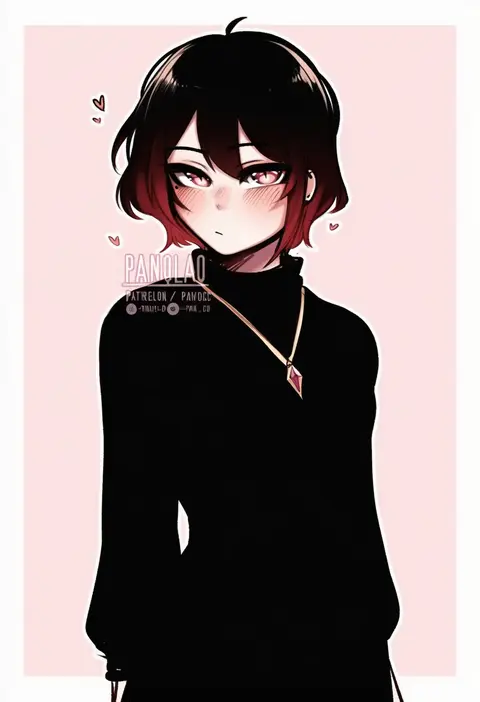
panqlao
ARTIST0x0B89
0
hormone koijirou
ARTIST0x0B8A
0
pontaro18
ARTIST0x0B8B
0
milin (orange maru)
ARTIST0x0B8C
0
cyicheng
ARTIST0x0B8D
0
saltydanshark
ARTIST0x0B8E
0
ajifurai
ARTIST0x0B8F
0
peachyp
ARTIST0x0B90
0
accio
ARTIST0x0B91
0
jeze
ARTIST0x0B92
0
zukky
ARTIST0x0B93
0
kikimifukuri
ARTIST0x0B94
0
tomochi (tmc tmc8)
ARTIST0x0B95
0
leiq
ARTIST0x0B96
0
silver (chenwen)
ARTIST0x0B97
0
sama samasa
ARTIST0x0B98
0
gulp5959
ARTIST0x0B99
0
folait
ARTIST0x0B9A
0
dolri
ARTIST0x0B9B
0
orochi itto
ARTIST0x0B9C
0
pinkcap
ARTIST0x0B9D
0
fary5
ARTIST0x0B9E
0
sutochan
ARTIST0x0B9F
0
buko (bukosuki)
ARTIST0x0BA0
0
pretty mundane
ARTIST0x0BA1
0
fed (giba)
ARTIST0x0BA2
0
stone (ksorede)
ARTIST0x0BA3
0
torahime (roland00)
ARTIST0x0BA4
0
freeze-ex
ARTIST0x0BA5
0
ayase-mio
ARTIST0x0BA6
0
liwen520
ARTIST0x0BA7
0
yao liao wang
ARTIST0x0BA8
0
chroong
ARTIST0x0BA9
0
arrow (tamawo222)
ARTIST0x0BAA
0
sushoartworks
ARTIST0x0BAB
0
liveactors
ARTIST0x0BAC
0
774 (nanashi)
ARTIST0x0BAD
0
mukka
ARTIST0x0BAE
0
allenes
ARTIST0x0BAF
0
makinaru
ARTIST0x0BB0
0
senmura
ARTIST0x0BB1
0
bayeuxman
ARTIST0x0BB2
0
shoe-ji
ARTIST0x0BB3
0
congqian you ke xing
ARTIST0x0BB4
0
deathalice
ARTIST0x0BB5
0
dojirou
ARTIST0x0BB6
0
rusellunt
ARTIST0x0BB7
0

What these tags change

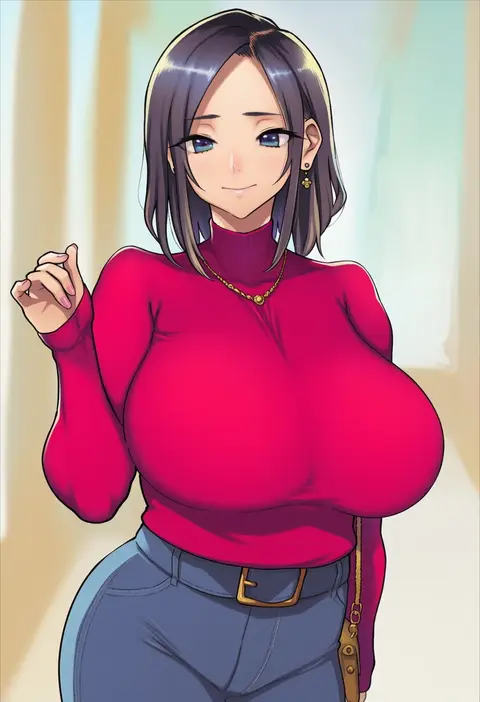
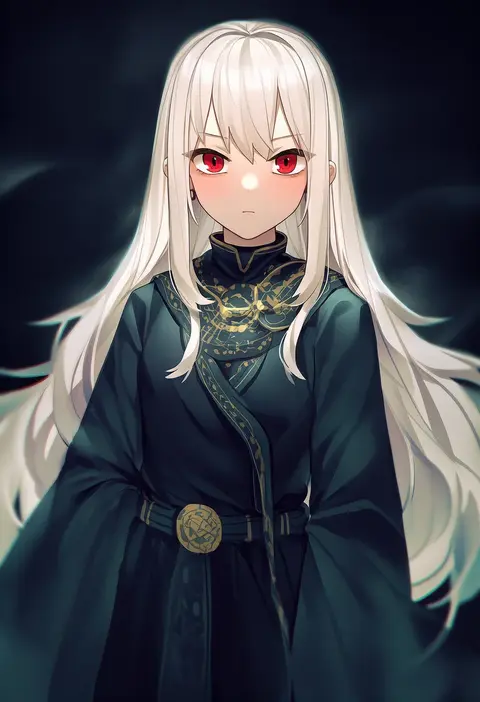
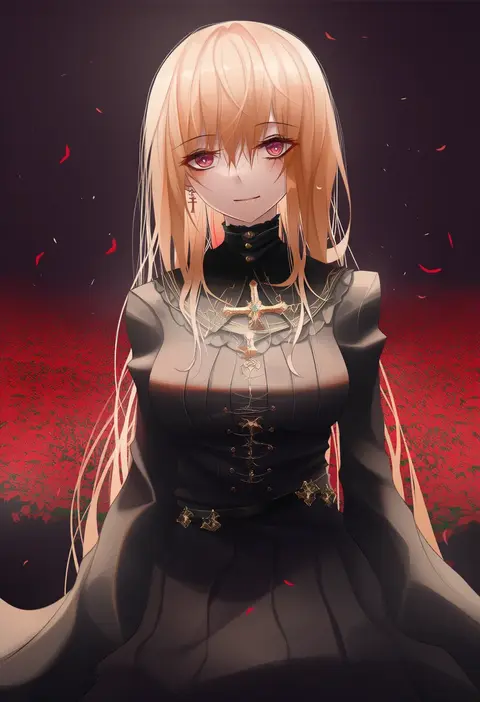
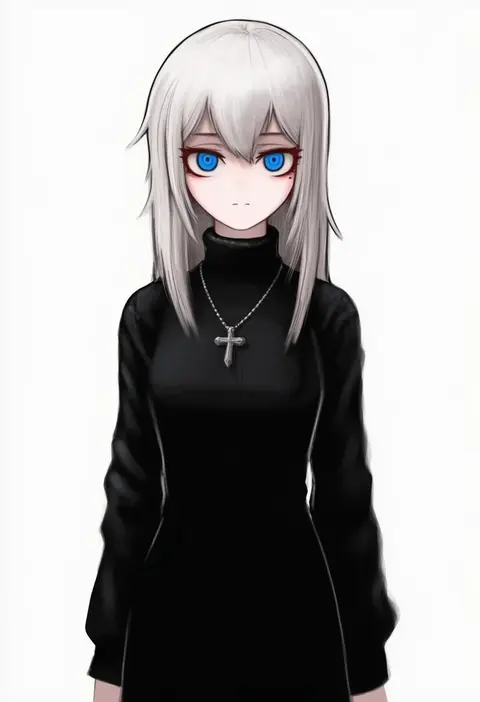
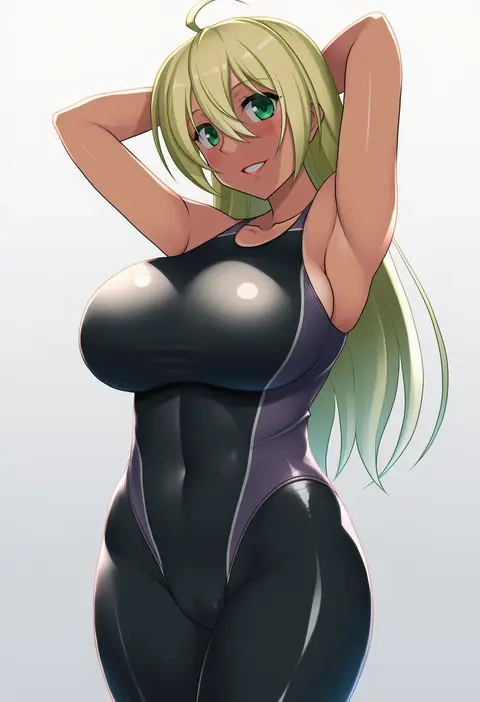
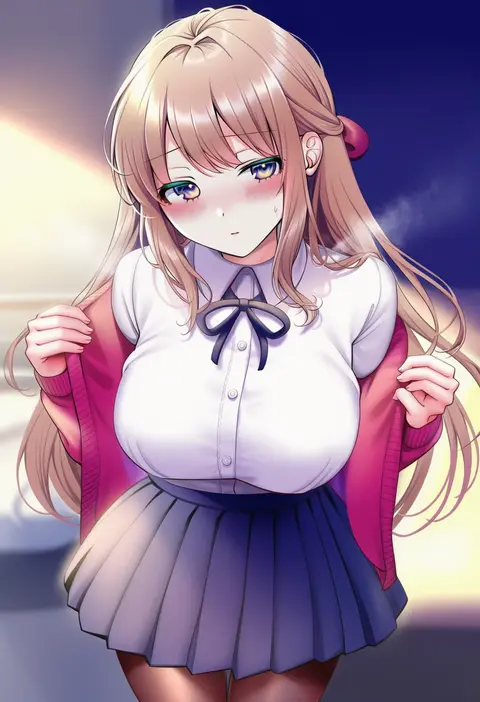
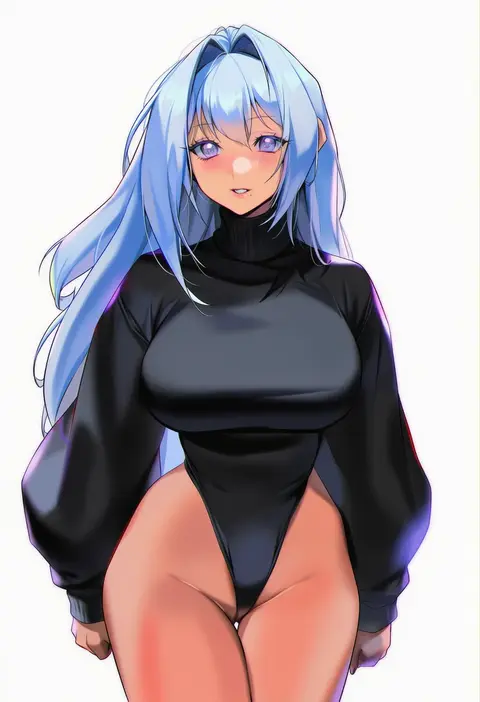
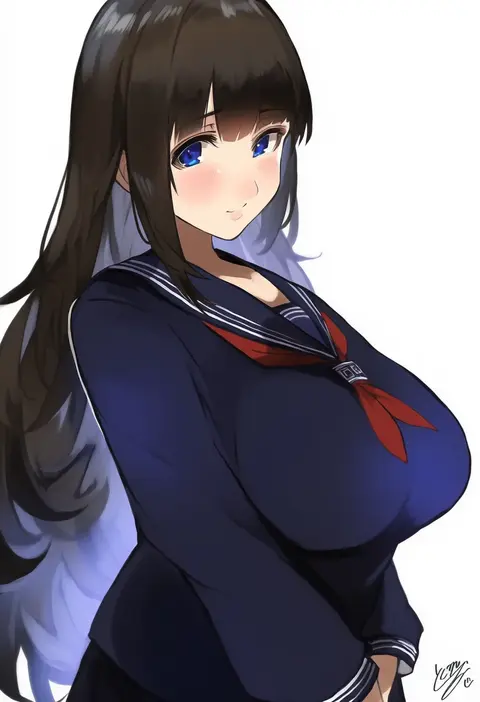
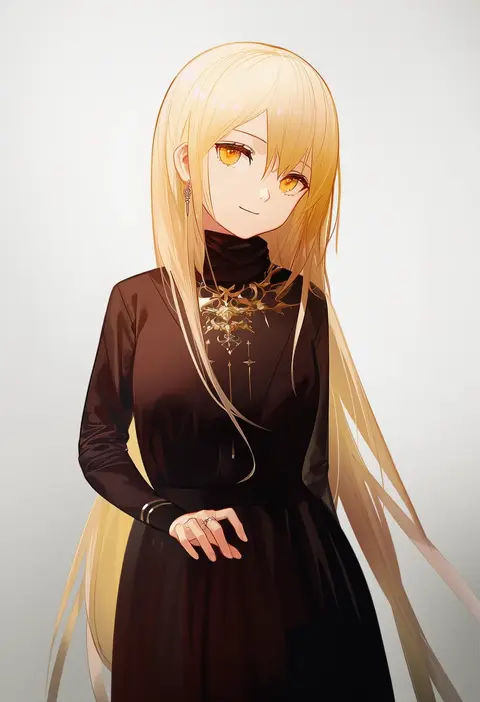
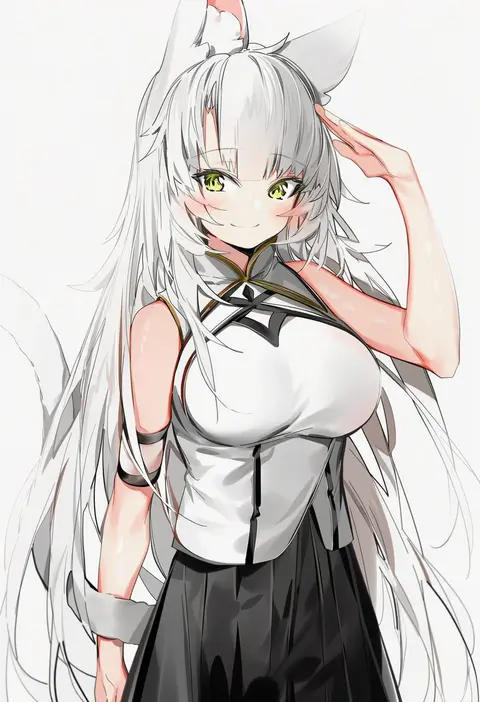
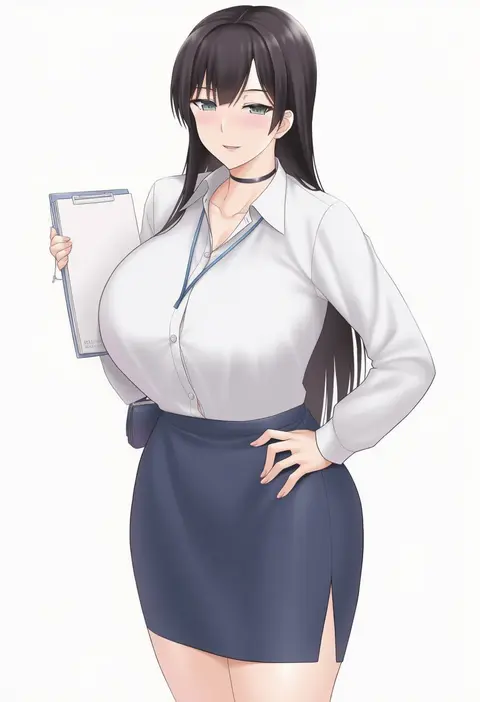
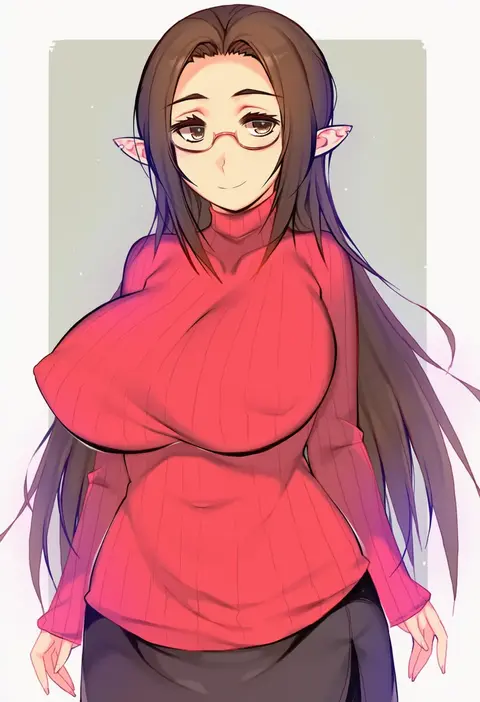
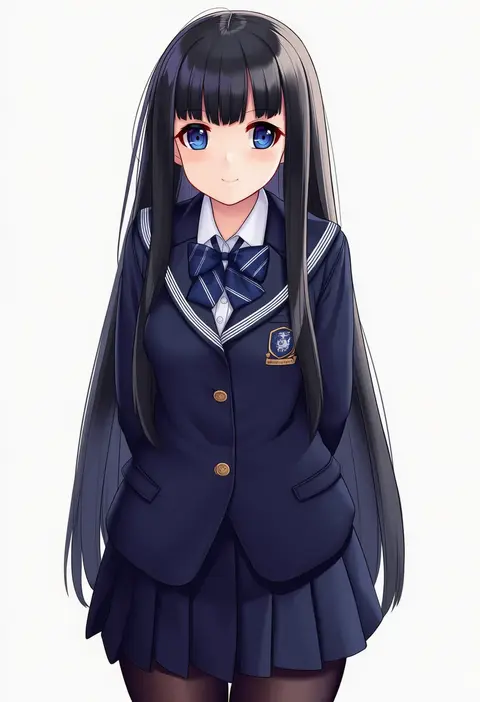
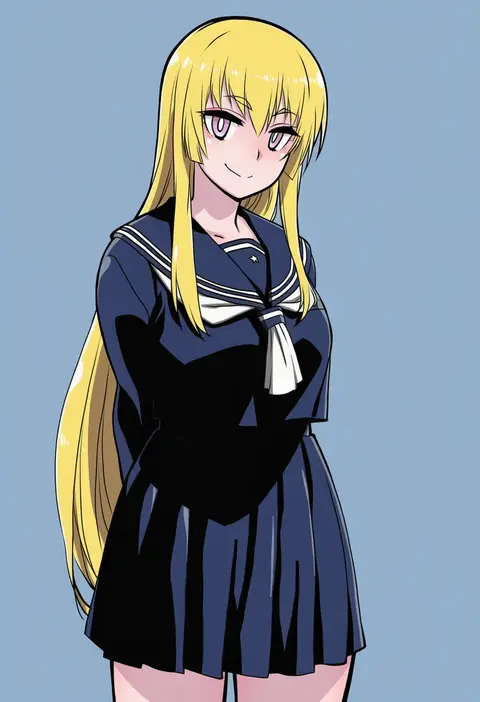
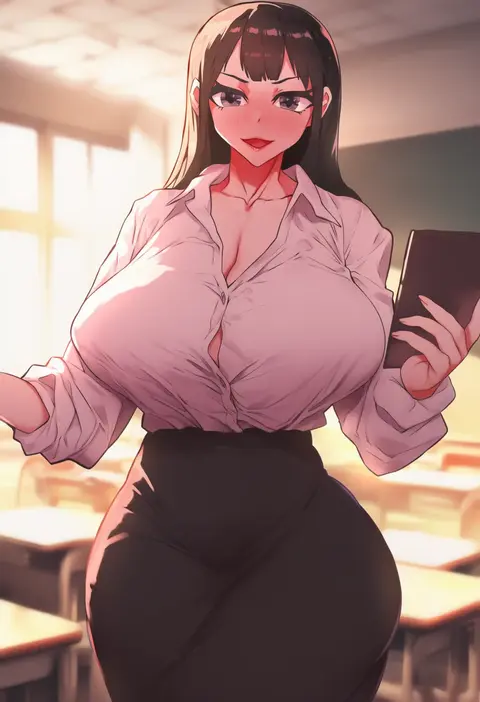
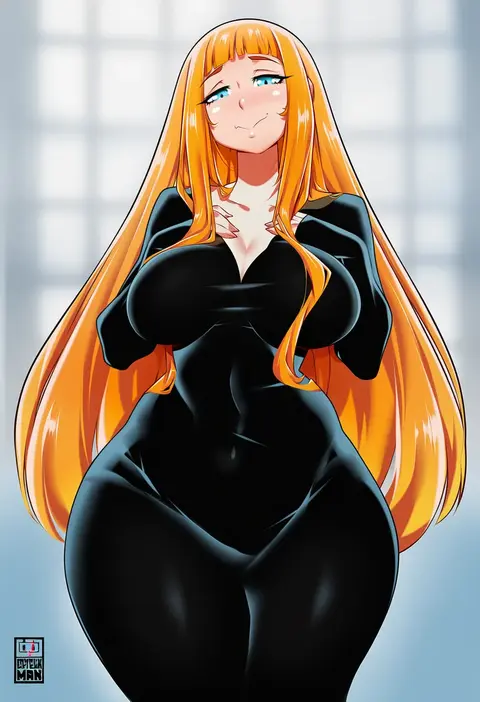
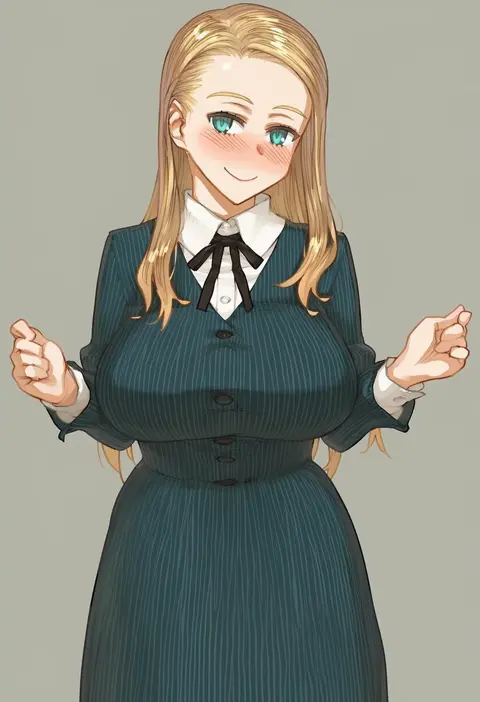
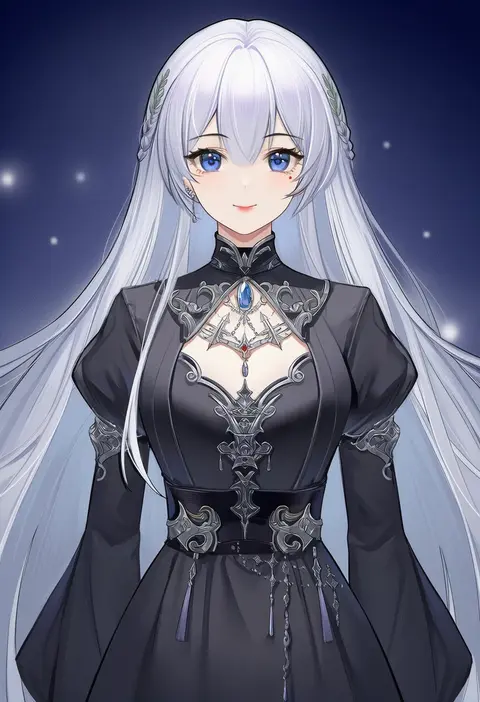
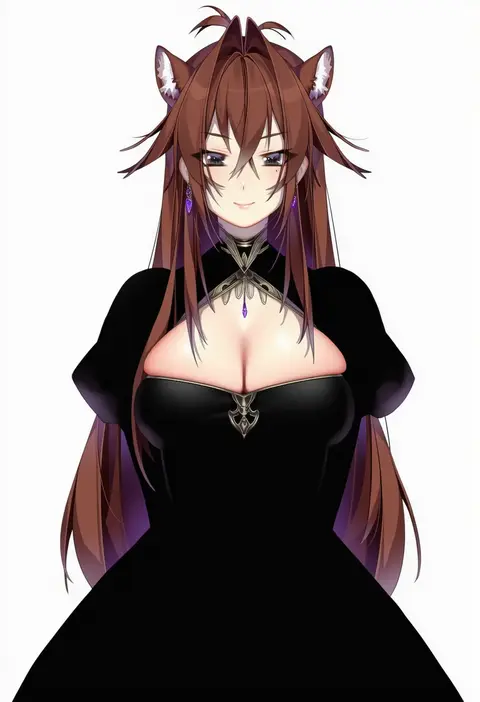
Artist tags tell NovelAI Diffusion to draw in a specific artist's style: line weight, paint texture, face shapes and palette all shift at once. Character and outfit tags decide what is drawn; artist tags decide how. 16,352 tags are listed for V4.5.
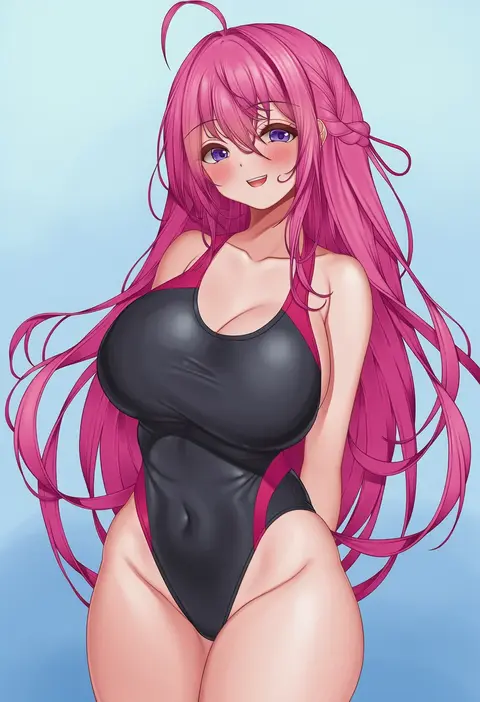
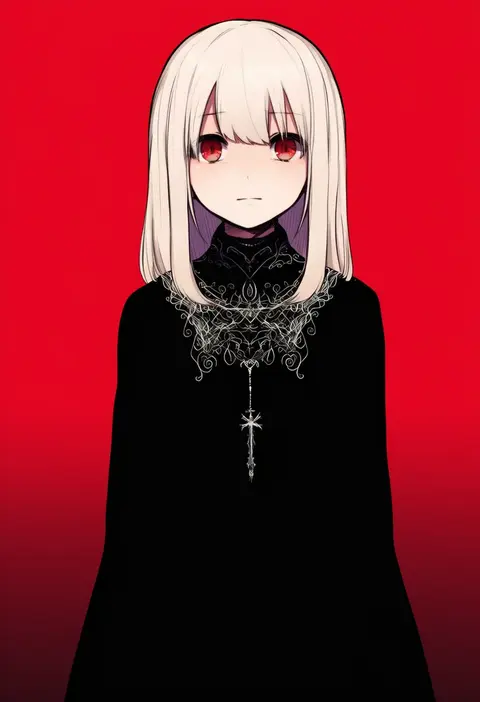
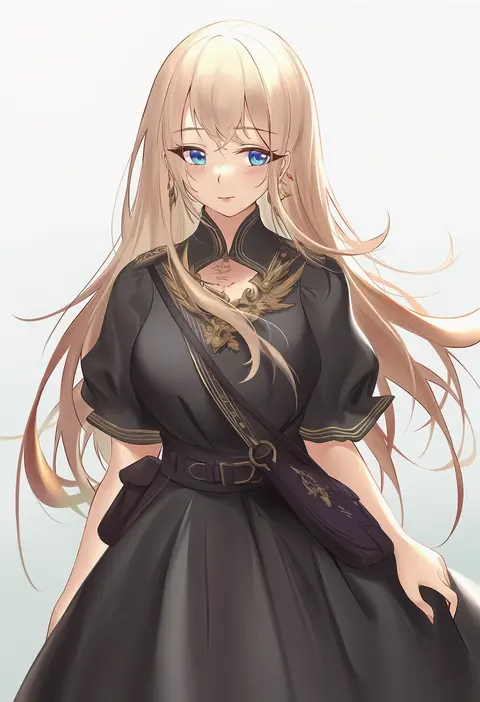
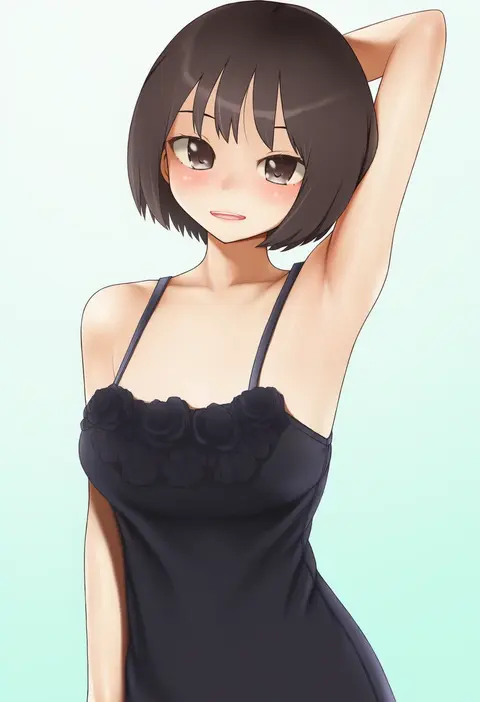
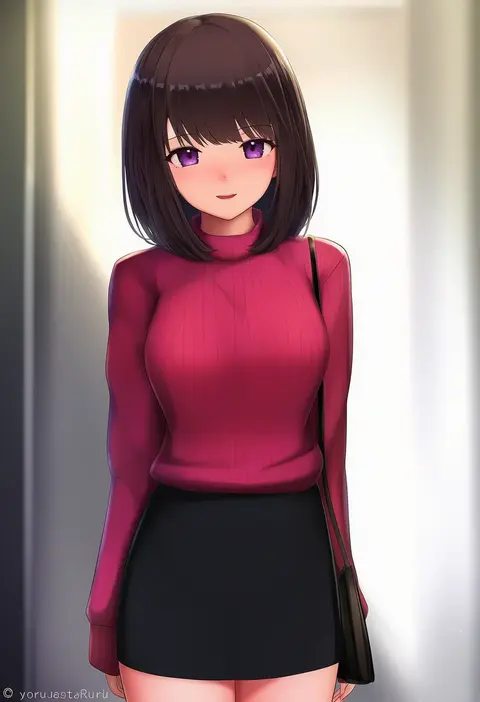
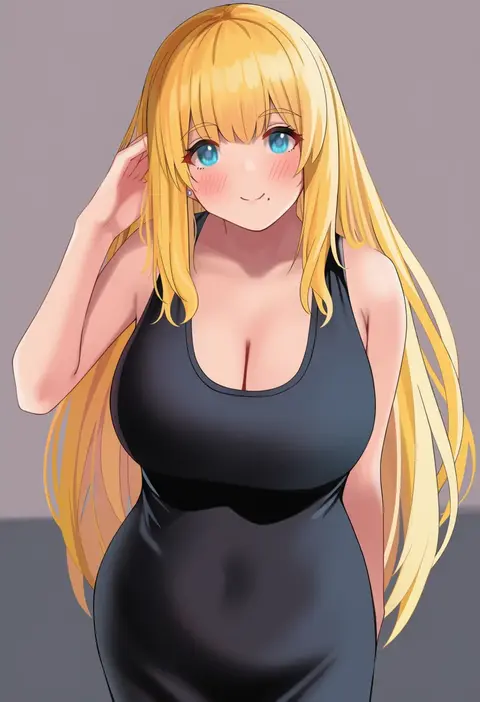
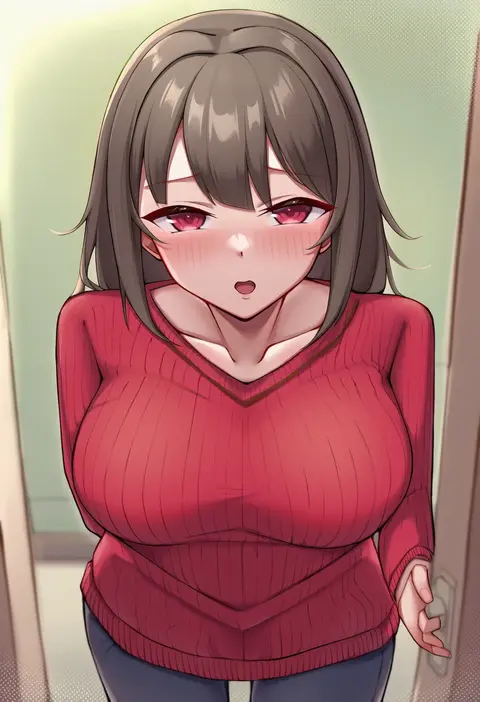
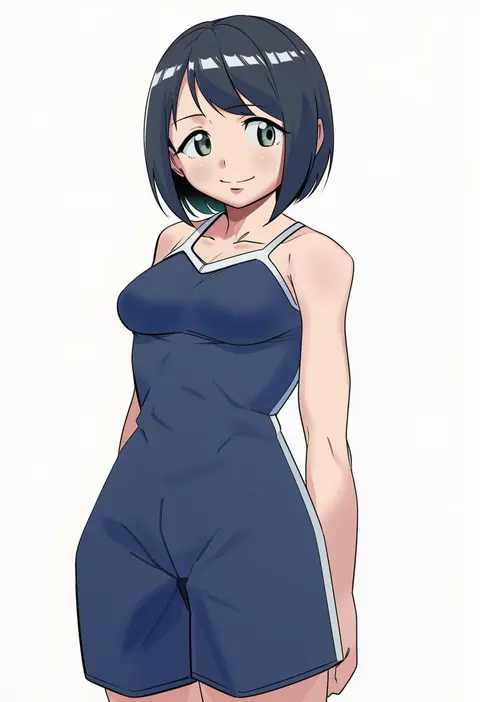
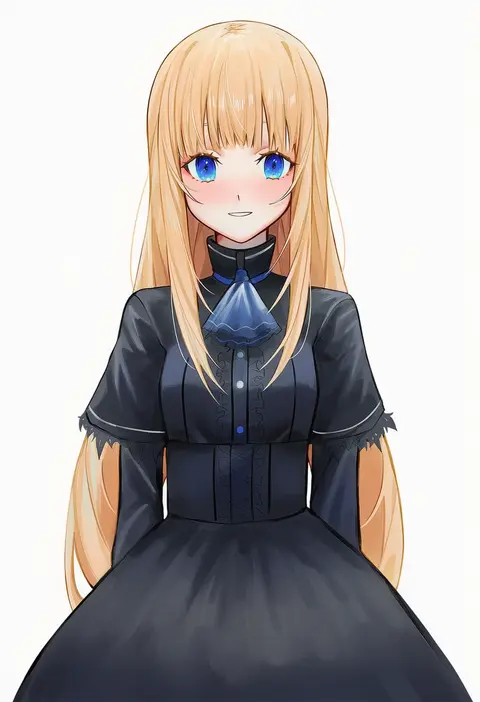
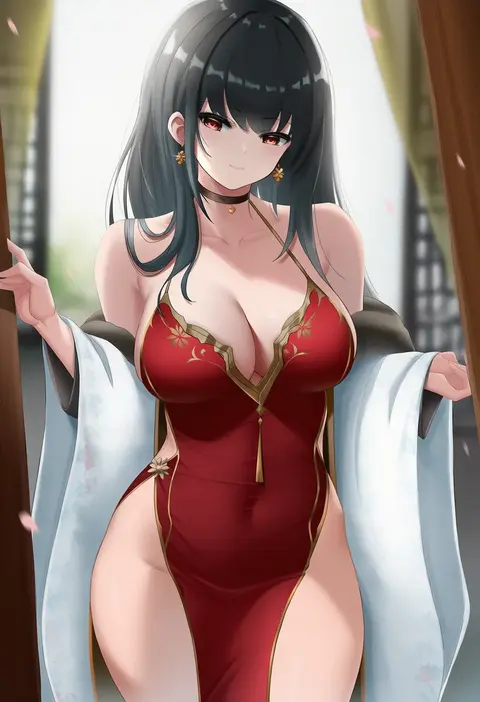
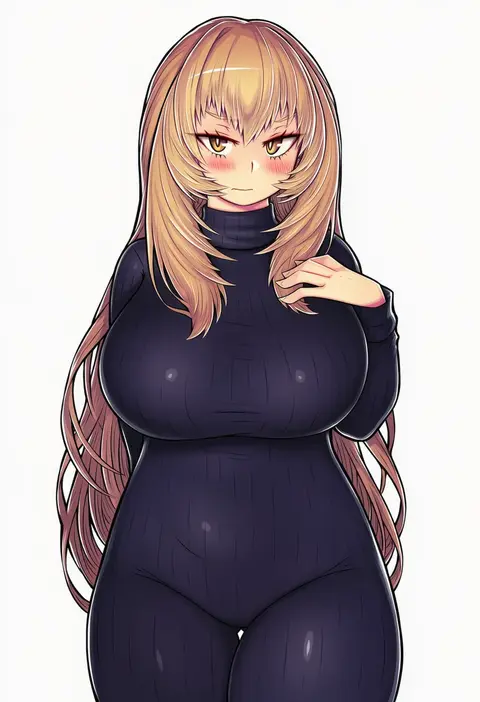
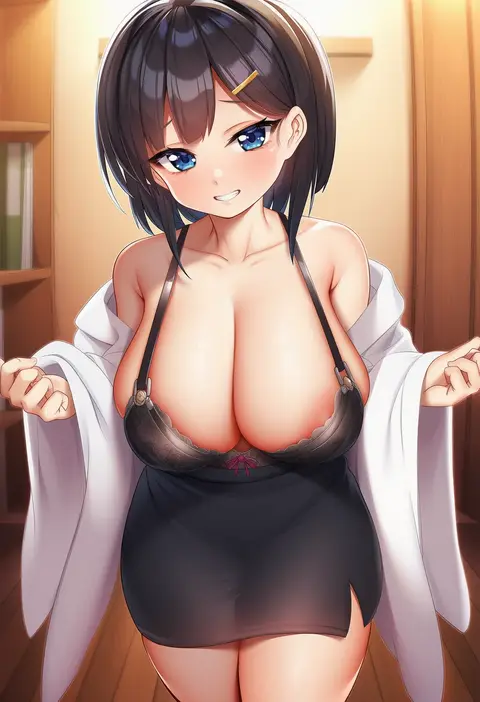
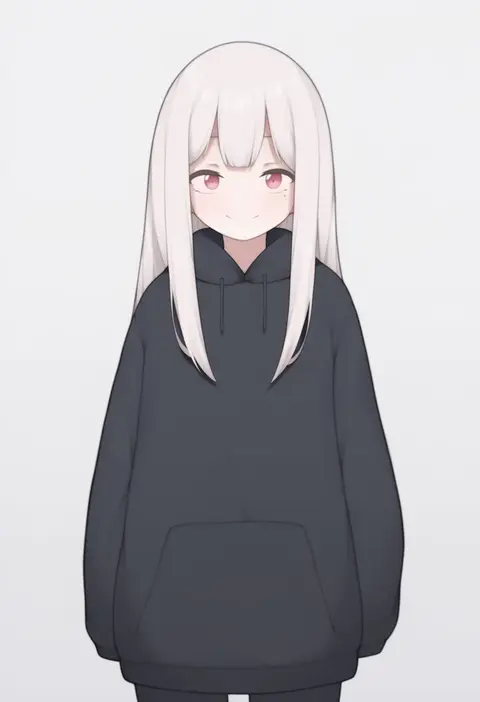
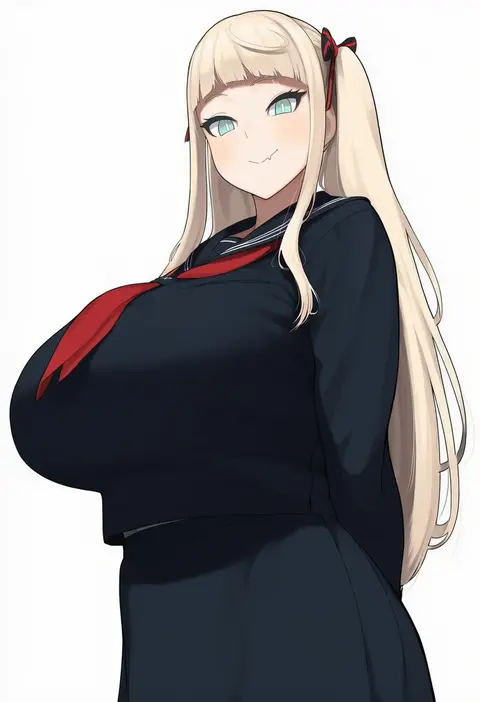
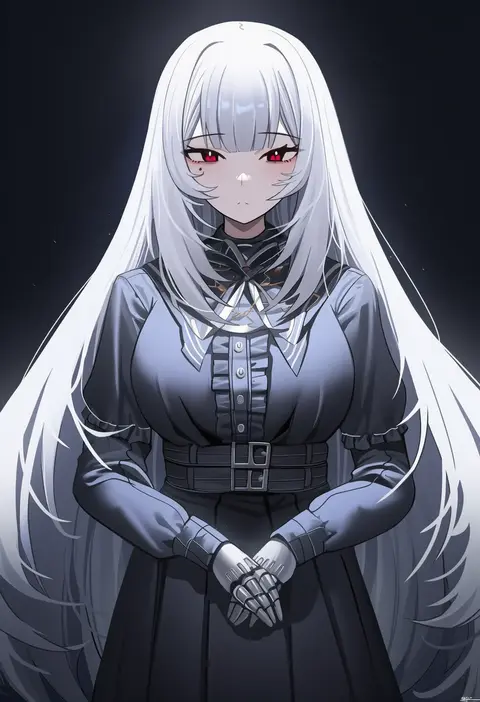
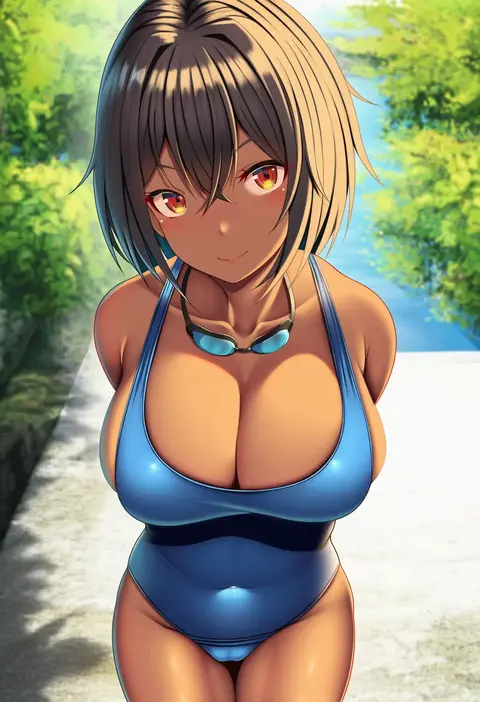
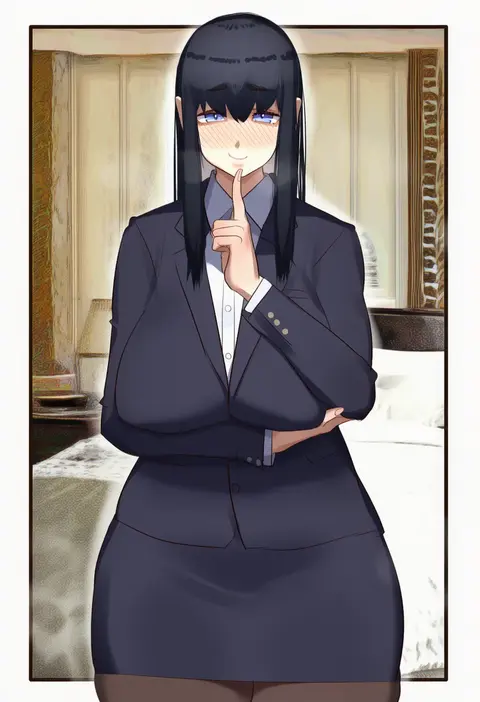
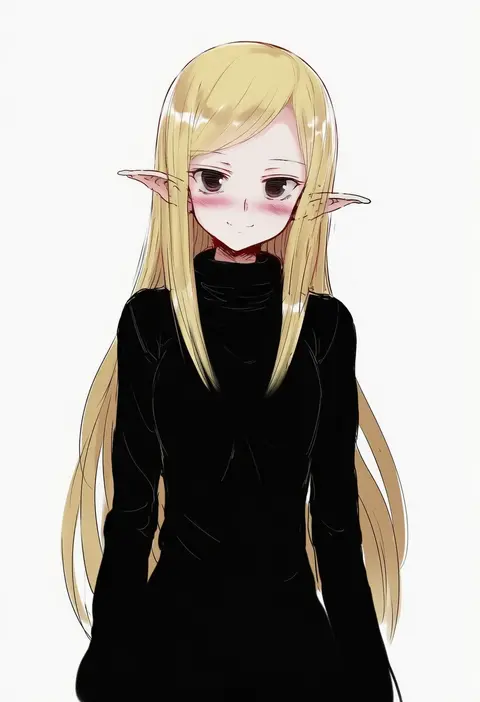
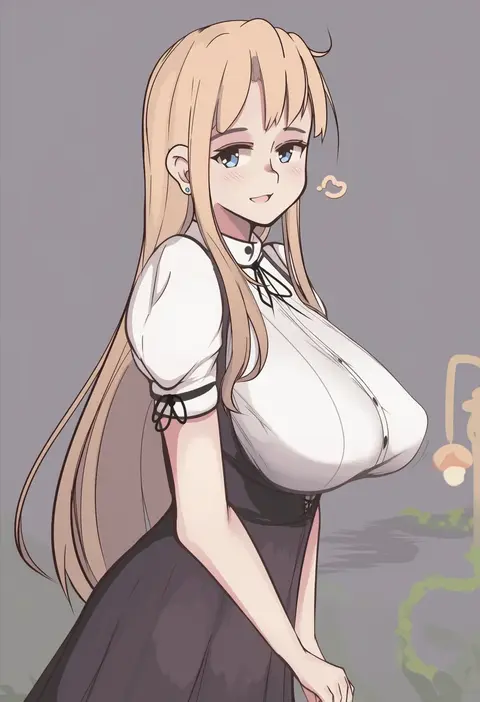
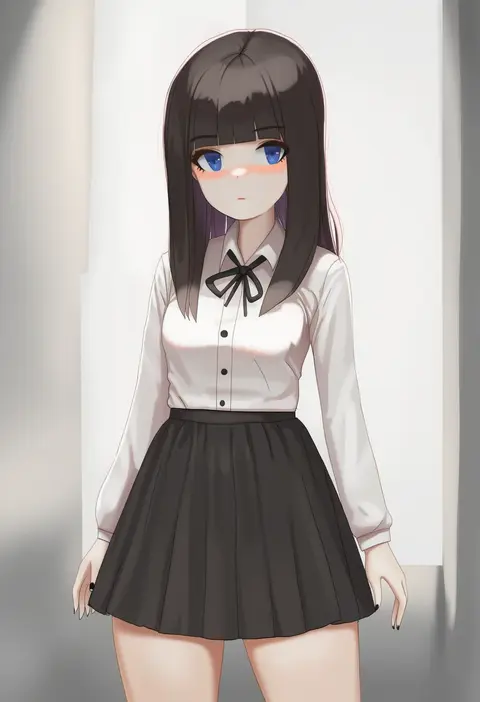
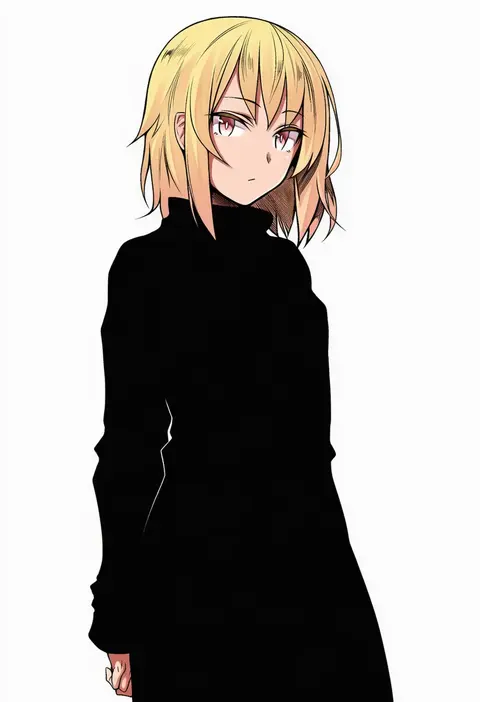
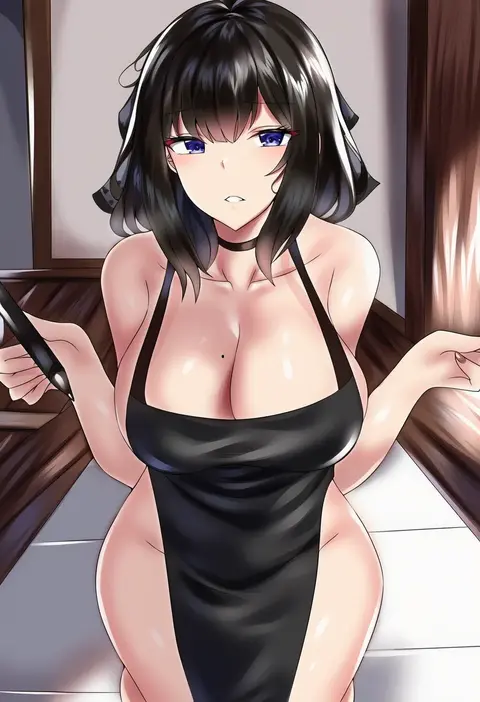
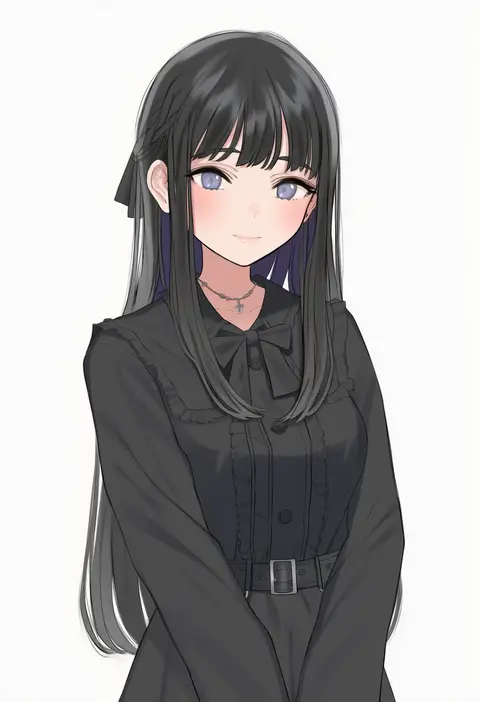
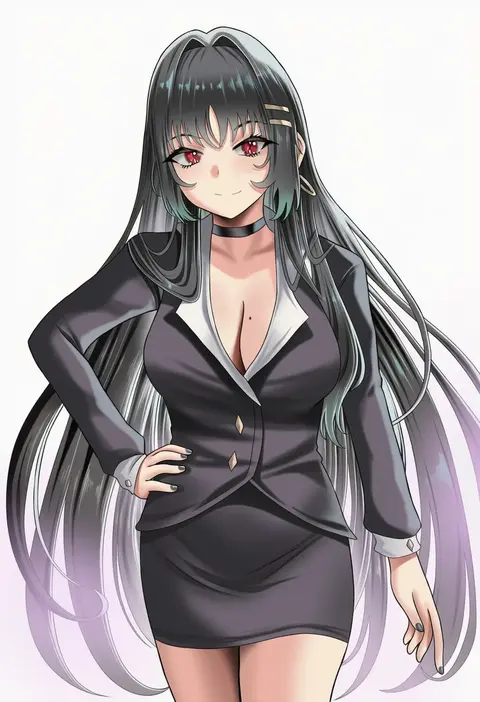
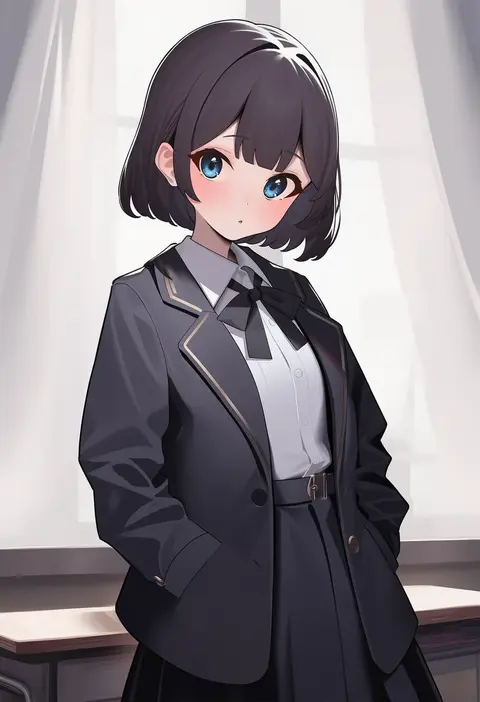
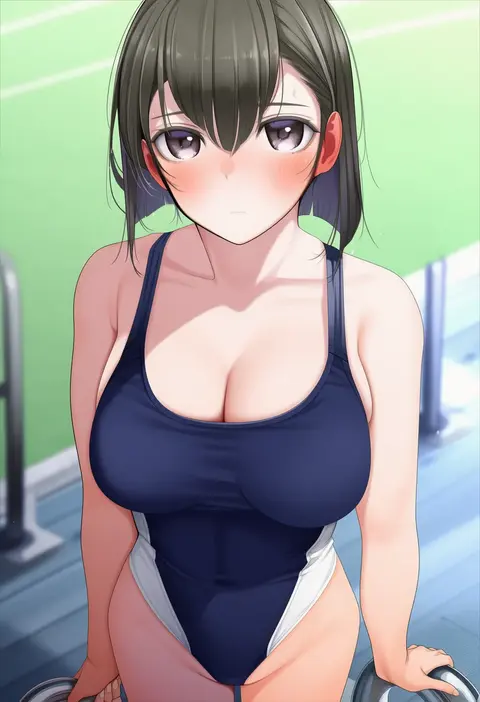
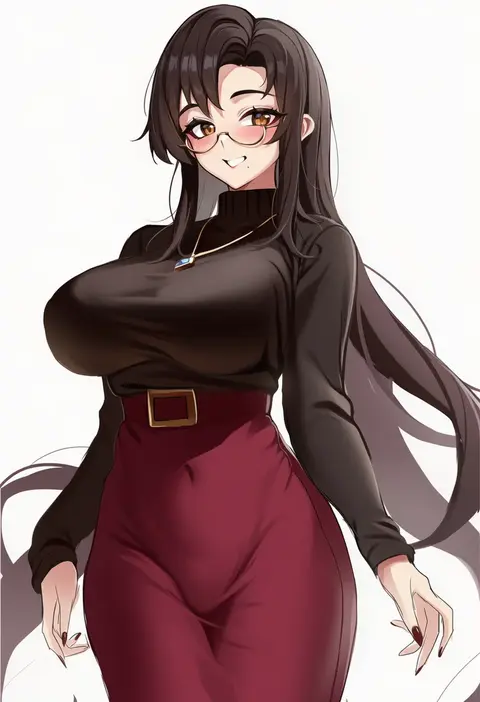
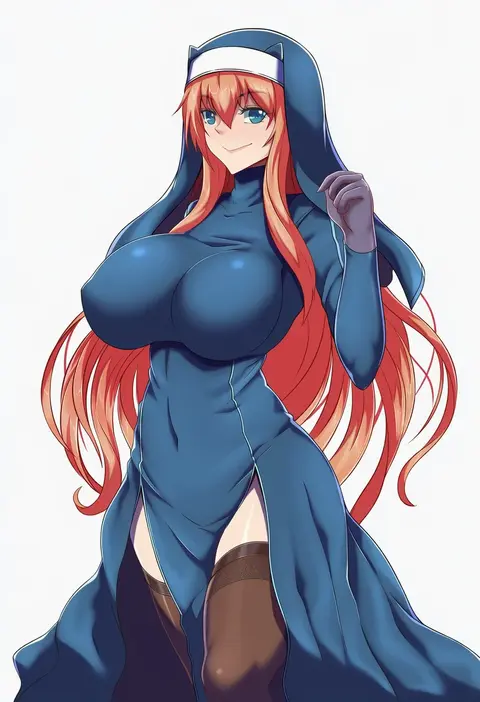
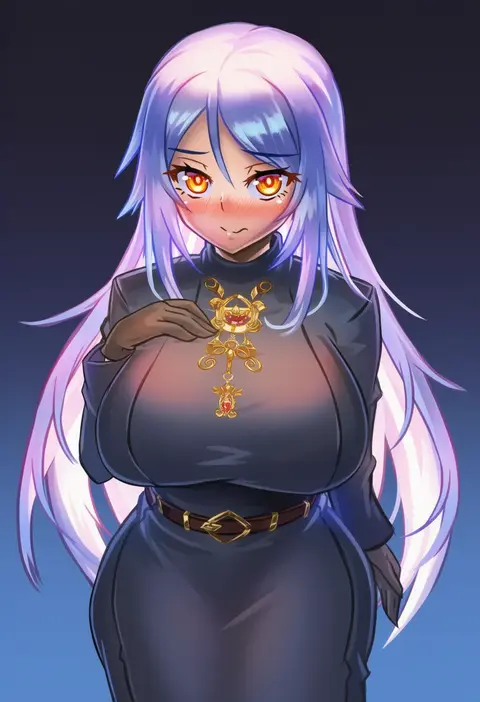
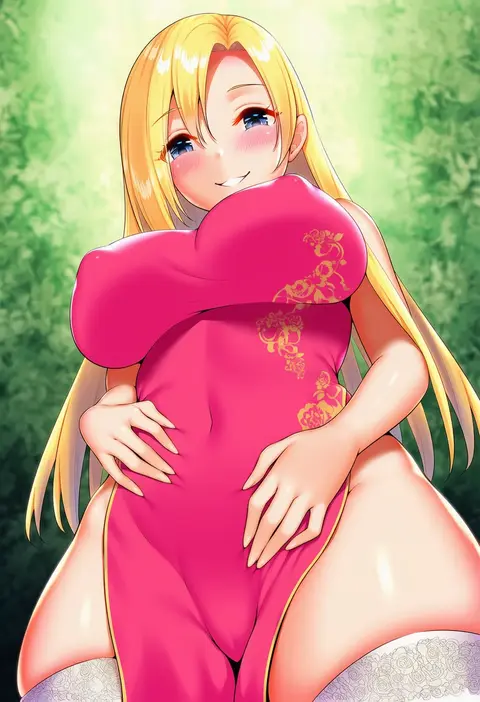
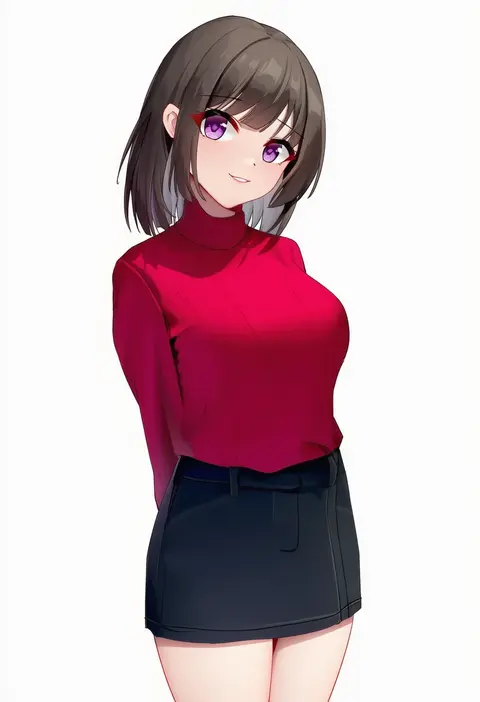
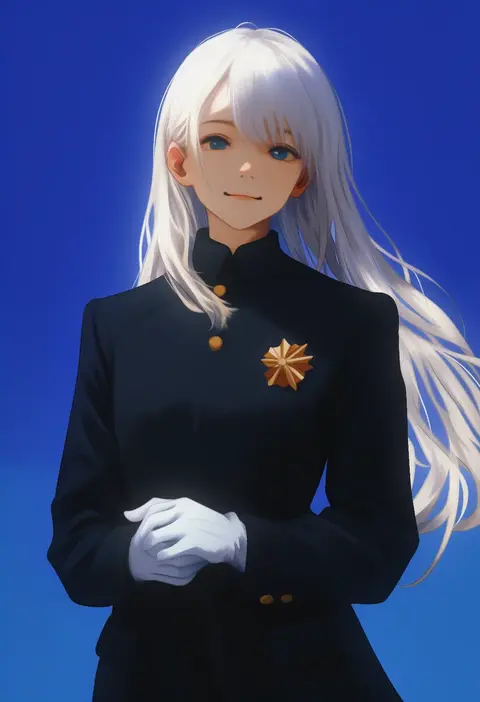
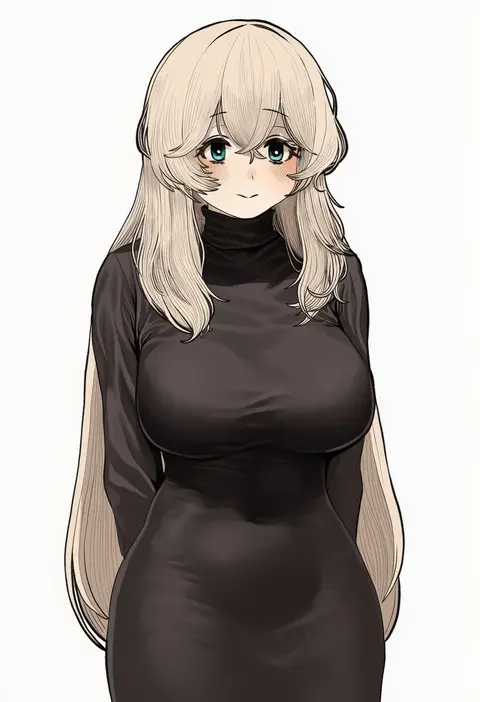
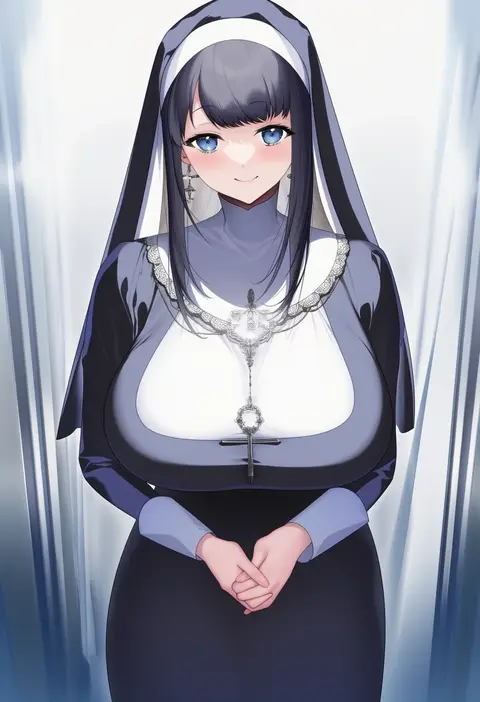
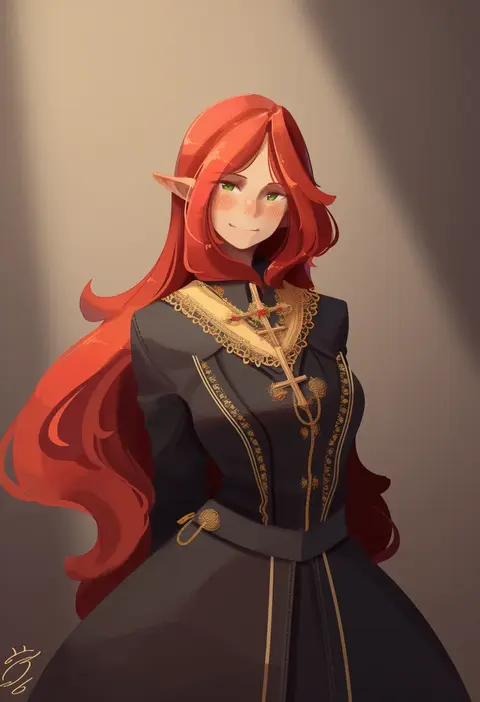
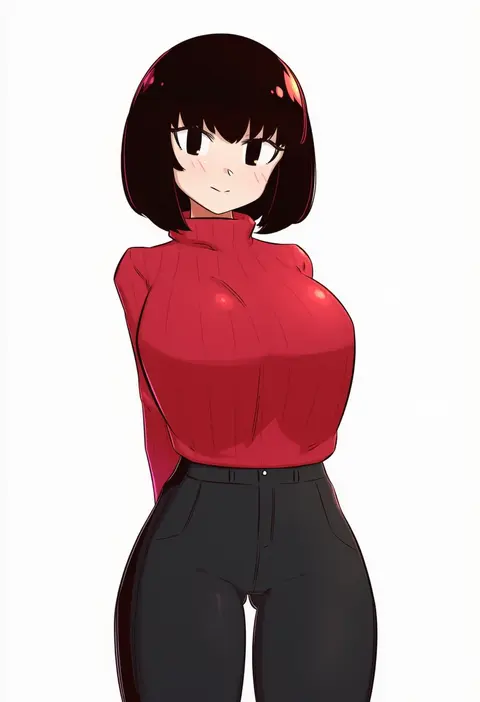
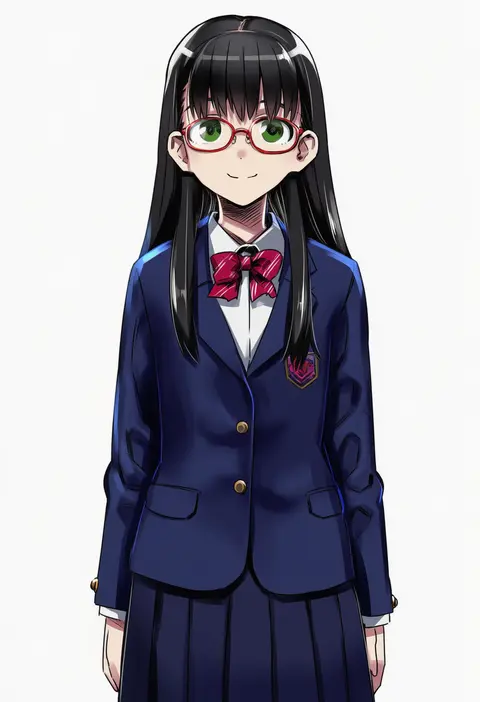
Every tag listed here is verified to react in NovelAI. All images use the same prompt, seed and settings with only the artist tag swapped, so the difference between two images is the style that tag brings in.

How to use them

Put the artist tag near the front of the prompt, e.g. "<artist>, 1girl, solo, best quality, masterpiece, cowboy shot". Two or three artist tags blend styles; lower the weight with "0.8::<artist>::" when the style overpowers the character.

SCORE sorts by Danbooru's top score, POSTS by post count, FAVS by hearts on this site. Open a card to see V5 and V4.5 side by side on the same seed.

V5 vs V4.5

V5 usually lands closer to the artist's real style, and tags that did nothing on V4.5 often react on V5. V4.5 still fits older and doujin-heavy artists better. Try V5 first, fall back to V4.5.

FAQ

Where does the artist tag go?
Near the front of the prompt. Use "0.8::tag::" to adjust its weight.

Can I stack artist tags?
Yes, styles blend. Past two or three the result stops looking like anyone.

Are these the artists' own works?
No. Every image is a NovelAI sample generated from the tag.