V4.5Artists
sort: FAVS▾
▾
>
$

Popular NovelAI artist tags — V4.5

artist --count 16,352[47/273]
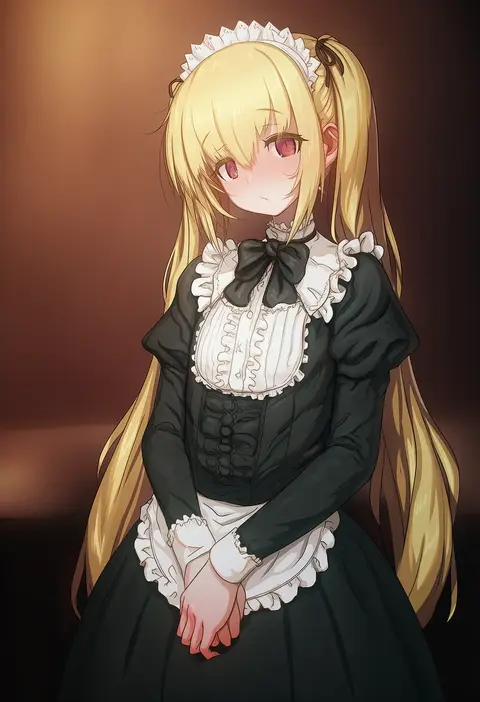
aya shobon
ARTIST0x0AC8
0
combos & doodles
ARTIST0x0AC9
0
haiba 09
ARTIST0x0ACA
0
santa (sunflower)
ARTIST0x0ACB
0
in (ain)
ARTIST0x0ACC
0
013 (hamsasuke)
ARTIST0x0ACD
0
mogudan
ARTIST0x0ACE
0
dawalixi
ARTIST0x0ACF
0
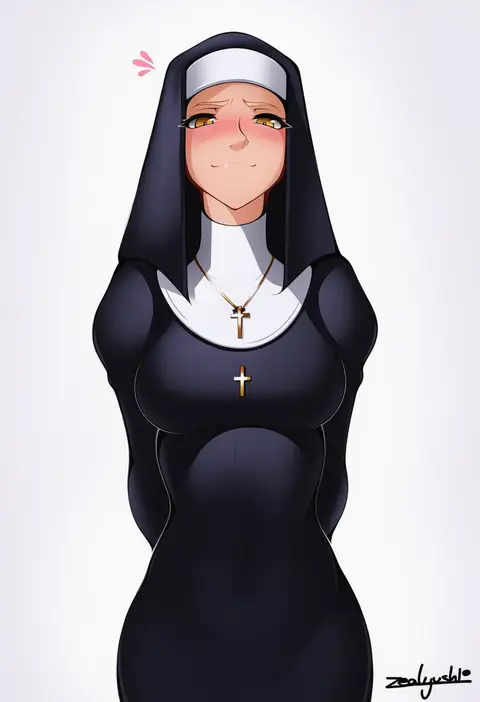
zealyush
ARTIST0x0AD0
0
kasseus maximus
ARTIST0x0AD1
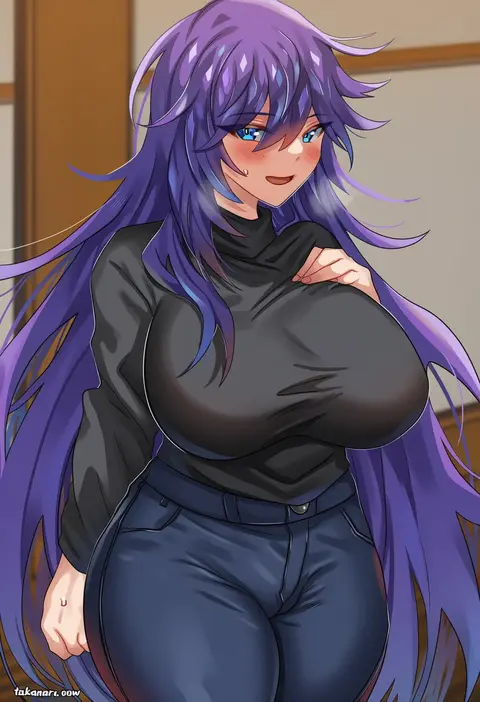
0
takanaru
ARTIST0x0AD2
0
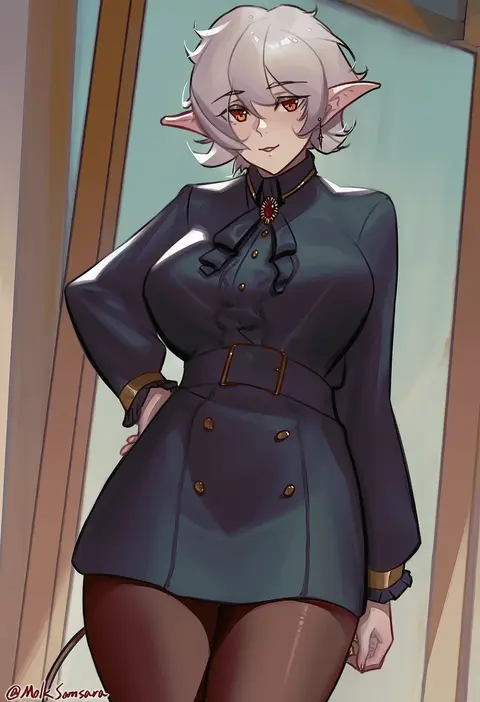
samsara (shuukeura)
ARTIST0x0AD3
0
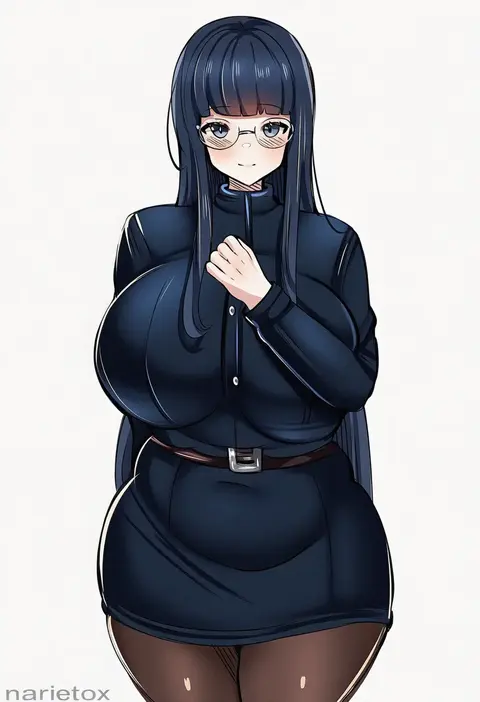
noiretox
ARTIST0x0AD4
0
tsurugi (the horizon)
ARTIST0x0AD5
0
kyle (kysizzle)
ARTIST0x0AD6
0
kadokadokado
ARTIST0x0AD7
0
uenoryoma
ARTIST0x0AD8
0
coubalty
ARTIST0x0AD9
0
nico-mo
ARTIST0x0ADA
0
cait aron
ARTIST0x0ADB
0
urin
ARTIST0x0ADC
0
dismaiden
ARTIST0x0ADD
0
chuck (harfmoondark)
ARTIST0x0ADE
0
e.c.ho
ARTIST0x0ADF
0
q (ed69)
ARTIST0x0AE0
0
dosu (doseven)
ARTIST0x0AE1
0
noumu (pixiv)
ARTIST0x0AE2
0
nicorima
ARTIST0x0AE3
0
manda (manda9n)
ARTIST0x0AE4
0
ultrabinou
ARTIST0x0AE5
0
silvertsuki
ARTIST0x0AE6
0
namagome negi
ARTIST0x0AE7
0
wd (1106592840)
ARTIST0x0AE8
0
tansuan (ensj3875)
ARTIST0x0AE9
0
pi tayuko
ARTIST0x0AEA
0
fumitan (humitan)
ARTIST0x0AEB
0
yamaishi (mukoubuti)
ARTIST0x0AEC
0
shiki (love-saber)
ARTIST0x0AED
0
sugiyuu
ARTIST0x0AEE
0
bakkanki
ARTIST0x0AEF
0
kareya (jixo95821699)
ARTIST0x0AF0
0
envyvanity
ARTIST0x0AF1
0
madcocoon
ARTIST0x0AF2
0
hanazawa suou
ARTIST0x0AF3
0
silveroid
ARTIST0x0AF4
0
yamaneko (tkdrumsco)
ARTIST0x0AF5
0
arado balanga (xchd7538)
ARTIST0x0AF6
0
sarukaiwolf
ARTIST0x0AF7
0
gueya
ARTIST0x0AF8
0
doldol (rkwowlqrp)
ARTIST0x0AF9
0
evulchibi
ARTIST0x0AFA
0
shirayuiii
ARTIST0x0AFB
0
hanchou (shirokun555)
ARTIST0x0AFC
0
ryouma (galley)
ARTIST0x0AFD
0
selcky
ARTIST0x0AFE
0
andava
ARTIST0x0AFF
0
inushima
ARTIST0x0B00
0
egk513
ARTIST0x0B01
0
banssee
ARTIST0x0B02
0
j@ck
ARTIST0x0B03
0

What these tags change

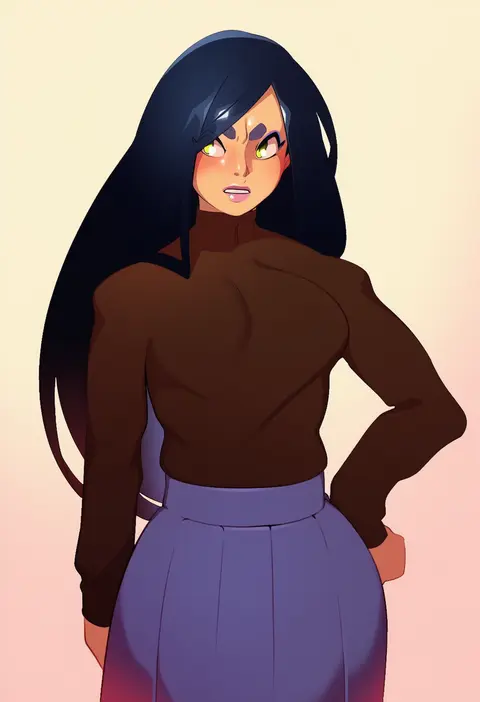
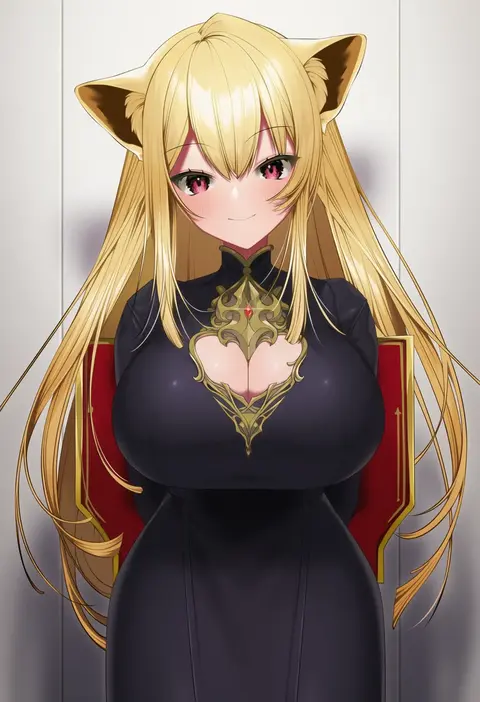
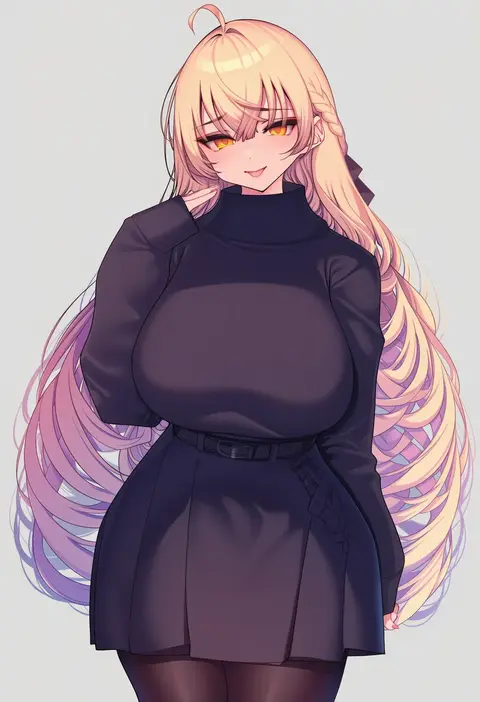
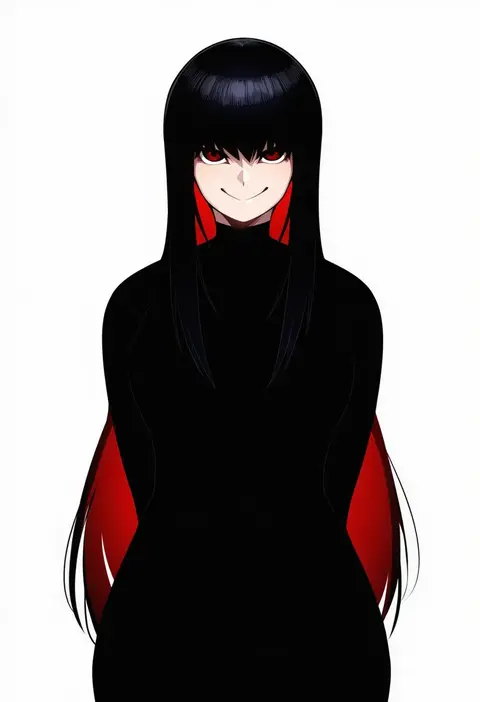
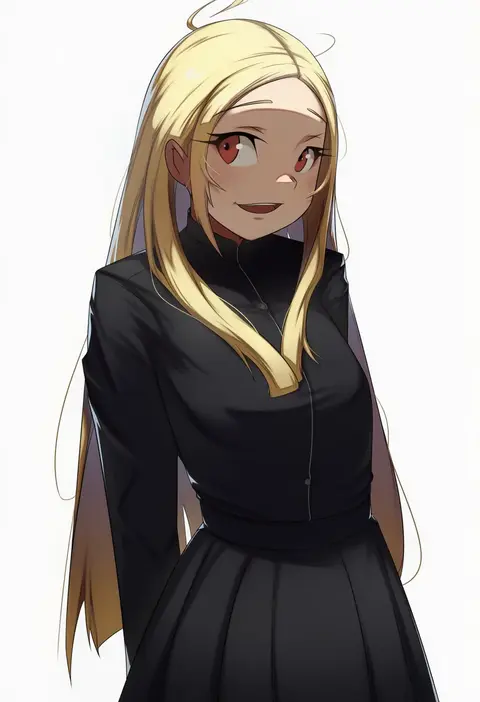
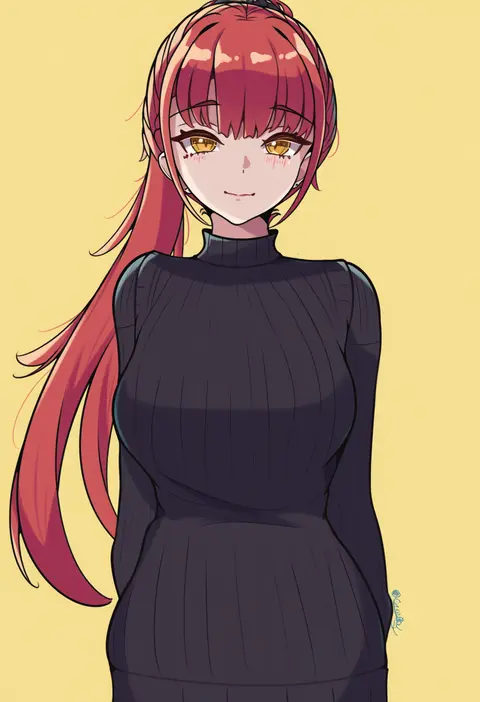
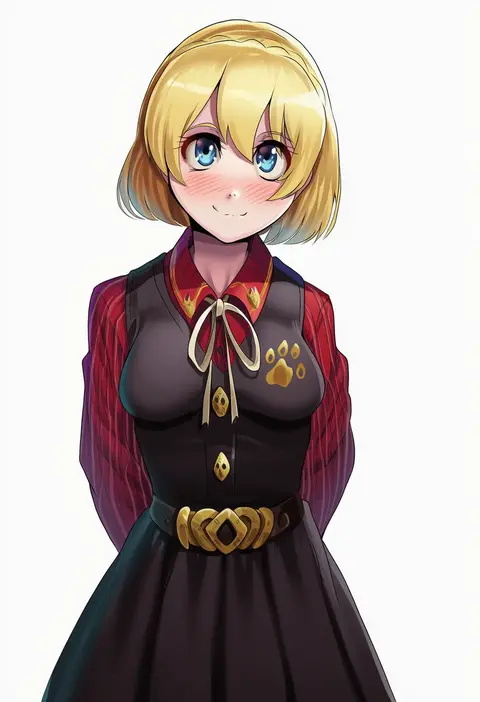
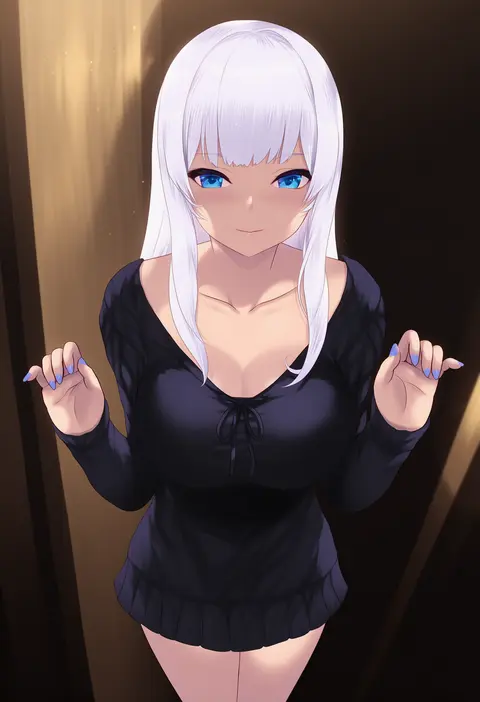
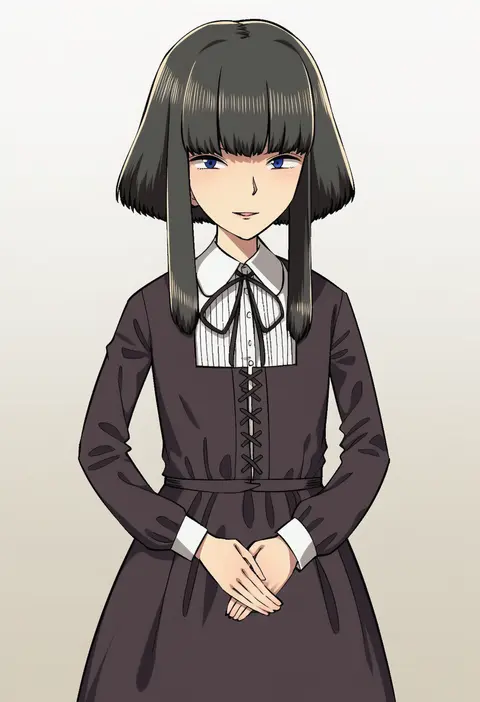
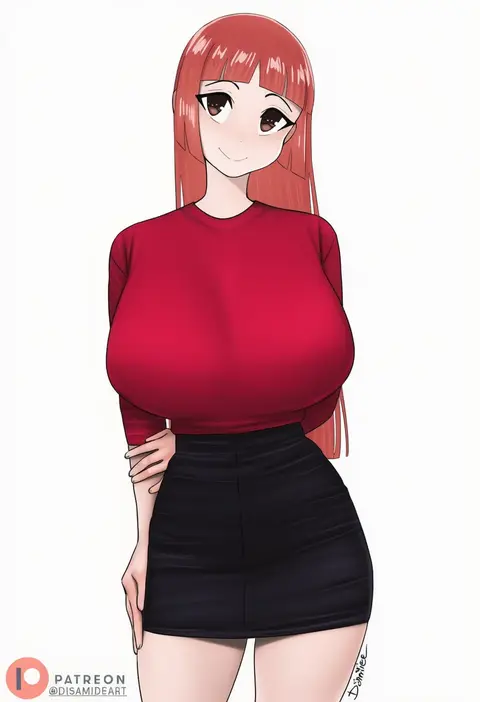
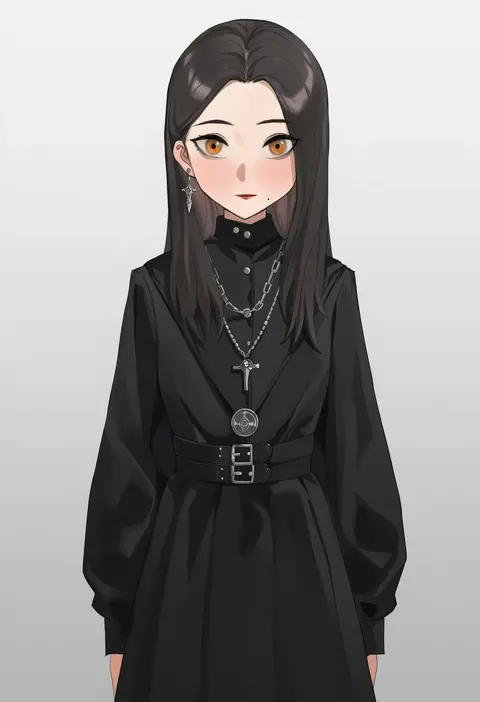
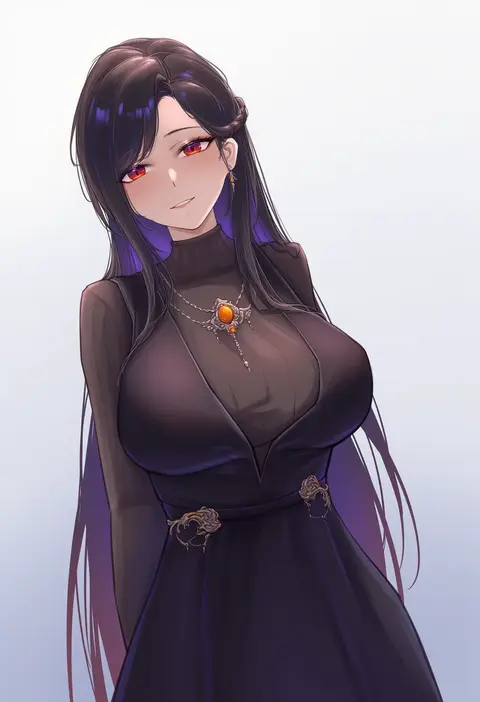
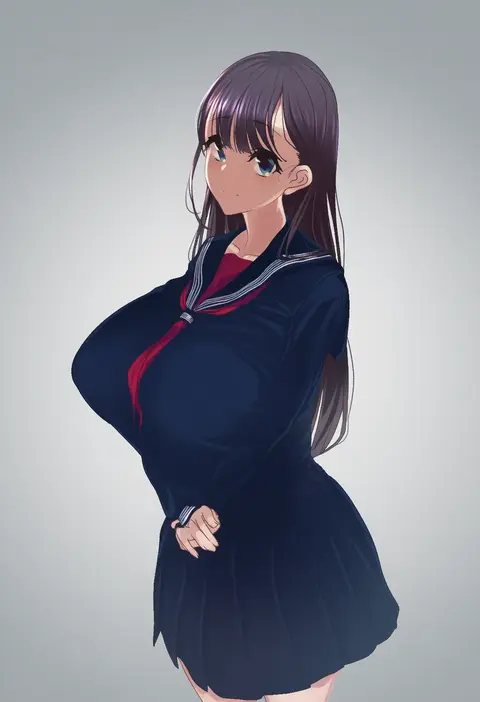
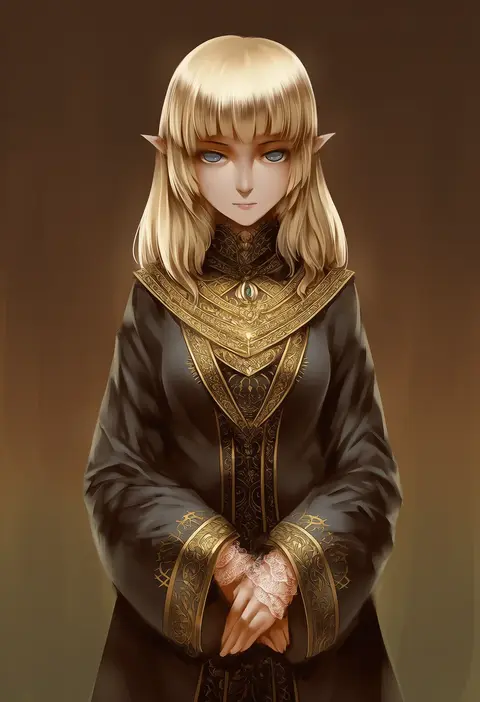
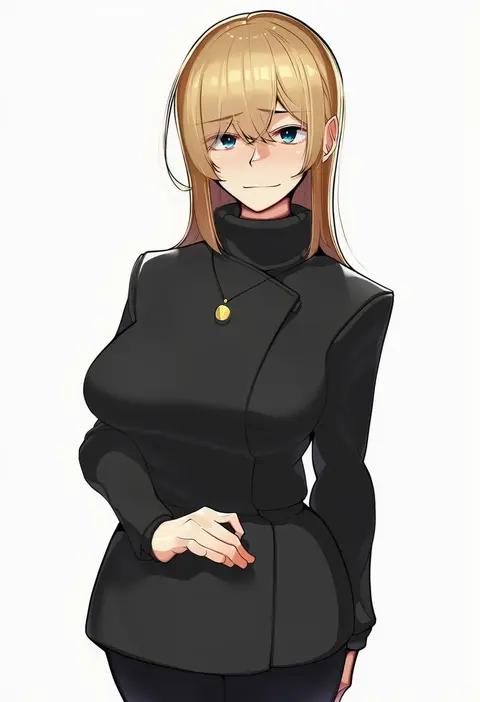
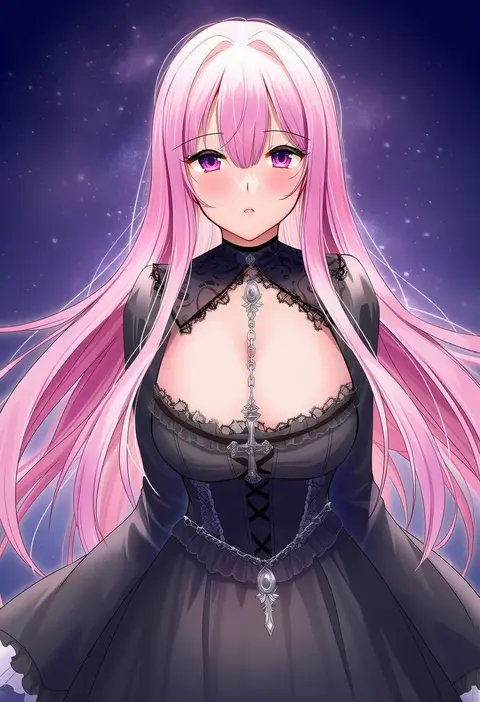
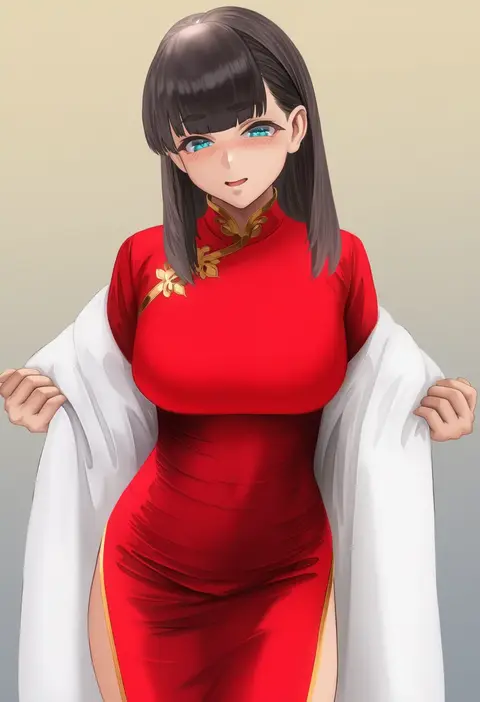
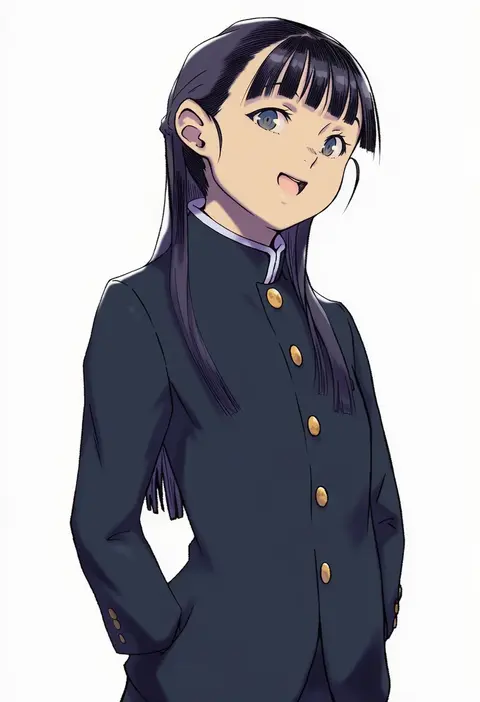
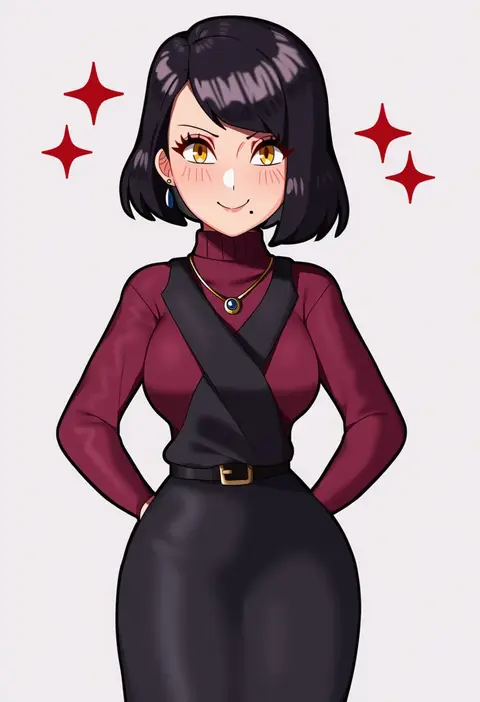
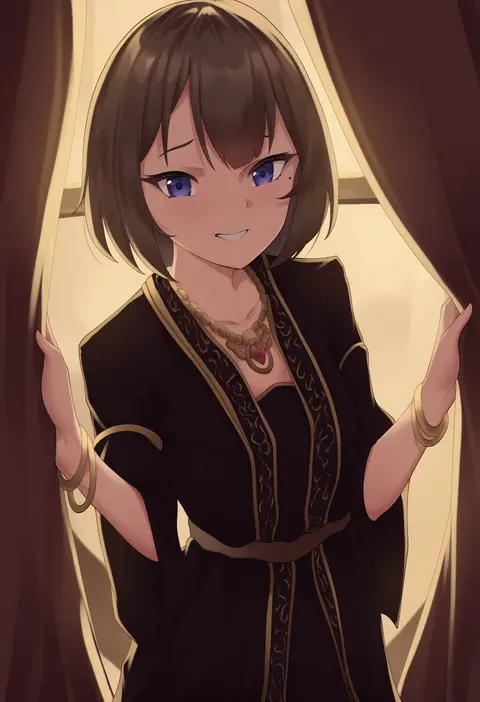
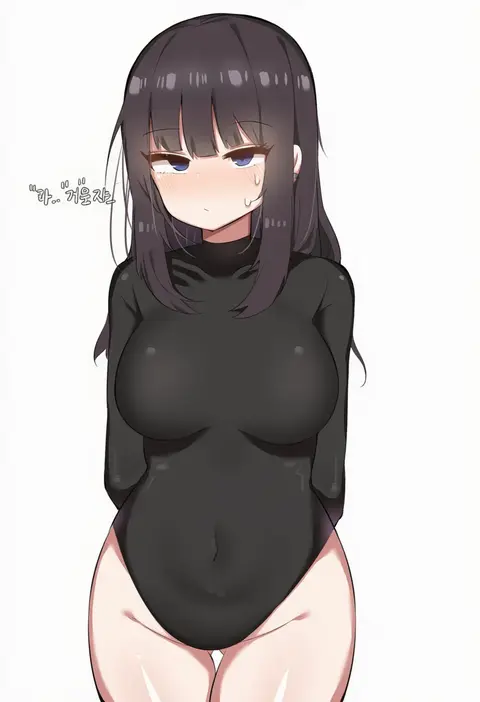
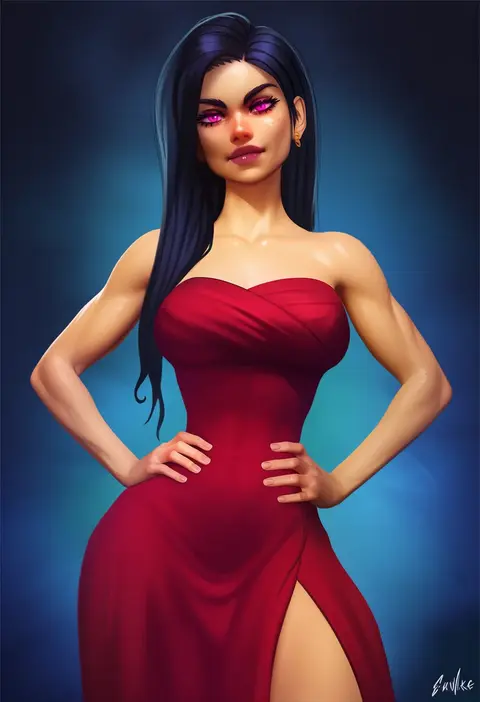
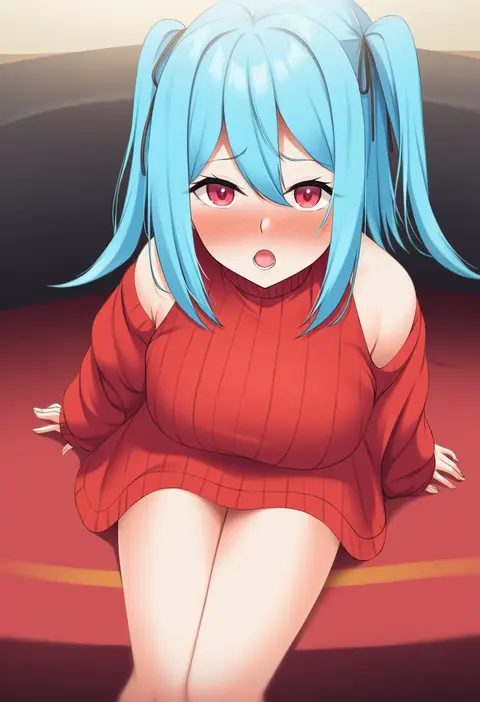
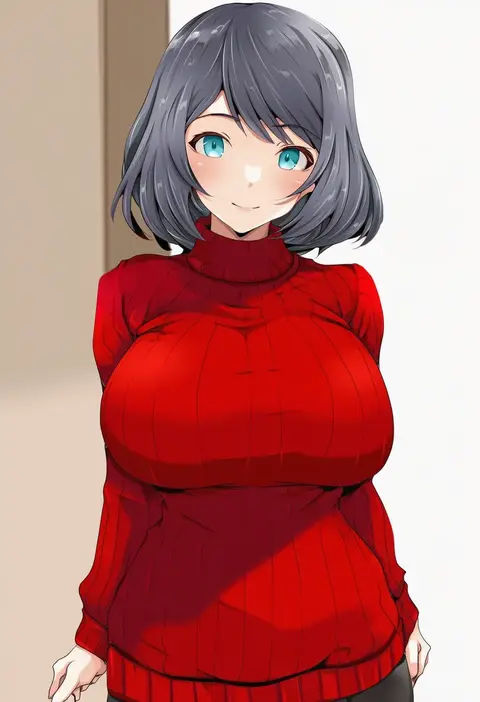
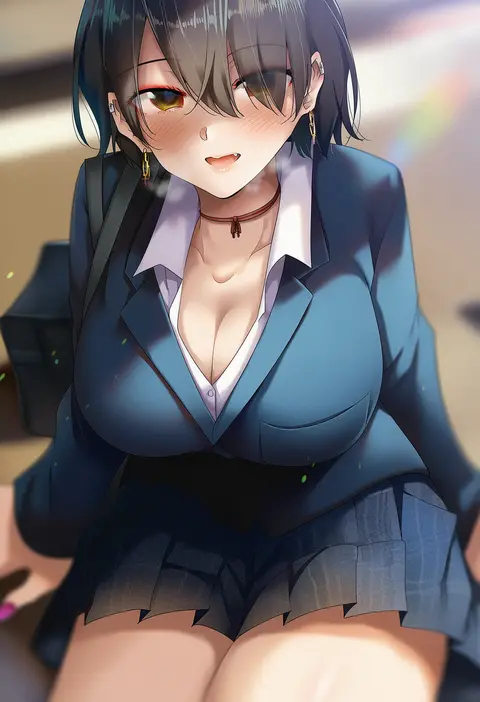
Artist tags tell NovelAI Diffusion to draw in a specific artist's style: line weight, paint texture, face shapes and palette all shift at once. Character and outfit tags decide what is drawn; artist tags decide how. 16,352 tags are listed for V4.5.
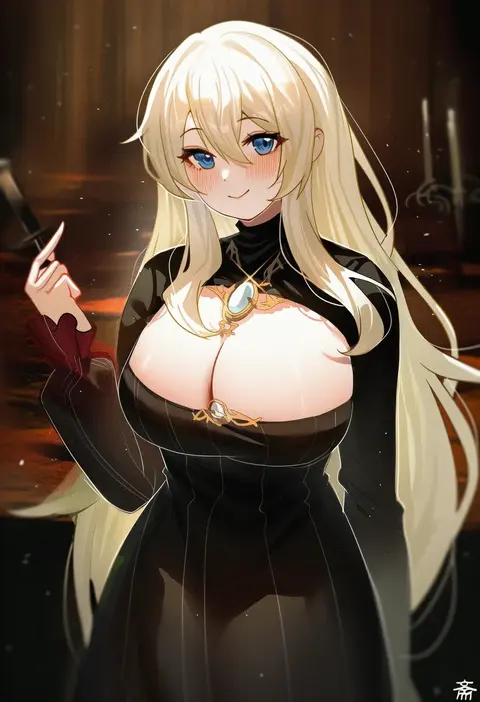
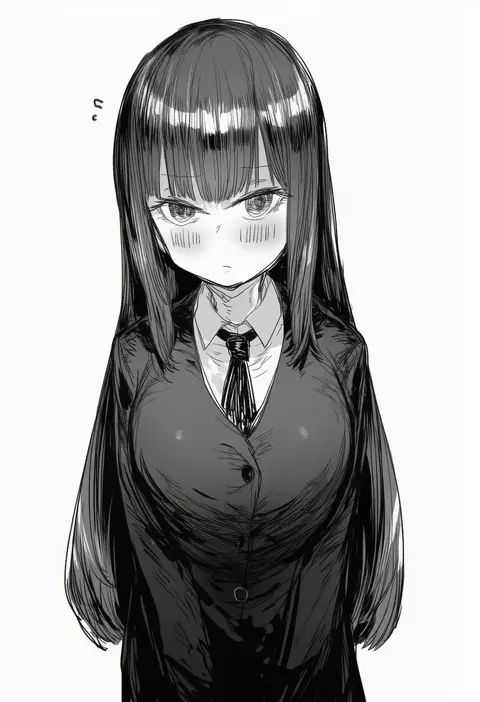
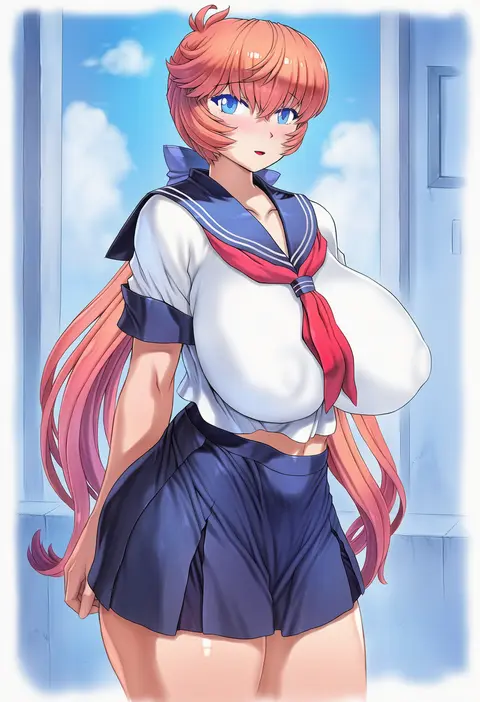
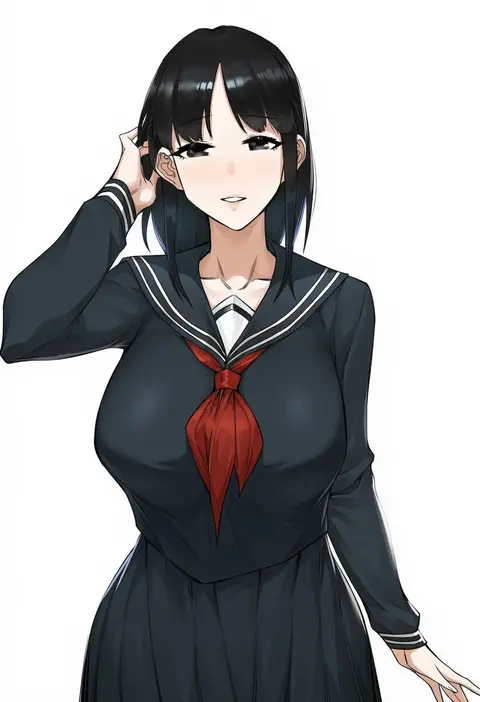
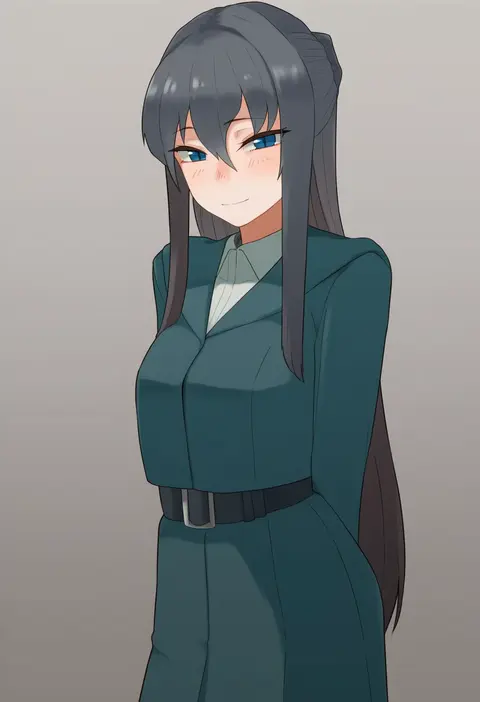
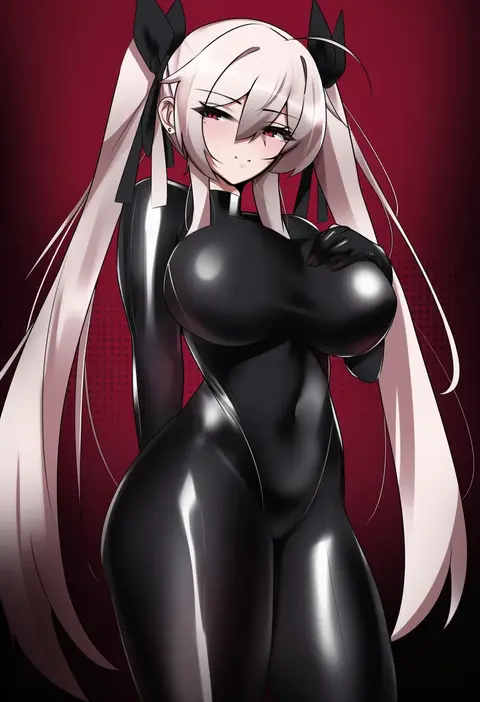
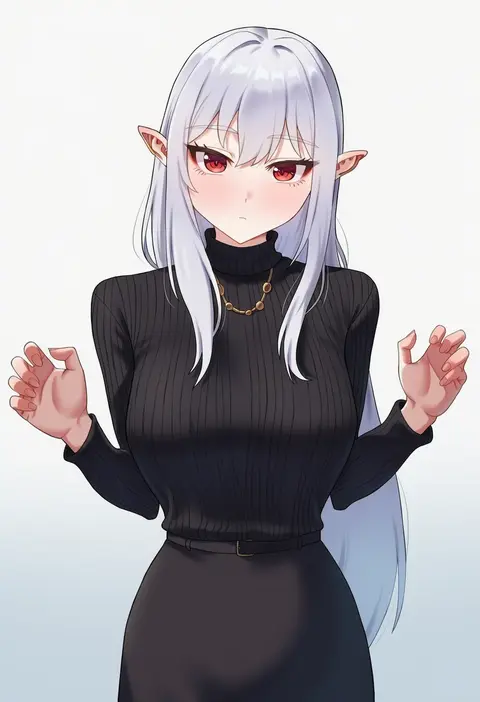
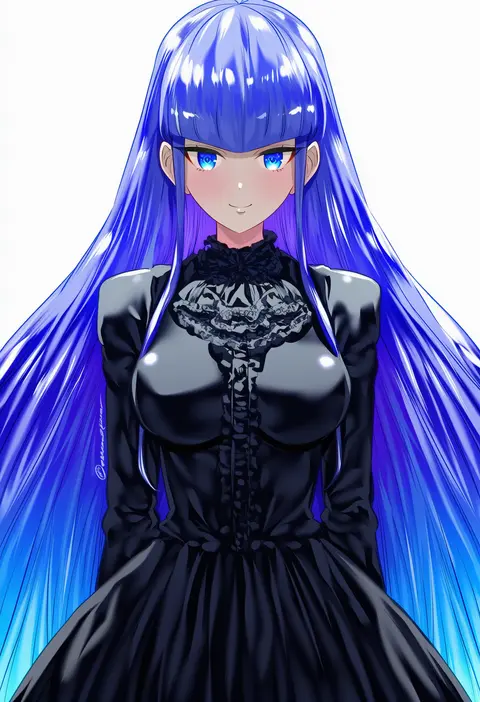
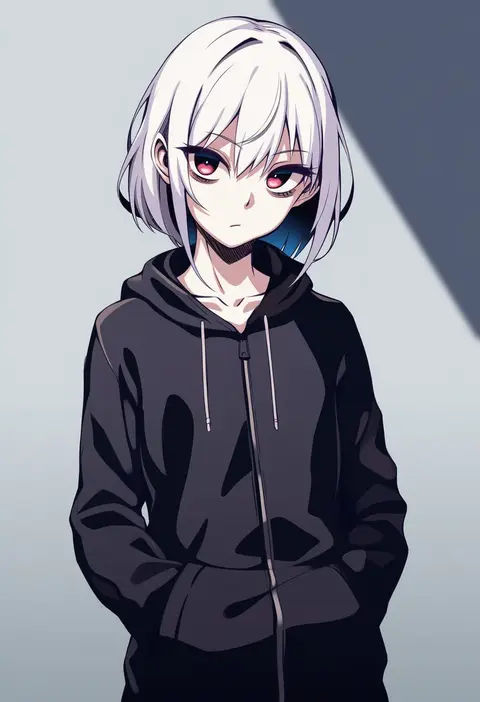
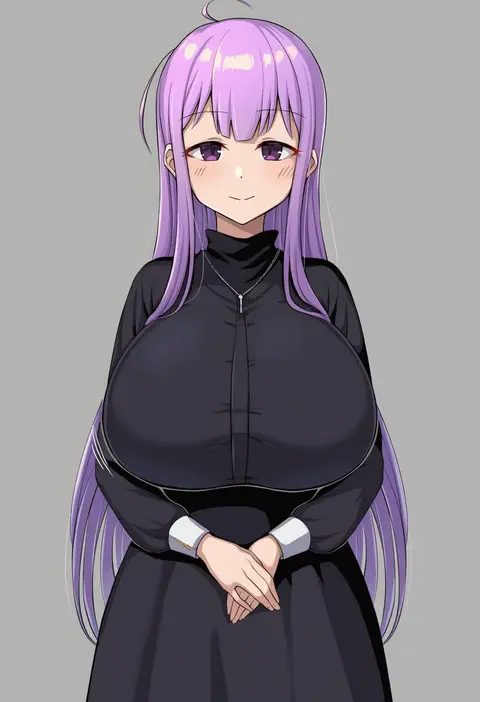
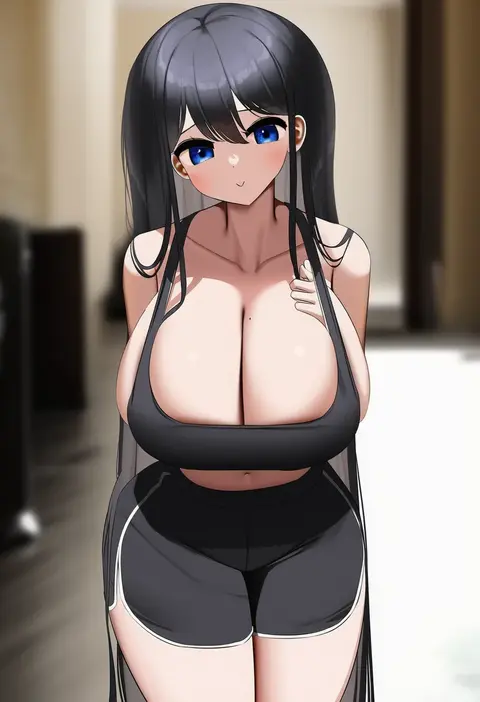
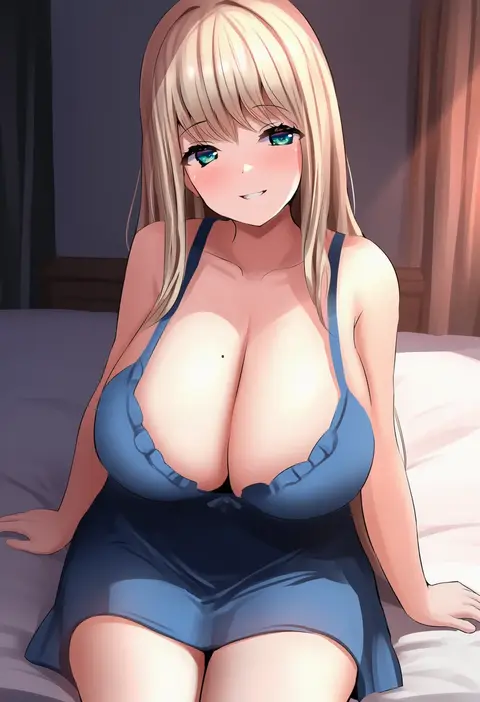
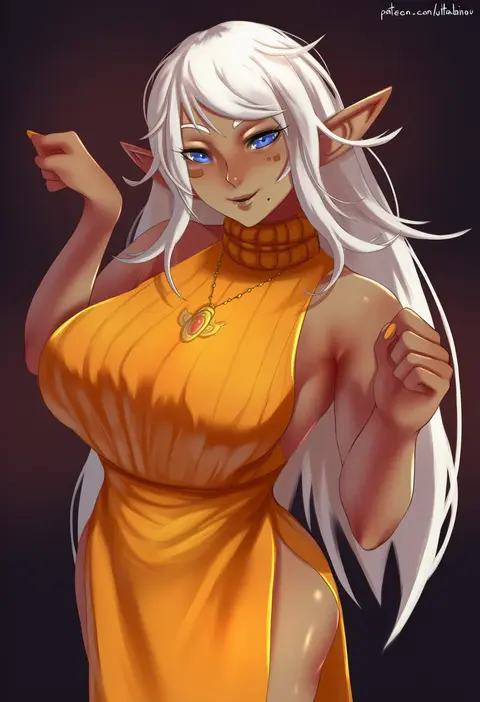
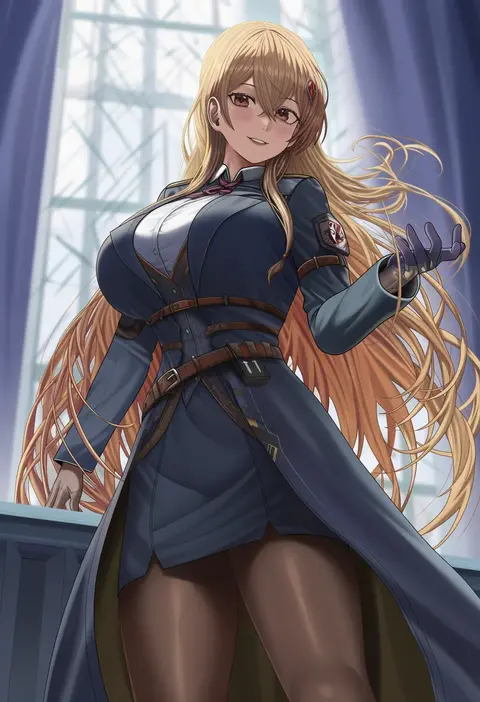
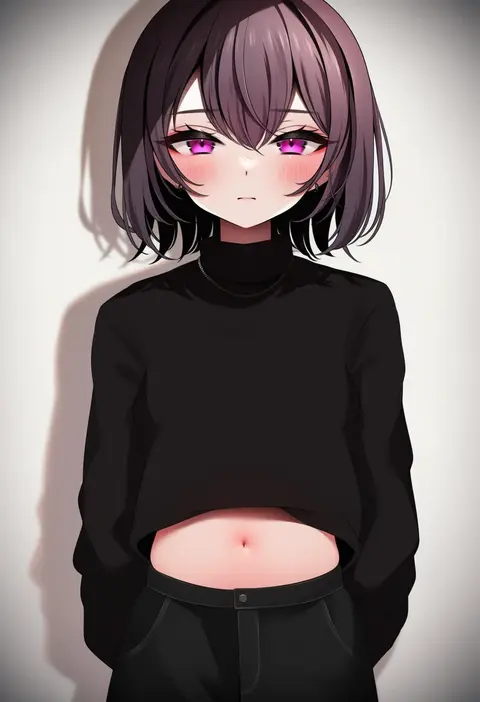
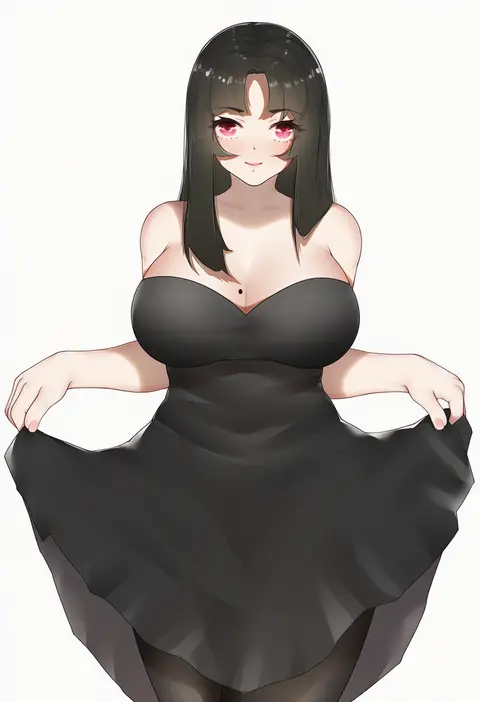
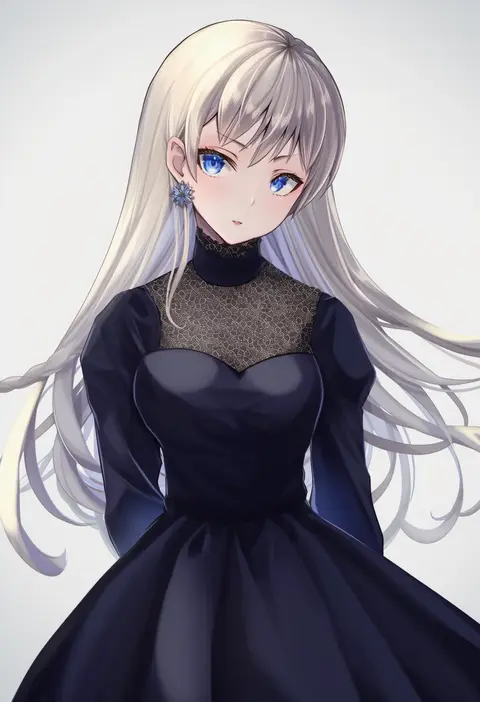
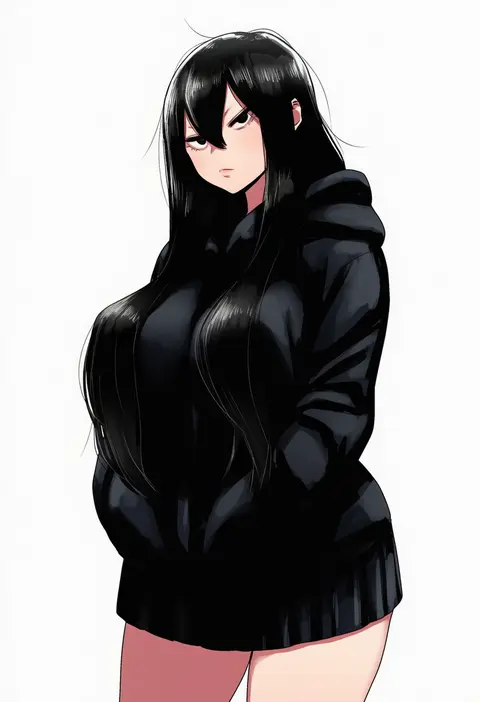
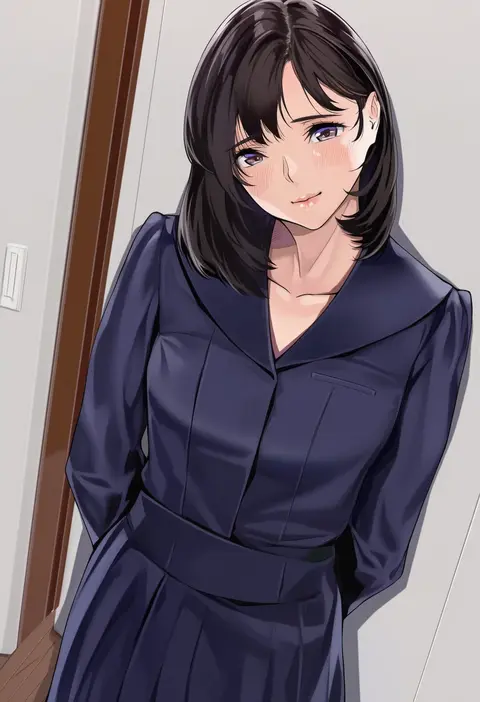
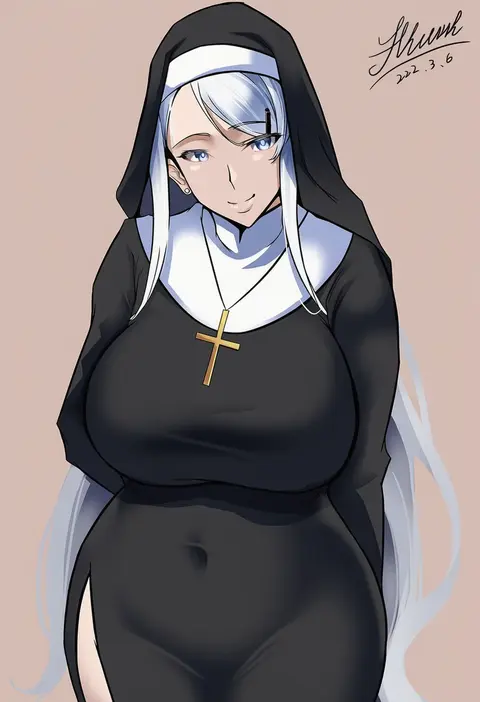
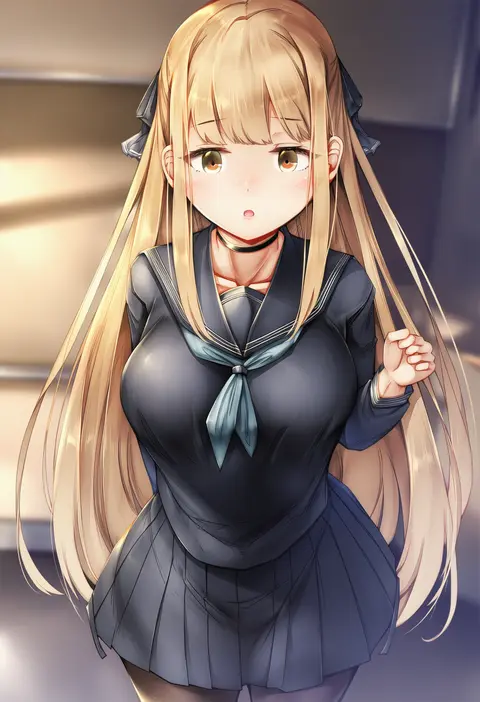
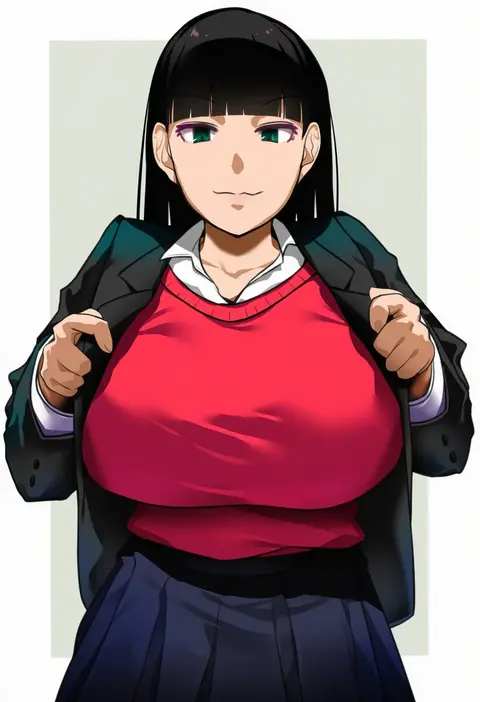
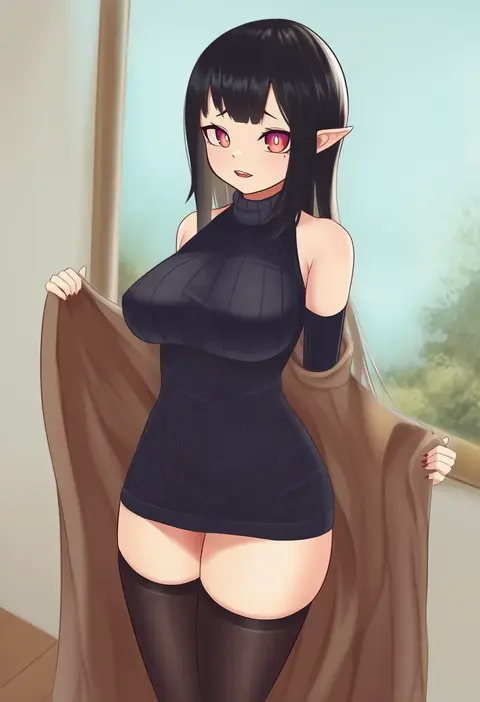
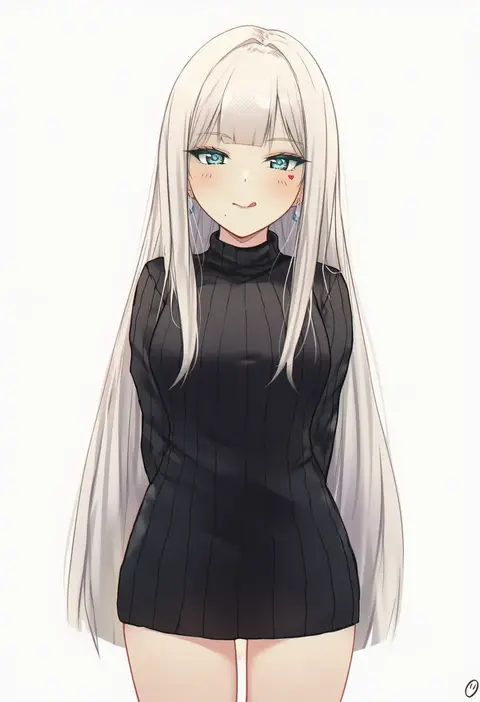
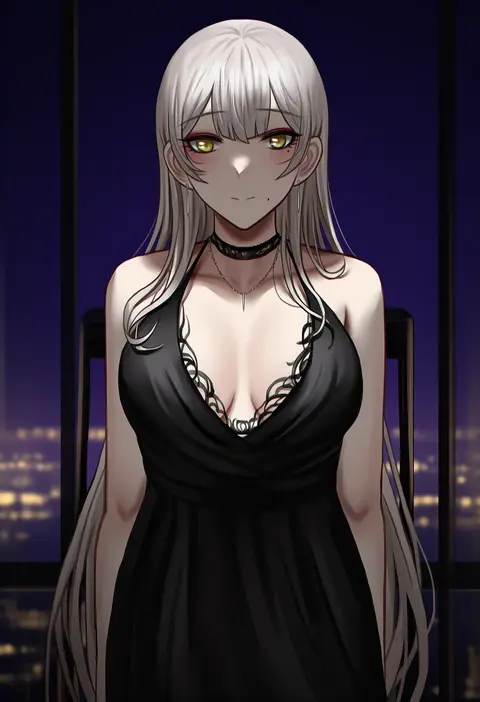
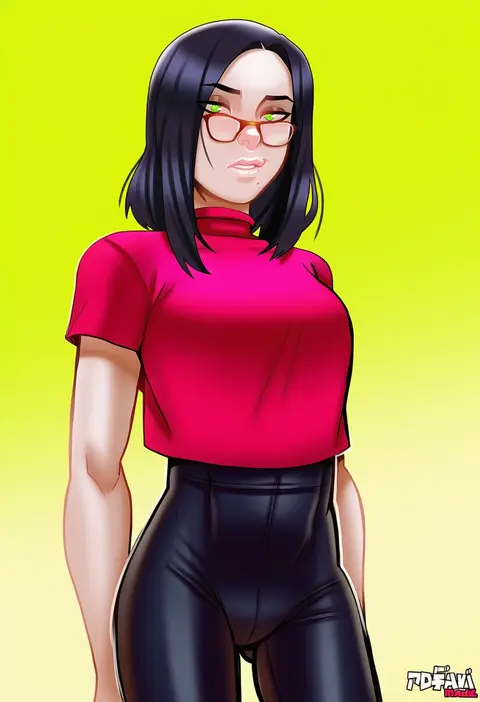
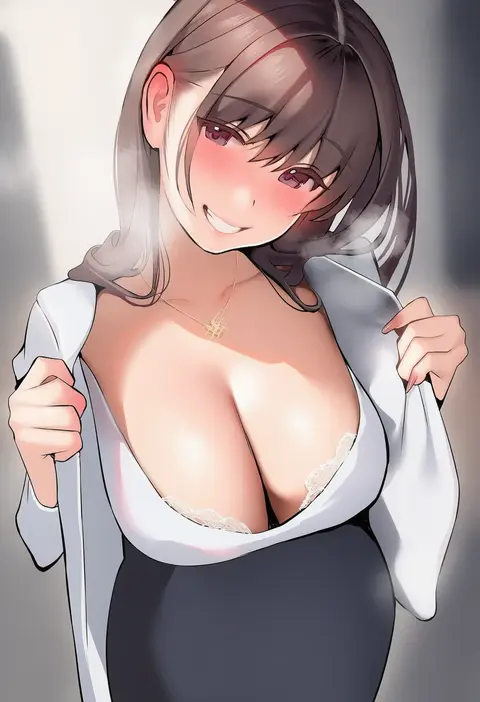
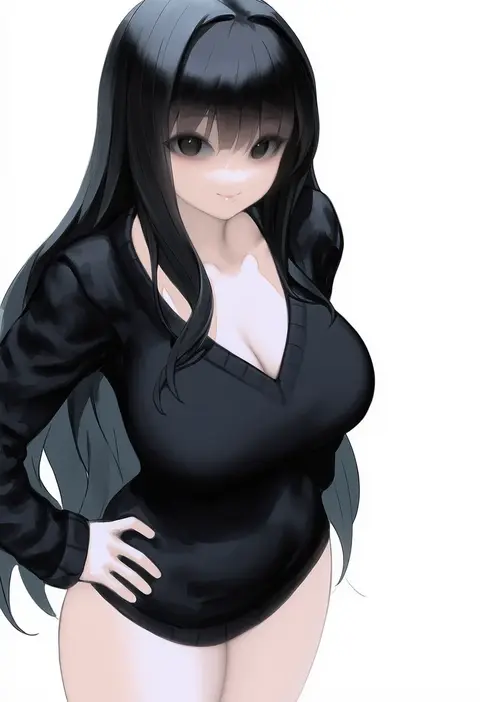
Every tag listed here is verified to react in NovelAI. All images use the same prompt, seed and settings with only the artist tag swapped, so the difference between two images is the style that tag brings in.

How to use them

Put the artist tag near the front of the prompt, e.g. "<artist>, 1girl, solo, best quality, masterpiece, cowboy shot". Two or three artist tags blend styles; lower the weight with "0.8::<artist>::" when the style overpowers the character.

SCORE sorts by Danbooru's top score, POSTS by post count, FAVS by hearts on this site. Open a card to see V5 and V4.5 side by side on the same seed.

V5 vs V4.5

V5 usually lands closer to the artist's real style, and tags that did nothing on V4.5 often react on V5. V4.5 still fits older and doujin-heavy artists better. Try V5 first, fall back to V4.5.

FAQ

Where does the artist tag go?
Near the front of the prompt. Use "0.8::tag::" to adjust its weight.

Can I stack artist tags?
Yes, styles blend. Past two or three the result stops looking like anyone.

Are these the artists' own works?
No. Every image is a NovelAI sample generated from the tag.