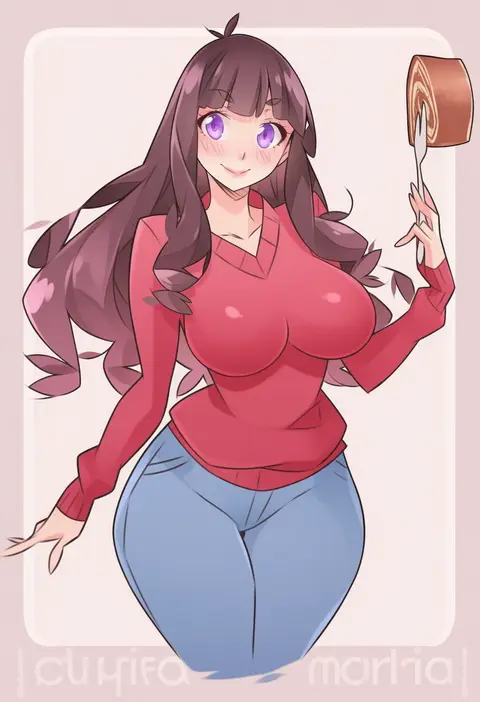
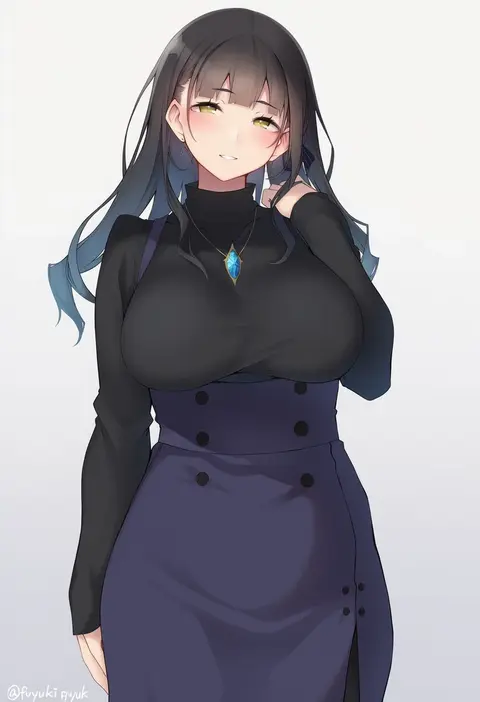
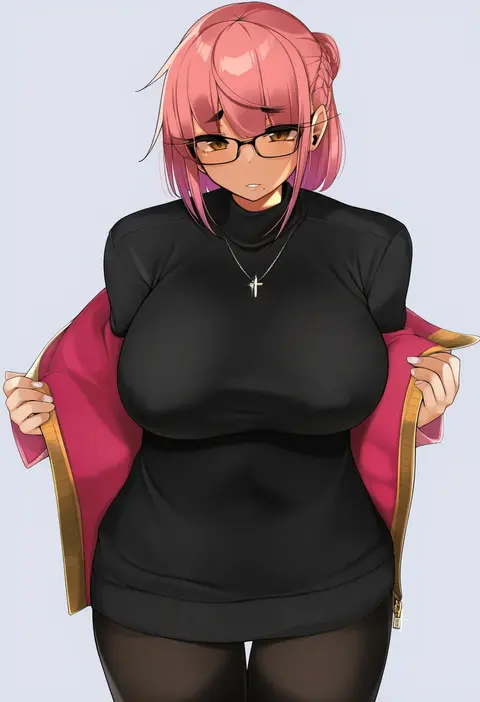
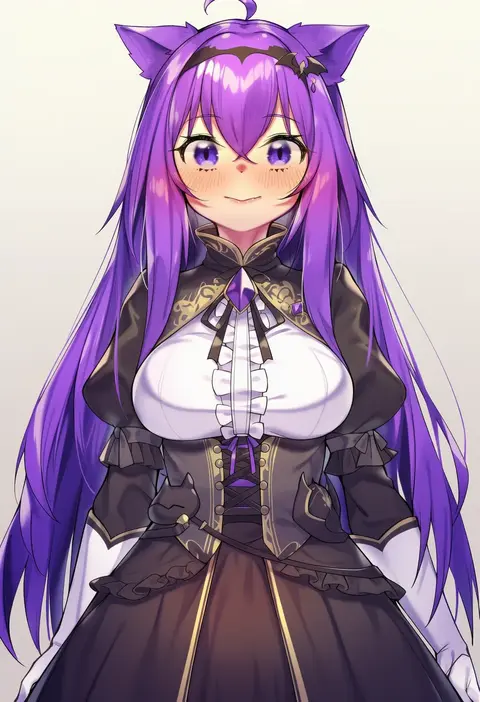
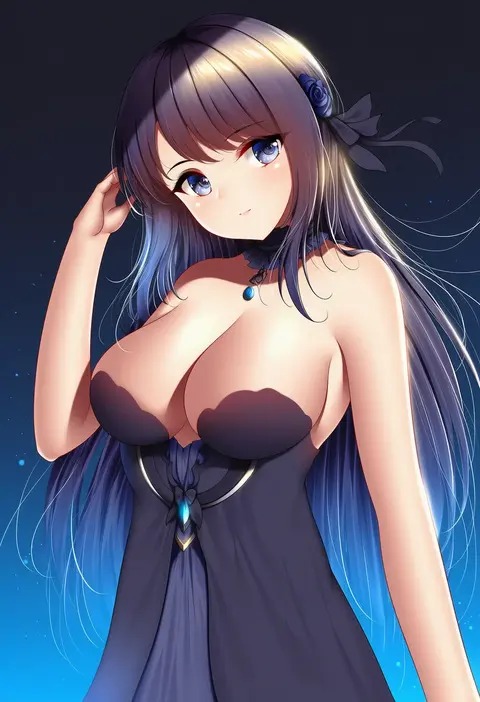
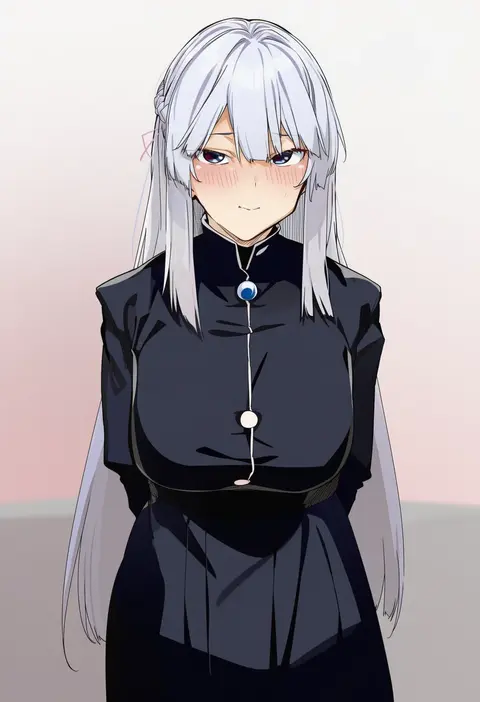
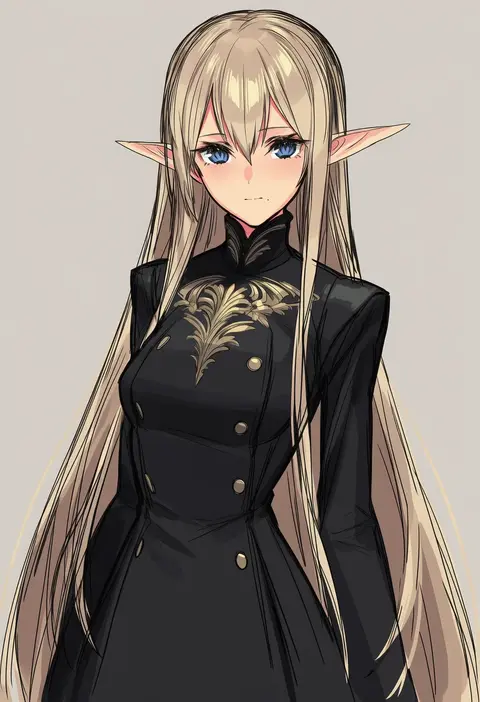
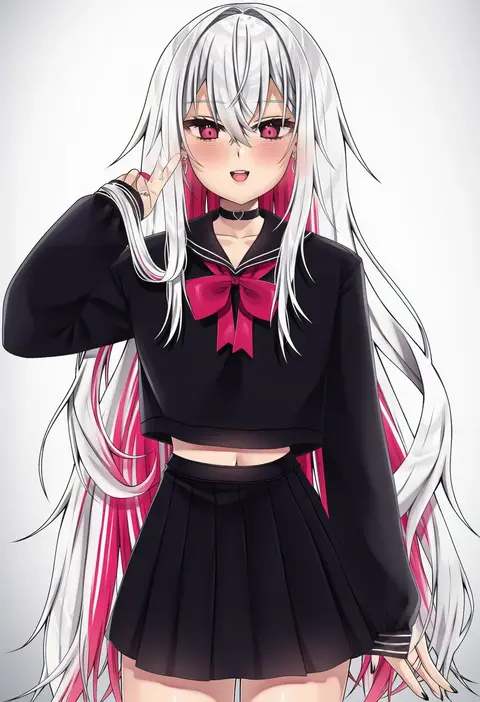
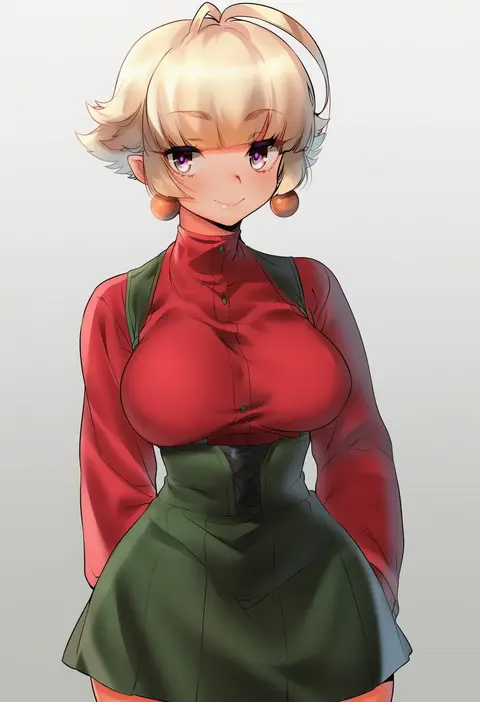
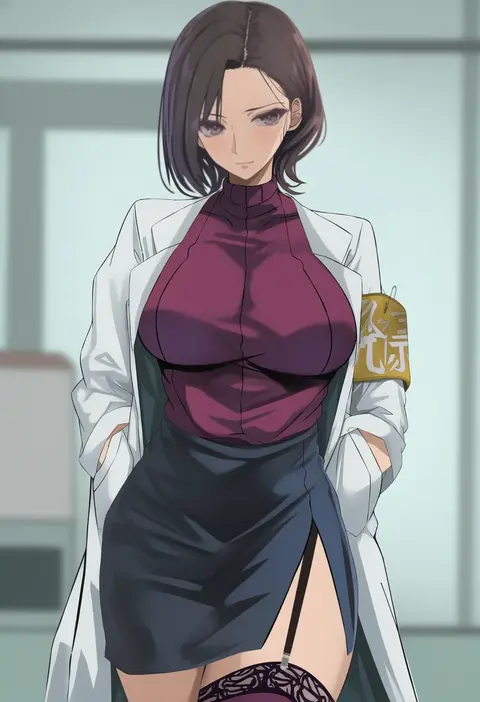
V4.5Artists
sort: FAVS▾
▾
>
$

Popular NovelAI artist tags — V4.5

artist --count 16,352[45/273]
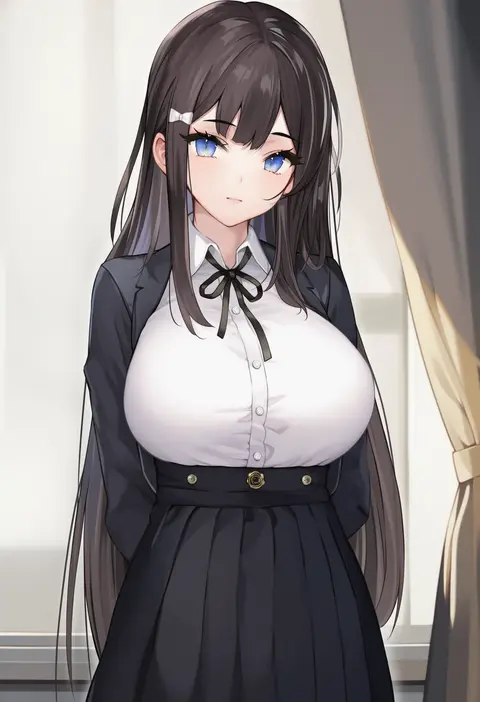
aimee (emi)
ARTIST0x0A50
0
bippew
ARTIST0x0A51
0
bdone
ARTIST0x0A52
0
moebell
ARTIST0x0A53
0
shibenc16e4
ARTIST0x0A54
0
b-pang
ARTIST0x0A55
0
artsheops
ARTIST0x0A56
0
hatsuitsumo
ARTIST0x0A57
0
imo norio
ARTIST0x0A58
0
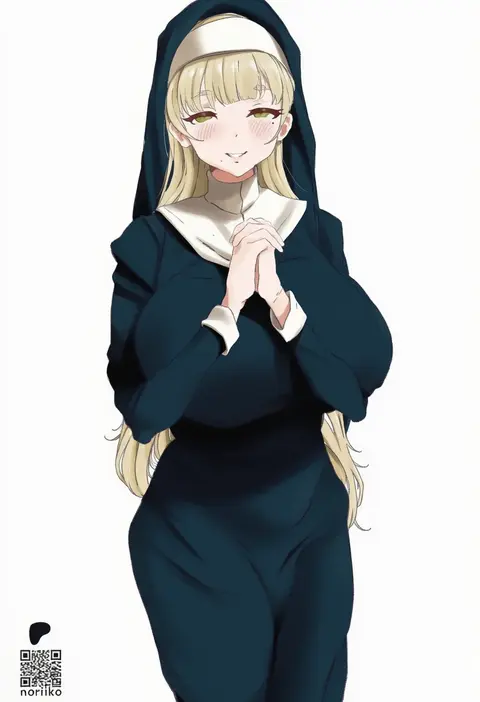
noriko (ni noriko)
ARTIST0x0A59
0
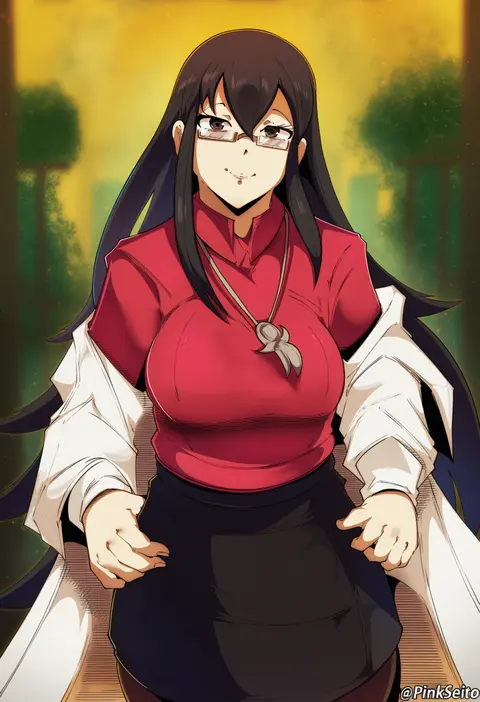
orphen (pink seito)
ARTIST0x0A5A
0
mdthetest
ARTIST0x0A5B
0
raskasar
ARTIST0x0A5C
0
finalcake
ARTIST0x0A5D
0
love cacao
ARTIST0x0A5E
0
kureha (ironika)
ARTIST0x0A5F
0
hitomin (ksws7544)
ARTIST0x0A60
0
chadolbaegi
ARTIST0x0A61
0
p.i.t.d
ARTIST0x0A62
0
peach-cup
ARTIST0x0A63
0
shiitake taishi
ARTIST0x0A64
0
kinako (shiratama mochi)
ARTIST0x0A65
0
mumumu (road)
ARTIST0x0A66
0
kohanayuki
ARTIST0x0A67
0
akchu
ARTIST0x0A68
0
shpo
ARTIST0x0A69
0
eroborne
ARTIST0x0A6A
0
sakamuke
ARTIST0x0A6B
0
yijian ma
ARTIST0x0A6C
0
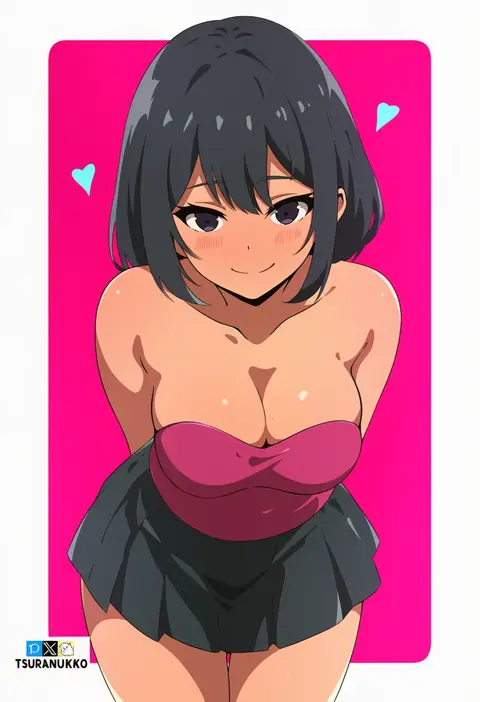
tsuranukko
ARTIST0x0A6D
0
katsura harufumi
ARTIST0x0A6E
0
dubeaduver
ARTIST0x0A6F
0
sp0i0ppp
ARTIST0x0A70
0
tussy
ARTIST0x0A71
0
pepq
ARTIST0x0A72
0
misashi (raichi821)
ARTIST0x0A73
0
edmun6969
ARTIST0x0A74
0
lordol
ARTIST0x0A75
0
hanjuku choco-pai
ARTIST0x0A76
0
matsuda (matsukichi)
ARTIST0x0A77
0
hamahama
ARTIST0x0A78
0
mario (mario portal)
ARTIST0x0A79
0
x-t3al
ARTIST0x0A7A
0
nanahara fuyuki
ARTIST0x0A7B
0
jovejun
ARTIST0x0A7C
0
shennai misha
ARTIST0x0A7D
0
nonbire
ARTIST0x0A7E
0
rryiup
ARTIST0x0A7F
0
kosaki wit
ARTIST0x0A80
0
nagainosfw
ARTIST0x0A81
0
wsman
ARTIST0x0A82
0
uno ryoku
ARTIST0x0A83
0
sigm@
ARTIST0x0A84
0
vitaminechan
ARTIST0x0A85
0
sugarbeat
ARTIST0x0A86
0
skysign ft
ARTIST0x0A87
0
daydarion
ARTIST0x0A88
0
powzin76
ARTIST0x0A89
0
naso4
ARTIST0x0A8A
0
kesoshirou
ARTIST0x0A8B
0

What these tags change

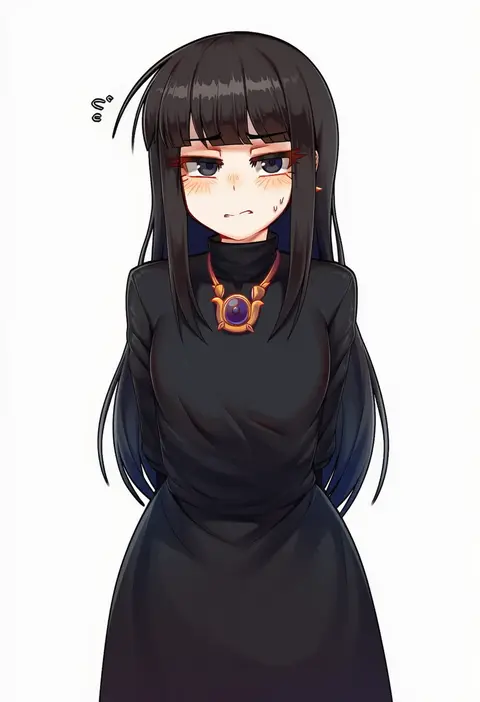
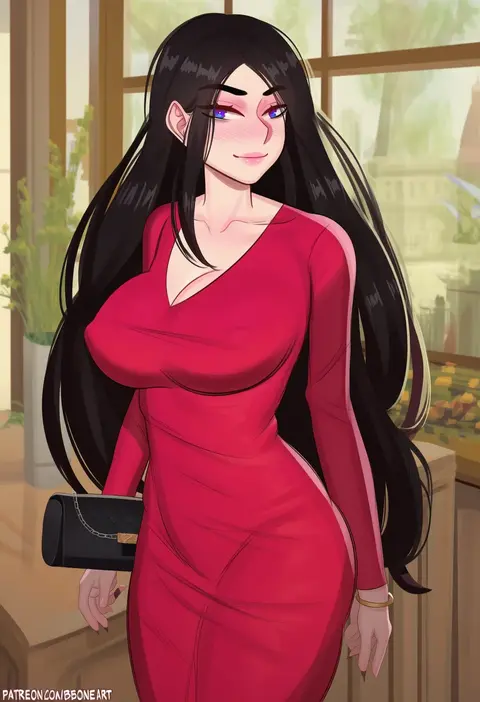
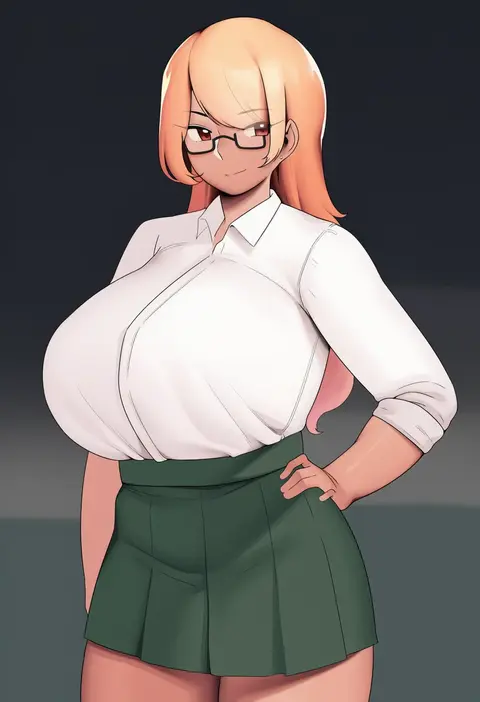
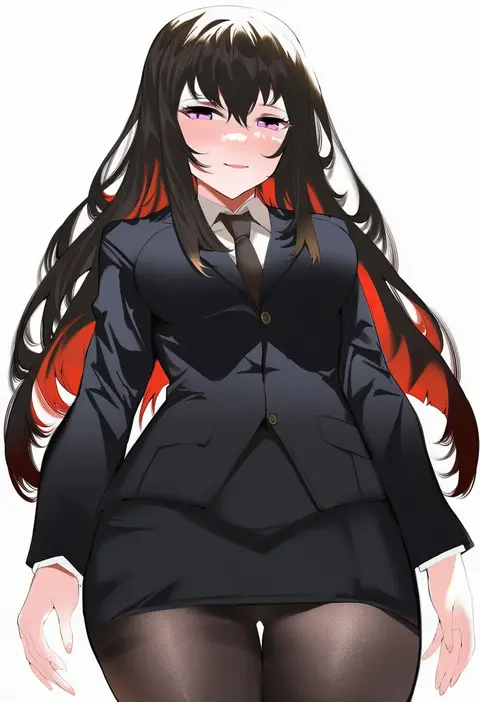
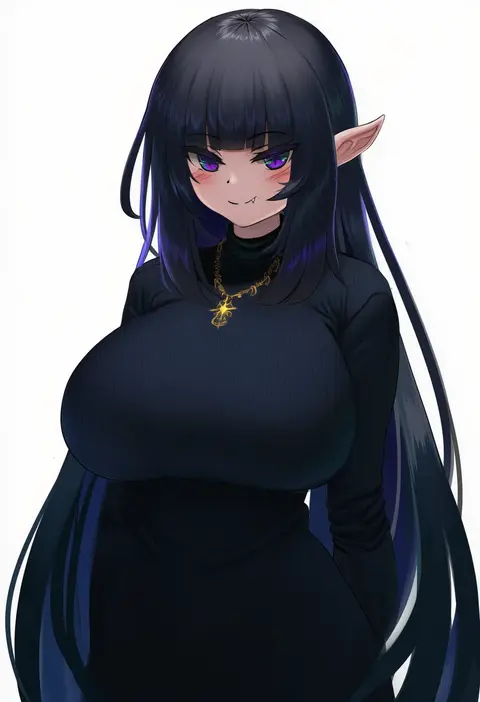
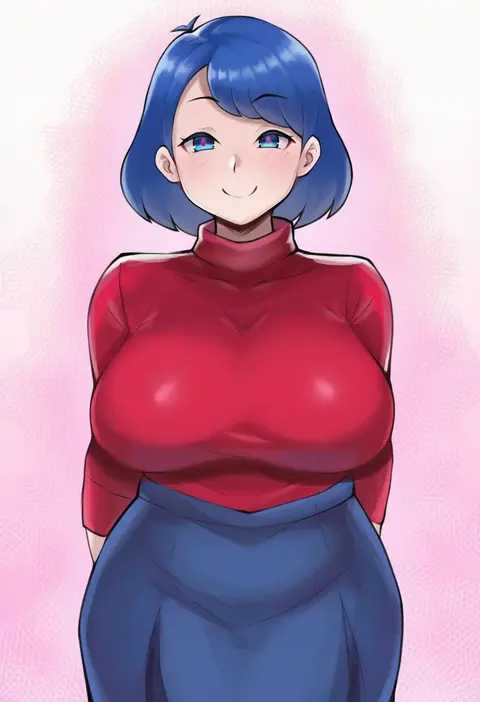
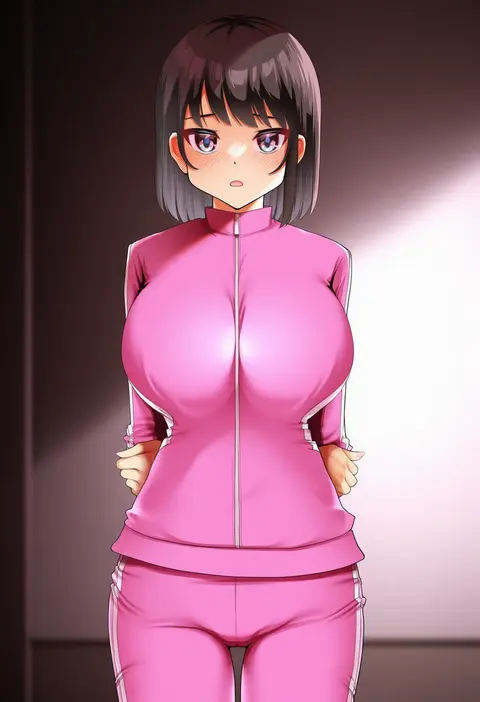
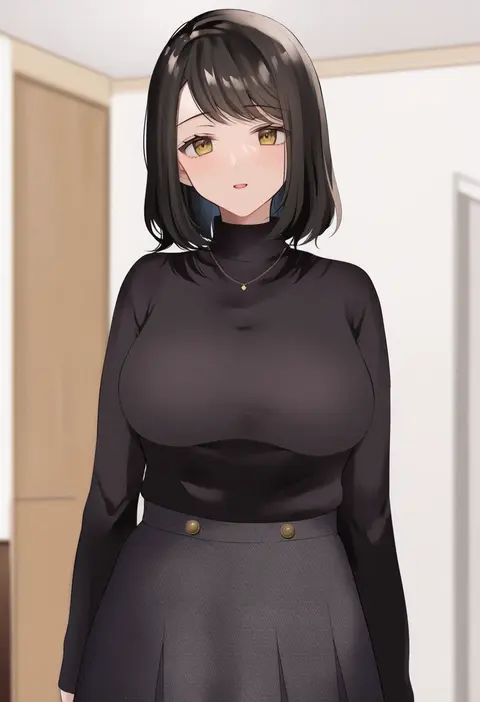
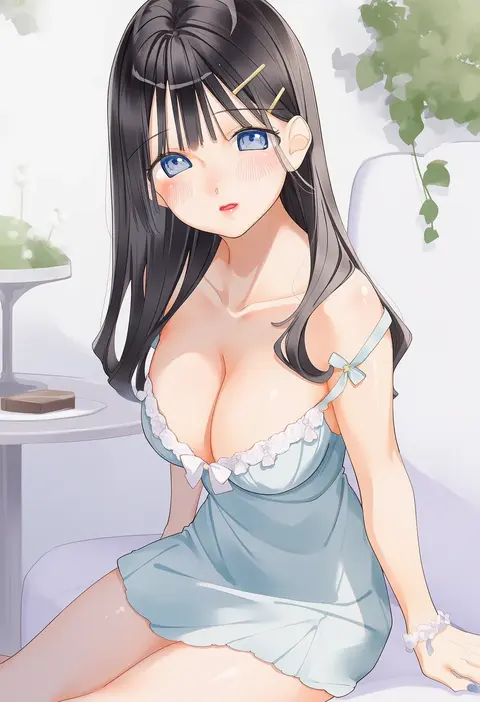
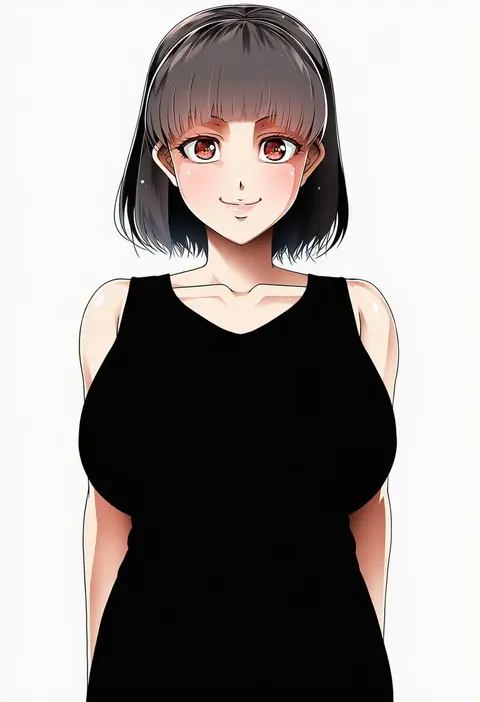
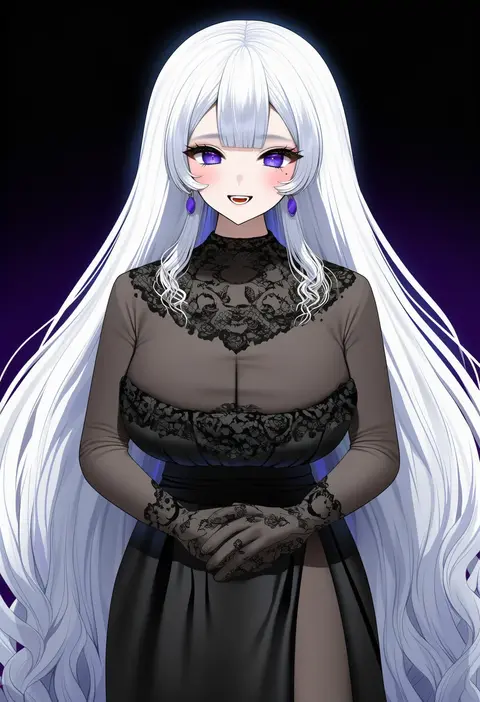
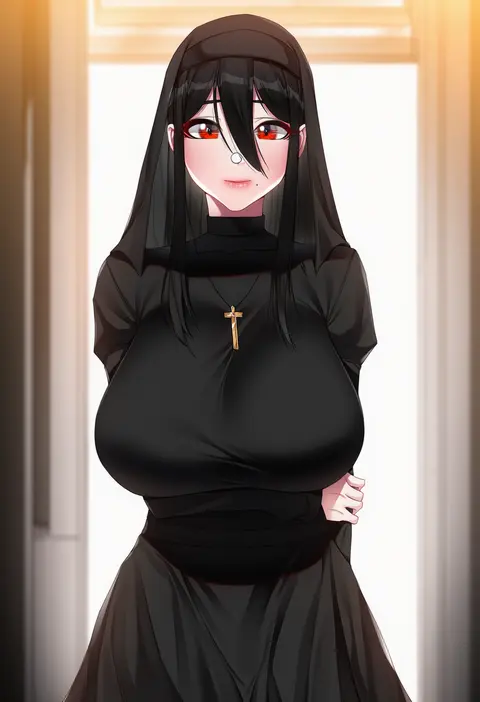
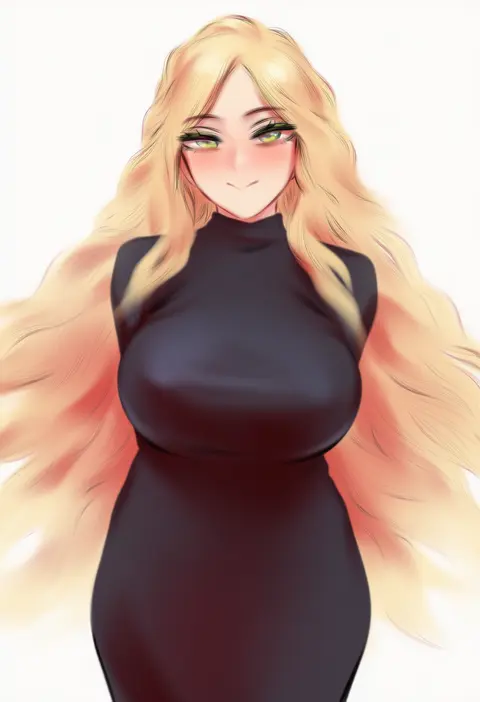
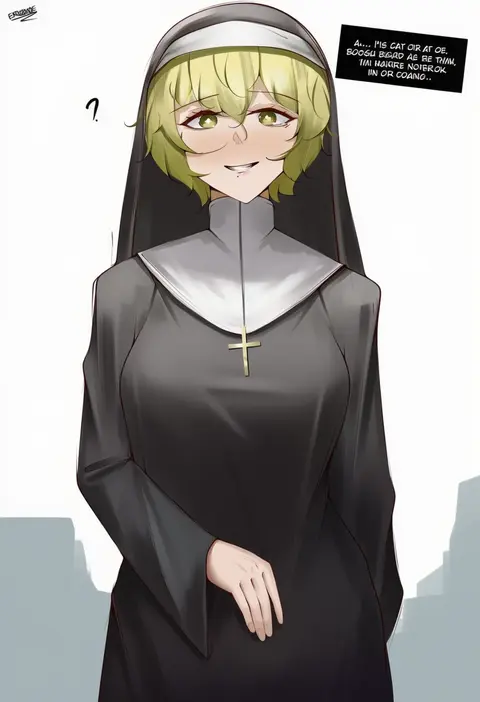
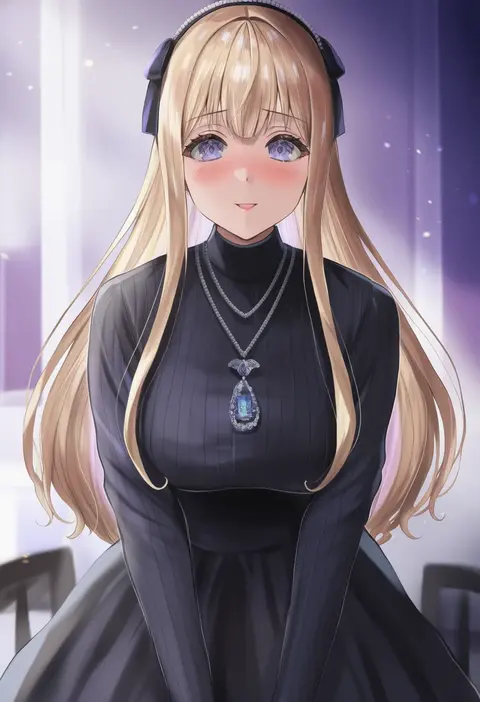
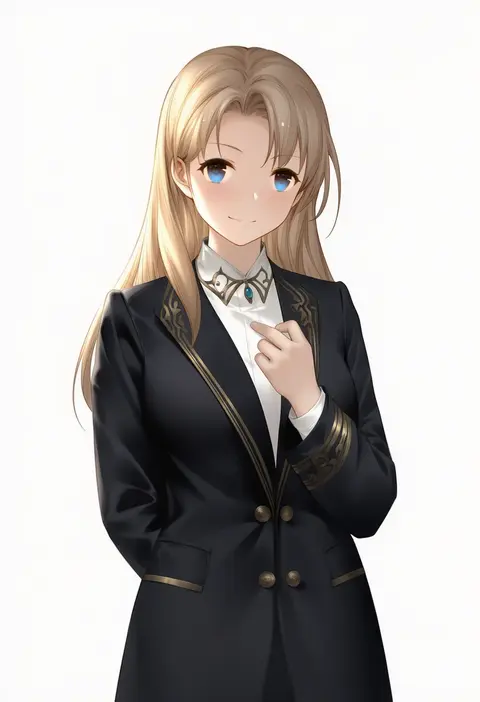
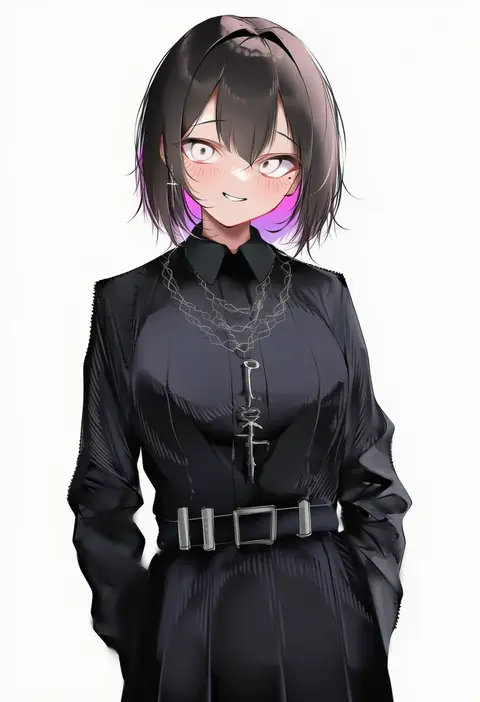
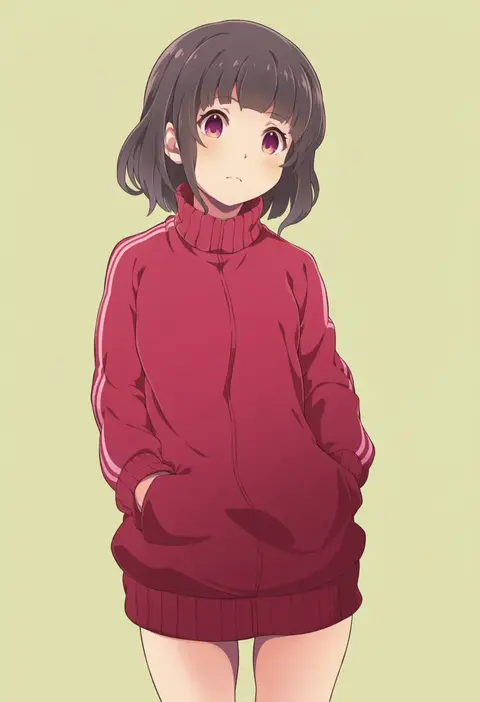
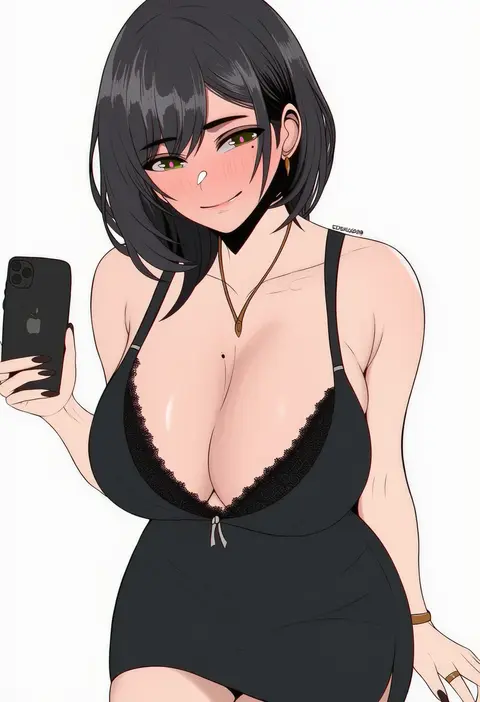
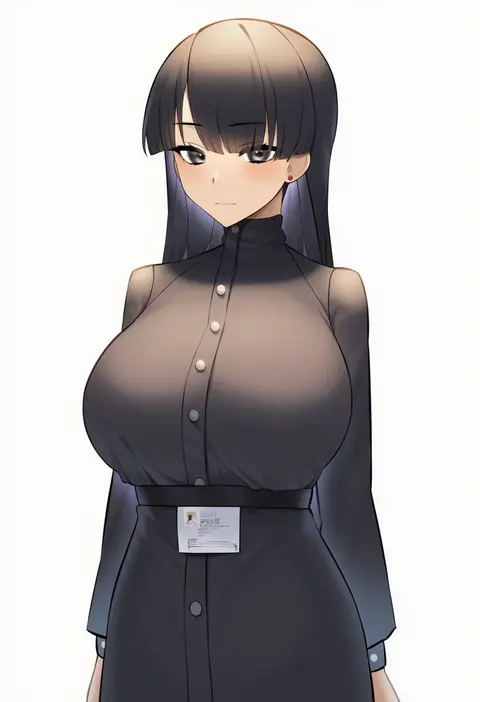
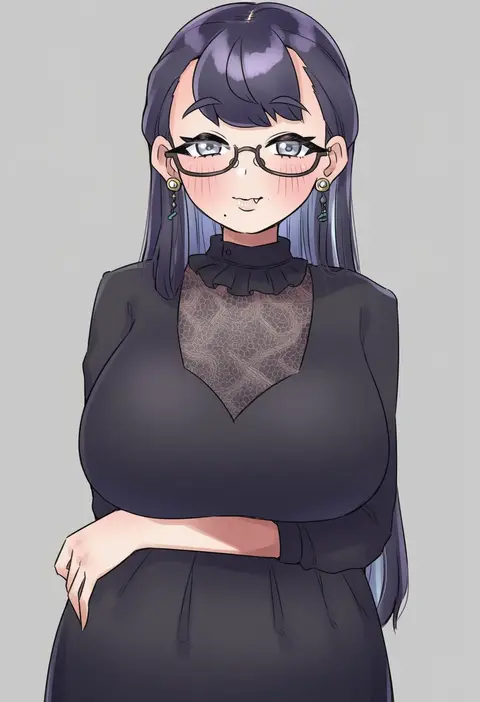
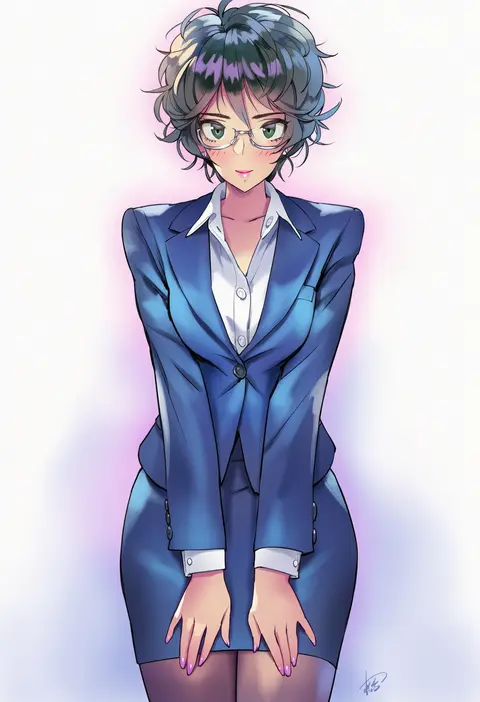
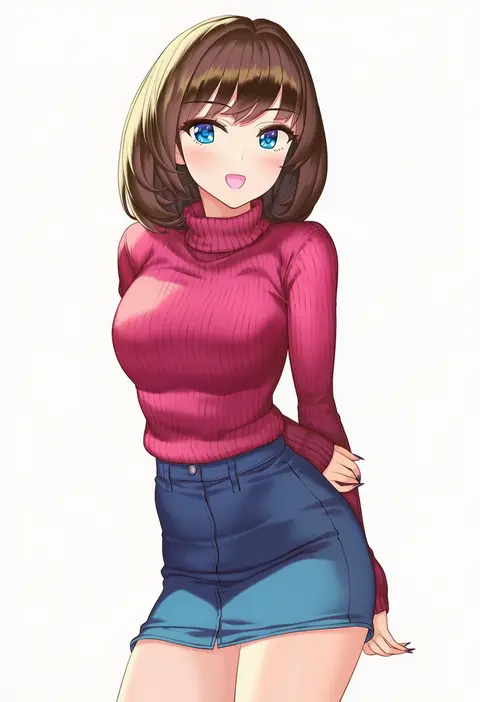
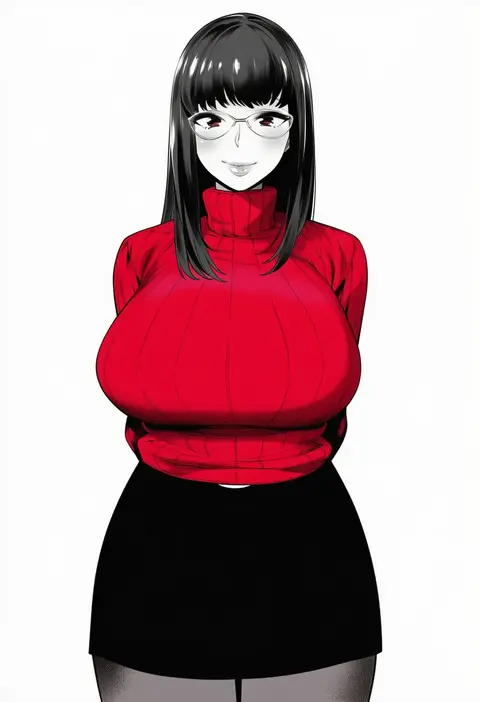
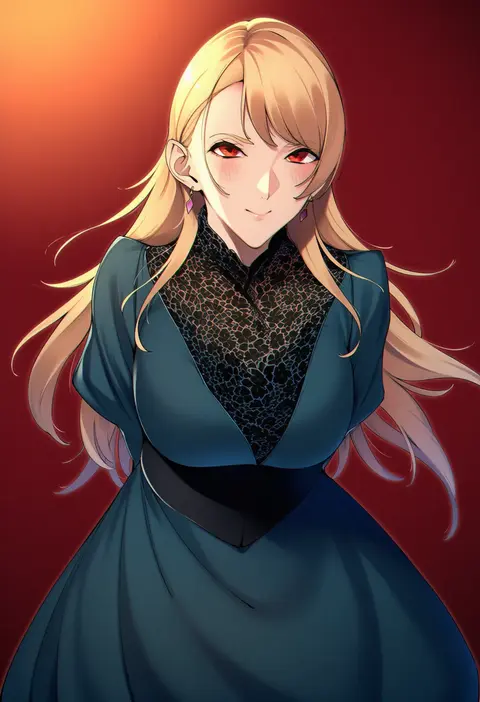
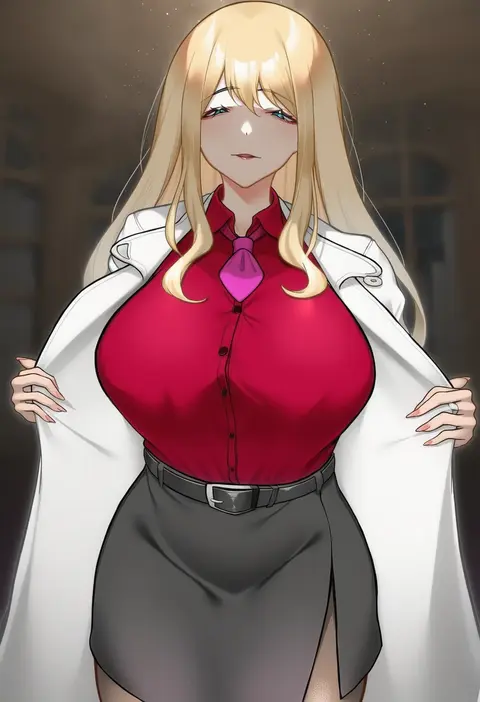
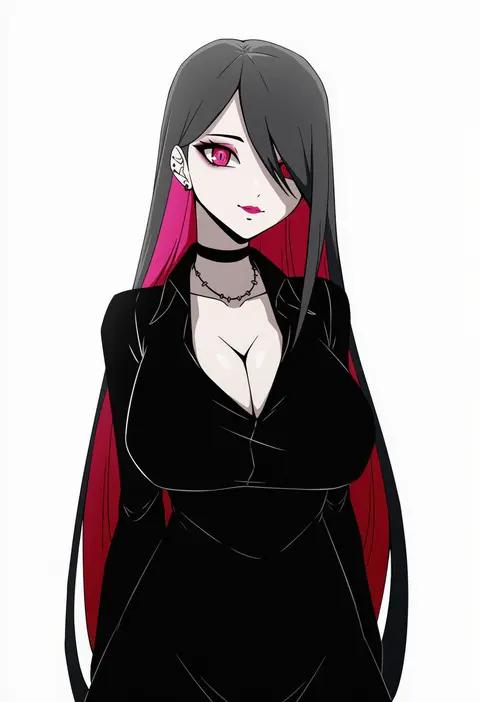
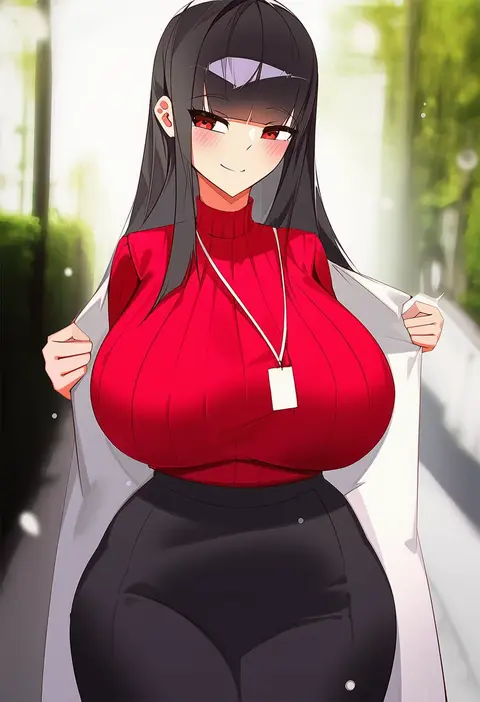
Artist tags tell NovelAI Diffusion to draw in a specific artist's style: line weight, paint texture, face shapes and palette all shift at once. Character and outfit tags decide what is drawn; artist tags decide how. 16,352 tags are listed for V4.5.
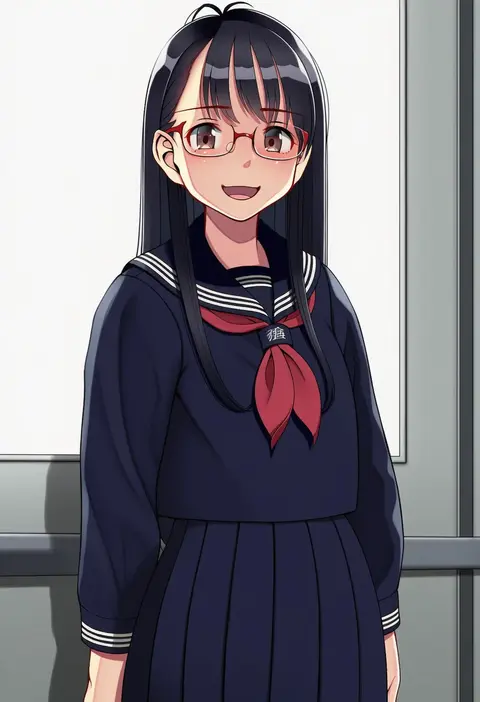
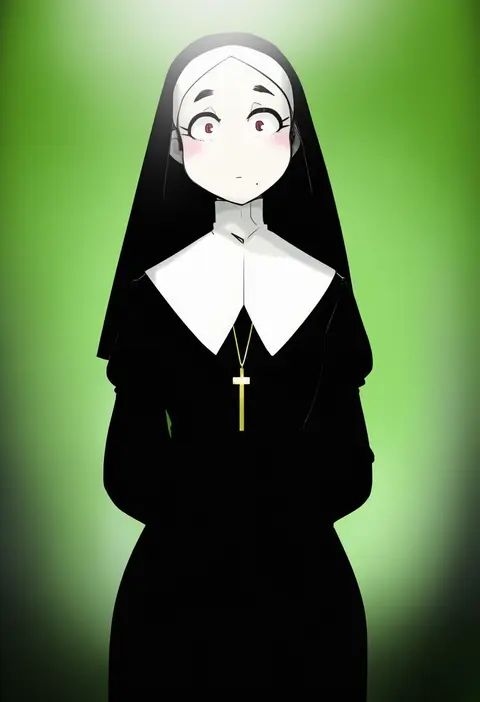
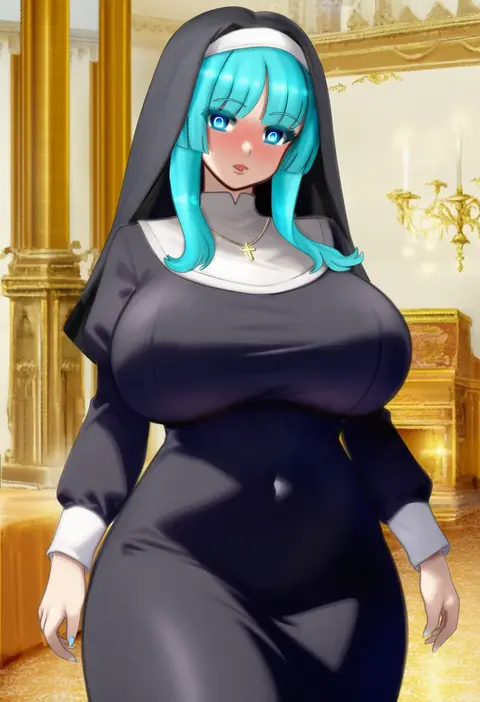
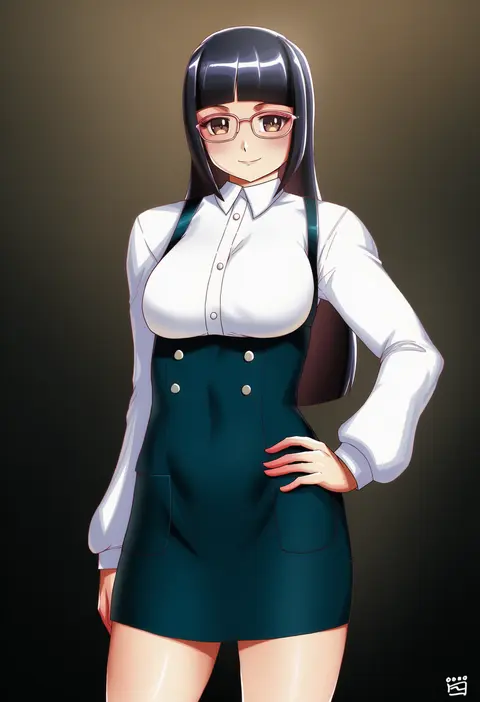
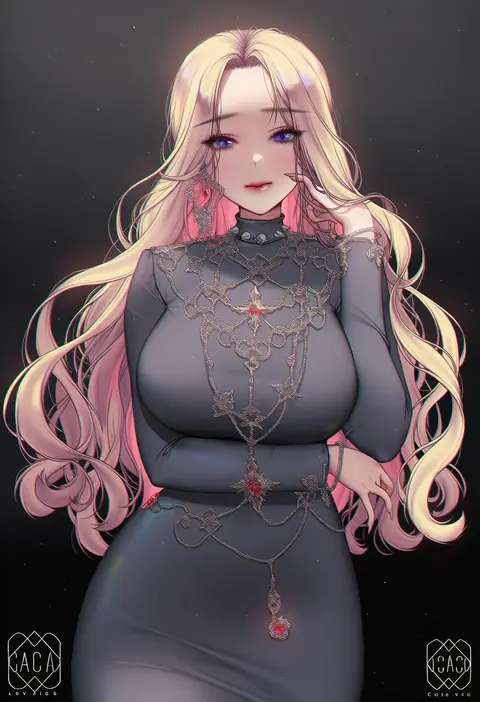
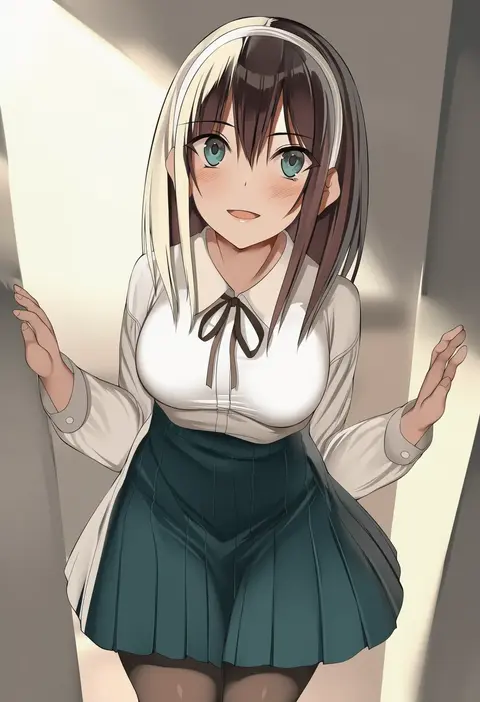
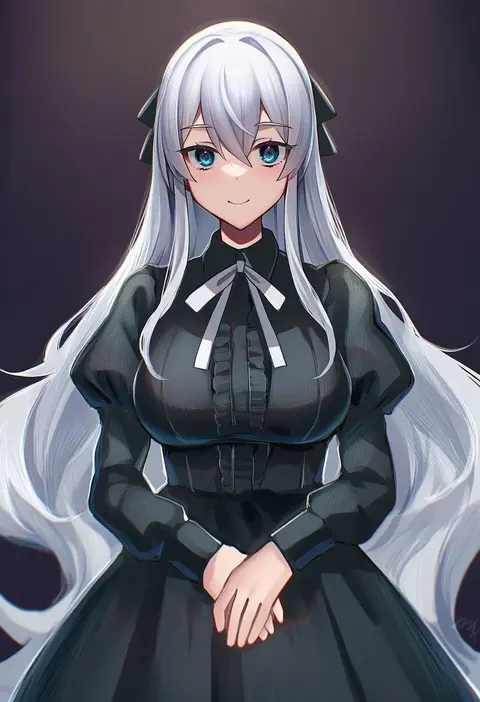
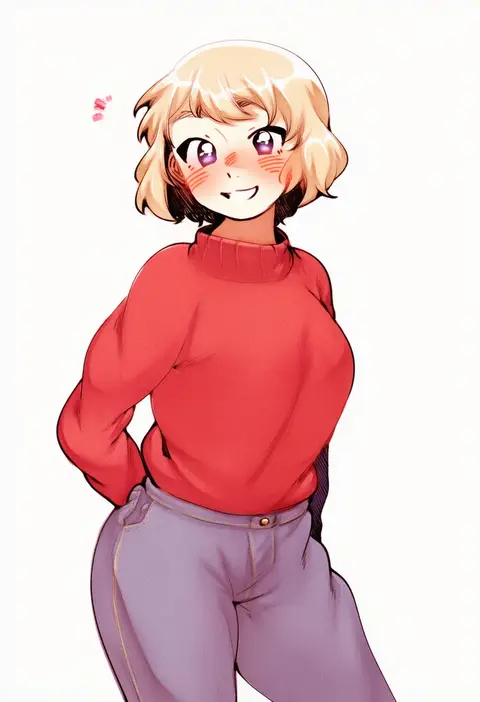
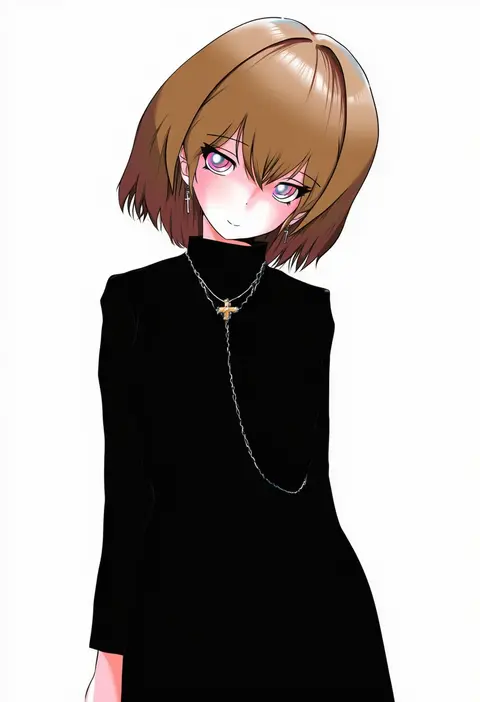
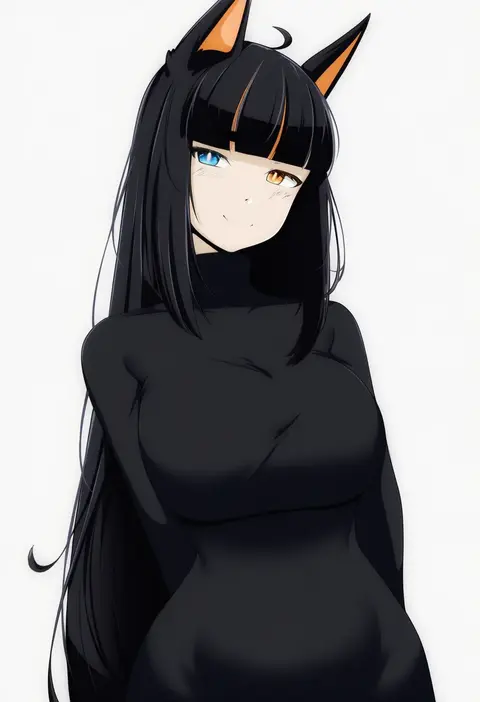
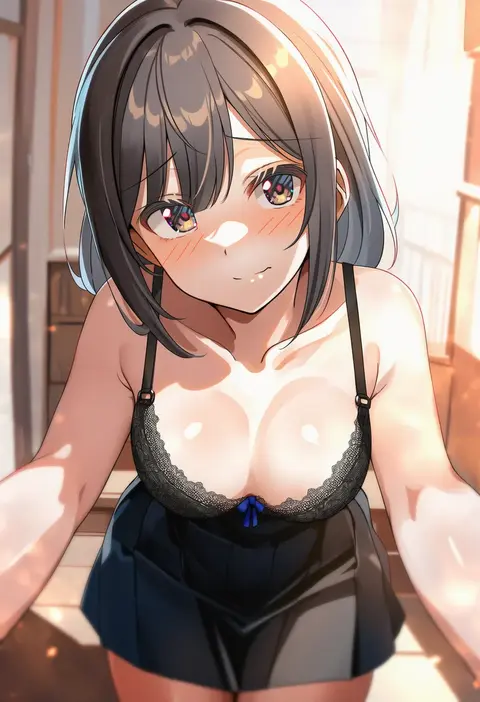
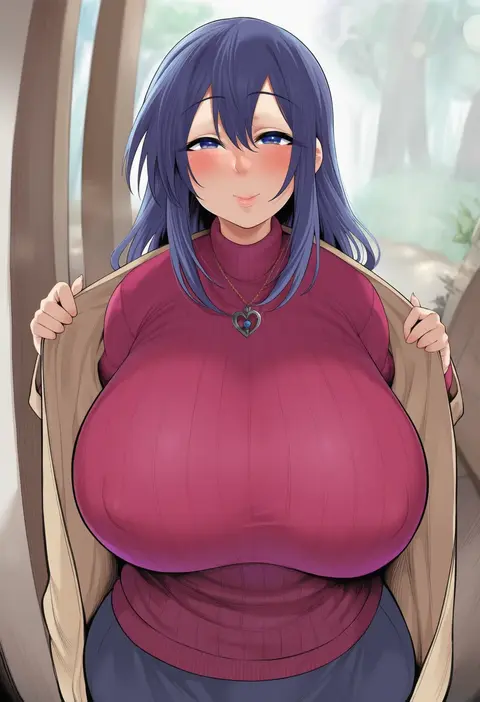
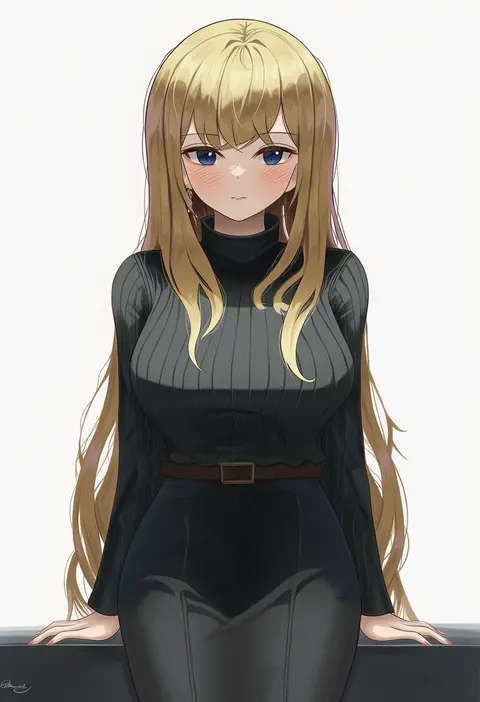
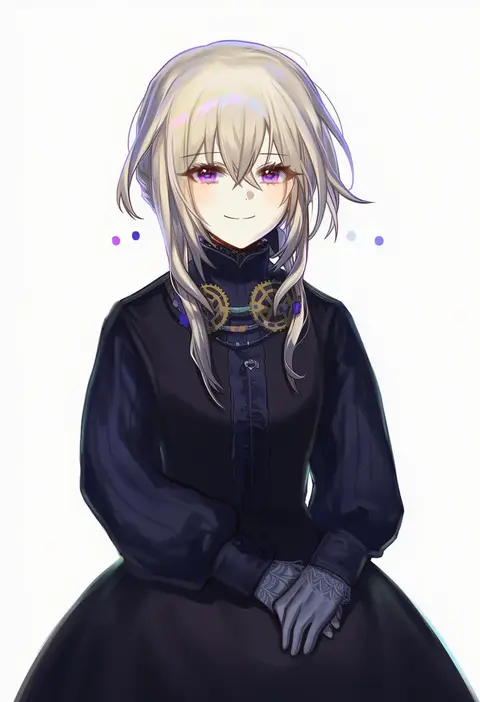
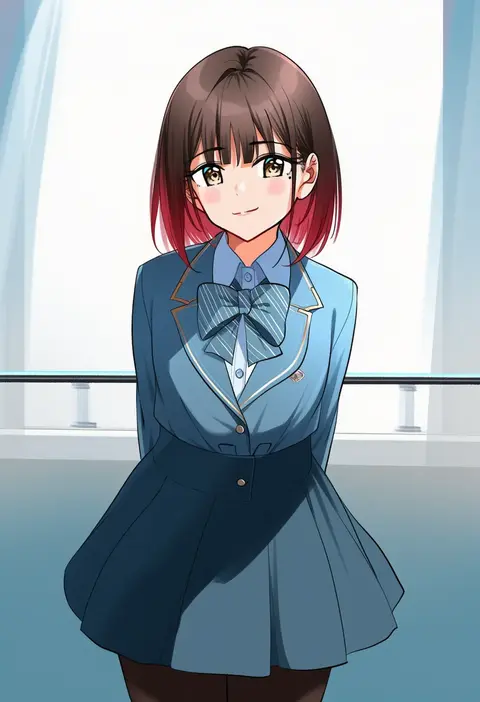
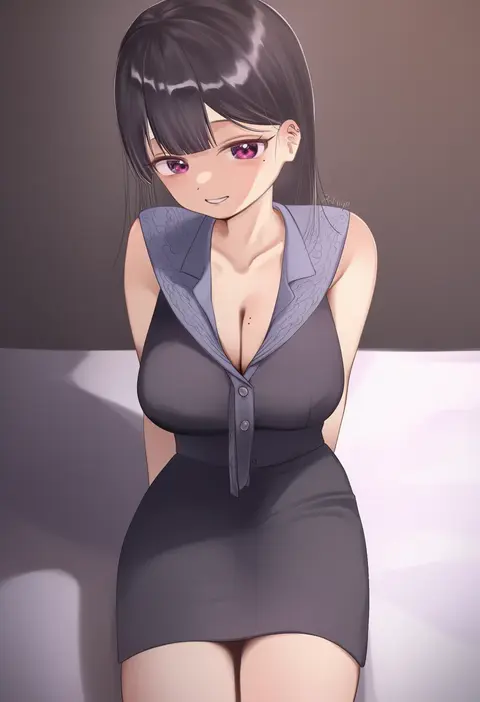
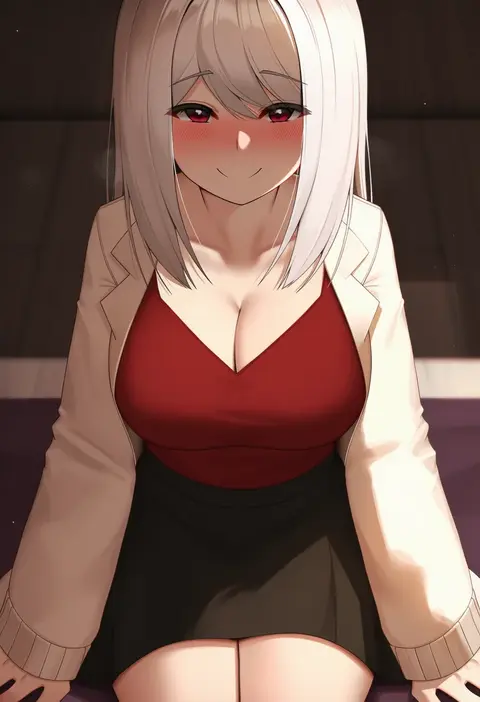
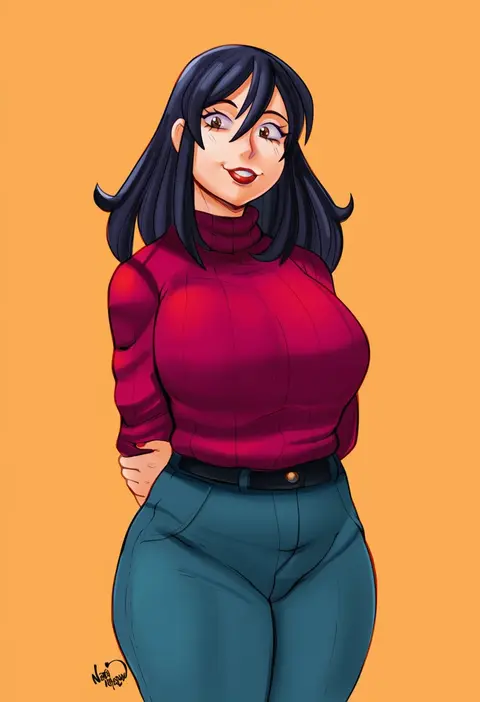
Every tag listed here is verified to react in NovelAI. All images use the same prompt, seed and settings with only the artist tag swapped, so the difference between two images is the style that tag brings in.

How to use them

Put the artist tag near the front of the prompt, e.g. "<artist>, 1girl, solo, best quality, masterpiece, cowboy shot". Two or three artist tags blend styles; lower the weight with "0.8::<artist>::" when the style overpowers the character.

SCORE sorts by Danbooru's top score, POSTS by post count, FAVS by hearts on this site. Open a card to see V5 and V4.5 side by side on the same seed.

V5 vs V4.5

V5 usually lands closer to the artist's real style, and tags that did nothing on V4.5 often react on V5. V4.5 still fits older and doujin-heavy artists better. Try V5 first, fall back to V4.5.

FAQ

Where does the artist tag go?
Near the front of the prompt. Use "0.8::tag::" to adjust its weight.

Can I stack artist tags?
Yes, styles blend. Past two or three the result stops looking like anyone.

Are these the artists' own works?
No. Every image is a NovelAI sample generated from the tag.