V4.5Artists
sort: FAVS▾
▾
>
$

Popular NovelAI artist tags — V4.5

artist --count 16,352[43/273]
sunaba (nczd5875)
ARTIST0x09D8
0
tochi keisuke
ARTIST0x09D9
0
so dasui1
ARTIST0x09DA
0
takahan
ARTIST0x09DB
0
goe (g-o-e)
ARTIST0x09DC
0
yuuhi (arcadia)
ARTIST0x09DD
0
krabbytheartist
ARTIST0x09DE
0
senzoc
ARTIST0x09DF
0
kinhasu
ARTIST0x09E0
0
gino (gino h)
ARTIST0x09E1
0
pomesaurus
ARTIST0x09E2
0
shift (shiftillust)
ARTIST0x09E3
0
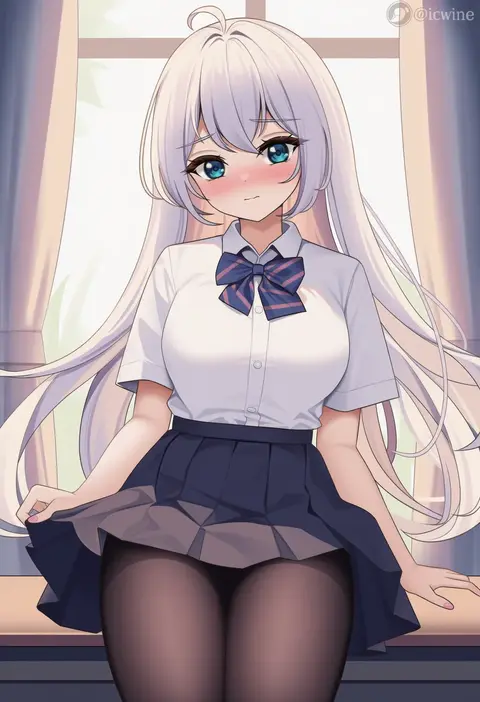
icwine
ARTIST0x09E4
0
lm (legoman)
ARTIST0x09E5
0
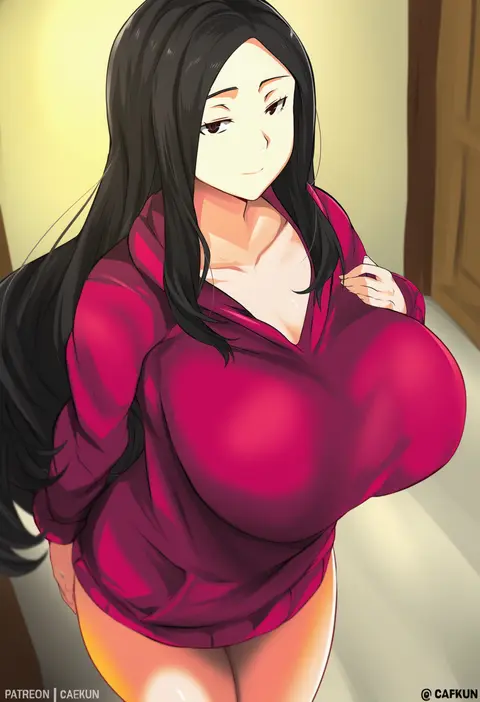
cafekun
ARTIST0x09E6
0
vierzeck
ARTIST0x09E7
0
ata (tsumari)
ARTIST0x09E8
0
menyoujan
ARTIST0x09E9
0
signalviolet
ARTIST0x09EA
0
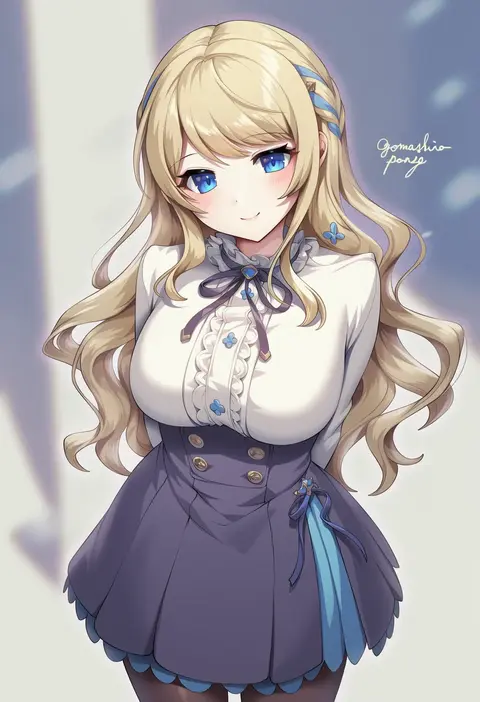
gomashio ponz
ARTIST0x09EB
0
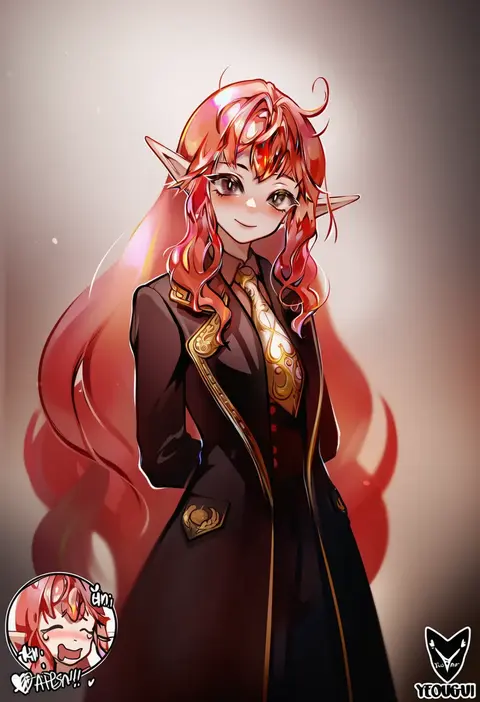
yeougui
ARTIST0x09EC
0
inkspirate
ARTIST0x09ED
0
mibry (phrysm)
ARTIST0x09EE
0
ippers
ARTIST0x09EF
0
kevbot
ARTIST0x09F0
0
nylon (nylon 100%)
ARTIST0x09F1
0
sulcate
ARTIST0x09F2
0
harino646
ARTIST0x09F3
0
sendo (sendrawz)
ARTIST0x09F4
0
myuu (arisumeria)
ARTIST0x09F5
0
melopun
ARTIST0x09F6
0
kumiyabe
ARTIST0x09F7
0
songchuan li
ARTIST0x09F8
0
xxzero
ARTIST0x09F9
0
tekuho no habo
ARTIST0x09FA
0
mmmmmkun
ARTIST0x09FB
0
dako (dakosito)
ARTIST0x09FC
0
xter
ARTIST0x09FD
0
marisasu (marisa0904)
ARTIST0x09FE
0
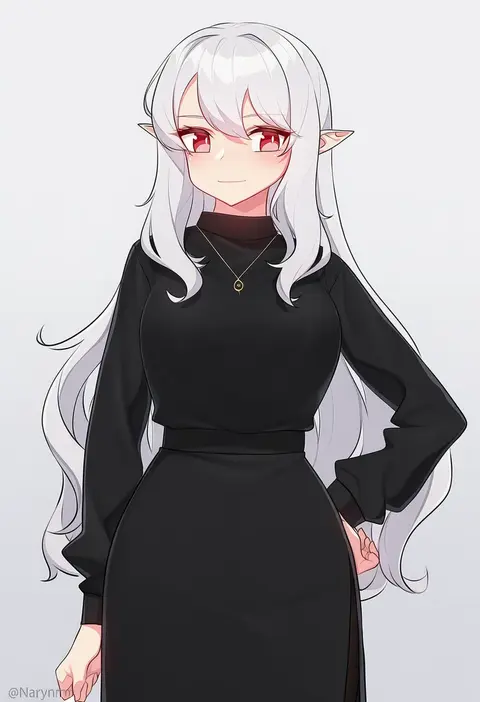
narynn
ARTIST0x09FF
0
lindaroze
ARTIST0x0A00
0
sh (shinh)
ARTIST0x0A01
0
aposine
ARTIST0x0A02
0
fumutarou
ARTIST0x0A03
0
materclaws
ARTIST0x0A04
0
nicchi
ARTIST0x0A05
0
mashicono
ARTIST0x0A06
0
anzu0130
ARTIST0x0A07
0
maru ccy
ARTIST0x0A08
0
kyuri tizu
ARTIST0x0A09
0
rancidronin
ARTIST0x0A0A
0
t3x
ARTIST0x0A0B
0
stmast
ARTIST0x0A0C
0
krirk
ARTIST0x0A0D
0
tsuki no i-min
ARTIST0x0A0E
0
toriyarou
ARTIST0x0A0F
0
georugu13
ARTIST0x0A10
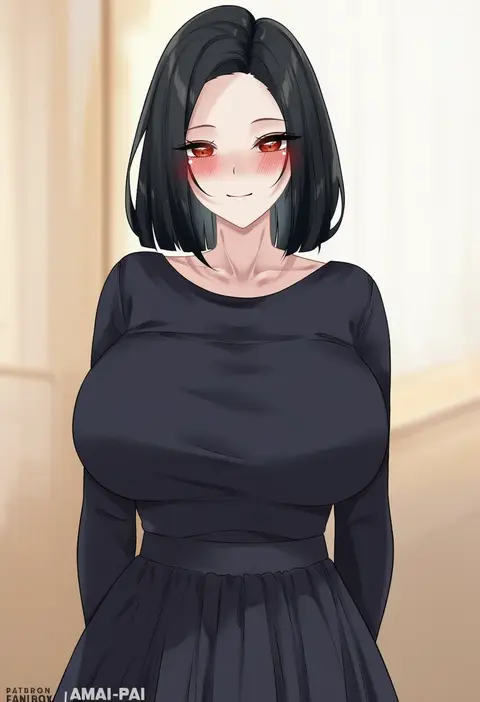
0
amai-pai
ARTIST0x0A11
0
simosi
ARTIST0x0A12
0
sakiecho
ARTIST0x0A13
0

What these tags change

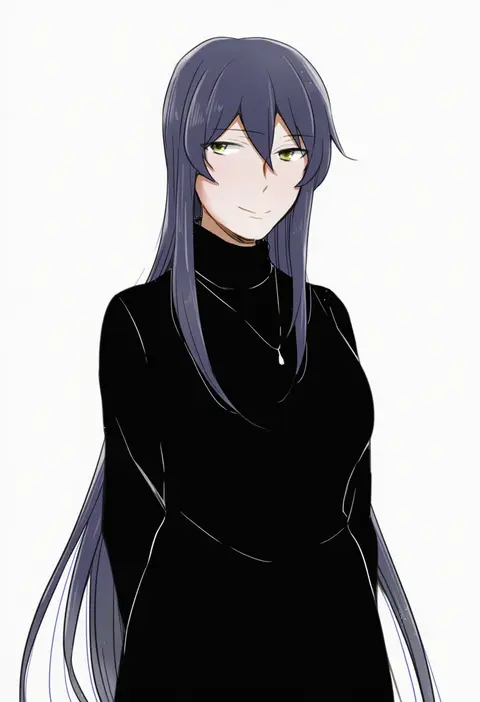
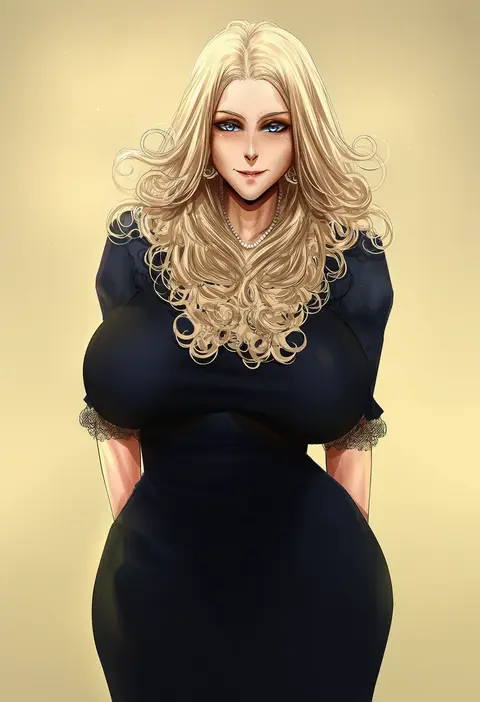
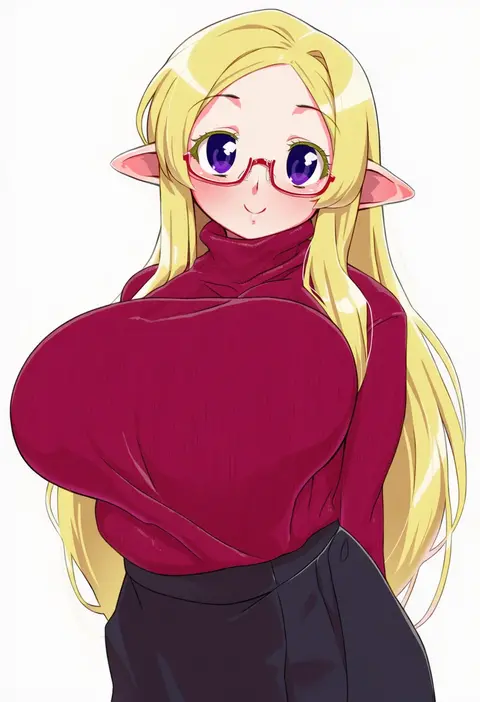
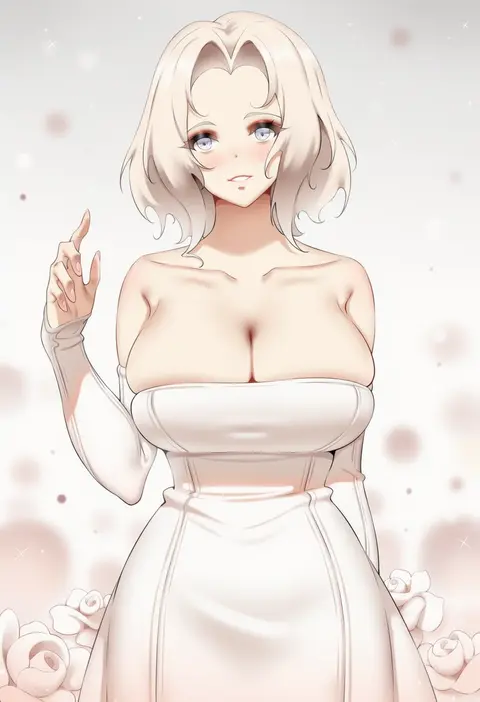
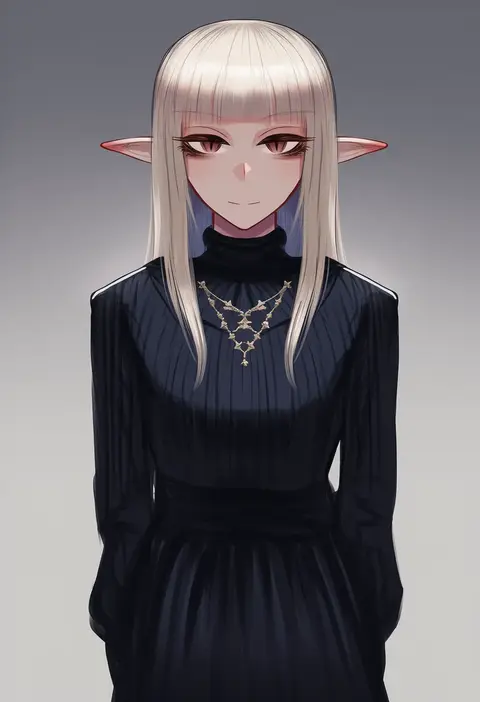
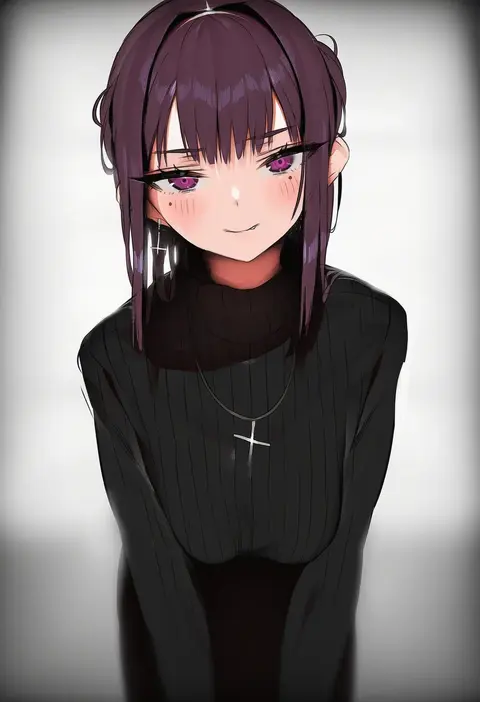
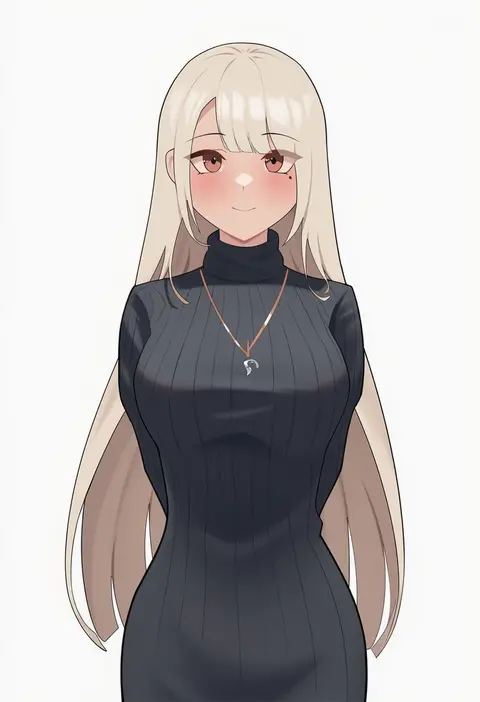
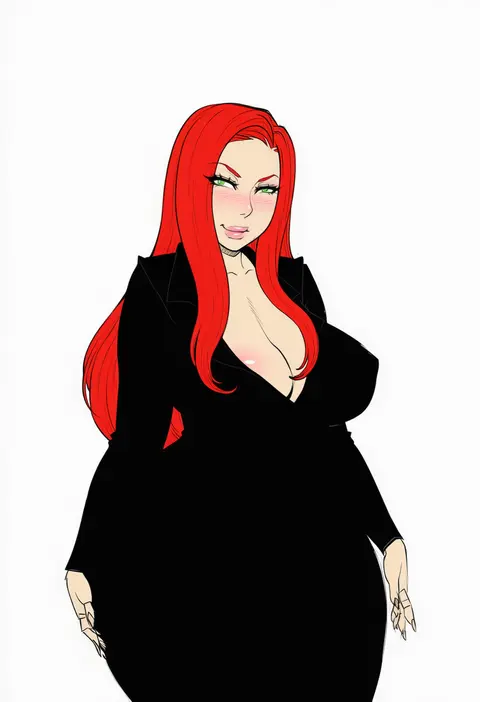
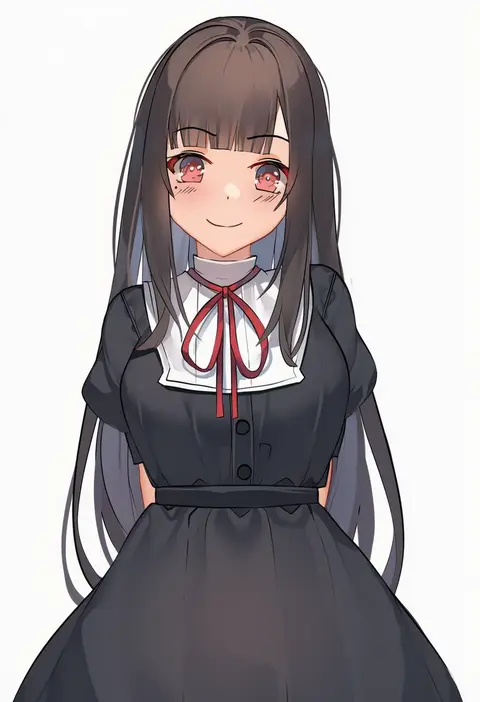
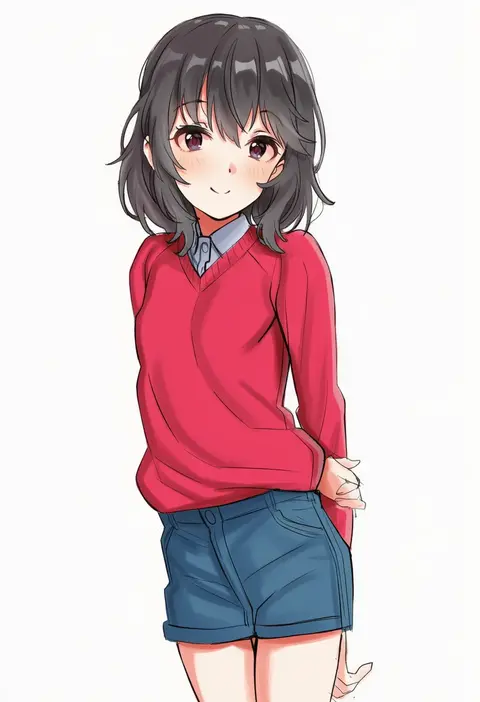
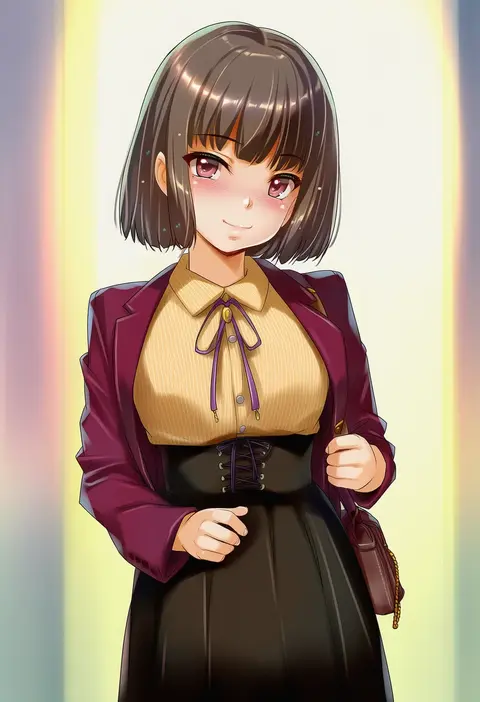
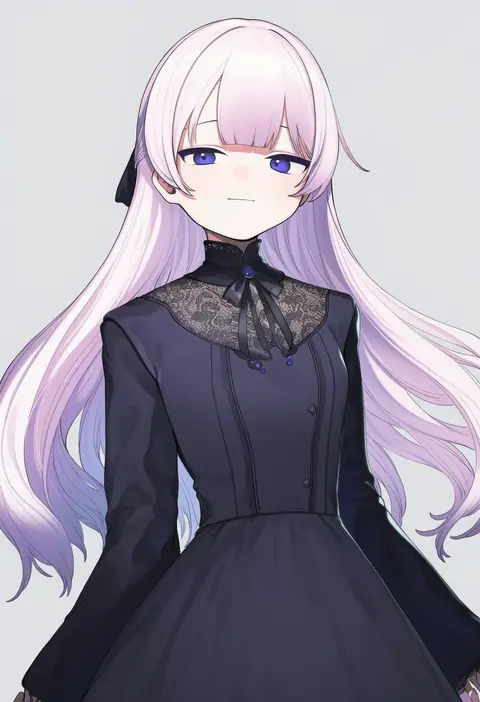
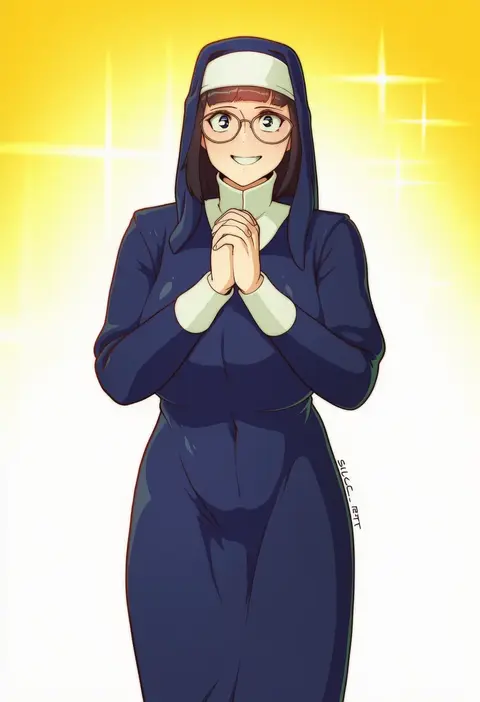
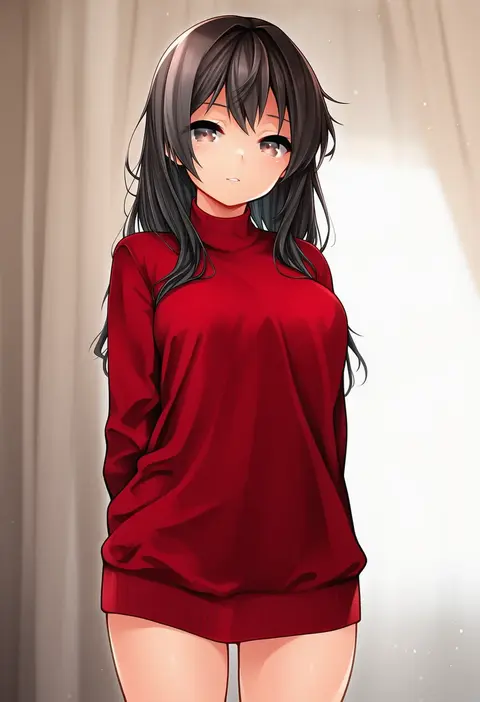
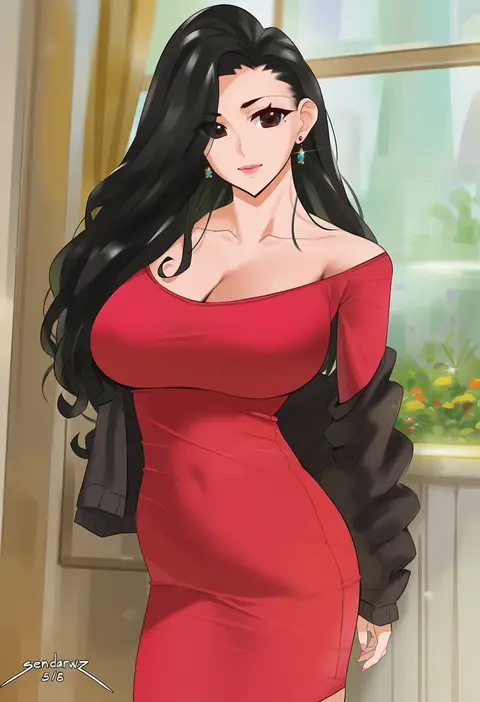
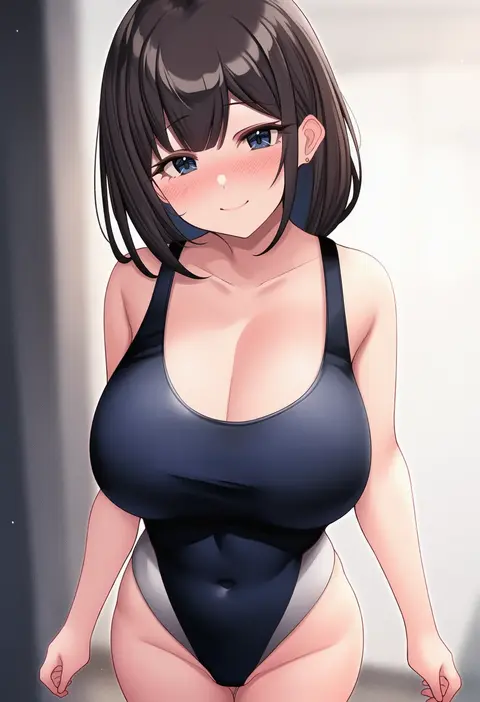
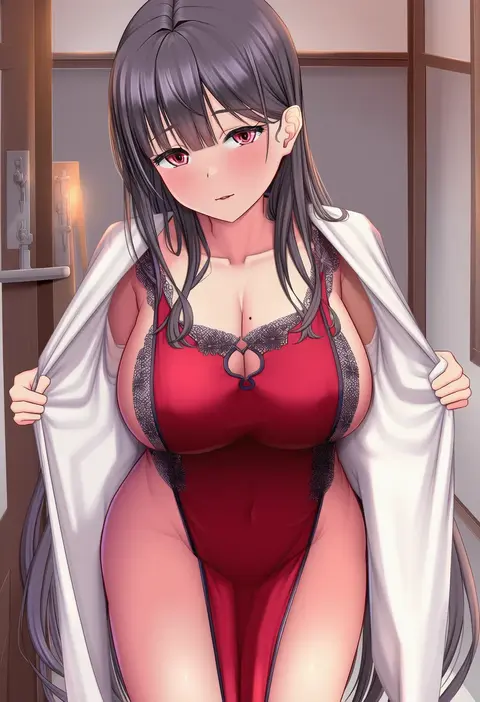
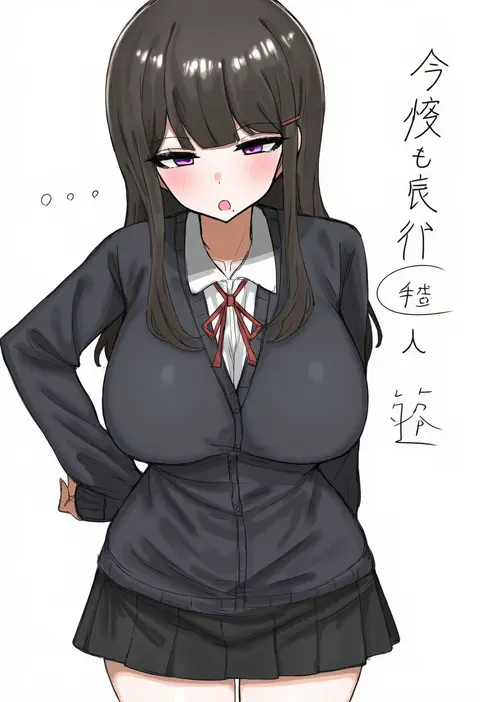
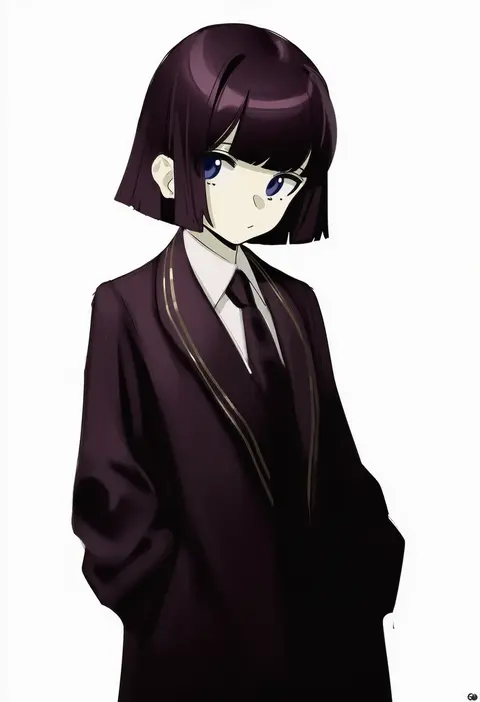
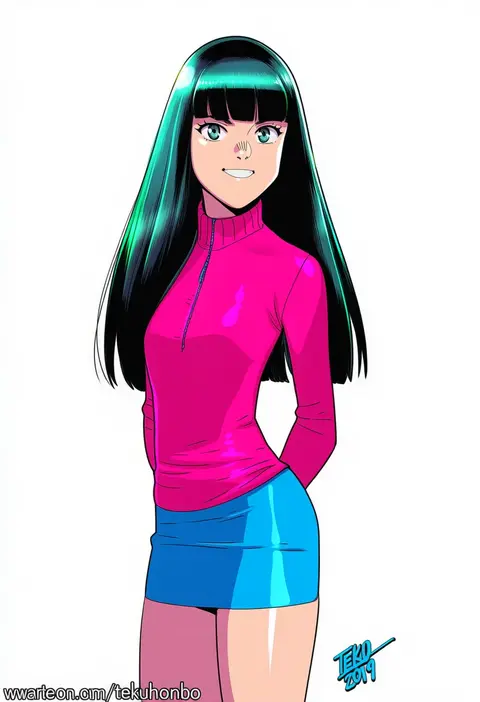
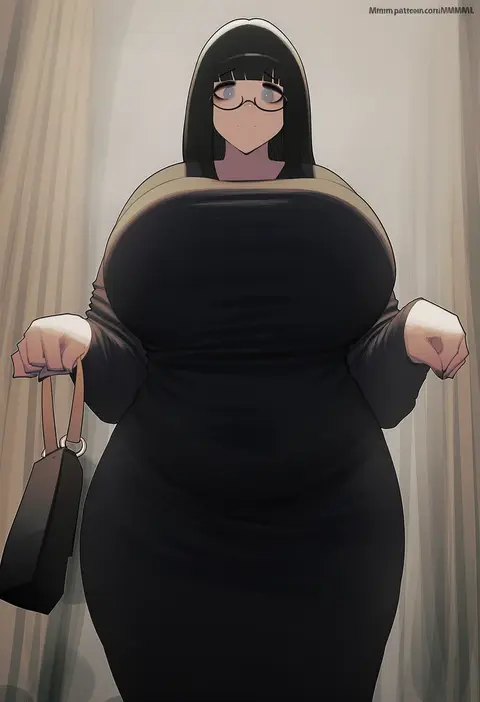
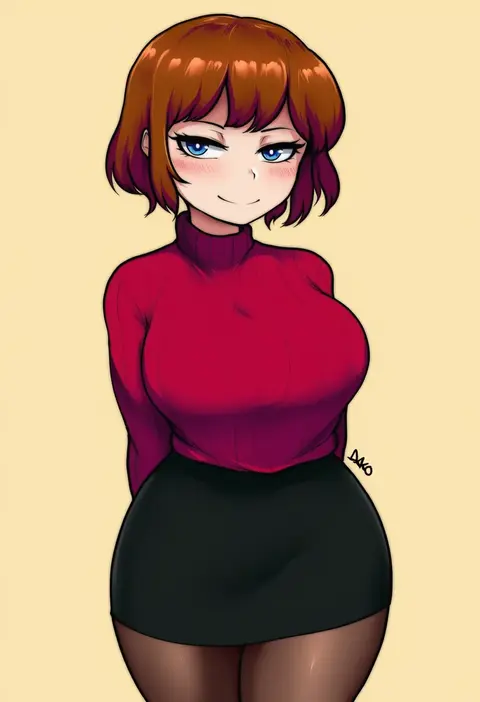
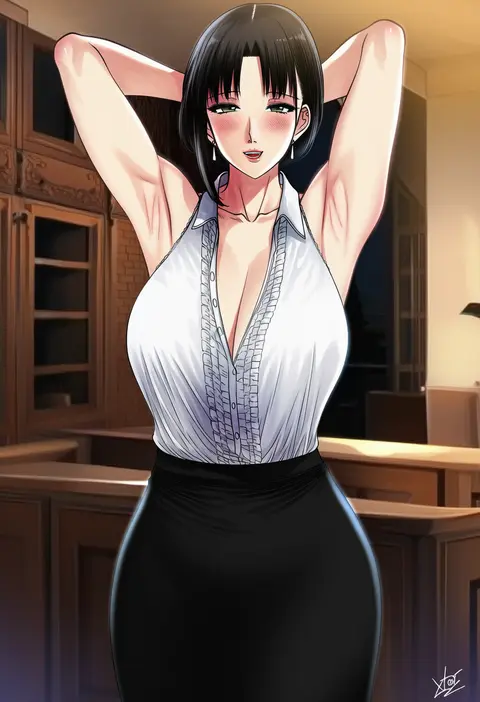
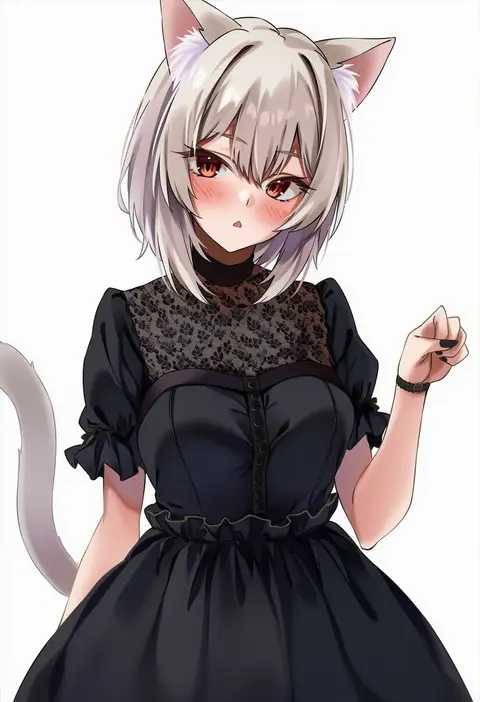
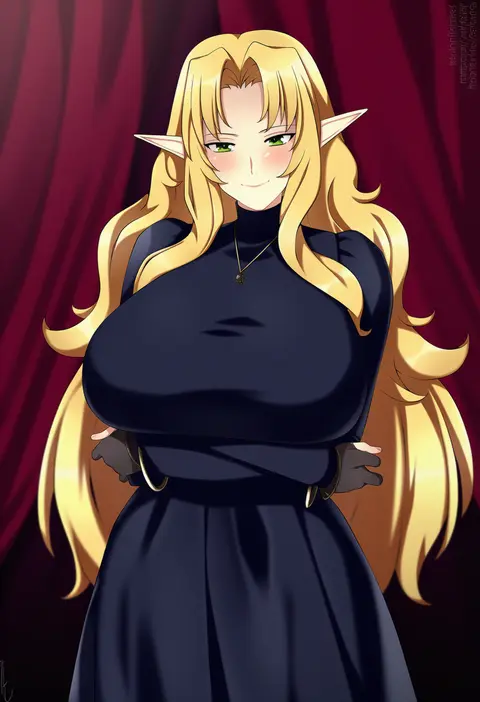
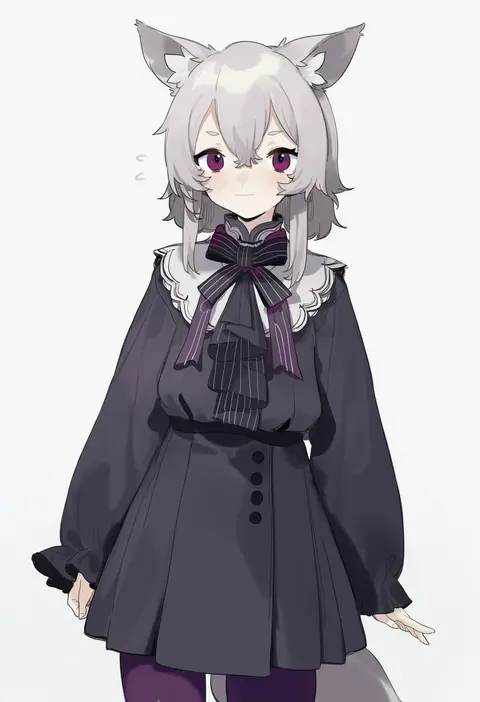
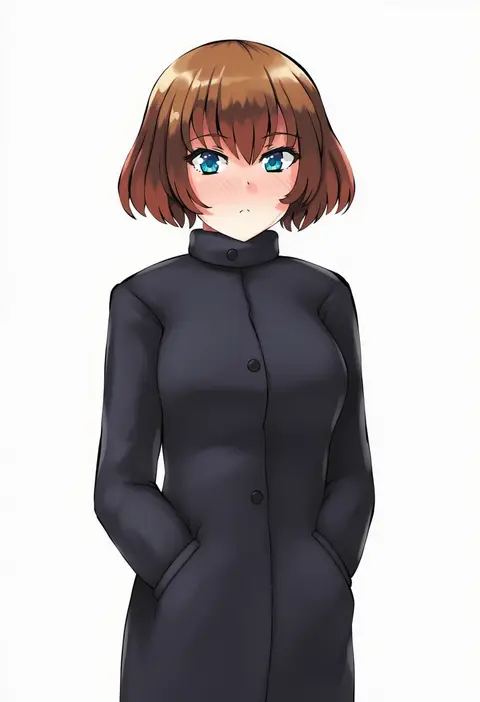
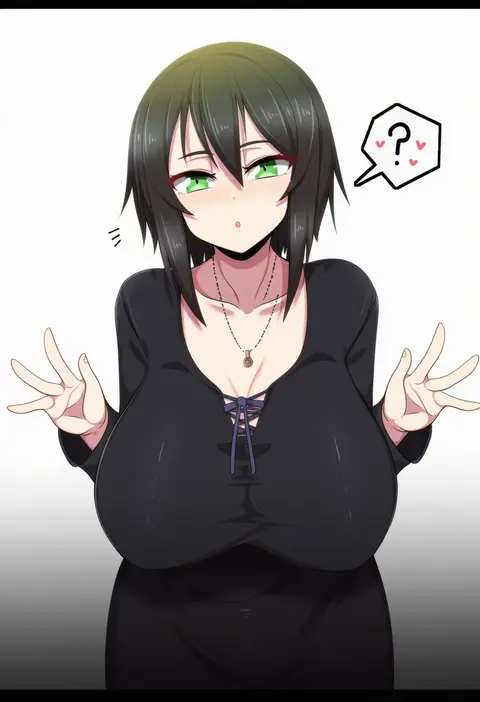
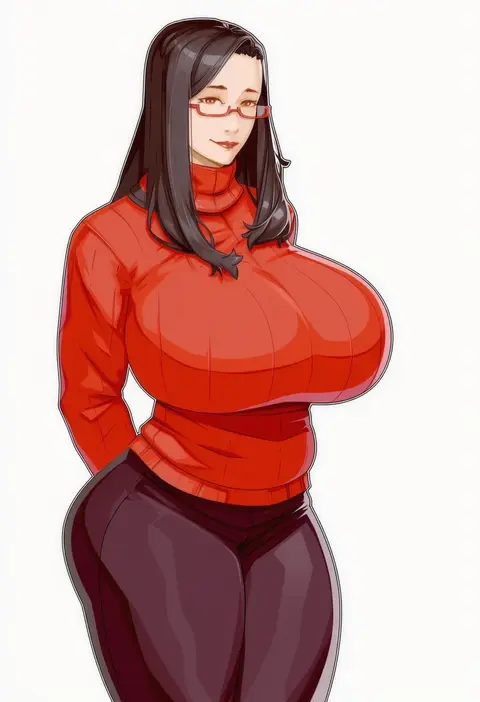
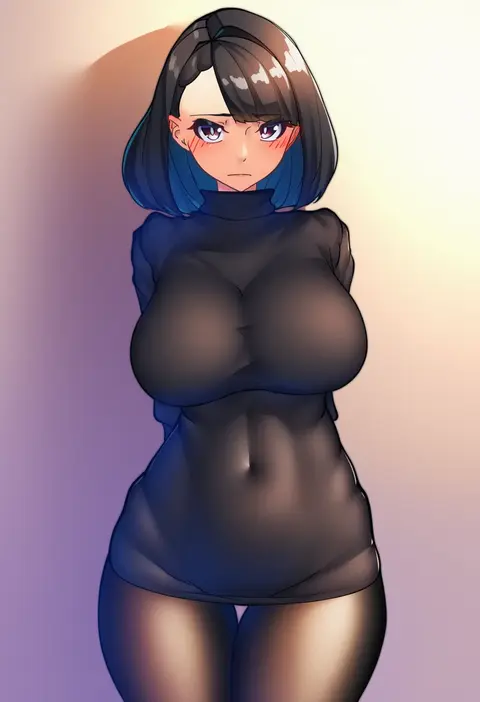
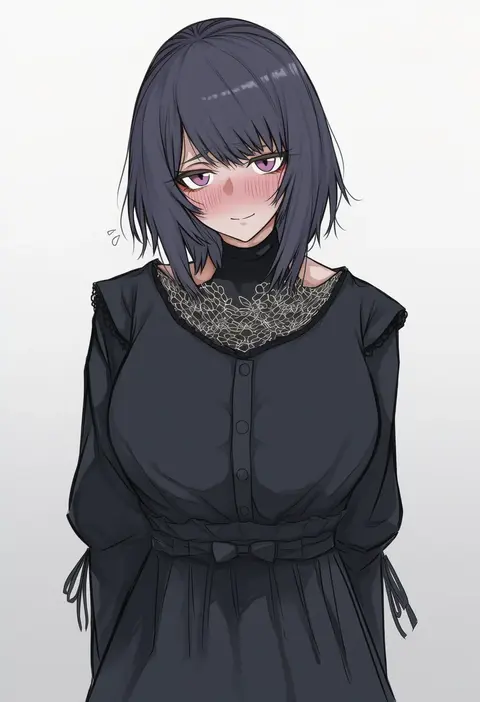
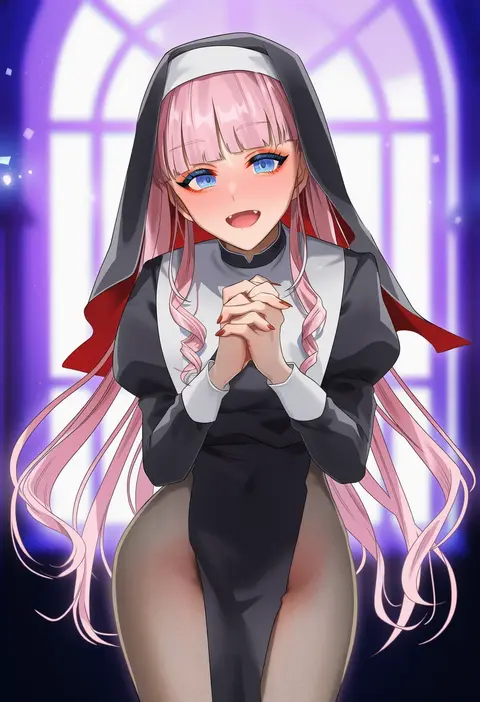
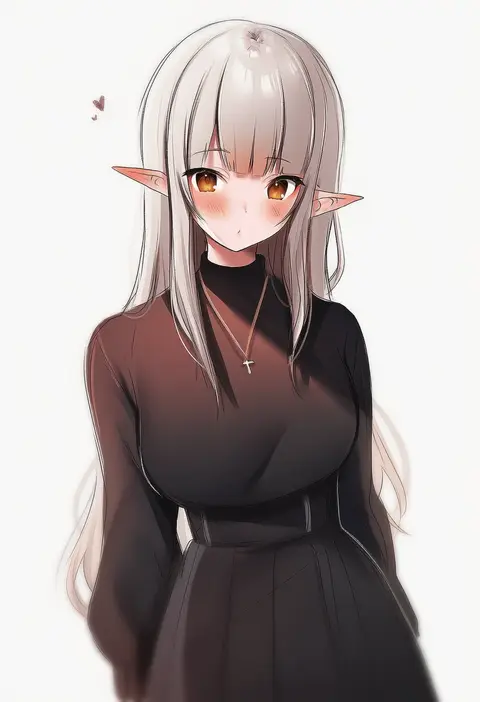
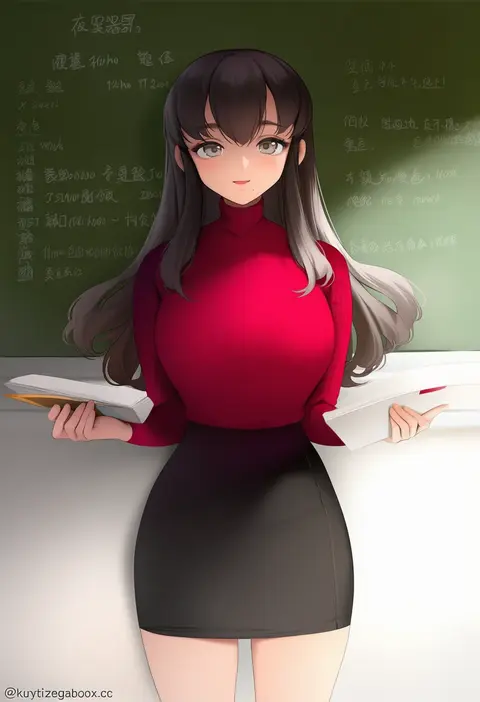
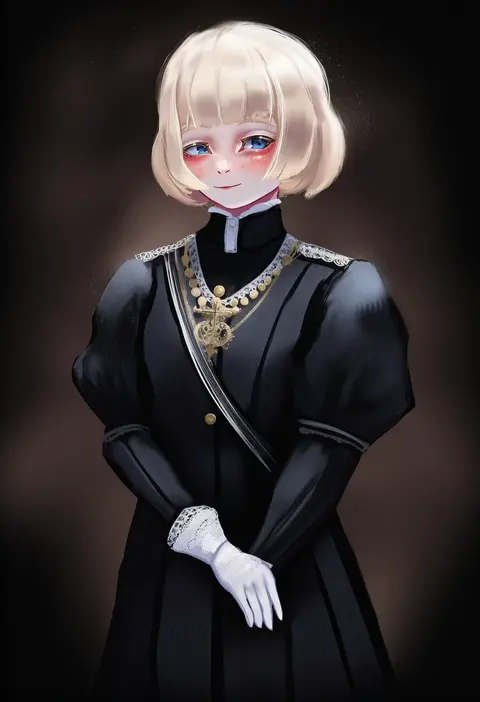
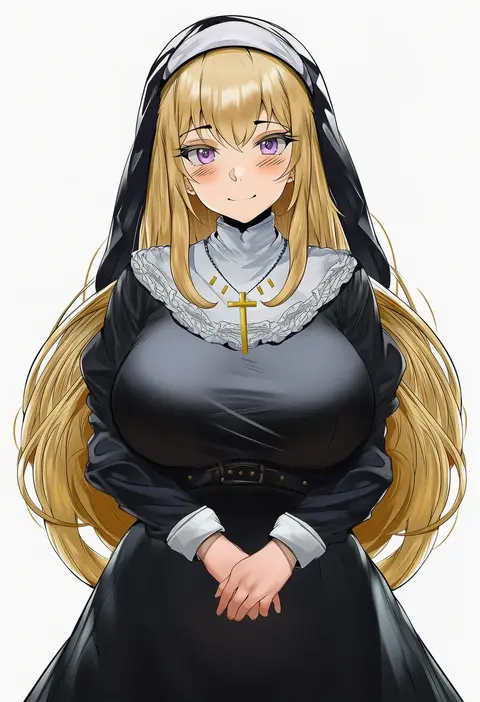
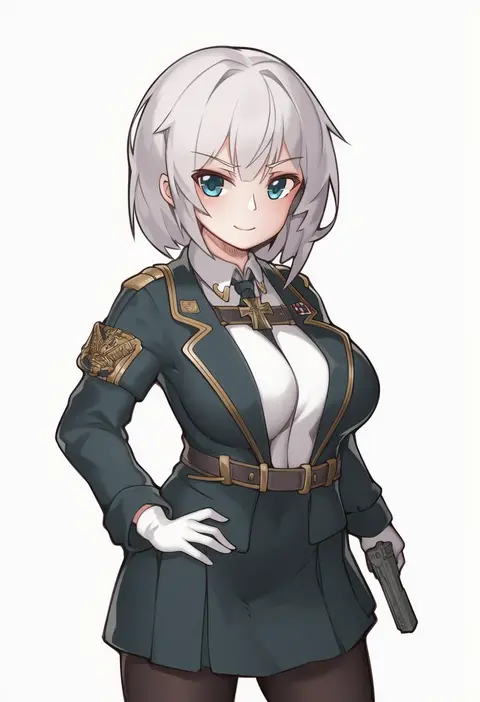
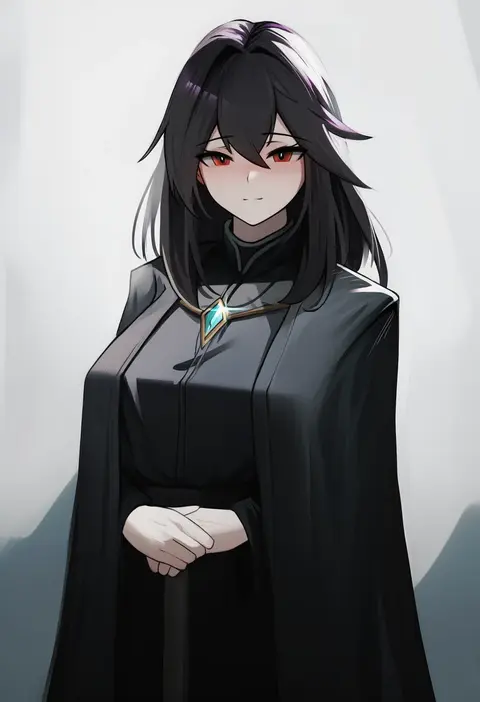
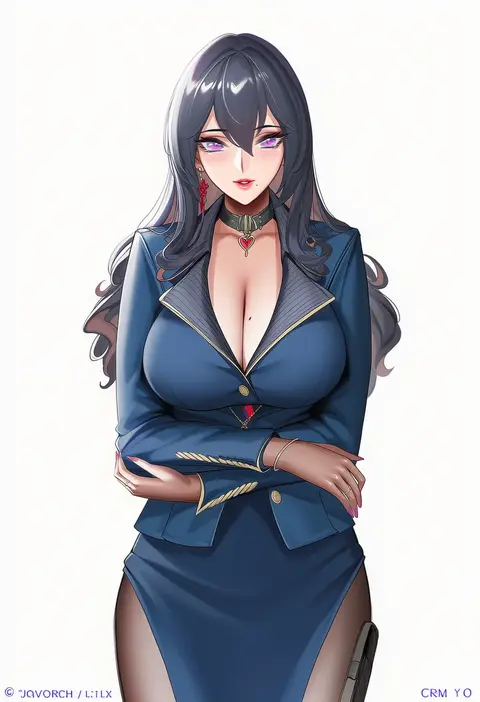
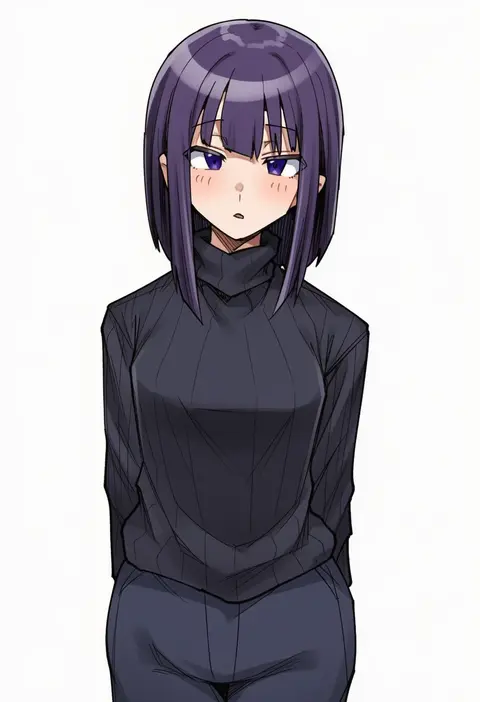
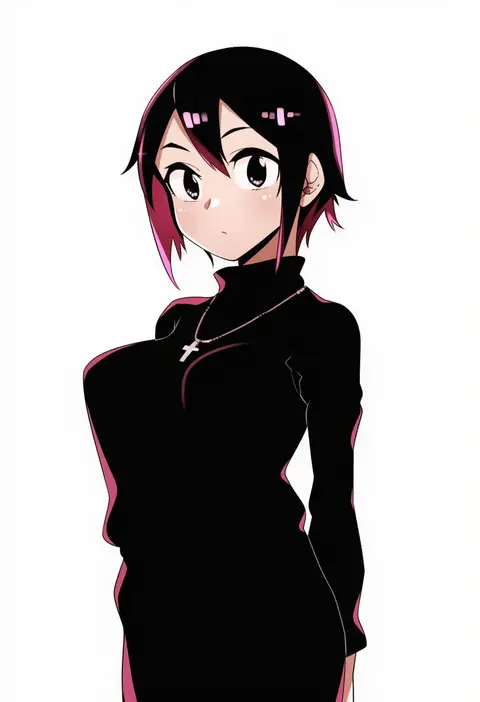
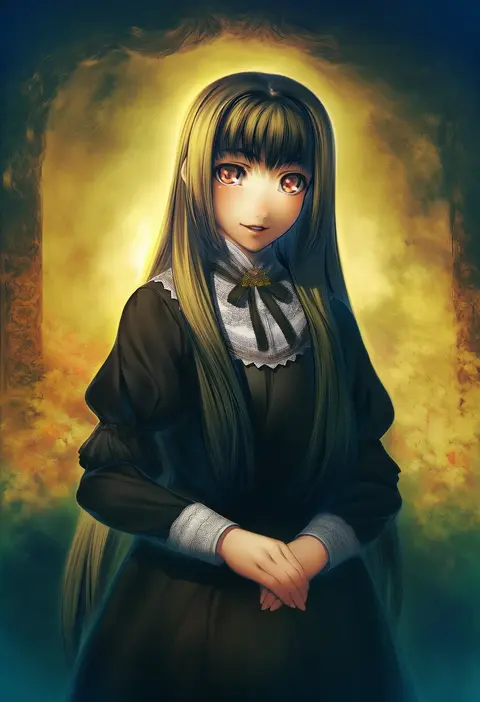
Artist tags tell NovelAI Diffusion to draw in a specific artist's style: line weight, paint texture, face shapes and palette all shift at once. Character and outfit tags decide what is drawn; artist tags decide how. 16,352 tags are listed for V4.5.
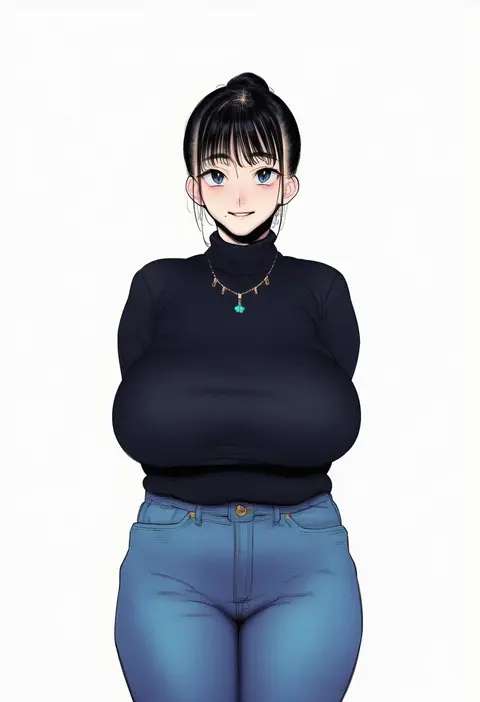
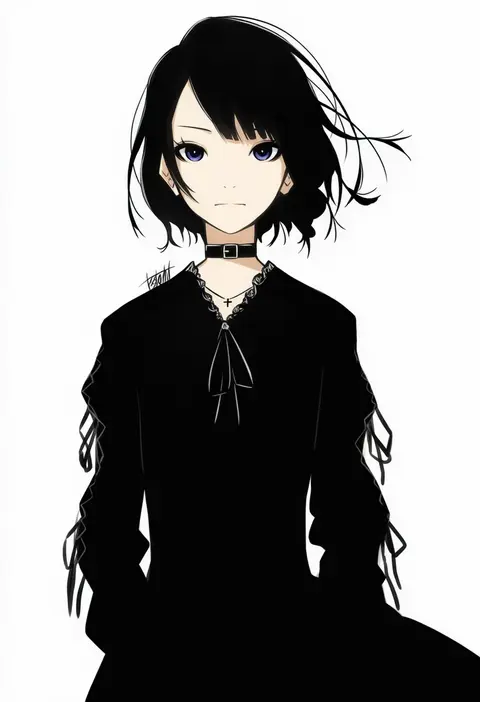
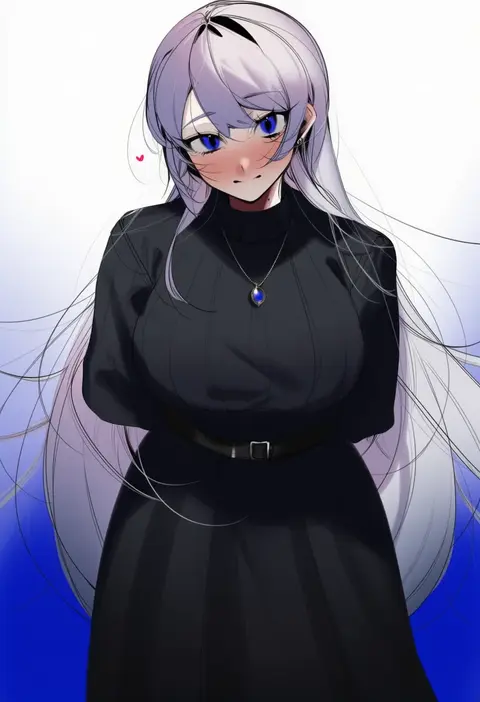
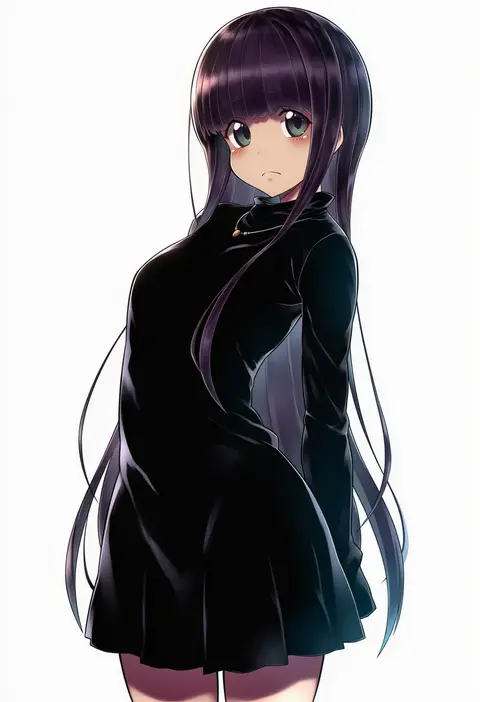
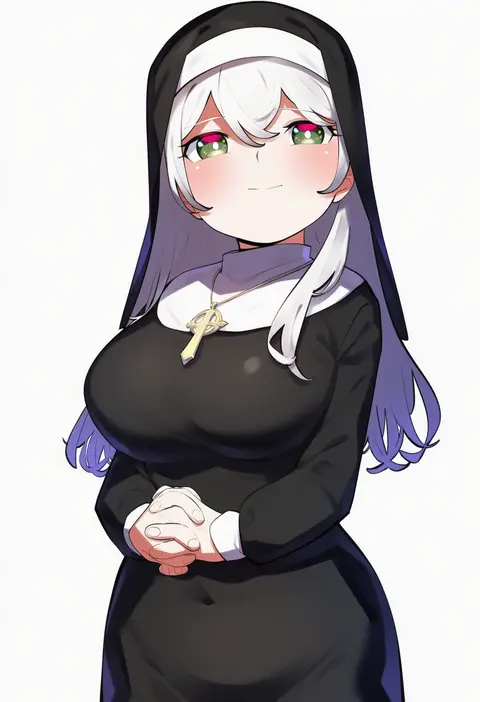
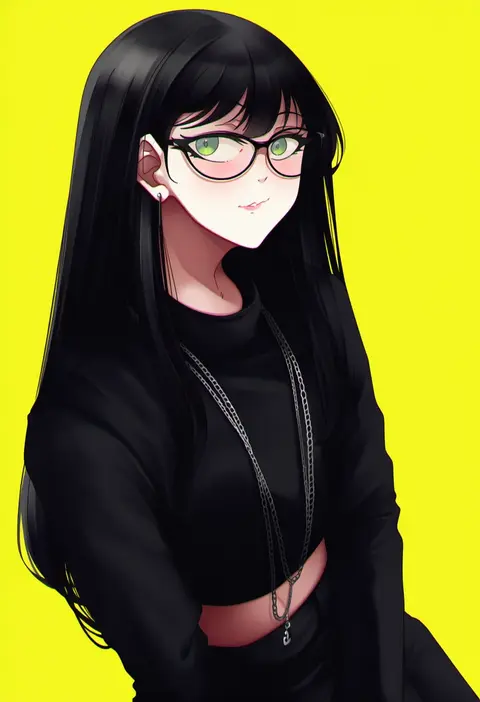
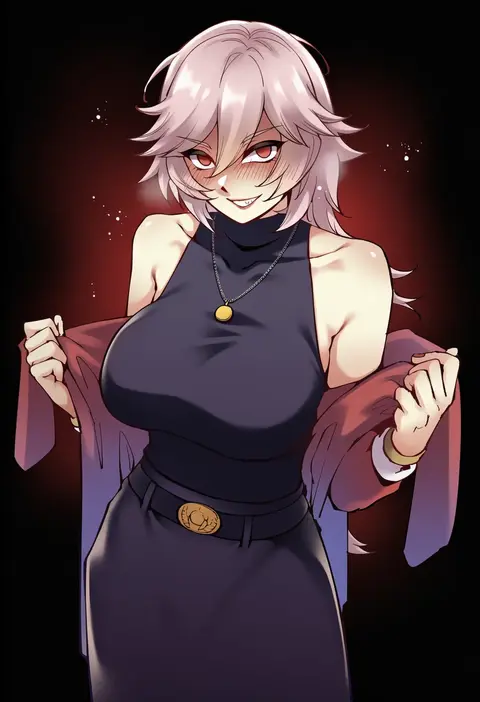
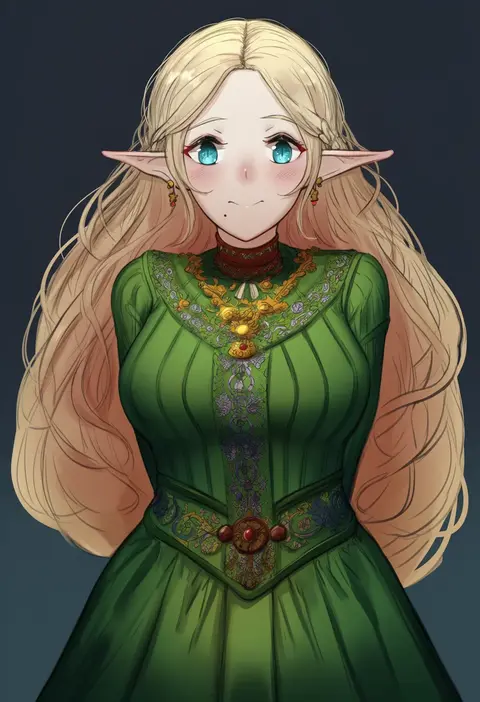
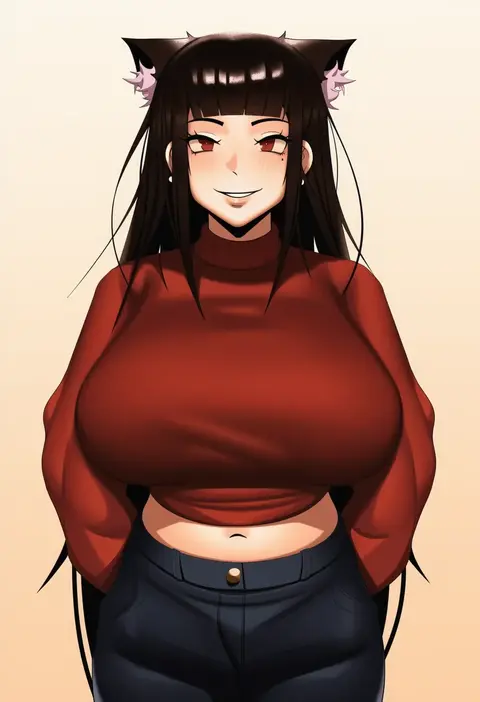
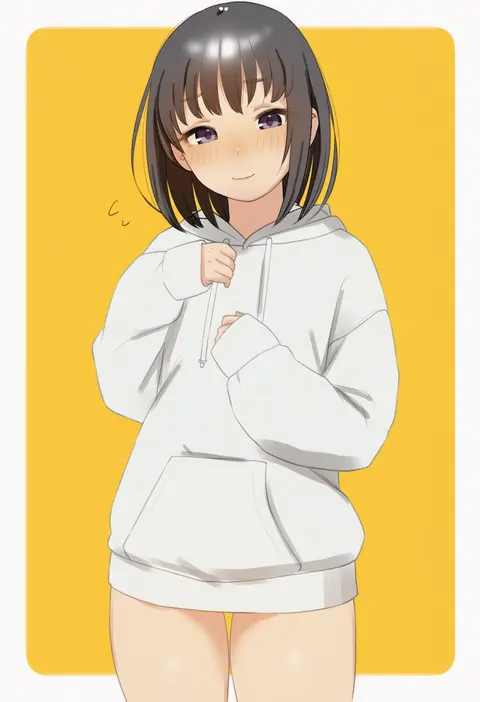
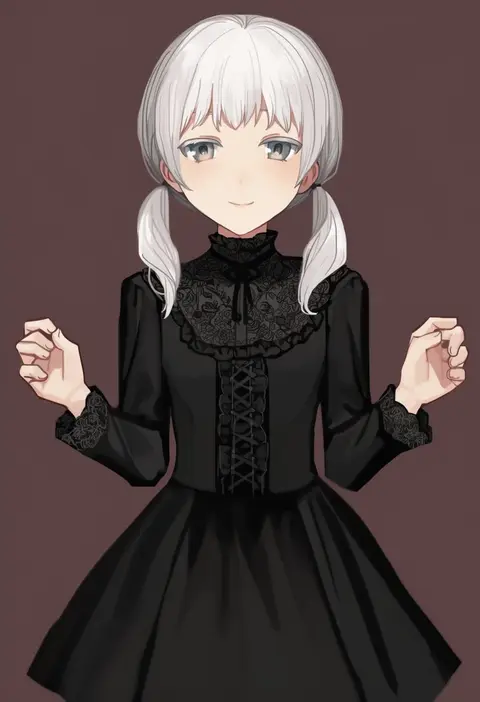
Every tag listed here is verified to react in NovelAI. All images use the same prompt, seed and settings with only the artist tag swapped, so the difference between two images is the style that tag brings in.

How to use them

Put the artist tag near the front of the prompt, e.g. "<artist>, 1girl, solo, best quality, masterpiece, cowboy shot". Two or three artist tags blend styles; lower the weight with "0.8::<artist>::" when the style overpowers the character.

SCORE sorts by Danbooru's top score, POSTS by post count, FAVS by hearts on this site. Open a card to see V5 and V4.5 side by side on the same seed.

V5 vs V4.5

V5 usually lands closer to the artist's real style, and tags that did nothing on V4.5 often react on V5. V4.5 still fits older and doujin-heavy artists better. Try V5 first, fall back to V4.5.

FAQ

Where does the artist tag go?
Near the front of the prompt. Use "0.8::tag::" to adjust its weight.

Can I stack artist tags?
Yes, styles blend. Past two or three the result stops looking like anyone.

Are these the artists' own works?
No. Every image is a NovelAI sample generated from the tag.