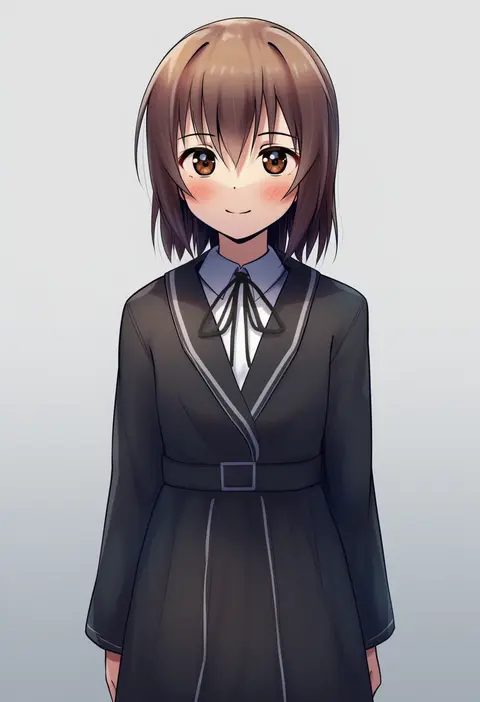
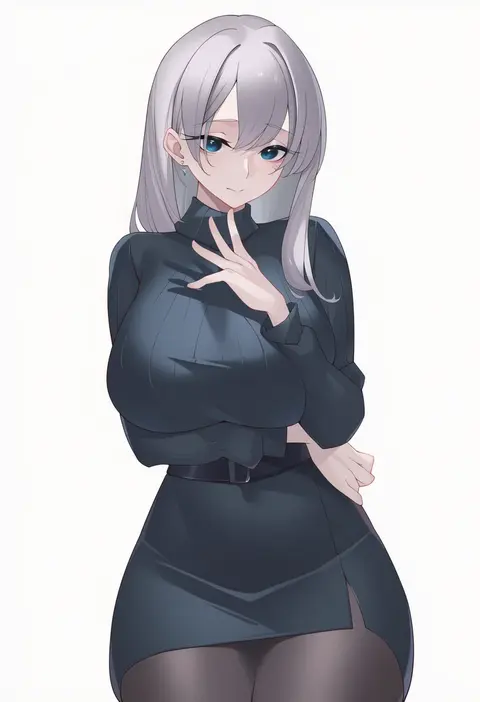
V4.5Artists
sort: FAVS▾
▾
>
$

Popular NovelAI artist tags — V4.5

artist --count 16,352[40/273]
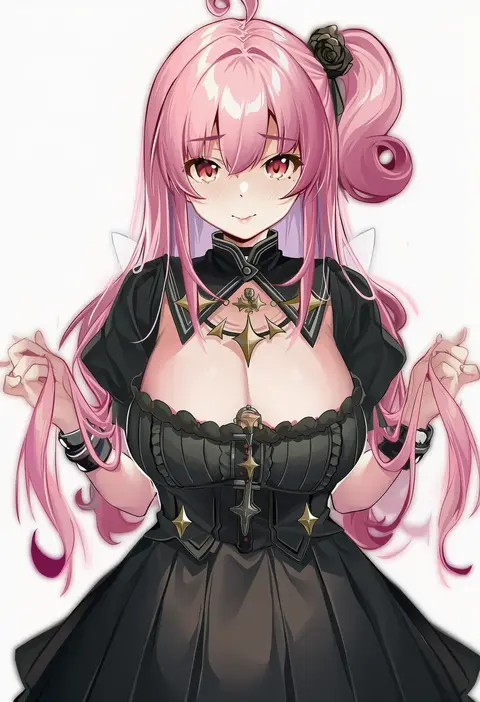
kikimi
ARTIST0x0924
0
shin'ya (shin'yanchi)
ARTIST0x0925
0
berserker r
ARTIST0x0926
0
momihige
ARTIST0x0927
0
dwayne hakkai 2
ARTIST0x0928
0
yamiiv
ARTIST0x0929
0
jadf
ARTIST0x092A
0
xiangzi box
ARTIST0x092B
0
hareno chiame
ARTIST0x092C
0
kinta (distortion)
ARTIST0x092D
0
cirilla lin
ARTIST0x092E
0
genkung
ARTIST0x092F
0
sabamori
ARTIST0x0930
0
baobei (baobei bu)
ARTIST0x0931
0
gachou
ARTIST0x0932
0
moral cacoethes
ARTIST0x0933
0
aoi tiduru
ARTIST0x0934
0
roke (taikodon)
ARTIST0x0935
0
nekometaru
ARTIST0x0936
0
yugo (yugotme97)
ARTIST0x0937
0
kippuru
ARTIST0x0938
0
fuooooo
ARTIST0x0939
0
onedoo
ARTIST0x093A
0
suerte
ARTIST0x093B
0
stormcow
ARTIST0x093C
0
9rimson
ARTIST0x093D
0
zaphn
ARTIST0x093E
0
himamo
ARTIST0x093F
0
jumonji
ARTIST0x0940
0
dasdokter
ARTIST0x0941
0
5t (5t 000)
ARTIST0x0942
0
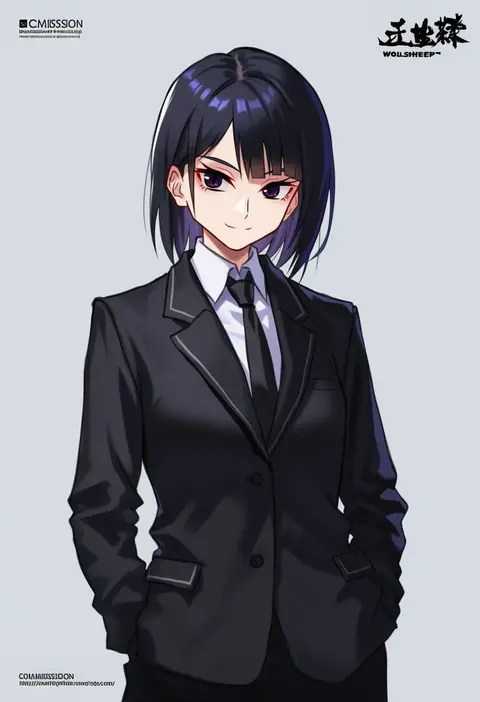
wolksheep
ARTIST0x0943
0
monegi
ARTIST0x0944
0
calm mashiro
ARTIST0x0945
0
tsukimoto kizuki
ARTIST0x0946
0
binggong asylum
ARTIST0x0947
0
tamamoice
ARTIST0x0948
0
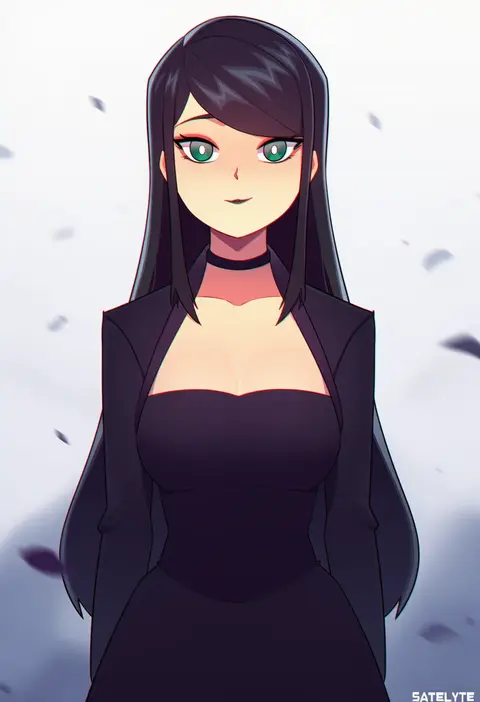
satelyte
ARTIST0x0949
0
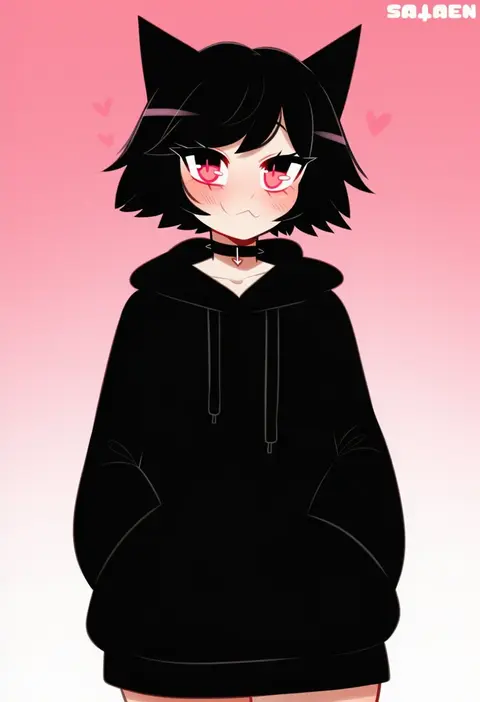
sataen
ARTIST0x094A
0
noa (skae3323)
ARTIST0x094B
0
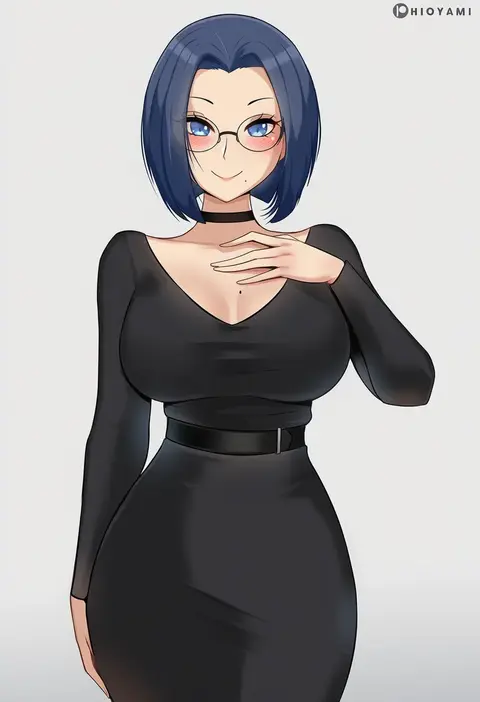
hioyami
ARTIST0x094C
0
choyeon
ARTIST0x094D
0
hater (hatater)
ARTIST0x094E
0
hoo bamon
ARTIST0x094F
0
salmon88
ARTIST0x0950
0
maho malice
ARTIST0x0951
0
ogino jun
ARTIST0x0952
0
redshark (t373412)
ARTIST0x0953
0
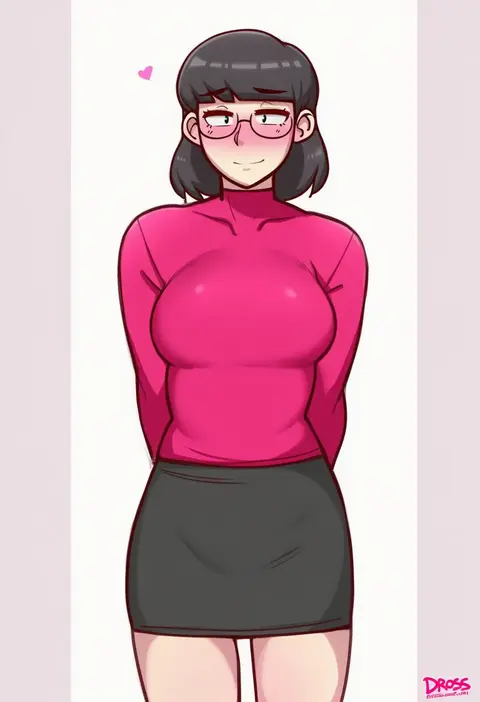
dross
ARTIST0x0954
0
limgae
ARTIST0x0955
0
gatchan
ARTIST0x0956
0
akano murasaki
ARTIST0x0957
0
byeon dha
ARTIST0x0958
0
kunugi miyaco
ARTIST0x0959
0
bikkii
ARTIST0x095A
0
hido (cherryhido)
ARTIST0x095B
0
nidaime (doronbo)
ARTIST0x095C
0
nito (nshtntr)
ARTIST0x095D
0
toyasu aina
ARTIST0x095E
0
kaneko (bblogtinhan)
ARTIST0x095F
0

What these tags change

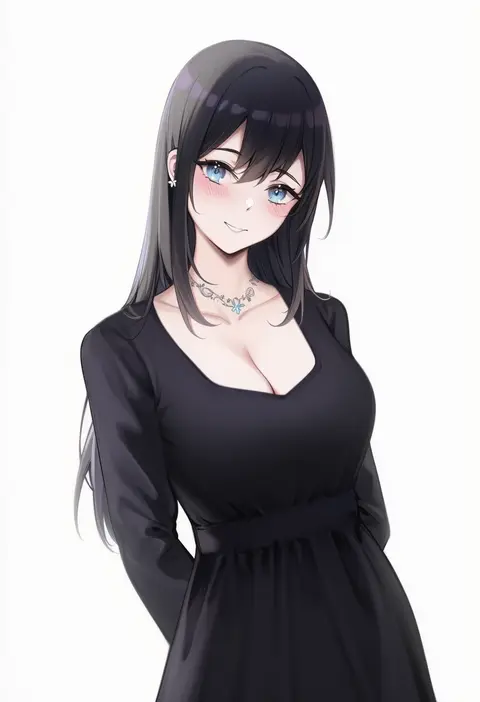
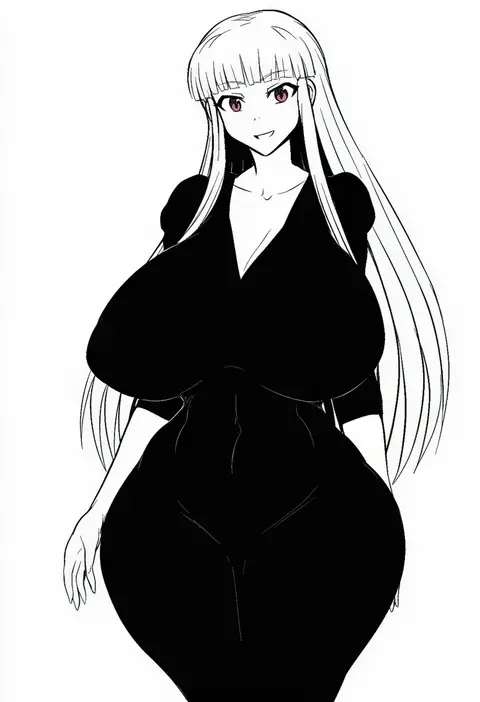
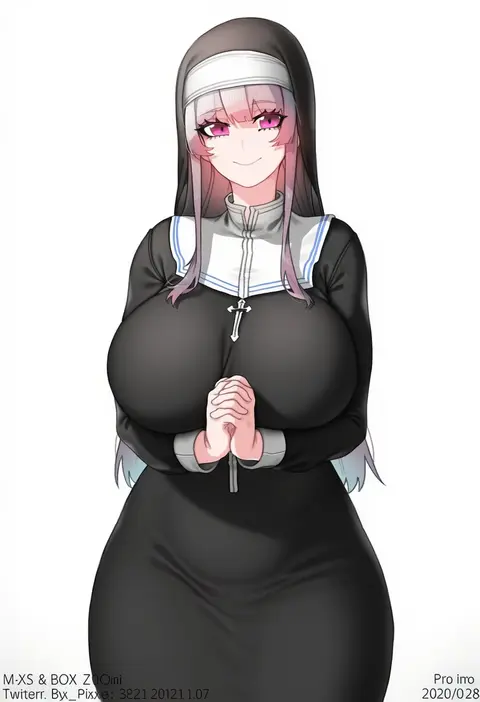
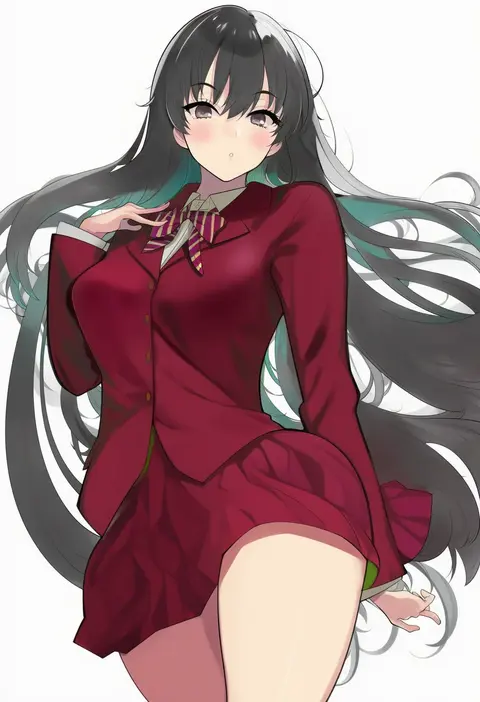
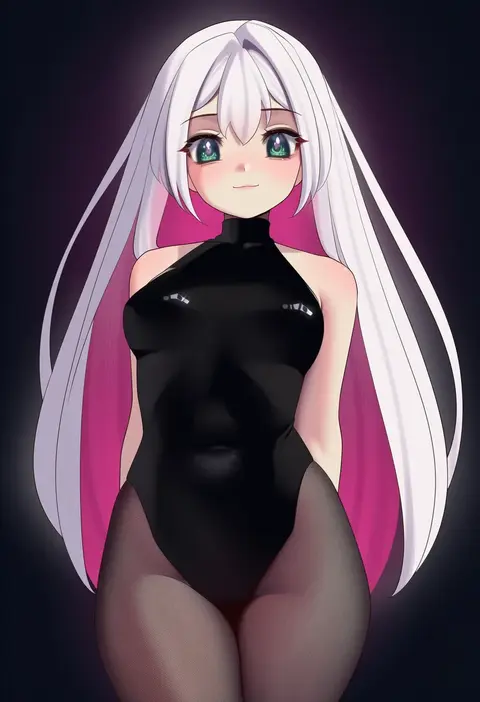
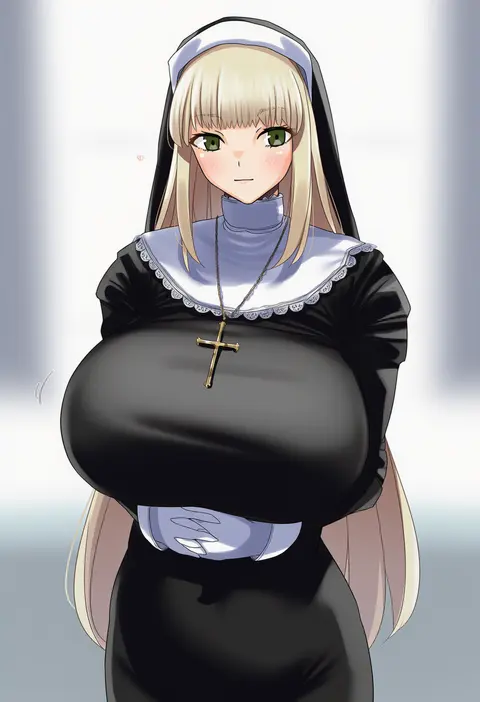
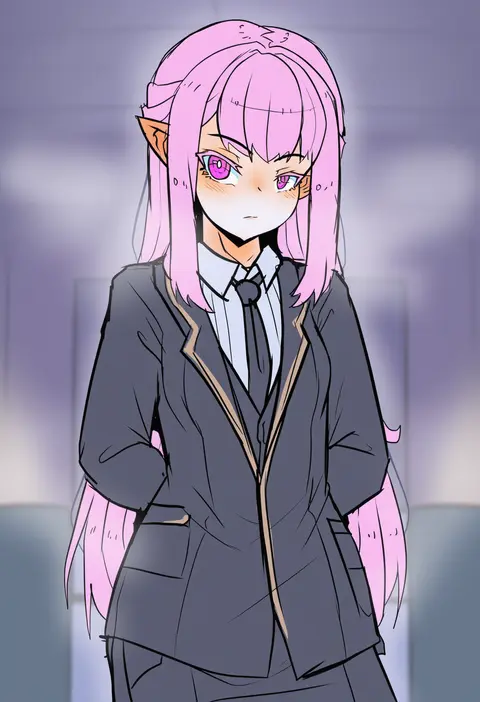
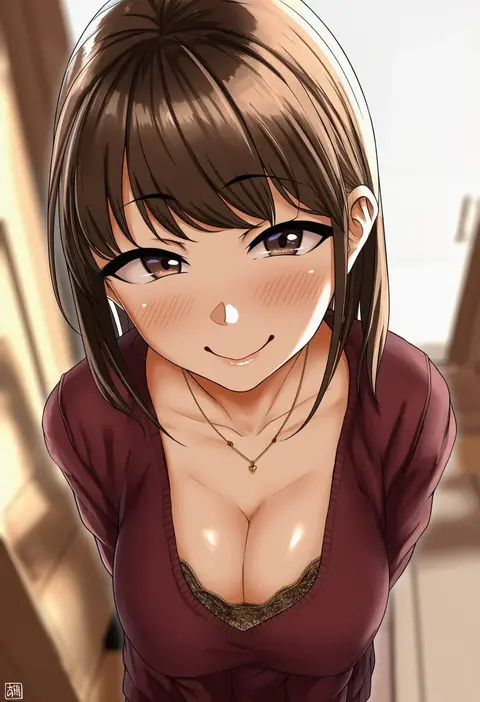
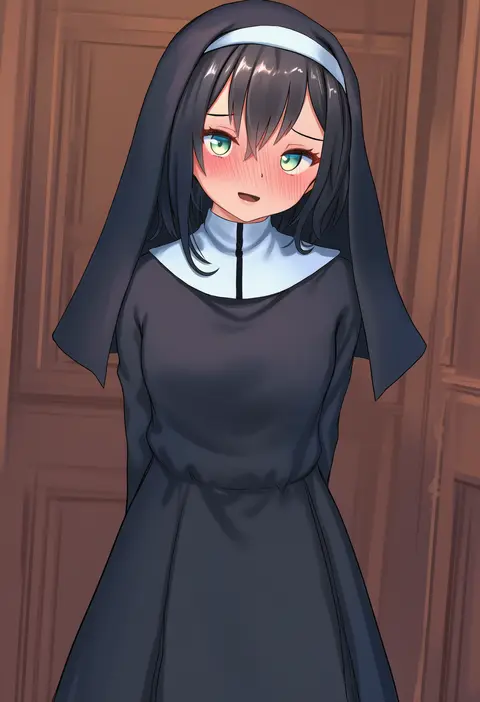
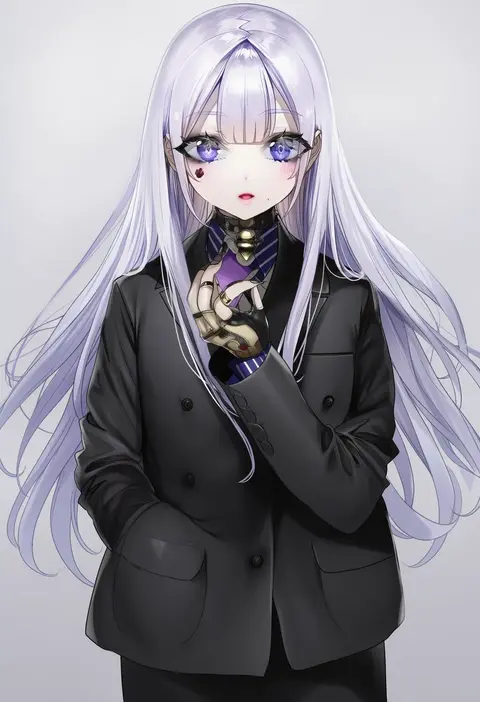
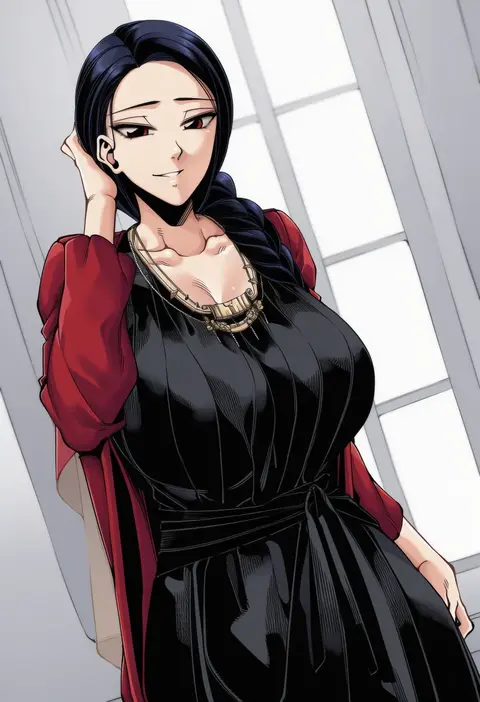
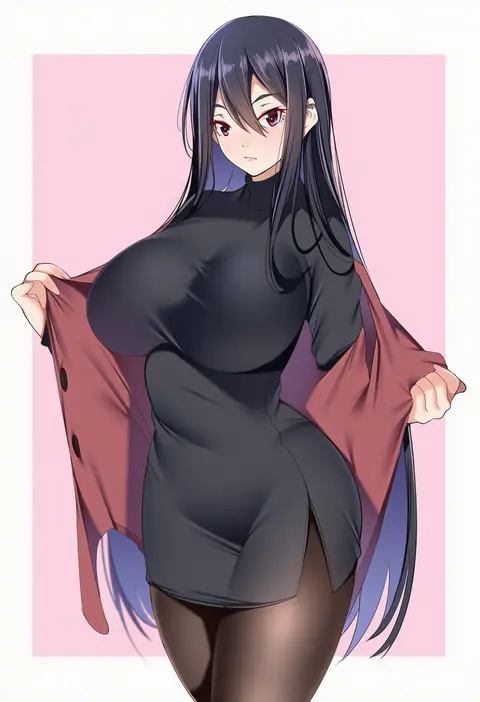
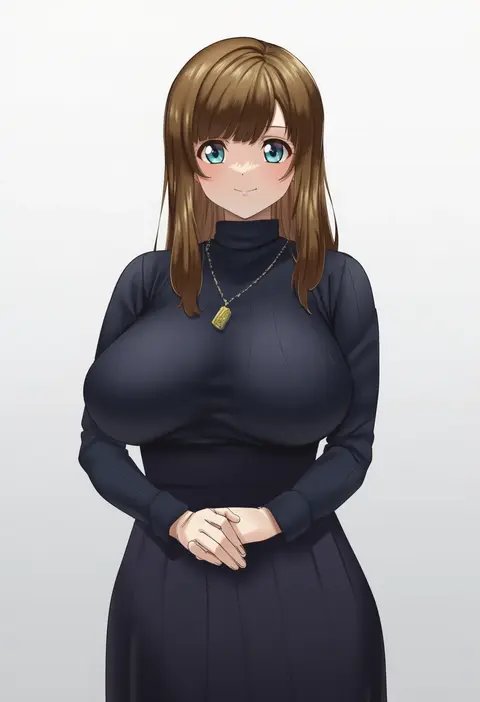
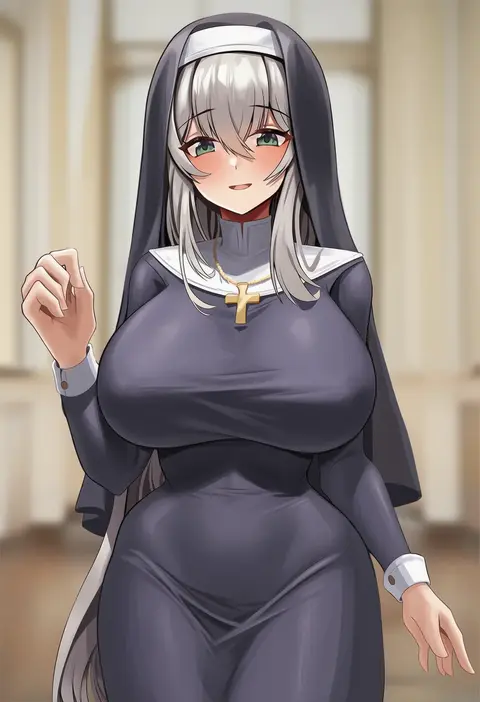
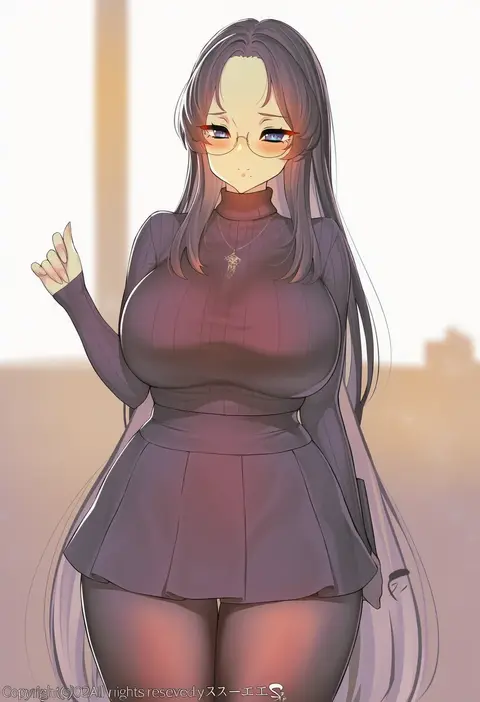
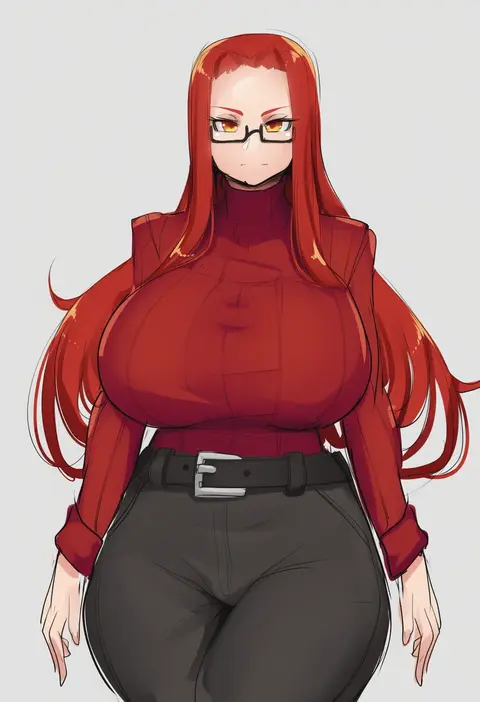
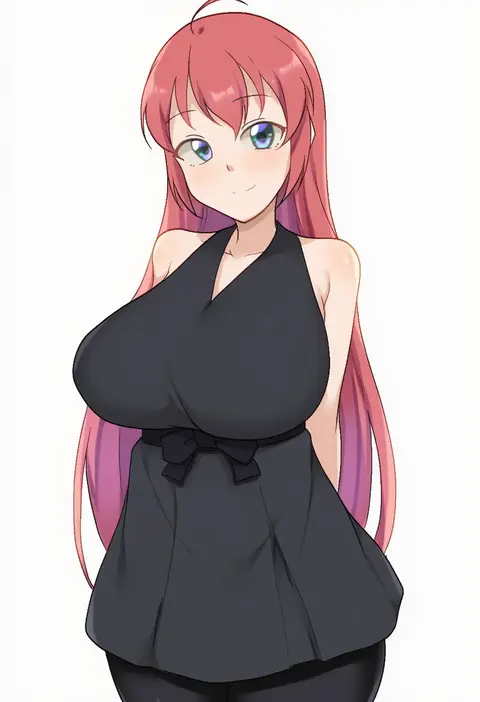
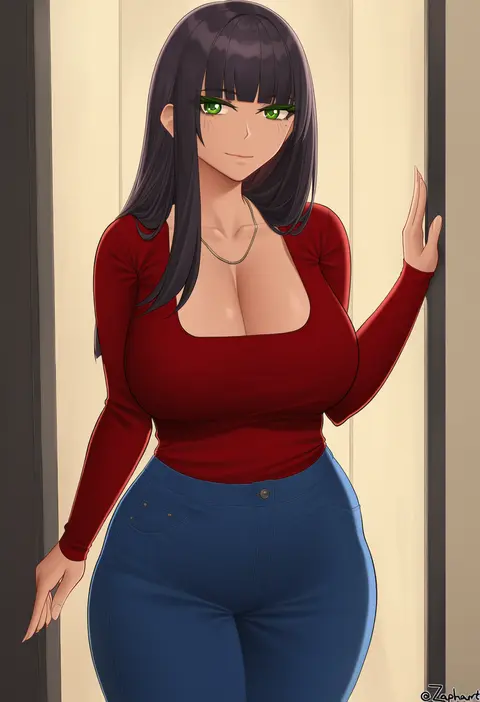
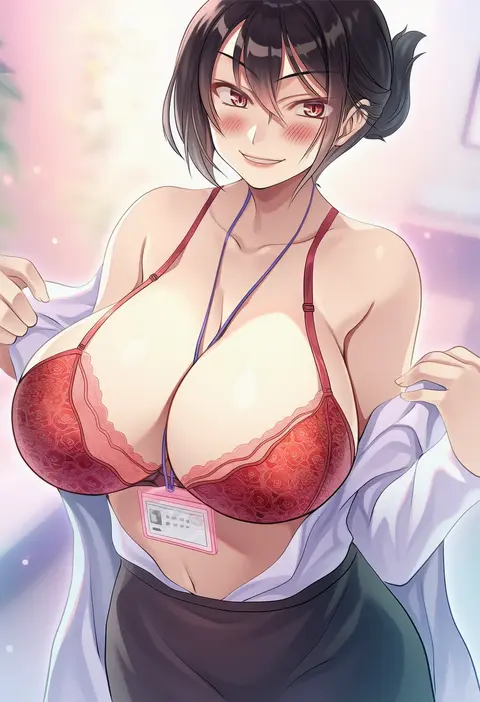
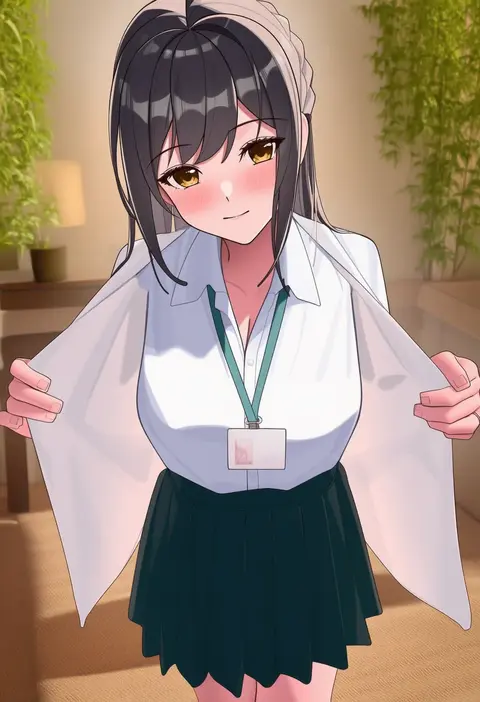
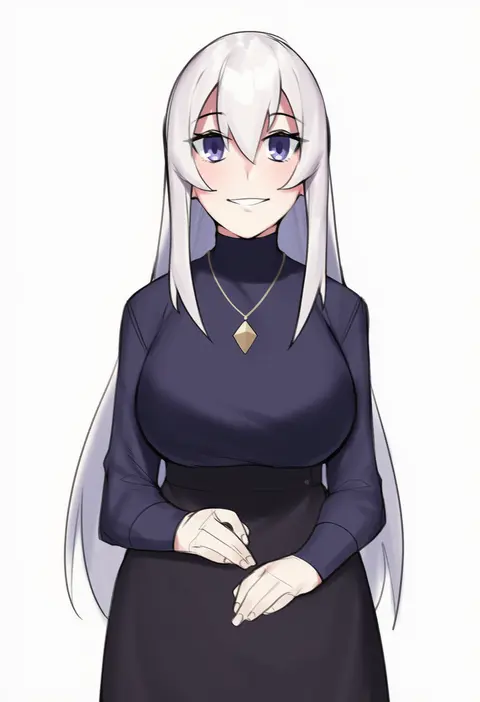
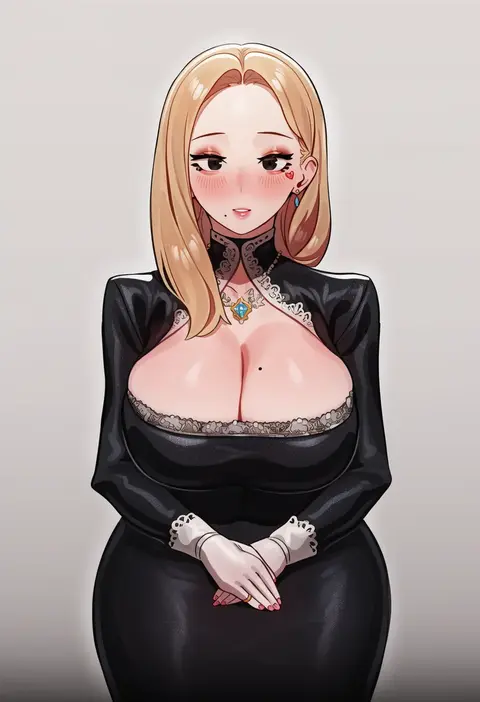
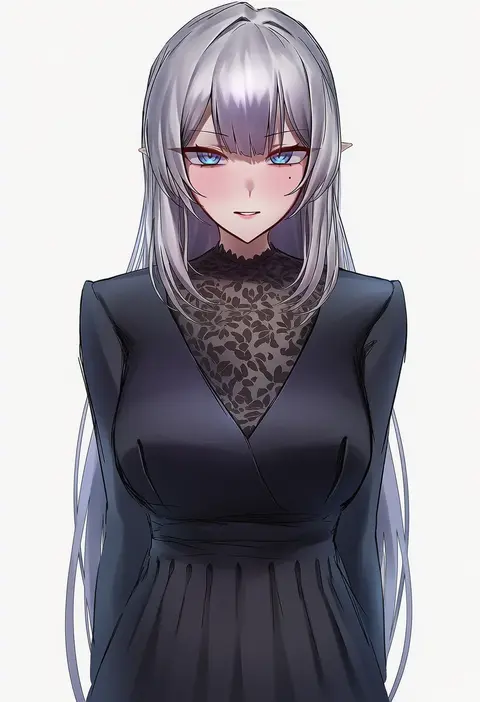
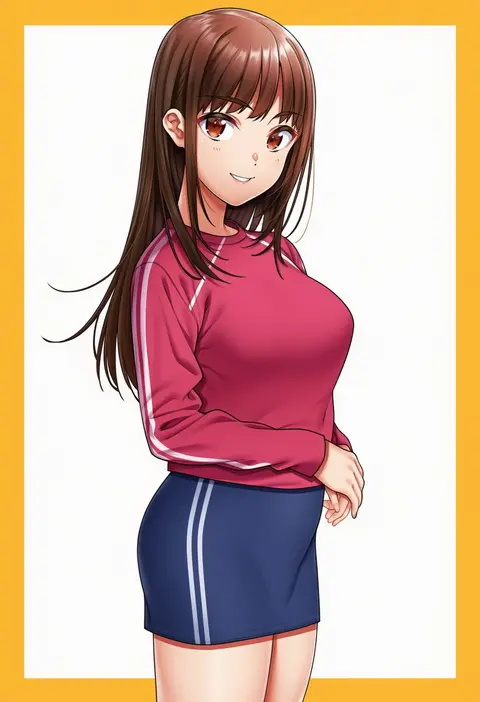
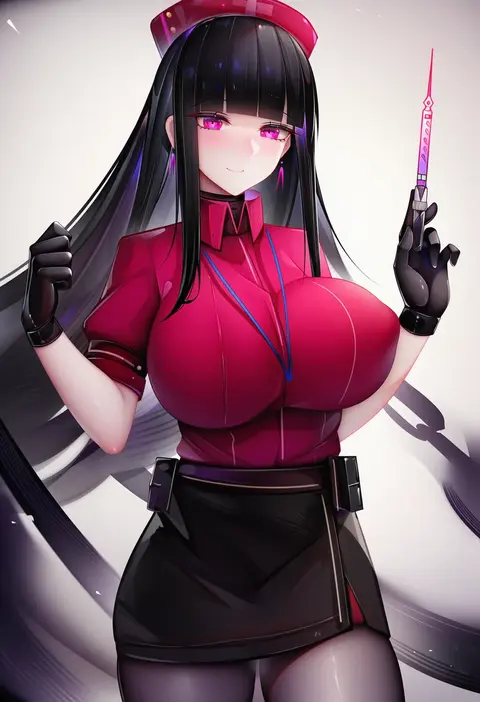
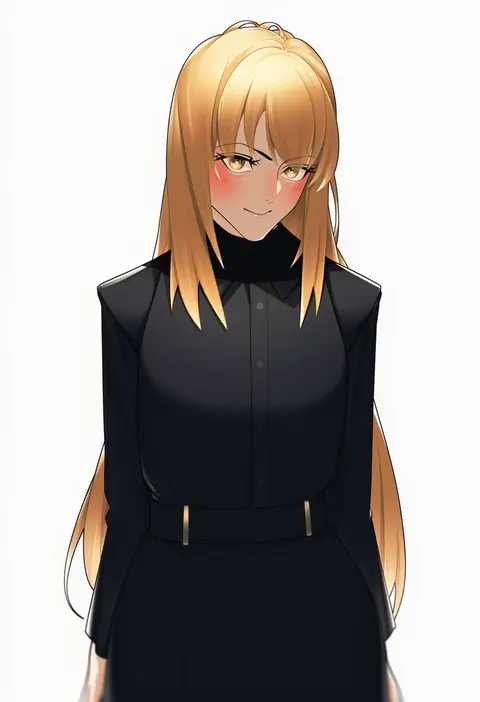
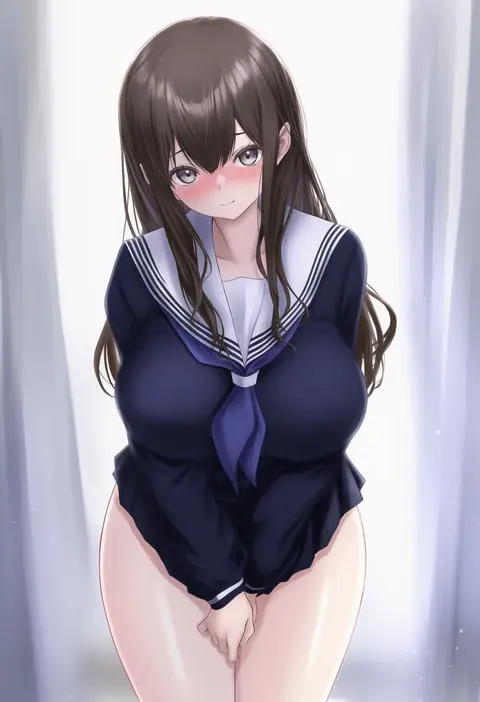
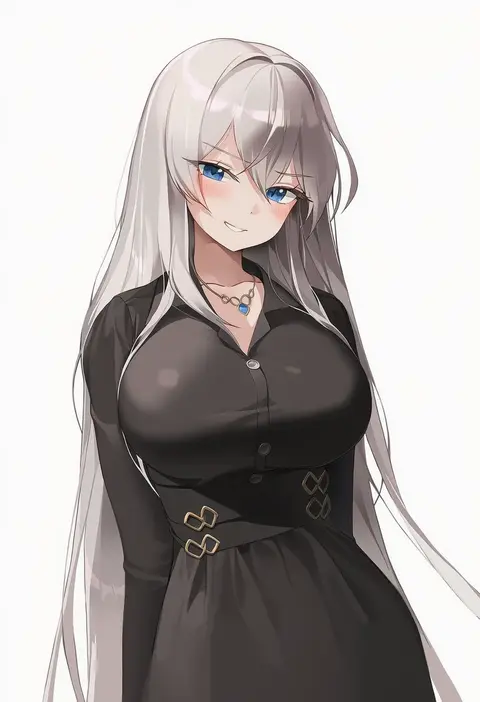
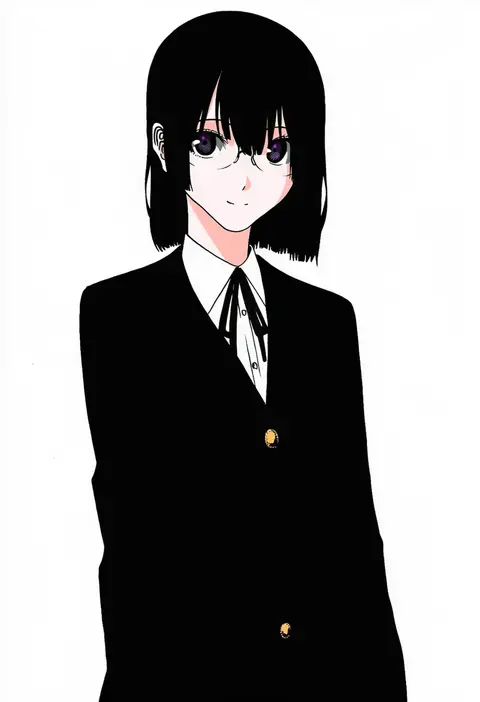
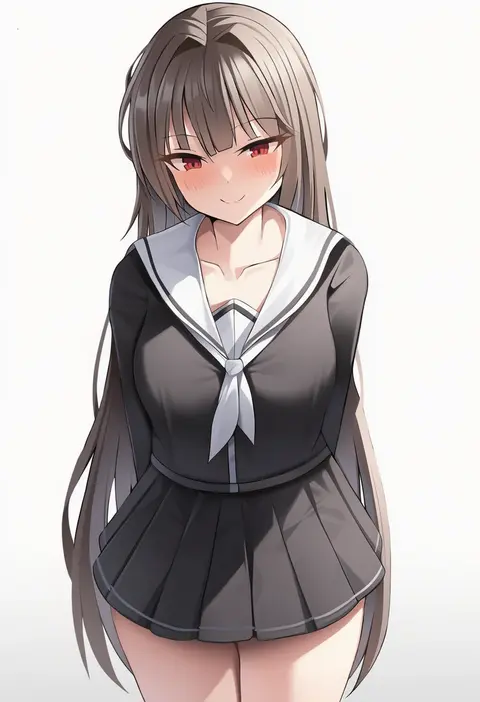
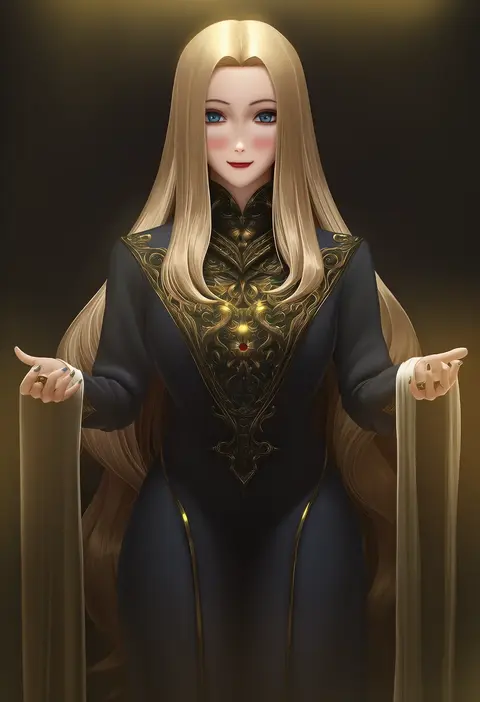
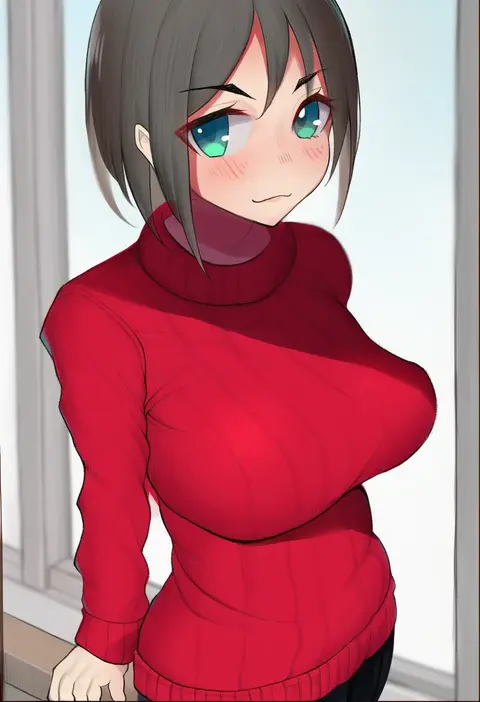
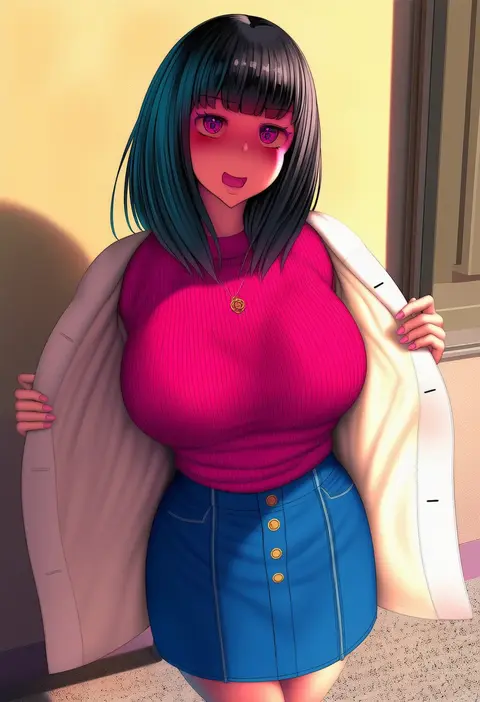
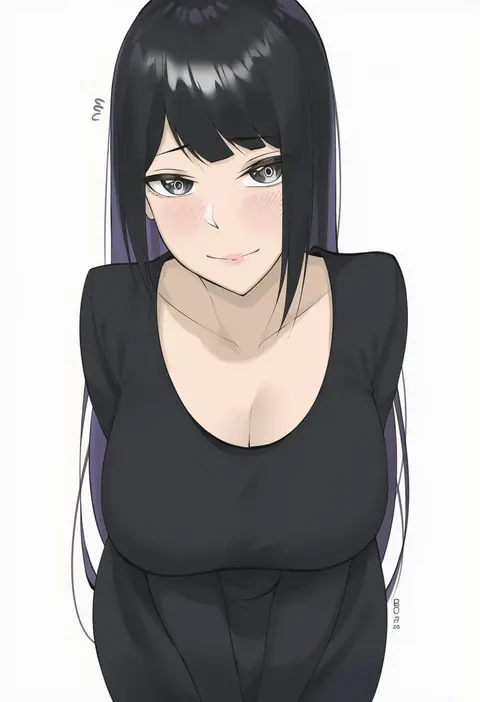
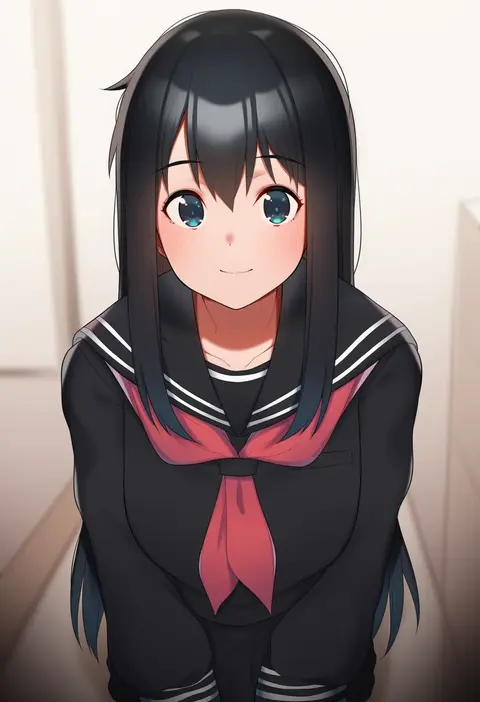
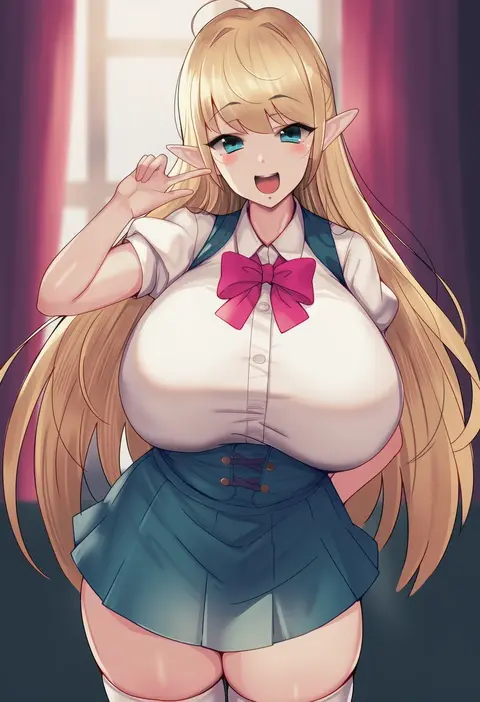
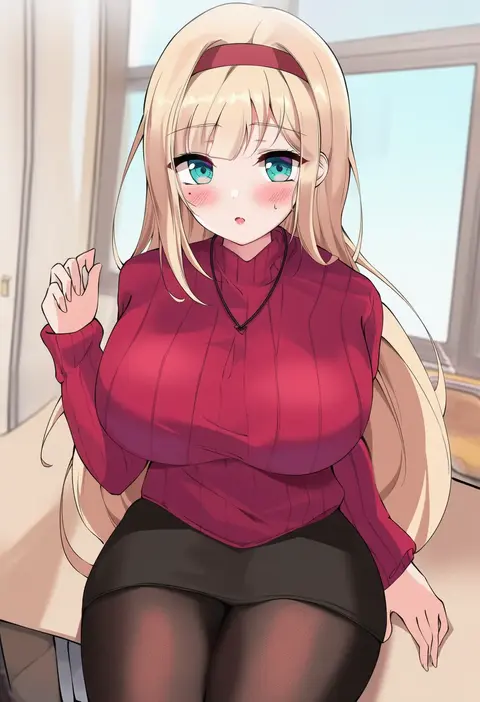
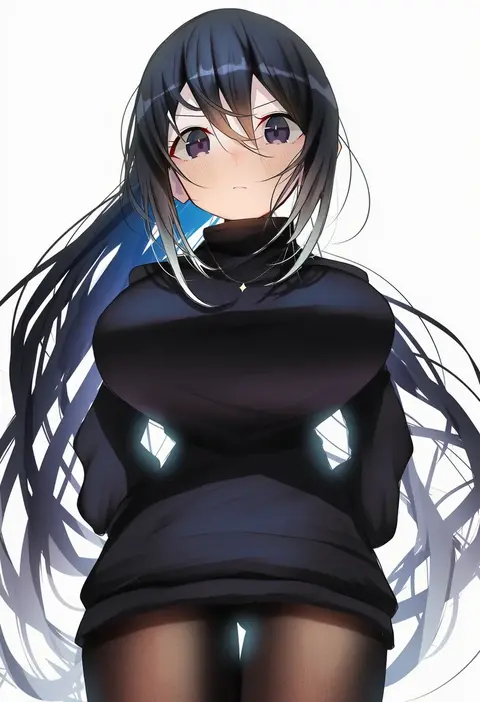
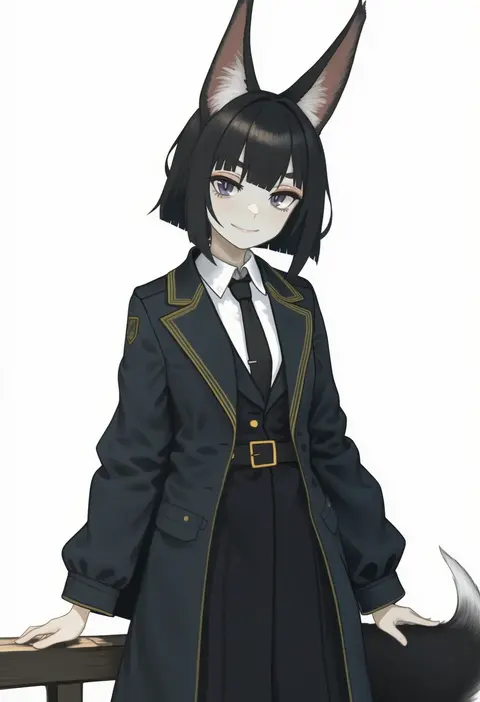
Artist tags tell NovelAI Diffusion to draw in a specific artist's style: line weight, paint texture, face shapes and palette all shift at once. Character and outfit tags decide what is drawn; artist tags decide how. 16,352 tags are listed for V4.5.
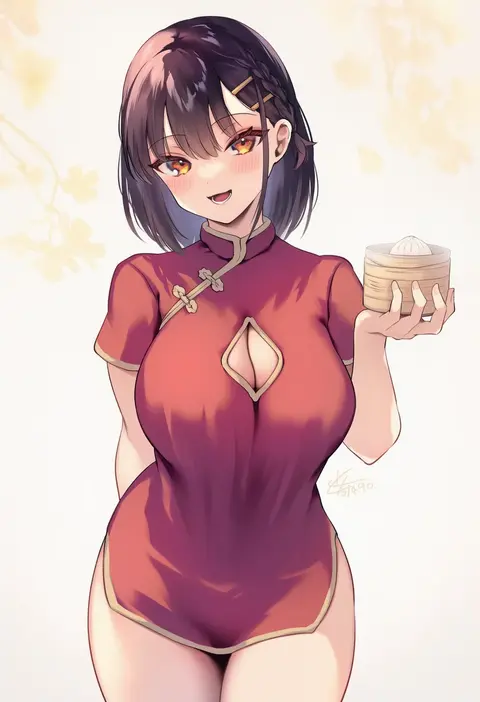
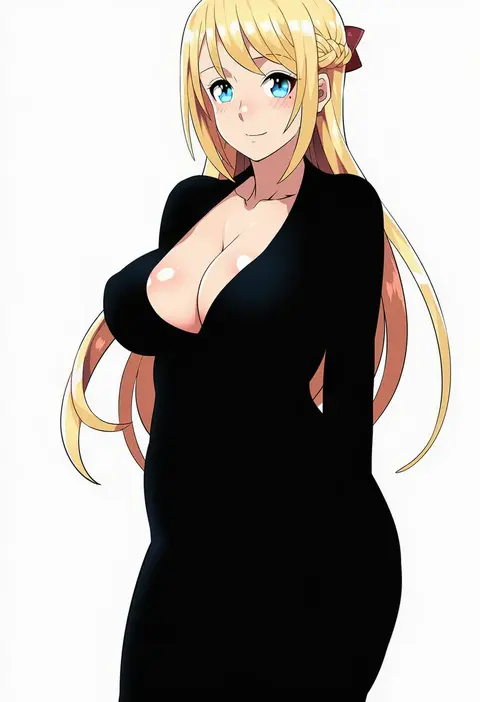
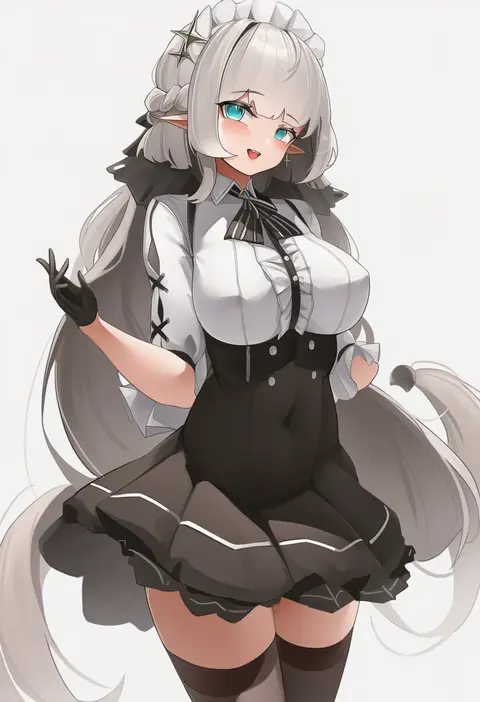
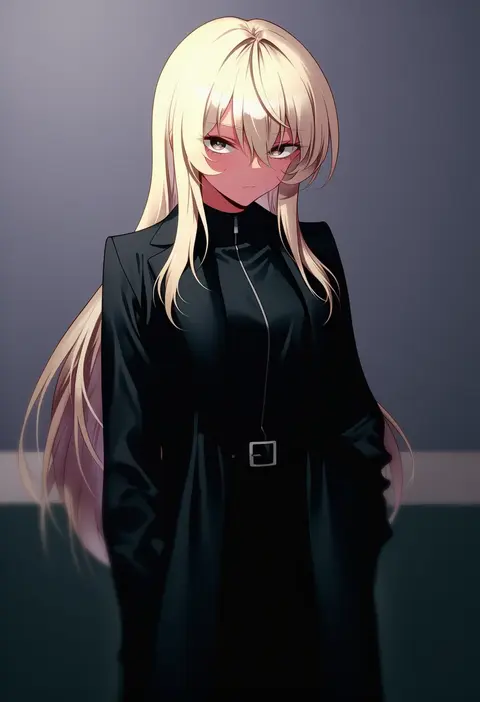
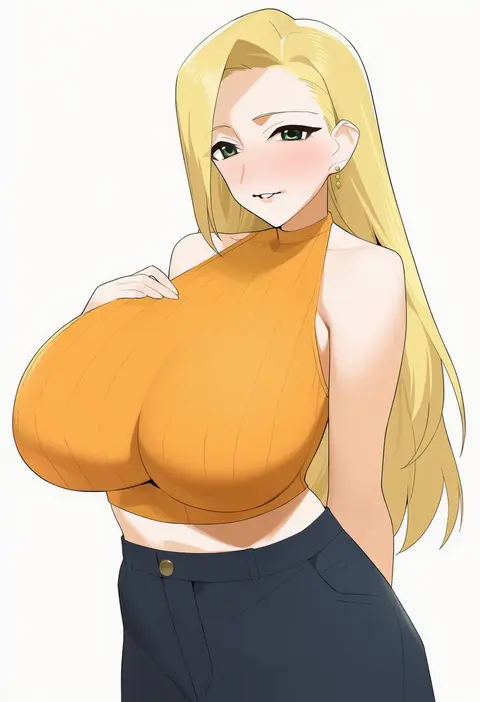
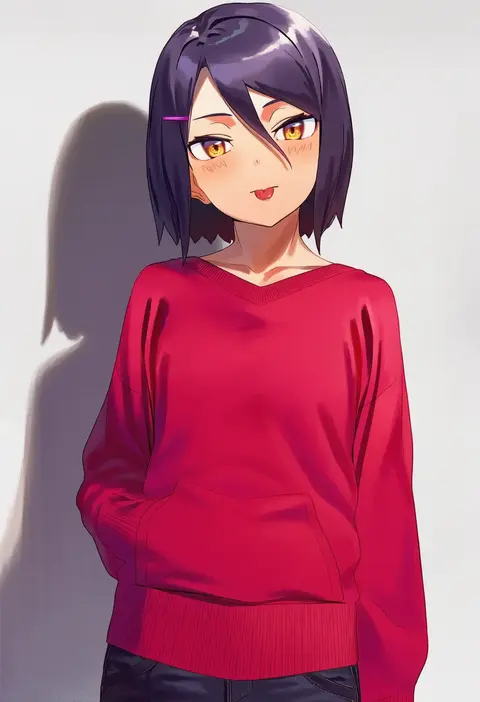
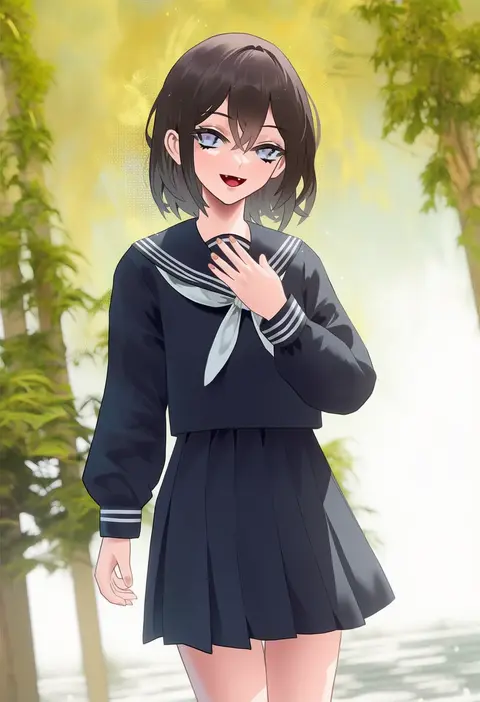
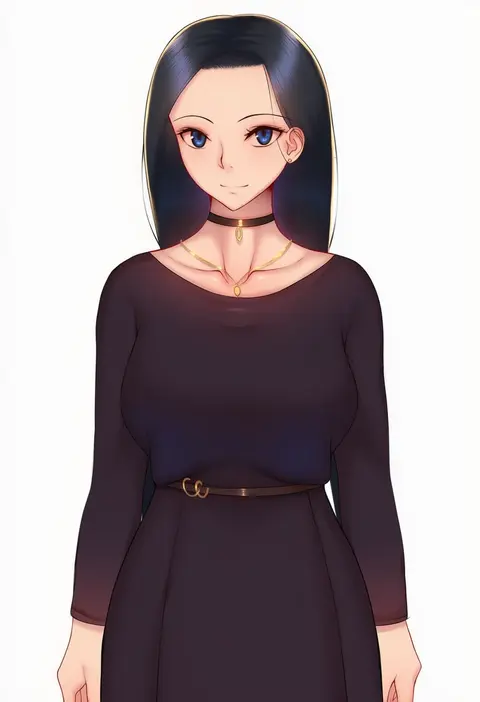
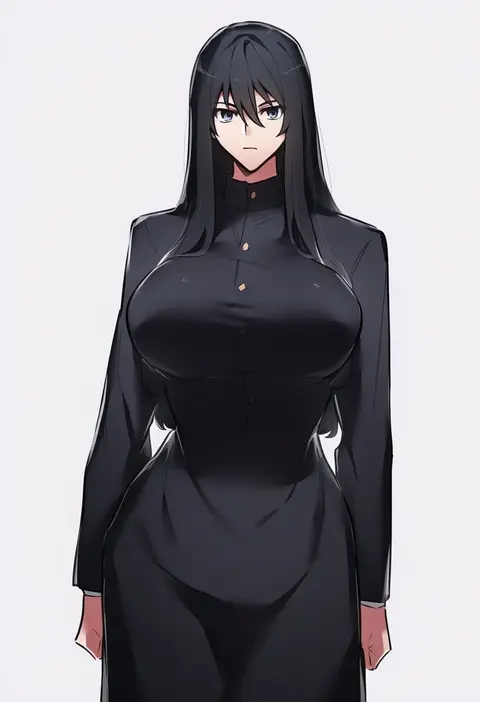
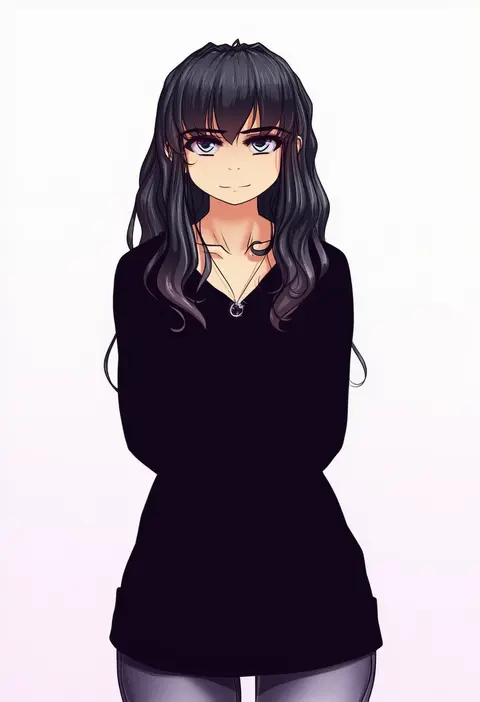
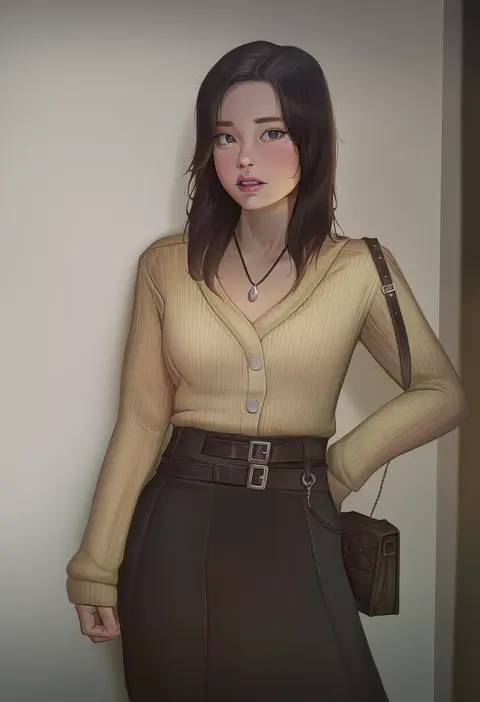
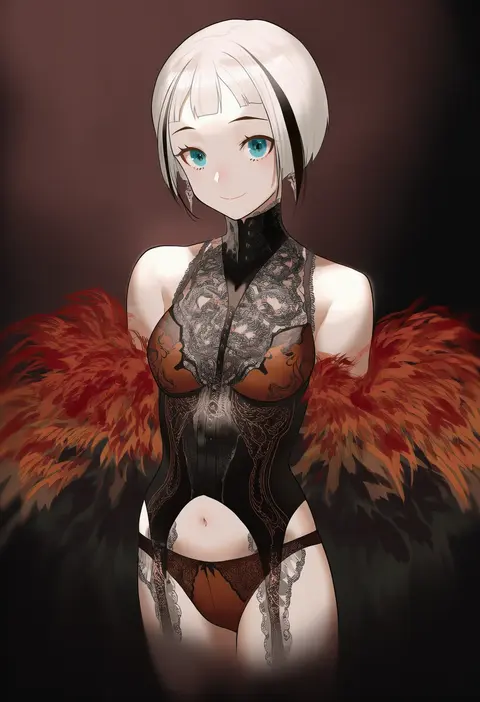
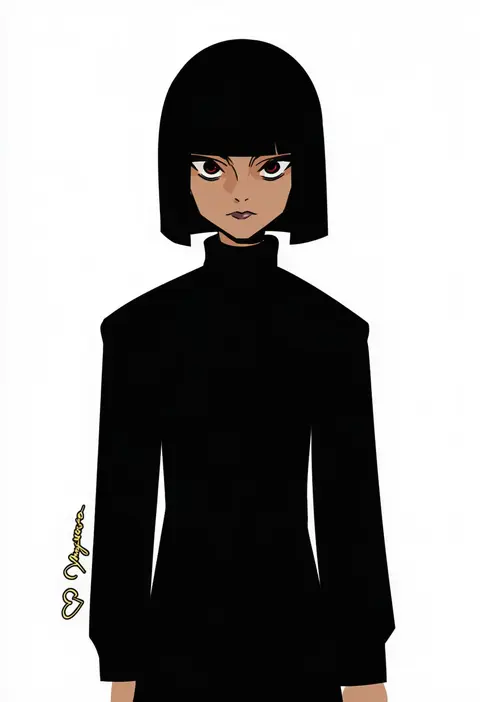
Every tag listed here is verified to react in NovelAI. All images use the same prompt, seed and settings with only the artist tag swapped, so the difference between two images is the style that tag brings in.

How to use them

Put the artist tag near the front of the prompt, e.g. "<artist>, 1girl, solo, best quality, masterpiece, cowboy shot". Two or three artist tags blend styles; lower the weight with "0.8::<artist>::" when the style overpowers the character.

SCORE sorts by Danbooru's top score, POSTS by post count, FAVS by hearts on this site. Open a card to see V5 and V4.5 side by side on the same seed.

V5 vs V4.5

V5 usually lands closer to the artist's real style, and tags that did nothing on V4.5 often react on V5. V4.5 still fits older and doujin-heavy artists better. Try V5 first, fall back to V4.5.

FAQ

Where does the artist tag go?
Near the front of the prompt. Use "0.8::tag::" to adjust its weight.

Can I stack artist tags?
Yes, styles blend. Past two or three the result stops looking like anyone.

Are these the artists' own works?
No. Every image is a NovelAI sample generated from the tag.