V4.5Artists
sort: FAVS▾
▾
>
$

Popular NovelAI artist tags — V4.5

artist --count 16,352[37/273]
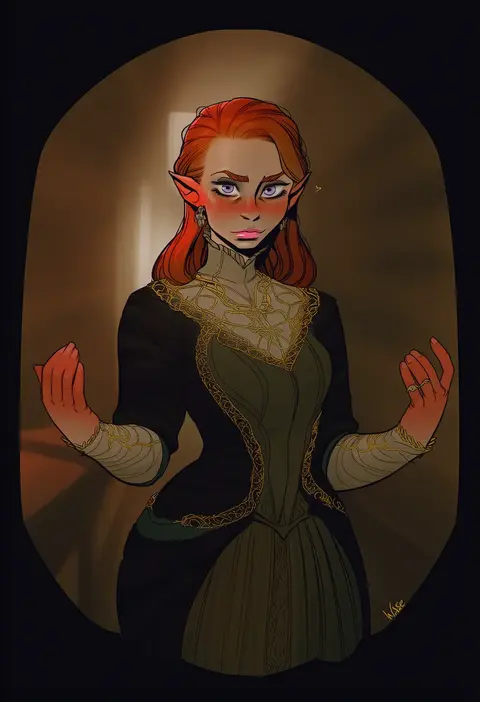
incase
ARTIST0x0870
0
meolucky147
ARTIST0x0871
0
ame (uten cancel)
ARTIST0x0872
0
damobelmont
ARTIST0x0873
0
renetan
ARTIST0x0874
0
nannung
ARTIST0x0875
0
naxius noxy
ARTIST0x0876
0
zynxy
ARTIST0x0877
0
h.an (516635864)
ARTIST0x0878
0
yaneko uta
ARTIST0x0879
0
puge
ARTIST0x087A
0
minted
ARTIST0x087B
0
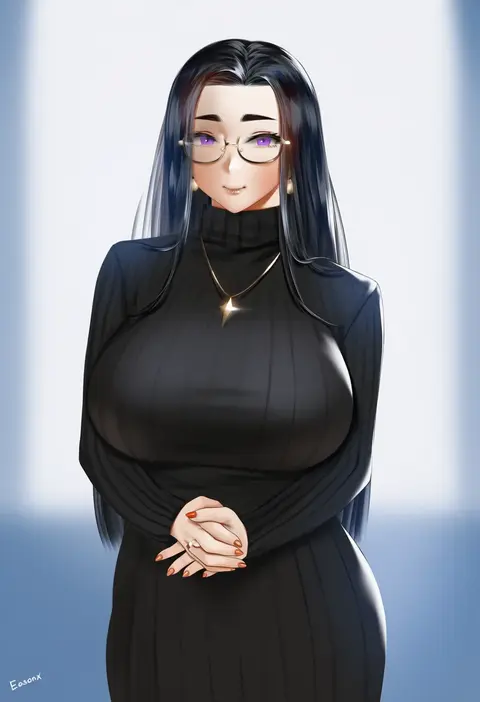
easonx
ARTIST0x087C
0
zhen lu
ARTIST0x087D
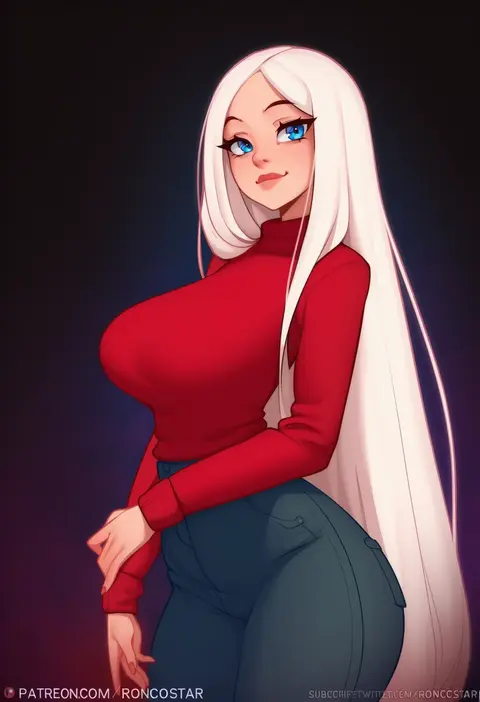
0
roncostar
ARTIST0x087E
0
loodncrood
ARTIST0x087F
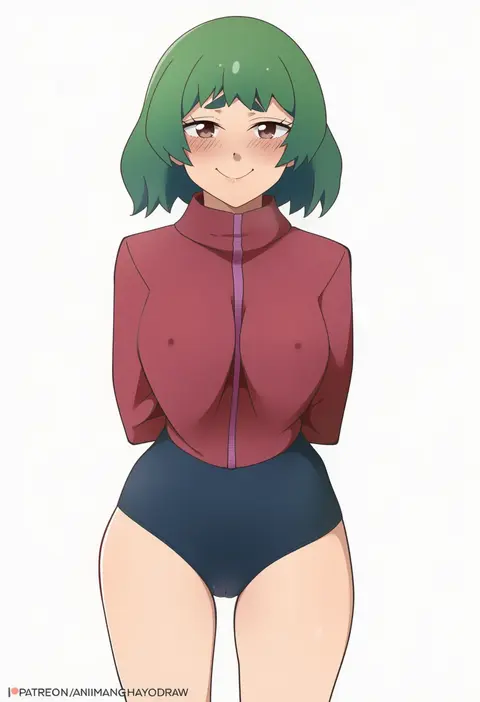
0
animanghayo
ARTIST0x0880
0
poper (arin sel)
ARTIST0x0881
0
babu
ARTIST0x0882
0
carlo montie
ARTIST0x0883
0
zd (pixiv6210083)
ARTIST0x0884
0
rat huang
ARTIST0x0885
0
akaoni (zumt3548)
ARTIST0x0886
0
royboy
ARTIST0x0887
0
kazuma (kazumav)
ARTIST0x0888
0
masaki (ekakiningen)
ARTIST0x0889
0
shirosato
ARTIST0x088A
0
meito (maze)
ARTIST0x088B
0
ogami kazuki
ARTIST0x088C
0
dei shirou
ARTIST0x088D
0
yoshi tama
ARTIST0x088E
0
takato kurosuke
ARTIST0x088F
0
colonel aki
ARTIST0x0890
0
eiri (eirri)
ARTIST0x0891
0
nagian
ARTIST0x0892
0
hikawa shou
ARTIST0x0893
0
youkan
ARTIST0x0894
0
aozora market
ARTIST0x0895
0
marugoshi (54burger)
ARTIST0x0896
0
seki (red shine)
ARTIST0x0897
0
kuro suto sukii
ARTIST0x0898
0
michii yuuki
ARTIST0x0899
0
kumadano
ARTIST0x089A
0
tro (trombe)
ARTIST0x089B
0
dora ita
ARTIST0x089C
0
yumiya
ARTIST0x089D
0
takitarou
ARTIST0x089E
0
tsubasa (abchipika)
ARTIST0x089F
0
subachi
ARTIST0x08A0
0
gengorou
ARTIST0x08A1
0
myama
ARTIST0x08A2
0
kamonari ahiru
ARTIST0x08A3
0
gustav (telomere na)
ARTIST0x08A4
0
buriki
ARTIST0x08A5
0
hijiri (resetter)
ARTIST0x08A6
0
nekoguruma
ARTIST0x08A7
0
capura lin
ARTIST0x08A8
0
usoneko
ARTIST0x08A9
0
sumisu (mondo)
ARTIST0x08AA
0
ry (yagoyago)
ARTIST0x08AB
0

What these tags change

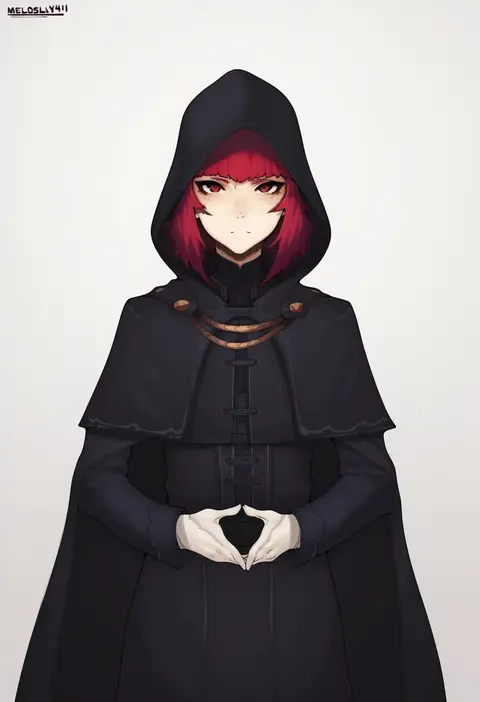
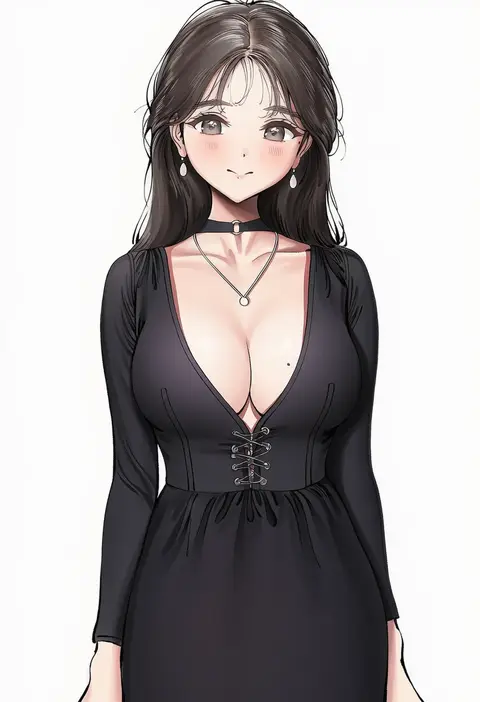
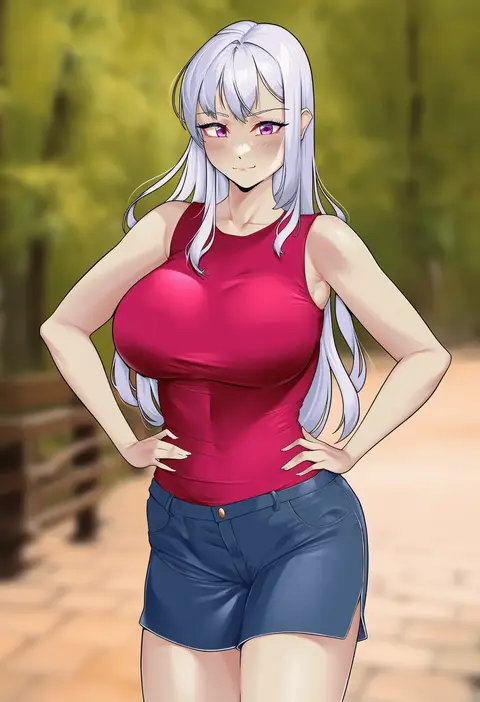
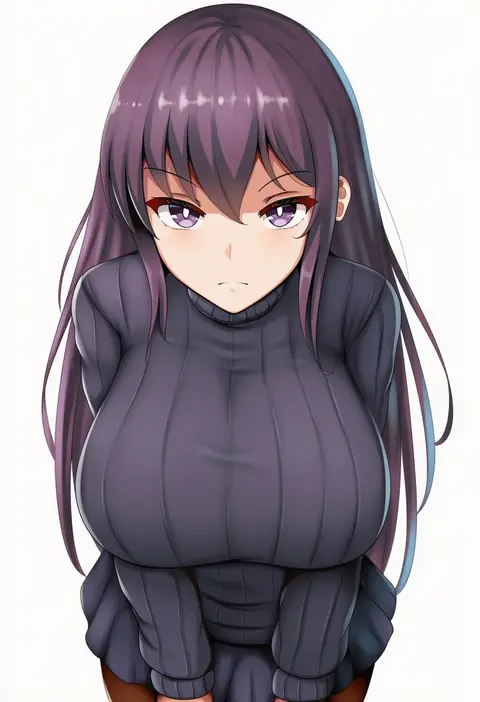
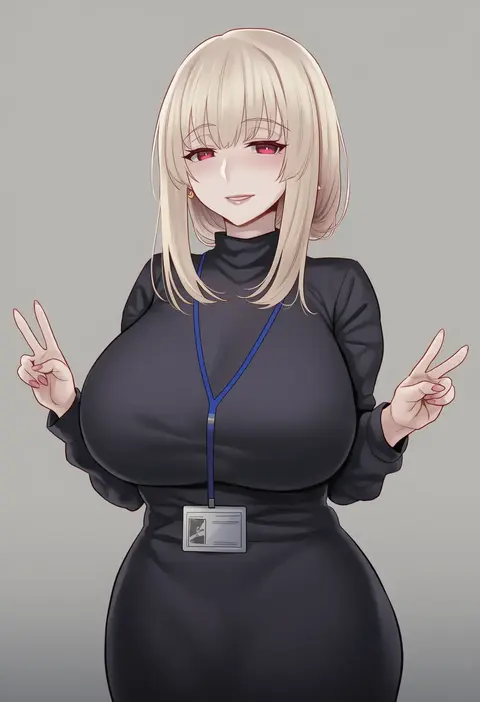
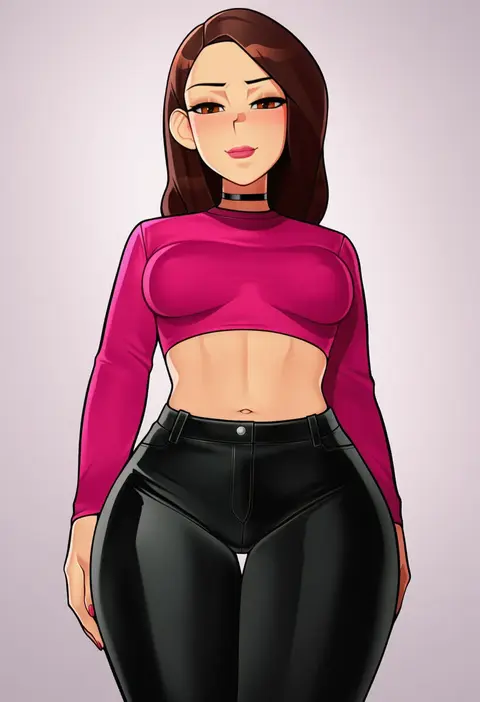
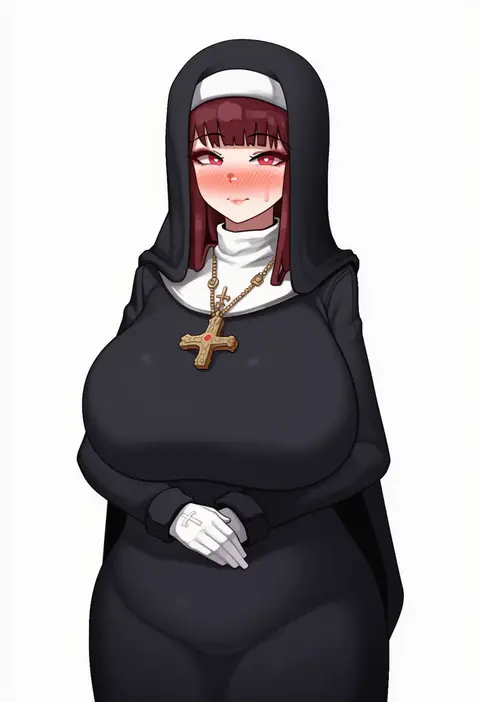
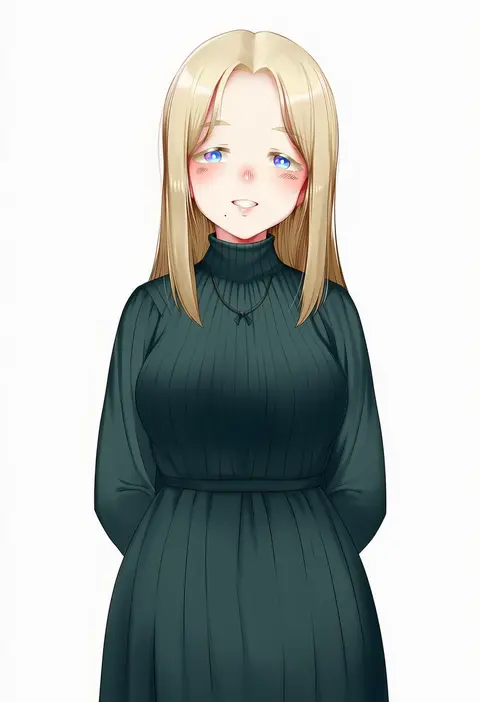
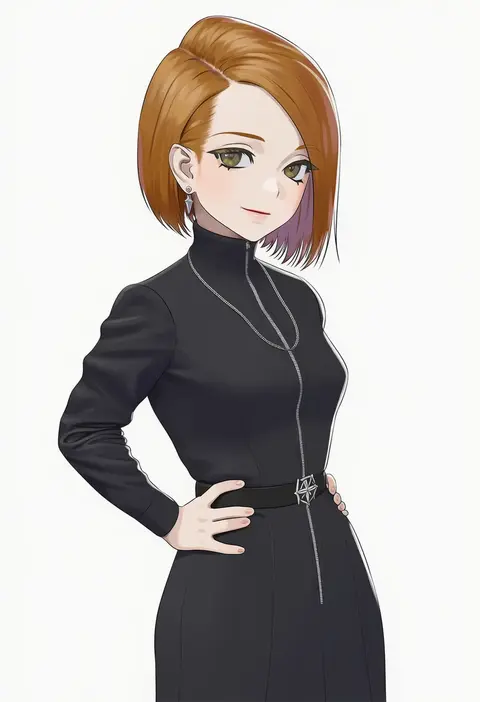
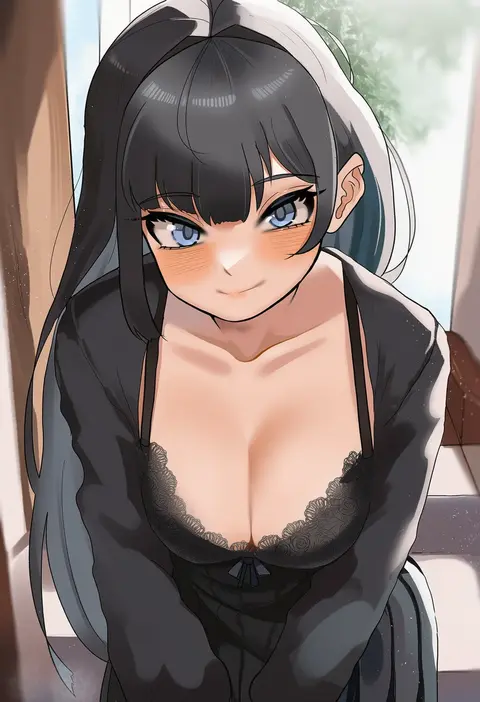
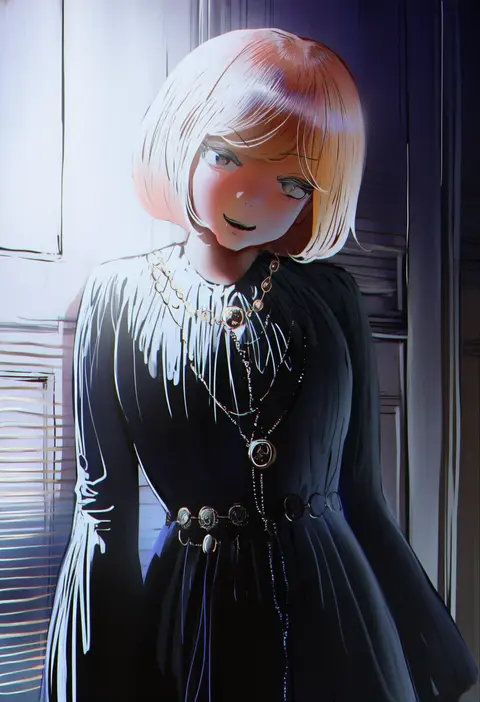
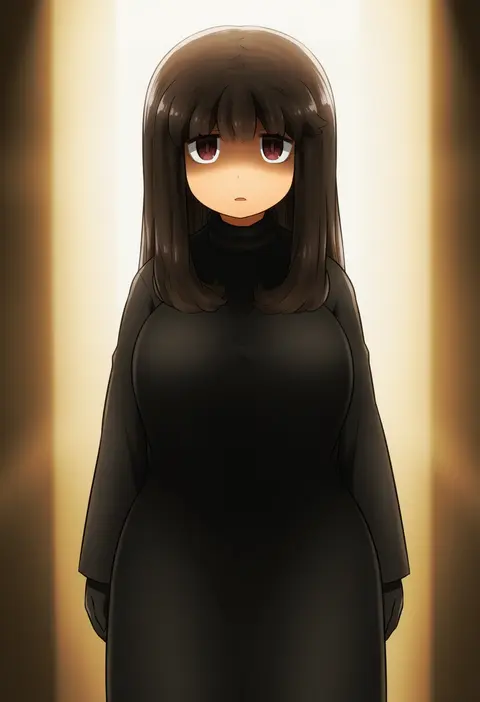
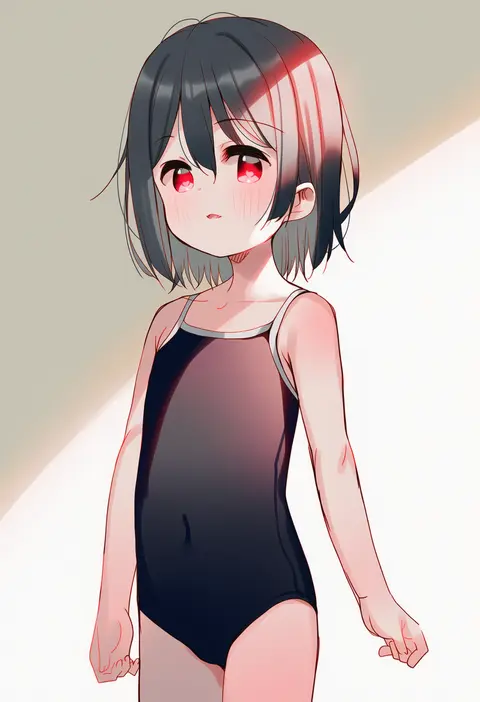
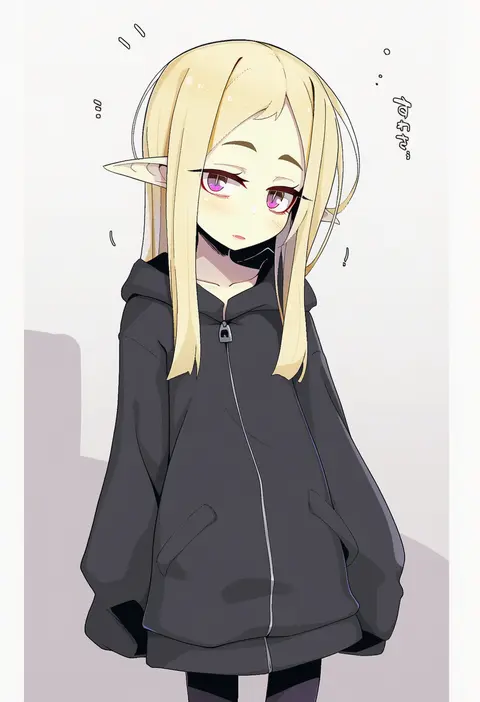
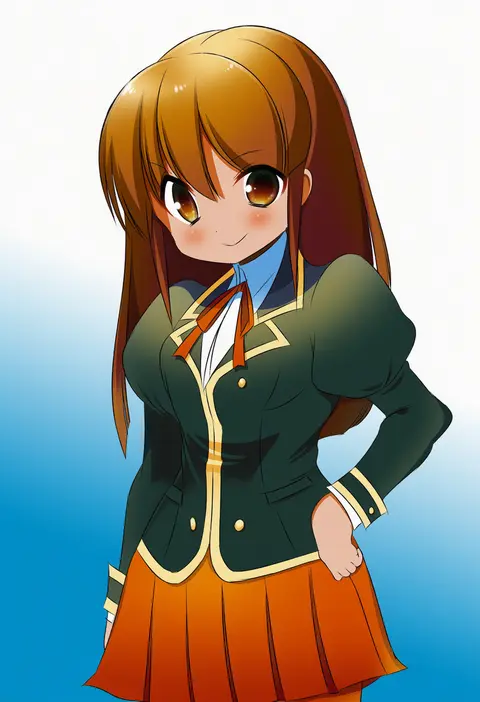
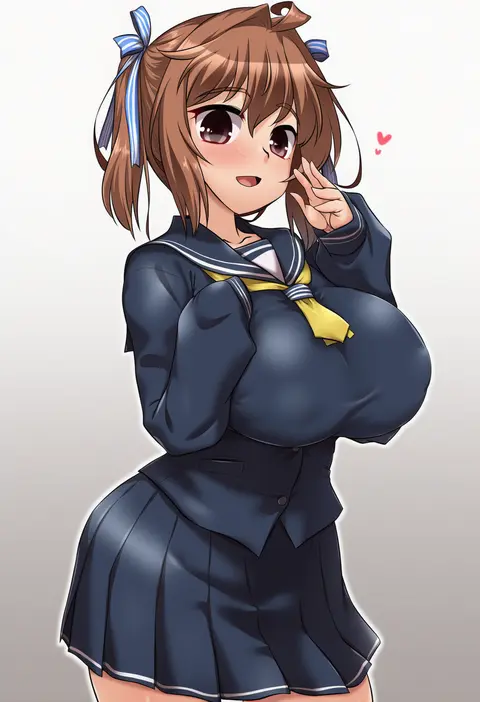
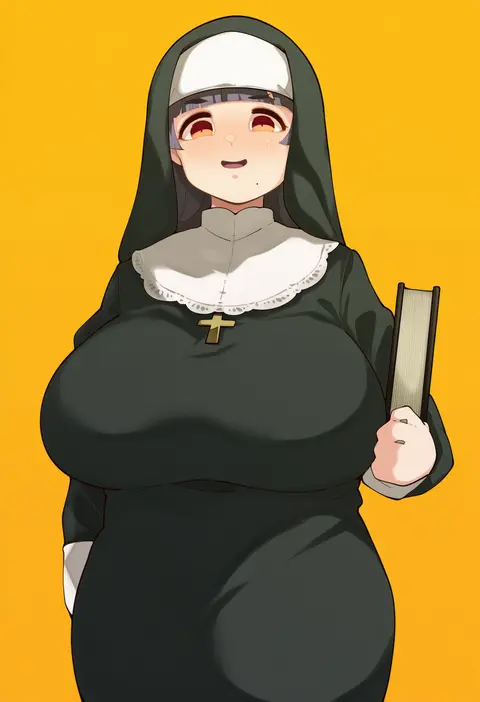
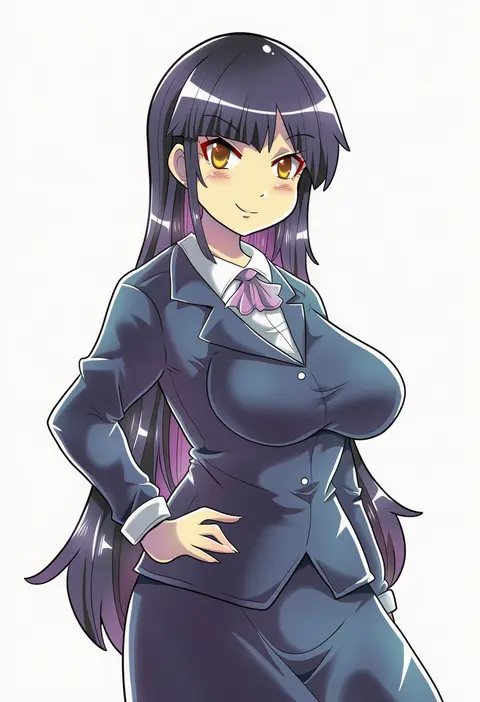
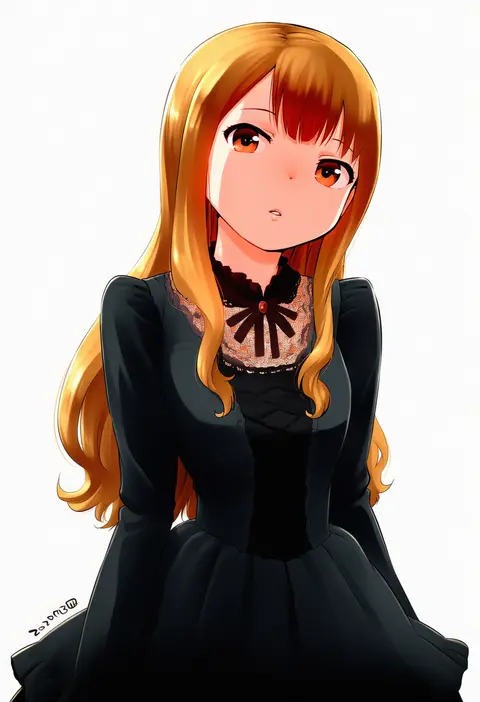
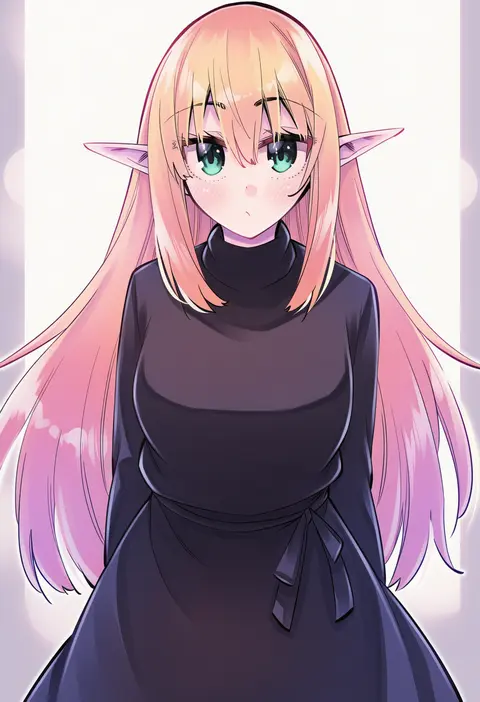
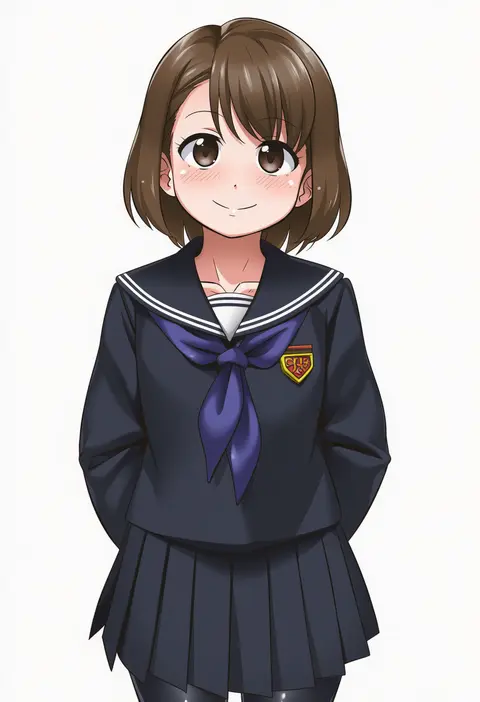
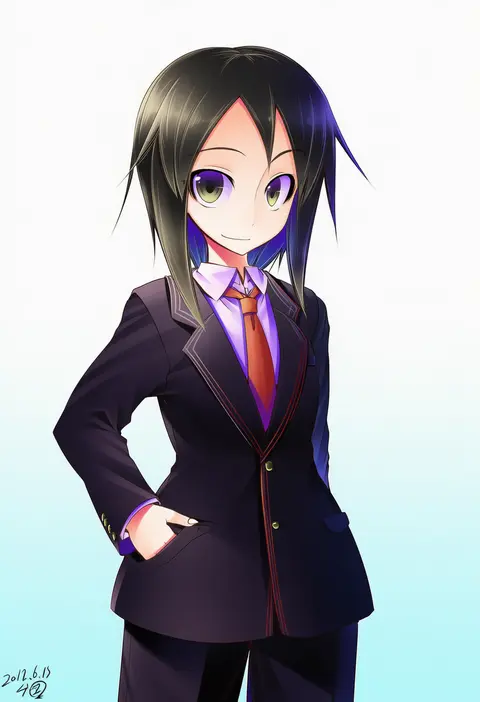
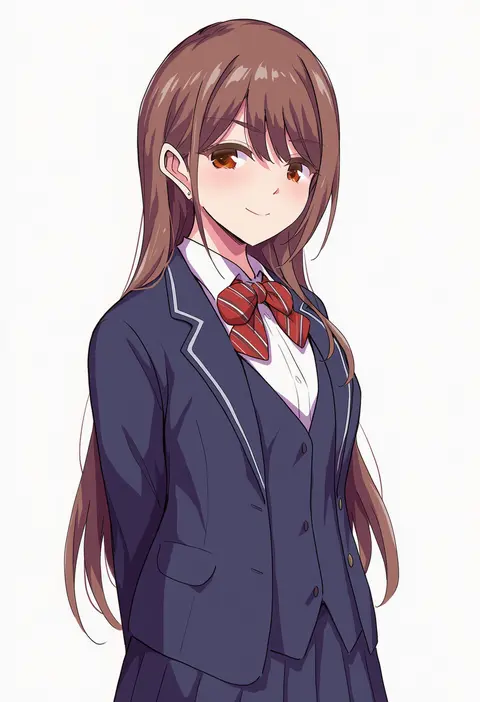
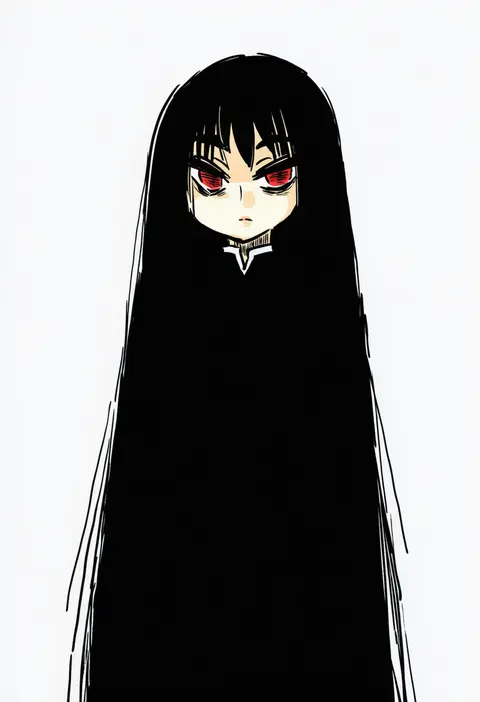
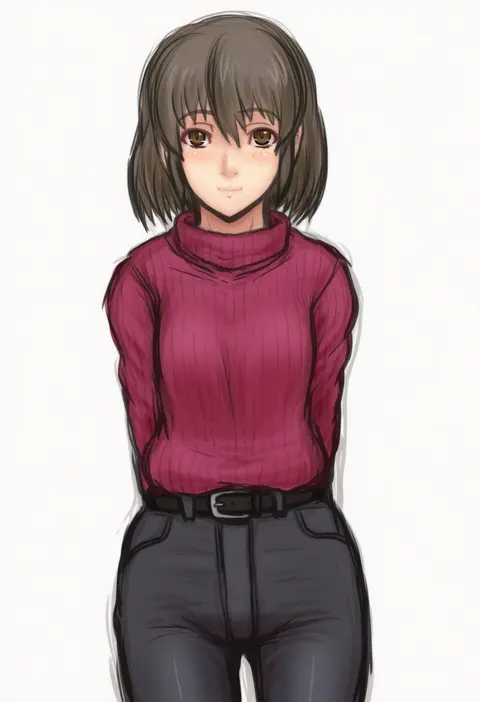
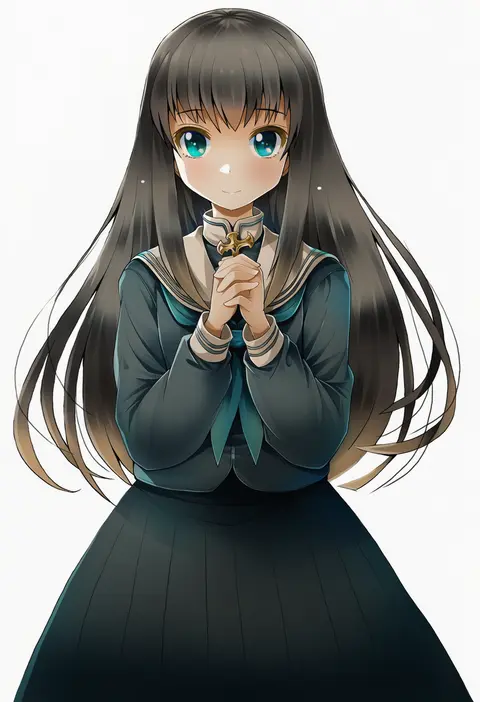
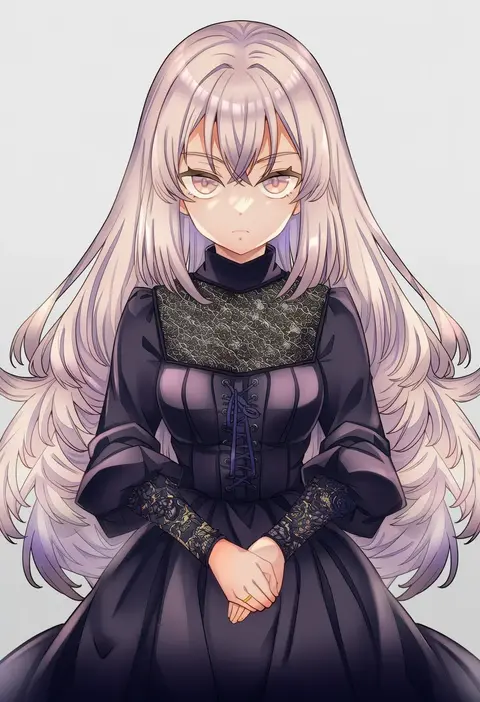
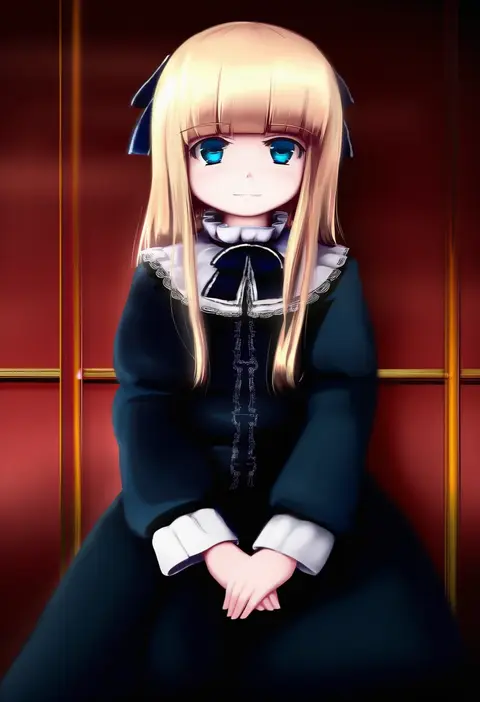
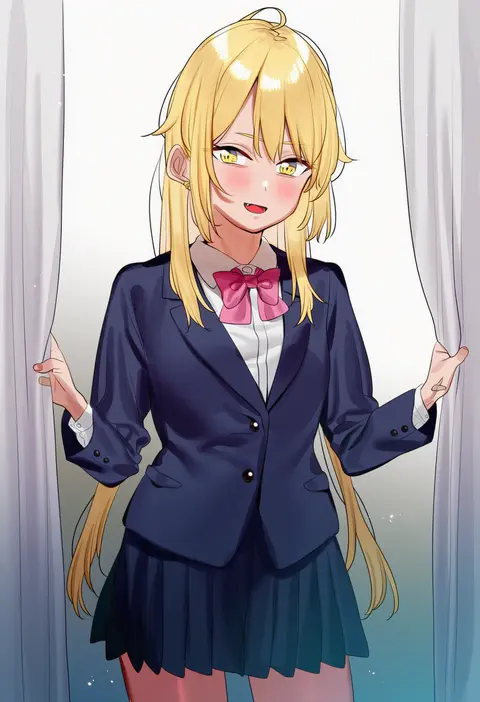
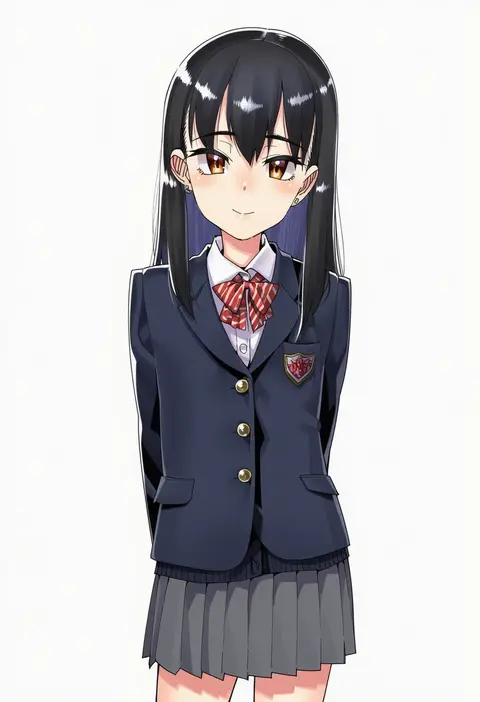
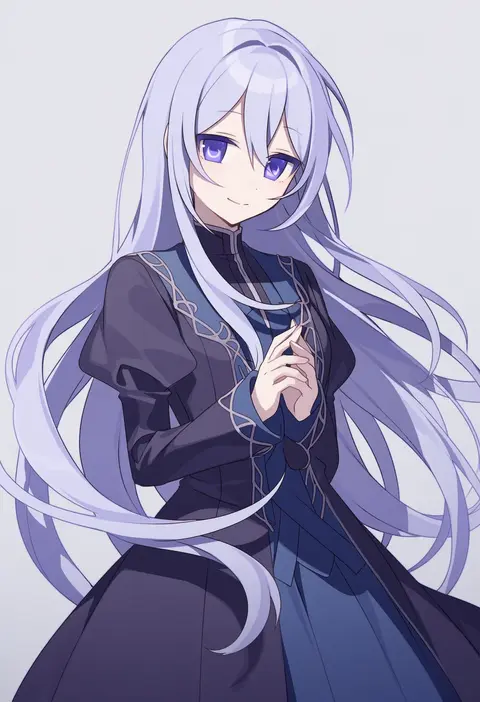
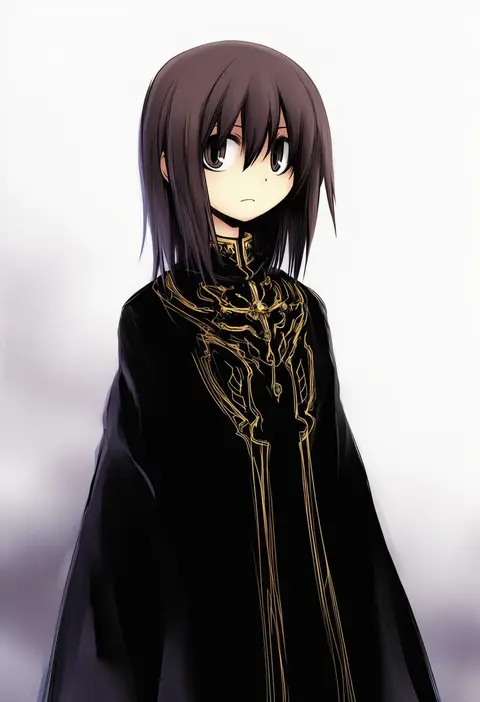
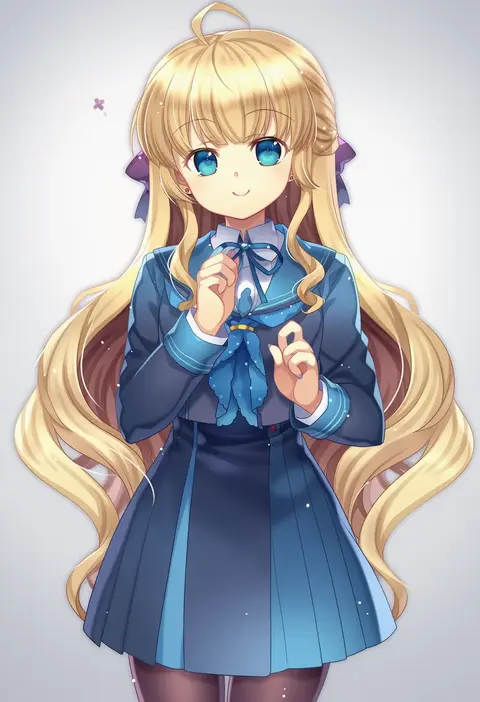
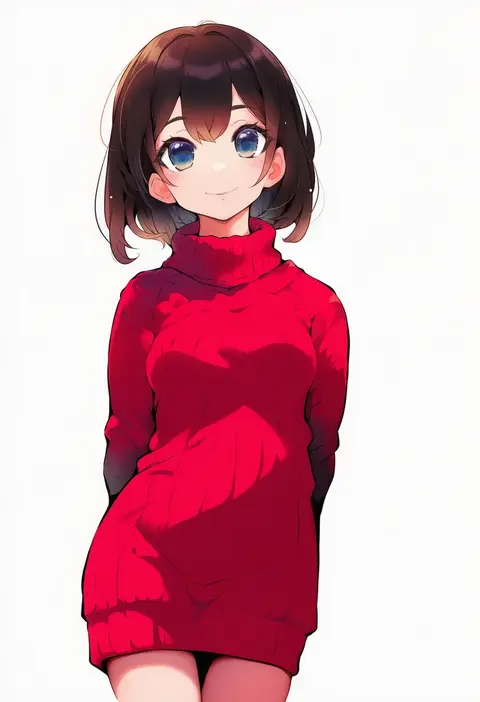
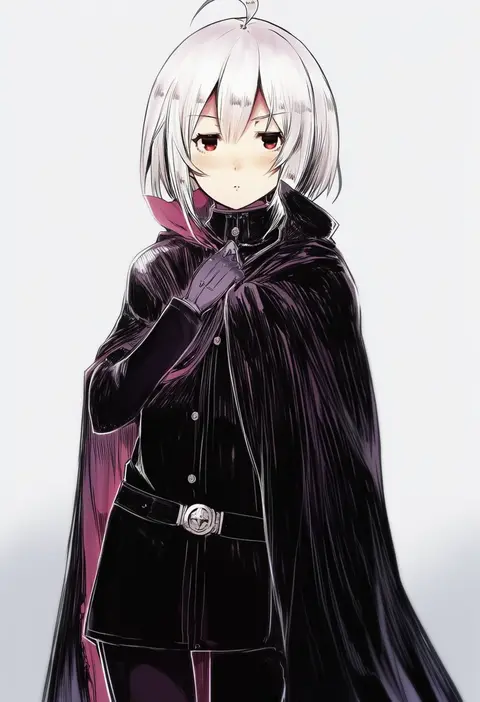
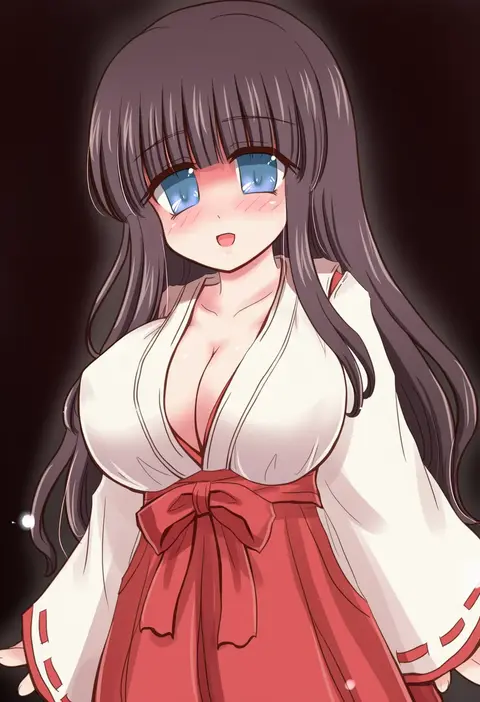
Artist tags tell NovelAI Diffusion to draw in a specific artist's style: line weight, paint texture, face shapes and palette all shift at once. Character and outfit tags decide what is drawn; artist tags decide how. 16,352 tags are listed for V4.5.
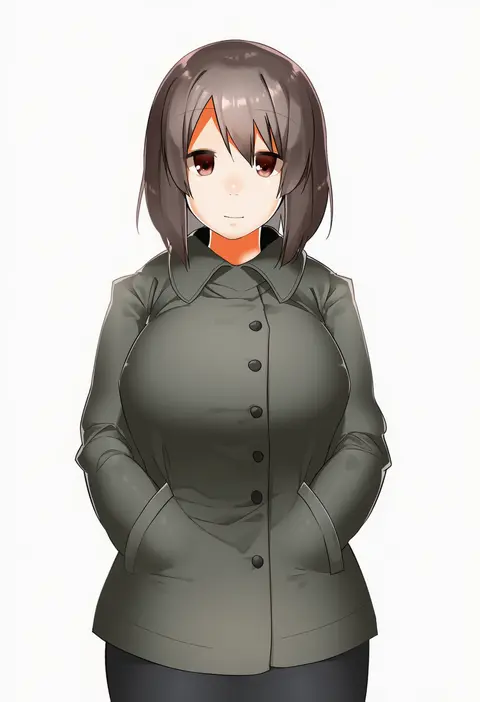
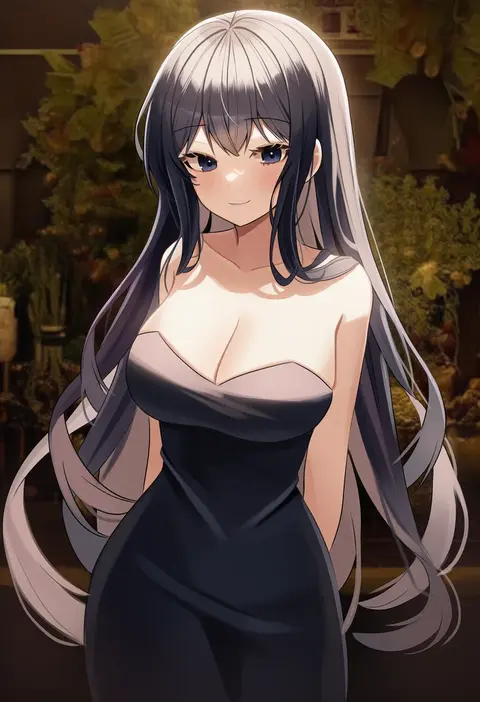
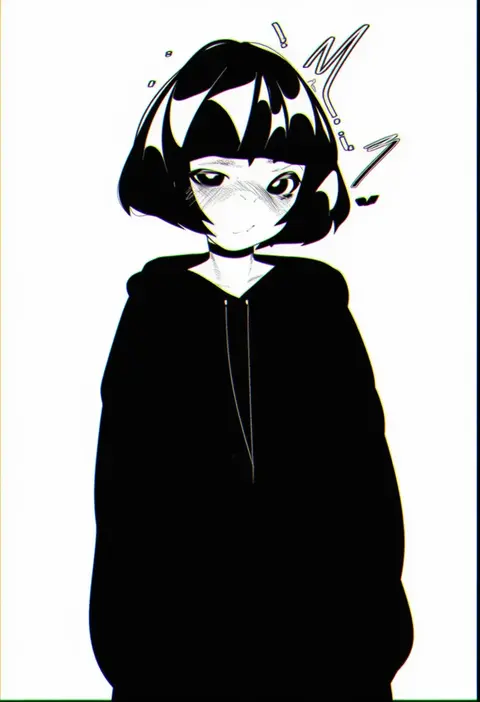
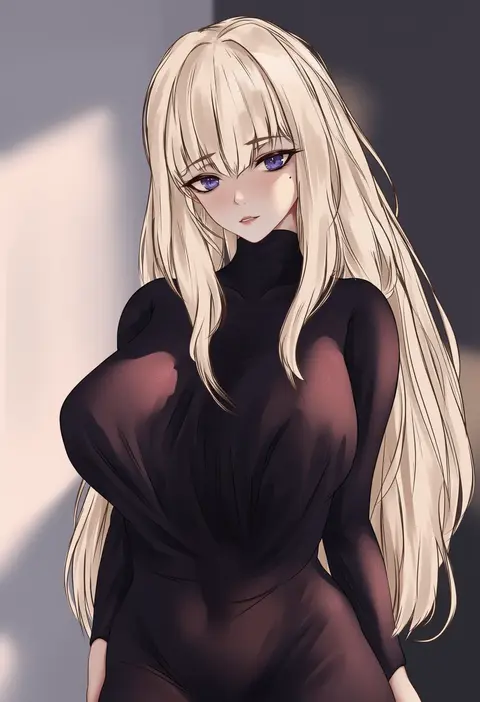
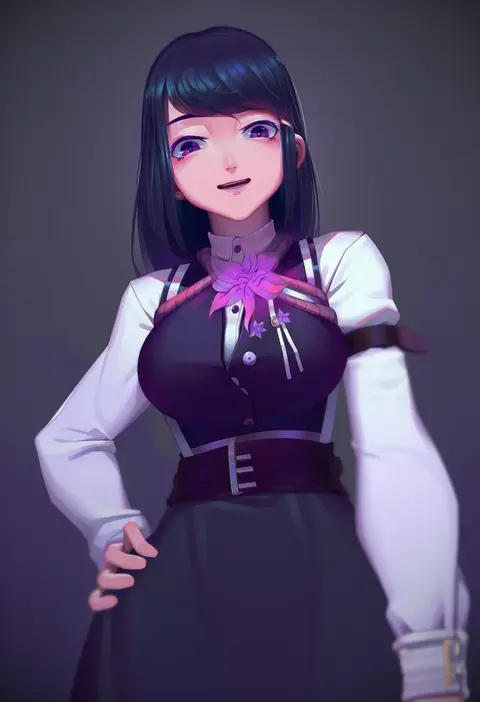
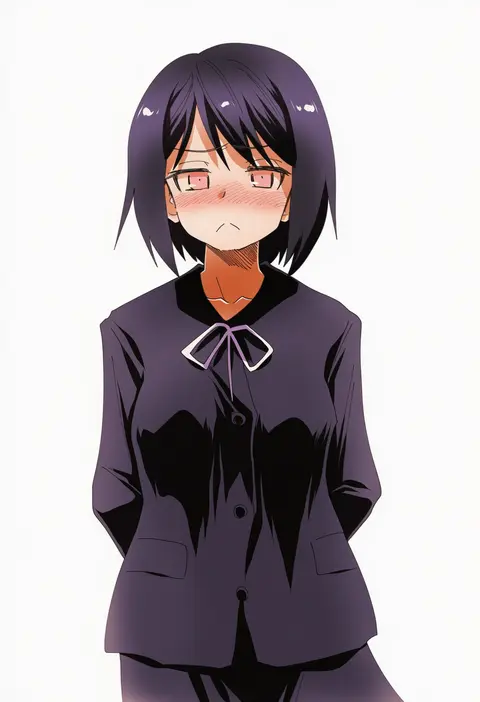
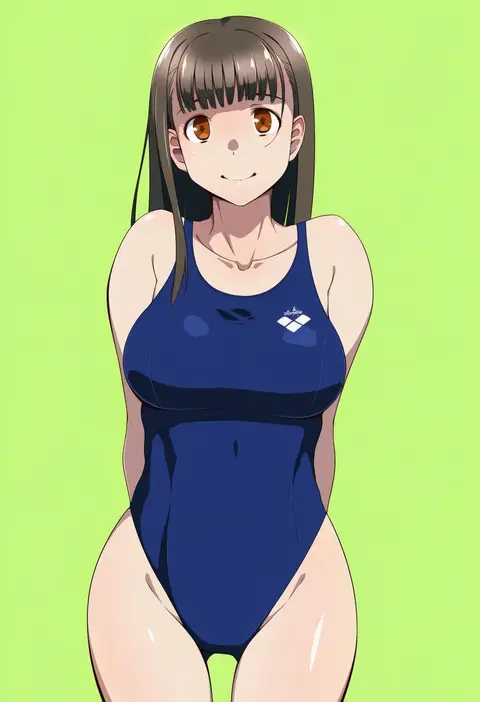
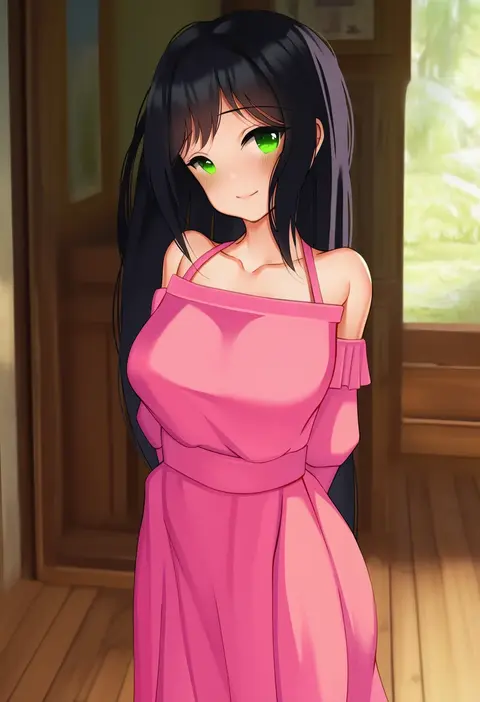
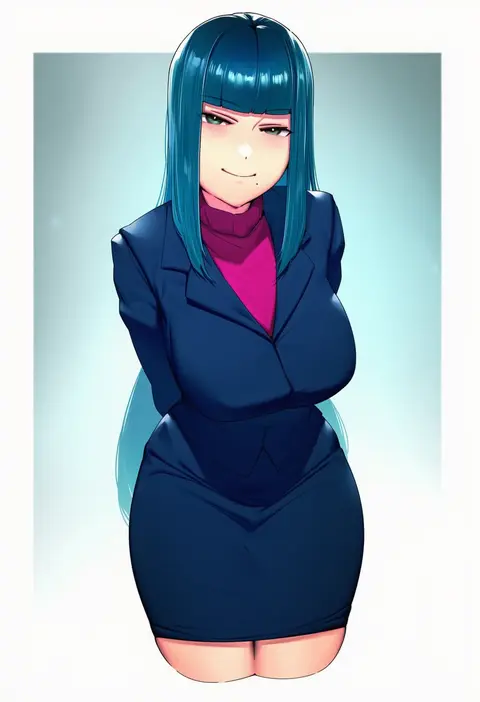
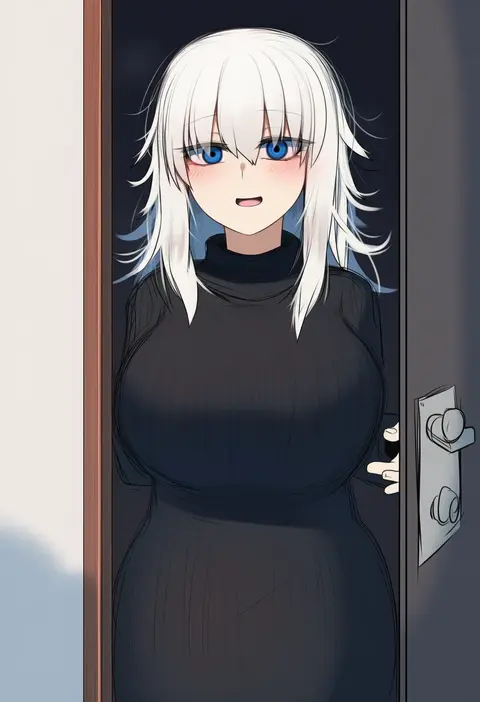
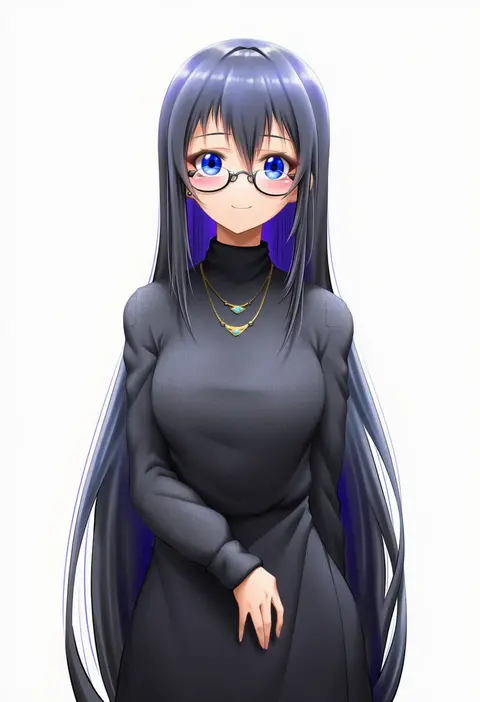
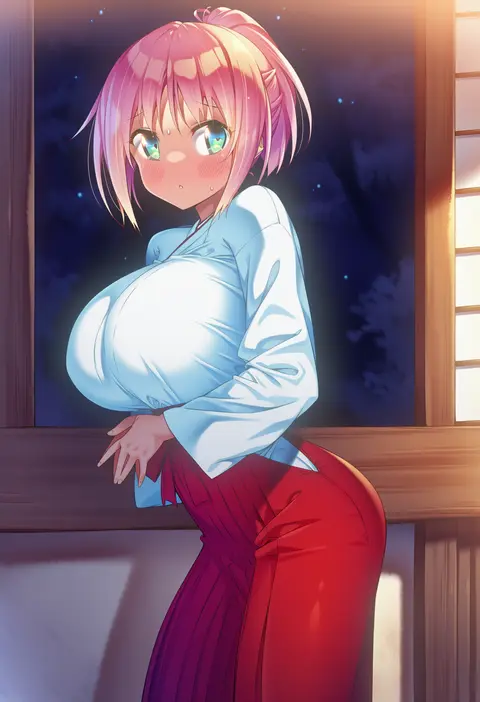
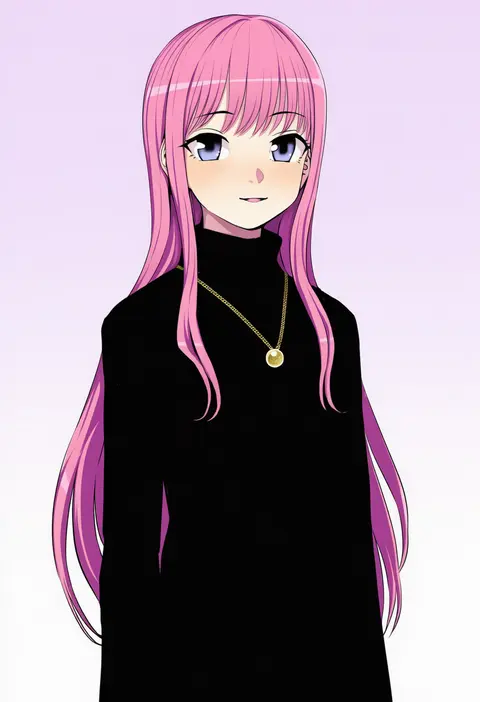
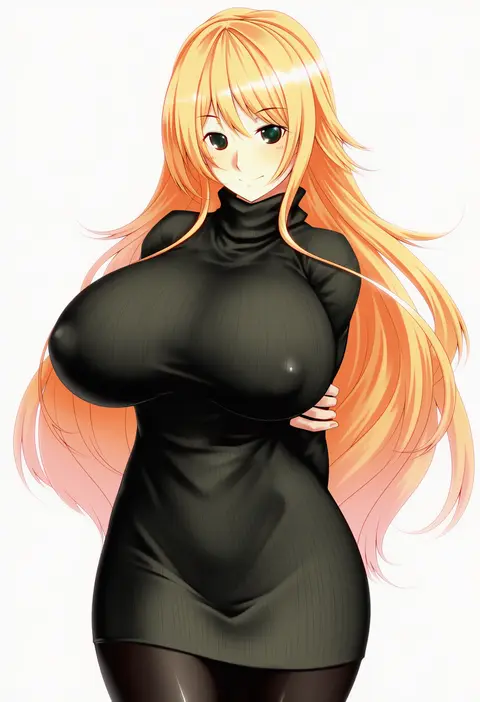
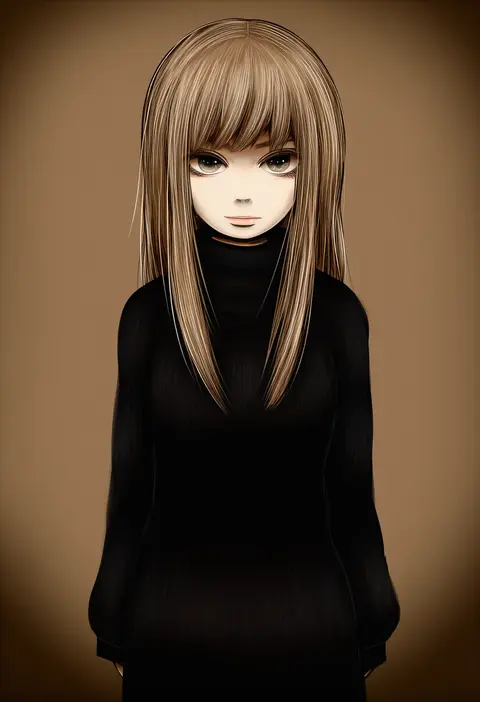
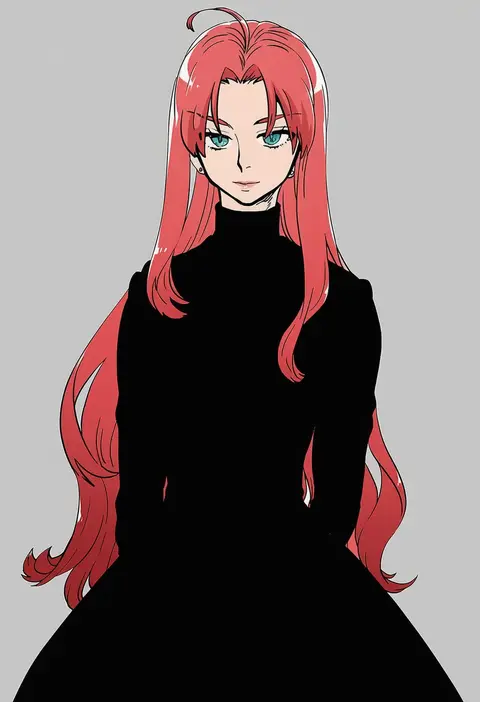
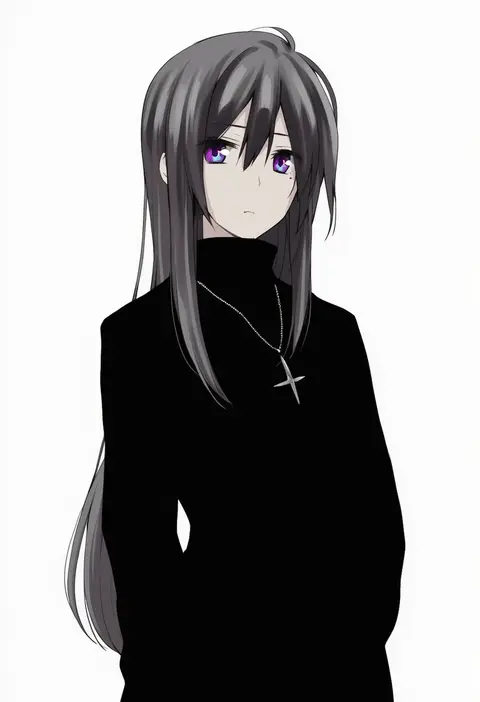
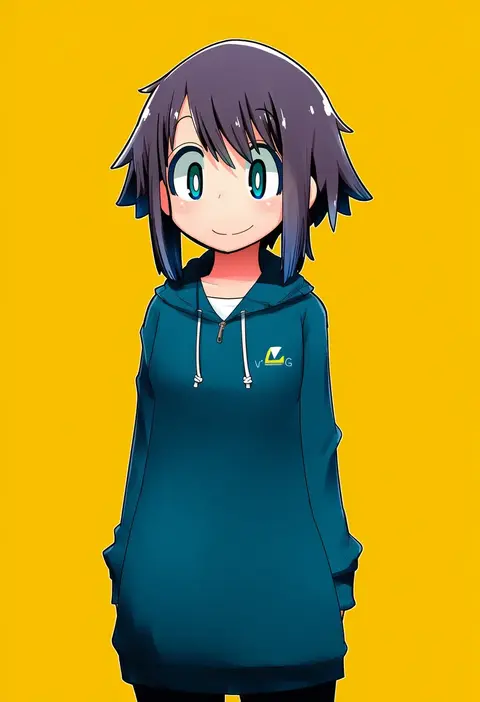
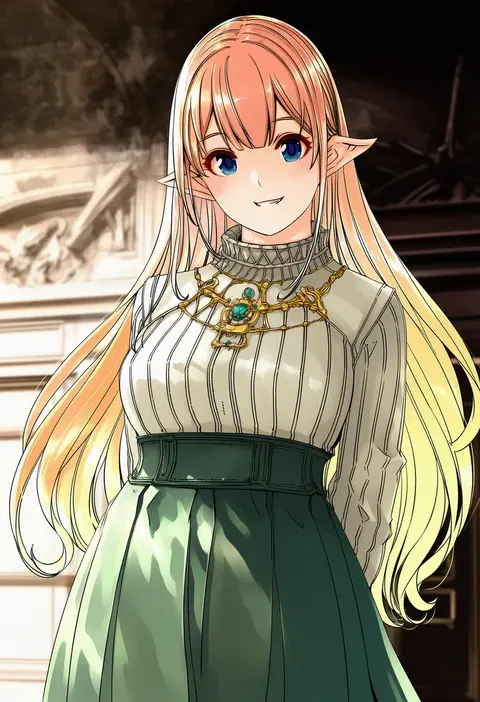
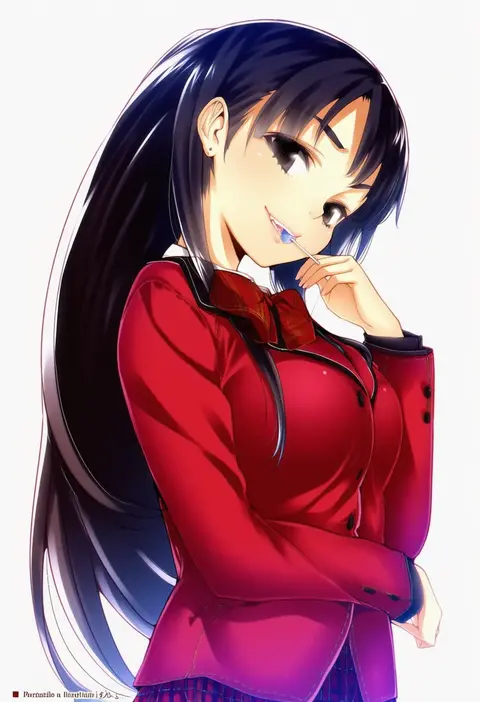
Every tag listed here is verified to react in NovelAI. All images use the same prompt, seed and settings with only the artist tag swapped, so the difference between two images is the style that tag brings in.

How to use them

Put the artist tag near the front of the prompt, e.g. "<artist>, 1girl, solo, best quality, masterpiece, cowboy shot". Two or three artist tags blend styles; lower the weight with "0.8::<artist>::" when the style overpowers the character.

SCORE sorts by Danbooru's top score, POSTS by post count, FAVS by hearts on this site. Open a card to see V5 and V4.5 side by side on the same seed.

V5 vs V4.5

V5 usually lands closer to the artist's real style, and tags that did nothing on V4.5 often react on V5. V4.5 still fits older and doujin-heavy artists better. Try V5 first, fall back to V4.5.

FAQ

Where does the artist tag go?
Near the front of the prompt. Use "0.8::tag::" to adjust its weight.

Can I stack artist tags?
Yes, styles blend. Past two or three the result stops looking like anyone.

Are these the artists' own works?
No. Every image is a NovelAI sample generated from the tag.