V4.5Artists
sort: FAVS▾
▾
>
$

Popular NovelAI artist tags — V4.5

artist --count 16,352[39/273]
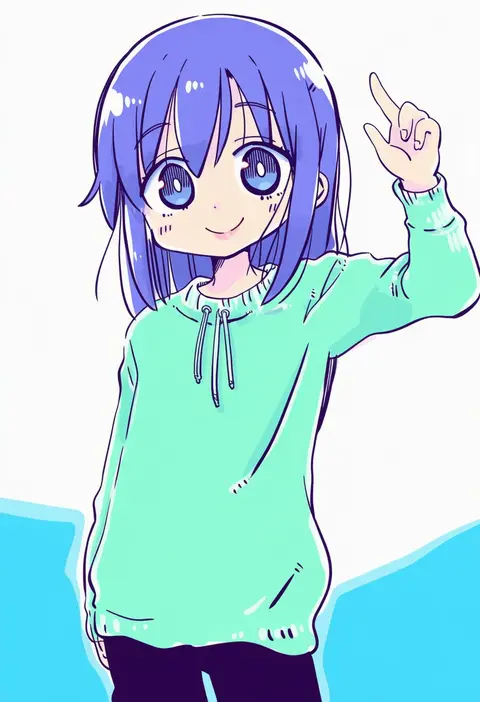
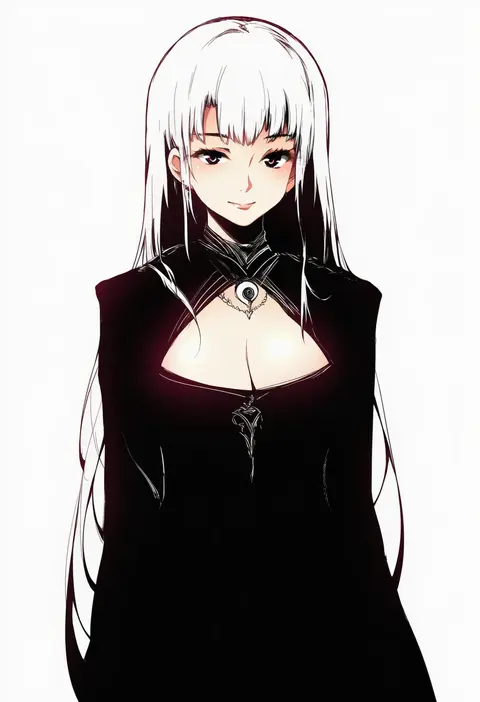
kasuga yuuki
ARTIST0x08E8
0
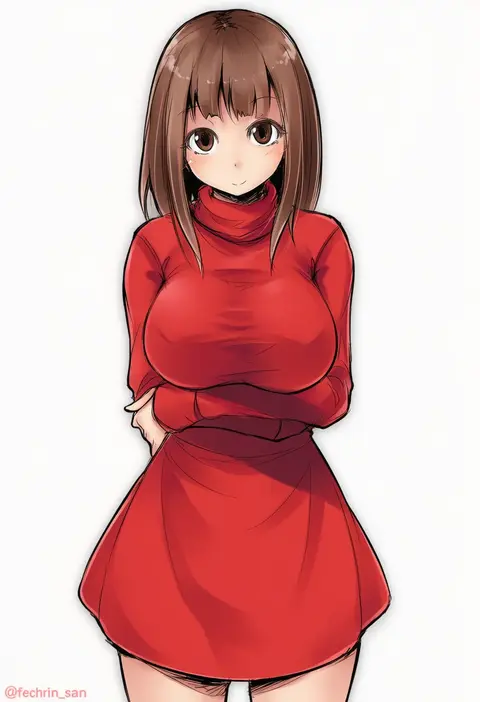
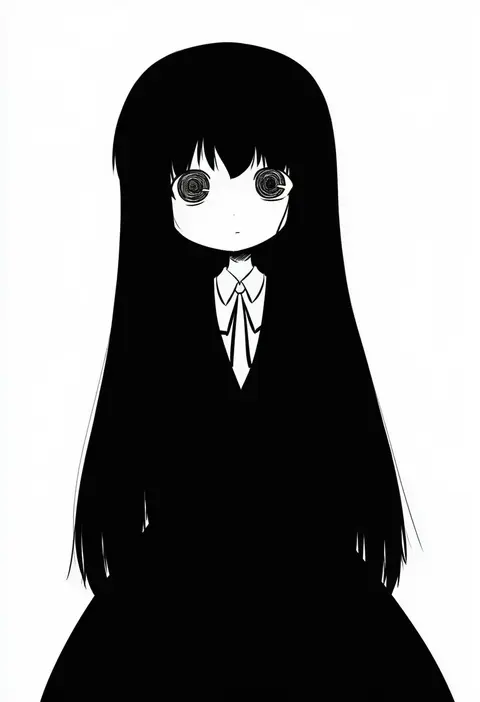
fechirin
ARTIST0x08E9
0
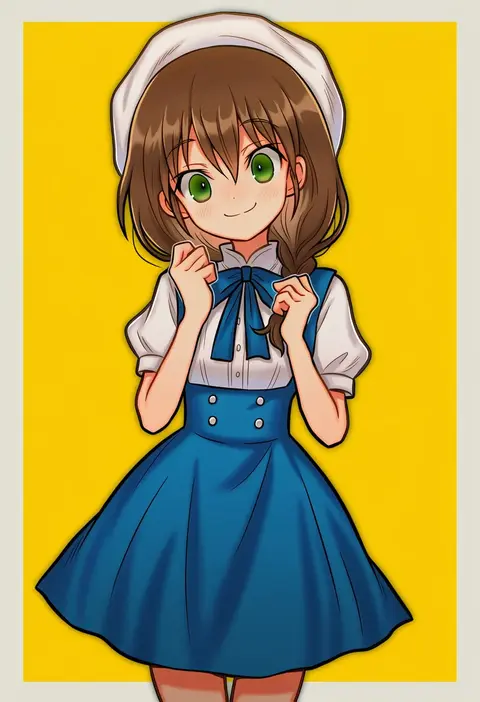
dorua (dollar)
ARTIST0x08EA
0
non (nobu)
ARTIST0x08EB
0
dain
ARTIST0x08EC
0
shichinose
ARTIST0x08ED
0
tsuttsu
ARTIST0x08EE
0
ryuushou
ARTIST0x08EF
0
kuzumiya yuyu
ARTIST0x08F0
0
kamaboko red
ARTIST0x08F1
0
mochizuki ado
ARTIST0x08F2
0
kurau kii
ARTIST0x08F3
0
lysander z
ARTIST0x08F4
0
cofepig
ARTIST0x08F5
0
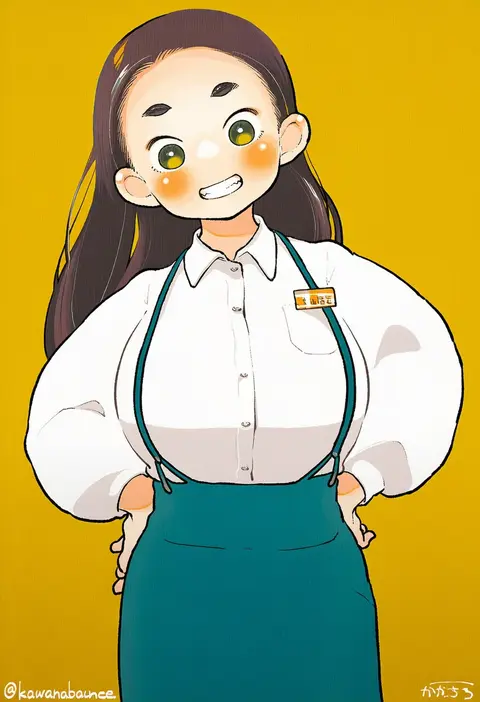
kawanabe
ARTIST0x08F6
0
fuugetsu oreha ikiru
ARTIST0x08F7
0
girotin ginza
ARTIST0x08F8
0
kuroda (nanchara flight)
ARTIST0x08F9
0
eijima moko
ARTIST0x08FA
0
miyo (miyomiyo01)
ARTIST0x08FB
0
ichidai taisa
ARTIST0x08FC
0
yuugiri (u-slash)
ARTIST0x08FD
0
miko machi
ARTIST0x08FE
0
tri
ARTIST0x08FF
0
hermmy
ARTIST0x0900
0
ohyo
ARTIST0x0901
0
natsuk
ARTIST0x0902
0
kobayashi tetsuya
ARTIST0x0903
0
tadokoro teppei
ARTIST0x0904
0
marisu
ARTIST0x0905
0
numako
ARTIST0x0906
0
ogera okera
ARTIST0x0907
0
akesaka iku
ARTIST0x0908
0
somejima
ARTIST0x0909
0
kasu kazu
ARTIST0x090A
0
kotojima motoki
ARTIST0x090B
0
dyun
ARTIST0x090C
0
dearonnus
ARTIST0x090D
0
bannou ippoutsukou
ARTIST0x090E
0
ginseng (xin)
ARTIST0x090F
0
luse maonang
ARTIST0x0910
0
saejin oh
ARTIST0x0911
0
minakami (flyingman555)
ARTIST0x0912
0
yoi naosuke
ARTIST0x0913
0
bygin
ARTIST0x0914
0
rev60
ARTIST0x0915
0
shamonabe
ARTIST0x0916
0
pink ocean
ARTIST0x0917
0
mitsuru (uramitsuru1206)
ARTIST0x0918
0
kawaruhi
ARTIST0x0919
0
waku2kitchen
ARTIST0x091A
0
ebinku
ARTIST0x091B
0
yamikyon
ARTIST0x091C
0
xlyami
ARTIST0x091D
0
sonao
ARTIST0x091E
0
wei xiao
ARTIST0x091F
0
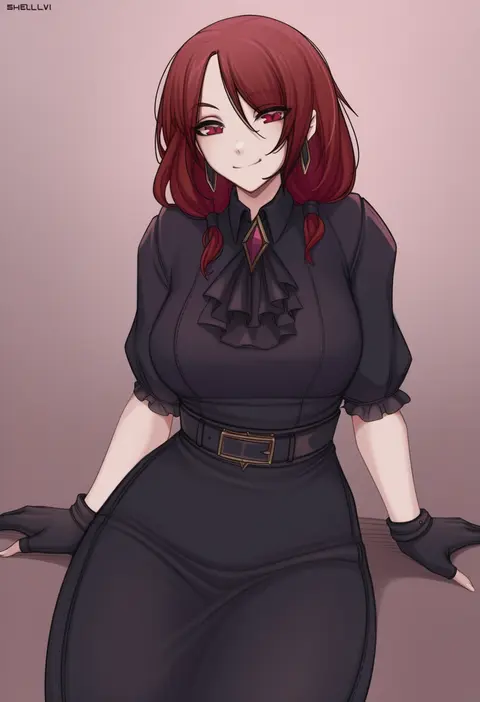
shellvi
ARTIST0x0920
0
harenchi
ARTIST0x0921
0
dodok (gj77230)
ARTIST0x0922
0
jourd4n
ARTIST0x0923
0

What these tags change

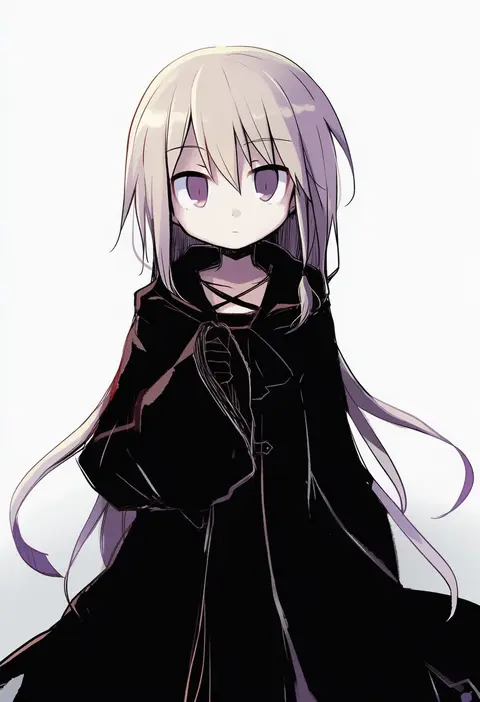
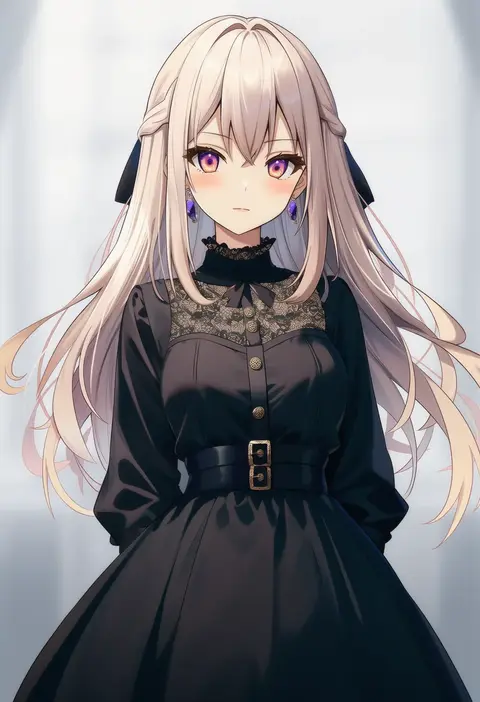
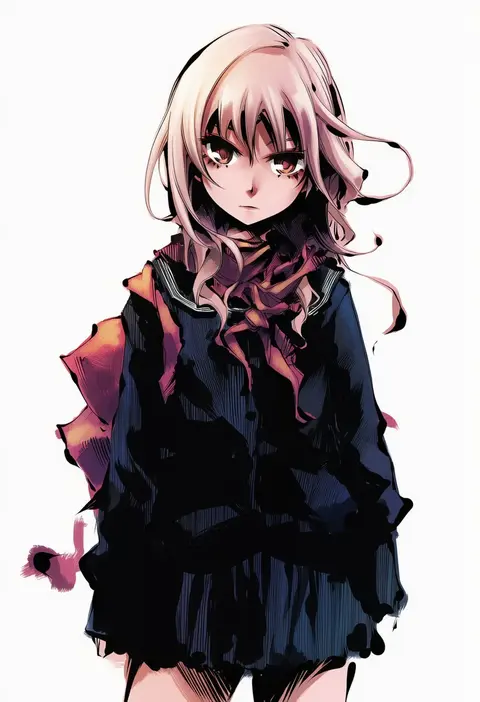
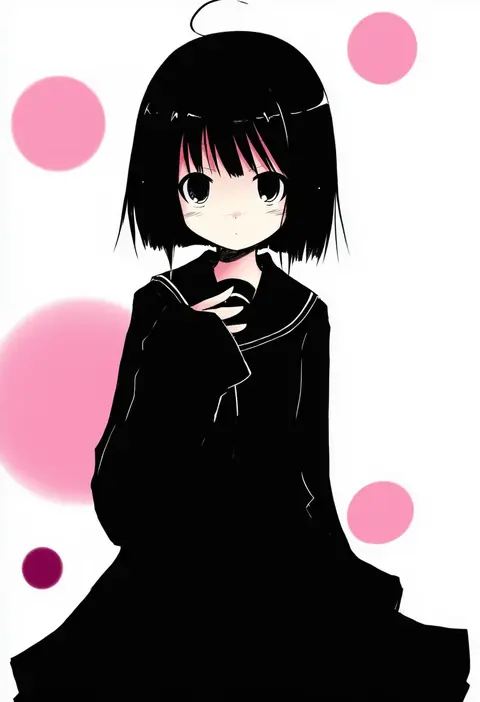
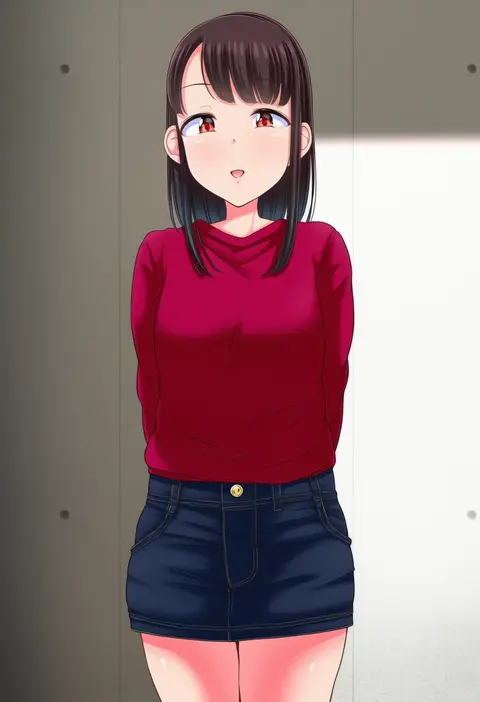
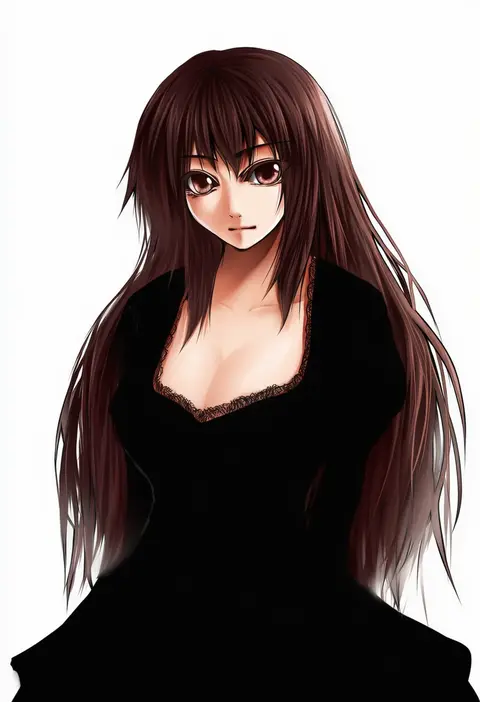
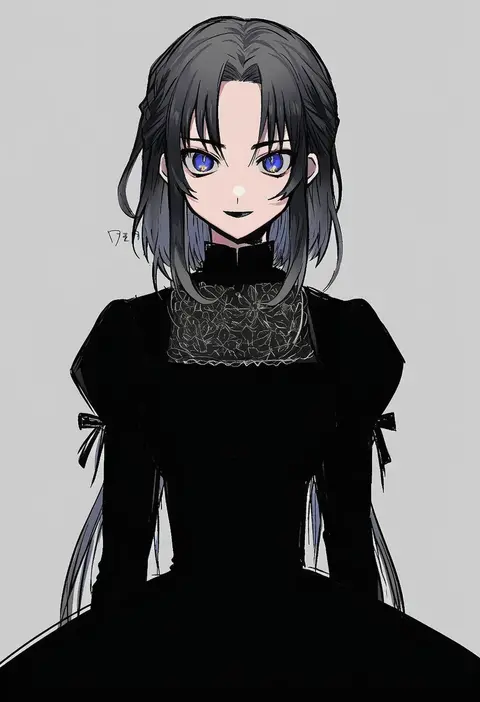
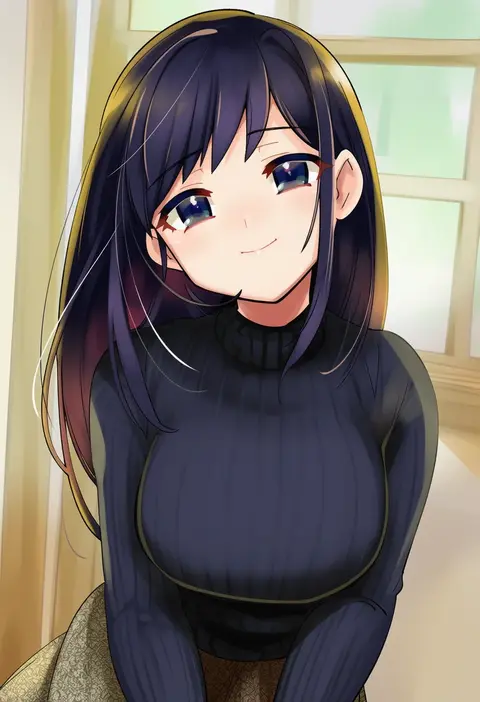
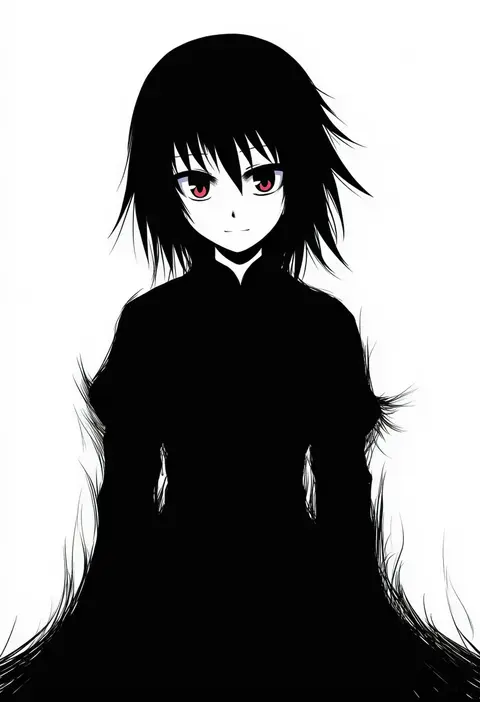
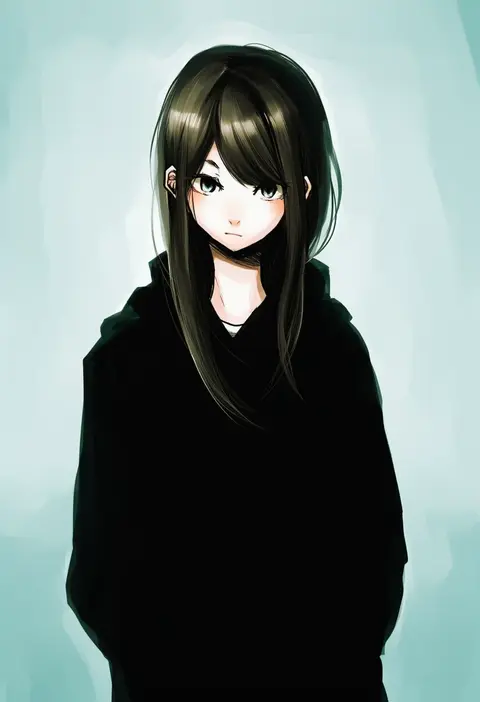
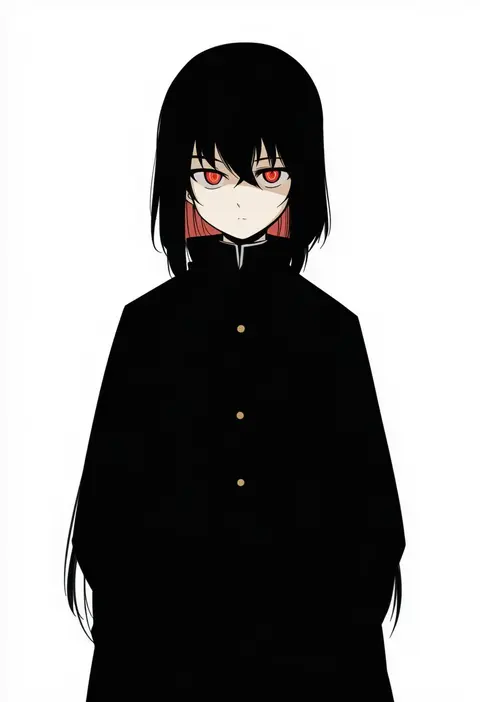
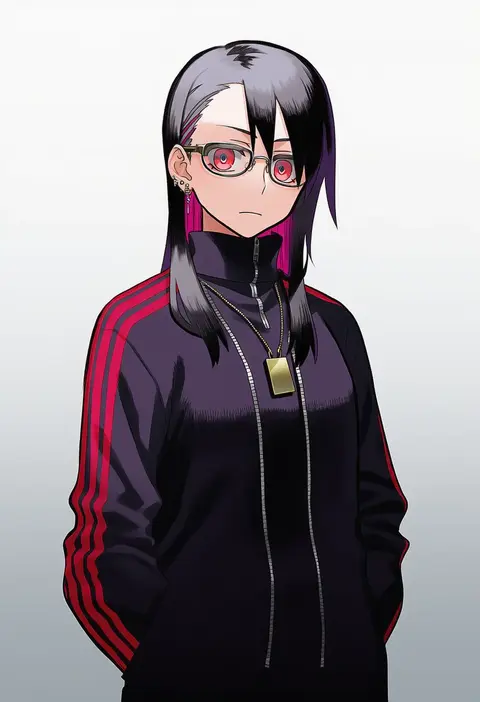
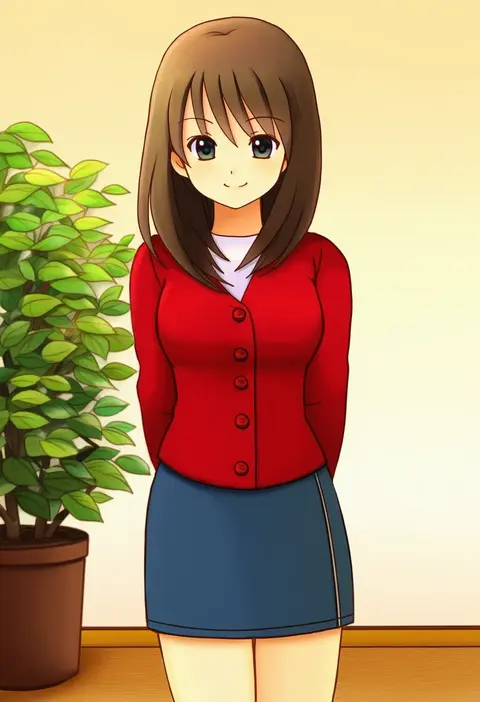
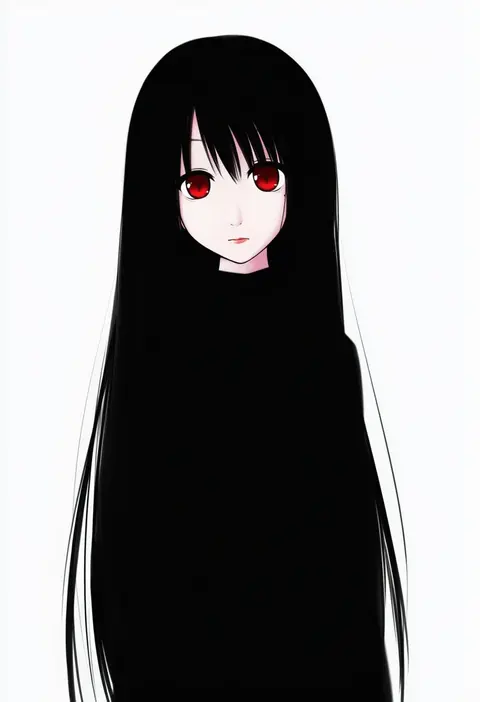
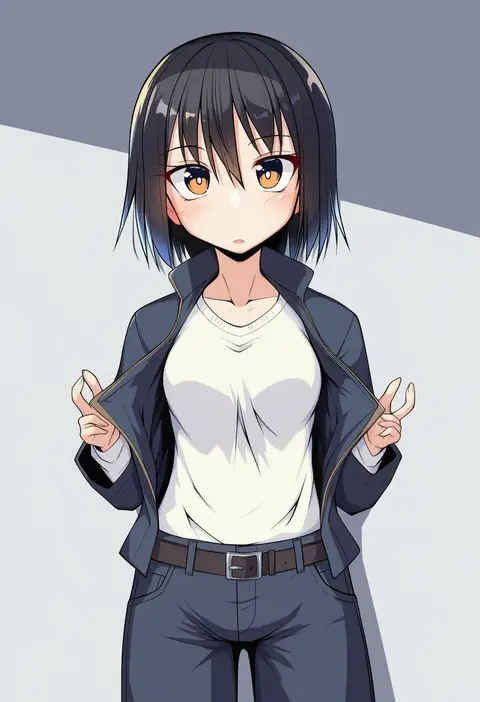
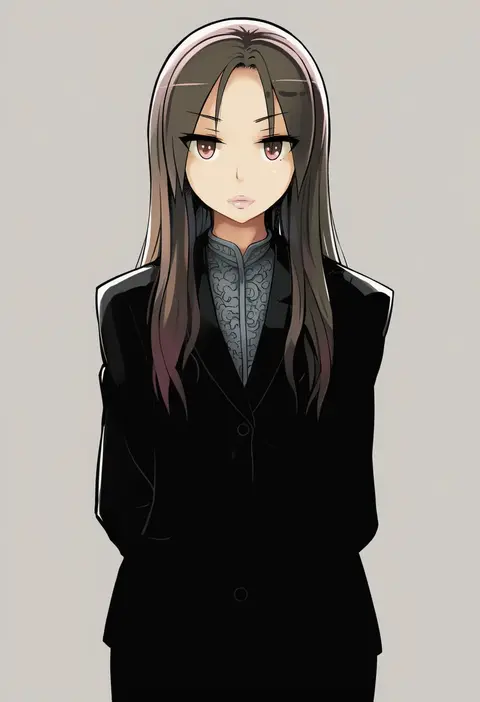
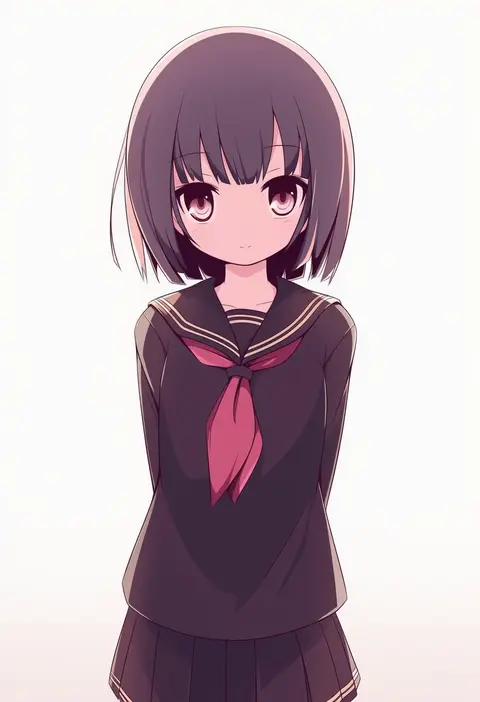
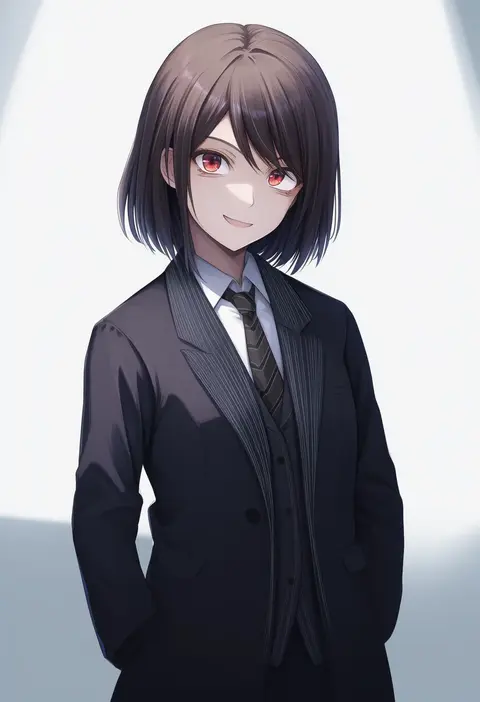
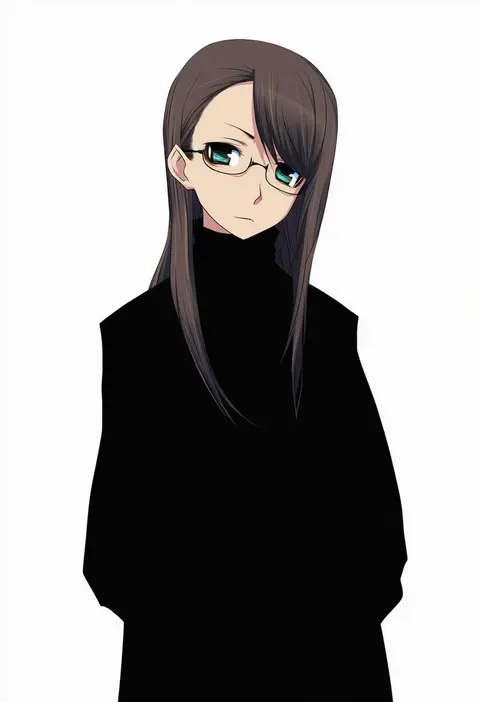
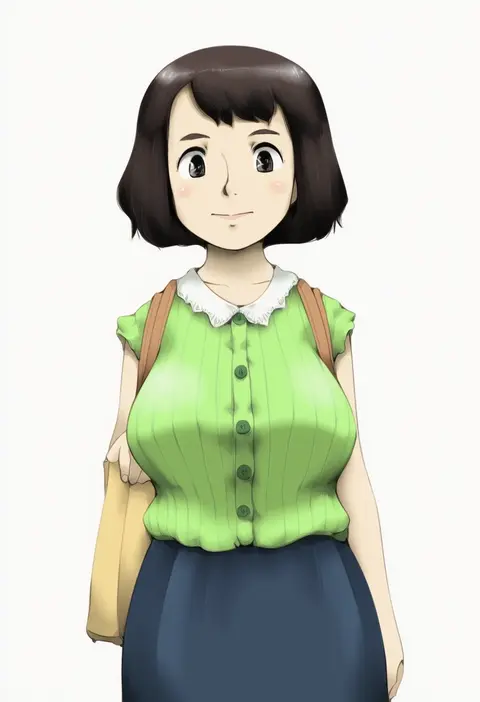
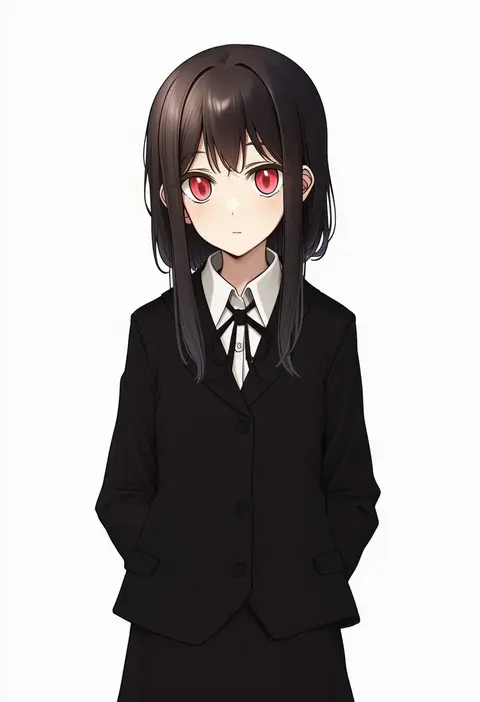
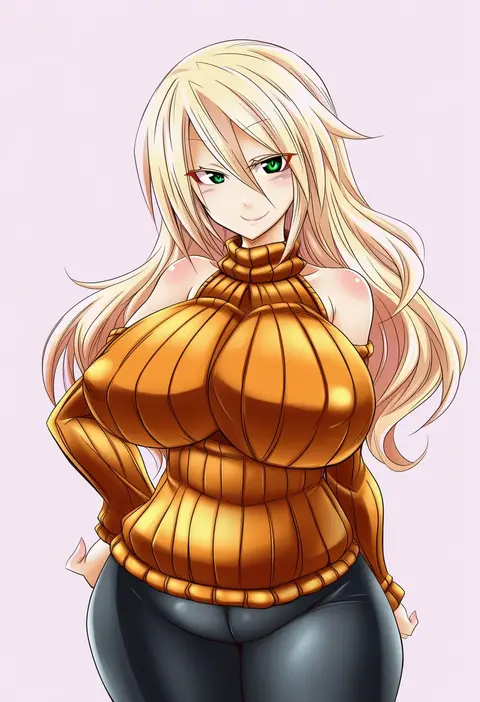
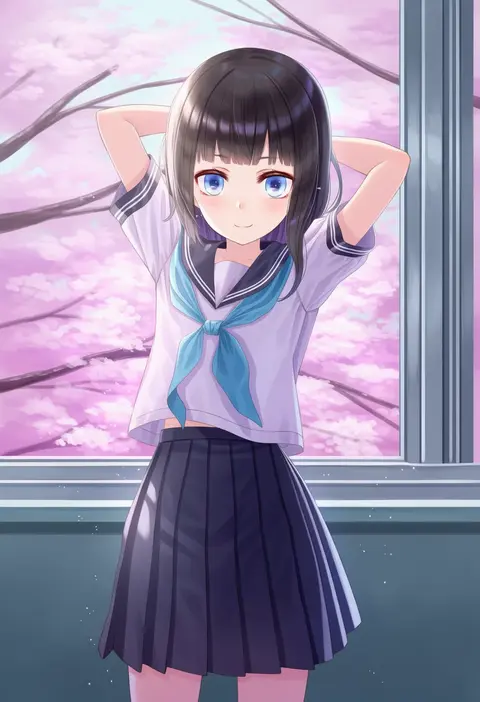
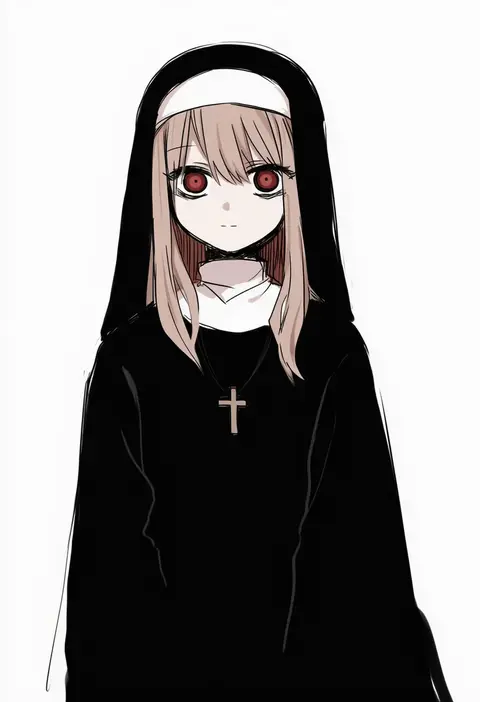
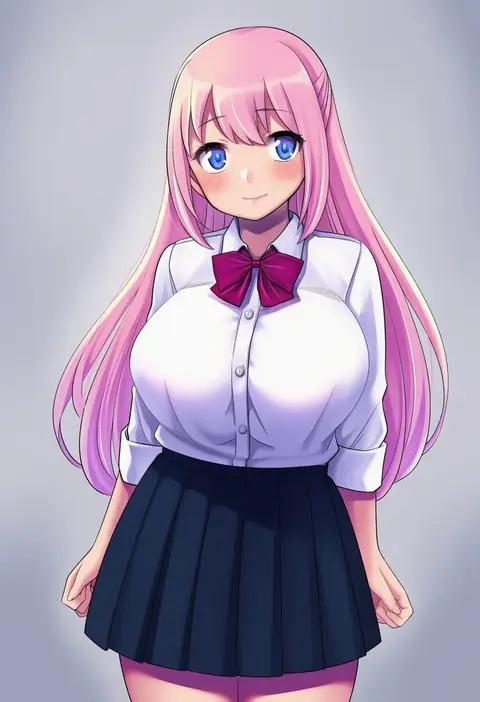
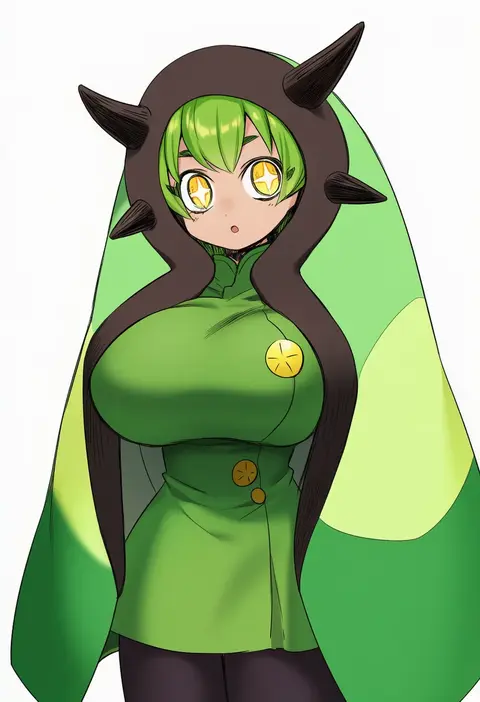
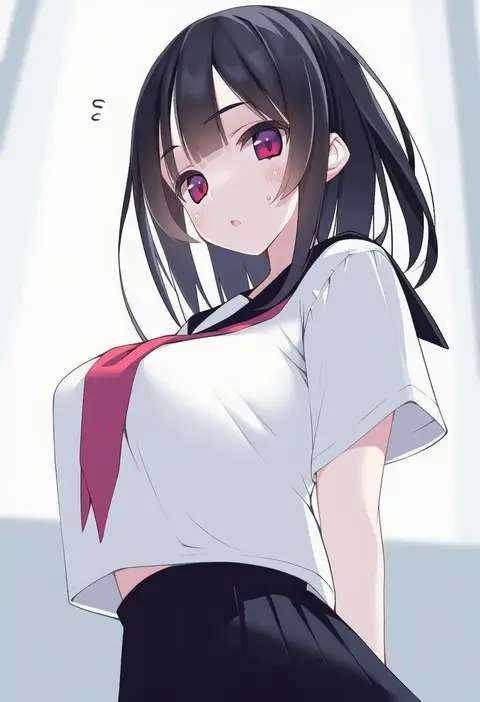
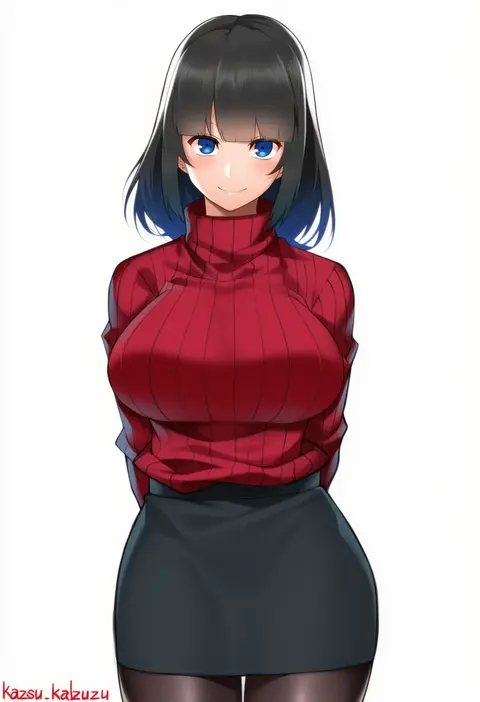
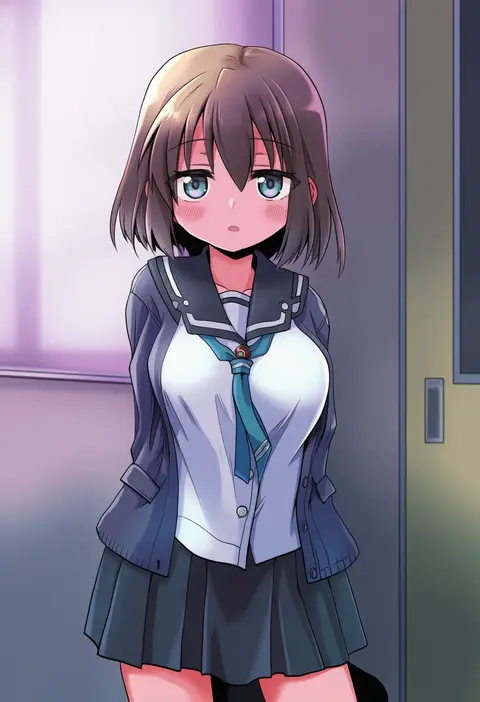
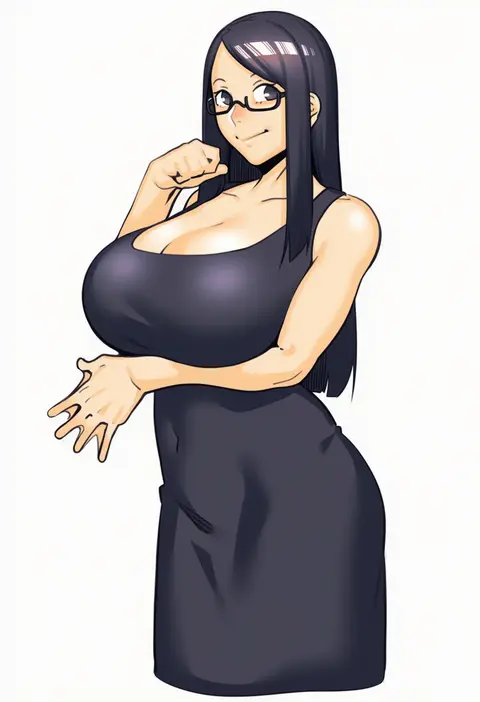
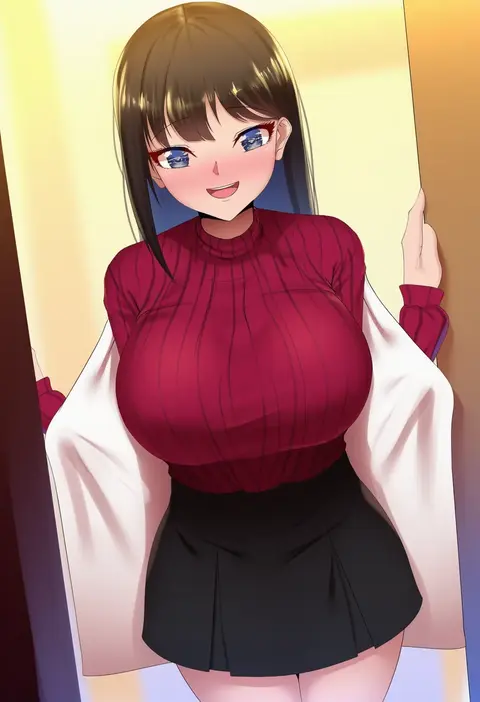
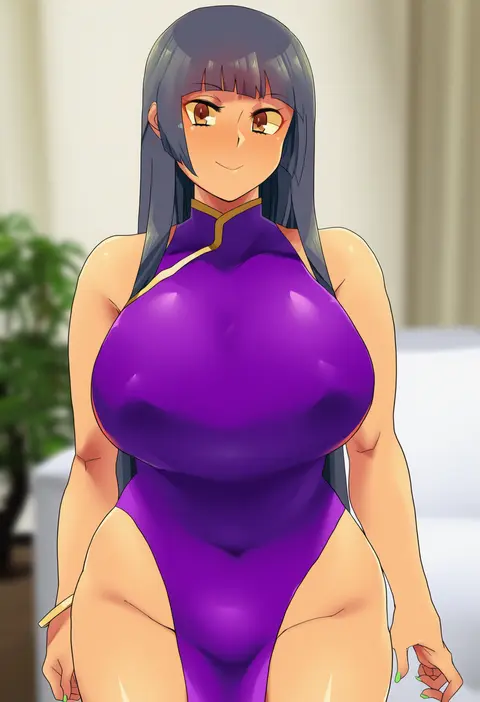
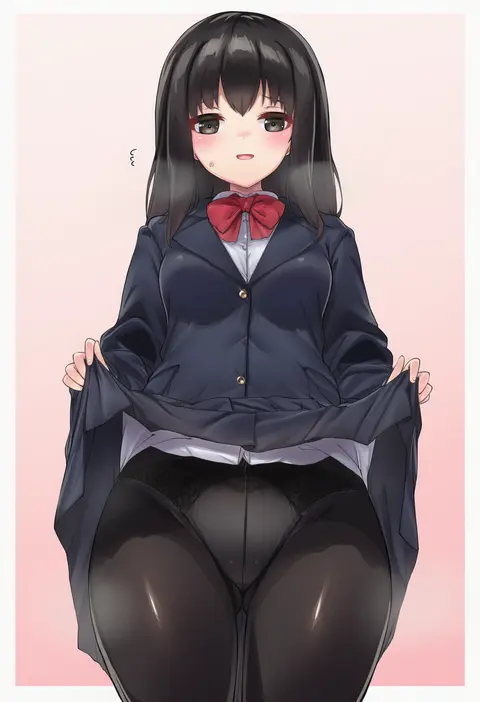
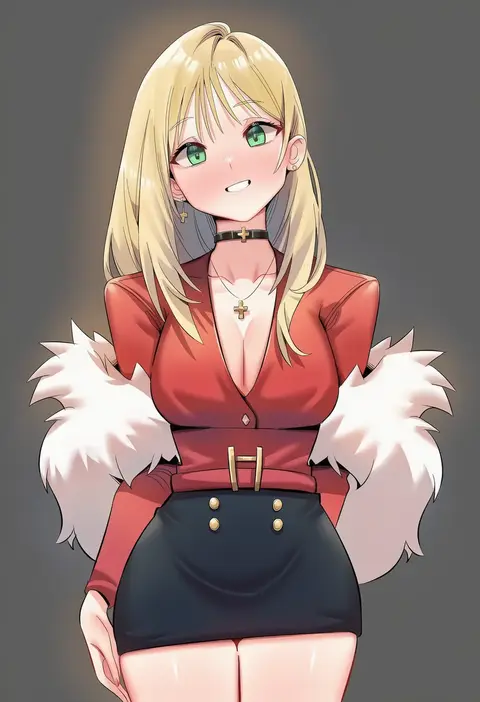
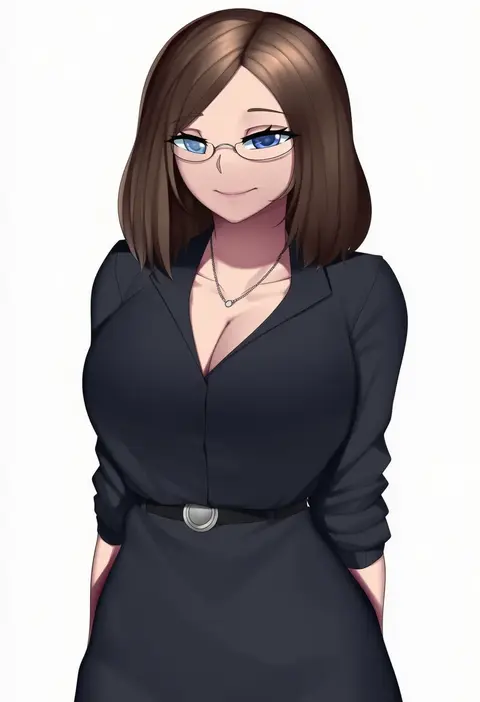
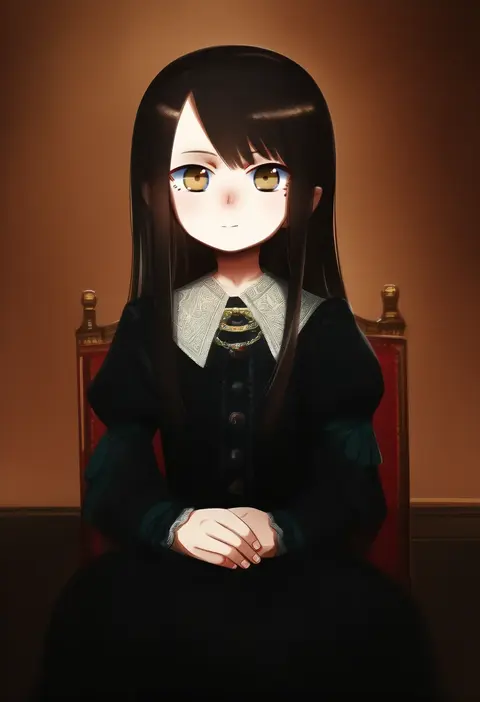
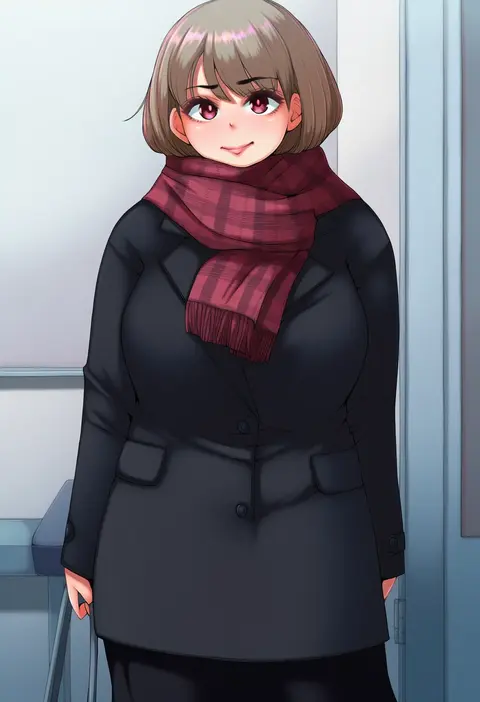
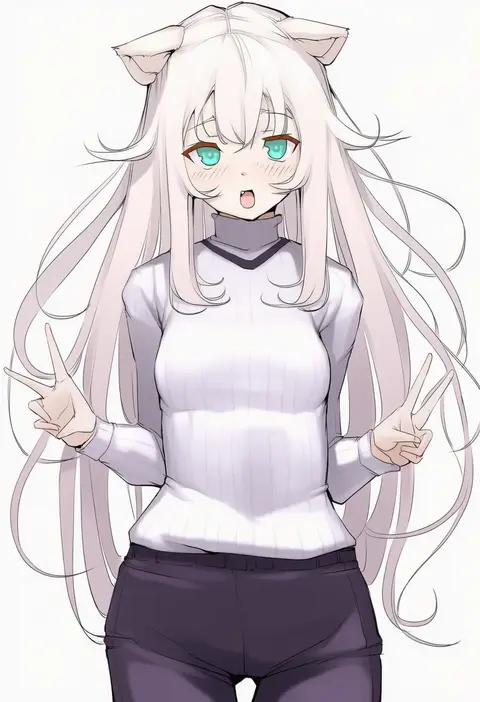
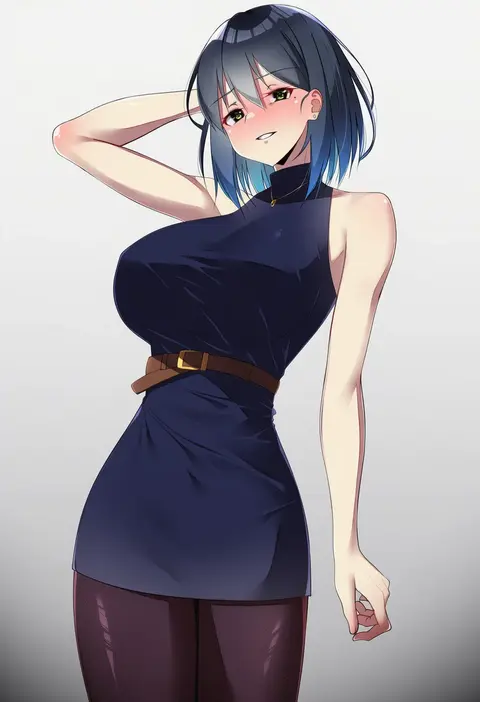
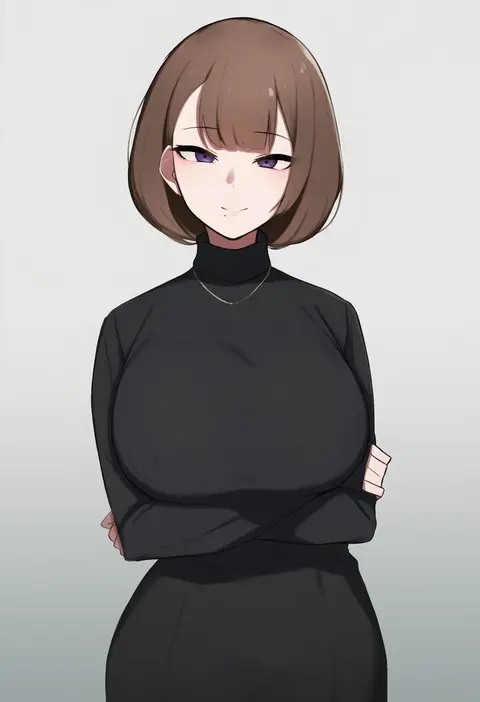
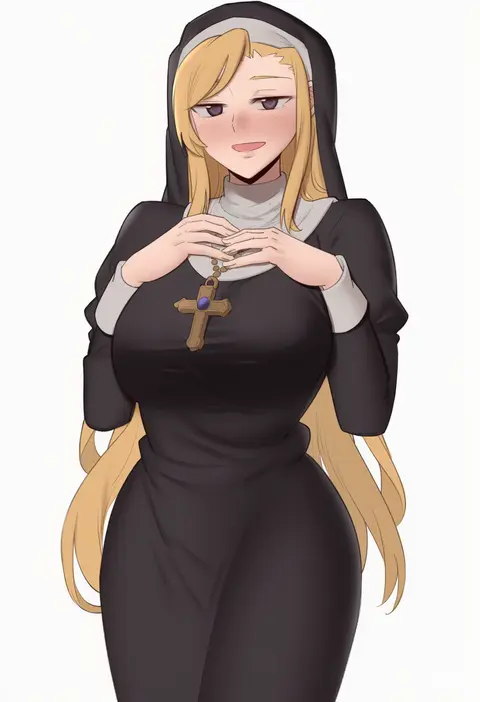
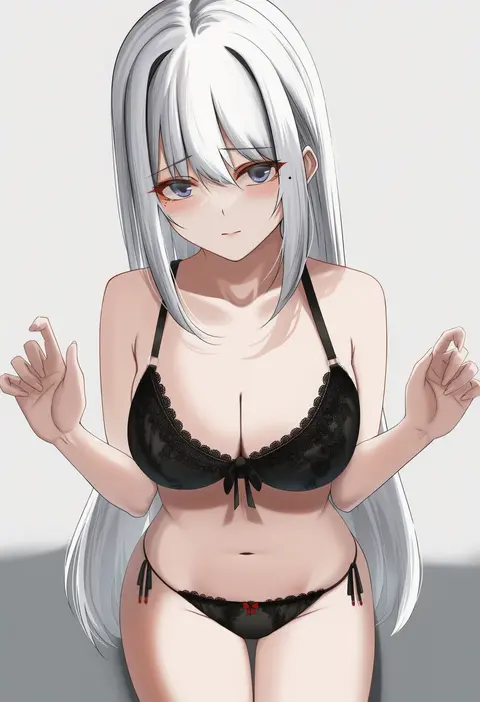
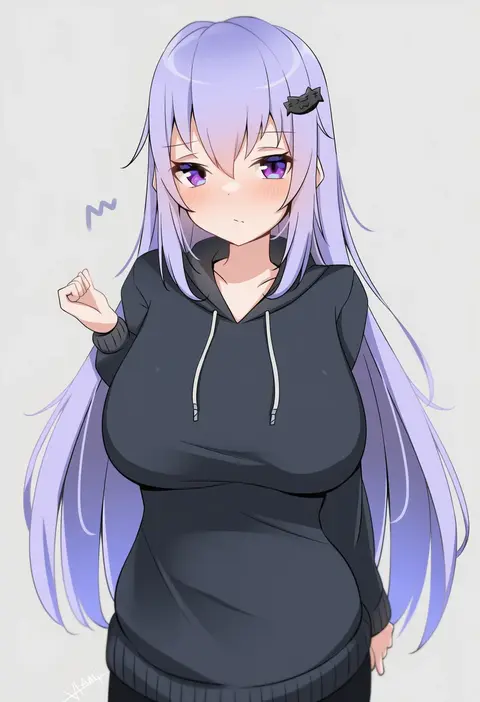
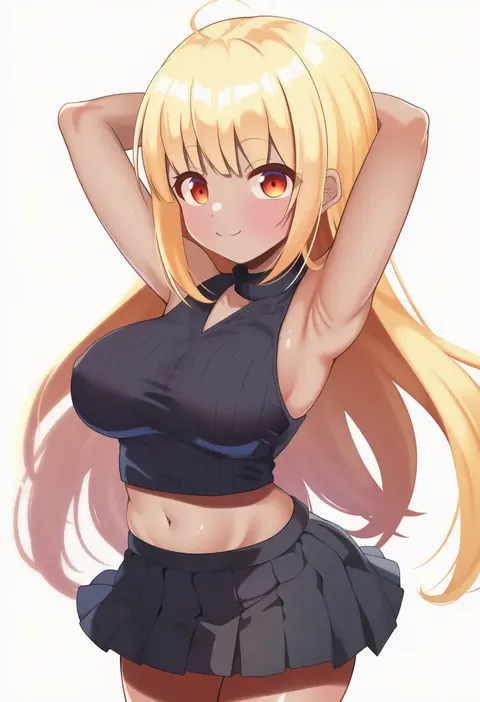
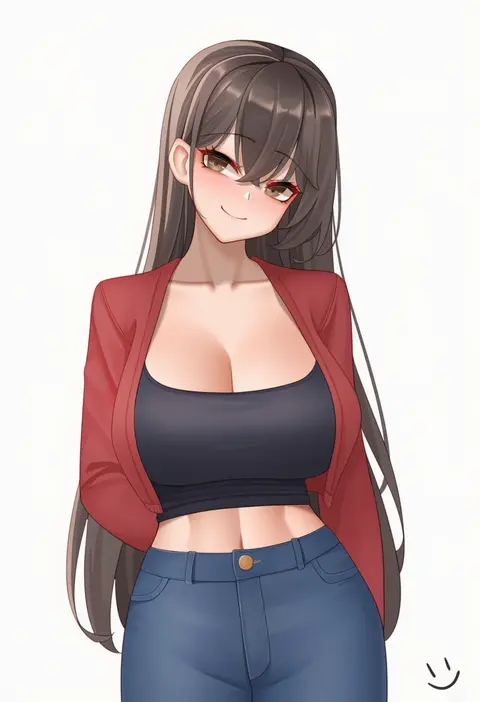
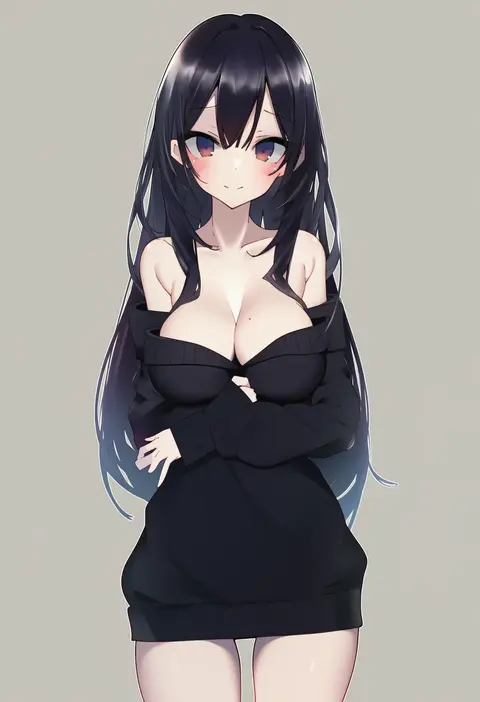
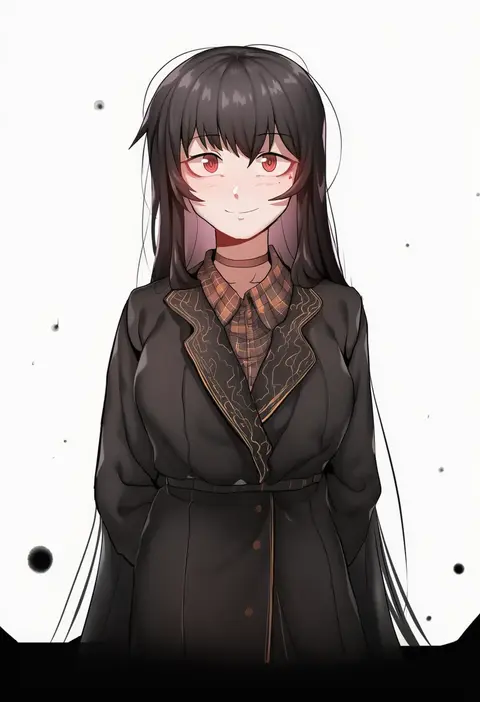
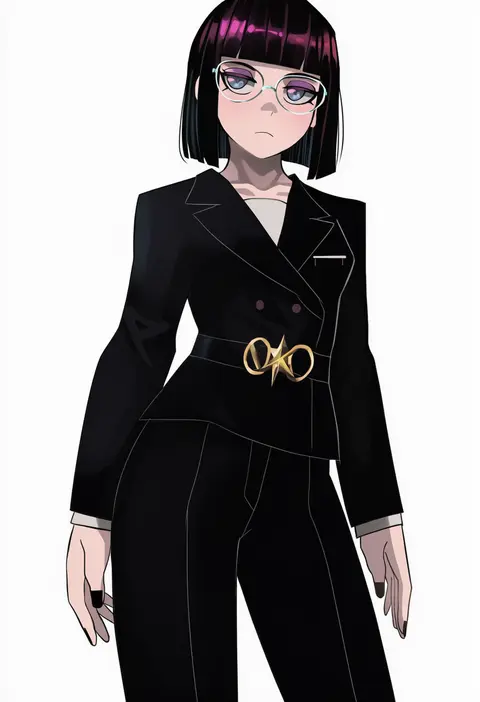
Artist tags tell NovelAI Diffusion to draw in a specific artist's style: line weight, paint texture, face shapes and palette all shift at once. Character and outfit tags decide what is drawn; artist tags decide how. 16,352 tags are listed for V4.5.
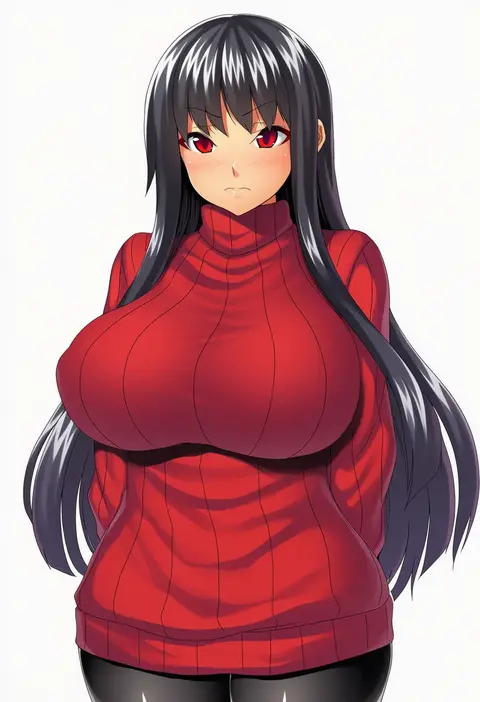
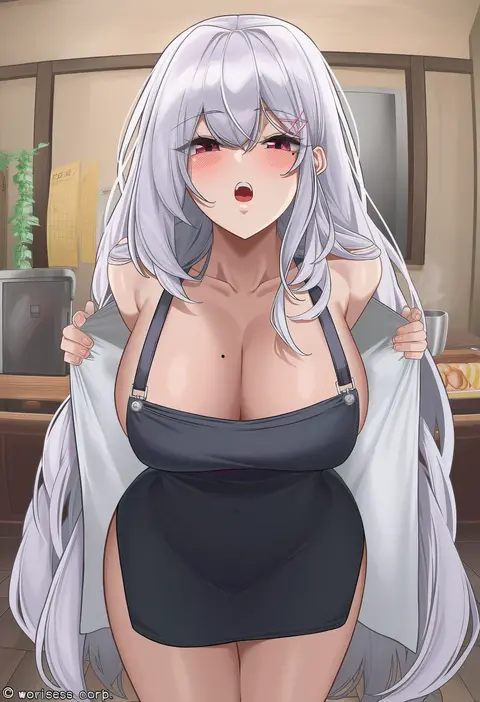
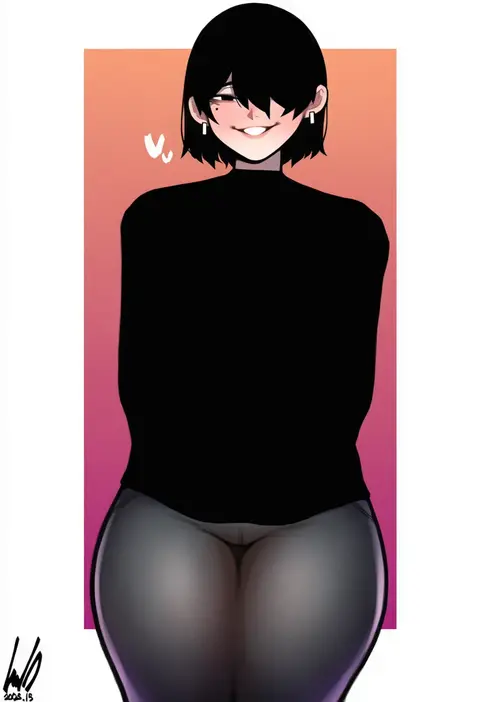
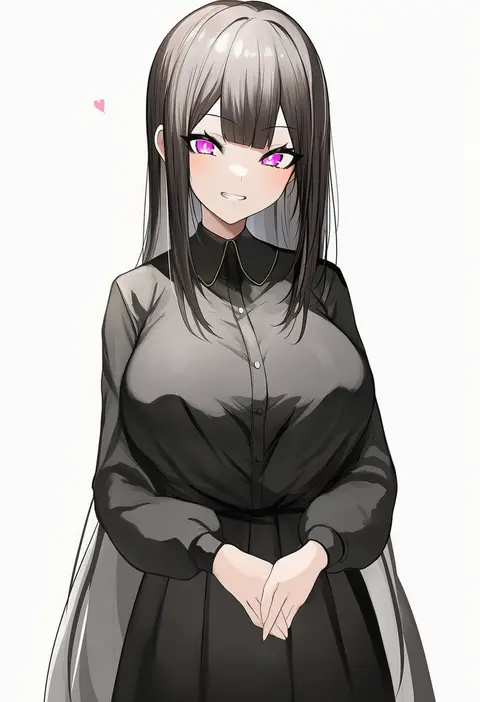
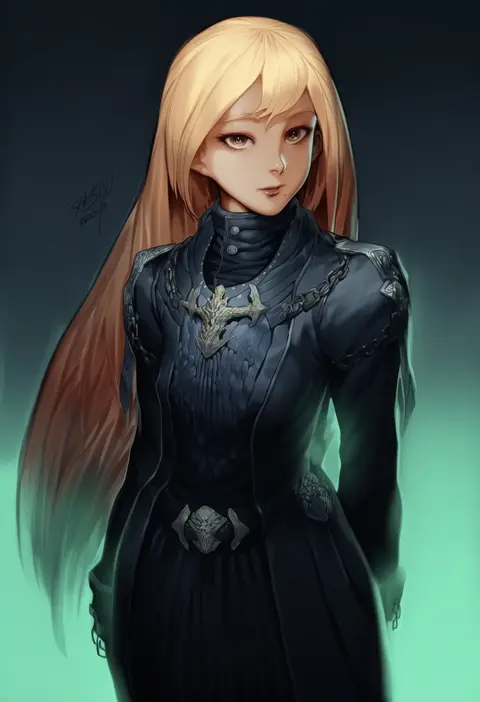
Every tag listed here is verified to react in NovelAI. All images use the same prompt, seed and settings with only the artist tag swapped, so the difference between two images is the style that tag brings in.

How to use them

Put the artist tag near the front of the prompt, e.g. "<artist>, 1girl, solo, best quality, masterpiece, cowboy shot". Two or three artist tags blend styles; lower the weight with "0.8::<artist>::" when the style overpowers the character.

SCORE sorts by Danbooru's top score, POSTS by post count, FAVS by hearts on this site. Open a card to see V5 and V4.5 side by side on the same seed.

V5 vs V4.5

V5 usually lands closer to the artist's real style, and tags that did nothing on V4.5 often react on V5. V4.5 still fits older and doujin-heavy artists better. Try V5 first, fall back to V4.5.

FAQ

Where does the artist tag go?
Near the front of the prompt. Use "0.8::tag::" to adjust its weight.

Can I stack artist tags?
Yes, styles blend. Past two or three the result stops looking like anyone.

Are these the artists' own works?
No. Every image is a NovelAI sample generated from the tag.