V4.5Artists
sort: FAVS▾
▾
>
$

Popular NovelAI artist tags — V4.5

artist --count 16,352[48/273]
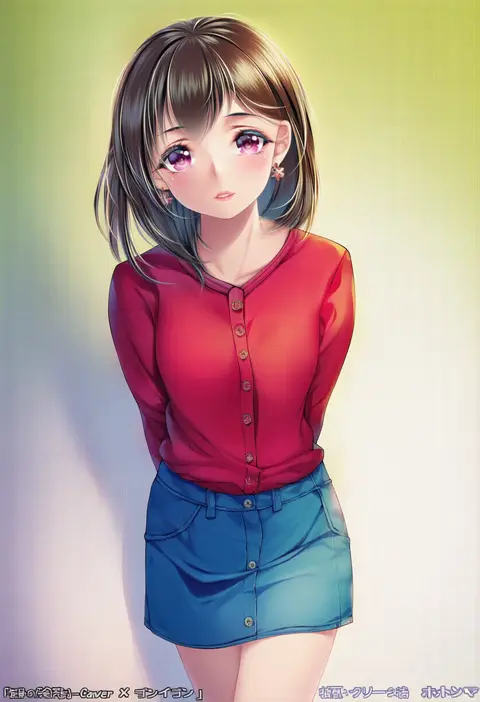
paint musume
ARTIST0x0B04
0
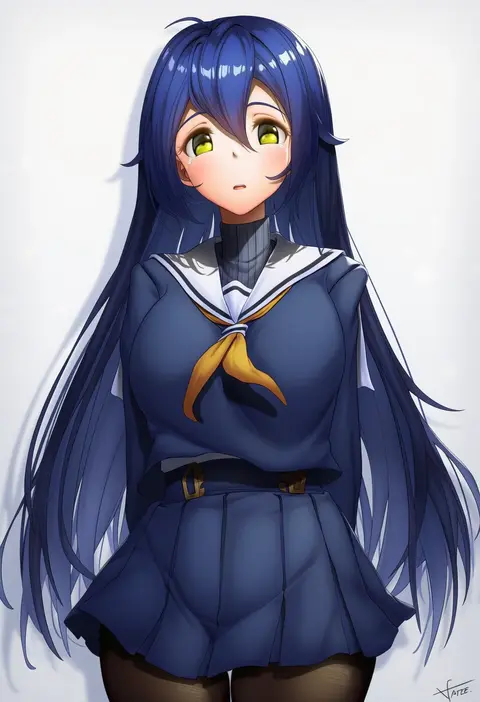
xfate
ARTIST0x0B05
0
novcel
ARTIST0x0B06
0
ichi-go
ARTIST0x0B07
0
r-man
ARTIST0x0B08
0
penti
ARTIST0x0B09
0
shirane taito
ARTIST0x0B0A
0
automatic giraffe
ARTIST0x0B0B
0
honkivampy
ARTIST0x0B0C
0
kakeku
ARTIST0x0B0D
0
nike (nike1060)
ARTIST0x0B0E
0
emoi do
ARTIST0x0B0F
0
bwcloud
ARTIST0x0B10
0
lan mao akko
ARTIST0x0B11
0
koubou (cowbow kun)
ARTIST0x0B12
0
neropaso
ARTIST0x0B13
0
bokuman
ARTIST0x0B14
0
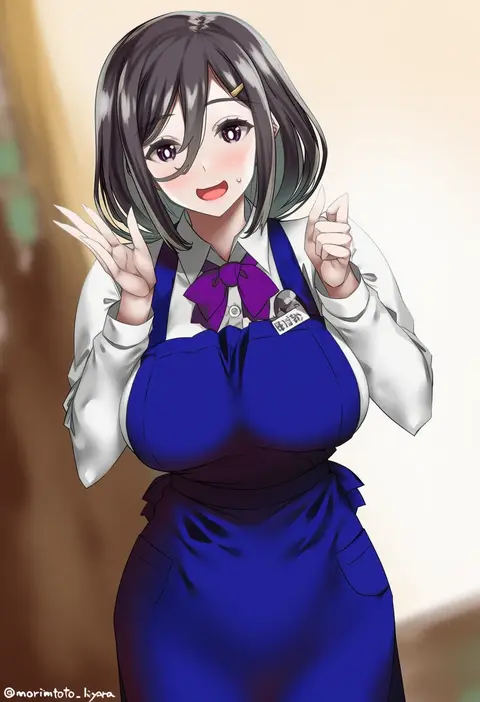
morimoto kiyona
ARTIST0x0B15
0
tipii
ARTIST0x0B16
0
nohhun
ARTIST0x0B17
0
sarcophage
ARTIST0x0B18
0
piyo (piyo8415)
ARTIST0x0B19
0
hakai shin
ARTIST0x0B1A
0
pole (ppp1409)
ARTIST0x0B1B
0
yui hiroshi
ARTIST0x0B1C
0
funitarefu
ARTIST0x0B1D
0
mikan03 26
ARTIST0x0B1E
0
nishizuki shino
ARTIST0x0B1F
0
amogan
ARTIST0x0B20
0
yuuyuu (yuuki1771)
ARTIST0x0B21
0
jampen
ARTIST0x0B22
0
ursica
ARTIST0x0B23
0
orihi chihiro
ARTIST0x0B24
0
teriibol
ARTIST0x0B25
0
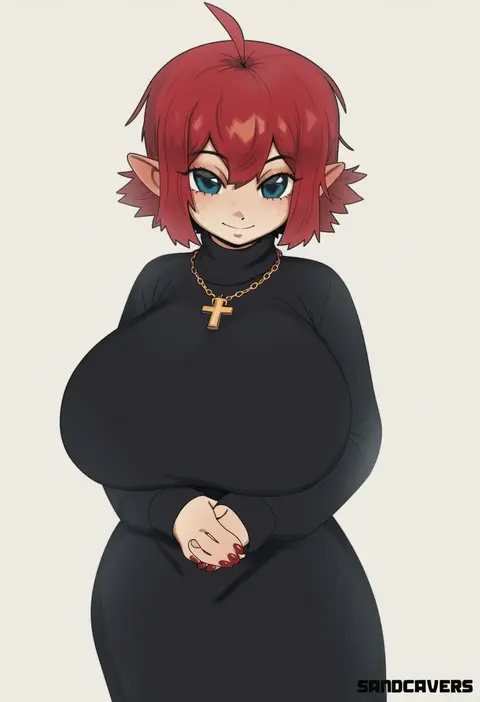
sandcasks
ARTIST0x0B26
0
monowe
ARTIST0x0B27
0
senji (tegone spike)
ARTIST0x0B28
0
chixiao
ARTIST0x0B29
0
eternity (shadeh)
ARTIST0x0B2A
0
paundo2
ARTIST0x0B2B
0
g home
ARTIST0x0B2C
0
ukokkei
ARTIST0x0B2D
0
yoshimoto (dear life)
ARTIST0x0B2E
0
kitiroku
ARTIST0x0B2F
0
silver bullet (ecc12 8)
ARTIST0x0B30
0
mochimako (mushikera hoi2)
ARTIST0x0B31
0
bechu
ARTIST0x0B32
0
emirio (emirio110)
ARTIST0x0B33
0
200f (nifu)
ARTIST0x0B34
0
rbx lamen
ARTIST0x0B35
0
ruhee
ARTIST0x0B36
0
randomboobguy
ARTIST0x0B37
0
sukage
ARTIST0x0B38
0
rerrere
ARTIST0x0B39
0
hoshara
ARTIST0x0B3A
0
cho!cho!
ARTIST0x0B3B
0
mazenda (3378)
ARTIST0x0B3C
0
juzi (orange8619)
ARTIST0x0B3D
0
ae iueo
ARTIST0x0B3E
0
tomohiro kai
ARTIST0x0B3F
0

What these tags change

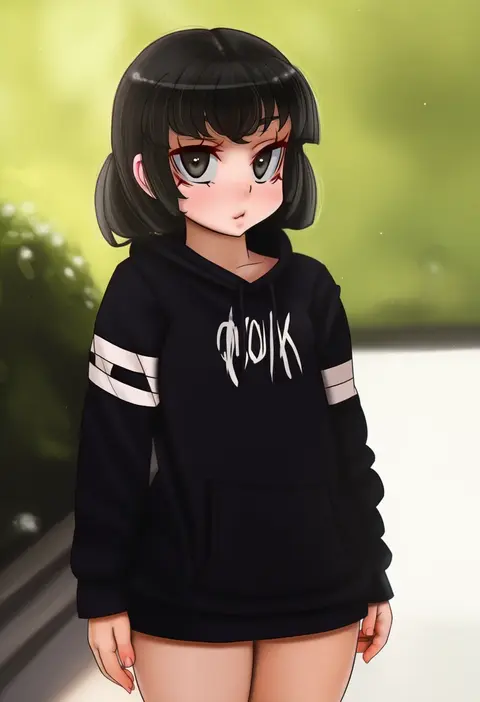
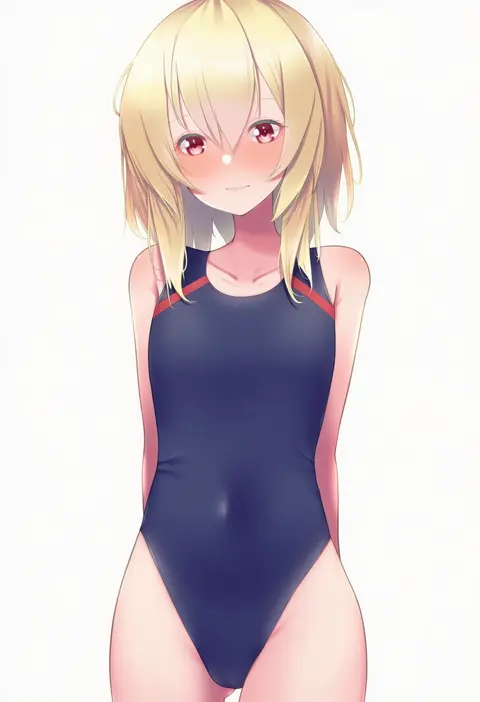
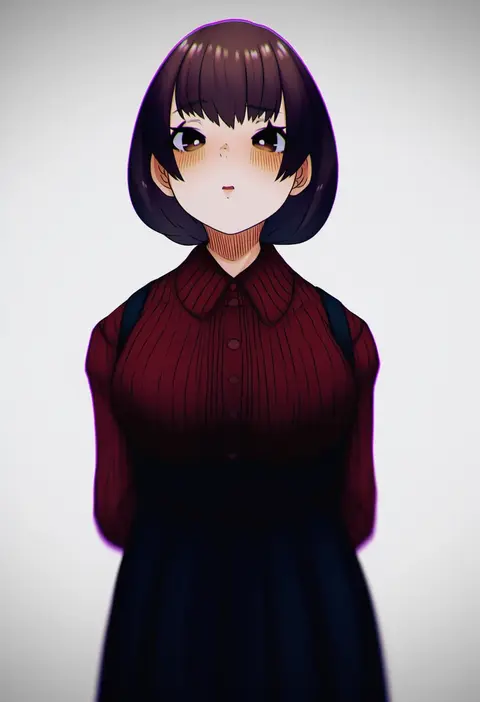
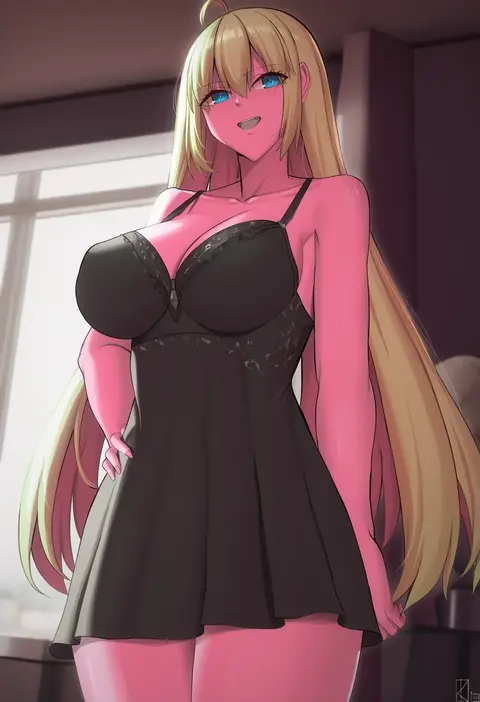
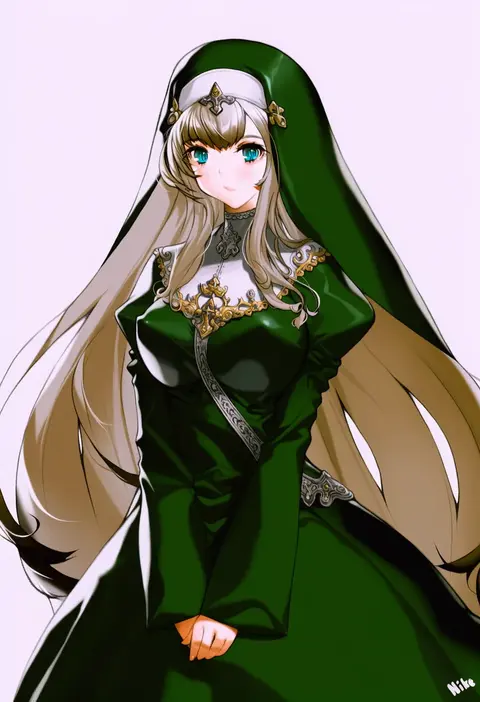
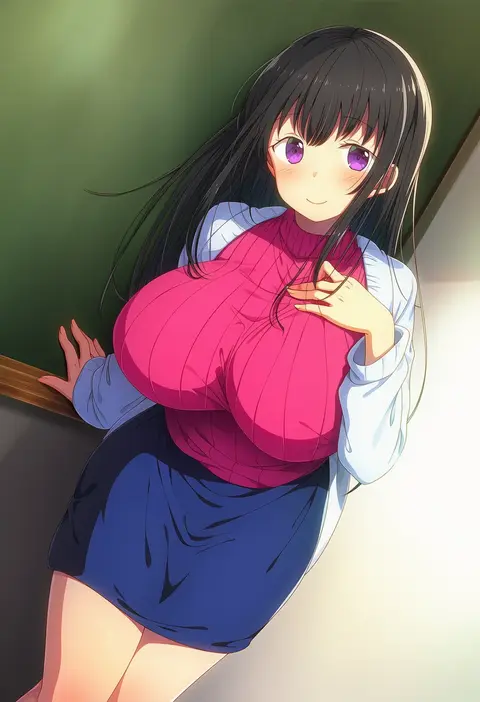
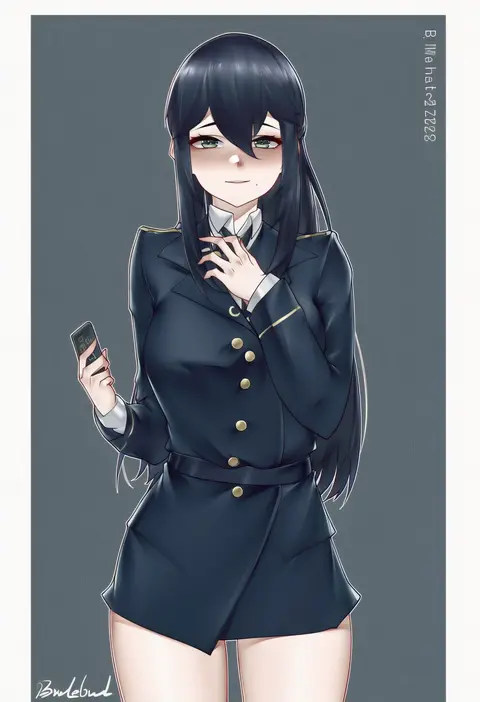
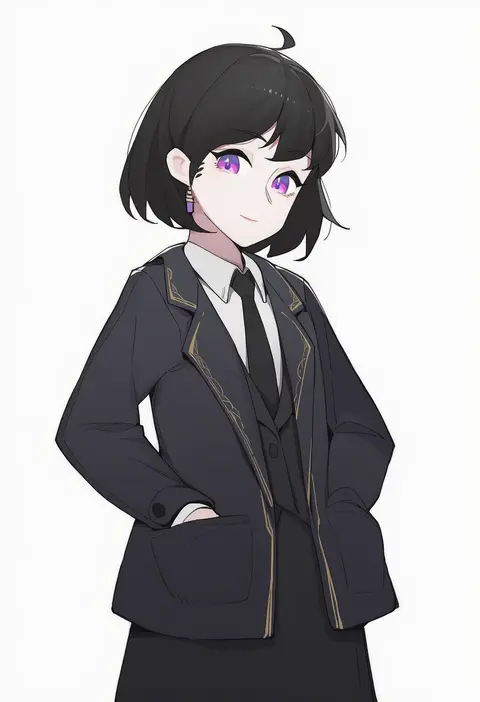
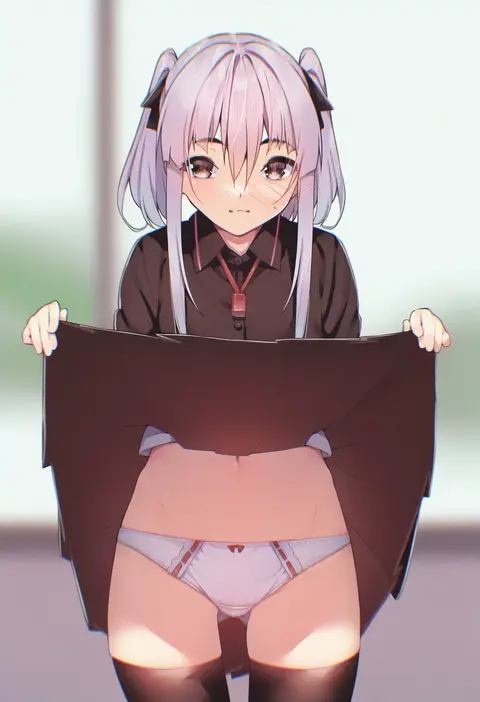
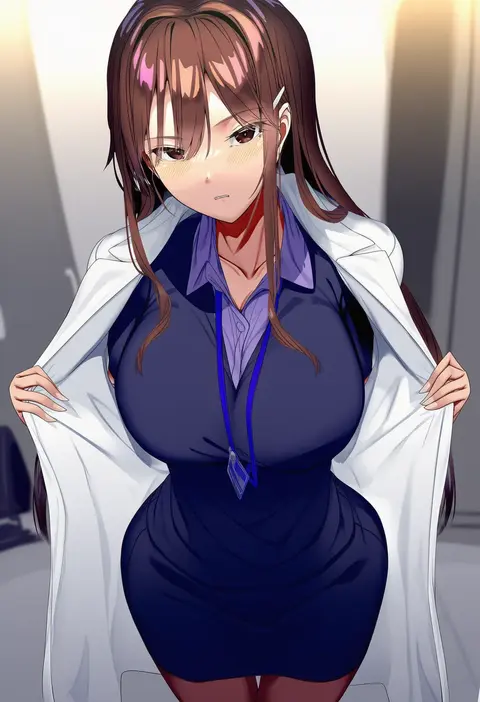
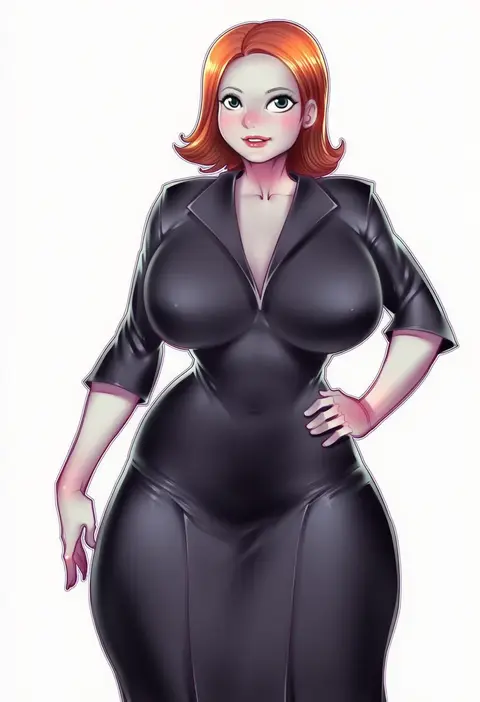
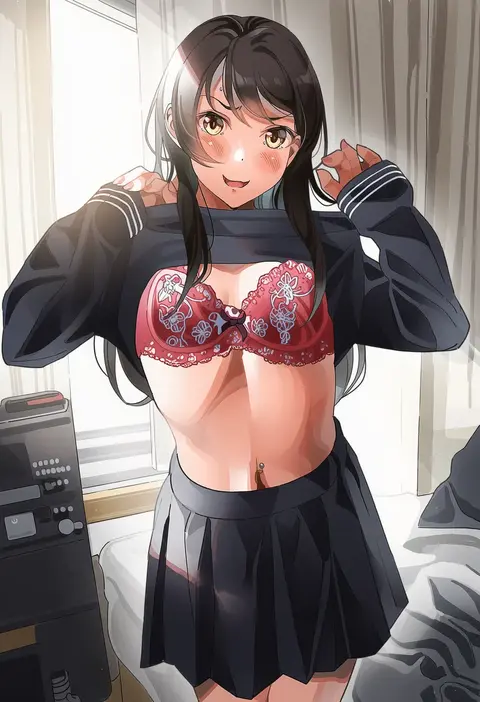
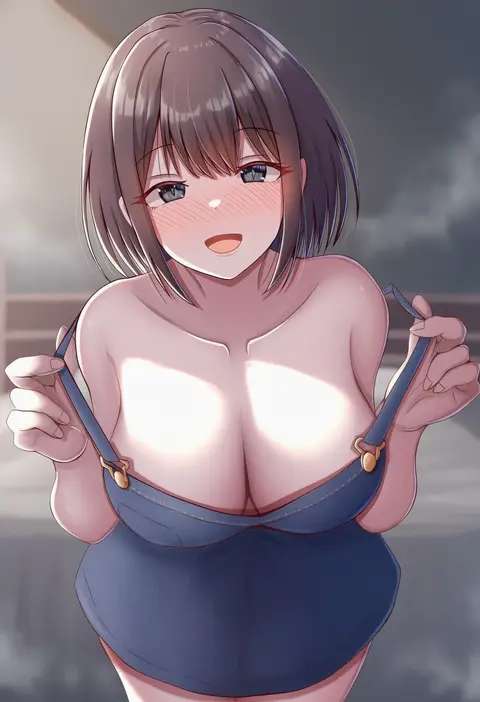
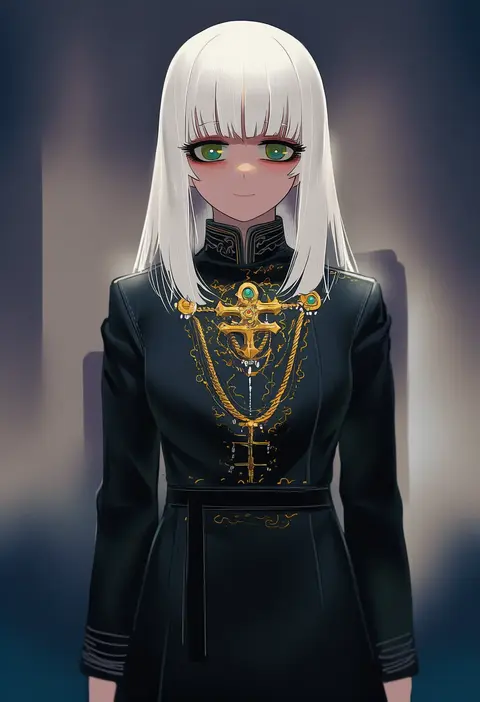
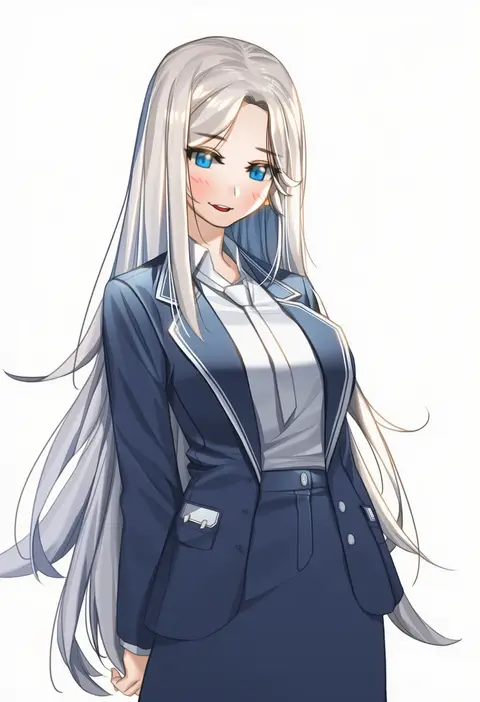
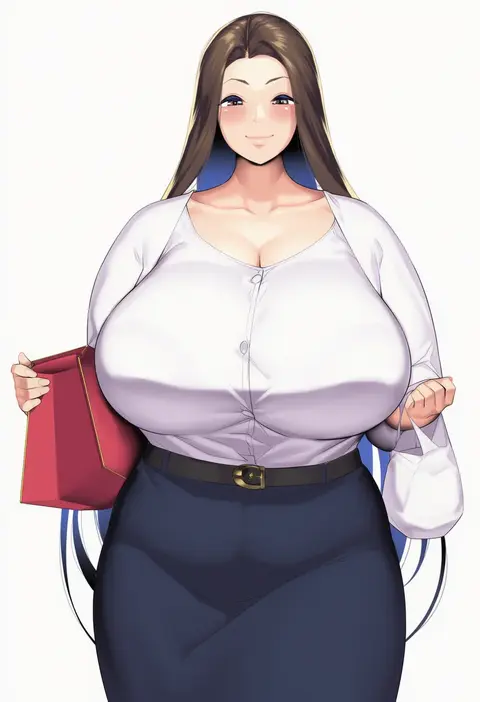
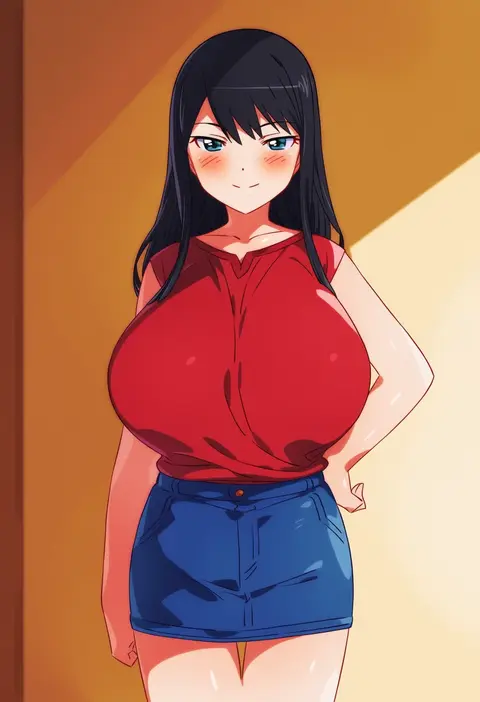
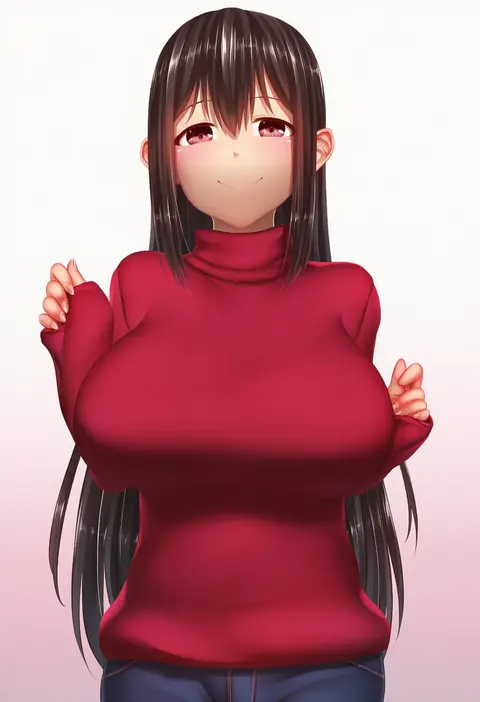
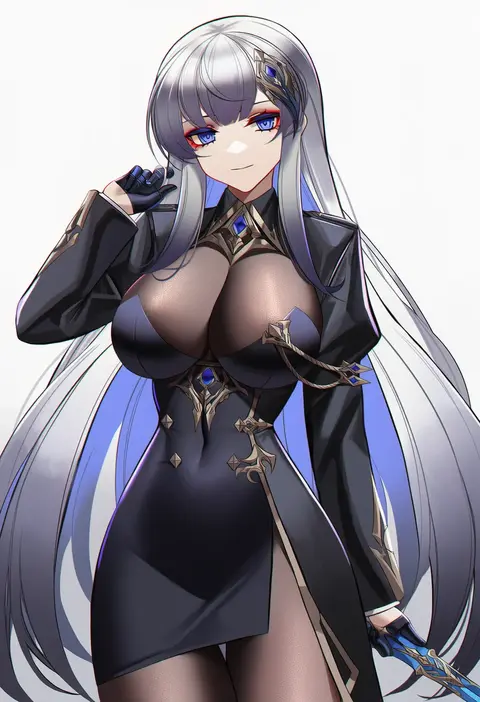
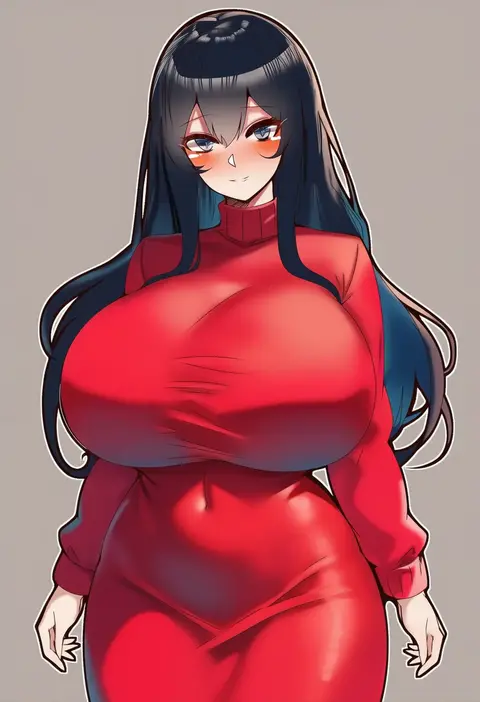
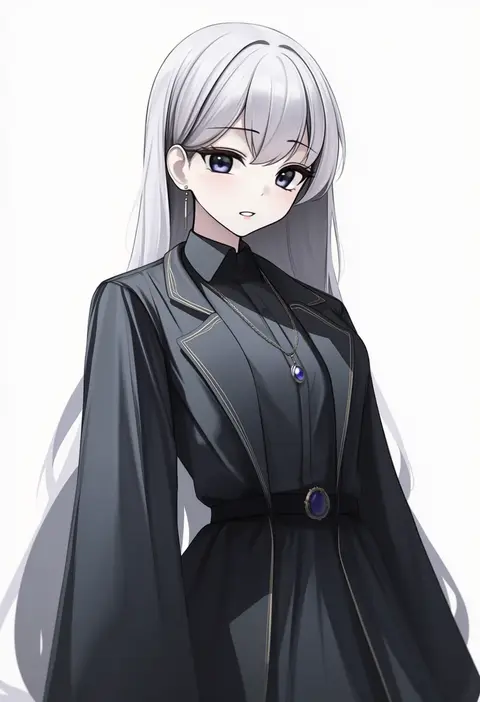
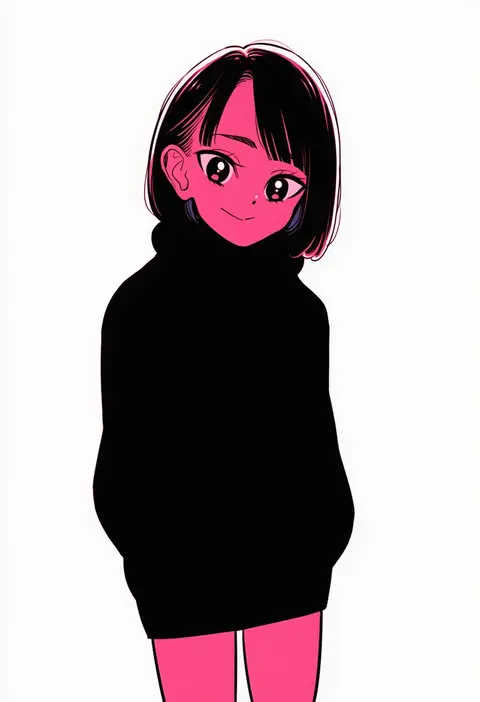
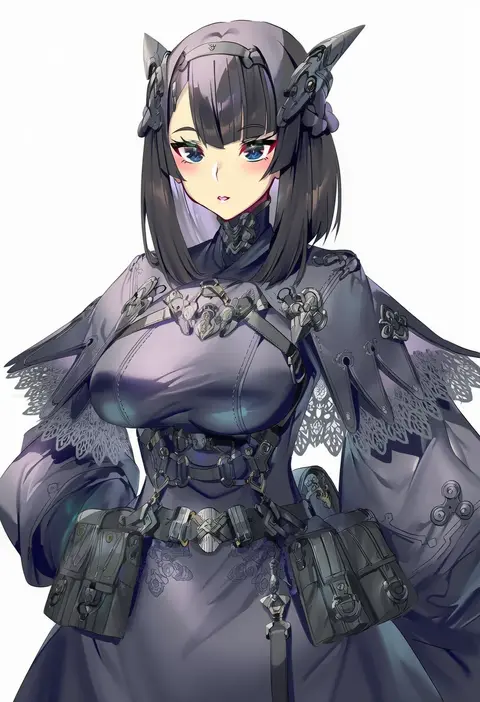
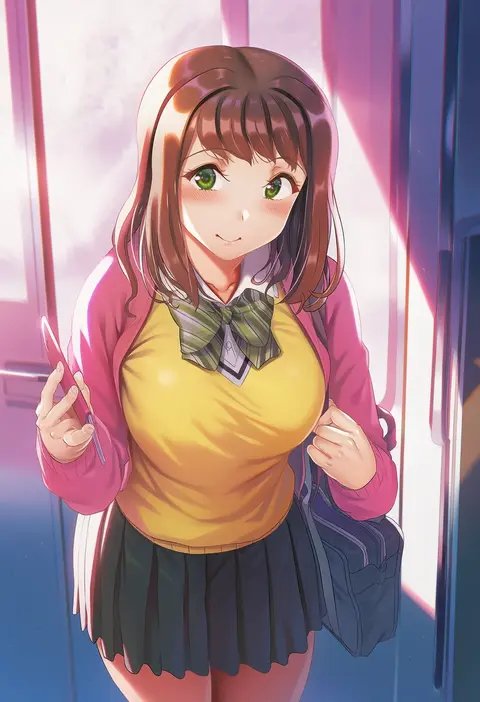
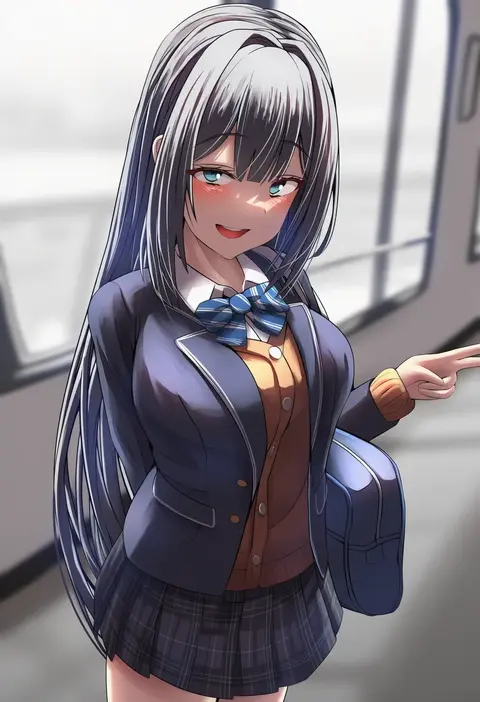
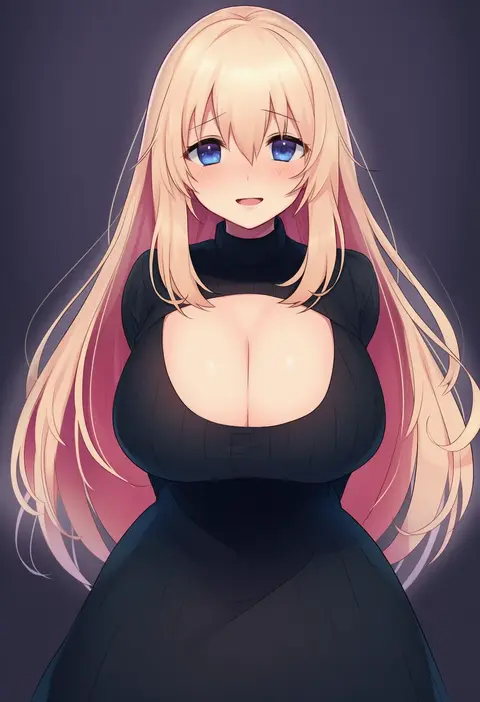
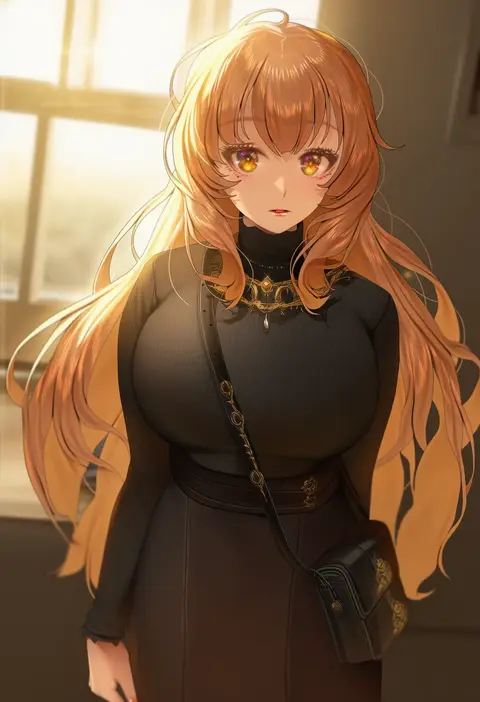
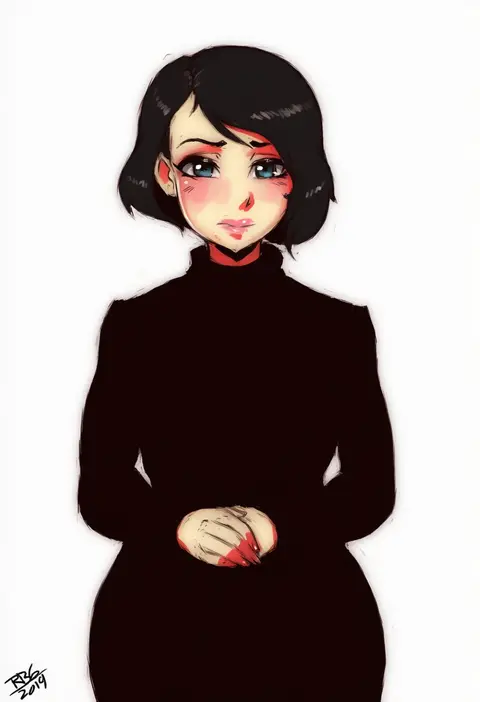
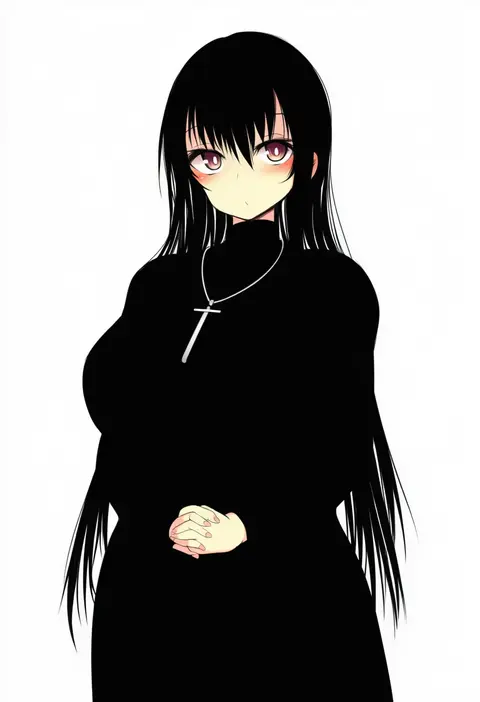
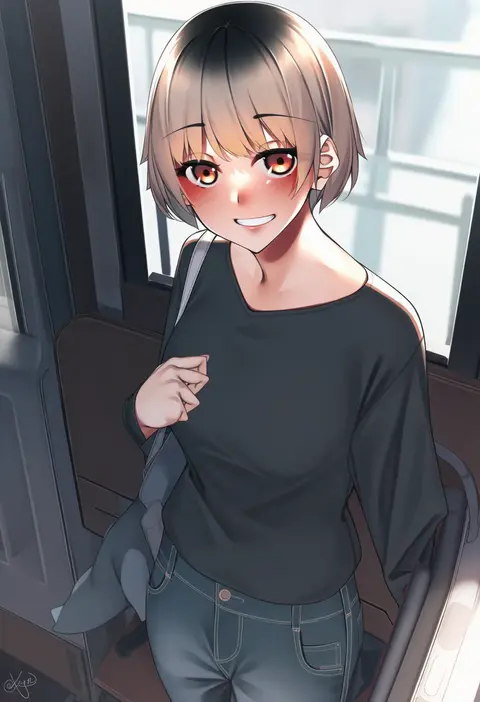
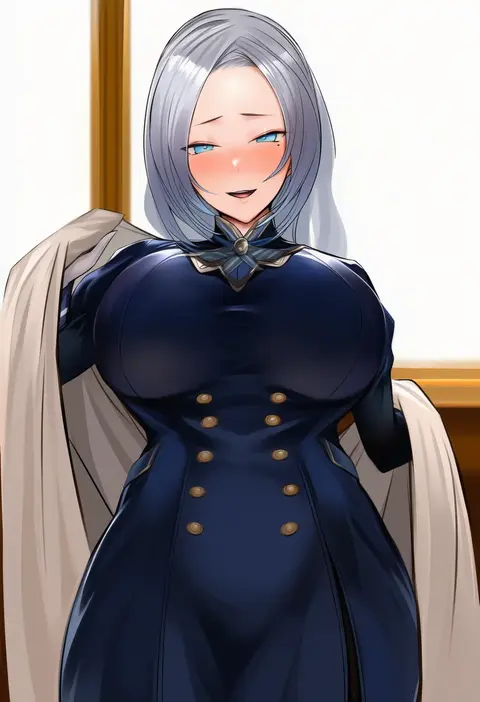
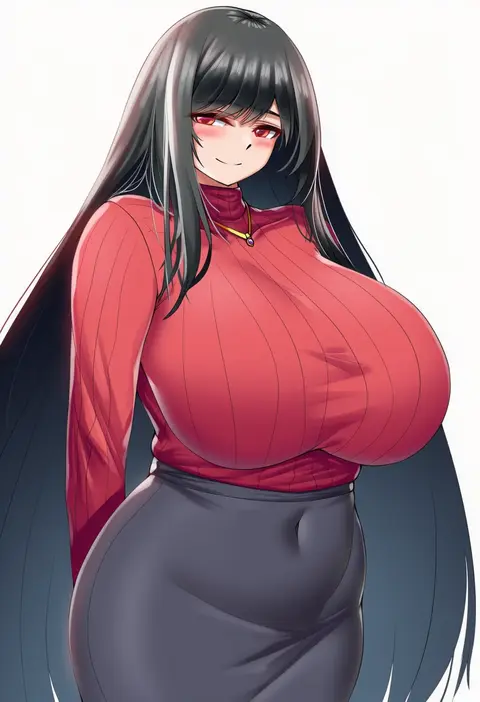
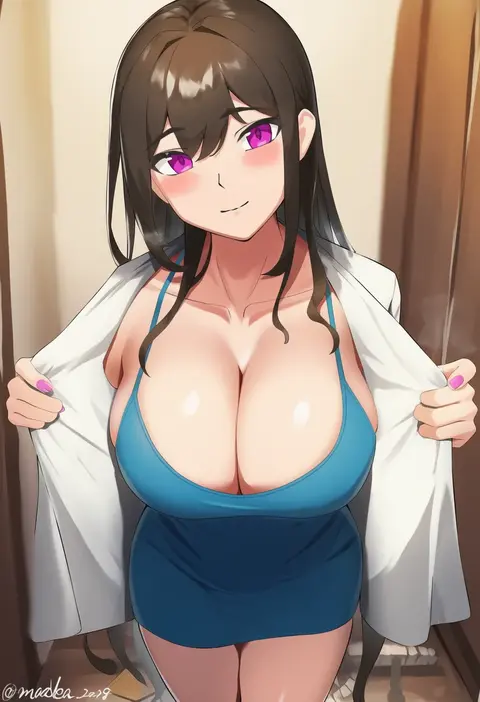
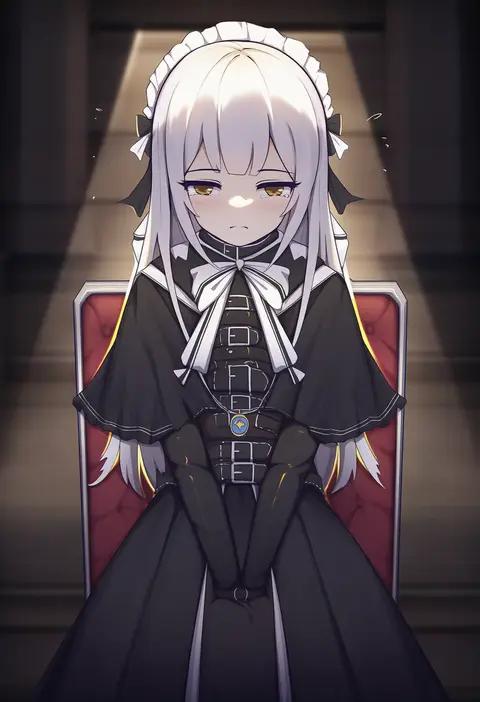
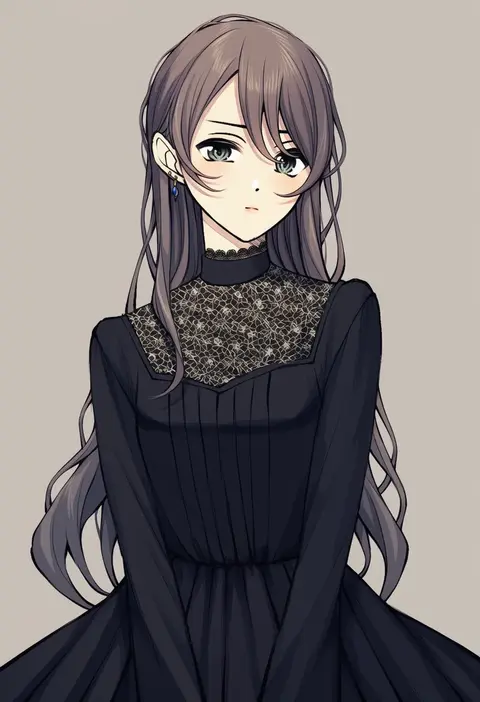
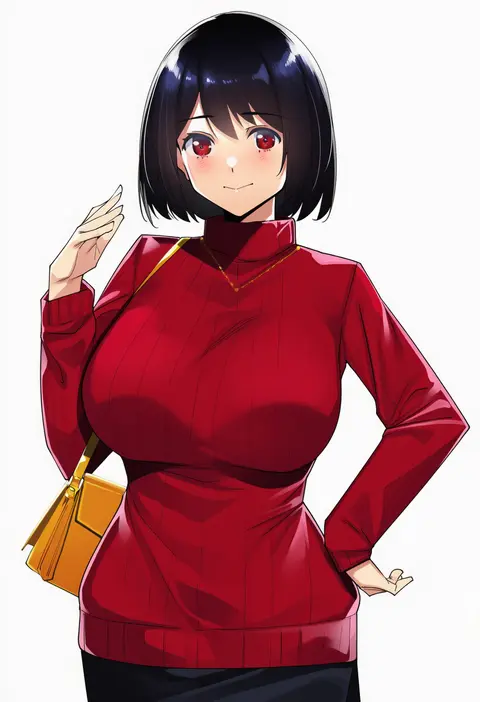
Artist tags tell NovelAI Diffusion to draw in a specific artist's style: line weight, paint texture, face shapes and palette all shift at once. Character and outfit tags decide what is drawn; artist tags decide how. 16,352 tags are listed for V4.5.
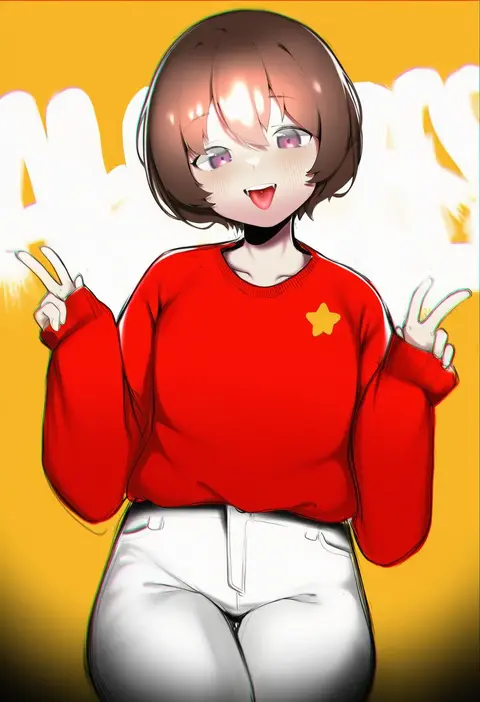
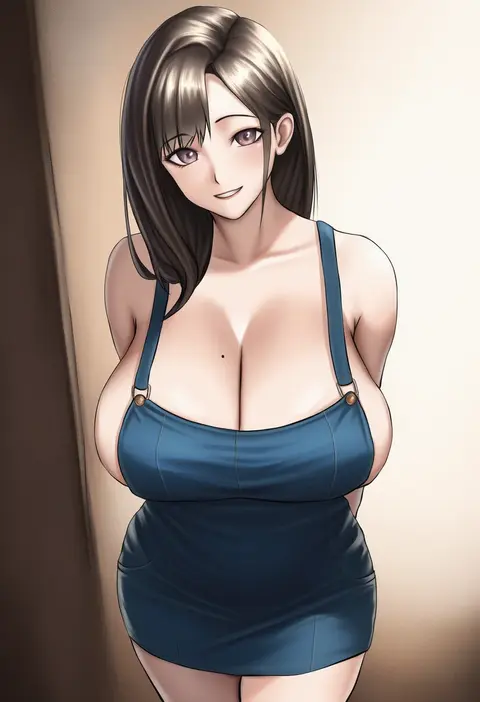
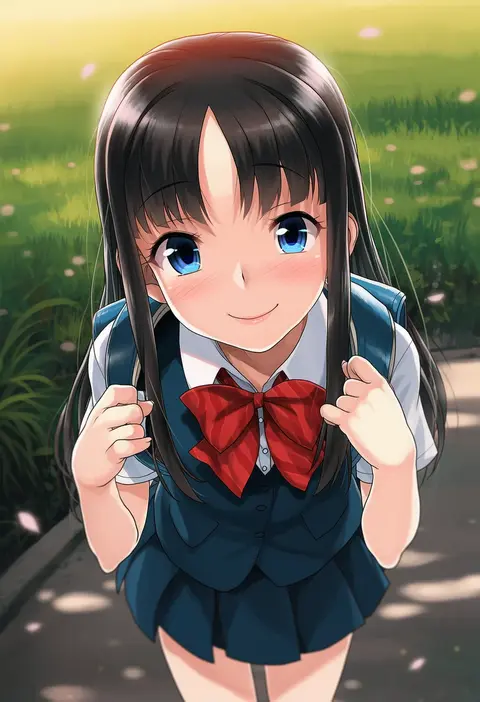
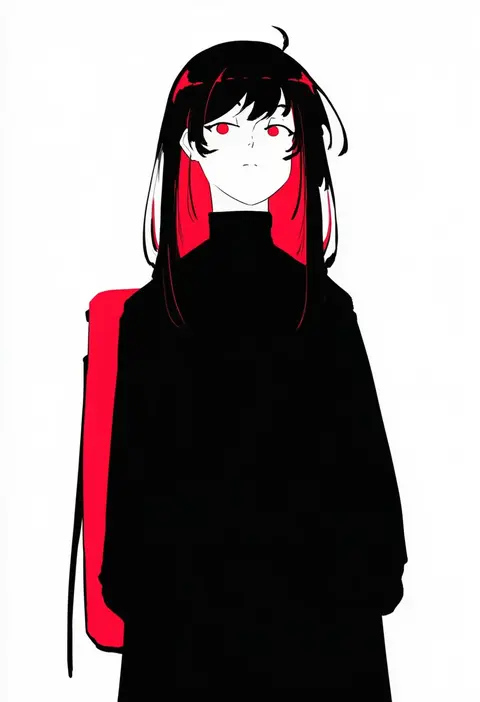
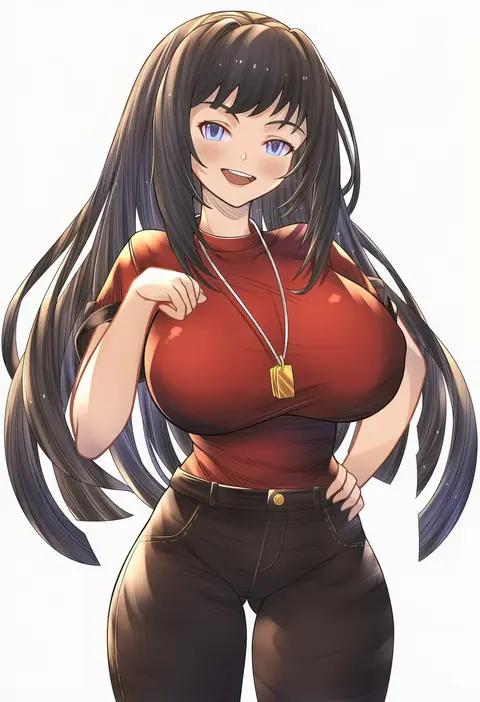
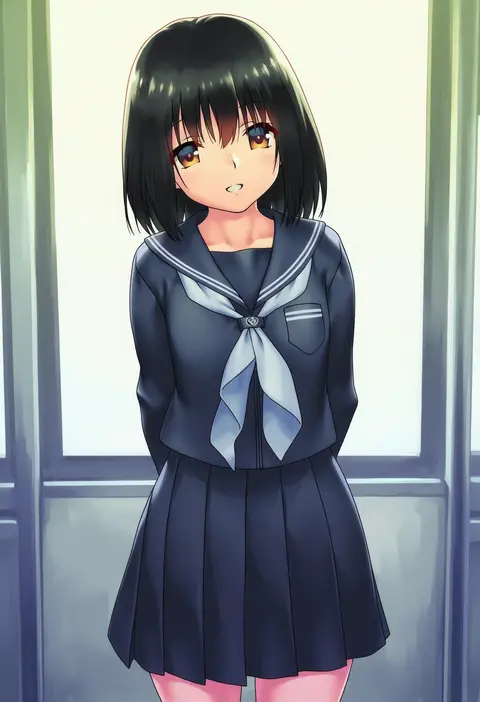
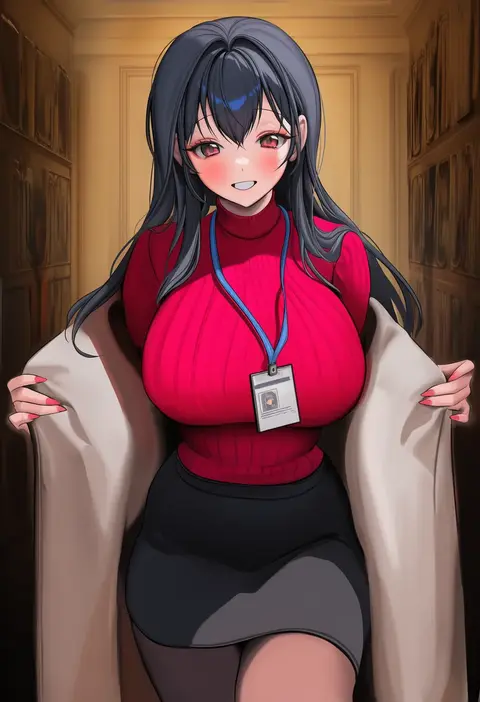
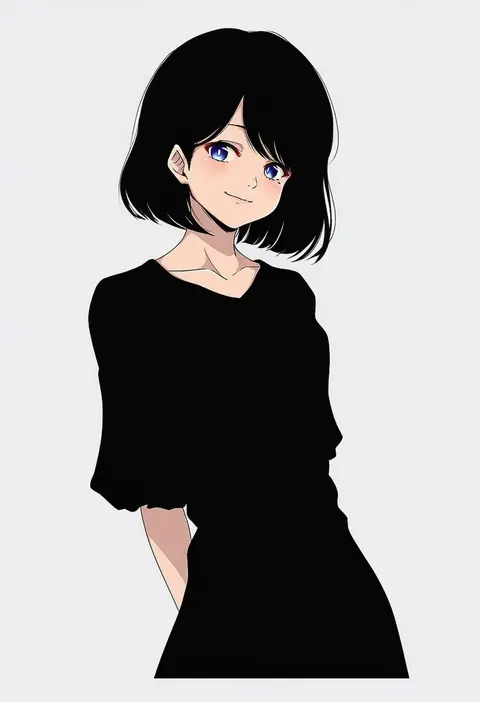
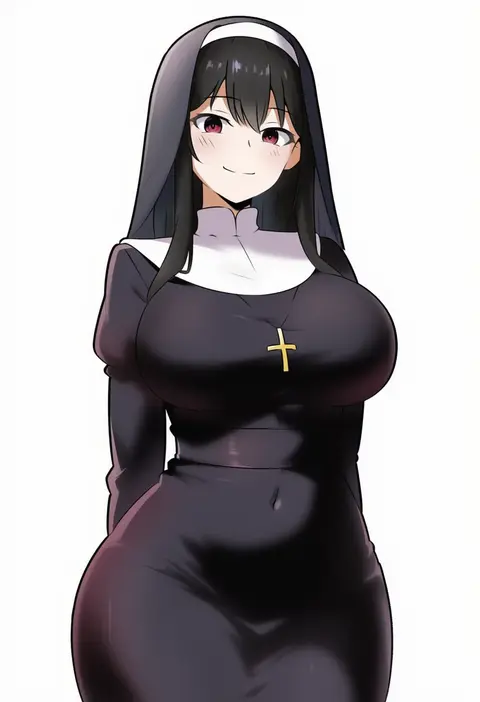
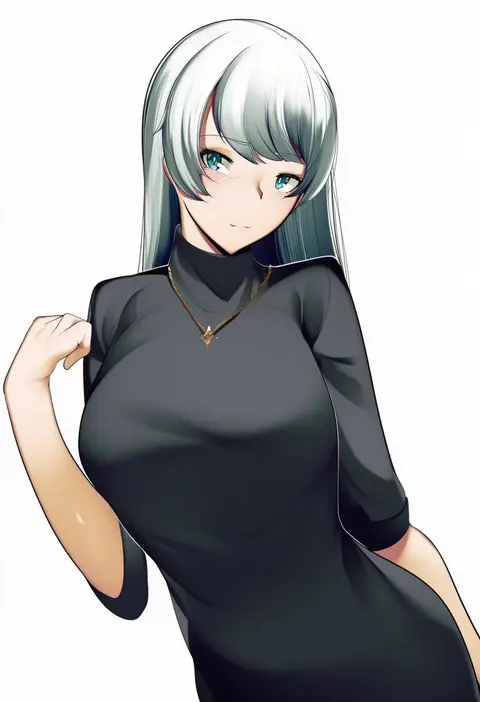
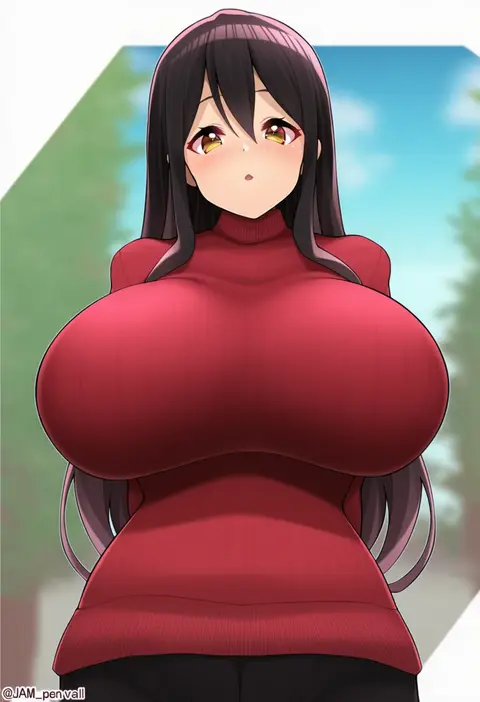
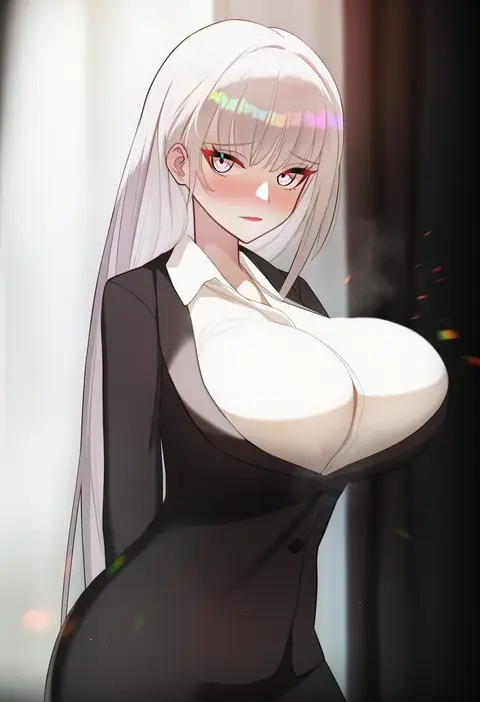
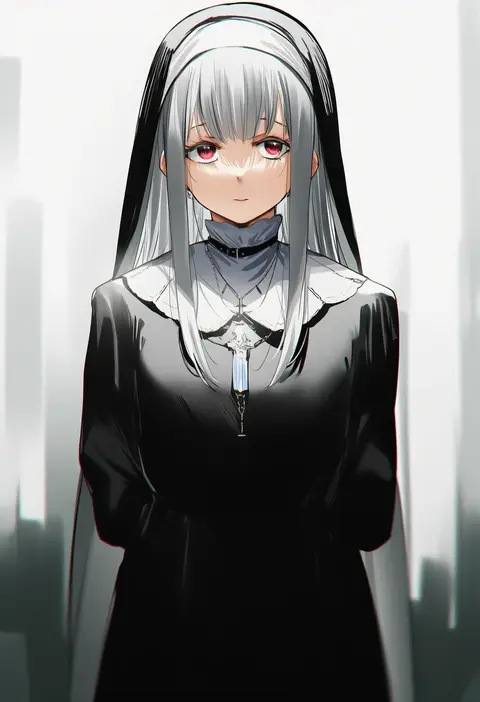
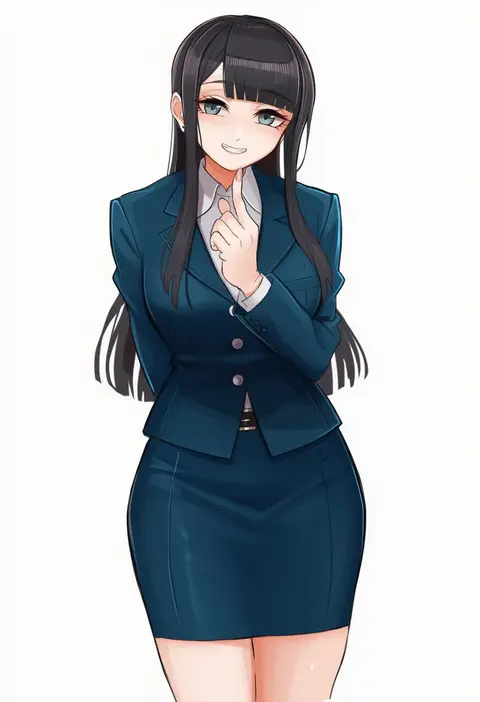
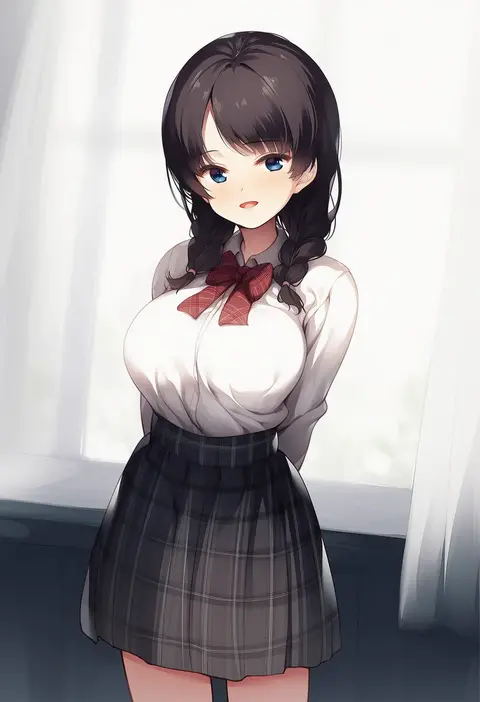
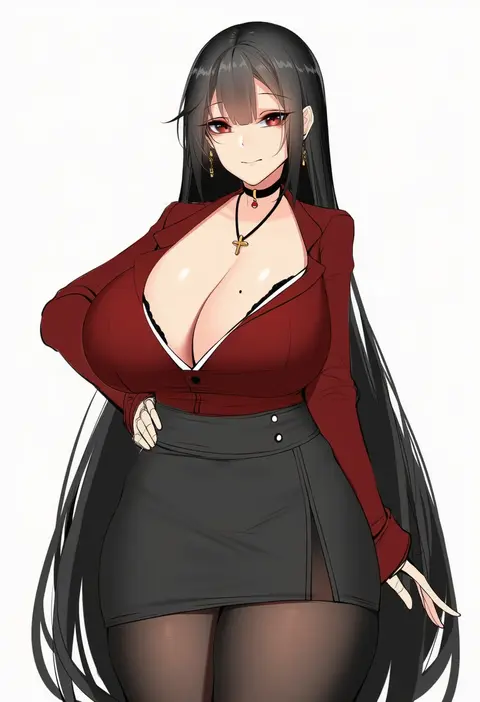
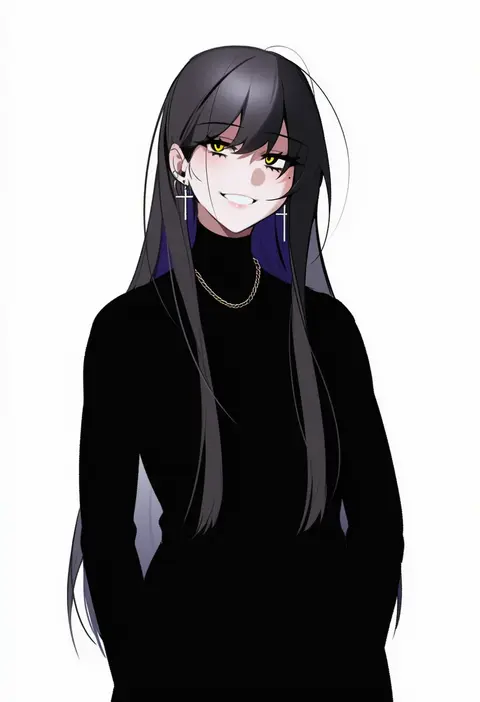
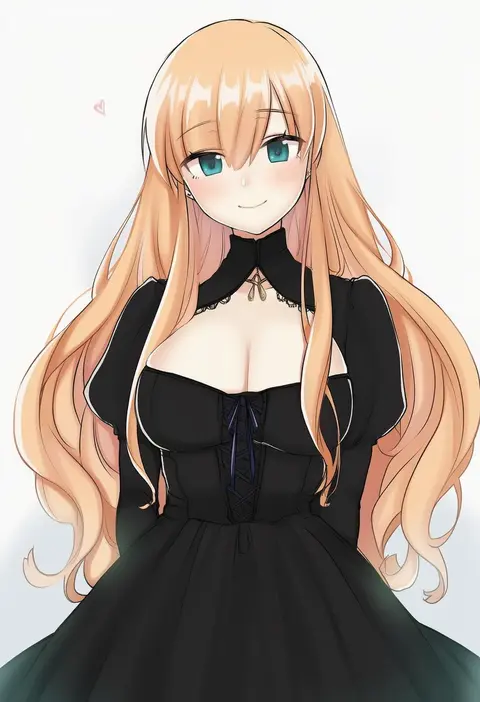
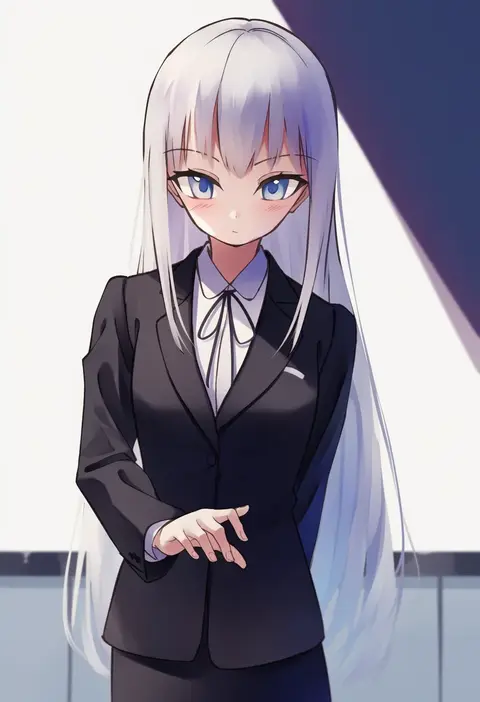
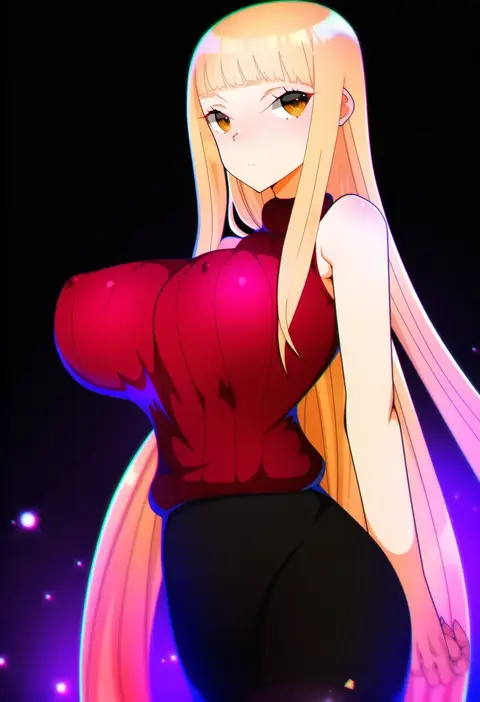
Every tag listed here is verified to react in NovelAI. All images use the same prompt, seed and settings with only the artist tag swapped, so the difference between two images is the style that tag brings in.

How to use them

Put the artist tag near the front of the prompt, e.g. "<artist>, 1girl, solo, best quality, masterpiece, cowboy shot". Two or three artist tags blend styles; lower the weight with "0.8::<artist>::" when the style overpowers the character.

SCORE sorts by Danbooru's top score, POSTS by post count, FAVS by hearts on this site. Open a card to see V5 and V4.5 side by side on the same seed.

V5 vs V4.5

V5 usually lands closer to the artist's real style, and tags that did nothing on V4.5 often react on V5. V4.5 still fits older and doujin-heavy artists better. Try V5 first, fall back to V4.5.

FAQ

Where does the artist tag go?
Near the front of the prompt. Use "0.8::tag::" to adjust its weight.

Can I stack artist tags?
Yes, styles blend. Past two or three the result stops looking like anyone.

Are these the artists' own works?
No. Every image is a NovelAI sample generated from the tag.