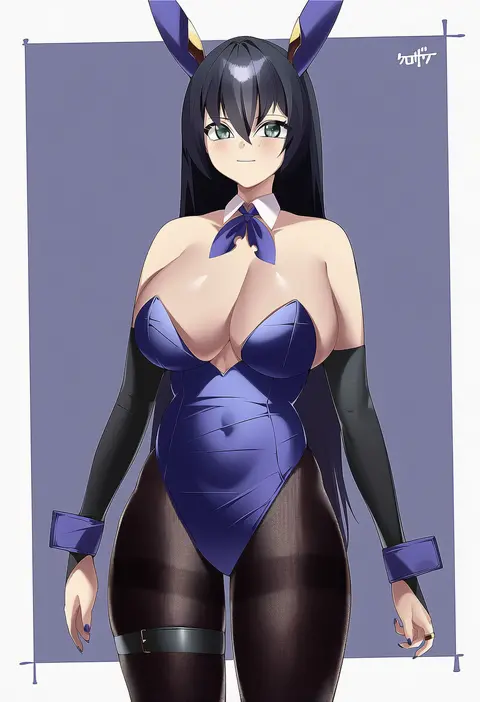
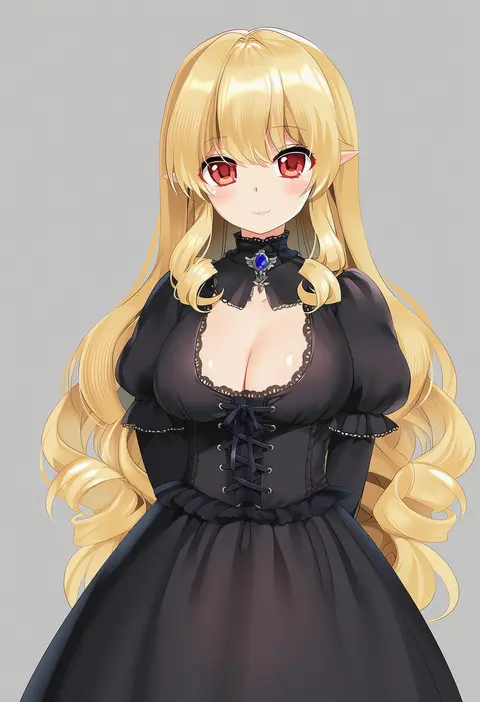
V4.5Artists
sort: FAVS▾
▾
>
$

Popular NovelAI artist tags — V4.5

artist --count 16,352[67/273]
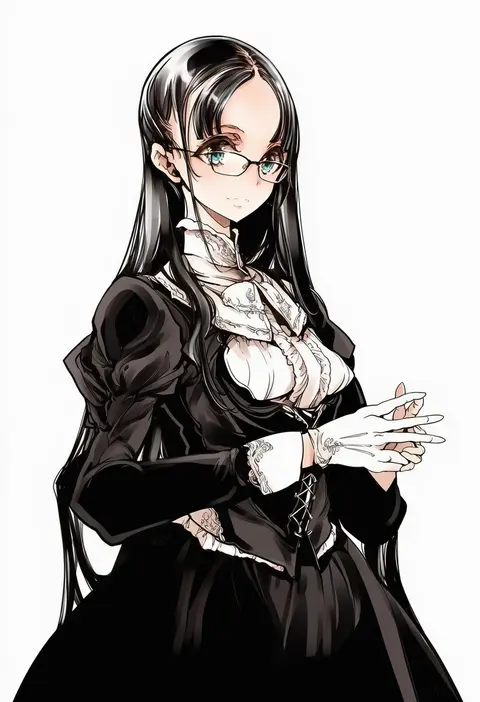
endou okito
ARTIST0x0F78
0
quuni
ARTIST0x0F79
0
kimagure blue
ARTIST0x0F7A
0
wowoguni
ARTIST0x0F7B
0
bluecup
ARTIST0x0F7C
0
yukiyoshi mamizu
ARTIST0x0F7D
0
shionootsu
ARTIST0x0F7E
0
mokottsu
ARTIST0x0F7F
0
ms. tsu
ARTIST0x0F80
0
kon-kit
ARTIST0x0F81
0
kita (kitairoha)
ARTIST0x0F82
0
kkix25
ARTIST0x0F83
0
hakusyokuto
ARTIST0x0F84
0
baisi shaonian
ARTIST0x0F85
0
pasdar
ARTIST0x0F86
0
blastbeat
ARTIST0x0F87
0
hasaya
ARTIST0x0F88
0
xiaoshou xiansheng
ARTIST0x0F89
0
neg (101neg)
ARTIST0x0F8A
0
yoshiron
ARTIST0x0F8B
0
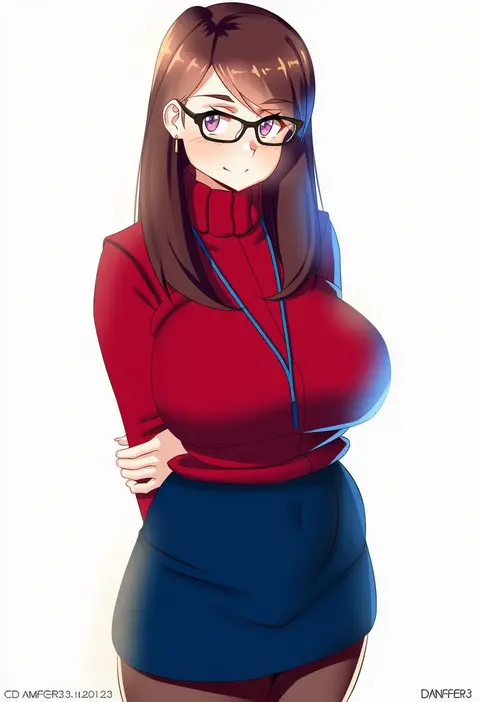
danfer3
ARTIST0x0F8C
0
keyfanjun
ARTIST0x0F8D
0
kujya
ARTIST0x0F8E
0
ikisugi shokudou
ARTIST0x0F8F
0
aumann
ARTIST0x0F90
0
expulse
ARTIST0x0F91
0
yoshinari you
ARTIST0x0F92
0
gomeifuku
ARTIST0x0F93
0
mool yueguang
ARTIST0x0F94
0
ayano naoto
ARTIST0x0F95
0
4690 (tkpbsk)
ARTIST0x0F96
0
cchiii
ARTIST0x0F97
0
meda
ARTIST0x0F98
0
nagioka
ARTIST0x0F99
0
yana (nekoarashi)
ARTIST0x0F9A
0
murata yuusuke
ARTIST0x0F9B
0
akira (coffee curry)
ARTIST0x0F9C
0
funi mu9
ARTIST0x0F9D
0
ebonyxh
ARTIST0x0F9E
0
meng ziya
ARTIST0x0F9F
0
hata4564
ARTIST0x0FA0
0
maya g
ARTIST0x0FA1
0
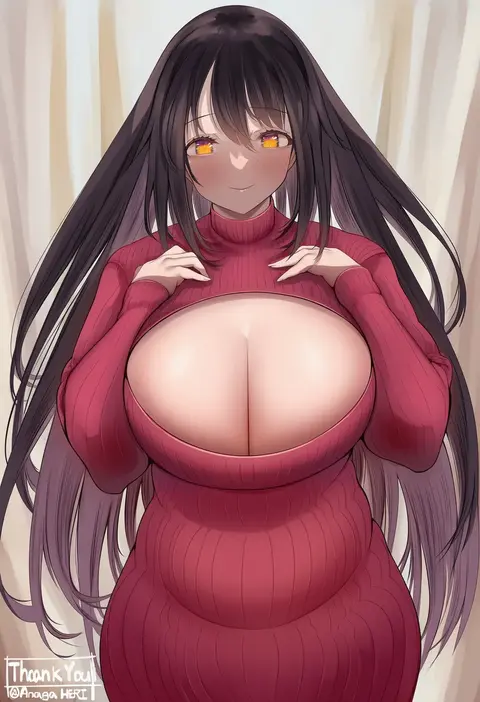
aonaga heri
ARTIST0x0FA2
0
rekka
ARTIST0x0FA3
0
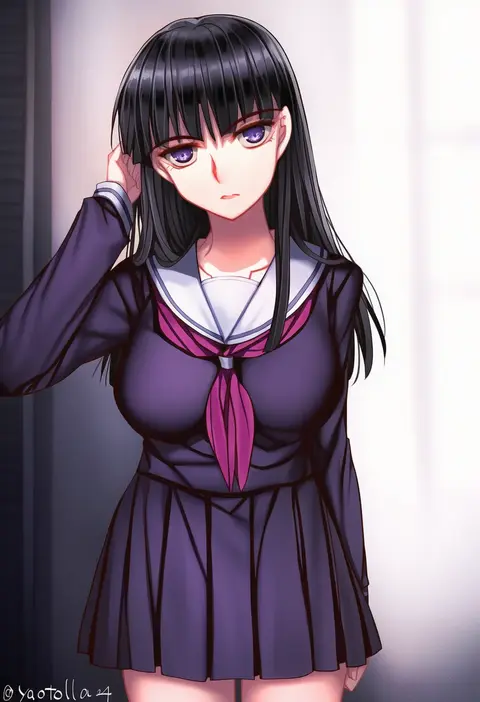
yaoto
ARTIST0x0FA4
0
black mutou
ARTIST0x0FA5
0
sg (esujii)
ARTIST0x0FA6
0
tight (ohmygod)
ARTIST0x0FA7
0
shinigami kiraki
ARTIST0x0FA8
0
naozuri
ARTIST0x0FA9
0
suzutsuki kurara
ARTIST0x0FAA
0
gya (144)
ARTIST0x0FAB
0
echizen (n fns17)
ARTIST0x0FAC
0
toshinoshin
ARTIST0x0FAD
0
suzutarou gunsou
ARTIST0x0FAE
0
anna o renko
ARTIST0x0FAF
0
akinbo (hyouka fuyou)
ARTIST0x0FB0
0
akeyama kitsune
ARTIST0x0FB1
0
kurozawa yui
ARTIST0x0FB2
0
mvv
ARTIST0x0FB3
0

What these tags change

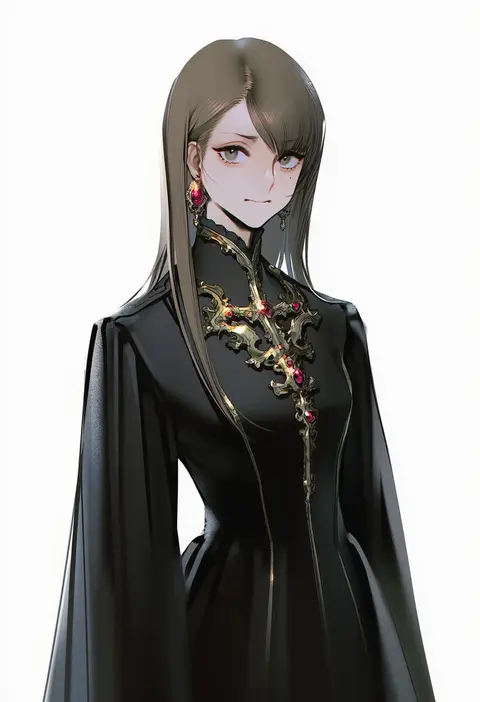
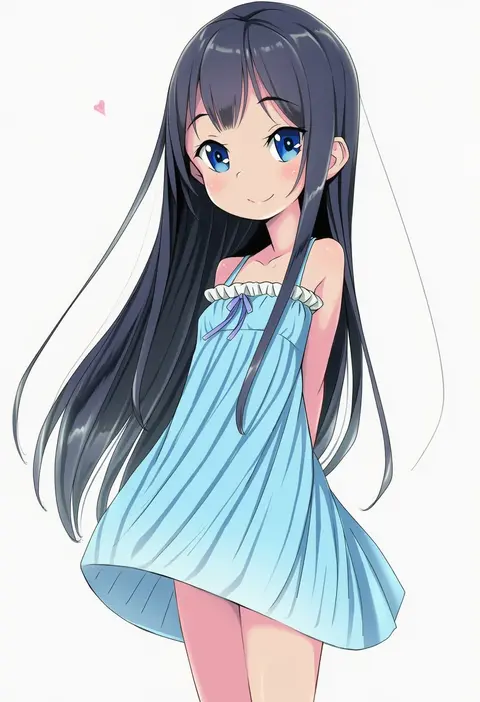
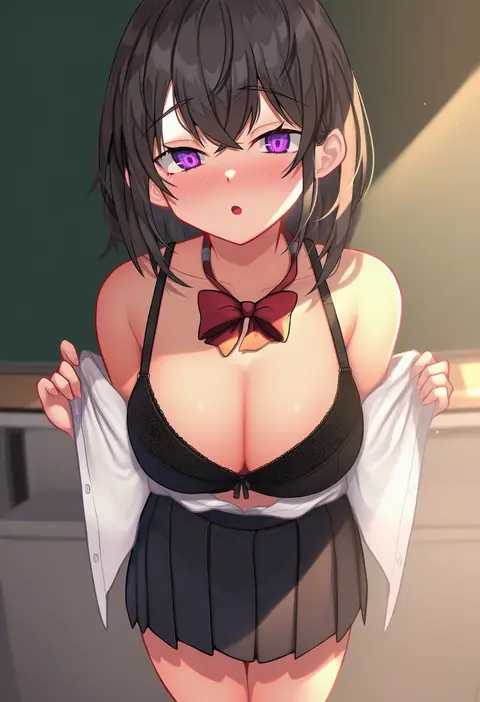
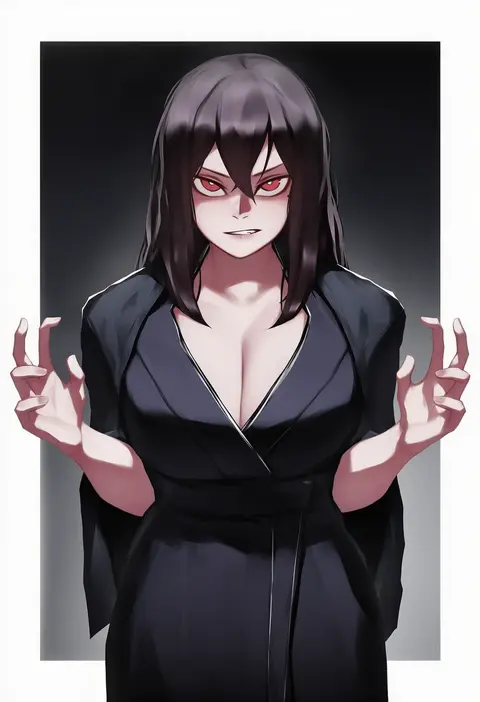
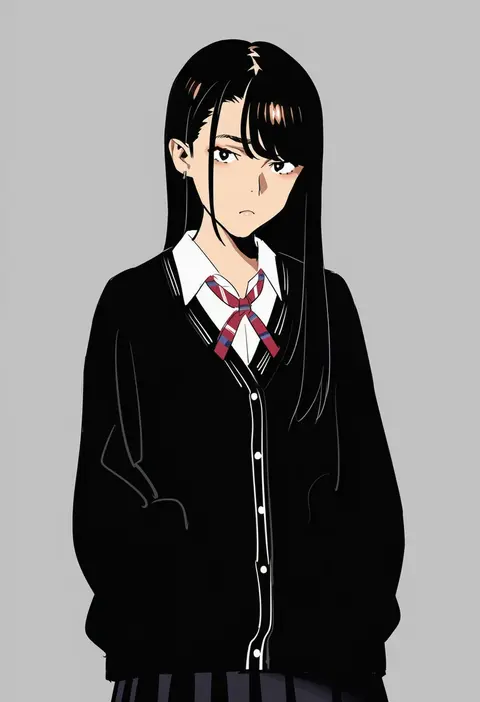
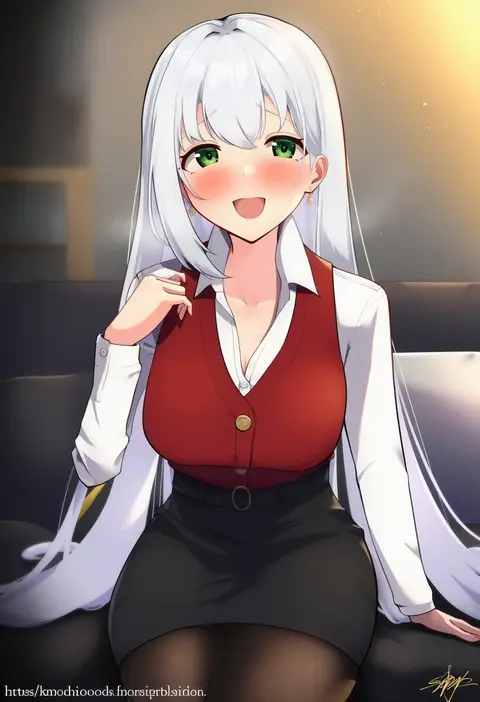
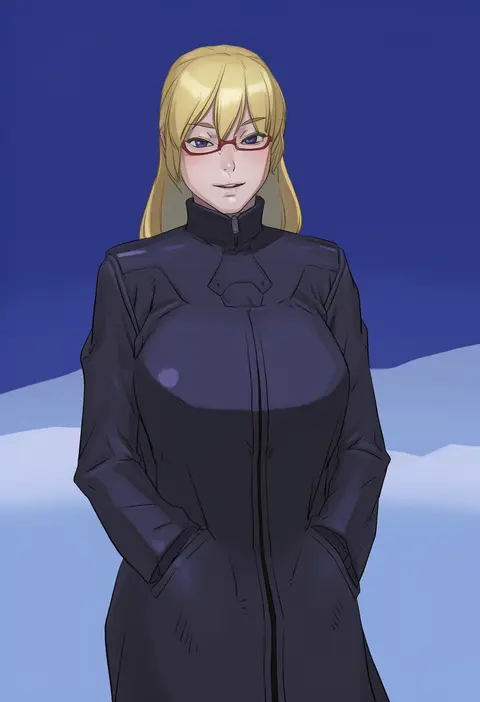
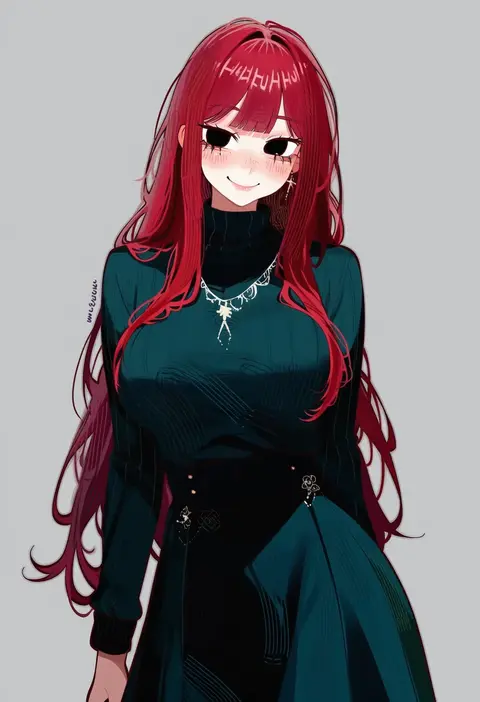
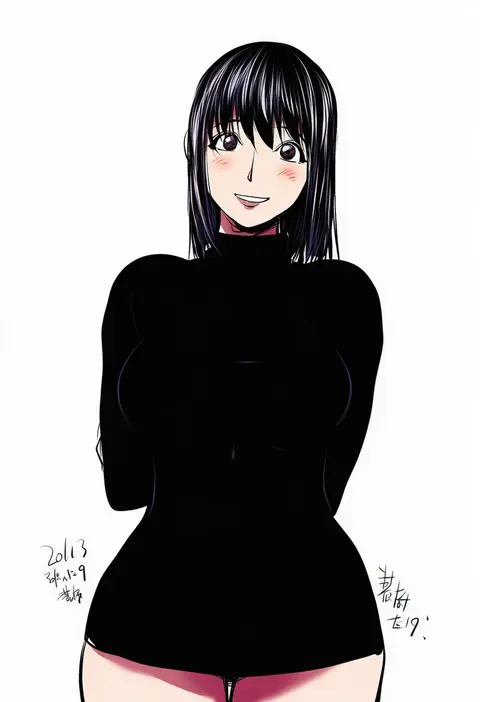
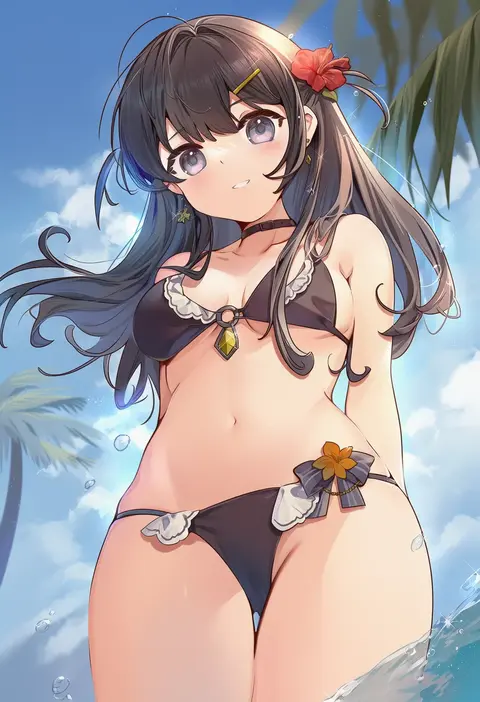
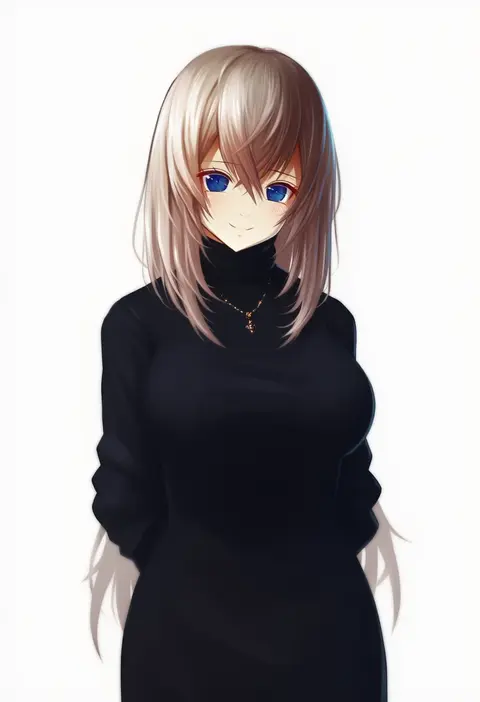
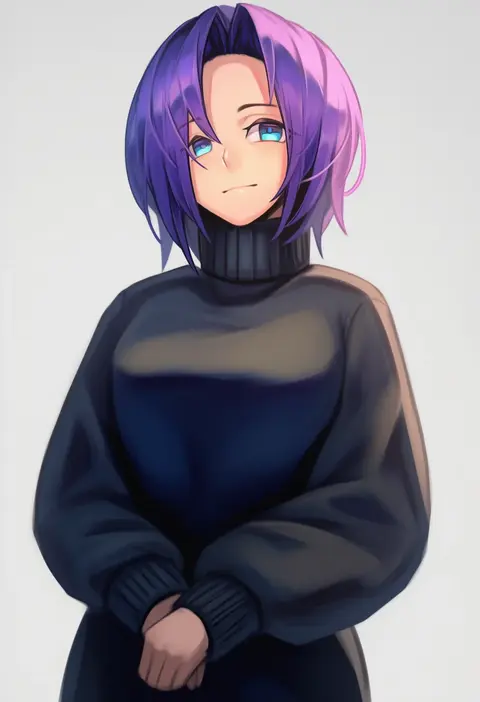
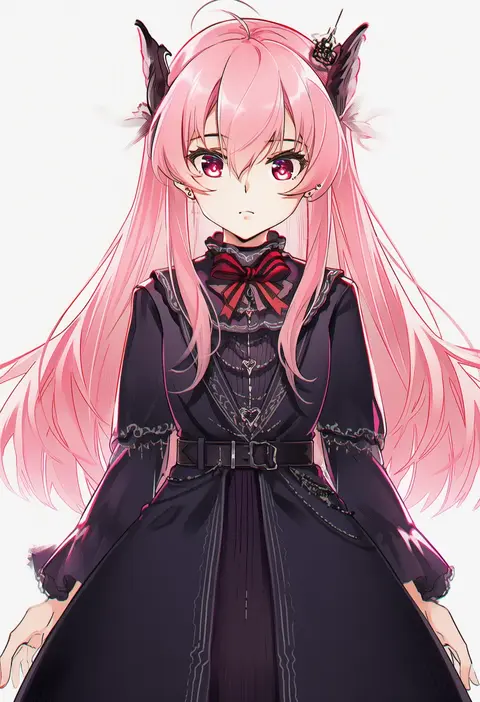
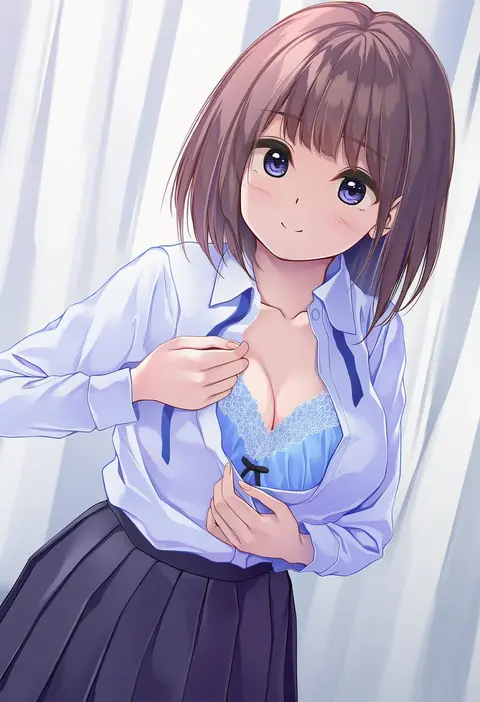
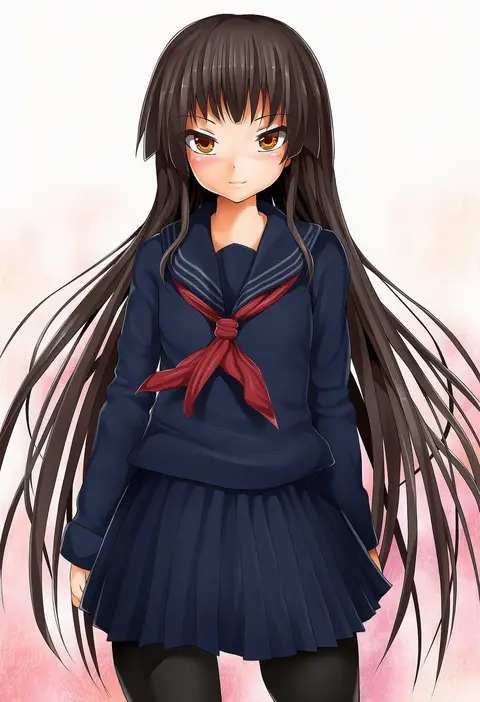
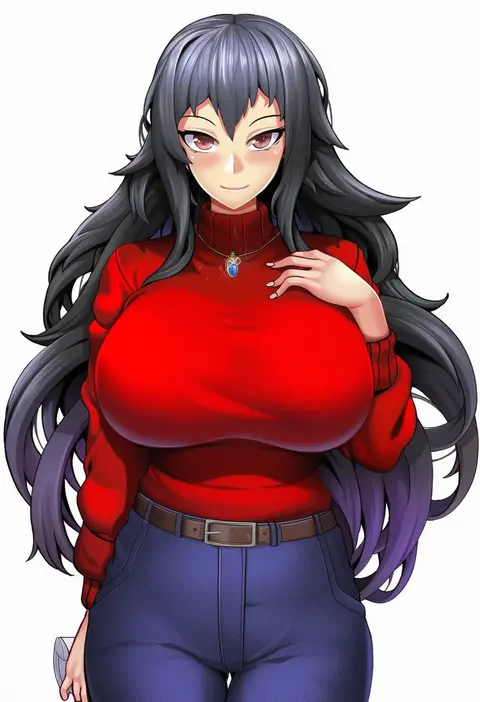
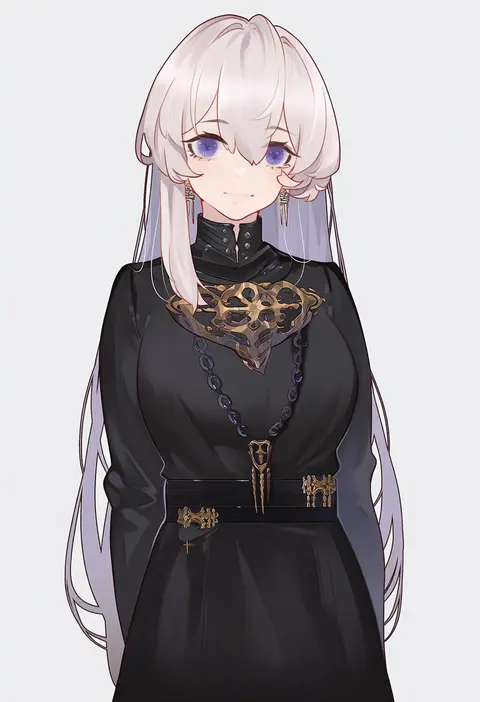
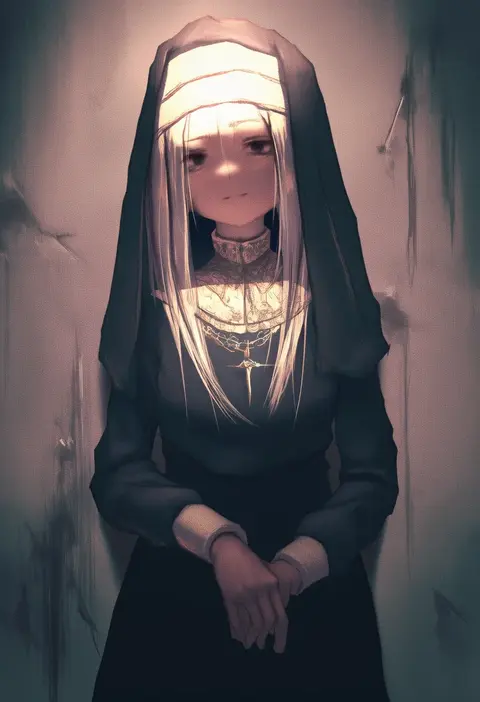
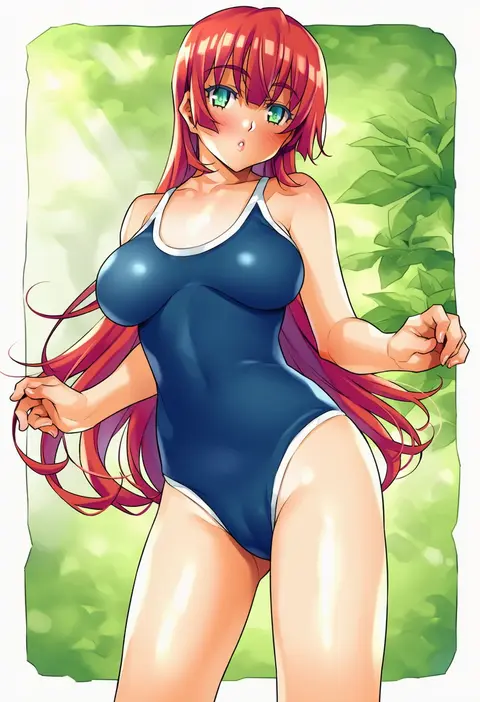
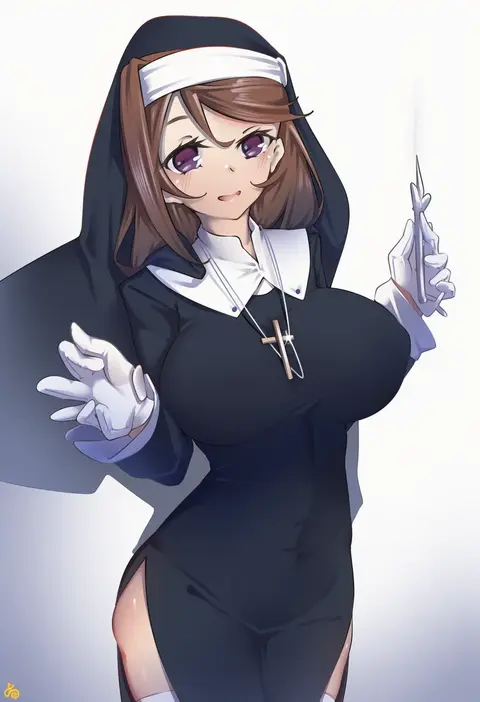
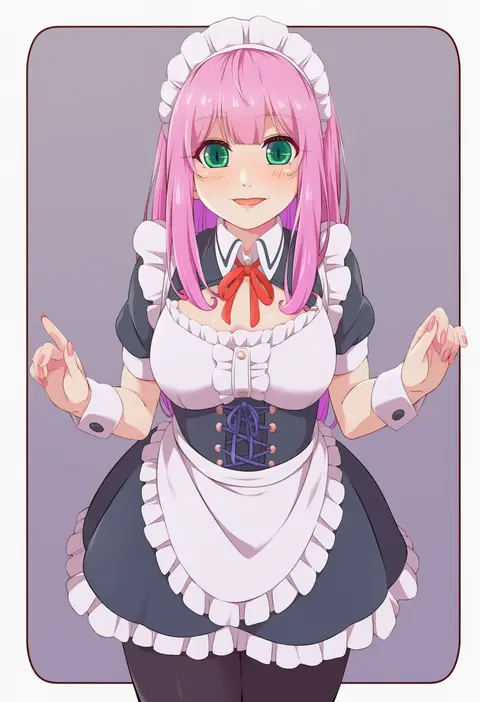
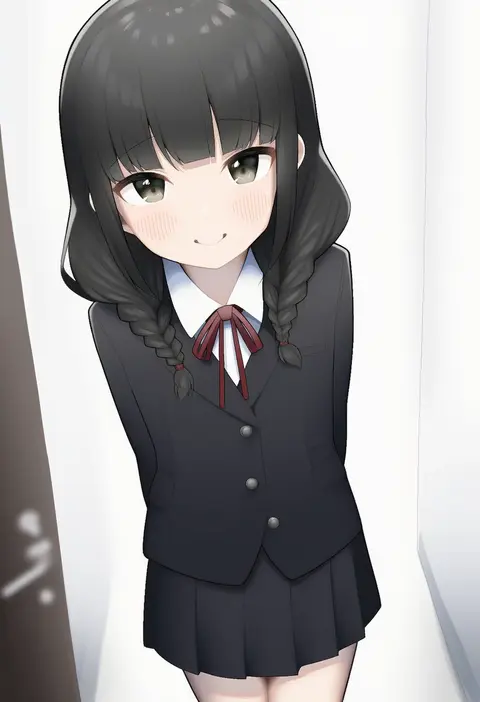
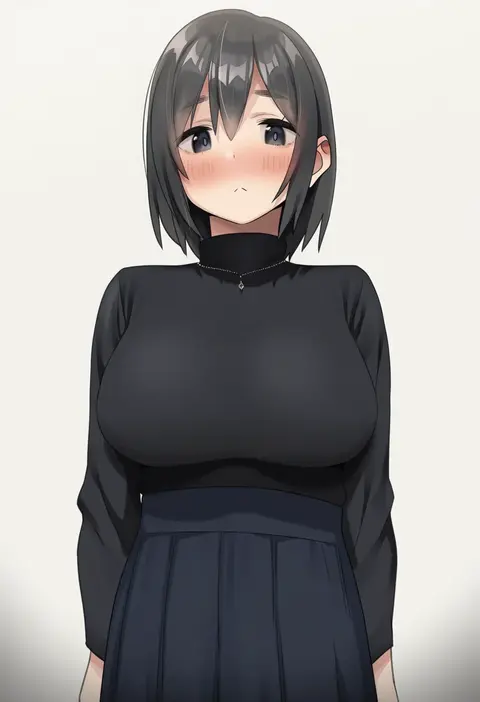
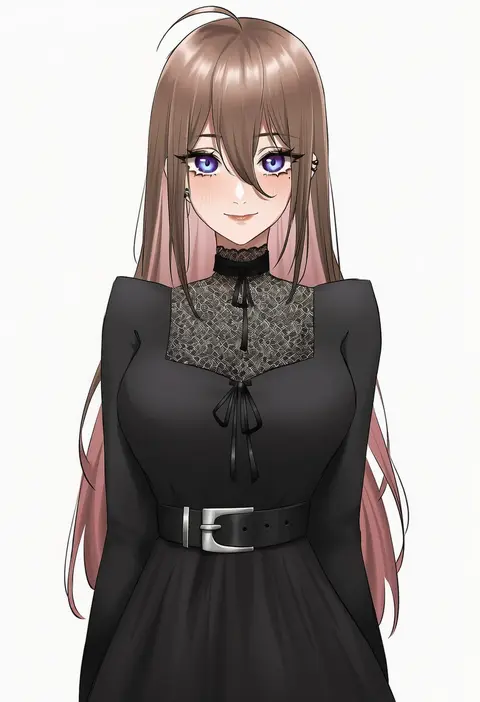
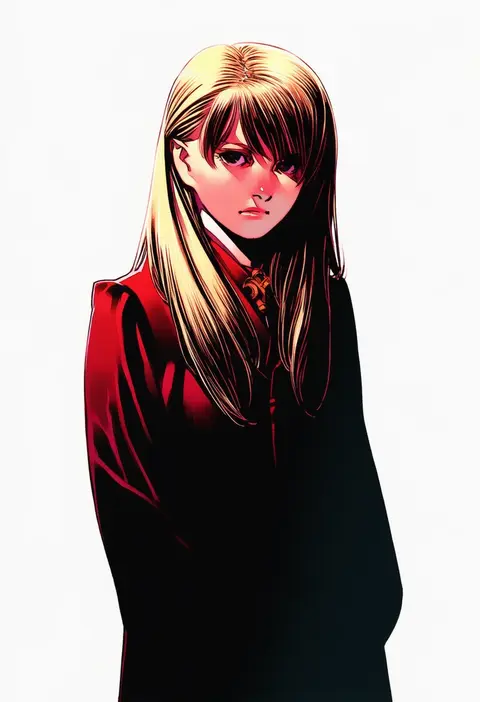
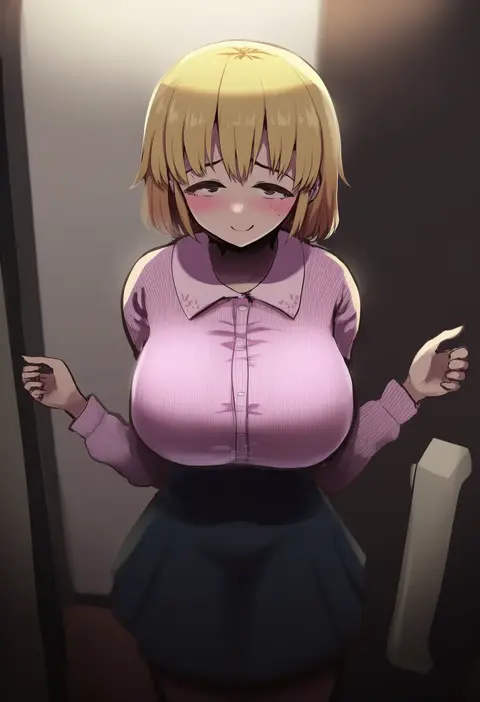
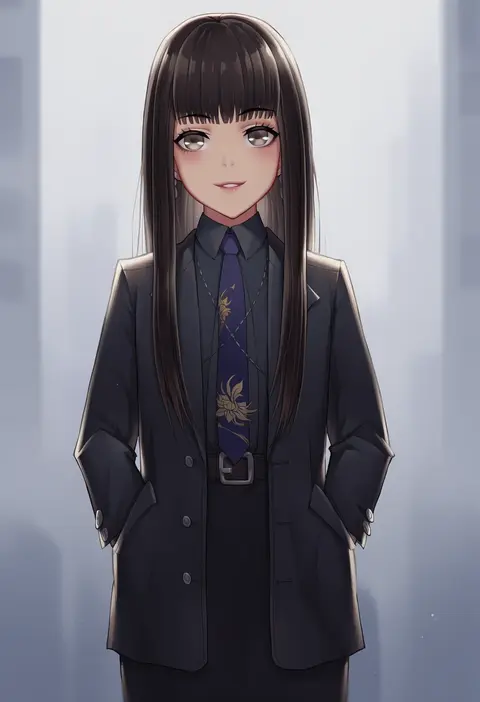
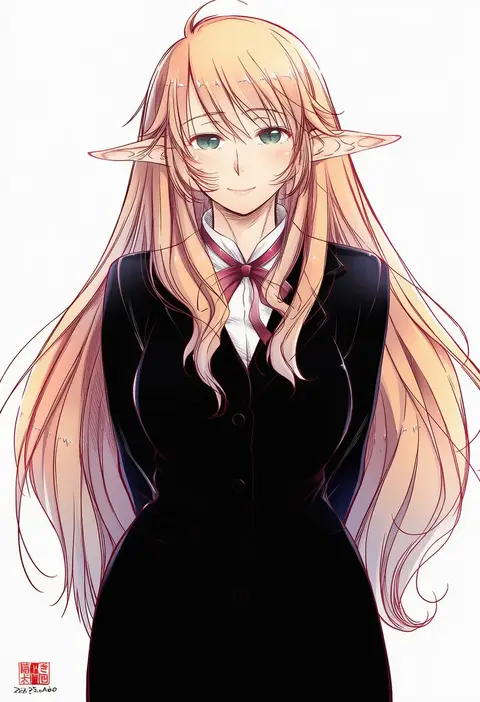
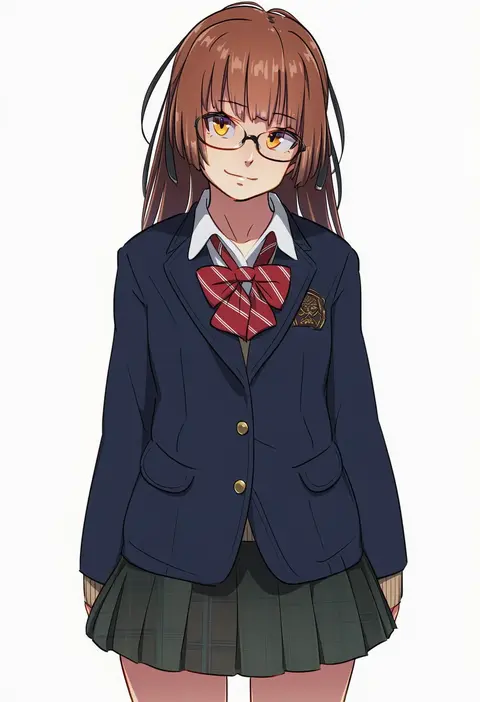
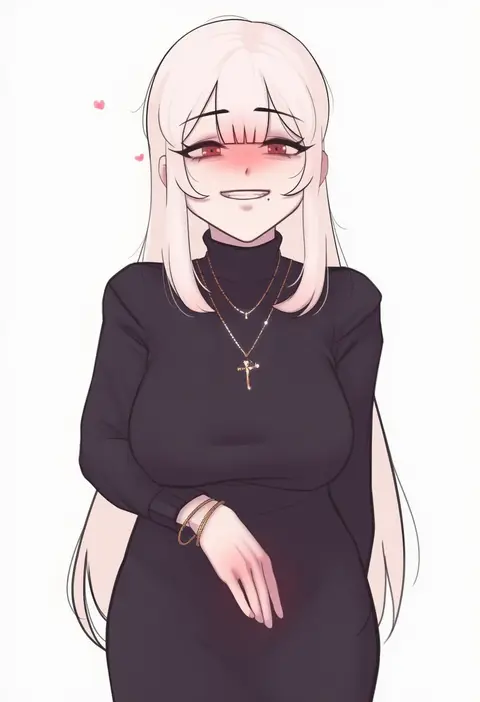
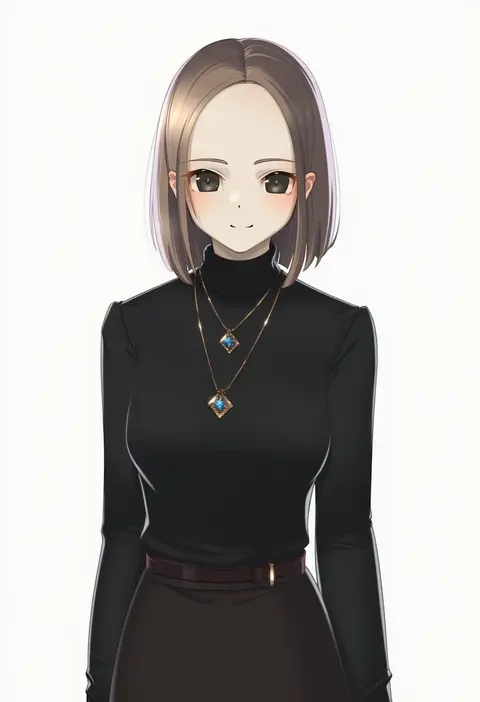
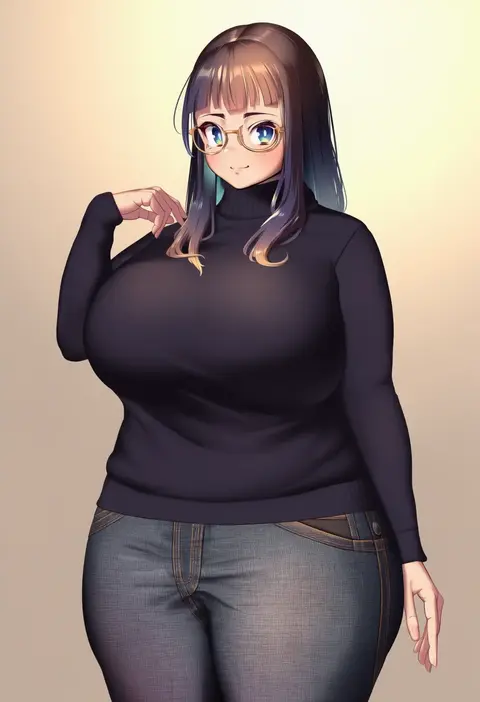
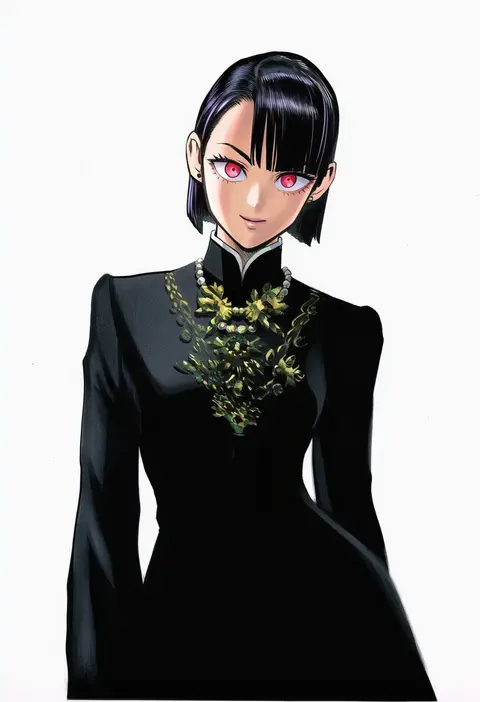
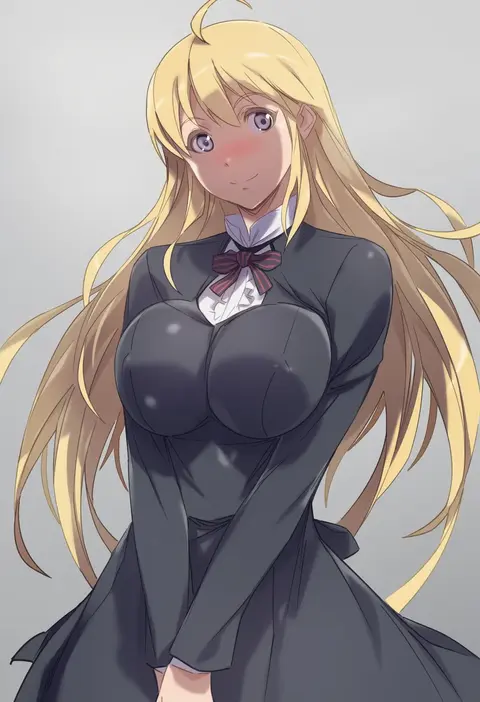
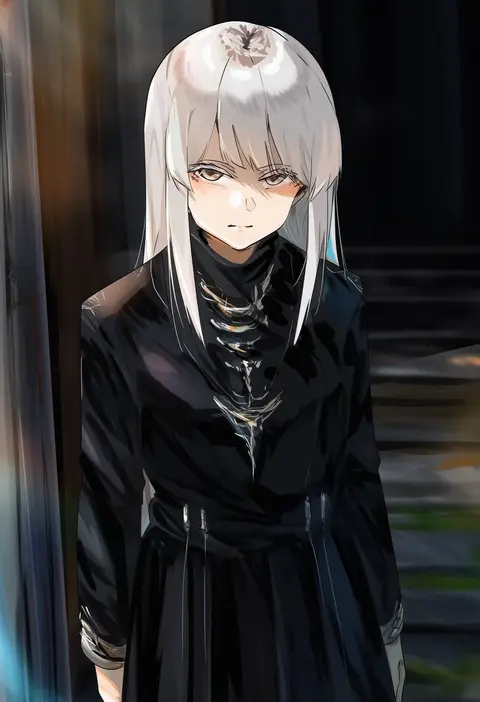
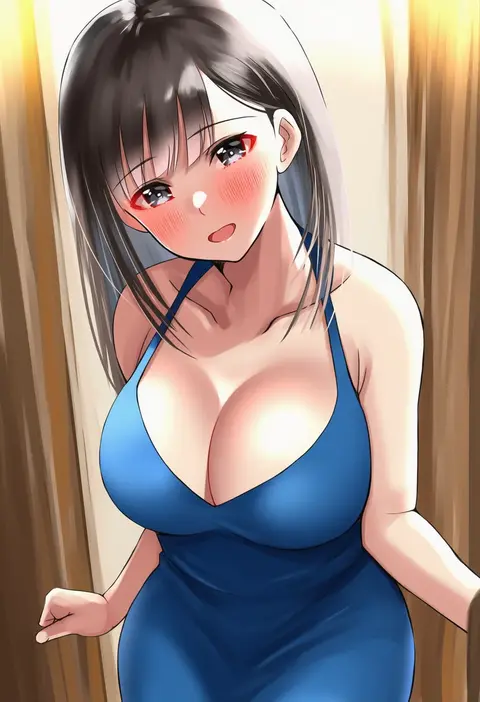
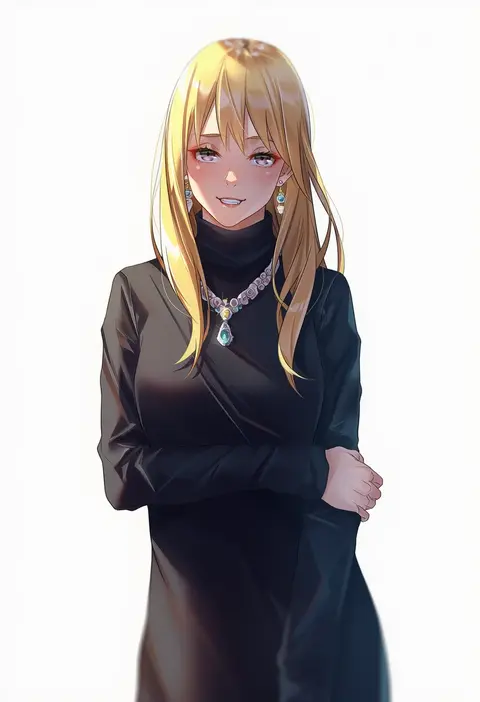
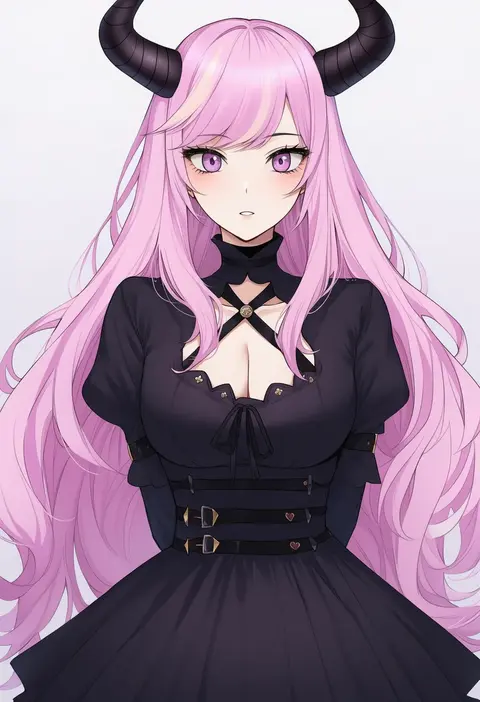
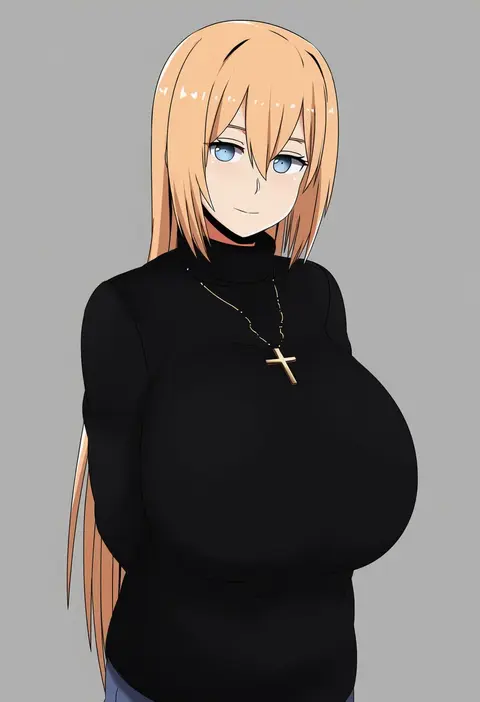
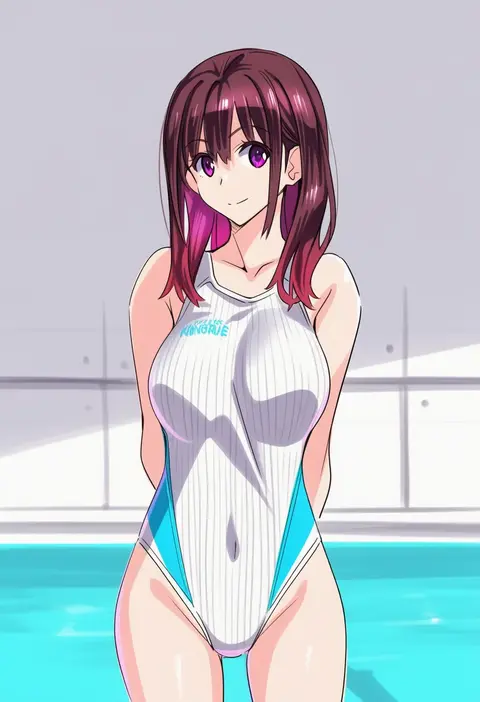
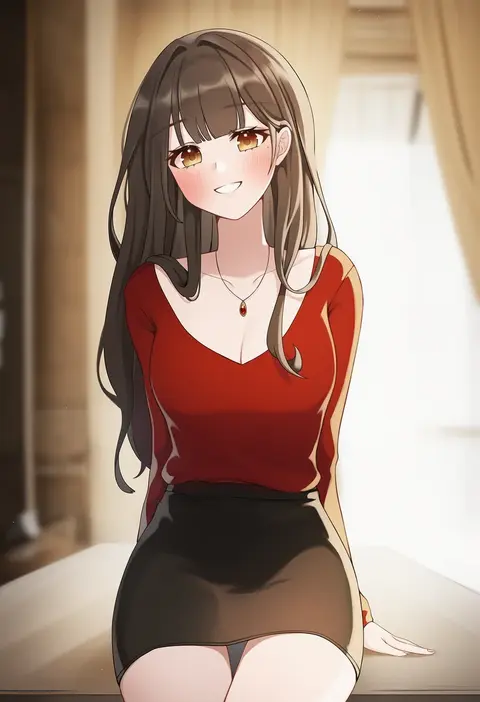
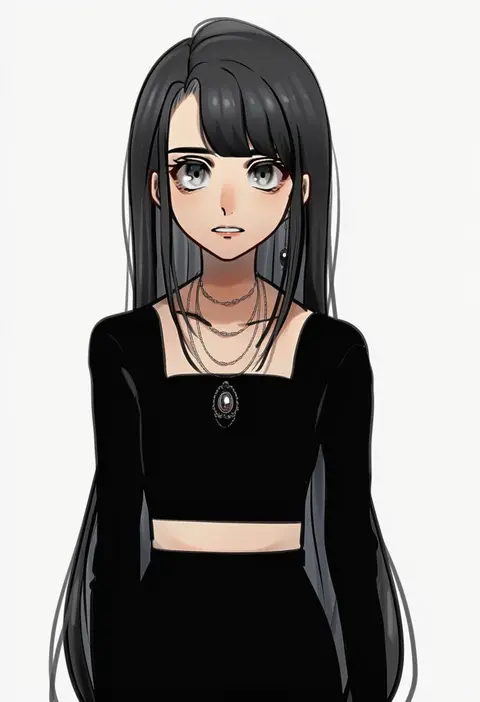
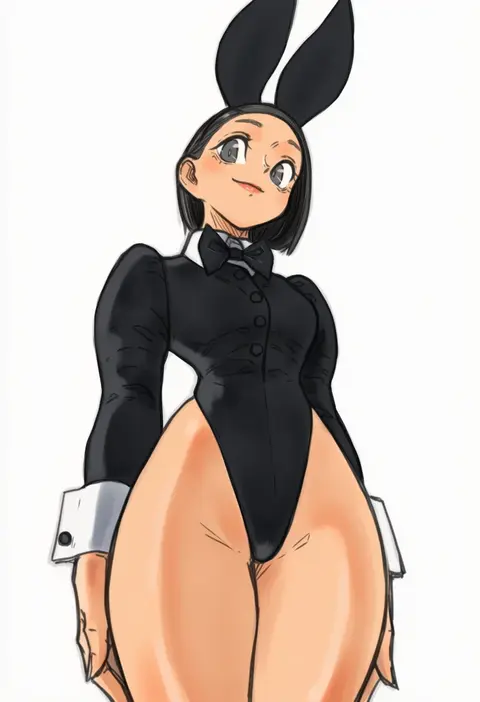
Artist tags tell NovelAI Diffusion to draw in a specific artist's style: line weight, paint texture, face shapes and palette all shift at once. Character and outfit tags decide what is drawn; artist tags decide how. 16,352 tags are listed for V4.5.
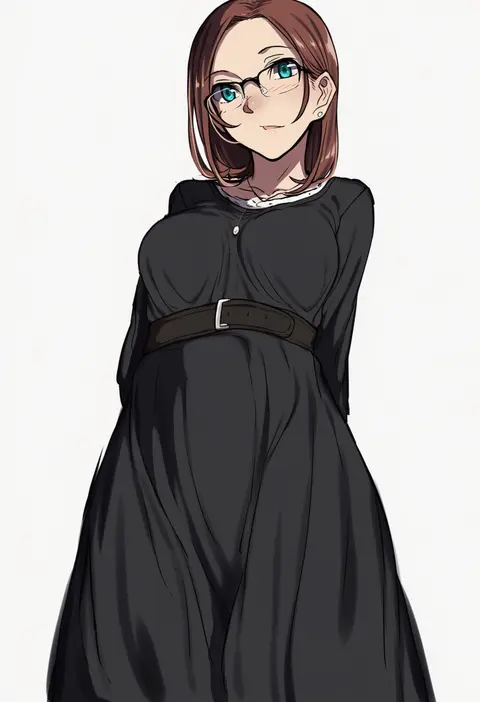
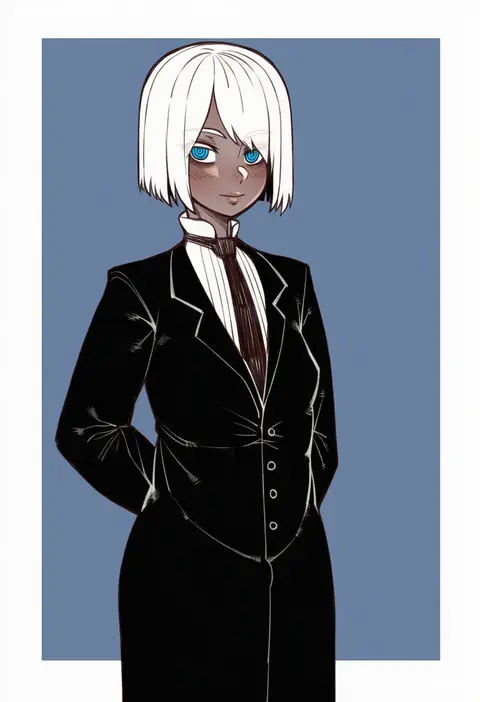
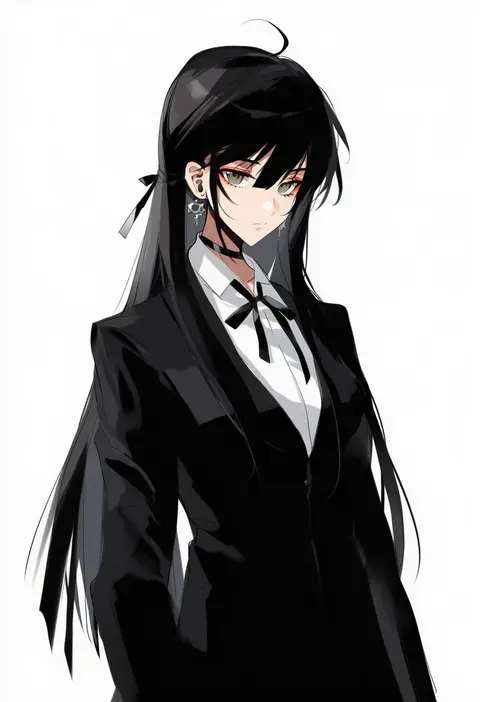
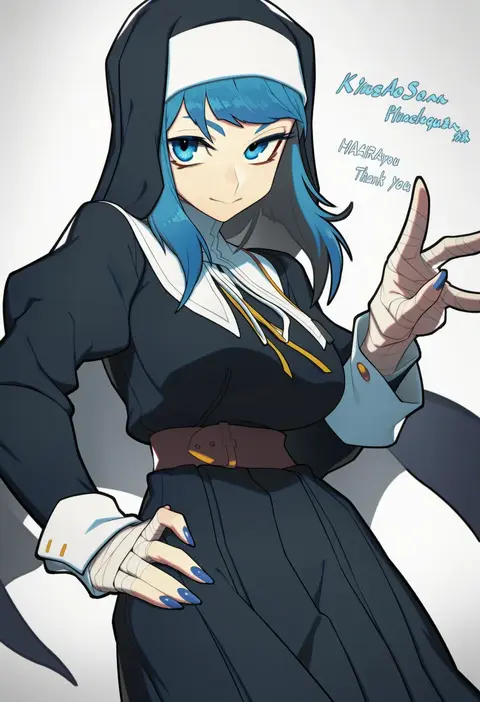
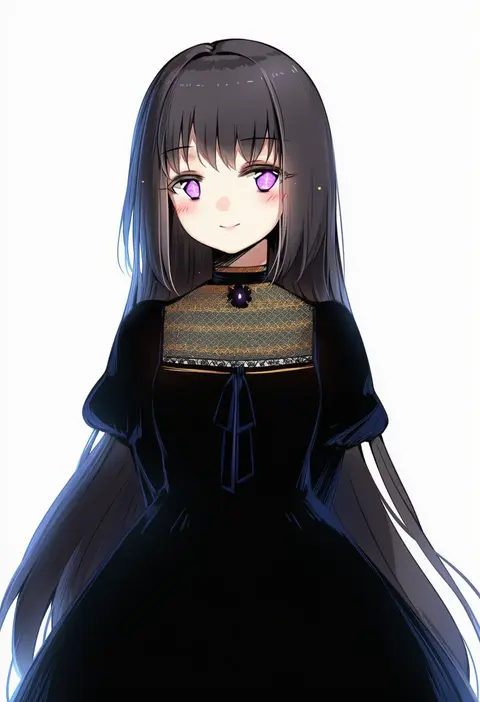
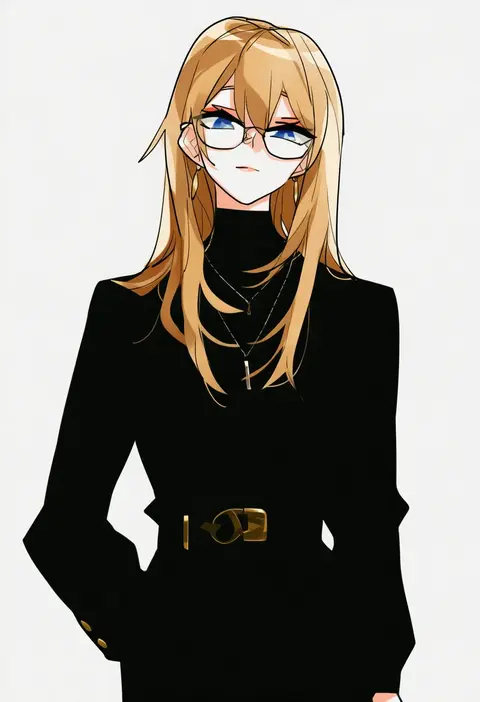
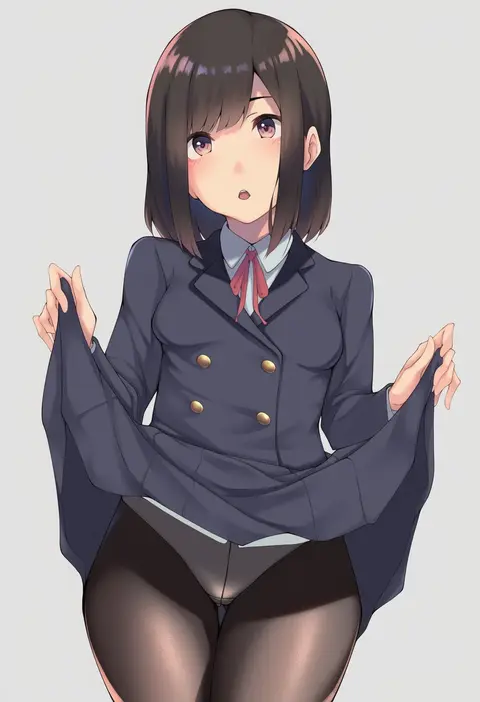
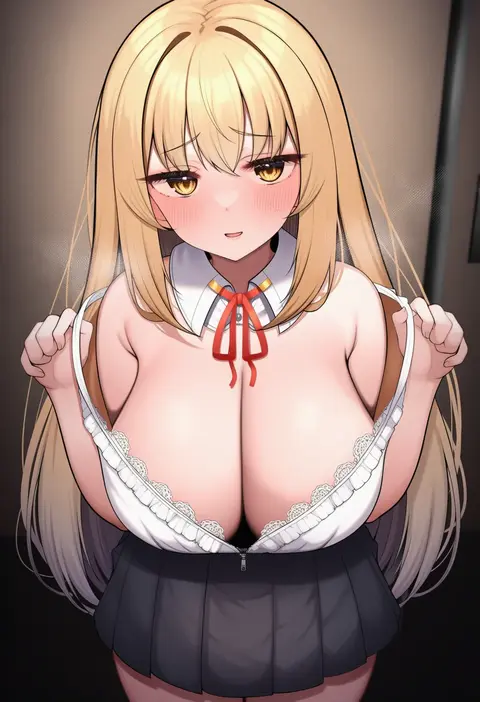
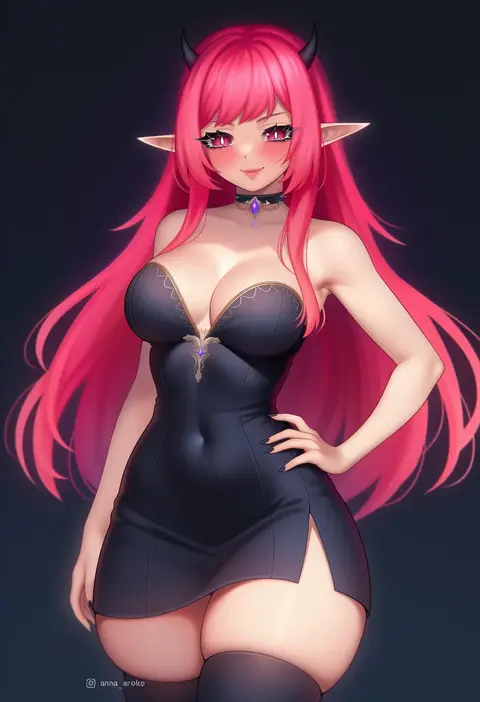
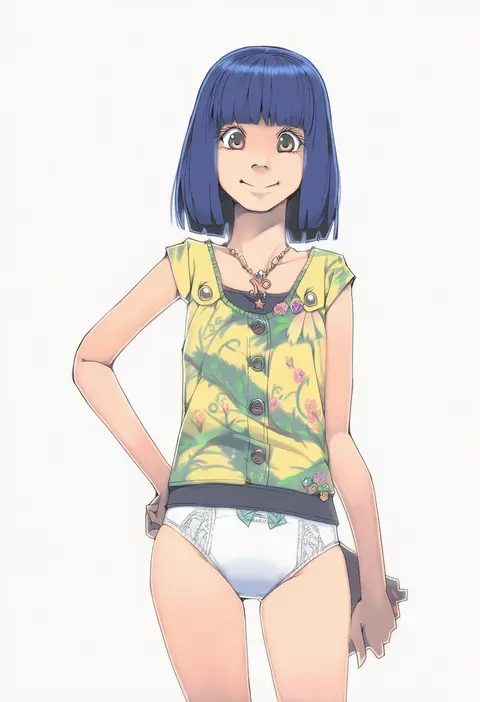
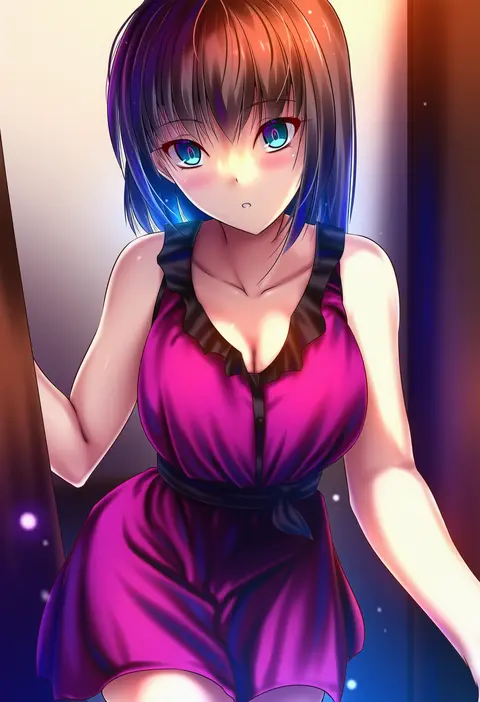
Every tag listed here is verified to react in NovelAI. All images use the same prompt, seed and settings with only the artist tag swapped, so the difference between two images is the style that tag brings in.

How to use them

Put the artist tag near the front of the prompt, e.g. "<artist>, 1girl, solo, best quality, masterpiece, cowboy shot". Two or three artist tags blend styles; lower the weight with "0.8::<artist>::" when the style overpowers the character.

SCORE sorts by Danbooru's top score, POSTS by post count, FAVS by hearts on this site. Open a card to see V5 and V4.5 side by side on the same seed.

V5 vs V4.5

V5 usually lands closer to the artist's real style, and tags that did nothing on V4.5 often react on V5. V4.5 still fits older and doujin-heavy artists better. Try V5 first, fall back to V4.5.

FAQ

Where does the artist tag go?
Near the front of the prompt. Use "0.8::tag::" to adjust its weight.

Can I stack artist tags?
Yes, styles blend. Past two or three the result stops looking like anyone.

Are these the artists' own works?
No. Every image is a NovelAI sample generated from the tag.