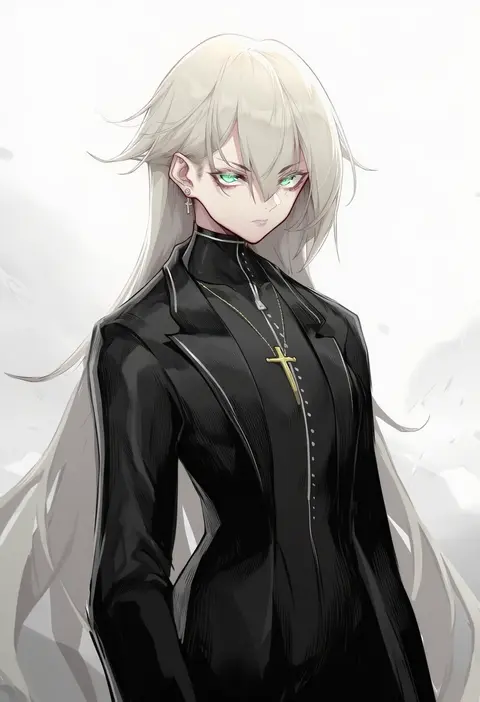
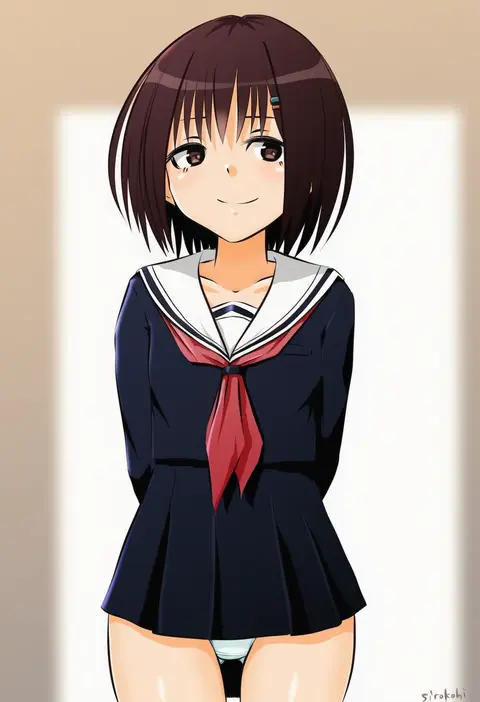
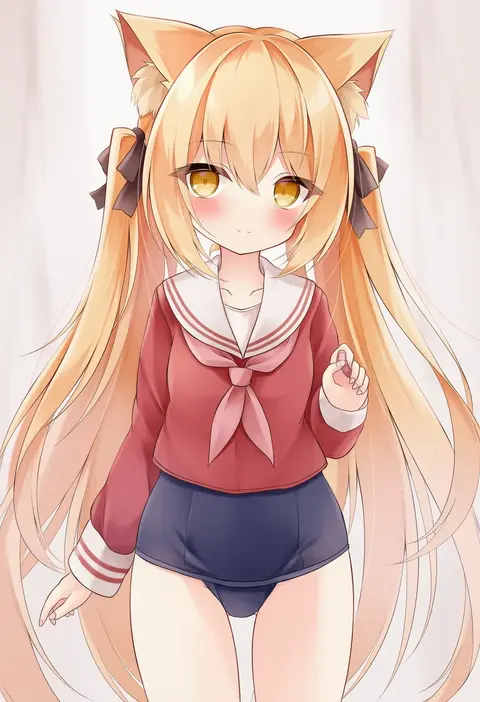
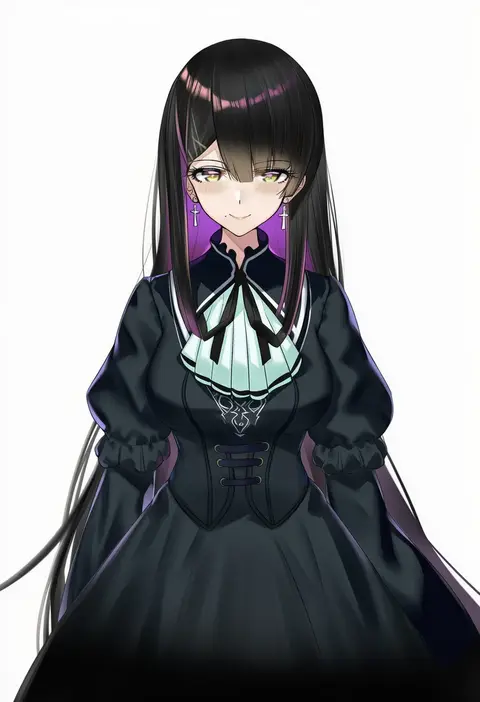
V4.5Artists
sort: FAVS▾
▾
>
$

Popular NovelAI artist tags — V4.5

artist --count 16,352[70/273]
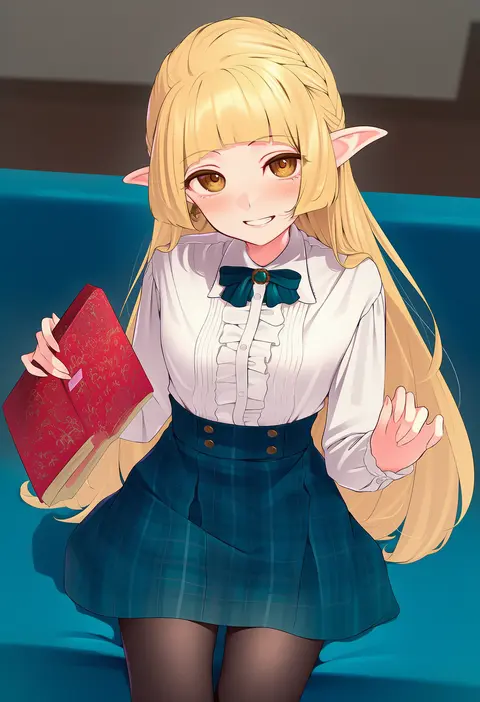
kanpa (campagne 9)
ARTIST0x102C
0
piripun
ARTIST0x102D
0
puuakachan
ARTIST0x102E
0
hinomoto madoka
ARTIST0x102F
0
vinhnyu
ARTIST0x1030
0
cslucaris
ARTIST0x1031
0
shoukaki (earthean)
ARTIST0x1032
0
zol
ARTIST0x1033
0
borushichi
ARTIST0x1034
0
kainown
ARTIST0x1035
0
miyazakisoul
ARTIST0x1036
0
nikishiko
ARTIST0x1037
0
jin sumire
ARTIST0x1038
0
makino momiji (artist)
ARTIST0x1039
0
mihato senba
ARTIST0x103A
0
nanakusa
ARTIST0x103B
0
yukikuma (yukikuma 018)
ARTIST0x103C
0
tomoyuki kotani
ARTIST0x103D
0
maruyaa (malya1006)
ARTIST0x103E
0
katsudansou
ARTIST0x103F
0
hayashi (l8poushou)
ARTIST0x1040
0
meguro fukuzou
ARTIST0x1041
0
kakuzatou (satousatotototo)
ARTIST0x1042
0
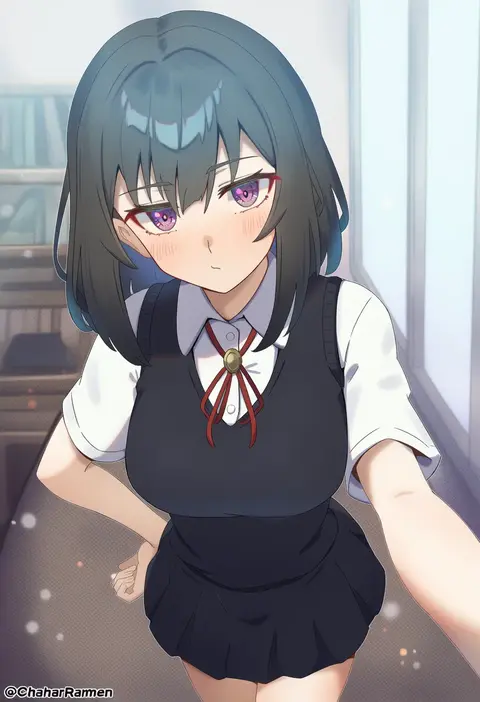
chahanramen
ARTIST0x1043
0
gozaru
ARTIST0x1044
0
akitsuki karasu
ARTIST0x1045
0
amania orz
ARTIST0x1046
0
dean (momodean)
ARTIST0x1047
0
cream cod
ARTIST0x1048
0
shanyao jiang tororo
ARTIST0x1049
0
sirokohi
ARTIST0x104A
0
mochizuki riku
ARTIST0x104B
0
srpzk
ARTIST0x104C
0
nys
ARTIST0x104D
0
mp150 plus
ARTIST0x104E
0
basukechi
ARTIST0x104F
0
kumanomi
ARTIST0x1050
0
hayanye
ARTIST0x1051
0
umihal
ARTIST0x1052
0
nikusenpai
ARTIST0x1053
0
piroshiky
ARTIST0x1054
0
swordsouls
ARTIST0x1055
0
azuma shino
ARTIST0x1056
0
kuro (tbm9187)
ARTIST0x1057
0
funnyari
ARTIST0x1058
0
yuio58ok
ARTIST0x1059
0
ompf
ARTIST0x105A
0
frogsnake
ARTIST0x105B
0
bara (03 bara )
ARTIST0x105C
0
nanam (nanam sk)
ARTIST0x105D
0
anoreika tomoe
ARTIST0x105E
0
delta 9
ARTIST0x105F
0
3 small spiders
ARTIST0x1060
0
naik
ARTIST0x1061
0
hota
ARTIST0x1062
0
kuon (kwonchanji)
ARTIST0x1063
0
mishiro (ixtlolton)
ARTIST0x1064
0
alfort (may0508)
ARTIST0x1065
0
fushisha o
ARTIST0x1066
0
madyy
ARTIST0x1067
0

What these tags change

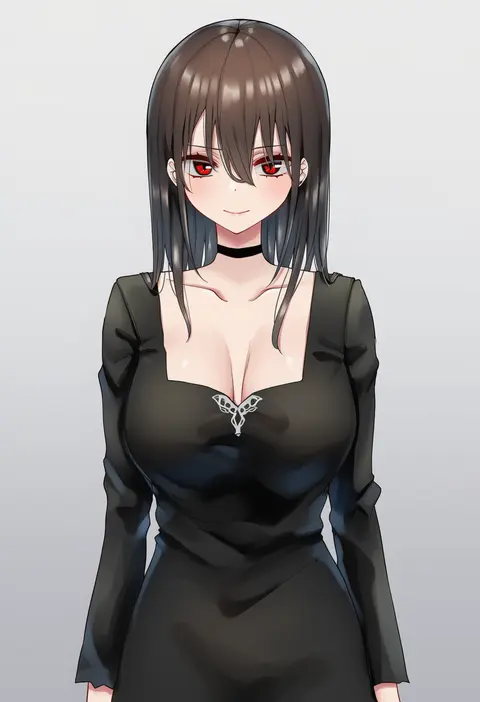
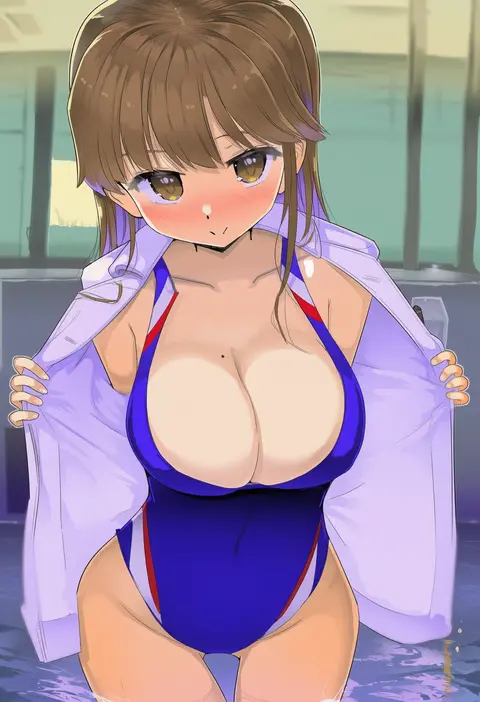
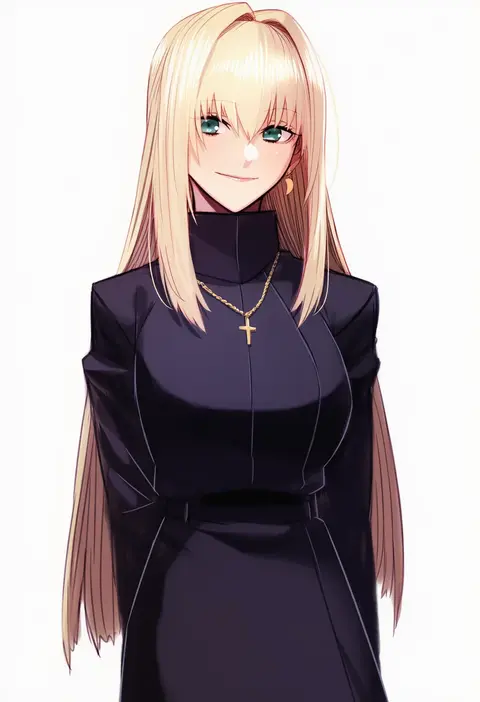
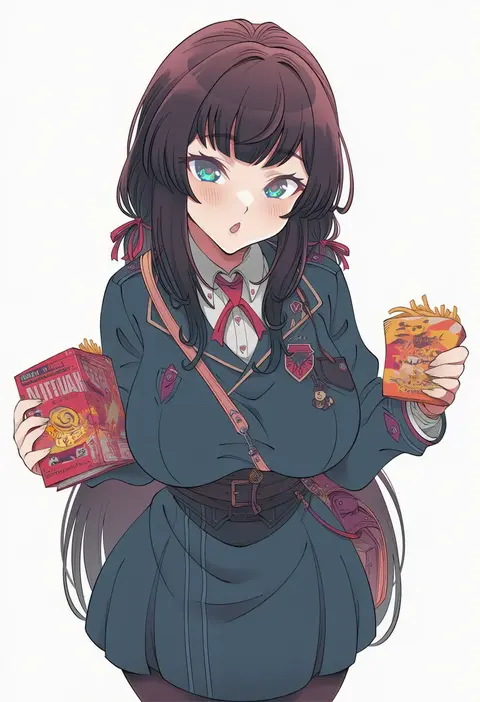
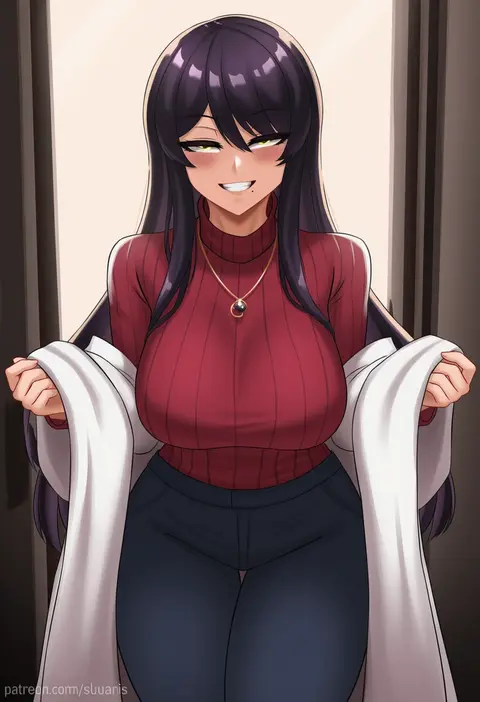
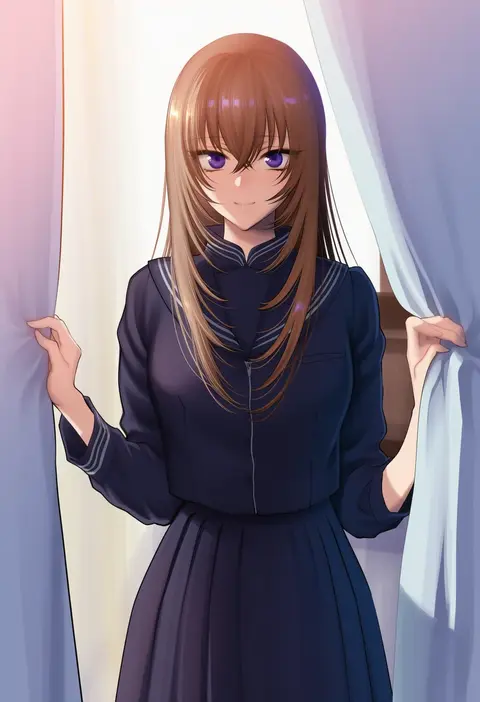
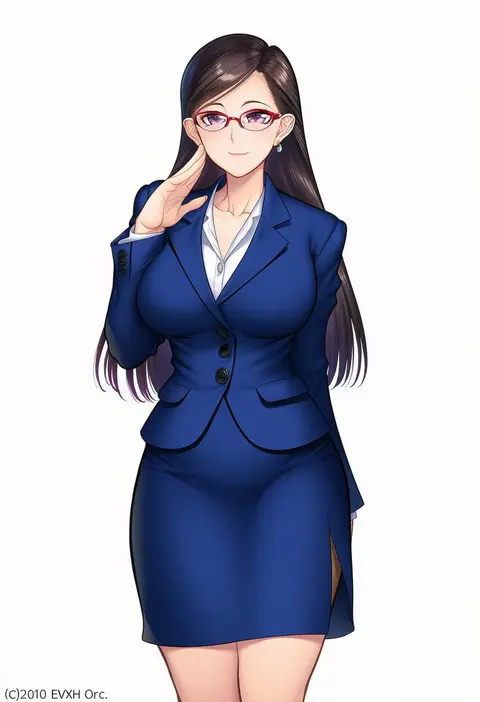
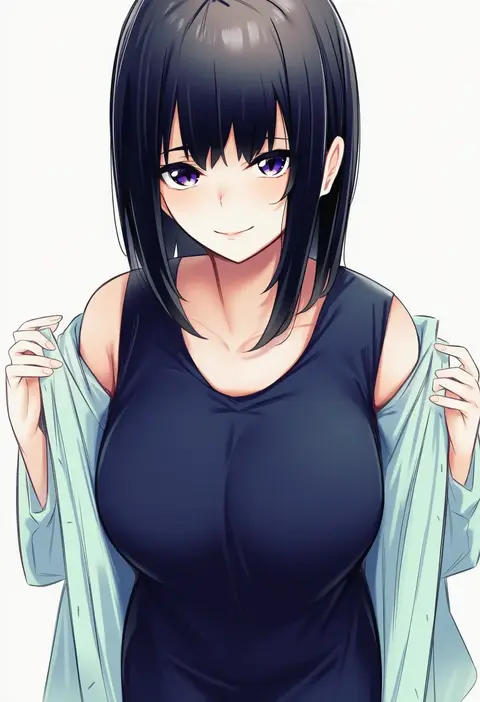
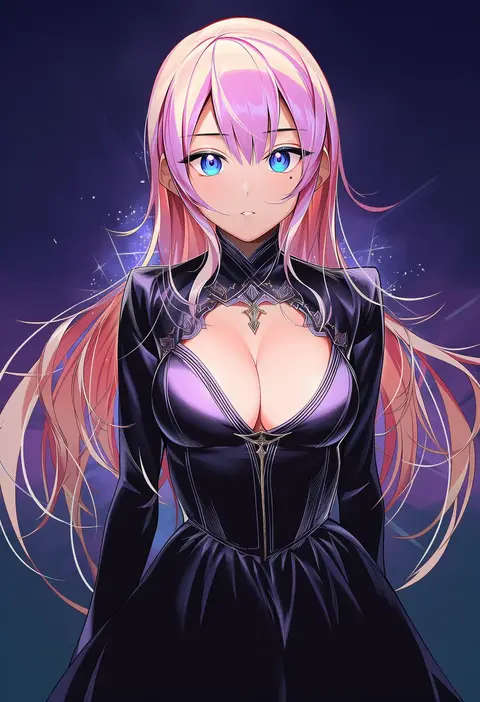
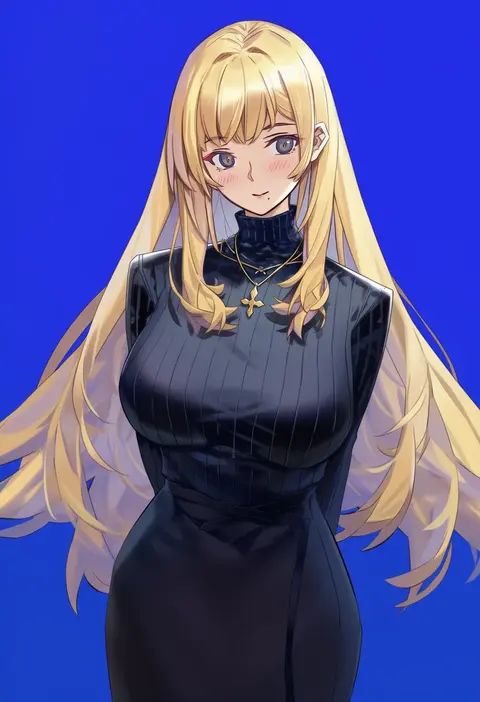
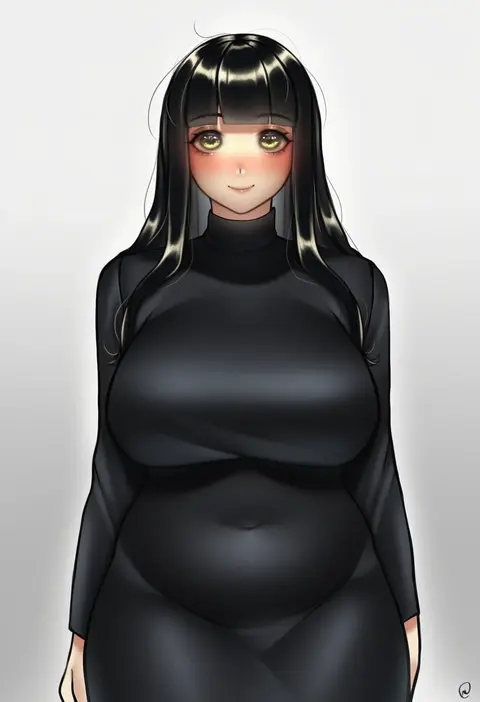
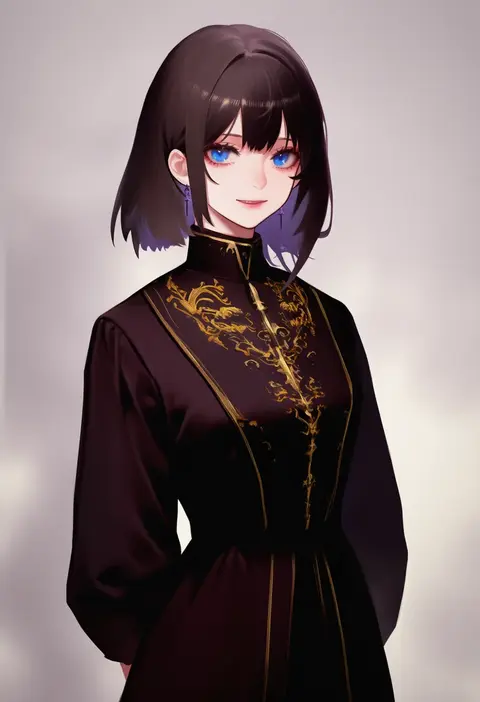
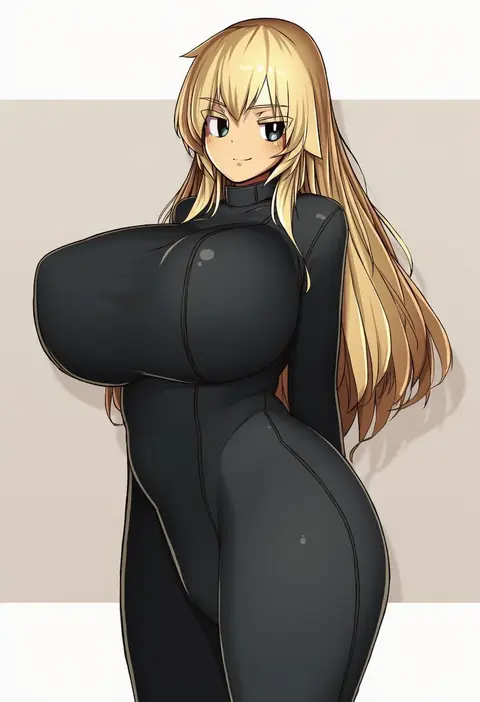
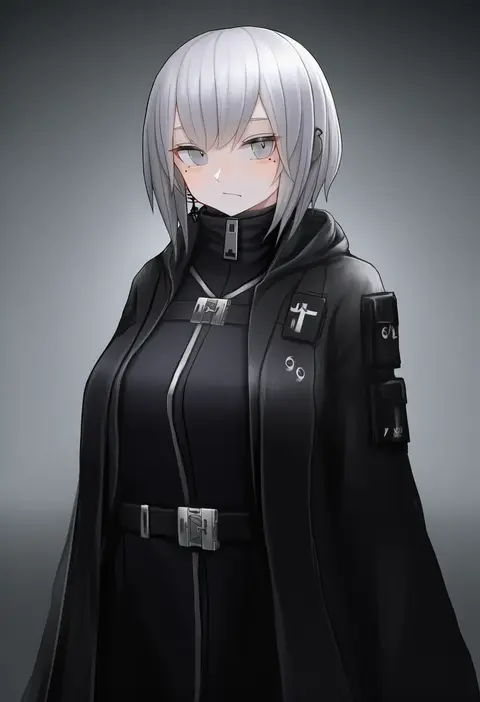
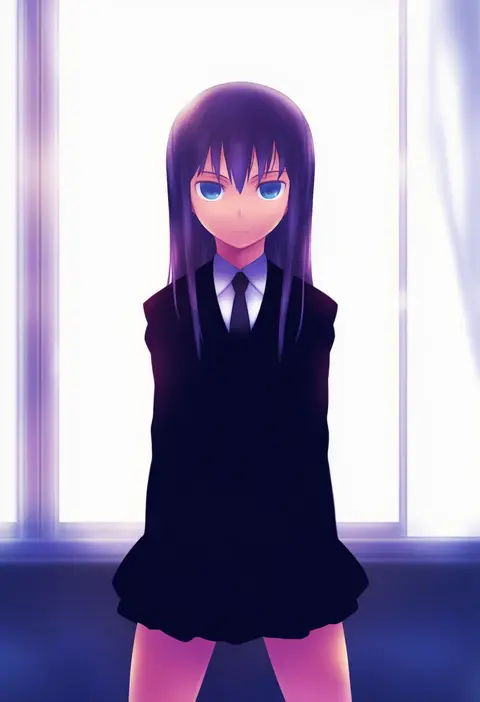
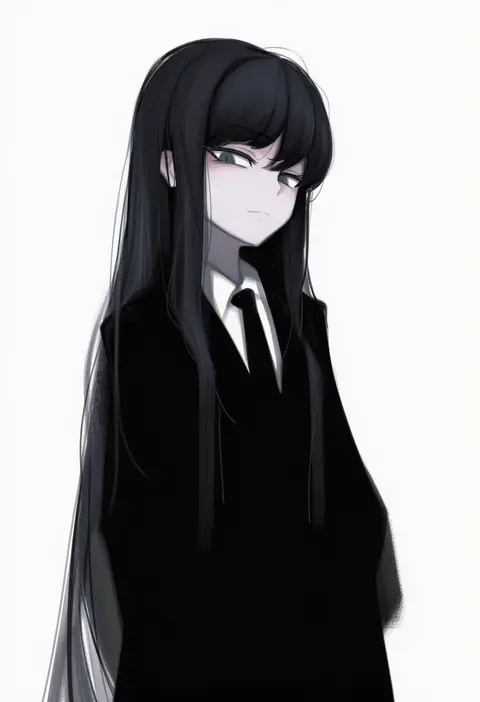
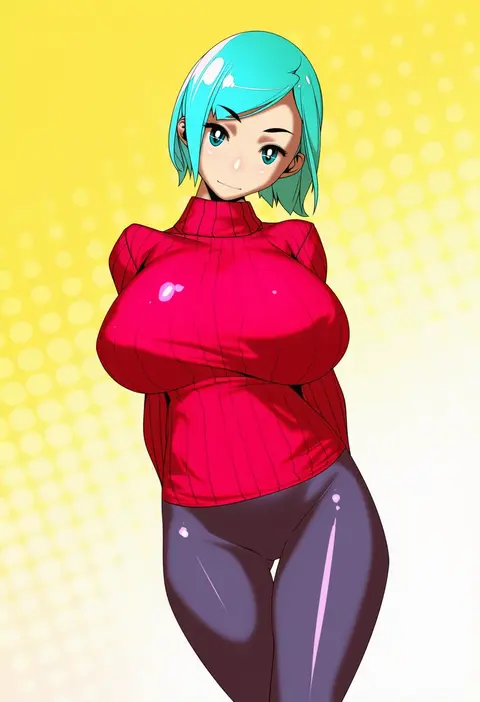
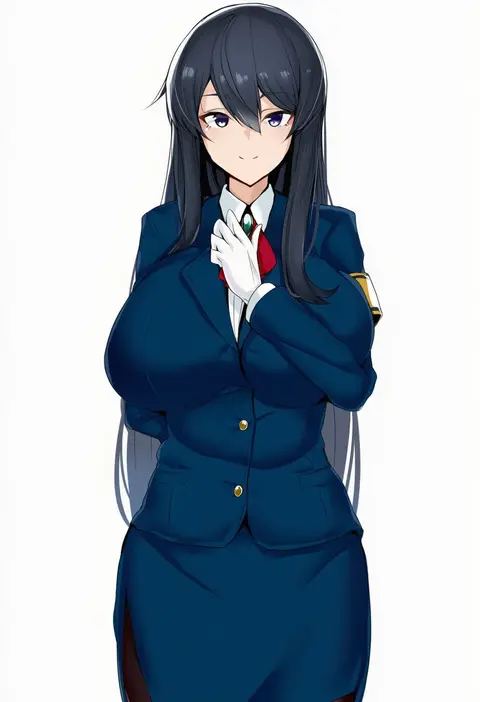
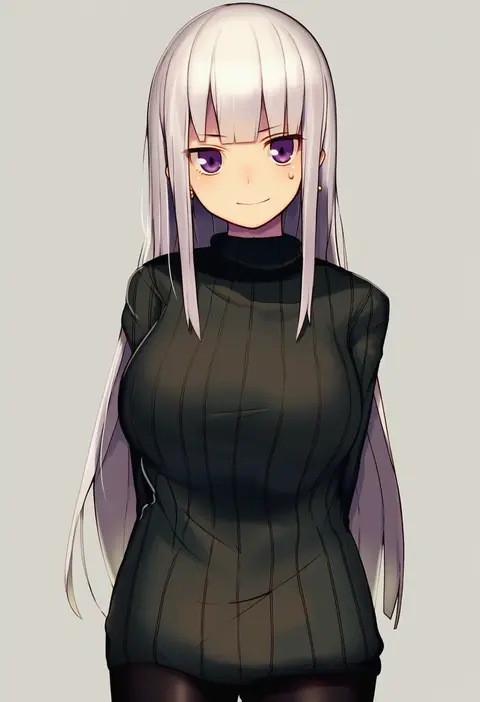
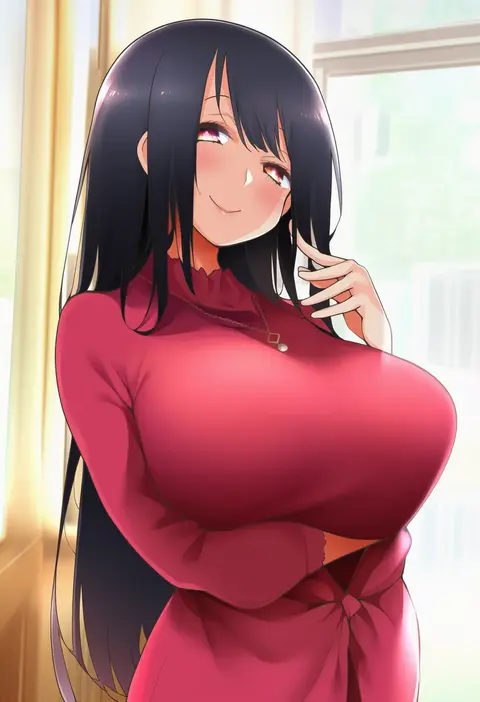
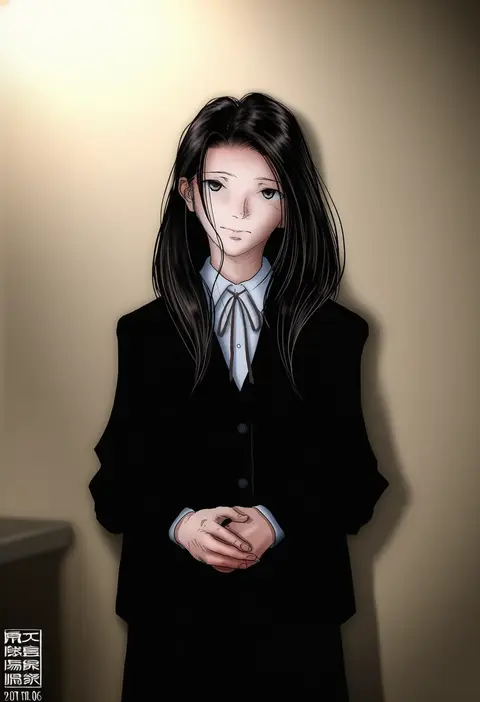
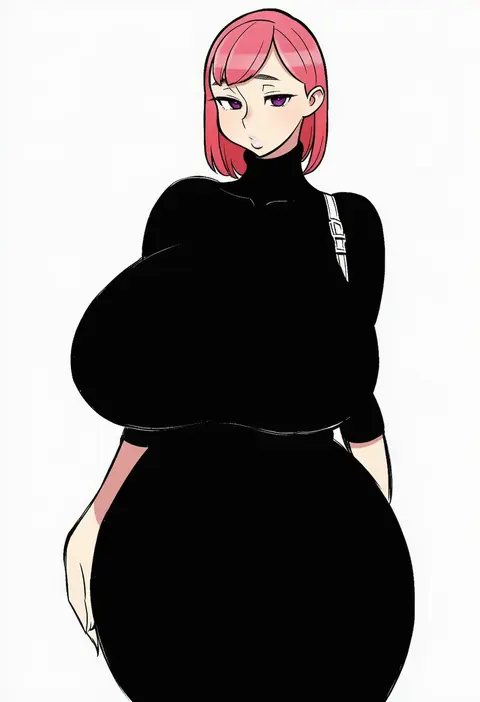
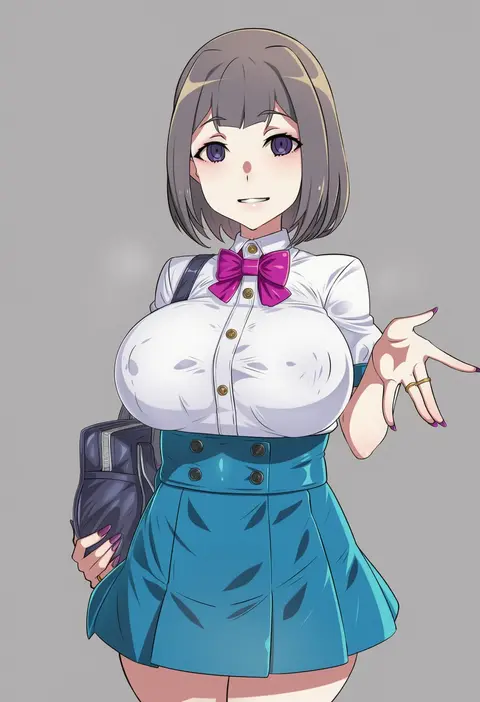
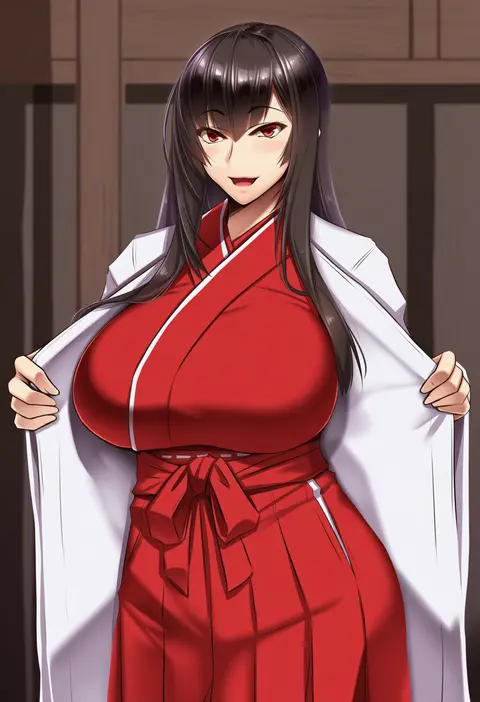
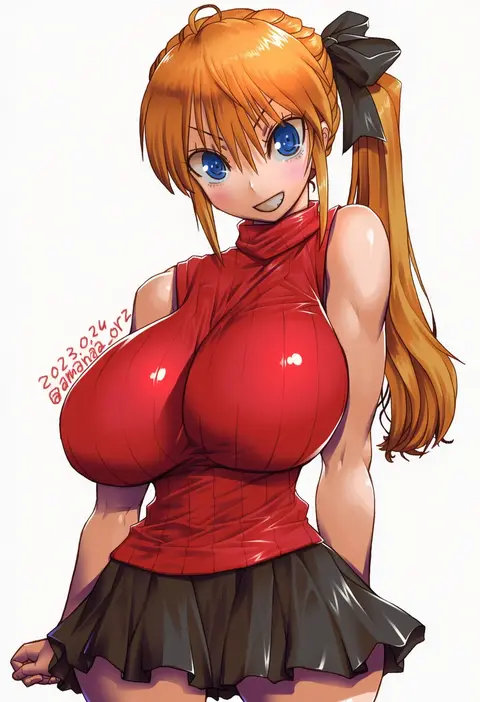
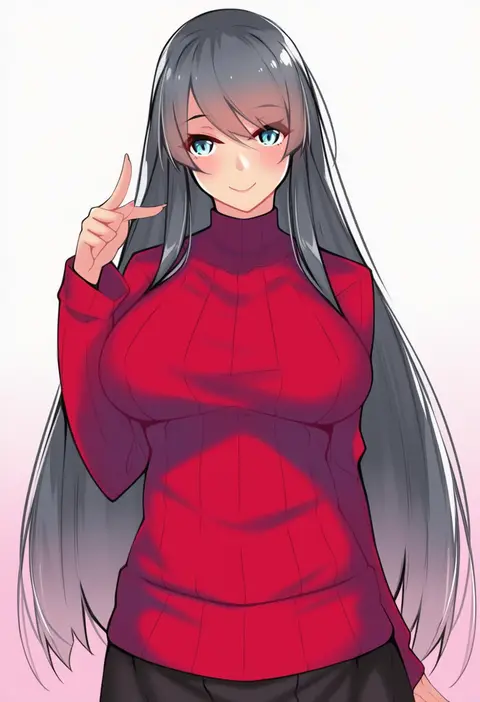
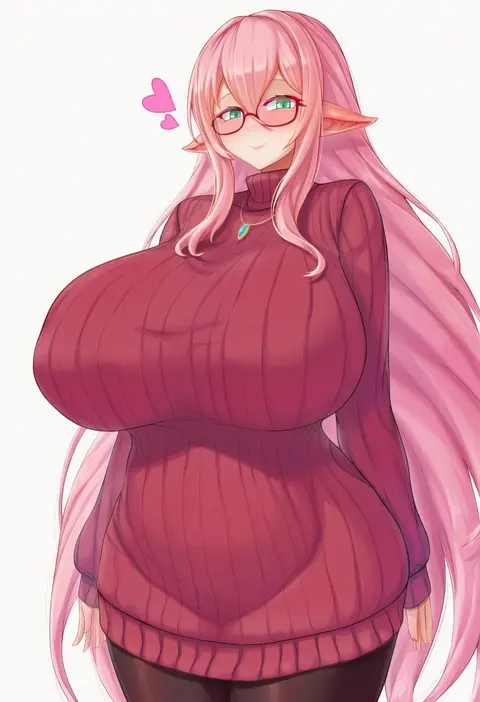
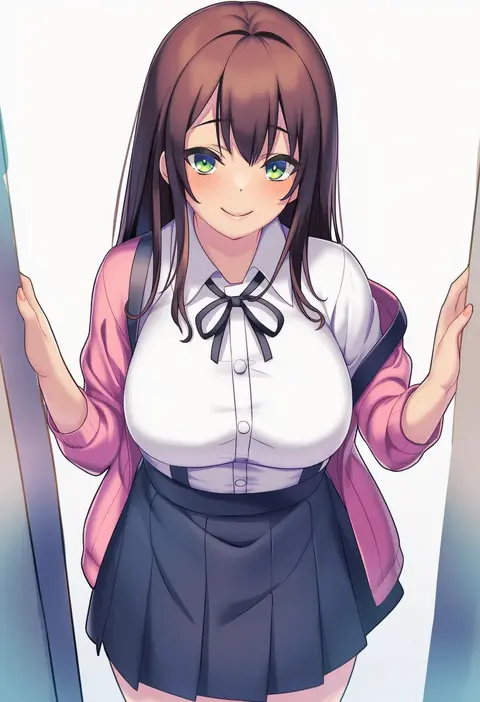
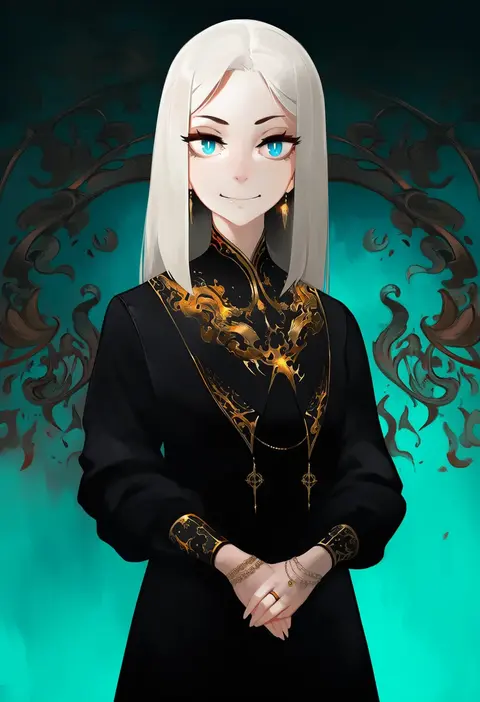
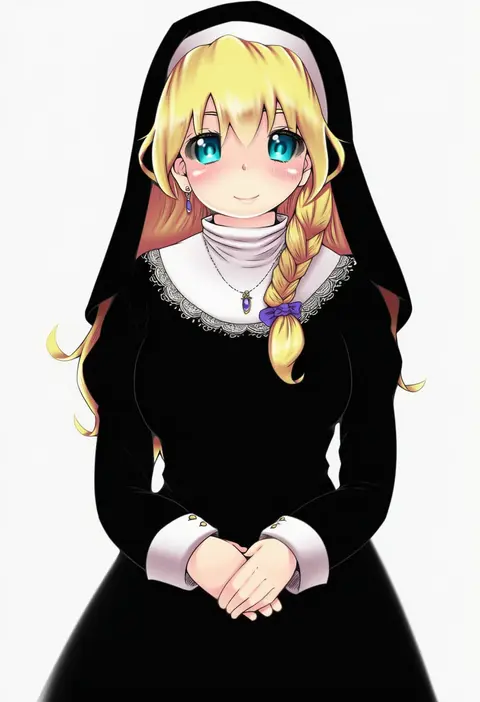
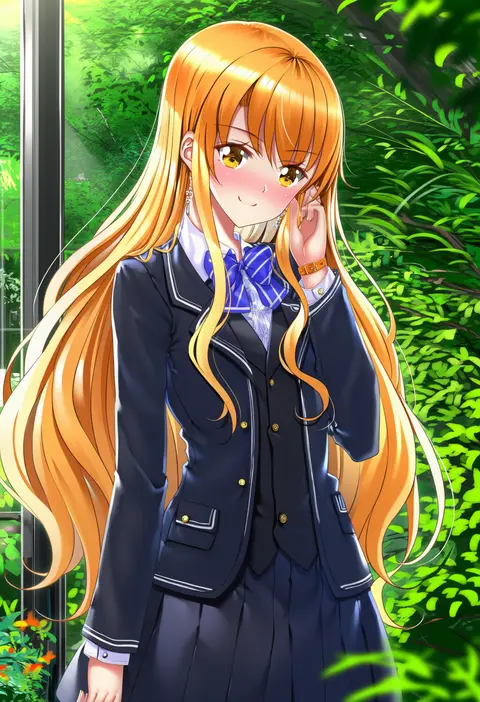
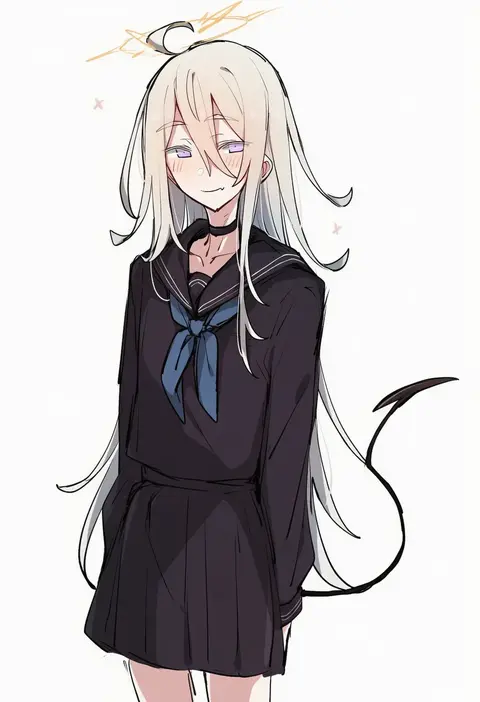
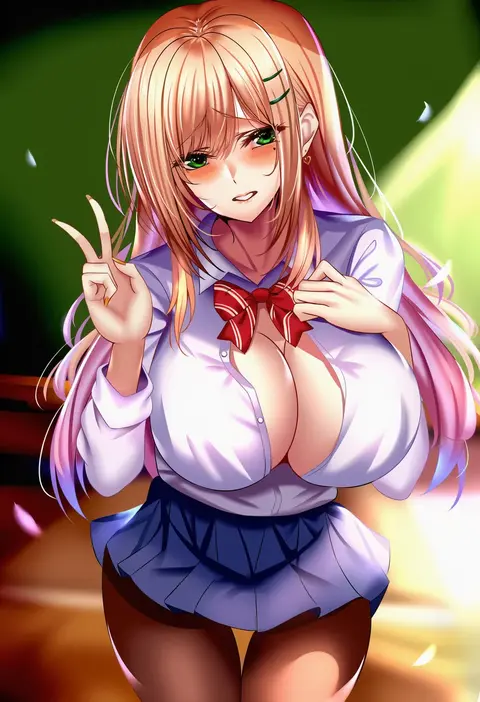
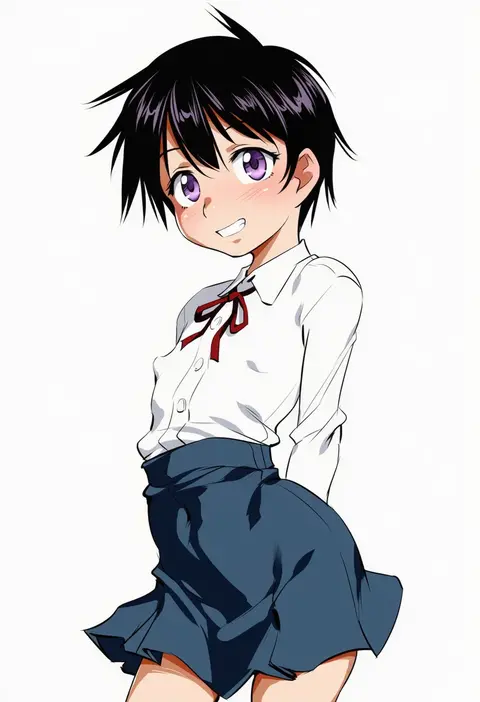
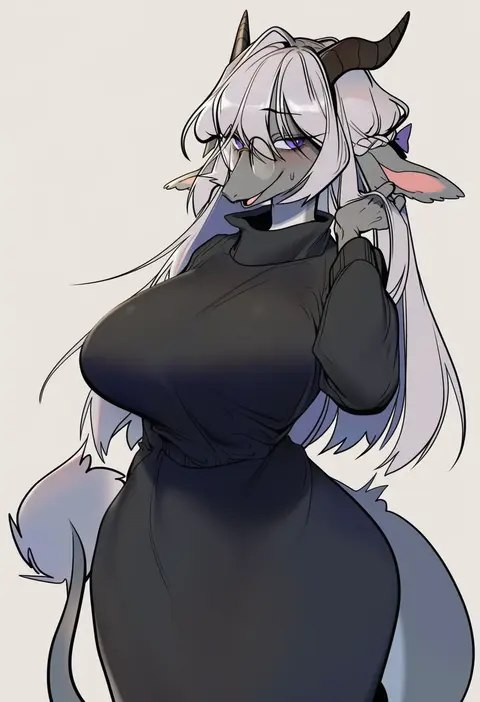
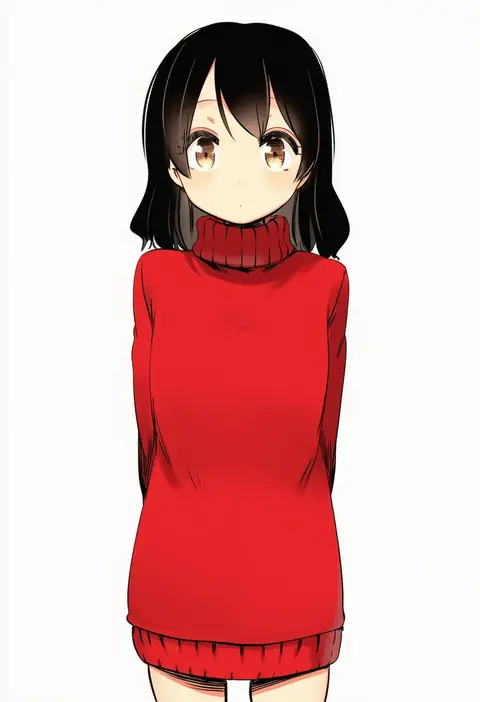
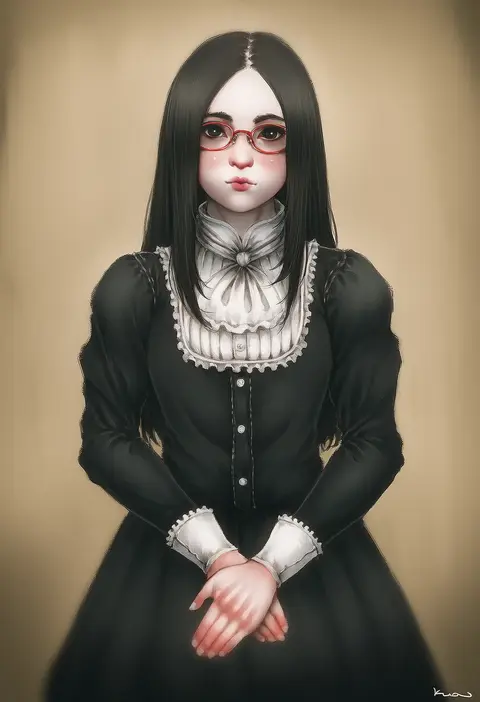
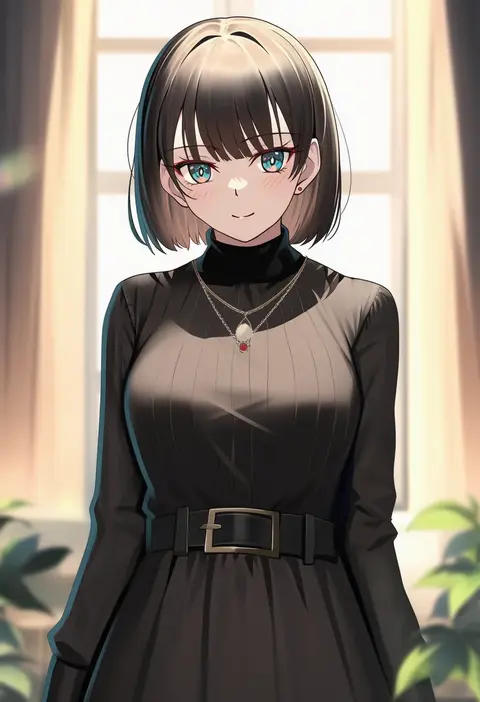
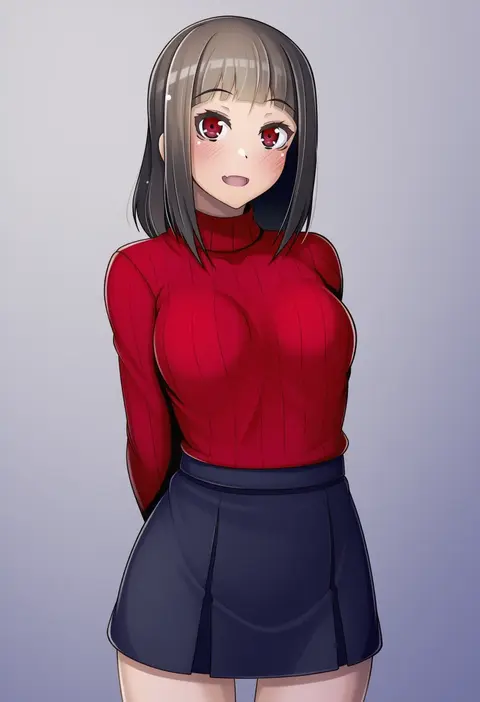
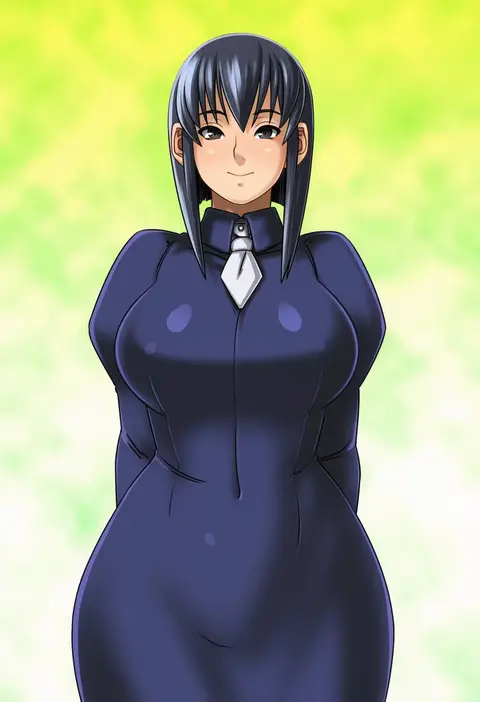
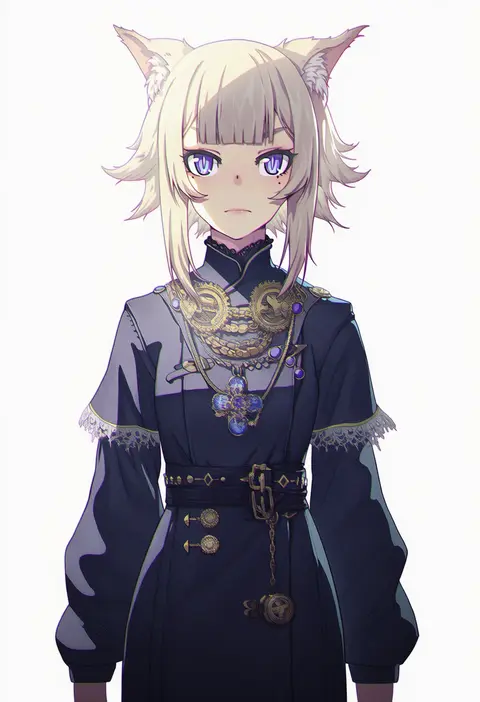
Artist tags tell NovelAI Diffusion to draw in a specific artist's style: line weight, paint texture, face shapes and palette all shift at once. Character and outfit tags decide what is drawn; artist tags decide how. 16,352 tags are listed for V4.5.
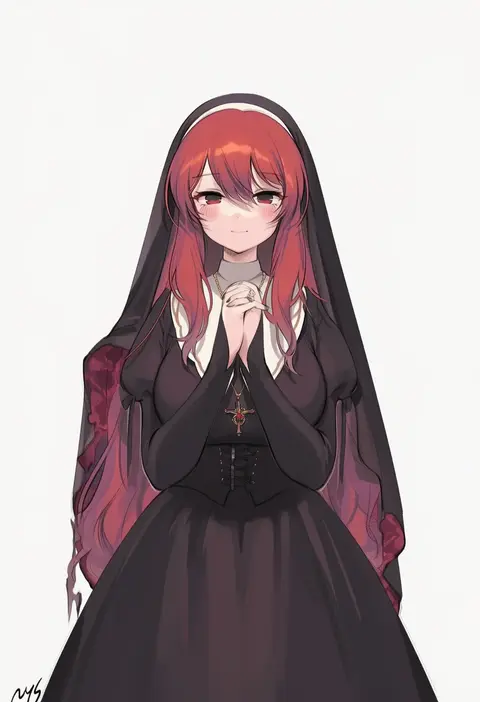
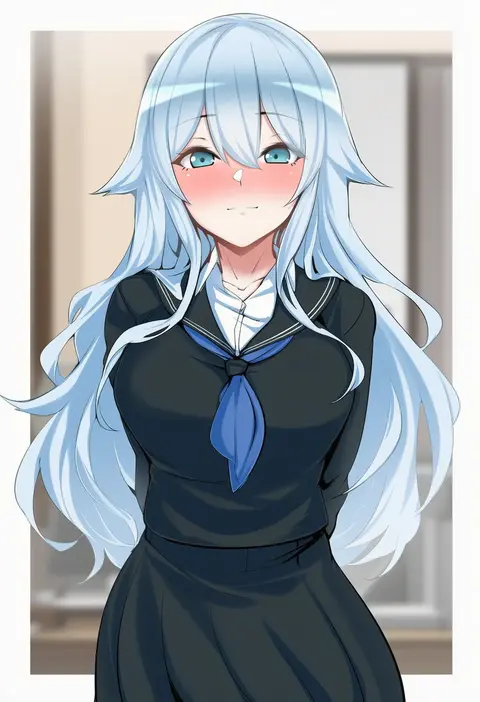
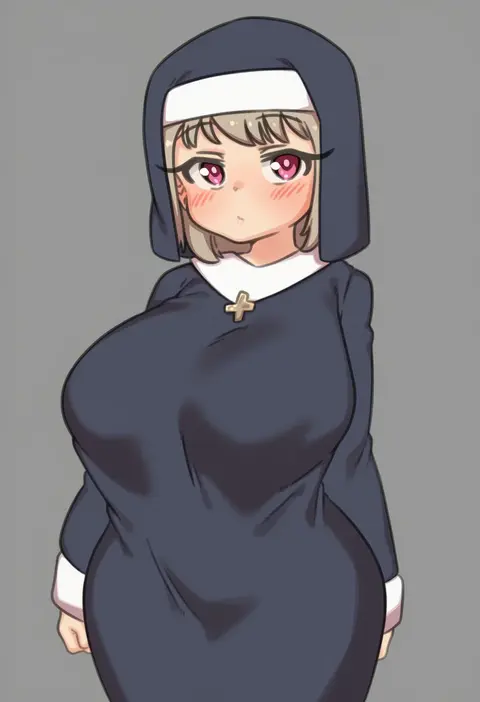
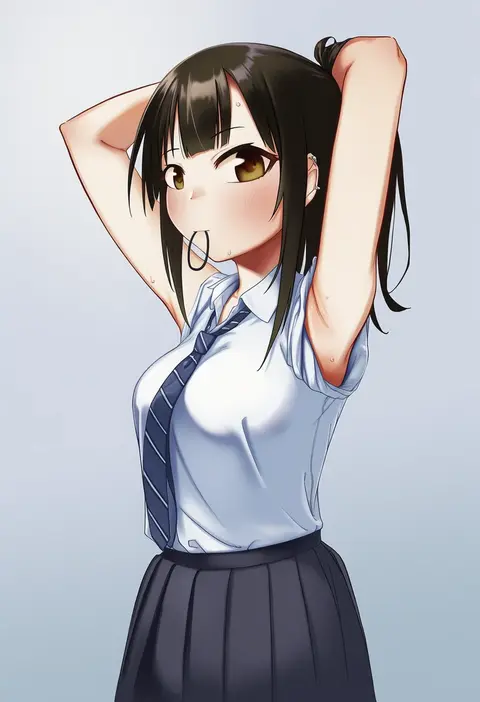
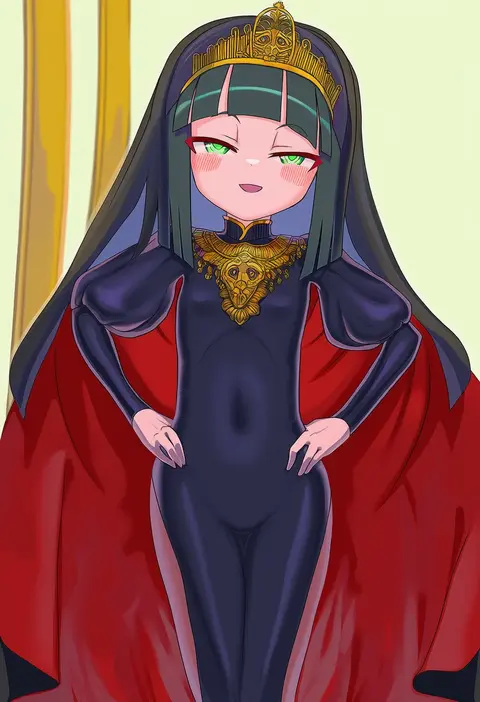
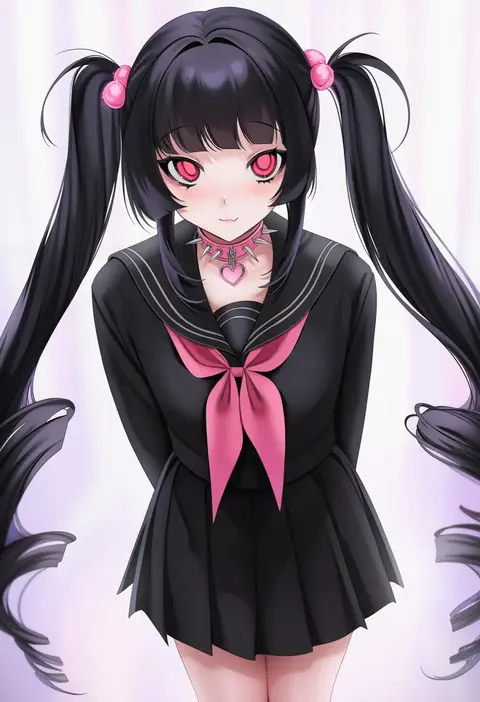
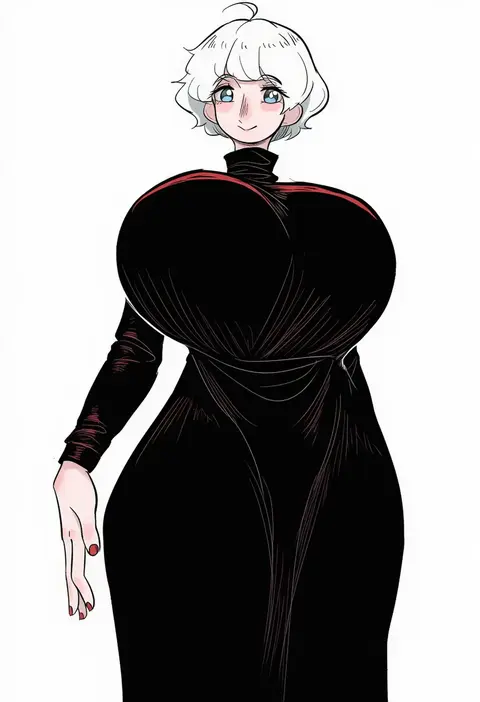
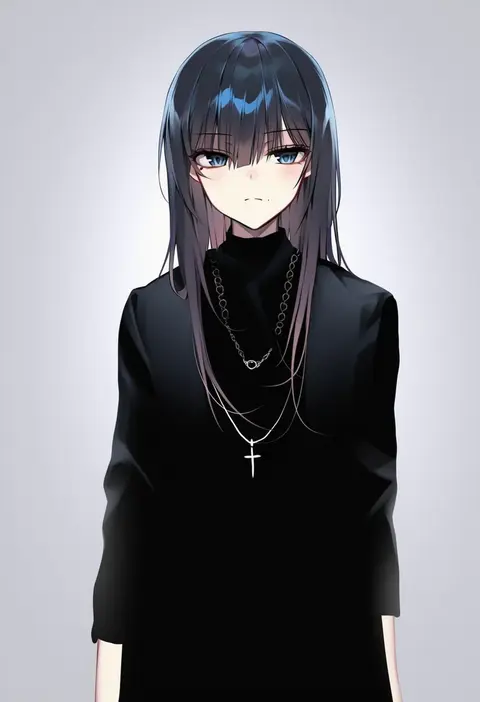
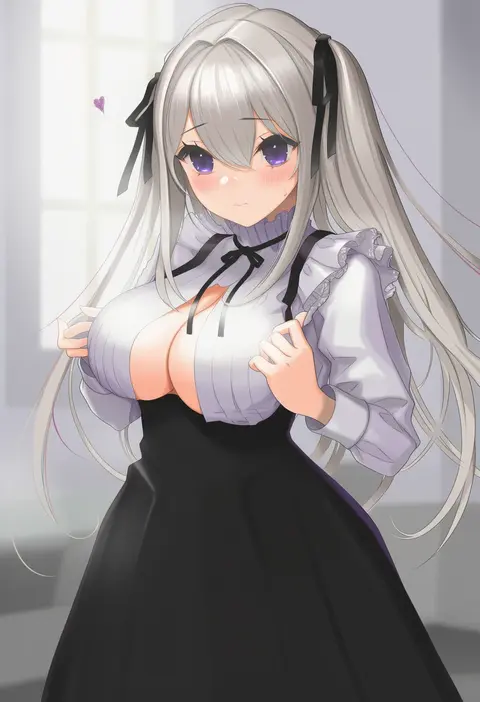
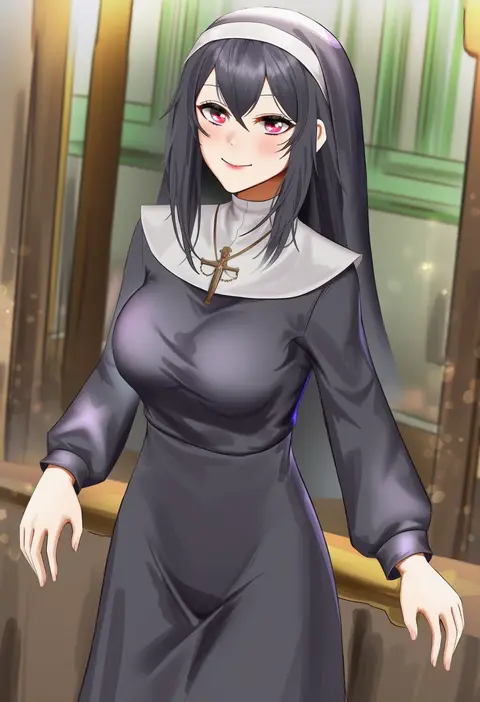
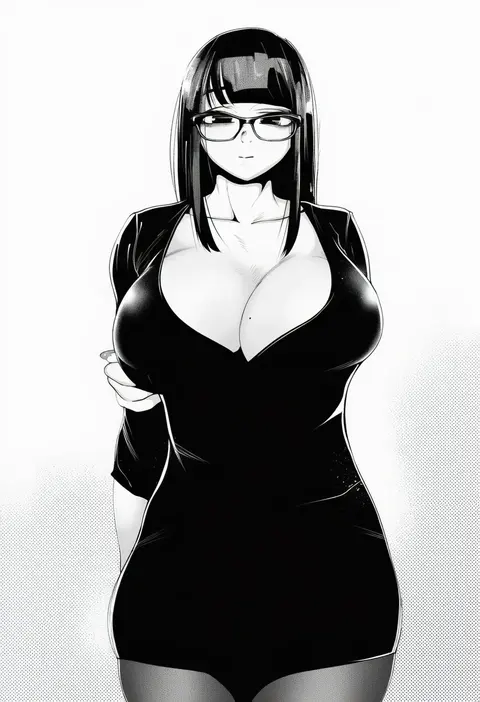
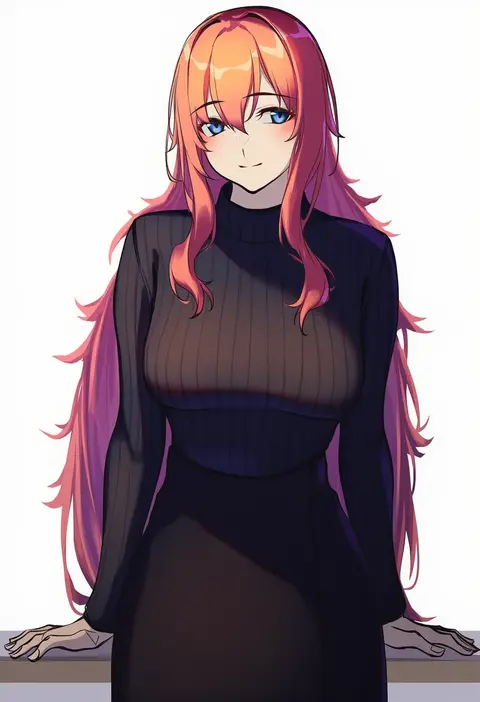
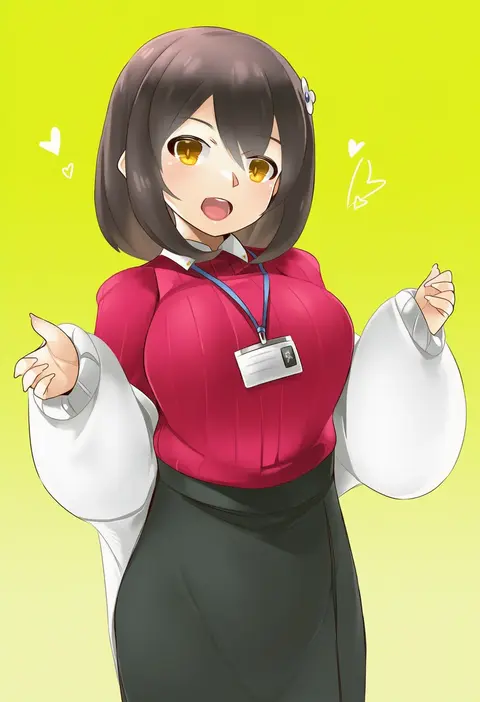
Every tag listed here is verified to react in NovelAI. All images use the same prompt, seed and settings with only the artist tag swapped, so the difference between two images is the style that tag brings in.

How to use them

Put the artist tag near the front of the prompt, e.g. "<artist>, 1girl, solo, best quality, masterpiece, cowboy shot". Two or three artist tags blend styles; lower the weight with "0.8::<artist>::" when the style overpowers the character.

SCORE sorts by Danbooru's top score, POSTS by post count, FAVS by hearts on this site. Open a card to see V5 and V4.5 side by side on the same seed.

V5 vs V4.5

V5 usually lands closer to the artist's real style, and tags that did nothing on V4.5 often react on V5. V4.5 still fits older and doujin-heavy artists better. Try V5 first, fall back to V4.5.

FAQ

Where does the artist tag go?
Near the front of the prompt. Use "0.8::tag::" to adjust its weight.

Can I stack artist tags?
Yes, styles blend. Past two or three the result stops looking like anyone.

Are these the artists' own works?
No. Every image is a NovelAI sample generated from the tag.