V4.5Artists
sort: FAVS▾
▾
>
$

Popular NovelAI artist tags — V4.5

artist --count 16,352[72/273]
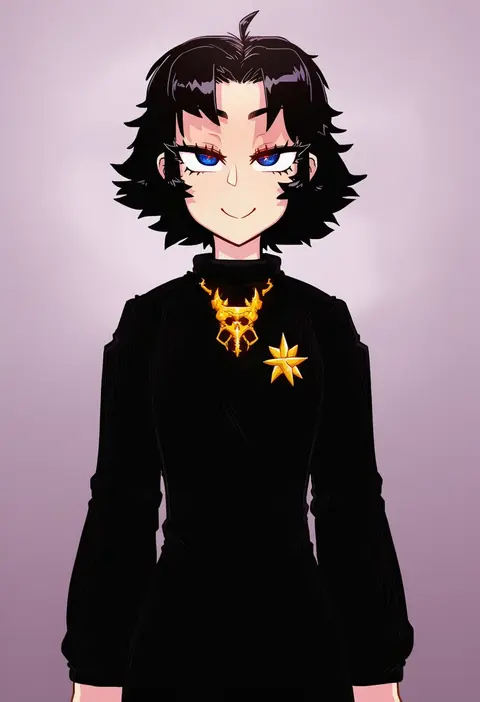
tenk
ARTIST0x10A4
0
abi (abimel10)
ARTIST0x10A5
0
sylph kim
ARTIST0x10A6
0
jiryu50610218
ARTIST0x10A7
0
baretto (karasi07)
ARTIST0x10A8
0
shundou heishirou
ARTIST0x10A9
0
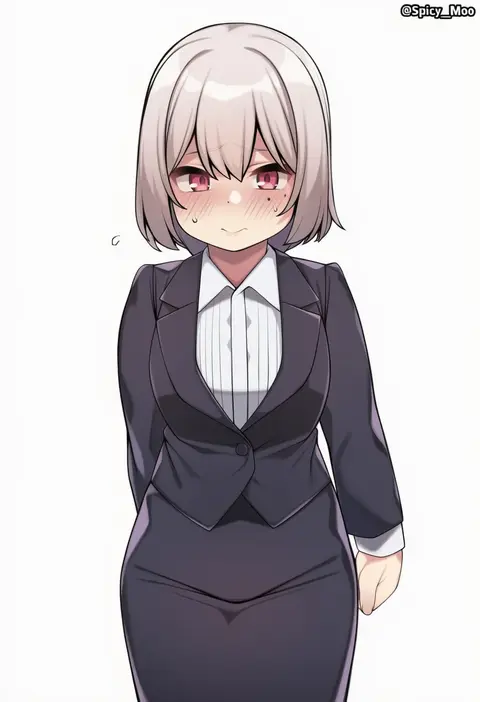
spicy moo
ARTIST0x10AA
0
tousen
ARTIST0x10AB
0
neko (yanshoujie)
ARTIST0x10AC
0
star741
ARTIST0x10AD
0
vialnite
ARTIST0x10AE
0
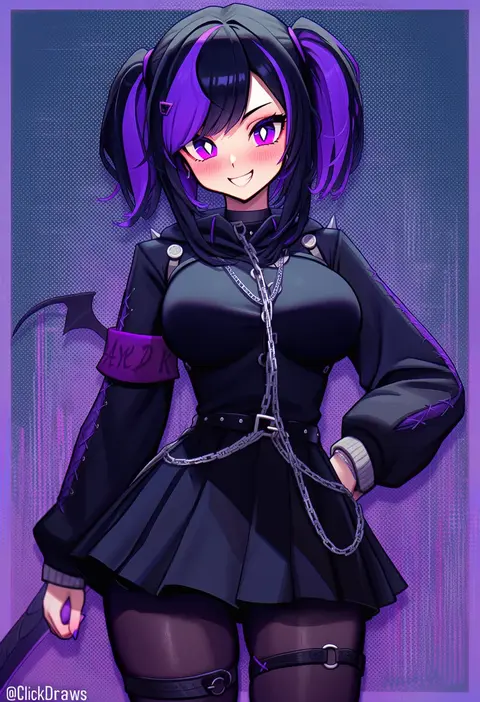
clickdraws
ARTIST0x10AF
0
kagami toufu
ARTIST0x10B0
0
mysteryctu
ARTIST0x10B1
0
neal d. anderson
ARTIST0x10B2
0
tsukudani (coke-buta)
ARTIST0x10B3
0
sumeragi kohaku
ARTIST0x10B4
0
yoban
ARTIST0x10B5
0
pizzasi
ARTIST0x10B6
0
ohlia
ARTIST0x10B7
0
ddal
ARTIST0x10B8
0
ribiadan
ARTIST0x10B9
0
meunhongcha
ARTIST0x10BA
0
pocari66
ARTIST0x10BB
0
wulazula
ARTIST0x10BC
0
senbei (avocadochaya)
ARTIST0x10BD
0
nemunemu semi
ARTIST0x10BE
0
spencer sais
ARTIST0x10BF
0
sasakura momiji
ARTIST0x10C0
0
sokona (sosokona)
ARTIST0x10C1
0
laxiusart
ARTIST0x10C2
0
subob (subobdesu)
ARTIST0x10C3
0
lovelyme
ARTIST0x10C4
0
shouu-kun
ARTIST0x10C5
0
hwan (mob hwan)
ARTIST0x10C6
0
tel-o
ARTIST0x10C7
0
raiya atelier
ARTIST0x10C8
0
ame arare
ARTIST0x10C9
0
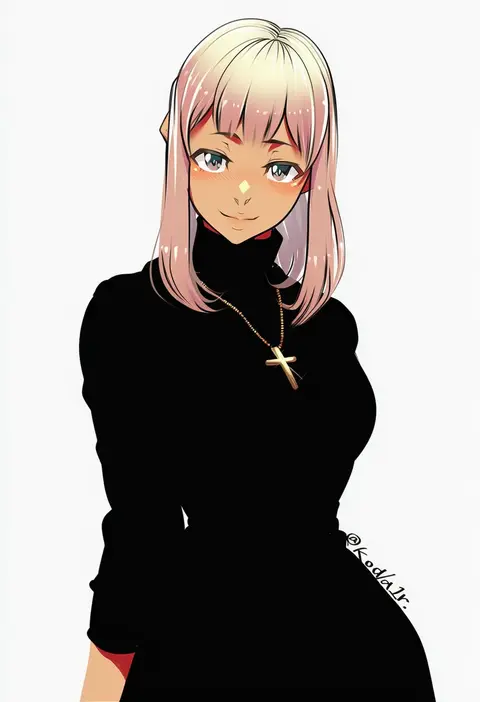
koda1ra
ARTIST0x10CA
0
yago8 pp3
ARTIST0x10CB
0
softmode
ARTIST0x10CC
0
kazepana
ARTIST0x10CD
0
ireading
ARTIST0x10CE
0
gongbangmanchi (daisy cutter)
ARTIST0x10CF
0
poechan chan
ARTIST0x10D0
0
katoroku
ARTIST0x10D1
0
johnny (braun-kan cafe)
ARTIST0x10D2
0
bbk (13zk)
ARTIST0x10D3
0
nassss
ARTIST0x10D4
0
mikuning
ARTIST0x10D5
0
saipaco
ARTIST0x10D6
0
sasayuki
ARTIST0x10D7
0
fangdan runiu
ARTIST0x10D8
0
noeru
ARTIST0x10D9
0
maruro
ARTIST0x10DA
0
fataaa
ARTIST0x10DB
0
ohako (ohako1818)
ARTIST0x10DC
0
nr noir
ARTIST0x10DD
0
sakifox
ARTIST0x10DE
0
ichikawa noa
ARTIST0x10DF
0

What these tags change

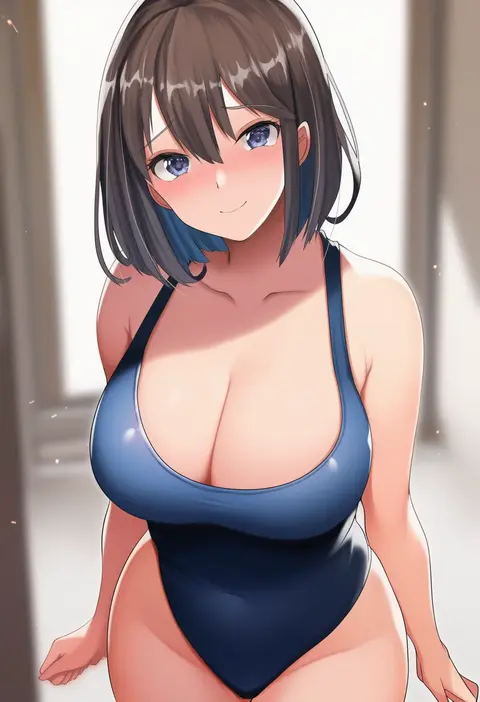
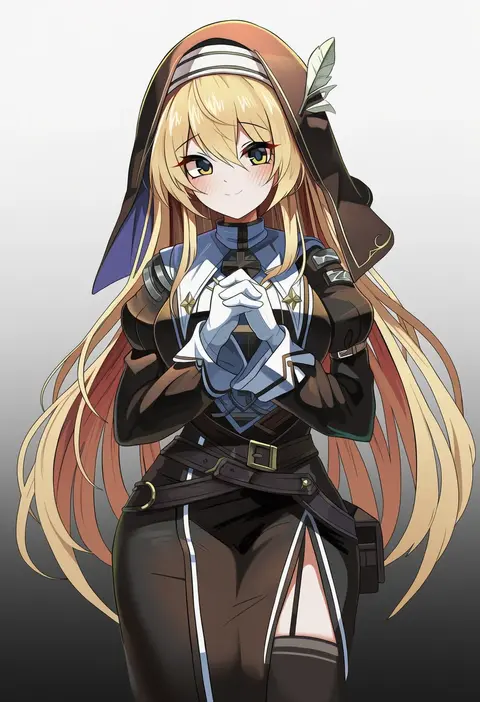
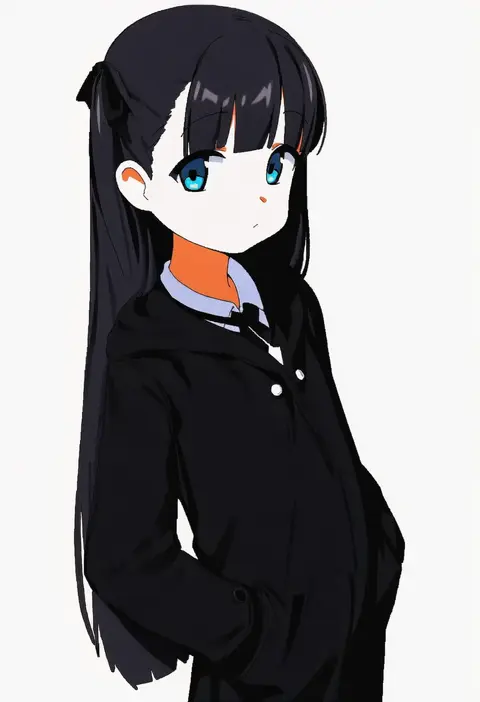
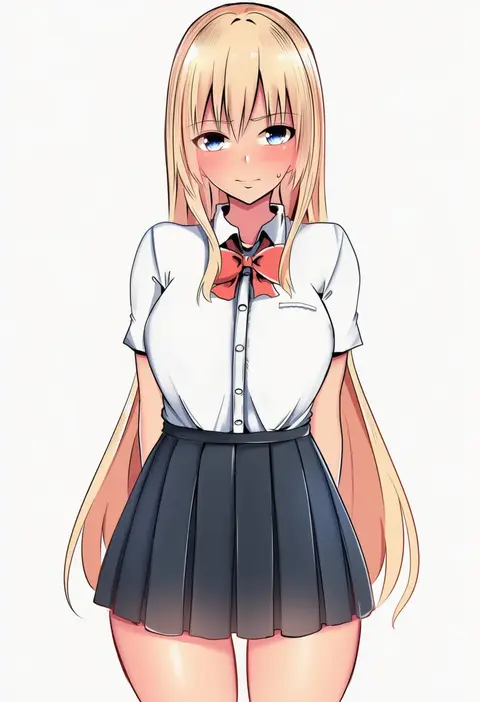
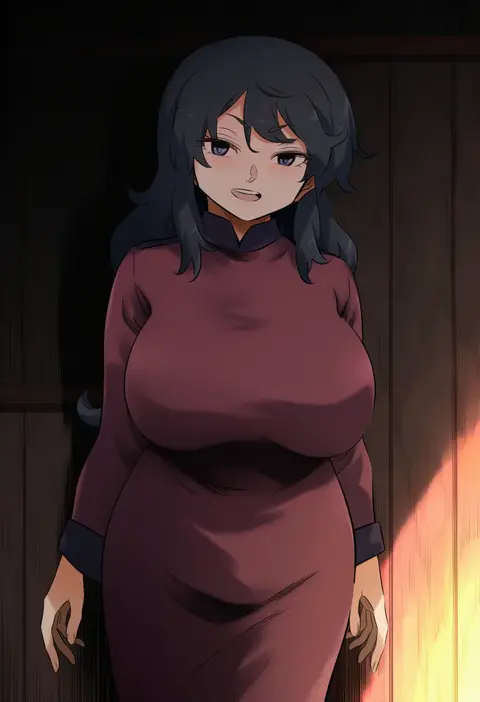
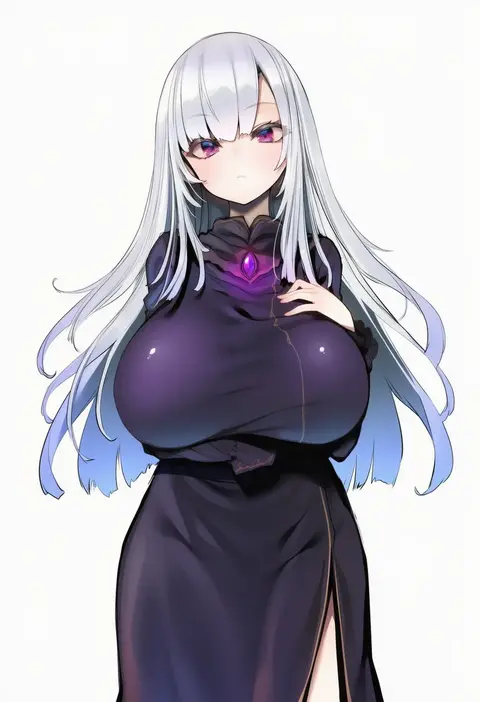
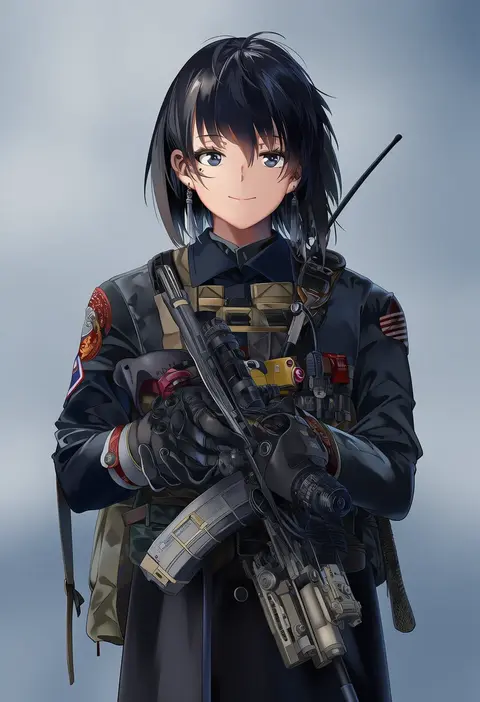
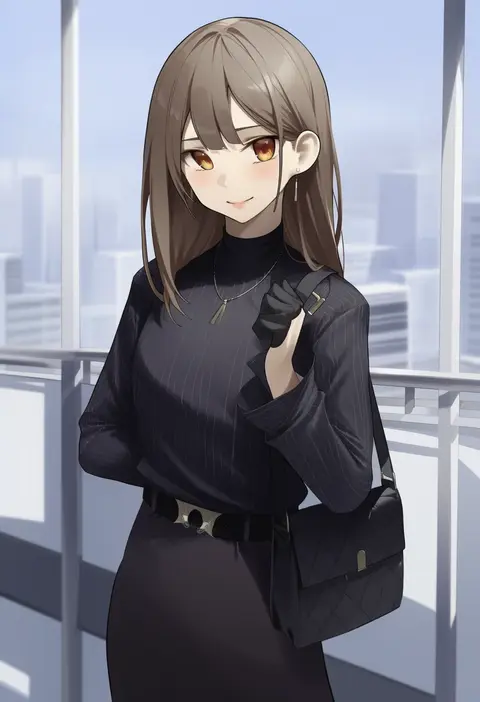
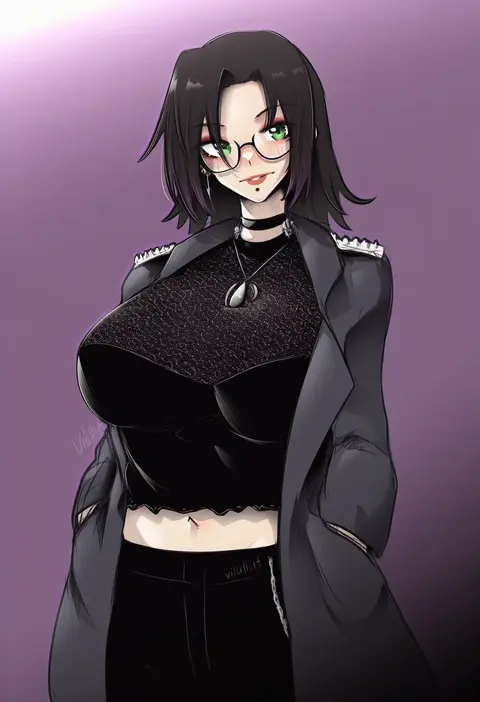
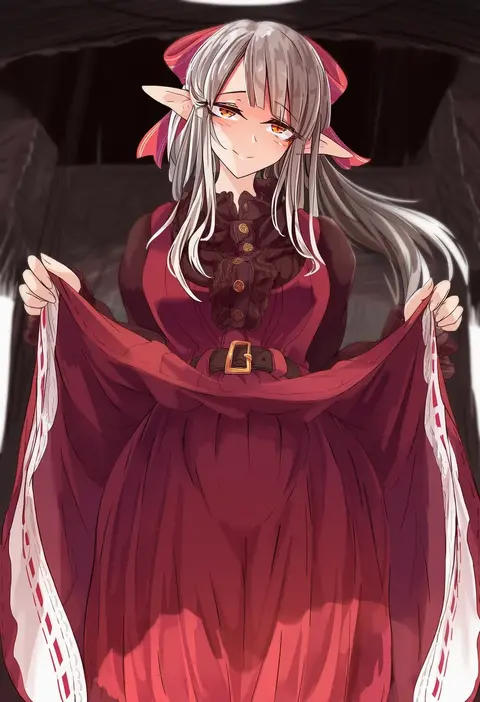
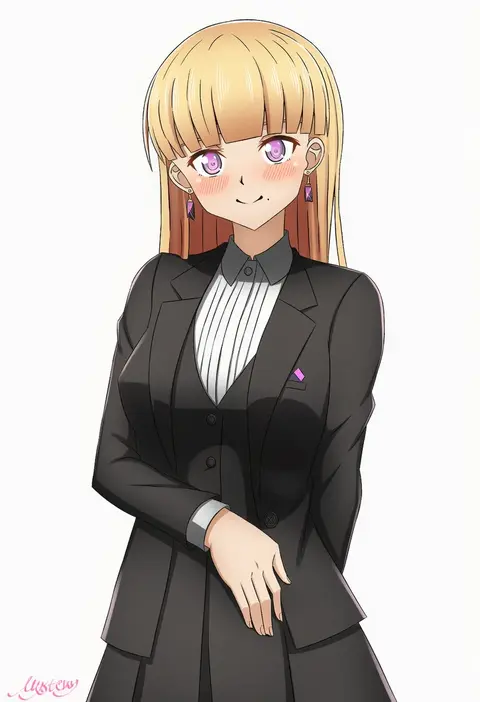
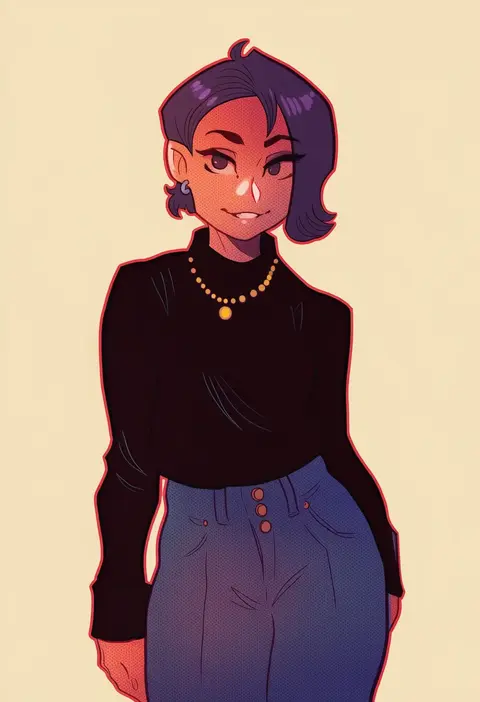
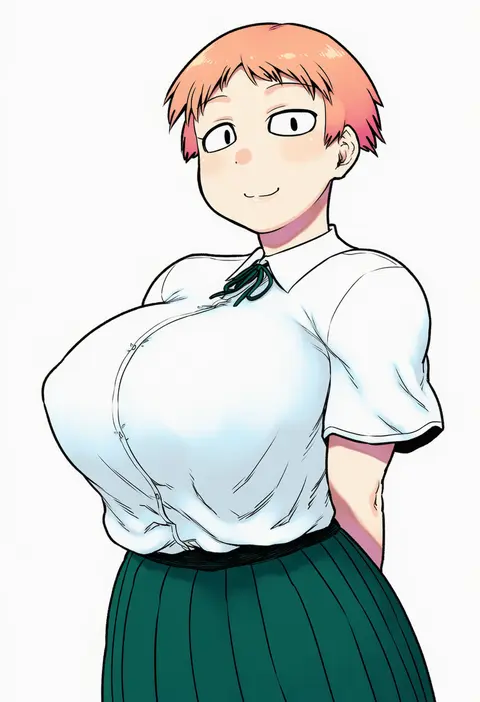
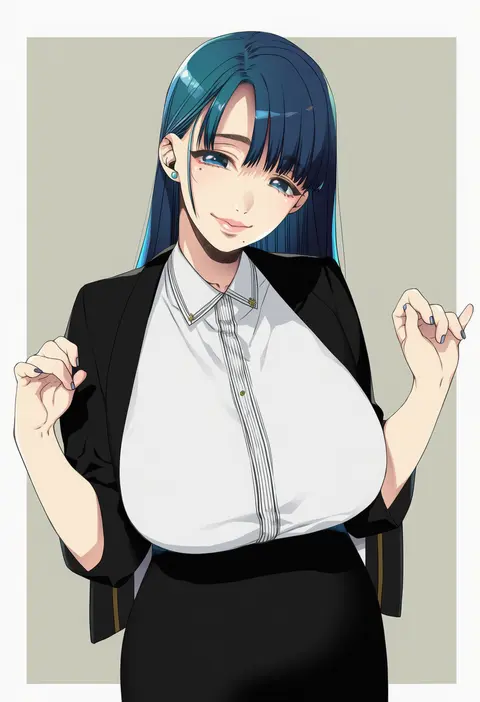
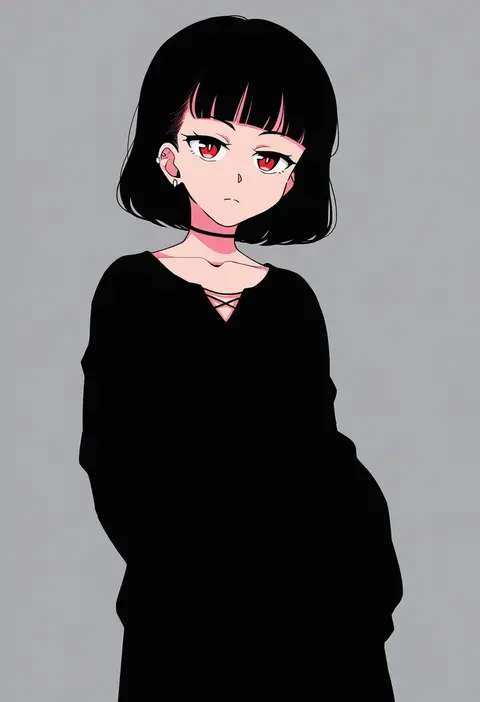
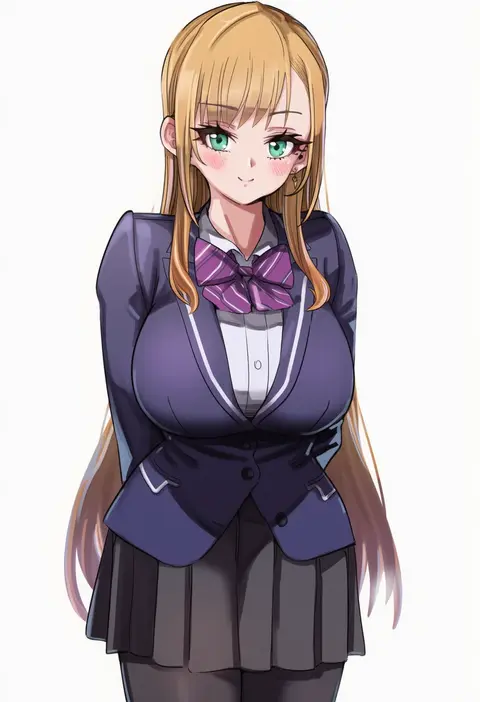
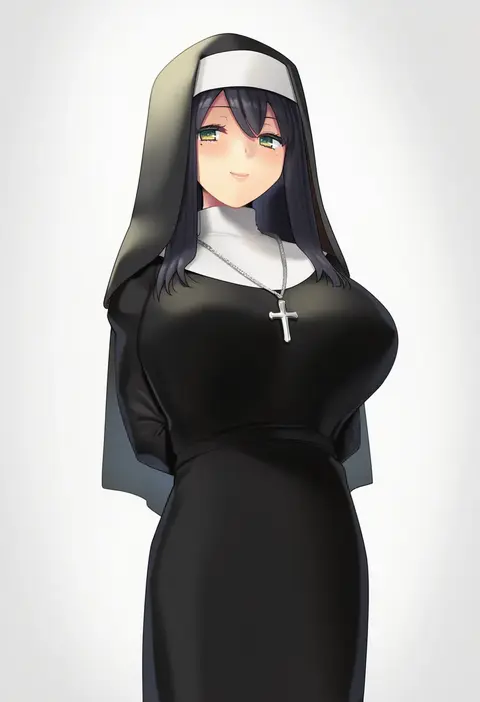
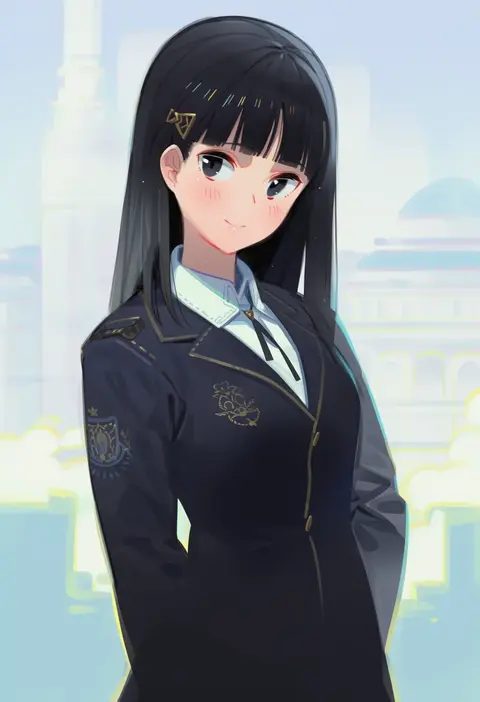
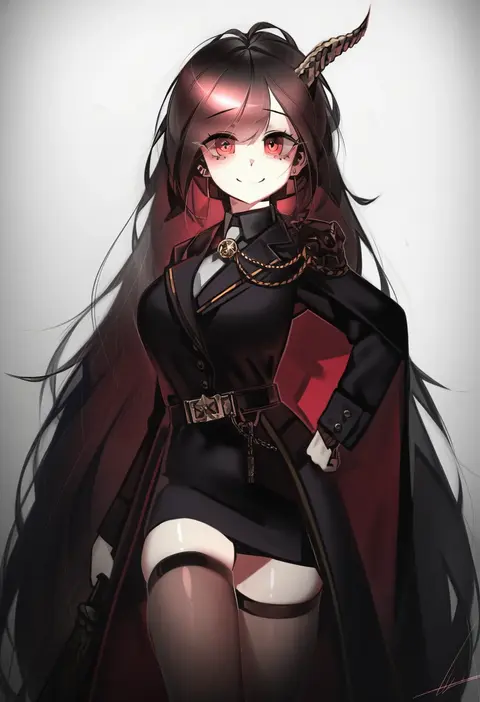
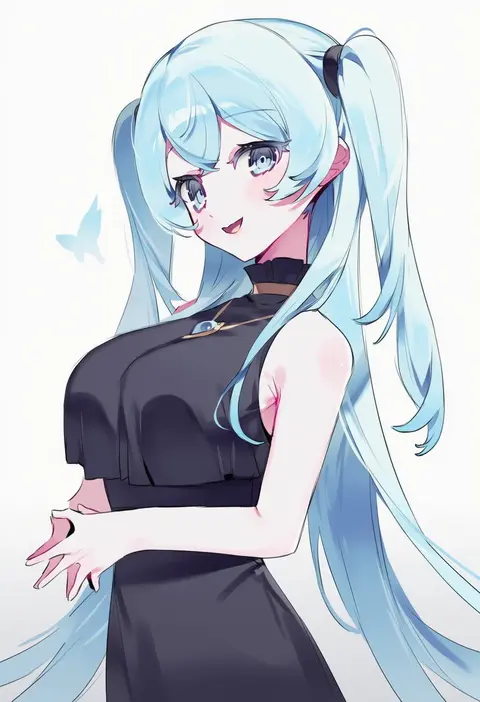
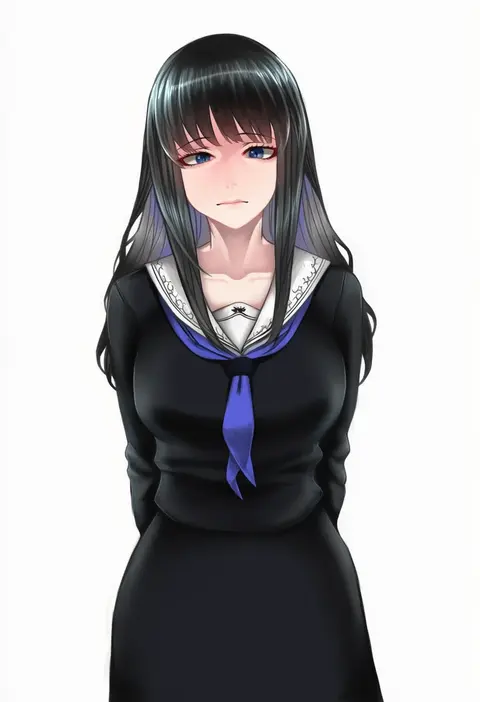
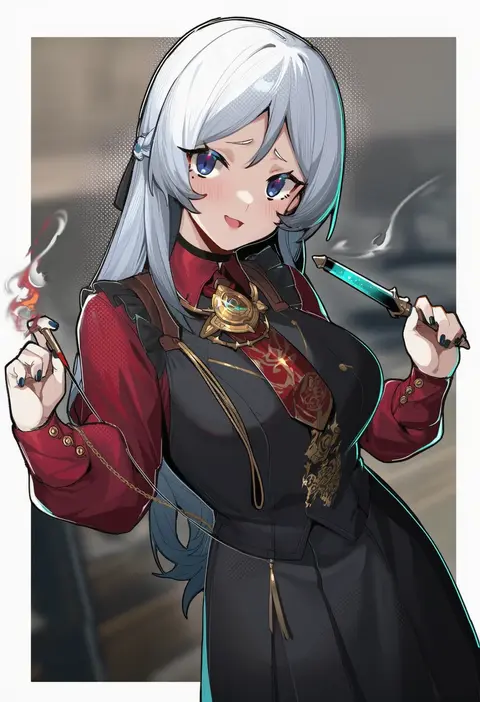
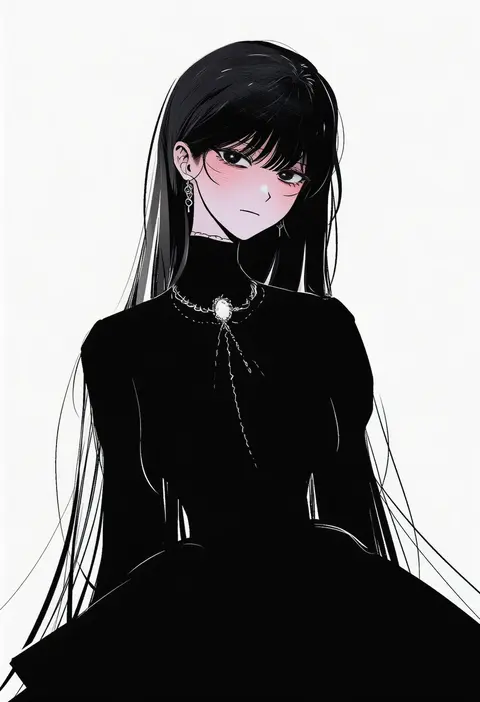
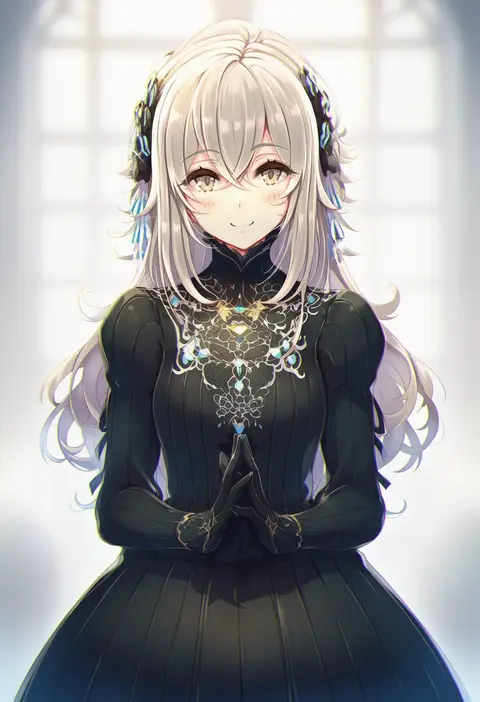
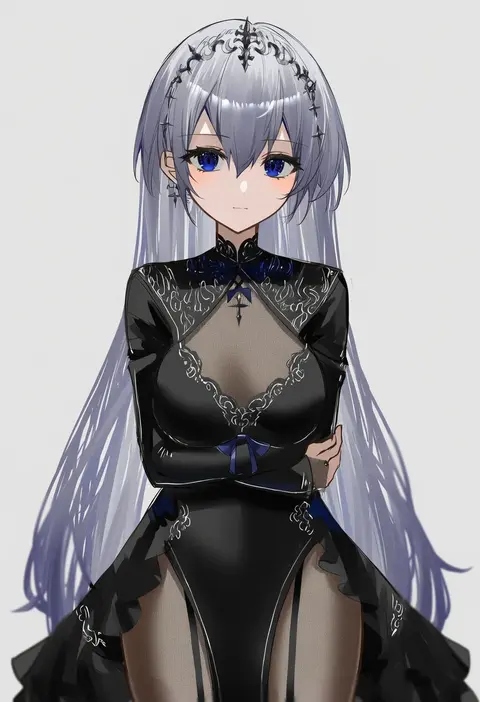
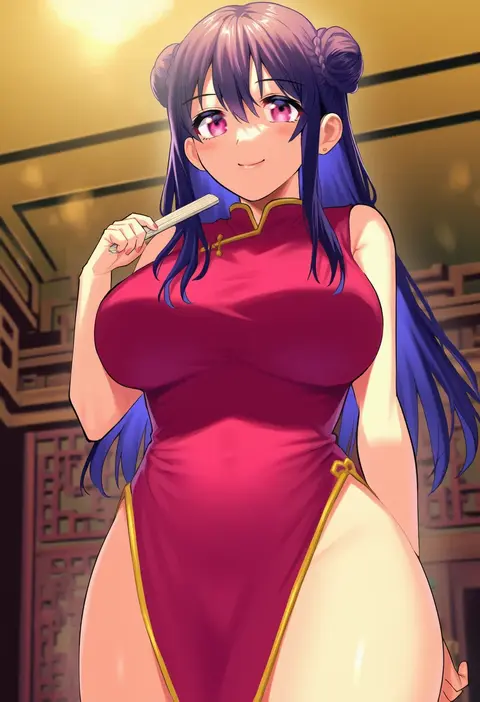
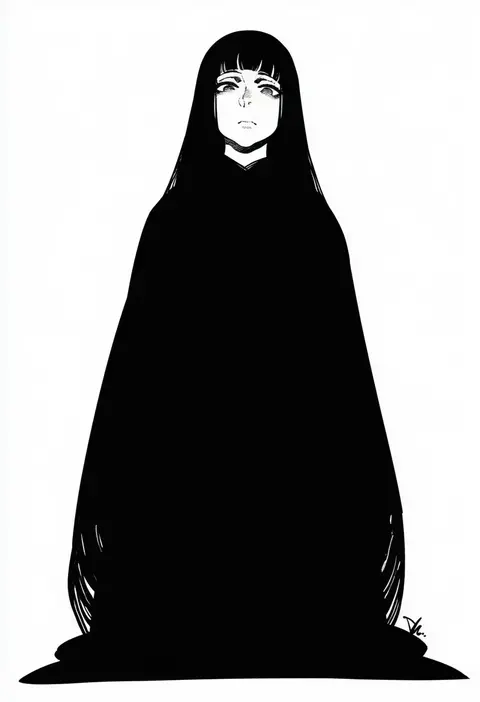
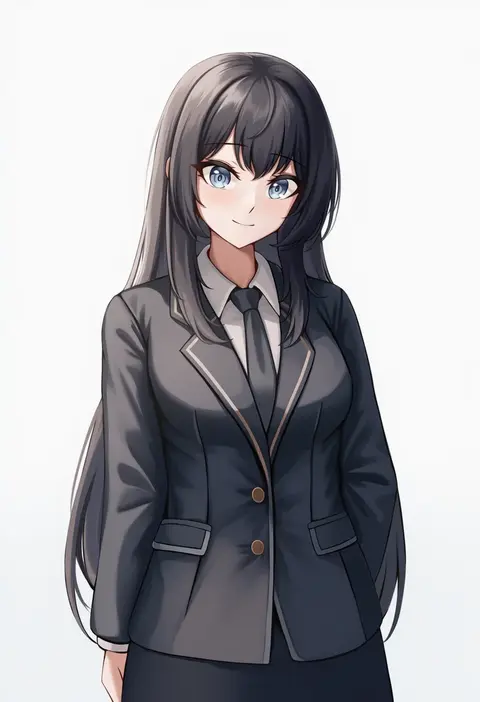
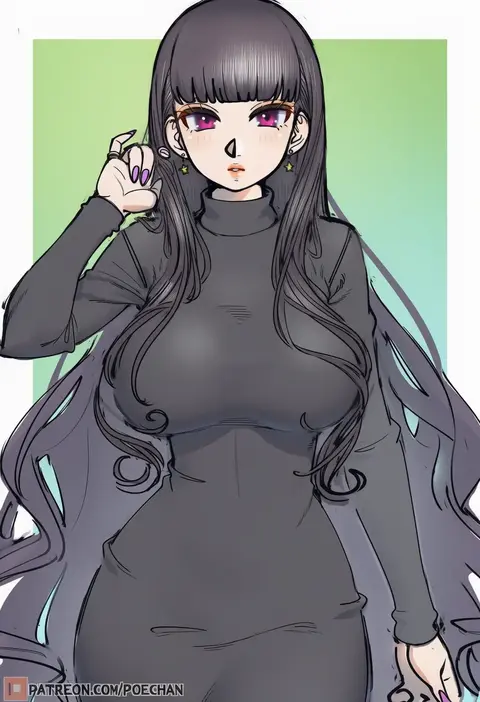
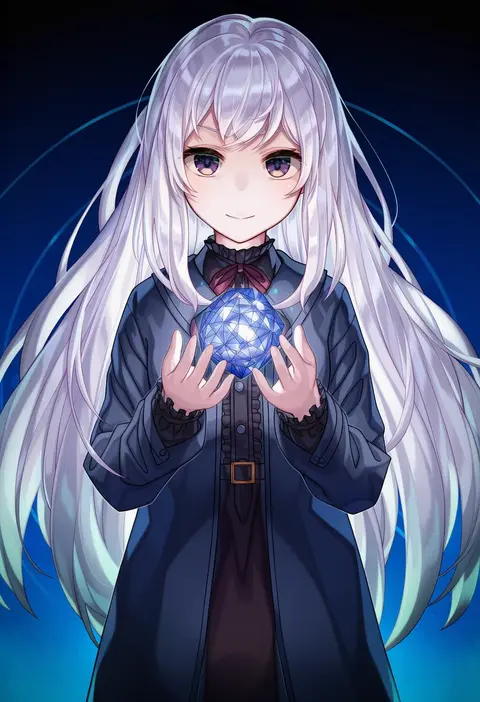
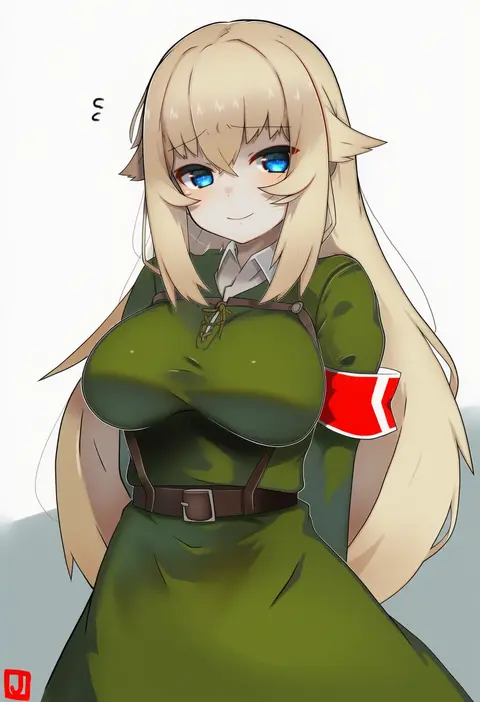
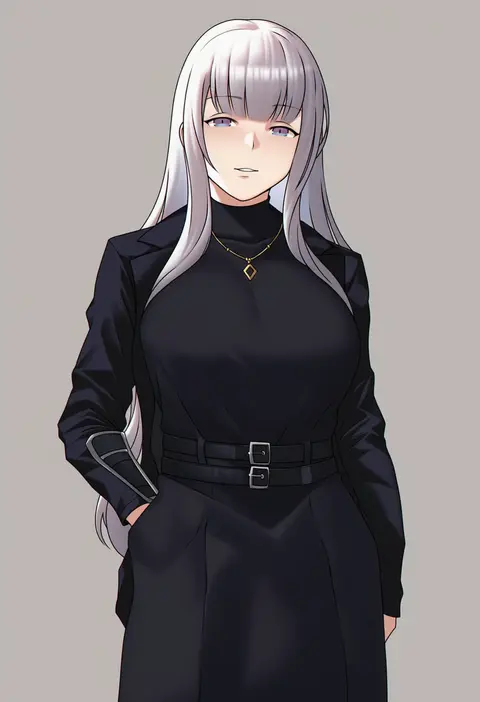
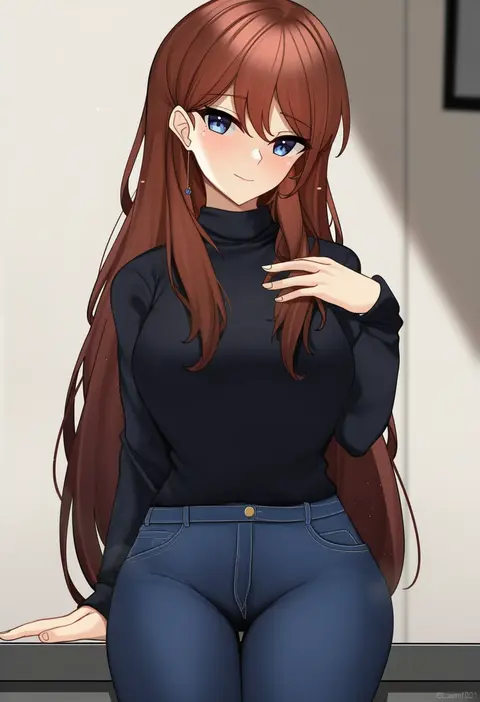
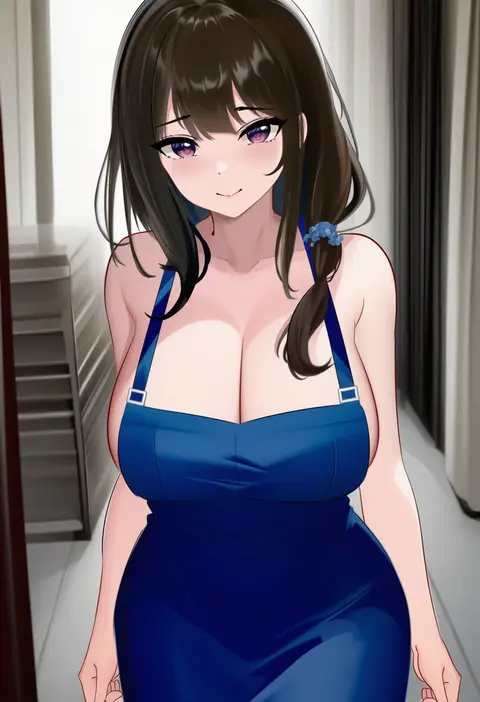
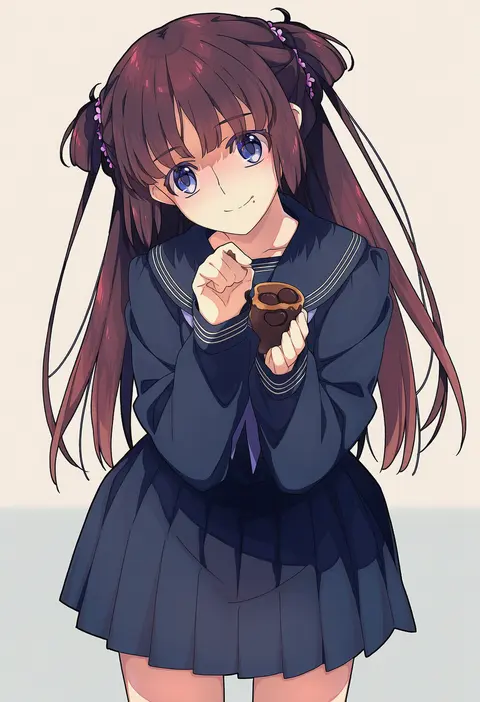
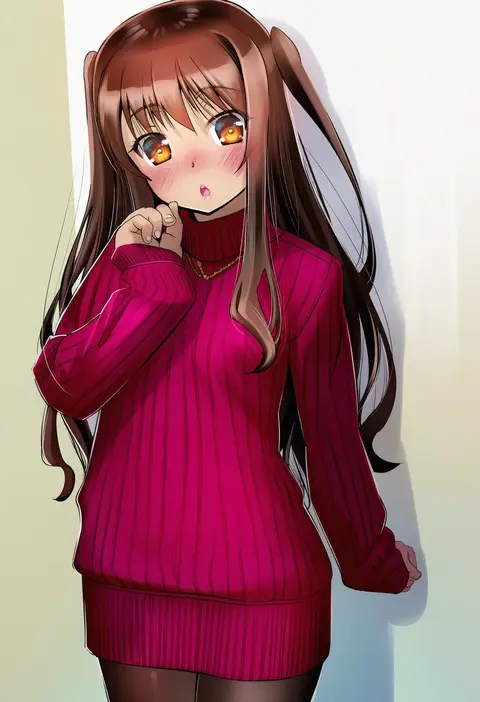
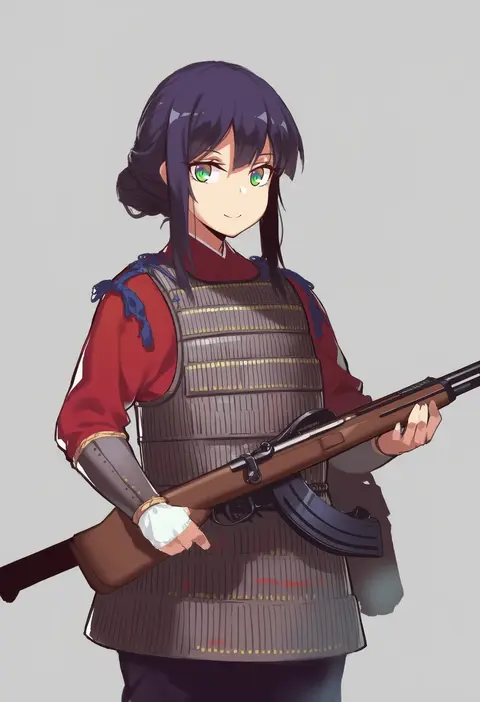
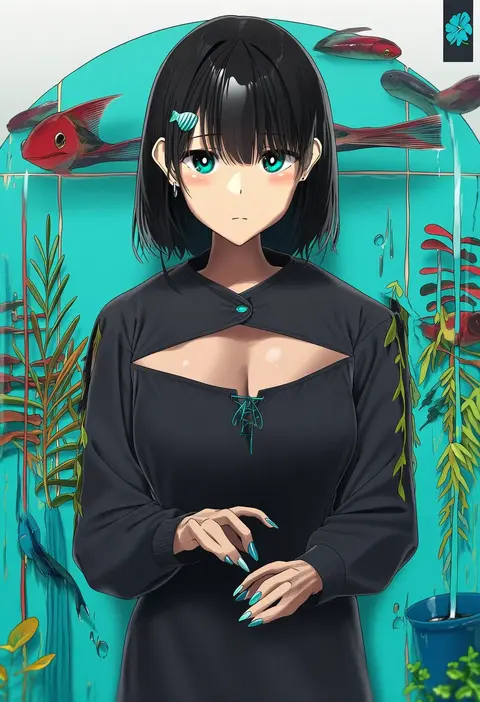
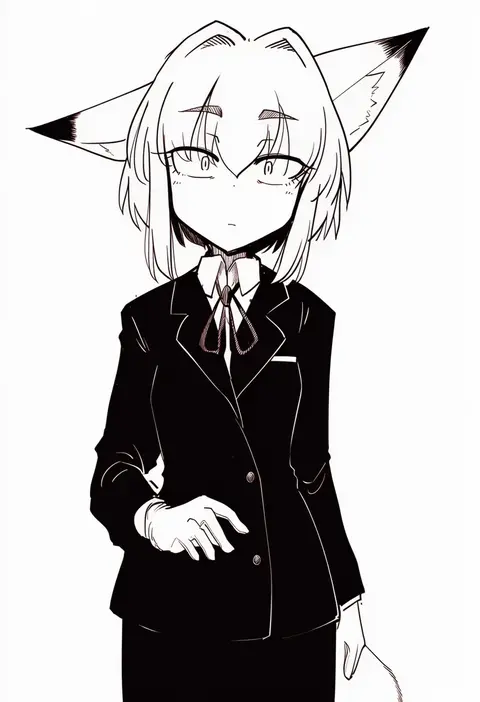
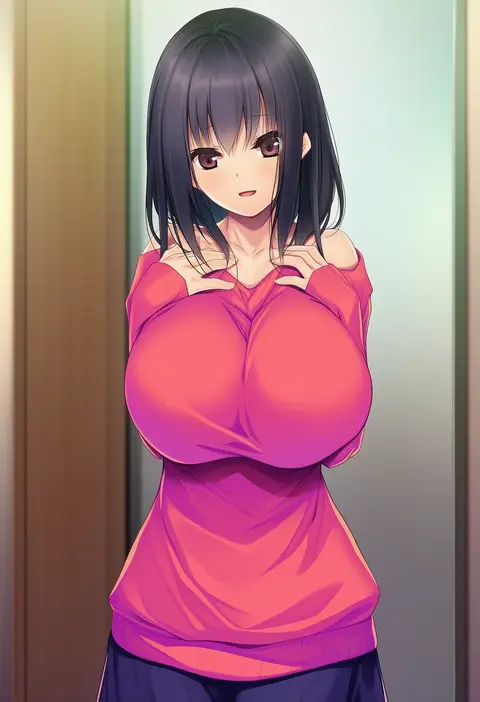
Artist tags tell NovelAI Diffusion to draw in a specific artist's style: line weight, paint texture, face shapes and palette all shift at once. Character and outfit tags decide what is drawn; artist tags decide how. 16,352 tags are listed for V4.5.
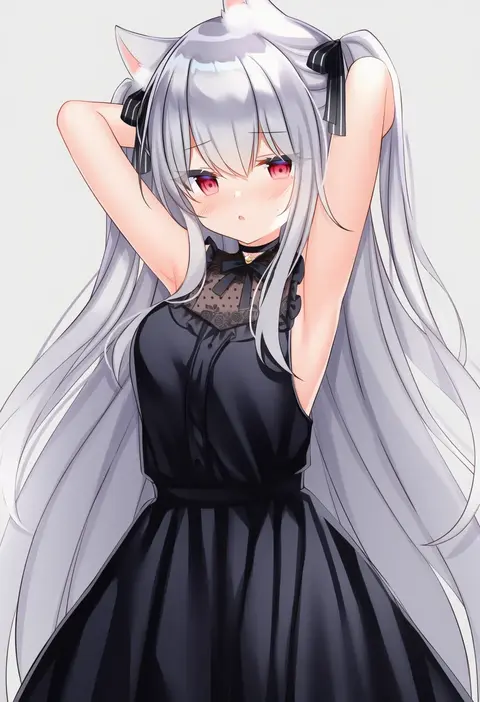
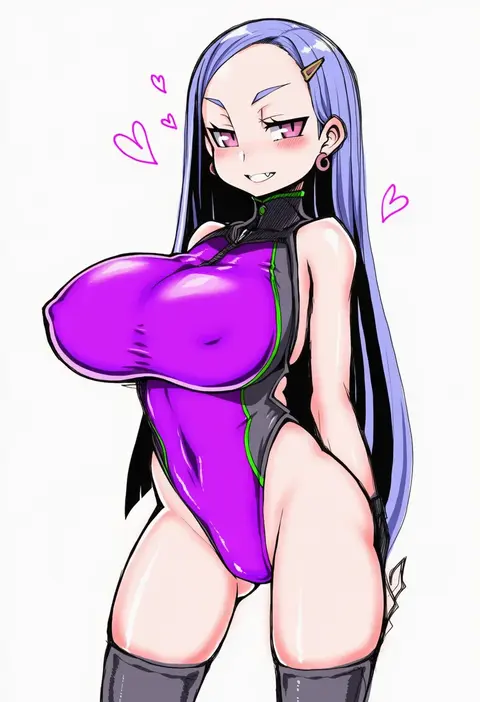
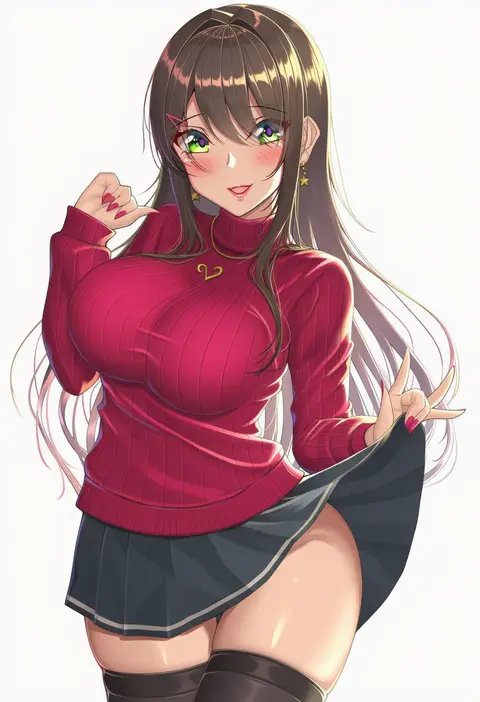
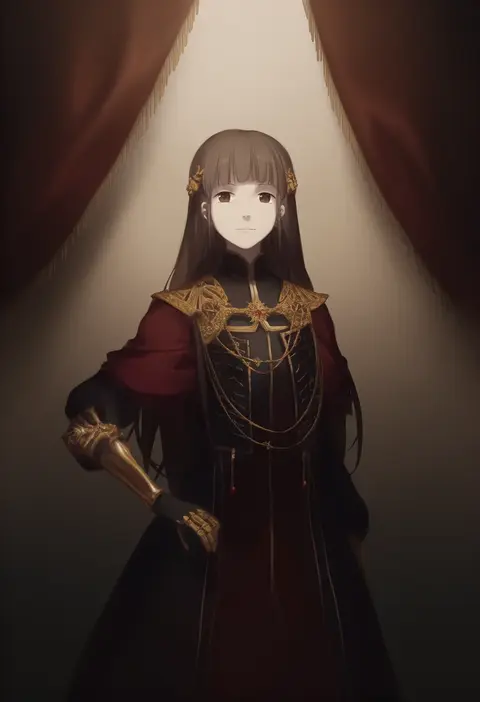
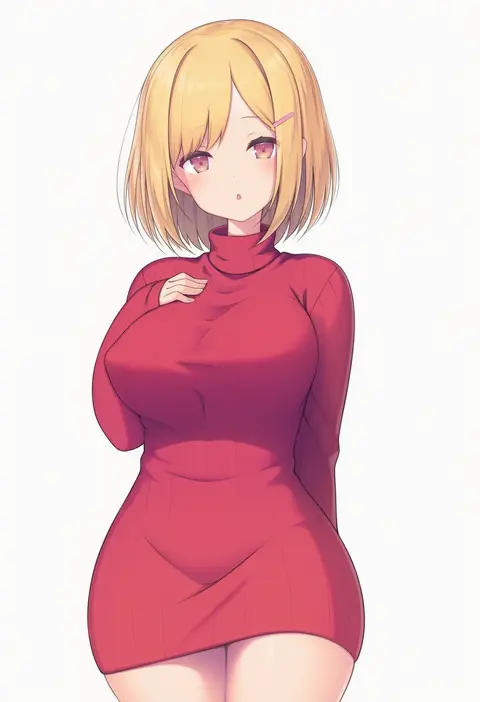
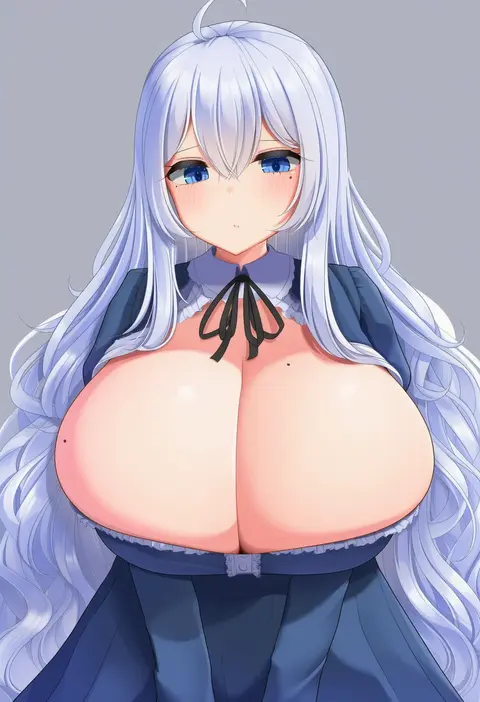
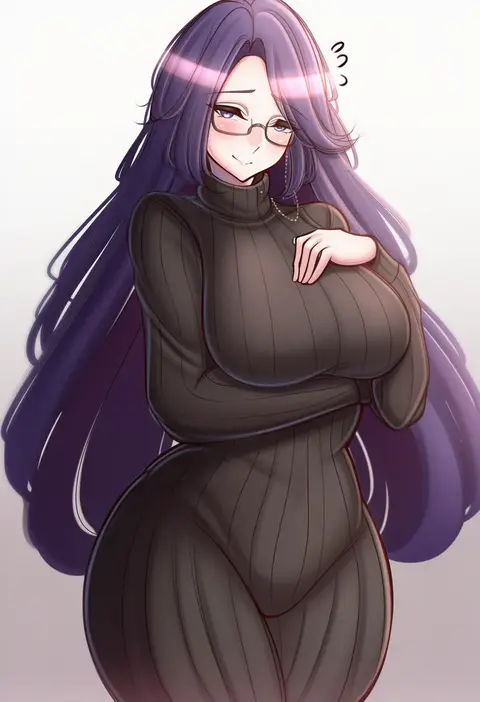
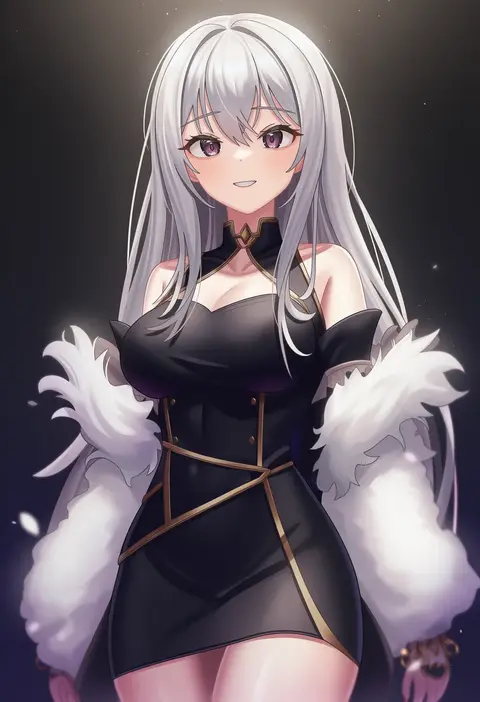
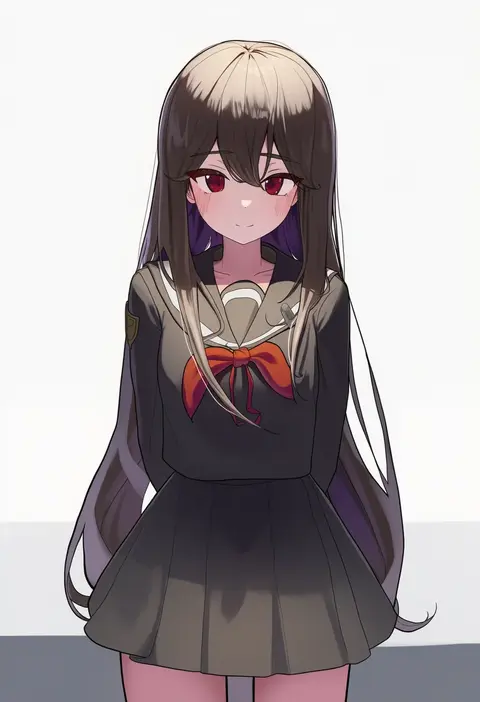
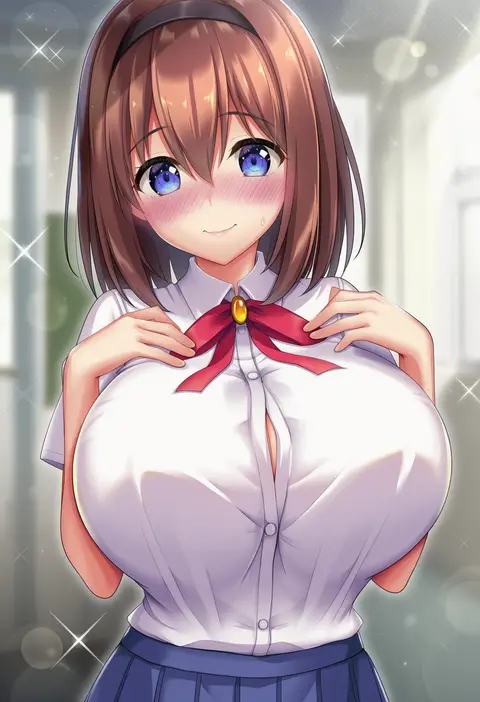
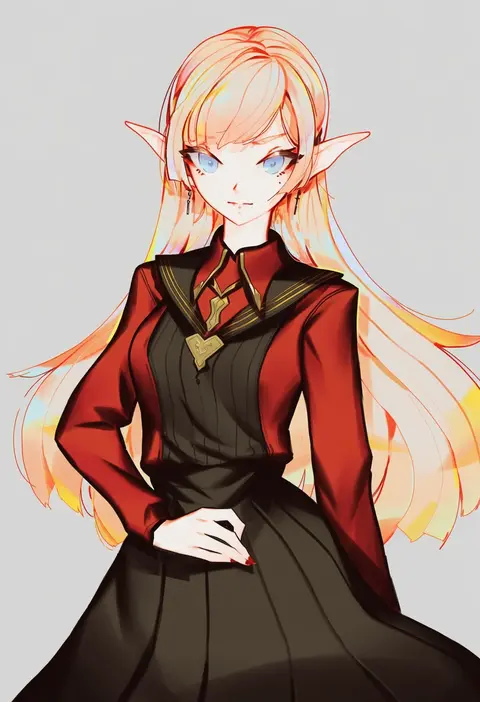
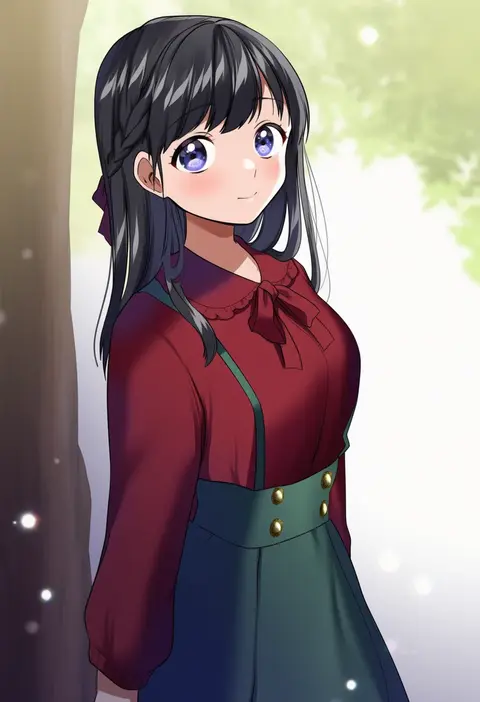
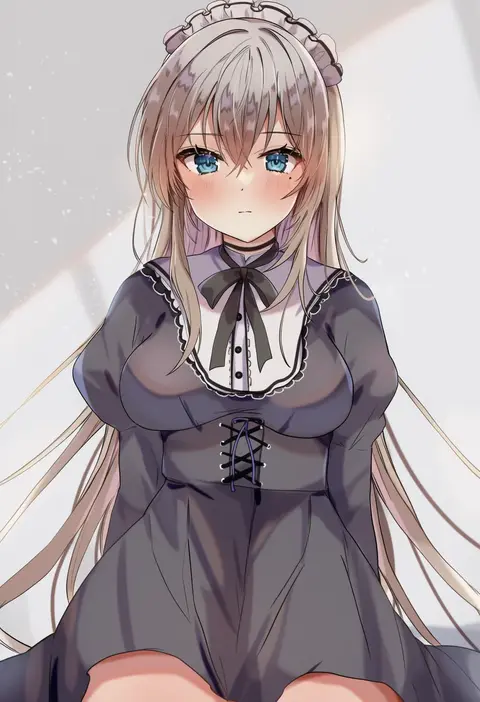
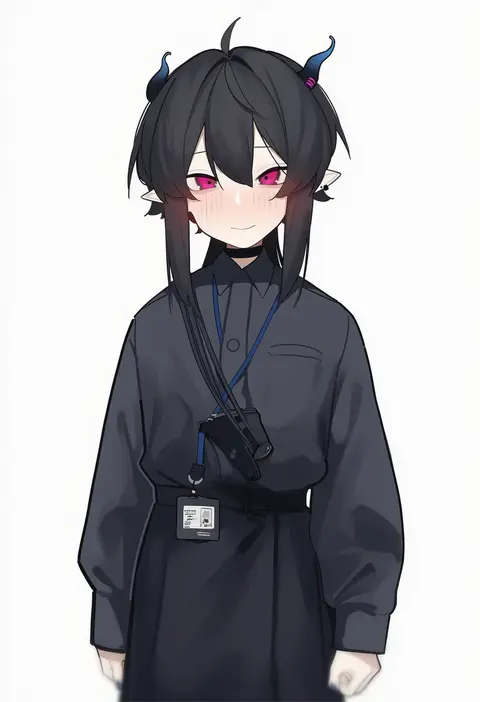
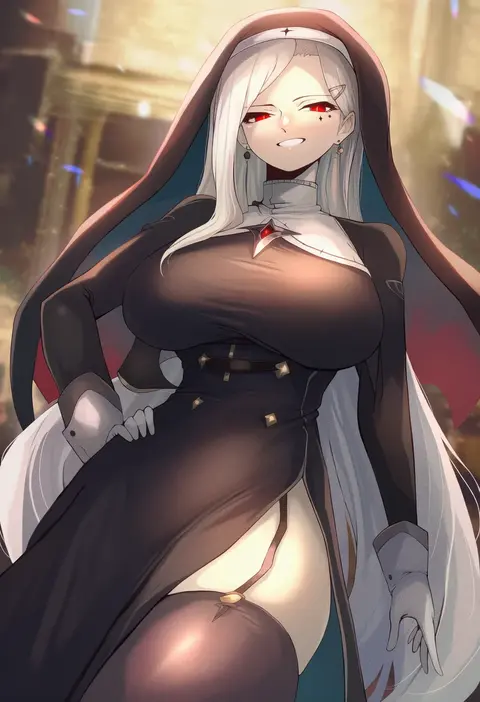
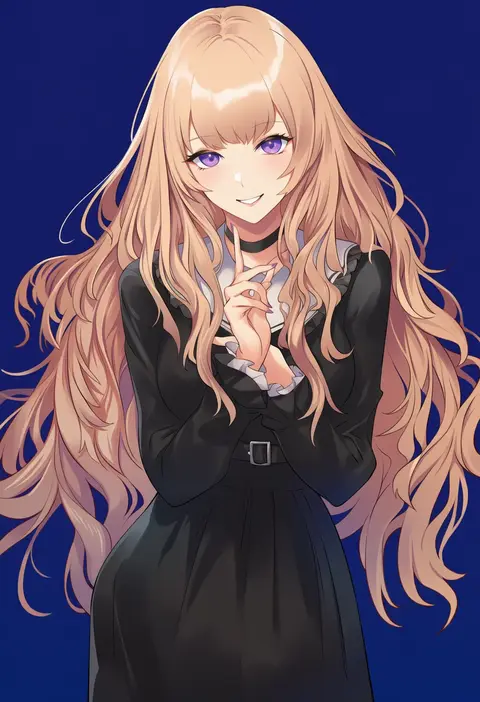
Every tag listed here is verified to react in NovelAI. All images use the same prompt, seed and settings with only the artist tag swapped, so the difference between two images is the style that tag brings in.

How to use them

Put the artist tag near the front of the prompt, e.g. "<artist>, 1girl, solo, best quality, masterpiece, cowboy shot". Two or three artist tags blend styles; lower the weight with "0.8::<artist>::" when the style overpowers the character.

SCORE sorts by Danbooru's top score, POSTS by post count, FAVS by hearts on this site. Open a card to see V5 and V4.5 side by side on the same seed.

V5 vs V4.5

V5 usually lands closer to the artist's real style, and tags that did nothing on V4.5 often react on V5. V4.5 still fits older and doujin-heavy artists better. Try V5 first, fall back to V4.5.

FAQ

Where does the artist tag go?
Near the front of the prompt. Use "0.8::tag::" to adjust its weight.

Can I stack artist tags?
Yes, styles blend. Past two or three the result stops looking like anyone.

Are these the artists' own works?
No. Every image is a NovelAI sample generated from the tag.