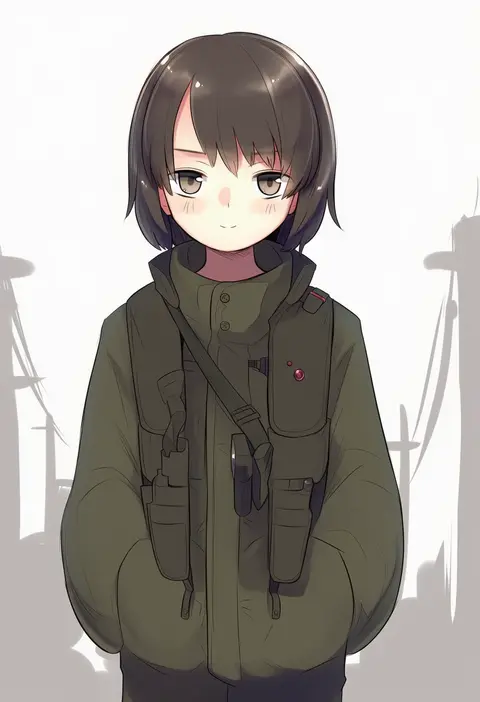
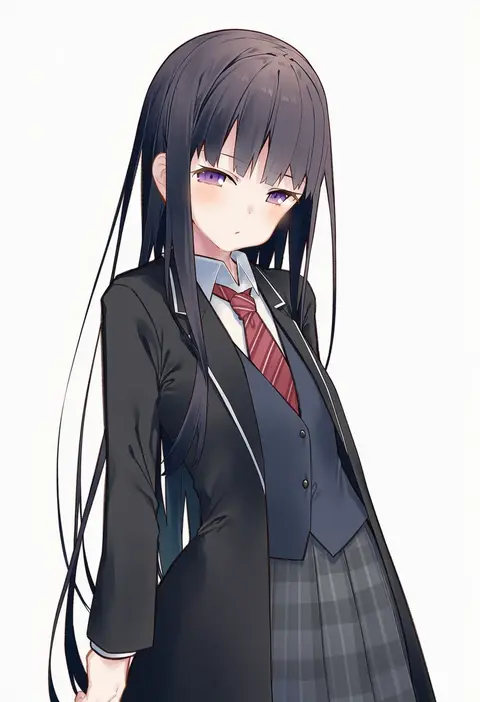
V4.5Artists
sort: FAVS▾
▾
>
$

Popular NovelAI artist tags — V4.5

artist --count 16,352[74/273]
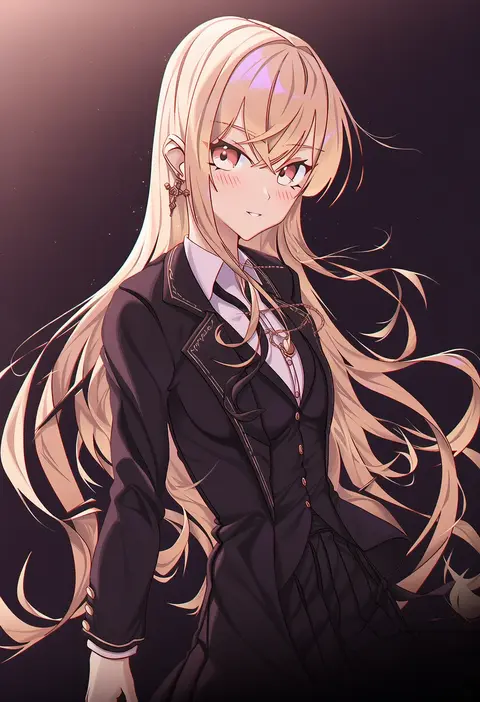
yozora (1wkdgusdn)
ARTIST0x111C
0
bee doushi
ARTIST0x111D
0
mogi yasunobu
ARTIST0x111E
0
oslight
ARTIST0x111F
0
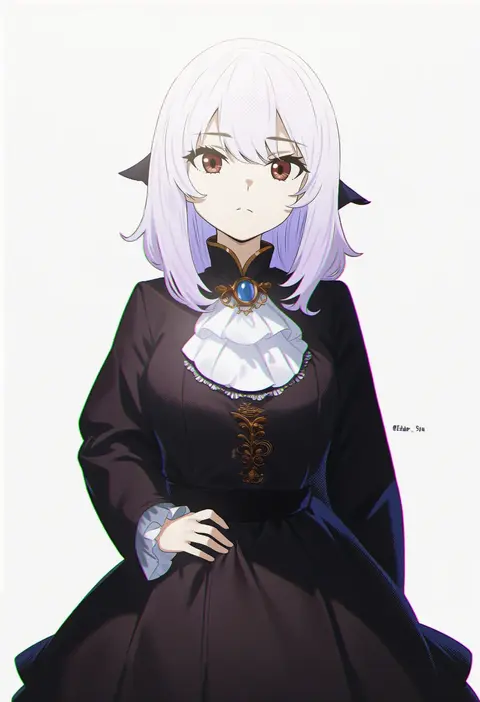
edgar syu
ARTIST0x1120
0
adeshi (adeshi0693119)
ARTIST0x1121
0
otokuyou
ARTIST0x1122
0
robaato
ARTIST0x1123
0
jony (avion mura)
ARTIST0x1124
0
qosic
ARTIST0x1125
0
racchi.
ARTIST0x1126
0
gurimjang
ARTIST0x1127
0
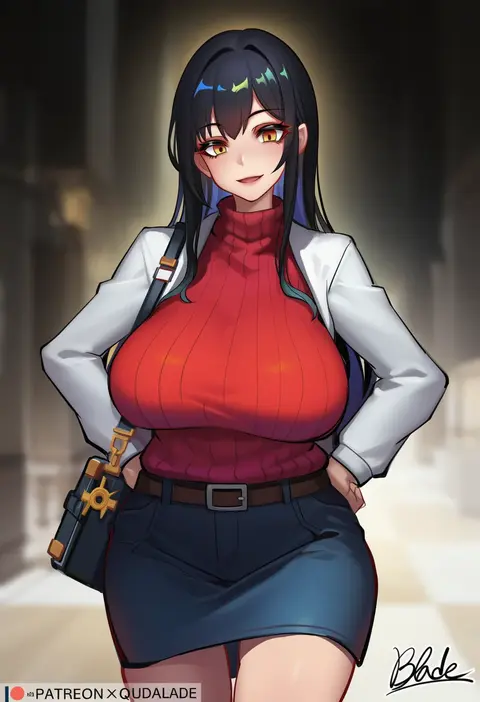
qblade
ARTIST0x1128
0
ratsuku kinoko
ARTIST0x1129
0
mochikushi
ARTIST0x112A
0
yukiri (l ii)
ARTIST0x112B
0
yako
ARTIST0x112C
0
ishiusu
ARTIST0x112D
0
hishigata
ARTIST0x112E
0
zer0.zer0
ARTIST0x112F
0
zucchini
ARTIST0x1130
0
shirokitsune
ARTIST0x1131
0
sune (mugendai)
ARTIST0x1132
0
leonat
ARTIST0x1133
0
kagiyama shachou
ARTIST0x1134
0
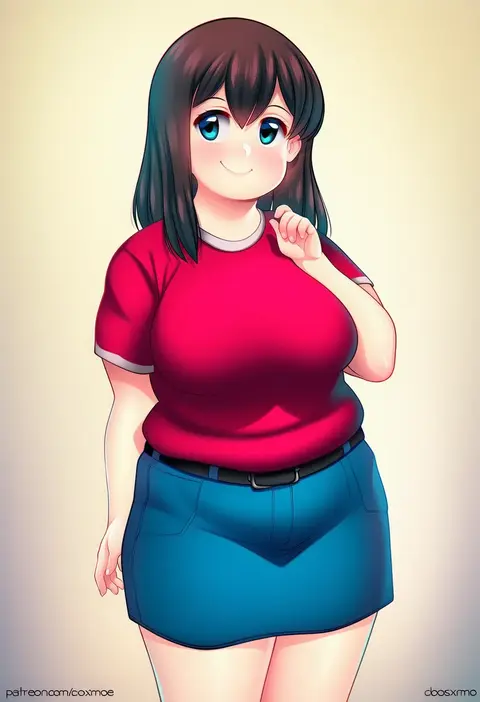
cloudxmoe
ARTIST0x1135
0
aono (f i s)
ARTIST0x1136
0
dal-gi
ARTIST0x1137
0
hplay
ARTIST0x1138
0
udon (udonalium)
ARTIST0x1139
0
minakamirin
ARTIST0x113A
0
svet yomi
ARTIST0x113B
0
necomilk
ARTIST0x113C
0
michou
ARTIST0x113D
0
c8oyk
ARTIST0x113E
0
wing (aiastor)
ARTIST0x113F
0
syope
ARTIST0x1140
0
alakoala
ARTIST0x1141
0
mogu (au1127)
ARTIST0x1142
0
wakataku
ARTIST0x1143
0
gaothun
ARTIST0x1144
0
zanzi
ARTIST0x1145
0
sky cappuccino
ARTIST0x1146
0
ayaki blade
ARTIST0x1147
0
yoshika (music480069)
ARTIST0x1148
0
shirosaba
ARTIST0x1149
0
akito (d30n26)
ARTIST0x114A
0
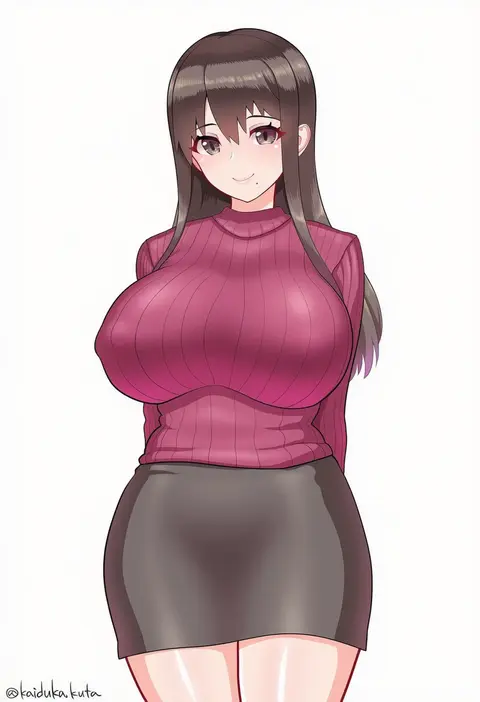
kaiduka akuta
ARTIST0x114B
0
oinari (koheihei1109)
ARTIST0x114C
0
lumo 1121
ARTIST0x114D
0
tsukinami kousuke
ARTIST0x114E
0
daisi gi
ARTIST0x114F
0
piro (orip)
ARTIST0x1150
0
maanii
ARTIST0x1151
0
hanh chu
ARTIST0x1152
0
rima (0136)
ARTIST0x1153
0
hamada yoshikazu
ARTIST0x1154
0
yagi (ningen)
ARTIST0x1155
0
miyako (naotsugu)
ARTIST0x1156
0
tokuno yuika
ARTIST0x1157
0

What these tags change

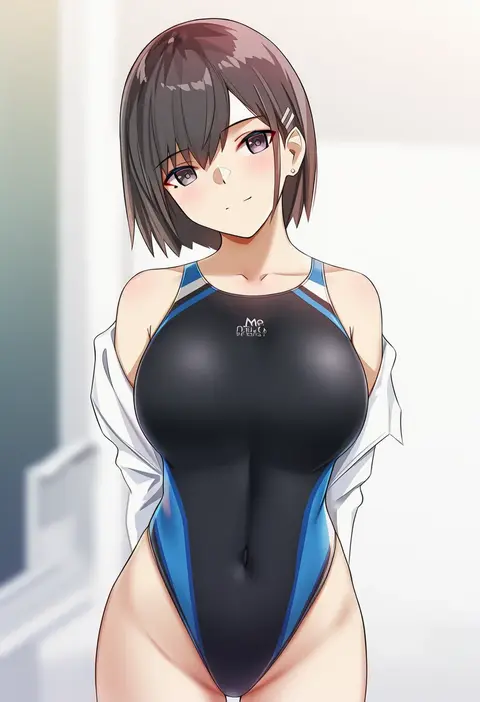
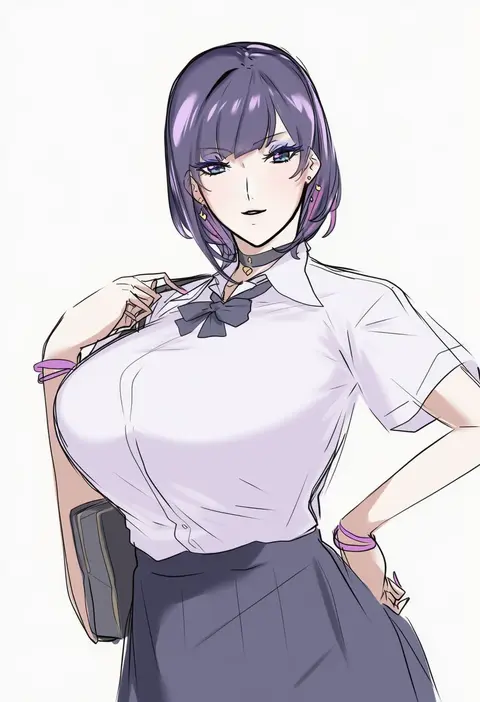
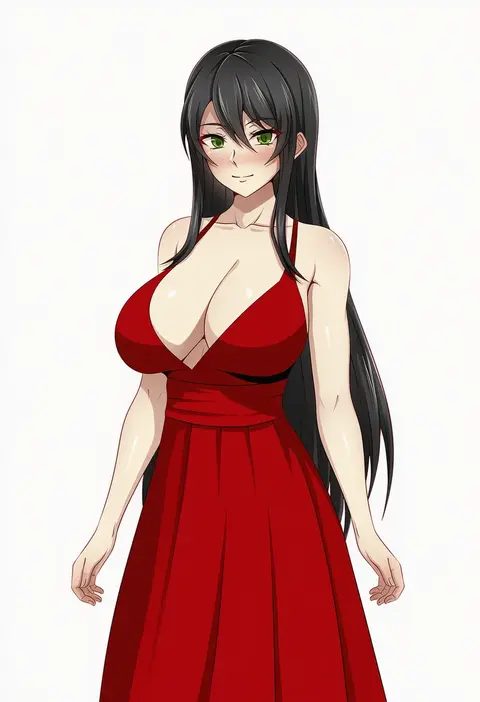
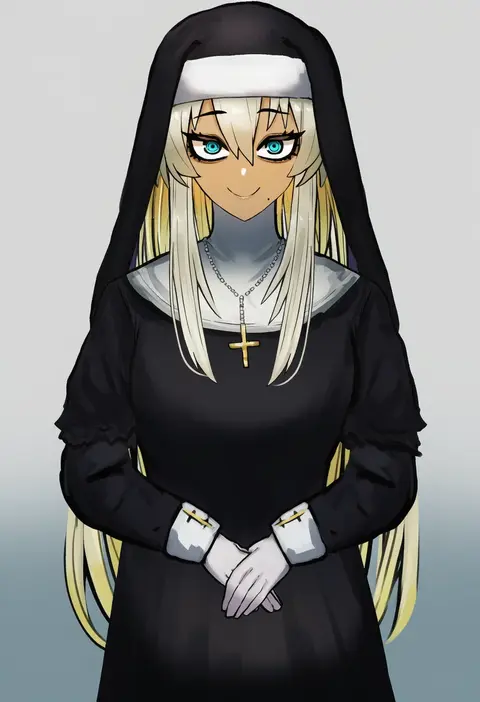
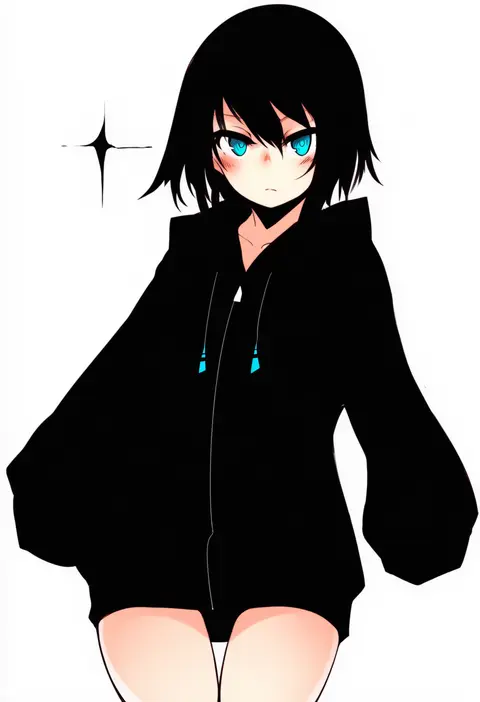
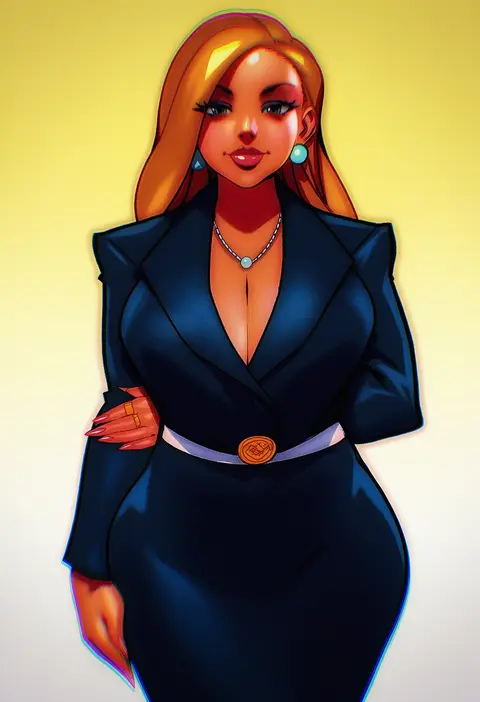
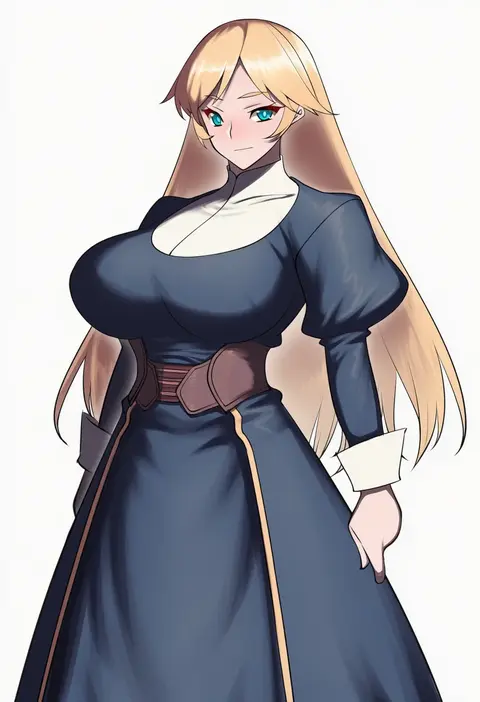
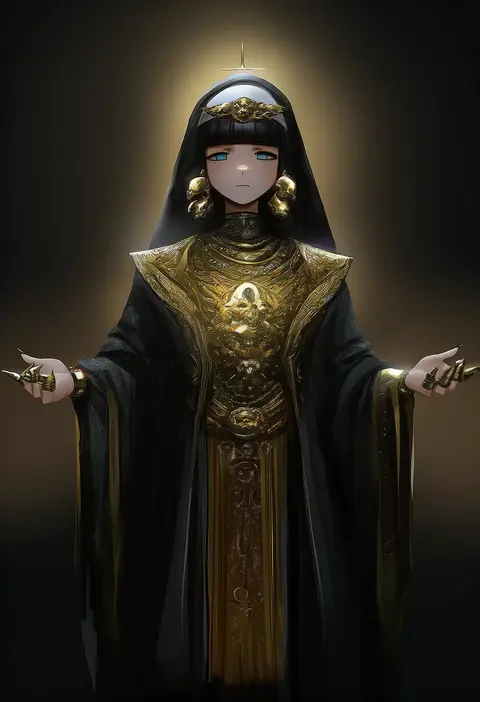
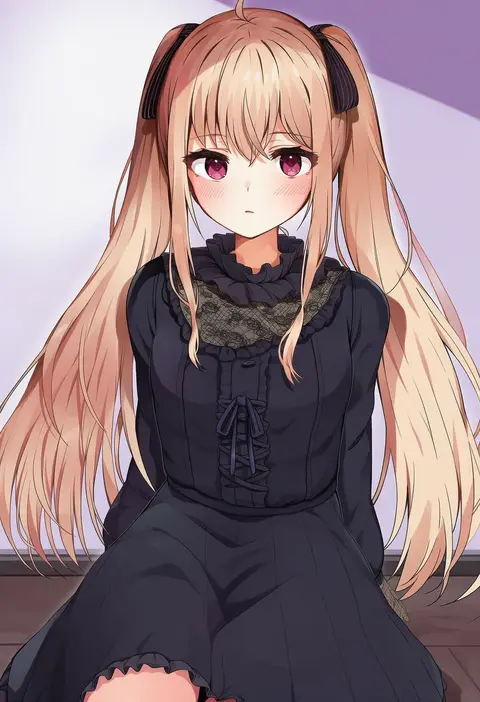
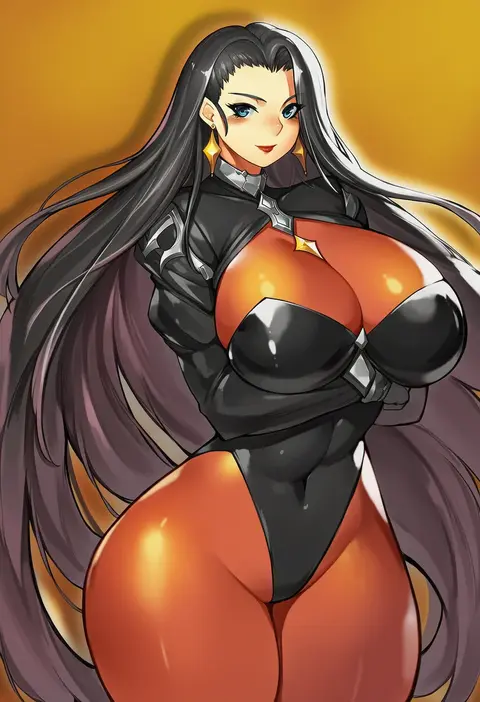
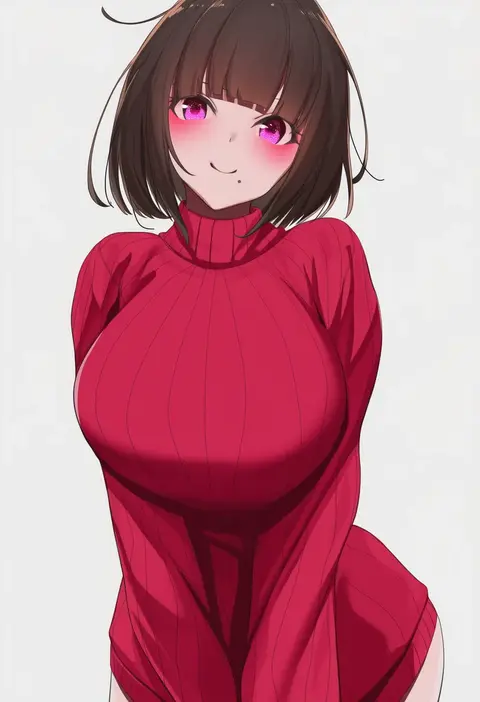
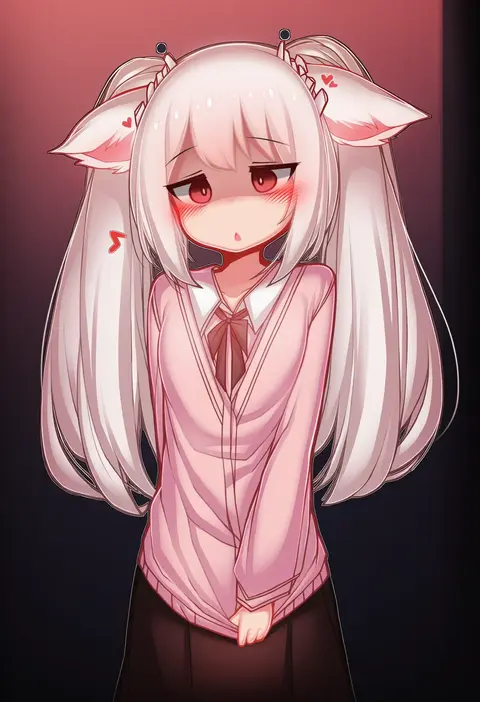
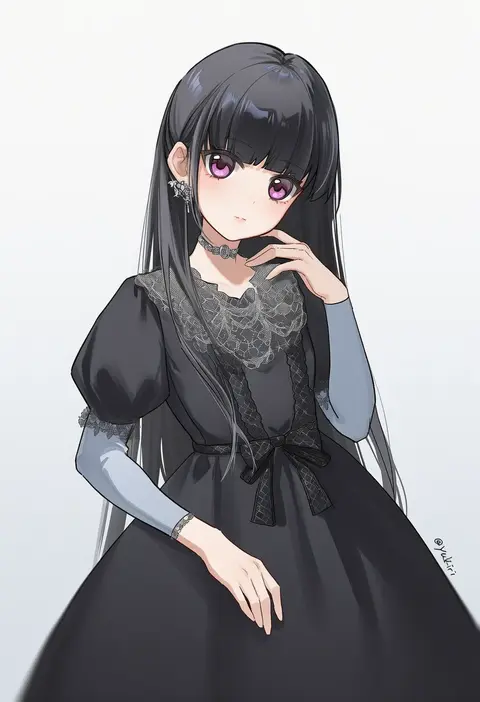
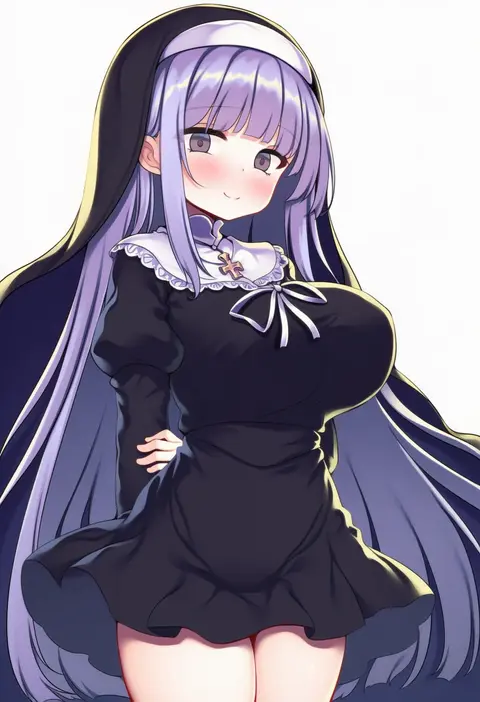
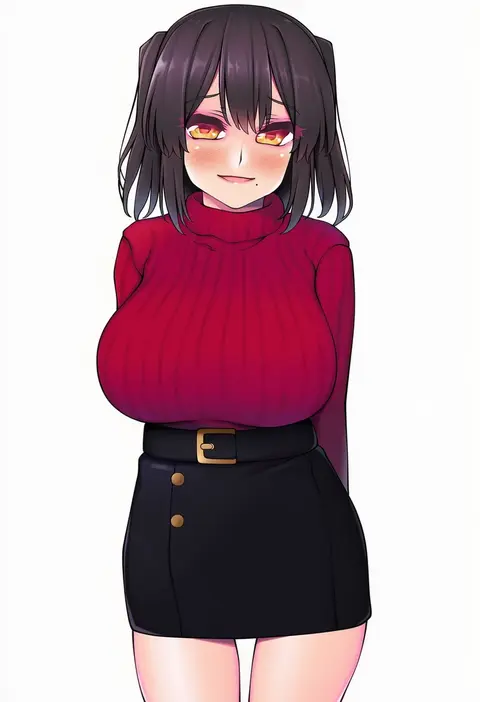
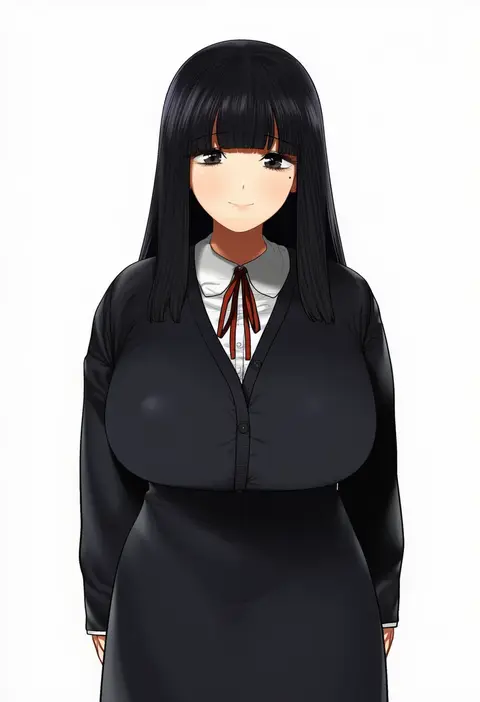
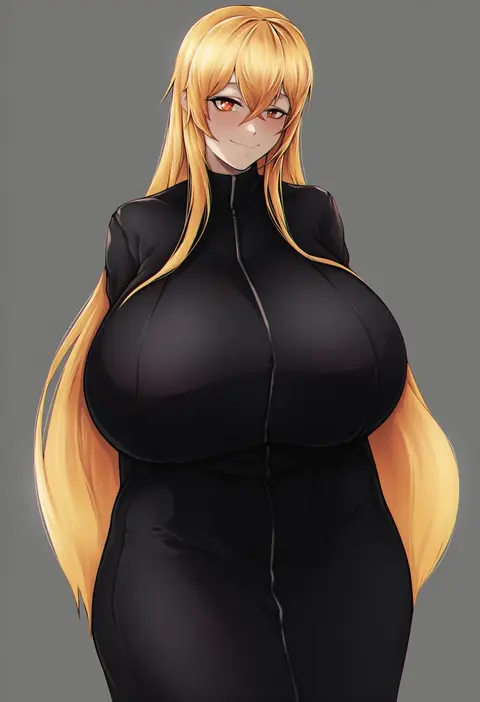
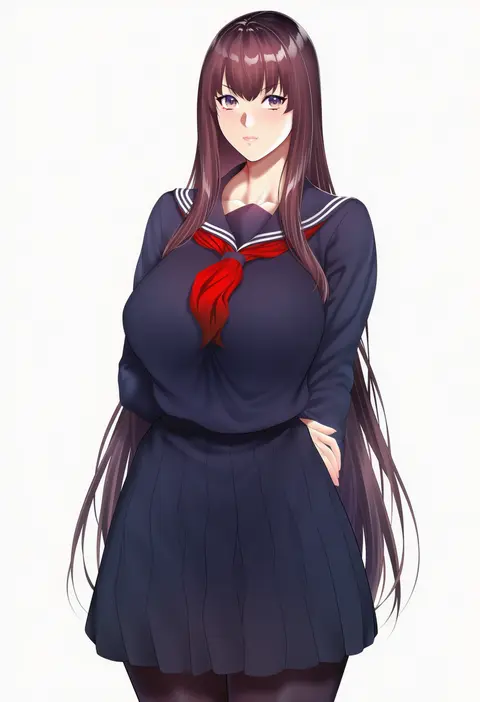
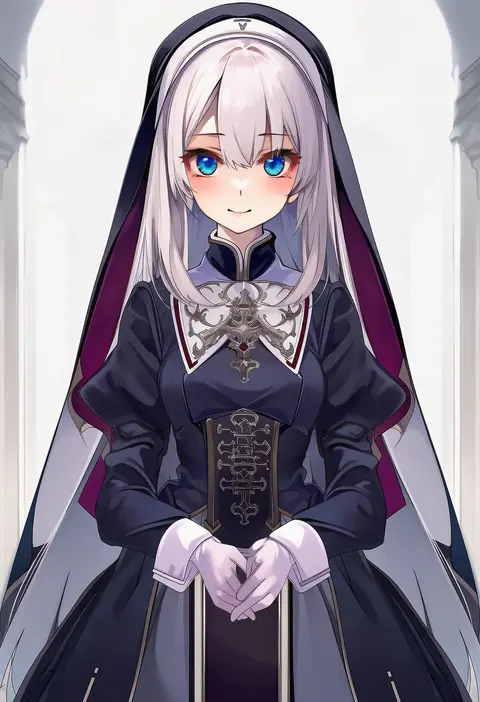
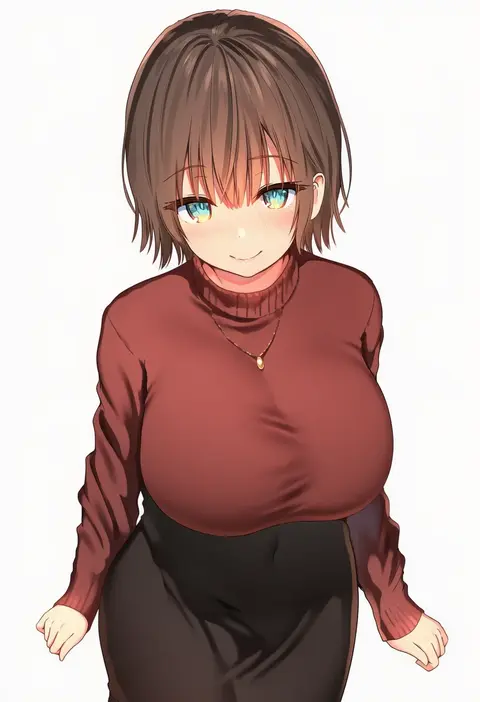
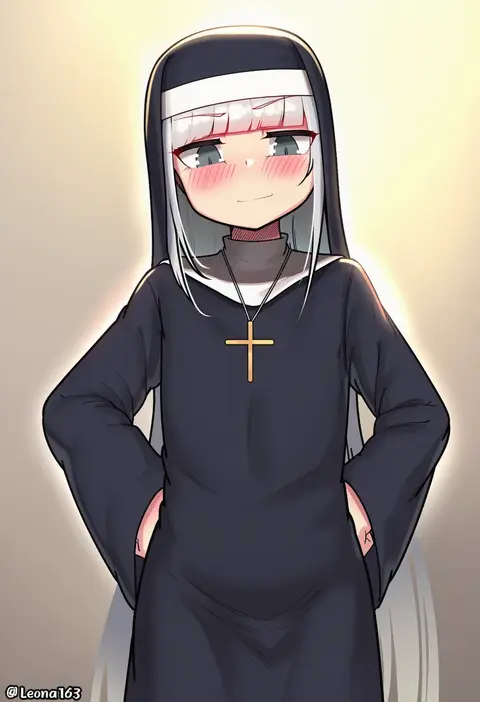
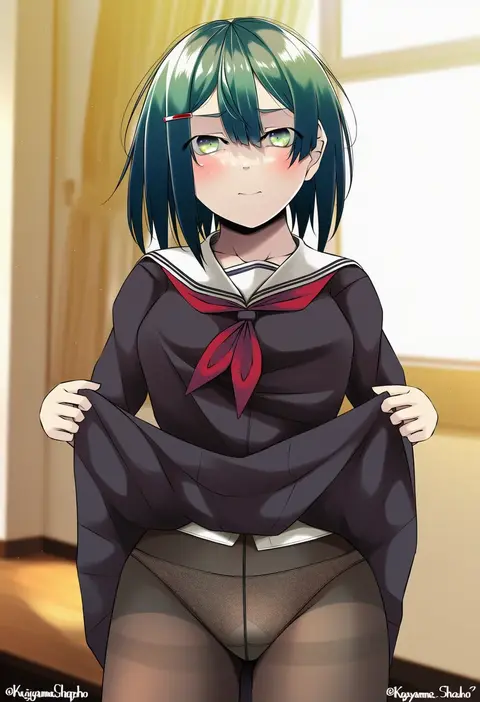
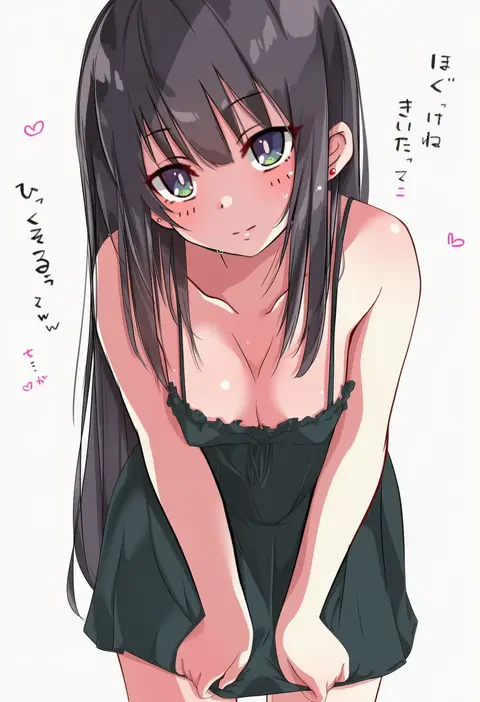
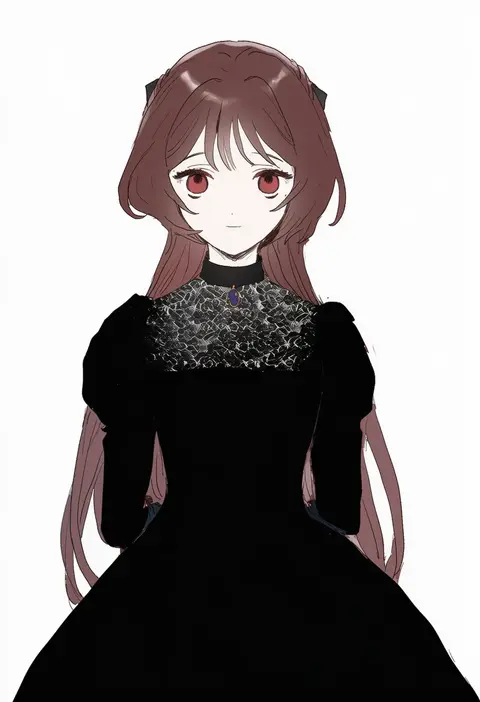
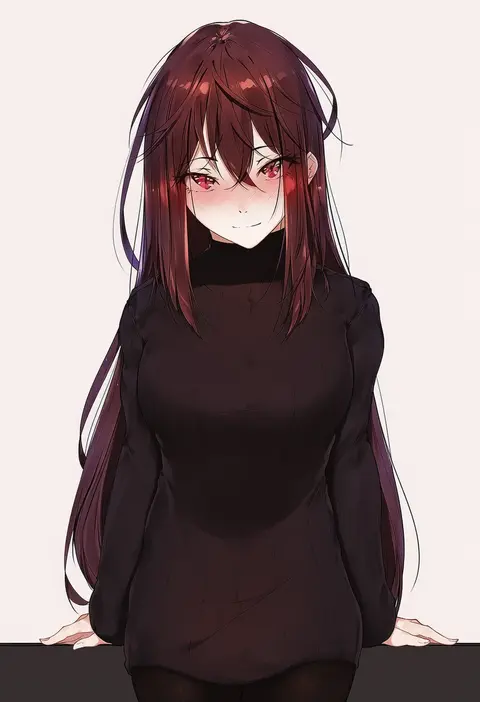
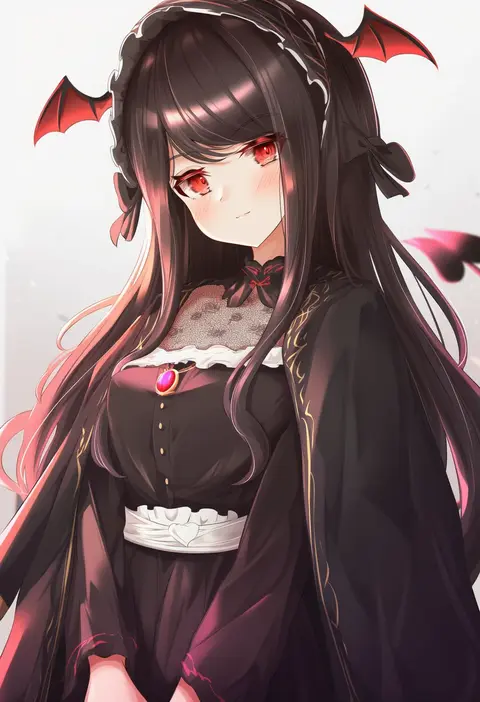
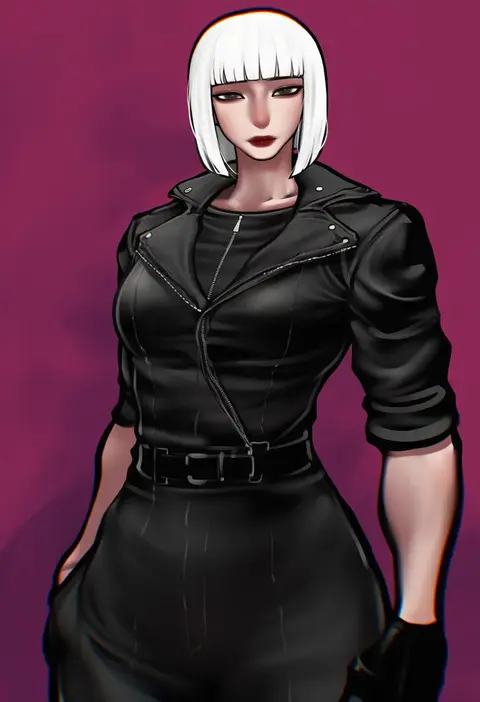
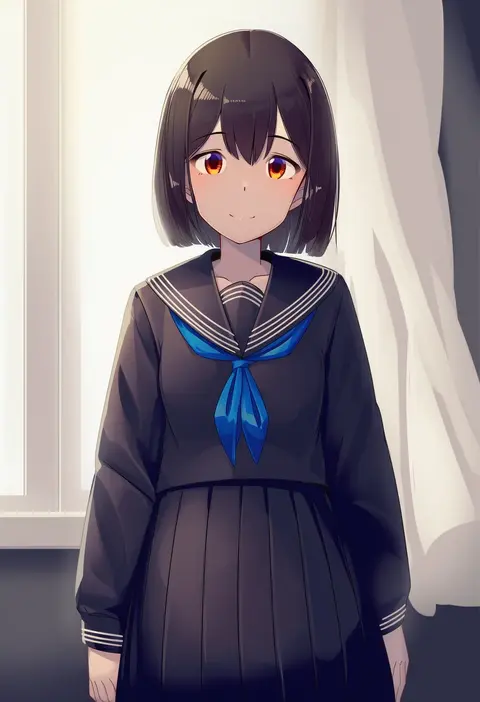
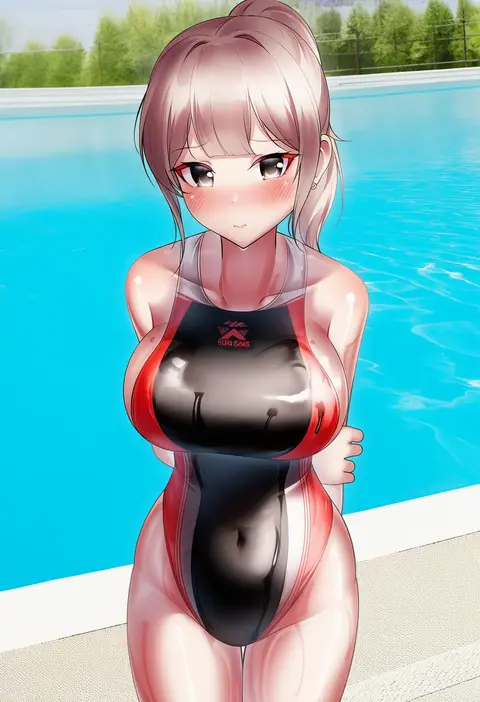
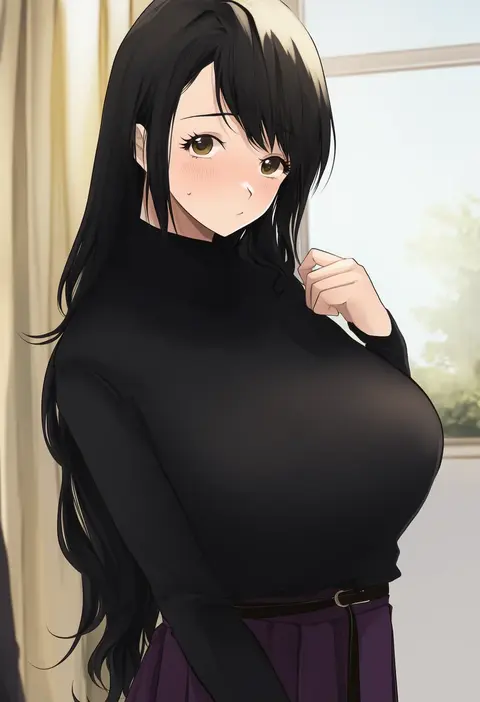
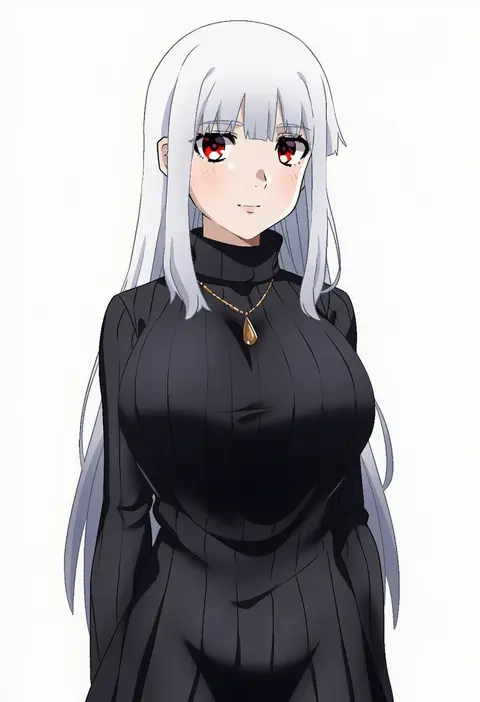
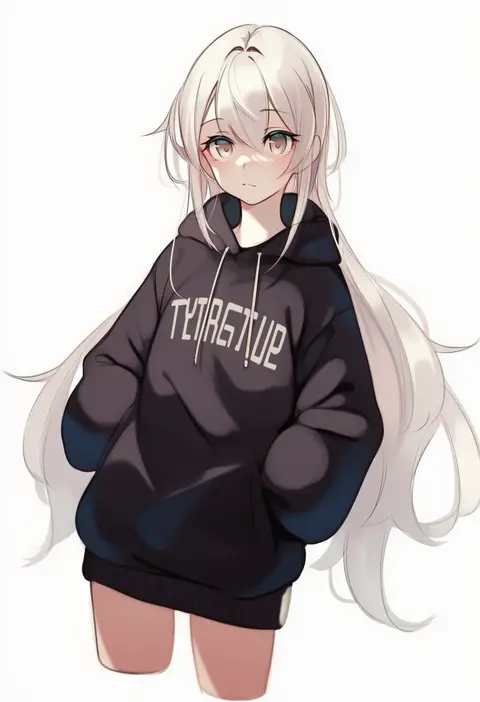
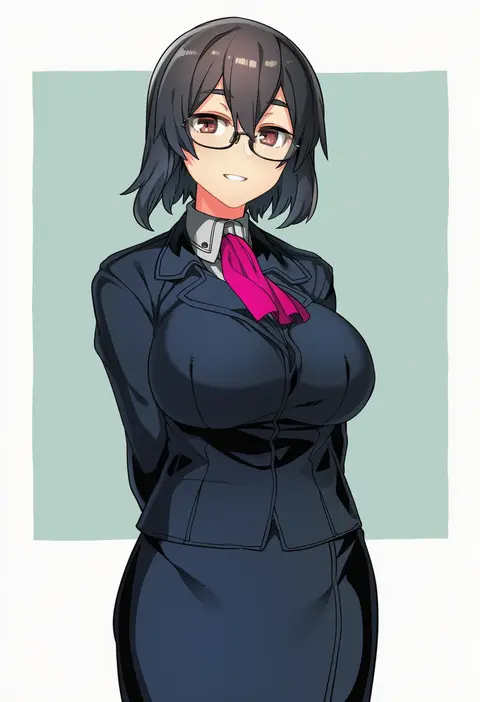
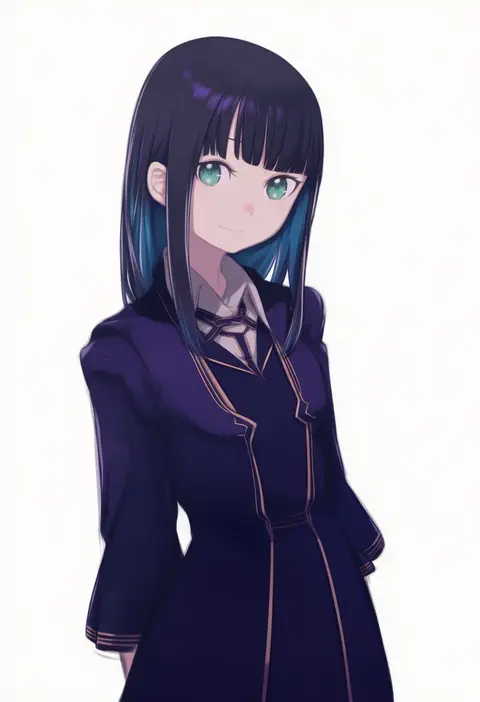
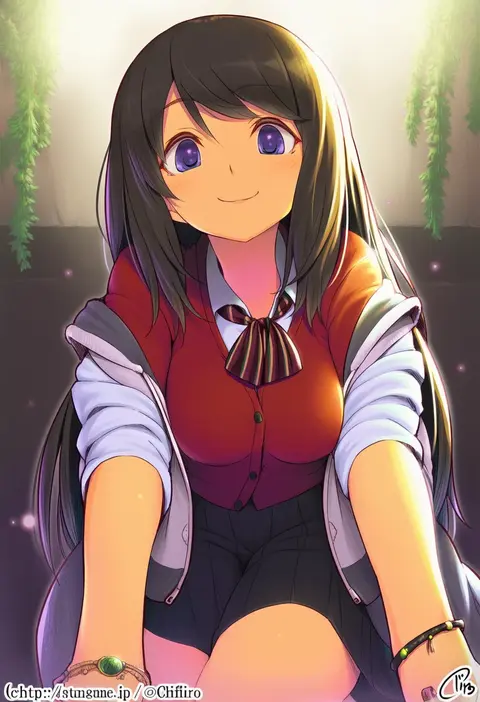
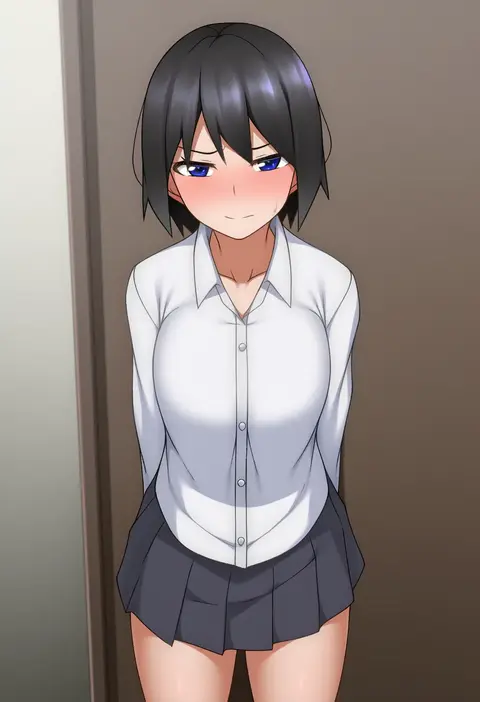
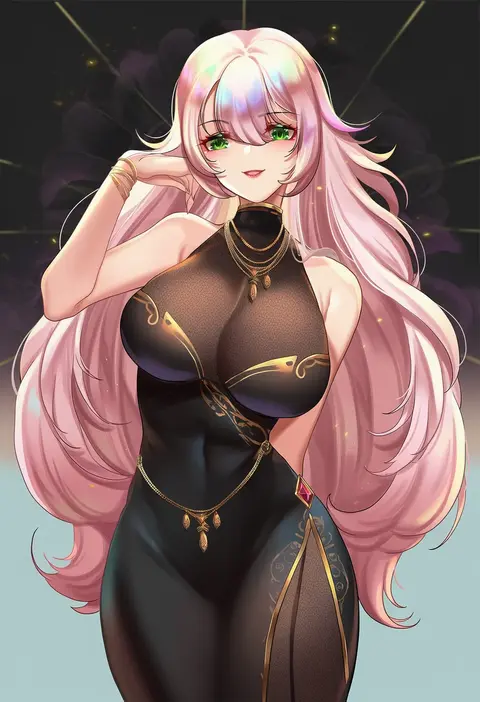
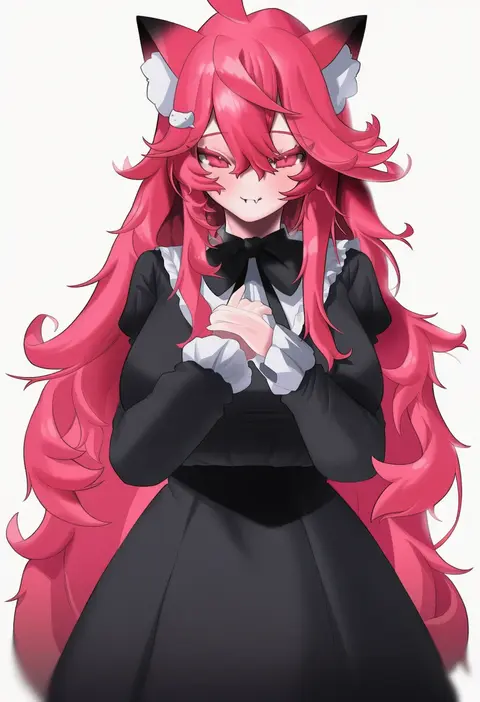
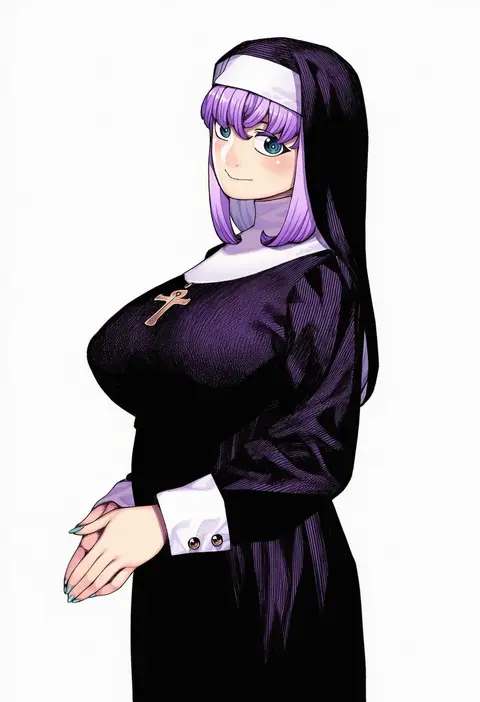
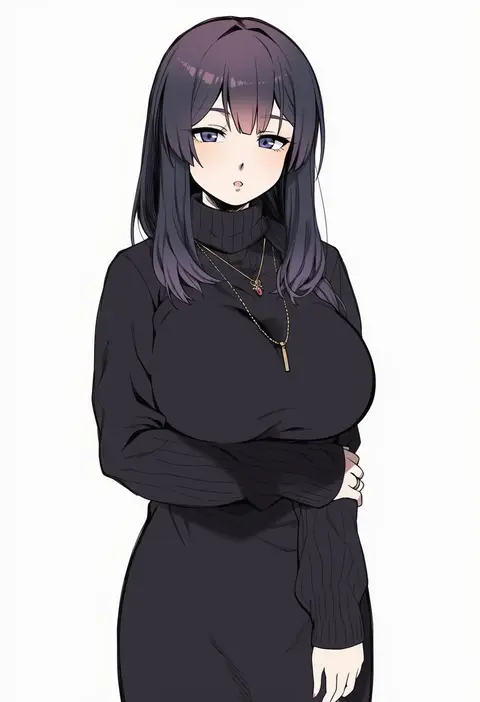
Artist tags tell NovelAI Diffusion to draw in a specific artist's style: line weight, paint texture, face shapes and palette all shift at once. Character and outfit tags decide what is drawn; artist tags decide how. 16,352 tags are listed for V4.5.
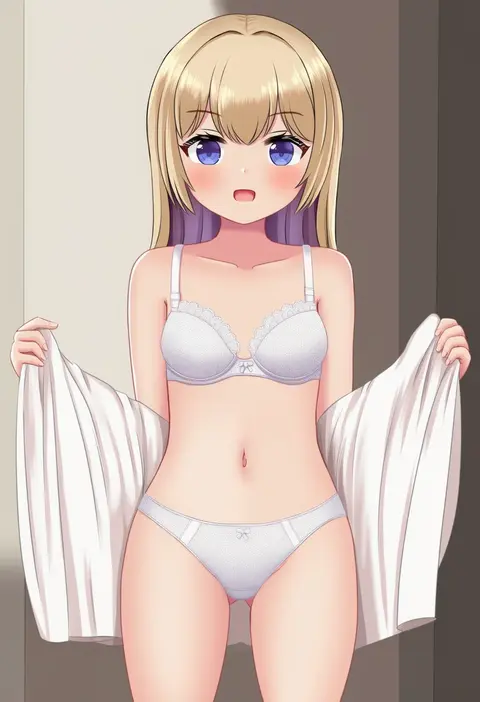
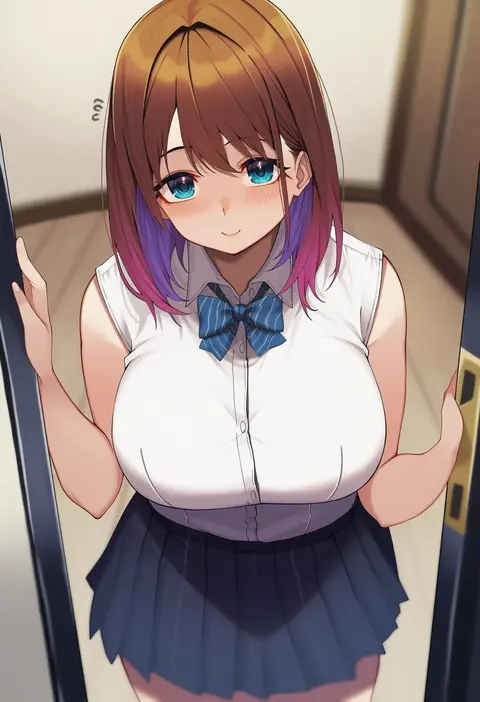
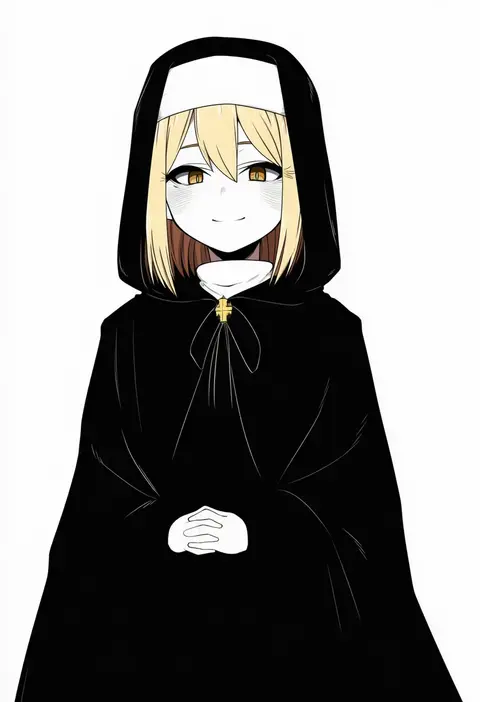
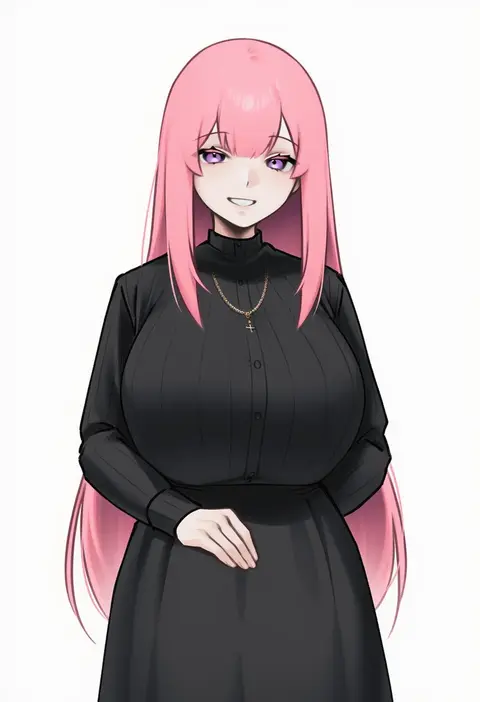
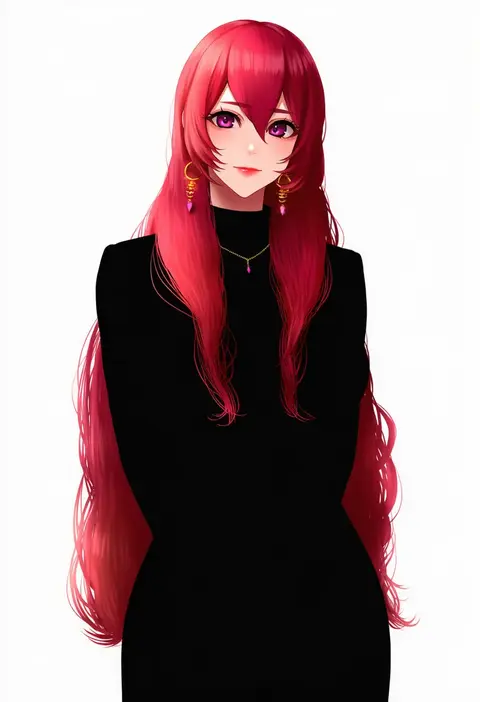
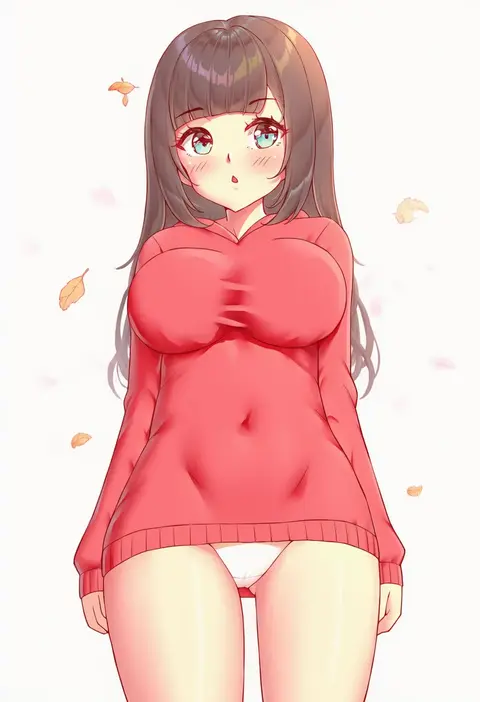
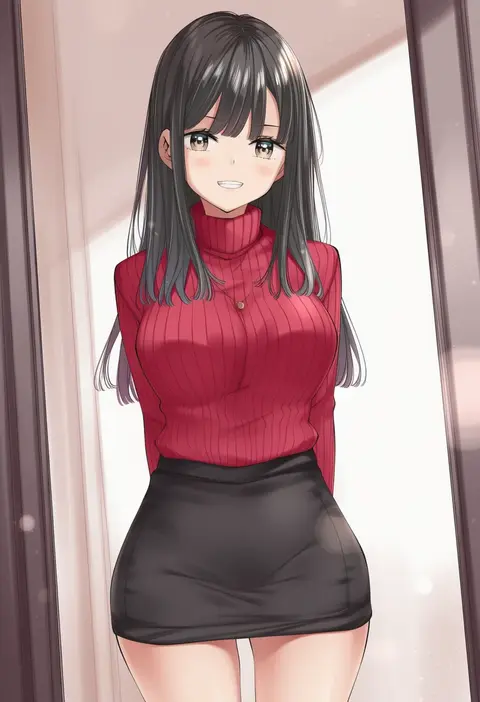
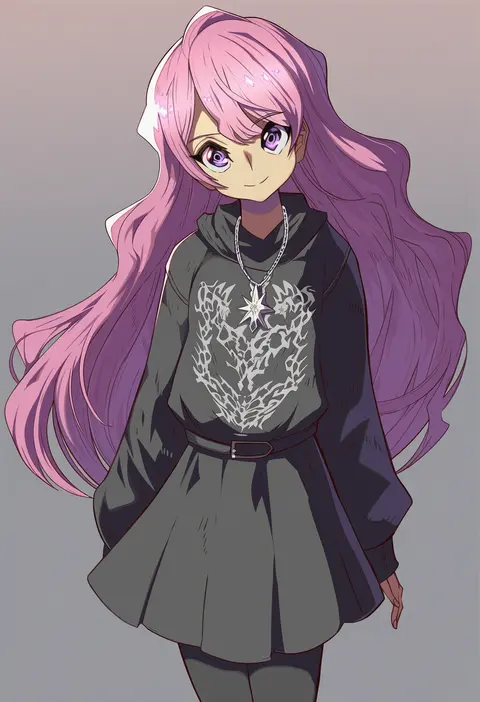
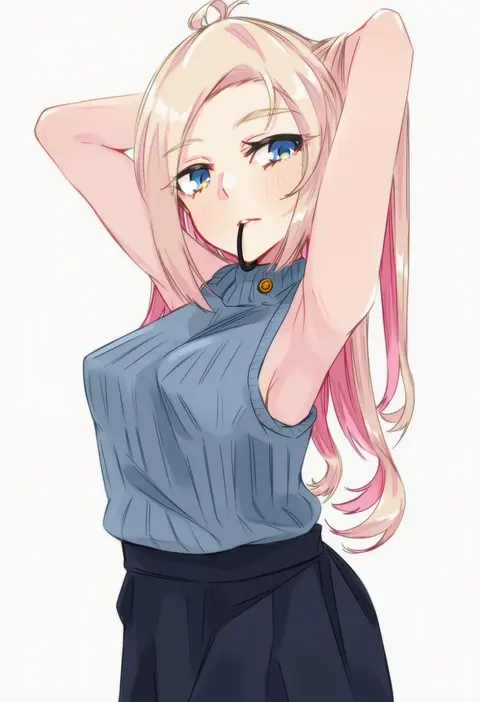
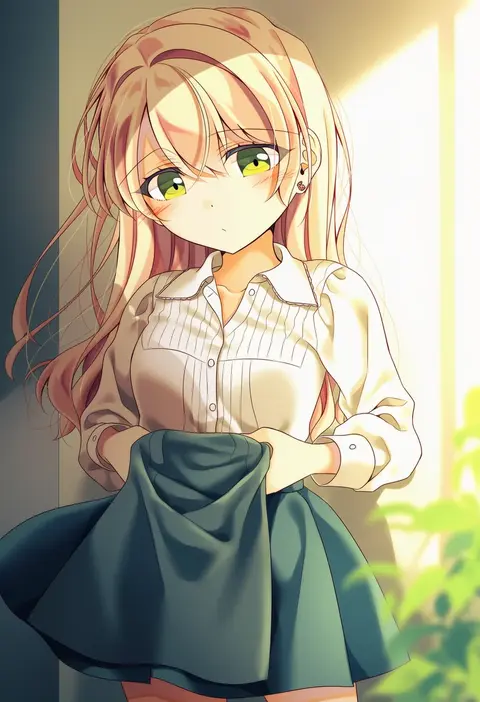
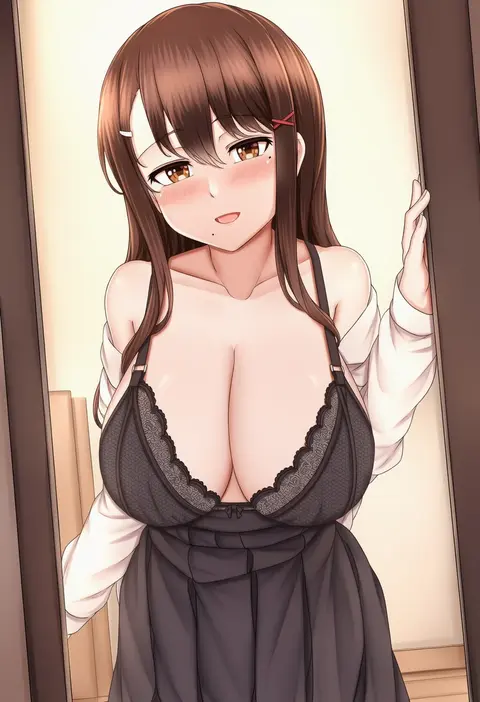
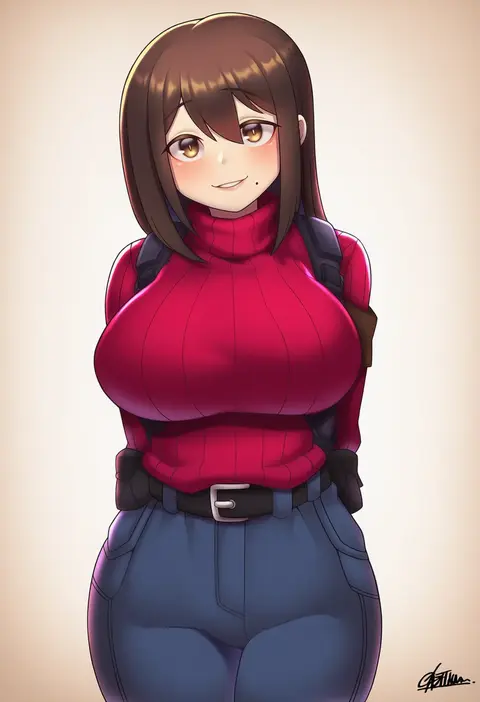
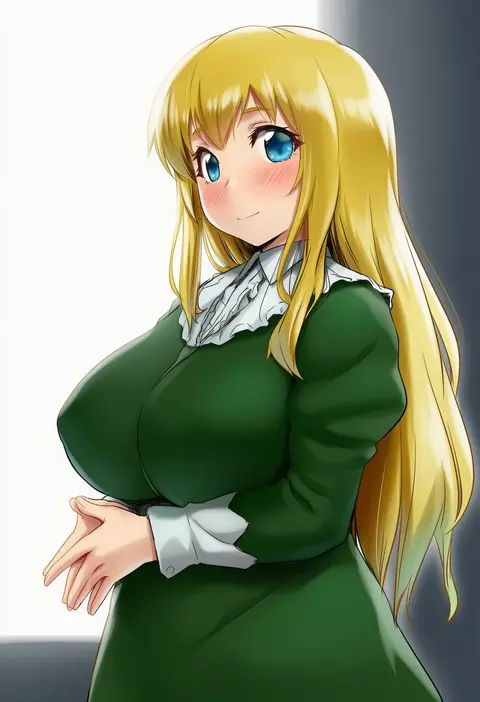
Every tag listed here is verified to react in NovelAI. All images use the same prompt, seed and settings with only the artist tag swapped, so the difference between two images is the style that tag brings in.

How to use them

Put the artist tag near the front of the prompt, e.g. "<artist>, 1girl, solo, best quality, masterpiece, cowboy shot". Two or three artist tags blend styles; lower the weight with "0.8::<artist>::" when the style overpowers the character.

SCORE sorts by Danbooru's top score, POSTS by post count, FAVS by hearts on this site. Open a card to see V5 and V4.5 side by side on the same seed.

V5 vs V4.5

V5 usually lands closer to the artist's real style, and tags that did nothing on V4.5 often react on V5. V4.5 still fits older and doujin-heavy artists better. Try V5 first, fall back to V4.5.

FAQ

Where does the artist tag go?
Near the front of the prompt. Use "0.8::tag::" to adjust its weight.

Can I stack artist tags?
Yes, styles blend. Past two or three the result stops looking like anyone.

Are these the artists' own works?
No. Every image is a NovelAI sample generated from the tag.