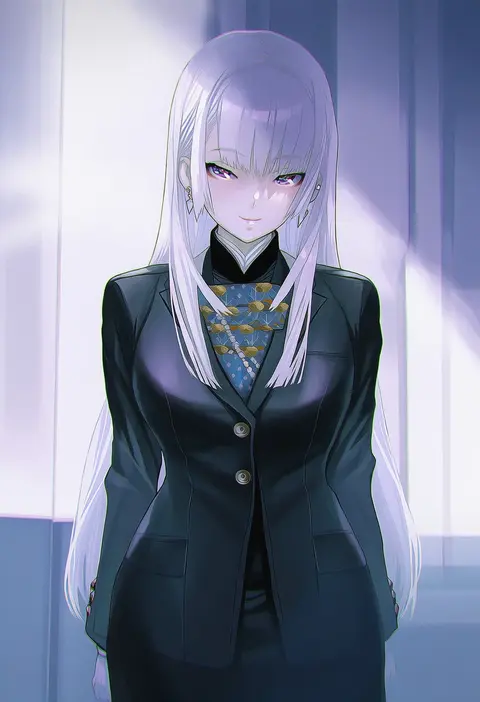
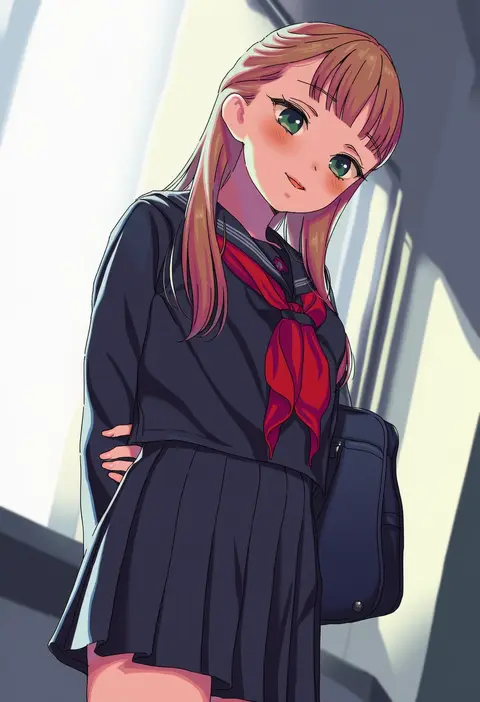
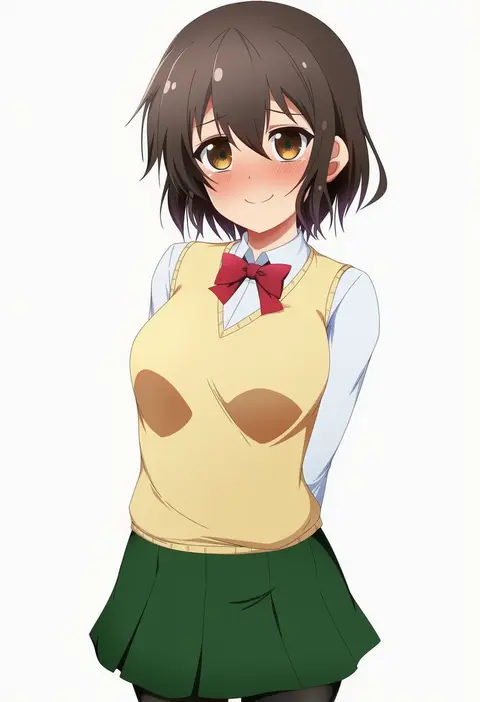
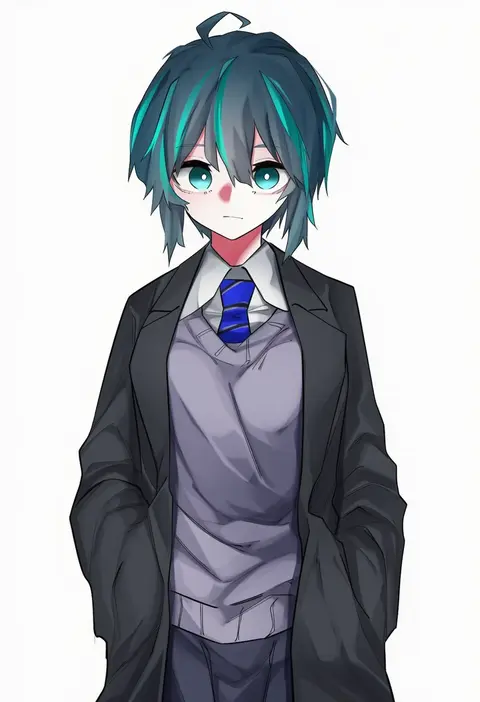
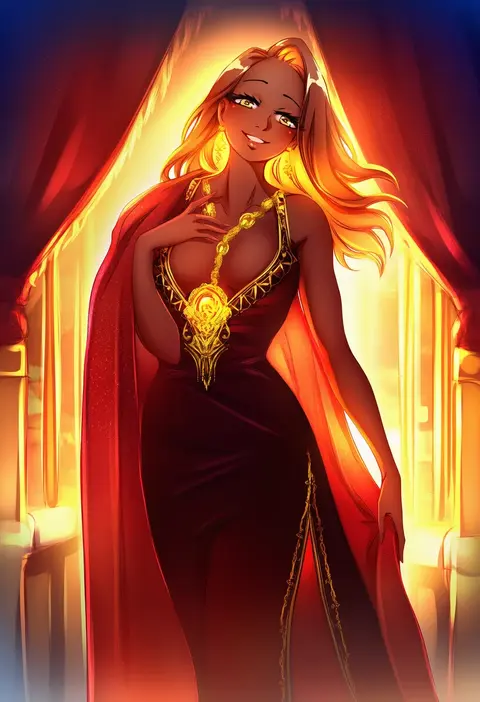
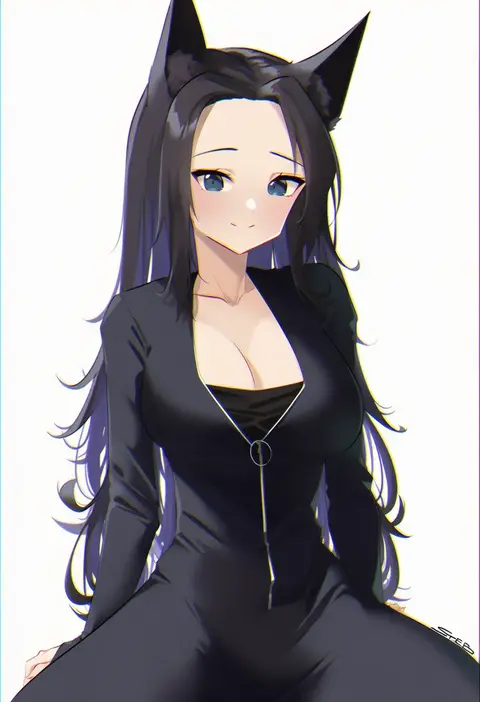
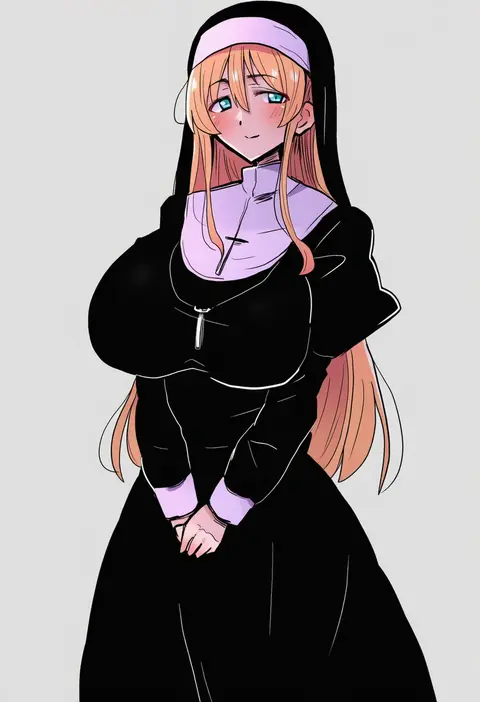
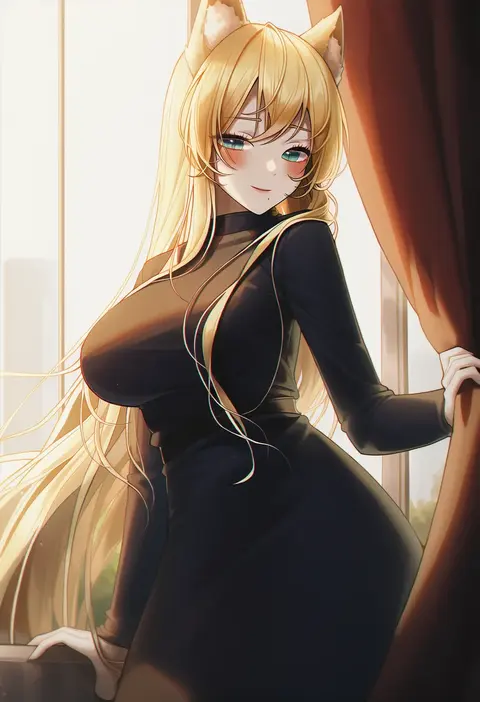
V4.5Artists
sort: FAVS▾
▾
>
$

Popular NovelAI artist tags — V4.5

artist --count 16,352[76/273]
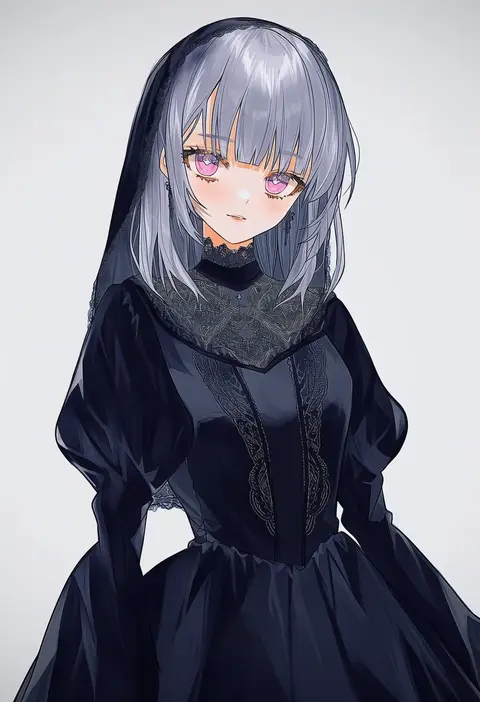
utsuhostoria
ARTIST0x1194
0
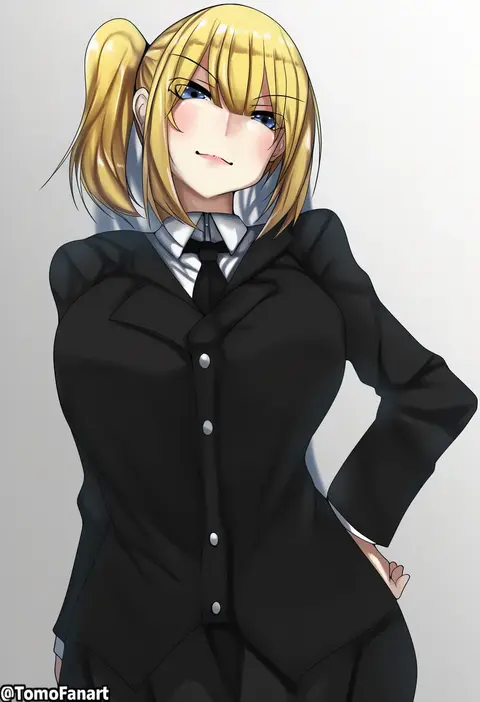
tomodachi (tomofanart)
ARTIST0x1195
0
ranhatu
ARTIST0x1196
0
ryudraw
ARTIST0x1197
0
3104 (3104milkshake)
ARTIST0x1198
0
hechi (hechi322)
ARTIST0x1199
0
izumi kei
ARTIST0x119A
0
max (maxlikeapicture)
ARTIST0x119B
0
kumasan (kumazonjp)
ARTIST0x119C
0
akovo
ARTIST0x119D
0
gurenola
ARTIST0x119E
0
kuromayu
ARTIST0x119F
0
gabiran
ARTIST0x11A0
0
maeshima shigeki
ARTIST0x11A1
0
aida takanobu
ARTIST0x11A2
0
yamiochi umekichi
ARTIST0x11A3
0
vivo (vivo sun 0222)
ARTIST0x11A4
0
itachou
ARTIST0x11A5
0
abutomato
ARTIST0x11A6
0
kakiman
ARTIST0x11A7
0
lowe (slow)
ARTIST0x11A8
0
cherry in the sun
ARTIST0x11A9
0
steeb
ARTIST0x11AA
0
long28
ARTIST0x11AB
0
meoyo
ARTIST0x11AC
0
karasu (jjwh2832)
ARTIST0x11AD
0
sorotu
ARTIST0x11AE
0
kafeifeifeifeifeifei jiemo jun
ARTIST0x11AF
0
yamadori seika
ARTIST0x11B0
0
secretbusiness
ARTIST0x11B1
0
sabo (12454861)
ARTIST0x11B2
0
shepherd0821
ARTIST0x11B3
0
ajishio
ARTIST0x11B4
0
okama
ARTIST0x11B5
0
sho-n-d
ARTIST0x11B6
0
yamanokami eaka
ARTIST0x11B7
0
shougun (chuckni1)
ARTIST0x11B8
0
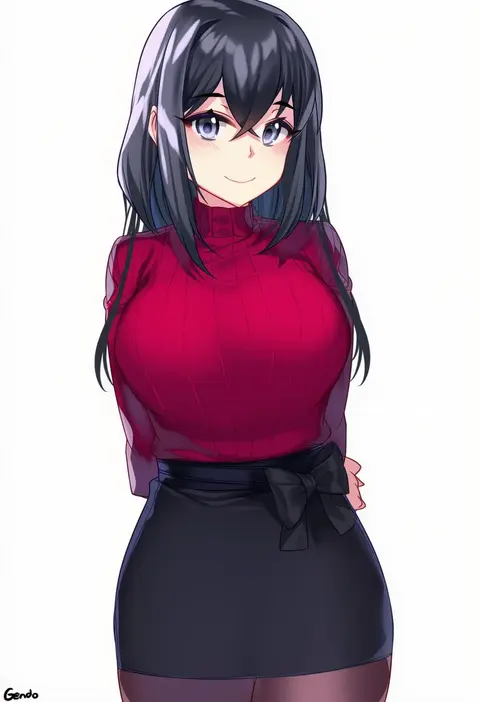
gendo0032
ARTIST0x11B9
0
elze (s01047480836)
ARTIST0x11BA
0
wanaca
ARTIST0x11BB
0
kuma (jk0073)
ARTIST0x11BC
0
k jin
ARTIST0x11BD
0
sougishi ego
ARTIST0x11BE
0
mad kimo
ARTIST0x11BF
0
sherryqq
ARTIST0x11C0
0
asakura kukuri
ARTIST0x11C1
0
snale
ARTIST0x11C2
0
hogey nk-2000
ARTIST0x11C3
0
pokoten (pokoten718)
ARTIST0x11C4
0
saburou (hgmg)
ARTIST0x11C5
0
anza tomo
ARTIST0x11C6
0
kounosu satori
ARTIST0x11C7
0
yan-yam
ARTIST0x11C8
0
cremanata
ARTIST0x11C9
0
obaoba (monkeyix)
ARTIST0x11CA
0
oh (aung ae)
ARTIST0x11CB
0
ootori subaru
ARTIST0x11CC
0
rozea (graphmelt)
ARTIST0x11CD
0
hitachi sou
ARTIST0x11CE
0
jeremy anninos
ARTIST0x11CF
0

What these tags change

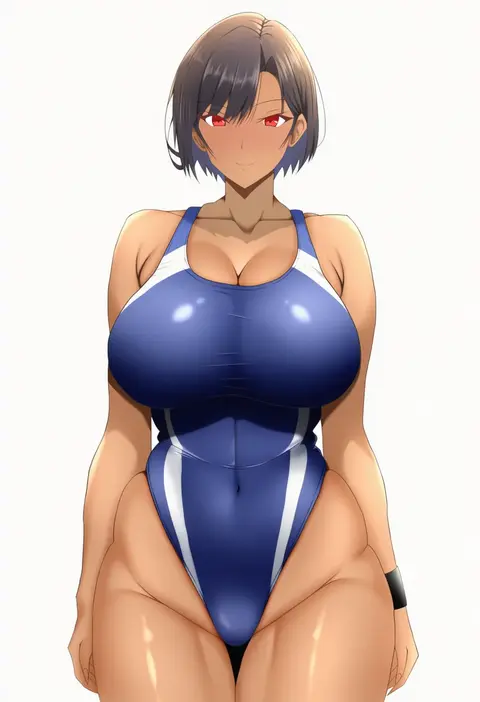
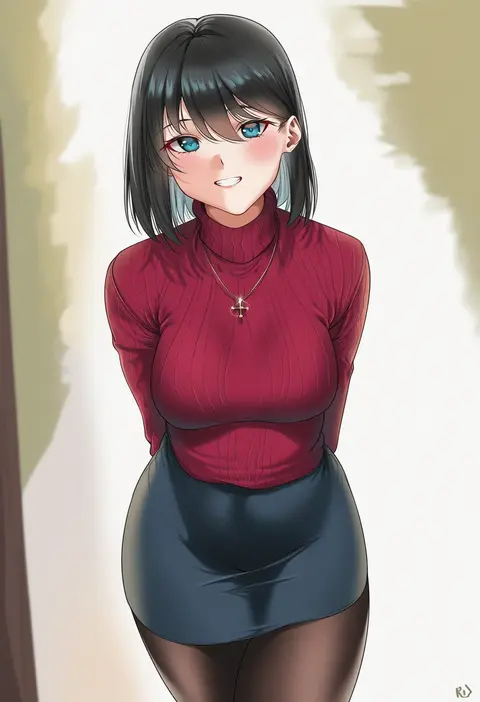
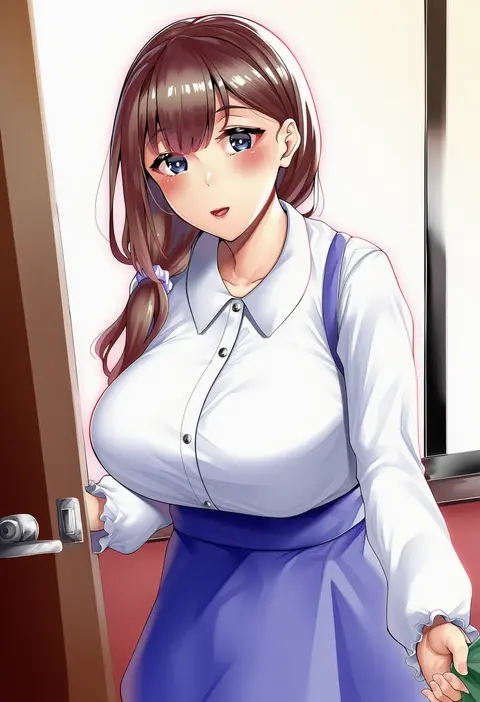
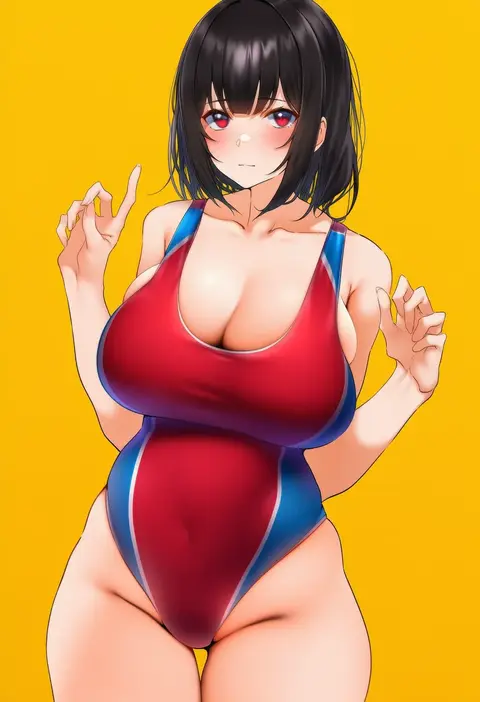
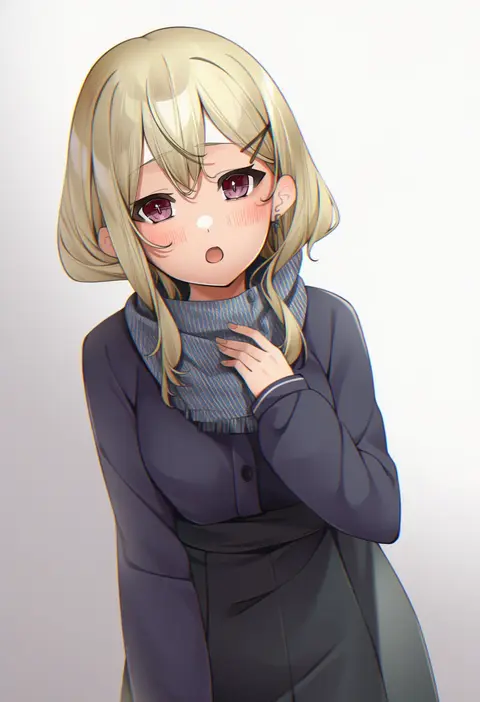
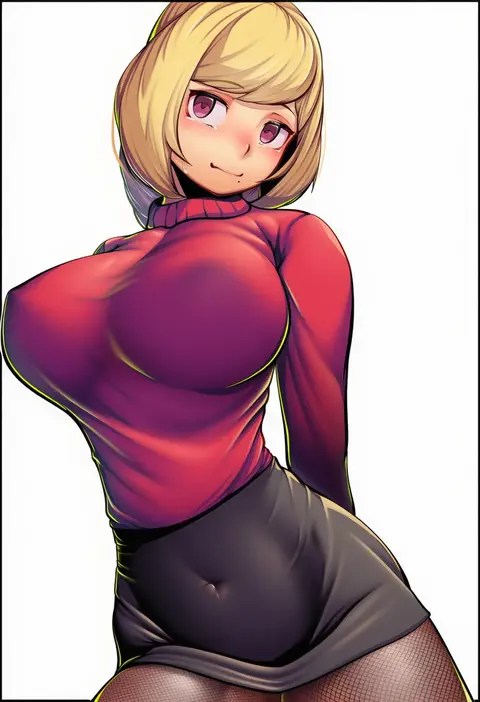
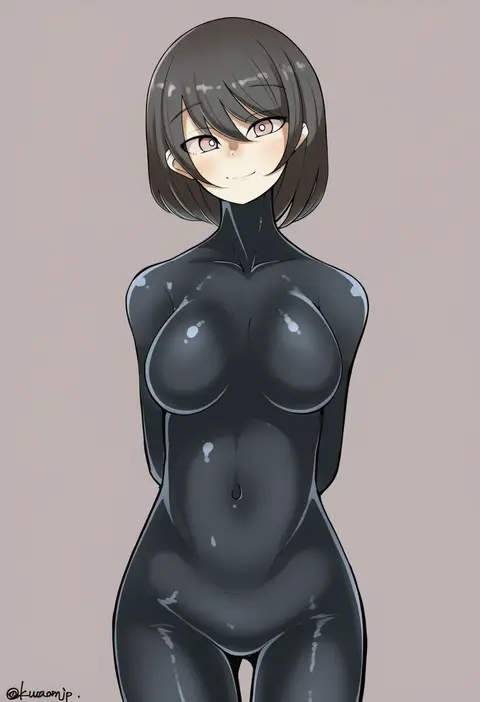
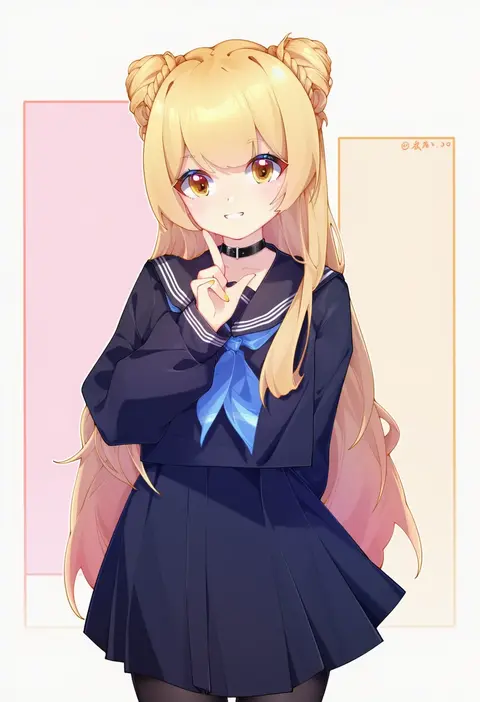
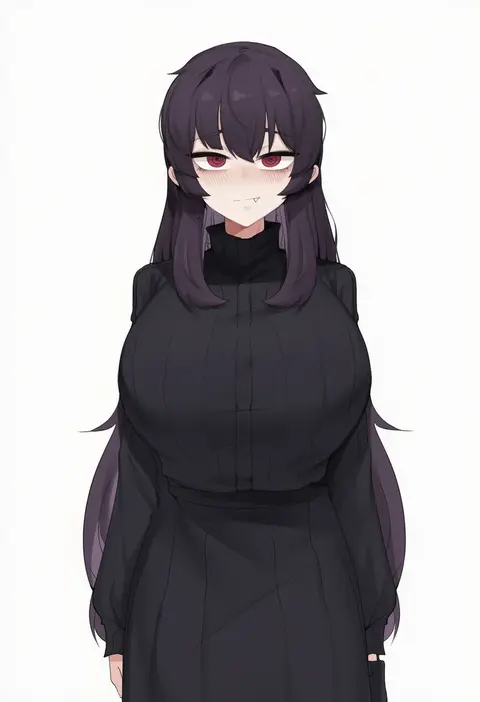
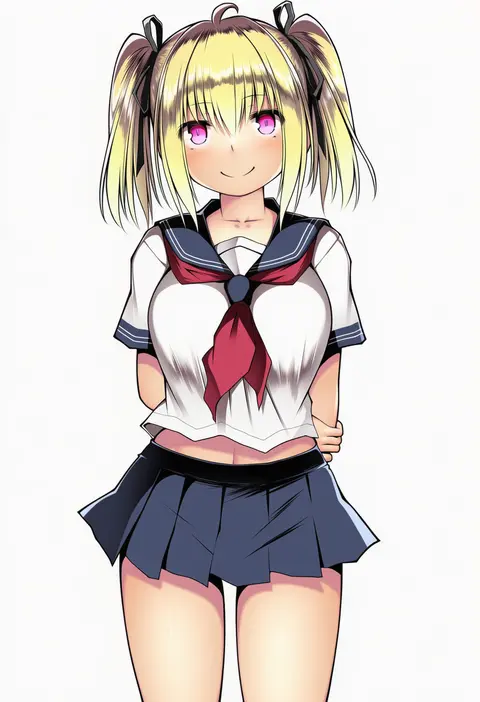
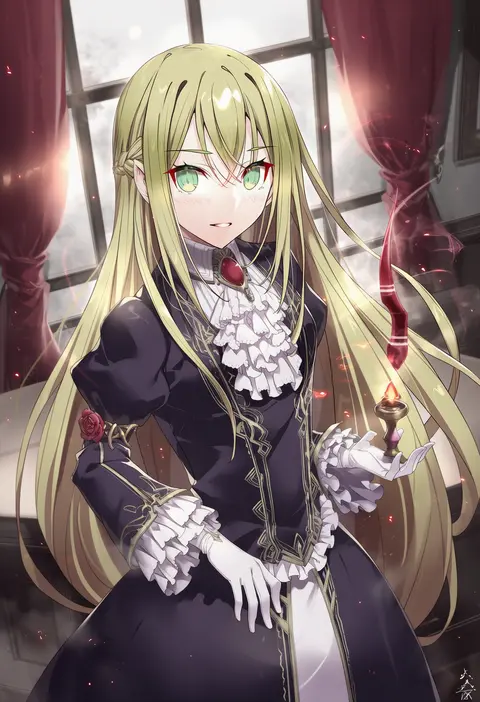
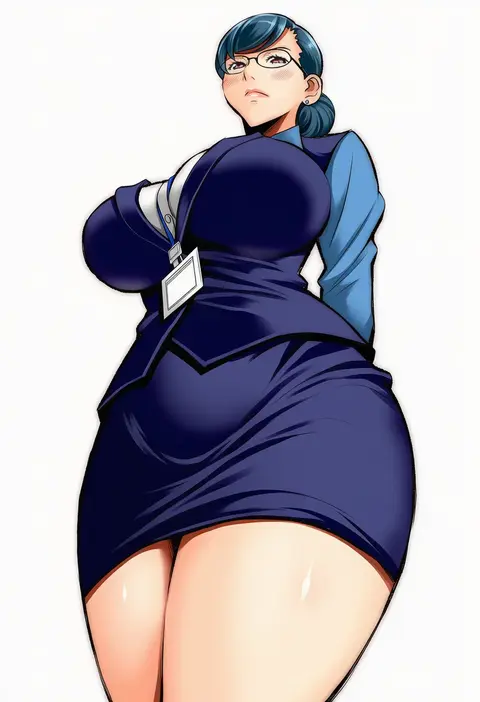
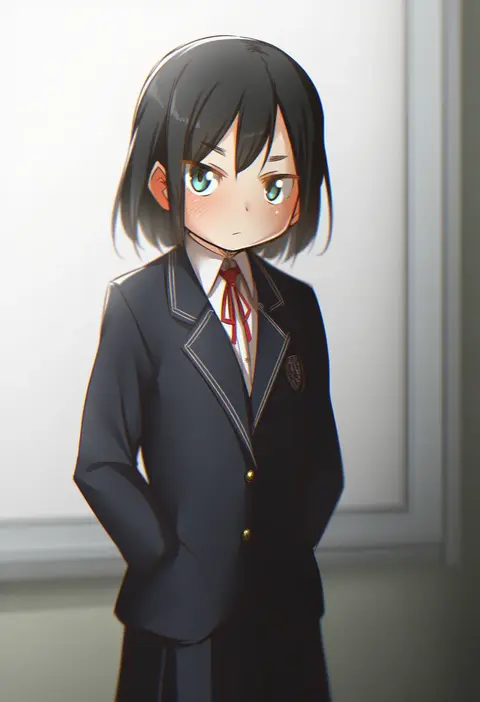
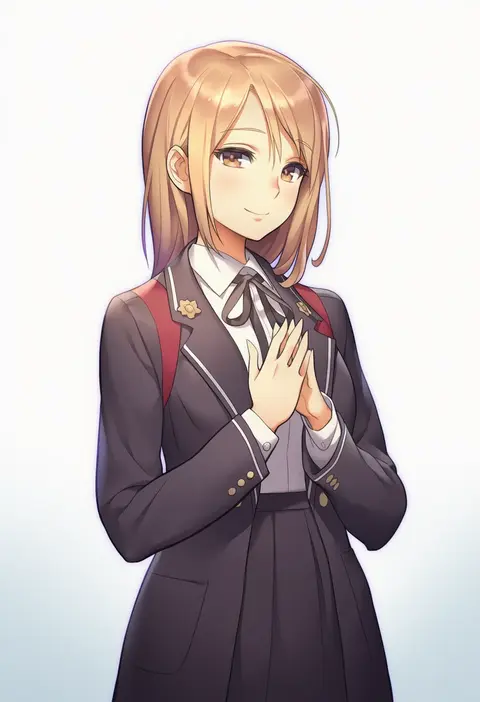
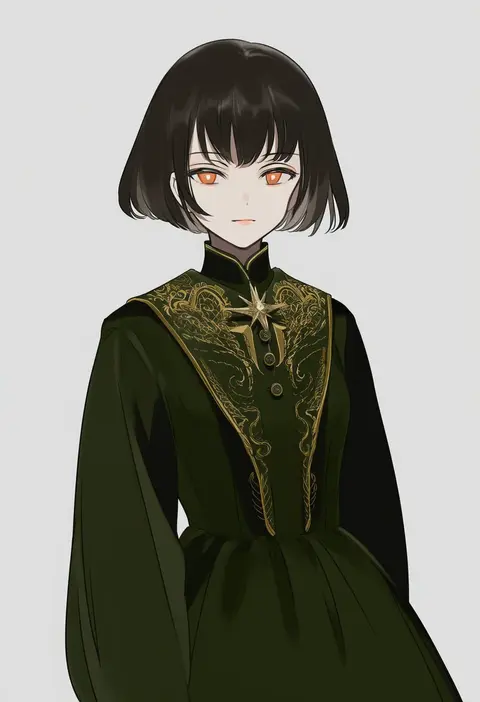
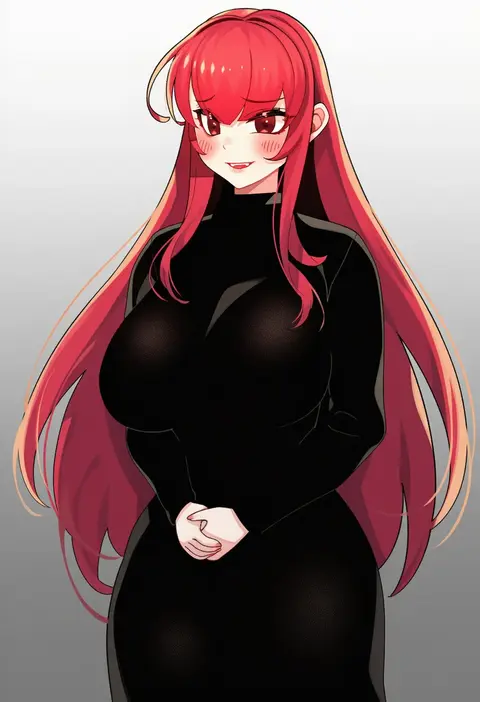
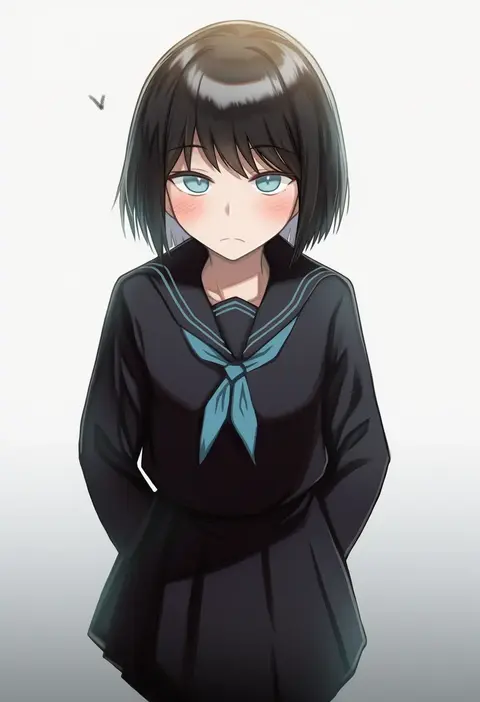
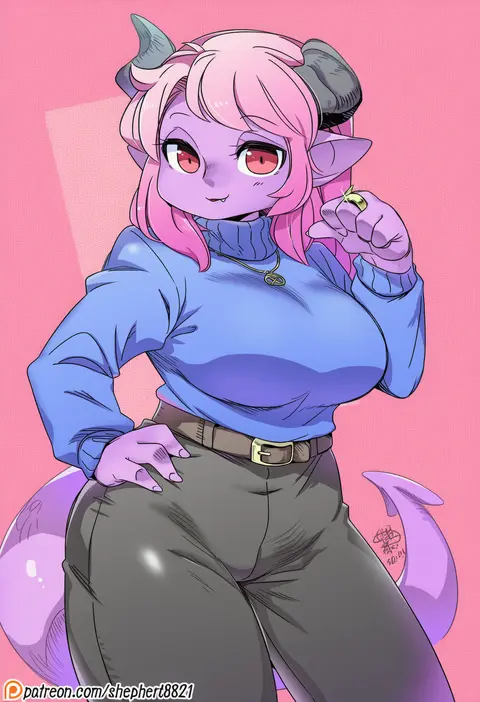
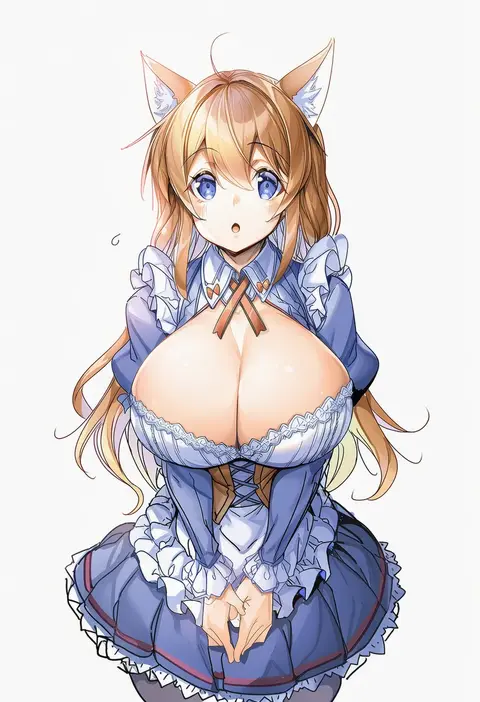
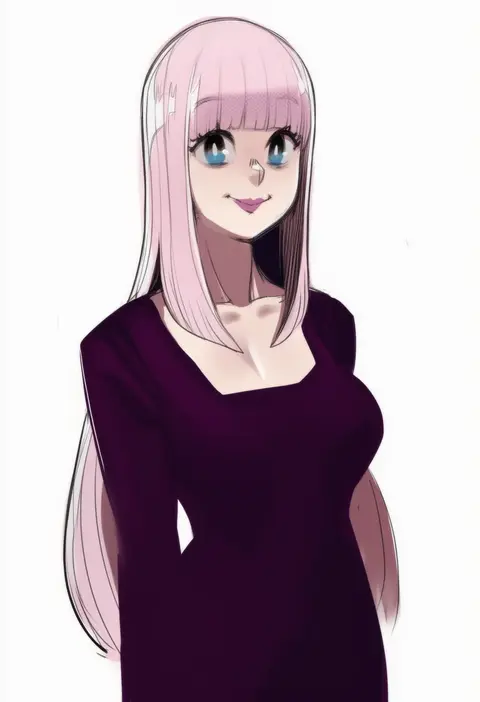
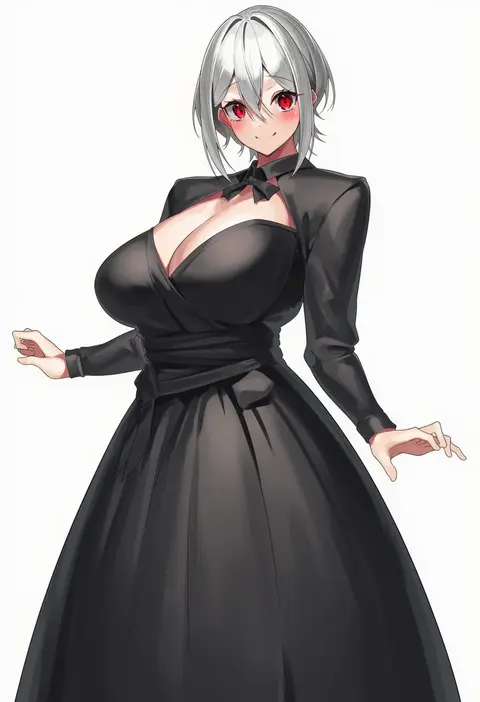
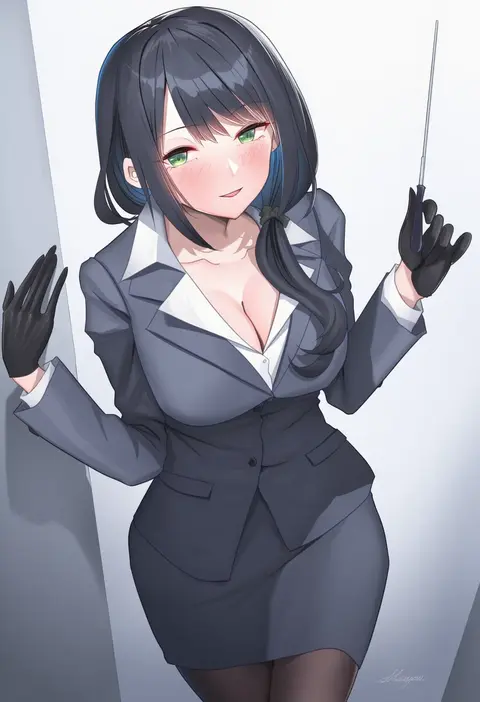
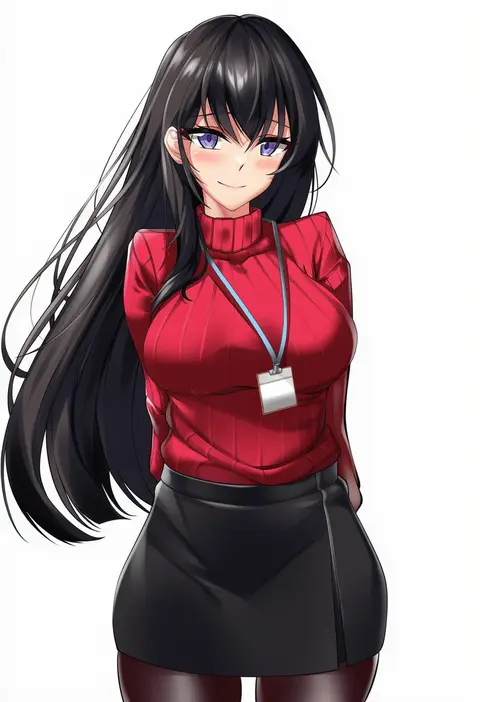
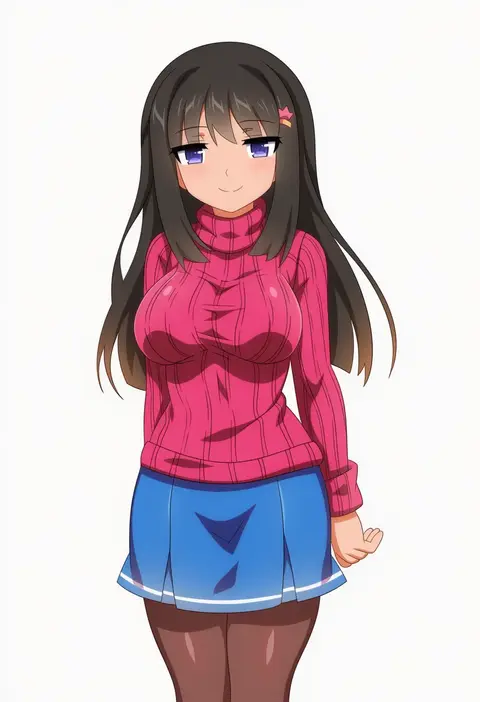
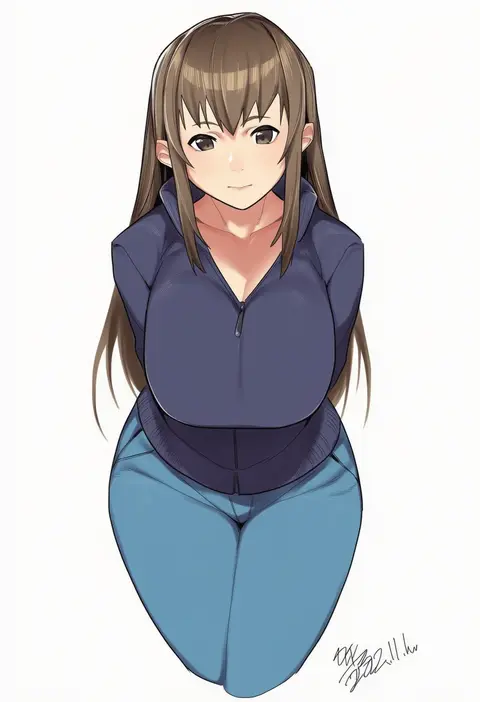
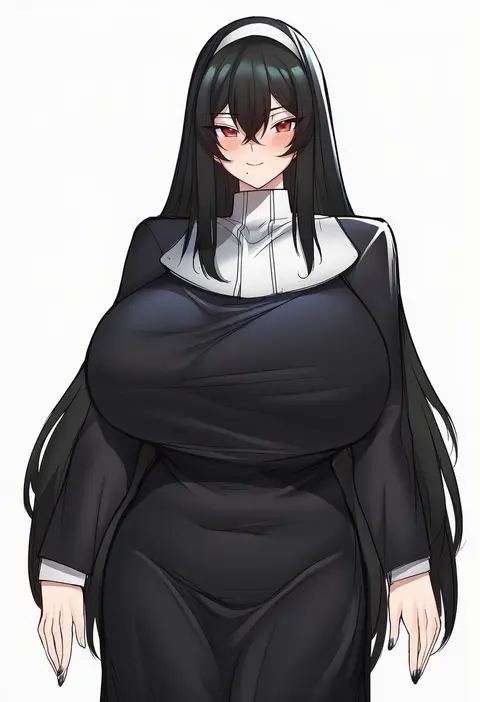
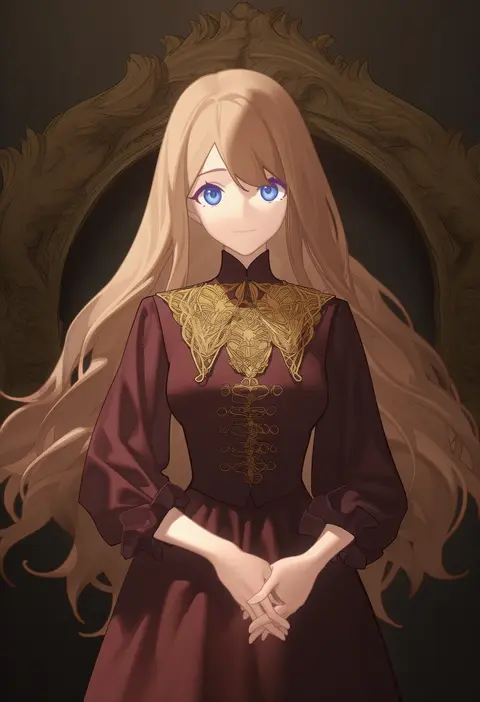
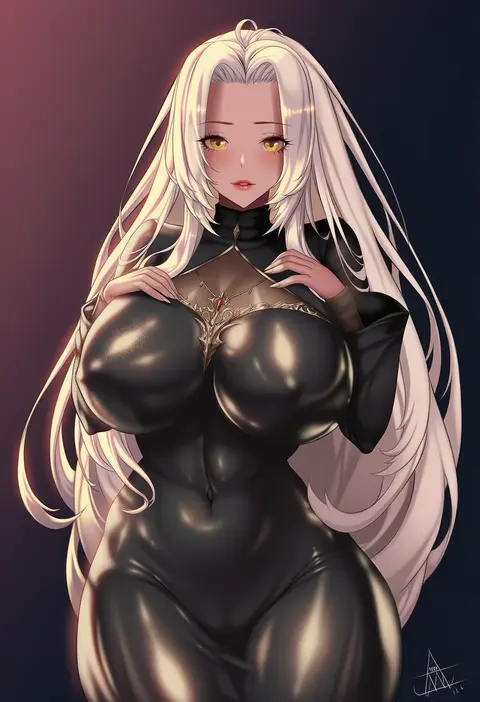
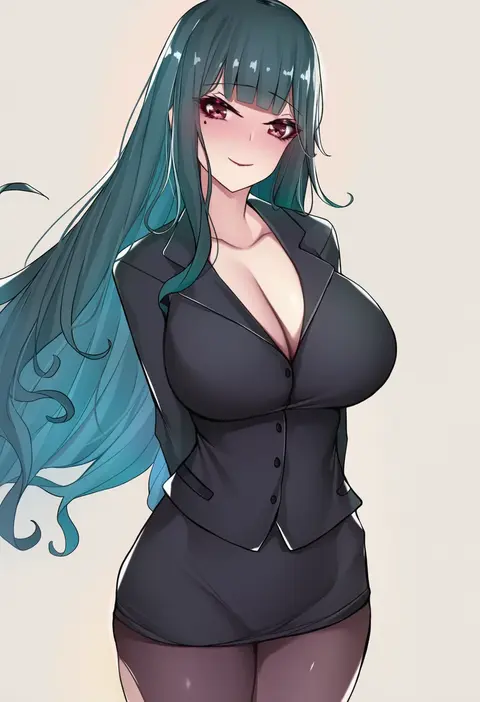
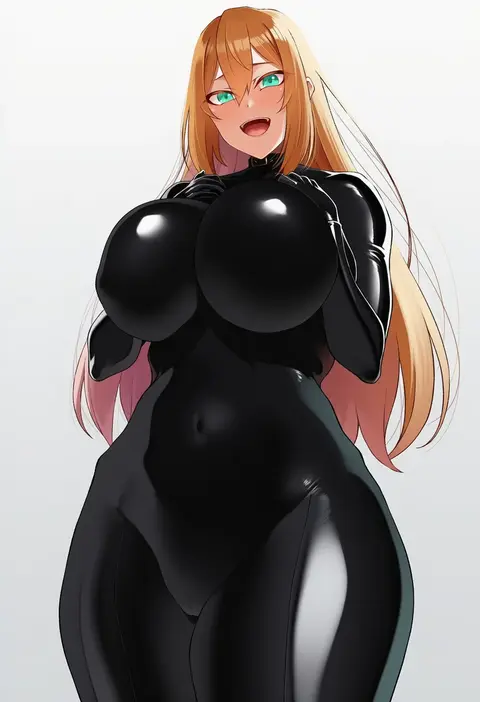
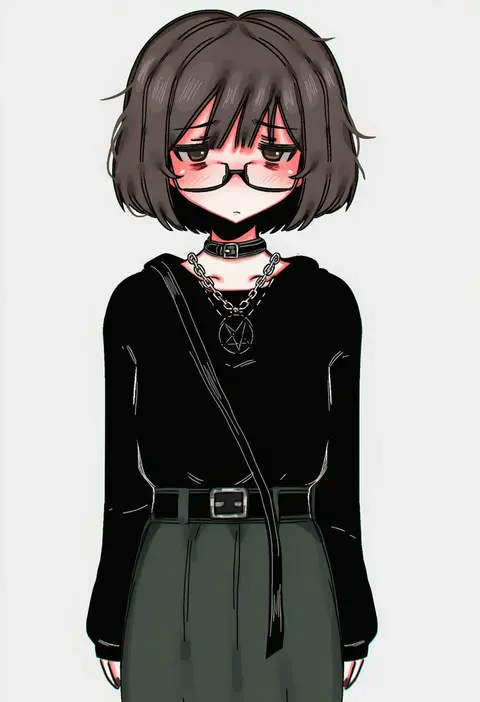
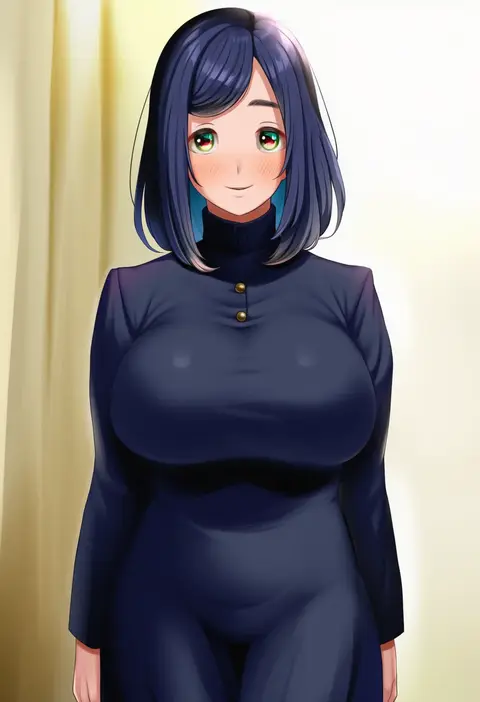
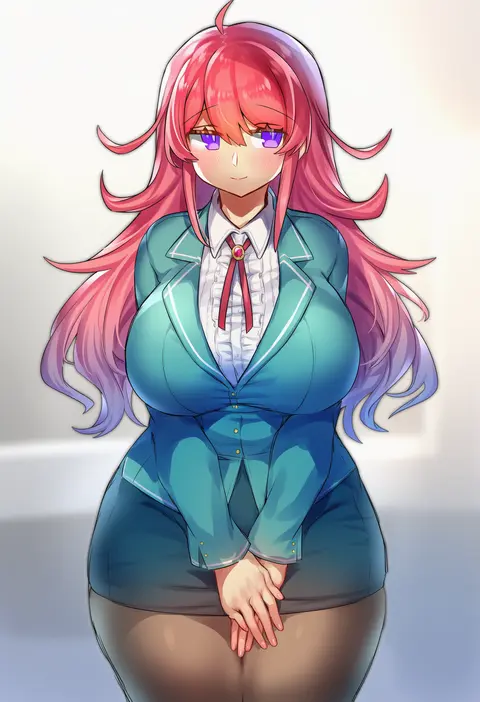
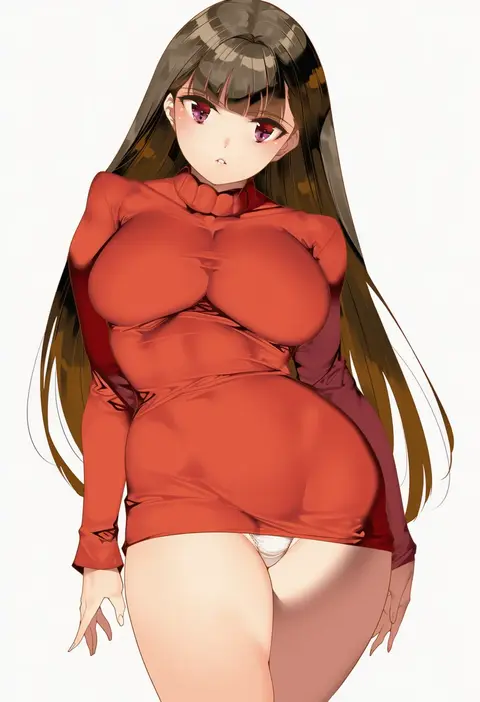
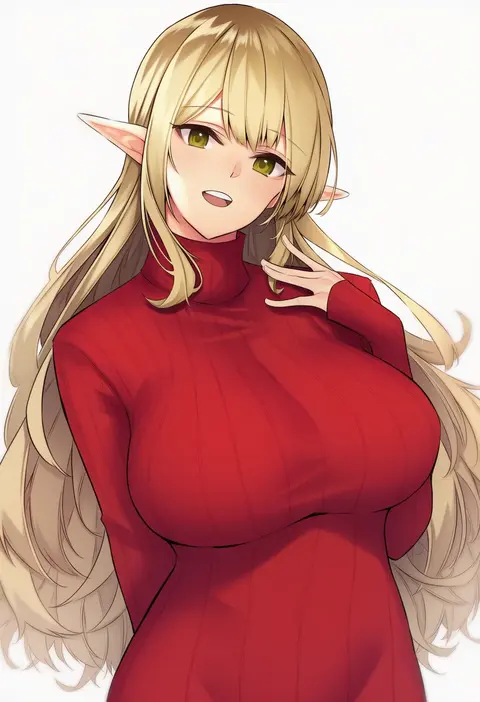
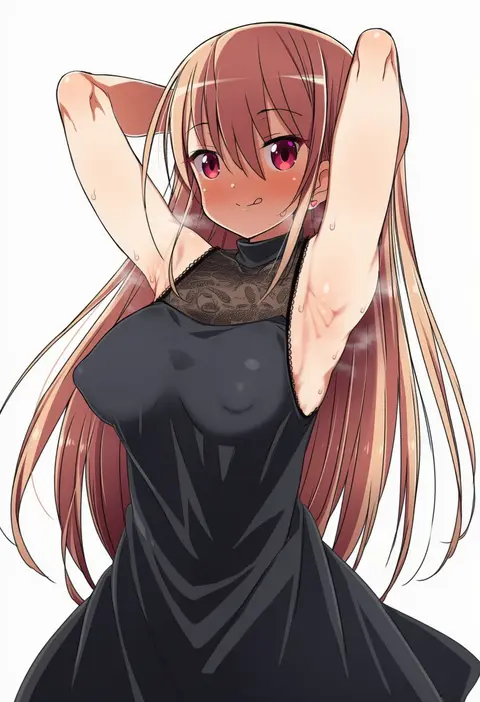
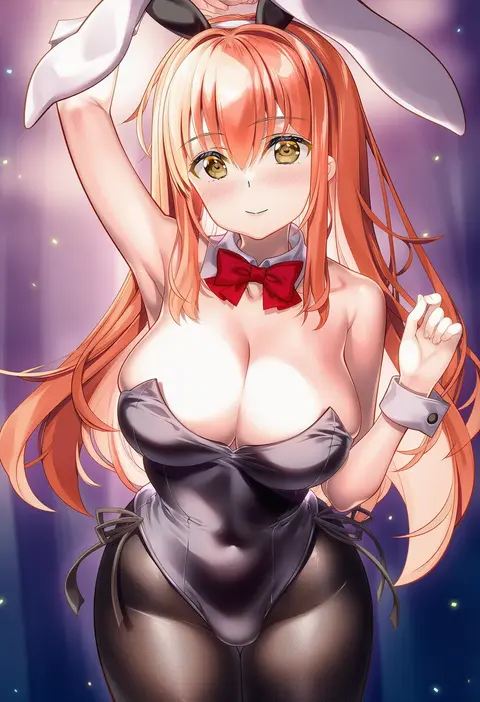
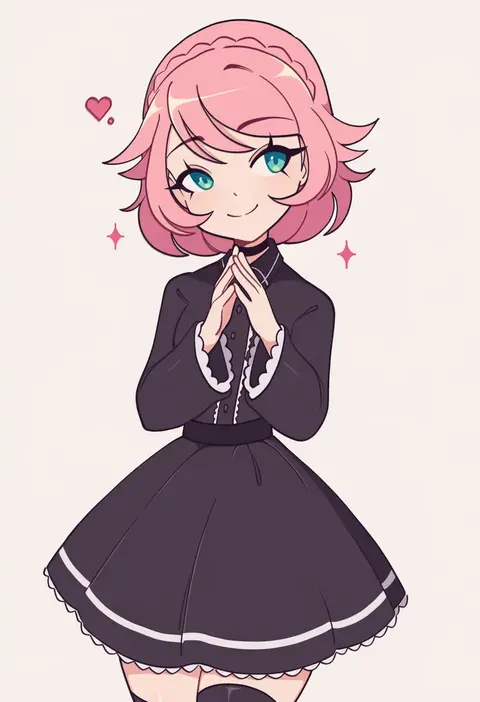
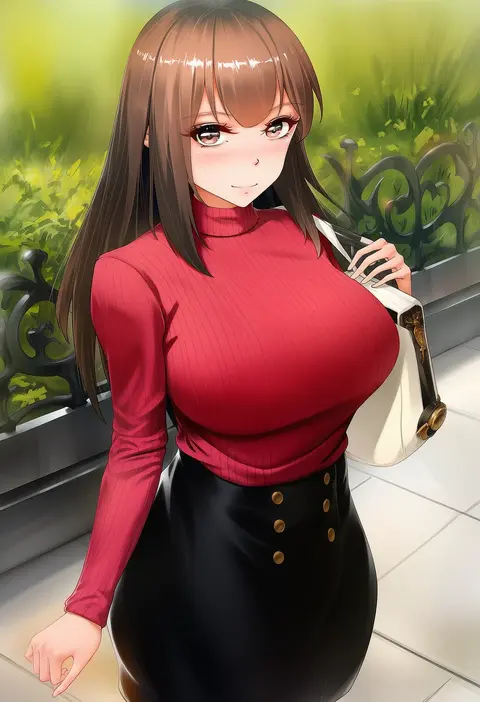
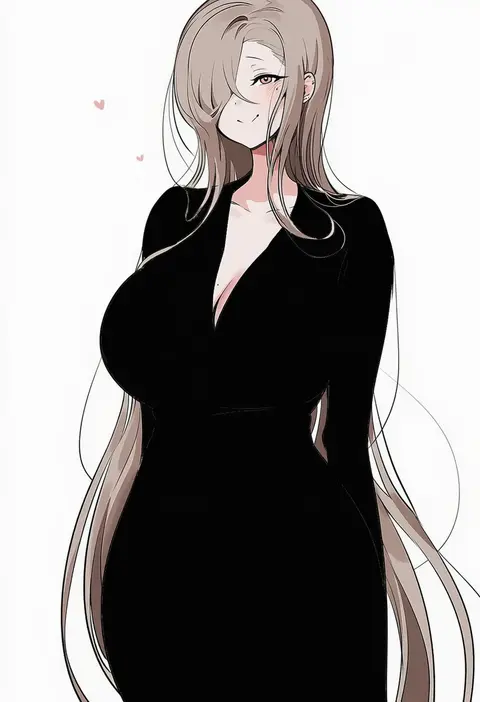
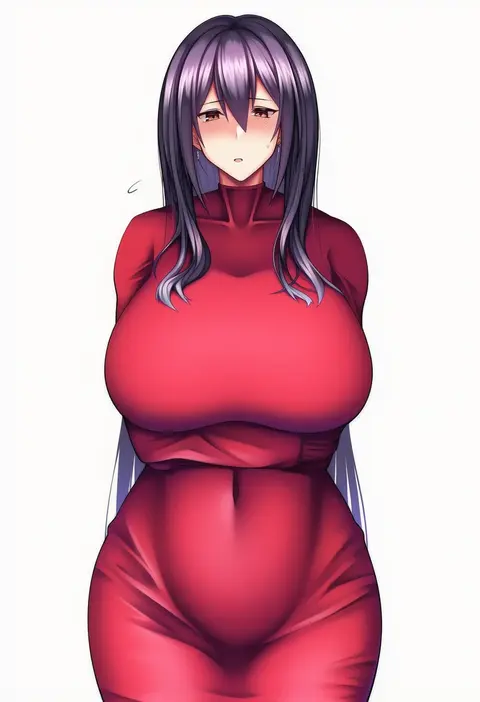
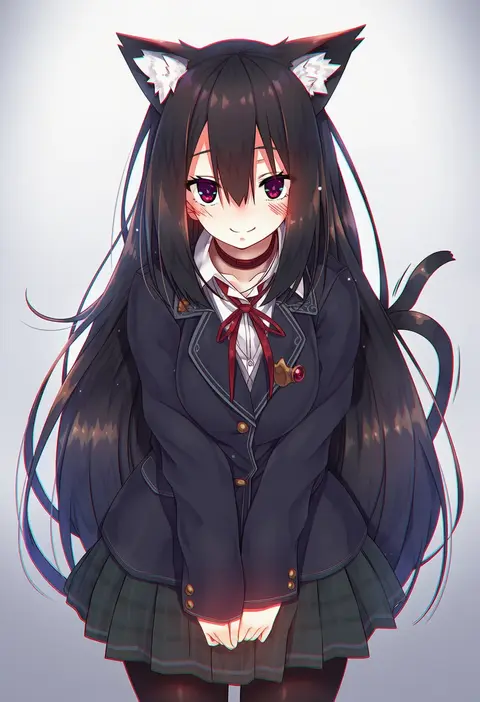
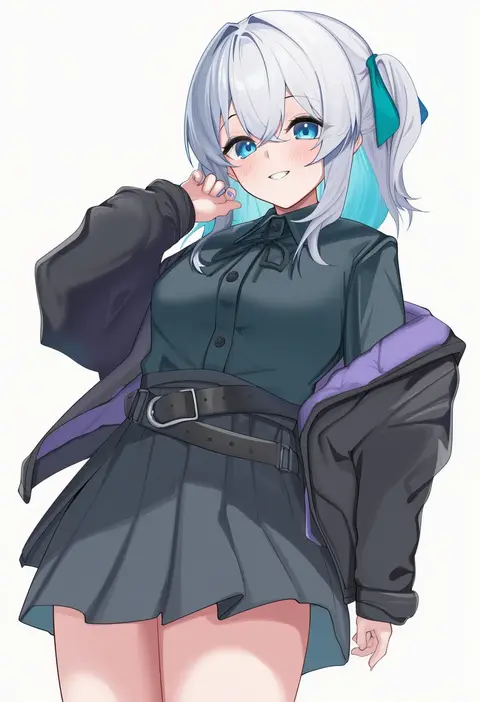
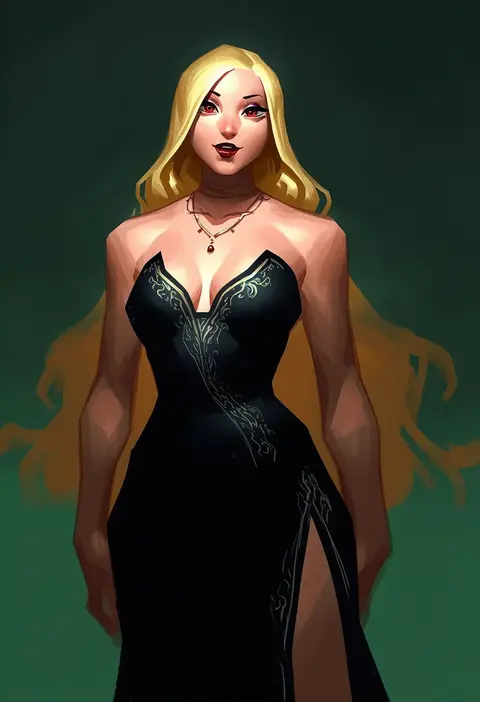
Artist tags tell NovelAI Diffusion to draw in a specific artist's style: line weight, paint texture, face shapes and palette all shift at once. Character and outfit tags decide what is drawn; artist tags decide how. 16,352 tags are listed for V4.5.
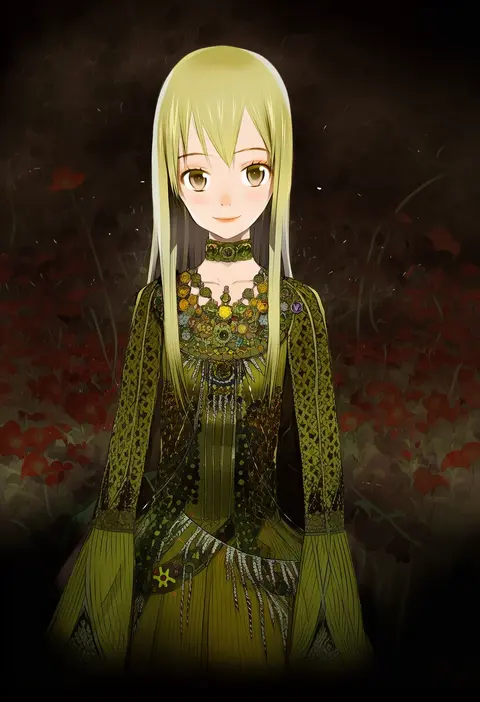
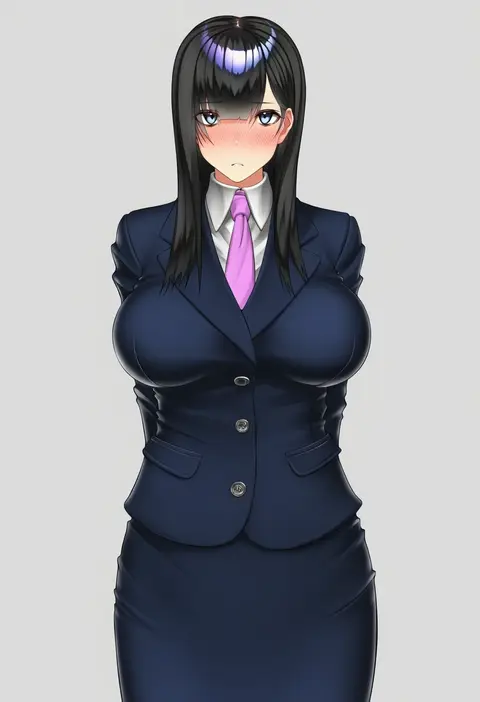
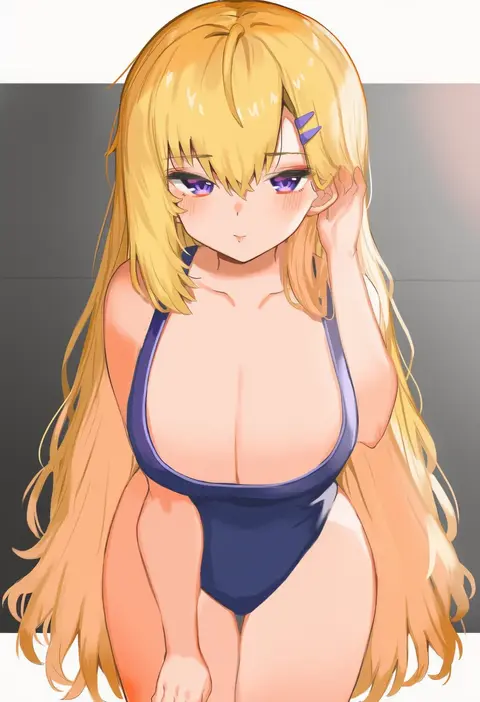
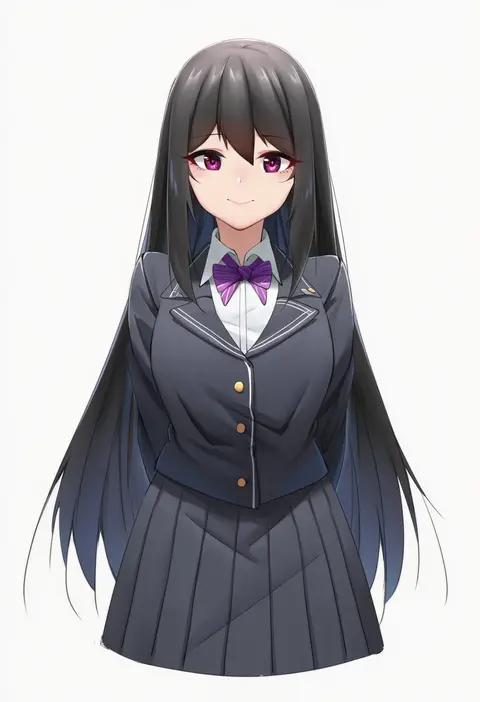
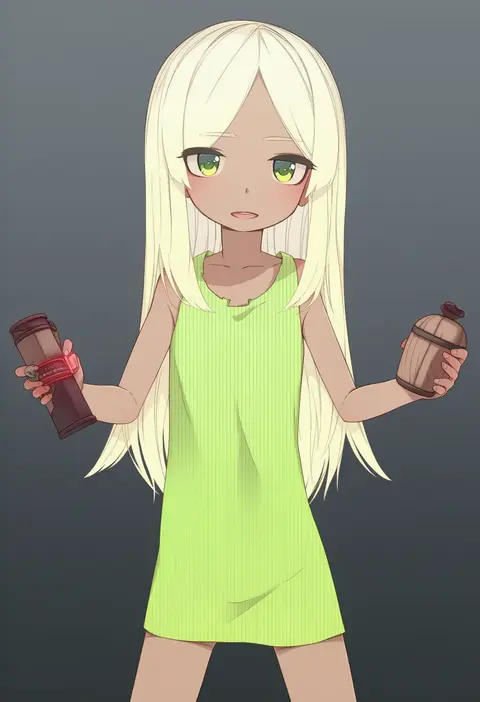
Every tag listed here is verified to react in NovelAI. All images use the same prompt, seed and settings with only the artist tag swapped, so the difference between two images is the style that tag brings in.

How to use them

Put the artist tag near the front of the prompt, e.g. "<artist>, 1girl, solo, best quality, masterpiece, cowboy shot". Two or three artist tags blend styles; lower the weight with "0.8::<artist>::" when the style overpowers the character.

SCORE sorts by Danbooru's top score, POSTS by post count, FAVS by hearts on this site. Open a card to see V5 and V4.5 side by side on the same seed.

V5 vs V4.5

V5 usually lands closer to the artist's real style, and tags that did nothing on V4.5 often react on V5. V4.5 still fits older and doujin-heavy artists better. Try V5 first, fall back to V4.5.

FAQ

Where does the artist tag go?
Near the front of the prompt. Use "0.8::tag::" to adjust its weight.

Can I stack artist tags?
Yes, styles blend. Past two or three the result stops looking like anyone.

Are these the artists' own works?
No. Every image is a NovelAI sample generated from the tag.