V4.5Artists
sort: FAVS▾
▾
>
$

Popular NovelAI artist tags — V4.5

artist --count 16,352[78/273]
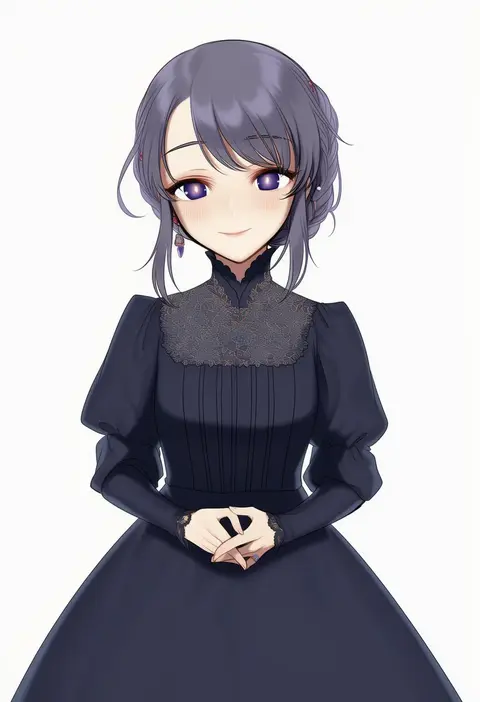
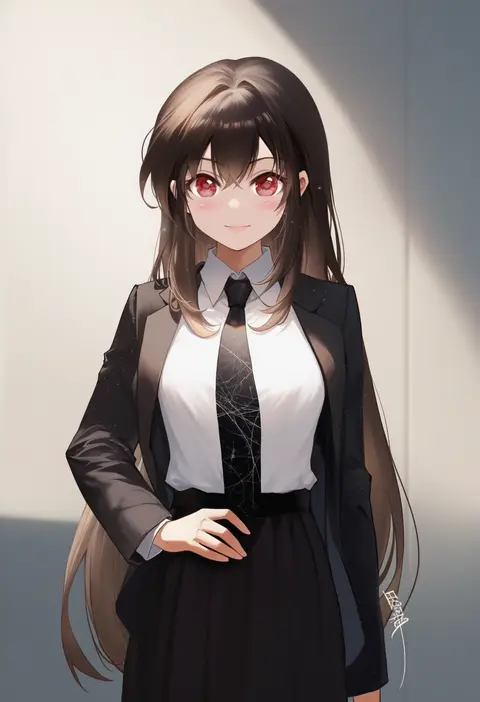
meimone
ARTIST0x120C
0
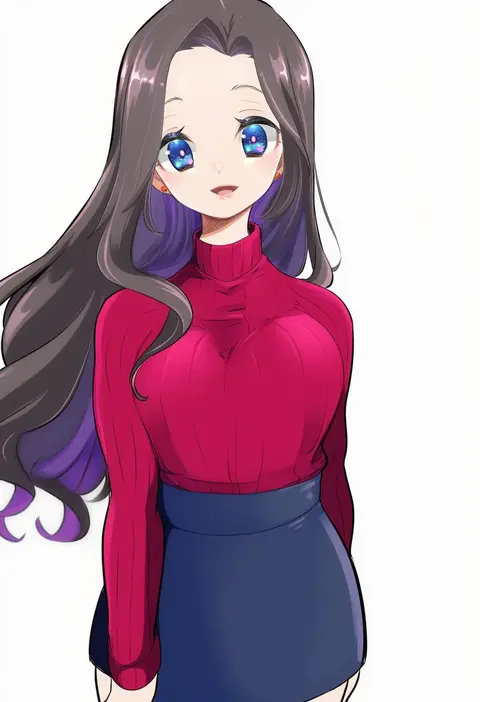
curry bowl
ARTIST0x120D
0
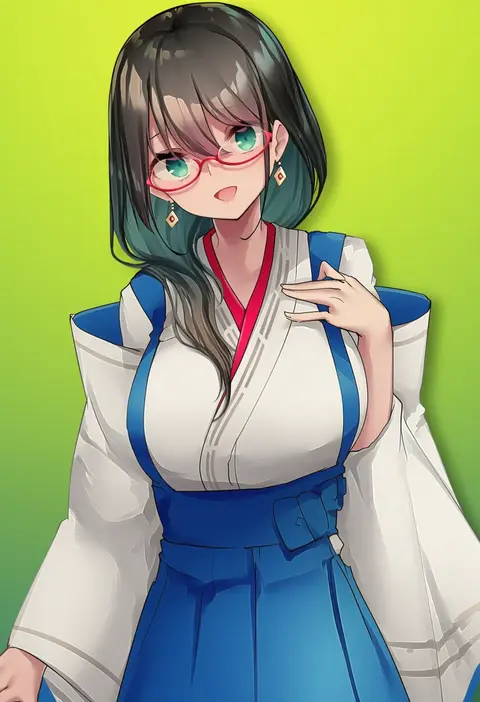
tekuteku (yuuhodou)
ARTIST0x120E
0
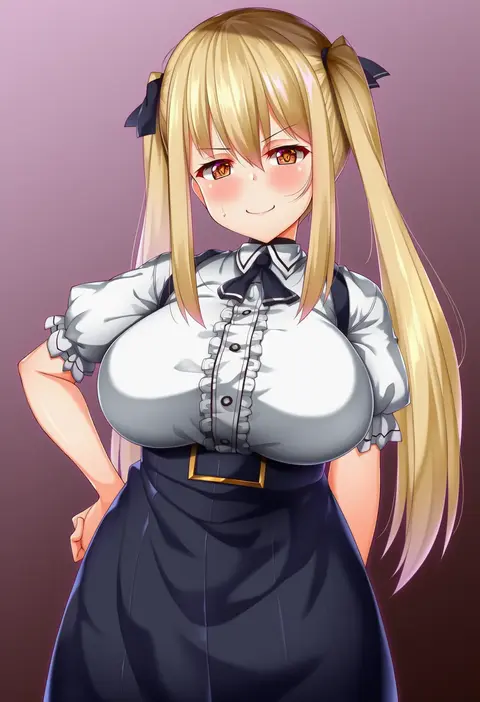
yuuzuki (re'ef)
ARTIST0x120F
0
waira
ARTIST0x1210
0
tesin (7aehyun)
ARTIST0x1211
0
sakuya (liao kj)
ARTIST0x1212
0
mitsumine (ookami no oyashiro)
ARTIST0x1213
0
raberu ruru
ARTIST0x1214
0
deitaku
ARTIST0x1215
0
saitou kakkou
ARTIST0x1216
0
giganticbuddha
ARTIST0x1217
0
nekono rin
ARTIST0x1218
0
lingshalan
ARTIST0x1219
0
azumi akitake
ARTIST0x121A
0
meola
ARTIST0x121B
0
fuwafuwatoufu
ARTIST0x121C
0
motto (night wear)
ARTIST0x121D
0
pong (pong o0)
ARTIST0x121E
0
jajala
ARTIST0x121F
0
iwao (pixiv258710)
ARTIST0x1220
0
wazukani
ARTIST0x1221
0
ryuusei (mark ii)
ARTIST0x1222
0
sesield
ARTIST0x1223
0
puririn
ARTIST0x1224
0
whoopsatro
ARTIST0x1225
0
musyne xsk
ARTIST0x1226
0
dakkalot
ARTIST0x1227
0
aratama (a-tama)
ARTIST0x1228
0
yuunagi (0217)
ARTIST0x1229
0
toku (yhpv8752)
ARTIST0x122A
0
daidai (daidai826)
ARTIST0x122B
0
tenpura (tenpura621)
ARTIST0x122C
0
ayanero taicho
ARTIST0x122D
0
duoyuanjun
ARTIST0x122E
0
tnr (horiko1525)
ARTIST0x122F
0
afukuro
ARTIST0x1230
0
k-rha's
ARTIST0x1231
0
ao madoushi
ARTIST0x1232
0
moruta (sunu-pio)
ARTIST0x1233
0
liking
ARTIST0x1234
0
yukito (dreamrider)
ARTIST0x1235
0
jokanhiyou
ARTIST0x1236
0
chorimokki
ARTIST0x1237
0
osisio
ARTIST0x1238
0
kuragari
ARTIST0x1239
0
vashperado
ARTIST0x123A
0
shimure (460)
ARTIST0x123B
0
wawamachi
ARTIST0x123C
0
gouguru
ARTIST0x123D
0
ariko youichi
ARTIST0x123E
0
okuma707
ARTIST0x123F
0
renzu (lens 02)
ARTIST0x1240
0
zarory
ARTIST0x1241
0
physisyoon
ARTIST0x1242
0
calin
ARTIST0x1243
0
amane ruri
ARTIST0x1244
0
usatarou
ARTIST0x1245
0
rougetsu (eclipse)
ARTIST0x1246
0
haryuu (poetto)
ARTIST0x1247
0

What these tags change

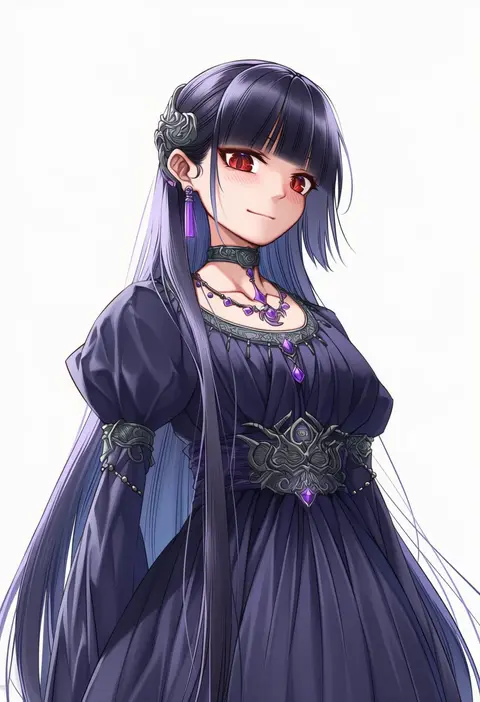
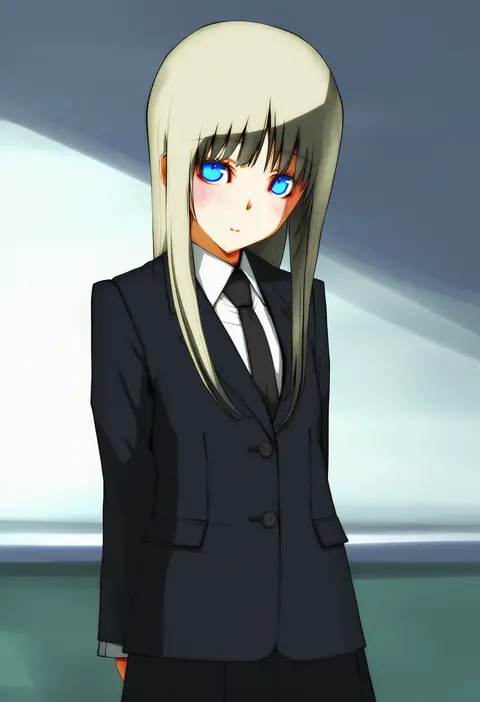
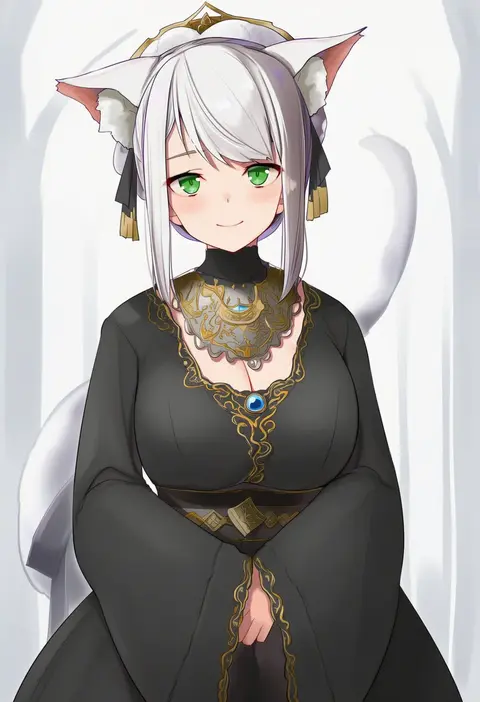
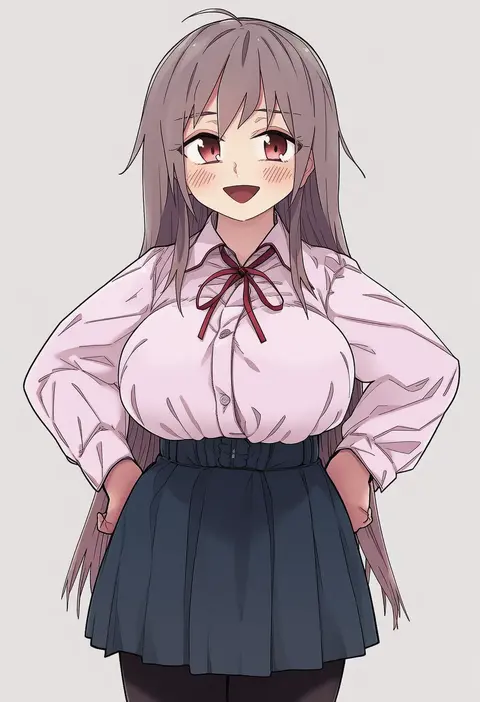
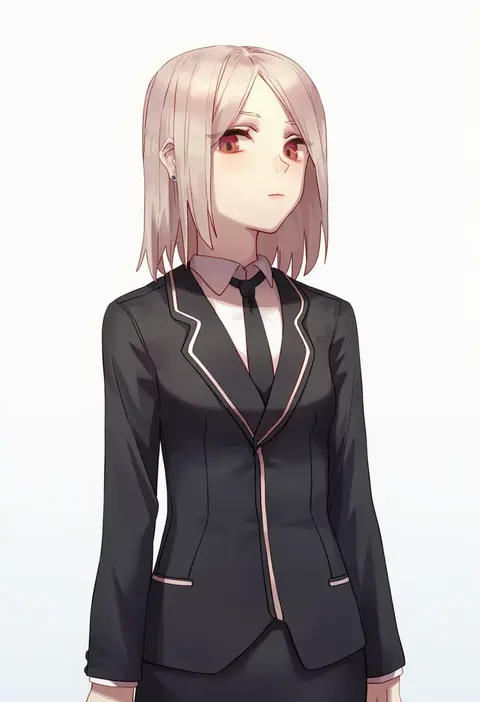
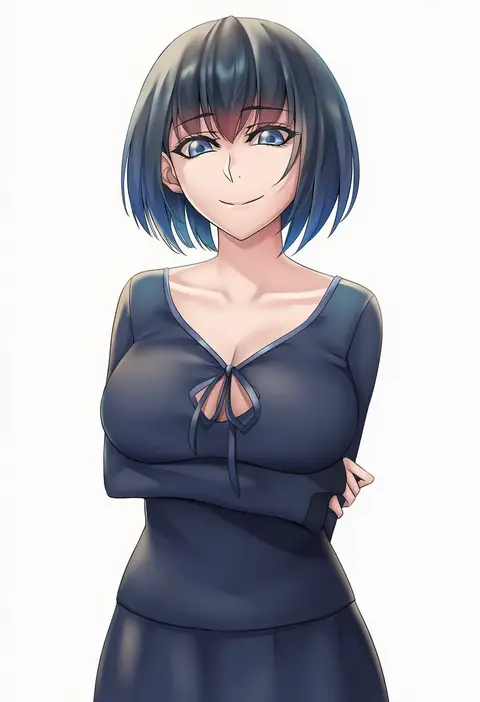
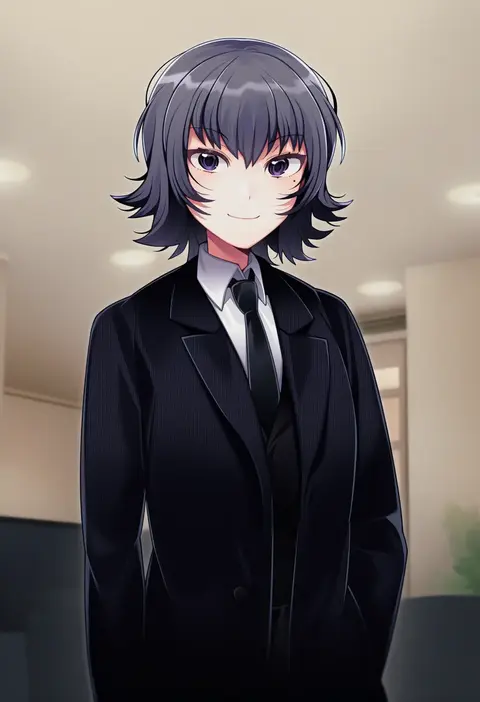
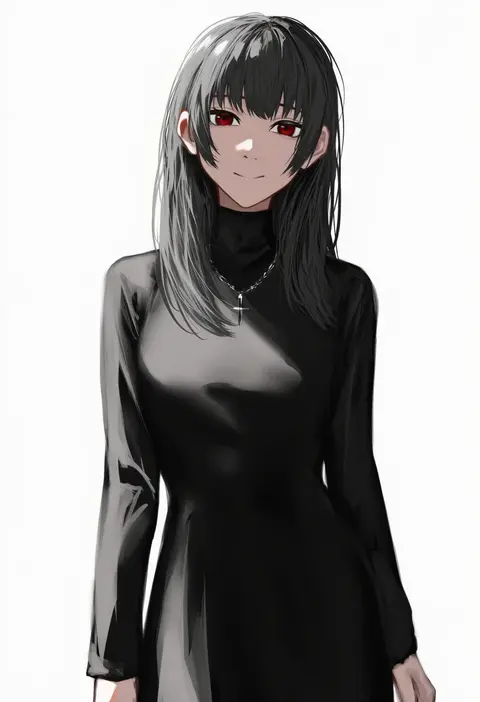
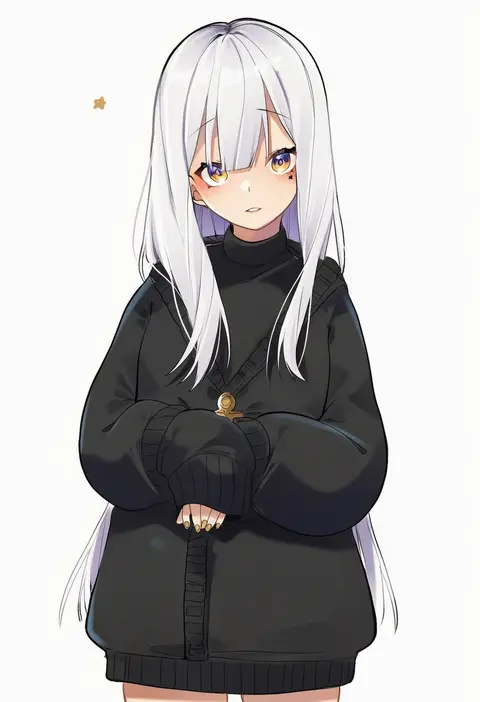
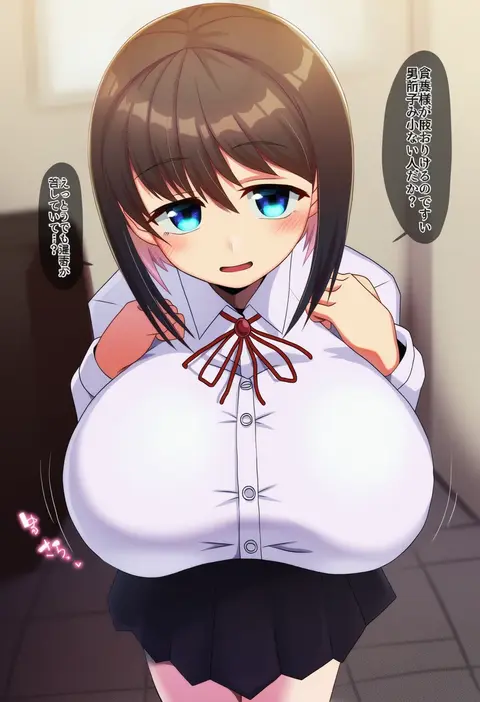
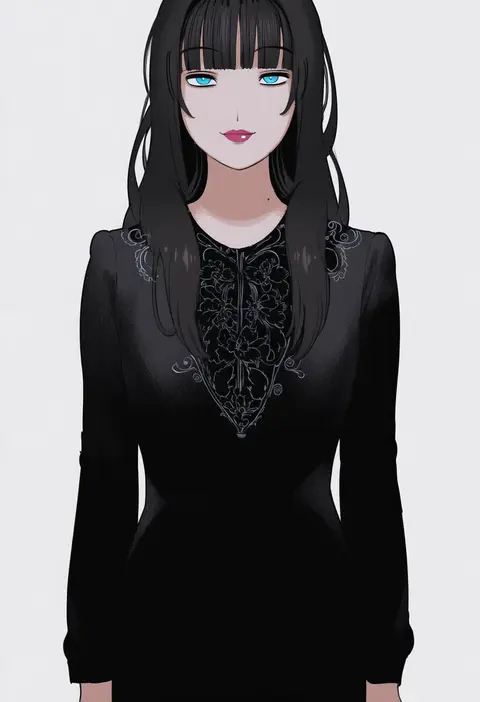
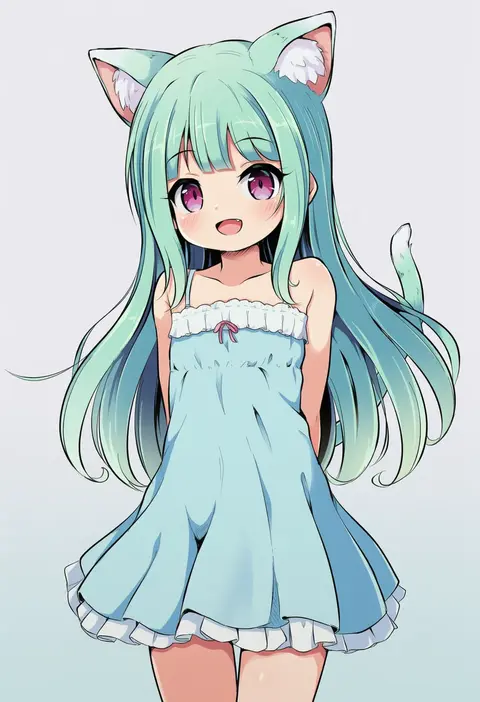
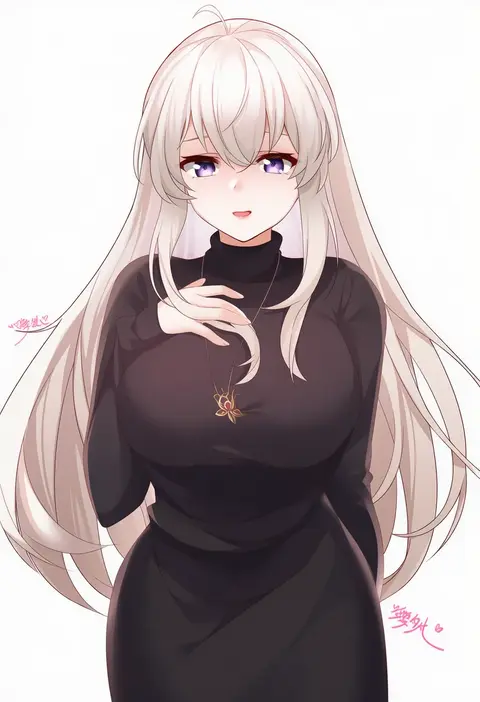
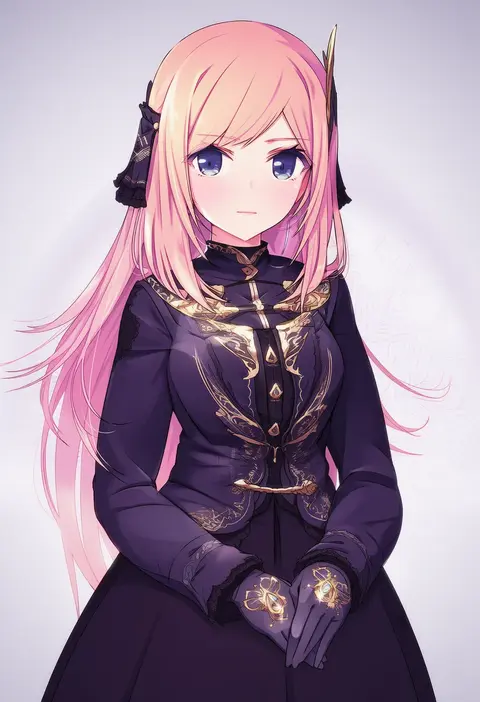
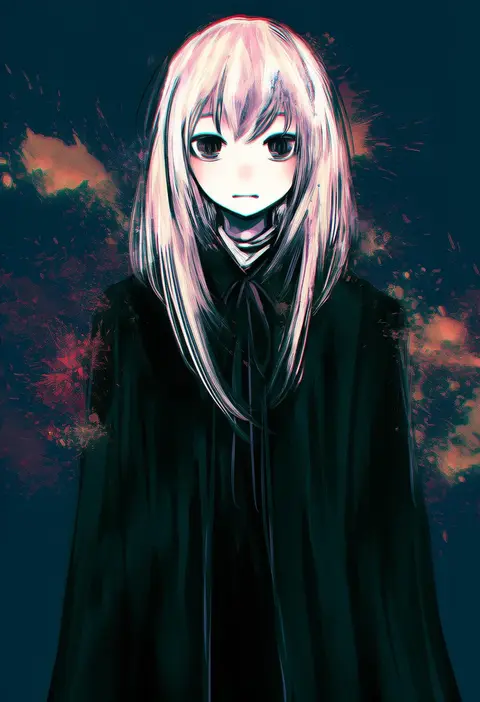
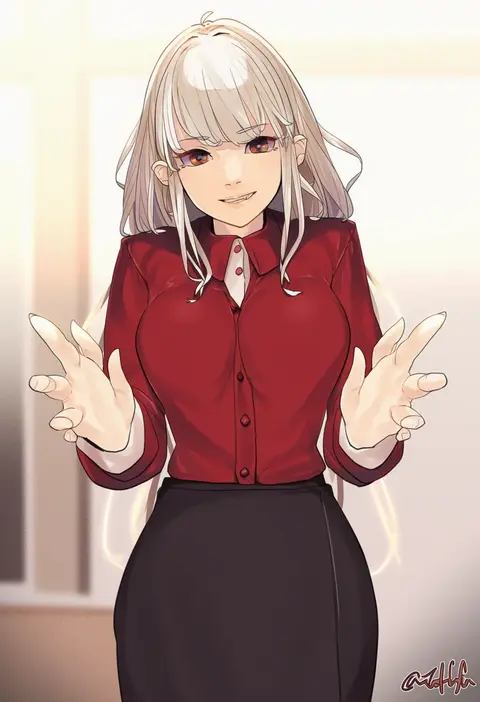
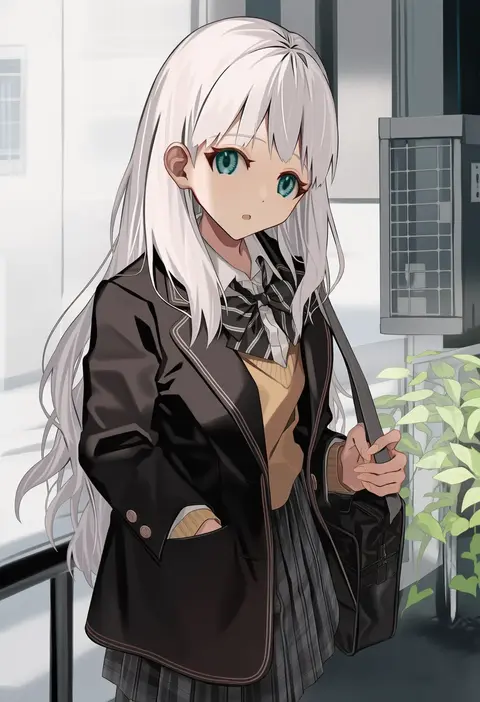
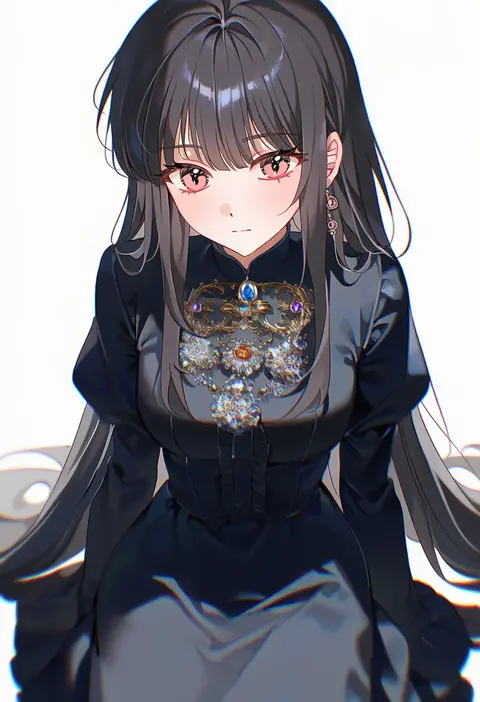
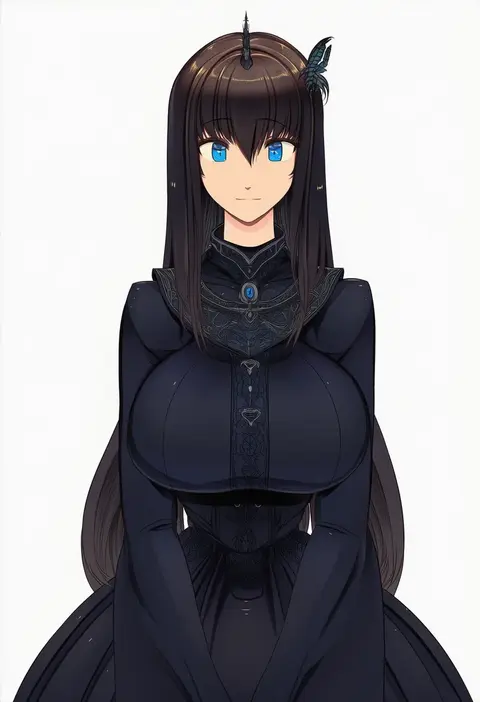
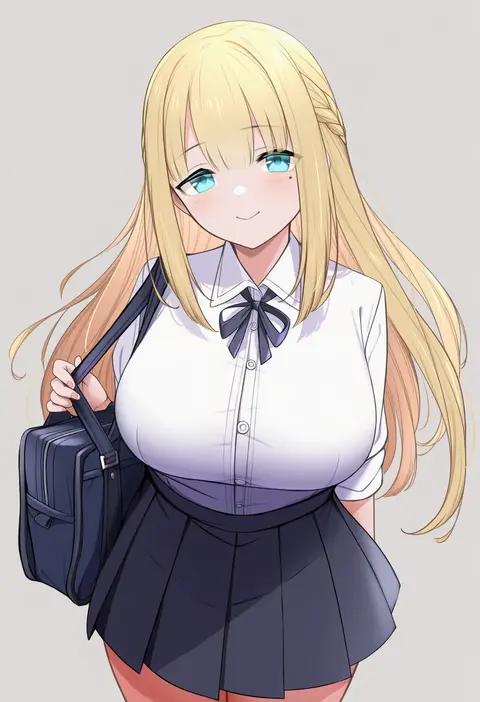
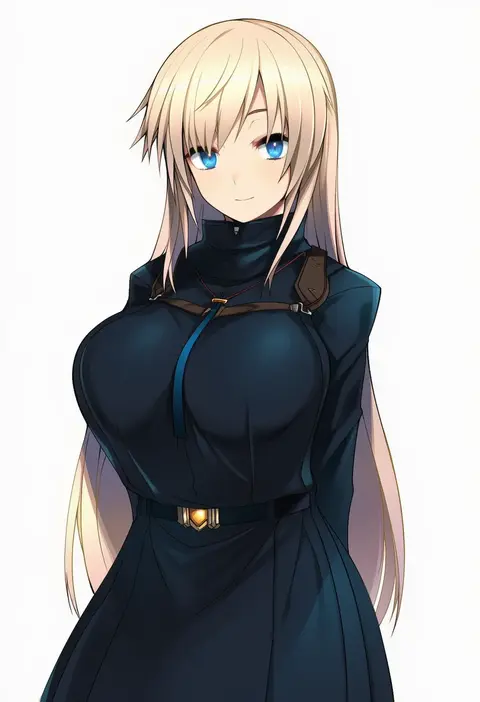
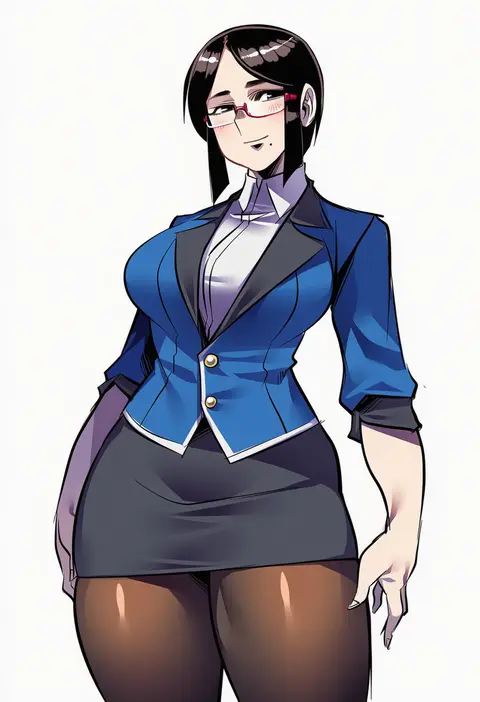
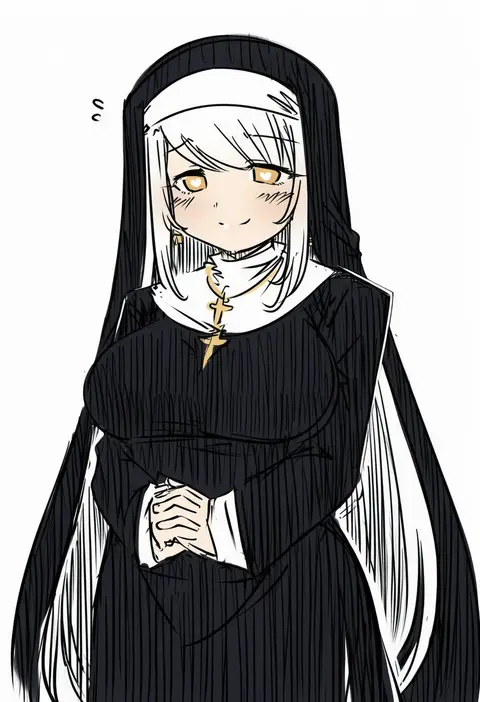
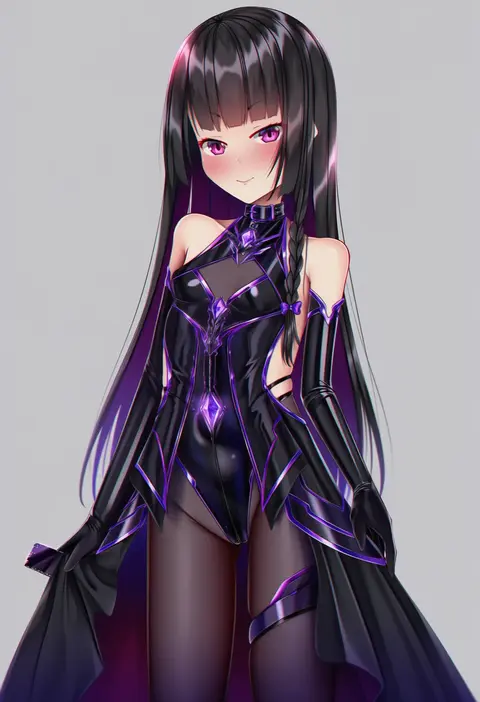
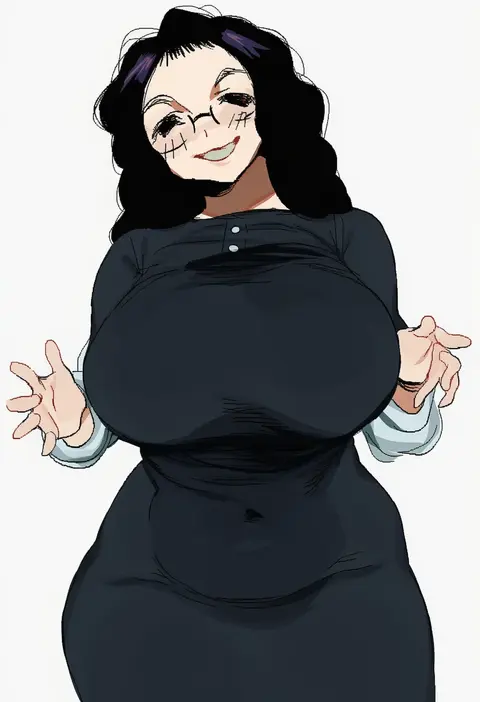
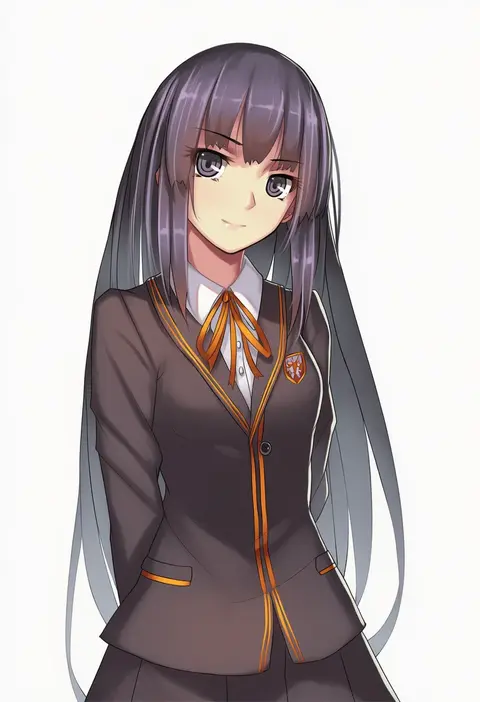
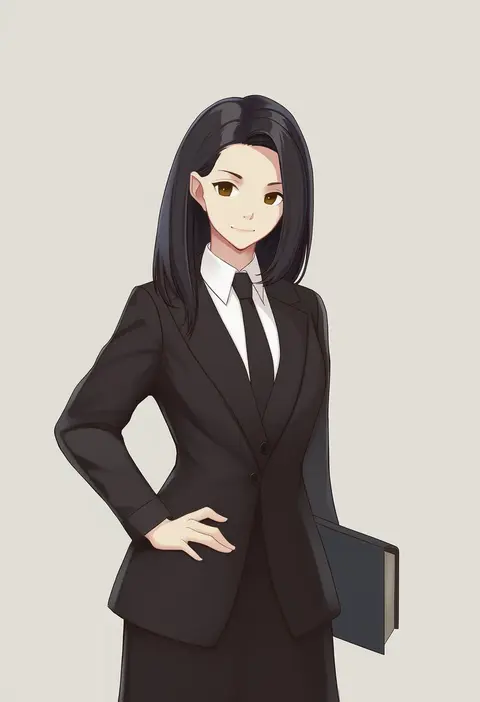
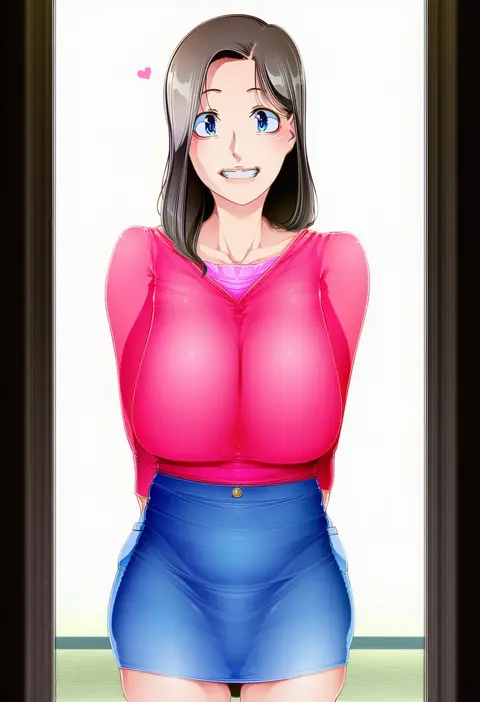
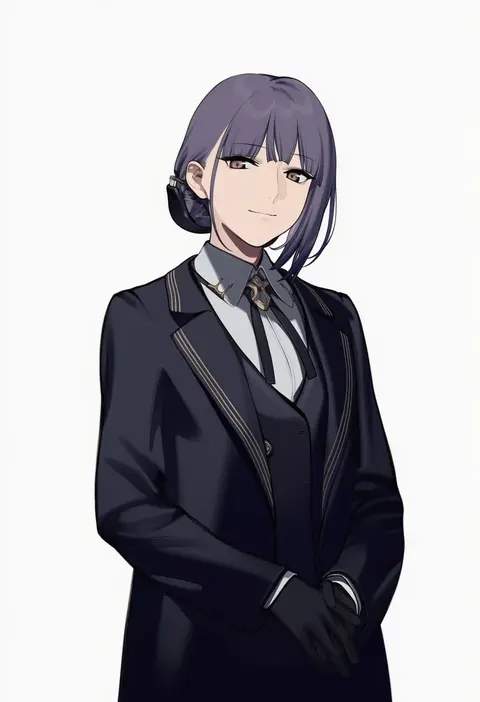
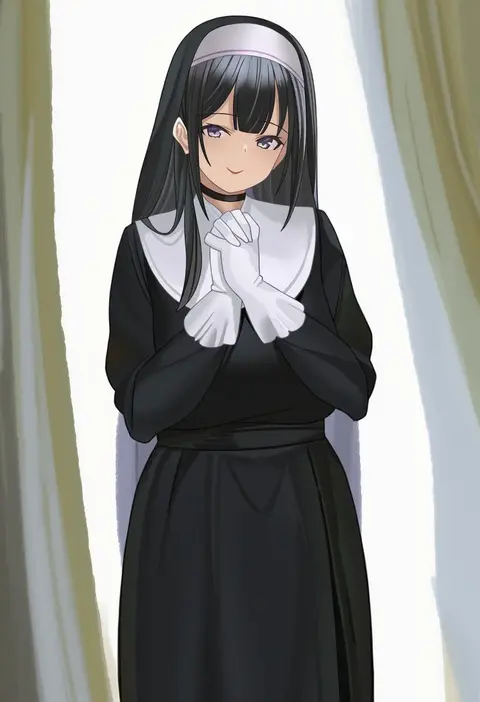
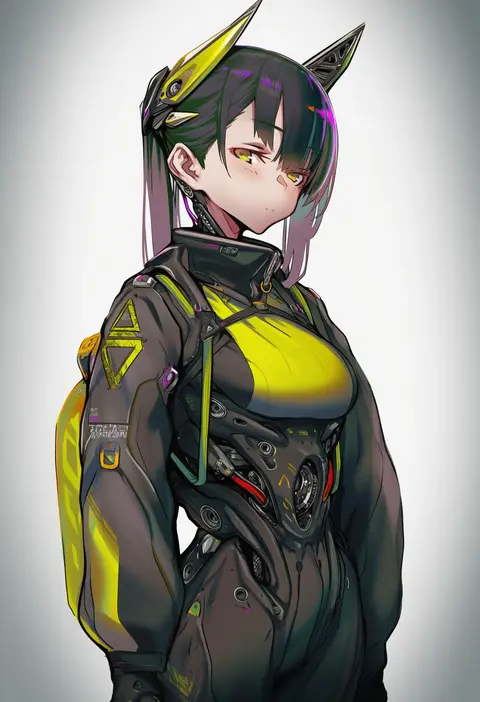
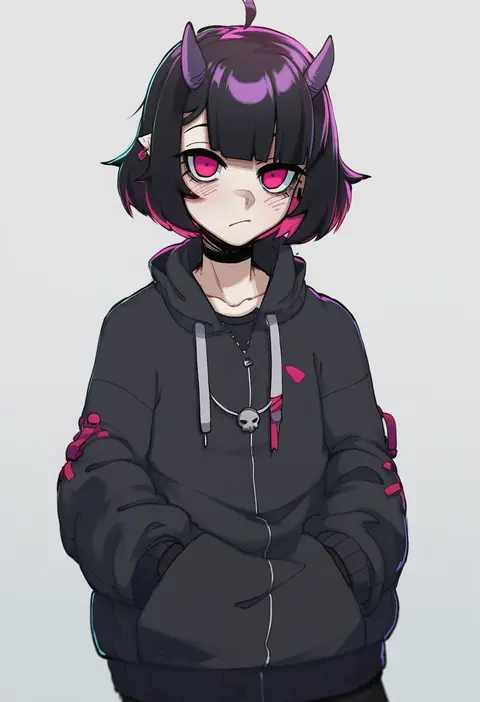
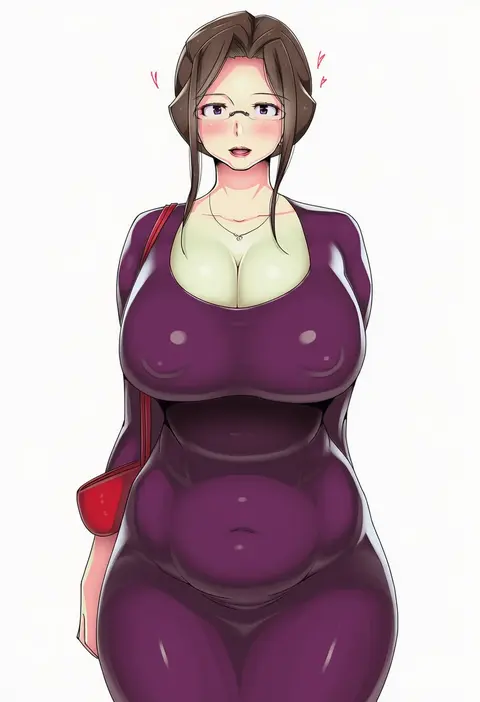
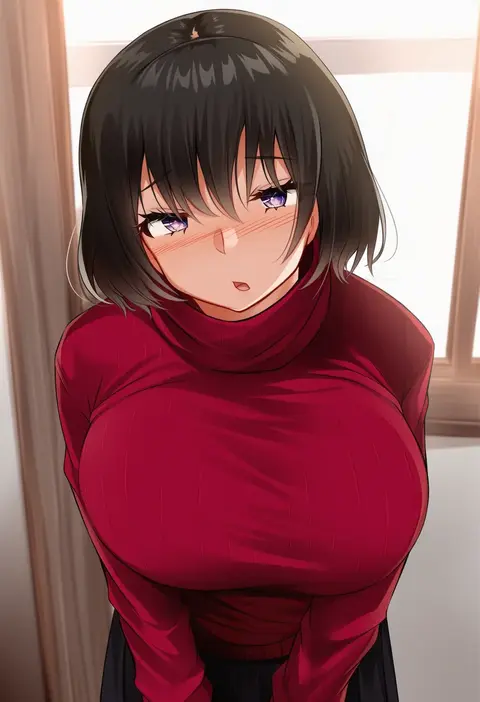
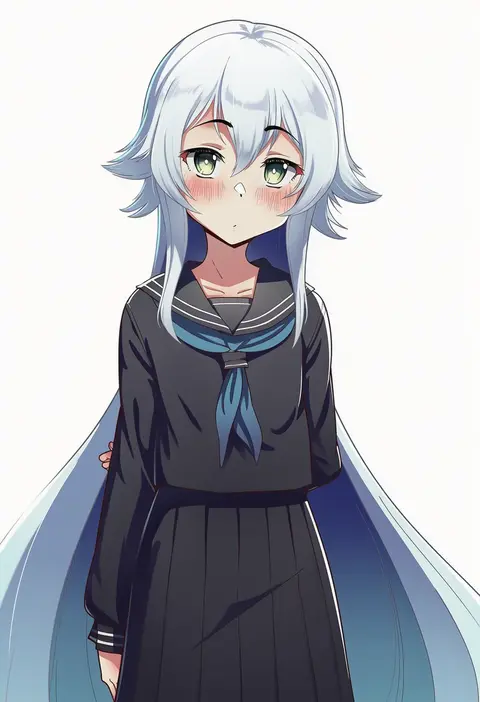
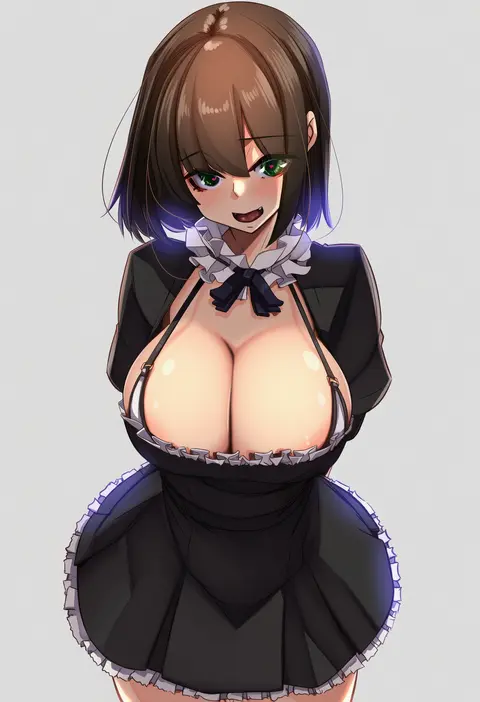
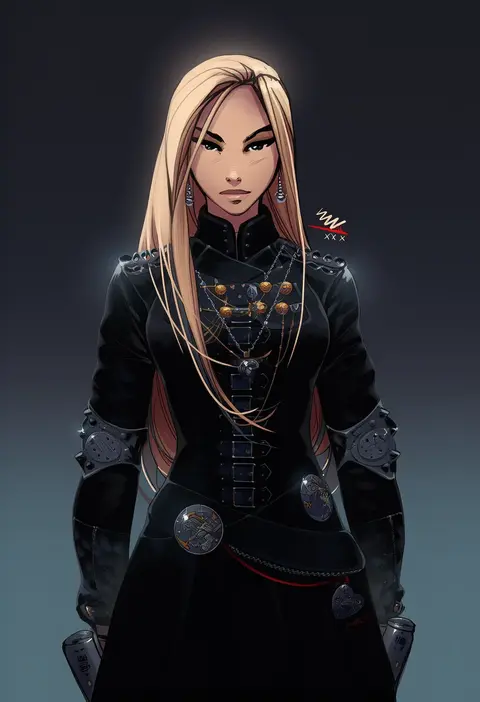
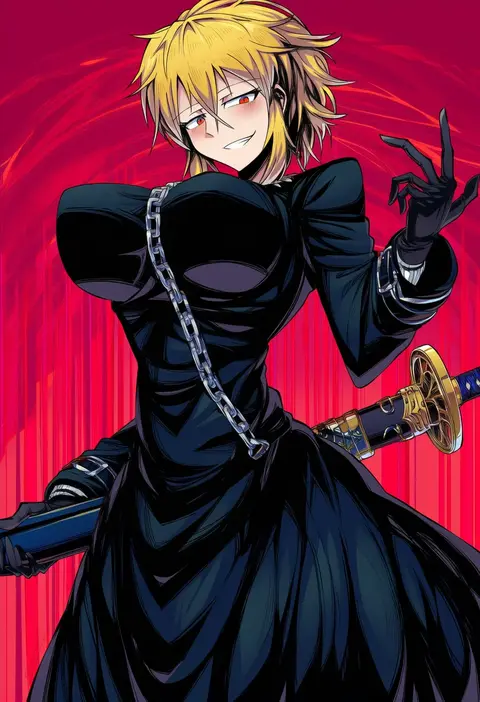
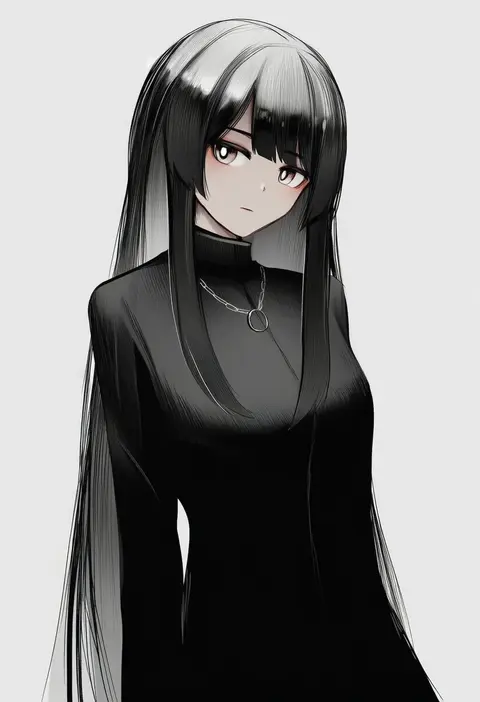
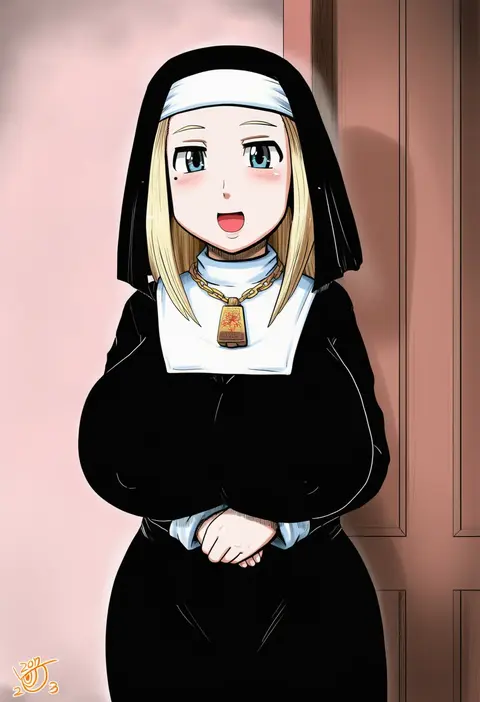
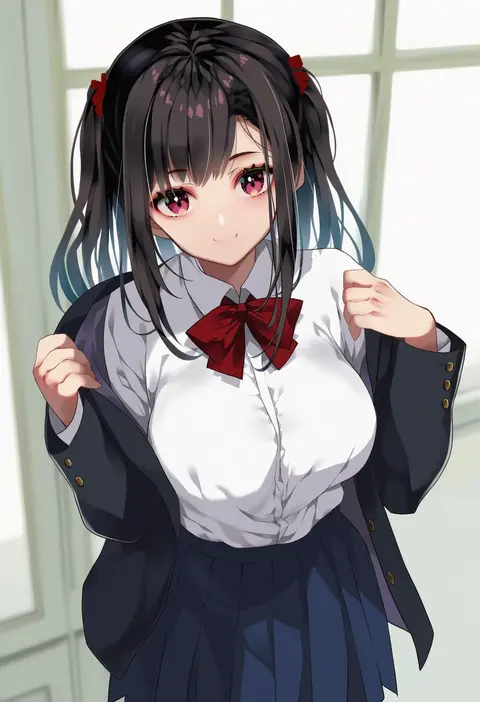
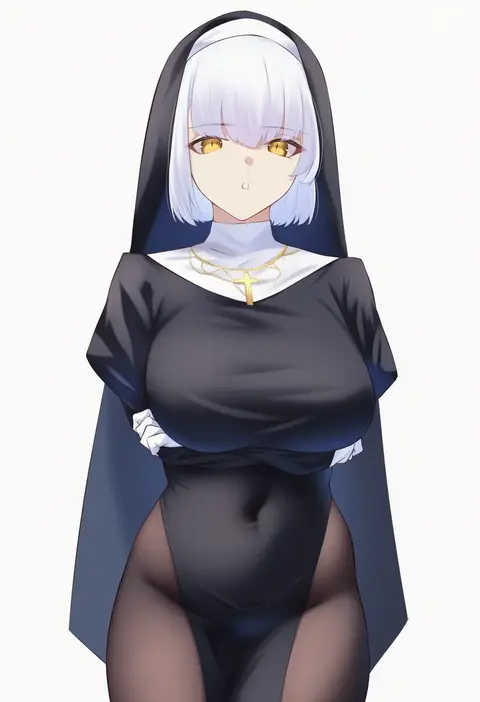
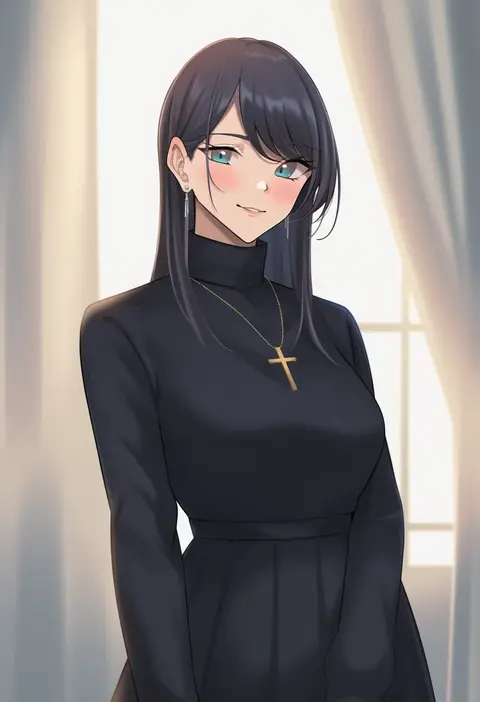
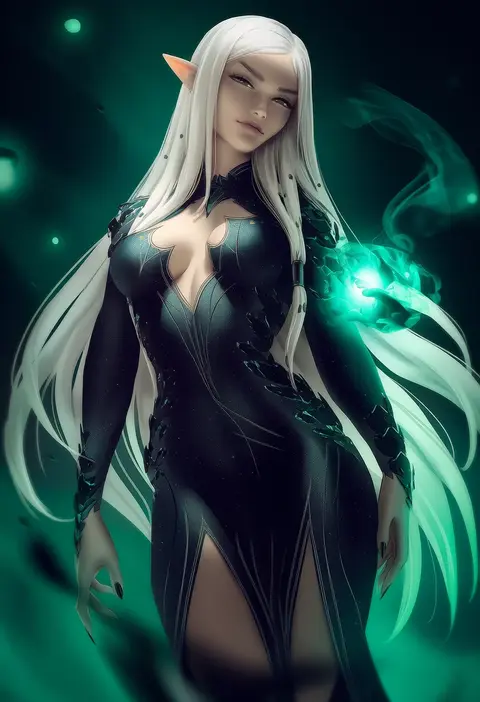
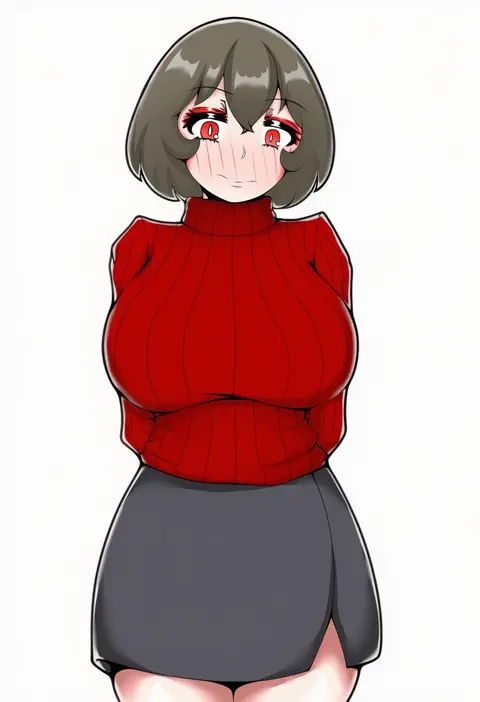
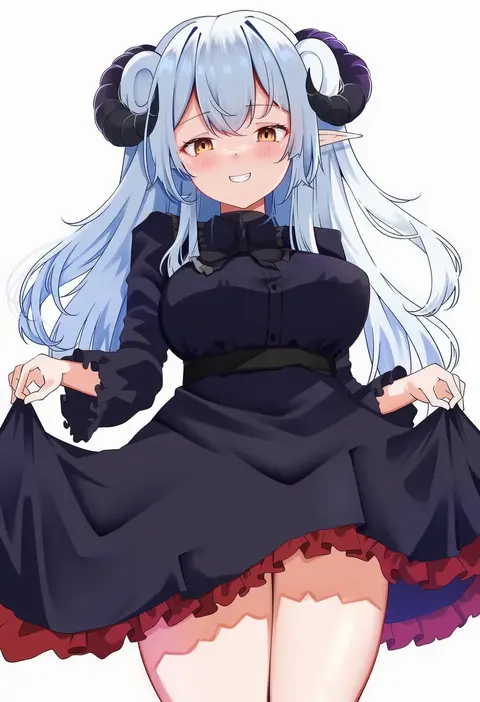
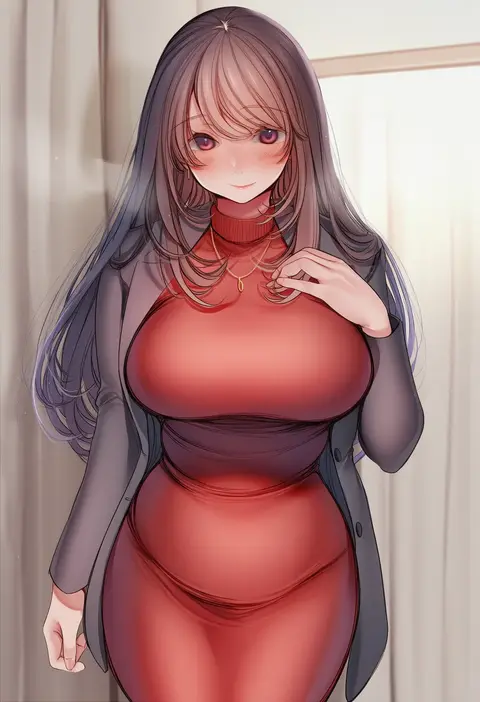
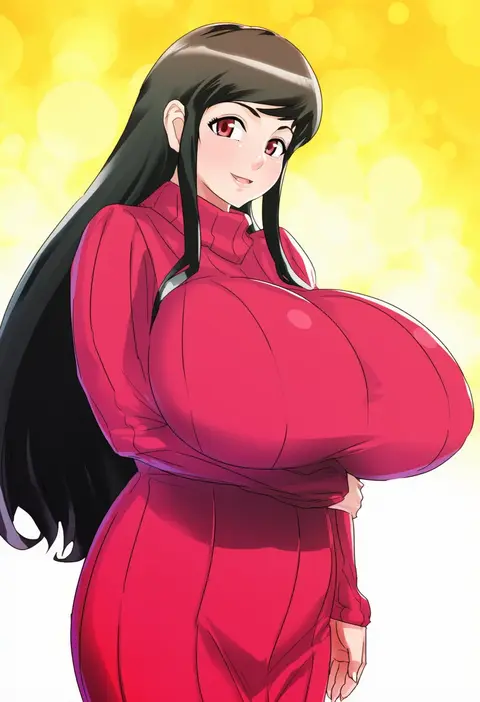
Artist tags tell NovelAI Diffusion to draw in a specific artist's style: line weight, paint texture, face shapes and palette all shift at once. Character and outfit tags decide what is drawn; artist tags decide how. 16,352 tags are listed for V4.5.
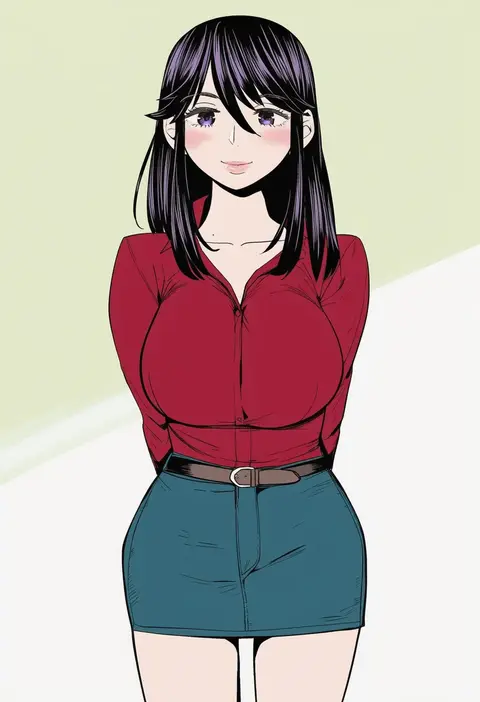
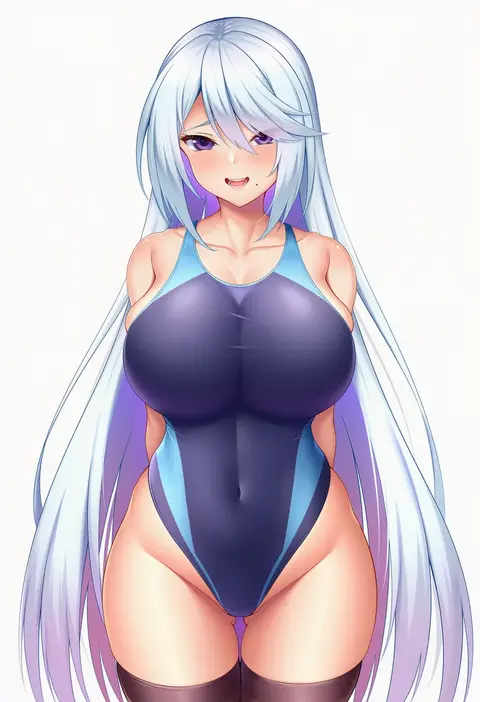
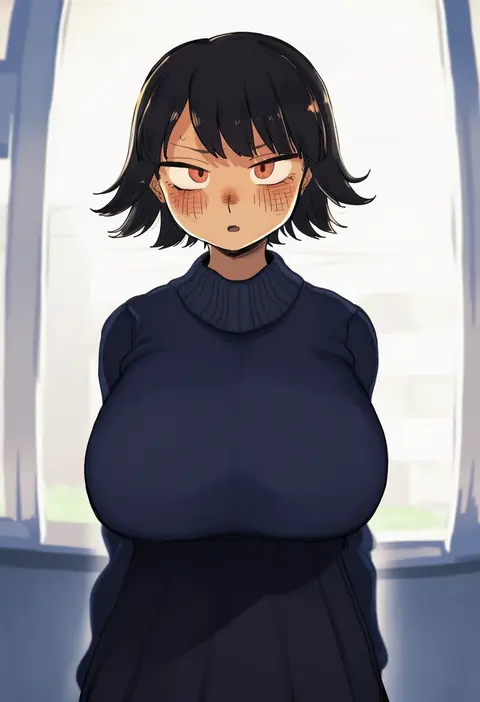
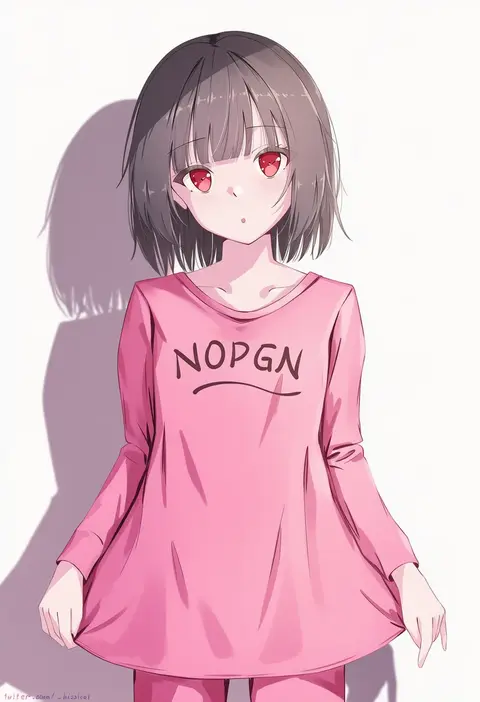
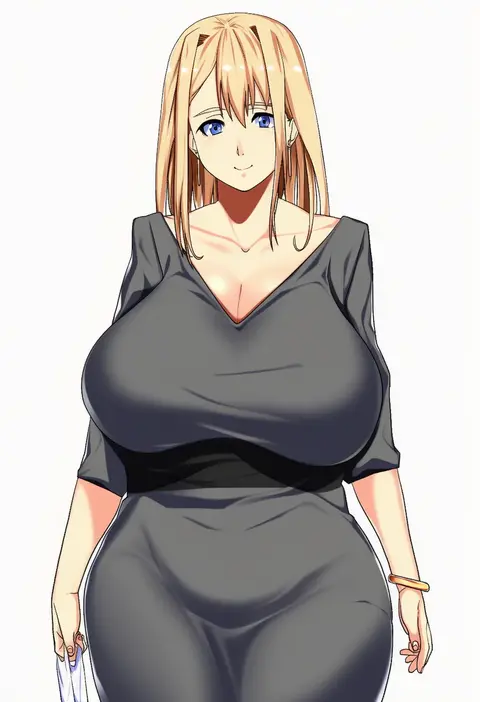
Every tag listed here is verified to react in NovelAI. All images use the same prompt, seed and settings with only the artist tag swapped, so the difference between two images is the style that tag brings in.

How to use them

Put the artist tag near the front of the prompt, e.g. "<artist>, 1girl, solo, best quality, masterpiece, cowboy shot". Two or three artist tags blend styles; lower the weight with "0.8::<artist>::" when the style overpowers the character.

SCORE sorts by Danbooru's top score, POSTS by post count, FAVS by hearts on this site. Open a card to see V5 and V4.5 side by side on the same seed.

V5 vs V4.5

V5 usually lands closer to the artist's real style, and tags that did nothing on V4.5 often react on V5. V4.5 still fits older and doujin-heavy artists better. Try V5 first, fall back to V4.5.

FAQ

Where does the artist tag go?
Near the front of the prompt. Use "0.8::tag::" to adjust its weight.

Can I stack artist tags?
Yes, styles blend. Past two or three the result stops looking like anyone.

Are these the artists' own works?
No. Every image is a NovelAI sample generated from the tag.