V4.5Artists
sort: FAVS▾
▾
>
$

Popular NovelAI artist tags — V4.5

artist --count 16,352[81/273]
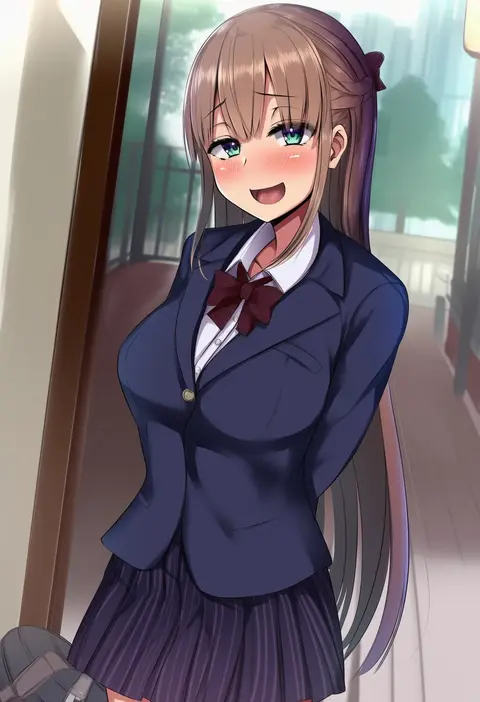
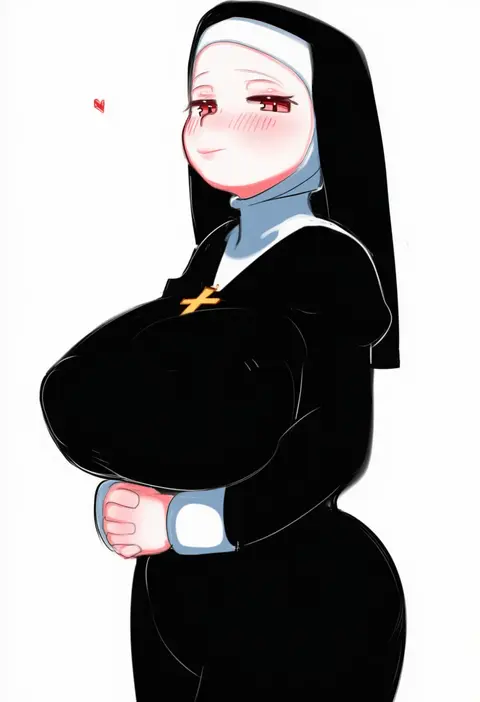
akiamare
ARTIST0x12C0
0
uminotacos
ARTIST0x12C1
0
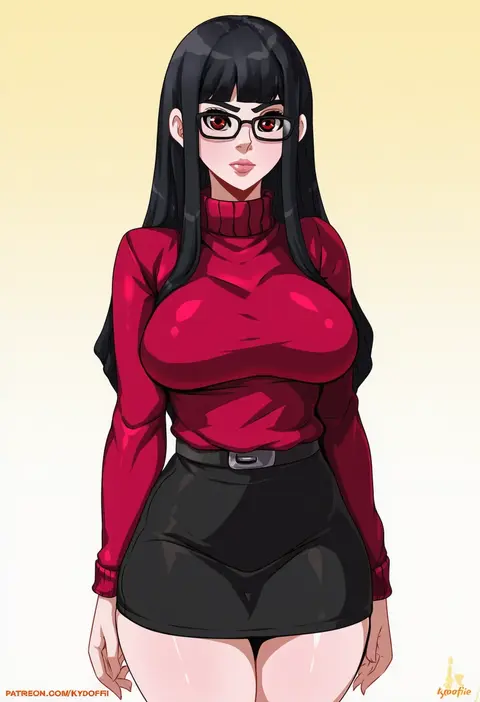
kyoffie
ARTIST0x12C2
0
miho (mymiho)
ARTIST0x12C3
0
dr.p
ARTIST0x12C4
0
sempon (doppio note)
ARTIST0x12C5
0
haori io
ARTIST0x12C6
0
rustle
ARTIST0x12C7
0
gin (ginshari)
ARTIST0x12C8
0
mephisto (angraecum)
ARTIST0x12C9
0
zeatto
ARTIST0x12CA
0
morita kazuaki
ARTIST0x12CB
0
shachoo.
ARTIST0x12CC
0
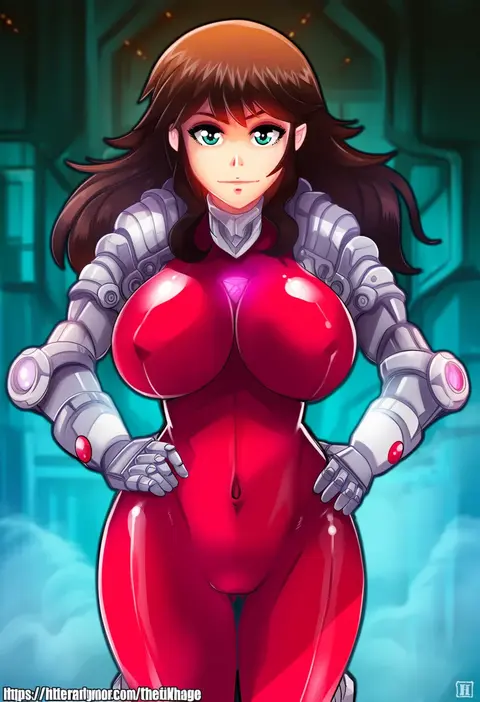
hmage
ARTIST0x12CD
0
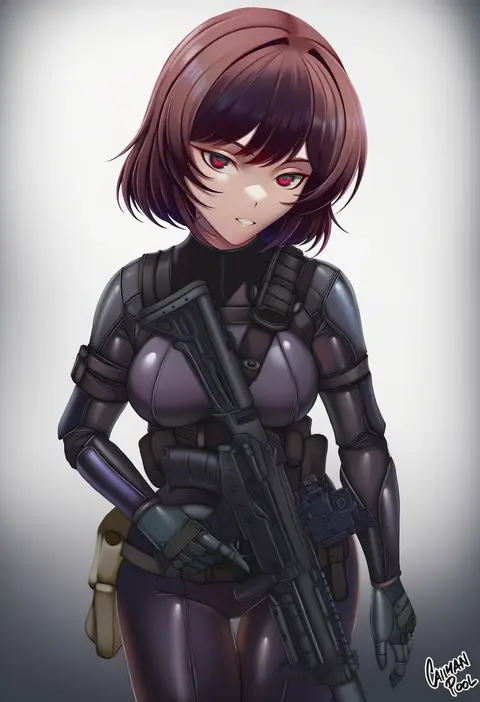
caiman pool
ARTIST0x12CE
0
era (erasion)
ARTIST0x12CF
0
zarashi
ARTIST0x12D0
0
itano chiharu
ARTIST0x12D1
0
greenteaneko
ARTIST0x12D2
0
kimura takahiro
ARTIST0x12D3
0
akabane (zebrasmise)
ARTIST0x12D4
0
formicid
ARTIST0x12D5
0
hsuliherng
ARTIST0x12D6
0
silver bell
ARTIST0x12D7
0
uzura kazuhisa
ARTIST0x12D8
0
inui nakiru
ARTIST0x12D9
0
jmao
ARTIST0x12DA
0
sysen
ARTIST0x12DB
0
hario 4
ARTIST0x12DC
0
ibuki notsu
ARTIST0x12DD
0
noto kurumi
ARTIST0x12DE
0
abbystea
ARTIST0x12DF
0
takeda aranobu
ARTIST0x12E0
0
citemer
ARTIST0x12E1
0
anizi
ARTIST0x12E2
0
da-cart
ARTIST0x12E3
0
minato fumi
ARTIST0x12E4
0
ai dongdong
ARTIST0x12E5
0
an2a
ARTIST0x12E6
0
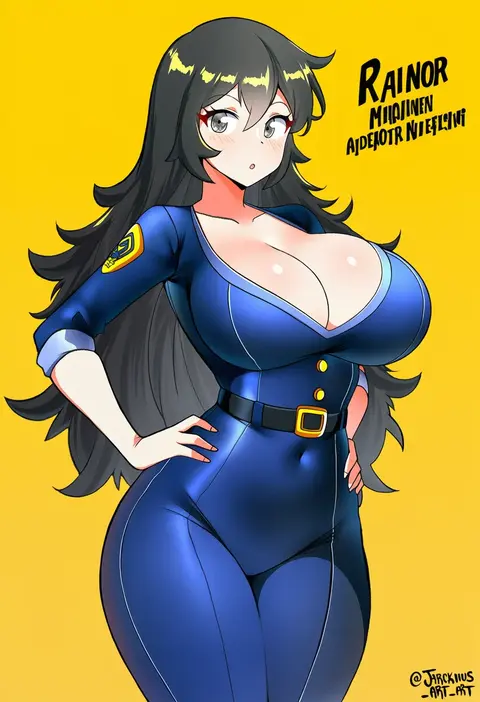
jarckius
ARTIST0x12E7
0
mayusaki yuu
ARTIST0x12E8
0
lobsteranian
ARTIST0x12E9
0
mochi (circle rin)
ARTIST0x12EA
0
kisuu
ARTIST0x12EB
0
daniel deng
ARTIST0x12EC
0
flarefox
ARTIST0x12ED
0
p-nekoe
ARTIST0x12EE
0
bushinofuji
ARTIST0x12EF
0
kusanagi tonbo
ARTIST0x12F0
0
gabriel evangel
ARTIST0x12F1
0
kikurage (crayon arts)
ARTIST0x12F2
0
hirai yuzuki
ARTIST0x12F3
0
arcie albano
ARTIST0x12F4
0
shiromako
ARTIST0x12F5
0
greco roman (spiral brain)
ARTIST0x12F6
0
seri (vyrlw)
ARTIST0x12F7
0
lolikaku
ARTIST0x12F8
0
mrdotd
ARTIST0x12F9
0
tojo aoi
ARTIST0x12FA
0
uouokuma
ARTIST0x12FB
0

What these tags change

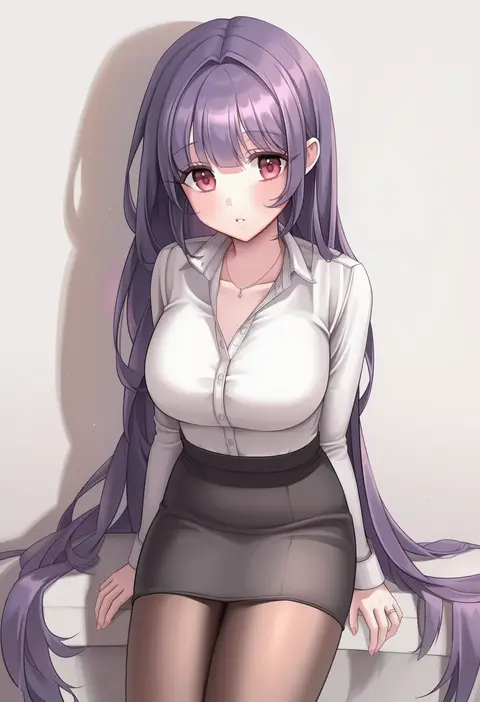
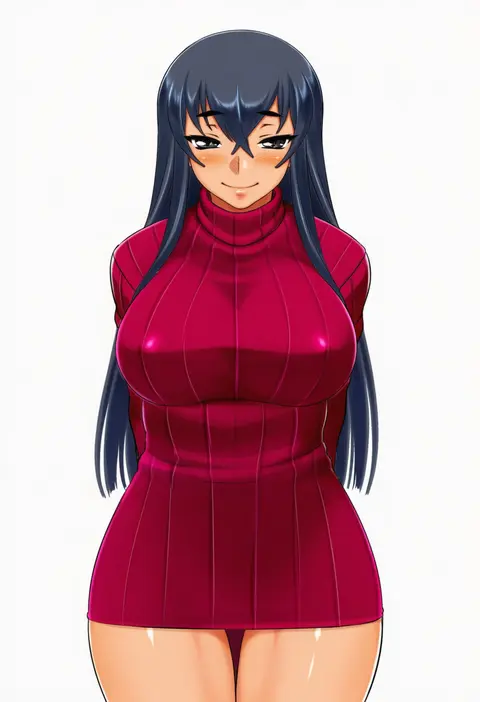
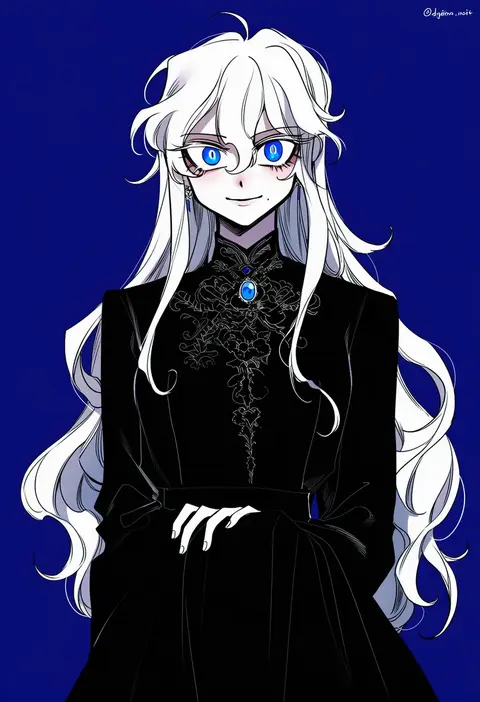
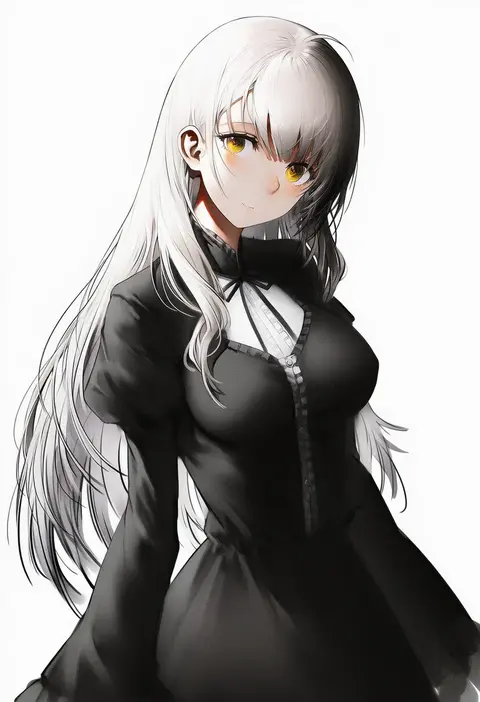
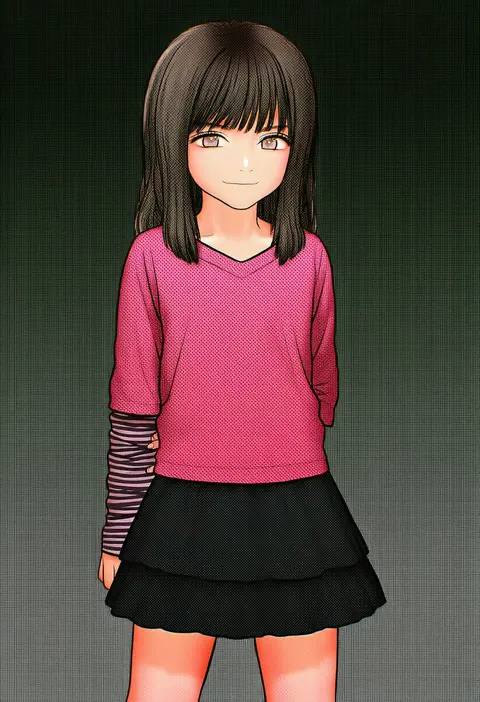
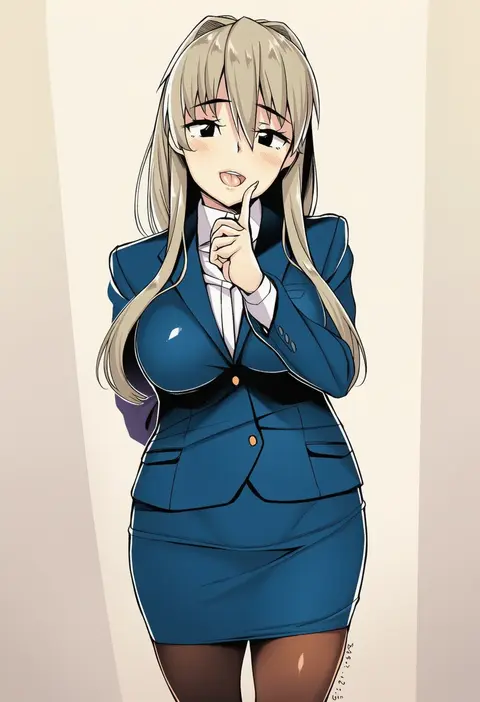
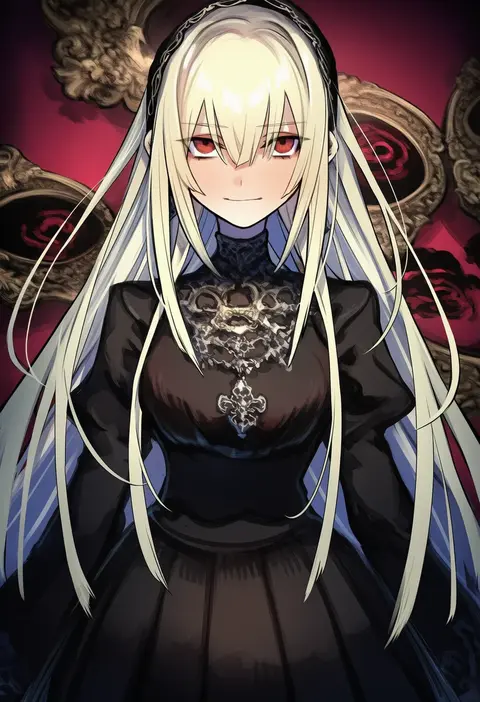
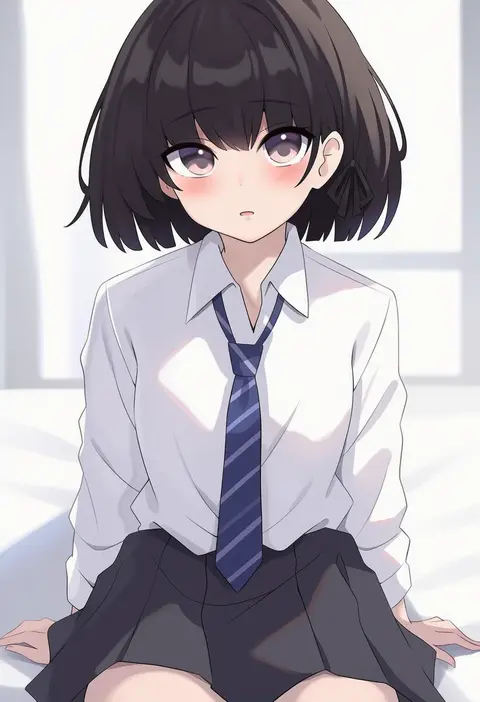
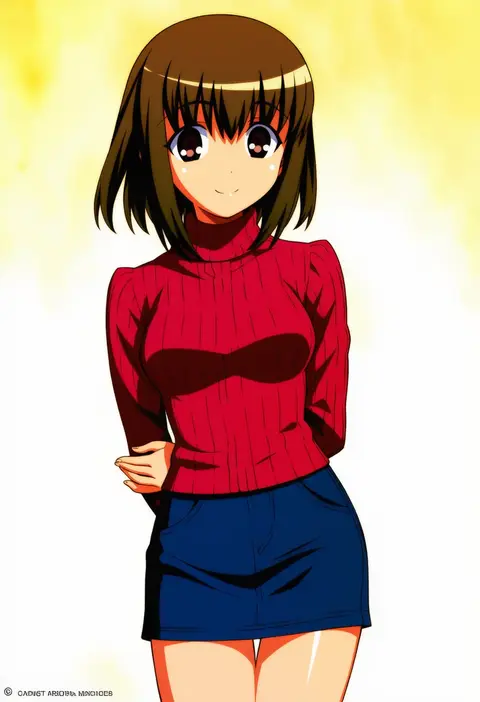
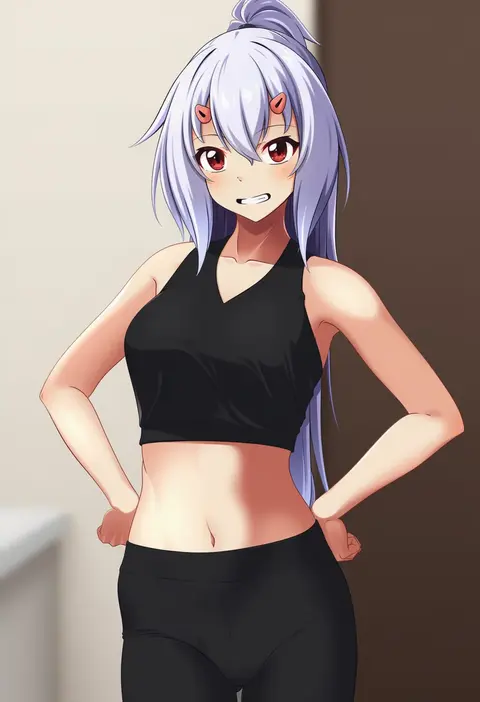
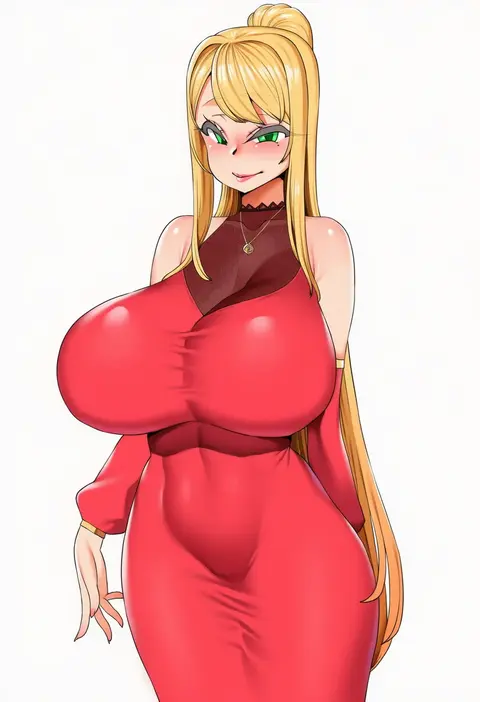
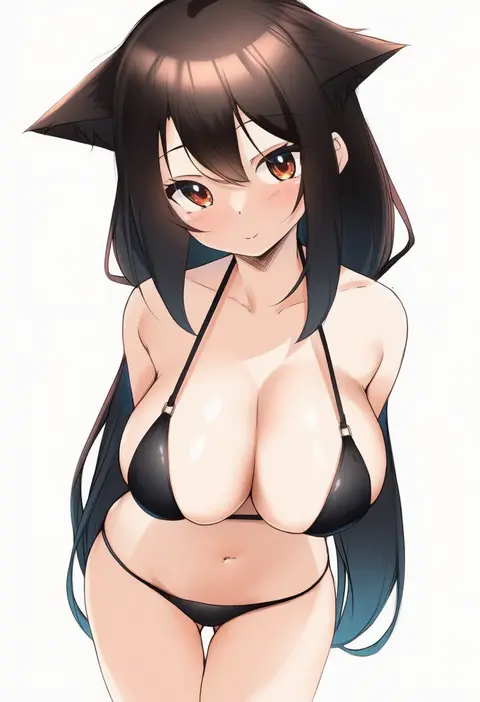
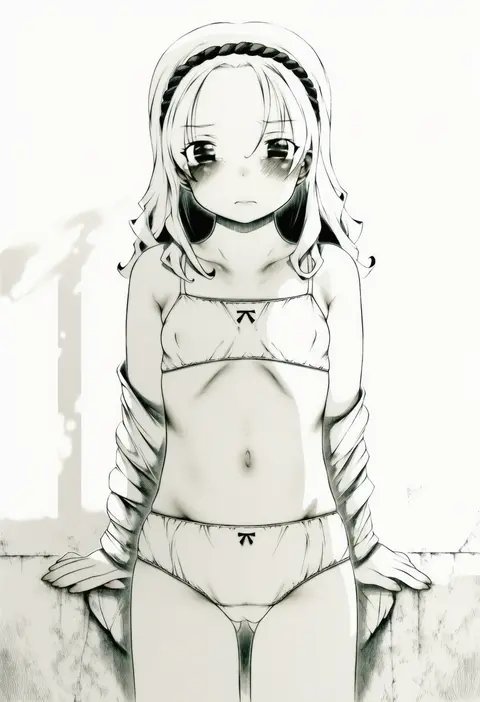
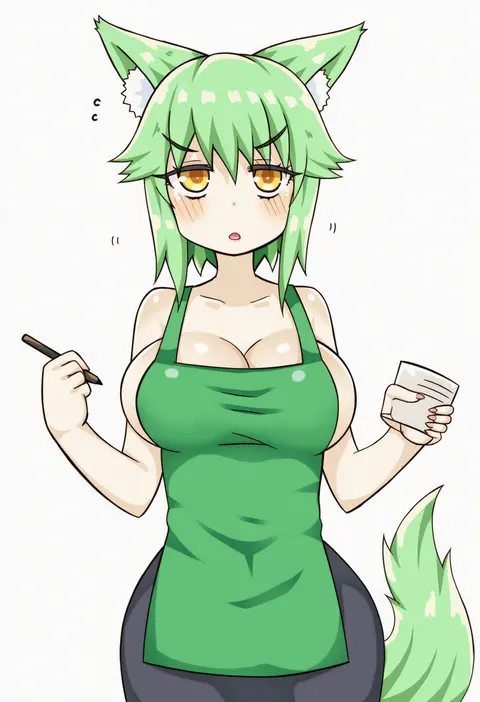
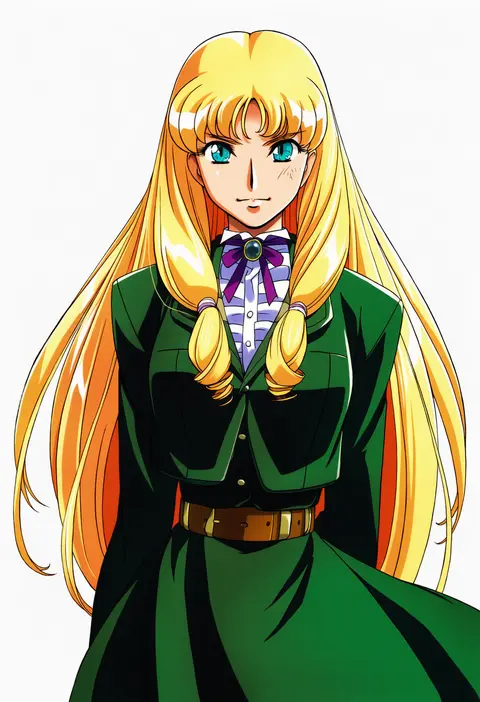
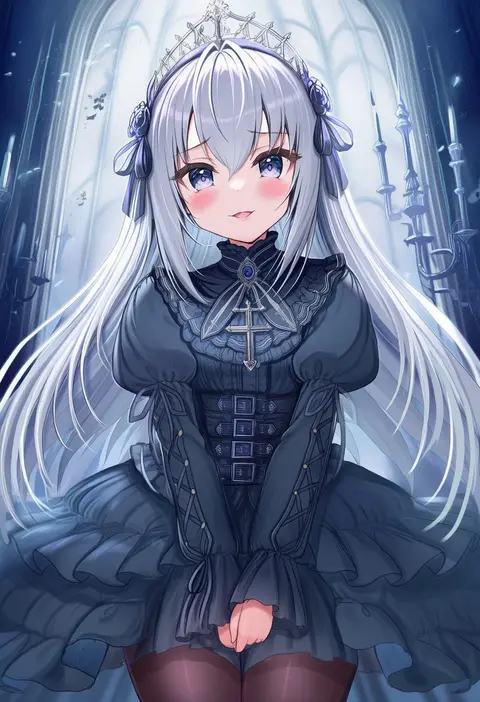
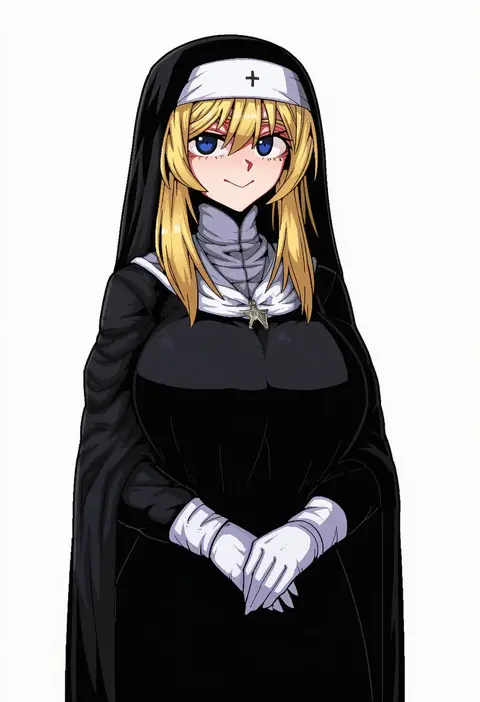
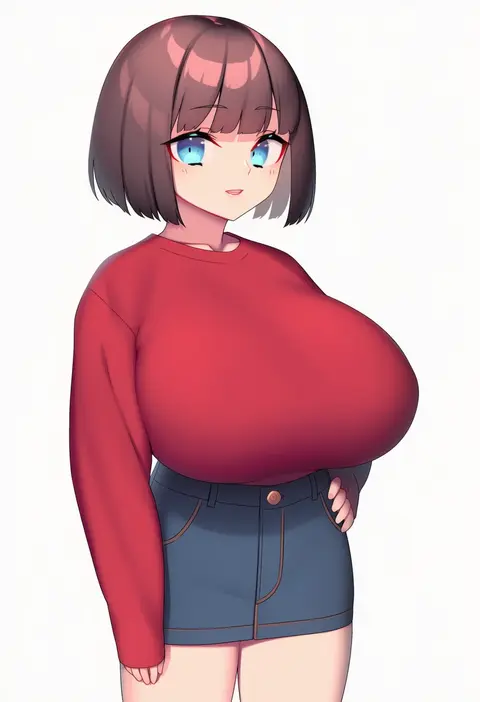
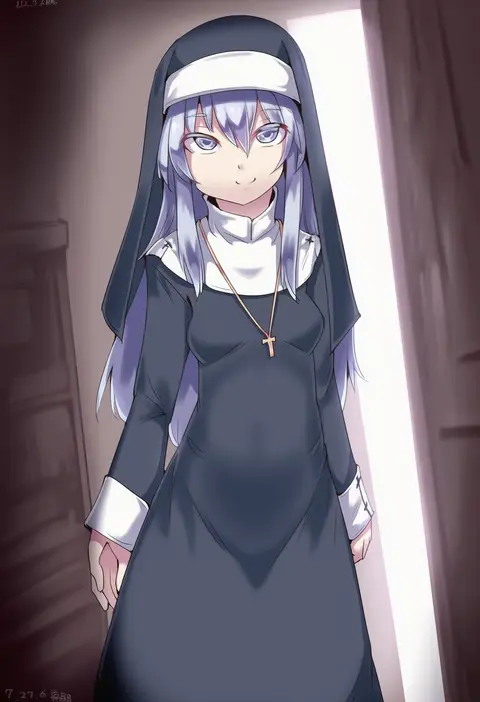
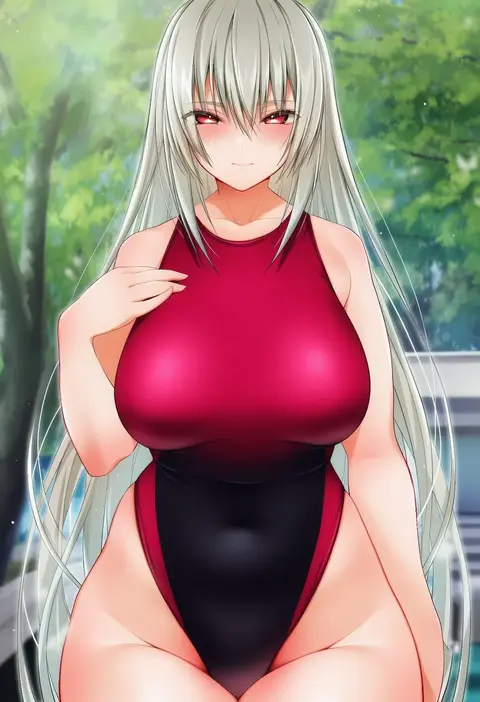
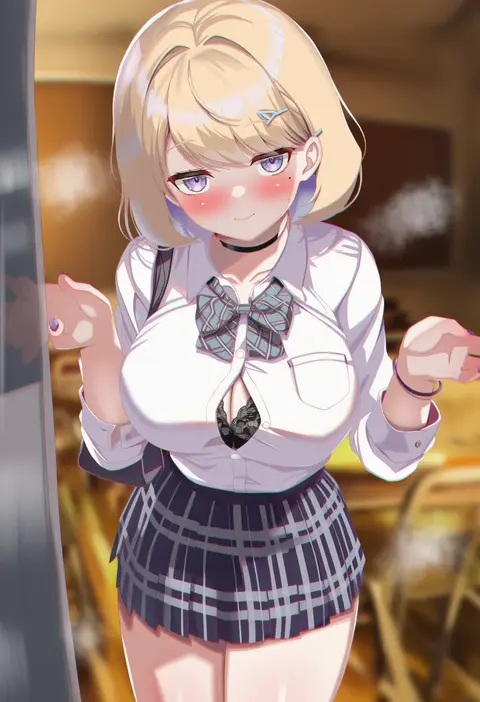
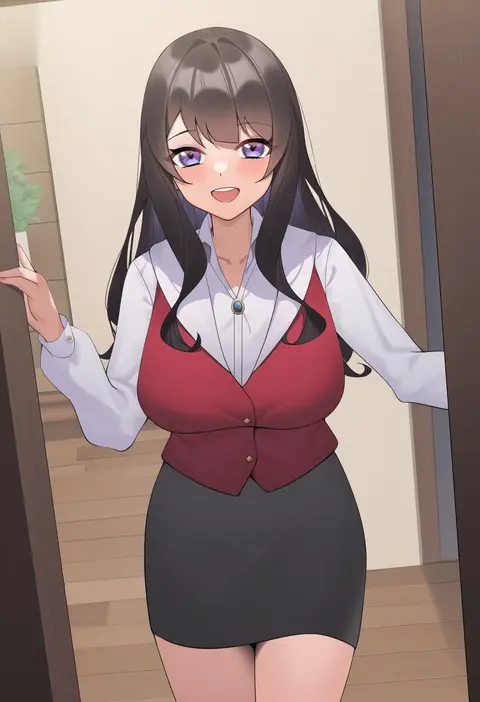
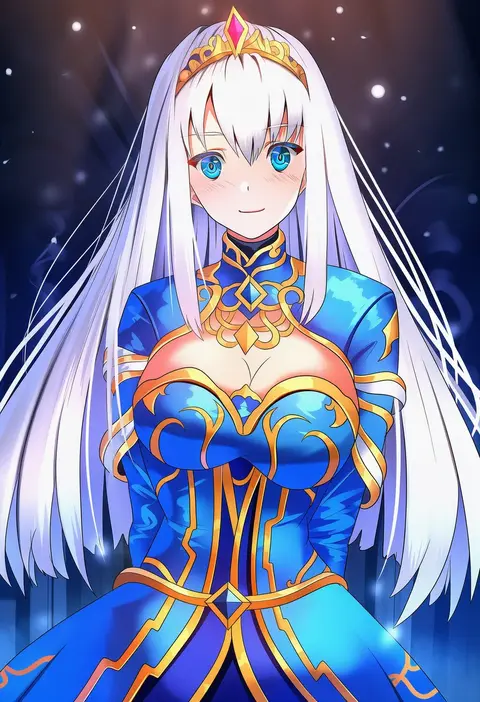
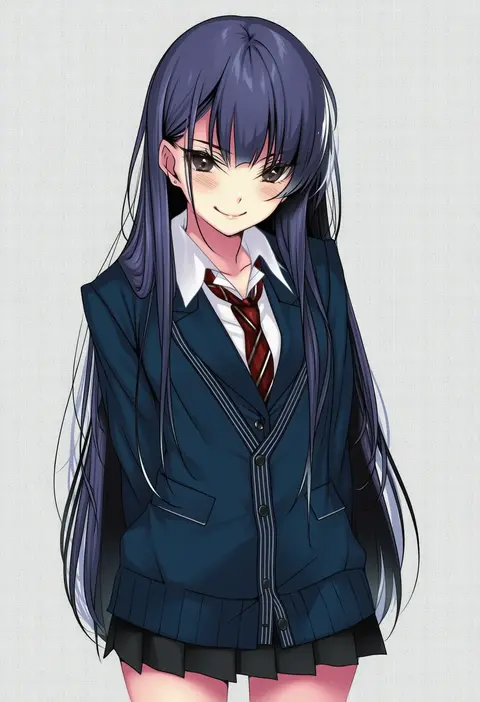
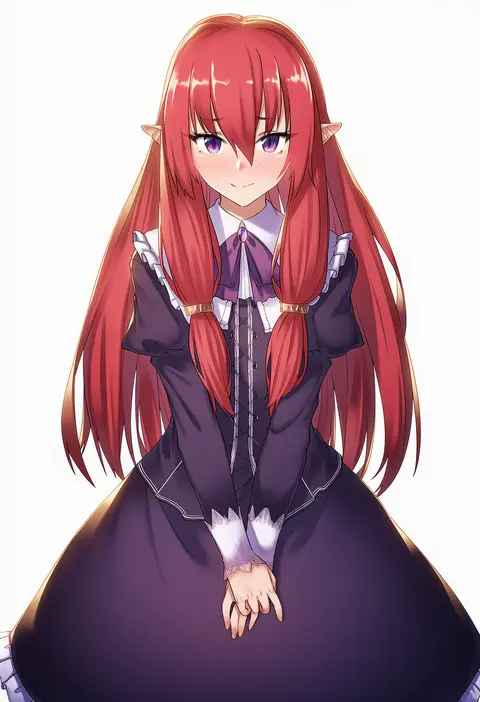
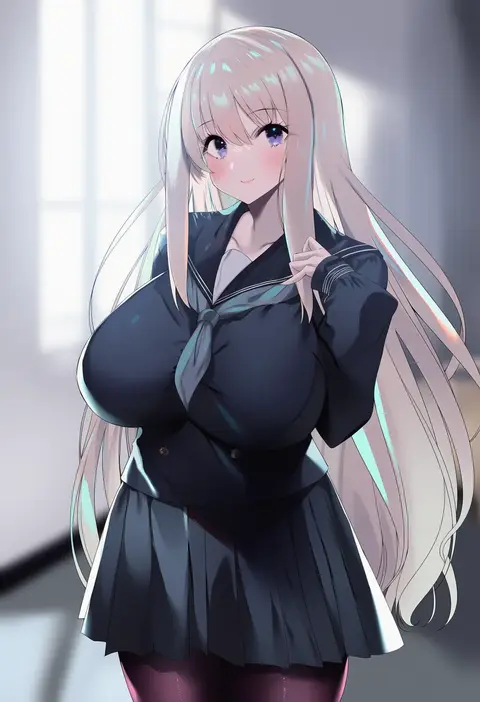
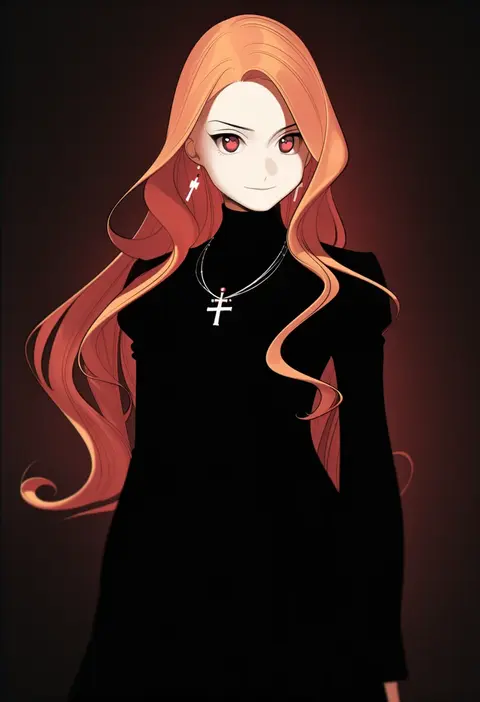
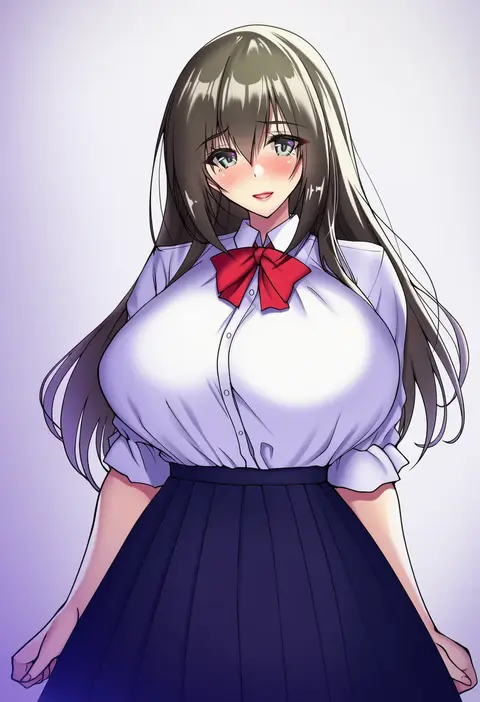
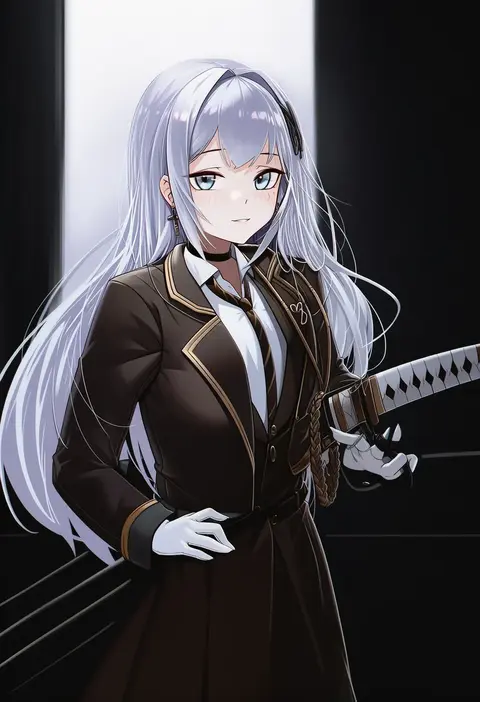
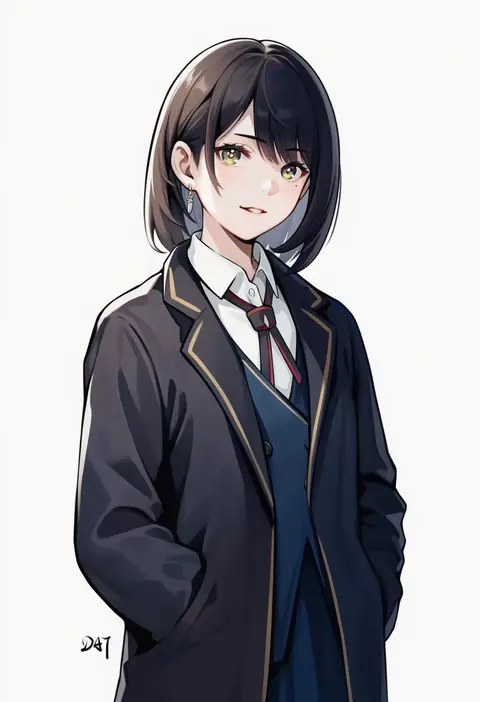
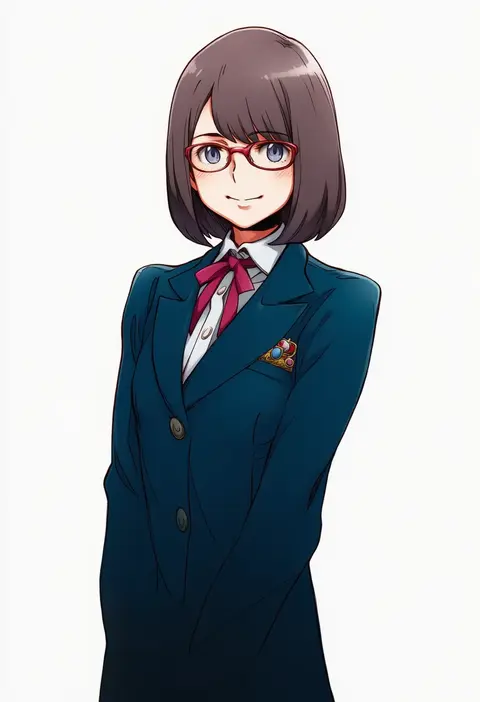
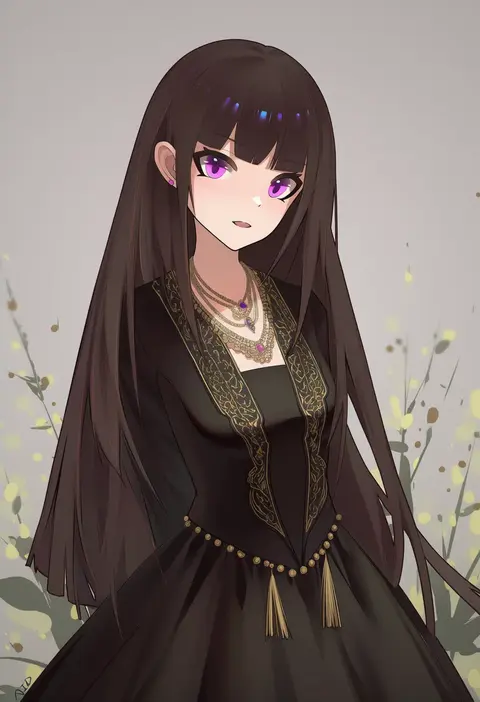
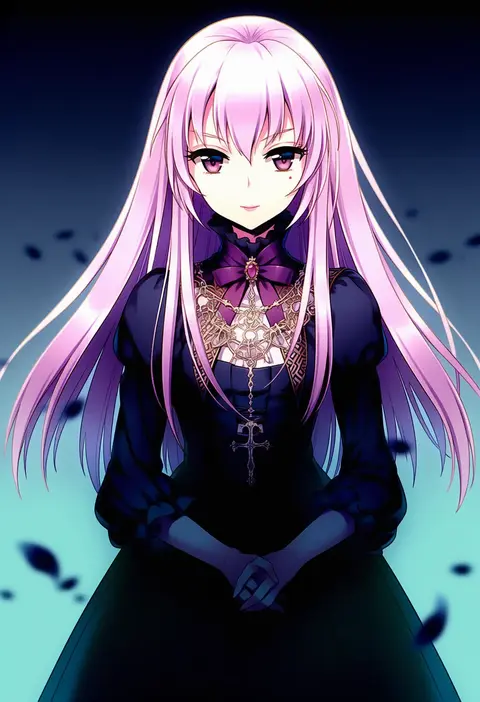
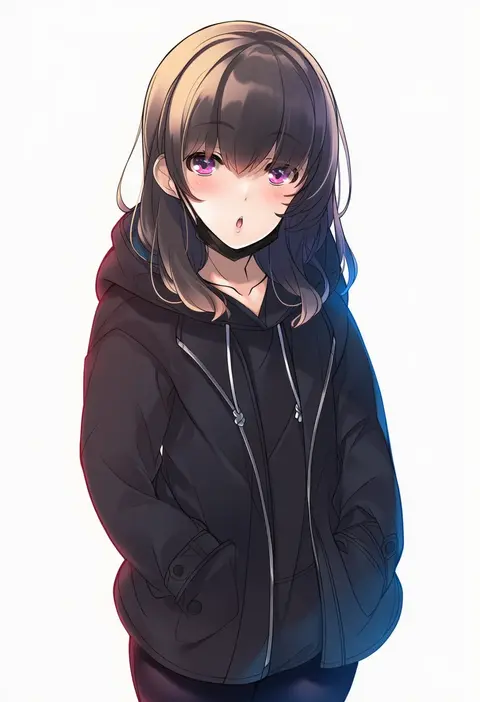
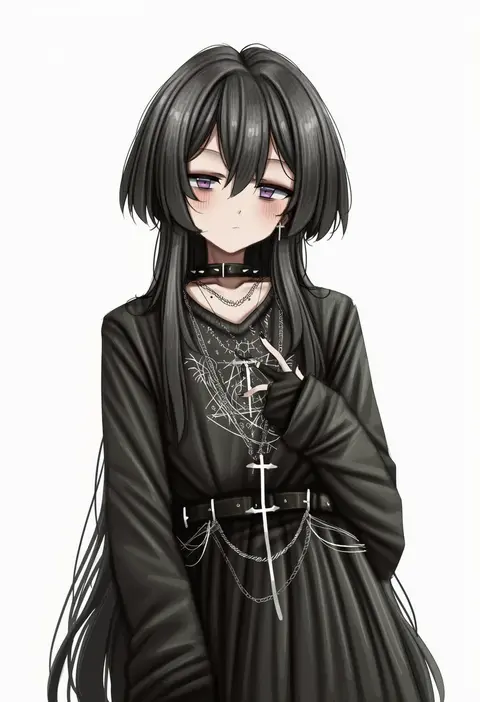
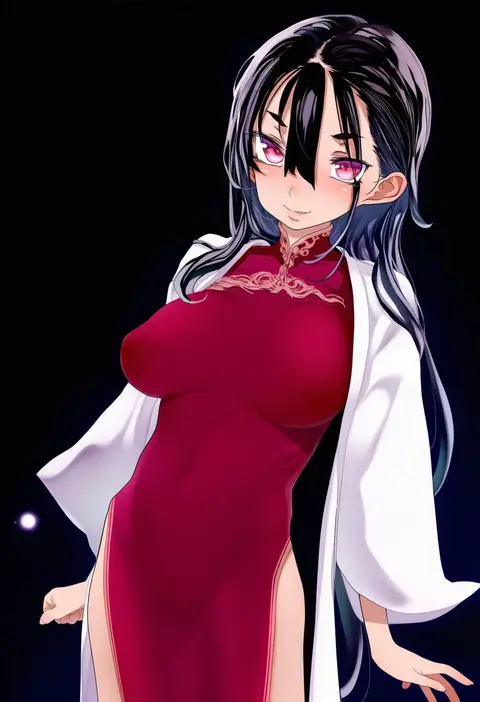
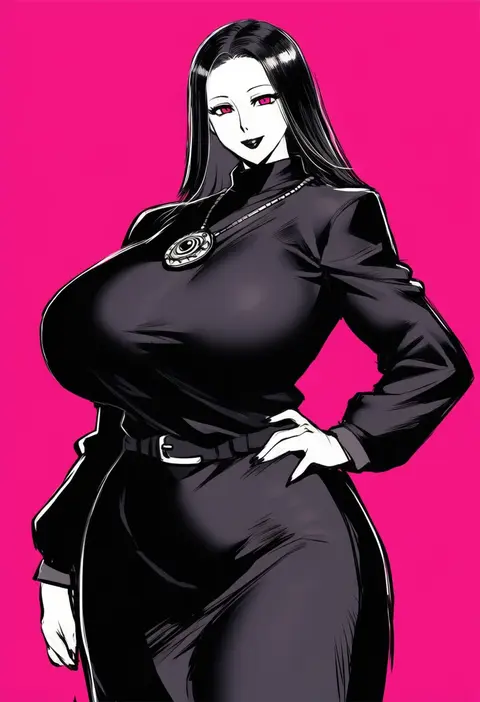
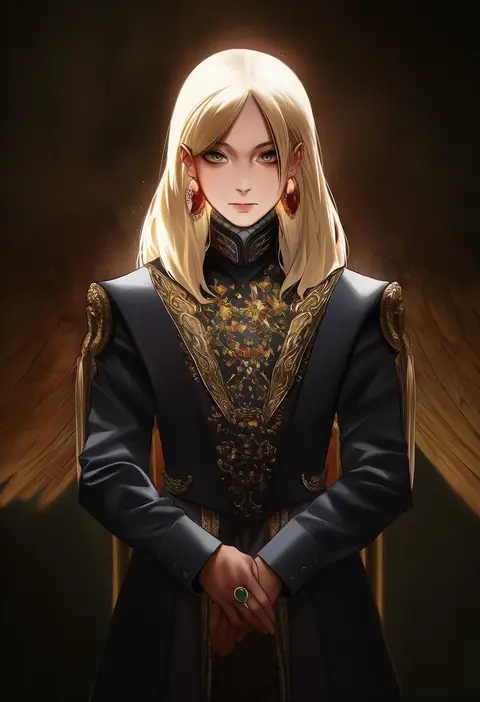
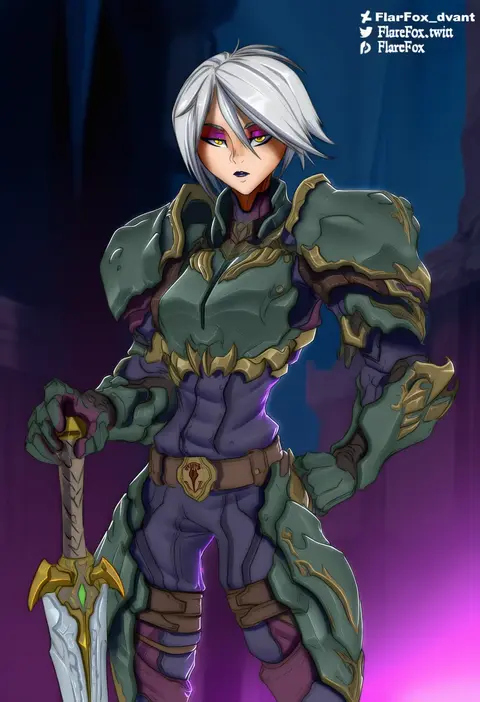
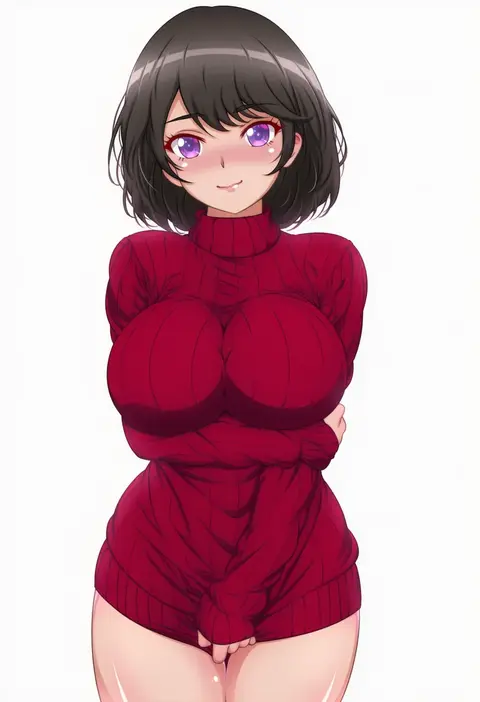
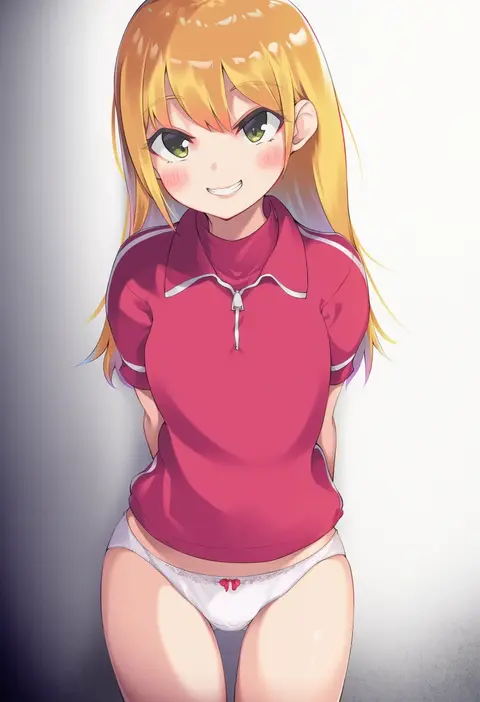
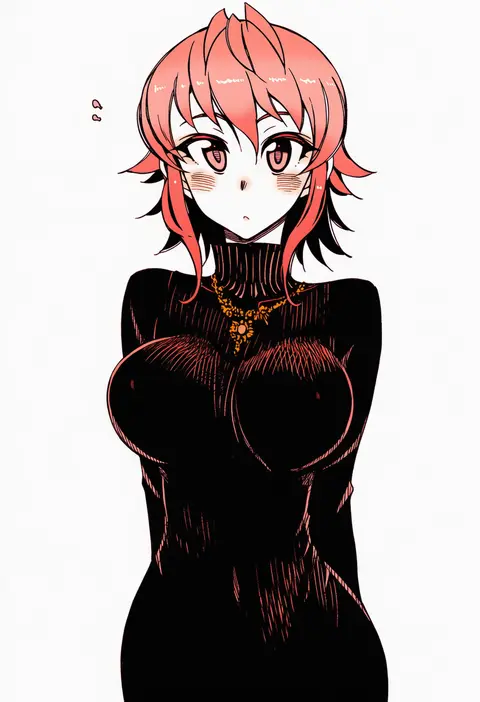
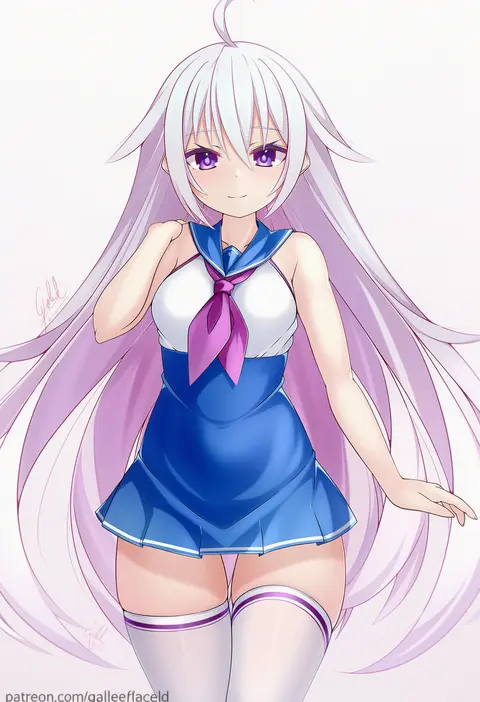
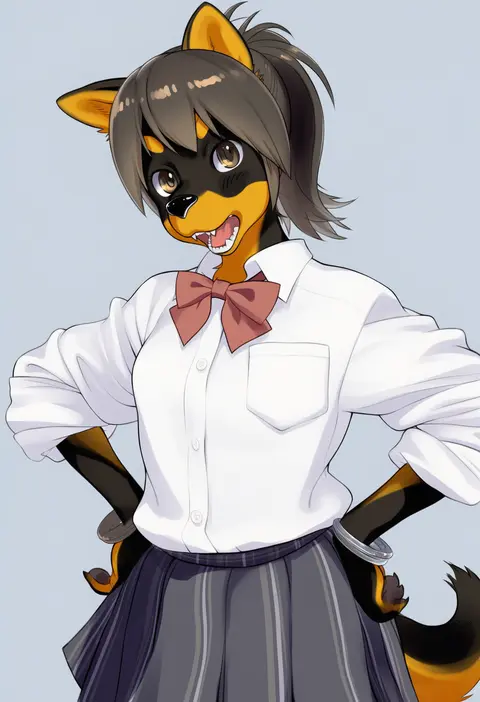
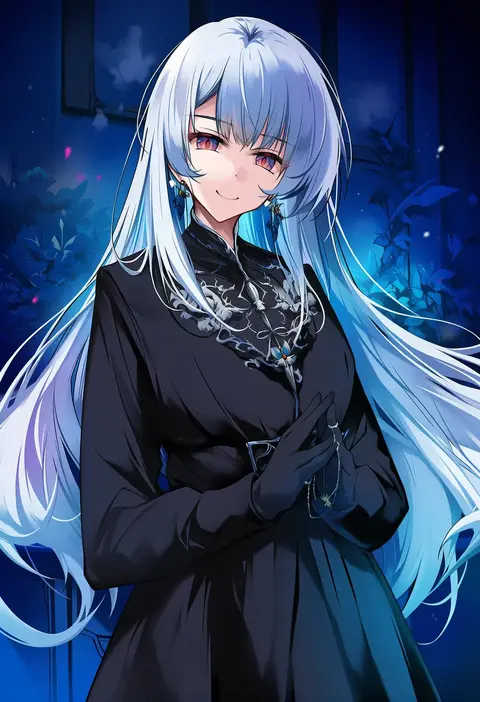
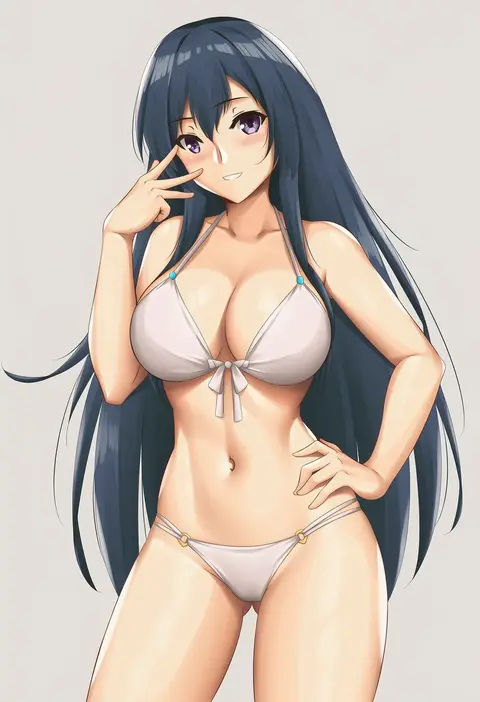
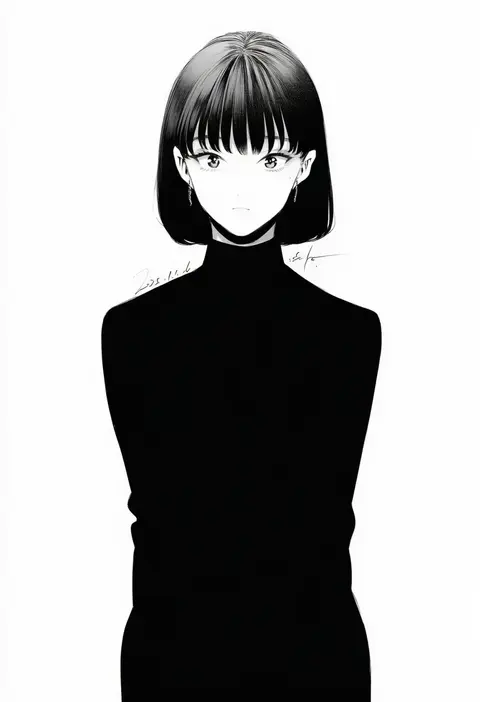
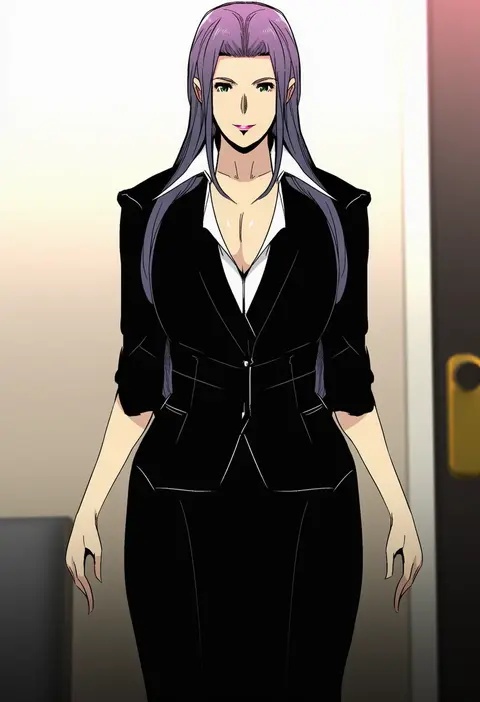
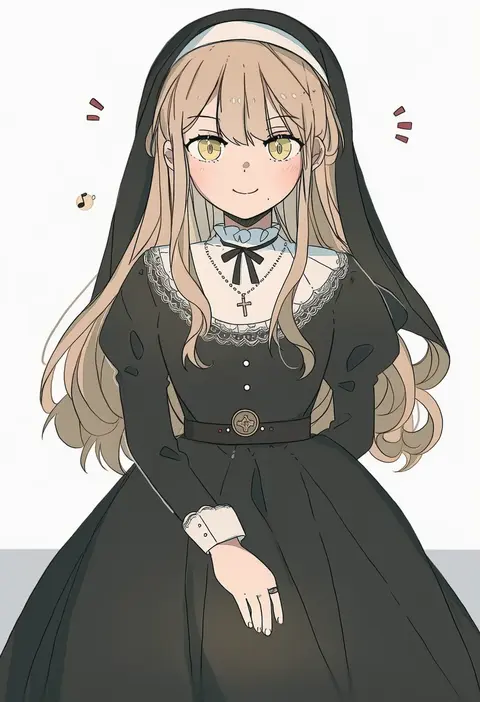
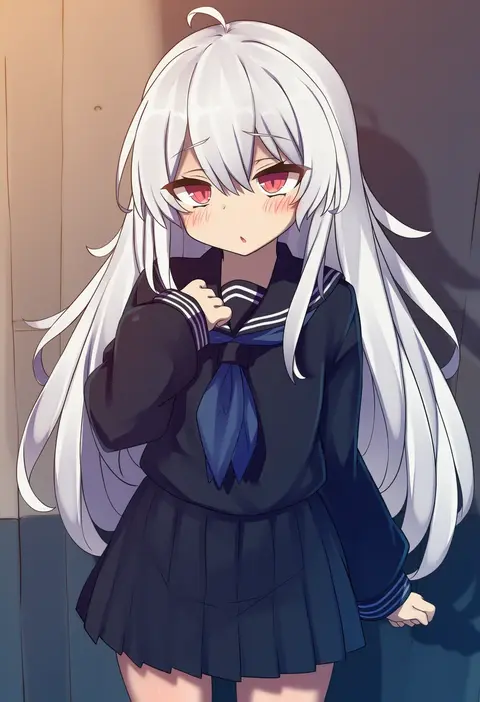
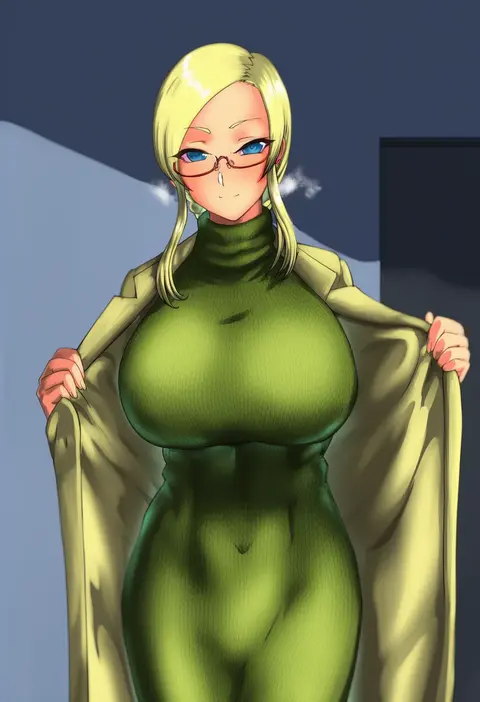
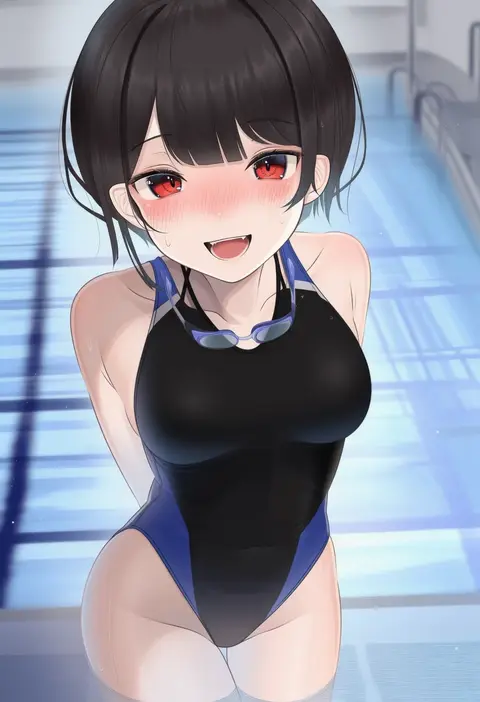
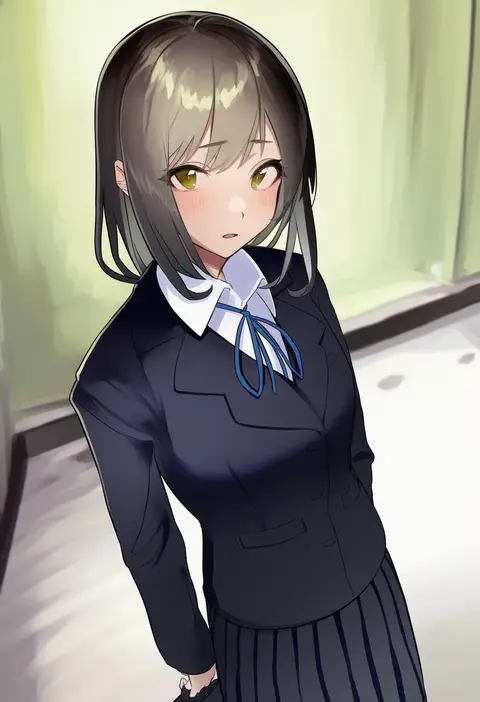
Artist tags tell NovelAI Diffusion to draw in a specific artist's style: line weight, paint texture, face shapes and palette all shift at once. Character and outfit tags decide what is drawn; artist tags decide how. 16,352 tags are listed for V4.5.
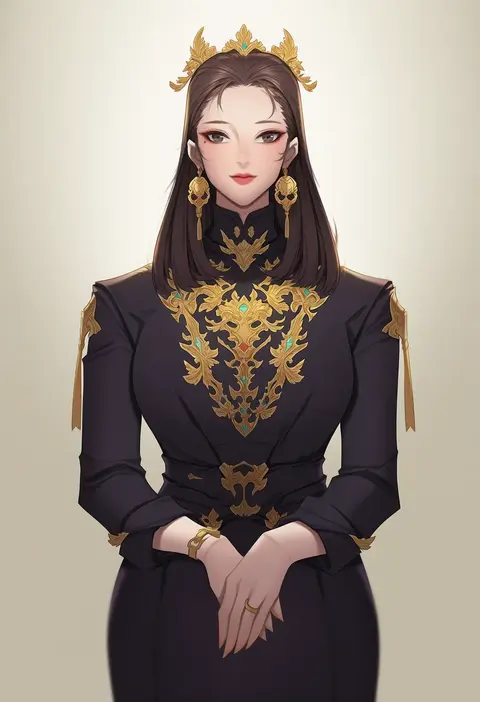
Every tag listed here is verified to react in NovelAI. All images use the same prompt, seed and settings with only the artist tag swapped, so the difference between two images is the style that tag brings in.

How to use them

Put the artist tag near the front of the prompt, e.g. "<artist>, 1girl, solo, best quality, masterpiece, cowboy shot". Two or three artist tags blend styles; lower the weight with "0.8::<artist>::" when the style overpowers the character.

SCORE sorts by Danbooru's top score, POSTS by post count, FAVS by hearts on this site. Open a card to see V5 and V4.5 side by side on the same seed.

V5 vs V4.5

V5 usually lands closer to the artist's real style, and tags that did nothing on V4.5 often react on V5. V4.5 still fits older and doujin-heavy artists better. Try V5 first, fall back to V4.5.

FAQ

Where does the artist tag go?
Near the front of the prompt. Use "0.8::tag::" to adjust its weight.

Can I stack artist tags?
Yes, styles blend. Past two or three the result stops looking like anyone.

Are these the artists' own works?
No. Every image is a NovelAI sample generated from the tag.