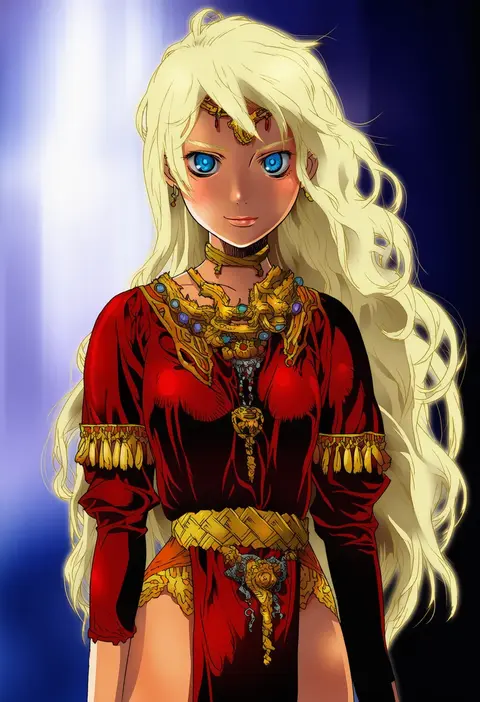
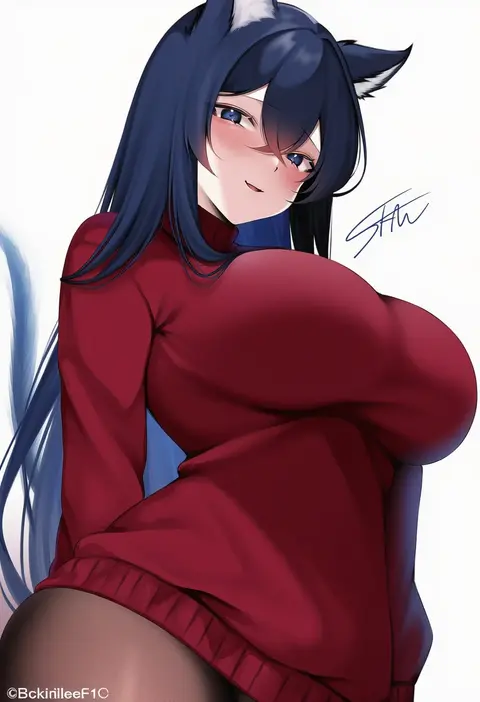
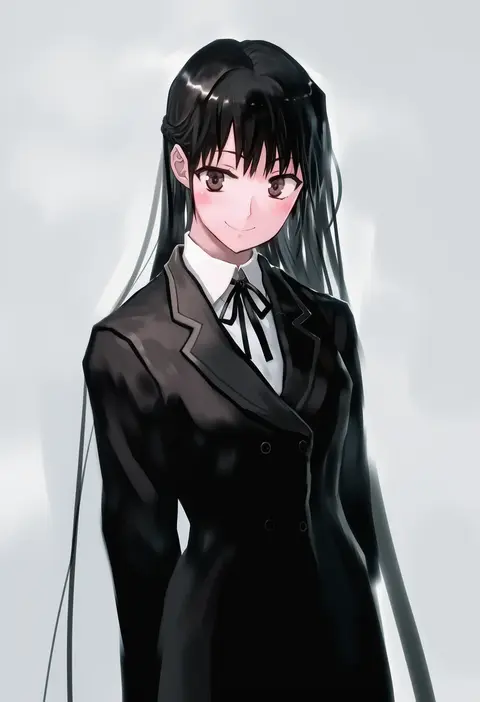
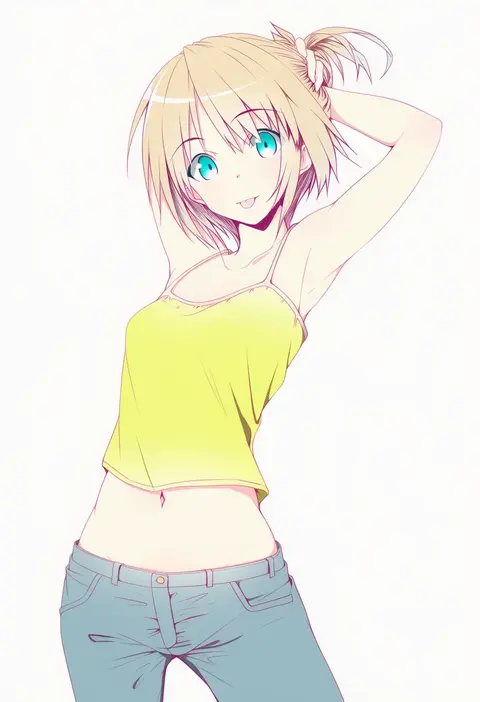
V4.5Artists
sort: FAVS▾
▾
>
$

Popular NovelAI artist tags — V4.5

artist --count 16,352[83/273]
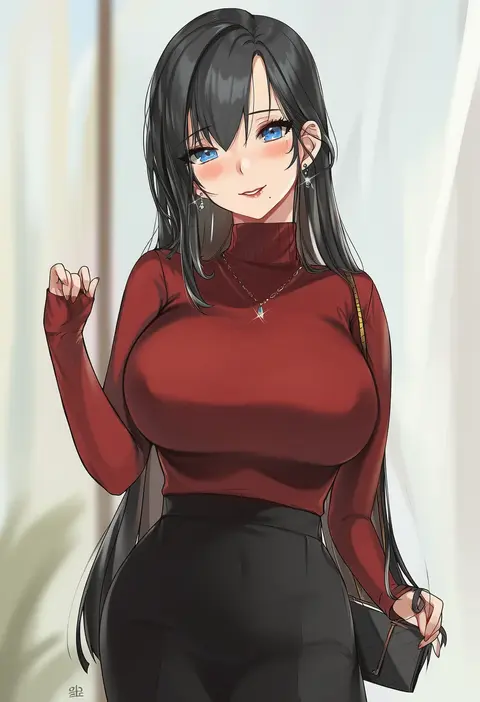
alracoco
ARTIST0x1338
0
chyan
ARTIST0x1339
0
epic armageddon
ARTIST0x133A
0
kushinaka
ARTIST0x133B
0
ryuuforkaf
ARTIST0x133C
0
hosoda naoto
ARTIST0x133D
0
shhilee
ARTIST0x133E
0
bob (biyonbiyon)
ARTIST0x133F
0
nirap
ARTIST0x1340
0
akai (riaakai)
ARTIST0x1341
0
li se
ARTIST0x1342
0
rui (rei leyi)
ARTIST0x1343
0
jsscj
ARTIST0x1344
0
kurusu tatsuya
ARTIST0x1345
0
dl (dl 6ix)
ARTIST0x1346
0
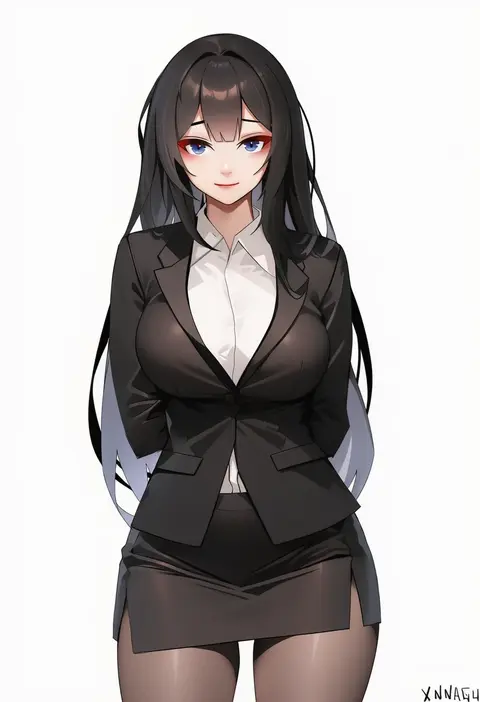
xnnagu
ARTIST0x1347
0
nyuu (manekin-eko)
ARTIST0x1348
0
iroyopon
ARTIST0x1349
0
kohsaka jun
ARTIST0x134A
0
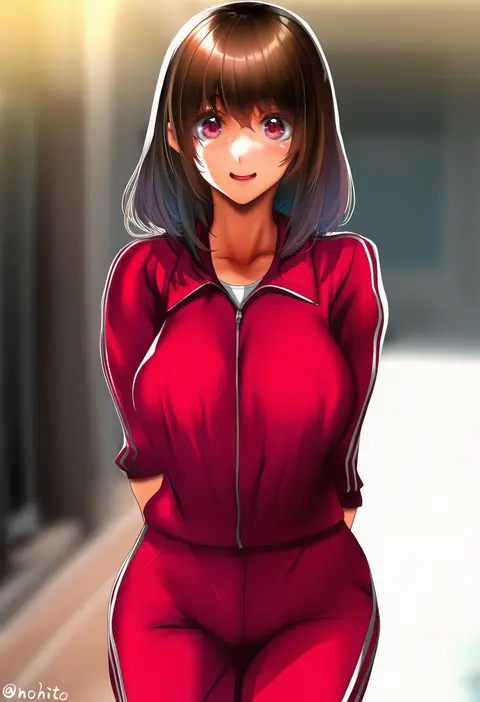
nohito
ARTIST0x134B
0
aoi manabu
ARTIST0x134C
0
namazu (yamasonson)
ARTIST0x134D
0
guchiota field
ARTIST0x134E
0
nokishita kumoemon
ARTIST0x134F
0
karinto yamada
ARTIST0x1350
0
fuyouchu
ARTIST0x1351
0
sarfata
ARTIST0x1352
0
ninoude (ninoude44)
ARTIST0x1353
0
fraankyy
ARTIST0x1354
0
nutkingcall
ARTIST0x1355
0
nishi (count2.4)
ARTIST0x1356
0
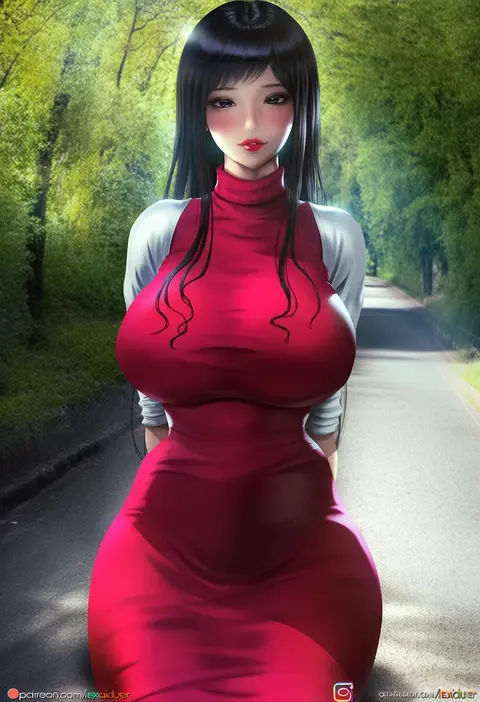
lexaiduer
ARTIST0x1357
0
krin (krinnin)
ARTIST0x1358
0
uni (oni unicorn)
ARTIST0x1359
0
defaultz
ARTIST0x135A
0
timy
ARTIST0x135B
0
wanderjegson
ARTIST0x135C
0
mota
ARTIST0x135D
0
himuro shunsuke
ARTIST0x135E
0
puyo (puyotopia)
ARTIST0x135F
0
munashi mujou
ARTIST0x1360
0
muteppona hito
ARTIST0x1361
0
yonaga san
ARTIST0x1362
0
li (lithium0522)
ARTIST0x1363
0
fei luo mao
ARTIST0x1364
0
rinringyo
ARTIST0x1365
0
white-stew
ARTIST0x1366
0
honi (honi1010)
ARTIST0x1367
0
aramachi
ARTIST0x1368
0
suihei sen
ARTIST0x1369
0
kemurin
ARTIST0x136A
0
capitan (tsyoujo)
ARTIST0x136B
0
haro art
ARTIST0x136C
0
koio
ARTIST0x136D
0
takasuma hiro
ARTIST0x136E
0
techi (techi35499)
ARTIST0x136F
0
cnm
ARTIST0x1370
0
xretakex
ARTIST0x1371
0
cocq taichou
ARTIST0x1372
0
mutsumi masato
ARTIST0x1373
0

What these tags change

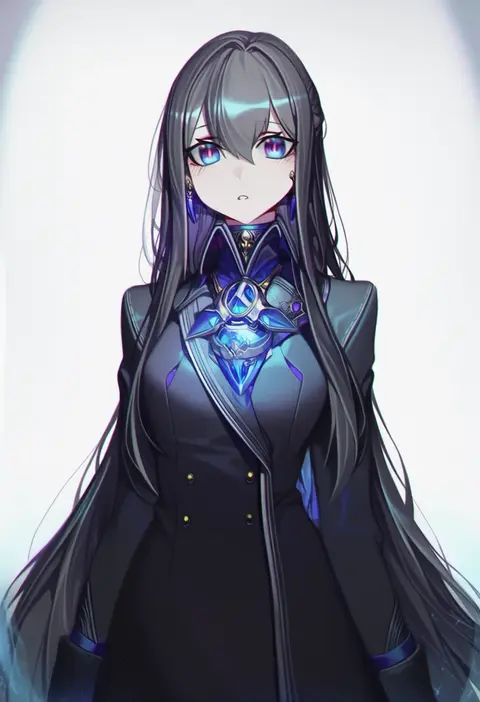
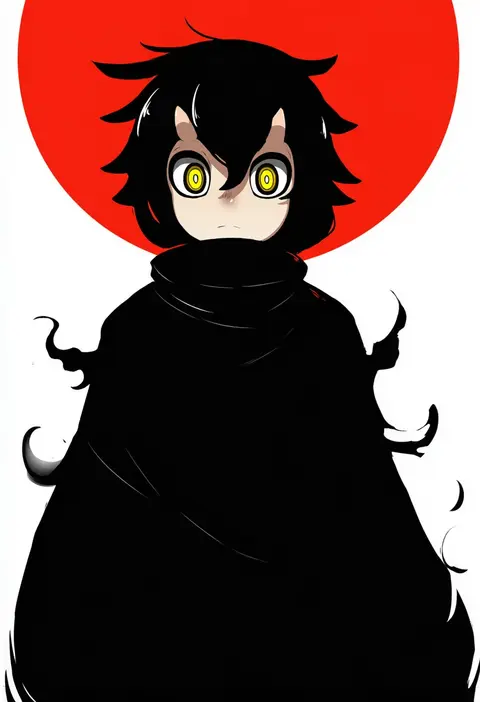
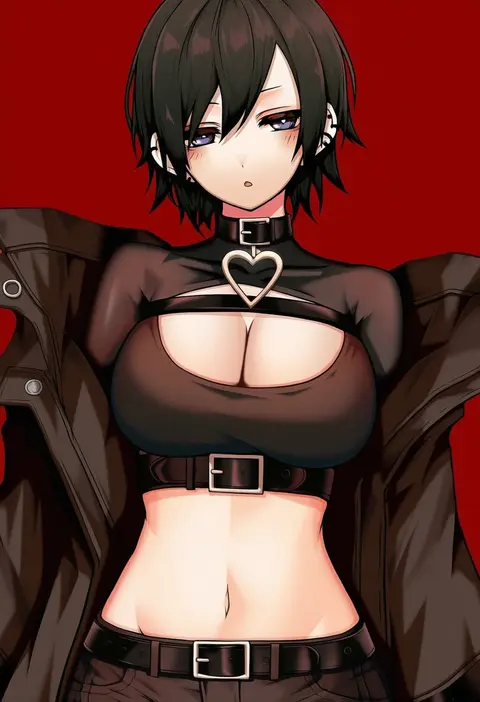
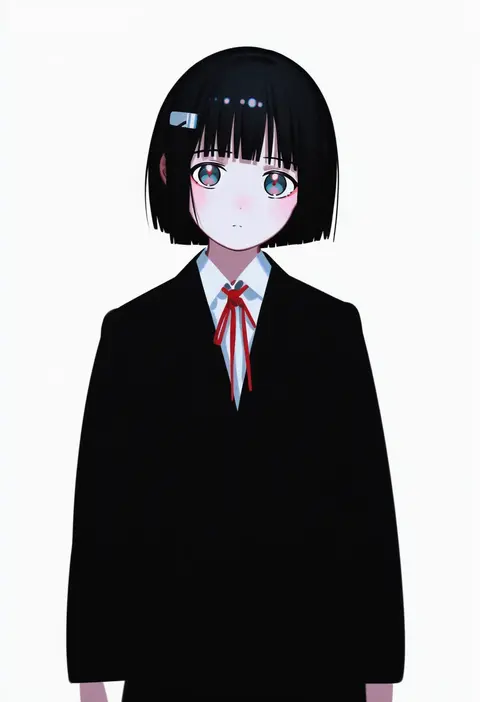
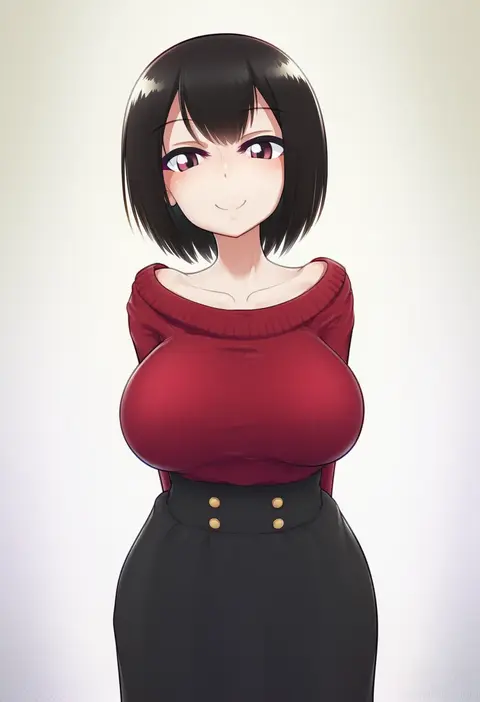
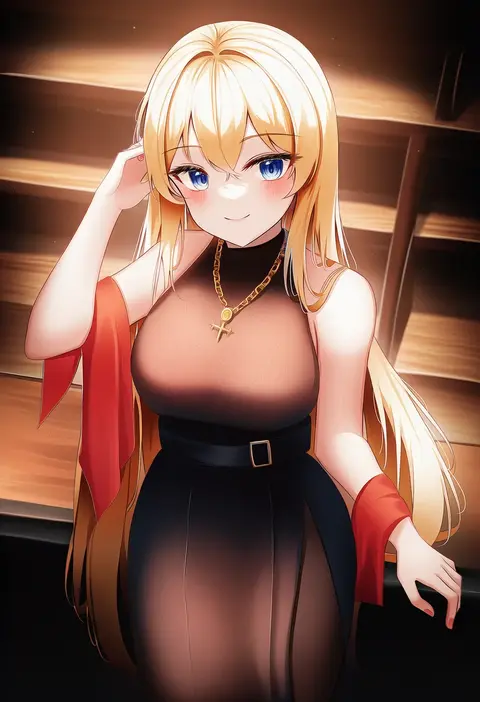
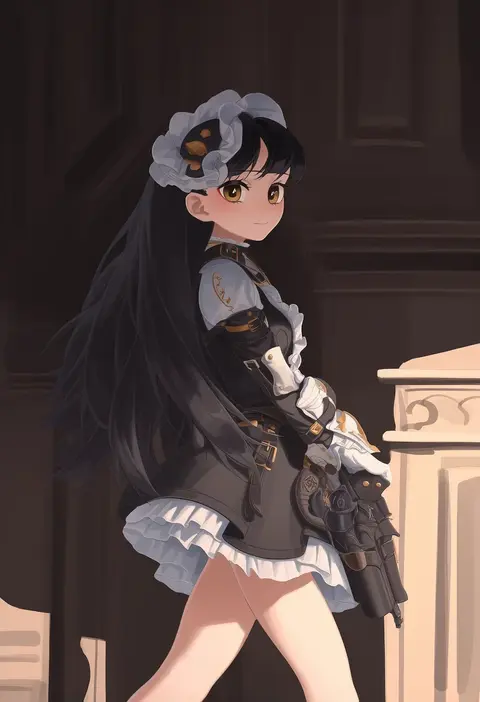
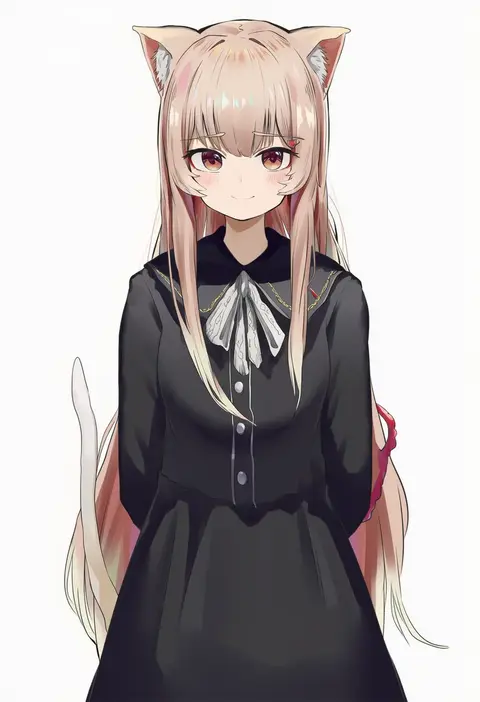
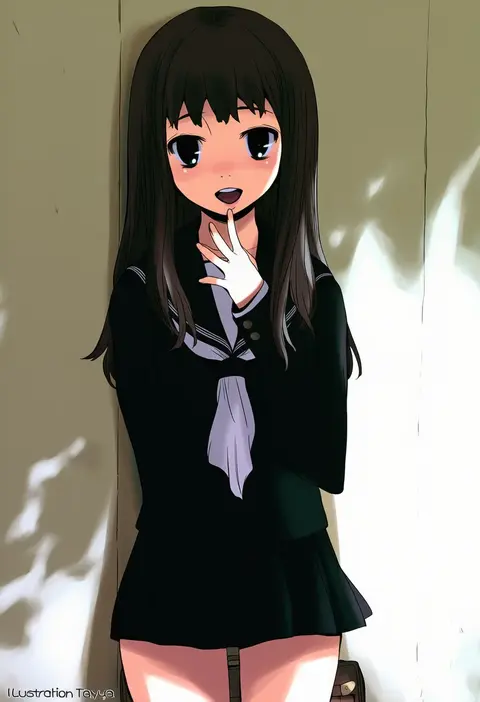
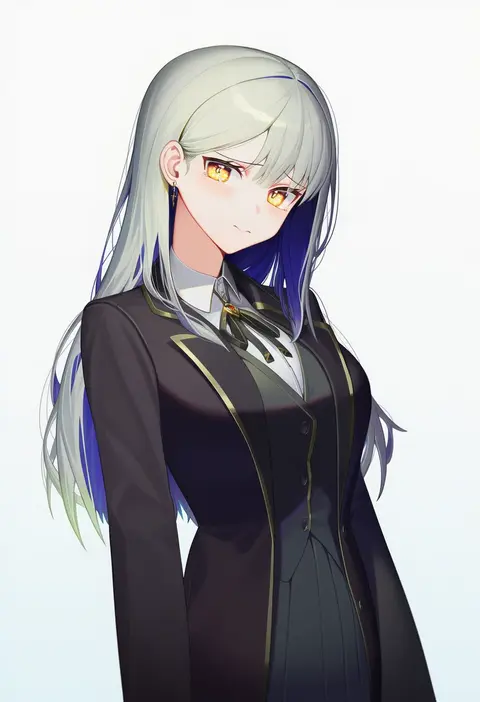
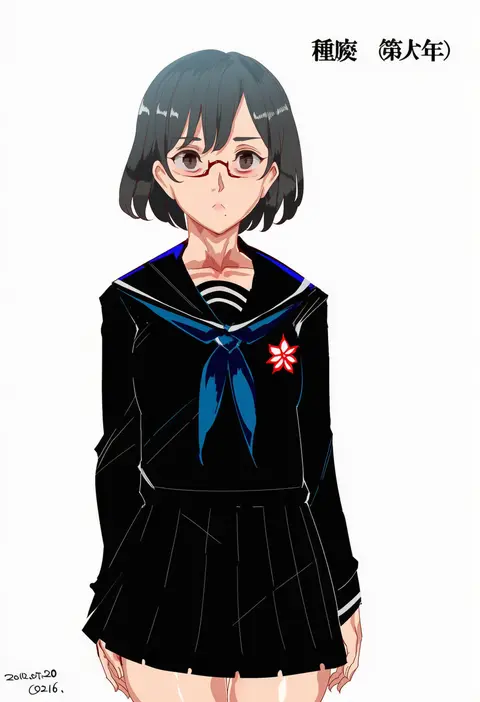
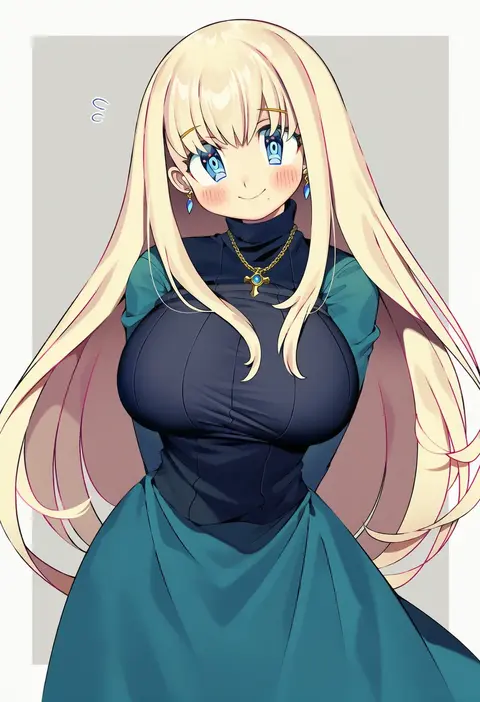
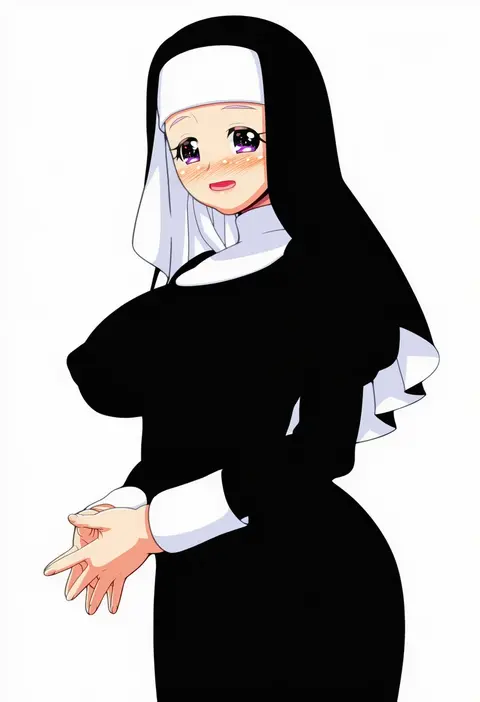
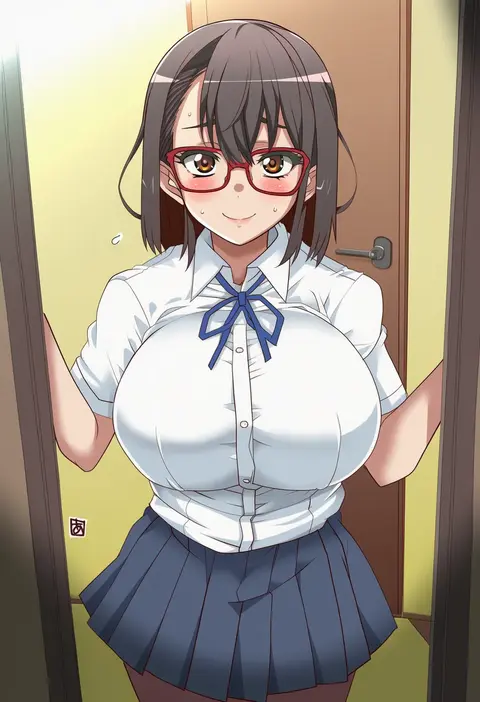
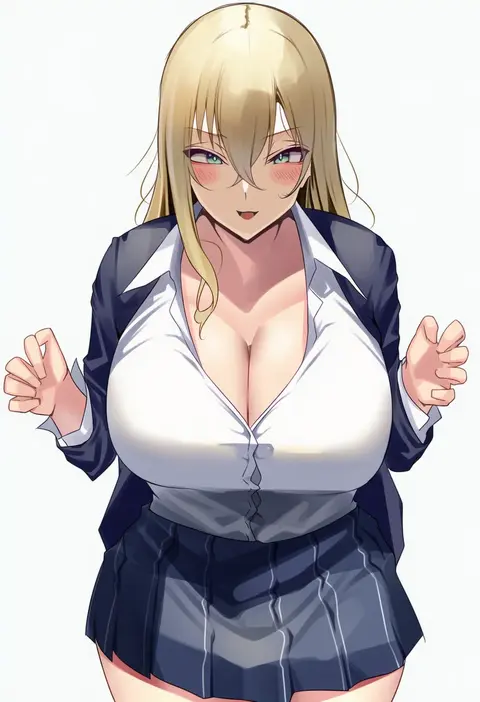
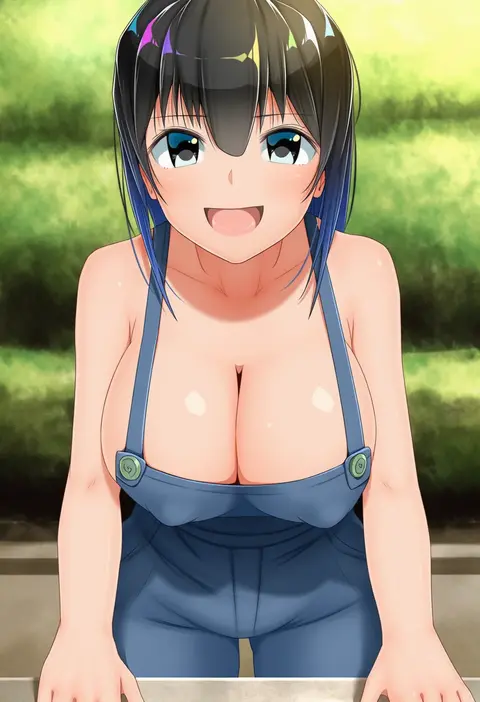
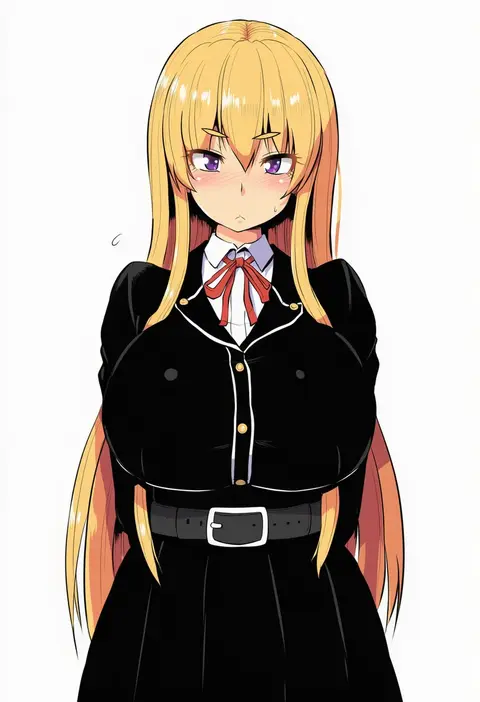
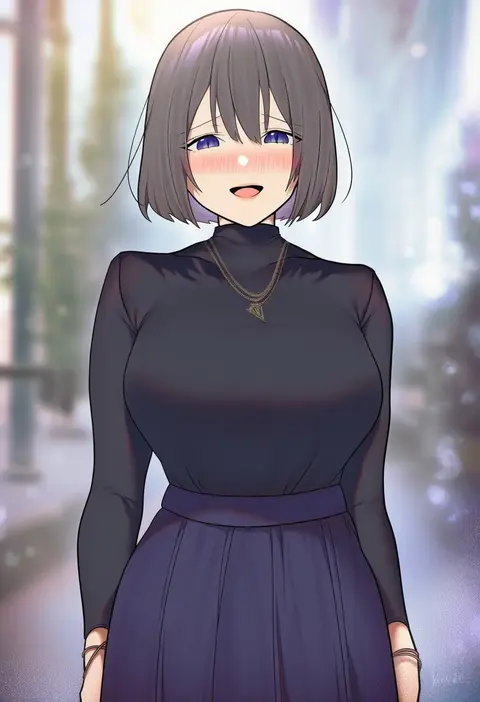
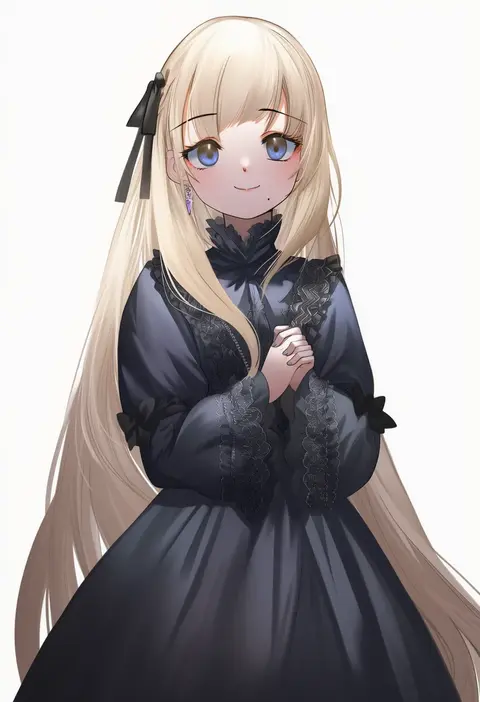
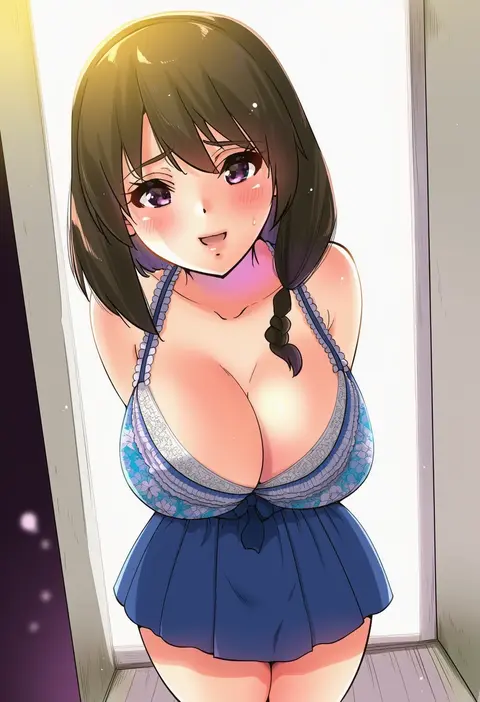
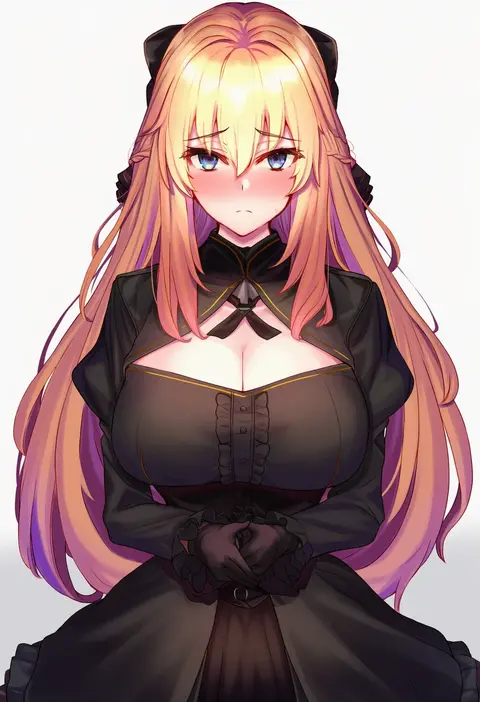
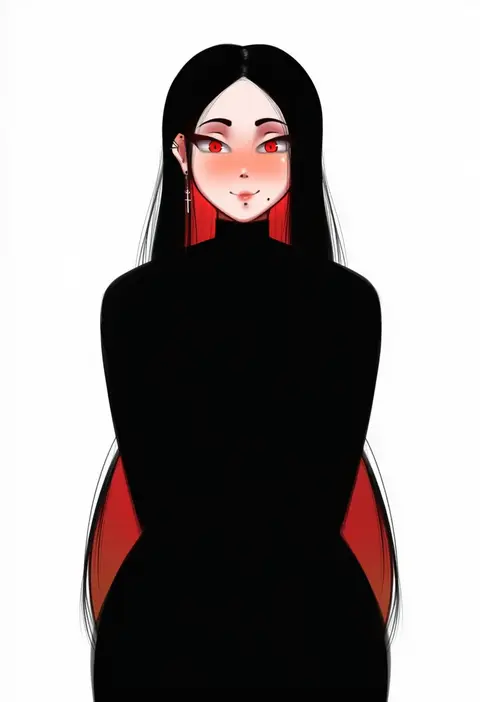
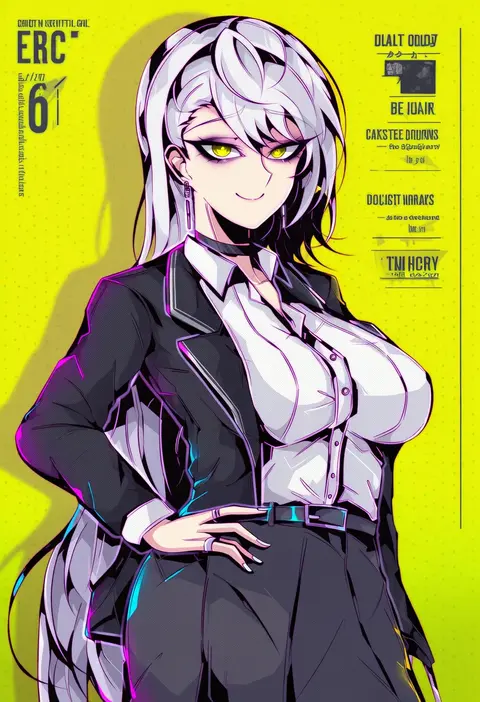
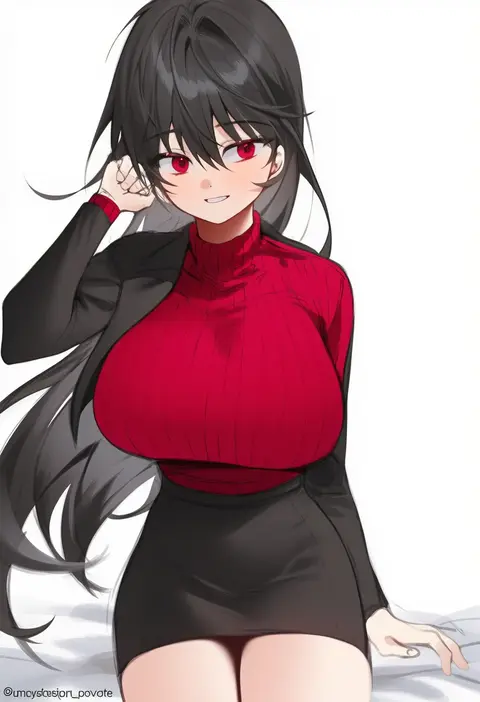
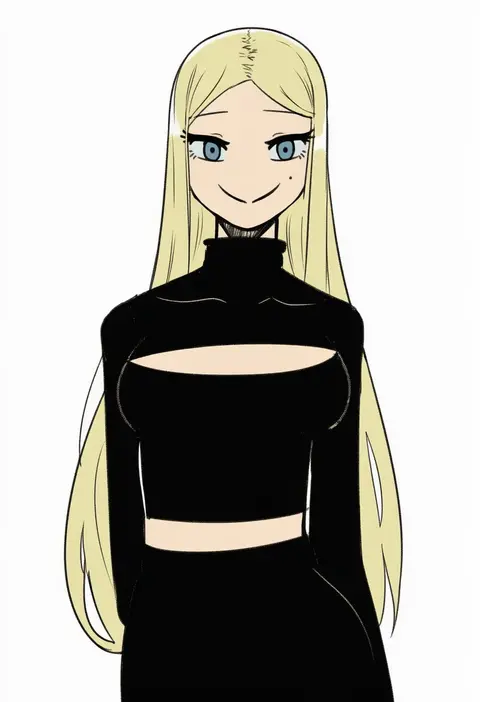
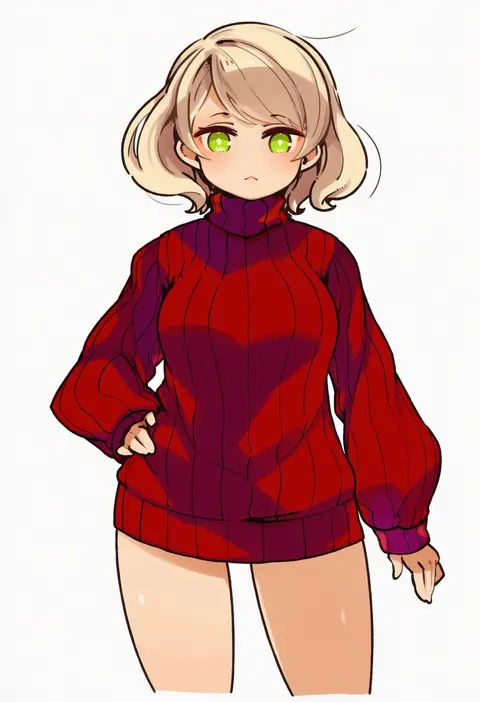
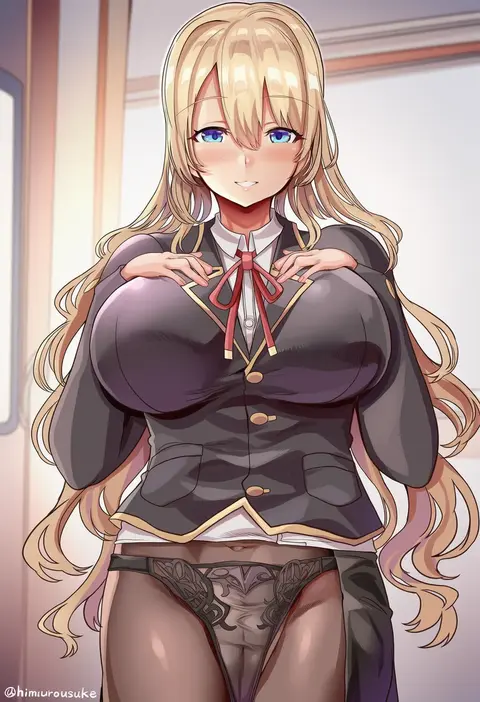
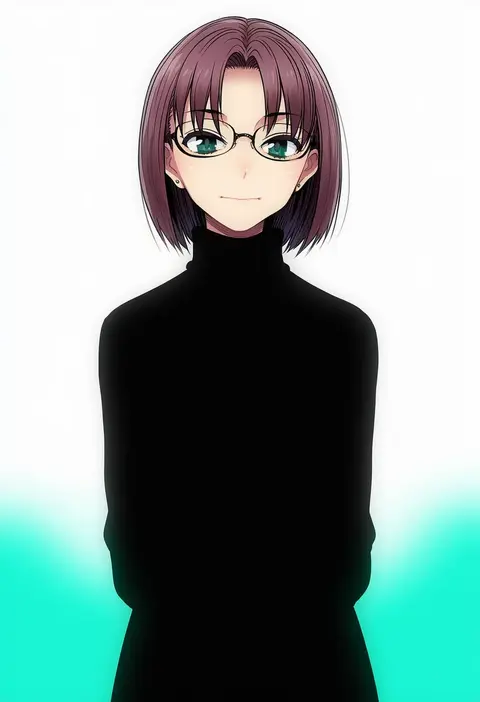
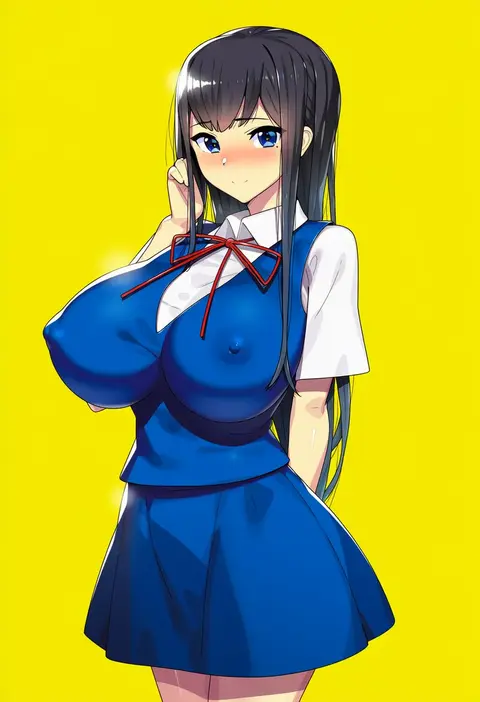
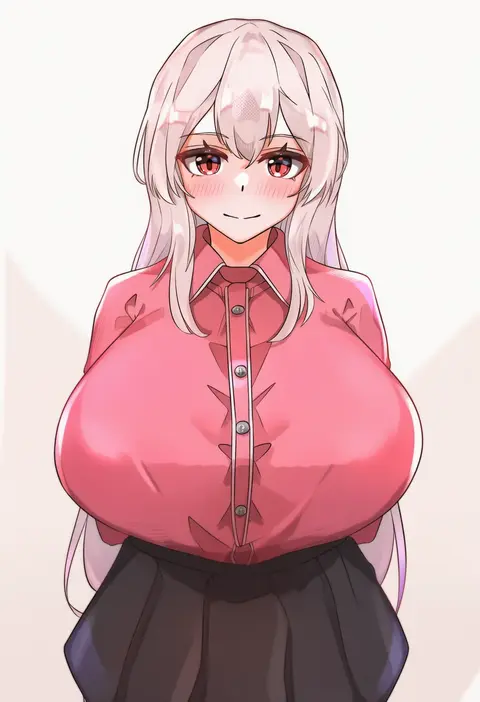
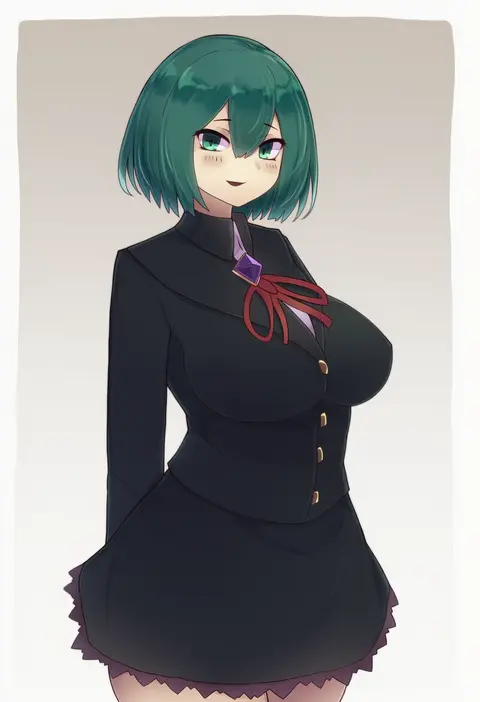
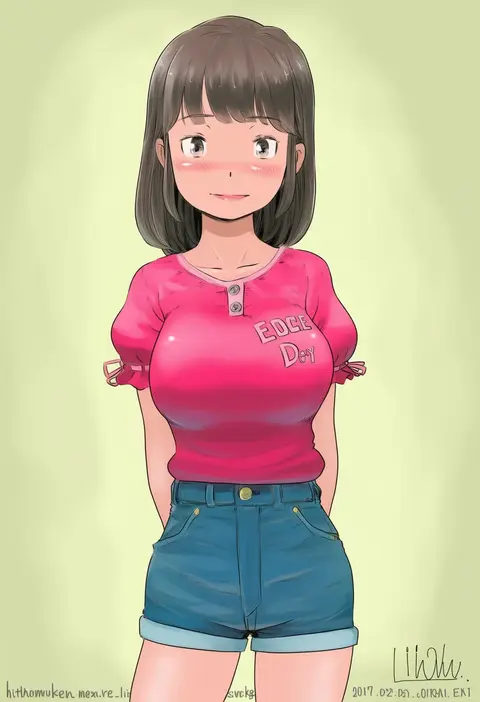
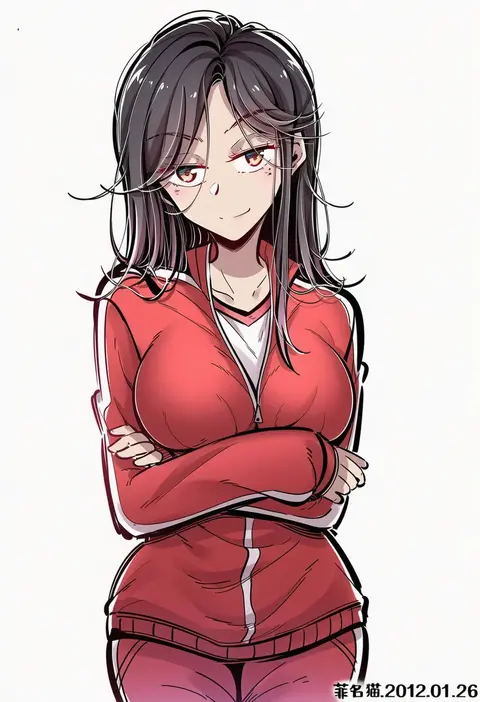
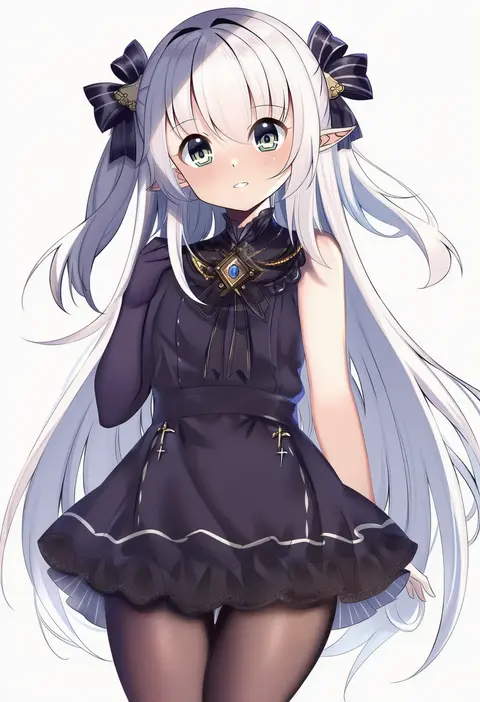
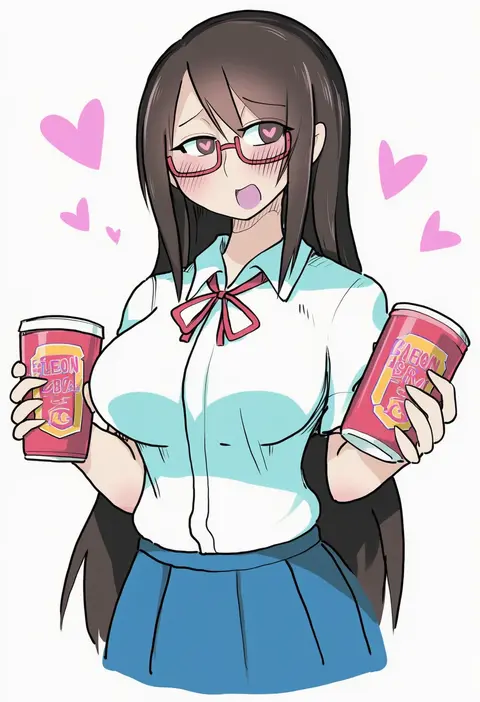
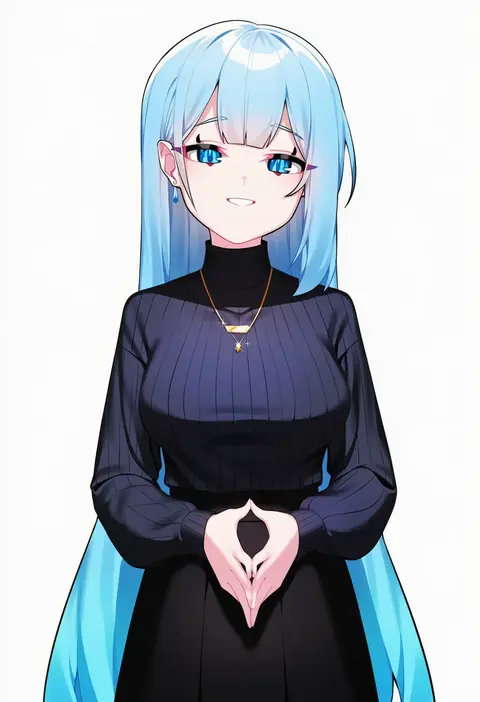
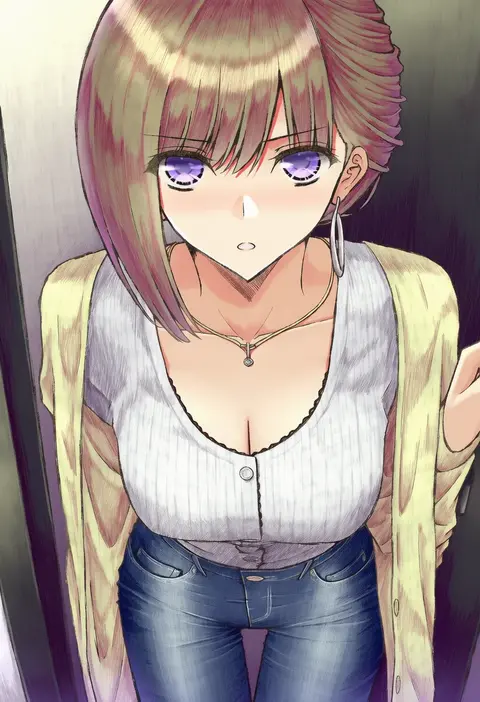
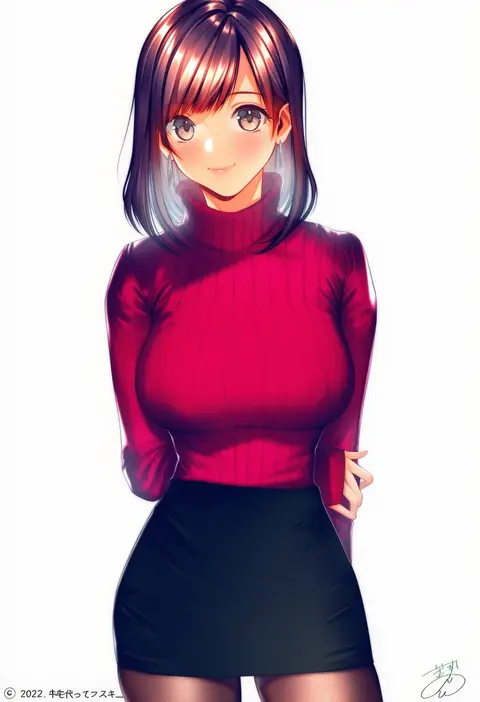
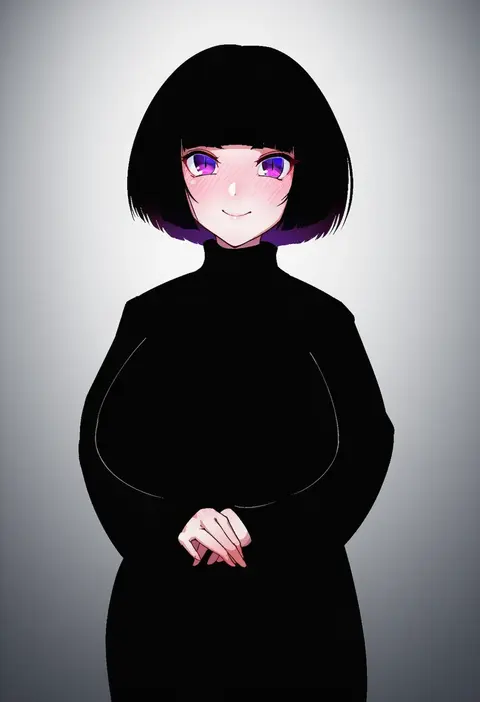
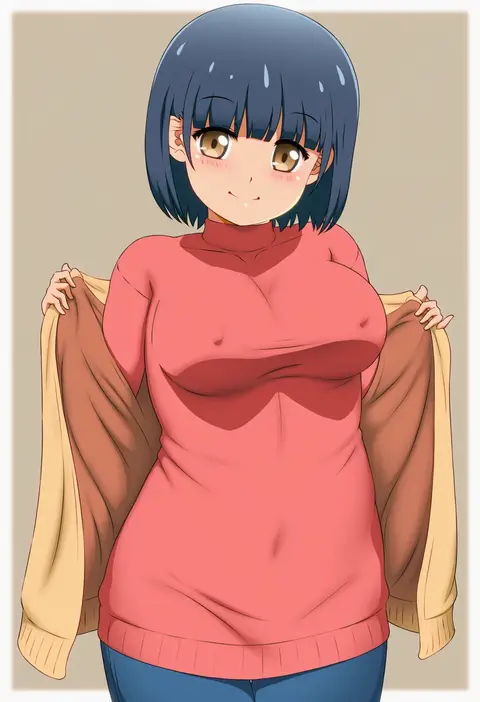
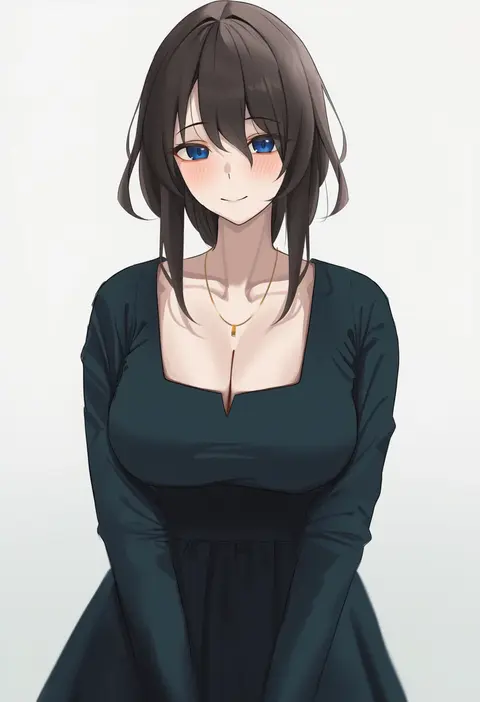
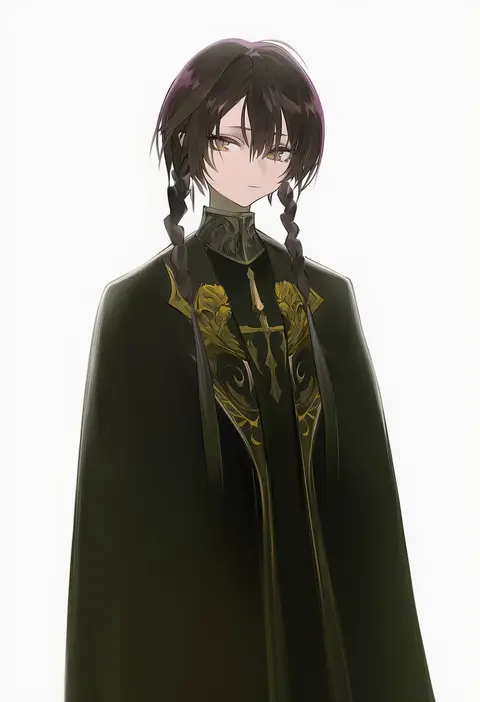
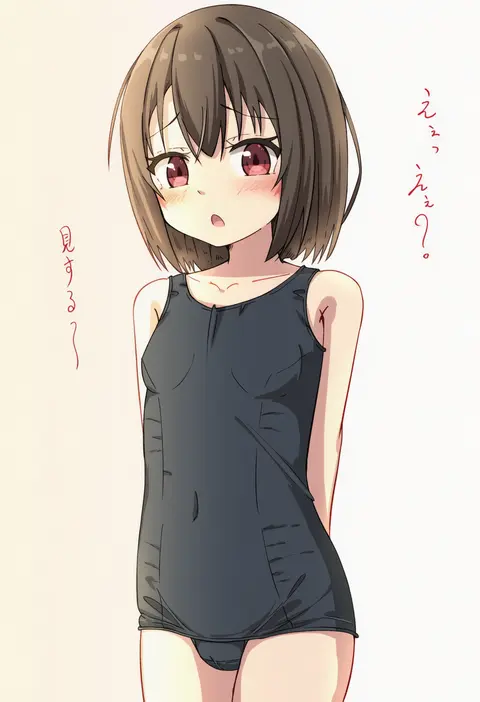
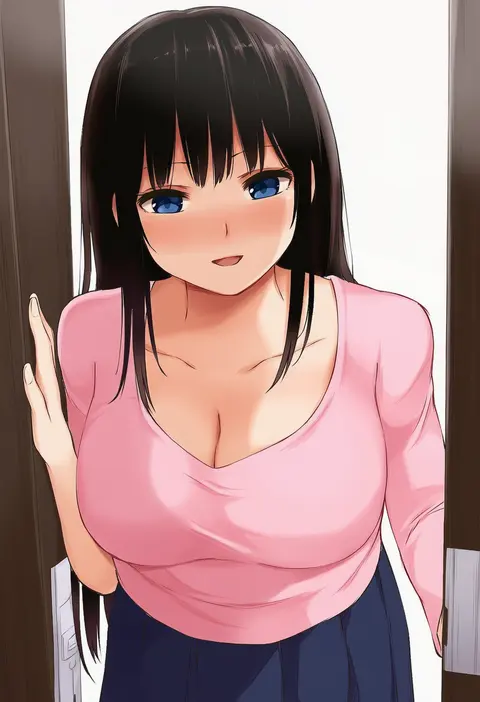
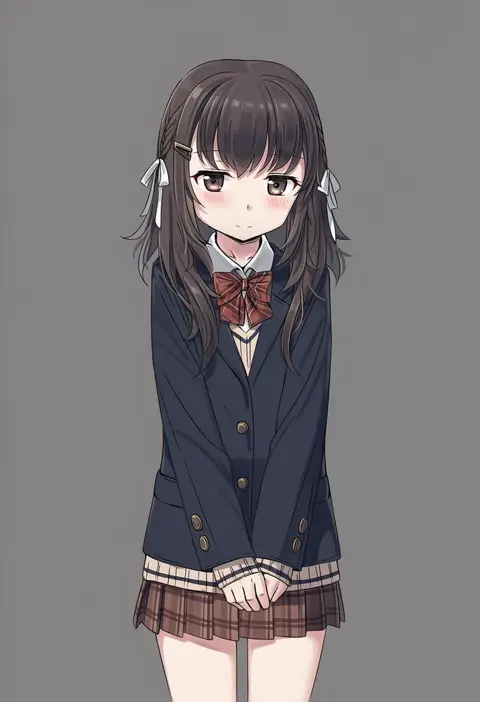
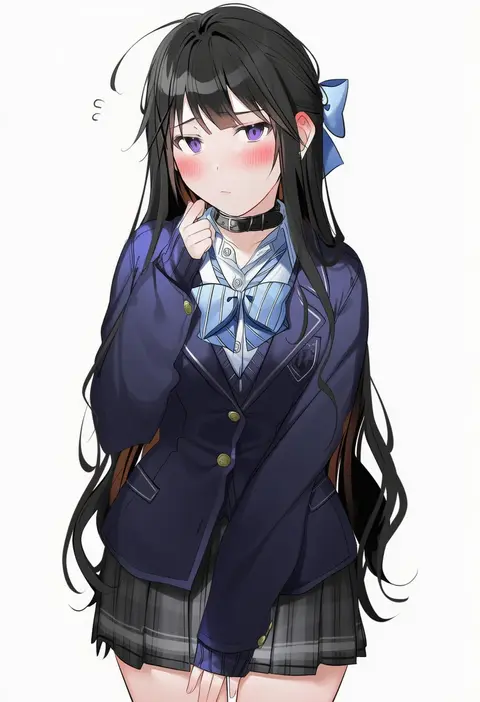
Artist tags tell NovelAI Diffusion to draw in a specific artist's style: line weight, paint texture, face shapes and palette all shift at once. Character and outfit tags decide what is drawn; artist tags decide how. 16,352 tags are listed for V4.5.
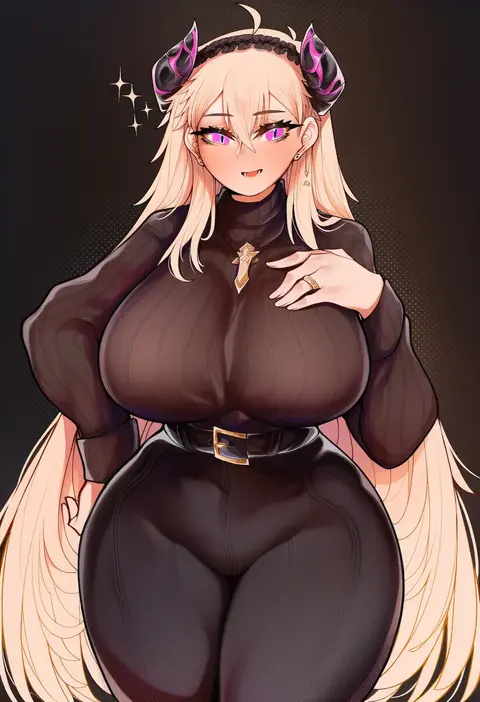
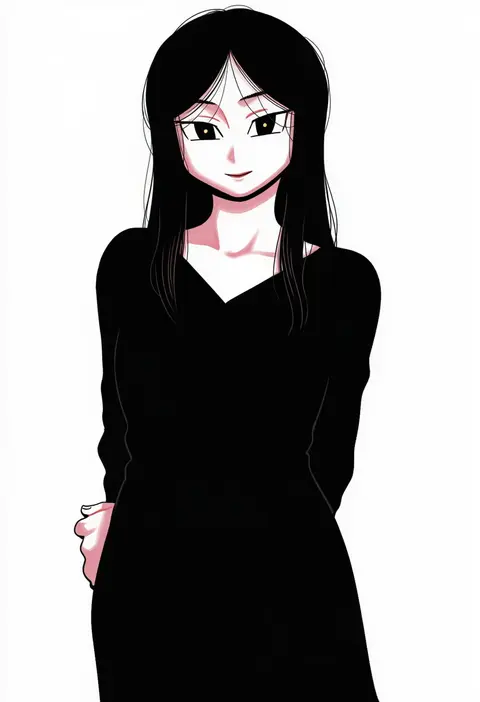
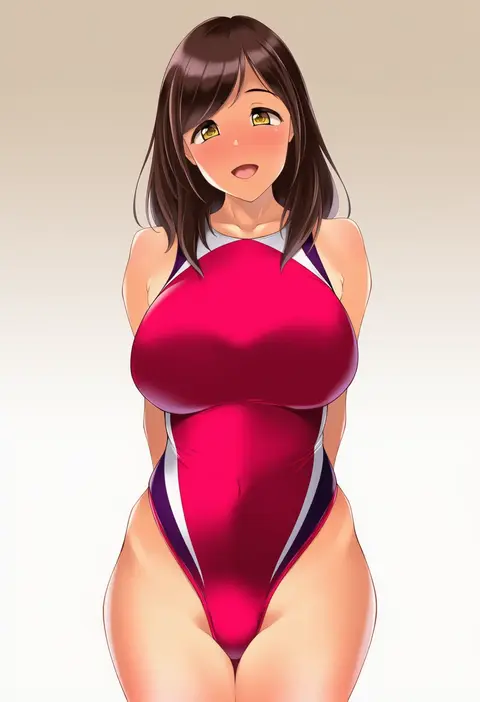
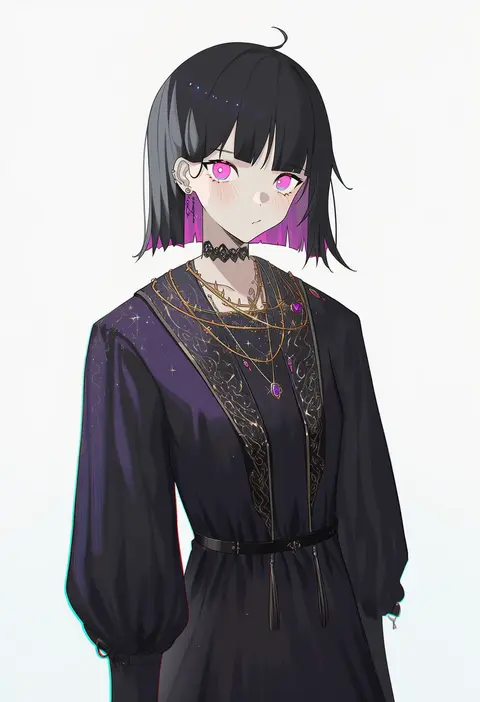
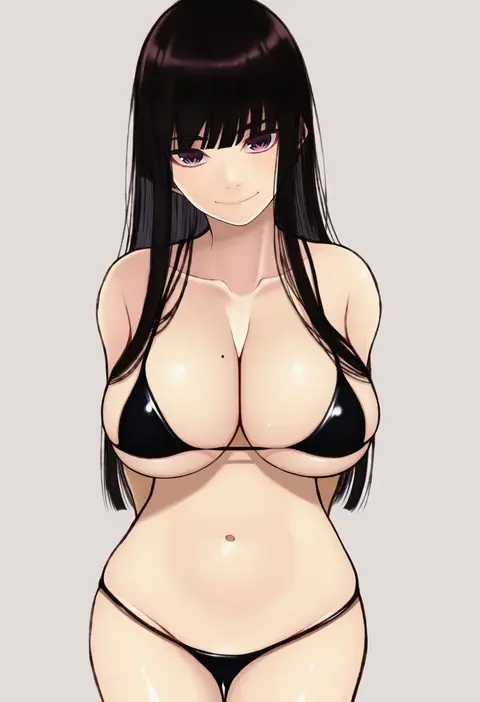
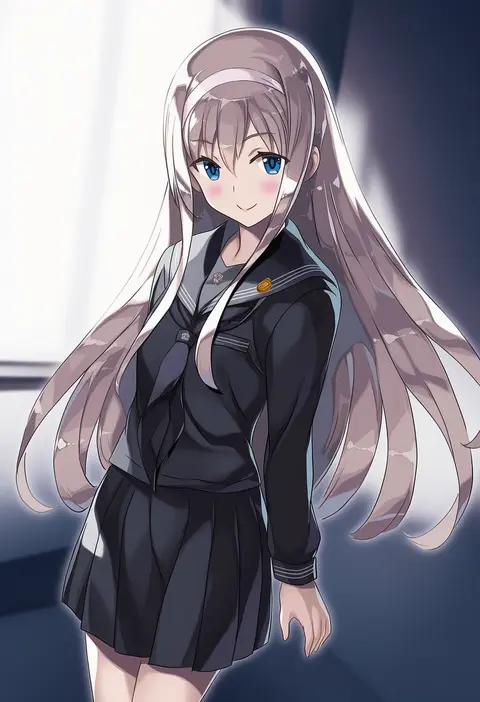
Every tag listed here is verified to react in NovelAI. All images use the same prompt, seed and settings with only the artist tag swapped, so the difference between two images is the style that tag brings in.

How to use them

Put the artist tag near the front of the prompt, e.g. "<artist>, 1girl, solo, best quality, masterpiece, cowboy shot". Two or three artist tags blend styles; lower the weight with "0.8::<artist>::" when the style overpowers the character.

SCORE sorts by Danbooru's top score, POSTS by post count, FAVS by hearts on this site. Open a card to see V5 and V4.5 side by side on the same seed.

V5 vs V4.5

V5 usually lands closer to the artist's real style, and tags that did nothing on V4.5 often react on V5. V4.5 still fits older and doujin-heavy artists better. Try V5 first, fall back to V4.5.

FAQ

Where does the artist tag go?
Near the front of the prompt. Use "0.8::tag::" to adjust its weight.

Can I stack artist tags?
Yes, styles blend. Past two or three the result stops looking like anyone.

Are these the artists' own works?
No. Every image is a NovelAI sample generated from the tag.