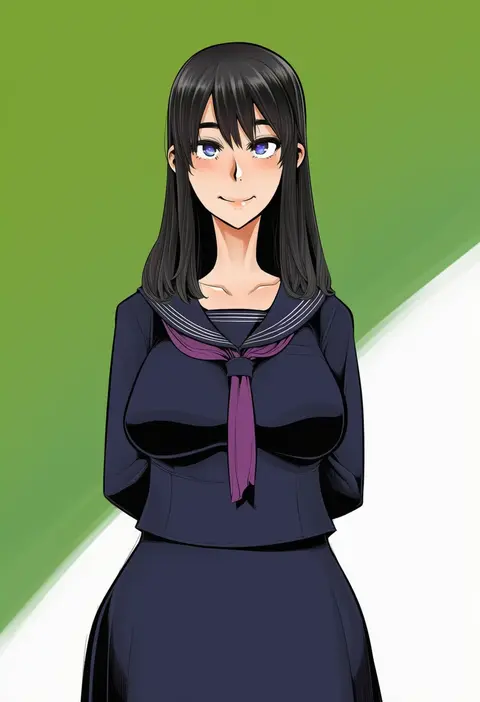
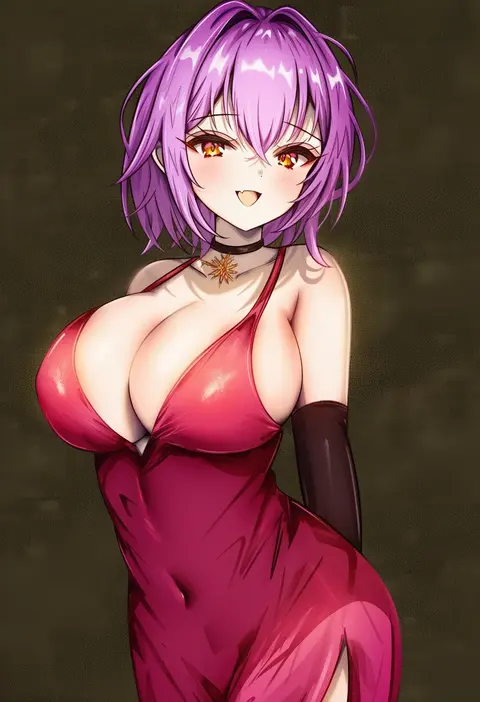
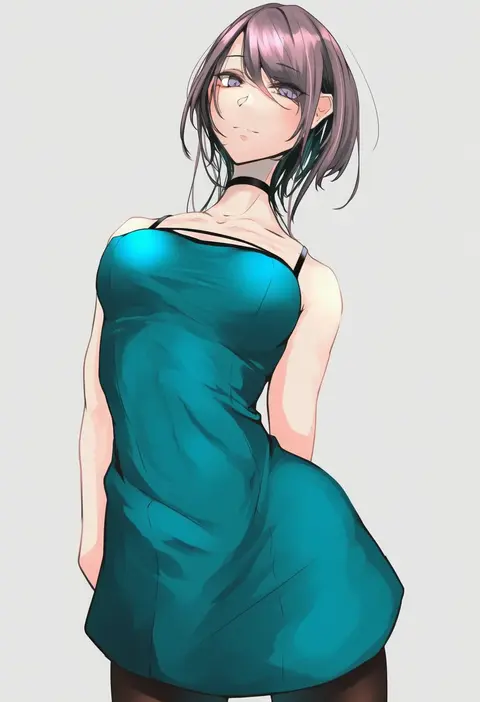
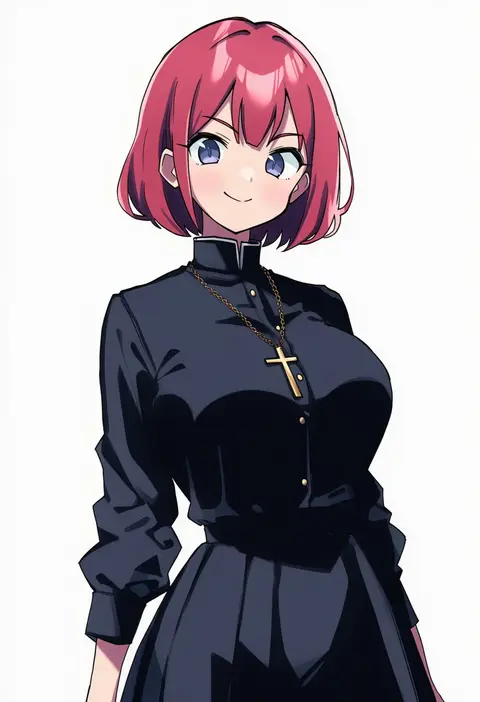
V4.5Artists
sort: FAVS▾
▾
>
$

Popular NovelAI artist tags — V4.5

artist --count 16,352[85/273]
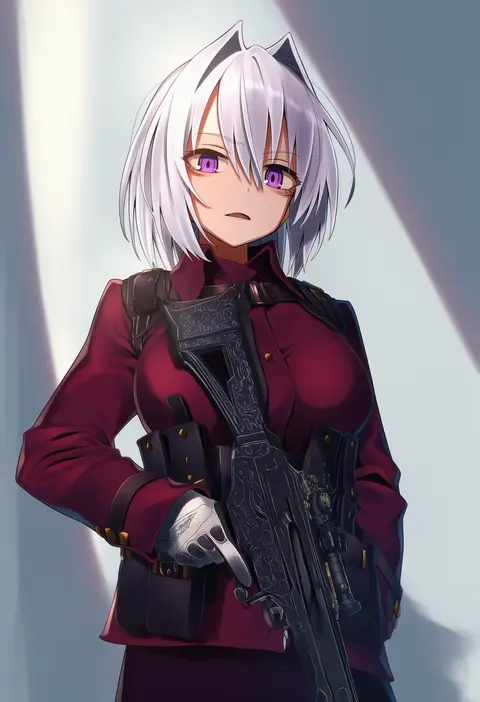
greenkohgen
ARTIST0x13B0
0
yamamura umi
ARTIST0x13B1
0
manatsuki manata
ARTIST0x13B2
0
horz
ARTIST0x13B3
0
kohaku q
ARTIST0x13B4
0
kuromu shado
ARTIST0x13B5
0
nik ibi
ARTIST0x13B6
0
nuguri444
ARTIST0x13B7
0
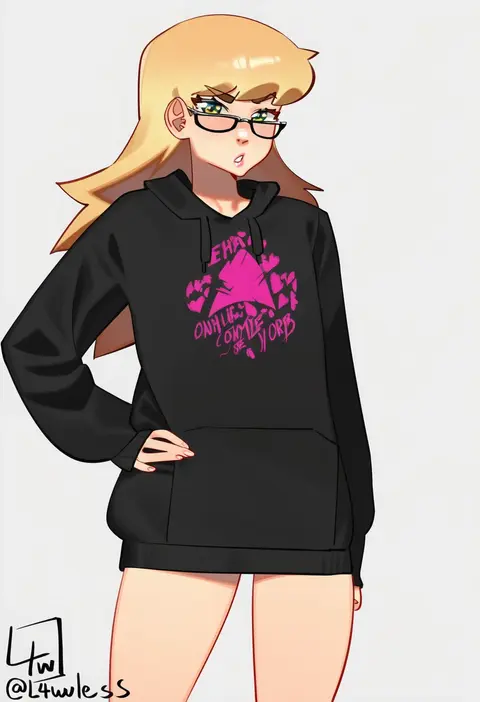
l4wless
ARTIST0x13B8
0
omiza somi
ARTIST0x13B9
0
fuyutuji
ARTIST0x13BA
0
monori rogue
ARTIST0x13BB
0
wacchi
ARTIST0x13BC
0
ario
ARTIST0x13BD
0
kaede (yumesaki kaede)
ARTIST0x13BE
0
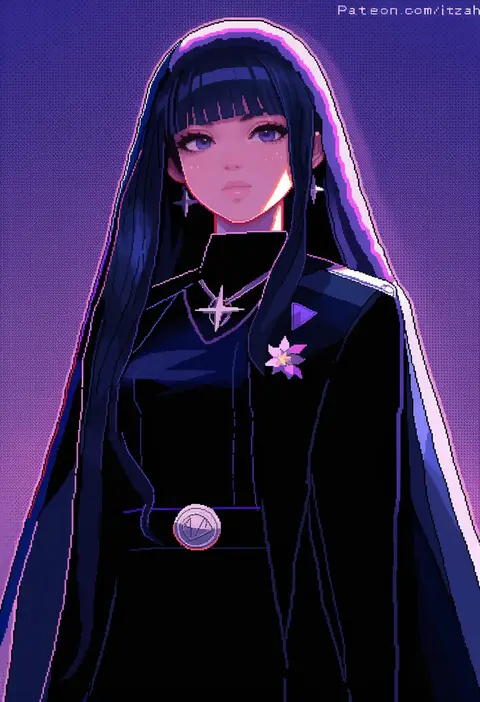
itzah
ARTIST0x13BF
0
ijima yuu
ARTIST0x13C0
0
misonou hirokichi
ARTIST0x13C1
0
lalazyt
ARTIST0x13C2
0
kure (kure ng)
ARTIST0x13C3
0
gonoike biwa
ARTIST0x13C4
0
gnai
ARTIST0x13C5
0
shimo (shimo332215)
ARTIST0x13C6
0
crumbles
ARTIST0x13C7
0
nanashino
ARTIST0x13C8
0
puchiman
ARTIST0x13C9
0
shiraue yuu
ARTIST0x13CA
0
nagio (kiona)
ARTIST0x13CB
0
yude
ARTIST0x13CC
0
natori youkai
ARTIST0x13CD
0
caracol
ARTIST0x13CE
0
arashiki mamizu
ARTIST0x13CF
0
longdq3008
ARTIST0x13D0
0
natsuhiko
ARTIST0x13D1
0
imo bouya
ARTIST0x13D2
0
lkeris
ARTIST0x13D3
0
wolffeld price
ARTIST0x13D4
0
nohtuy
ARTIST0x13D5
0
yatani row
ARTIST0x13D6
0
mikaku
ARTIST0x13D7
0
mtu (orewamuzituda)
ARTIST0x13D8
0
ittla
ARTIST0x13D9
0
kaname aomame
ARTIST0x13DA
0
cygnus (cygnus7)
ARTIST0x13DB
0
kinokomushi
ARTIST0x13DC
0
zako (arvinry)
ARTIST0x13DD
0
nemui333
ARTIST0x13DE
0
cinko
ARTIST0x13DF
0
ebisujima misato
ARTIST0x13E0
0
rayno
ARTIST0x13E1
0
shindol
ARTIST0x13E2
0
mito soosu
ARTIST0x13E3
0
akiyama cz4a
ARTIST0x13E4
0
shigatsu shizuki
ARTIST0x13E5
0
yutoriko (candy0905)
ARTIST0x13E6
0
nevakuma (fanfanas)
ARTIST0x13E7
0
takeko spla
ARTIST0x13E8
0
akihiro0920
ARTIST0x13E9
0
blazpu
ARTIST0x13EA
0
miyahara takuya
ARTIST0x13EB
0

What these tags change

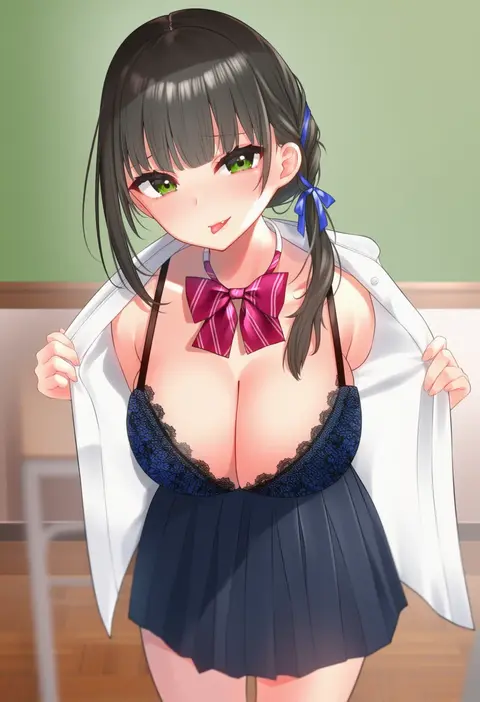
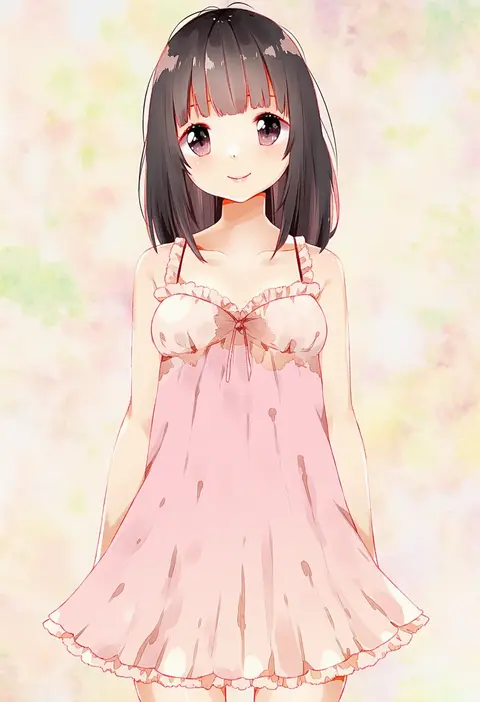
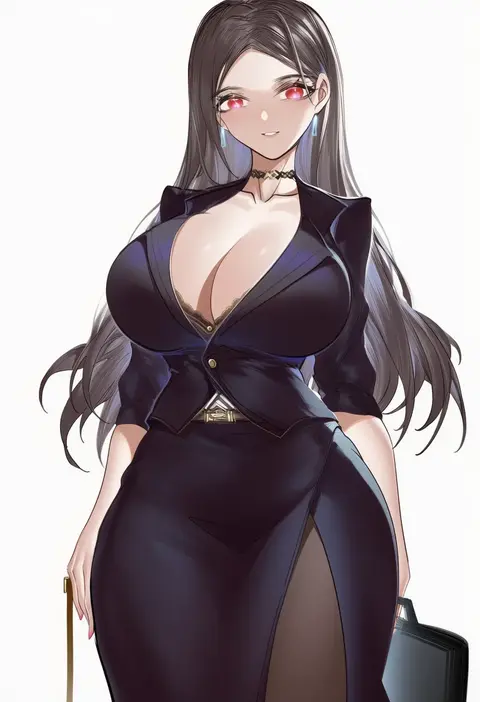
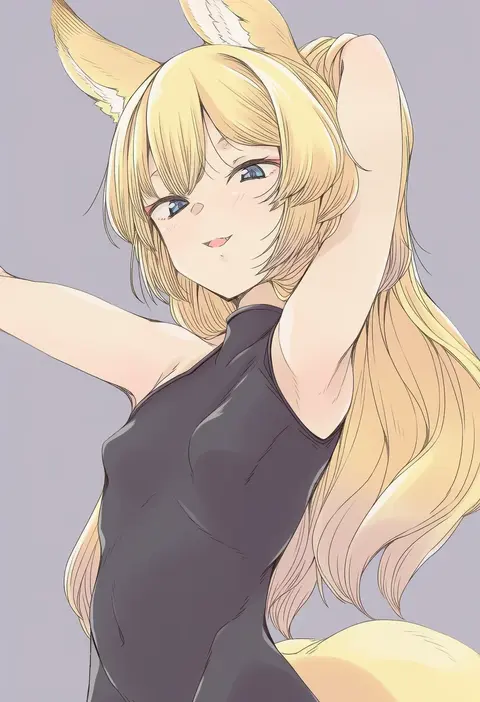
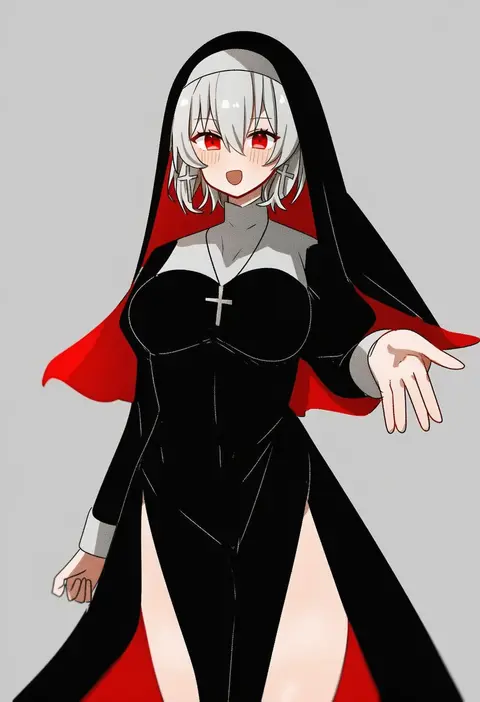
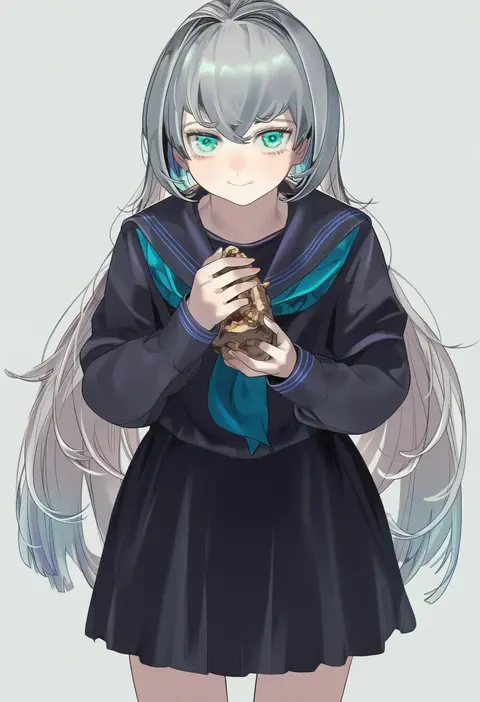
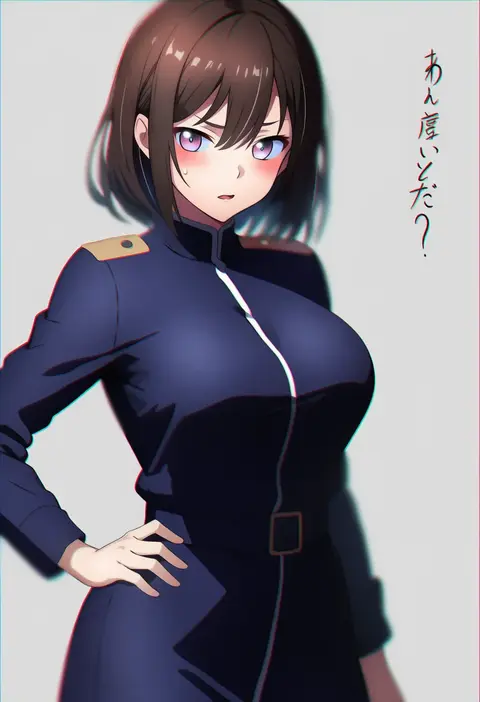
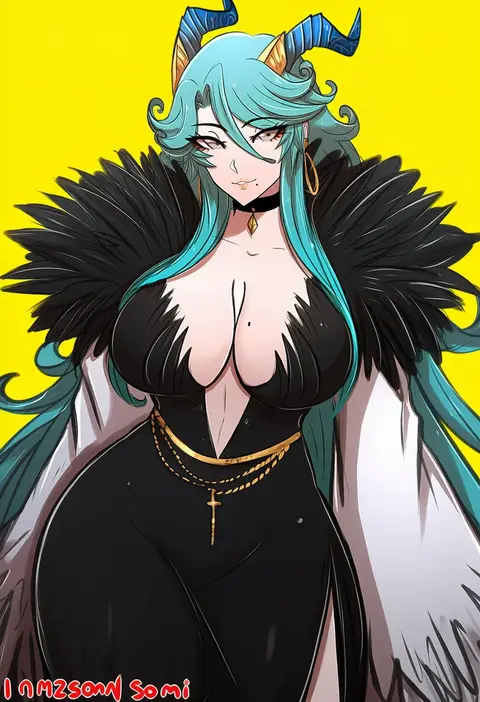
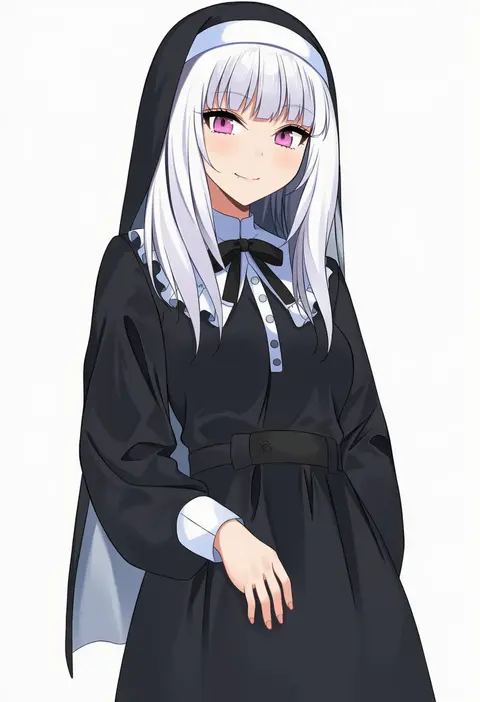
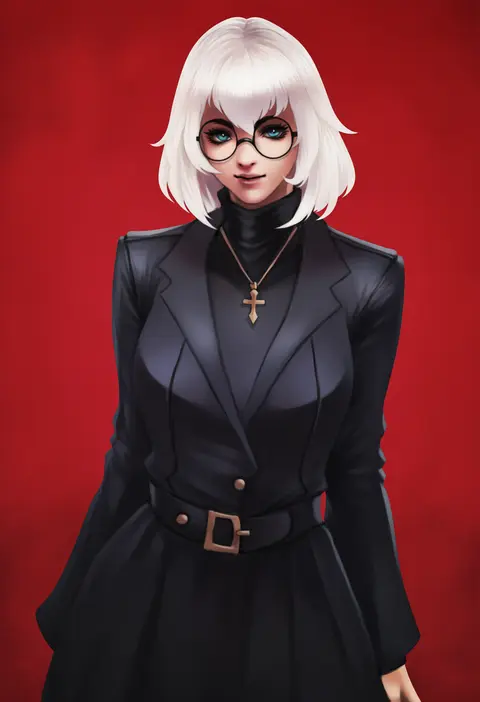
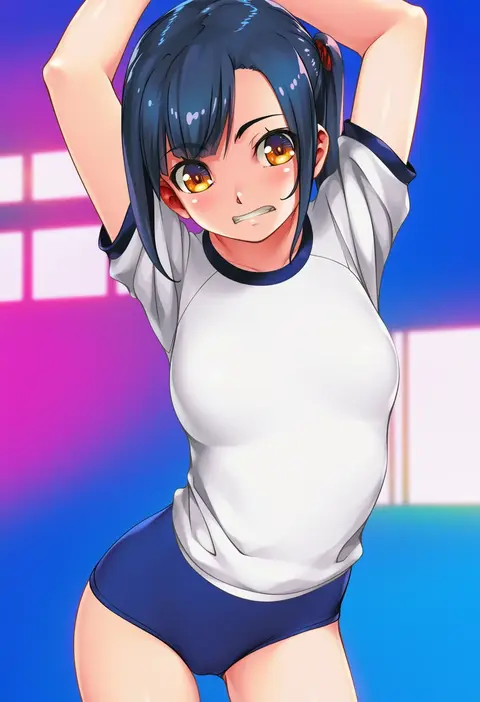
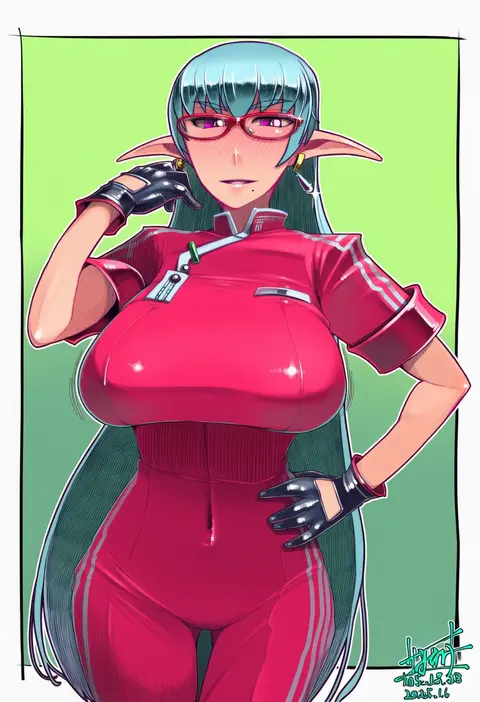
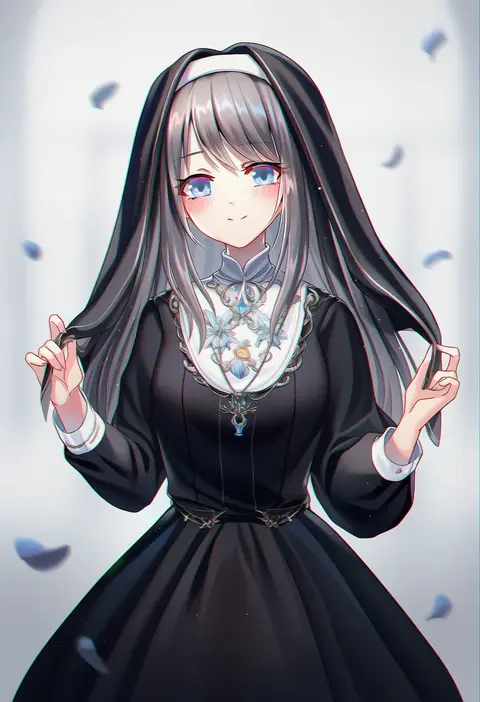
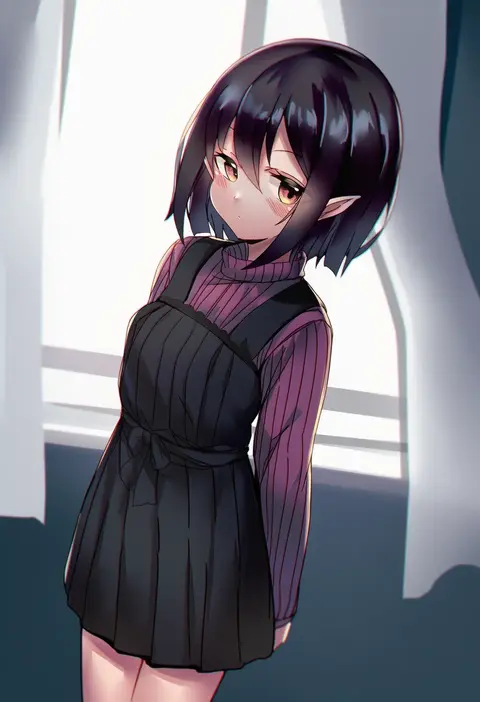
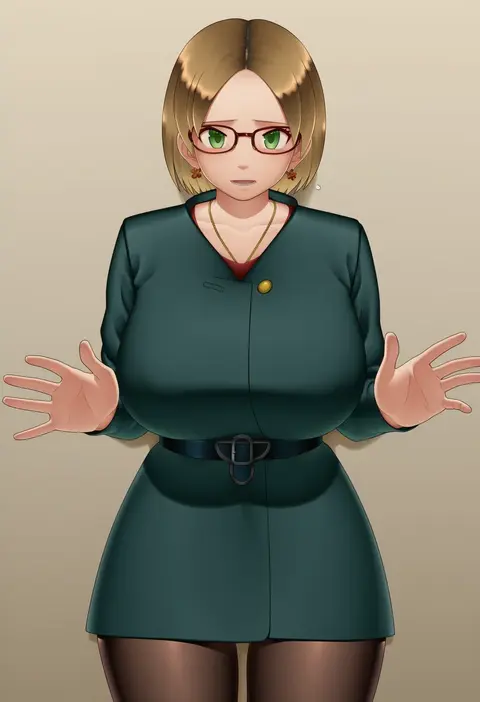
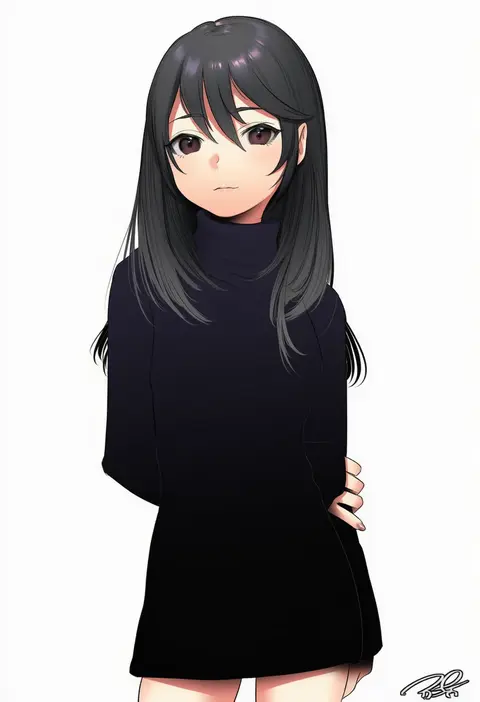
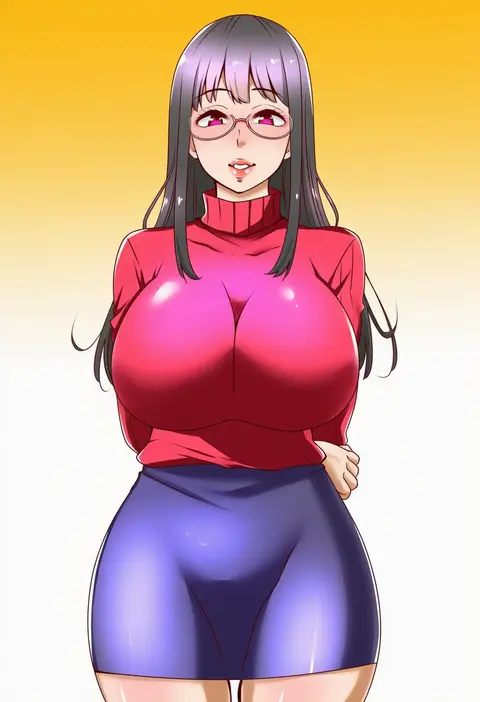
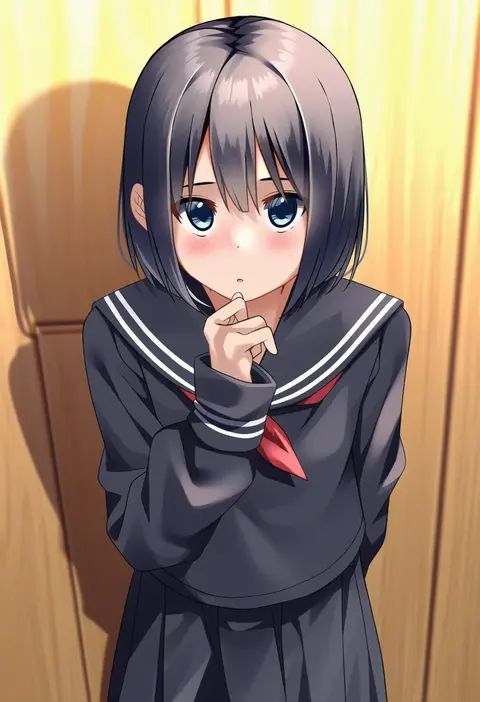
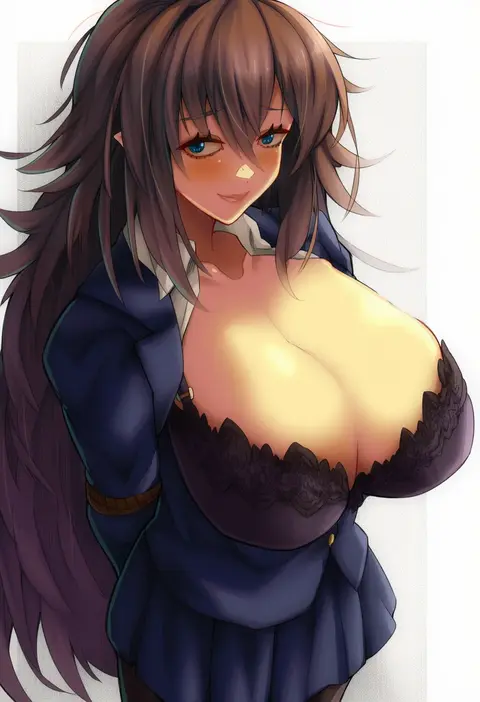
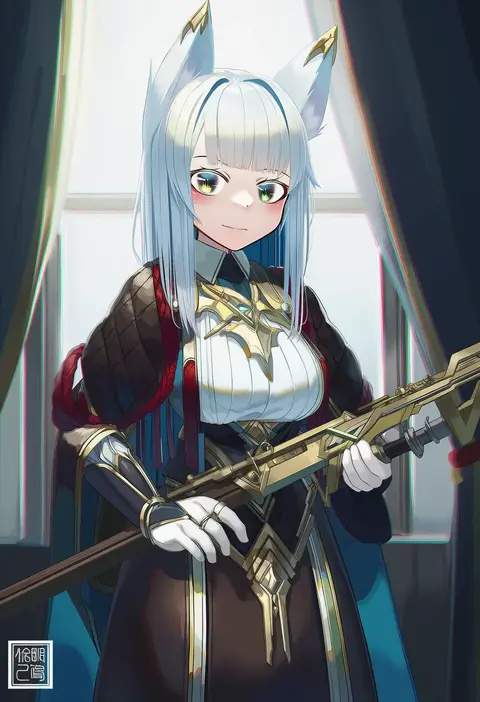
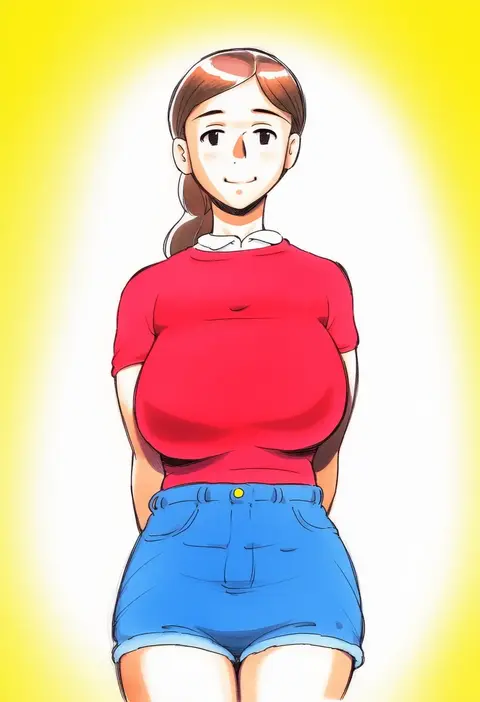
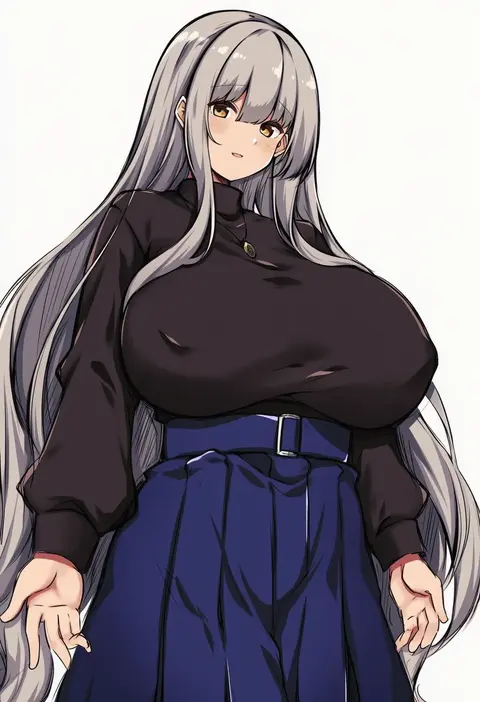
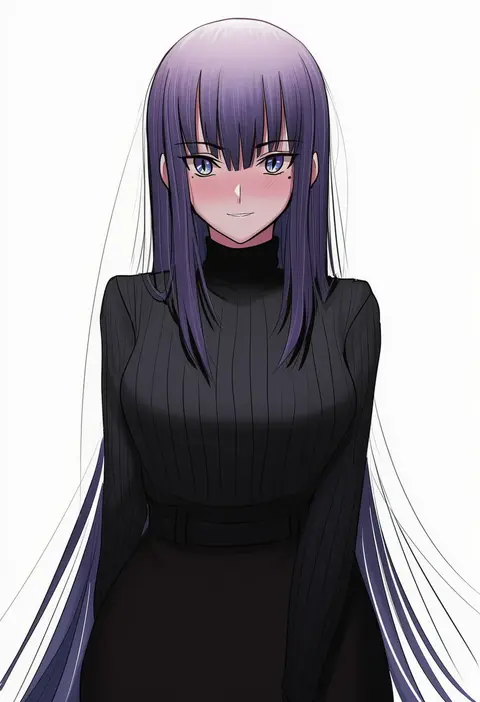
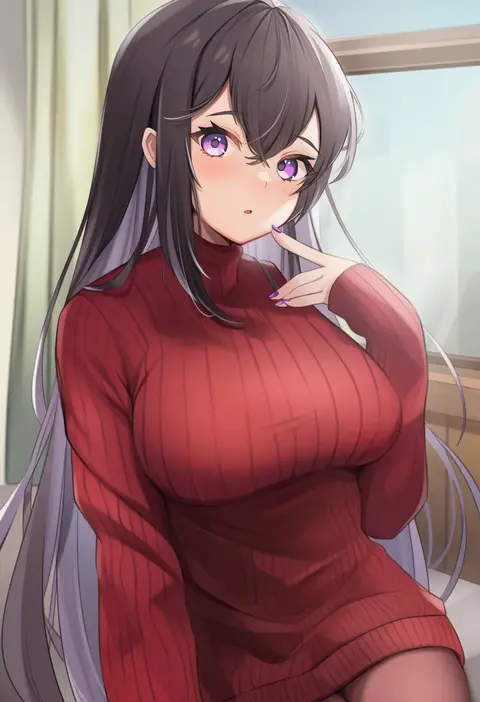
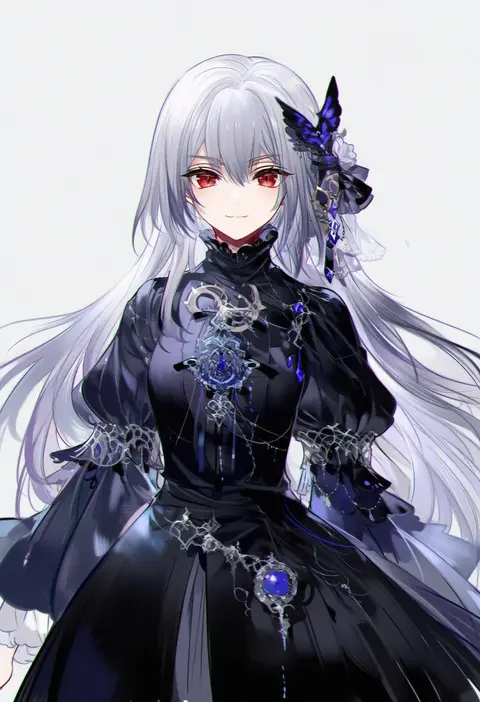
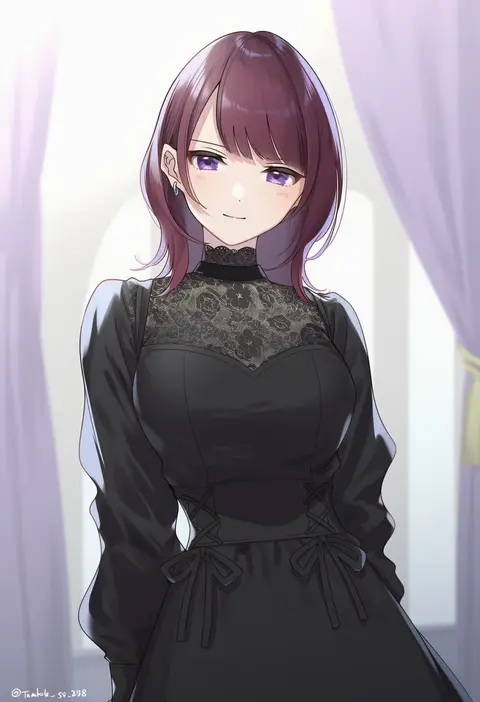
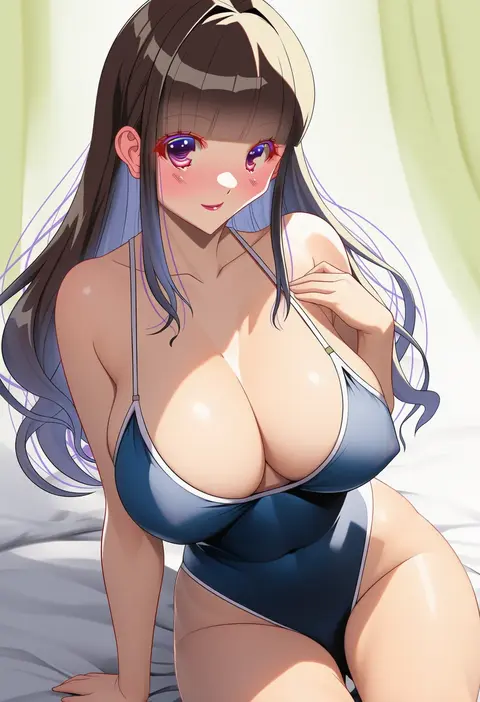
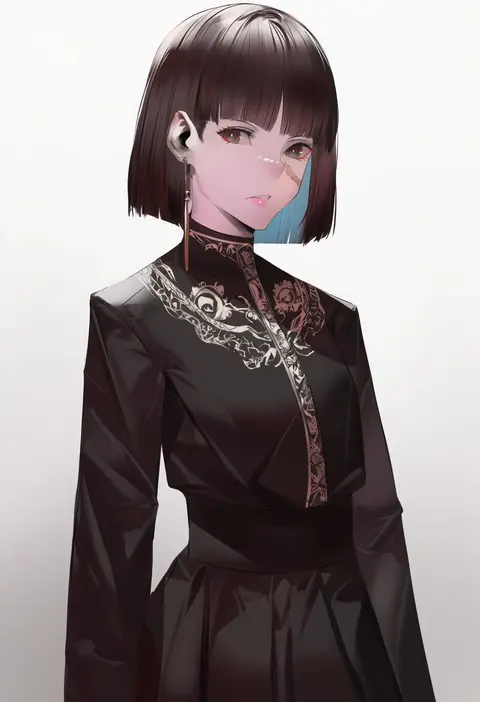
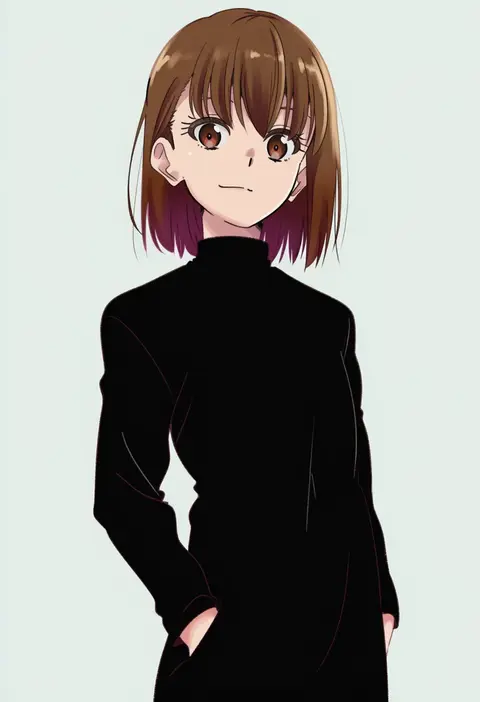
Artist tags tell NovelAI Diffusion to draw in a specific artist's style: line weight, paint texture, face shapes and palette all shift at once. Character and outfit tags decide what is drawn; artist tags decide how. 16,352 tags are listed for V4.5.
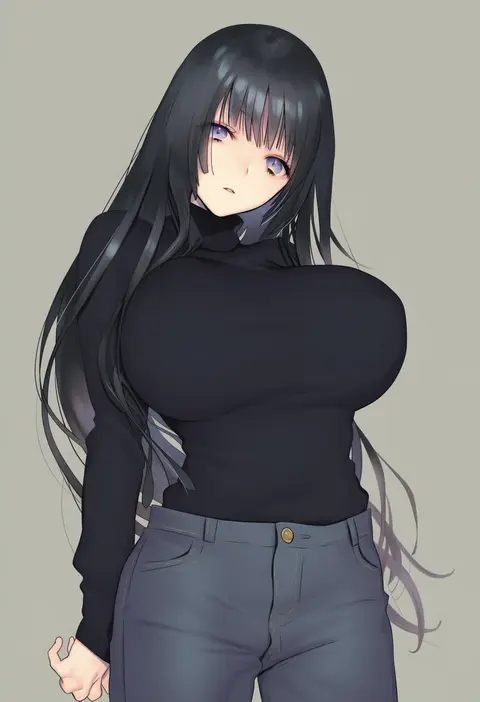
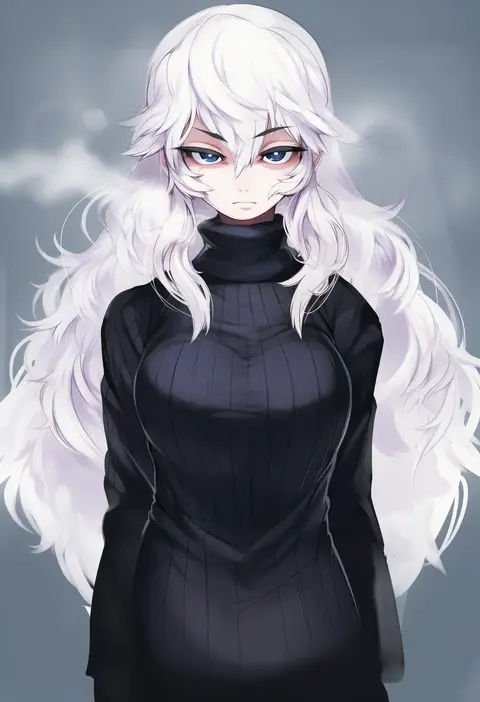
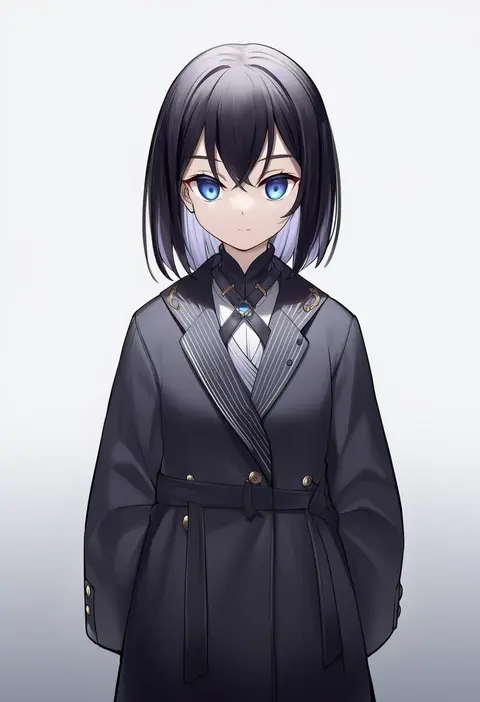
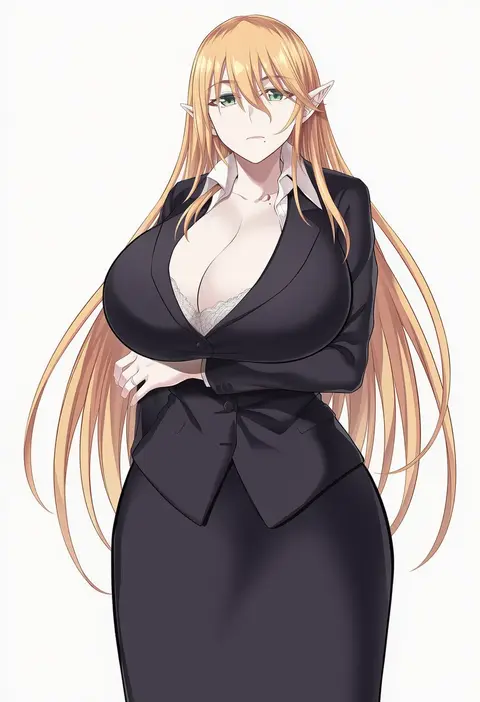
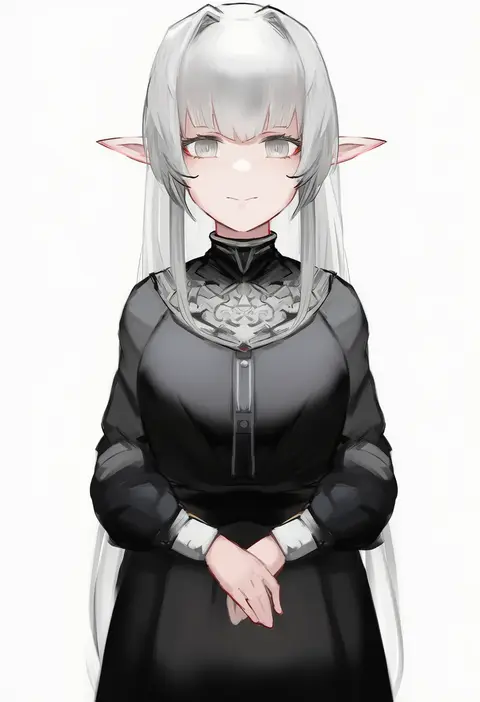
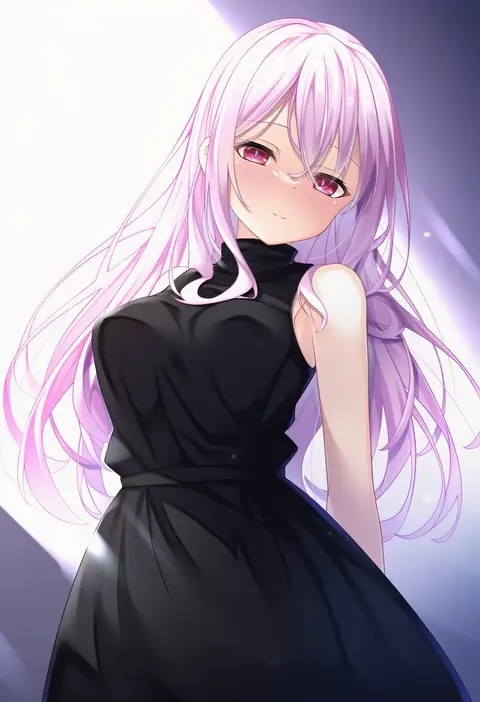
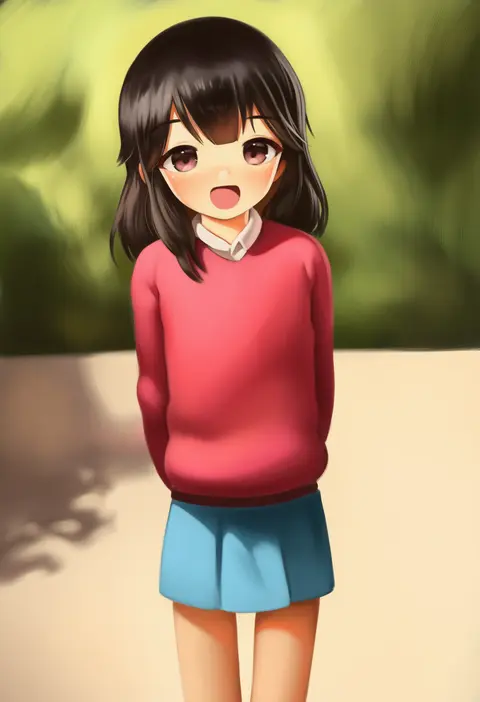
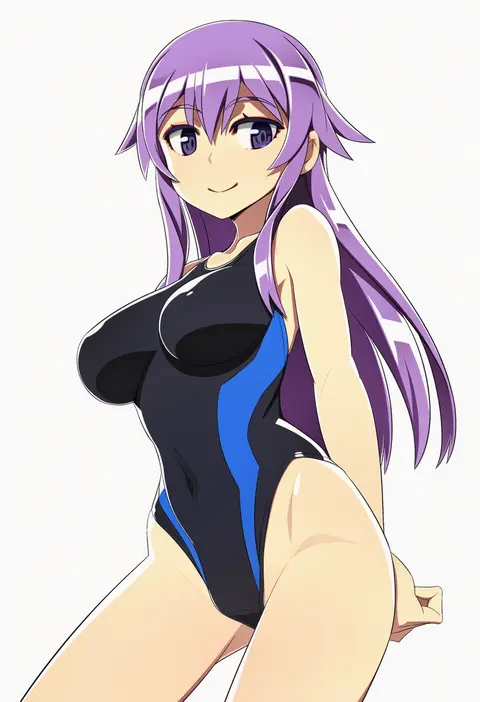
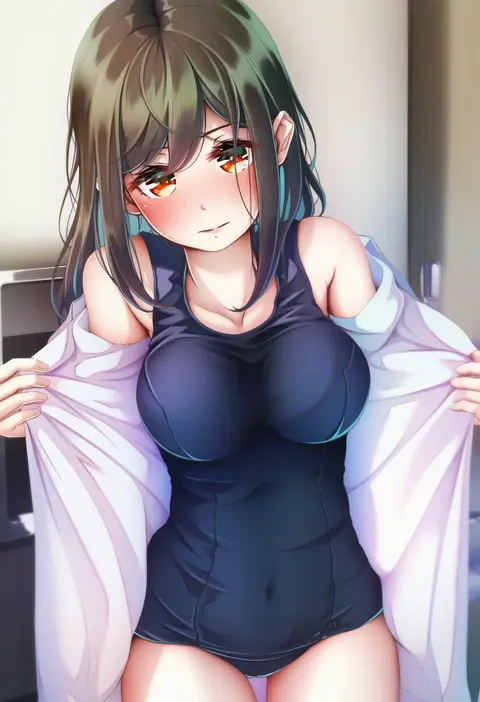
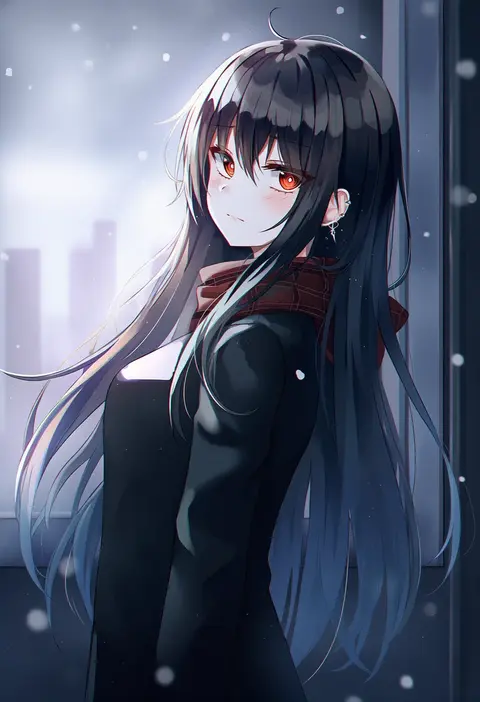
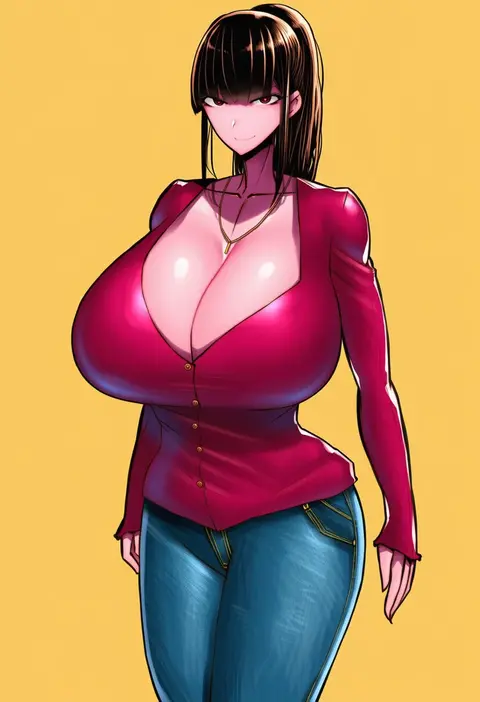
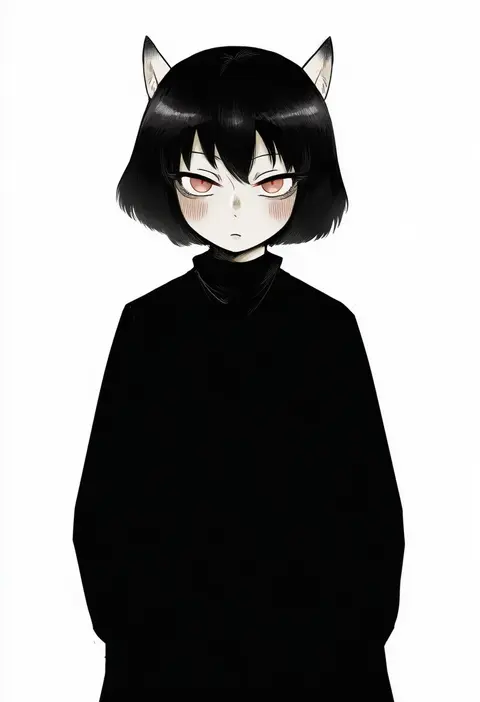
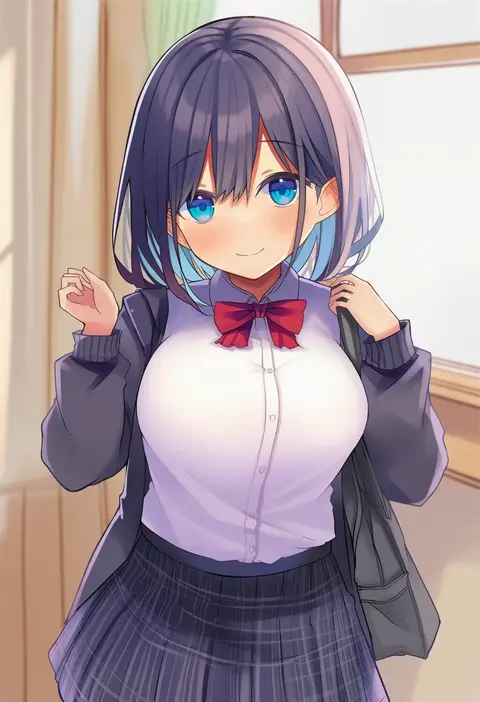
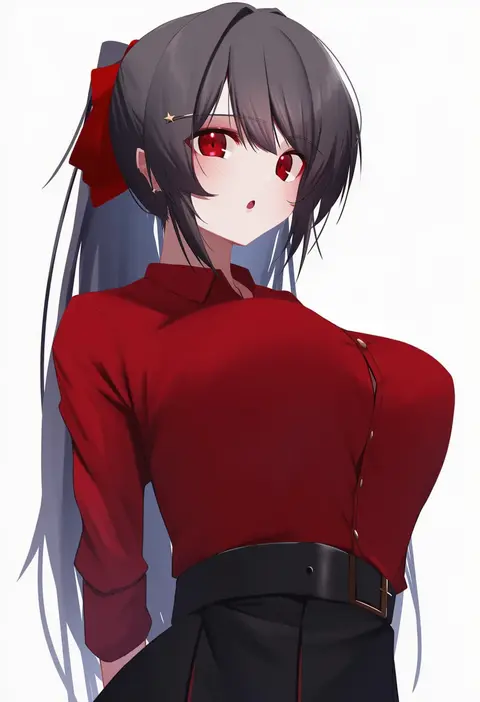
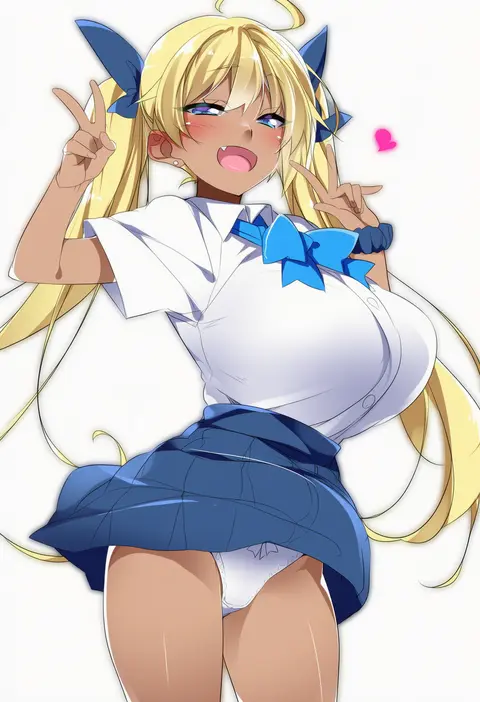
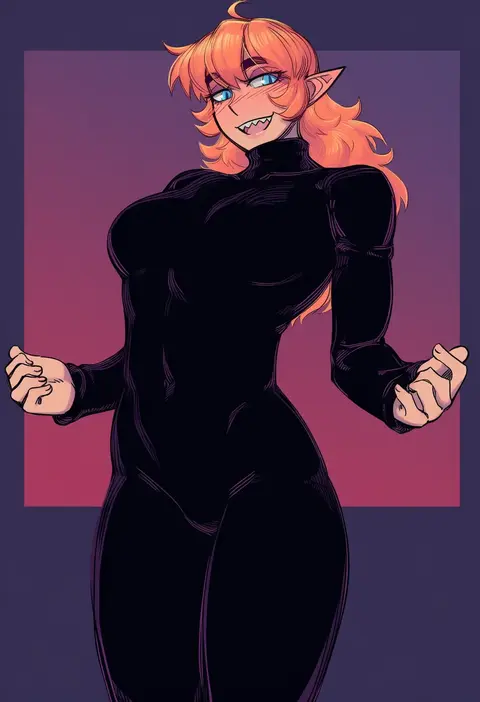
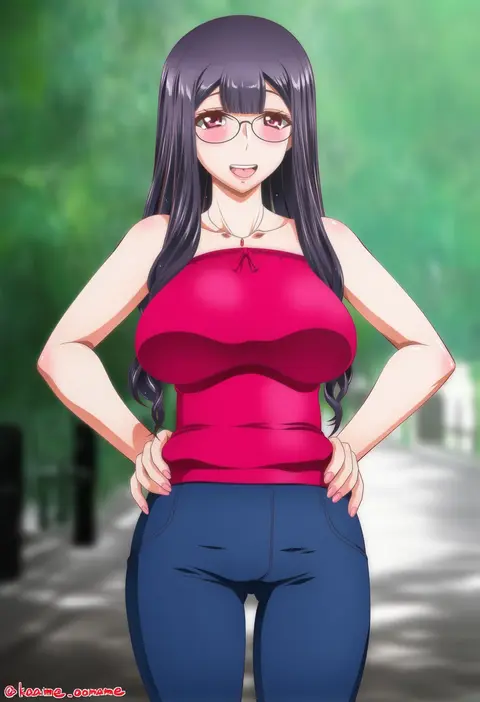
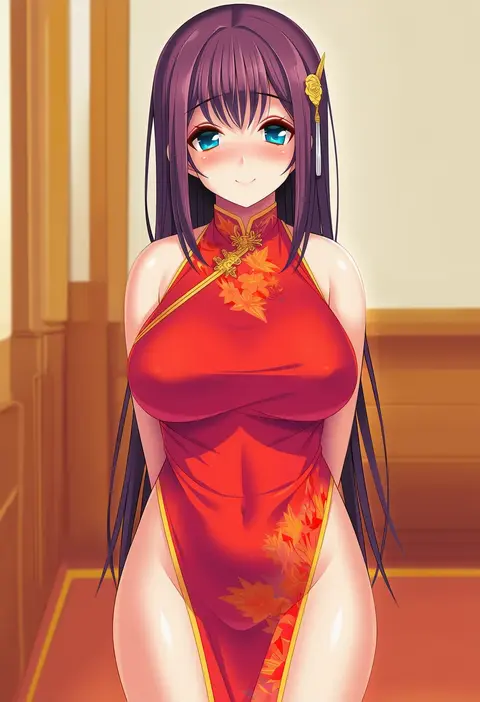
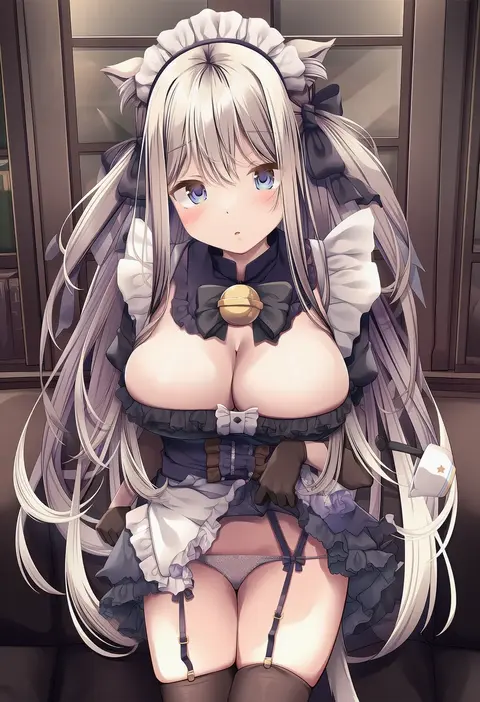
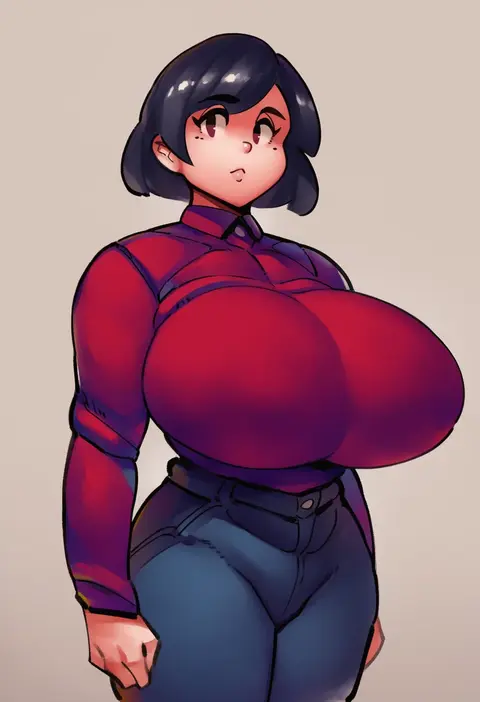
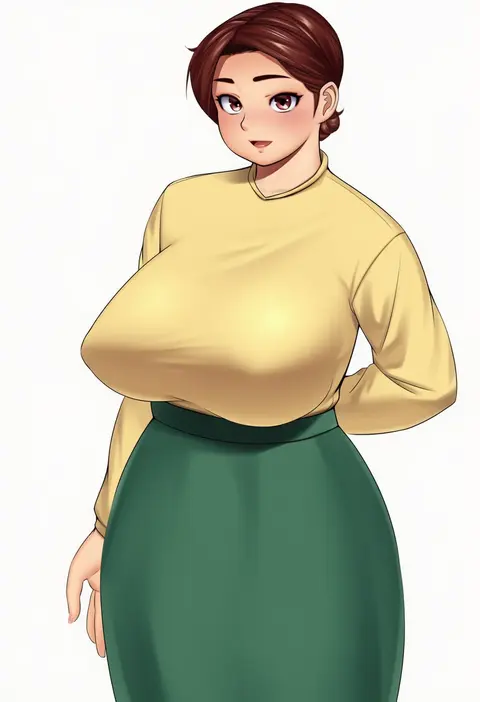
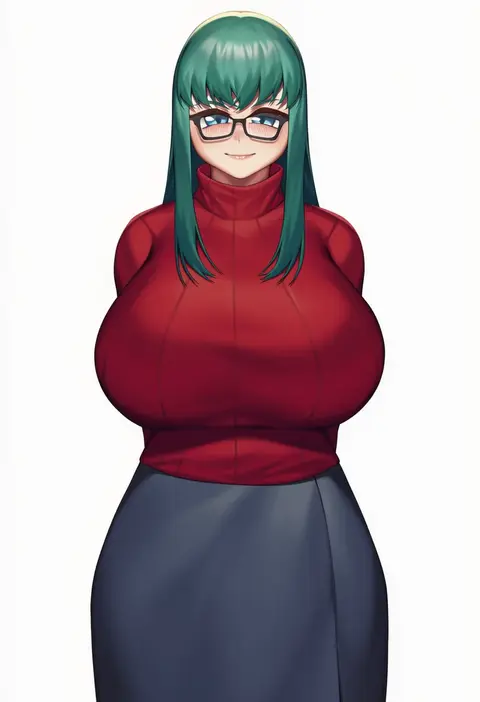
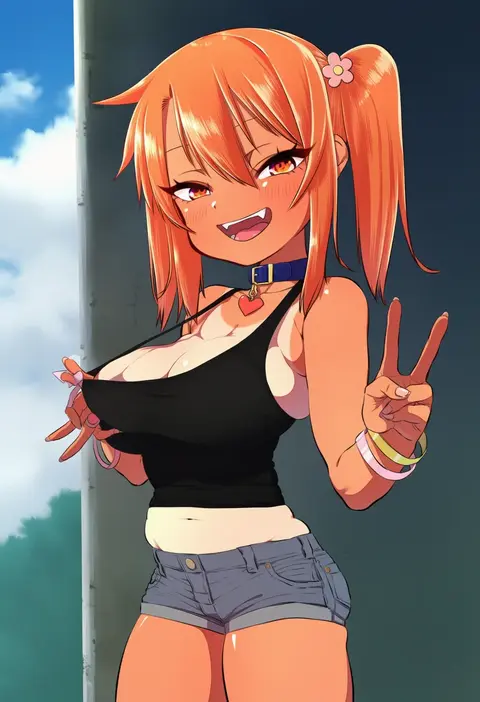
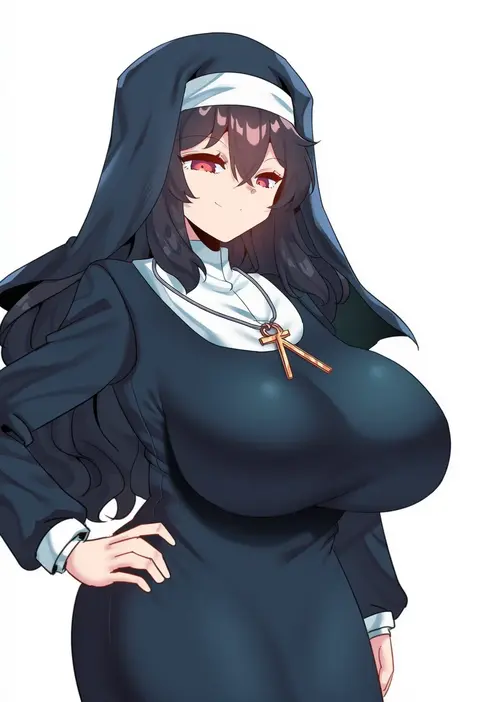
Every tag listed here is verified to react in NovelAI. All images use the same prompt, seed and settings with only the artist tag swapped, so the difference between two images is the style that tag brings in.

How to use them

Put the artist tag near the front of the prompt, e.g. "<artist>, 1girl, solo, best quality, masterpiece, cowboy shot". Two or three artist tags blend styles; lower the weight with "0.8::<artist>::" when the style overpowers the character.

SCORE sorts by Danbooru's top score, POSTS by post count, FAVS by hearts on this site. Open a card to see V5 and V4.5 side by side on the same seed.

V5 vs V4.5

V5 usually lands closer to the artist's real style, and tags that did nothing on V4.5 often react on V5. V4.5 still fits older and doujin-heavy artists better. Try V5 first, fall back to V4.5.

FAQ

Where does the artist tag go?
Near the front of the prompt. Use "0.8::tag::" to adjust its weight.

Can I stack artist tags?
Yes, styles blend. Past two or three the result stops looking like anyone.

Are these the artists' own works?
No. Every image is a NovelAI sample generated from the tag.