V4.5Artists
sort: FAVS▾
▾
>
$

Popular NovelAI artist tags — V4.5

artist --count 16,352[88/273]
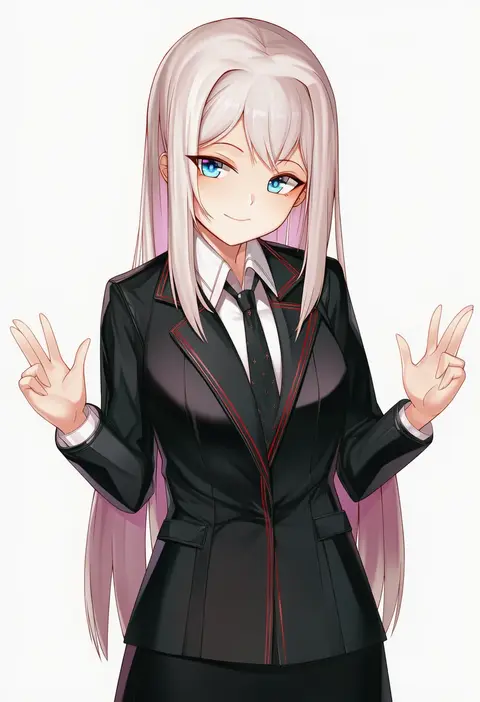
btraphen
ARTIST0x1464
0
henkuma
ARTIST0x1465
0
aizenpochi
ARTIST0x1466
0
karyln
ARTIST0x1467
0
sowel (sk3)
ARTIST0x1468
0
randou
ARTIST0x1469
0
aoi suzu
ARTIST0x146A
0
aiuti
ARTIST0x146B
0
tokki
ARTIST0x146C
0
wajuniorbox
ARTIST0x146D
0
shiratama mochi
ARTIST0x146E
0
tabibitowayo
ARTIST0x146F
0
pompmaker1
ARTIST0x1470
0
suuru
ARTIST0x1471
0
kabedoru
ARTIST0x1472
0
once 11h
ARTIST0x1473
0
hitsujibane shinobu
ARTIST0x1474
0
tama satou
ARTIST0x1475
0
murata range
ARTIST0x1476
0
furaggu (frag 0416)
ARTIST0x1477
0
seihekiog
ARTIST0x1478
0
sakaki imasato
ARTIST0x1479
0
suurin (ksyaro)
ARTIST0x147A
0
hashimoto takashi
ARTIST0x147B
0
nakasone haiji
ARTIST0x147C
0
amagasa yun
ARTIST0x147D
0
arpeggio kaga
ARTIST0x147E
0
maeshimashi
ARTIST0x147F
0
hinoru saikusa
ARTIST0x1480
0
minuspal
ARTIST0x1481
0
zelitto
ARTIST0x1482
0
ya ta
ARTIST0x1483
0
usagimiko
ARTIST0x1484
0
rifufu
ARTIST0x1485
0
kachayori
ARTIST0x1486
0
x xith x
ARTIST0x1487
0
arqa
ARTIST0x1488
0
kuma daigorou
ARTIST0x1489
0
masuda (yousaytwosin)
ARTIST0x148A
0
nslacka
ARTIST0x148B
0
keiryuu seo
ARTIST0x148C
0
robusta mania
ARTIST0x148D
0
uni8
ARTIST0x148E
0
magion02
ARTIST0x148F
0
ziro (zirorong)
ARTIST0x1490
0
c.r.
ARTIST0x1491
0
ibuo (ibukht1015)
ARTIST0x1492
0
controlline3
ARTIST0x1493
0
nephthys2356
ARTIST0x1494
0
myht
ARTIST0x1495
0
shadowgrave
ARTIST0x1496
0
yugami gooshu
ARTIST0x1497
0
yakob labo
ARTIST0x1498
0
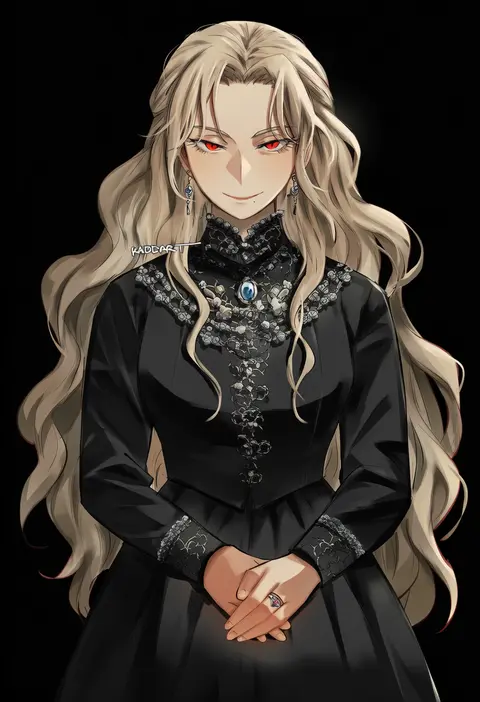
kadeart
ARTIST0x1499
0
jonsun
ARTIST0x149A
0
hitowa
ARTIST0x149B
0
kageshio (276006)
ARTIST0x149C
0
lamb (hitsujiniku)
ARTIST0x149D
0
hakui ami
ARTIST0x149E
0
kani club
ARTIST0x149F
0

What these tags change

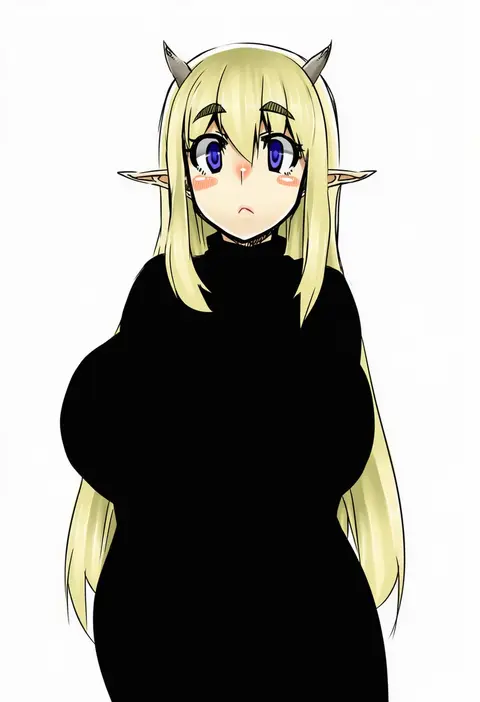
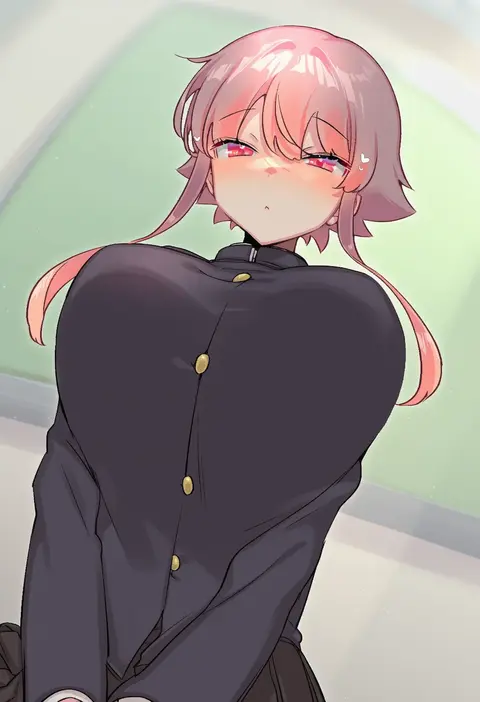
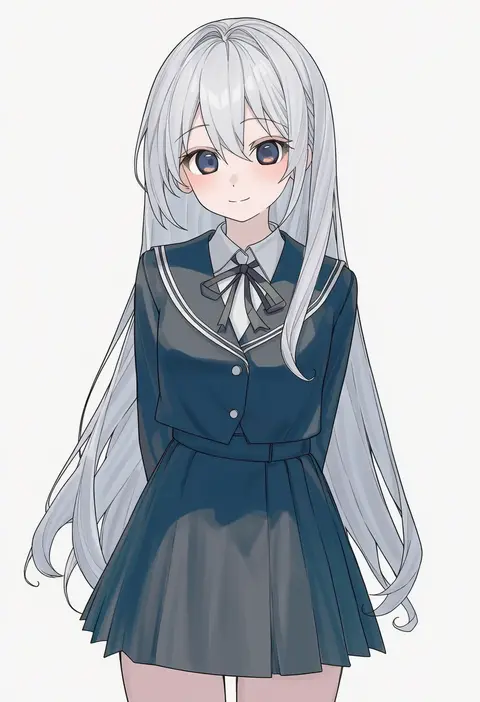
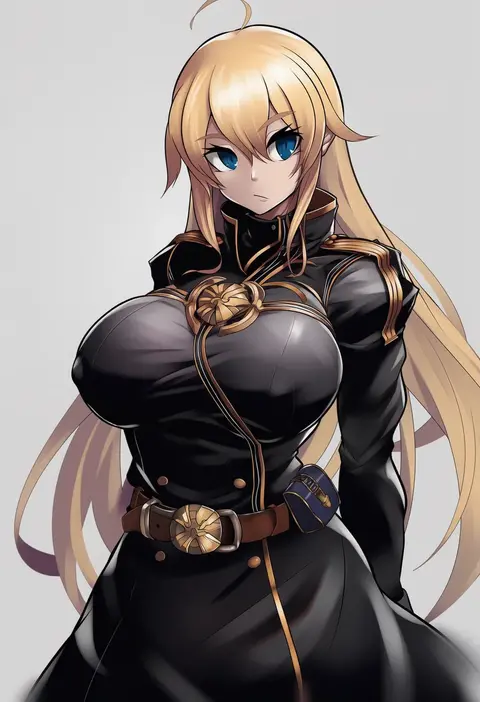
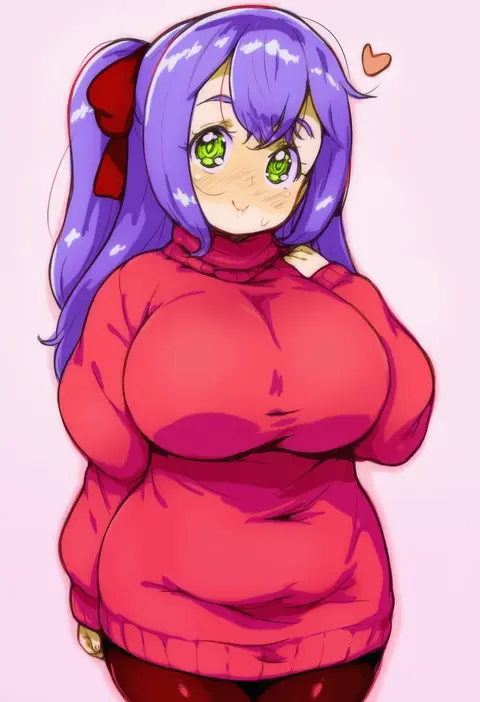
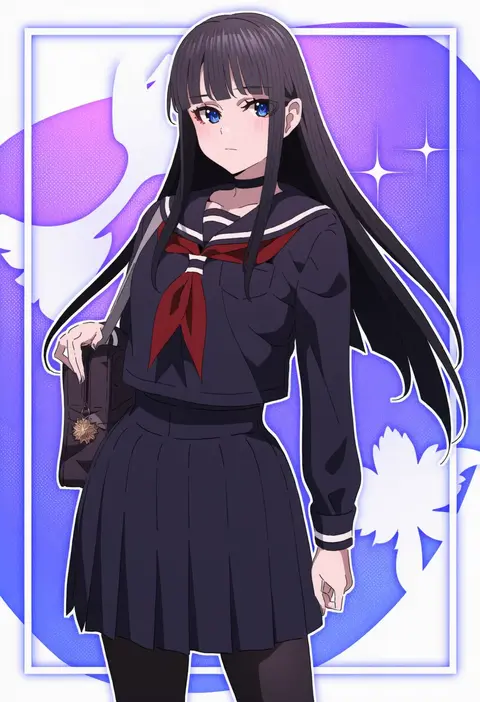
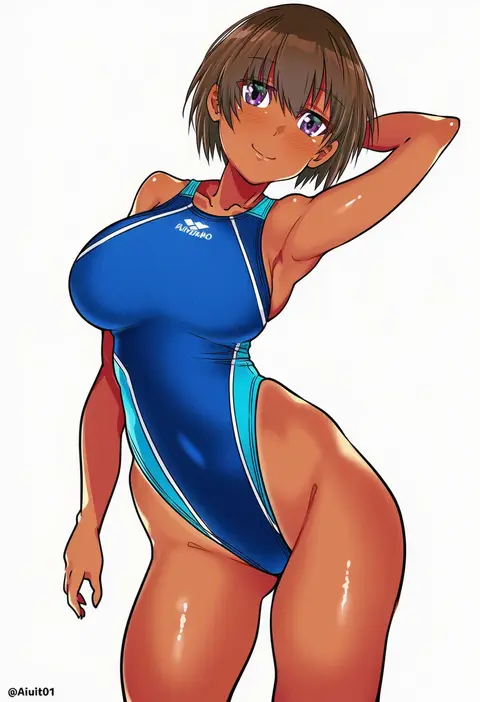
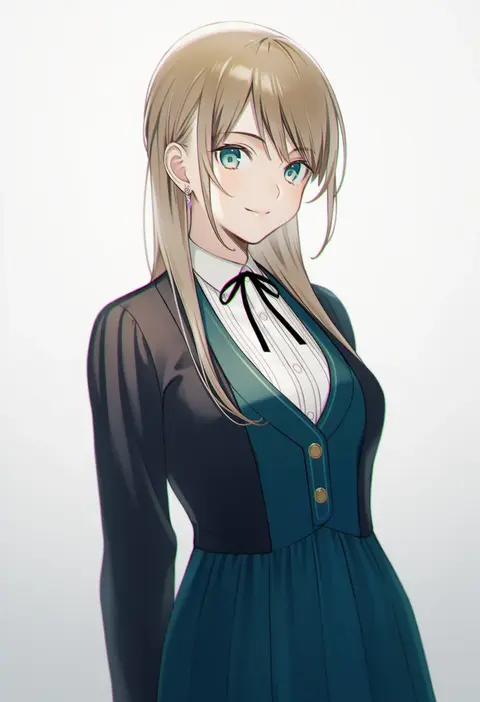
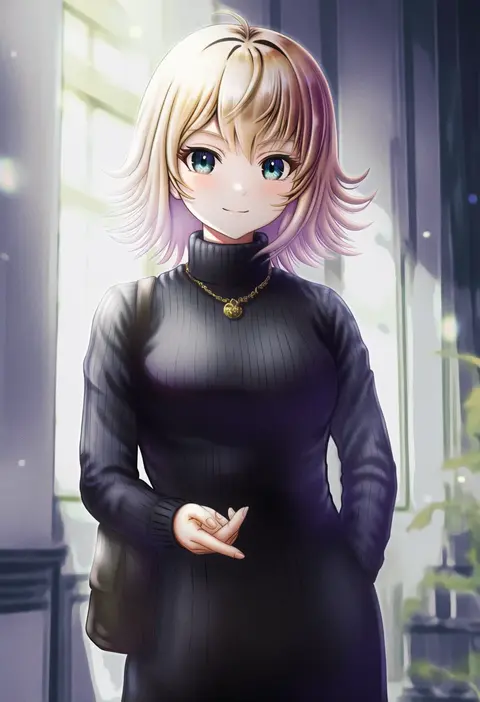
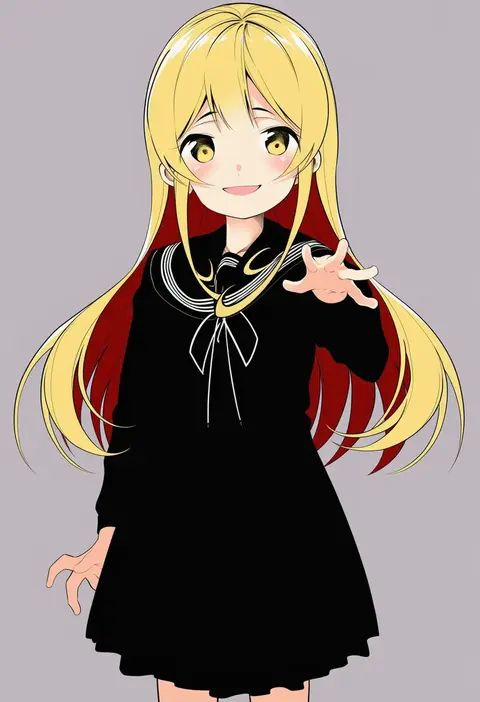
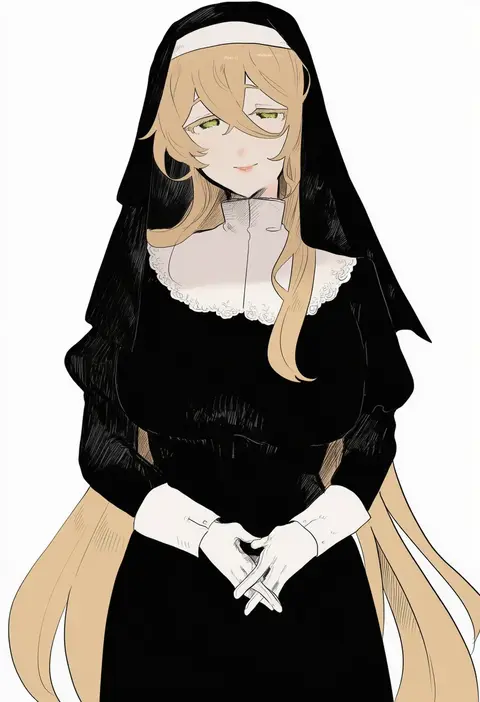
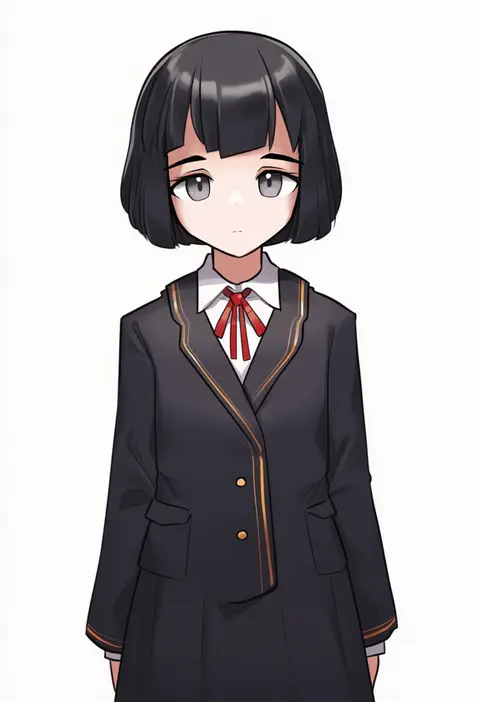
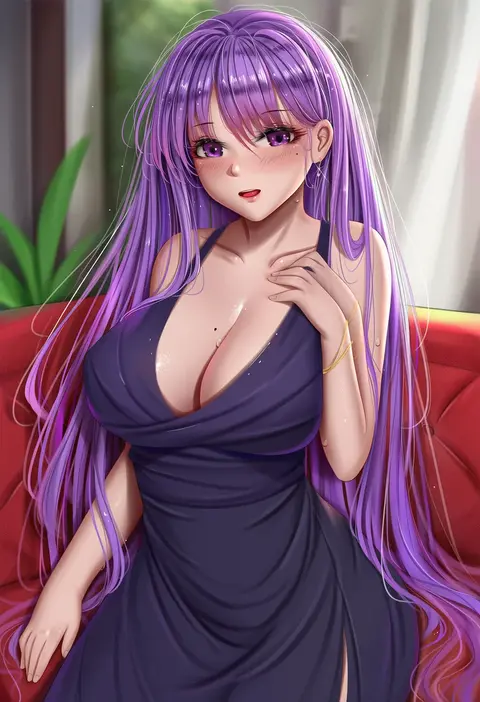
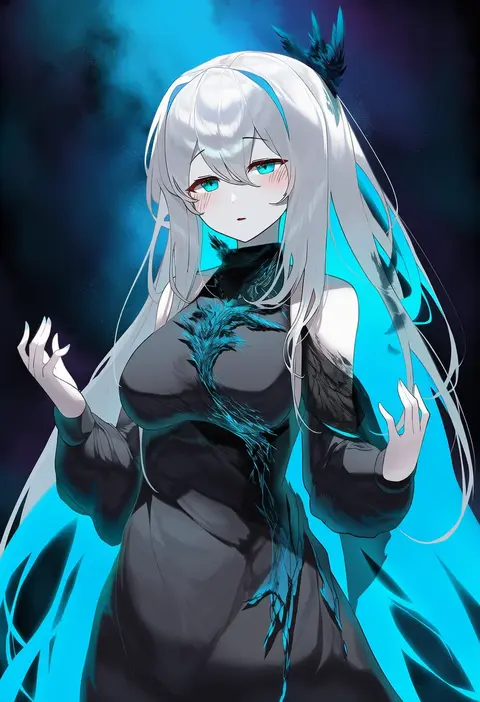
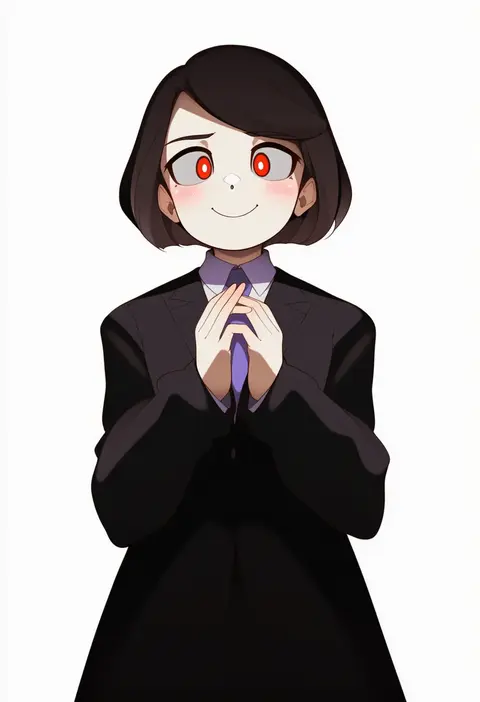
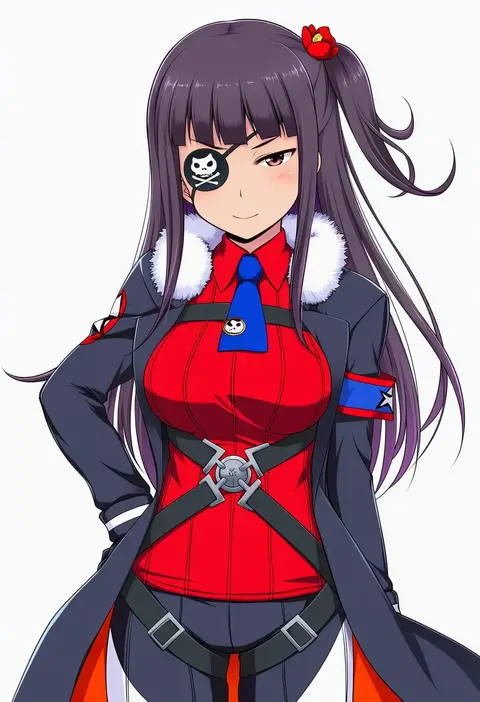
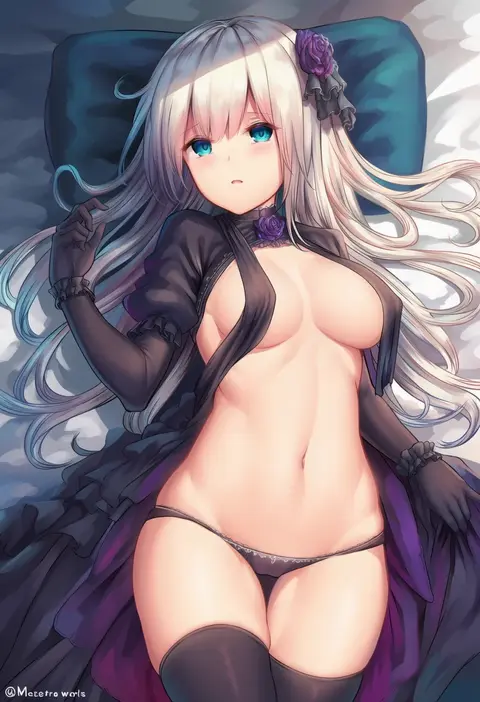
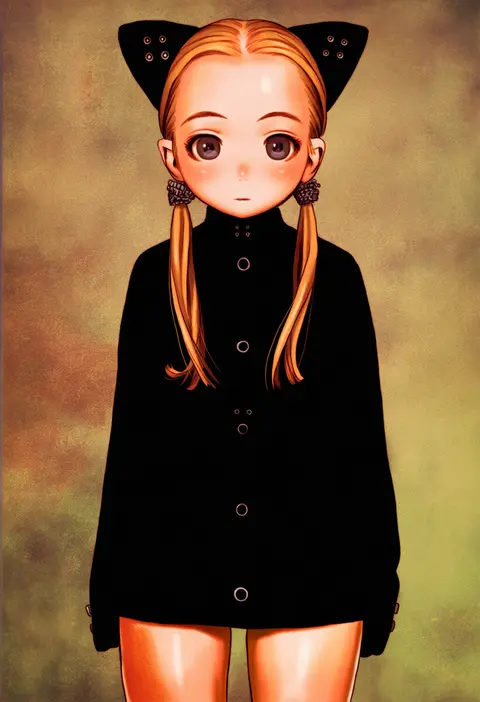
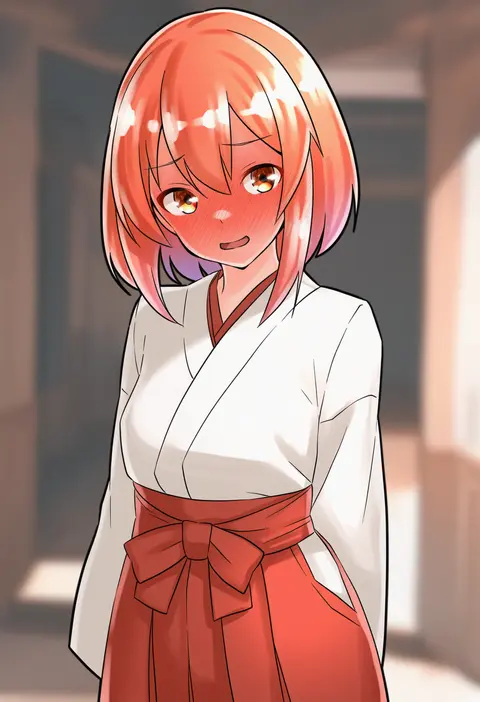
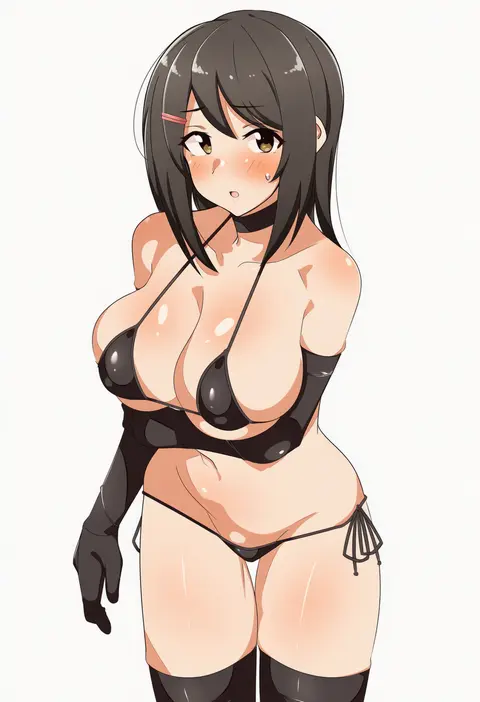
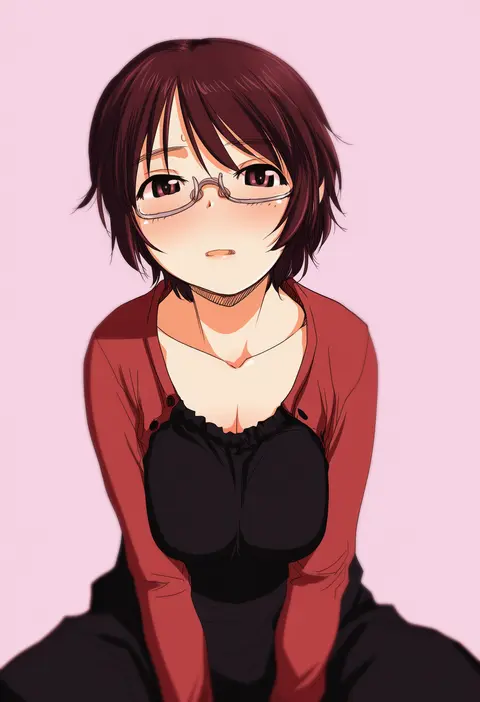
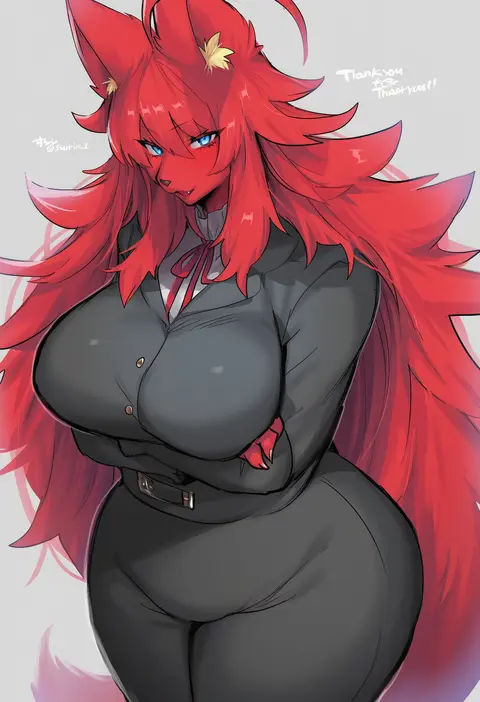
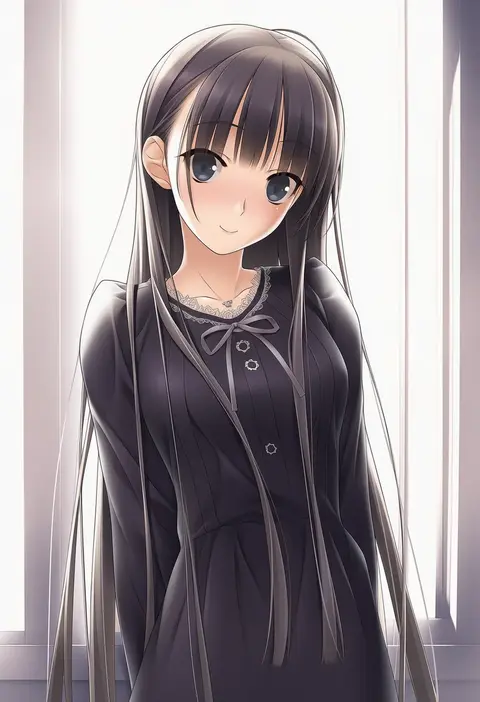
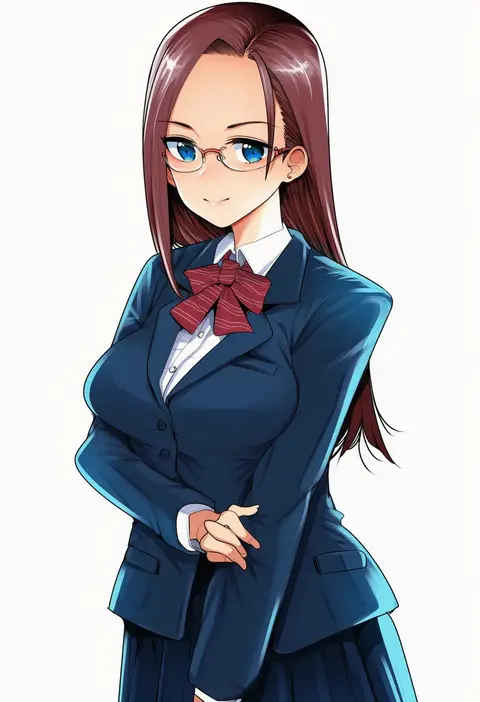
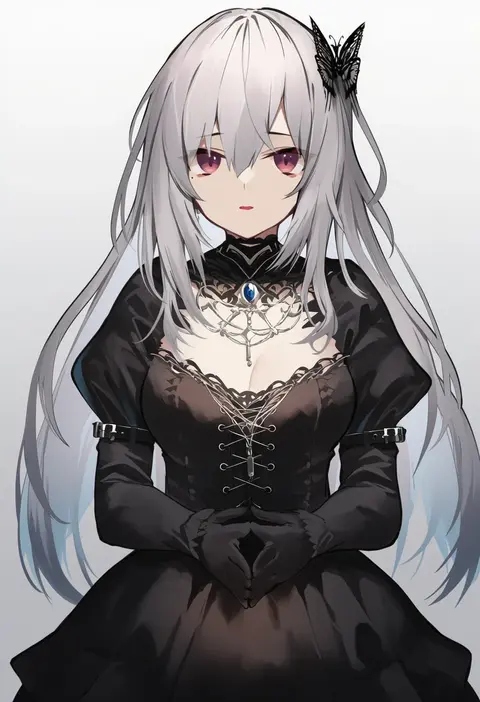
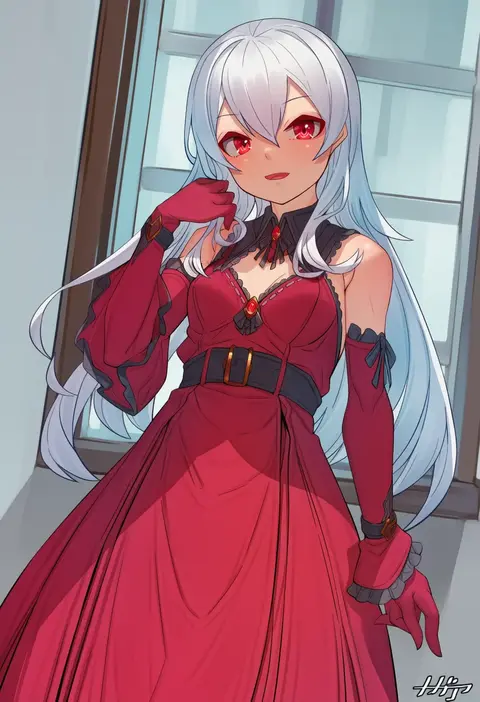
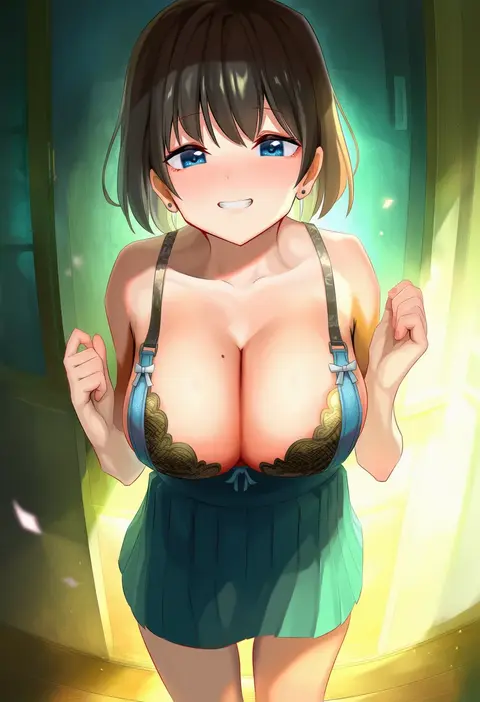
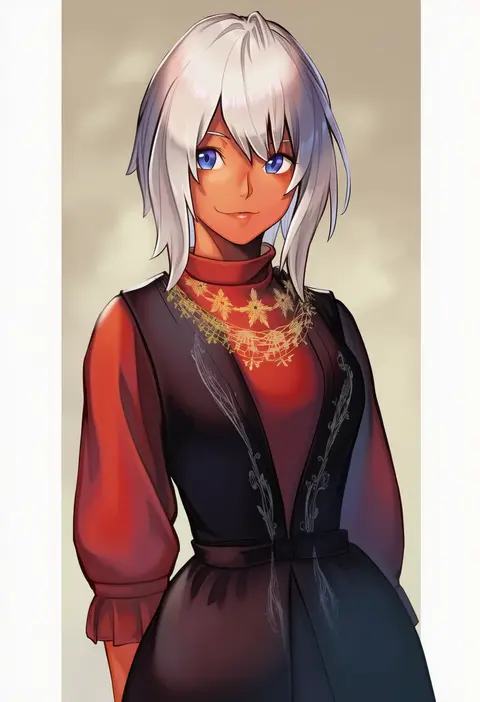
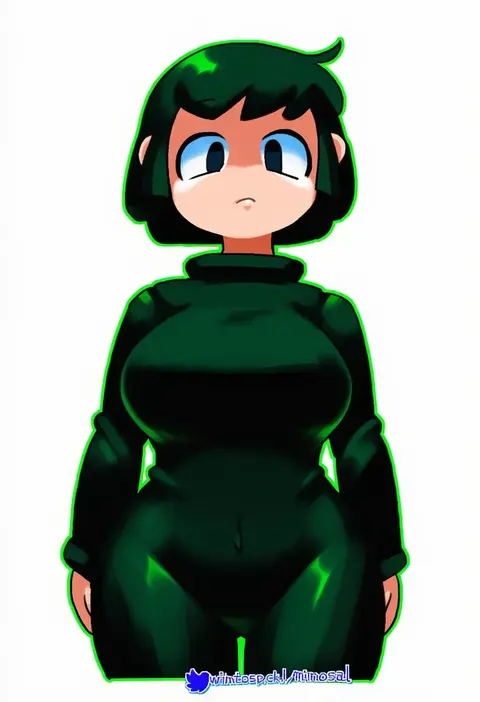
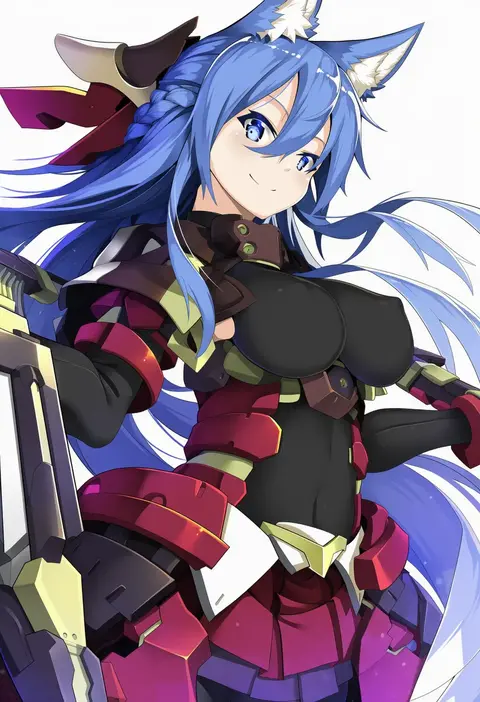
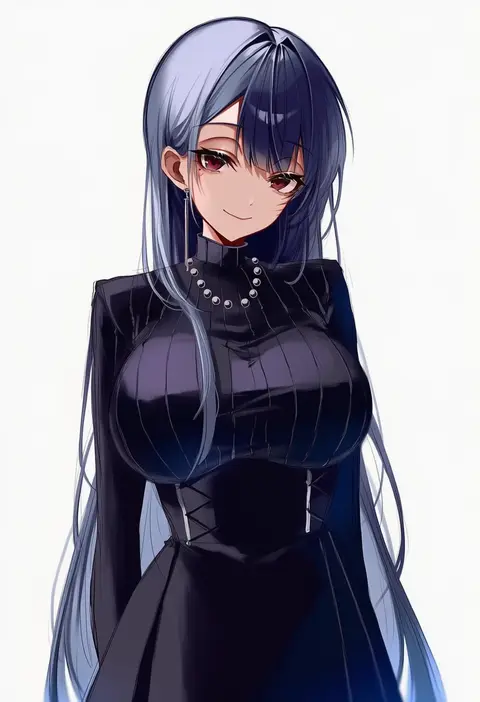
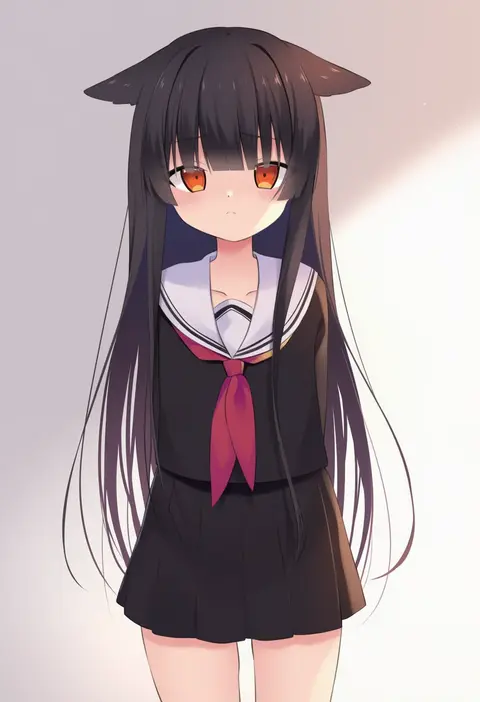
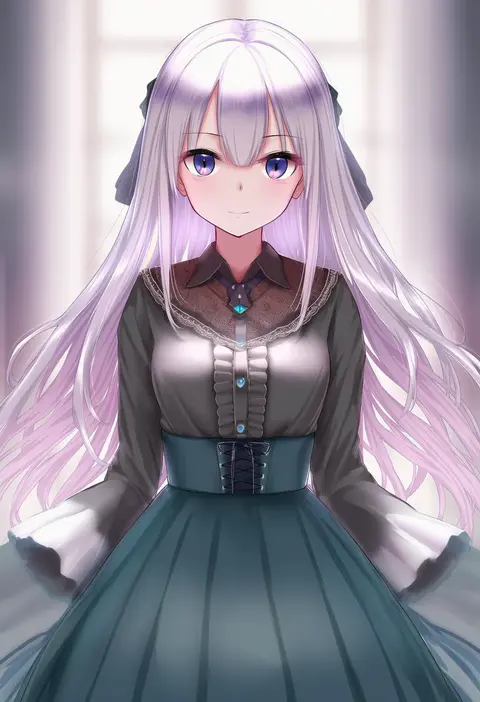
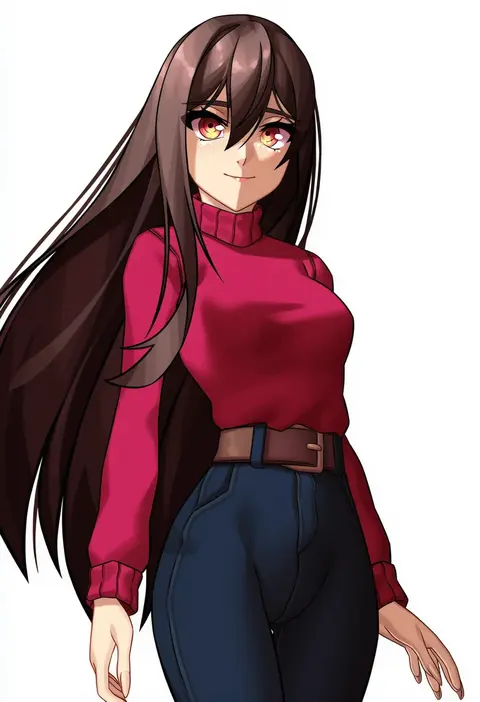
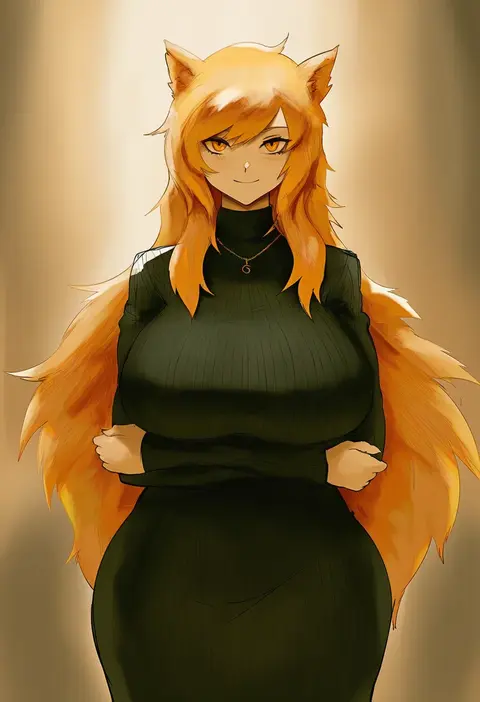
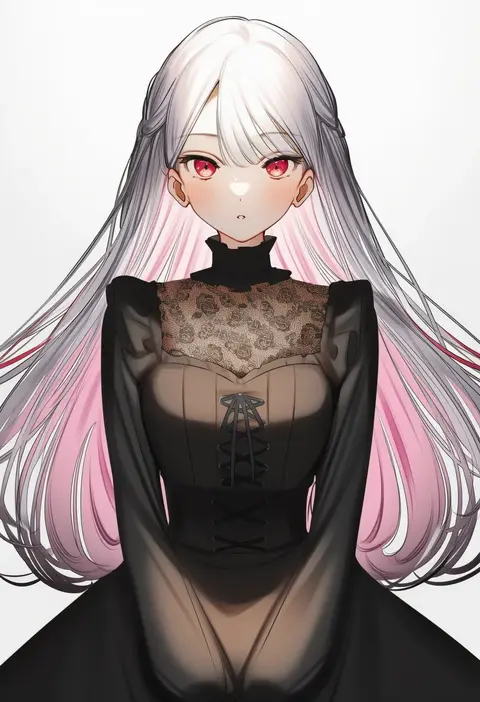
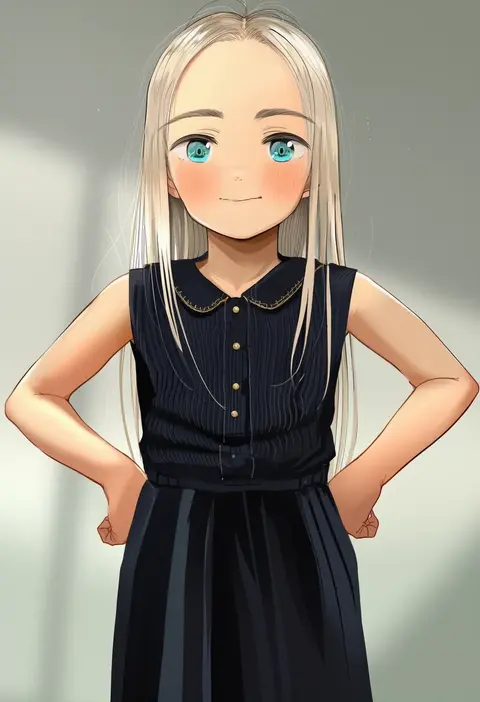
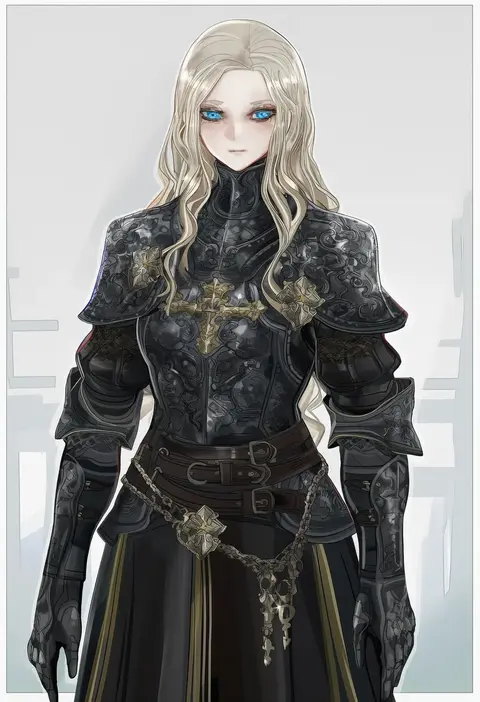
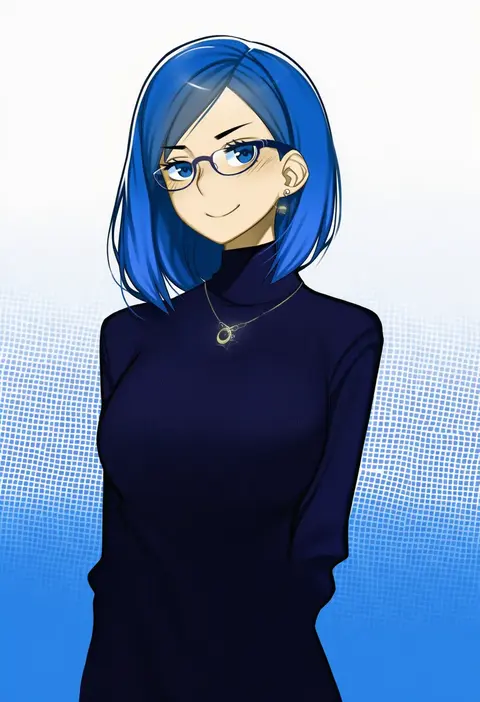
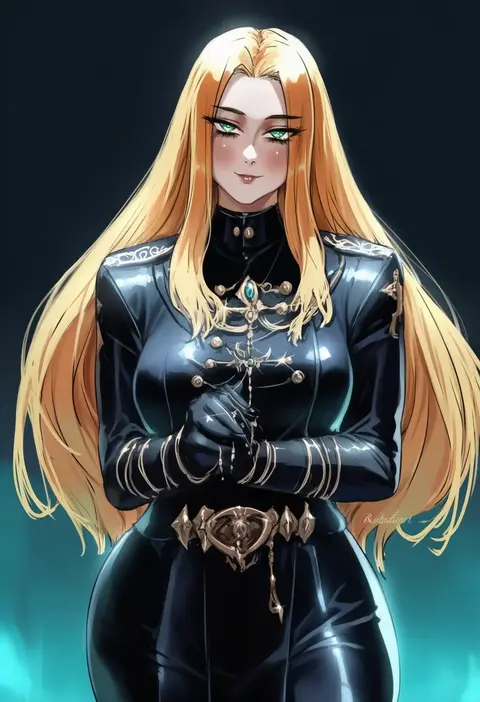
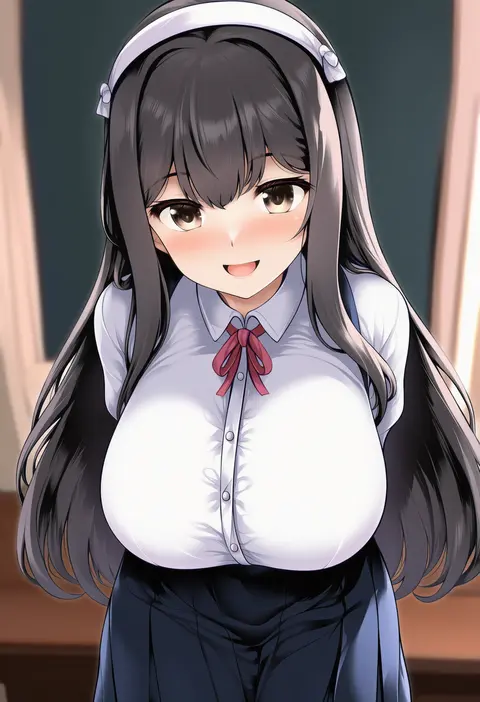
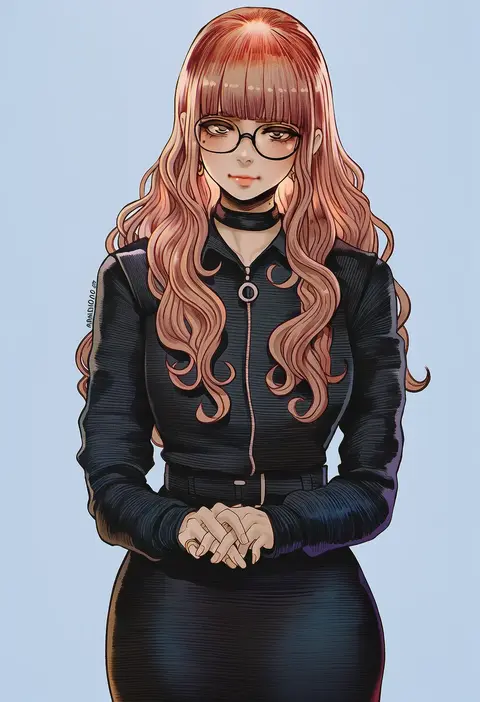
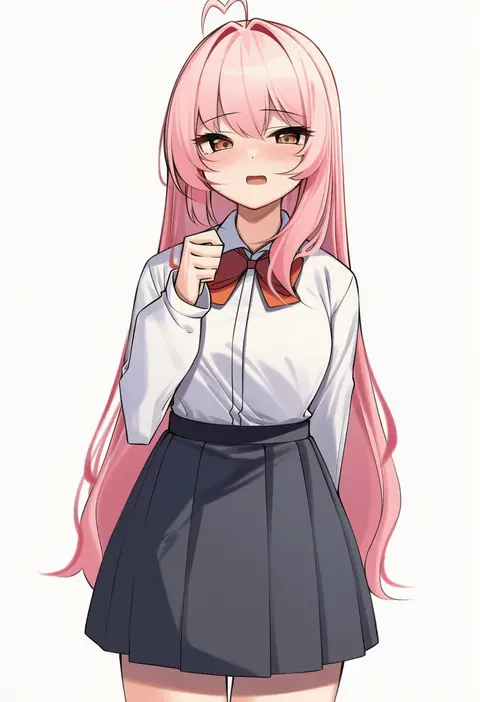
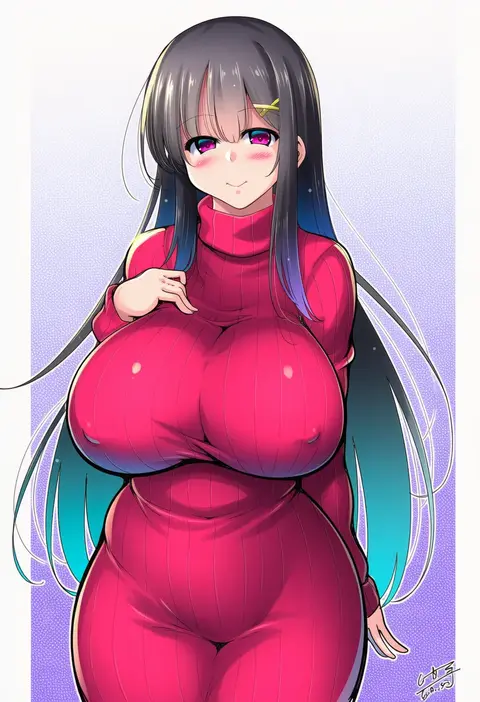
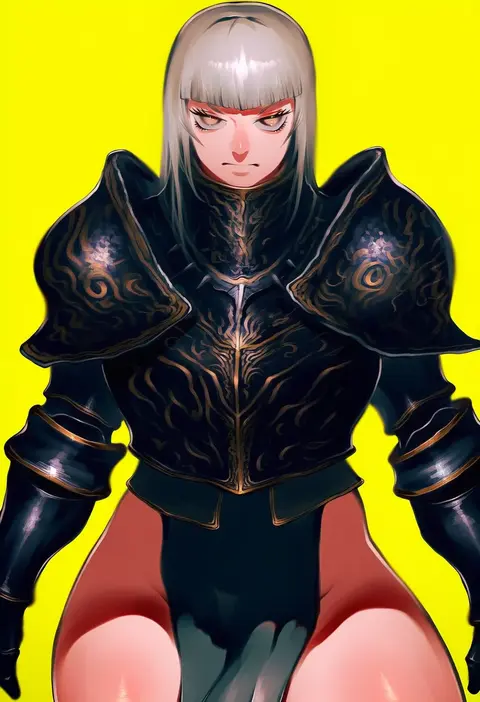
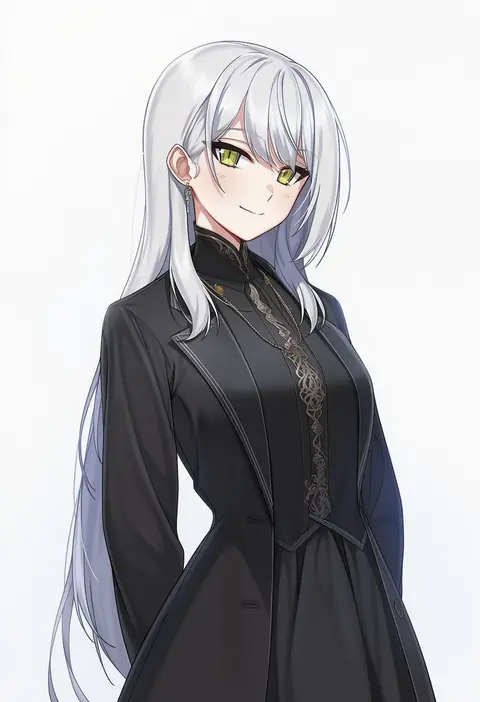
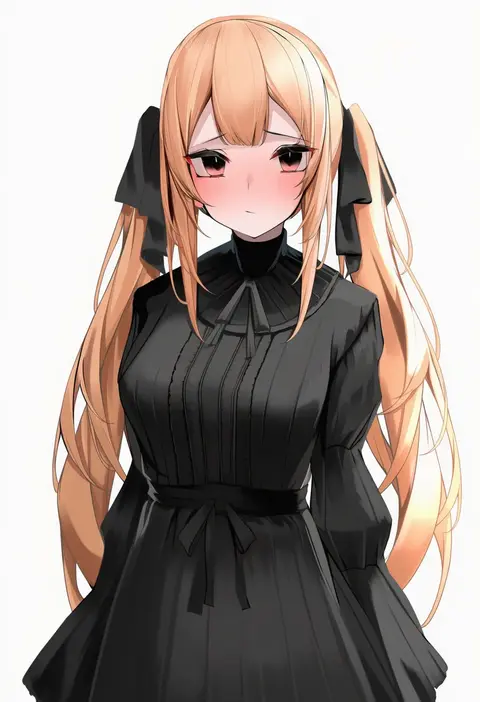
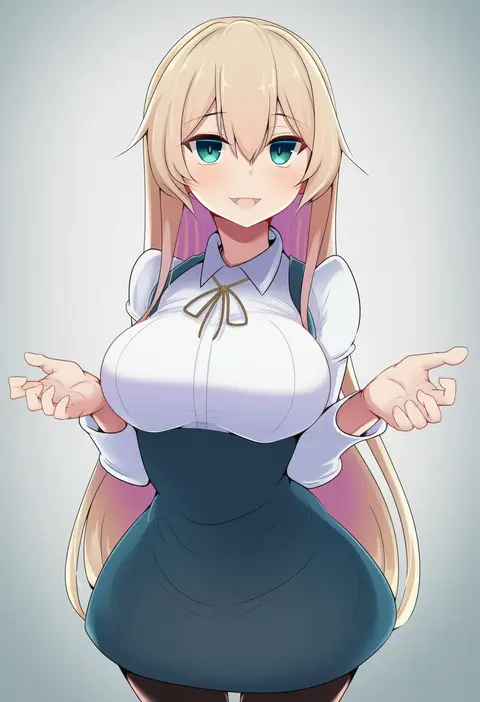
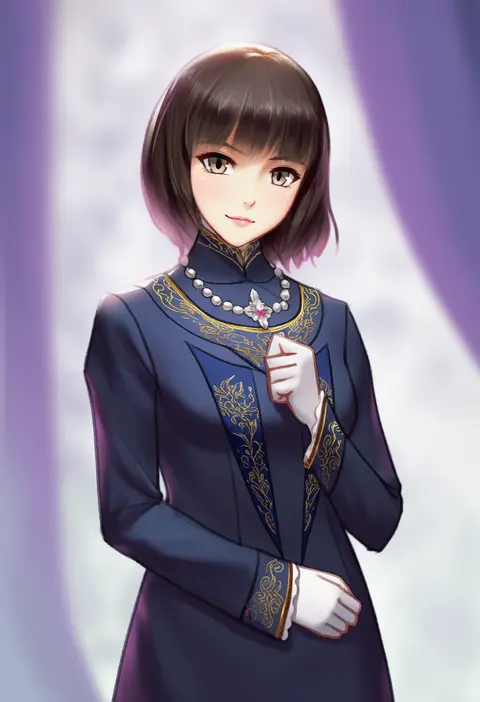
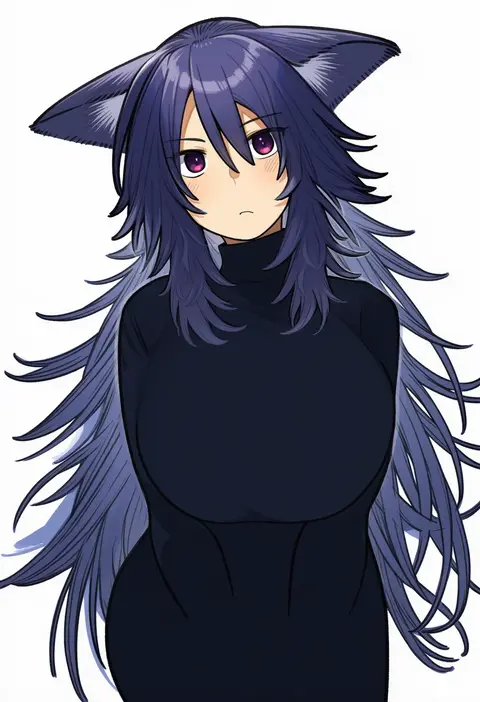
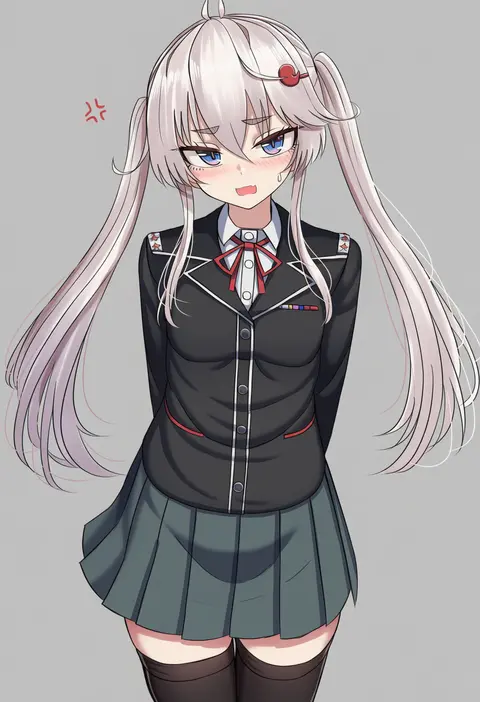
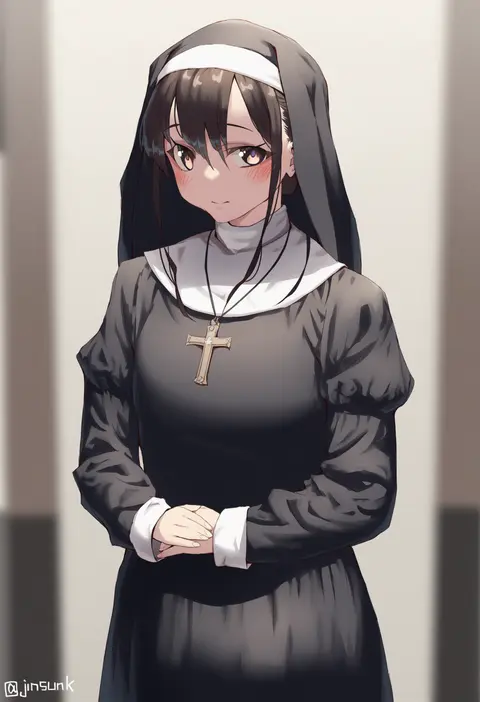
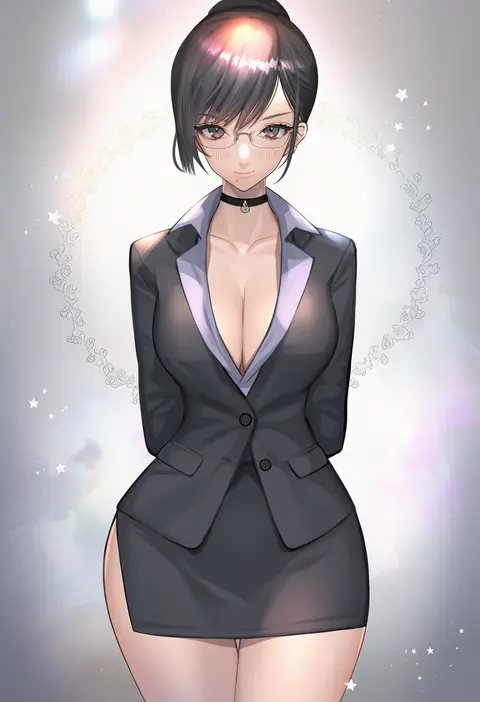
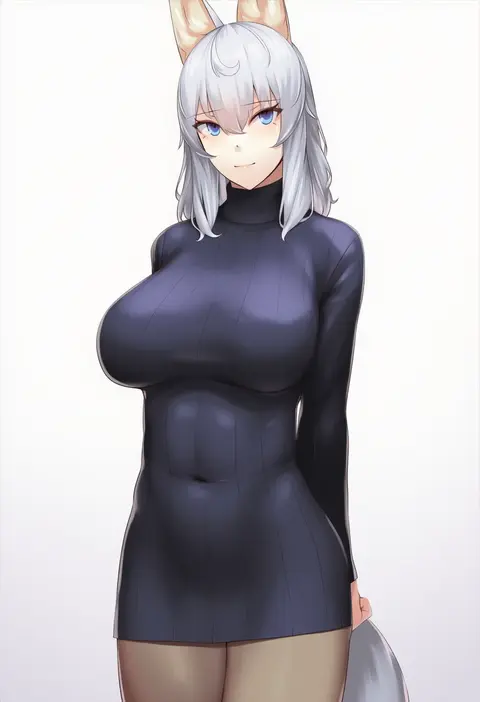
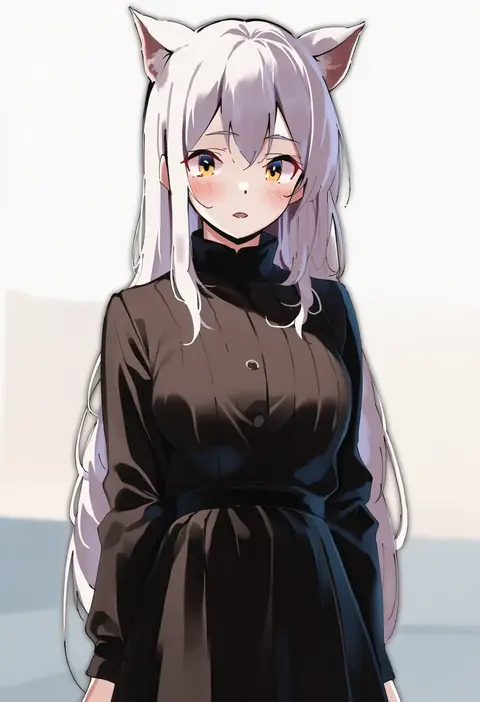
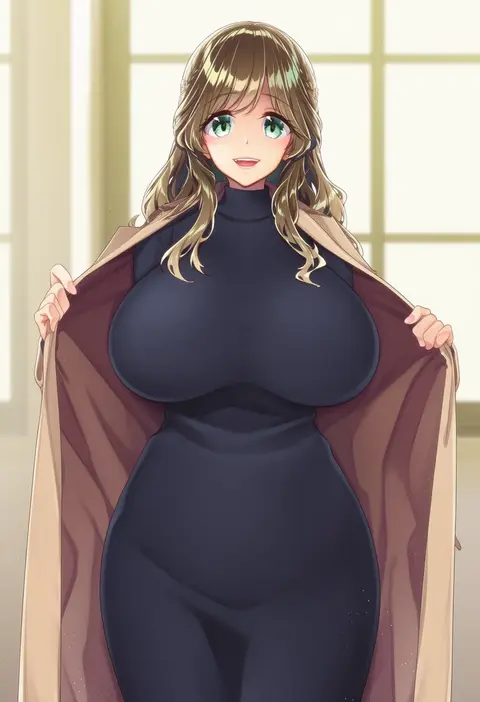
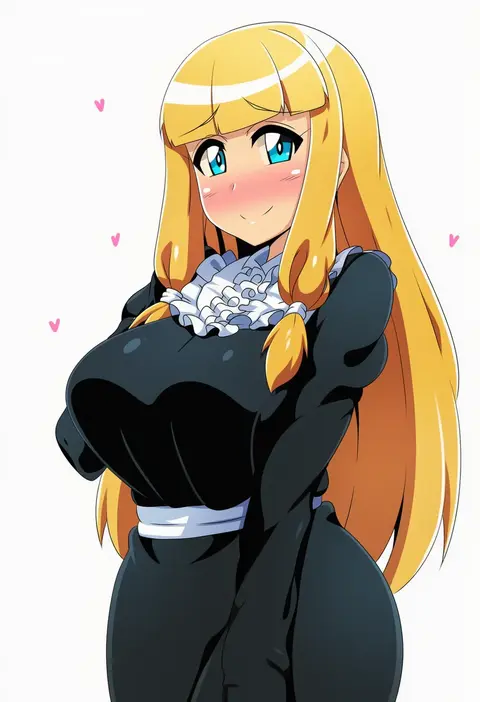
Artist tags tell NovelAI Diffusion to draw in a specific artist's style: line weight, paint texture, face shapes and palette all shift at once. Character and outfit tags decide what is drawn; artist tags decide how. 16,352 tags are listed for V4.5.
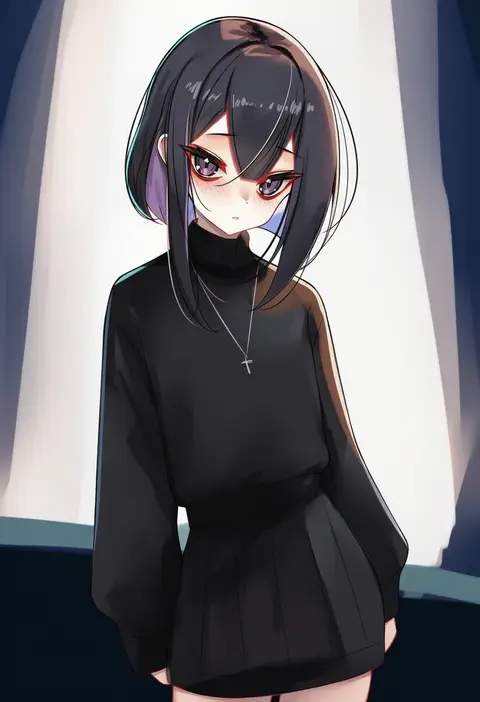
Every tag listed here is verified to react in NovelAI. All images use the same prompt, seed and settings with only the artist tag swapped, so the difference between two images is the style that tag brings in.

How to use them

Put the artist tag near the front of the prompt, e.g. "<artist>, 1girl, solo, best quality, masterpiece, cowboy shot". Two or three artist tags blend styles; lower the weight with "0.8::<artist>::" when the style overpowers the character.

SCORE sorts by Danbooru's top score, POSTS by post count, FAVS by hearts on this site. Open a card to see V5 and V4.5 side by side on the same seed.

V5 vs V4.5

V5 usually lands closer to the artist's real style, and tags that did nothing on V4.5 often react on V5. V4.5 still fits older and doujin-heavy artists better. Try V5 first, fall back to V4.5.

FAQ

Where does the artist tag go?
Near the front of the prompt. Use "0.8::tag::" to adjust its weight.

Can I stack artist tags?
Yes, styles blend. Past two or three the result stops looking like anyone.

Are these the artists' own works?
No. Every image is a NovelAI sample generated from the tag.