V4.5Artists
sort: FAVS▾
▾
>
$

Popular NovelAI artist tags — V4.5

artist --count 16,352[90/273]
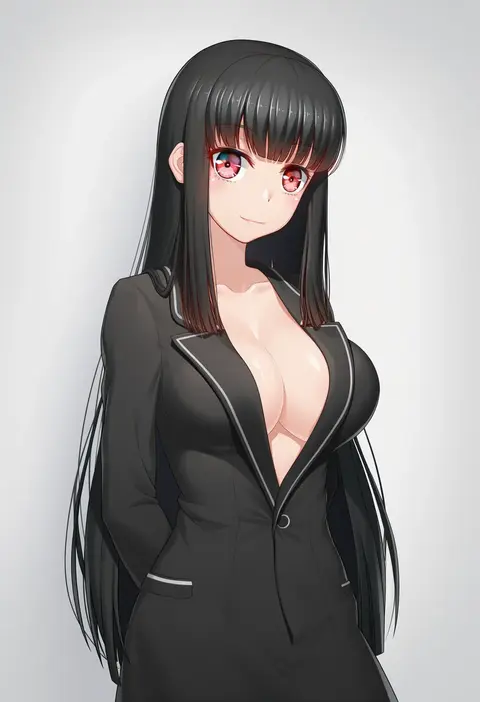
miito shido
ARTIST0x14DC
0
sonchi
ARTIST0x14DD
0
soubi
ARTIST0x14DE
0
14sai bishoujo (shoutarou)
ARTIST0x14DF
0
acrux
ARTIST0x14E0
0
shirai yu
ARTIST0x14E1
0
soc nau
ARTIST0x14E2
0
gonzarez
ARTIST0x14E3
0
pokemoa
ARTIST0x14E4
0
kozue akari
ARTIST0x14E5
0
shimejinameko
ARTIST0x14E6
0
abo (hechouchou)
ARTIST0x14E7
0
siraha
ARTIST0x14E8
0
logan cure
ARTIST0x14E9
0
yuunamida uyu
ARTIST0x14EA
0
ryuji (red-truth)
ARTIST0x14EB
0
natsuki marina
ARTIST0x14EC
0
takoneru
ARTIST0x14ED
0
chunta
ARTIST0x14EE
0
stank
ARTIST0x14EF
0
se-u-ra
ARTIST0x14F0
0
kakaobataa
ARTIST0x14F1
0
pioko
ARTIST0x14F2
0
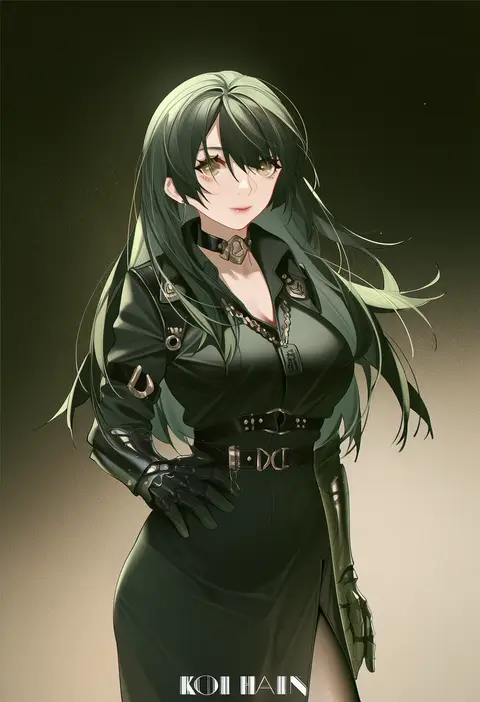
koi han
ARTIST0x14F3
0
ma tsukasa
ARTIST0x14F4
0
mika miche
ARTIST0x14F5
0
kazuma muramasa
ARTIST0x14F6
0
himeyamato
ARTIST0x14F7
0
kiyama satoshi
ARTIST0x14F8
0
aduti momoyama
ARTIST0x14F9
0
yostxxx
ARTIST0x14FA
0
nyamota
ARTIST0x14FB
0
torigoe takumi
ARTIST0x14FC
0
fujii eishun
ARTIST0x14FD
0
utsurogi akira
ARTIST0x14FE
0
inayama
ARTIST0x14FF
0
kameyan
ARTIST0x1500
0
y.i. (lave2217)
ARTIST0x1501
0
tonmoh
ARTIST0x1502
0
arbiter1
ARTIST0x1503
0
sima (startwitch)
ARTIST0x1504
0
morimiya masayuki
ARTIST0x1505
0
masuyama ryou
ARTIST0x1506
0
doushimasho
ARTIST0x1507
0
hsin
ARTIST0x1508
0
emanon123
ARTIST0x1509
0
fadingz
ARTIST0x150A
0
minase (takaoka nanase)
ARTIST0x150B
0
helvetica std
ARTIST0x150C
0
ootsuki momiji
ARTIST0x150D
0
tanaka ahiru
ARTIST0x150E
0
luxuriou s
ARTIST0x150F
0
burnt green tea
ARTIST0x1510
0
panpa
ARTIST0x1511
0
baozishark
ARTIST0x1512
0
xiaodi
ARTIST0x1513
0
k3rd
ARTIST0x1514
0
nametake
ARTIST0x1515
0
lyrinne
ARTIST0x1516
0
anarchojs
ARTIST0x1517
0

What these tags change

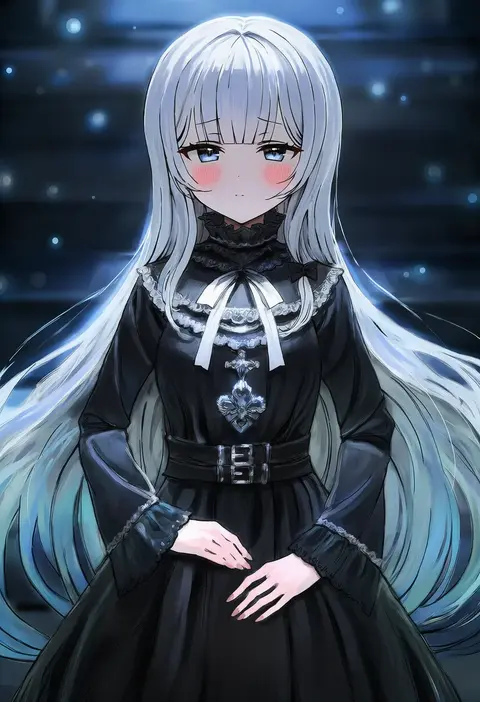
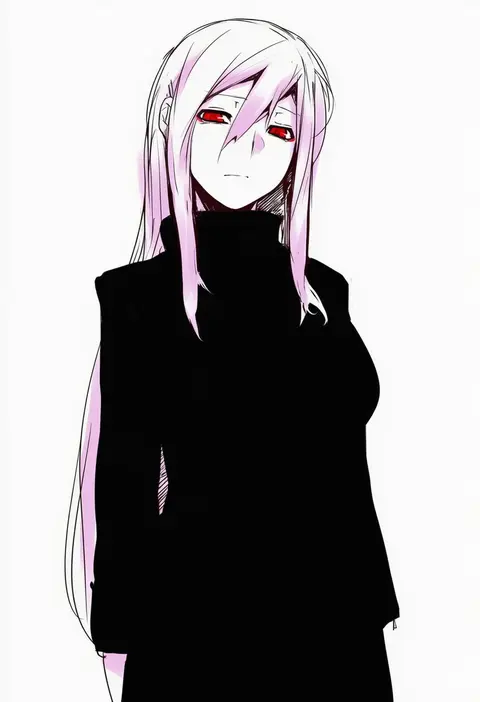
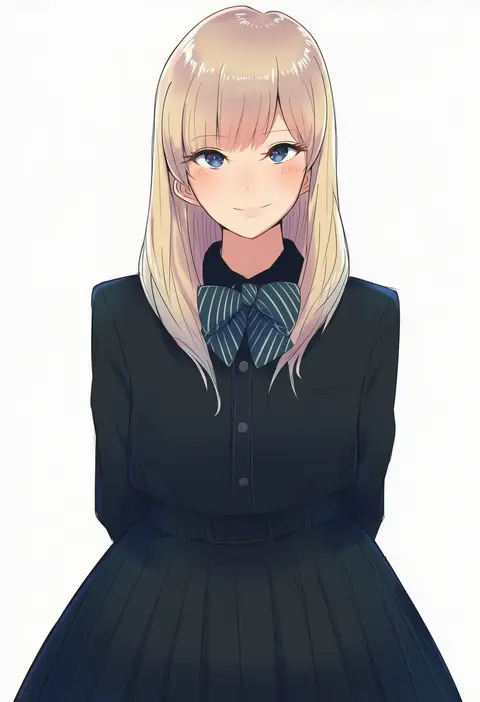
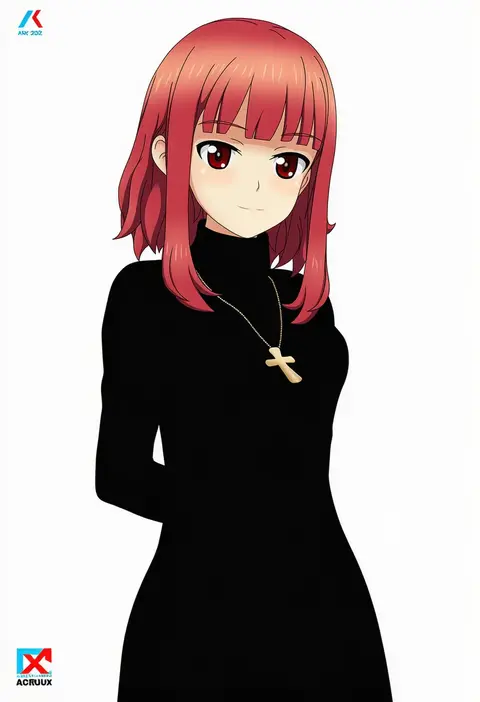
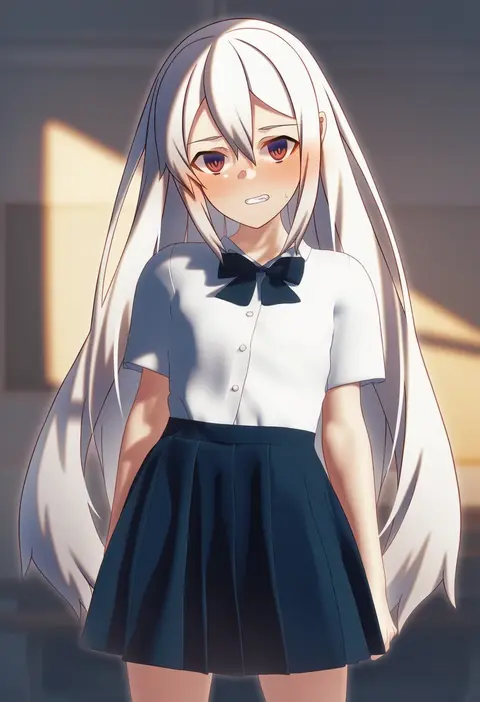
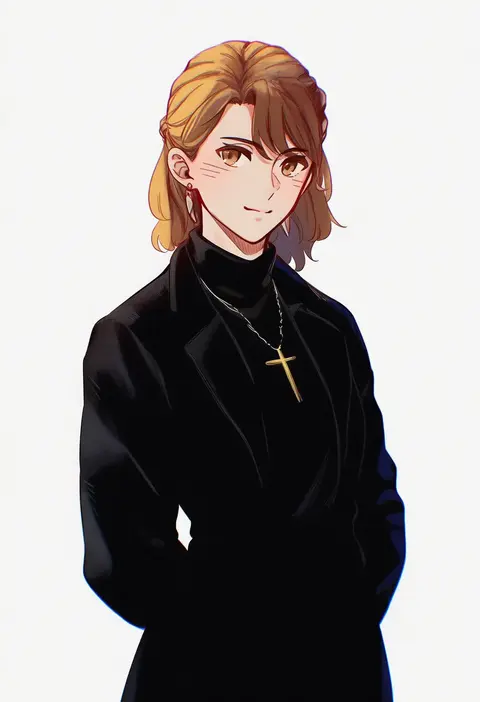
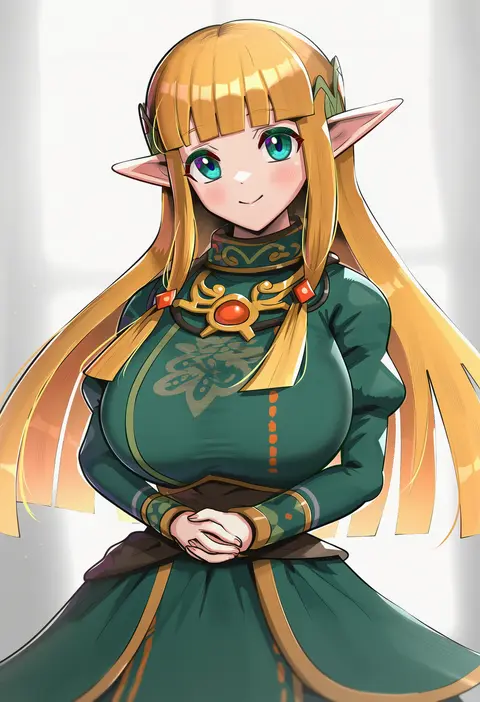
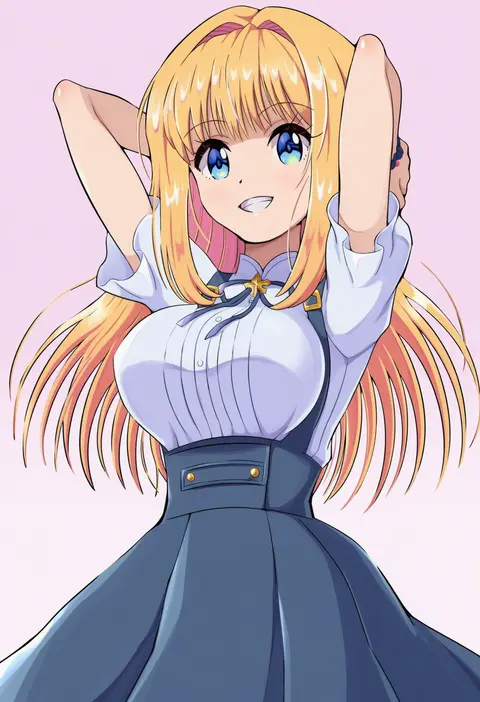
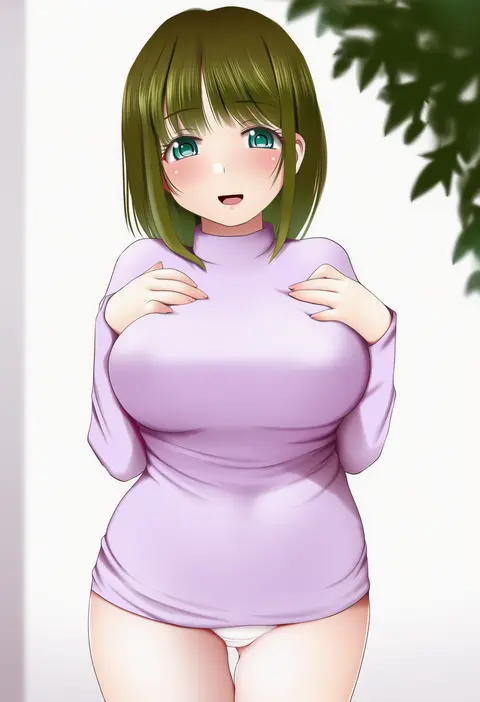
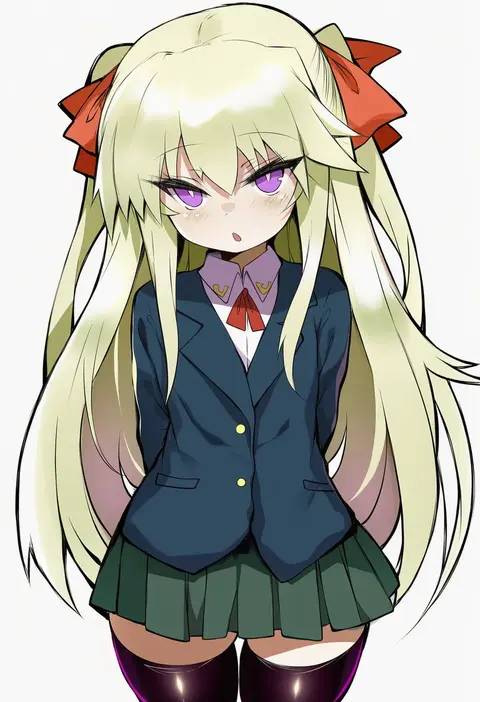
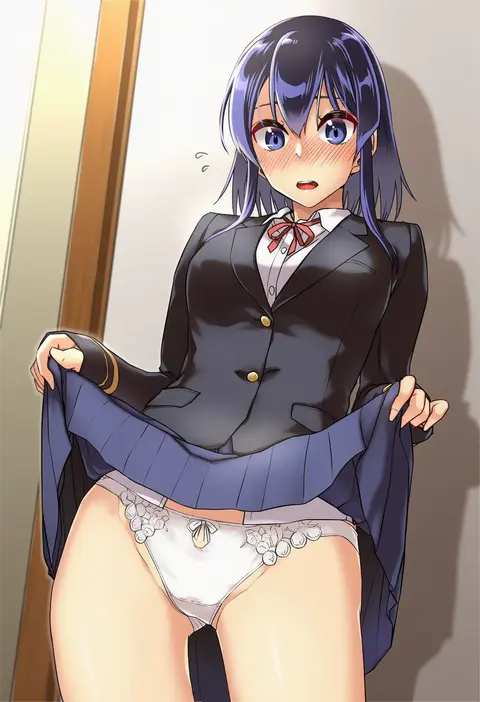
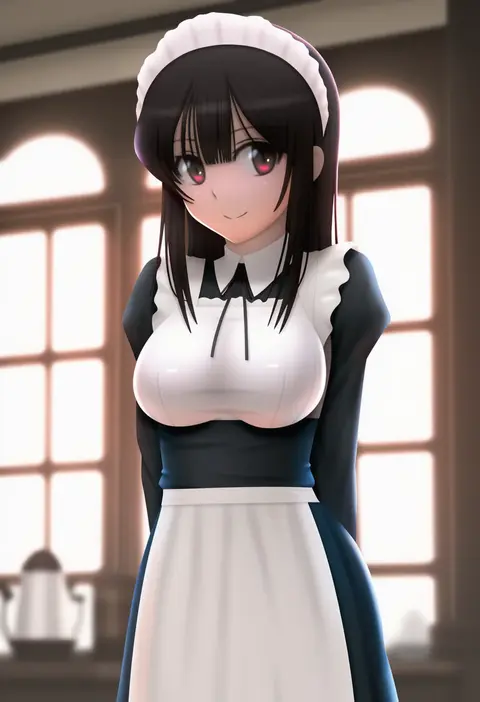
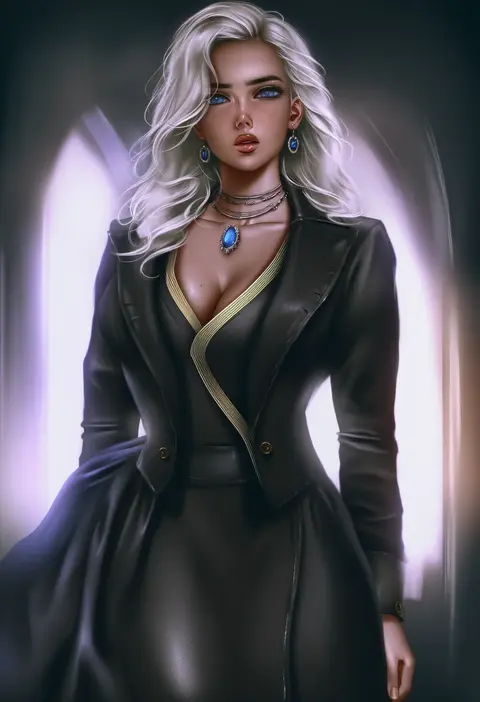
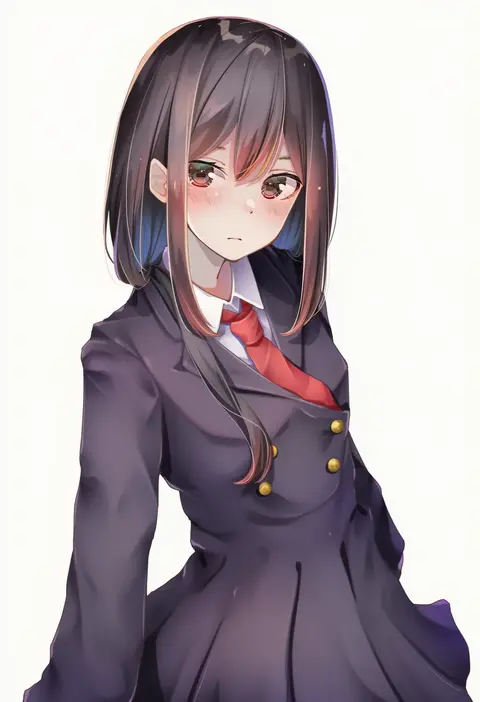
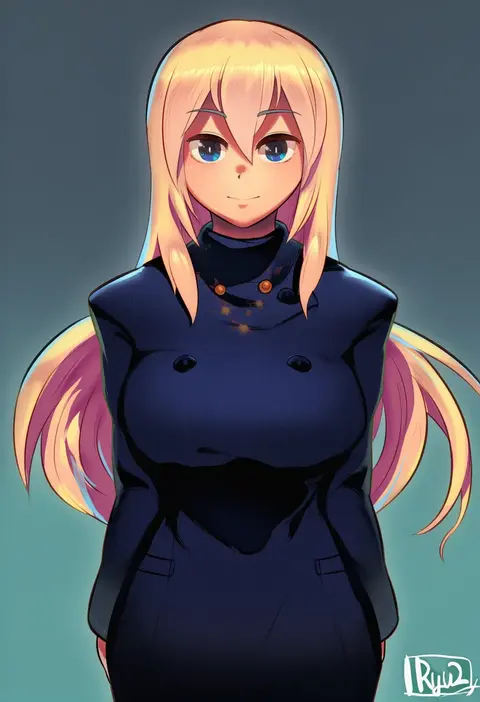
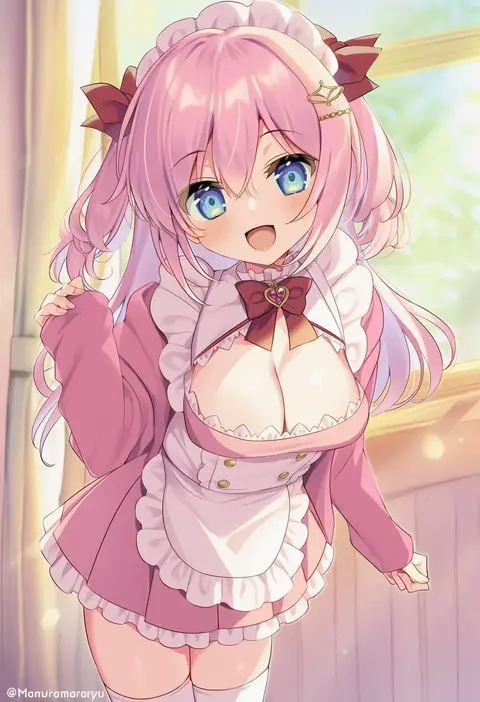
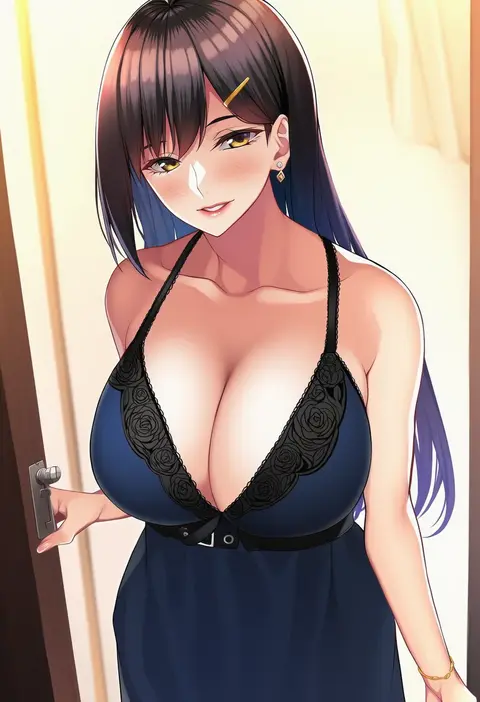
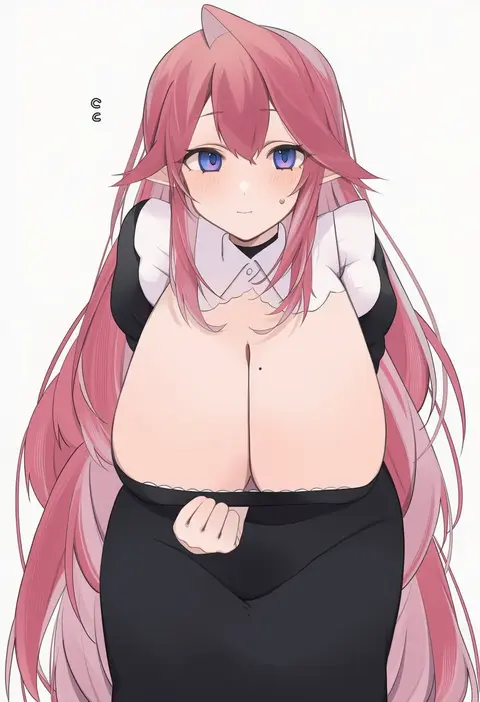
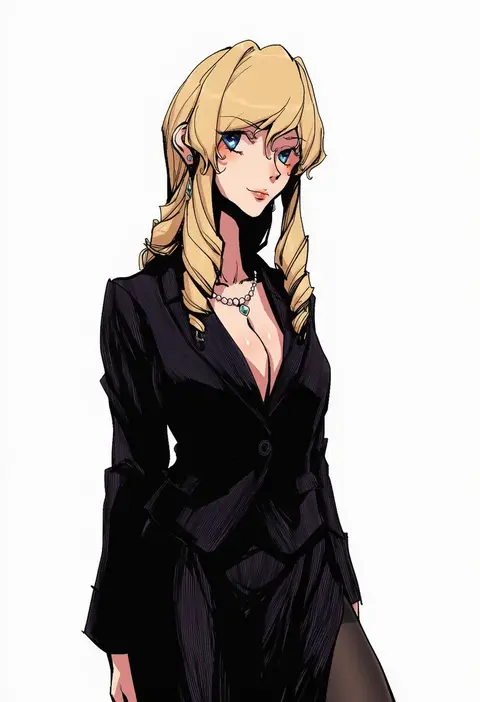
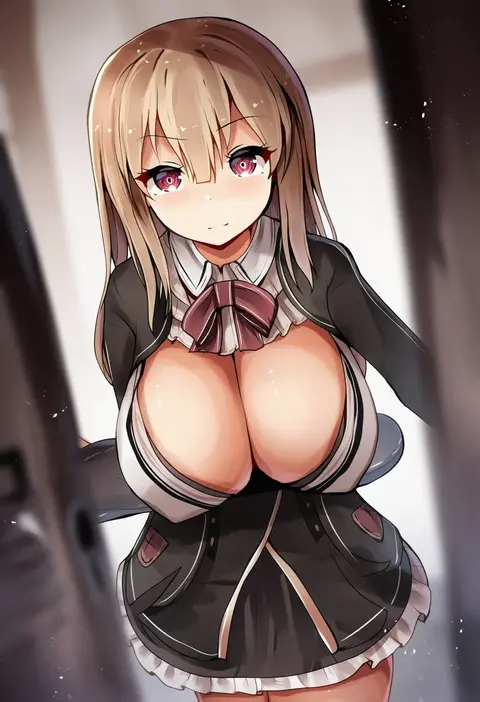
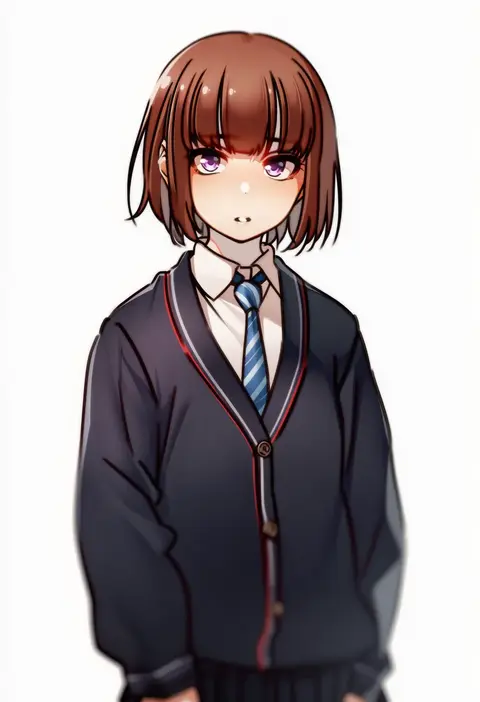
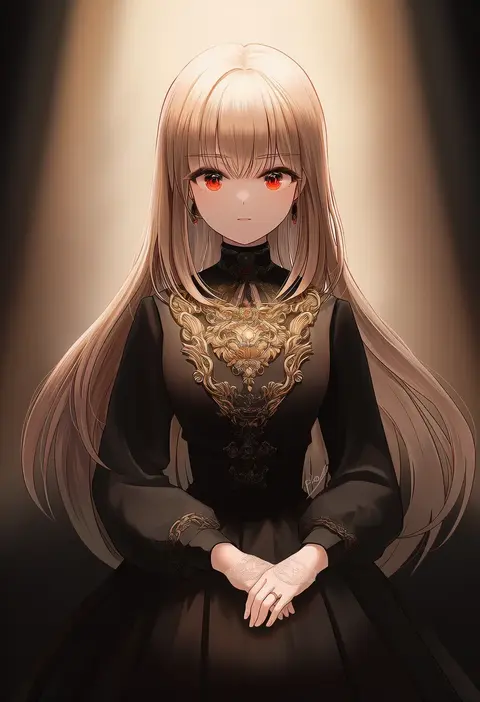
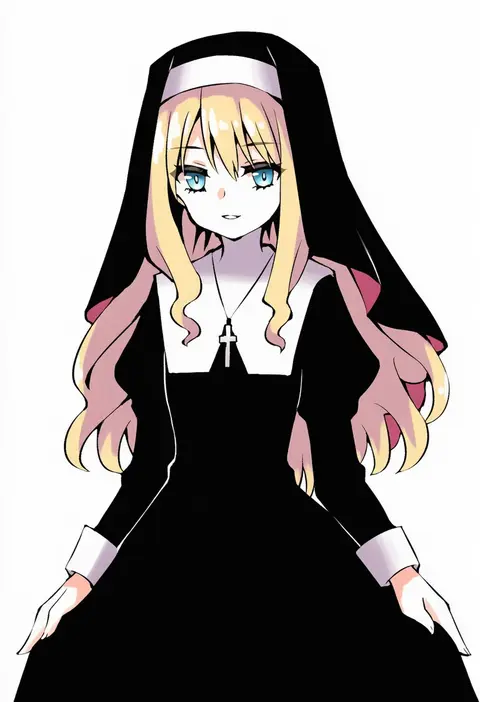
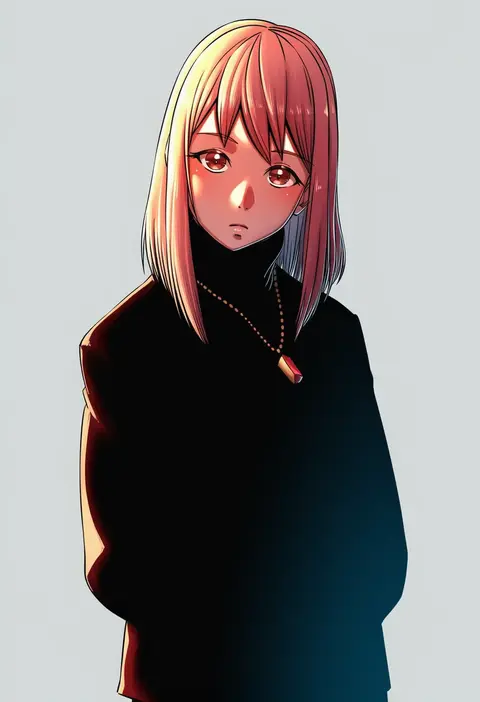
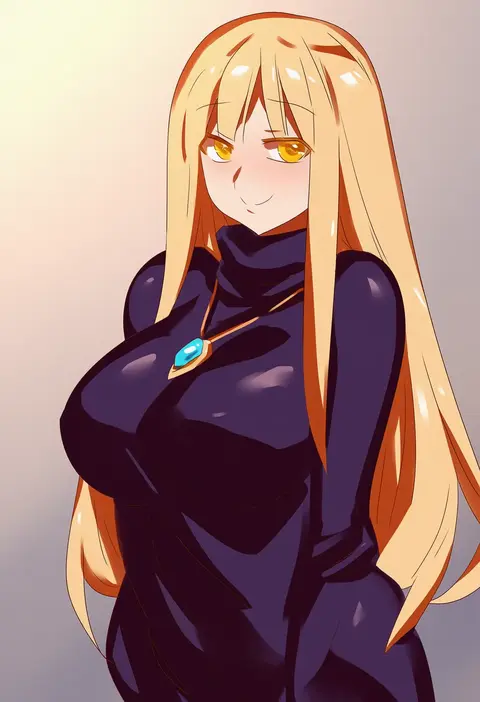
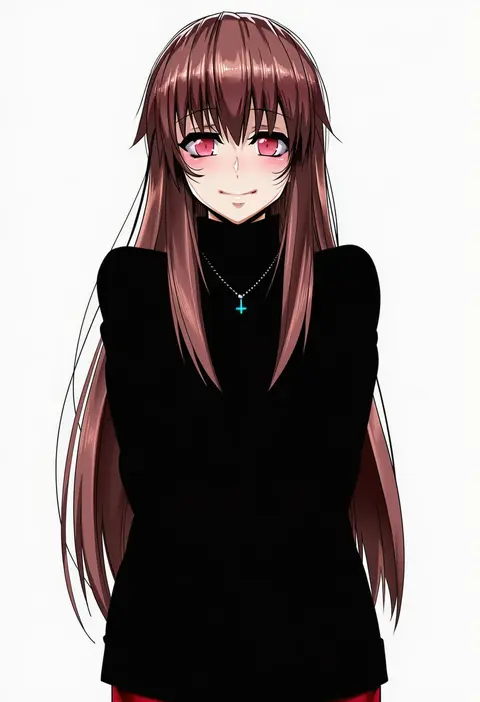
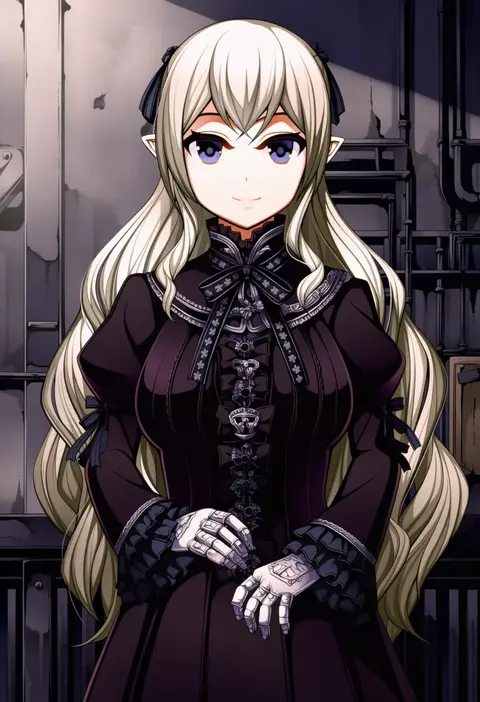
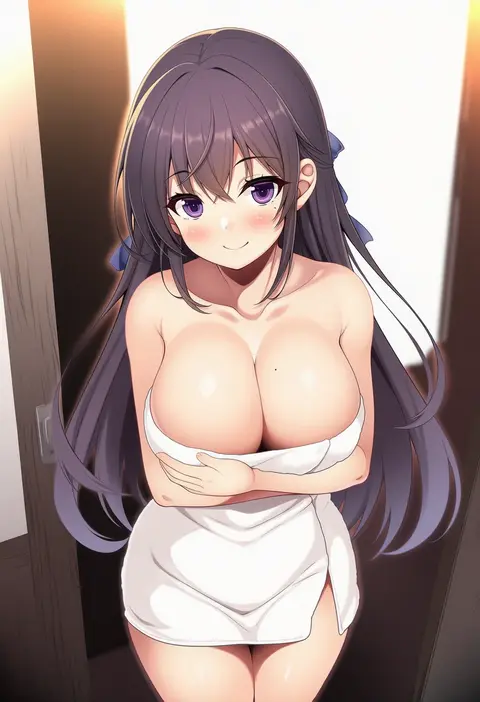
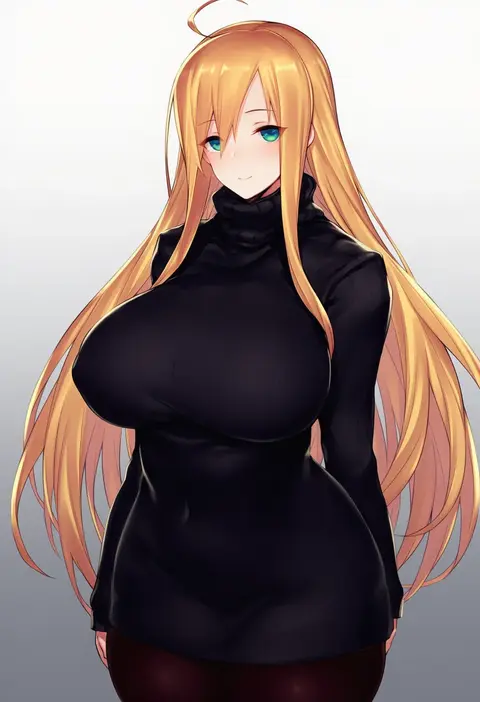
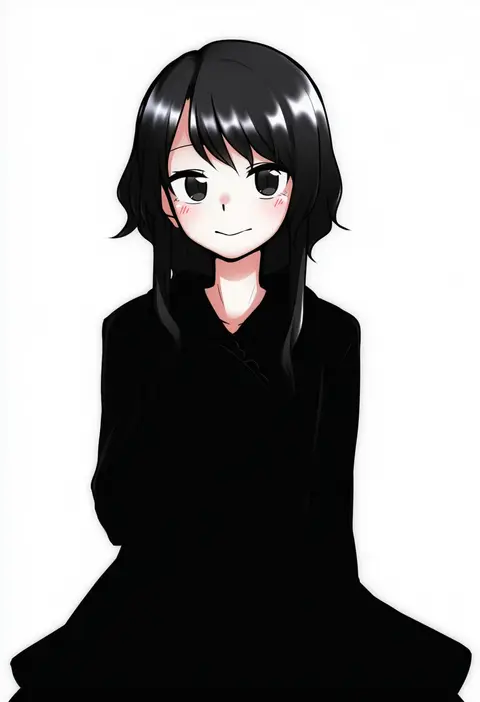
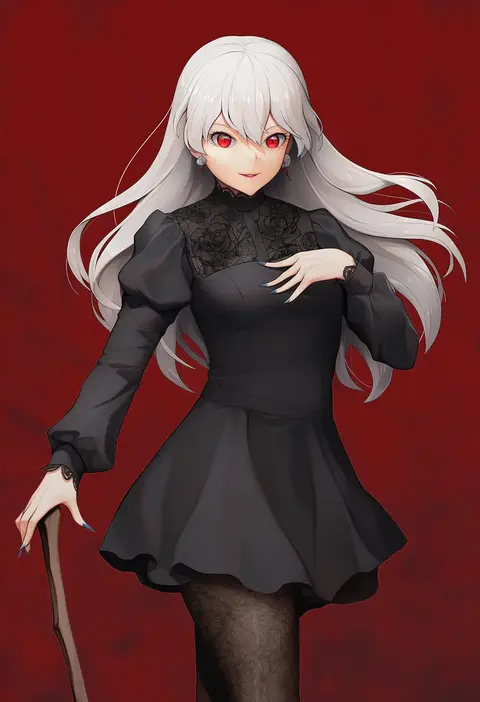
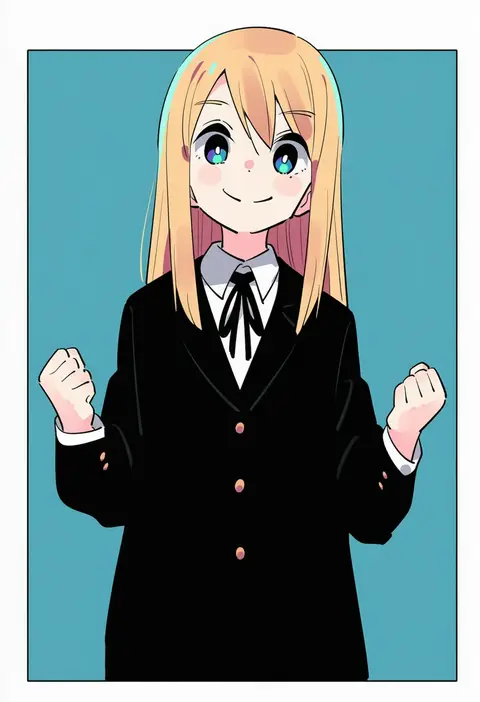
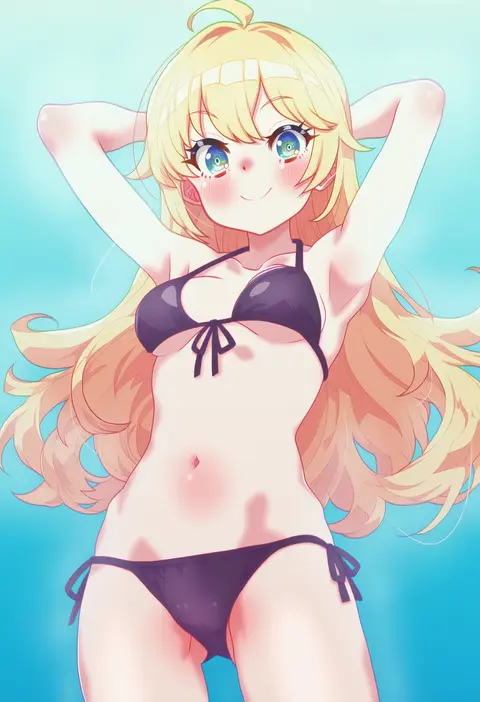
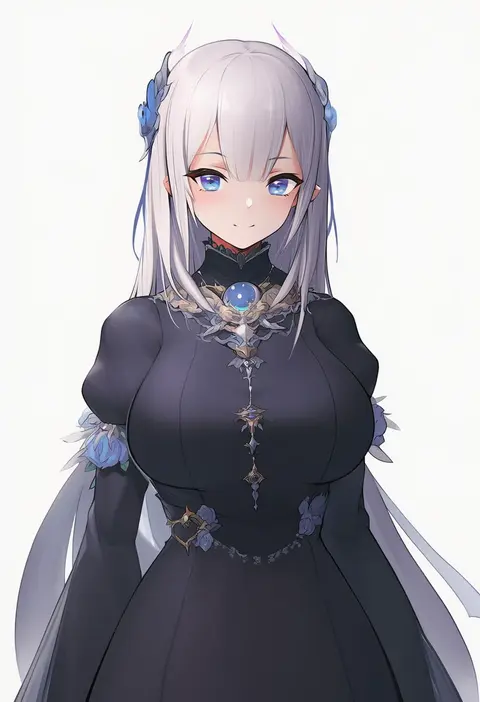
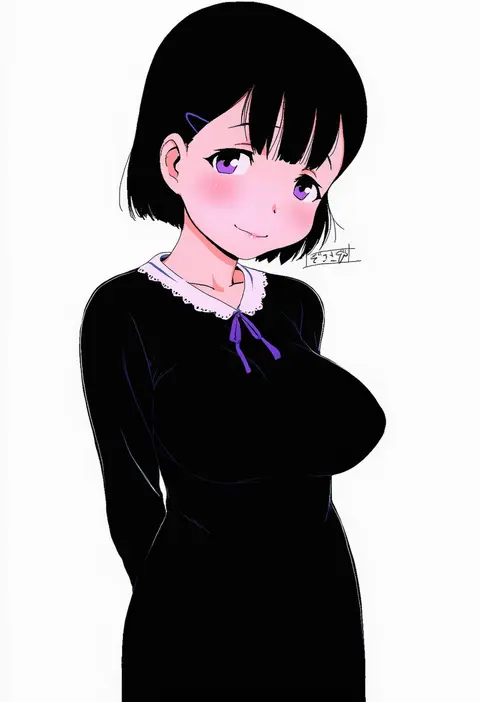
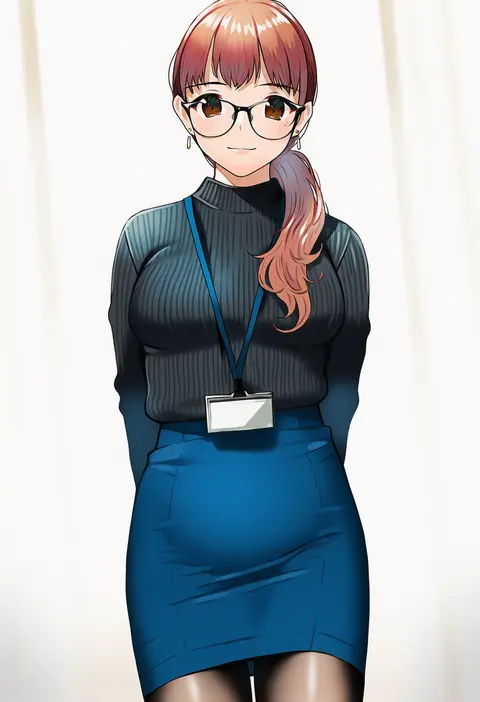
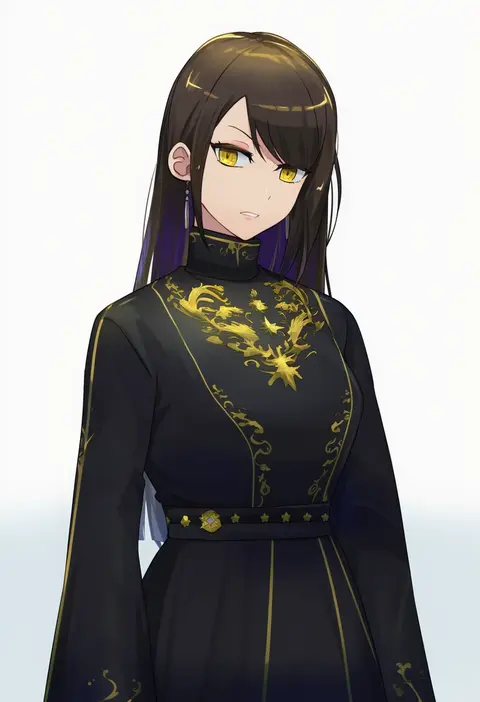
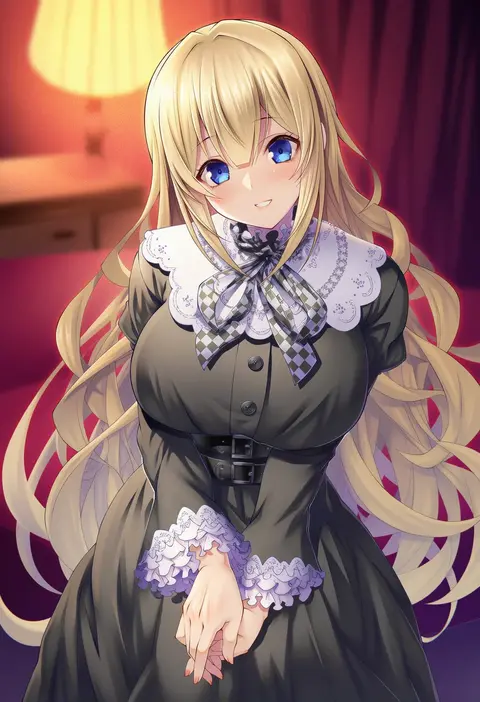
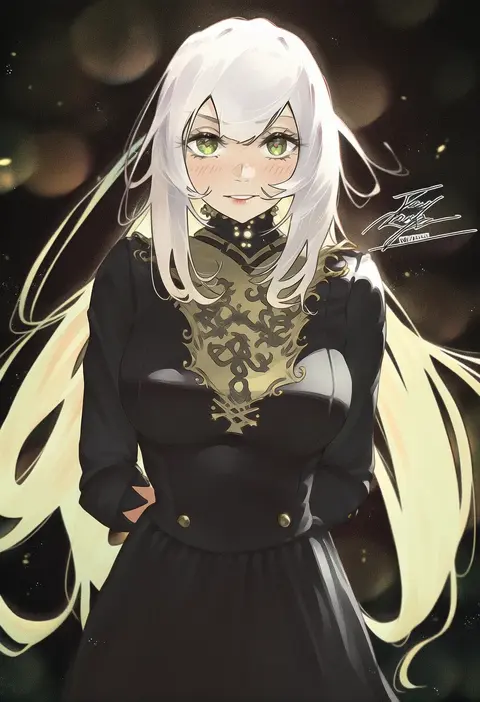
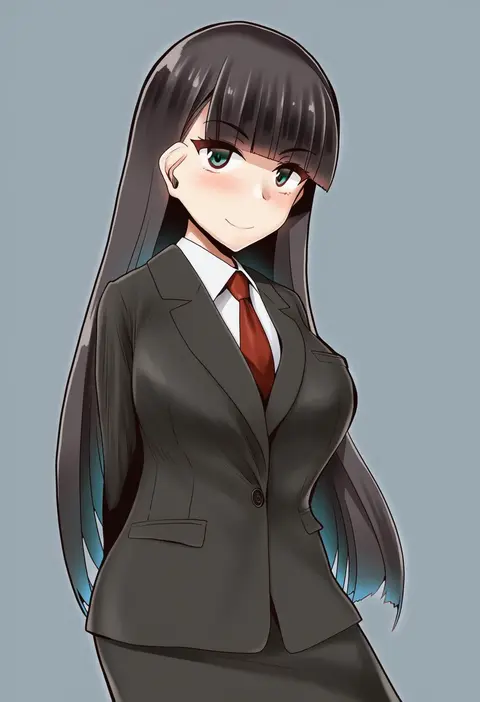
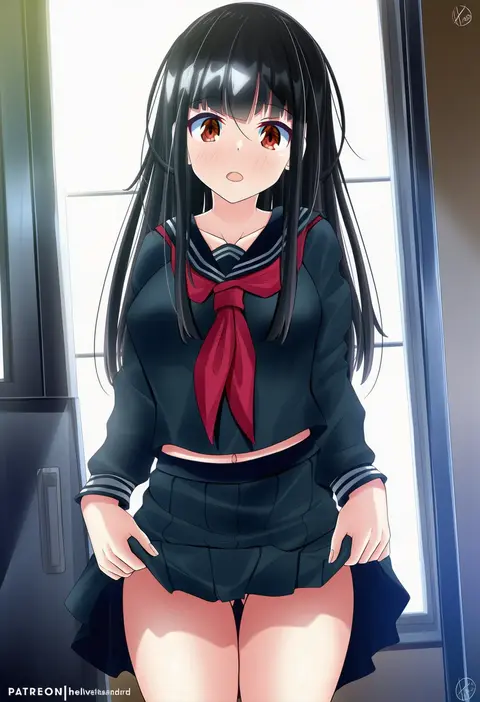
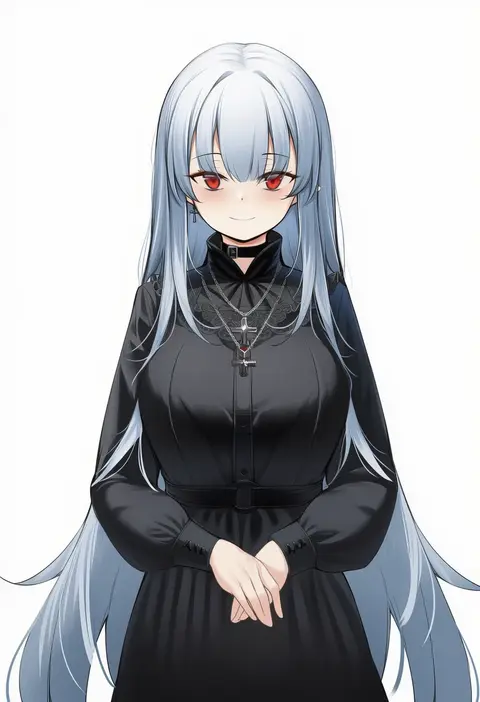
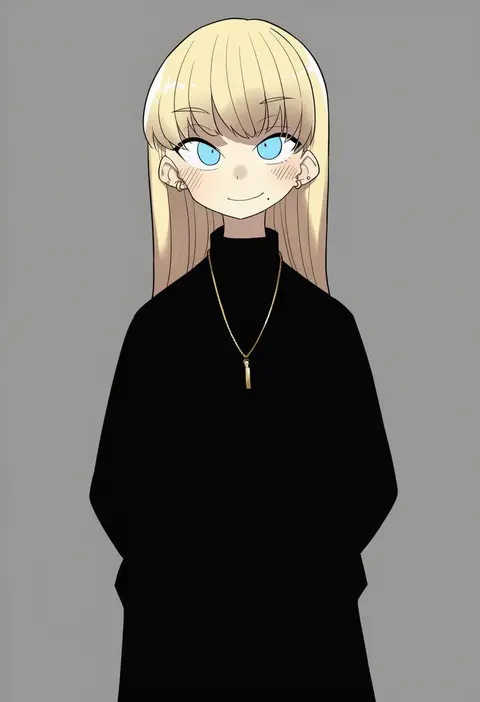
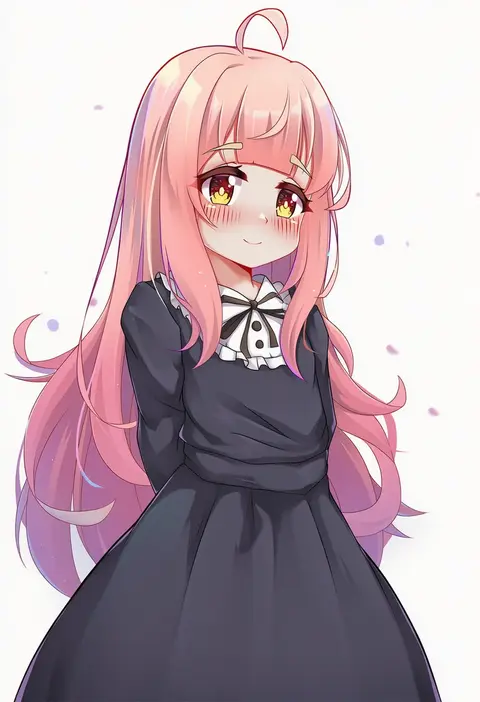
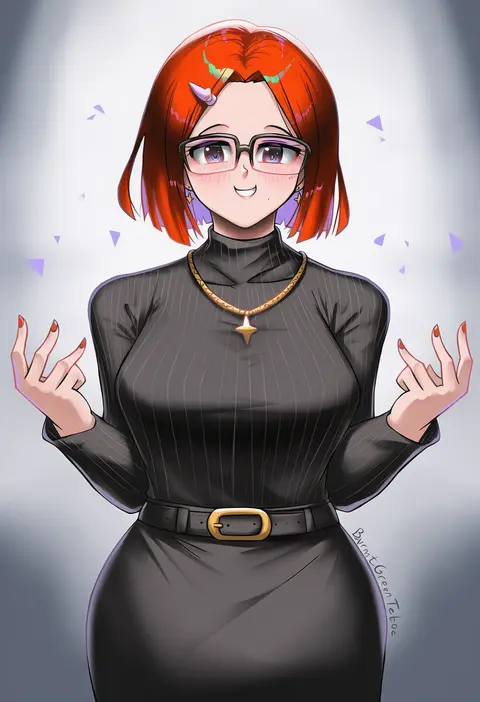
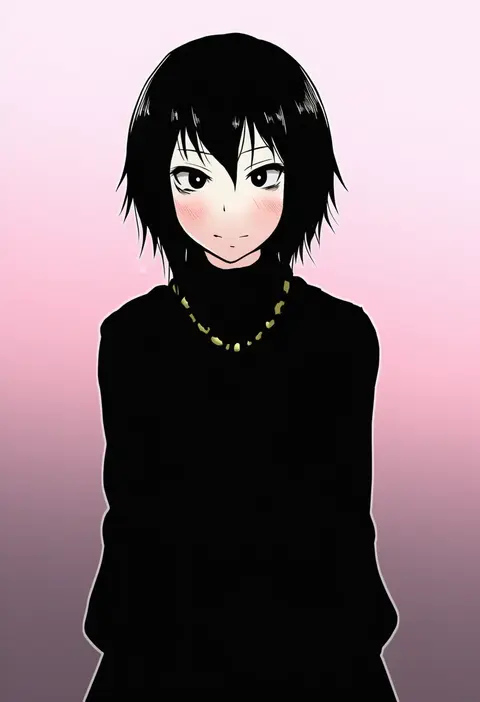
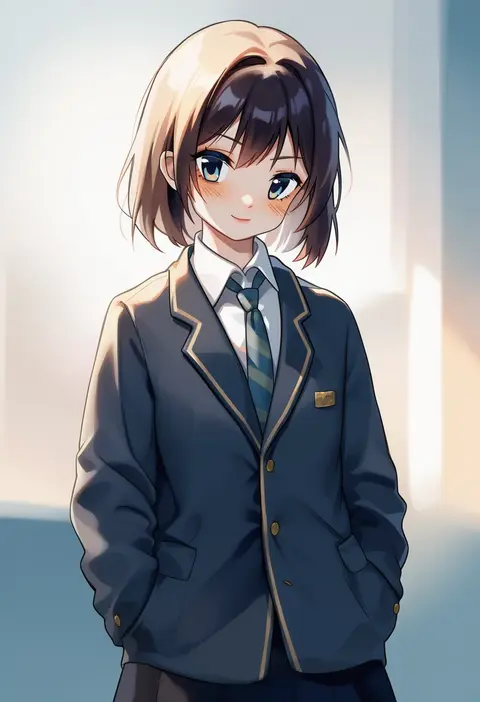
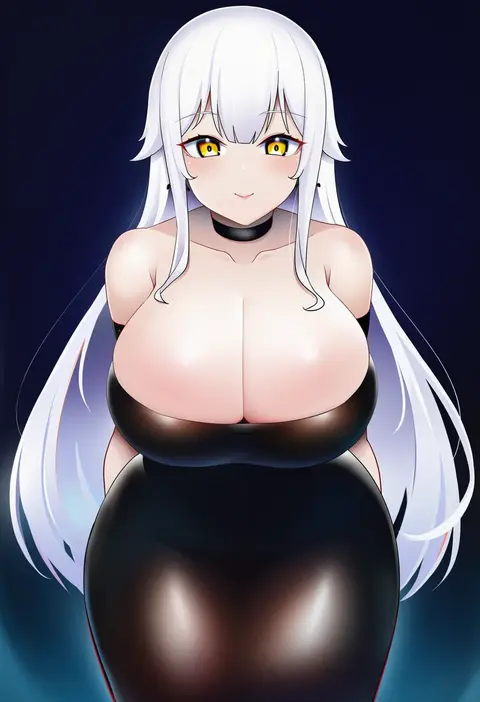
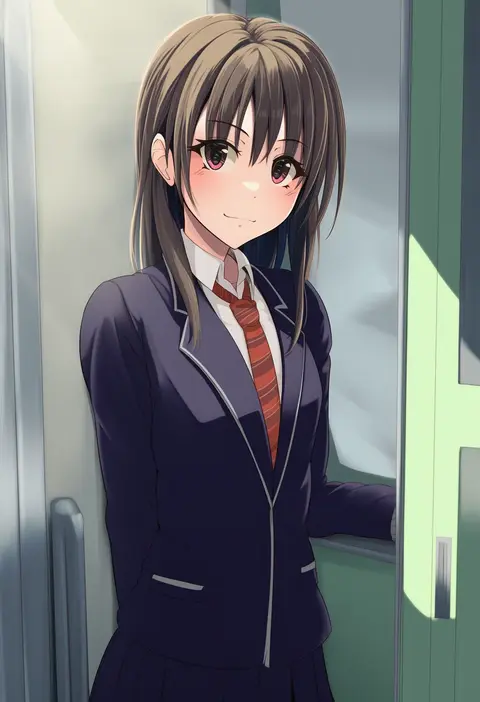
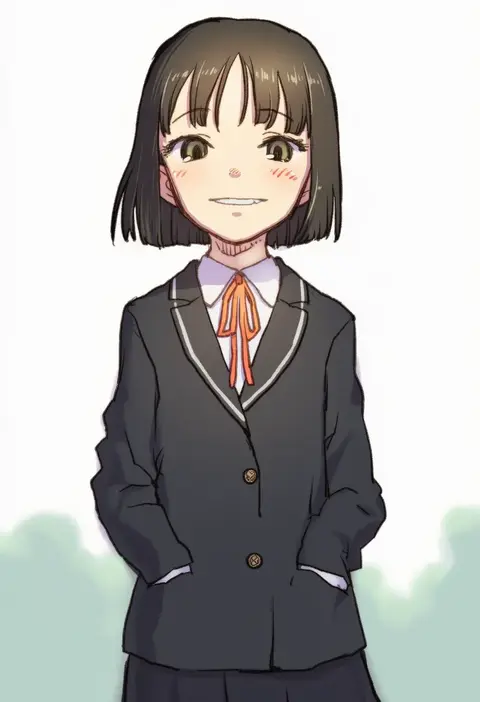
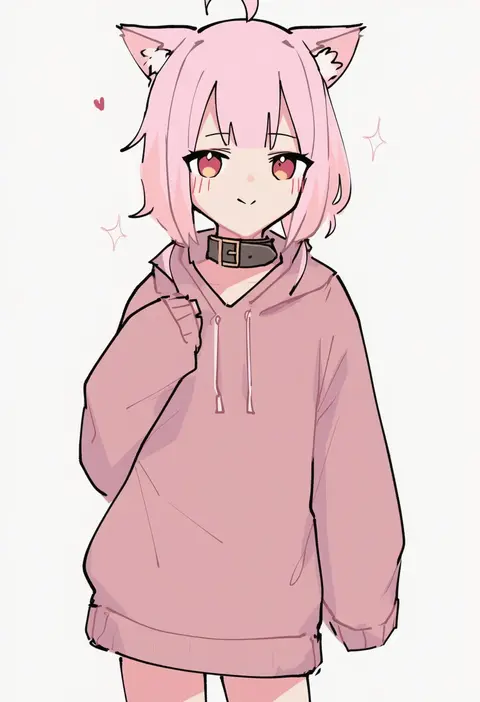
Artist tags tell NovelAI Diffusion to draw in a specific artist's style: line weight, paint texture, face shapes and palette all shift at once. Character and outfit tags decide what is drawn; artist tags decide how. 16,352 tags are listed for V4.5.
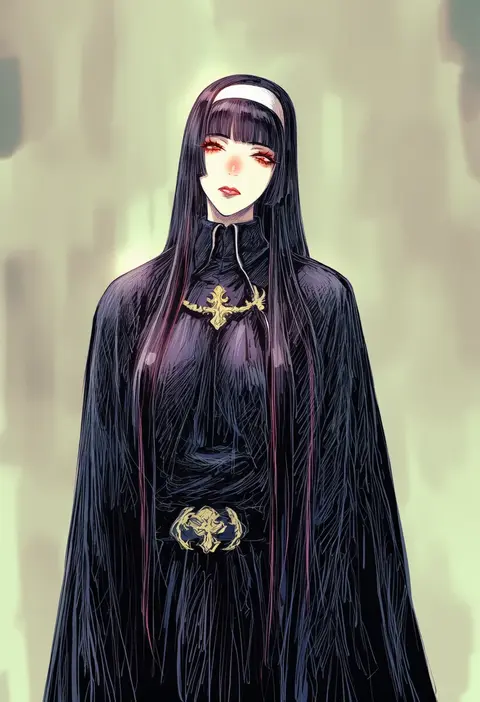
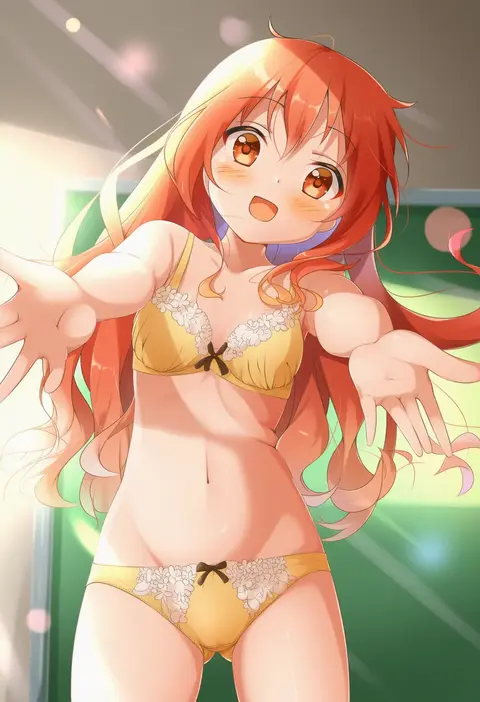
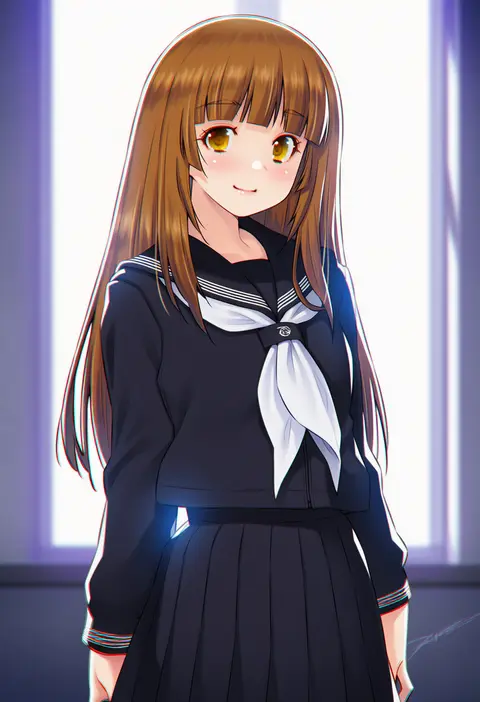
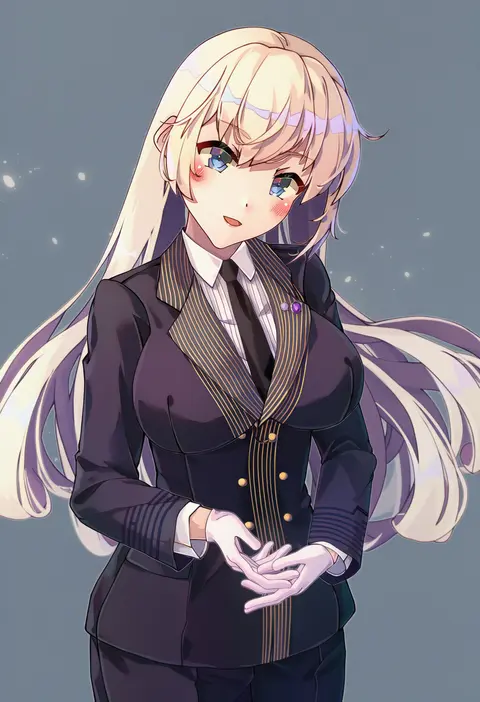
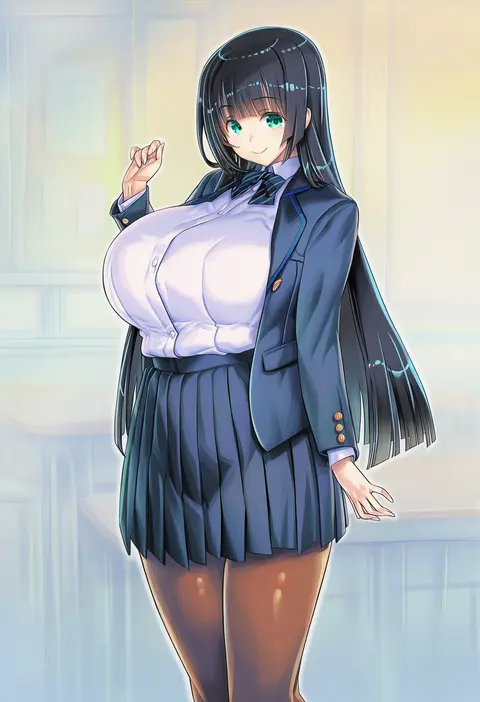
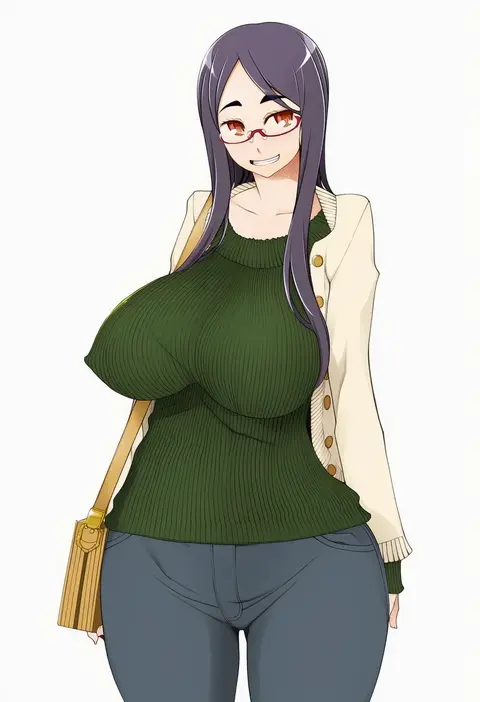
Every tag listed here is verified to react in NovelAI. All images use the same prompt, seed and settings with only the artist tag swapped, so the difference between two images is the style that tag brings in.

How to use them

Put the artist tag near the front of the prompt, e.g. "<artist>, 1girl, solo, best quality, masterpiece, cowboy shot". Two or three artist tags blend styles; lower the weight with "0.8::<artist>::" when the style overpowers the character.

SCORE sorts by Danbooru's top score, POSTS by post count, FAVS by hearts on this site. Open a card to see V5 and V4.5 side by side on the same seed.

V5 vs V4.5

V5 usually lands closer to the artist's real style, and tags that did nothing on V4.5 often react on V5. V4.5 still fits older and doujin-heavy artists better. Try V5 first, fall back to V4.5.

FAQ

Where does the artist tag go?
Near the front of the prompt. Use "0.8::tag::" to adjust its weight.

Can I stack artist tags?
Yes, styles blend. Past two or three the result stops looking like anyone.

Are these the artists' own works?
No. Every image is a NovelAI sample generated from the tag.