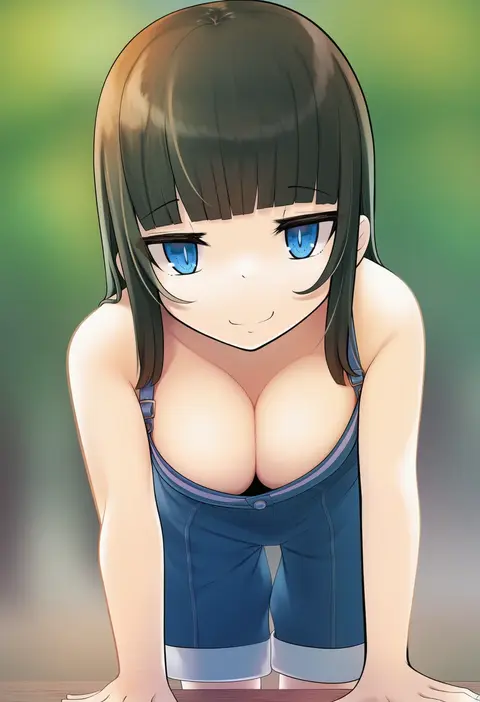
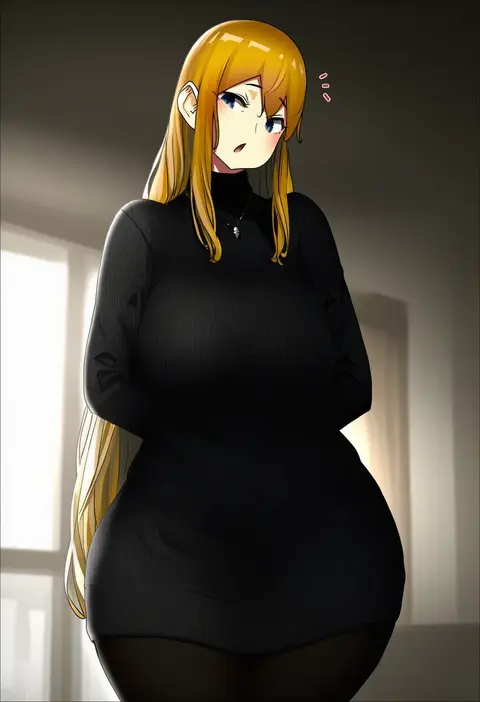
V4.5Artists
sort: FAVS▾
▾
>
$

Popular NovelAI artist tags — V4.5

artist --count 16,352[89/273]
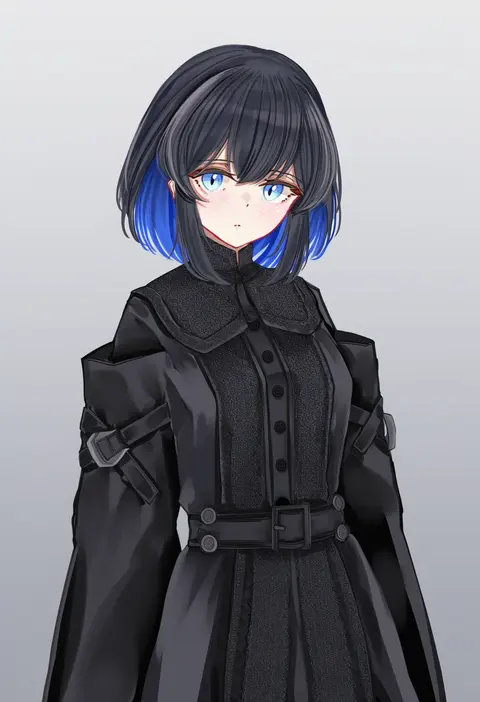
sarasadou dan
ARTIST0x14A0
0
sch
ARTIST0x14A1
0
starmilk
ARTIST0x14A2
0
suzuame yatsumi
ARTIST0x14A3
0
keishi surota
ARTIST0x14A4
0
terras
ARTIST0x14A5
0
m.tokotsu
ARTIST0x14A6
0
kishizuka kenji
ARTIST0x14A7
0
pixel (yuxian)
ARTIST0x14A8
0
mofu07519
ARTIST0x14A9
0
shiro maru
ARTIST0x14AA
0
bananafish1111
ARTIST0x14AB
0
genso
ARTIST0x14AC
0
joker (stjoker)
ARTIST0x14AD
0
andrian januar adilia
ARTIST0x14AE
0
super nagoyaka
ARTIST0x14AF
0
zhongwu chahui
ARTIST0x14B0
0
tsukuru (seki sabato)
ARTIST0x14B1
0
big.g
ARTIST0x14B2
0
yaki mayu
ARTIST0x14B3
0
kibanda gohan
ARTIST0x14B4
0
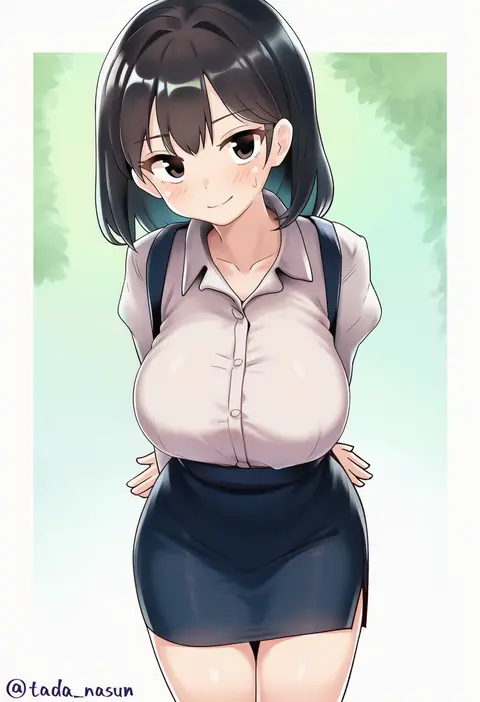
tada no nasu
ARTIST0x14B5
0
ub1mo
ARTIST0x14B6
0
messy (efuya)
ARTIST0x14B7
0
menthako
ARTIST0x14B8
0
ichikushi mojibake
ARTIST0x14B9
0
shibi
ARTIST0x14BA
0
instant ip
ARTIST0x14BB
0
komasi
ARTIST0x14BC
0
mizuya nao
ARTIST0x14BD
0
m3 (gardevoir m3)
ARTIST0x14BE
0
seventeencrows
ARTIST0x14BF
0
koume keito
ARTIST0x14C0
0
yuran
ARTIST0x14C1
0
arind yudha
ARTIST0x14C2
0
ttomm
ARTIST0x14C3
0
raigou
ARTIST0x14C4
0
nekoguchi
ARTIST0x14C5
0
rusky
ARTIST0x14C6
0
kagiyama (clave)
ARTIST0x14C7
0
arukiru
ARTIST0x14C8
0
nyatrix
ARTIST0x14C9
0
cipher4109
ARTIST0x14CA
0
rocha (aloha ro cha)
ARTIST0x14CB
0
yougenko
ARTIST0x14CC
0
sansan (dongfangzhong111)
ARTIST0x14CD
0
signal 1120
ARTIST0x14CE
0
masatoki
ARTIST0x14CF
0
pro-p
ARTIST0x14D0
0
majo (pastamajo)
ARTIST0x14D1
0
serika
ARTIST0x14D2
0
eeyoosekedooaat
ARTIST0x14D3
0
blew andwhite
ARTIST0x14D4
0
yakisobapan tarou & negitoro-ko
ARTIST0x14D5
0
okuri banto
ARTIST0x14D6
0
ichimi renge
ARTIST0x14D7
0
rokko
ARTIST0x14D8
0
dai (uhyoko1102151)
ARTIST0x14D9
0
amekosame
ARTIST0x14DA
0
uru (uru0000)
ARTIST0x14DB
0

What these tags change

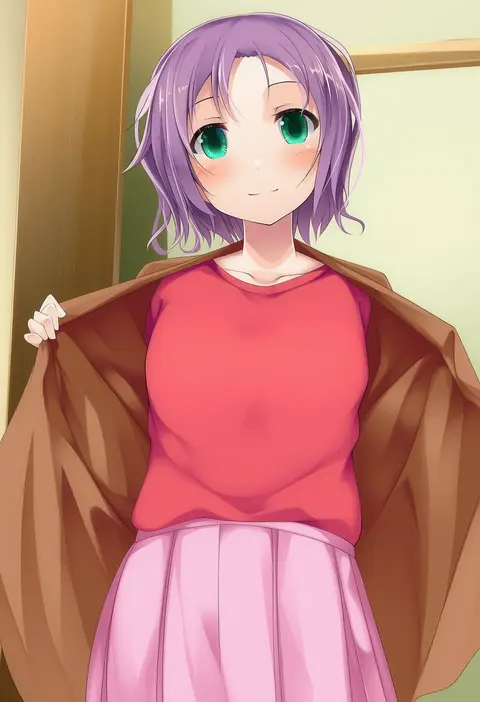
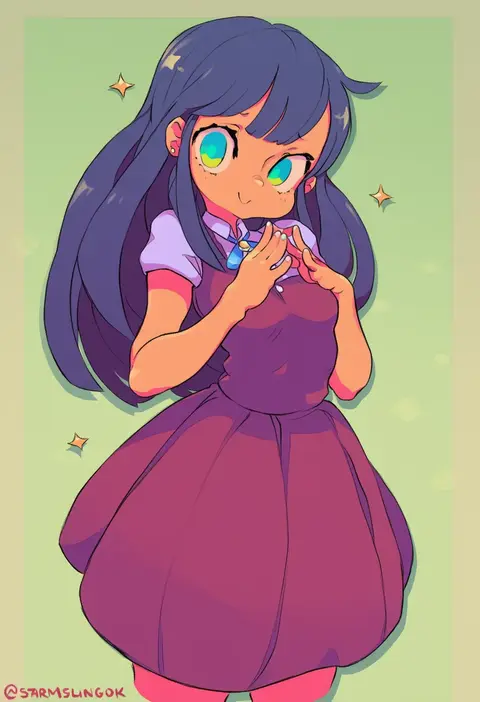
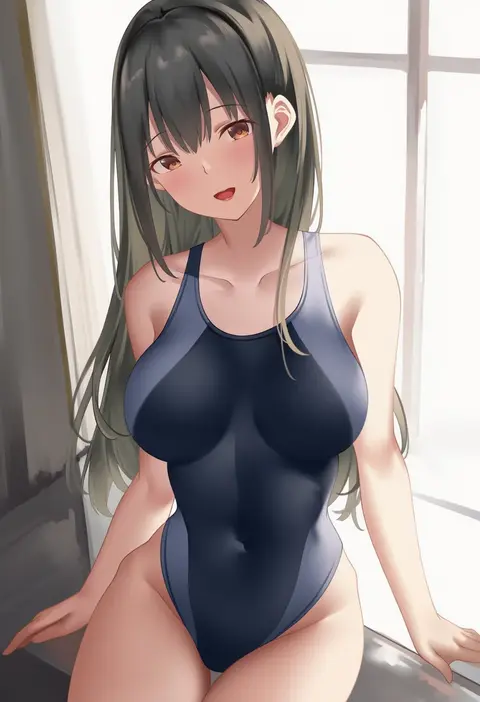
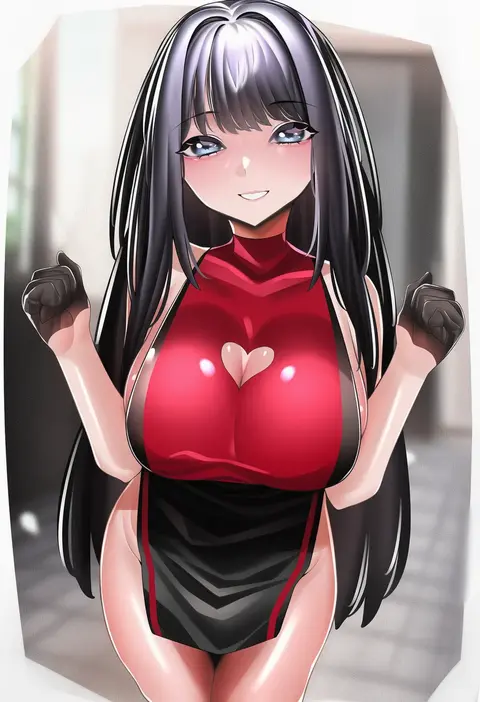
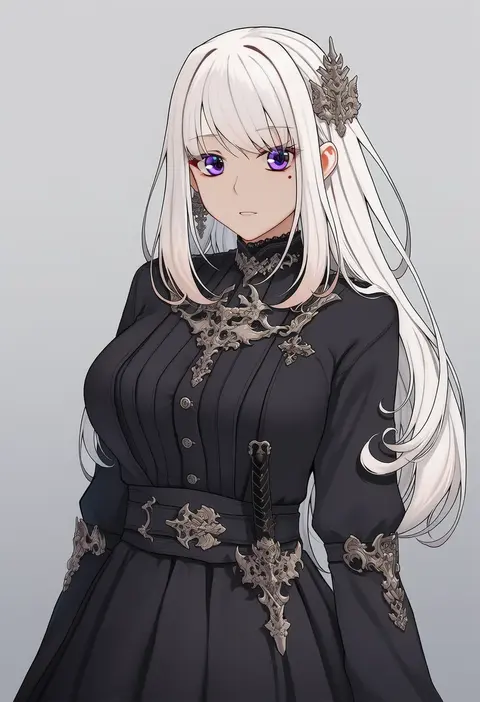
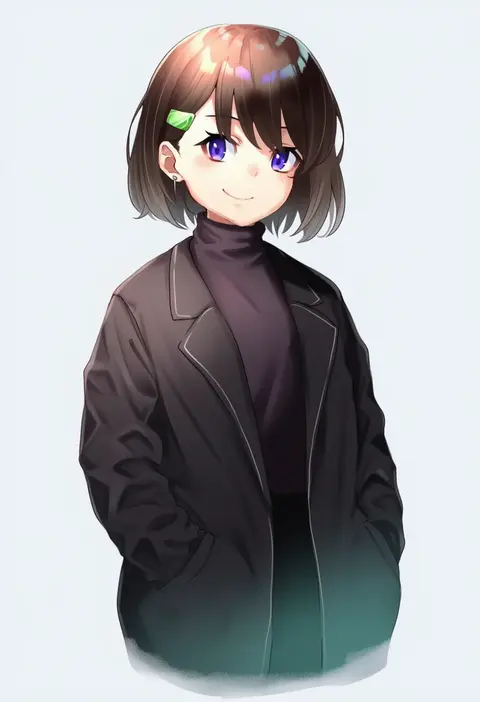
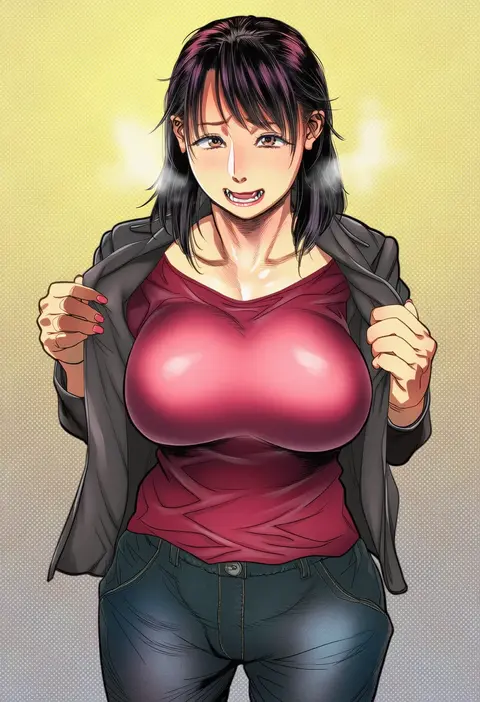
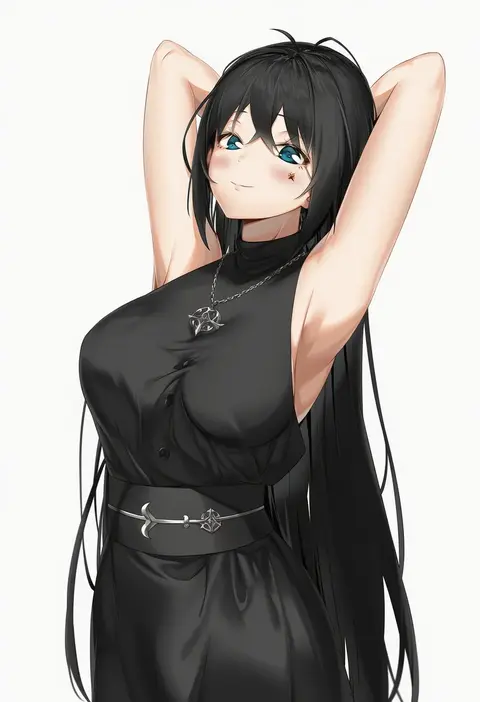
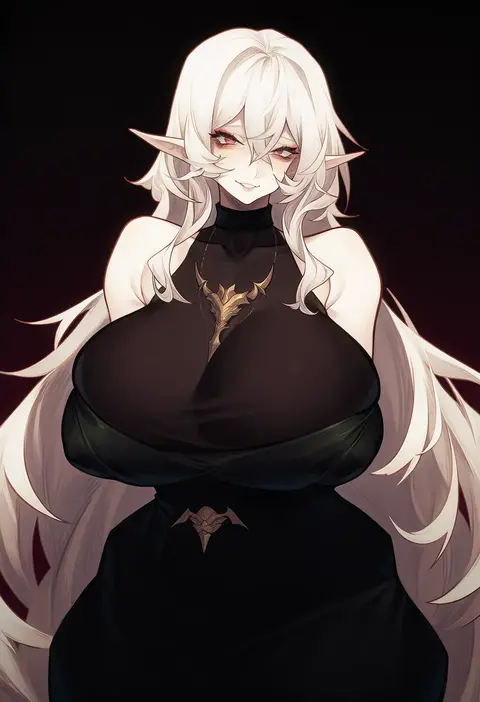
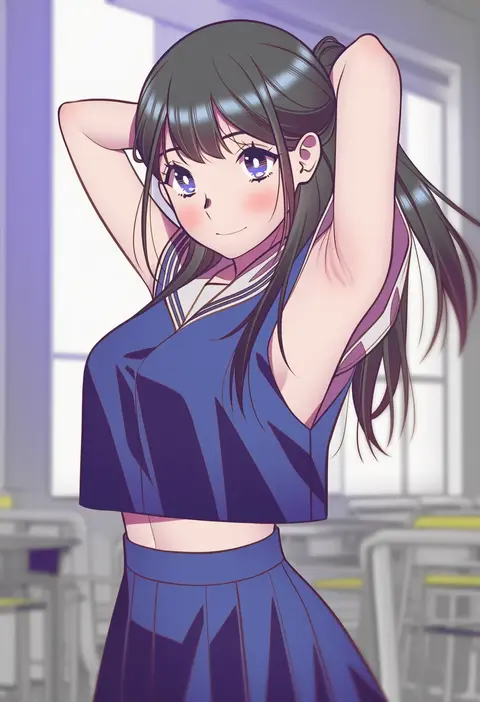
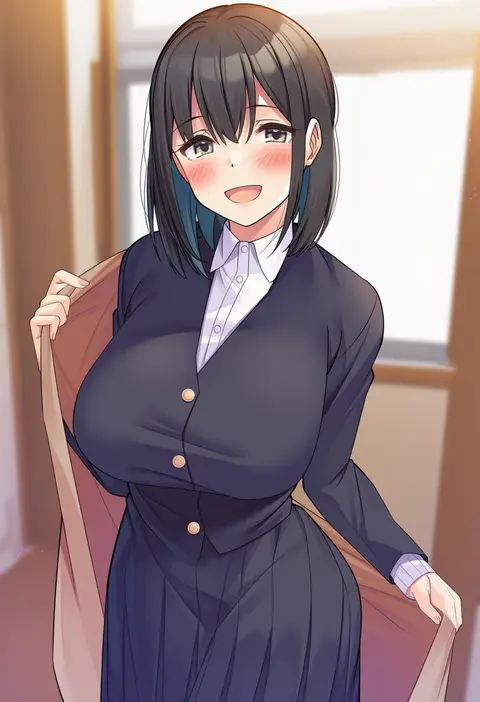
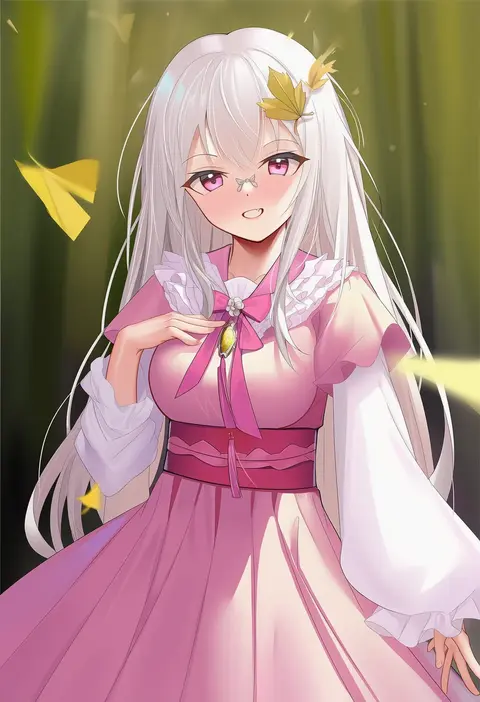
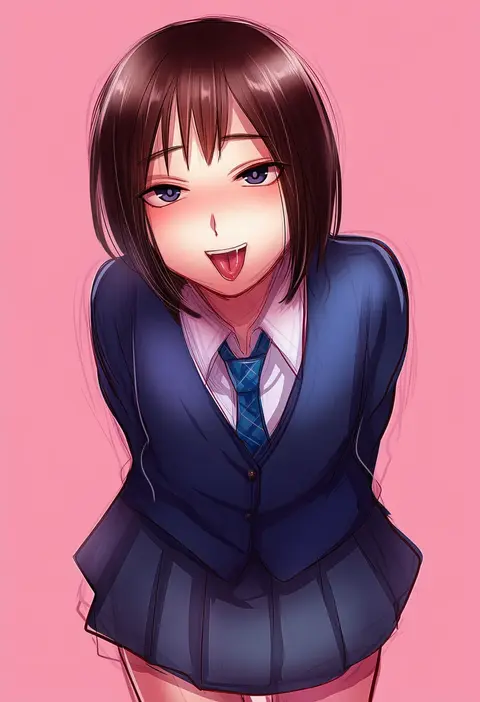
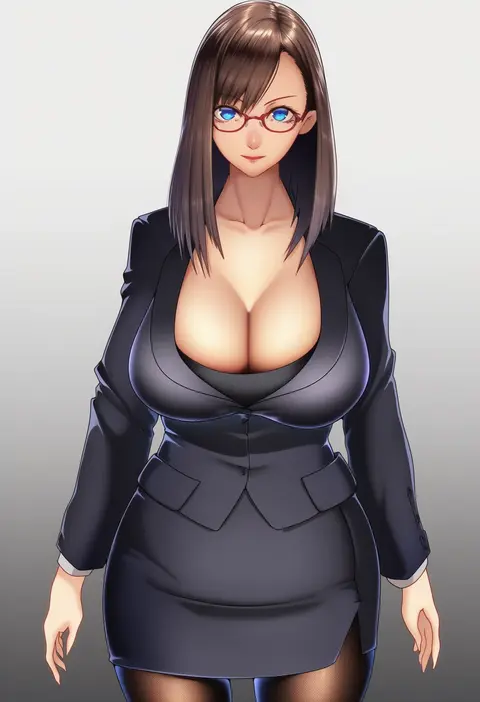
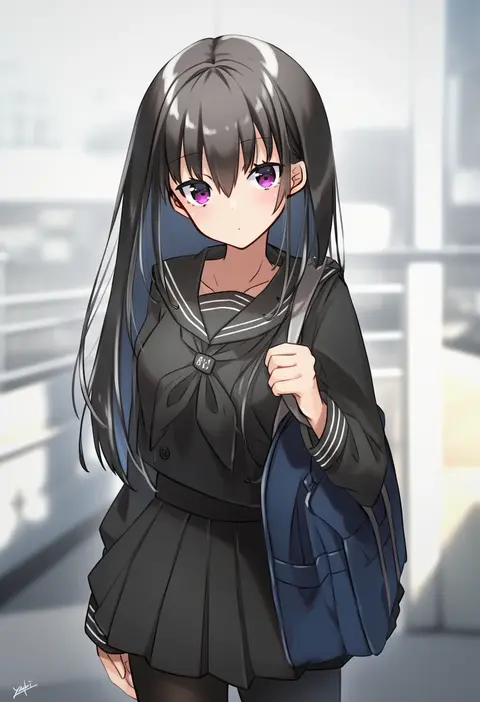
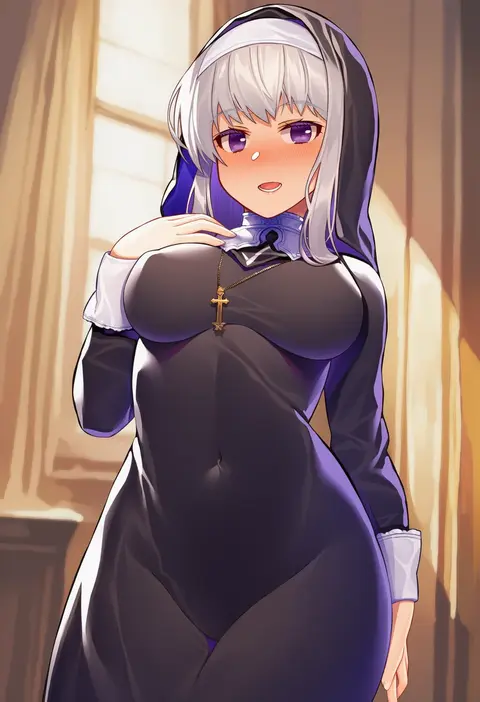
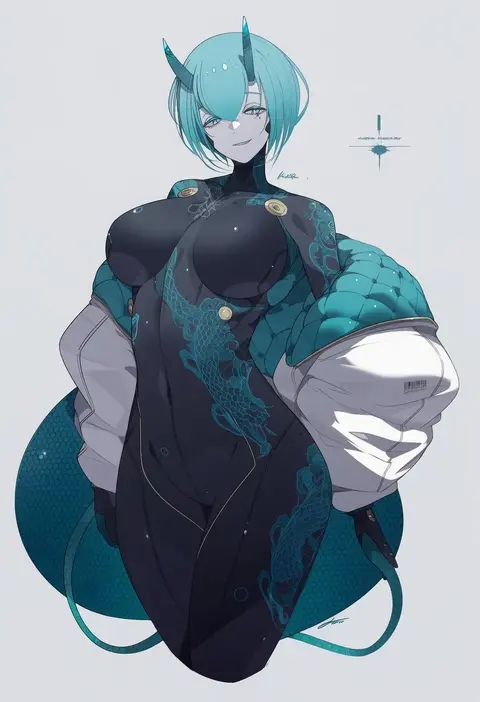
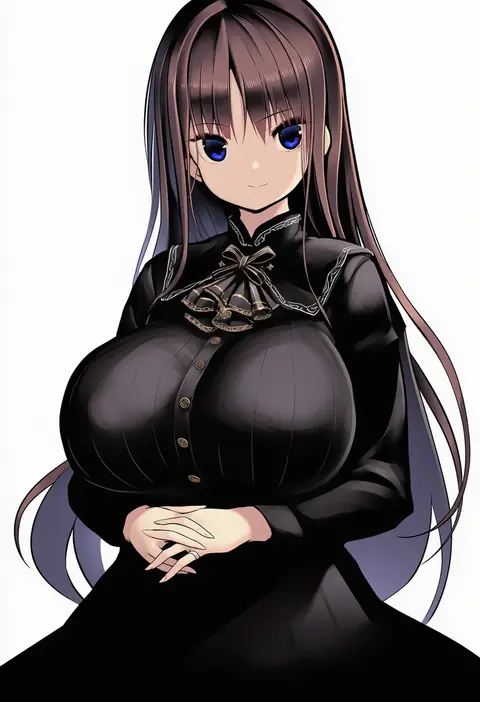
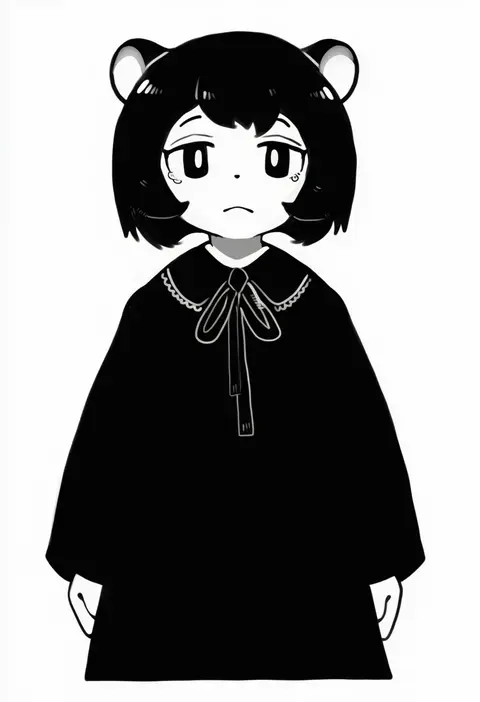
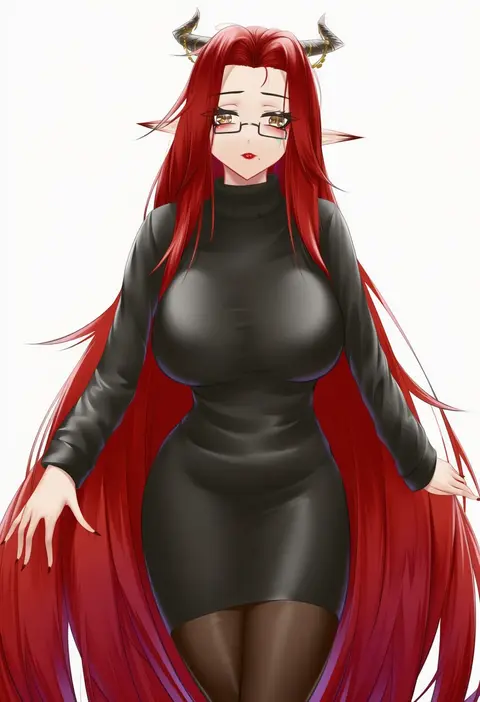
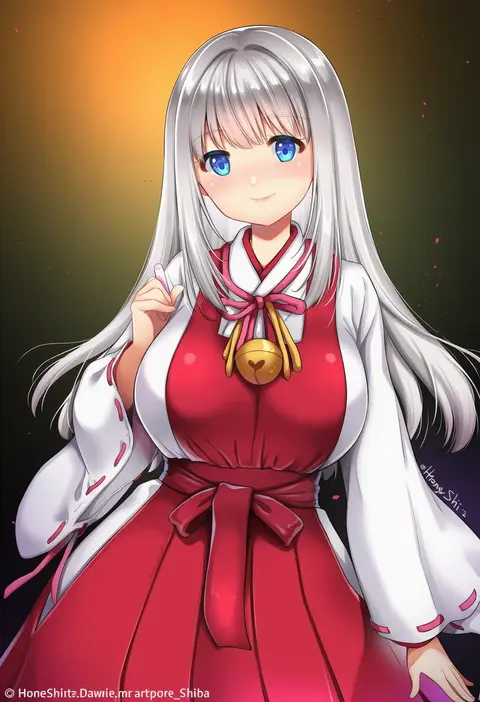
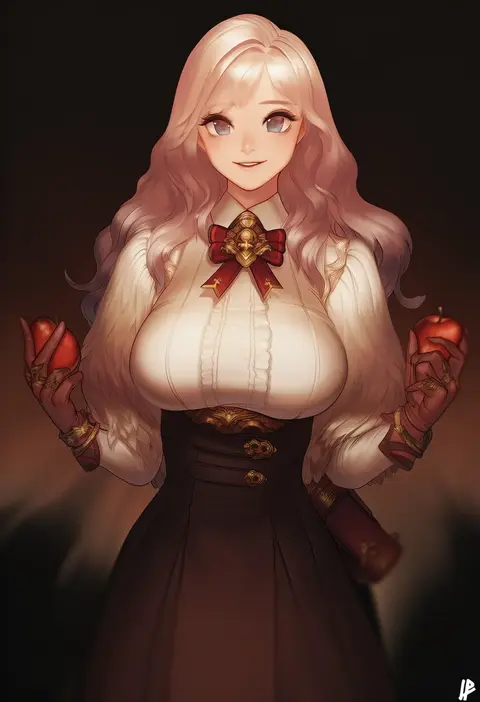
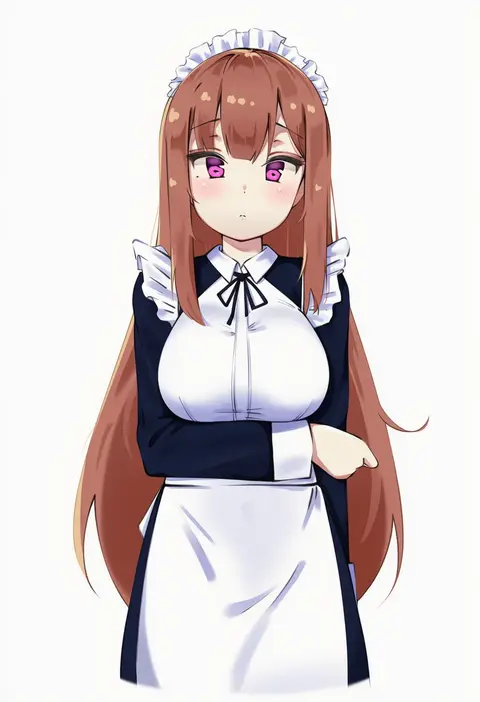
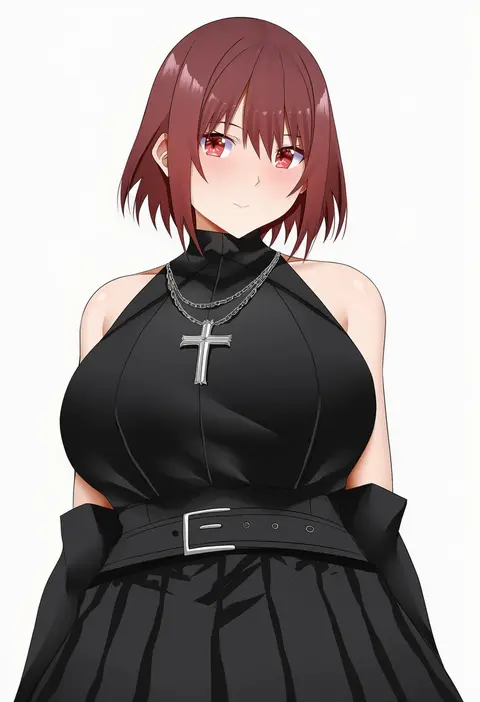
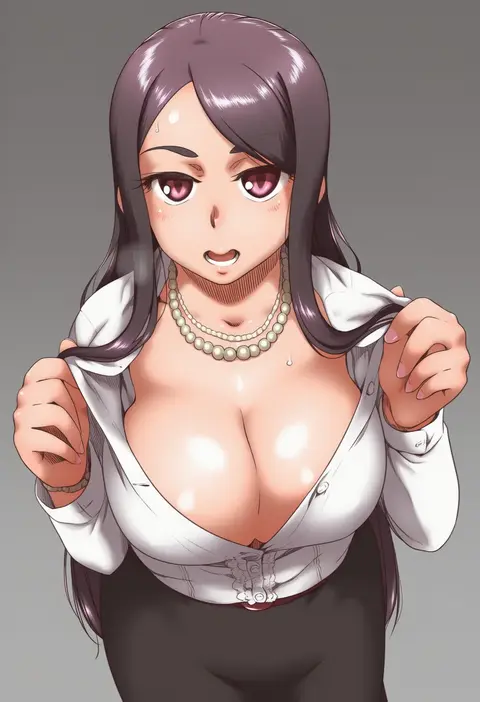
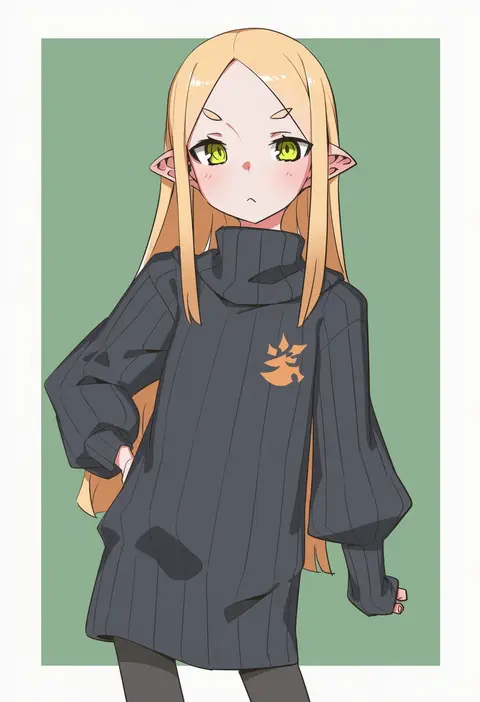
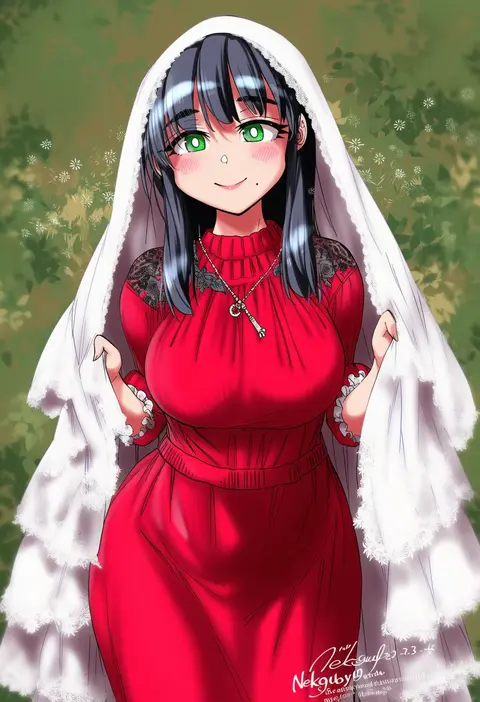
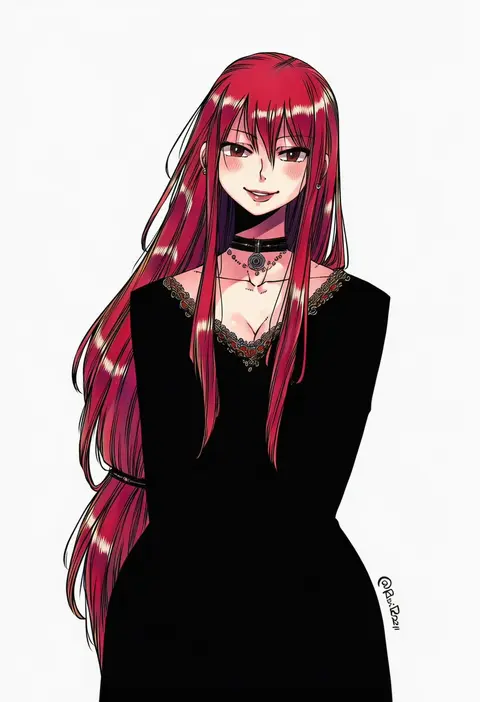
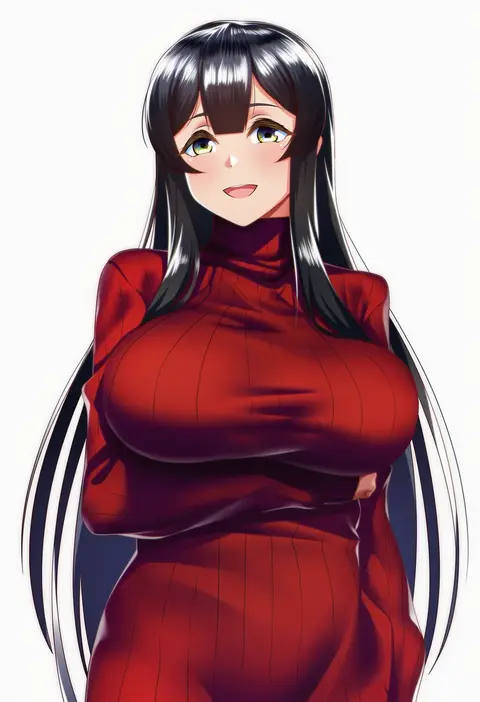
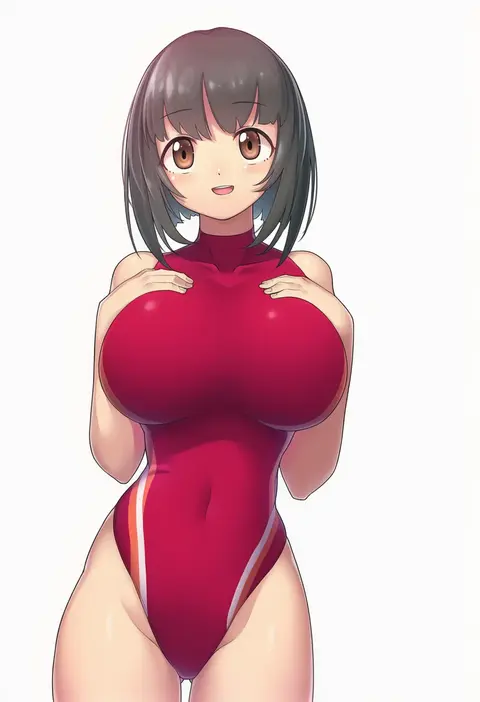
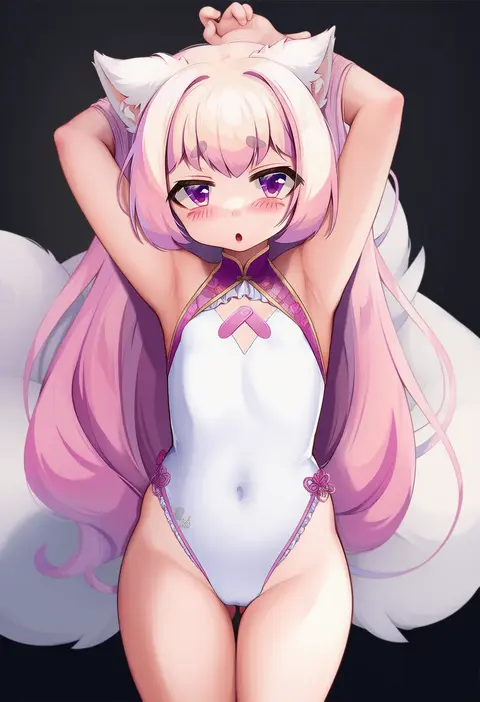
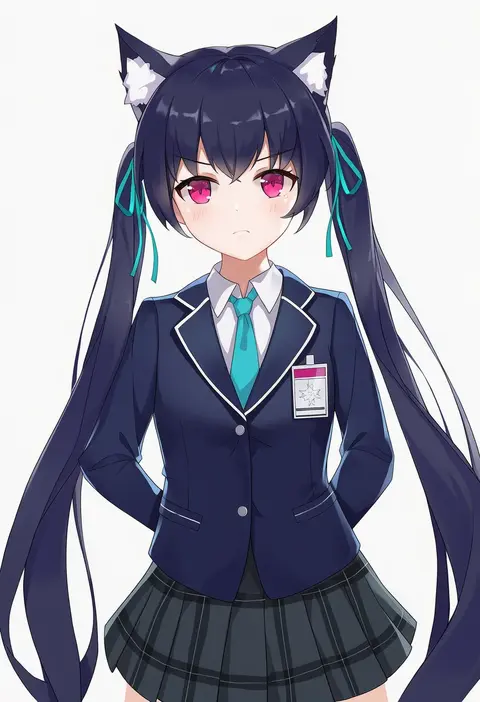
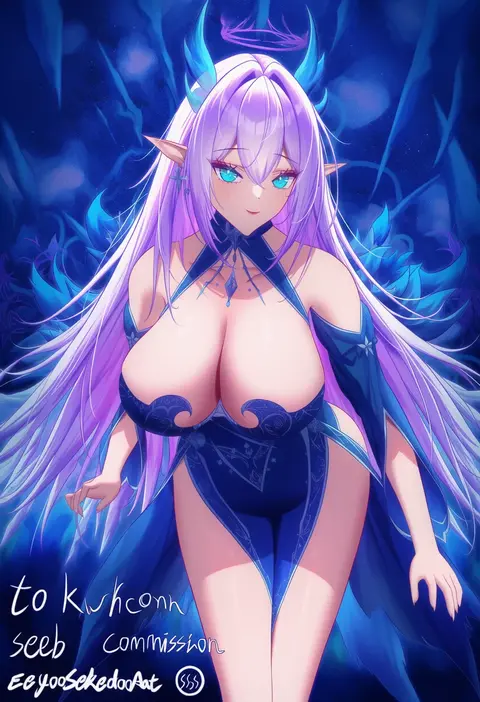
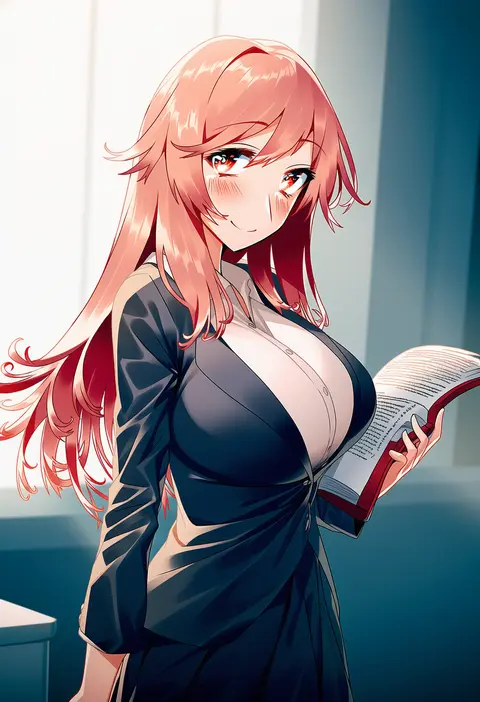
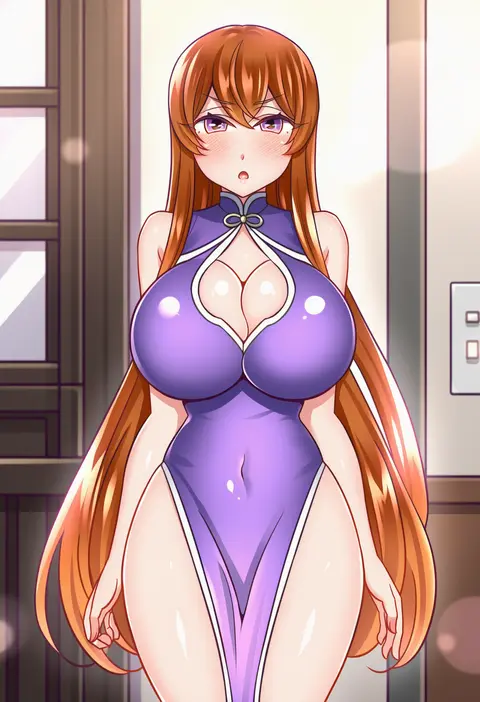
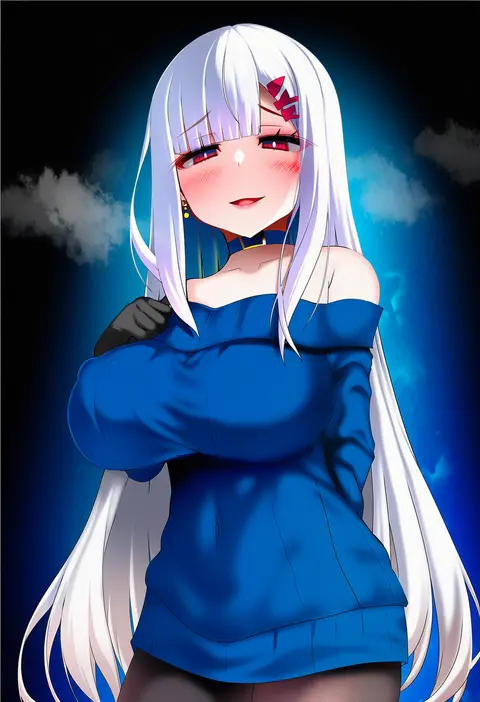
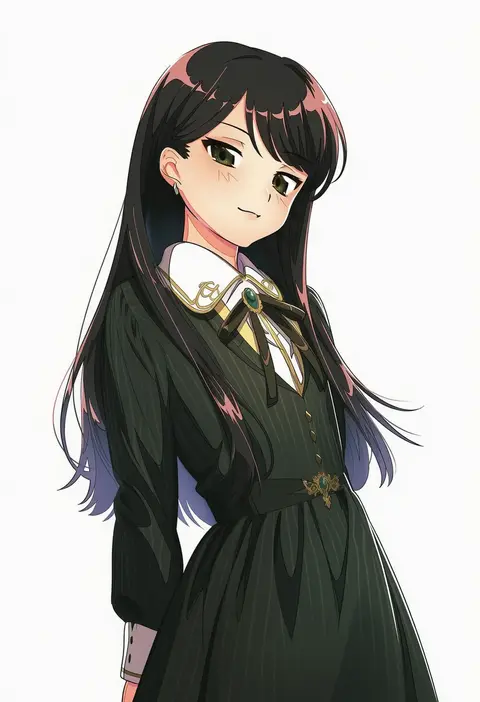
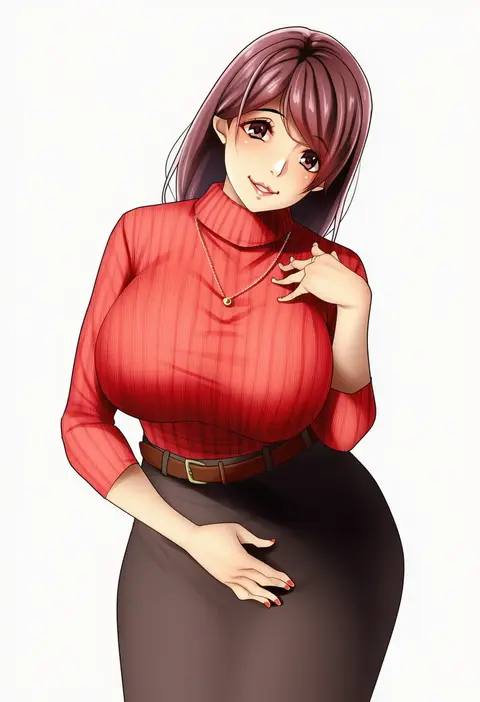
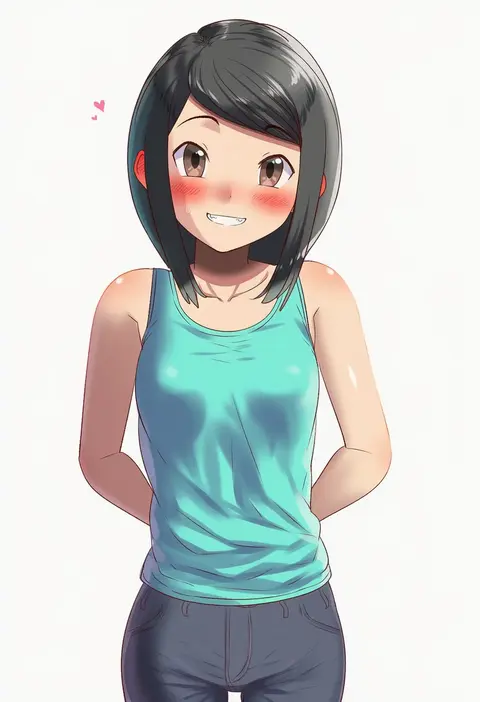
Artist tags tell NovelAI Diffusion to draw in a specific artist's style: line weight, paint texture, face shapes and palette all shift at once. Character and outfit tags decide what is drawn; artist tags decide how. 16,352 tags are listed for V4.5.
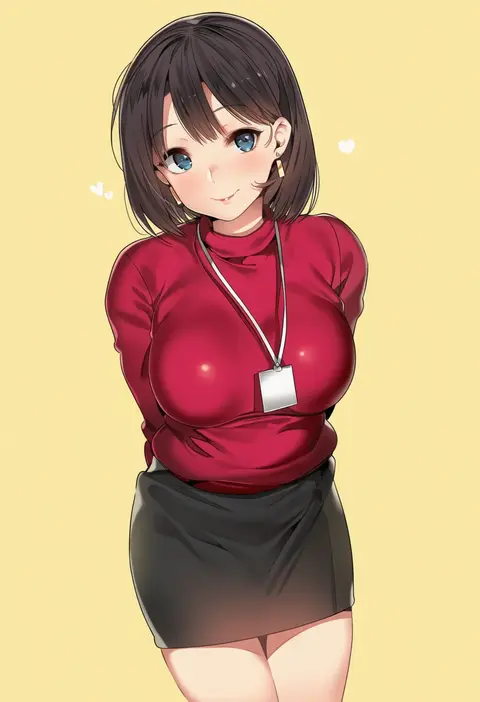
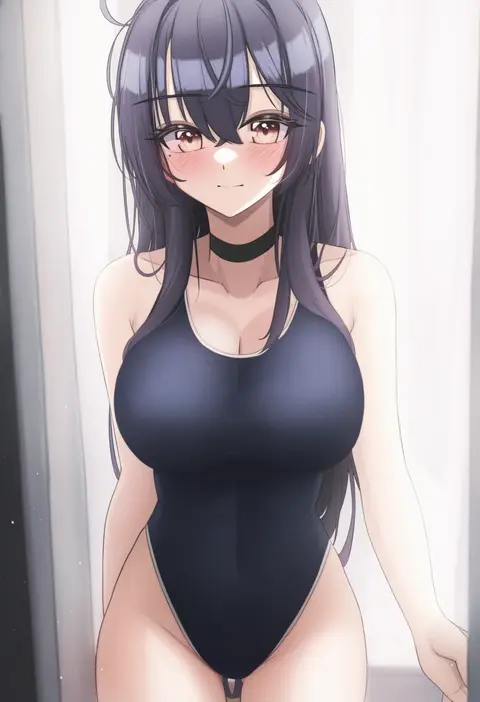
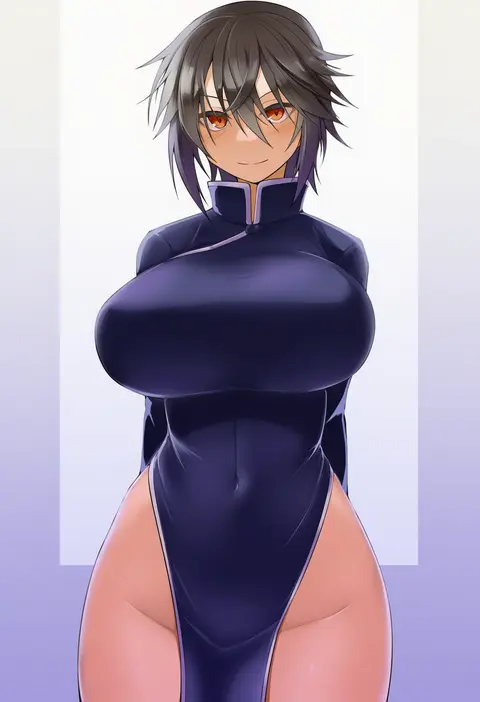
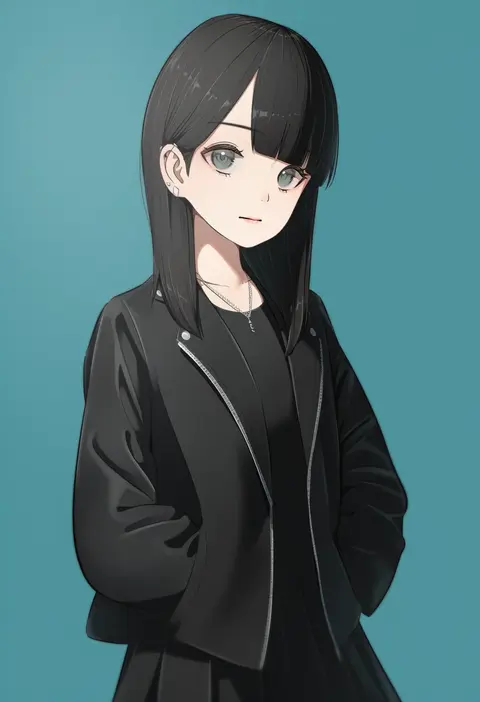
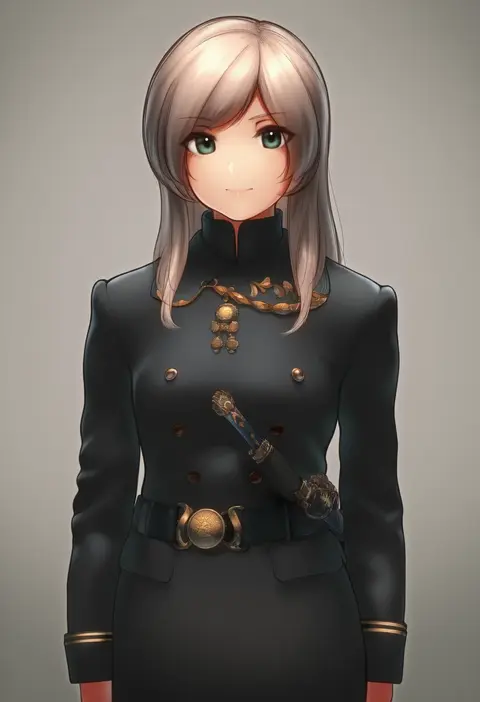
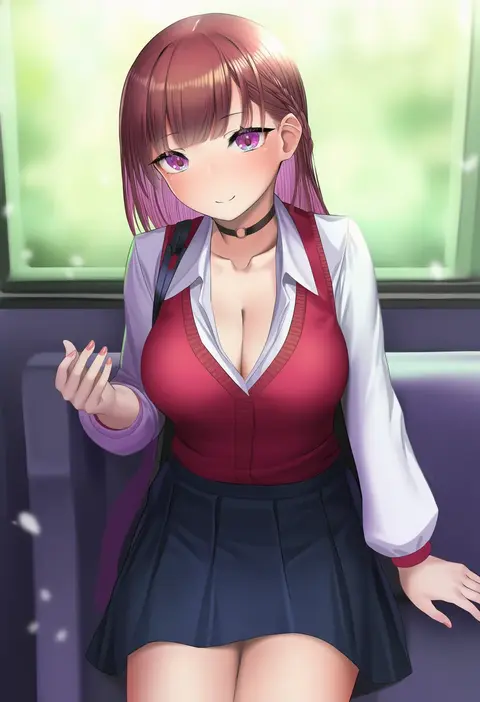
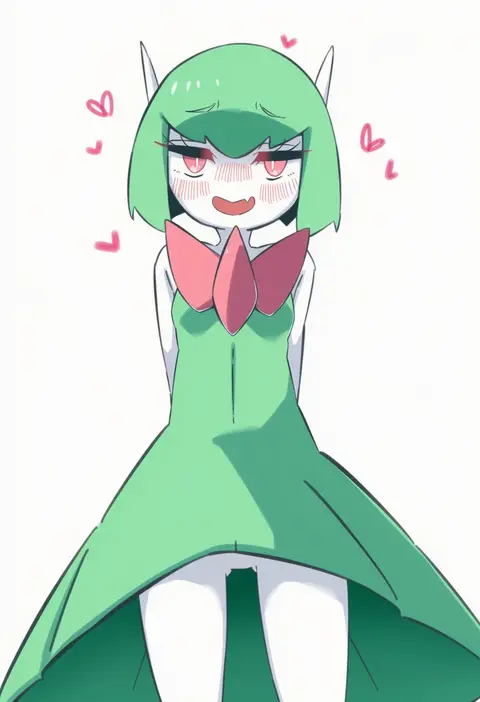
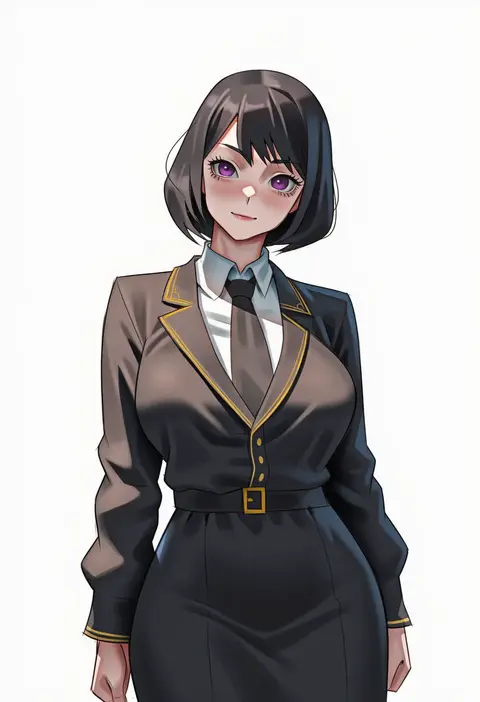
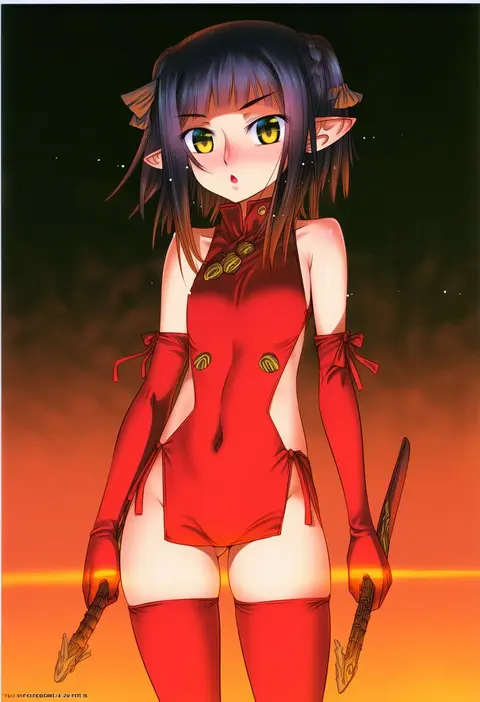
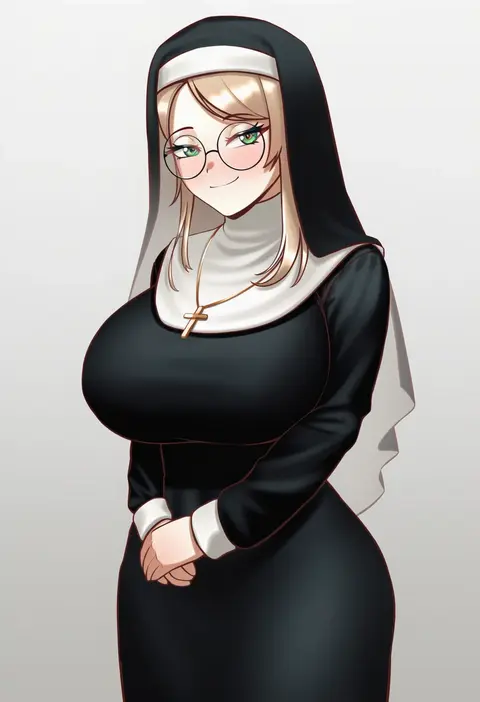
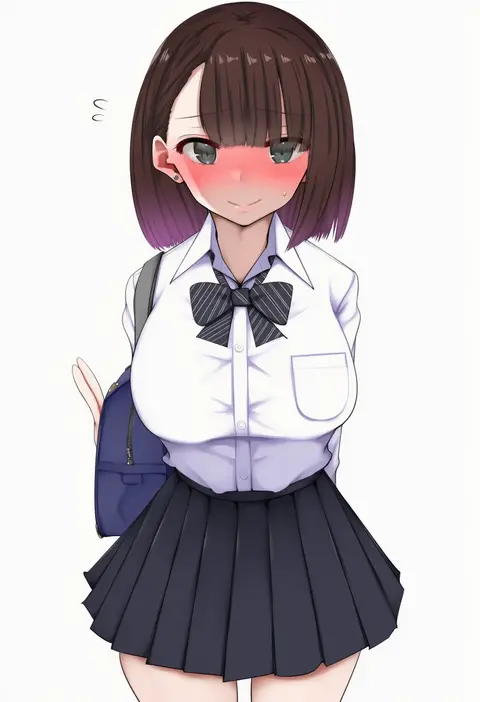
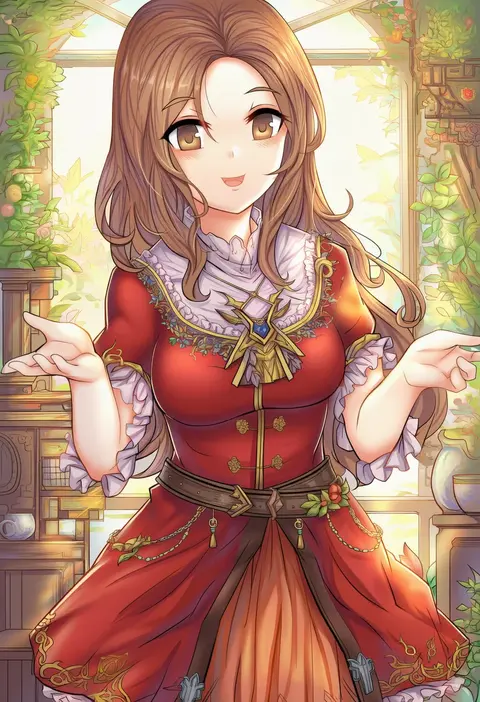
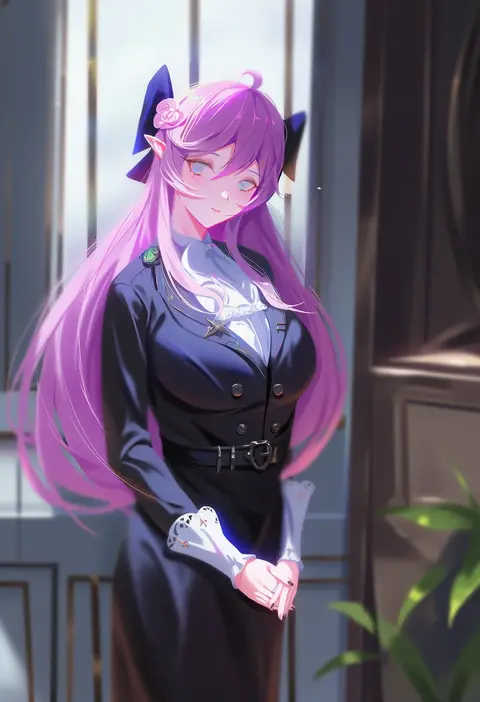
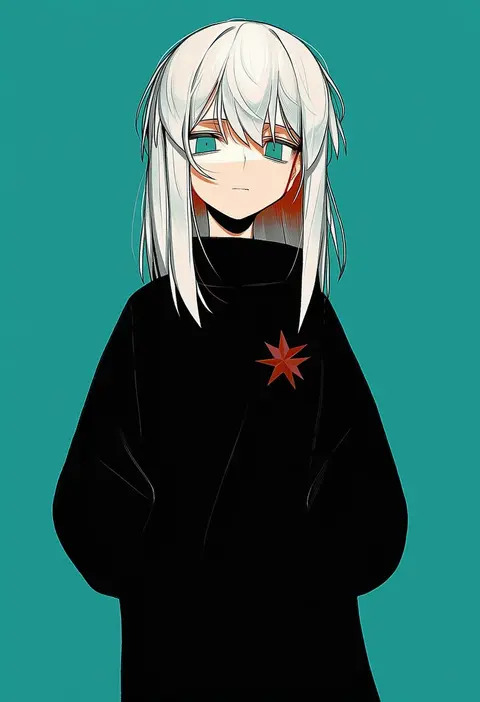
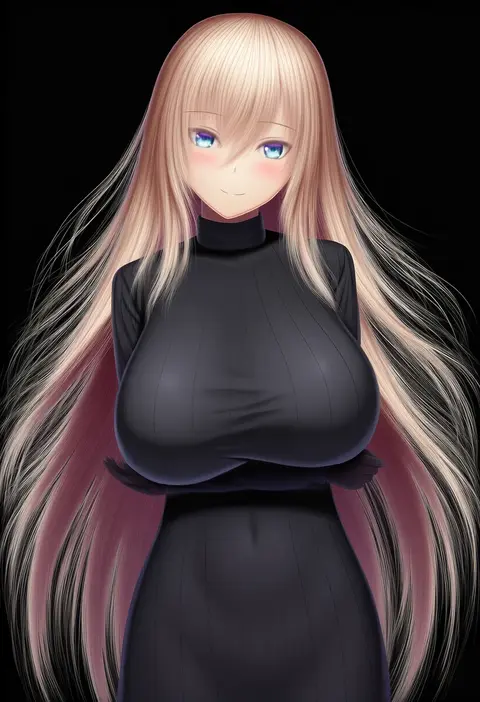
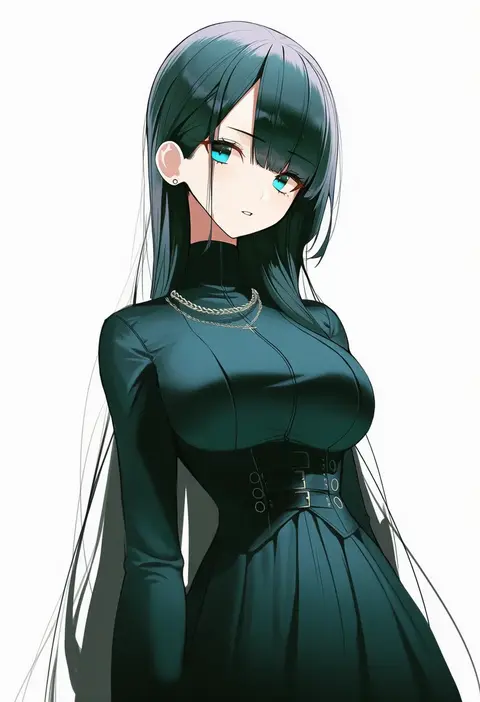
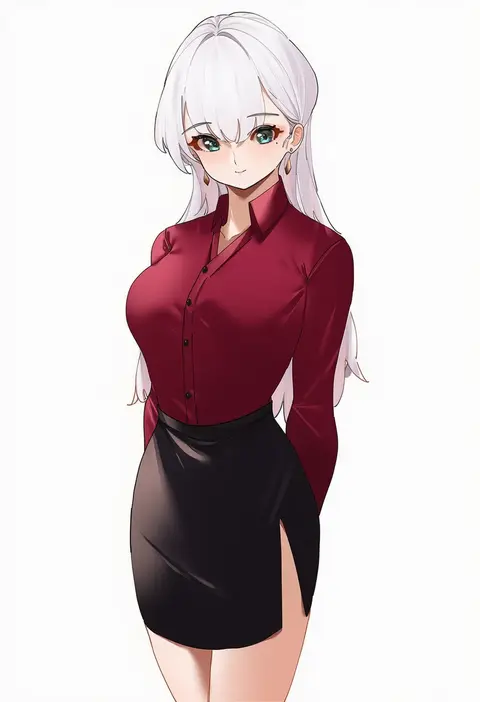
Every tag listed here is verified to react in NovelAI. All images use the same prompt, seed and settings with only the artist tag swapped, so the difference between two images is the style that tag brings in.

How to use them

Put the artist tag near the front of the prompt, e.g. "<artist>, 1girl, solo, best quality, masterpiece, cowboy shot". Two or three artist tags blend styles; lower the weight with "0.8::<artist>::" when the style overpowers the character.

SCORE sorts by Danbooru's top score, POSTS by post count, FAVS by hearts on this site. Open a card to see V5 and V4.5 side by side on the same seed.

V5 vs V4.5

V5 usually lands closer to the artist's real style, and tags that did nothing on V4.5 often react on V5. V4.5 still fits older and doujin-heavy artists better. Try V5 first, fall back to V4.5.

FAQ

Where does the artist tag go?
Near the front of the prompt. Use "0.8::tag::" to adjust its weight.

Can I stack artist tags?
Yes, styles blend. Past two or three the result stops looking like anyone.

Are these the artists' own works?
No. Every image is a NovelAI sample generated from the tag.