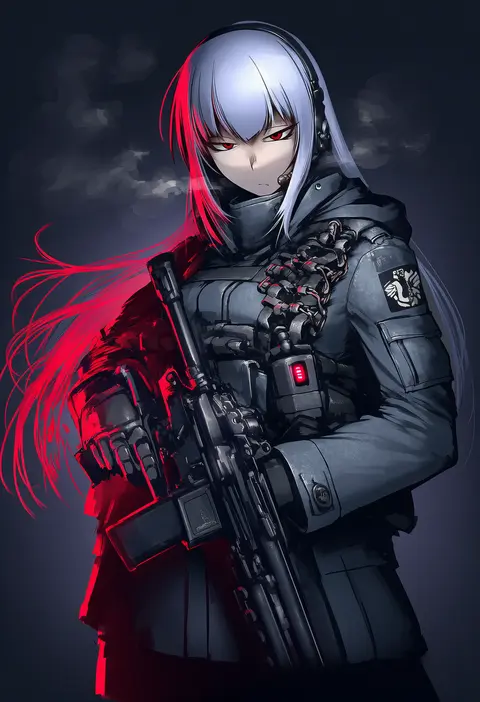
V4.5Artists
sort: FAVS▾
▾
>
$

Popular NovelAI artist tags — V4.5

artist --count 16,352[91/273]
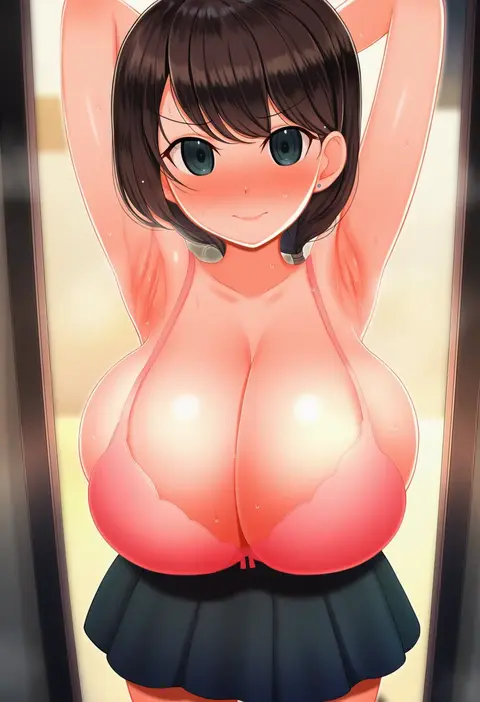
denkaisui
ARTIST0x1518
0
munseonghwa
ARTIST0x1519
0
kawamura tsukasa
ARTIST0x151A
0
fizz (pixiv34498626)
ARTIST0x151B
0
gurande (g-size)
ARTIST0x151C
0
shashaki
ARTIST0x151D
0
kurashima tomoyasu
ARTIST0x151E
0
akagi (fmttps)
ARTIST0x151F
0
syunzou
ARTIST0x1520
0
ruri rarako
ARTIST0x1521
0
kinbakuman
ARTIST0x1522
0
b1ack illust
ARTIST0x1523
0
hikari (komitiookami)
ARTIST0x1524
0
umigraphics
ARTIST0x1525
0
jingo
ARTIST0x1526
0
mochi (mochi444420)
ARTIST0x1527
0
nana g
ARTIST0x1528
0
malcorond
ARTIST0x1529
0
j yak47
ARTIST0x152A
0
bakko
ARTIST0x152B
0
sogabe shuuji
ARTIST0x152C
0
karasu-san (syh3iua83)
ARTIST0x152D
0
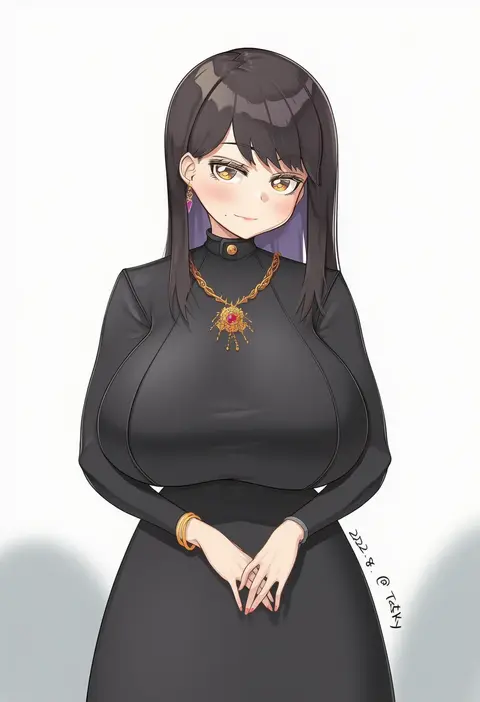
tasty (dudwofla)
ARTIST0x152E
0
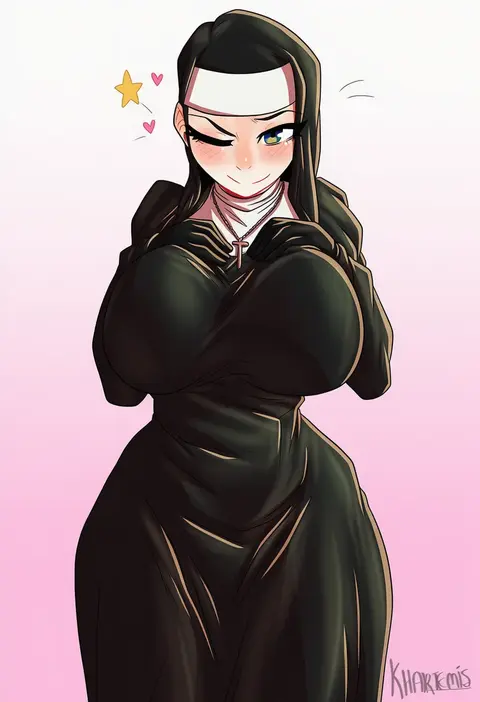
khartemis
ARTIST0x152F
0
silence girl
ARTIST0x1530
0
aile (crossroads)
ARTIST0x1531
0
okiraku nikku
ARTIST0x1532
0
chigasaki yukari
ARTIST0x1533
0
shift (waage)
ARTIST0x1534
0
tanaka shoutarou
ARTIST0x1535
0
kaneru
ARTIST0x1536
0
laofuzi dai bansho
ARTIST0x1537
0
zaki (zaki btw)
ARTIST0x1538
0
anisdrawn
ARTIST0x1539
0
don (rg06268)
ARTIST0x153A
0
tohoho (hoshinoyami)
ARTIST0x153B
0
zhvo
ARTIST0x153C
0
haikawa hemlen
ARTIST0x153D
0
aoiabyss
ARTIST0x153E
0
mikasayaki
ARTIST0x153F
0
higeepon
ARTIST0x1540
0
kukuchi581
ARTIST0x1541
0
waa153
ARTIST0x1542
0
toriburi
ARTIST0x1543
0
ddungddang
ARTIST0x1544
0
ganet p
ARTIST0x1545
0
xueli shimazaki
ARTIST0x1546
0
opalis
ARTIST0x1547
0
gar32
ARTIST0x1548
0
monorus
ARTIST0x1549
0
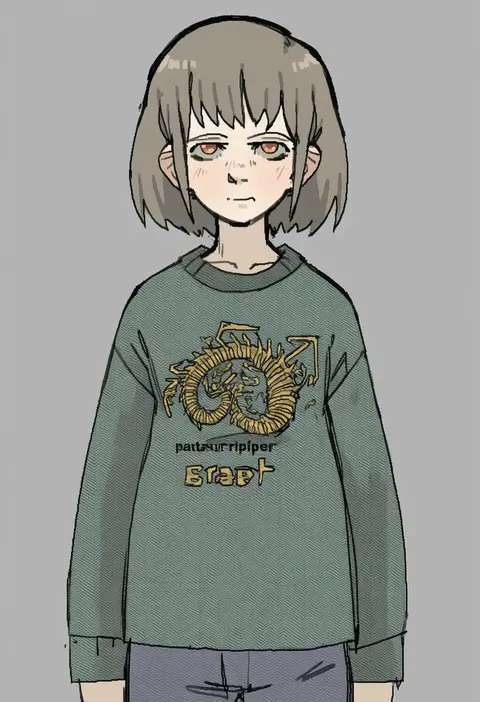
pantsu-ripper
ARTIST0x154A
0
inamitsu shinji
ARTIST0x154B
0
beruko14
ARTIST0x154C
0
cyka
ARTIST0x154D
0
haruyukiko
ARTIST0x154E
0
h2o (dfo)
ARTIST0x154F
0
hiyamizu yukie
ARTIST0x1550
0
jianjia
ARTIST0x1551
0
gibagiba
ARTIST0x1552
0
hetza (hellshock)
ARTIST0x1553
0

What these tags change

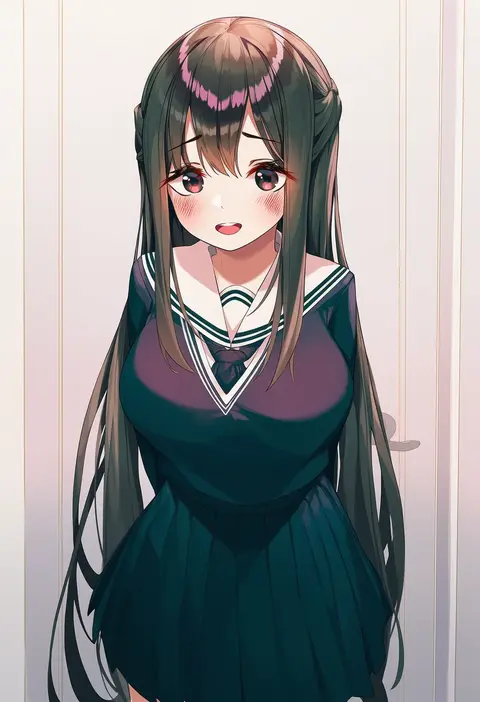
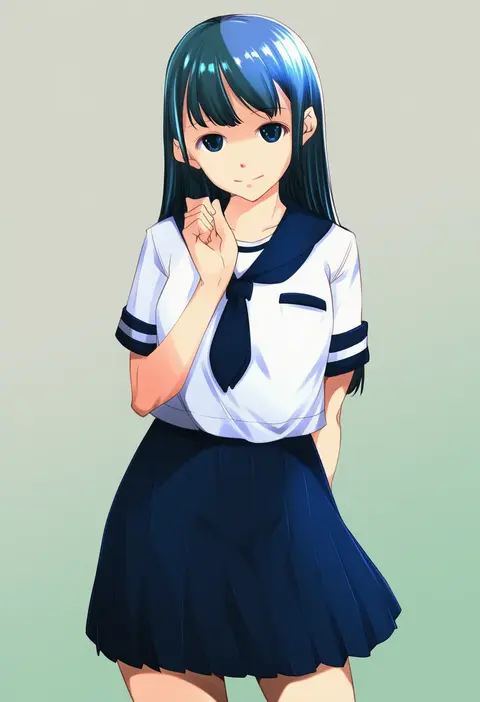
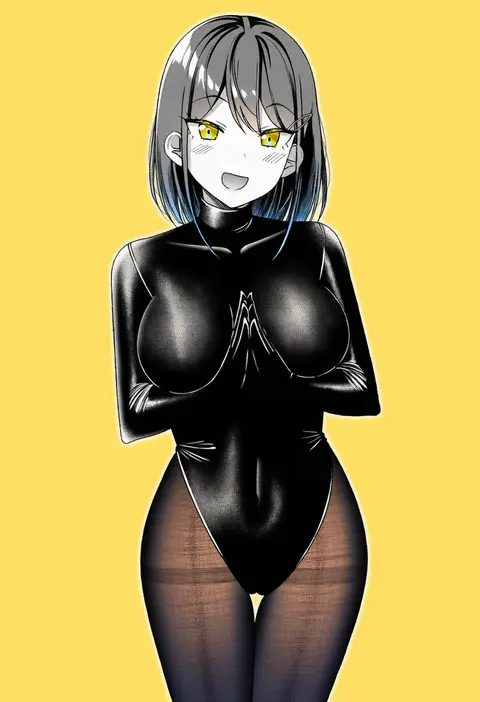
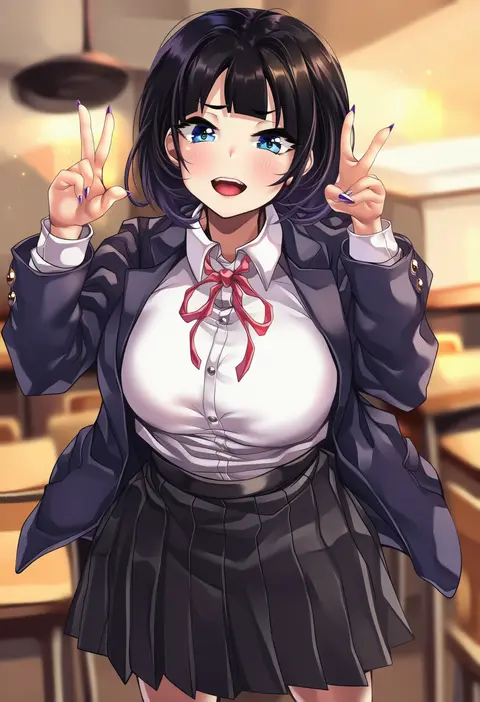
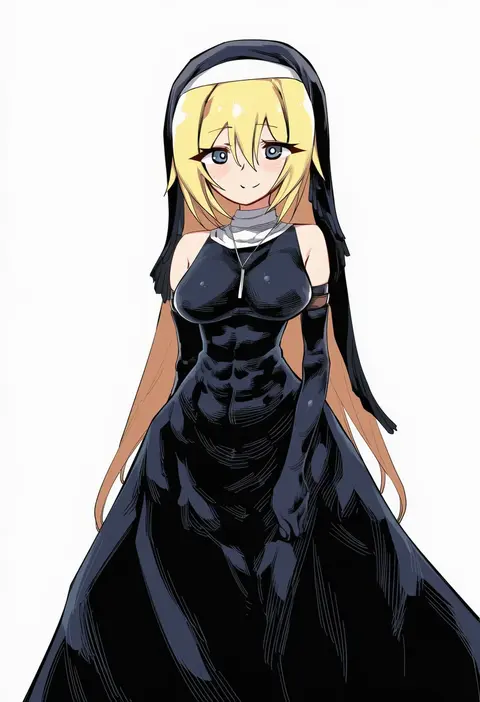
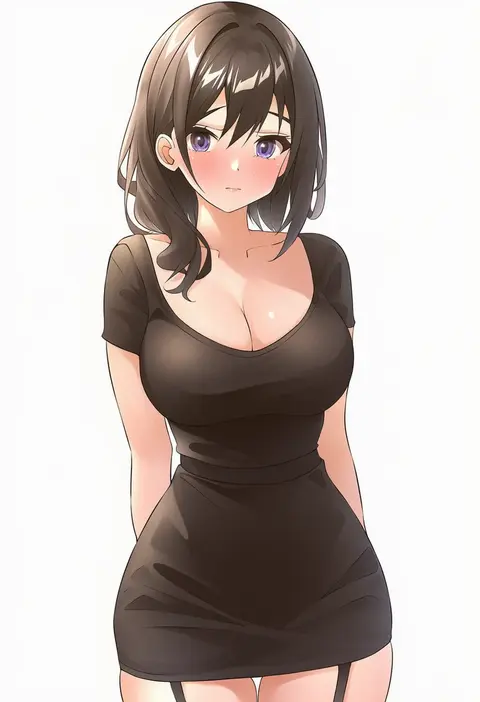
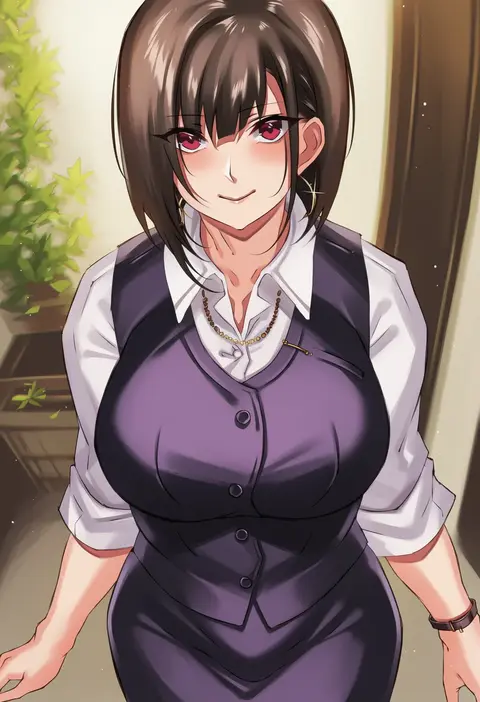
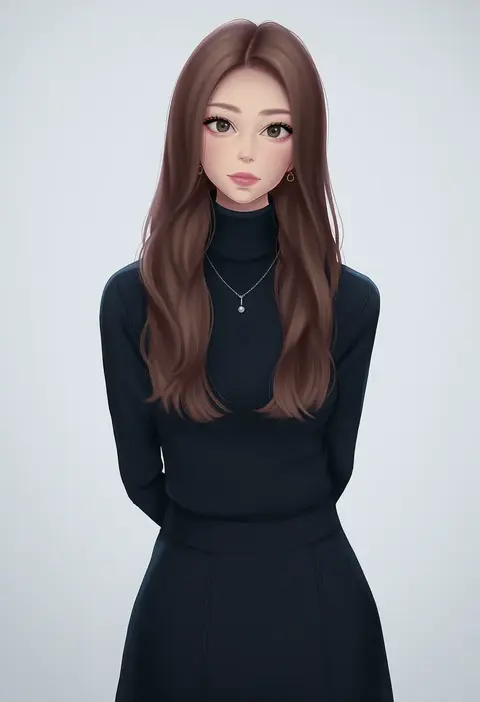
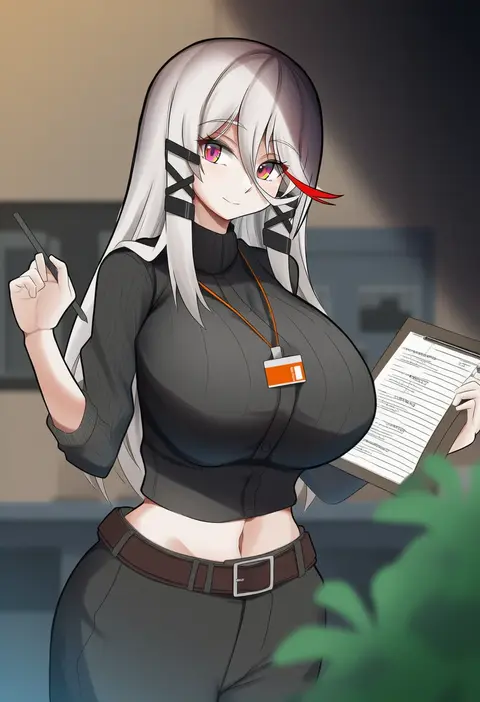
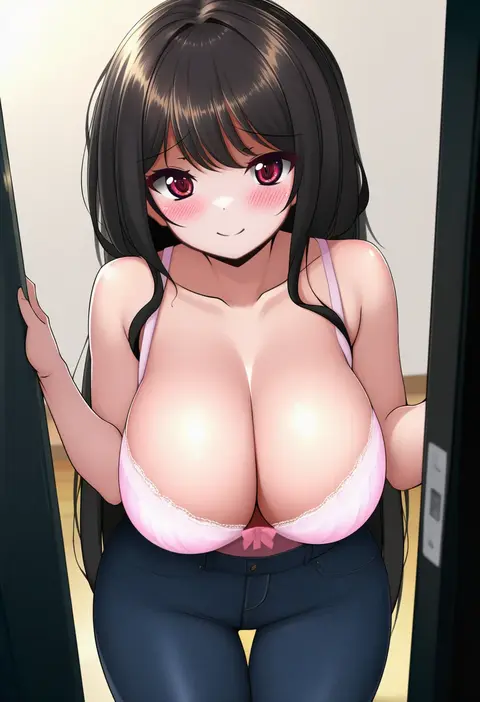
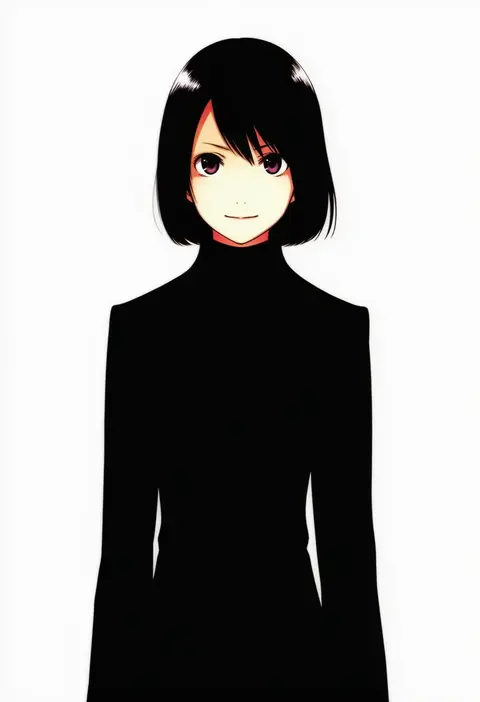
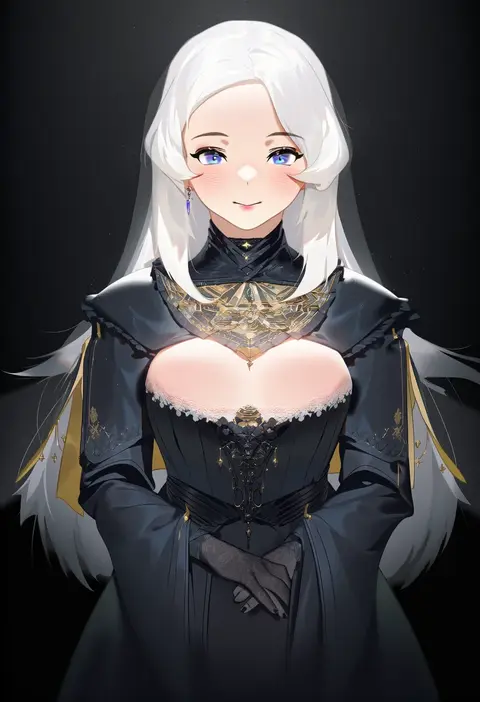
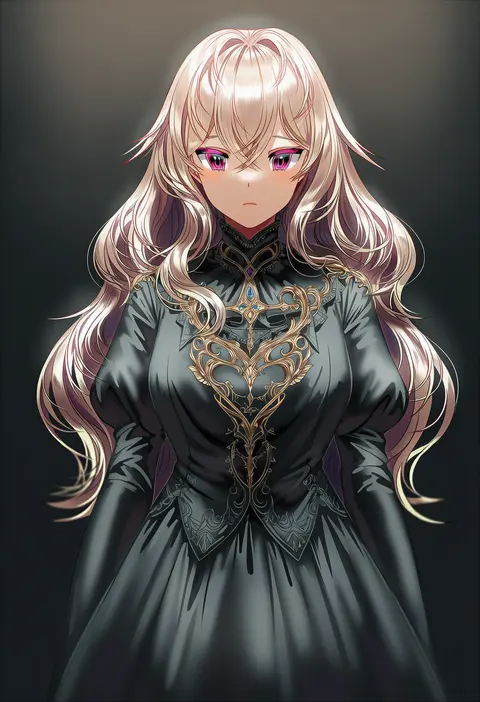
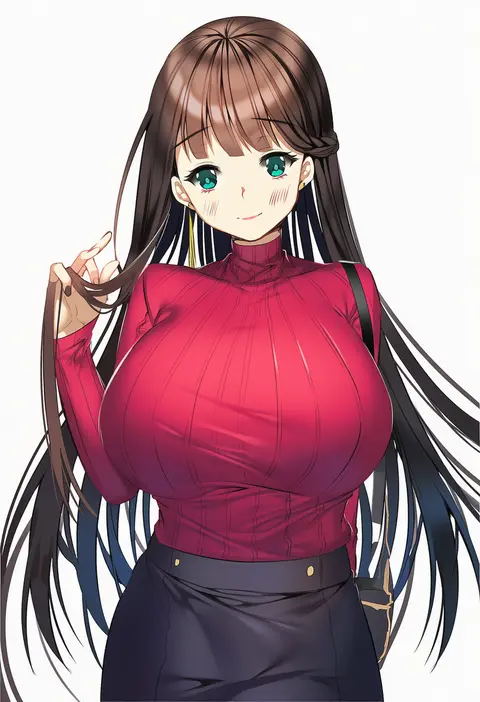
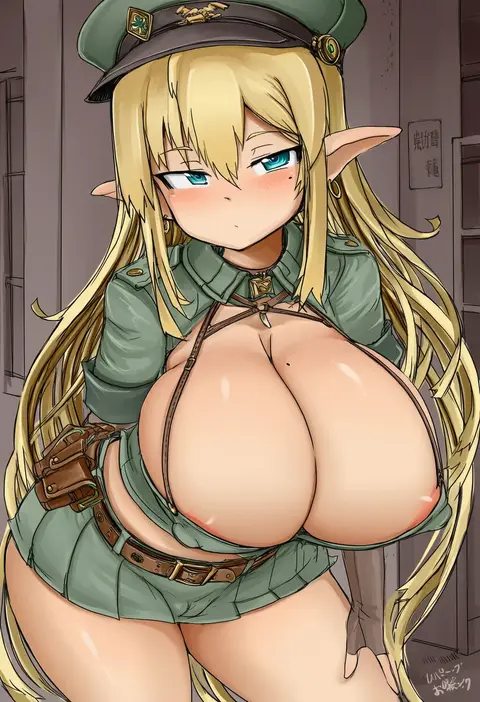
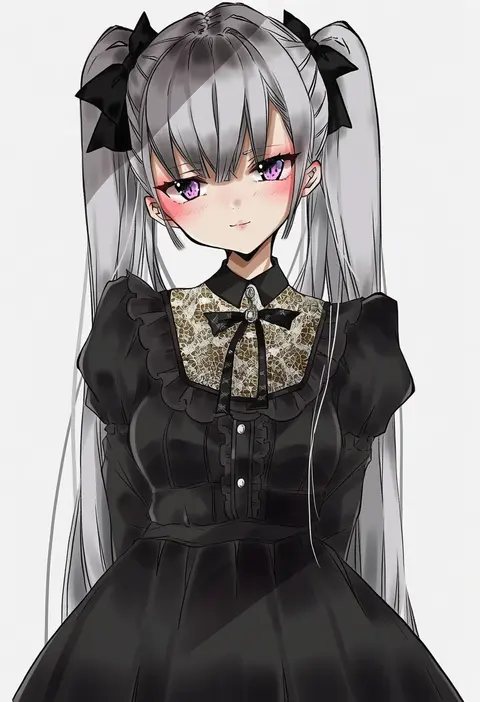
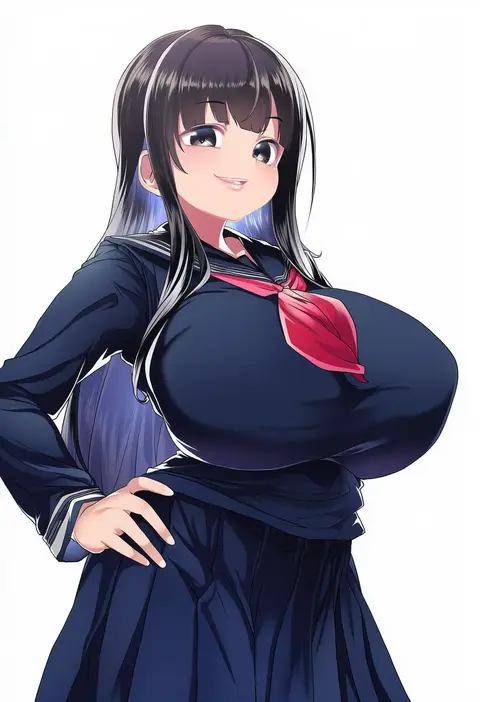
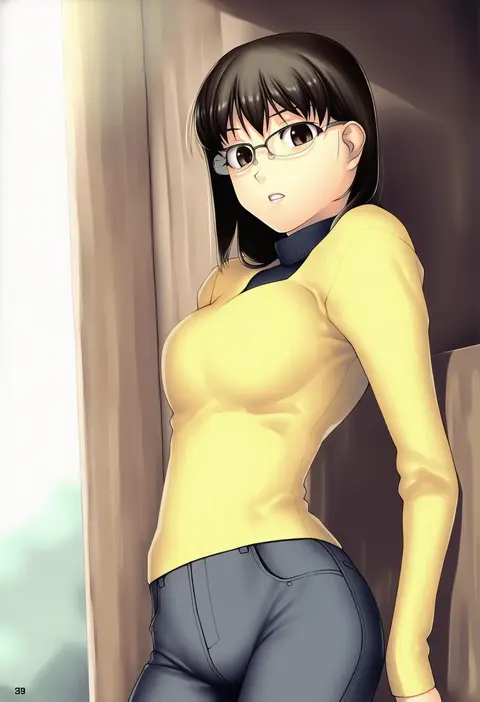
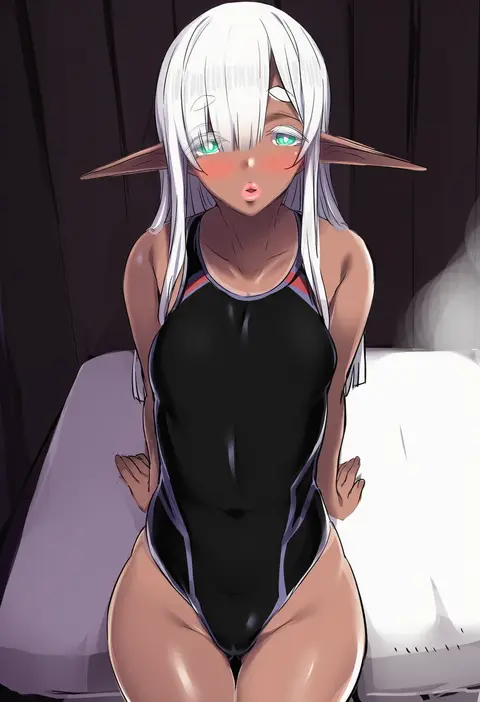
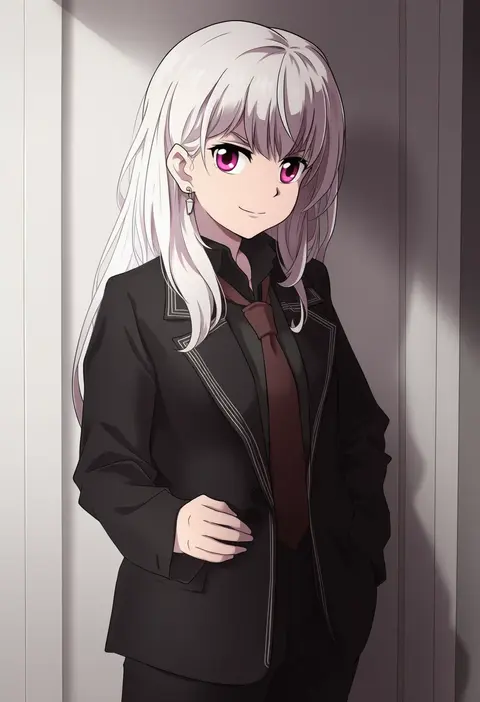
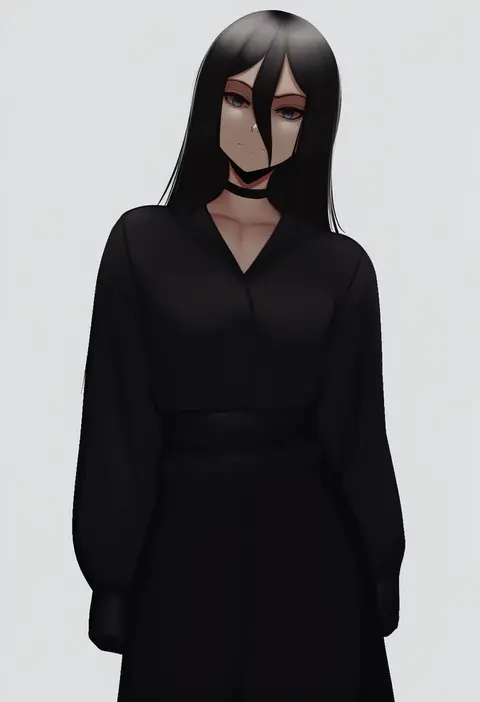
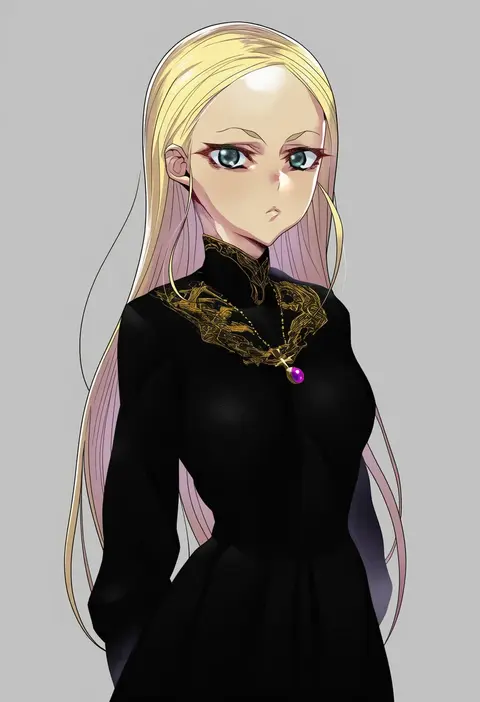
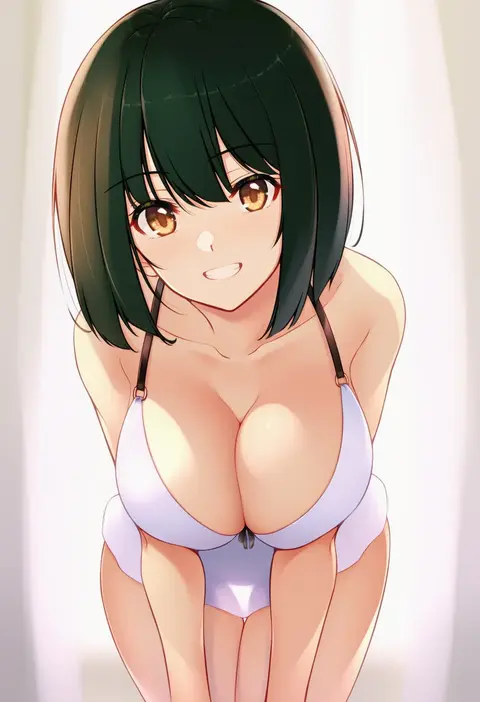
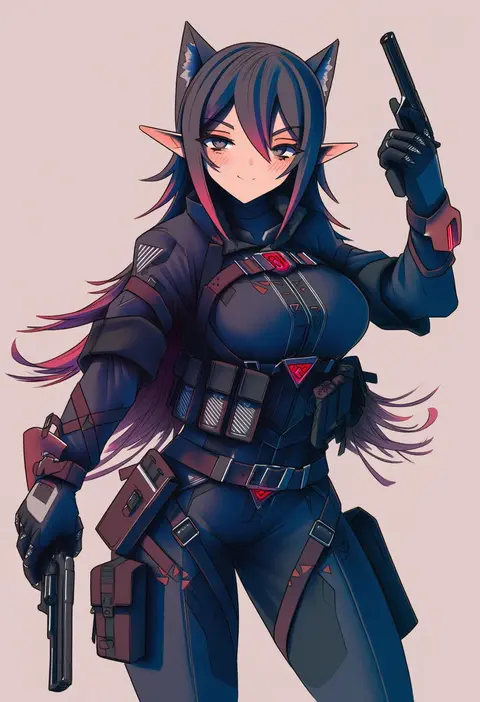
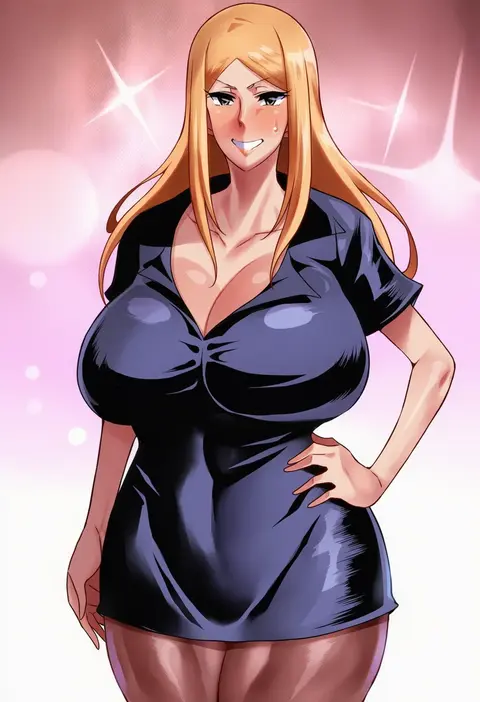
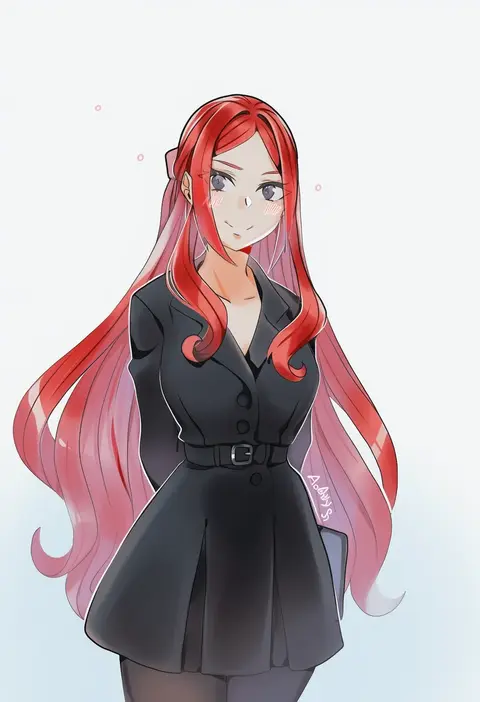
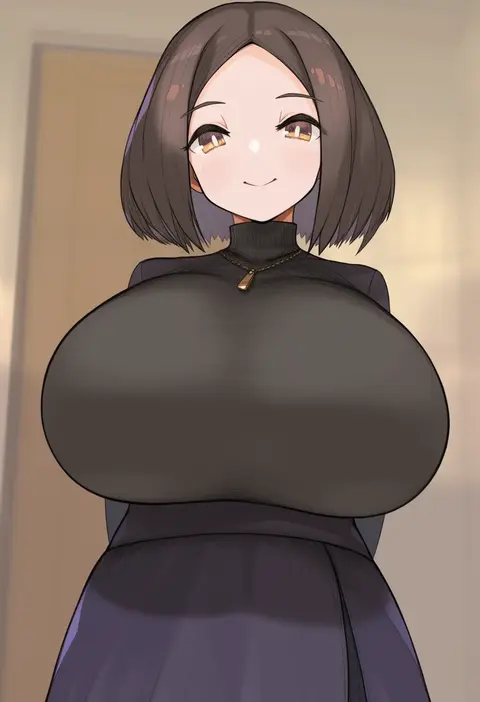
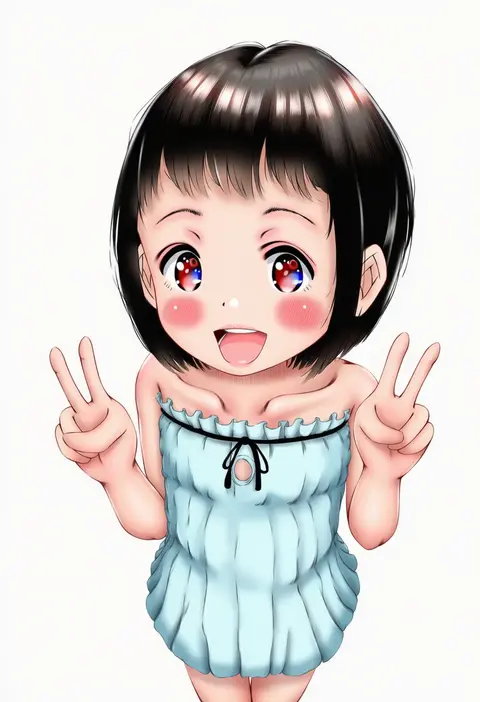
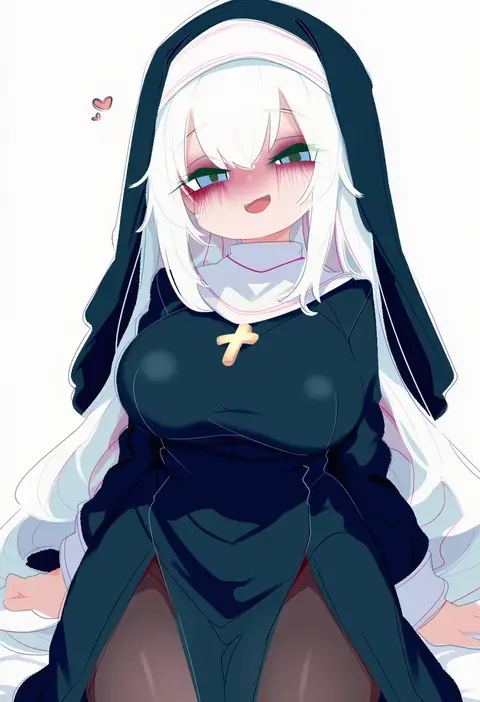
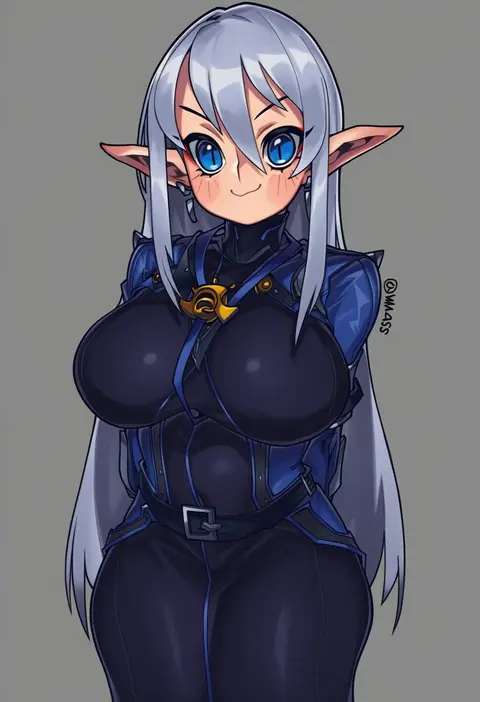
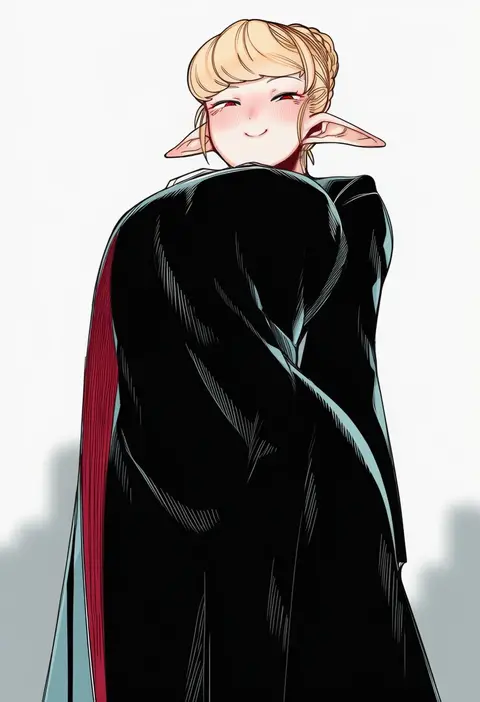
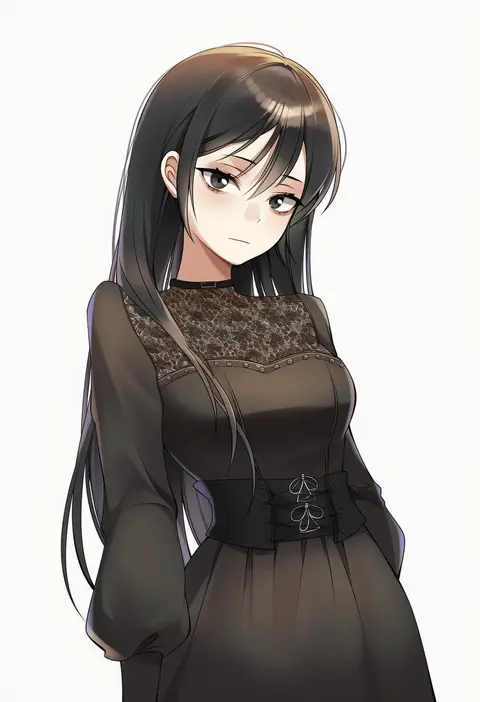
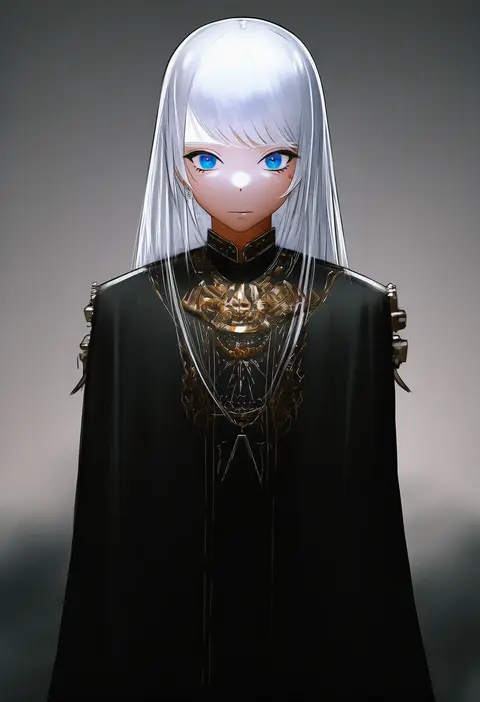
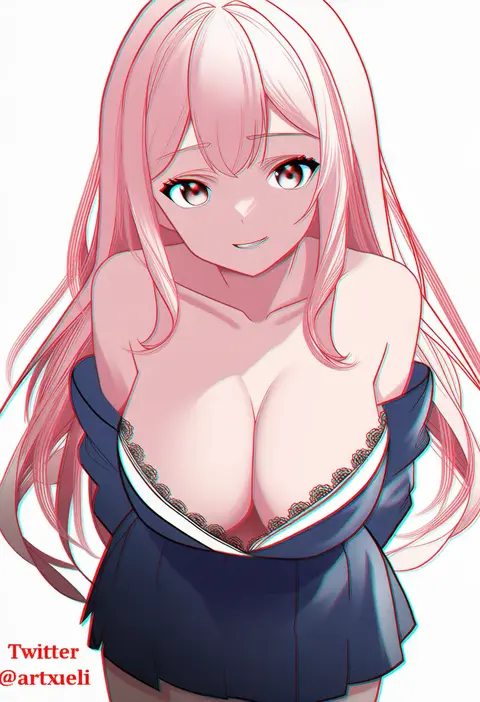
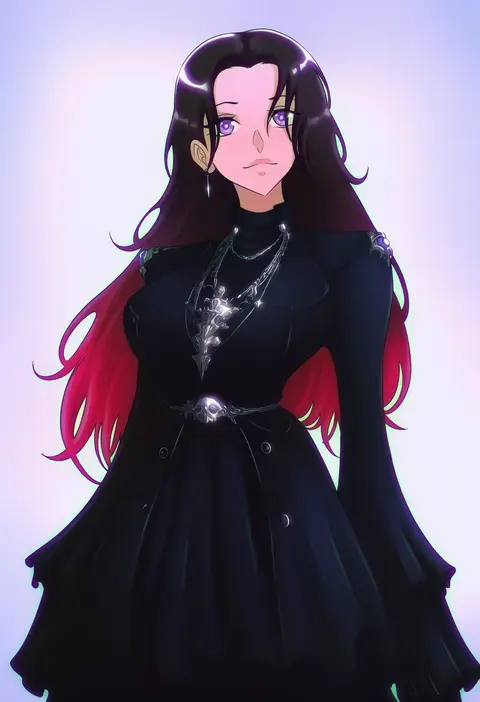
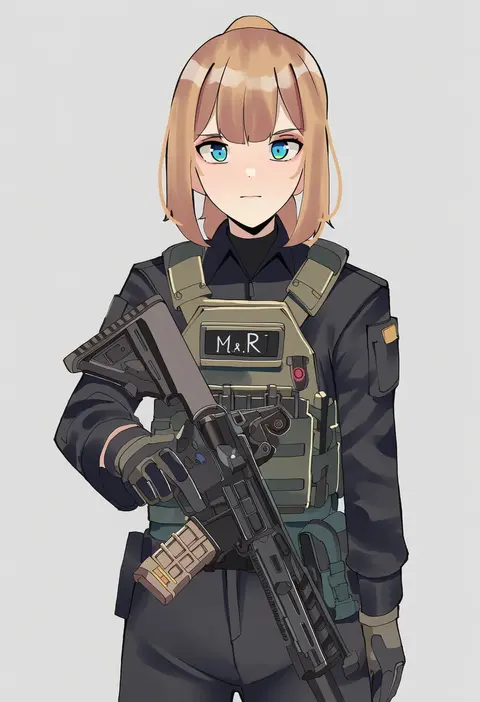
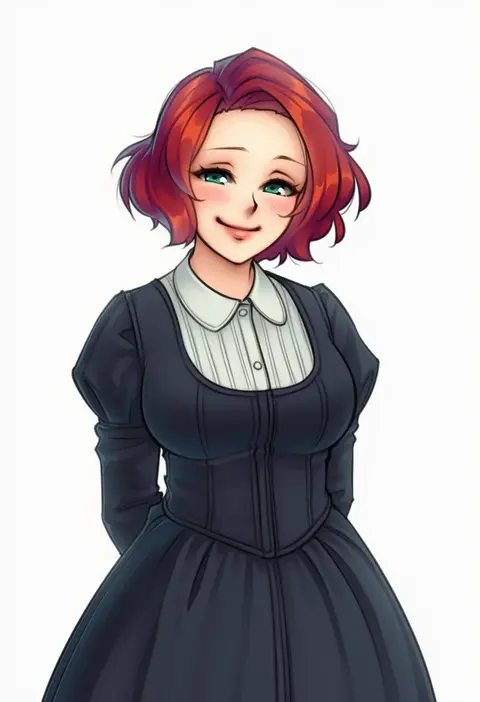
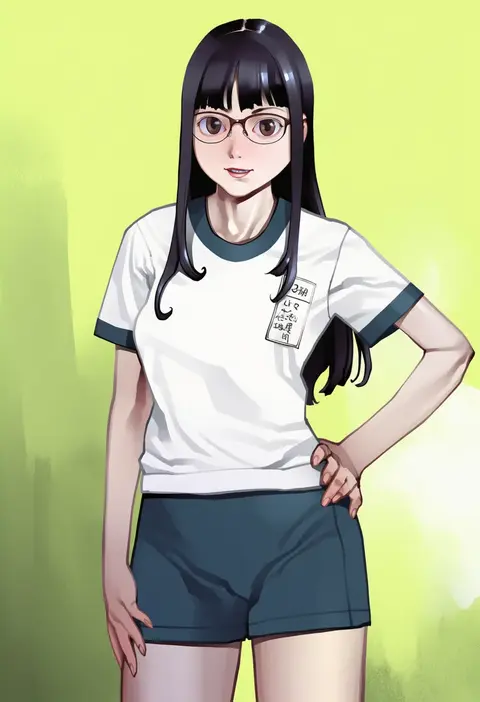
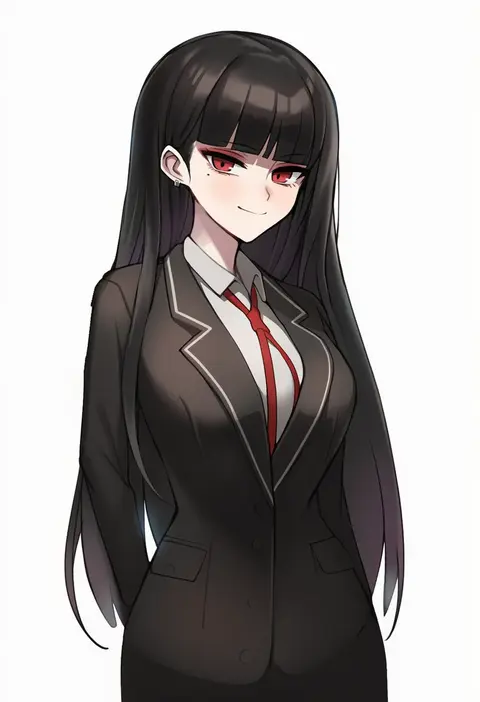
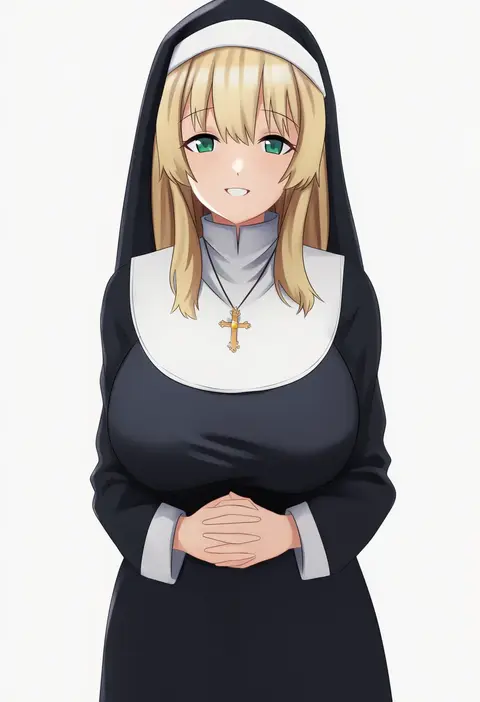
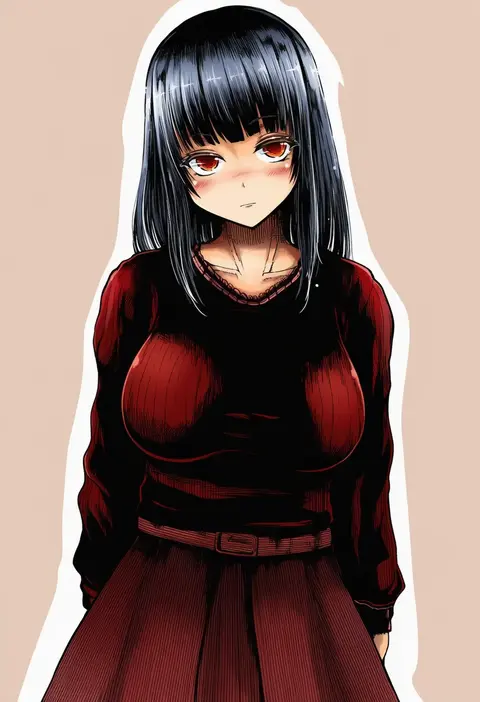
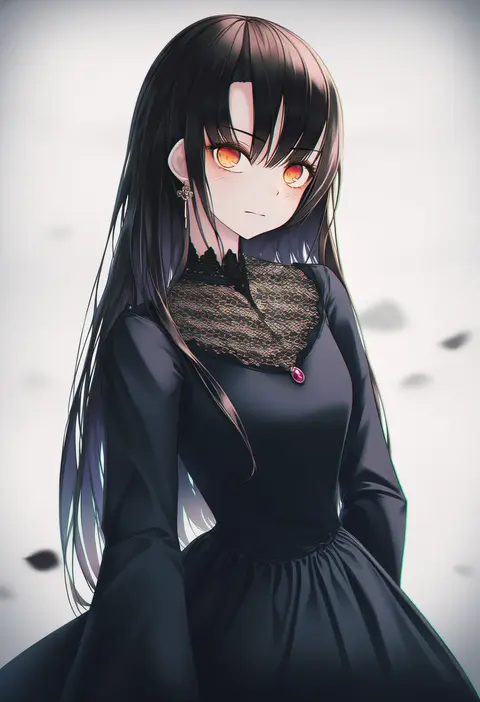
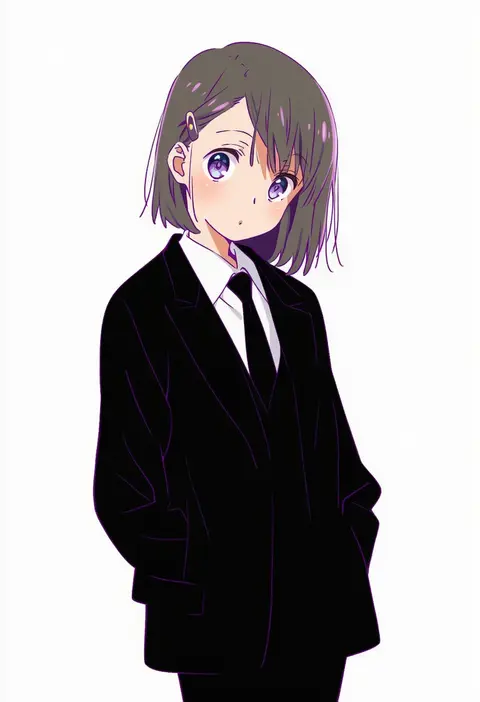
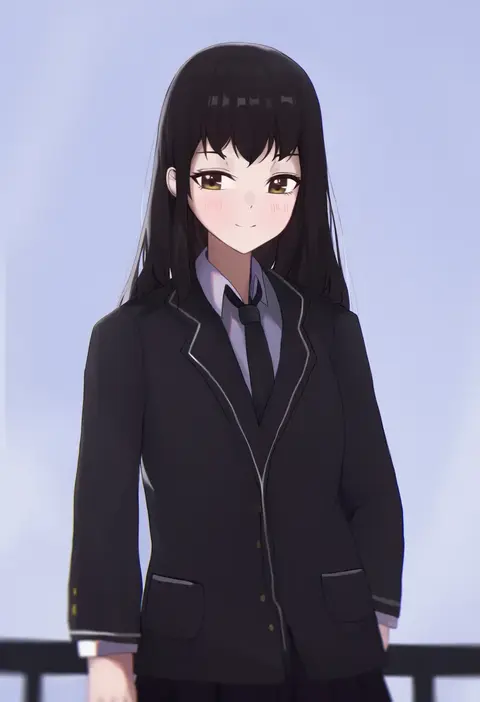
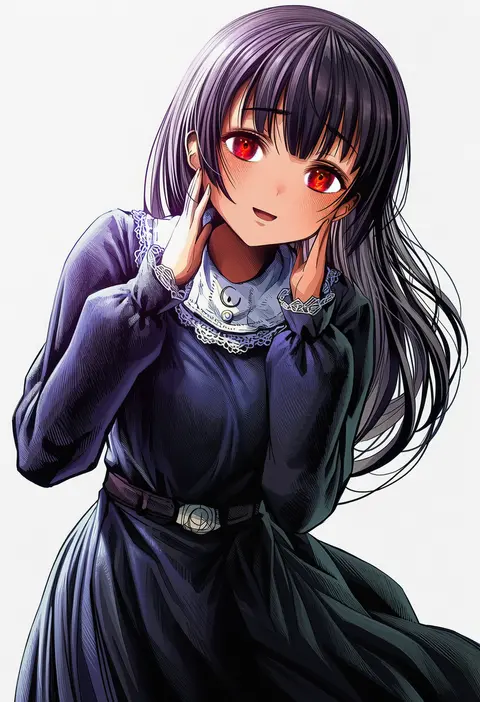
Artist tags tell NovelAI Diffusion to draw in a specific artist's style: line weight, paint texture, face shapes and palette all shift at once. Character and outfit tags decide what is drawn; artist tags decide how. 16,352 tags are listed for V4.5.
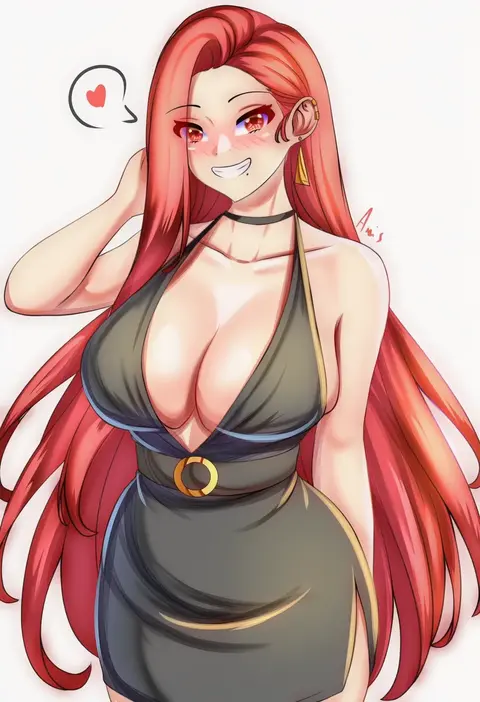
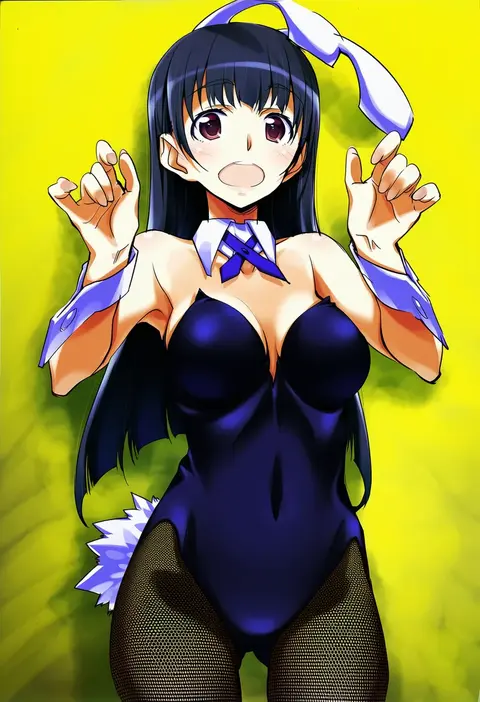
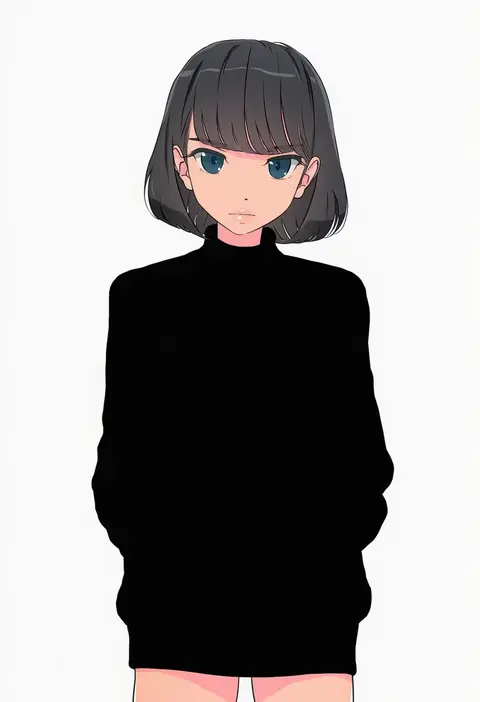
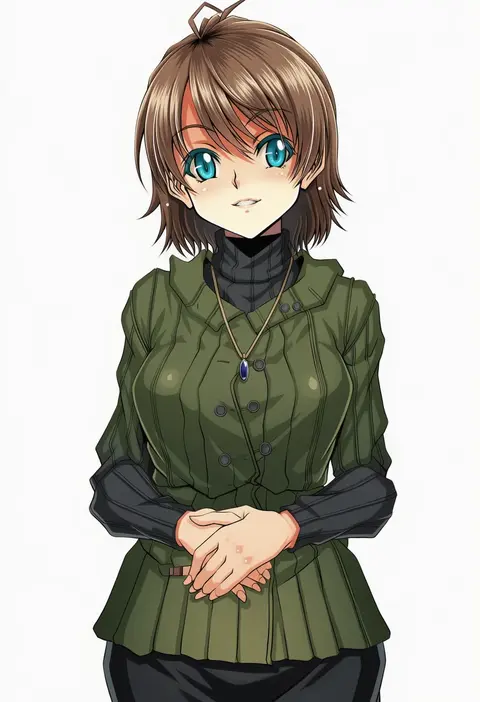
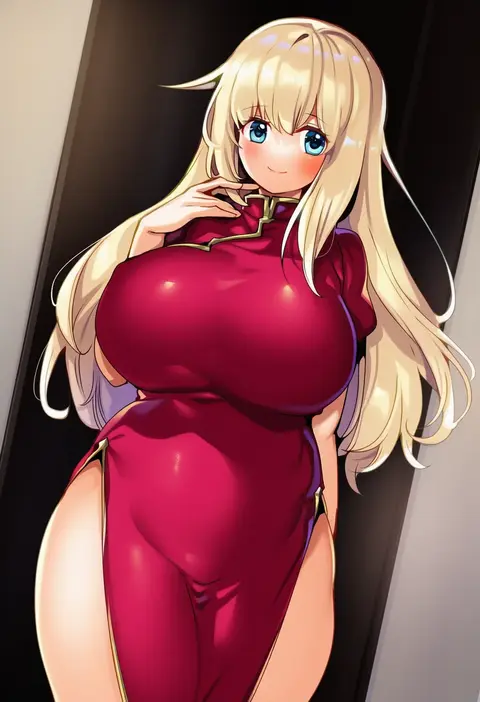
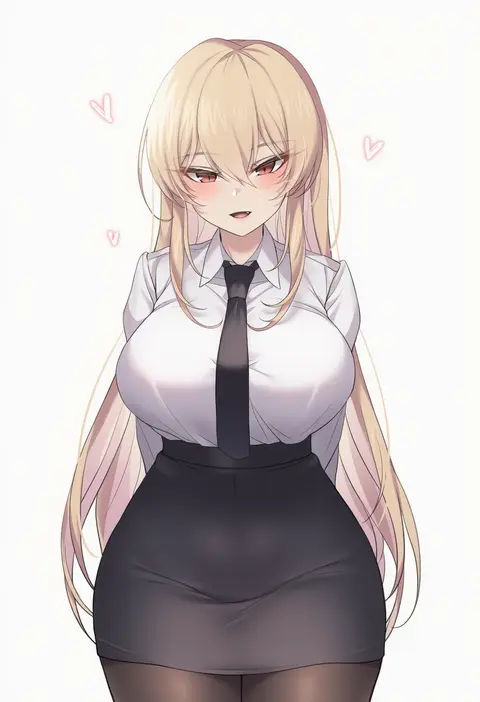
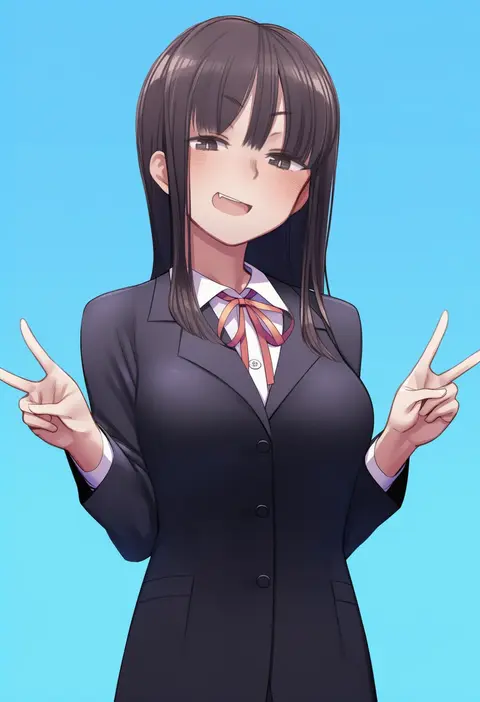
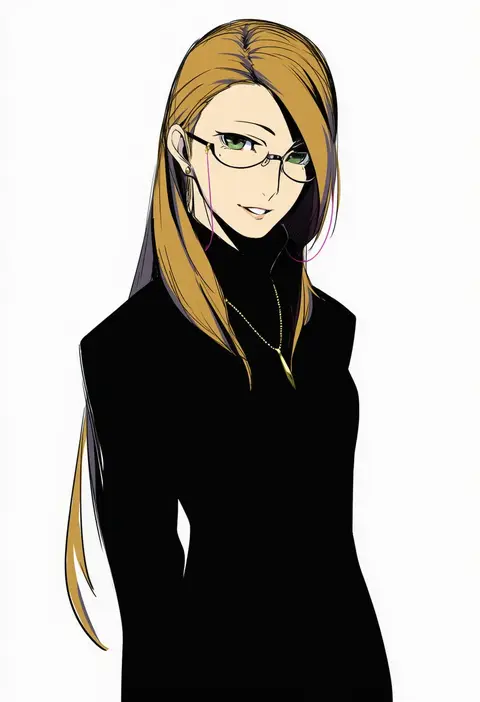
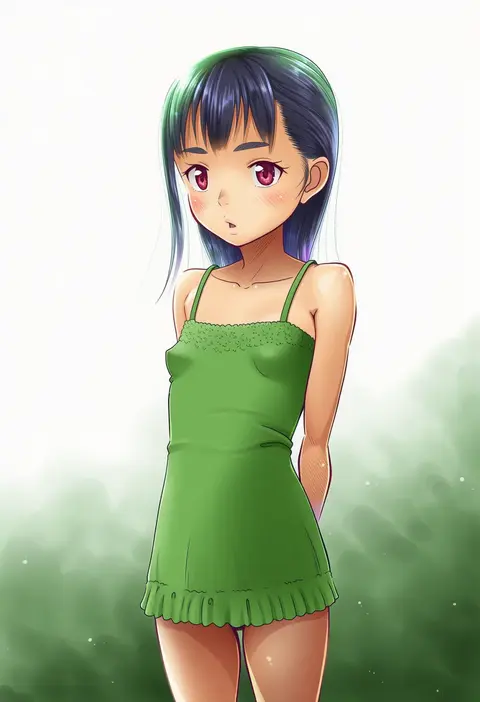
Every tag listed here is verified to react in NovelAI. All images use the same prompt, seed and settings with only the artist tag swapped, so the difference between two images is the style that tag brings in.

How to use them

Put the artist tag near the front of the prompt, e.g. "<artist>, 1girl, solo, best quality, masterpiece, cowboy shot". Two or three artist tags blend styles; lower the weight with "0.8::<artist>::" when the style overpowers the character.

SCORE sorts by Danbooru's top score, POSTS by post count, FAVS by hearts on this site. Open a card to see V5 and V4.5 side by side on the same seed.

V5 vs V4.5

V5 usually lands closer to the artist's real style, and tags that did nothing on V4.5 often react on V5. V4.5 still fits older and doujin-heavy artists better. Try V5 first, fall back to V4.5.

FAQ

Where does the artist tag go?
Near the front of the prompt. Use "0.8::tag::" to adjust its weight.

Can I stack artist tags?
Yes, styles blend. Past two or three the result stops looking like anyone.

Are these the artists' own works?
No. Every image is a NovelAI sample generated from the tag.