V4.5Artists
sort: FAVS▾
▾
>
$

Popular NovelAI artist tags — V4.5

artist --count 16,352[73/273]
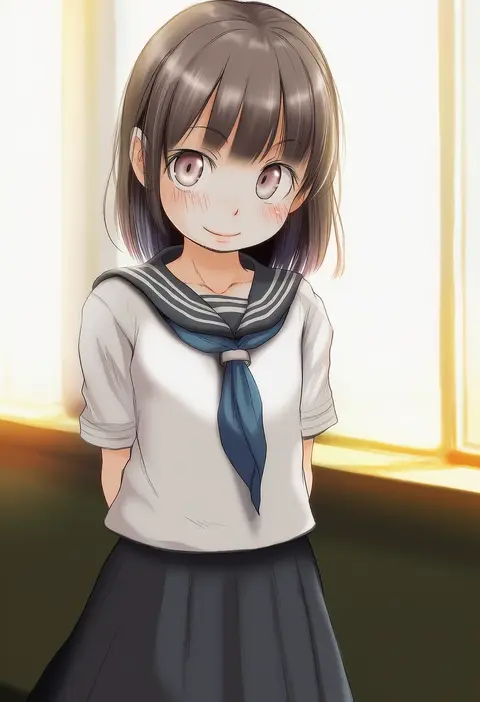
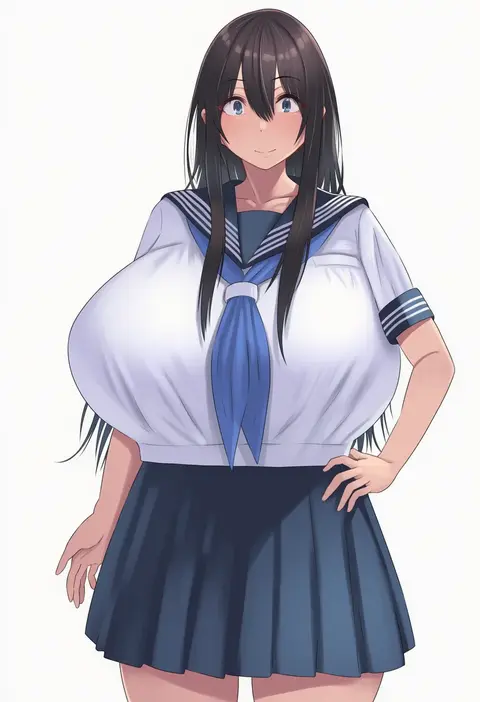
tamanoi peromekuri
ARTIST0x10E0
0
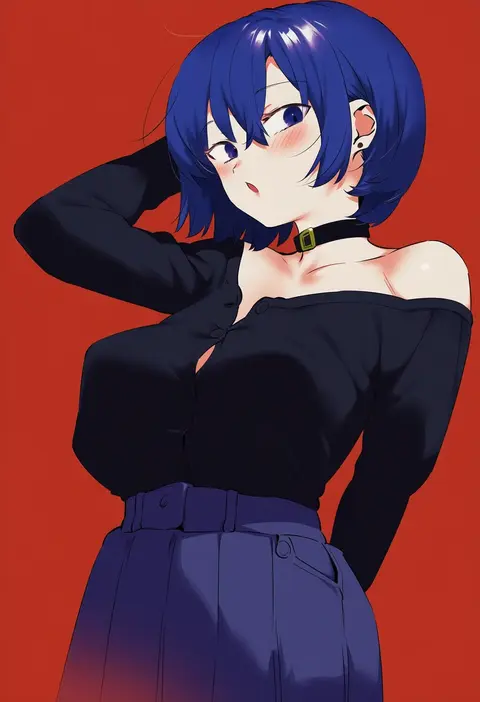
lunia
ARTIST0x10E1
0
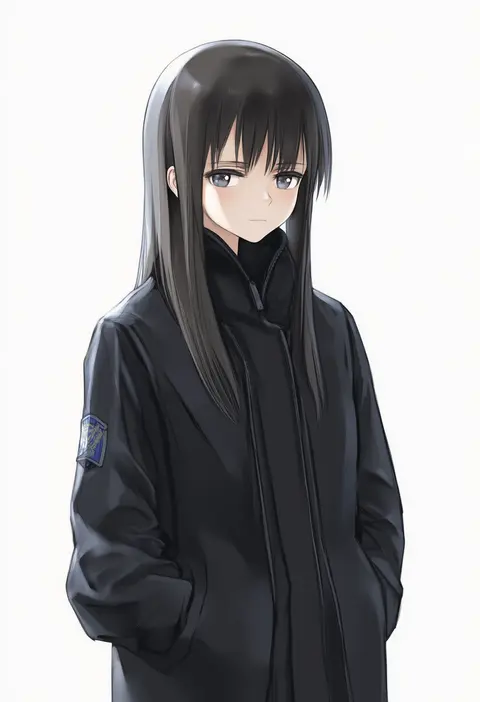
baron (varon666)
ARTIST0x10E2
0
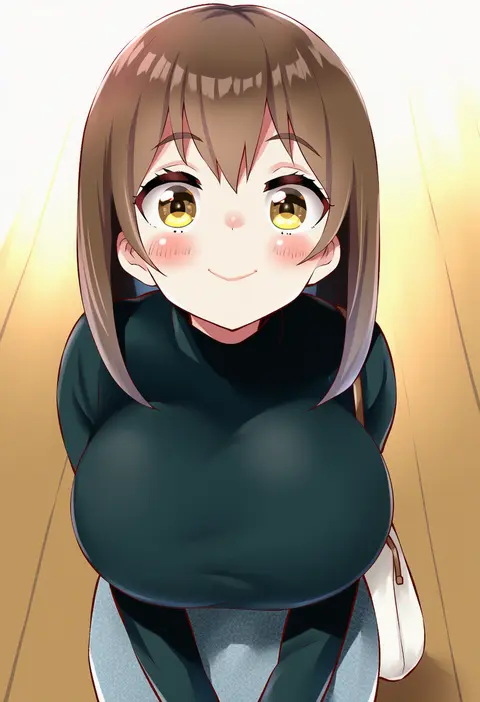
kep (ahokep)
ARTIST0x10E3
0
ino (magloid)
ARTIST0x10E4
0
ume (plumblossom)
ARTIST0x10E5
0
giraffe (ilconte)
ARTIST0x10E6
0
niwatori kokezou
ARTIST0x10E7
0
tommy (kingdukeee)
ARTIST0x10E8
0
d-floe
ARTIST0x10E9
0
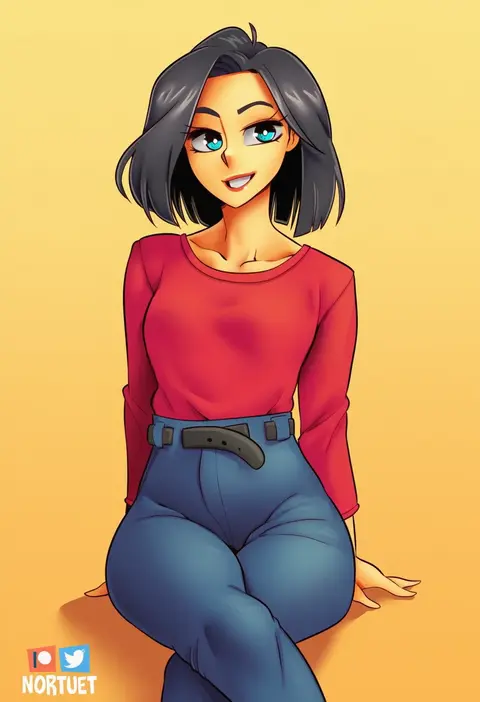
nortuet
ARTIST0x10EA
0
hiiro h
ARTIST0x10EB
0
miss faves
ARTIST0x10EC
0
supurai
ARTIST0x10ED
0
red panda waifu
ARTIST0x10EE
0
satou atsuki
ARTIST0x10EF
0
shiden (sashimi no wife)
ARTIST0x10F0
0
kanikou
ARTIST0x10F1
0
ayyk92
ARTIST0x10F2
0
jojobirdz
ARTIST0x10F3
0
akinoji (akiponpon27)
ARTIST0x10F4
0
gohpot
ARTIST0x10F5
0
aria (ariacue)
ARTIST0x10F6
0
hanabi (ocha)
ARTIST0x10F7
0
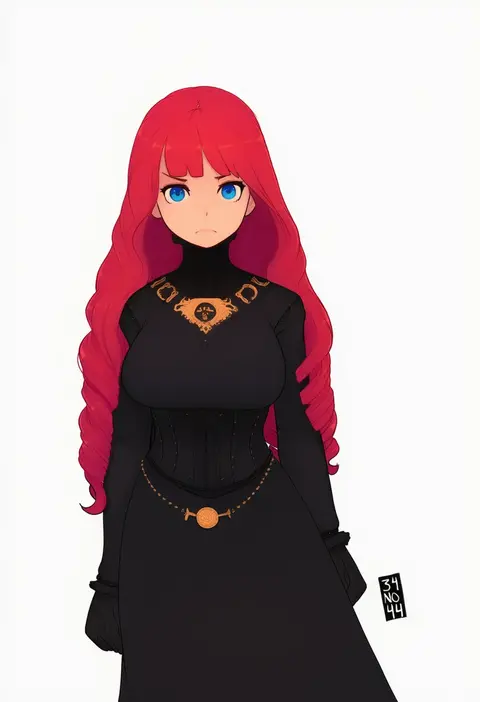
34no404
ARTIST0x10F8
0
garukichi
ARTIST0x10F9
0
ruien (wu jui-en)
ARTIST0x10FA
0
anba kohaku
ARTIST0x10FB
0
ukimukai
ARTIST0x10FC
0
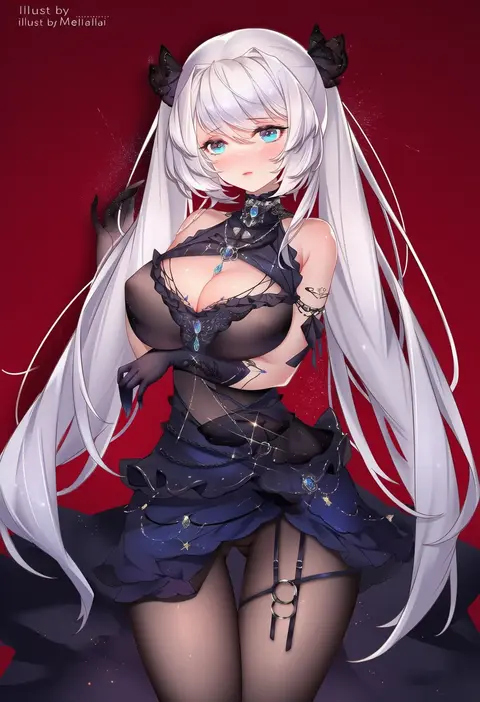
melailai
ARTIST0x10FD
0
akiba monaka
ARTIST0x10FE
0
mitsumine raimu
ARTIST0x10FF
0
wabimochi
ARTIST0x1100
0
ice (ice aptx)
ARTIST0x1101
0
maitei roppa
ARTIST0x1102
0
sethxzoe
ARTIST0x1103
0
tel
ARTIST0x1104
0
kamille (vcx68)
ARTIST0x1105
0
kagematsuri
ARTIST0x1106
0
tenako (mugu77)
ARTIST0x1107
0
yazawa oke
ARTIST0x1108
0
ayaoshiro
ARTIST0x1109
0
kumako (kumakonoh)
ARTIST0x110A
0
jt dong-agyoku
ARTIST0x110B
0
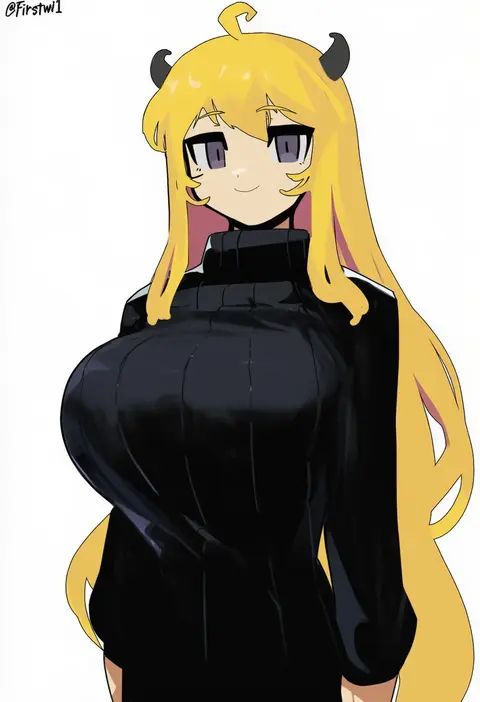
firstw1
ARTIST0x110C
0
tama (tamago)
ARTIST0x110D
0
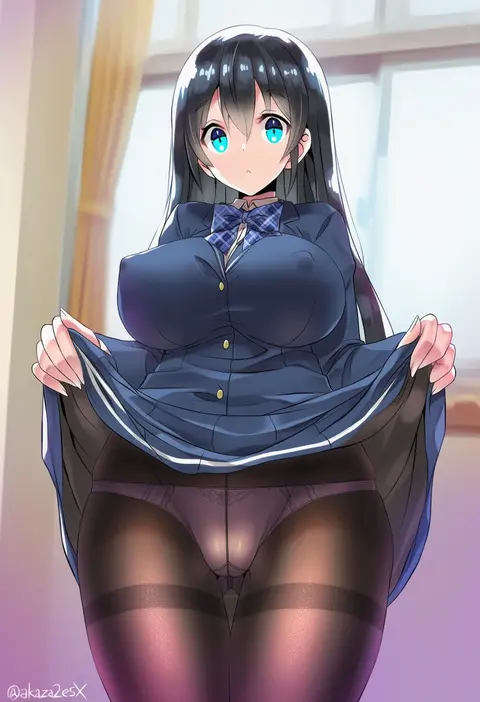
akaza
ARTIST0x110E
0
mamedenkyuu (berun)
ARTIST0x110F
0
amayo thranana
ARTIST0x1110
0
aokihoshi
ARTIST0x1111
0
natsuishi nana
ARTIST0x1112
0
nise (basilsis)
ARTIST0x1113
0
kisetsu
ARTIST0x1114
0
ryuki (ryukisukune)
ARTIST0x1115
0
popopoka
ARTIST0x1116
0
maett
ARTIST0x1117
0
yuzuruka (bougainvillea)
ARTIST0x1118
0
udon entertainment
ARTIST0x1119
0
sezok
ARTIST0x111A
0
hakonnbo
ARTIST0x111B
0

What these tags change

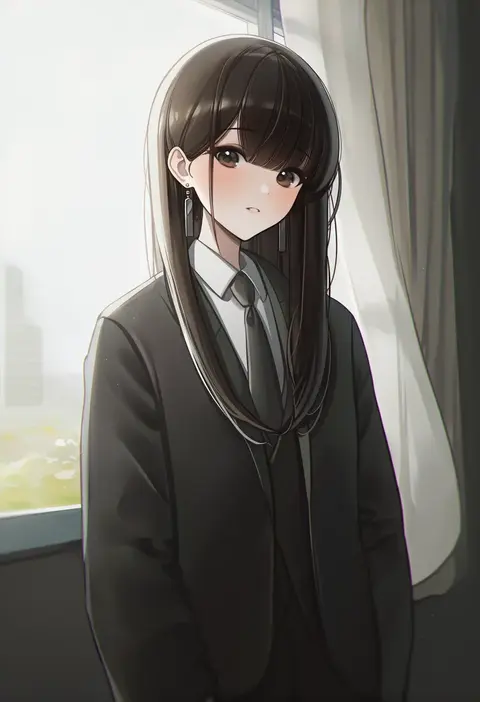
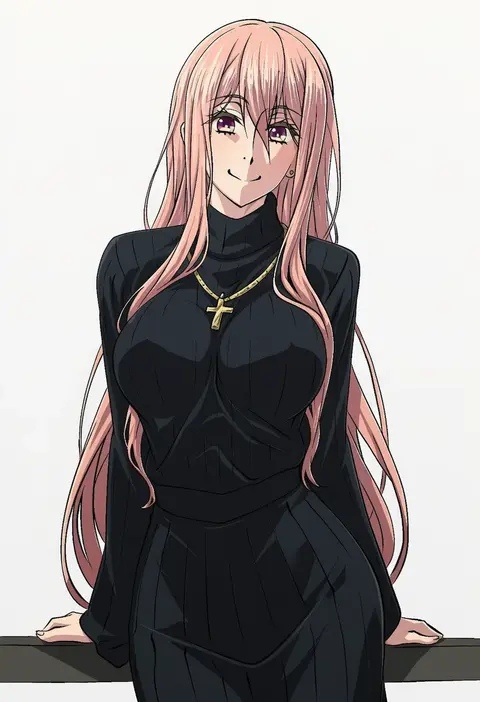
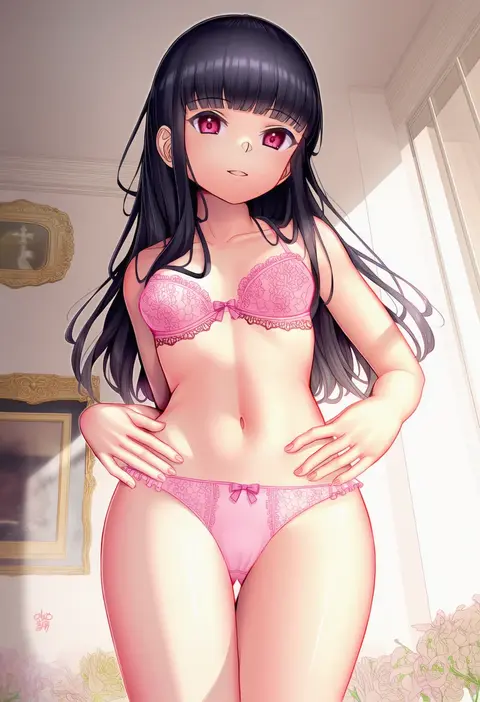
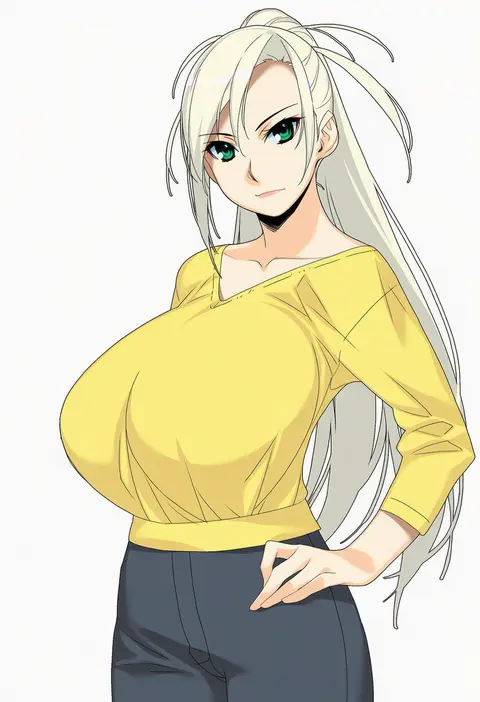
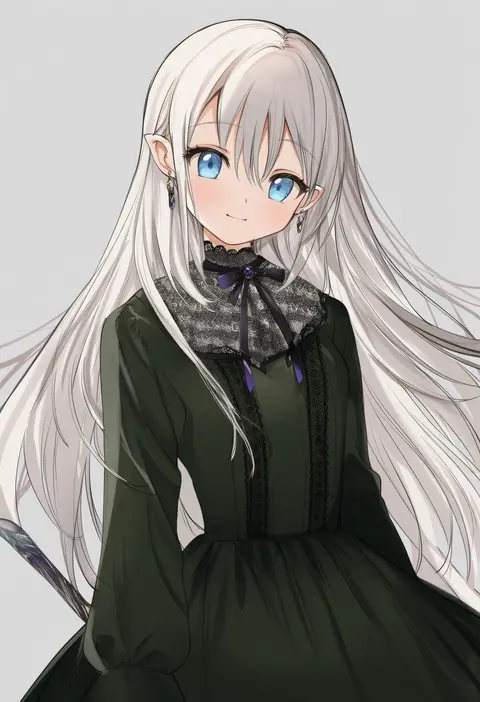
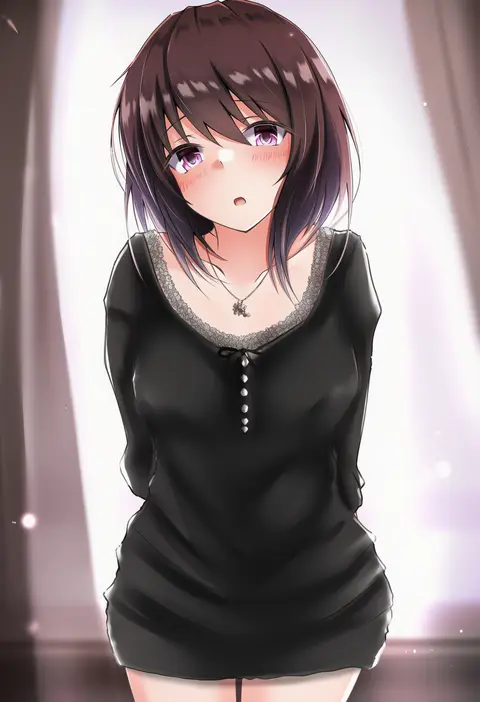
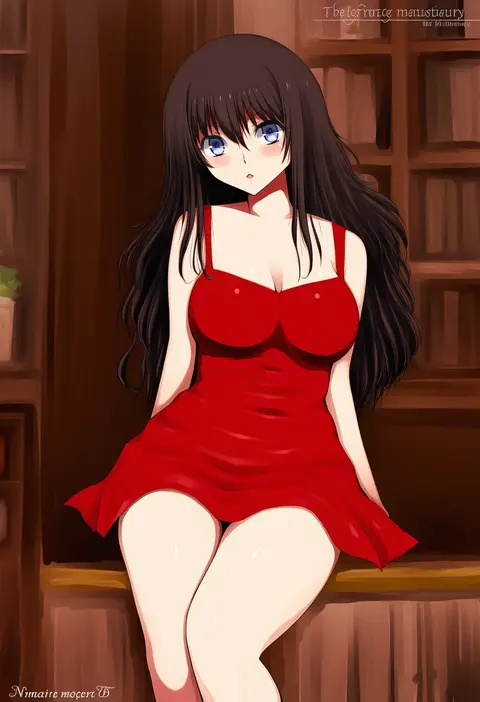
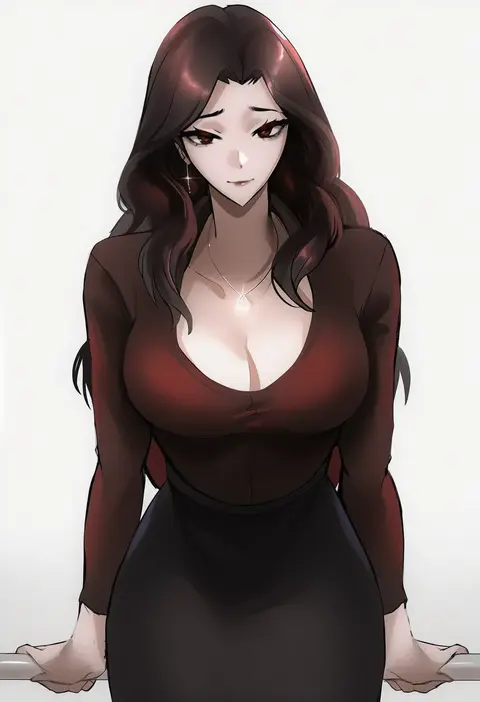
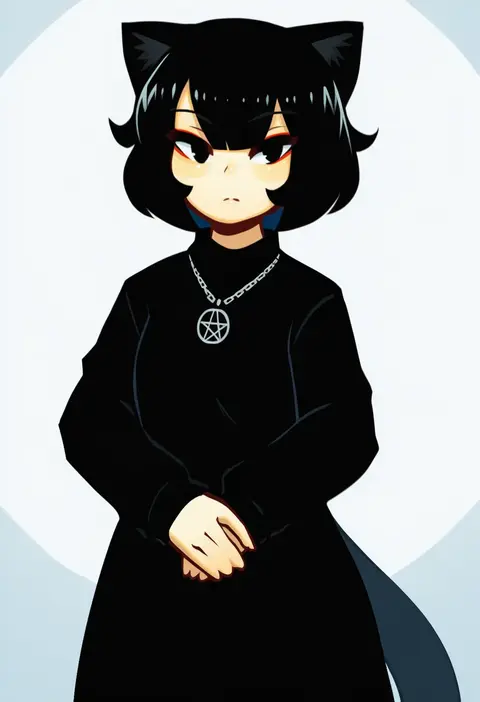
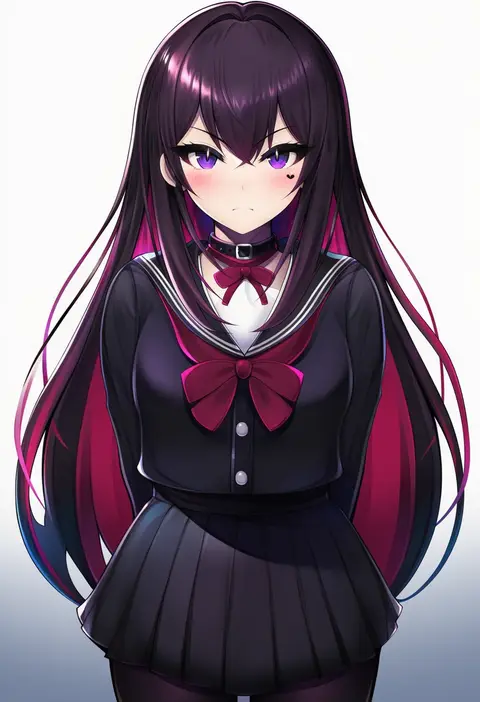
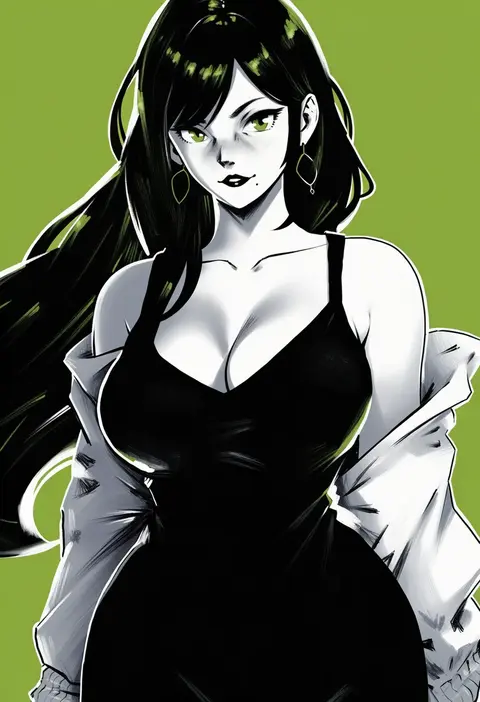
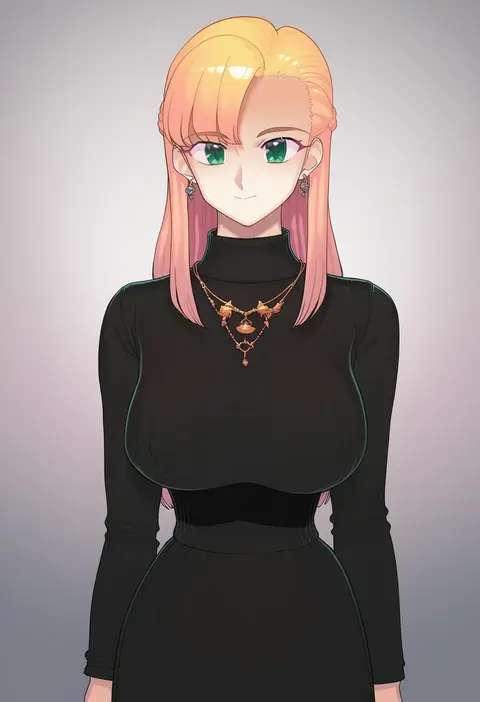
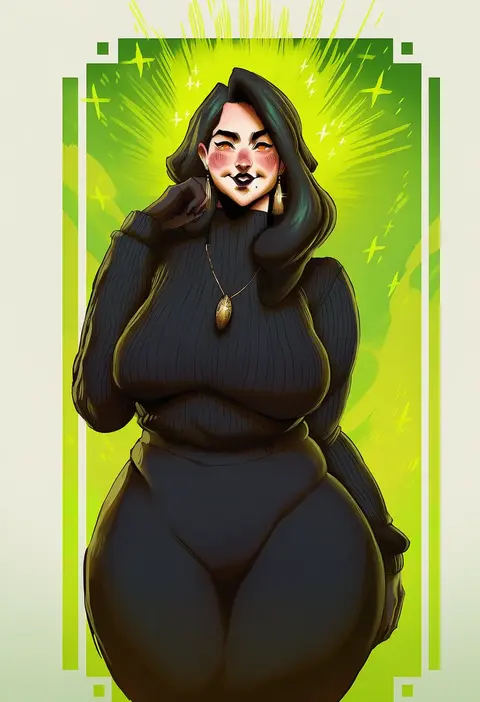
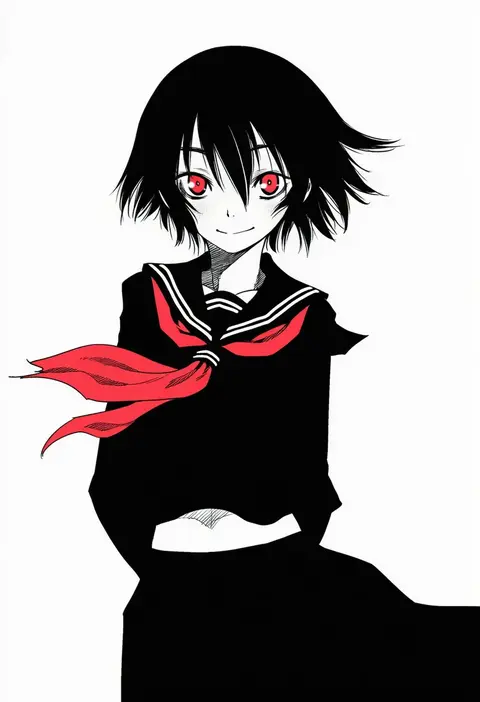
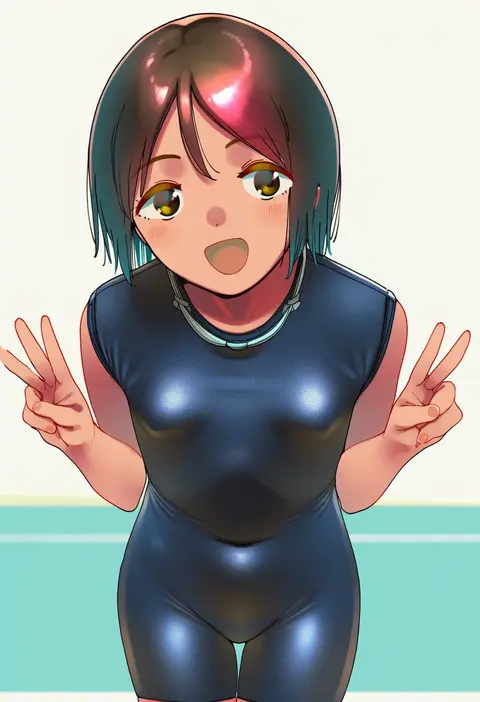
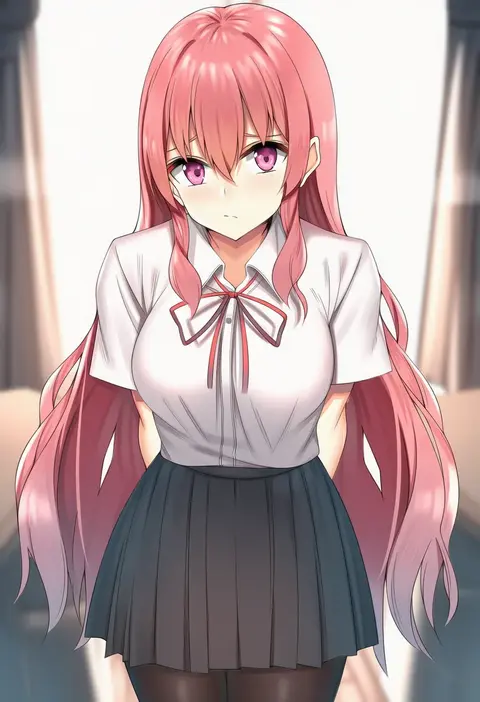
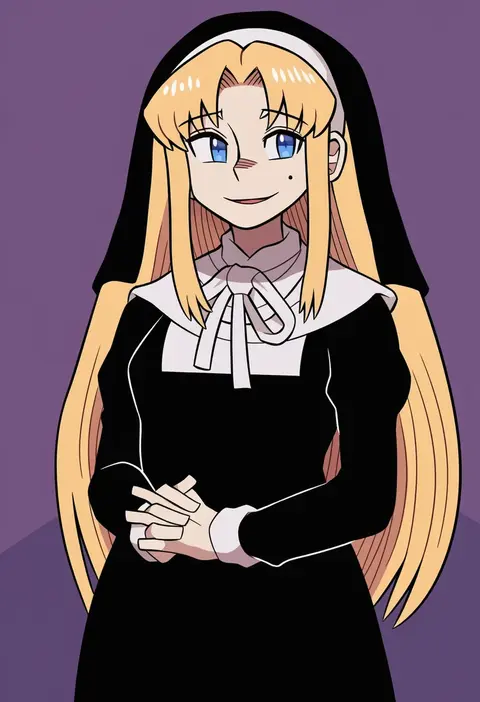
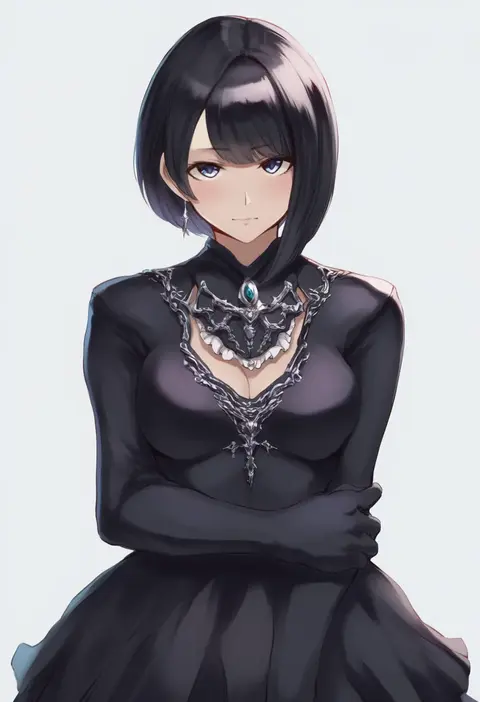
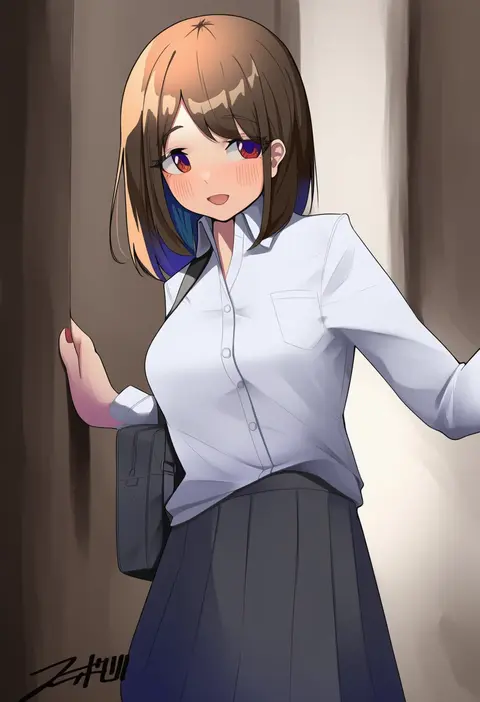
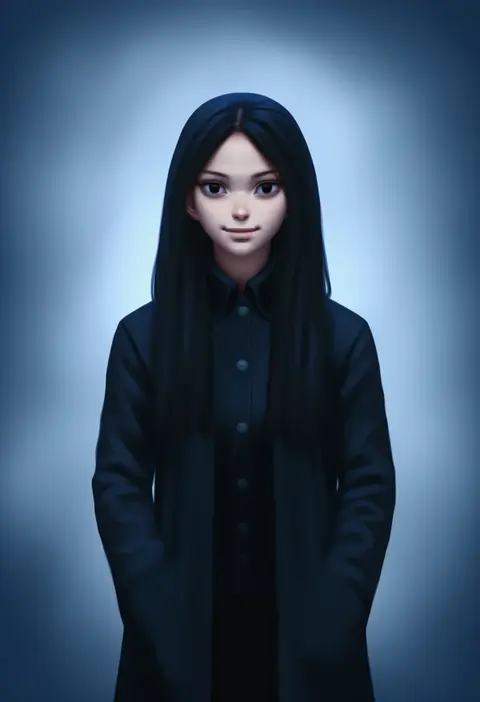
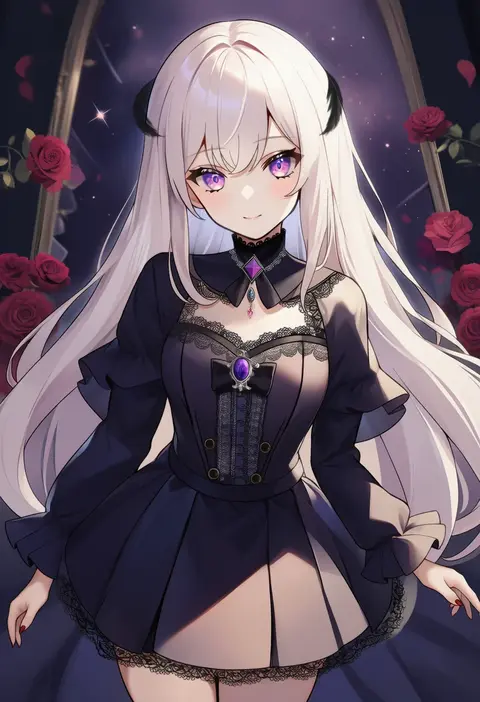
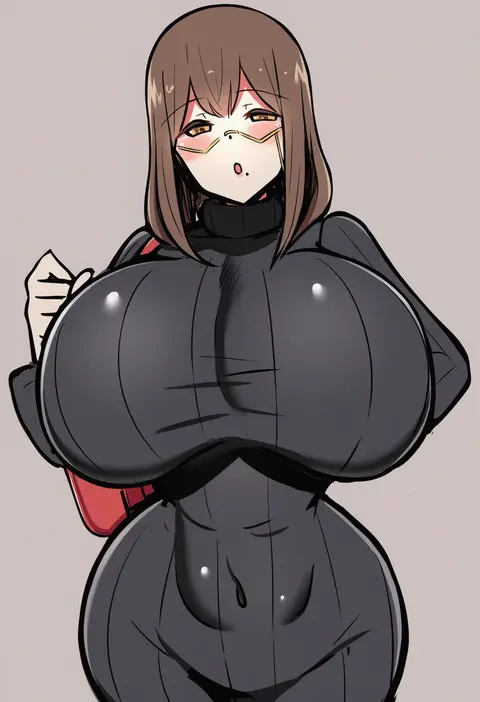
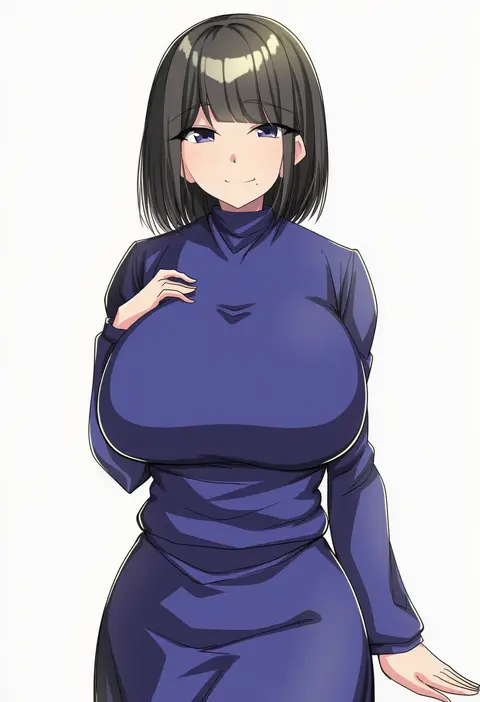
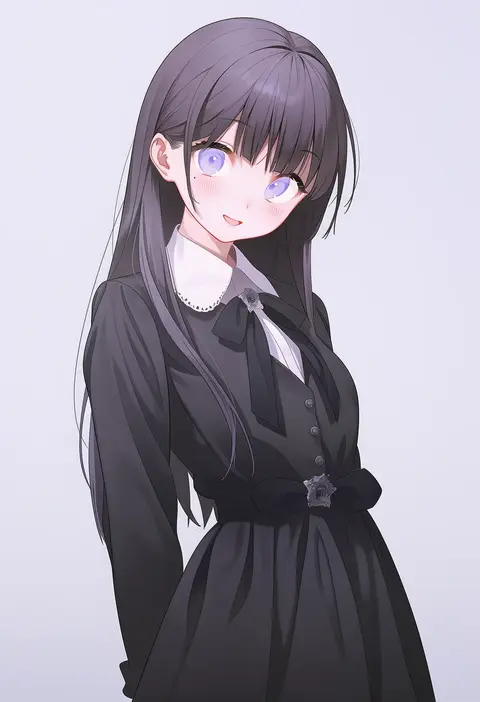
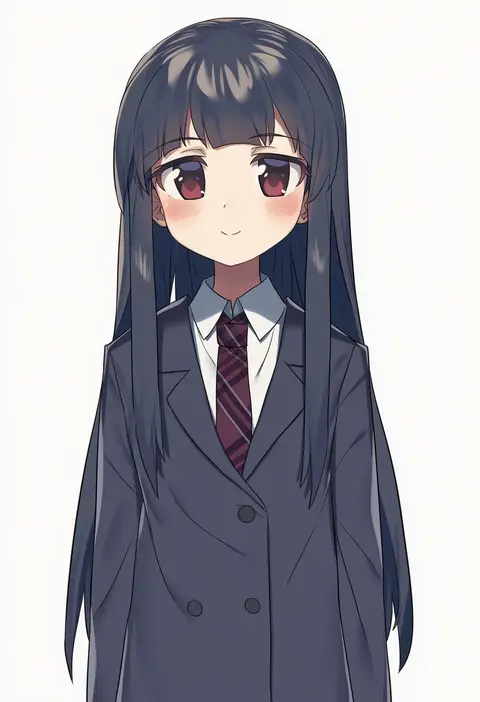
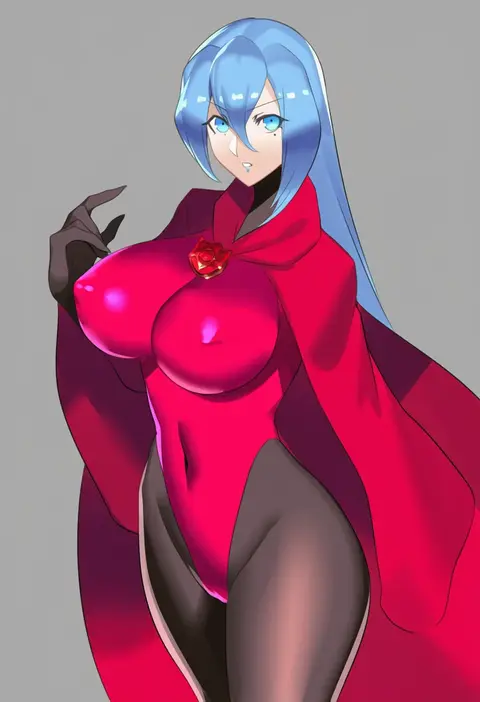
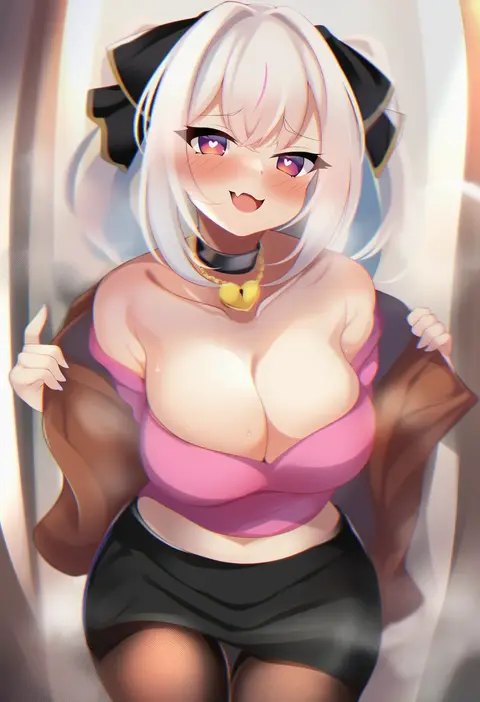
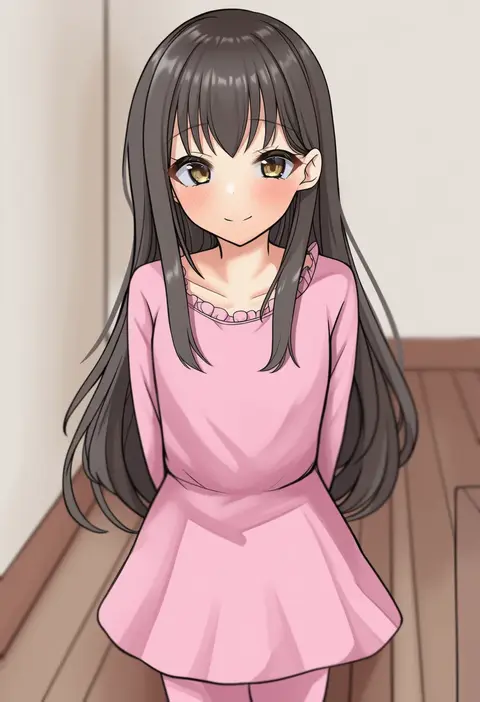
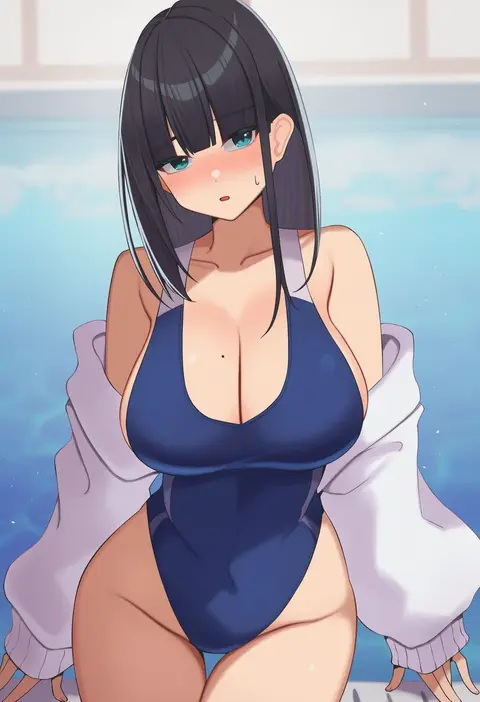
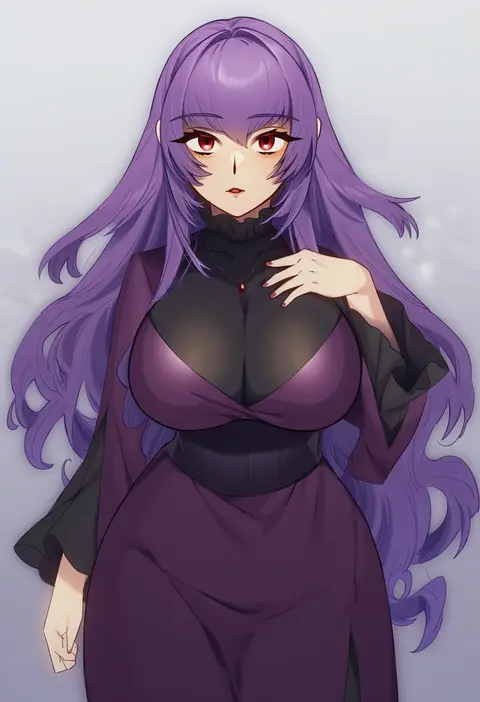
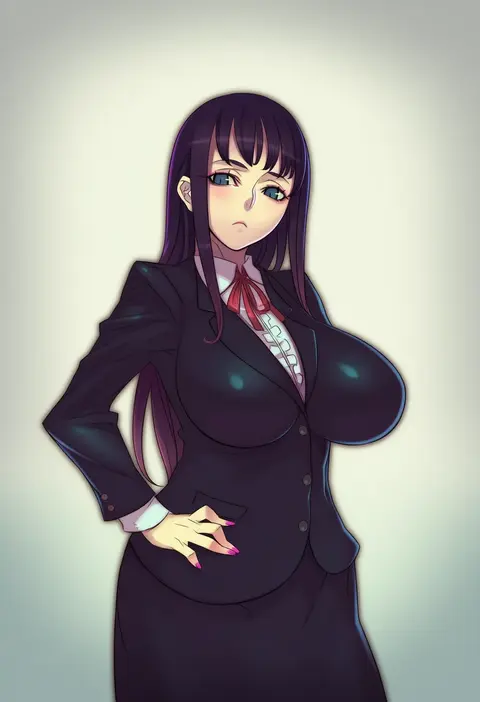
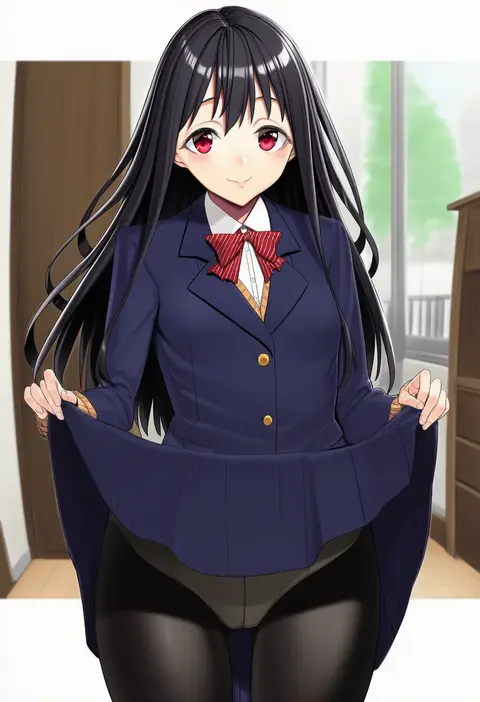
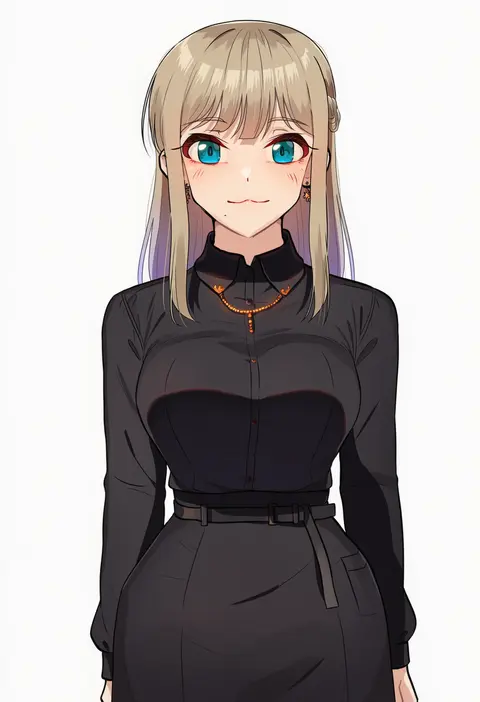
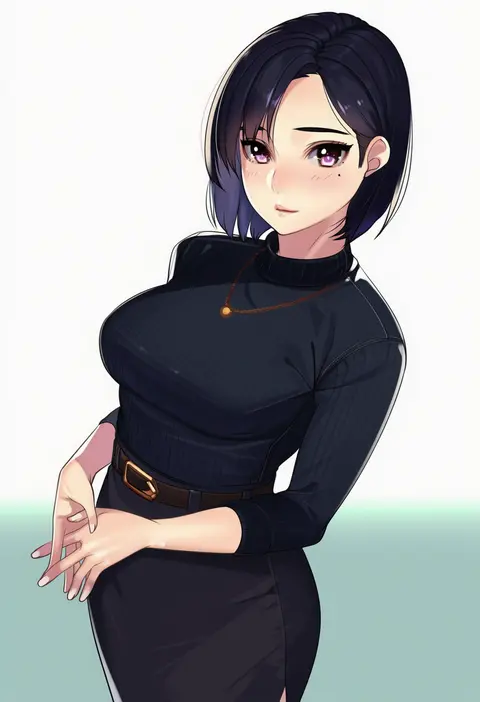
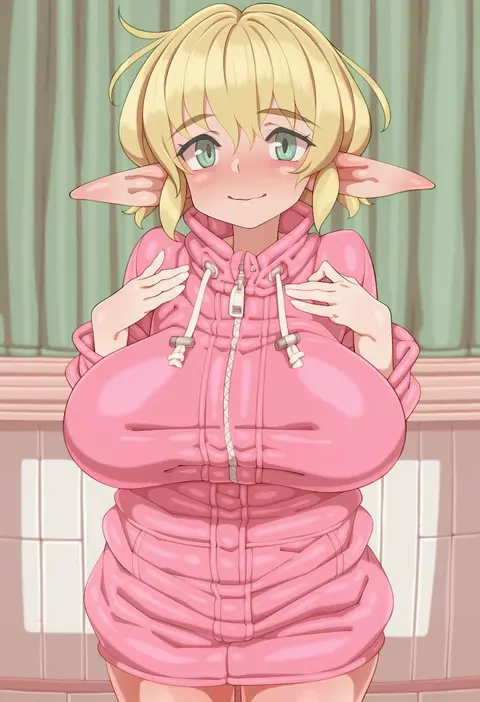
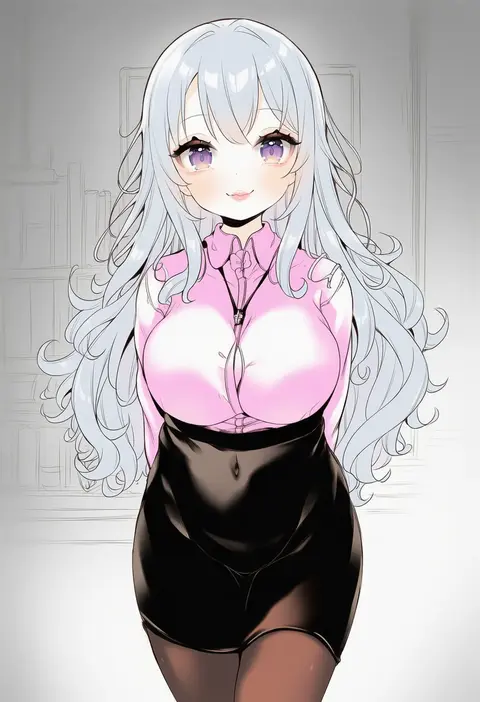
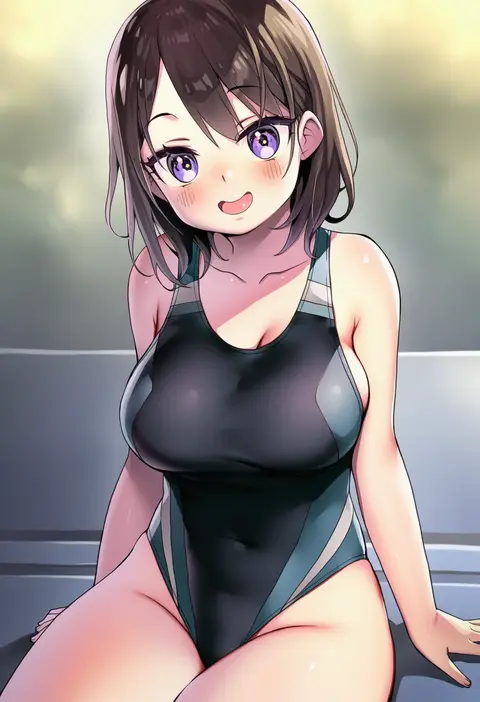
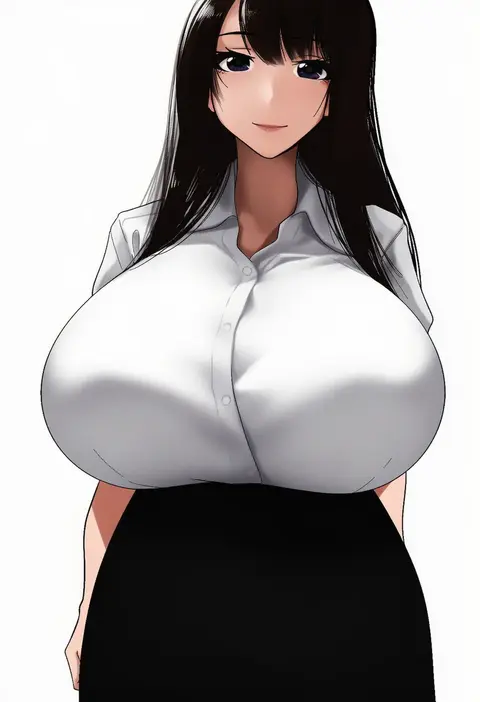
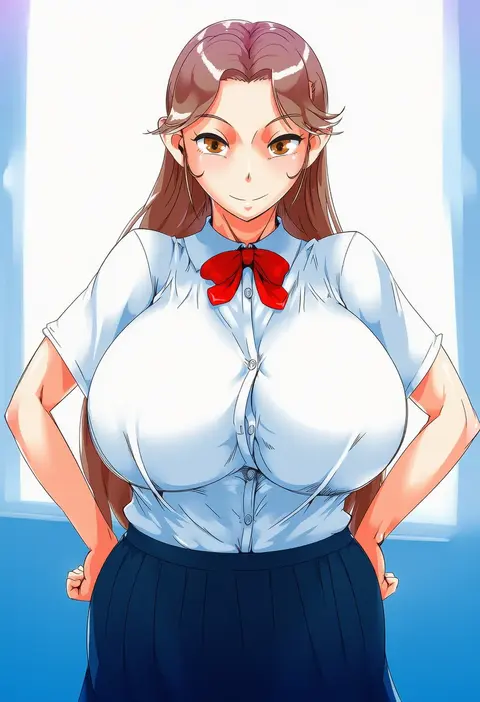
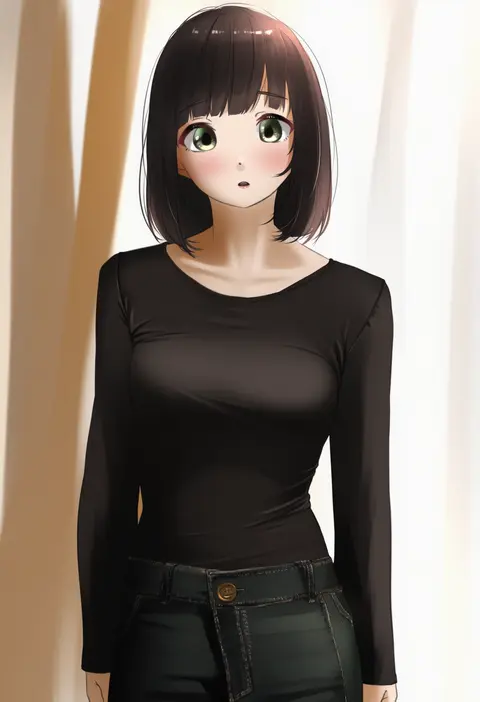
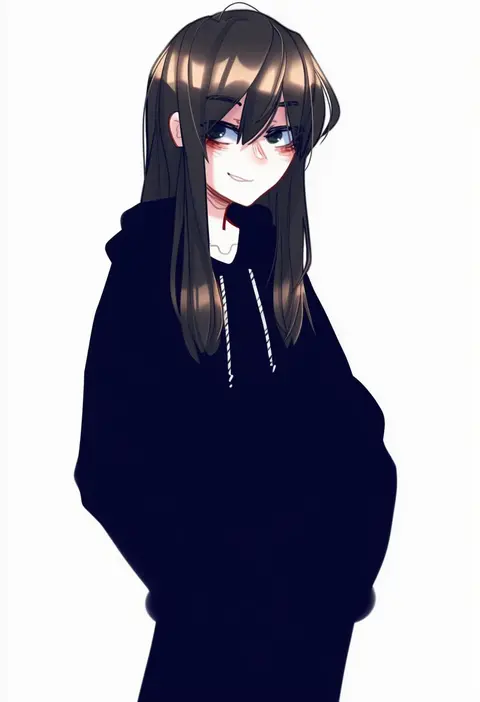
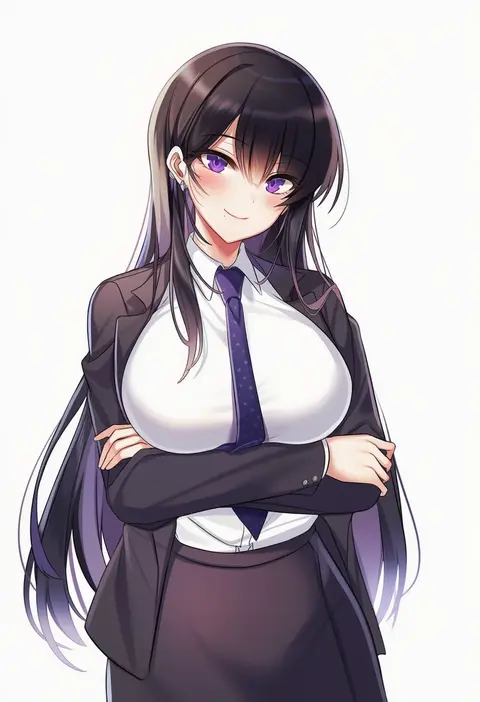
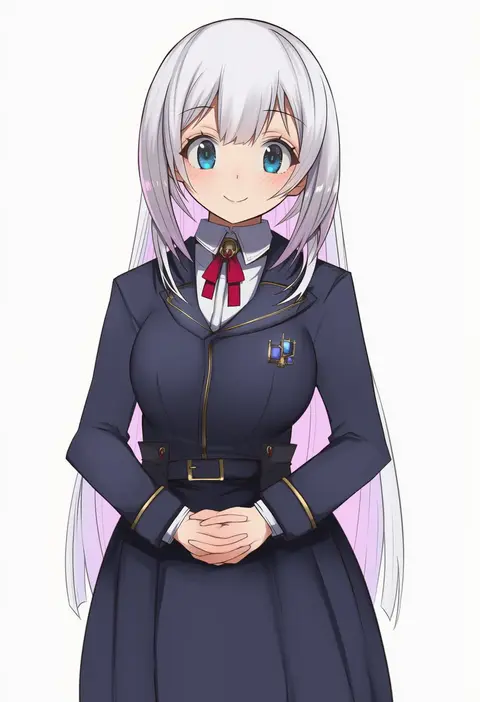
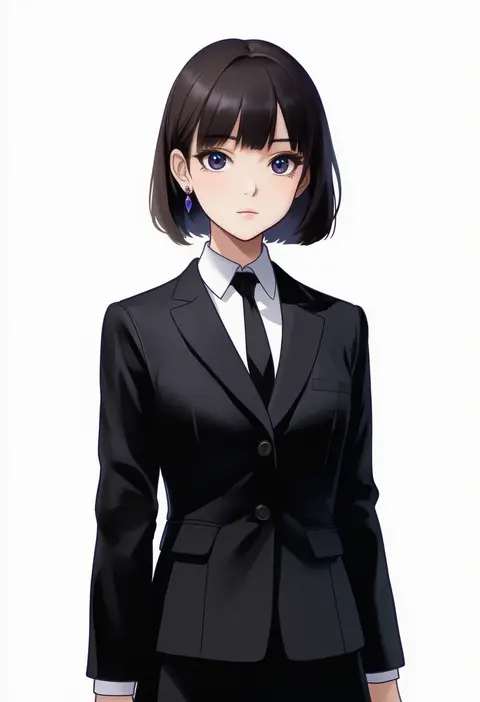
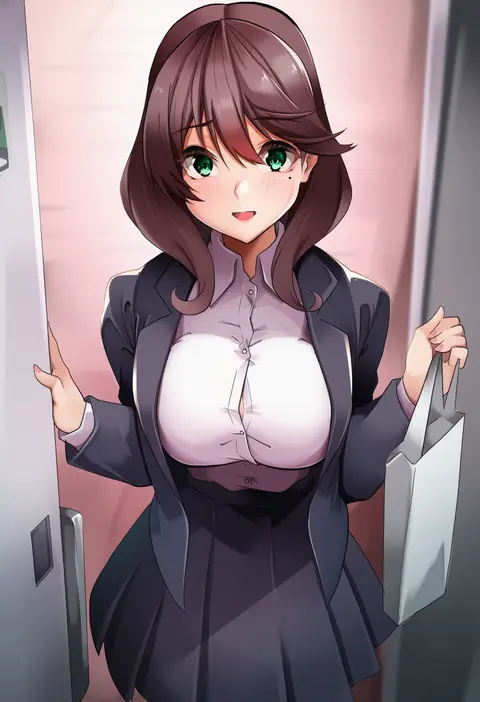
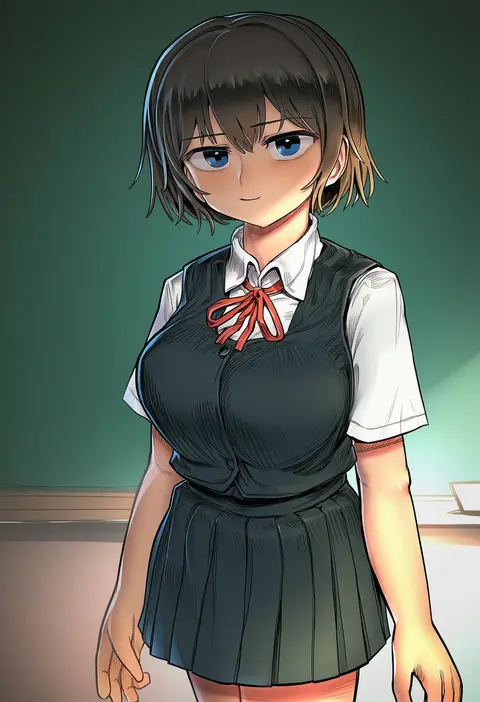
Artist tags tell NovelAI Diffusion to draw in a specific artist's style: line weight, paint texture, face shapes and palette all shift at once. Character and outfit tags decide what is drawn; artist tags decide how. 16,352 tags are listed for V4.5.
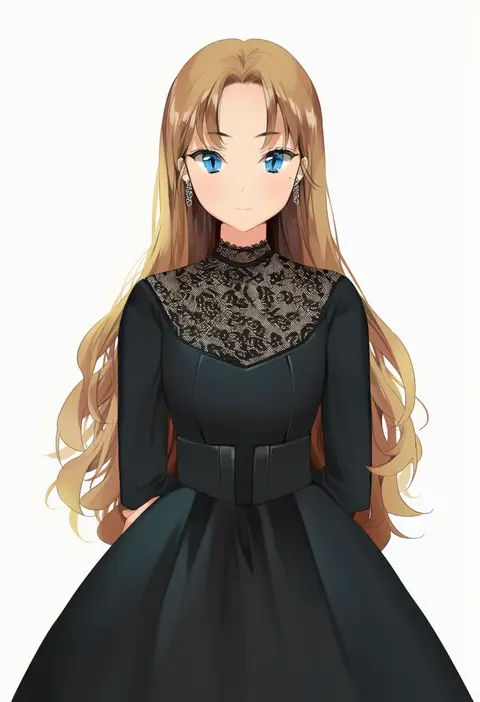
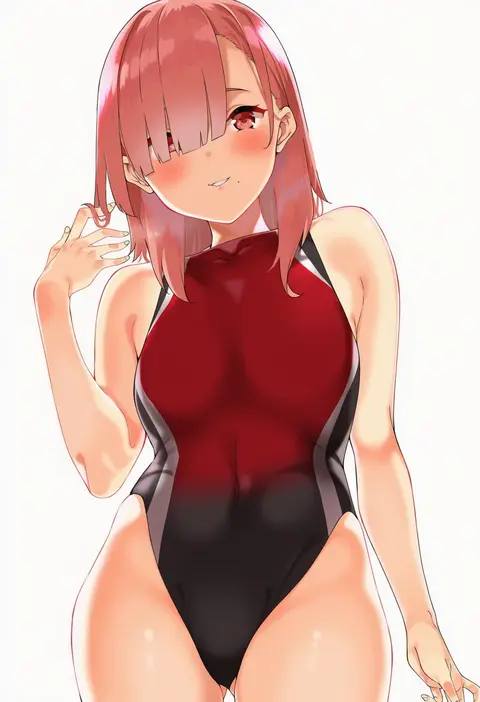
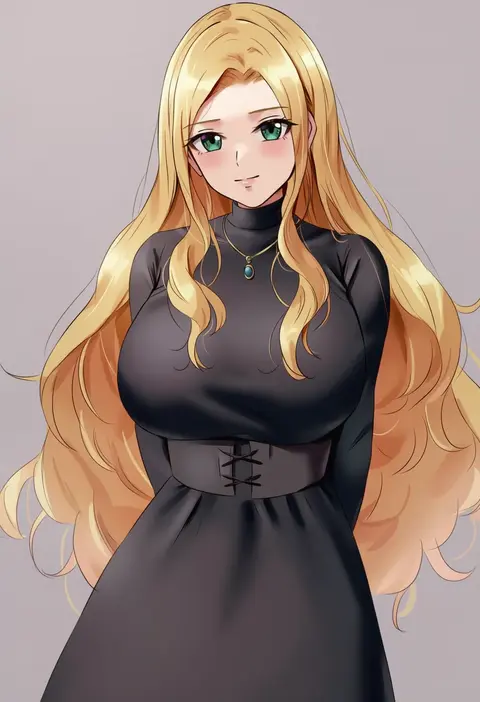
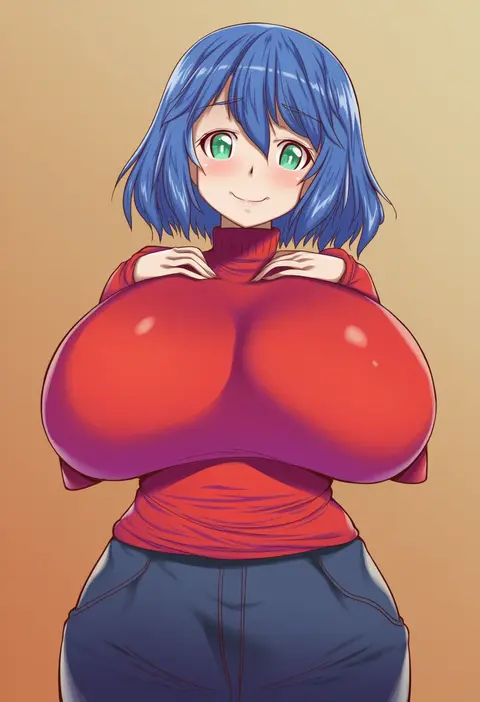
Every tag listed here is verified to react in NovelAI. All images use the same prompt, seed and settings with only the artist tag swapped, so the difference between two images is the style that tag brings in.

How to use them

Put the artist tag near the front of the prompt, e.g. "<artist>, 1girl, solo, best quality, masterpiece, cowboy shot". Two or three artist tags blend styles; lower the weight with "0.8::<artist>::" when the style overpowers the character.

SCORE sorts by Danbooru's top score, POSTS by post count, FAVS by hearts on this site. Open a card to see V5 and V4.5 side by side on the same seed.

V5 vs V4.5

V5 usually lands closer to the artist's real style, and tags that did nothing on V4.5 often react on V5. V4.5 still fits older and doujin-heavy artists better. Try V5 first, fall back to V4.5.

FAQ

Where does the artist tag go?
Near the front of the prompt. Use "0.8::tag::" to adjust its weight.

Can I stack artist tags?
Yes, styles blend. Past two or three the result stops looking like anyone.

Are these the artists' own works?
No. Every image is a NovelAI sample generated from the tag.