V4.5Artists
sort: FAVS▾
▾
>
$

NovelAI Artist Tags List — V4.5

artist --count 16,352[111/273]
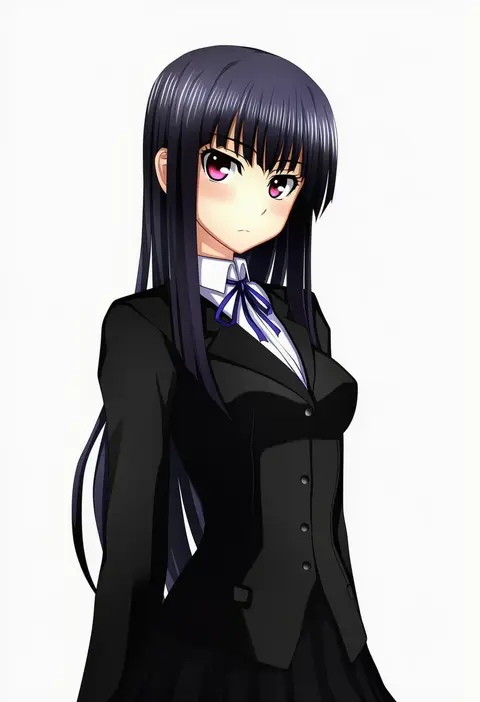
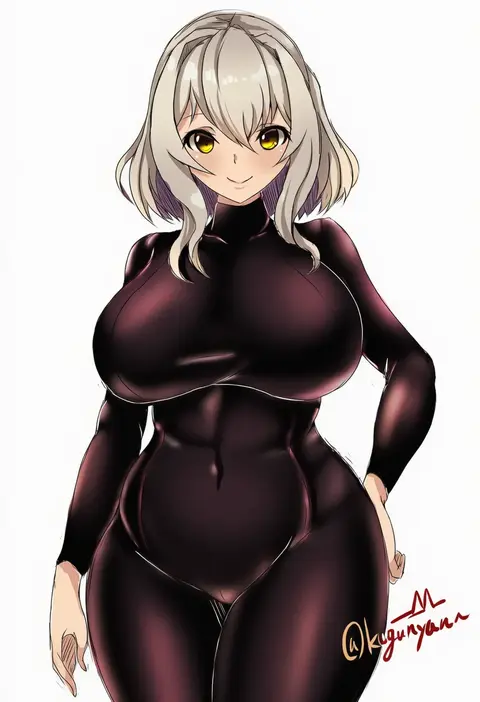
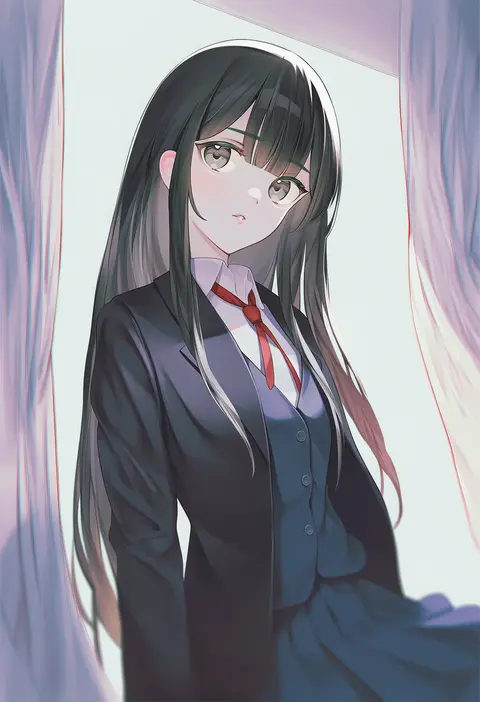
kenken
ARTIST0x19C8
0
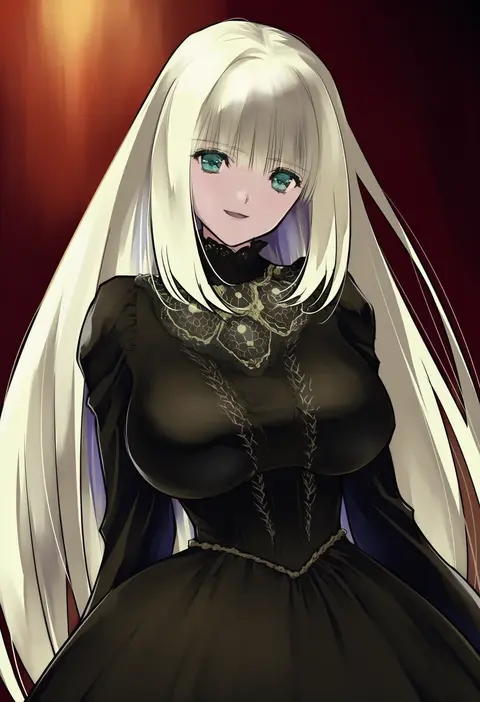
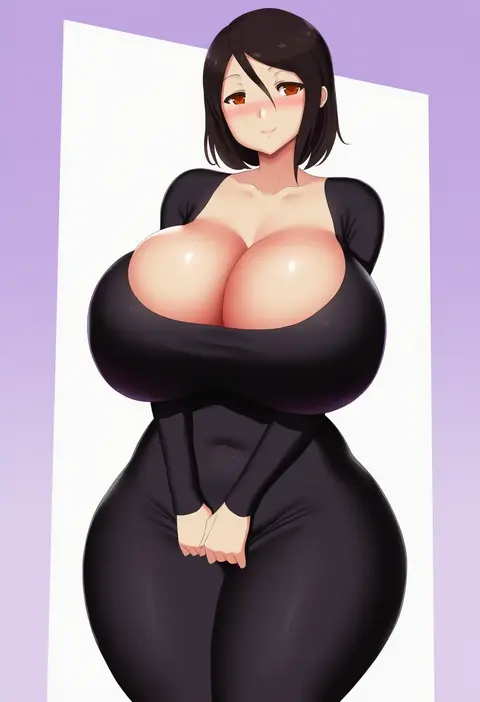
fukumaaya
ARTIST0x19C9
0
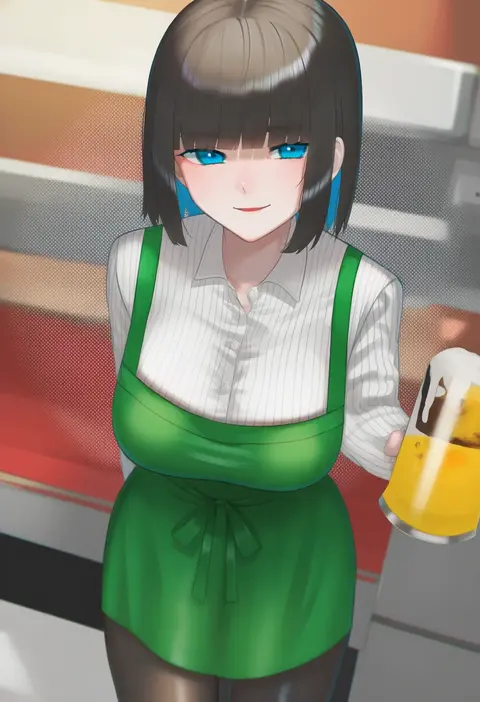
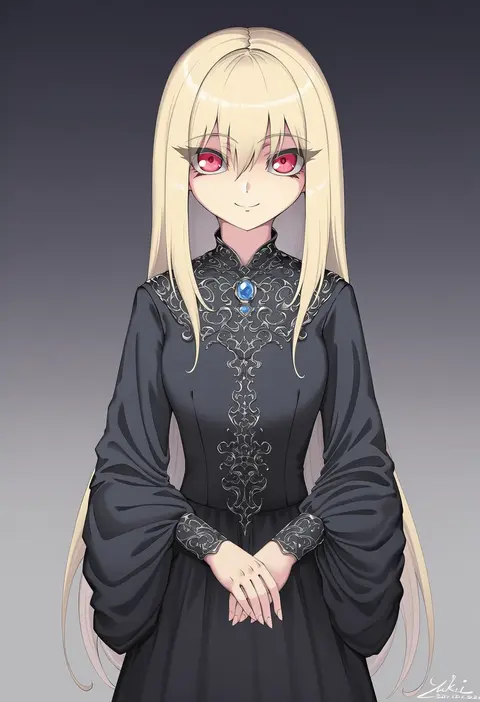
bukurote
ARTIST0x19CA
0
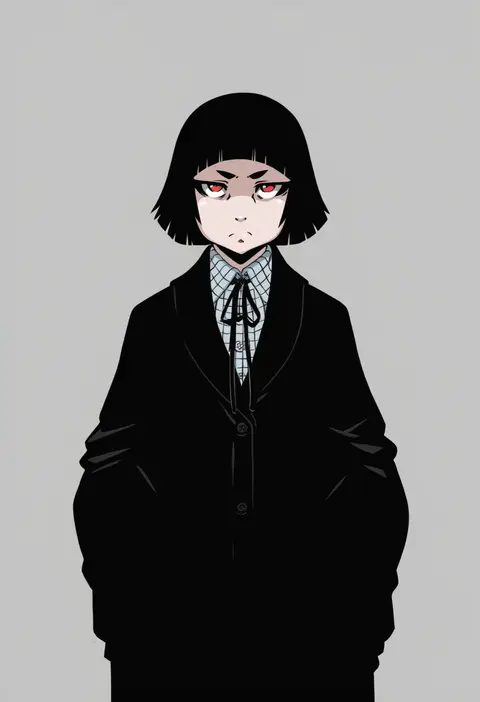
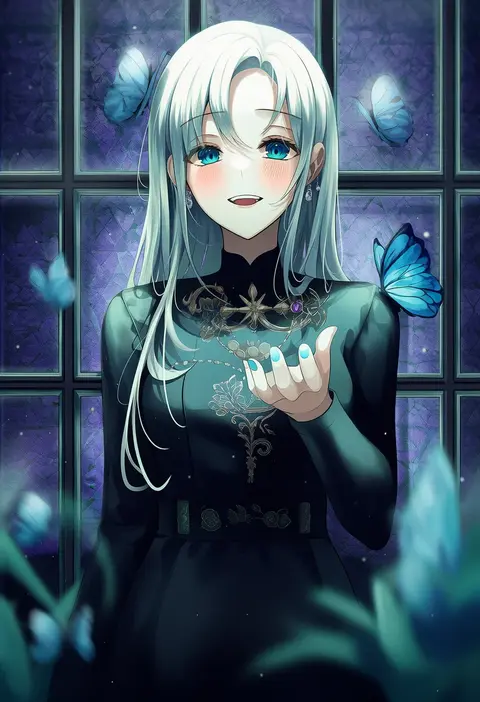
switch01
ARTIST0x19CB
0
dorianpanda
ARTIST0x19CC
0
kuga zankurou
ARTIST0x19CD
0
jako (toyprn)
ARTIST0x19CE
0
rushian
ARTIST0x19CF
0
hushabye
ARTIST0x19D0
0
kurosaki coco
ARTIST0x19D1
0
karaage3
ARTIST0x19D2
0
chakuma (yiyh1468)
ARTIST0x19D3
0
chiyo goya
ARTIST0x19D4
0
nakashima (pluscolor)
ARTIST0x19D5
0
kainkout
ARTIST0x19D6
0
gao kawa
ARTIST0x19D7
0
naoyama masaru
ARTIST0x19D8
0
yuki7128
ARTIST0x19D9
0
gongha
ARTIST0x19DA
0
saikunartworks
ARTIST0x19DB
0
komi zumiko
ARTIST0x19DC
0
chima q
ARTIST0x19DD
0
illu (illu stratos)
ARTIST0x19DE
0
kinocopro
ARTIST0x19DF
0
yaruku
ARTIST0x19E0
0
yamamori kinako
ARTIST0x19E1
0
salpin
ARTIST0x19E2
0
vardan
ARTIST0x19E3
0
noshimurin
ARTIST0x19E4
0
mustee
ARTIST0x19E5
0
daeho cha
ARTIST0x19E6
0
mayo (miyusa)
ARTIST0x19E7
0
takatsuki p
ARTIST0x19E8
0
milli little
ARTIST0x19E9
0
garana
ARTIST0x19EA
0
ichiryuu tsumiki
ARTIST0x19EB
0
yuuki1103
ARTIST0x19EC
0
naitou kirara
ARTIST0x19ED
0
pukonuu
ARTIST0x19EE
0
shiono (0303)
ARTIST0x19EF
0
noppo
ARTIST0x19F0
0
leonardo 16sei
ARTIST0x19F1
0
youkan (tako)
ARTIST0x19F2
0
nakta
ARTIST0x19F3
0
lianbiglian
ARTIST0x19F4
0
daive
ARTIST0x19F5
0
naruse mai
ARTIST0x19F6
0
caidychen
ARTIST0x19F7
0
nejikyuu
ARTIST0x19F8
0
masha
ARTIST0x19F9
0
kurokuro
ARTIST0x19FA
0
yonekura hisaki
ARTIST0x19FB
0
curakuru
ARTIST0x19FC
0
henken
ARTIST0x19FD
0
zero hime
ARTIST0x19FE
0
luna lia
ARTIST0x19FF
0
namaonpa
ARTIST0x1A00
0
yutsumoe
ARTIST0x1A01
0
mayonaka taruho
ARTIST0x1A02
0
hu kotora
ARTIST0x1A03
0

What these tags change

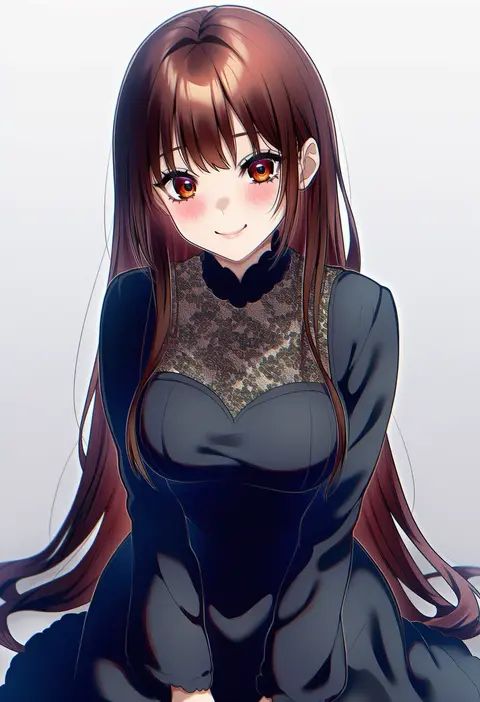
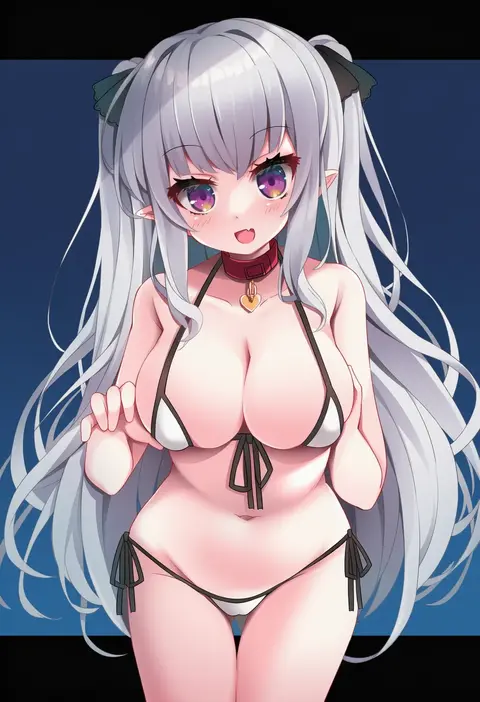
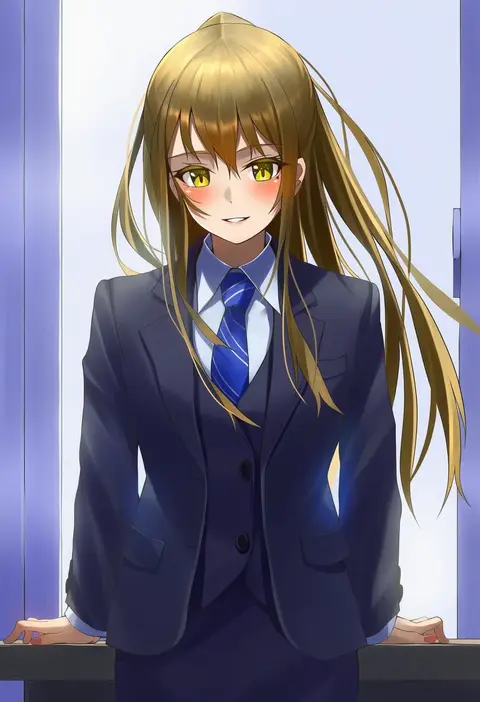
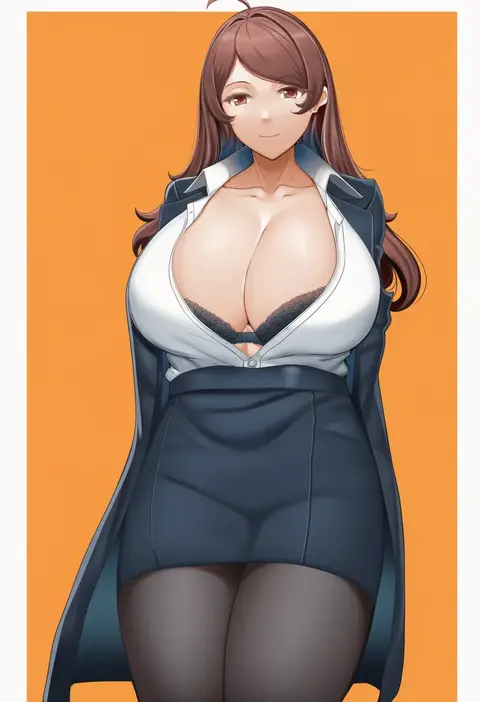
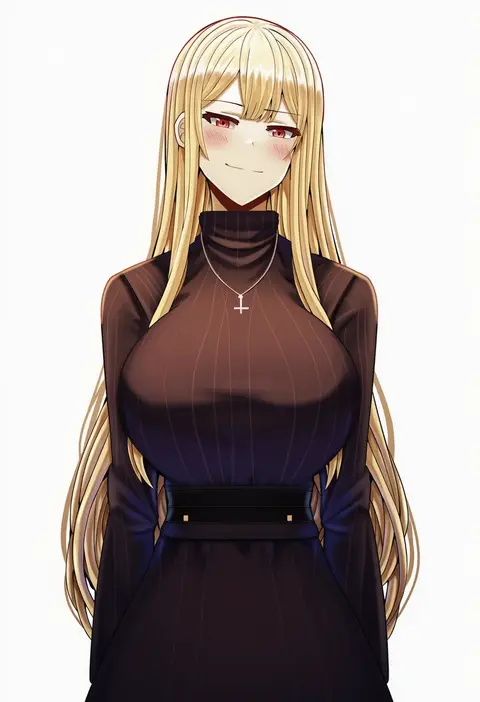
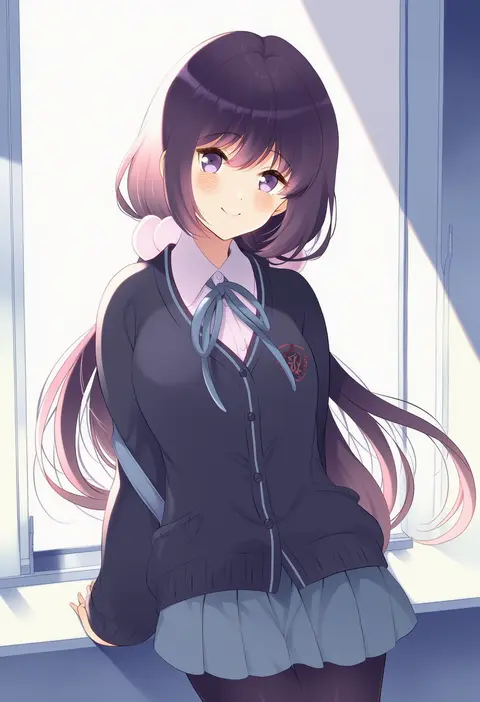
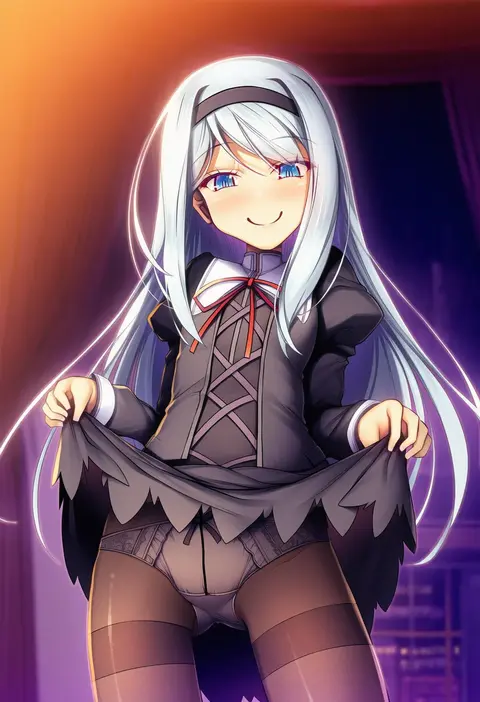
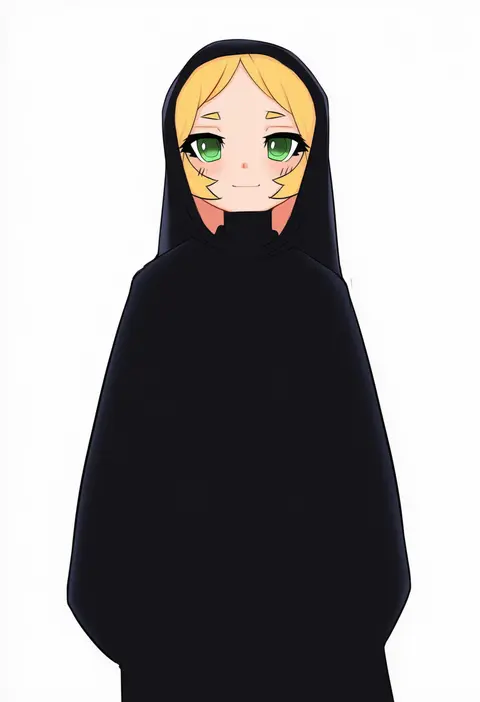
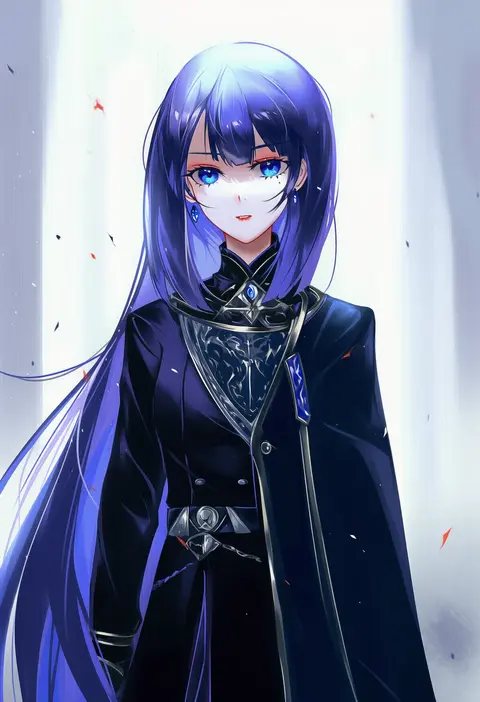
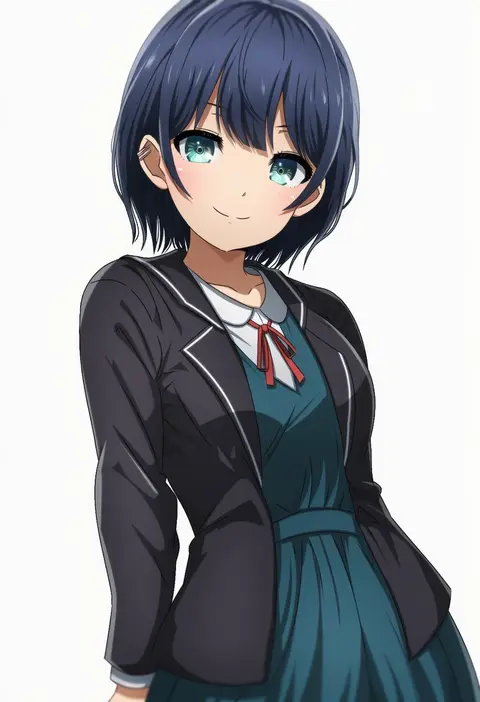
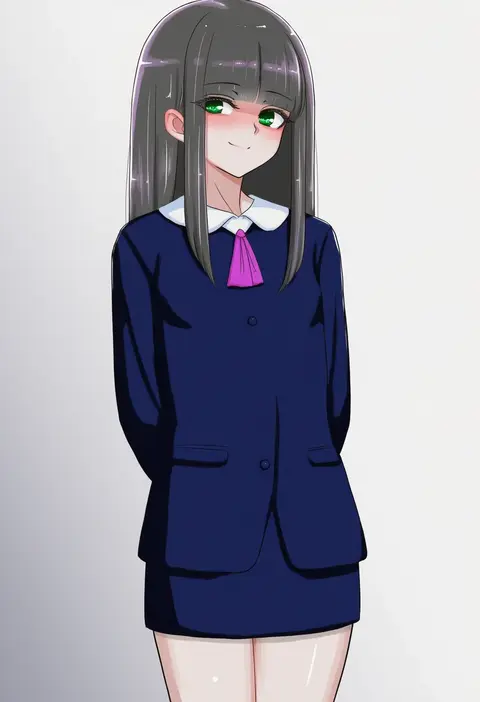
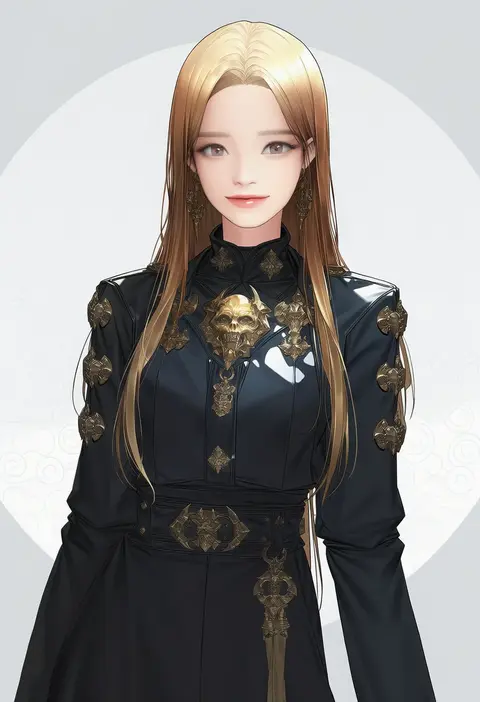
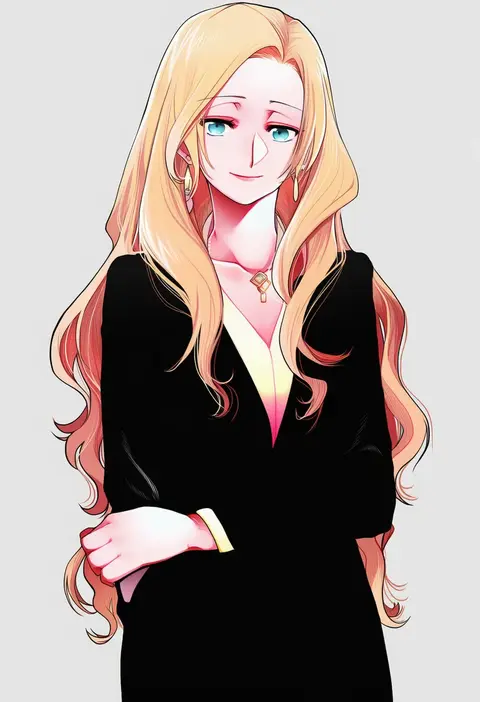
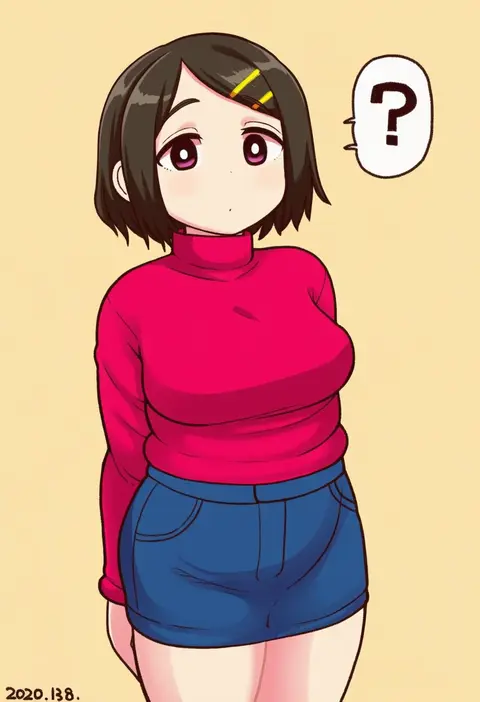
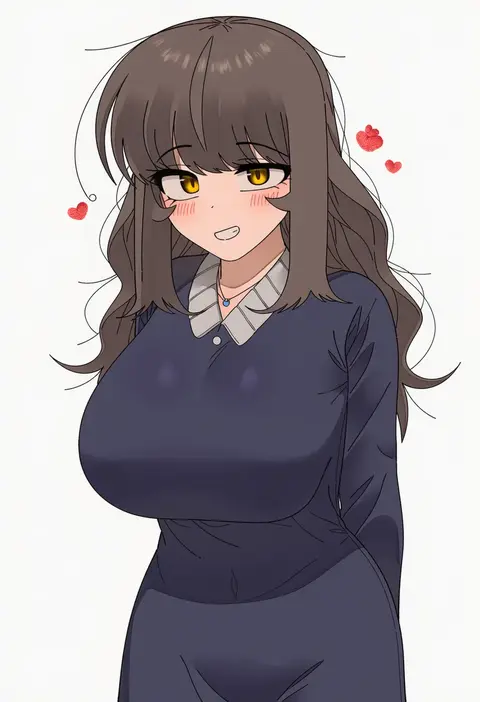
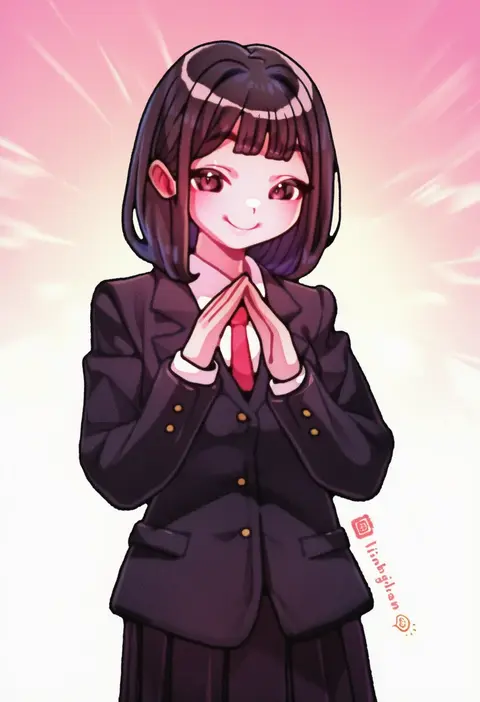
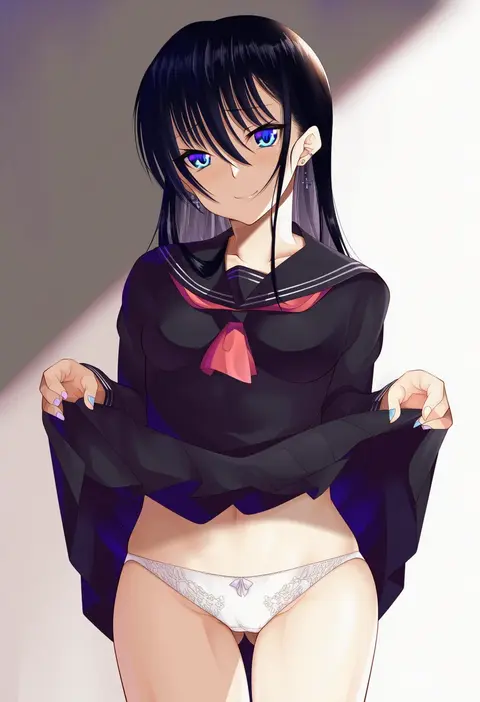
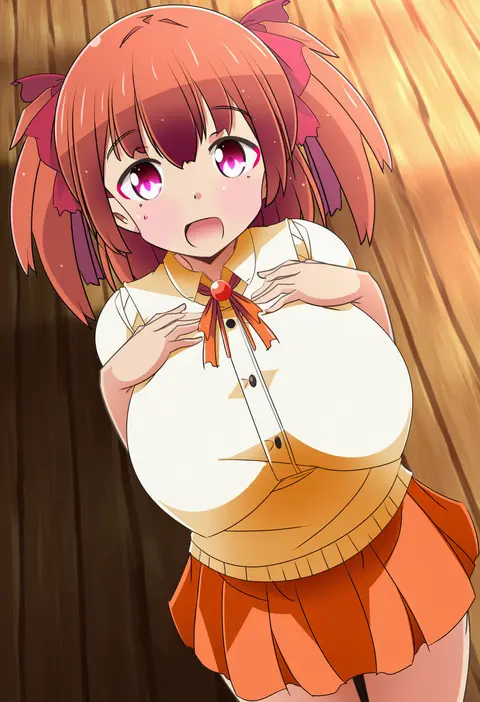
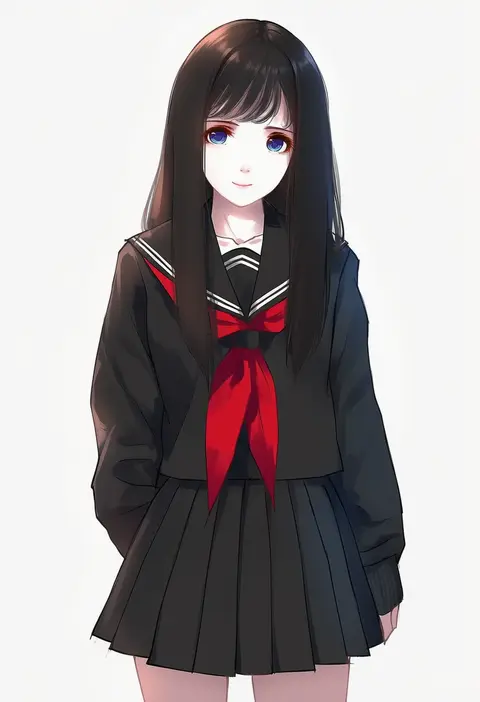
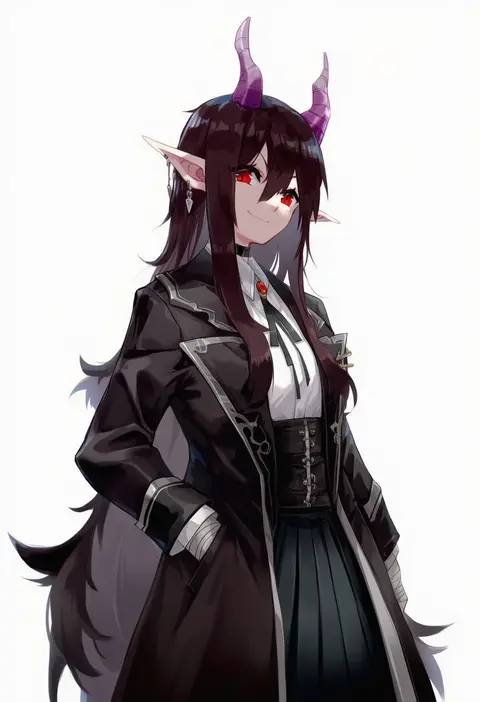
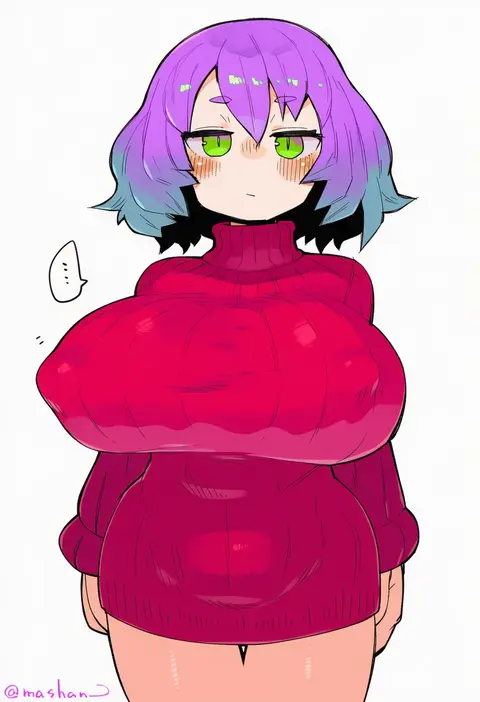
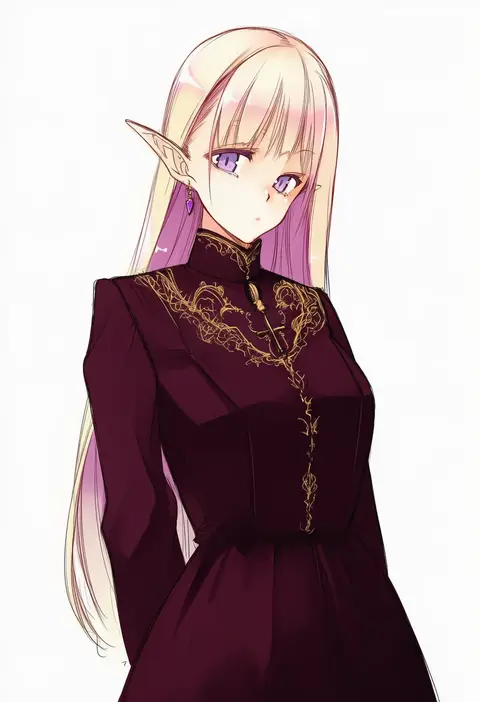
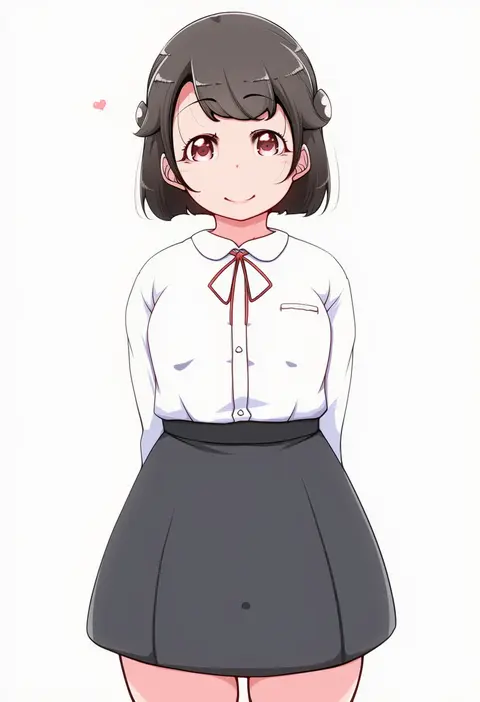
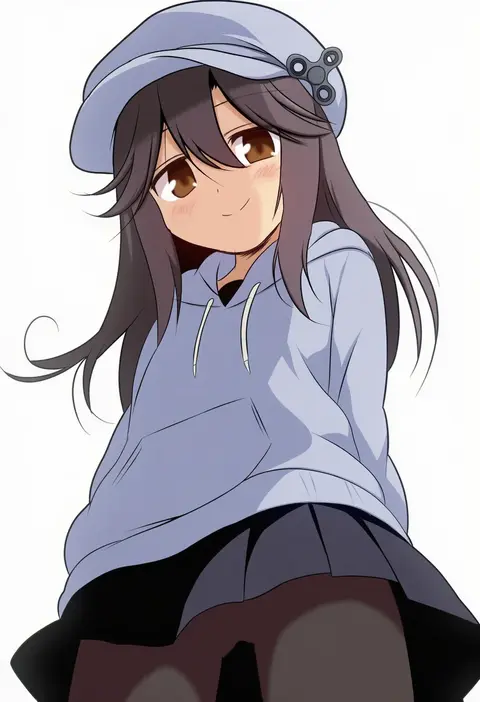
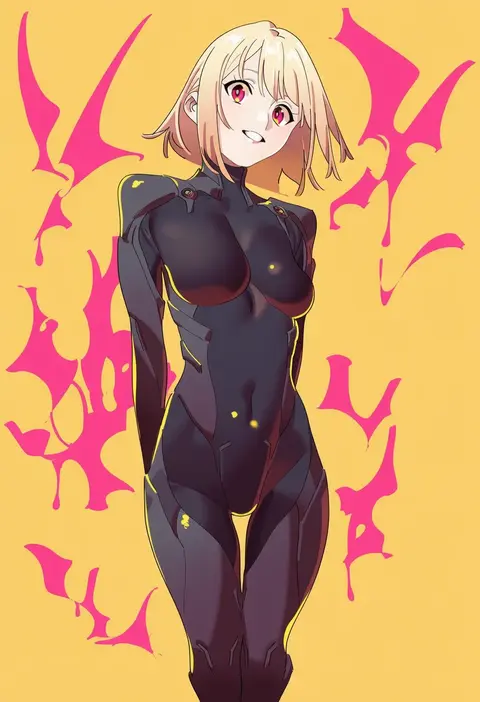
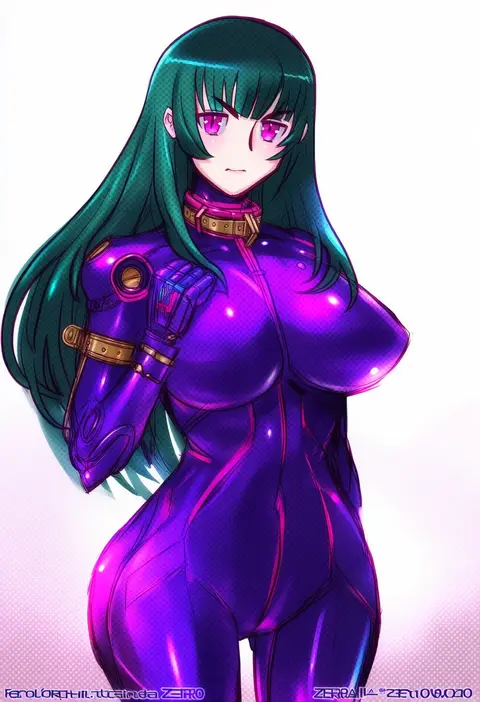
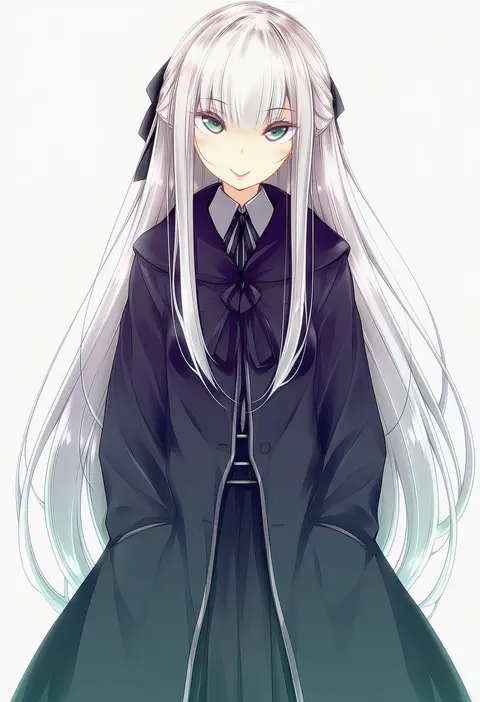
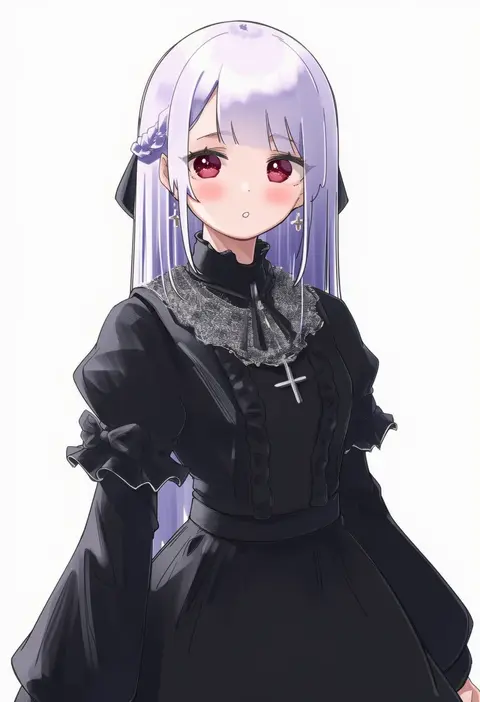
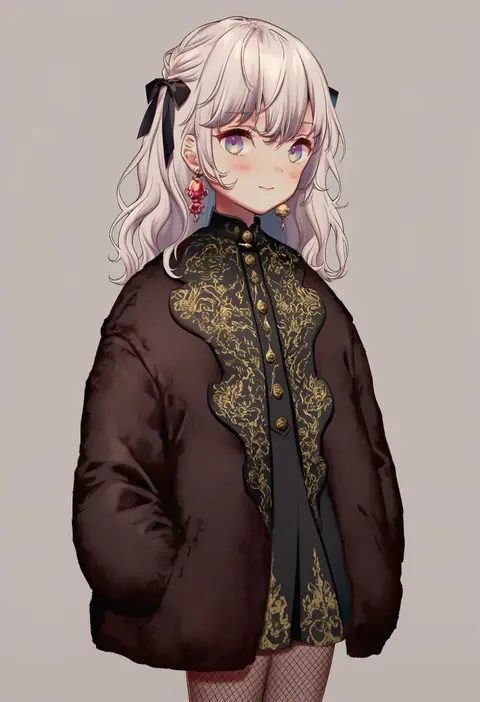
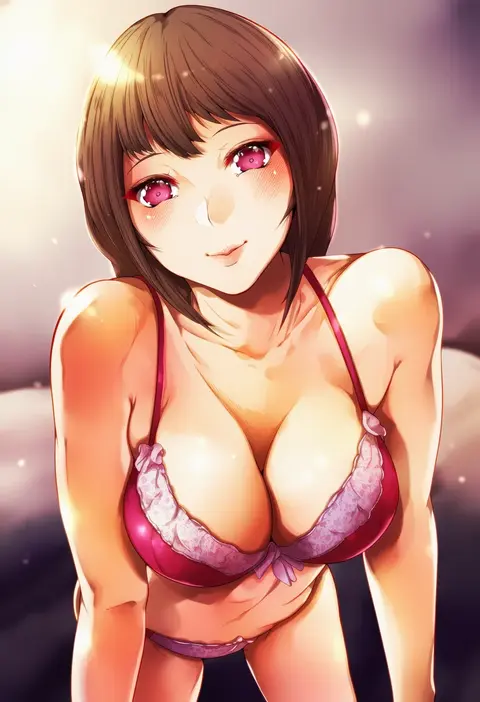
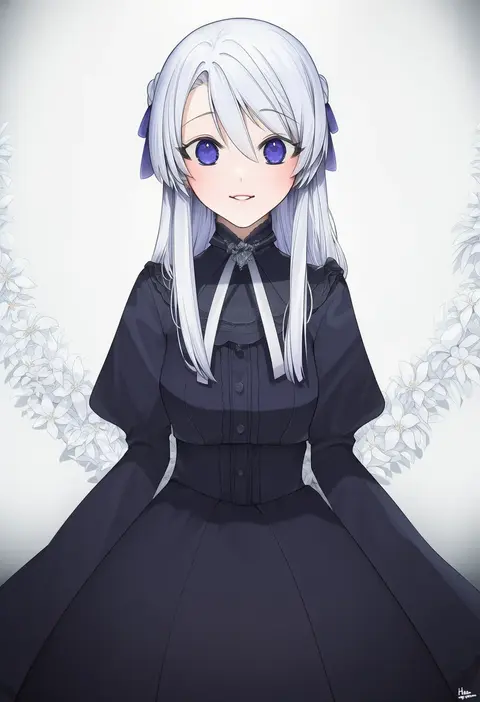
Artist tags tell NovelAI Diffusion to draw in a specific artist's style: line weight, paint texture, face shapes and palette all shift at once. Character and outfit tags decide what is drawn; artist tags decide how. 16,352 tags are listed for V4.5.
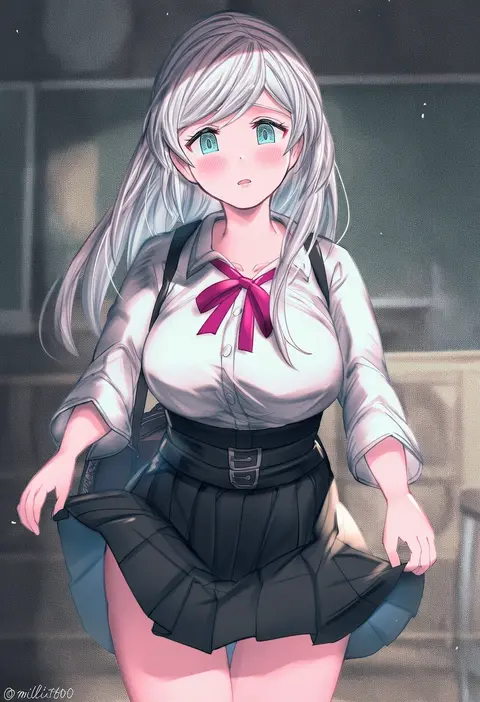
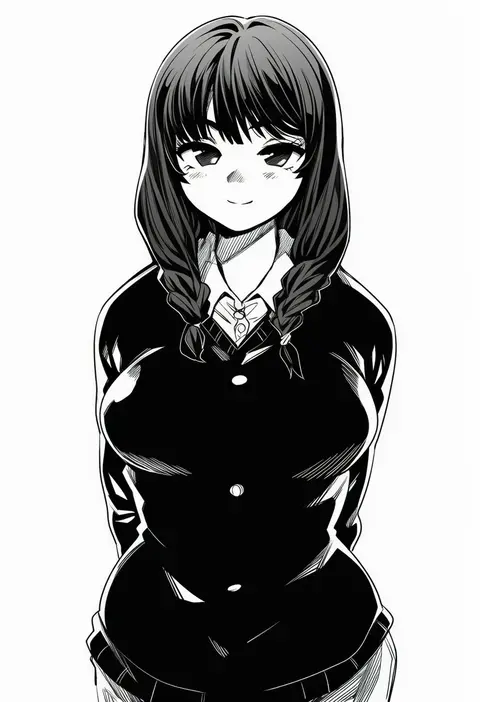
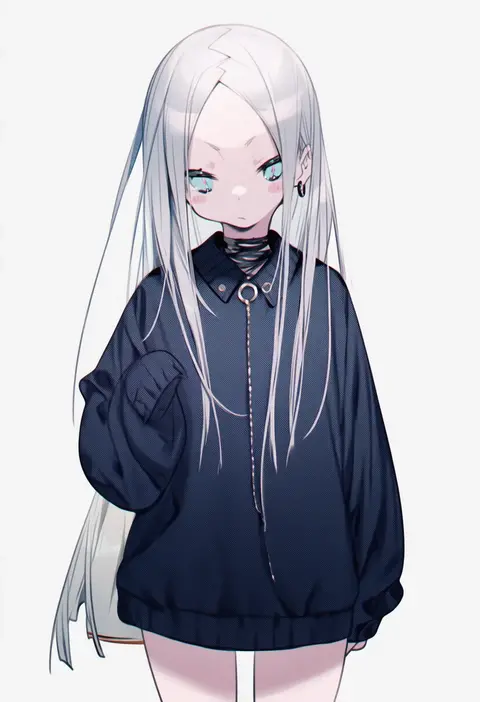
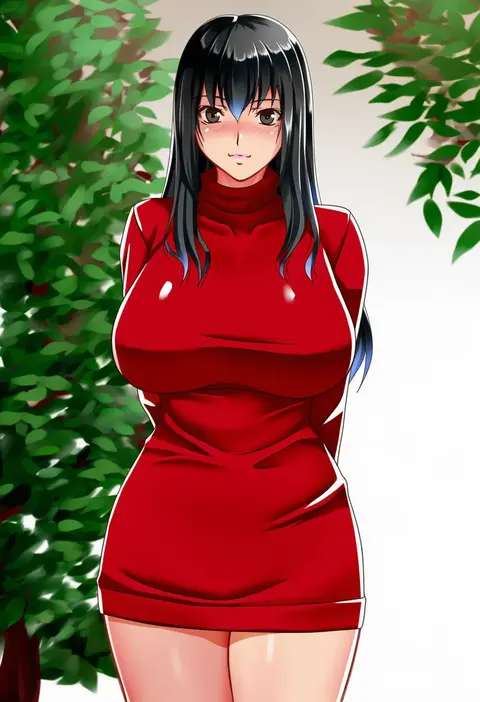
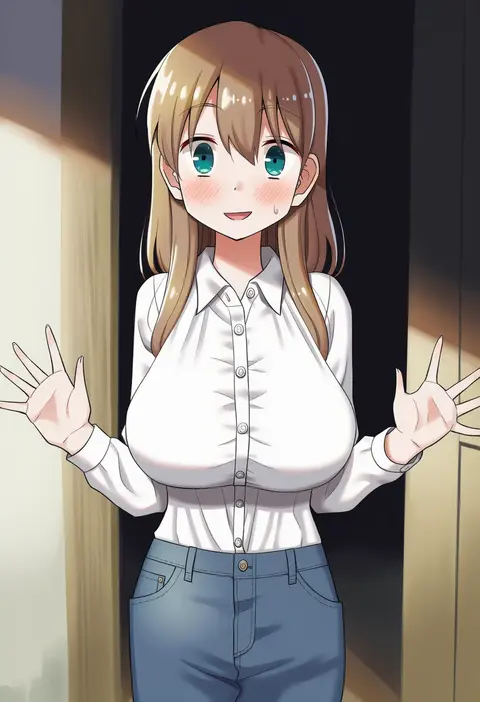
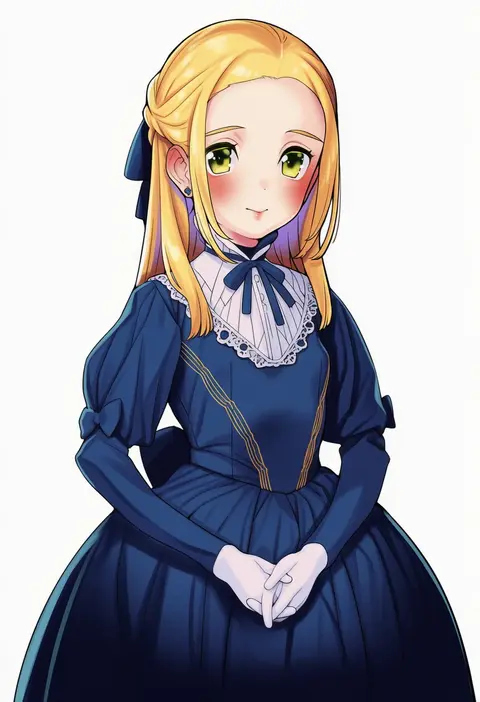
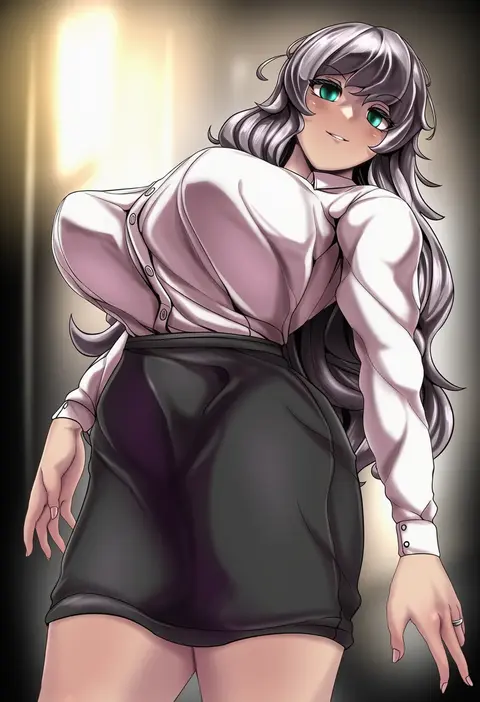
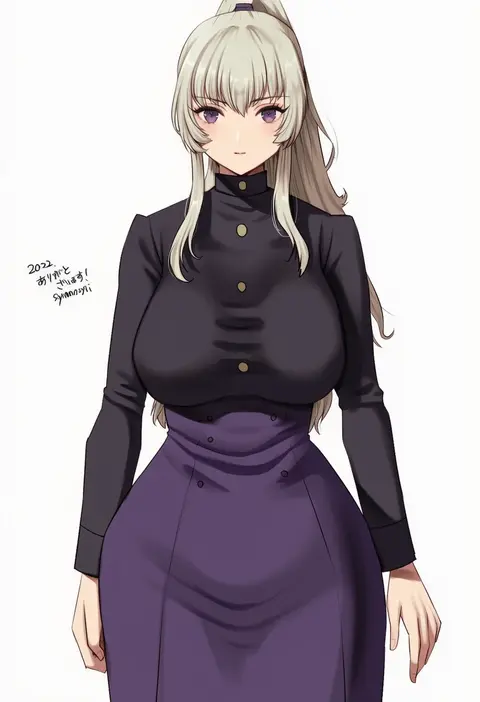
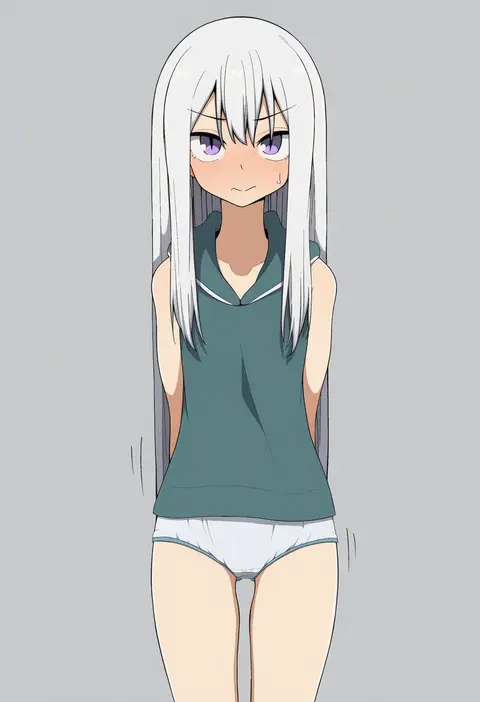
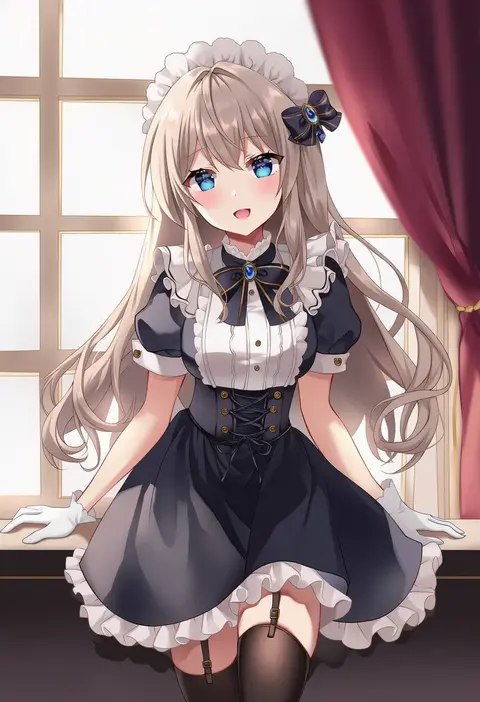
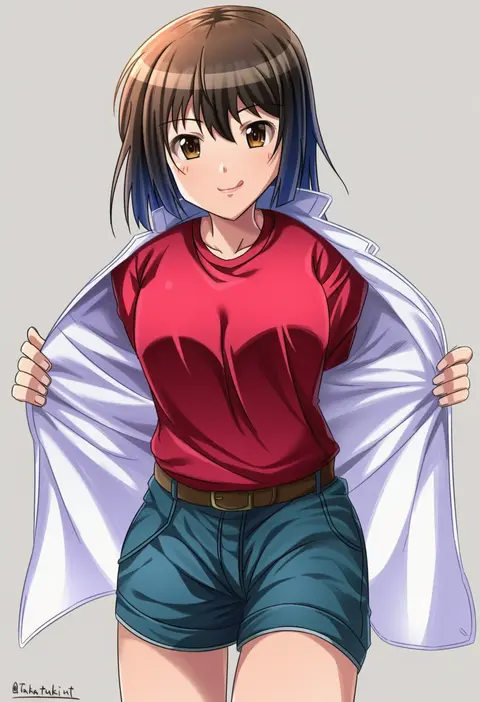
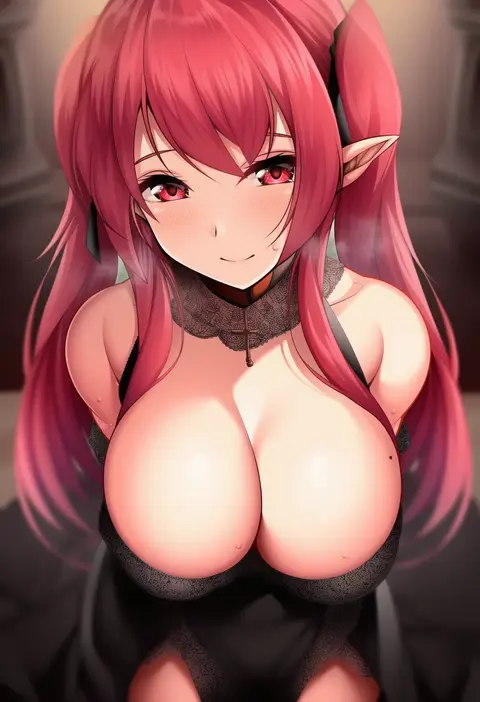
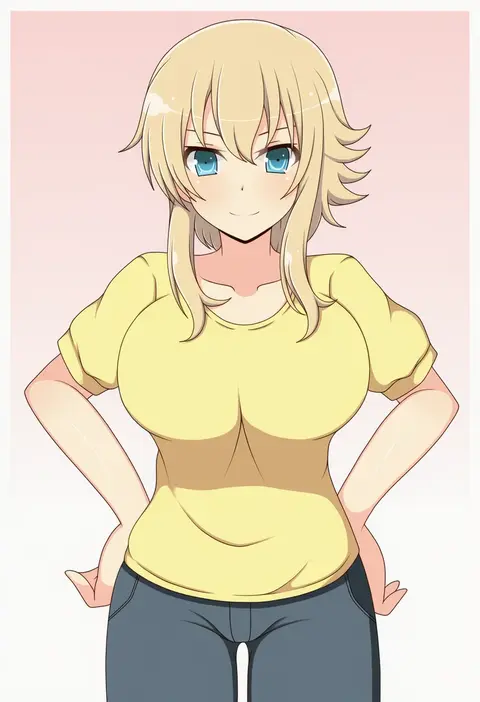
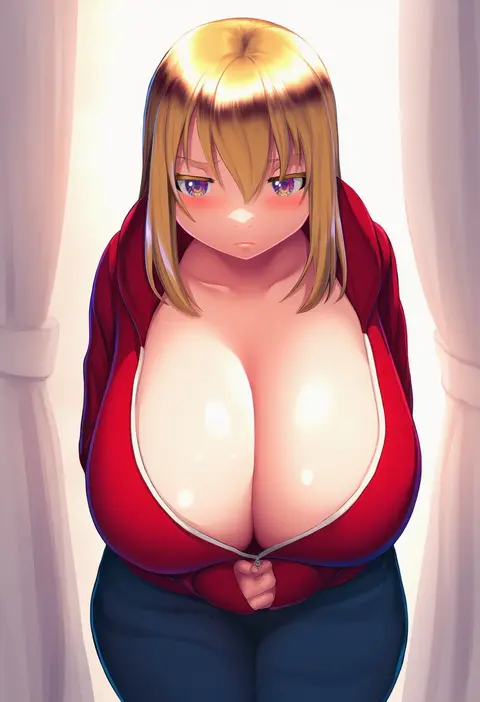
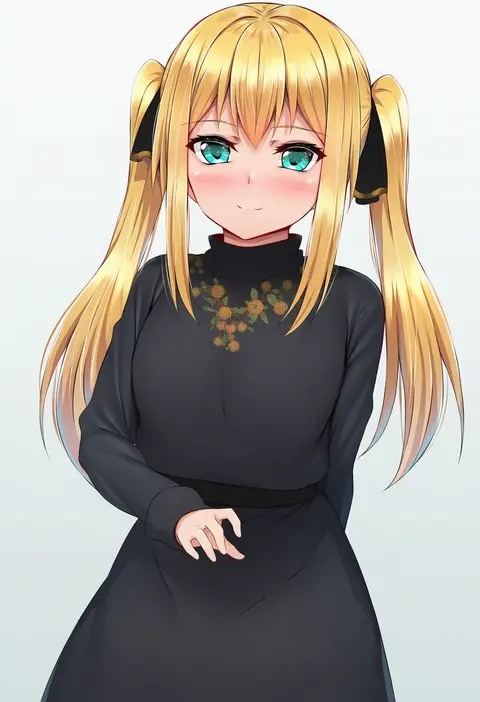
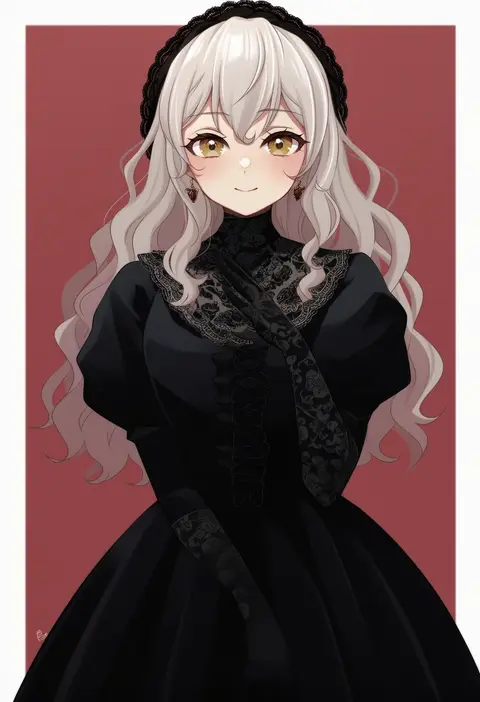
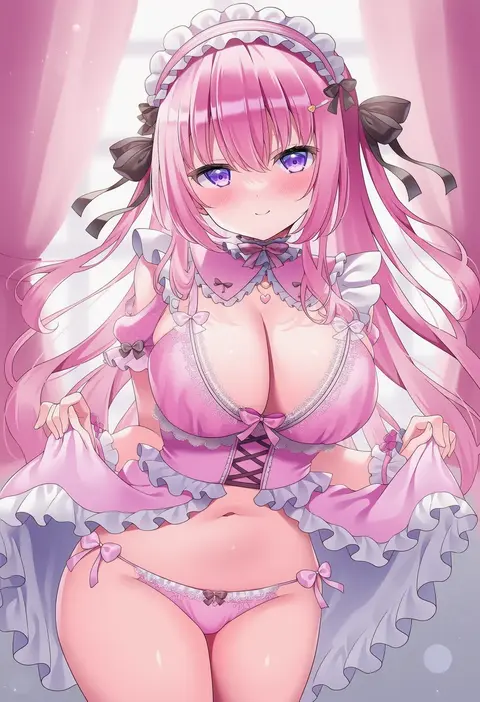
Every tag listed here is verified to react in NovelAI. All images use the same prompt, seed and settings with only the artist tag swapped, so the difference between two images is the style that tag brings in.

How to use them

Put the artist tag near the front of the prompt, e.g. "<artist>, 1girl, solo, best quality, masterpiece, cowboy shot". Two or three artist tags blend styles; lower the weight with "0.8::<artist>::" when the style overpowers the character.

SCORE sorts by Danbooru's top score, POSTS by post count, FAVS by hearts on this site. Open a card to see V5 and V4.5 side by side on the same seed.

V5 vs V4.5

V5 usually lands closer to the artist's real style, and tags that did nothing on V4.5 often react on V5. V4.5 still fits older and doujin-heavy artists better. Try V5 first, fall back to V4.5.

FAQ

Where does the artist tag go?
Near the front of the prompt. Use "0.8::tag::" to adjust its weight.

Can I stack artist tags?
Yes, styles blend. Past two or three the result stops looking like anyone.

Are these the artists' own works?
No. Every image is a NovelAI sample generated from the tag.