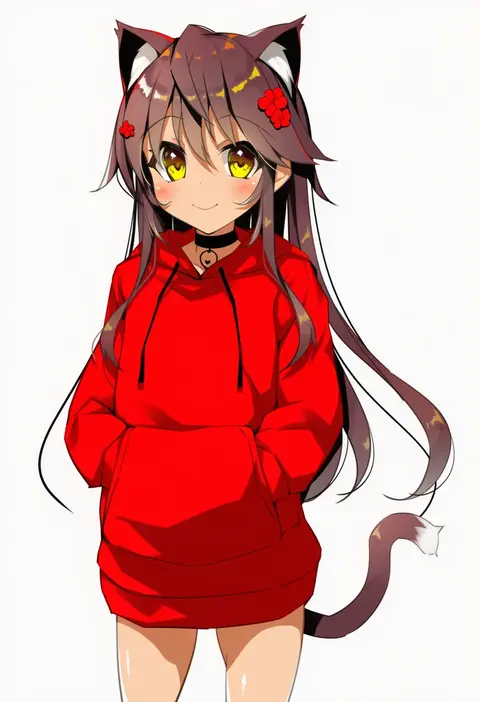
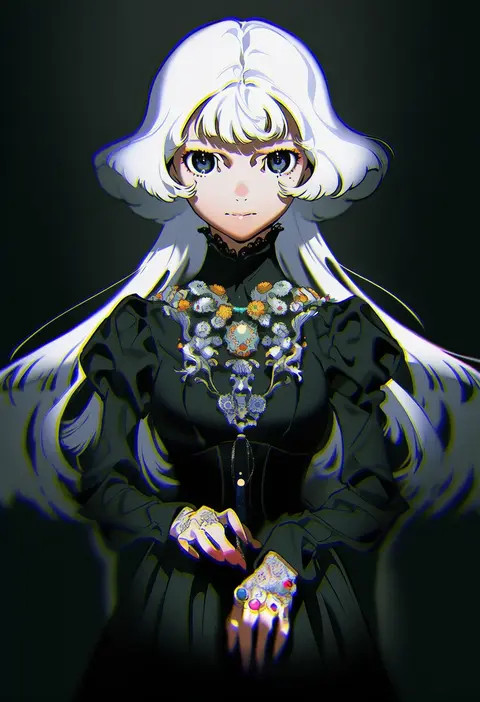
V4.5Artists
sort: FAVS▾
▾
>
$

NovelAI Artist Tags List — V4.5

artist --count 16,352[110/273]
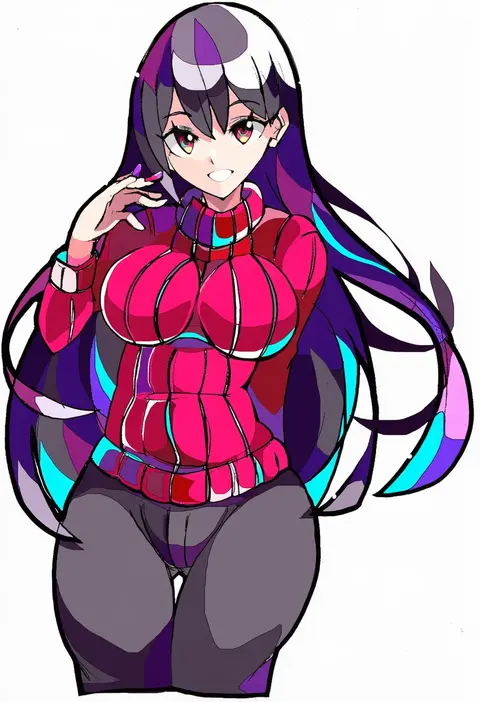
enpe
ARTIST0x198C
0
shu-mai
ARTIST0x198D
0
gucchiann
ARTIST0x198E
0
huu (dighapdlxm12)
ARTIST0x198F
0
hamsterfragment
ARTIST0x1990
0
yeklsa
ARTIST0x1991
0
metaljelly
ARTIST0x1992
0
ranyu
ARTIST0x1993
0
mogamiya honu
ARTIST0x1994
0
aora
ARTIST0x1995
0
yukemuriganmo
ARTIST0x1996
0
solru
ARTIST0x1997
0
ikada kai
ARTIST0x1998
0
yasumo (kuusouorbital)
ARTIST0x1999
0
asicah
ARTIST0x199A
0
bshi edayo
ARTIST0x199B
0
hira (nanika no heya)
ARTIST0x199C
0
polpol
ARTIST0x199D
0
nishino eri
ARTIST0x199E
0
mizu (lzzrwi603)
ARTIST0x199F
0
yama tatsuo
ARTIST0x19A0
0
mackia
ARTIST0x19A1
0
chingisu
ARTIST0x19A2
0
mistel (sukebemistel)
ARTIST0x19A3
0
sakuradou
ARTIST0x19A4
0
kexue
ARTIST0x19A5
0
jinguu (4839ms)
ARTIST0x19A6
0
kara (color)
ARTIST0x19A7
0
nyama
ARTIST0x19A8
0
yaman
ARTIST0x19A9
0
lillithlauda
ARTIST0x19AA
0
fujii masahiro
ARTIST0x19AB
0
kazabuki poni
ARTIST0x19AC
0
matanukinuki
ARTIST0x19AD
0
poligon (046)
ARTIST0x19AE
0
hi-ho-
ARTIST0x19AF
0
kinntarou
ARTIST0x19B0
0
minew
ARTIST0x19B1
0
j.moon
ARTIST0x19B2
0
agata (agatha)
ARTIST0x19B3
0
yom (ymayma00ss)
ARTIST0x19B4
0
reijing etrn
ARTIST0x19B5
0
fumei (mugendai)
ARTIST0x19B6
0
keenbiscuit
ARTIST0x19B7
0
sura sura
ARTIST0x19B8
0
zhuore zhi hen
ARTIST0x19B9
0
za1f0n
ARTIST0x19BA
0
braco
ARTIST0x19BB
0
rankasei
ARTIST0x19BC
0
yuutopia
ARTIST0x19BD
0
maki (seventh heaven maxion)
ARTIST0x19BE
0
wool (miwol)
ARTIST0x19BF
0
kamiya tomoe
ARTIST0x19C0
0
kan'yu (citron 82)
ARTIST0x19C1
0
kiyomin
ARTIST0x19C2
0
terakoya
ARTIST0x19C3
0
yui toshiki
ARTIST0x19C4
0
isse
ARTIST0x19C5
0
yanagi yuu
ARTIST0x19C6
0
yoneyama mai
ARTIST0x19C7
0

What these tags change

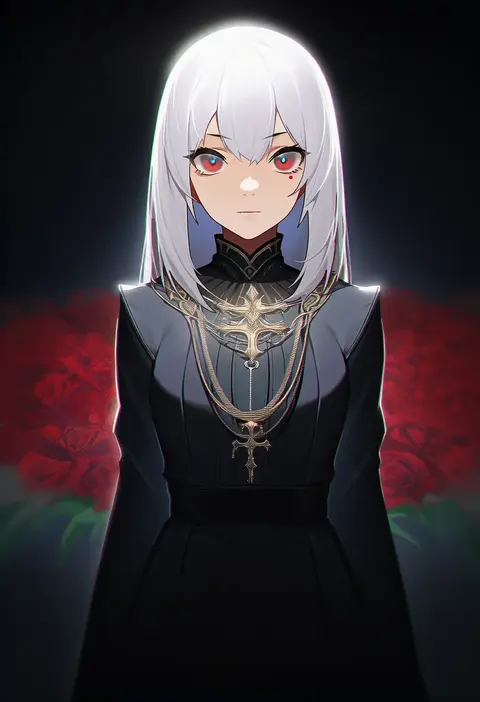
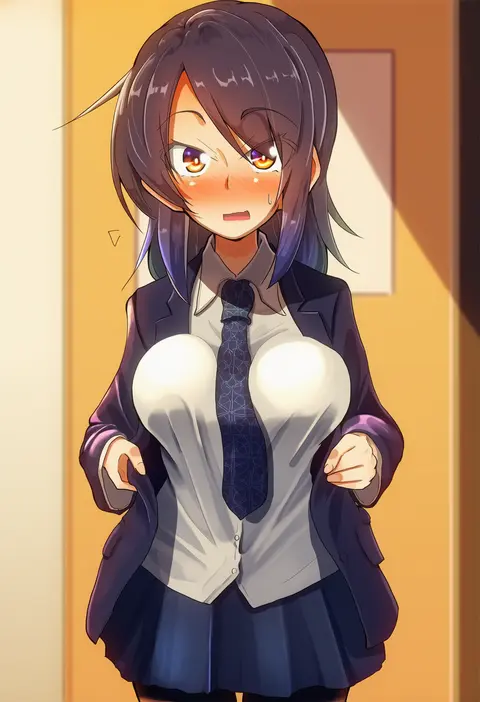
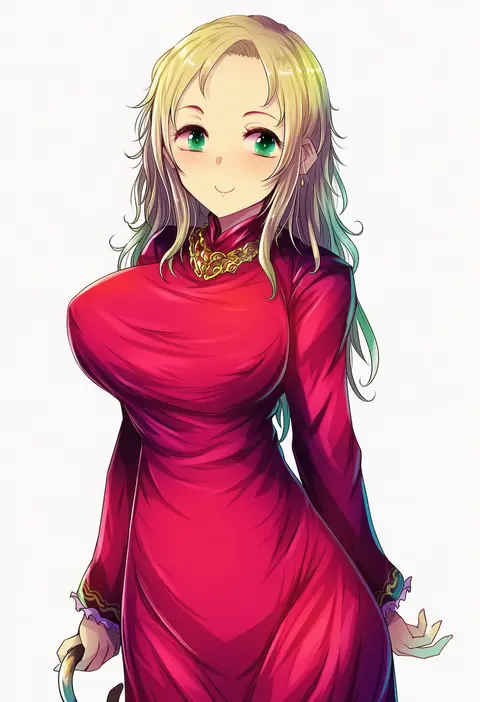
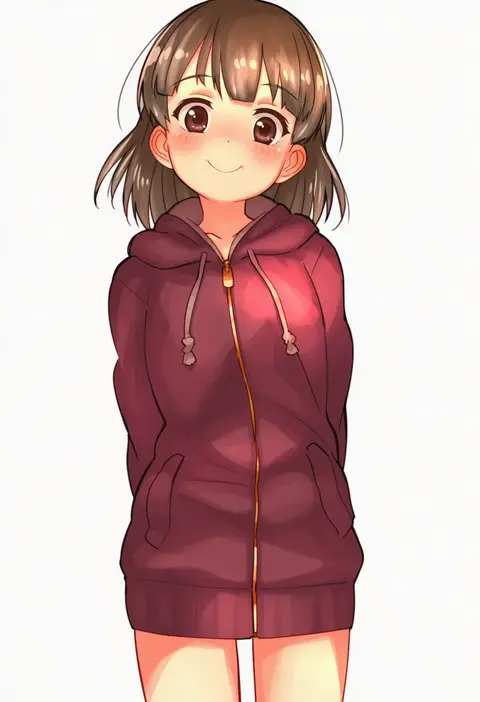
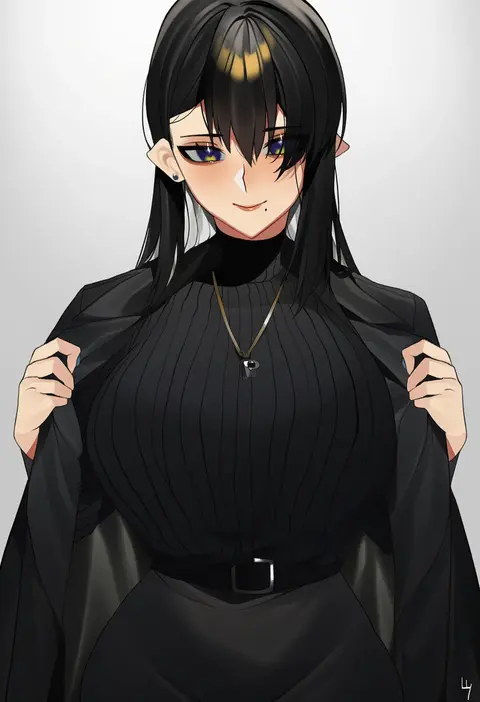
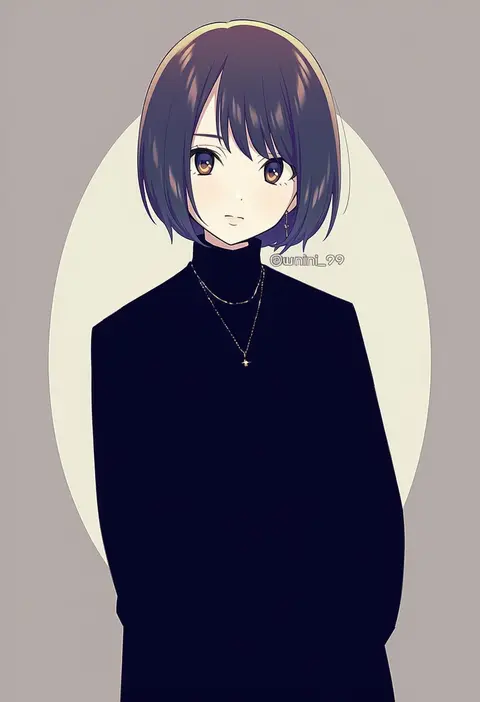
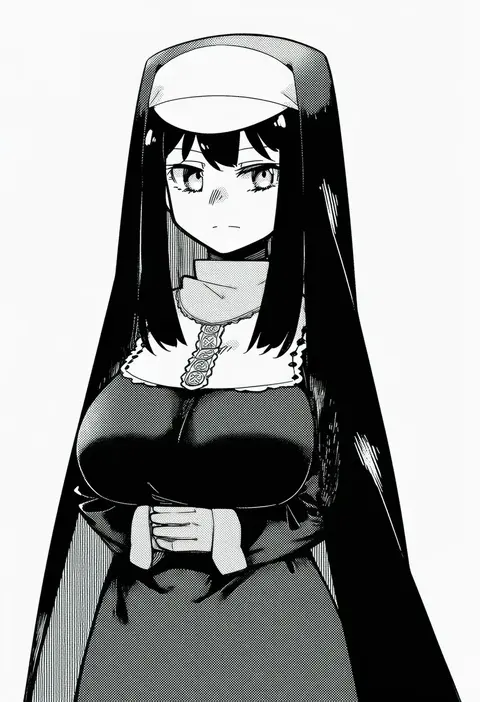
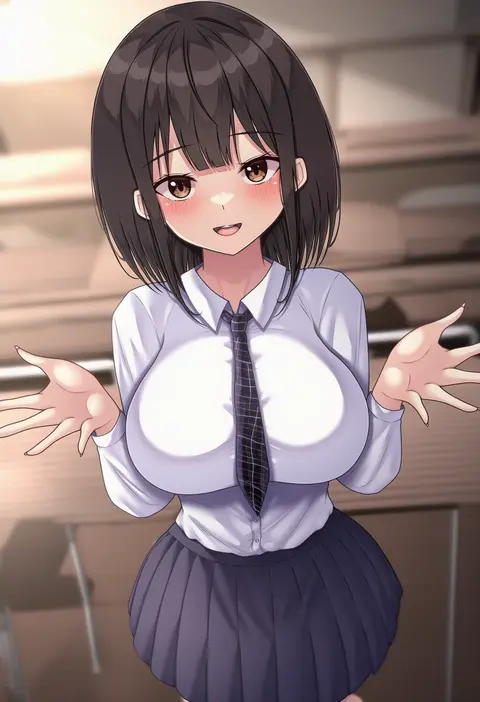
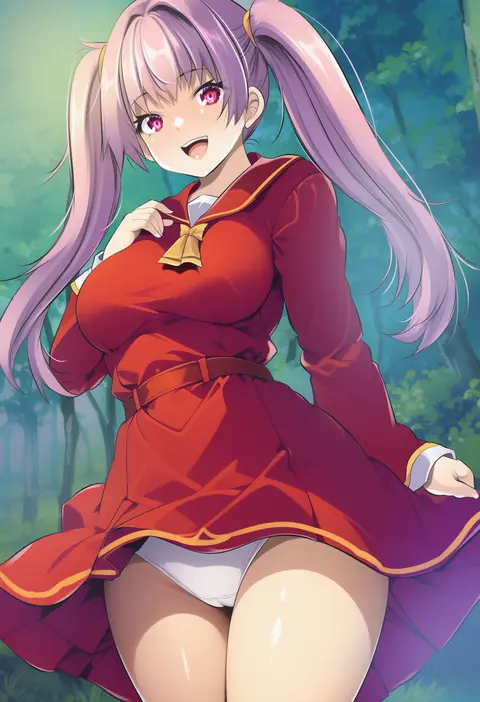
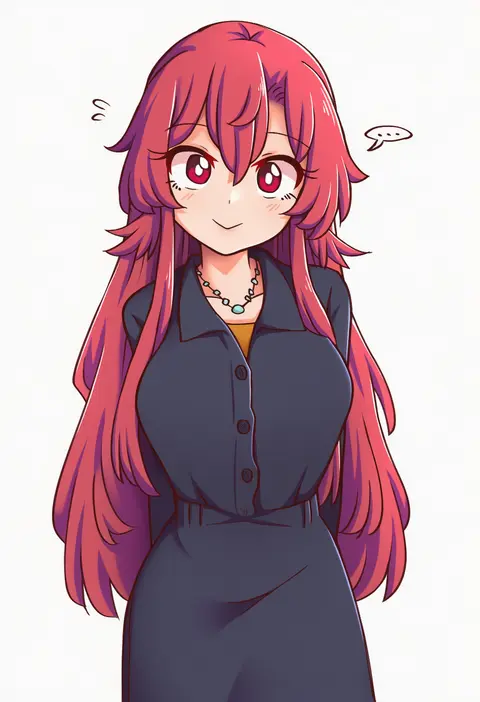
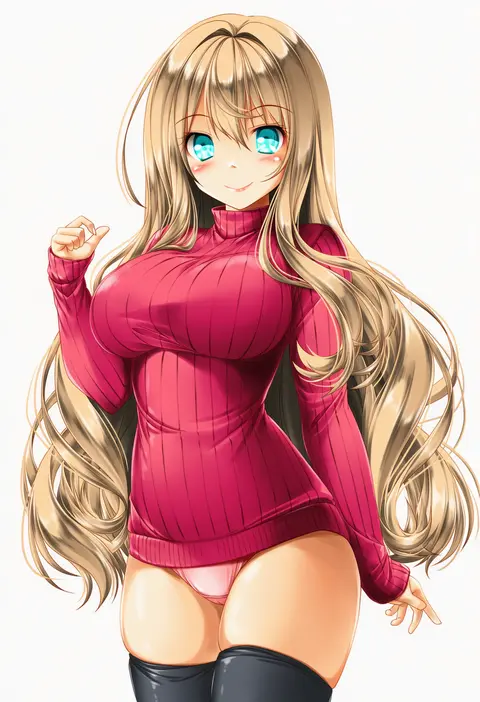
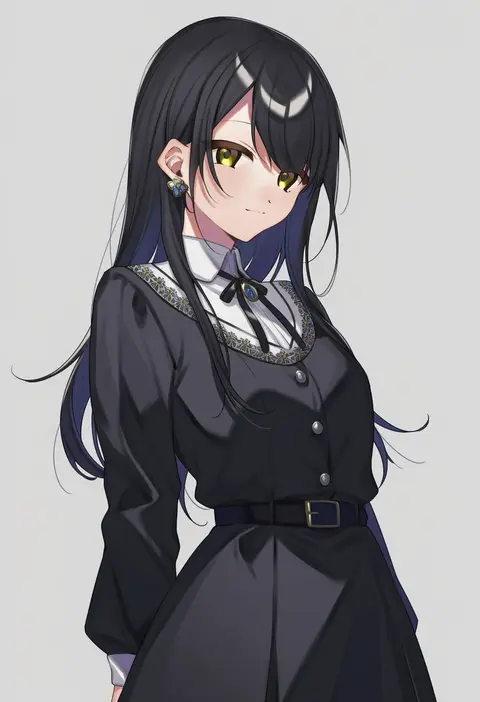
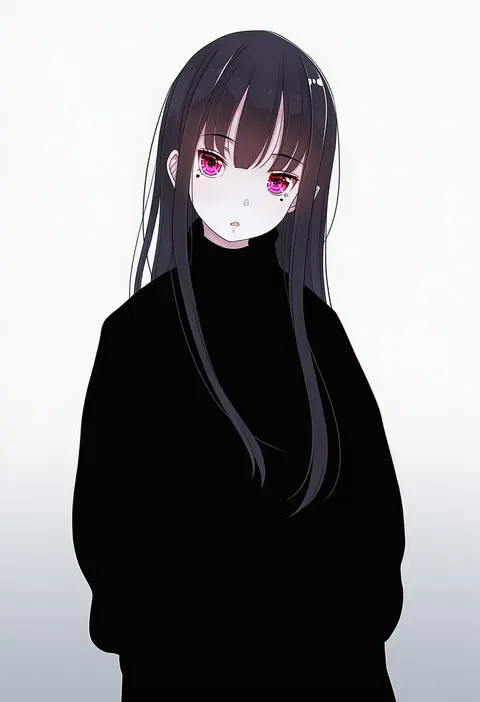
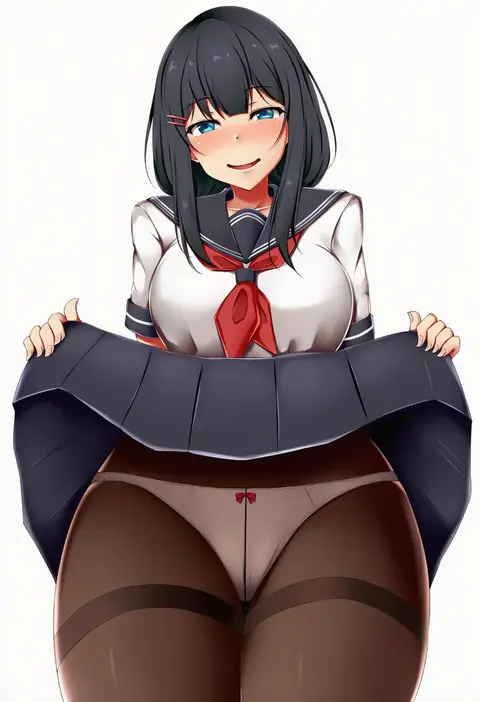
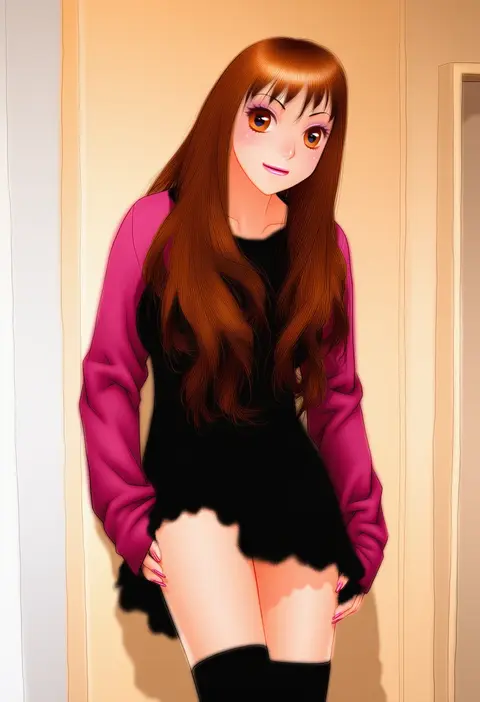
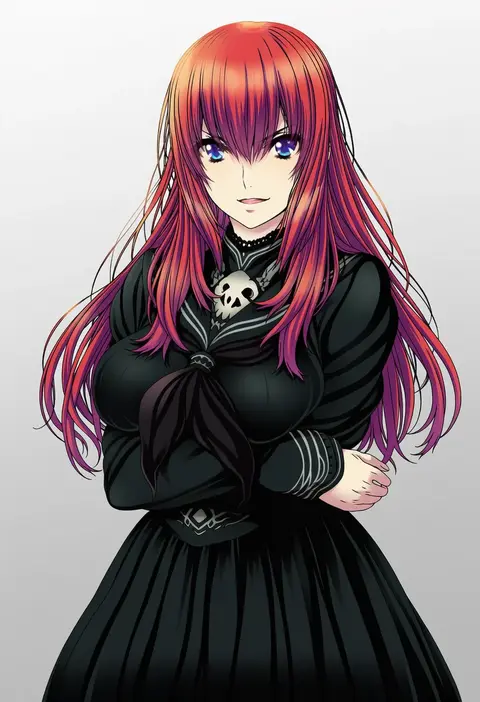
Artist tags tell NovelAI Diffusion to draw in a specific artist's style: line weight, paint texture, face shapes and palette all shift at once. Character and outfit tags decide what is drawn; artist tags decide how. 16,352 tags are listed for V4.5.
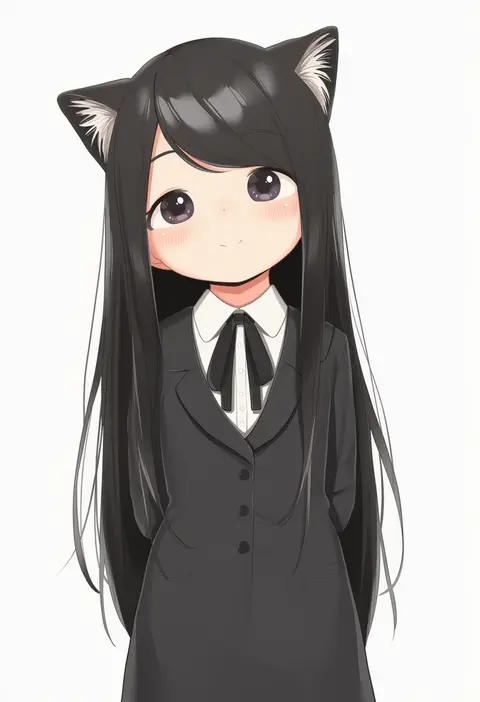
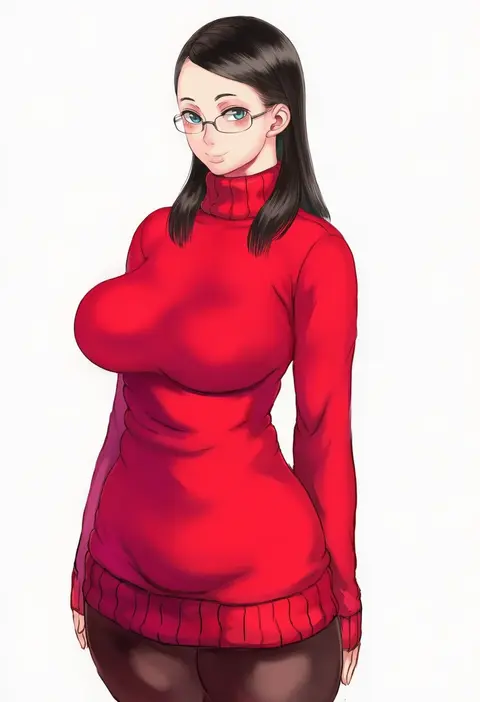
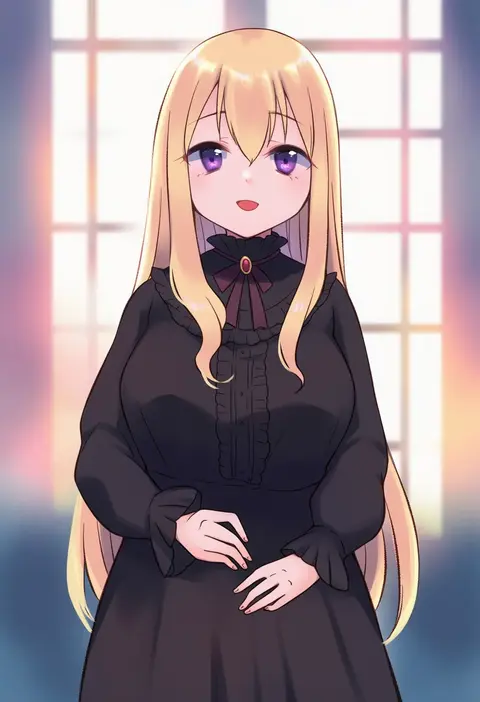
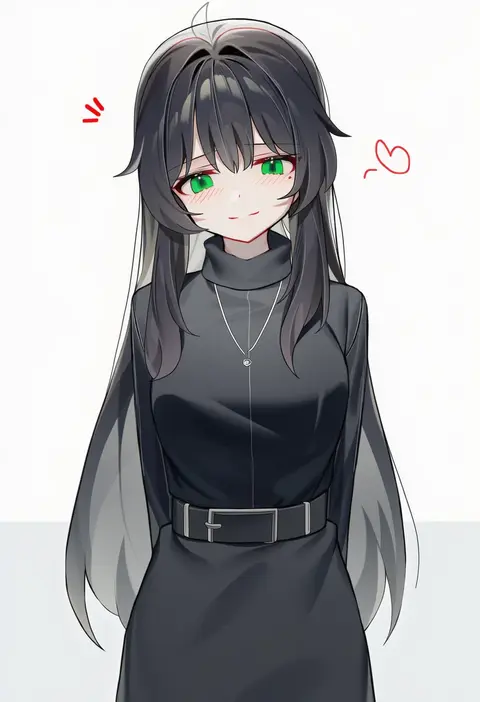
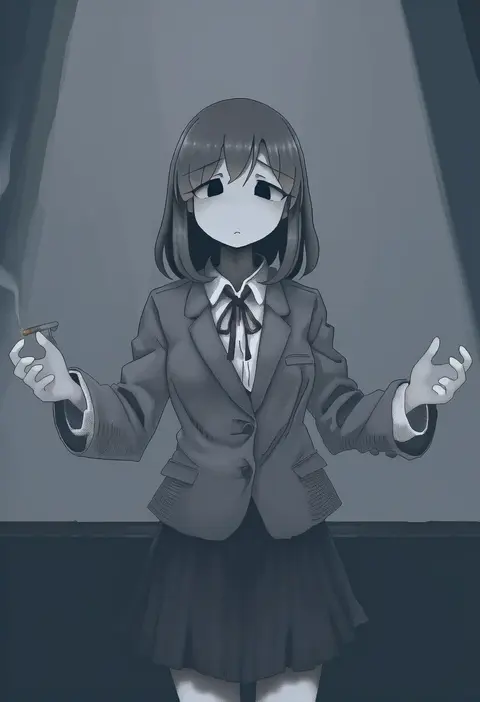
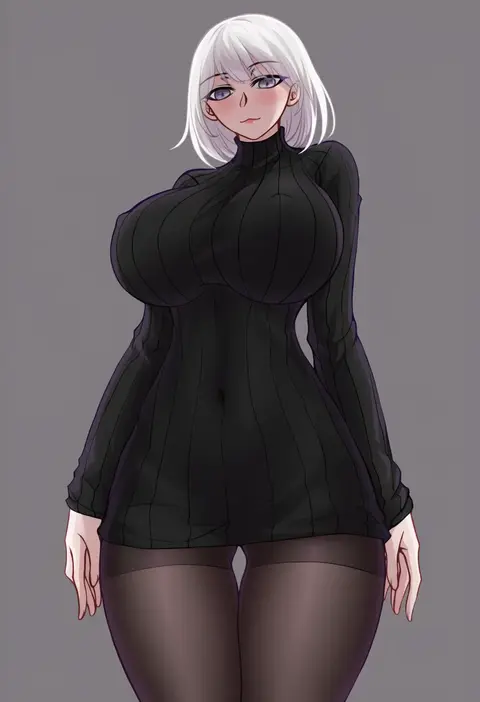
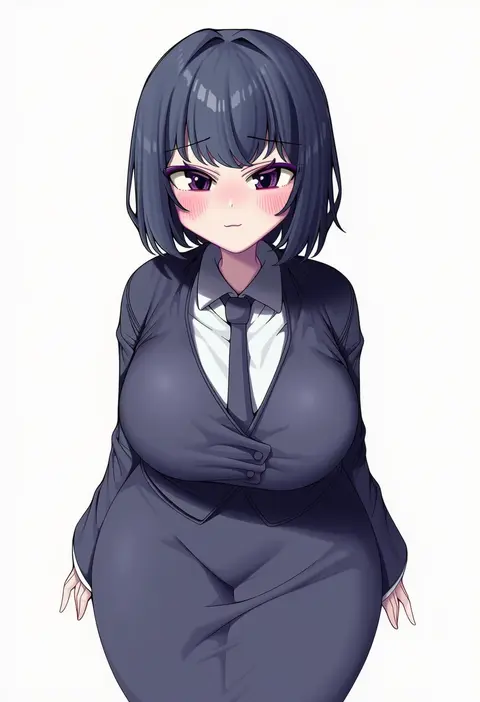
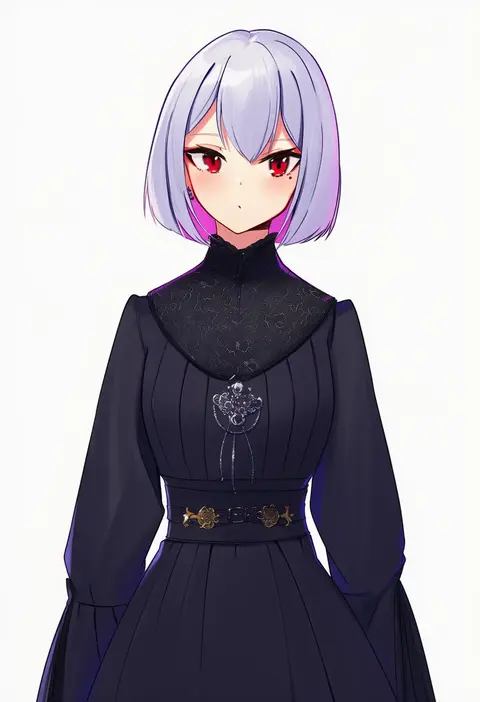
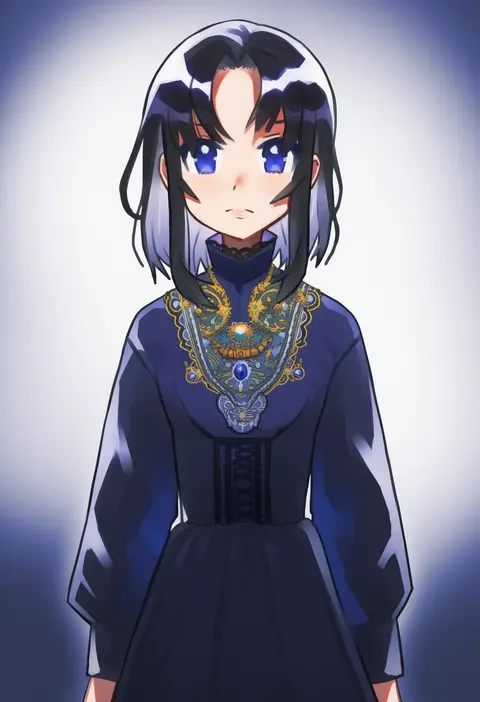
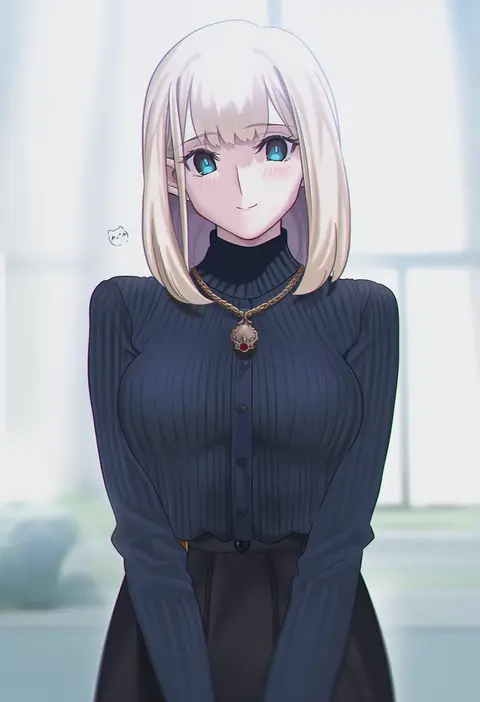
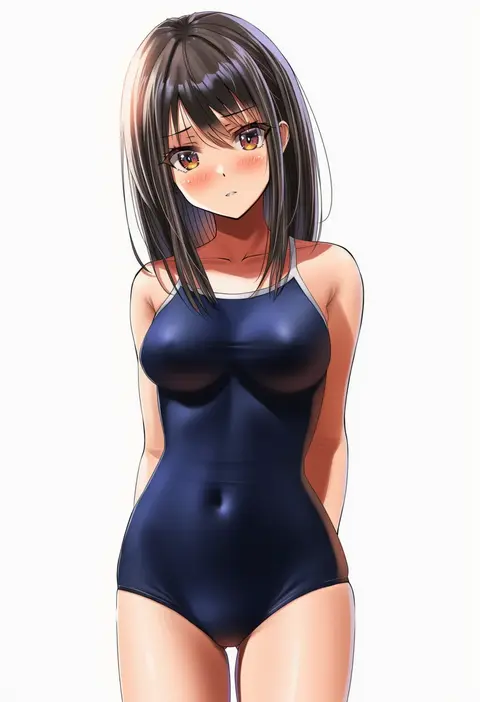
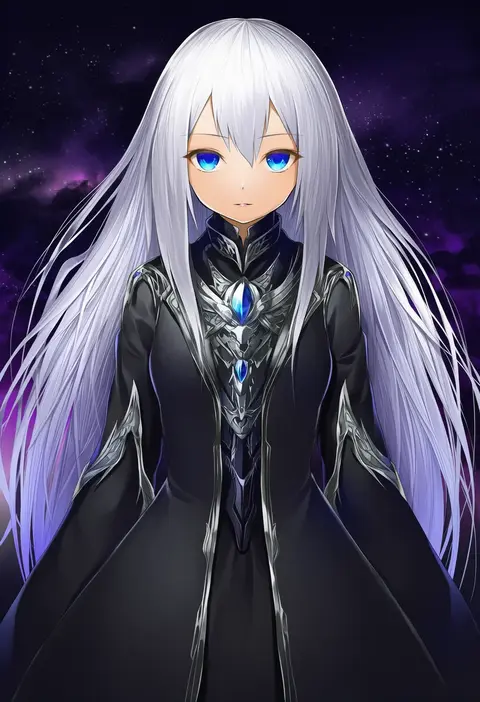
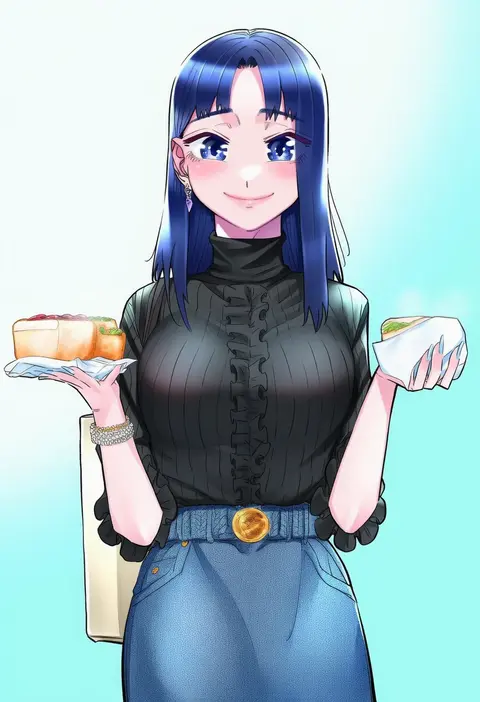
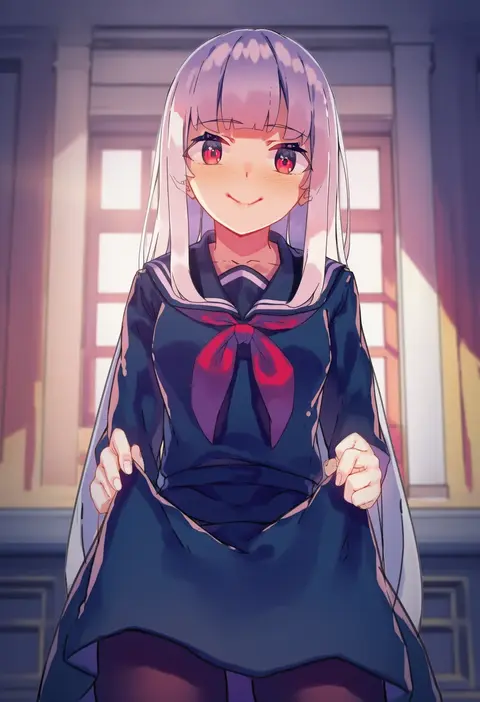
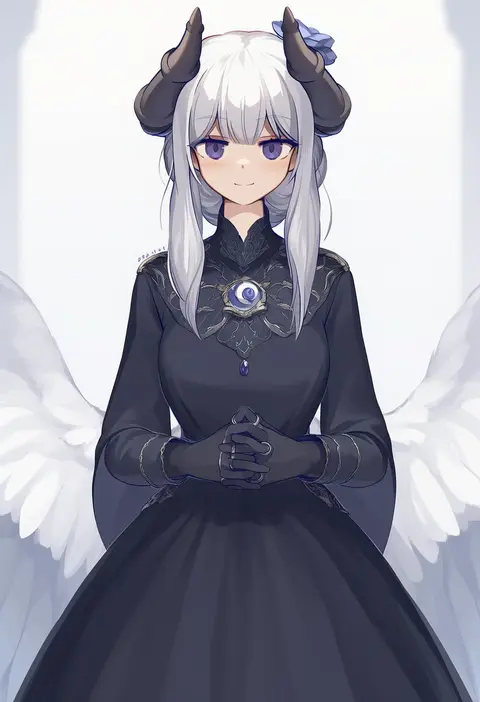
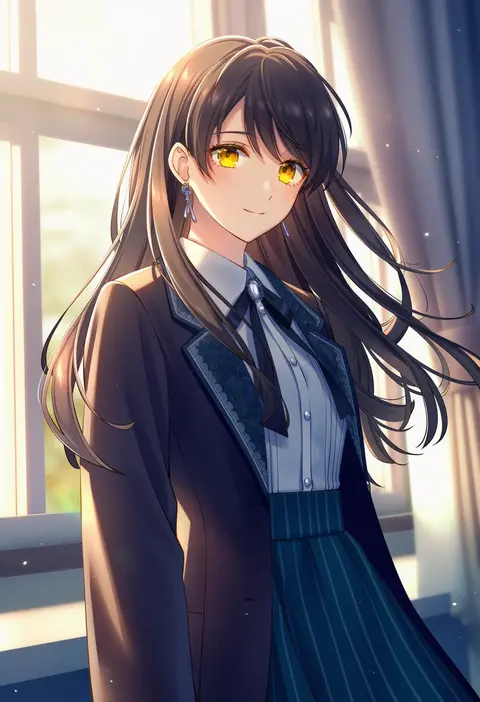
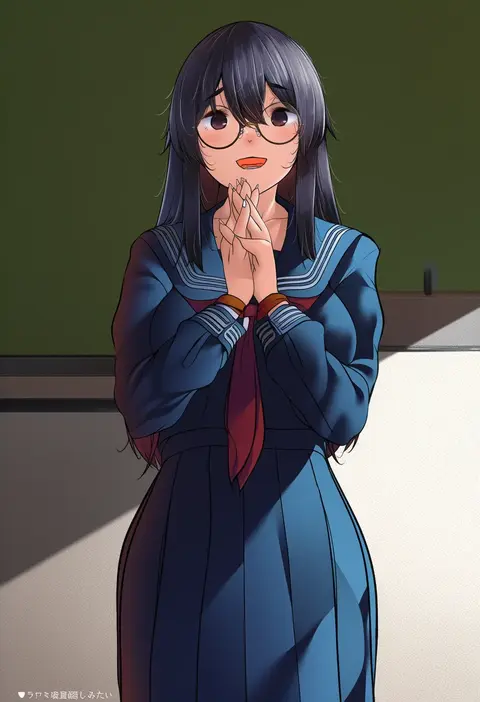
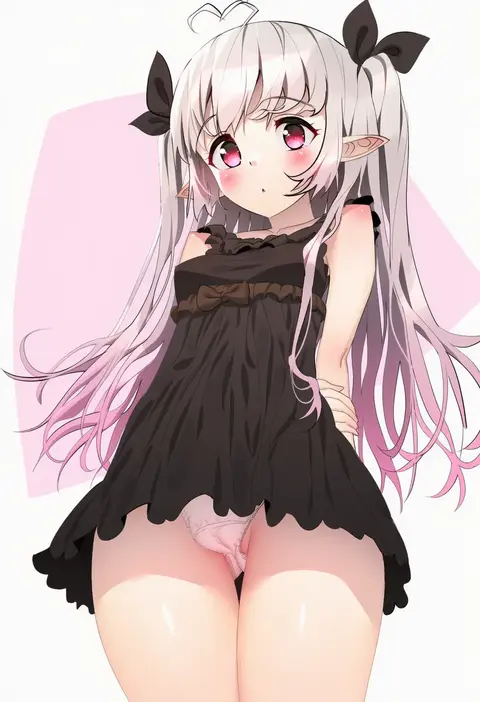
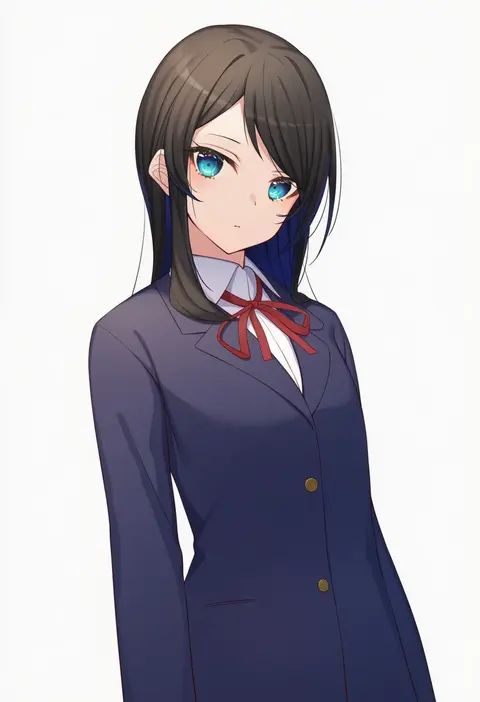
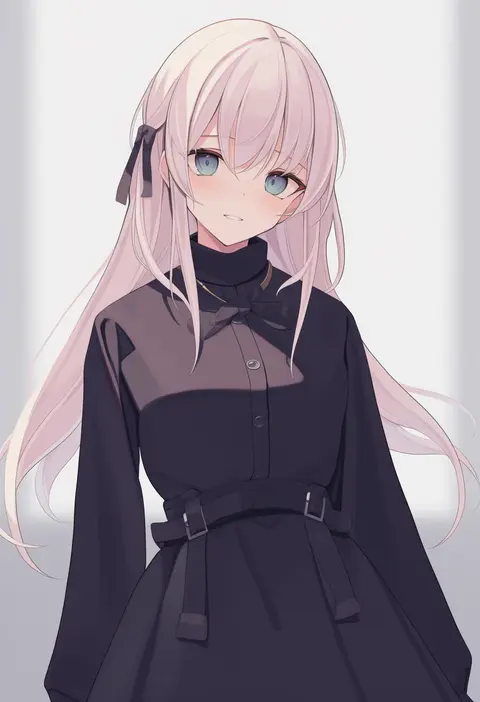
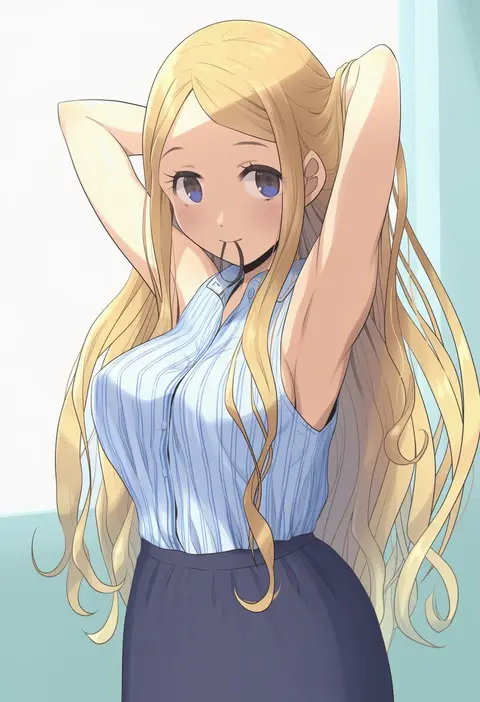
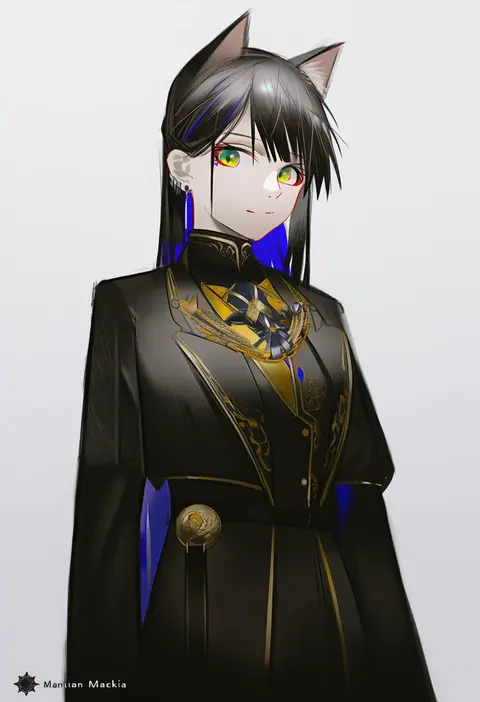
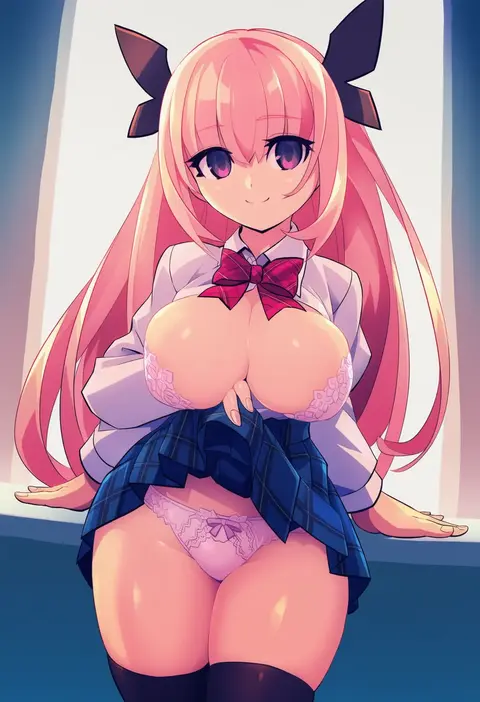
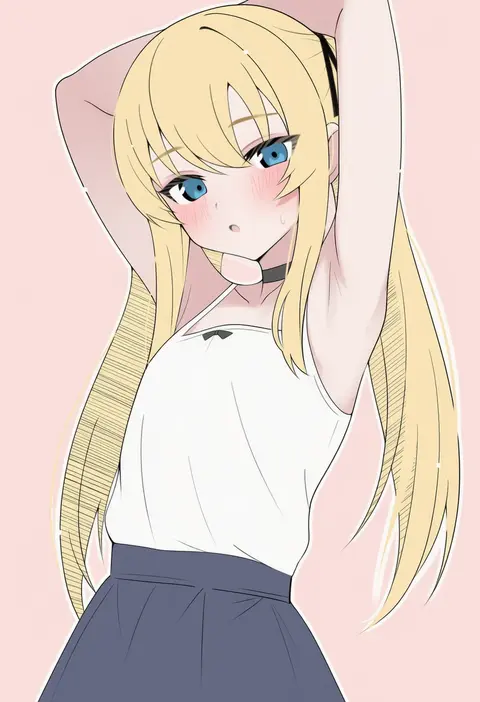
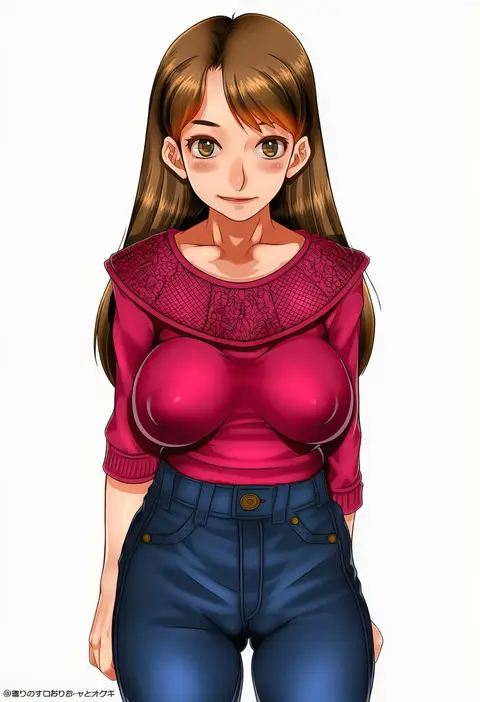
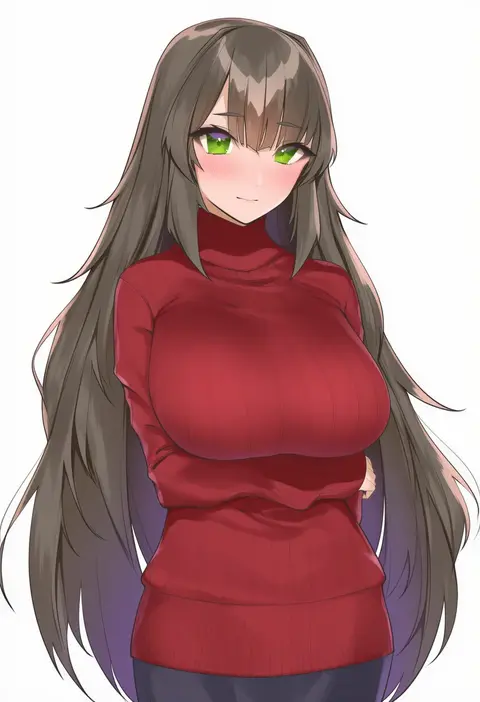
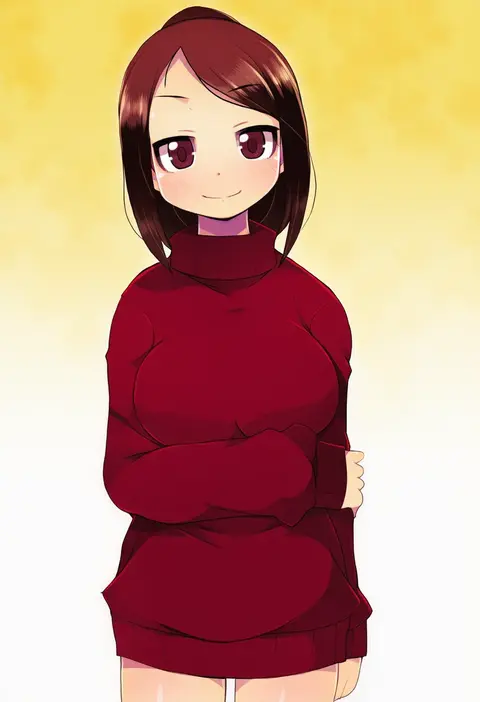
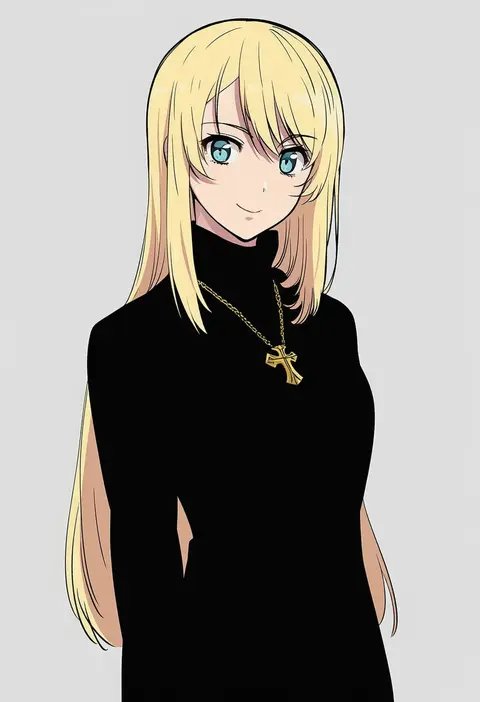
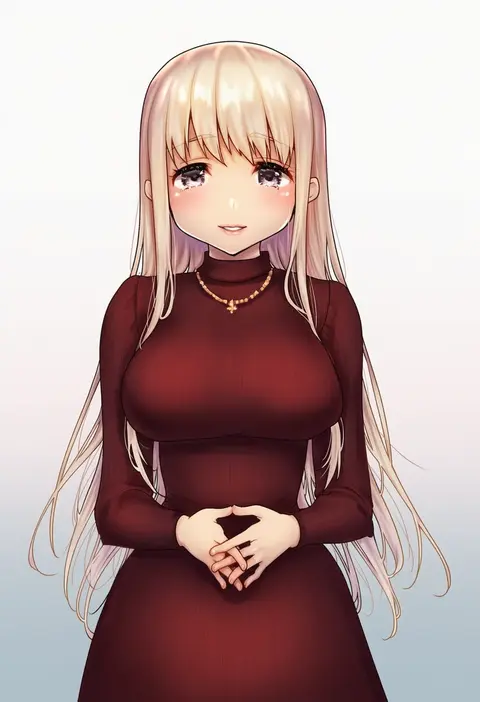
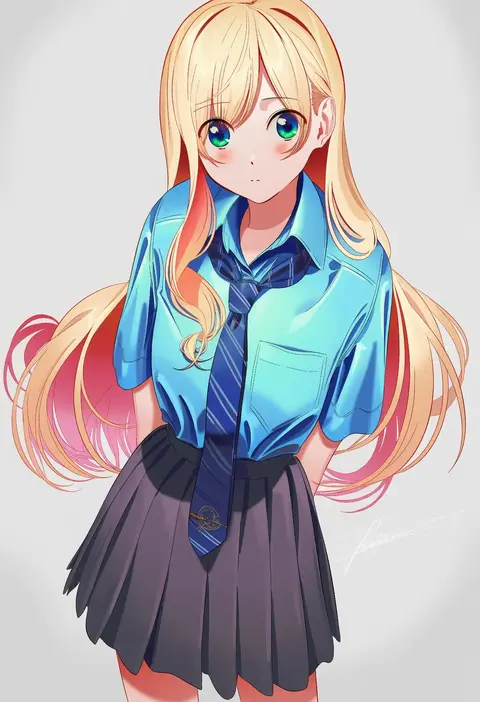
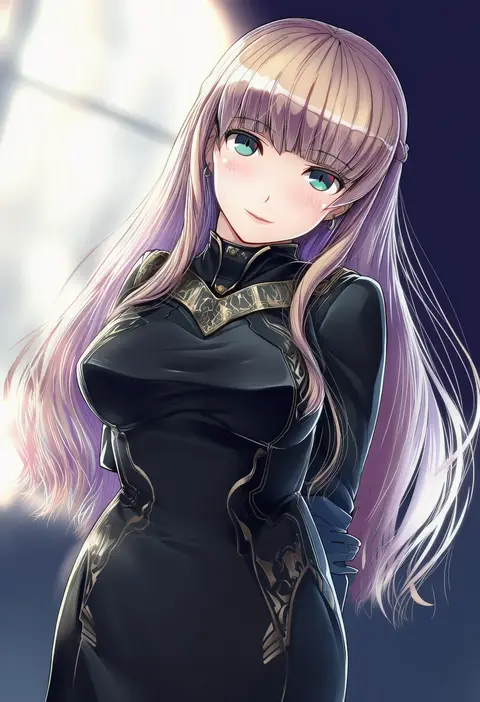
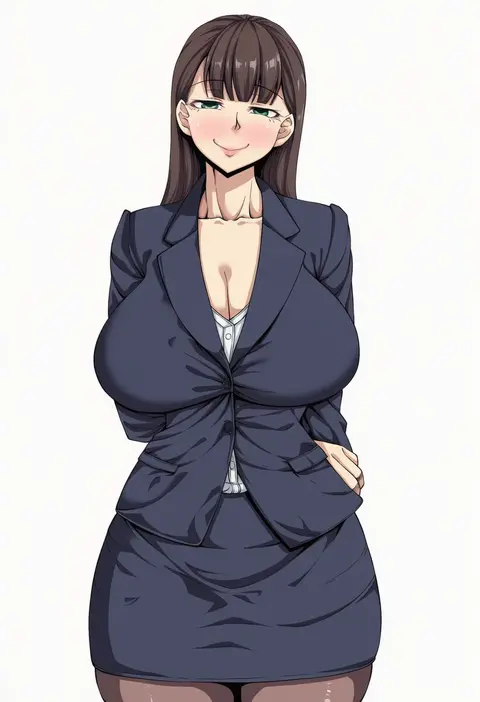
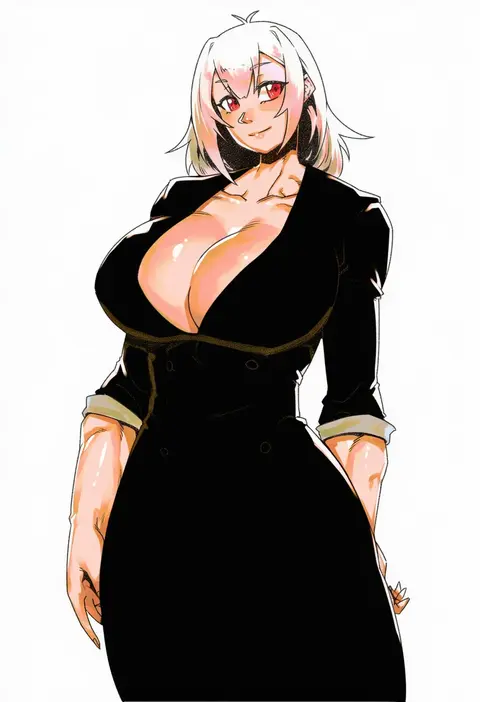
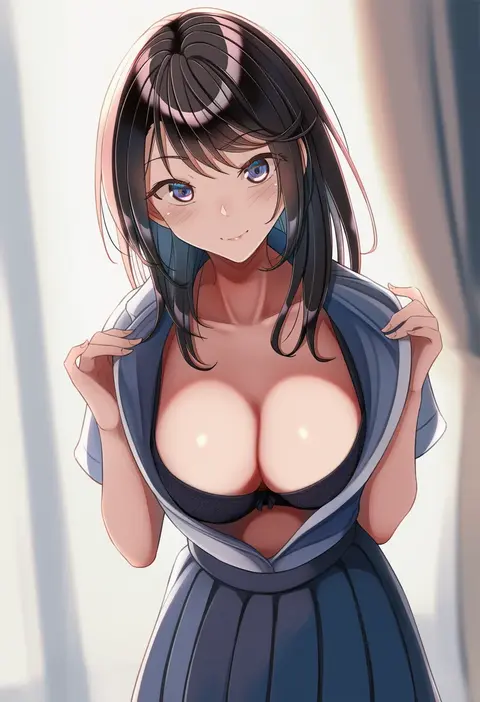
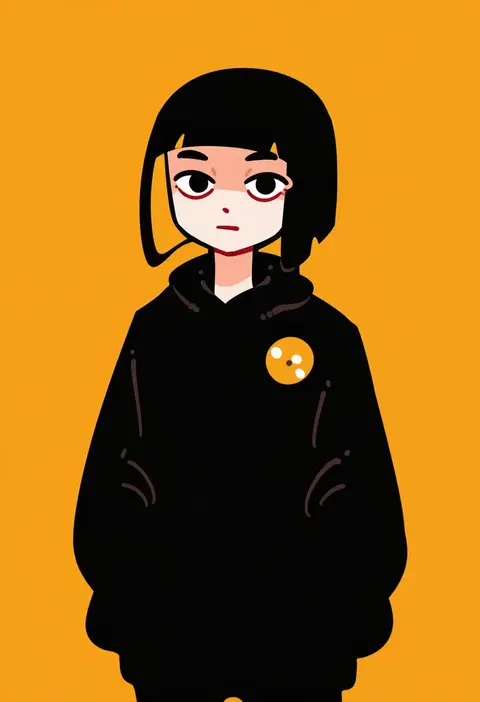
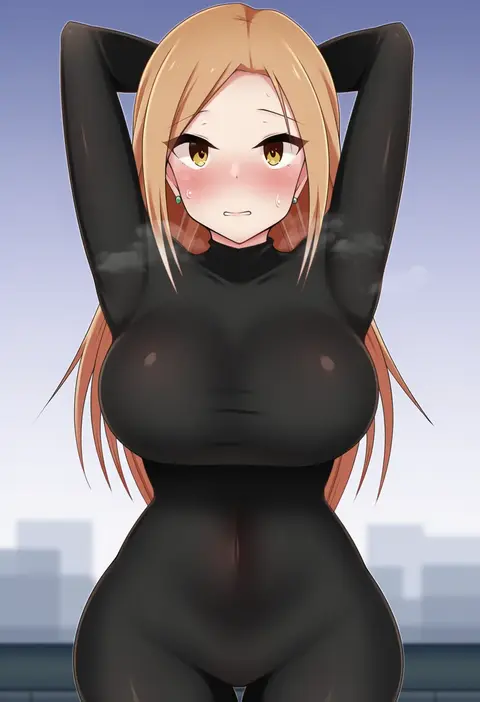
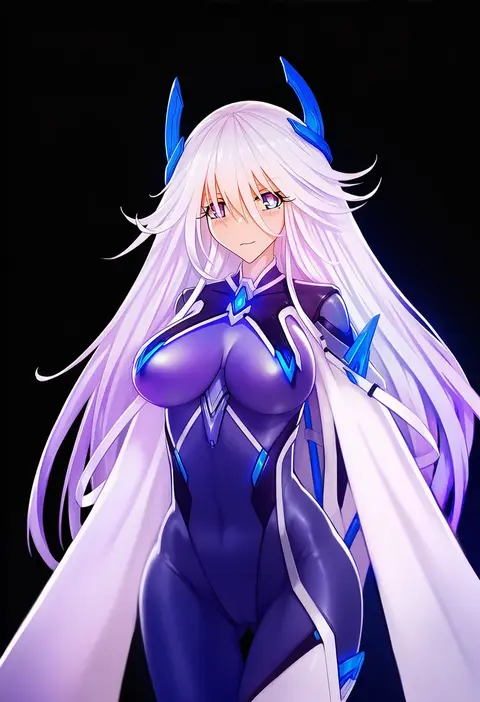
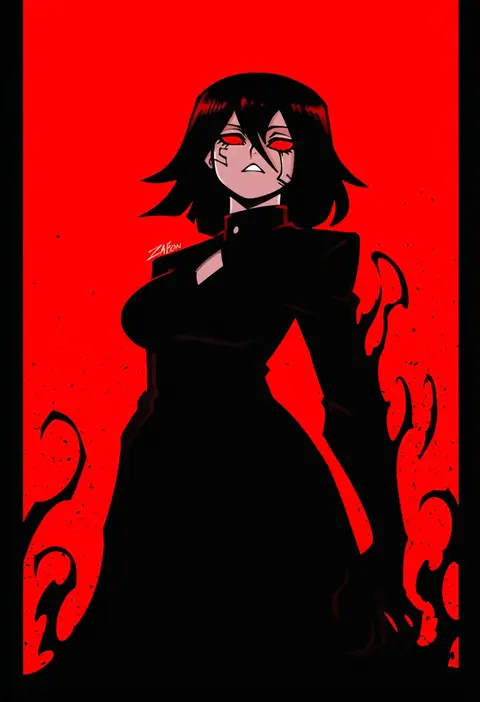
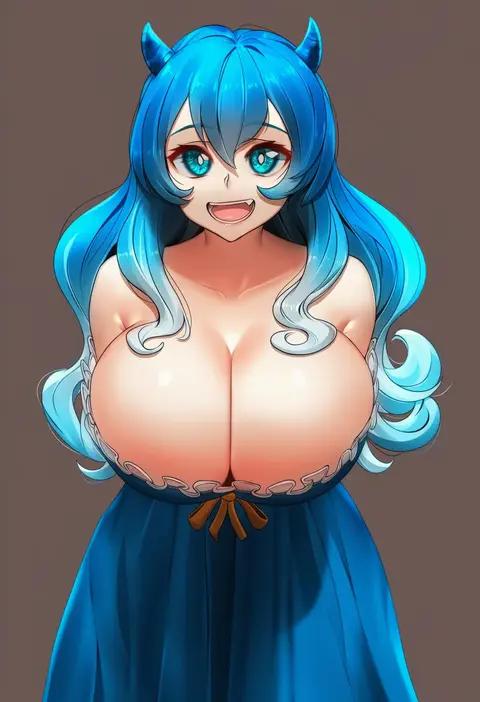
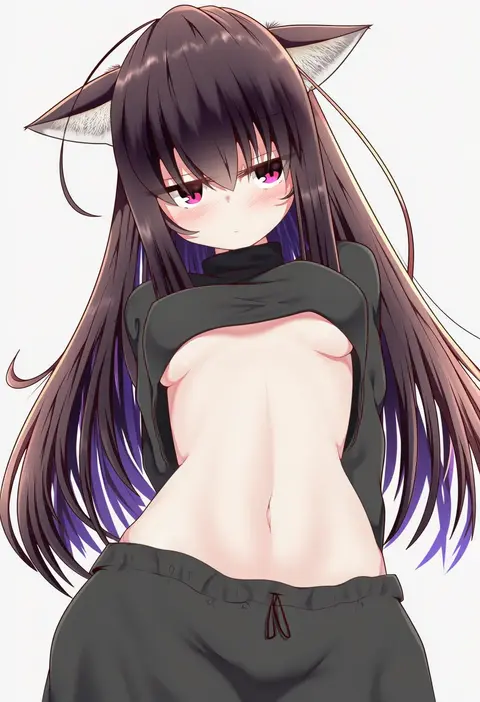
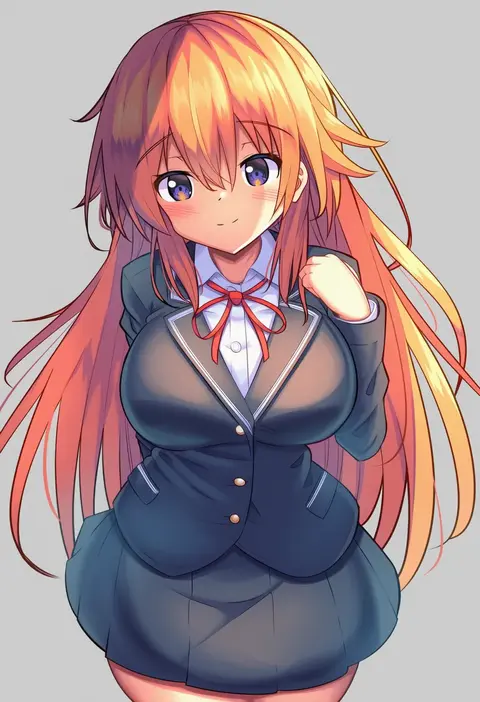
Every tag listed here is verified to react in NovelAI. All images use the same prompt, seed and settings with only the artist tag swapped, so the difference between two images is the style that tag brings in.

How to use them

Put the artist tag near the front of the prompt, e.g. "<artist>, 1girl, solo, best quality, masterpiece, cowboy shot". Two or three artist tags blend styles; lower the weight with "0.8::<artist>::" when the style overpowers the character.

SCORE sorts by Danbooru's top score, POSTS by post count, FAVS by hearts on this site. Open a card to see V5 and V4.5 side by side on the same seed.

V5 vs V4.5

V5 usually lands closer to the artist's real style, and tags that did nothing on V4.5 often react on V5. V4.5 still fits older and doujin-heavy artists better. Try V5 first, fall back to V4.5.

FAQ

Where does the artist tag go?
Near the front of the prompt. Use "0.8::tag::" to adjust its weight.

Can I stack artist tags?
Yes, styles blend. Past two or three the result stops looking like anyone.

Are these the artists' own works?
No. Every image is a NovelAI sample generated from the tag.