V4.5Artists
sort: FAVS▾
▾
>
$

NovelAI Artist Tags List — V4.5

artist --count 16,352[107/273]
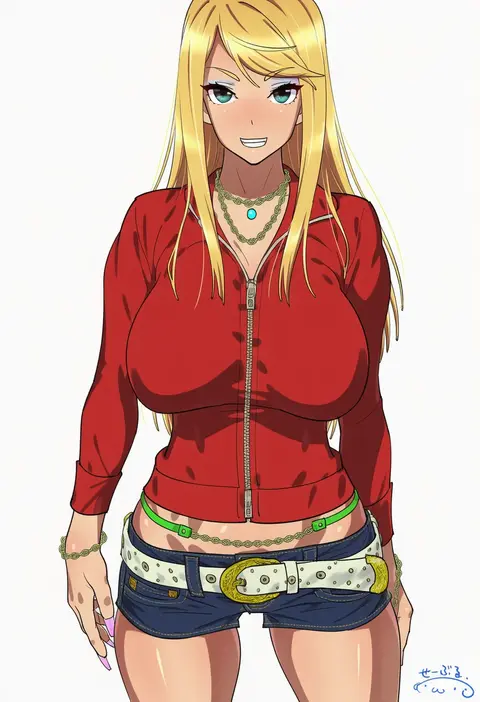
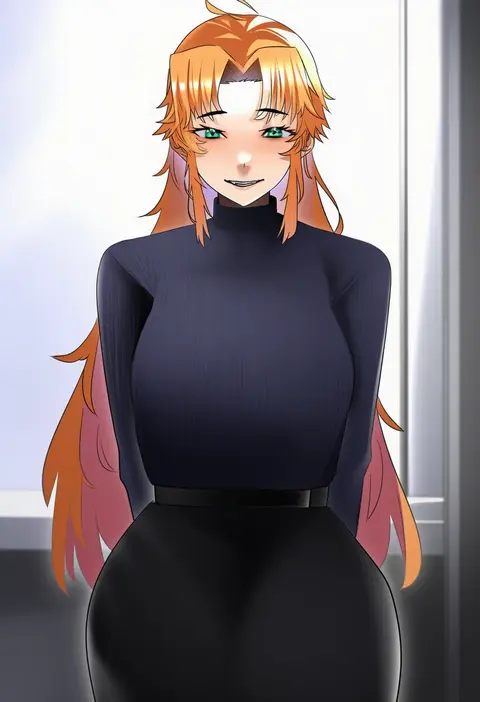
suna (sandworks)
ARTIST0x18D8
0
sub-res
ARTIST0x18D9
0
denki showgun
ARTIST0x18DA
0
nonohara miki
ARTIST0x18DB
0
billie (meng gong fang)
ARTIST0x18DC
0
haku (sabosoda)
ARTIST0x18DD
0
wei (promise 0820)
ARTIST0x18DE
0
majiang
ARTIST0x18DF
0
fpanda
ARTIST0x18E0
0
jitome no tsugumi
ARTIST0x18E1
0
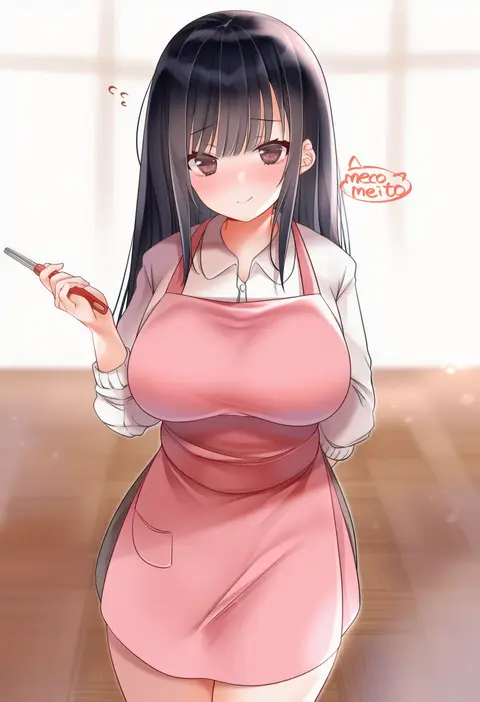
neco meito
ARTIST0x18E2
0
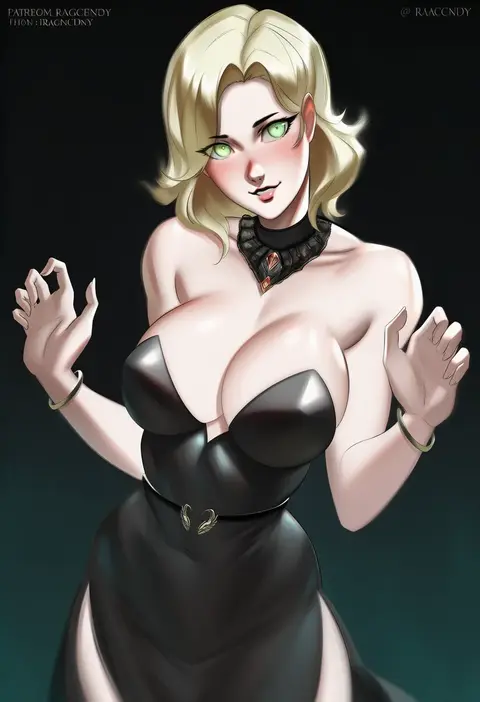
ragecndy
ARTIST0x18E3
0
fujirin
ARTIST0x18E4
0
ox (baallore)
ARTIST0x18E5
0
inotukuhito
ARTIST0x18E6
0
miya ur
ARTIST0x18E7
0
hevn
ARTIST0x18E8
0
juerucj
ARTIST0x18E9
0
hato no suisou
ARTIST0x18EA
0
timo wei95
ARTIST0x18EB
0
gubbi on
ARTIST0x18EC
0
shaa
ARTIST0x18ED
0
ol mahonanoka
ARTIST0x18EE
0
tukiwani
ARTIST0x18EF
0
takiki
ARTIST0x18F0
0
fir3born
ARTIST0x18F1
0
midori (misuriru8)
ARTIST0x18F2
0
terupancake
ARTIST0x18F3
0
watanore
ARTIST0x18F4
0
owasaki
ARTIST0x18F5
0
hide (hideout)
ARTIST0x18F6
0
honzawa yuuichirou
ARTIST0x18F7
0
tsumayouji (tumayog)
ARTIST0x18F8
0
scruffyturtles
ARTIST0x18F9
0
amamitsu kousuke
ARTIST0x18FA
0
nemunemu (candy paddle)
ARTIST0x18FB
0
seorang
ARTIST0x18FC
0
hara id 21
ARTIST0x18FD
0
tawashi1623
ARTIST0x18FE
0
nagoooon 114
ARTIST0x18FF
0
seura isago
ARTIST0x1900
0
geregere (lantern)
ARTIST0x1901
0
kurun (kurun777)
ARTIST0x1902
0
fukunaga yukito
ARTIST0x1903
0
hiiragi mikoto
ARTIST0x1904
0
aaoshigatoutoi
ARTIST0x1905
0
212 (kisaragi)
ARTIST0x1906
0
herigaru (fvgyvr000)
ARTIST0x1907
0
chou (meteorite3)
ARTIST0x1908
0
uni mate
ARTIST0x1909
0
jun (aousa0328)
ARTIST0x190A
0
ikegami akane
ARTIST0x190B
0
yoshida keiji
ARTIST0x190C
0
om (nk2007)
ARTIST0x190D
0
kujou danbo
ARTIST0x190E
0
sheita
ARTIST0x190F
0
hanya (hanya yashiki)
ARTIST0x1910
0
glastonbury1966
ARTIST0x1911
0
koshiro itsuki
ARTIST0x1912
0
burbur
ARTIST0x1913
0

What these tags change

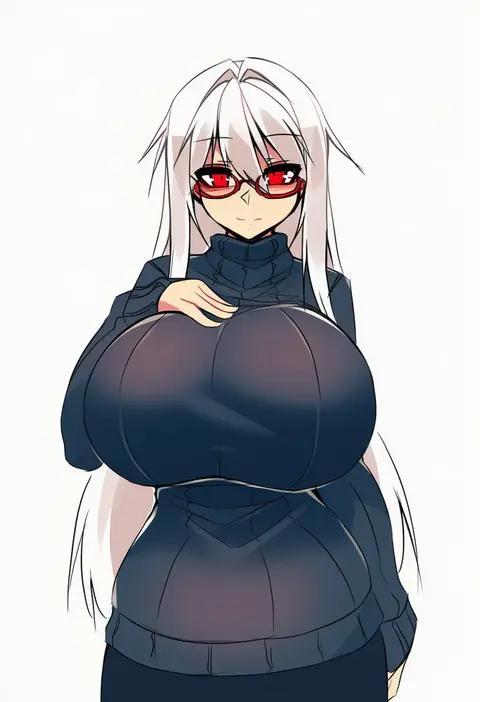
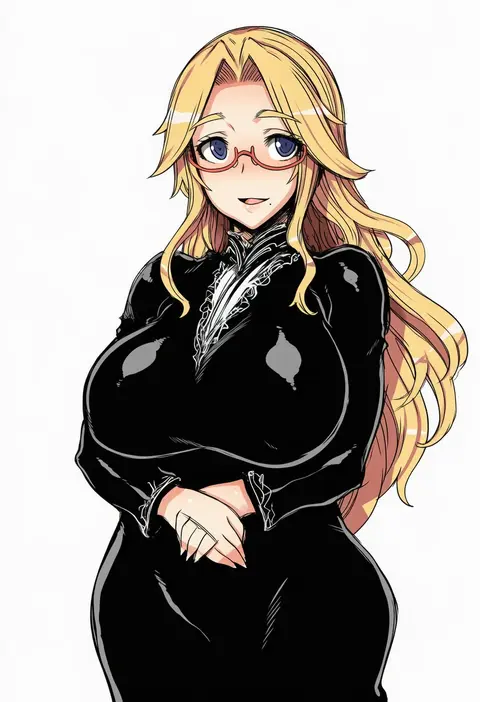
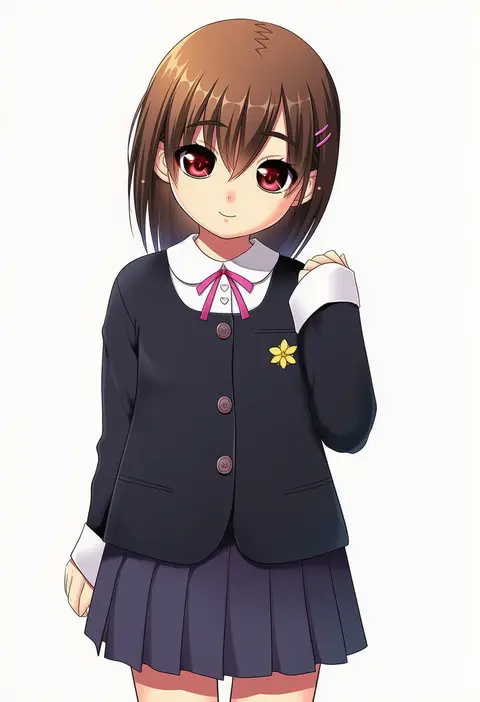
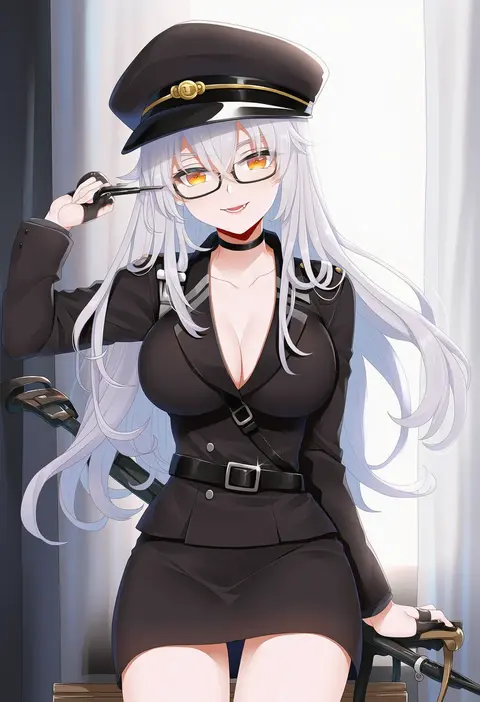
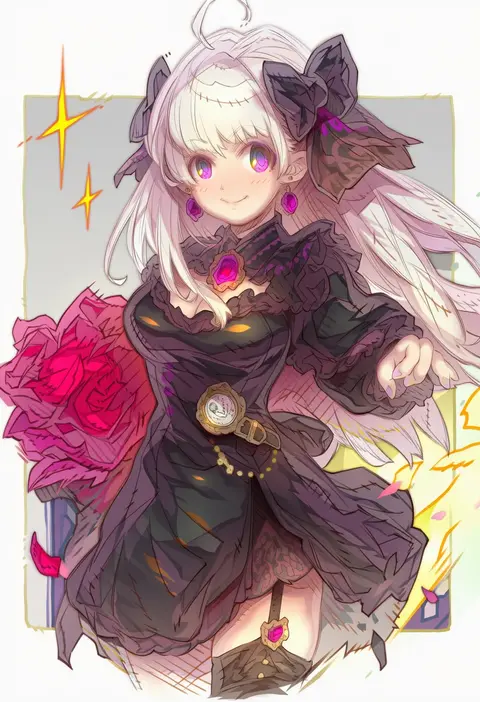
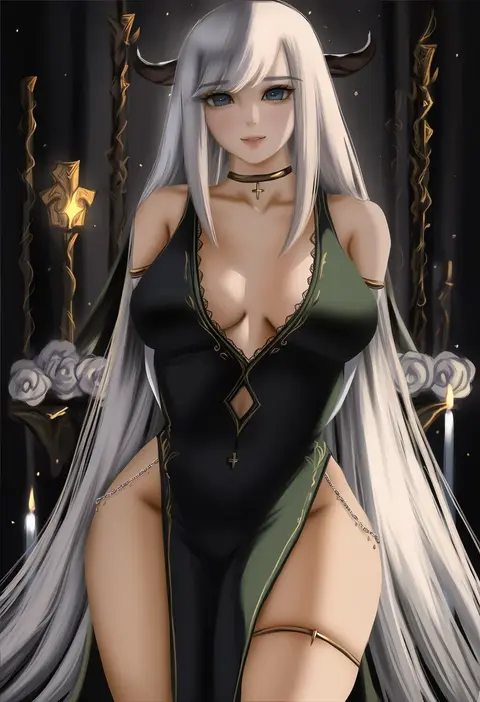
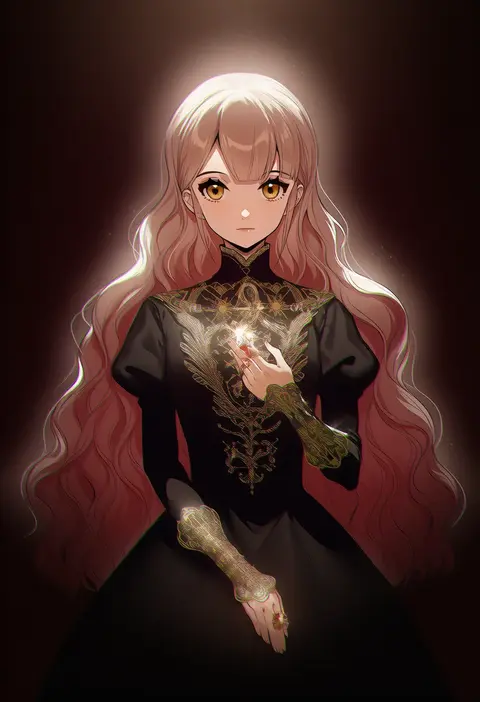
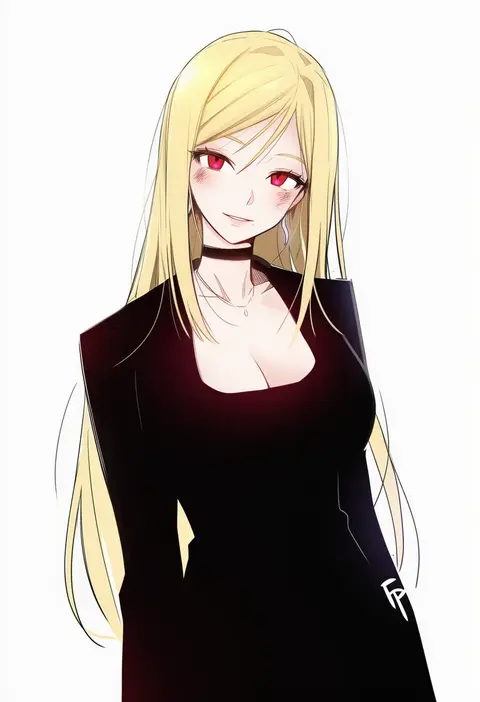
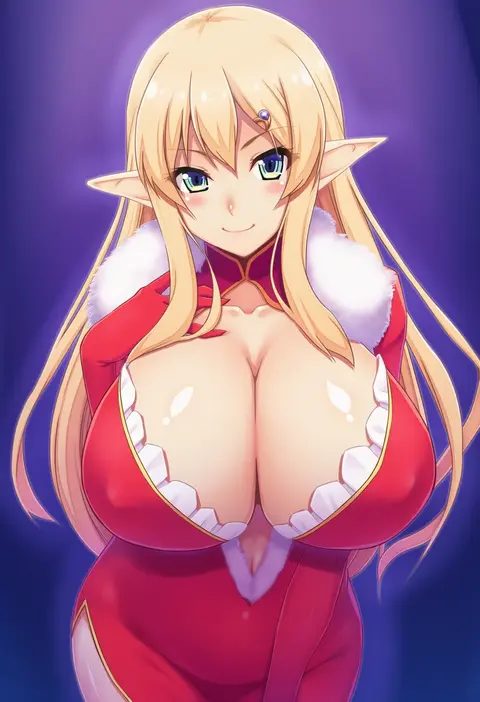
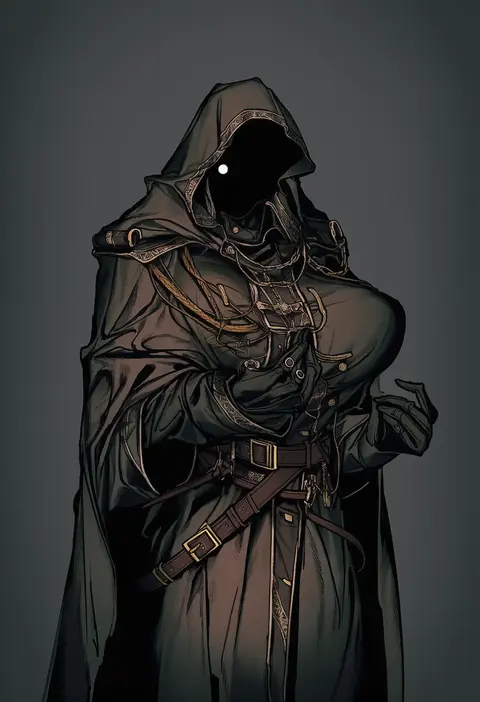
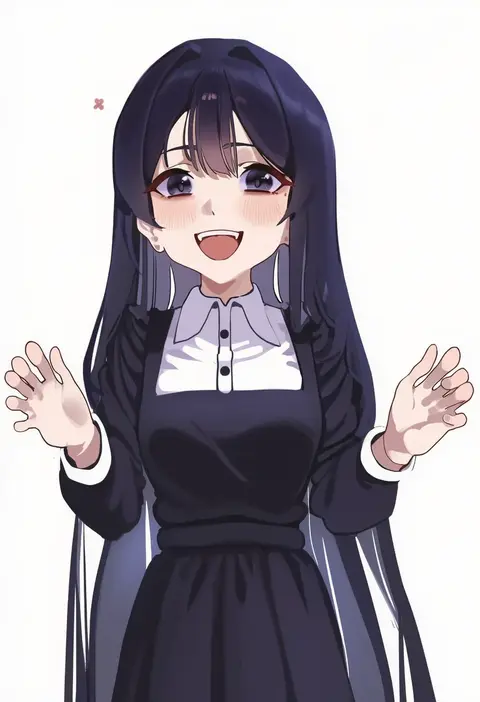
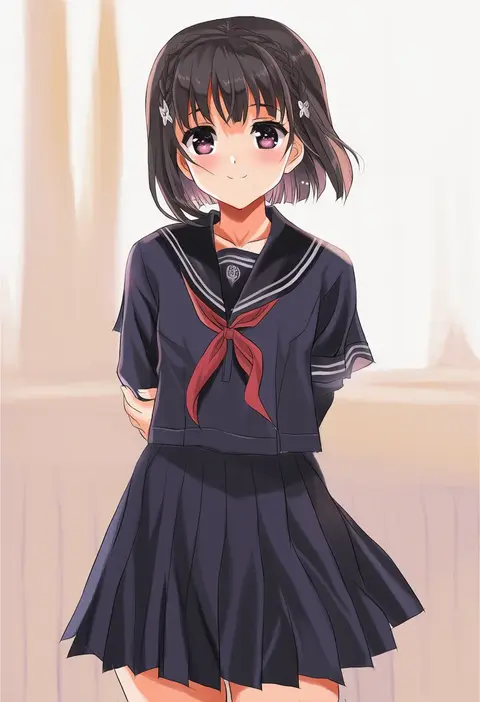
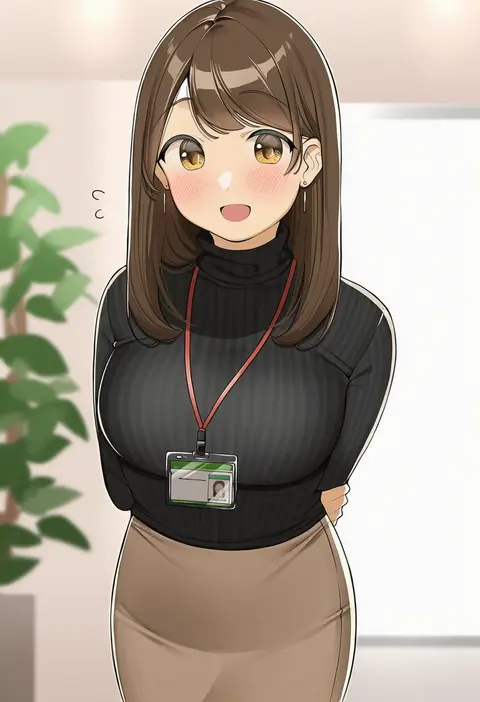
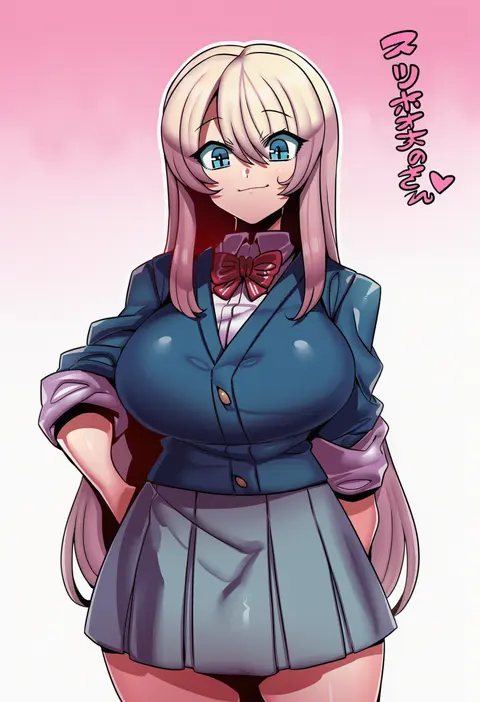
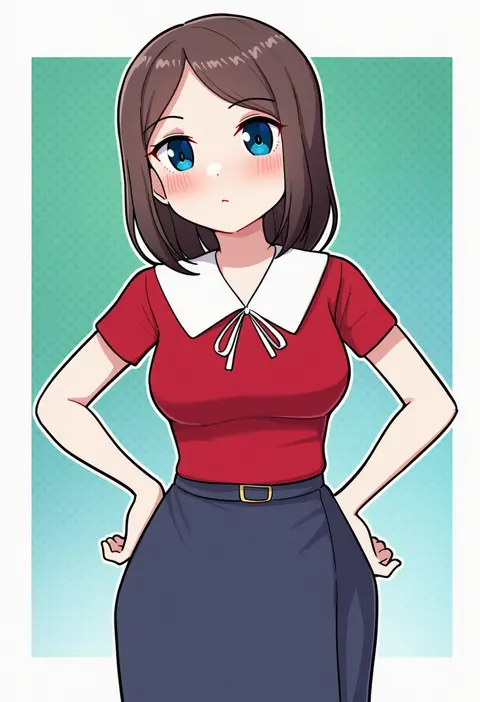
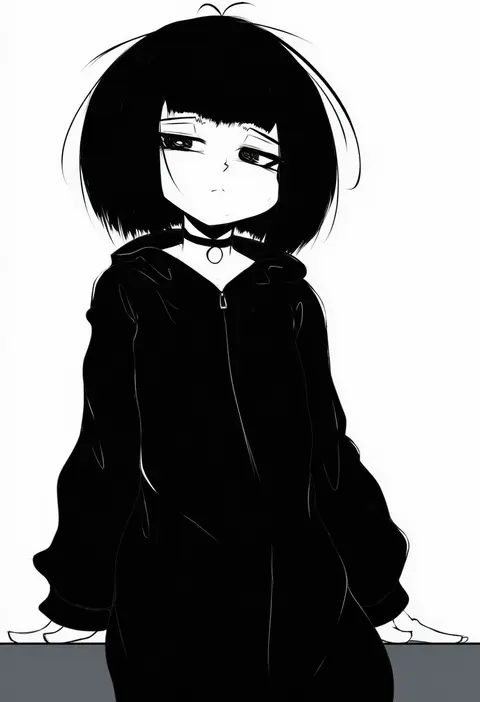
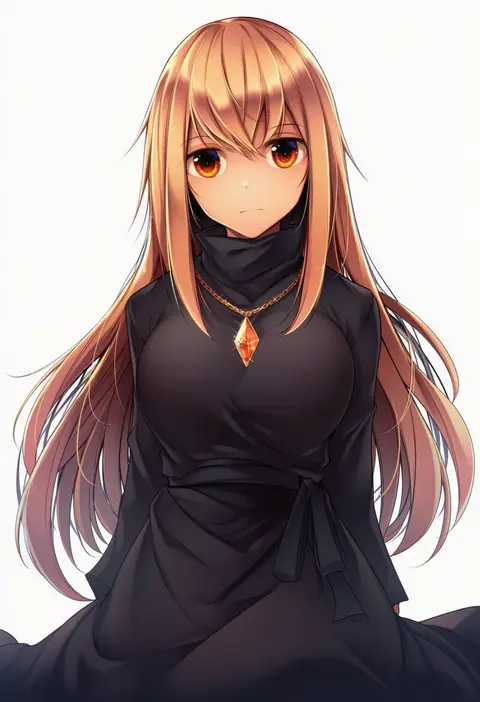
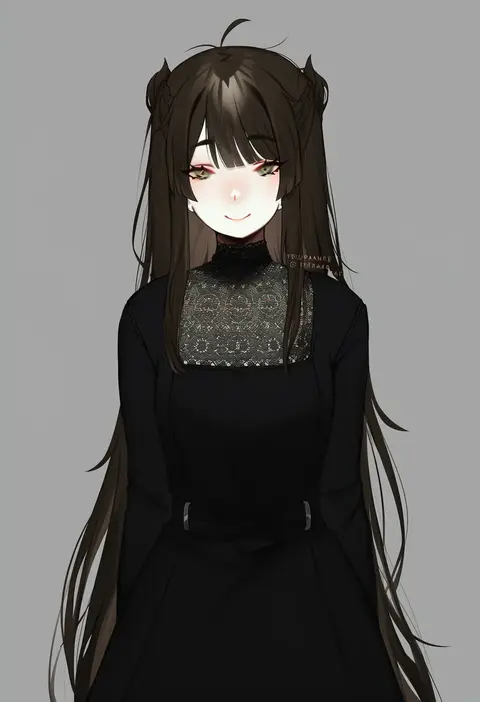
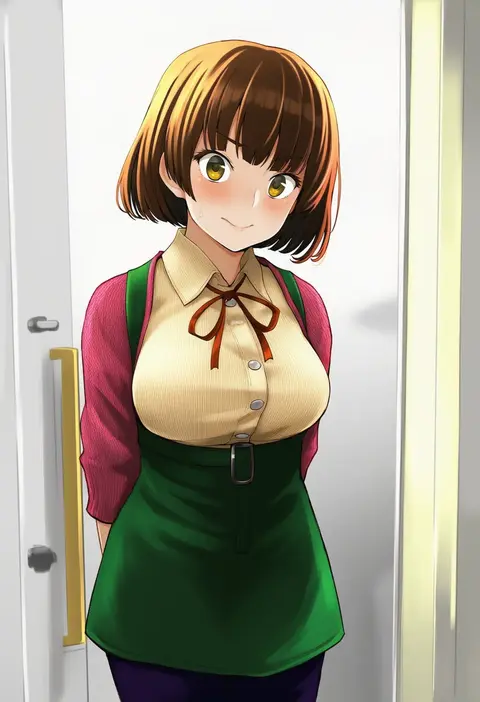
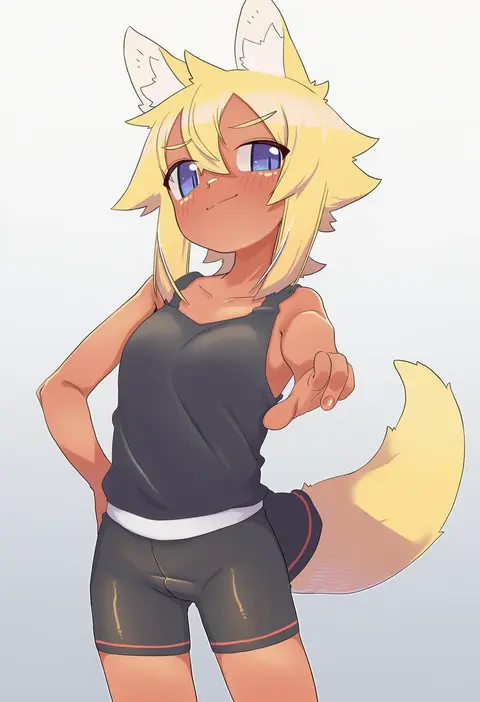
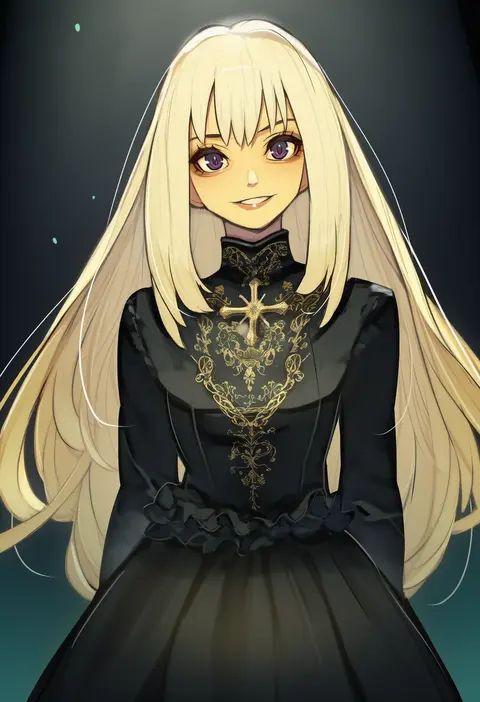
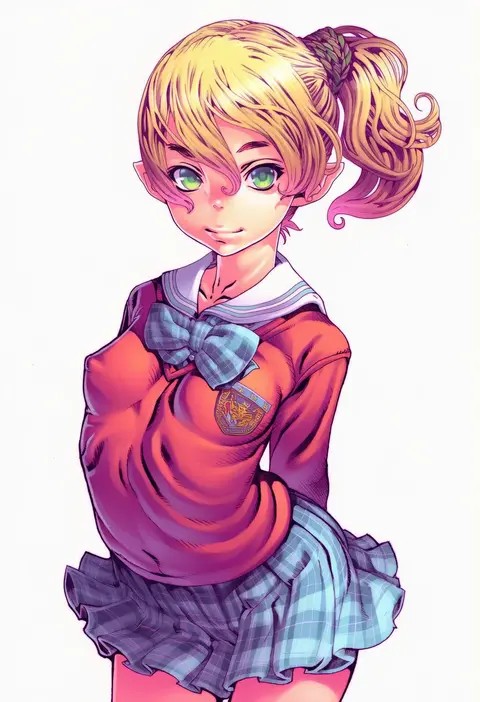
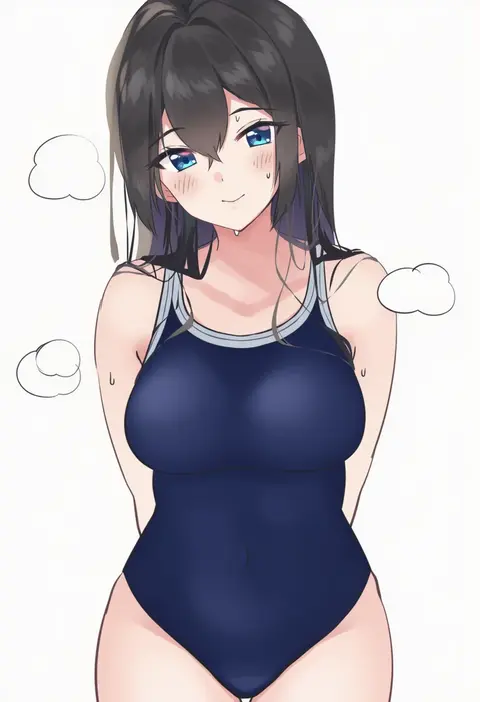
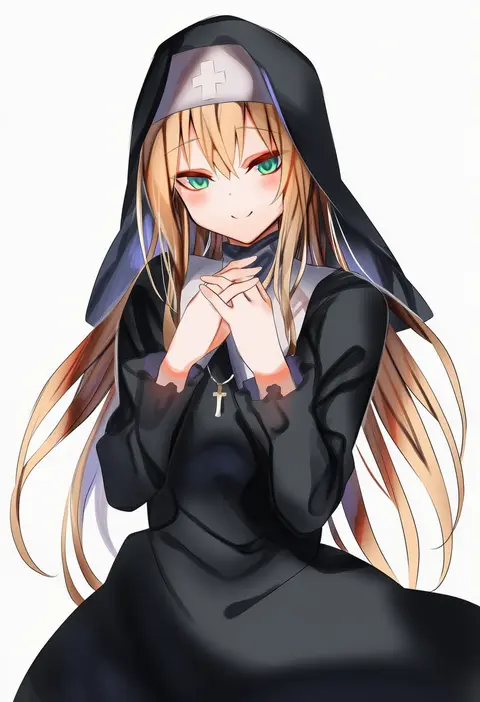
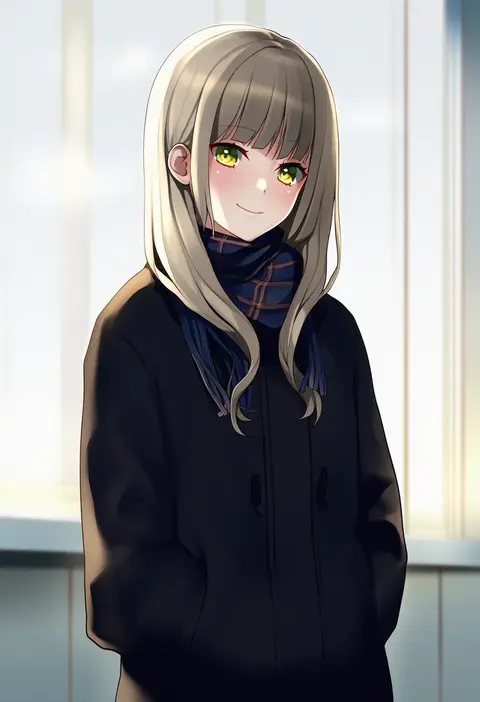
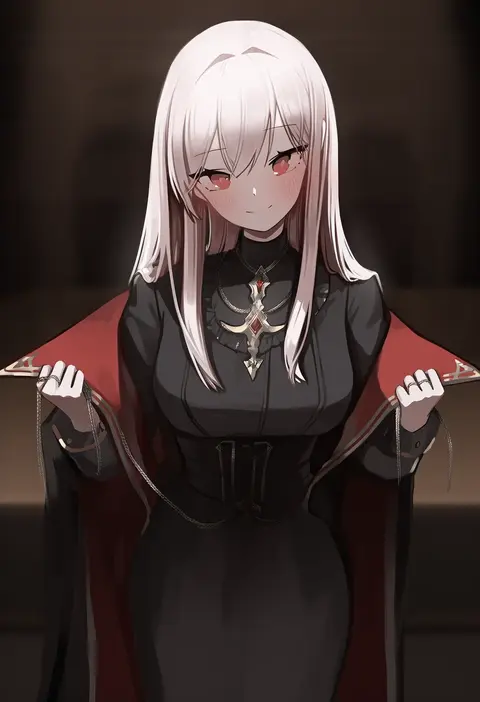
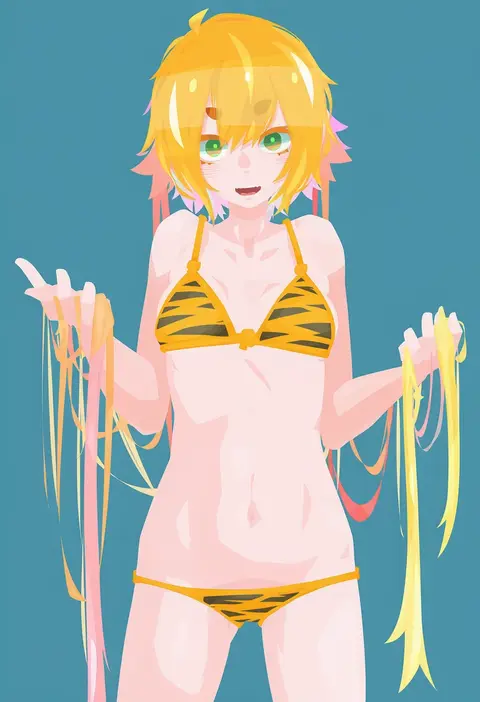
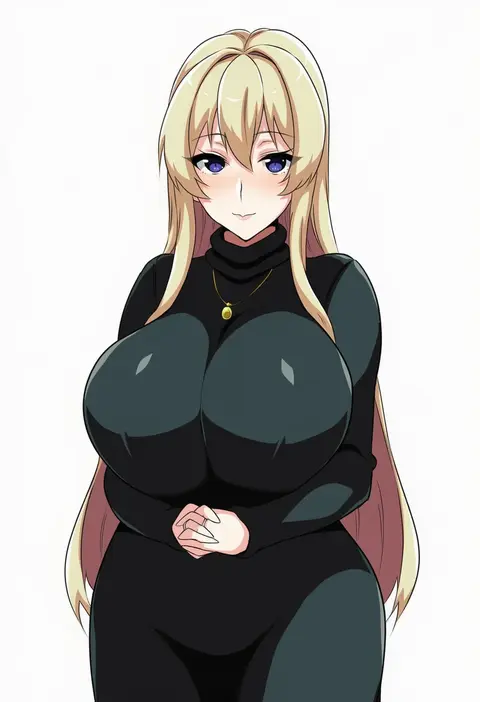
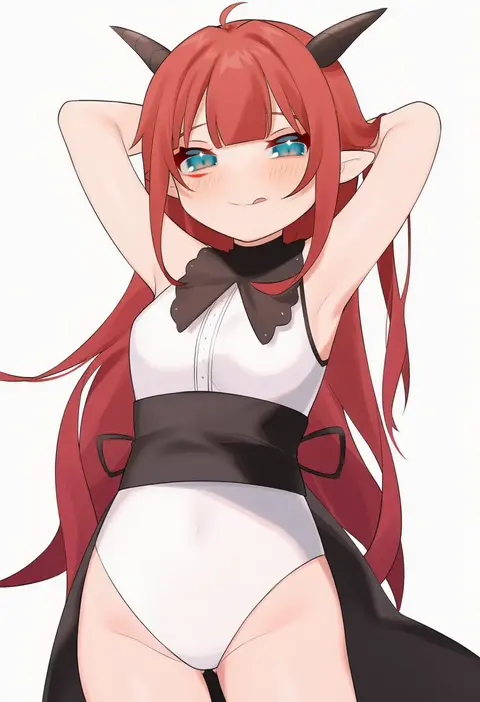
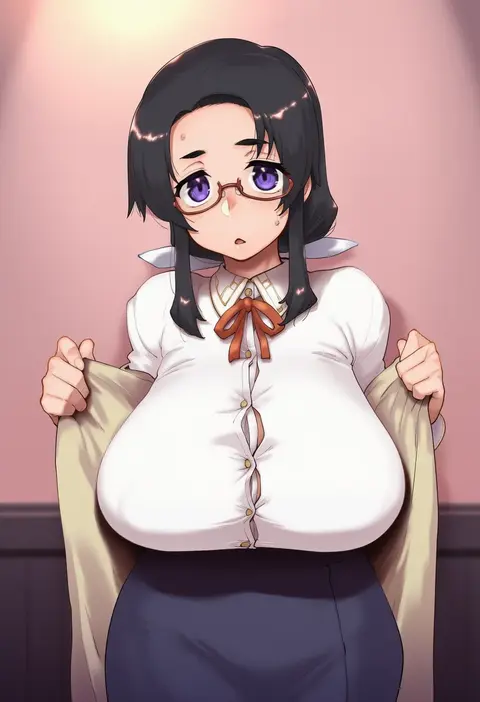
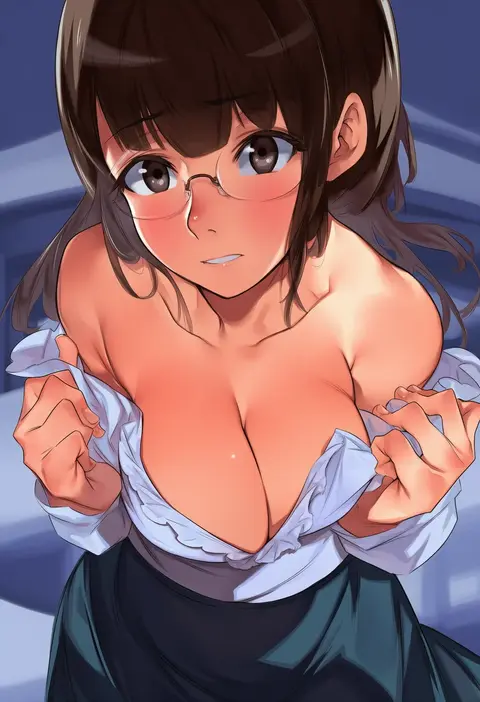
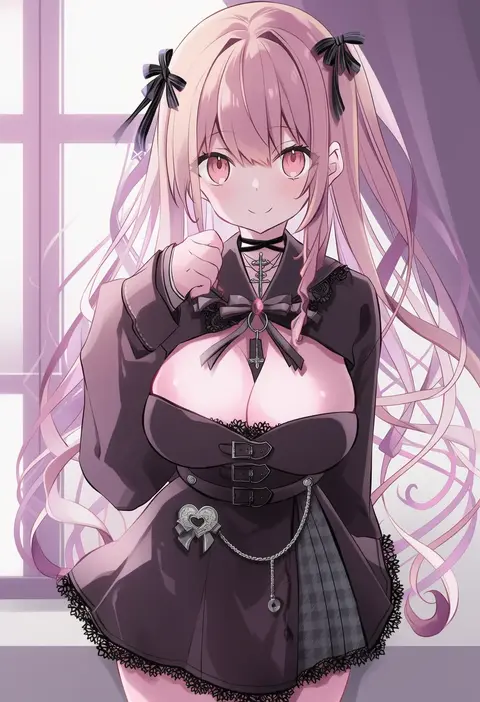
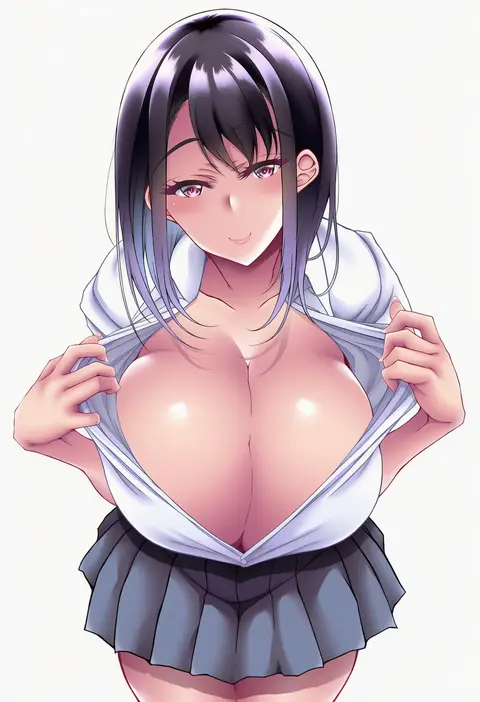
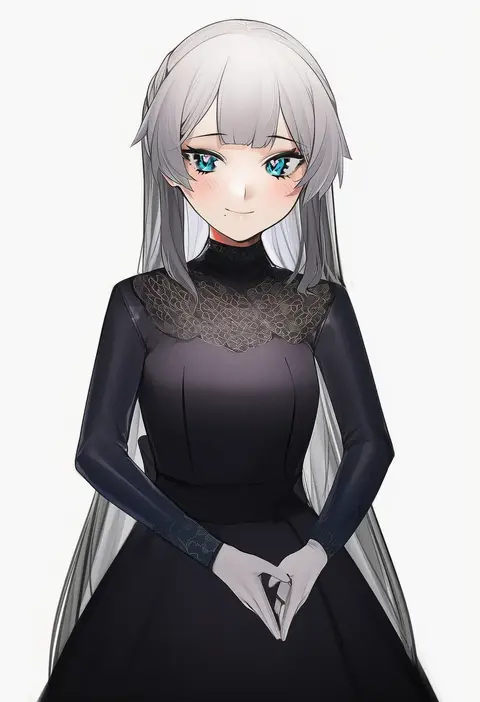
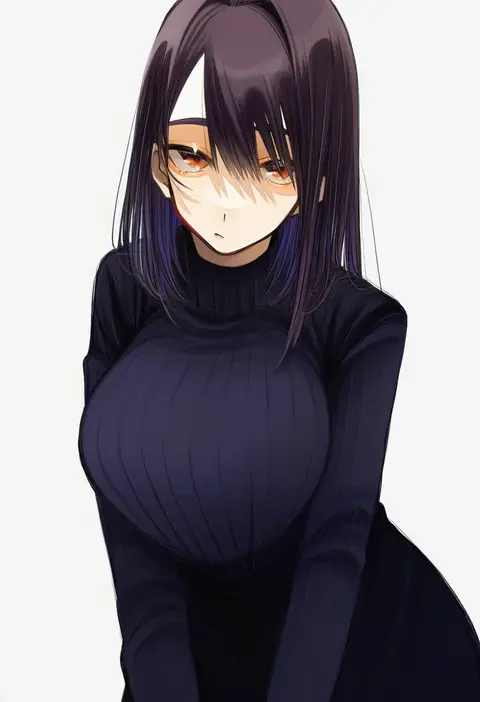
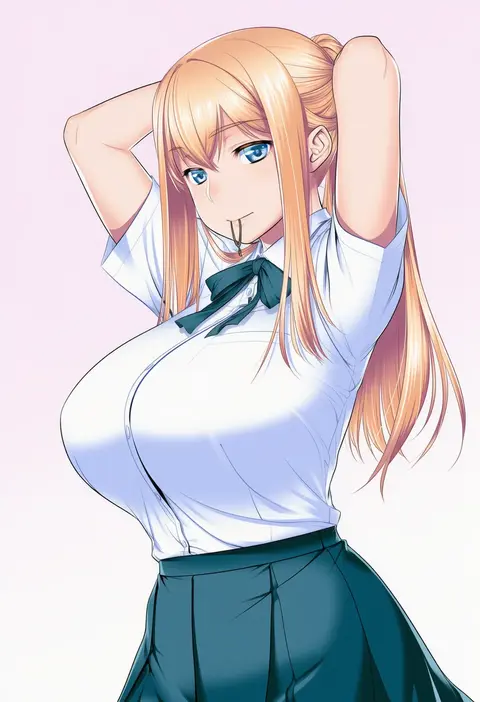
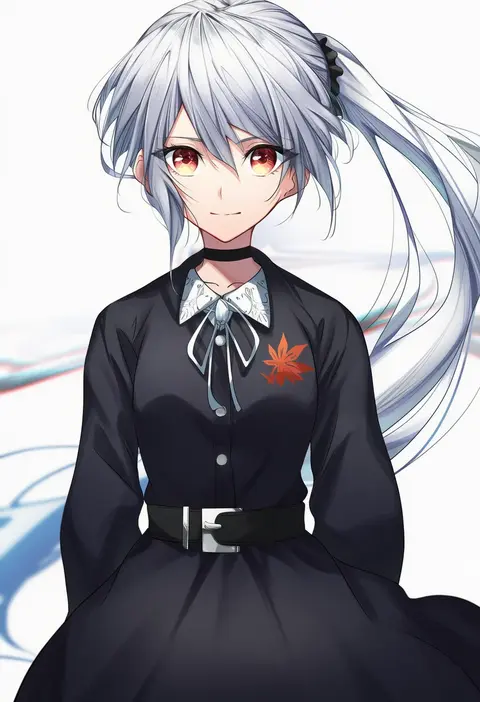
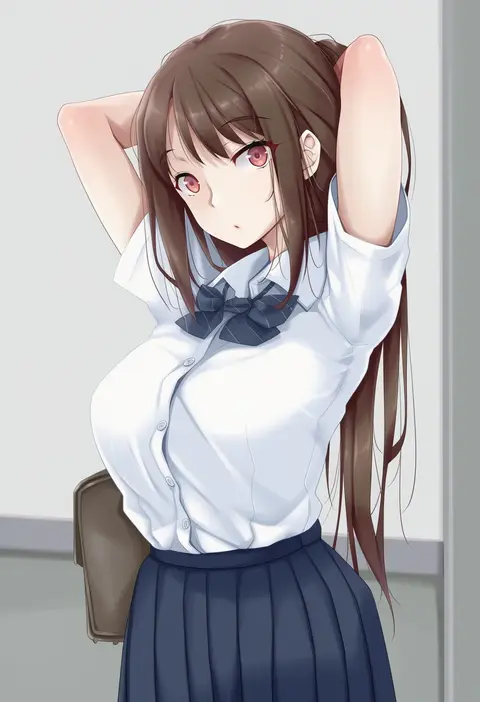
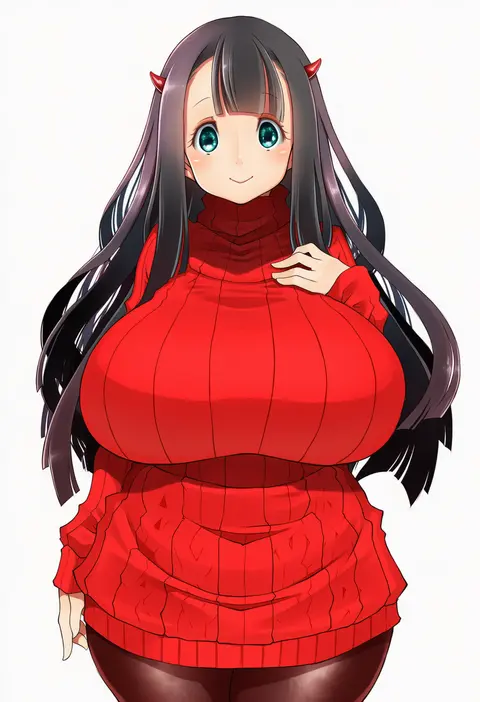
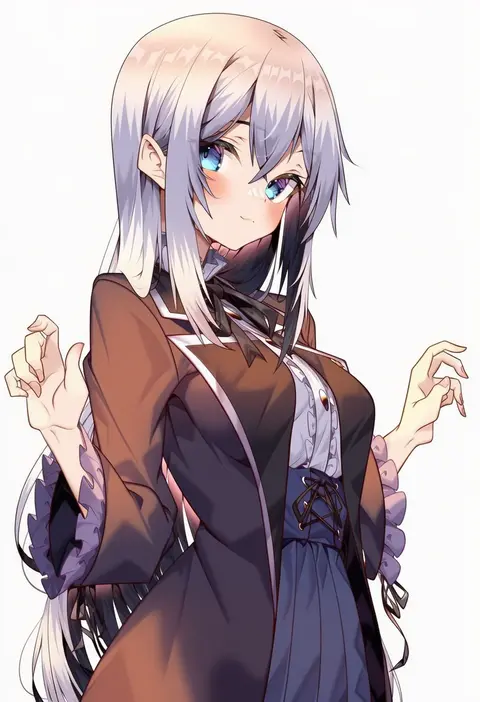
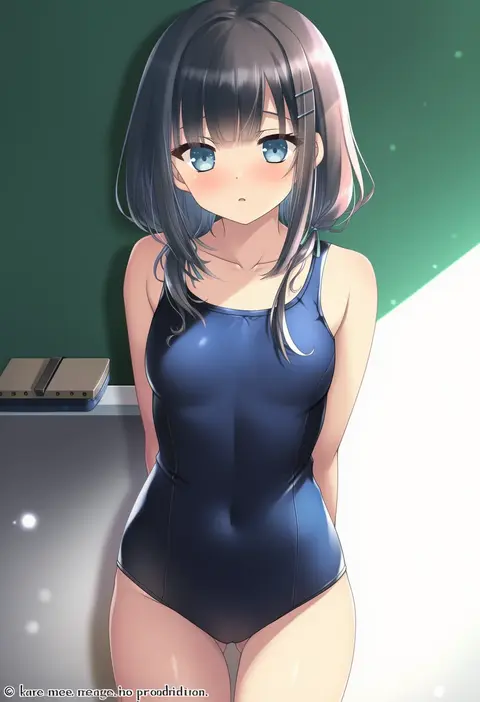
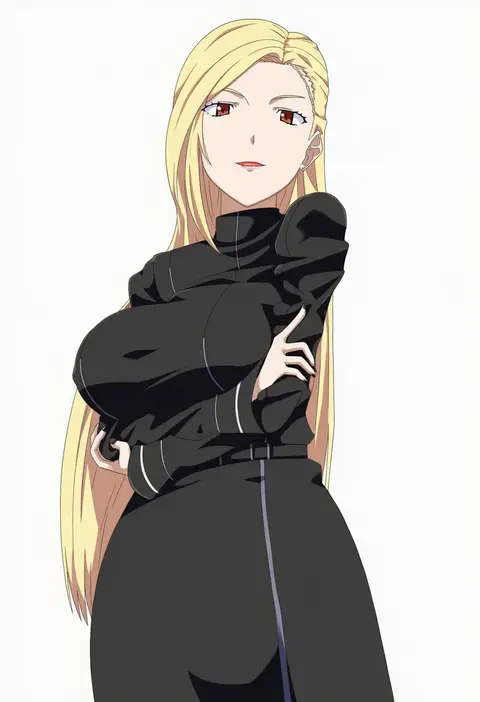
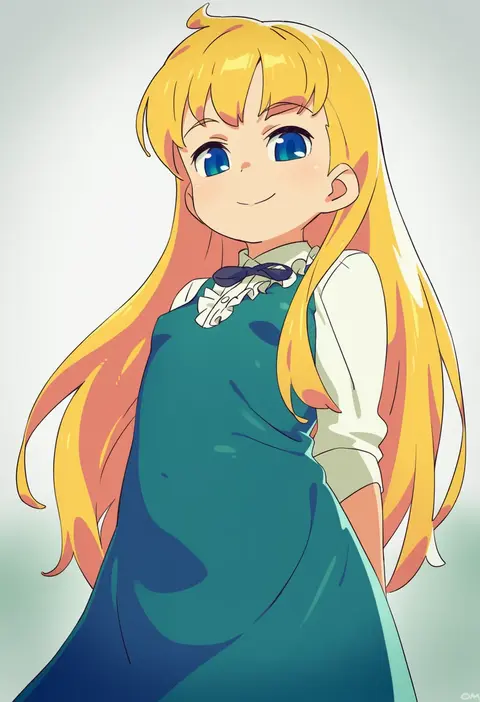
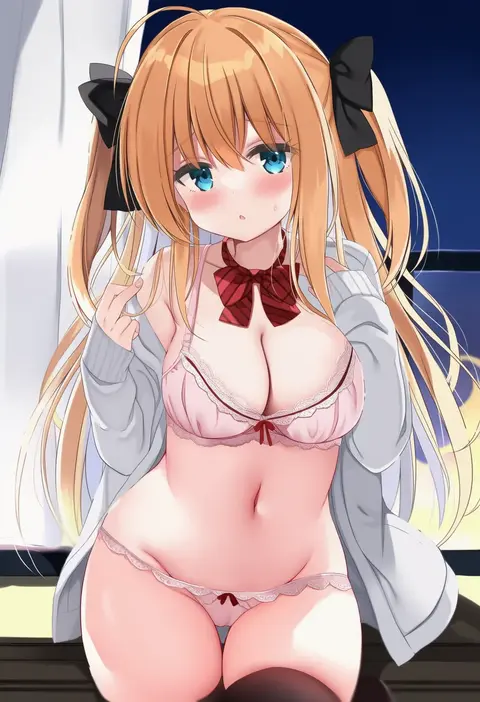
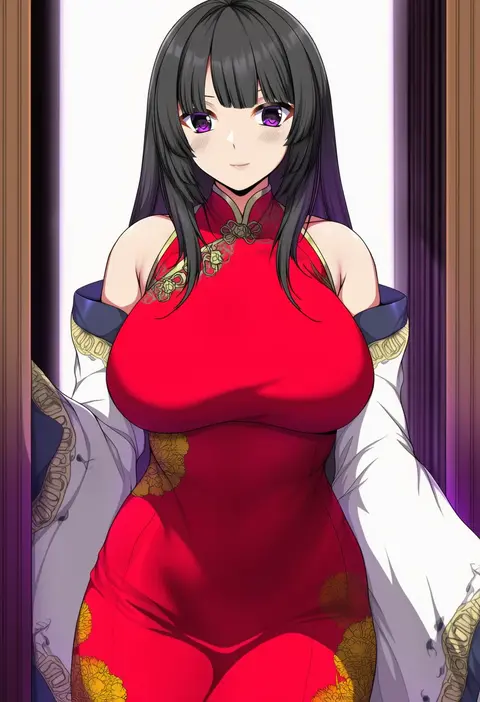
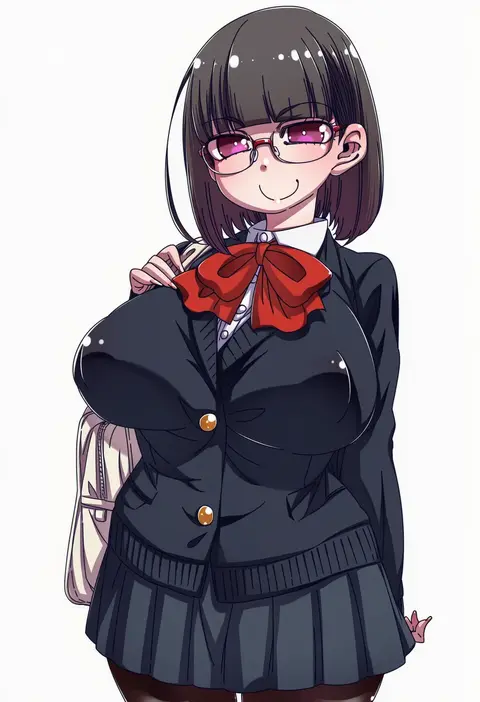
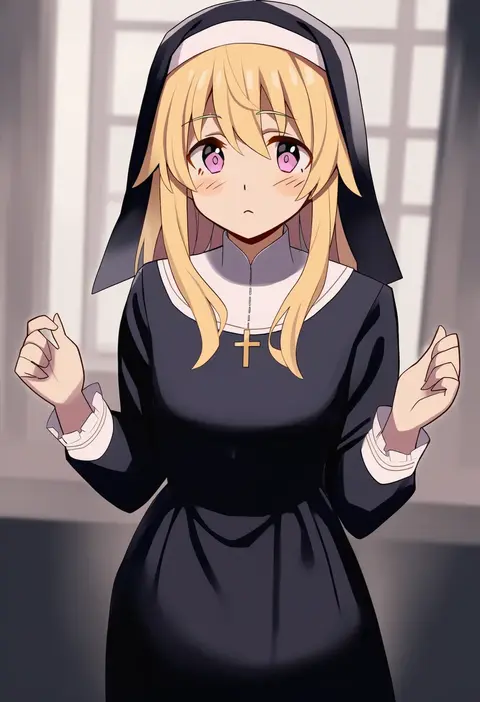
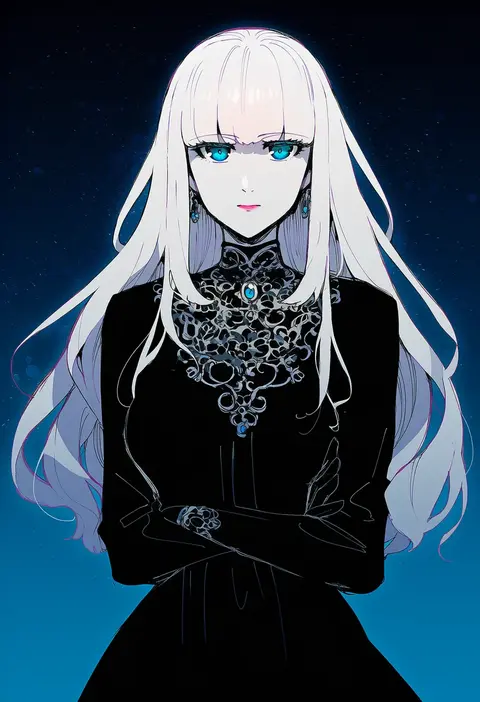
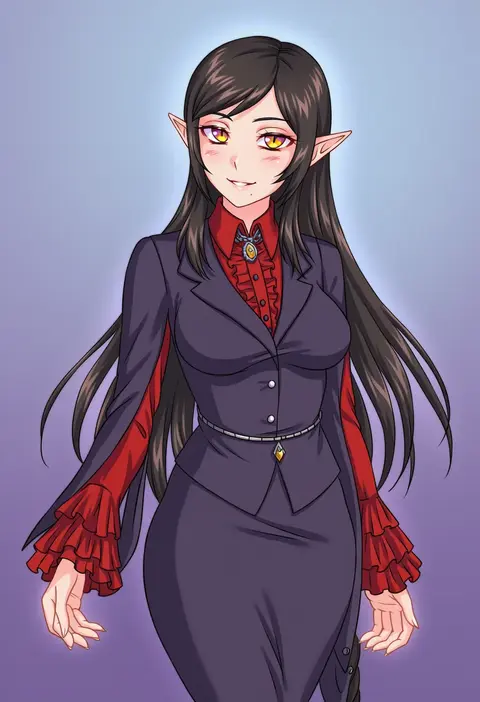
Artist tags tell NovelAI Diffusion to draw in a specific artist's style: line weight, paint texture, face shapes and palette all shift at once. Character and outfit tags decide what is drawn; artist tags decide how. 16,352 tags are listed for V4.5.
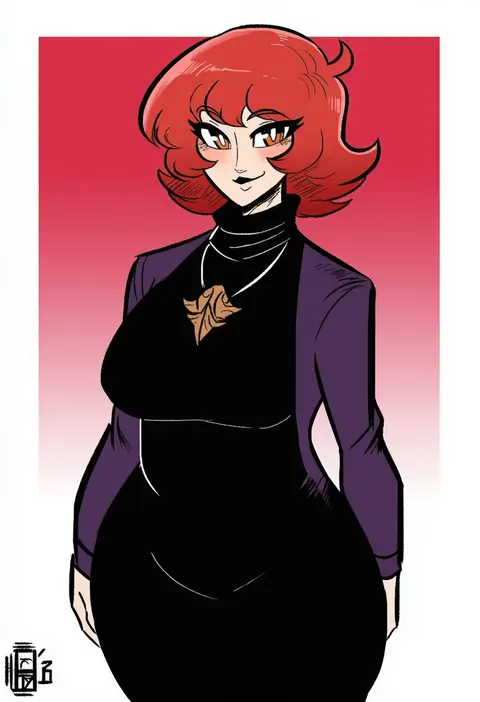
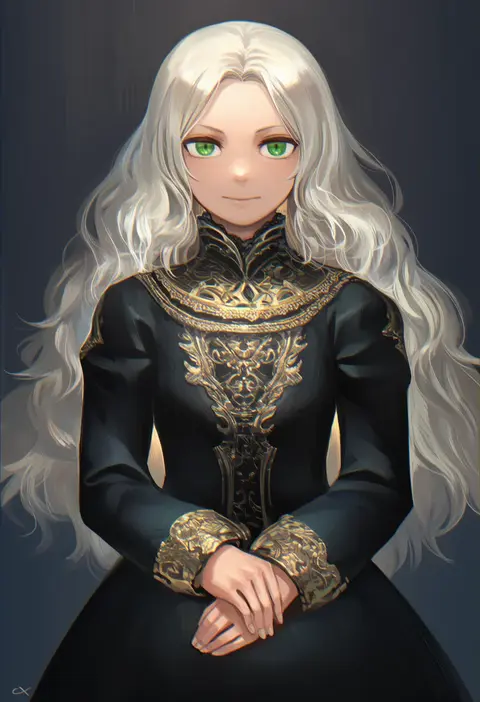
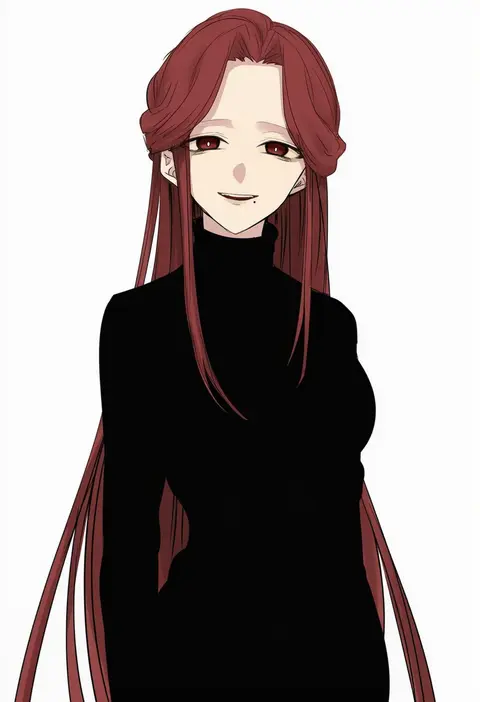
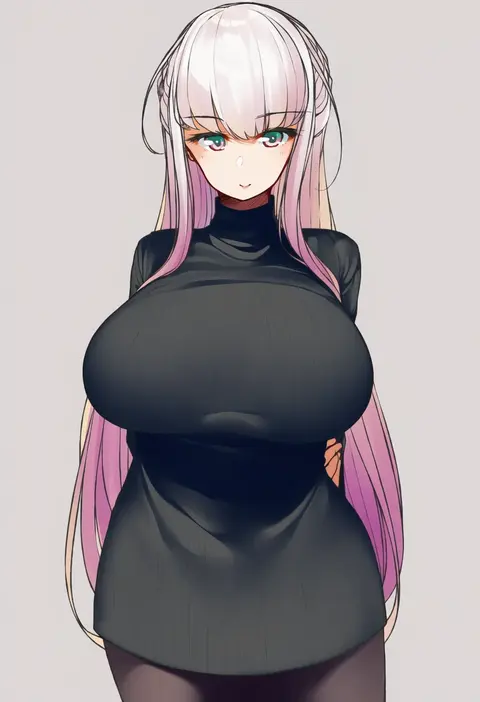
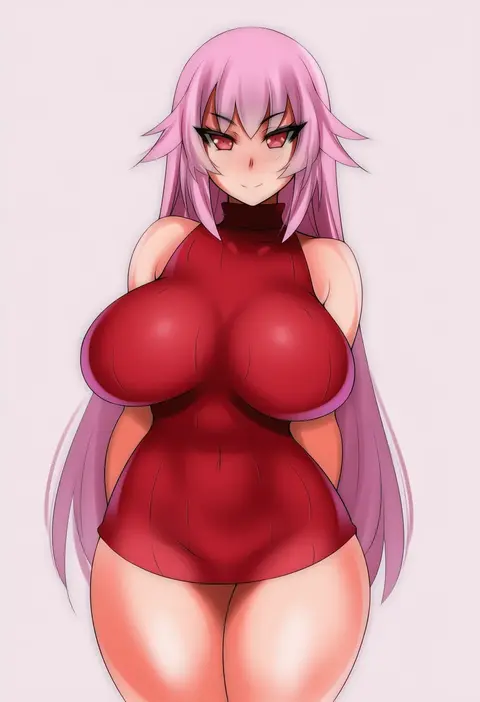
Every tag listed here is verified to react in NovelAI. All images use the same prompt, seed and settings with only the artist tag swapped, so the difference between two images is the style that tag brings in.

How to use them

Put the artist tag near the front of the prompt, e.g. "<artist>, 1girl, solo, best quality, masterpiece, cowboy shot". Two or three artist tags blend styles; lower the weight with "0.8::<artist>::" when the style overpowers the character.

SCORE sorts by Danbooru's top score, POSTS by post count, FAVS by hearts on this site. Open a card to see V5 and V4.5 side by side on the same seed.

V5 vs V4.5

V5 usually lands closer to the artist's real style, and tags that did nothing on V4.5 often react on V5. V4.5 still fits older and doujin-heavy artists better. Try V5 first, fall back to V4.5.

FAQ

Where does the artist tag go?
Near the front of the prompt. Use "0.8::tag::" to adjust its weight.

Can I stack artist tags?
Yes, styles blend. Past two or three the result stops looking like anyone.

Are these the artists' own works?
No. Every image is a NovelAI sample generated from the tag.