V4.5Artists
sort: FAVS▾
▾
>
$

NovelAI Artist Tags List — V4.5

artist --count 16,352[105/273]
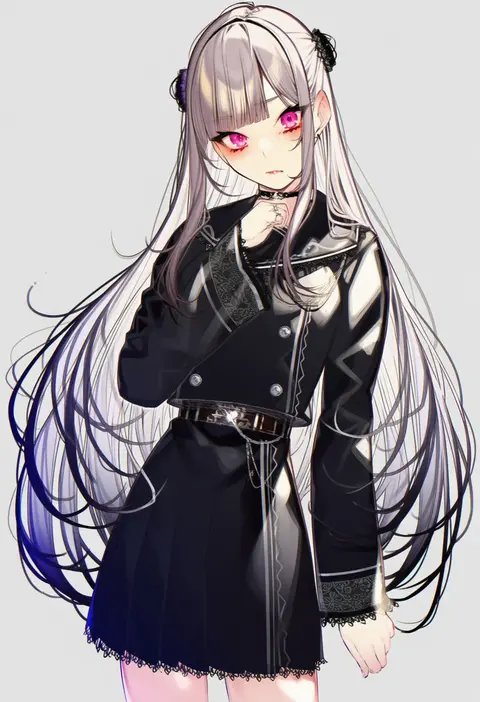
kayahara
ARTIST0x1860
0
akaiha (akaihasugk)
ARTIST0x1861
0
isemagu
ARTIST0x1862
0
ayatori (aytr)
ARTIST0x1863
0
pastime774
ARTIST0x1864
0
k.ty (amejin)
ARTIST0x1865
0
kuri choko
ARTIST0x1866
0
hoshi rasuku
ARTIST0x1867
0
coba (coba xp)
ARTIST0x1868
0
hutaba haru
ARTIST0x1869
0
hoplitx
ARTIST0x186A
0
hana mori
ARTIST0x186B
0
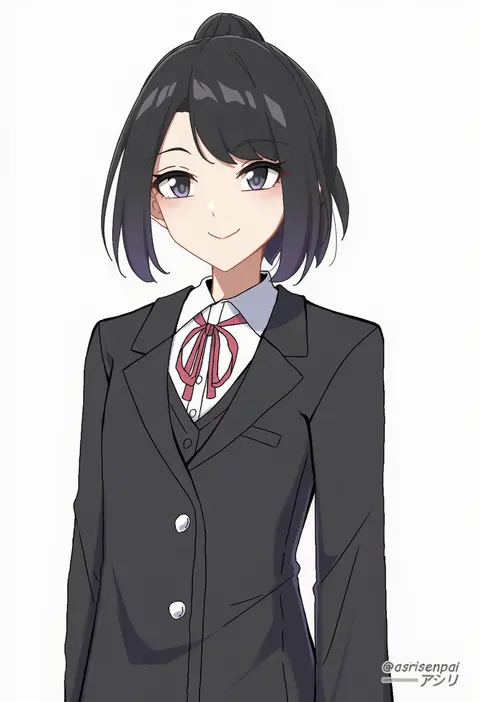
asiri senpai
ARTIST0x186C
0
saeki sora
ARTIST0x186D
0
soyoong jun
ARTIST0x186E
0
shikido (khf)
ARTIST0x186F
0
solopipb
ARTIST0x1870
0
tsuzuri (tu-san house)
ARTIST0x1871
0
myowa
ARTIST0x1872
0
pierre norano
ARTIST0x1873
0
mokoke
ARTIST0x1874
0
whitem (whiteemperor2020)
ARTIST0x1875
0
ikayaki (ikayaki4)
ARTIST0x1876
0
shouni (sato3)
ARTIST0x1877
0
monobe tsukuri
ARTIST0x1878
0
iroha (unyun)
ARTIST0x1879
0
shuutou haruka
ARTIST0x187A
0
korandamu
ARTIST0x187B
0
tekona0
ARTIST0x187C
0
aamond
ARTIST0x187D
0
bbeedol
ARTIST0x187E
0
sugimura tomokazu
ARTIST0x187F
0
chaesu
ARTIST0x1880
0
sakayama shinta
ARTIST0x1881
0
yuuzii
ARTIST0x1882
0
maibotsumou
ARTIST0x1883
0
ten-chan (eternal s)
ARTIST0x1884
0
yoropa
ARTIST0x1885
0
wadani hitonori
ARTIST0x1886
0
moorina
ARTIST0x1887
0
xaxaxa
ARTIST0x1888
0
apoloniodraws
ARTIST0x1889
0
akine (kuroyuri)
ARTIST0x188A
0
nanashinayuzu mochi
ARTIST0x188B
0
yuutama2804
ARTIST0x188C
0
zuki
ARTIST0x188D
0
amakara surume
ARTIST0x188E
0
pharamacom
ARTIST0x188F
0
deyuyama
ARTIST0x1890
0
unadon (unadoom)
ARTIST0x1891
0
xiaoyin li
ARTIST0x1892
0
n9+
ARTIST0x1893
0
zootan
ARTIST0x1894
0
inaka 44
ARTIST0x1895
0
sawtatsu
ARTIST0x1896
0
yuzuna hiyo
ARTIST0x1897
0
non (z-art)
ARTIST0x1898
0
koflif
ARTIST0x1899
0
risui (suzu rks)
ARTIST0x189A
0
tomajiyama
ARTIST0x189B
0

What these tags change

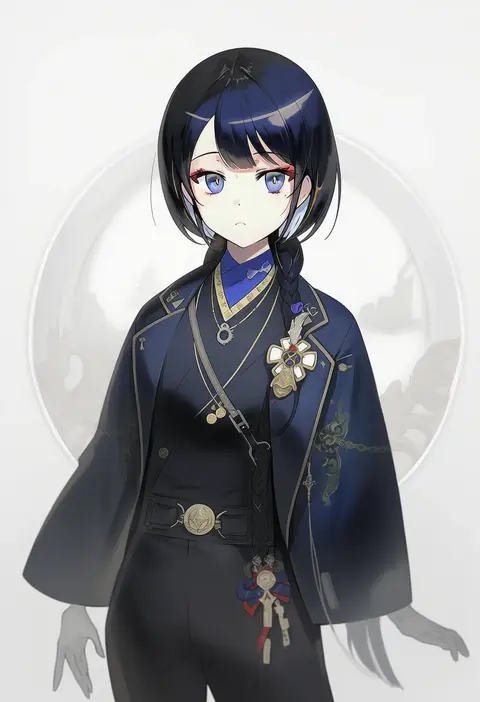
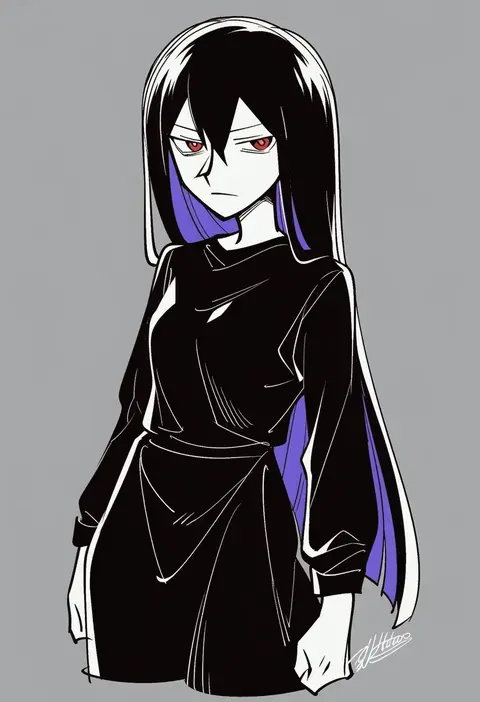
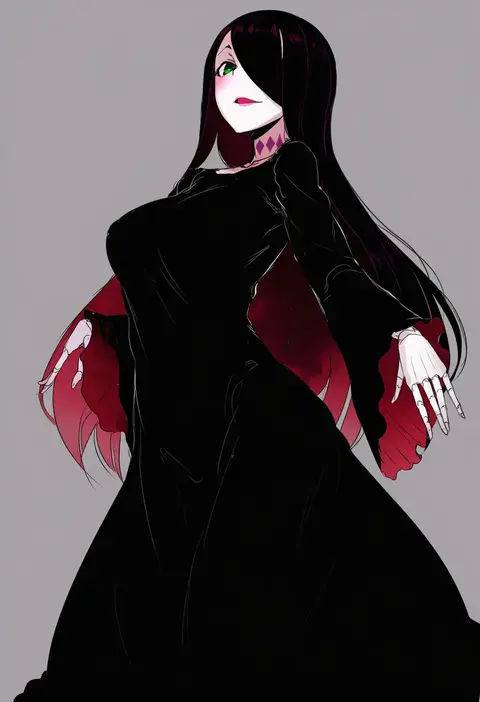
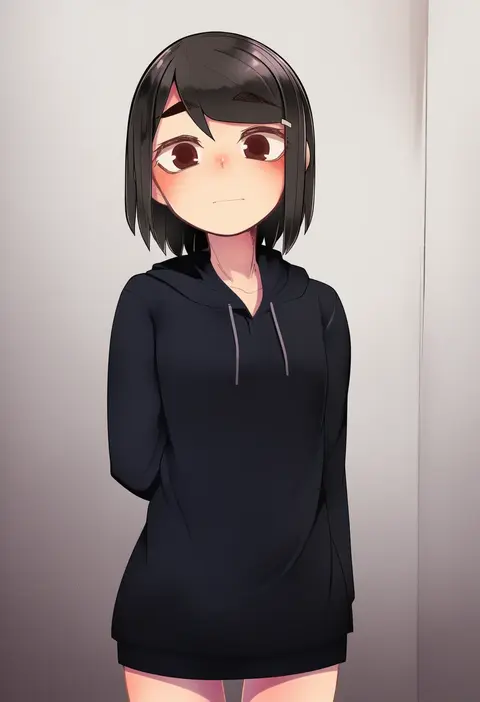
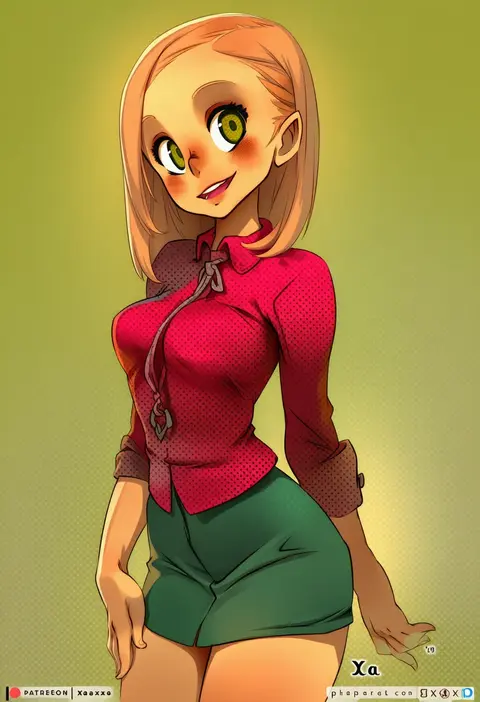
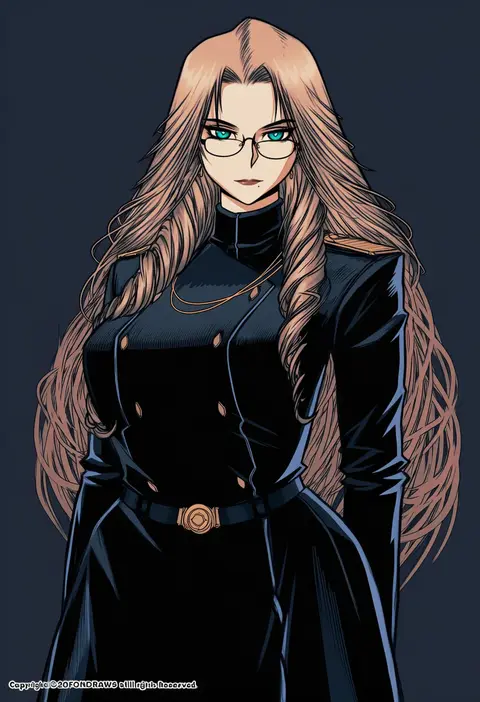
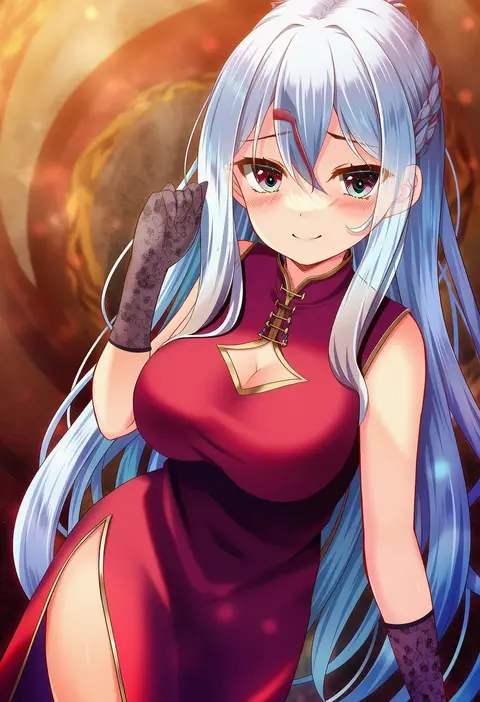
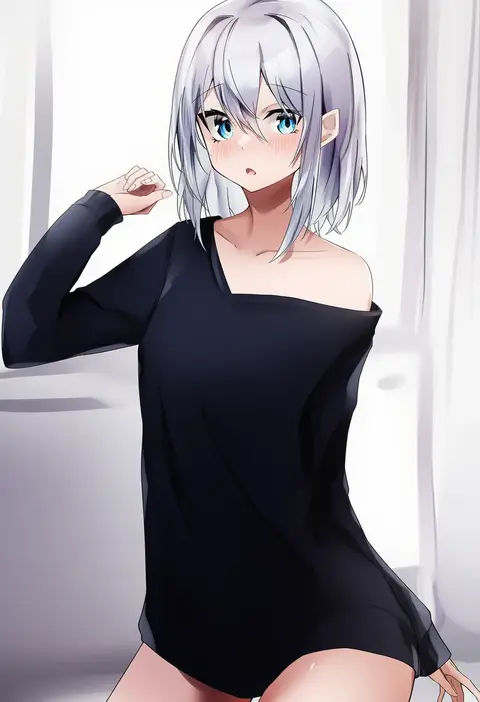
Artist tags tell NovelAI Diffusion to draw in a specific artist's style: line weight, paint texture, face shapes and palette all shift at once. Character and outfit tags decide what is drawn; artist tags decide how. 16,352 tags are listed for V4.5.
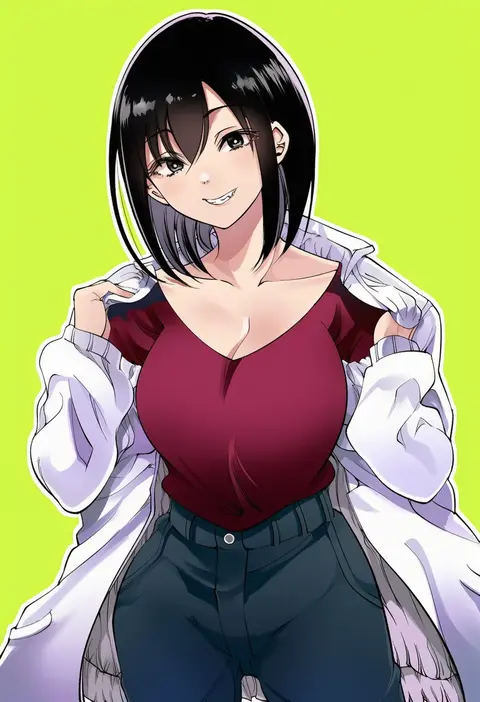
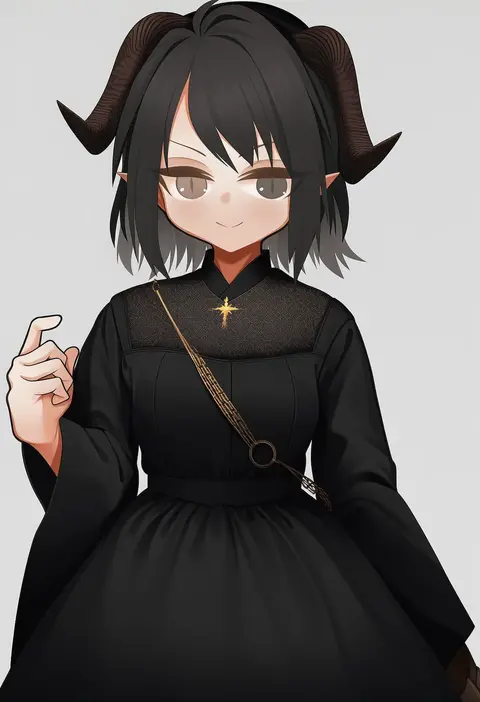
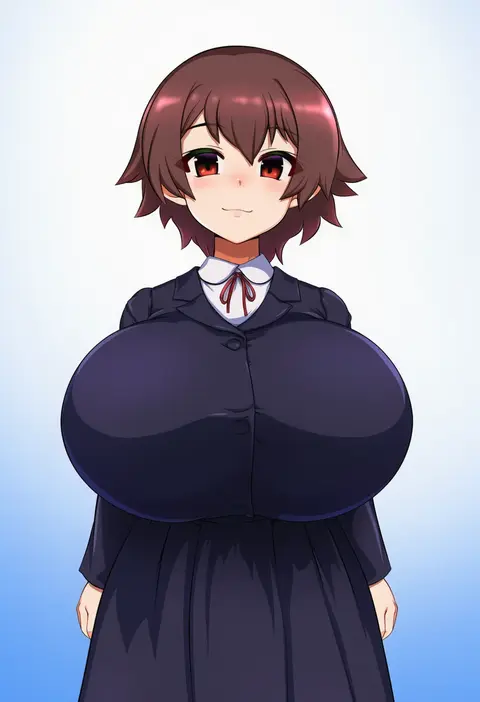
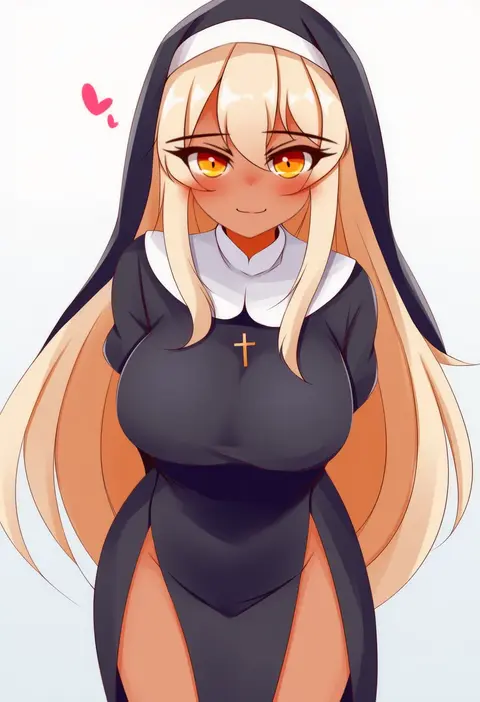
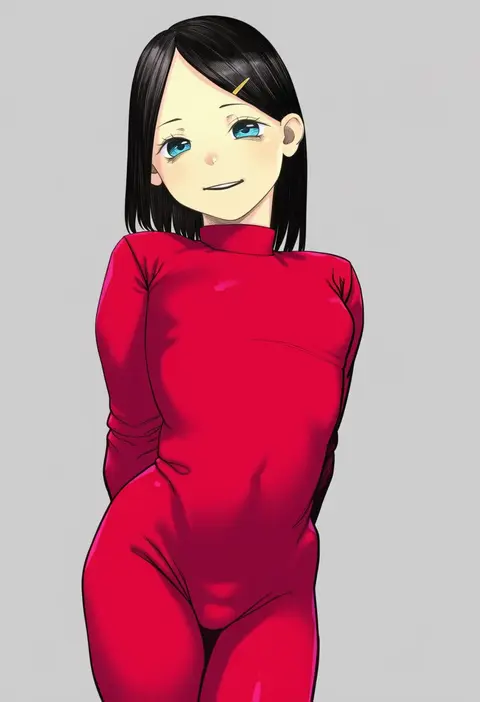
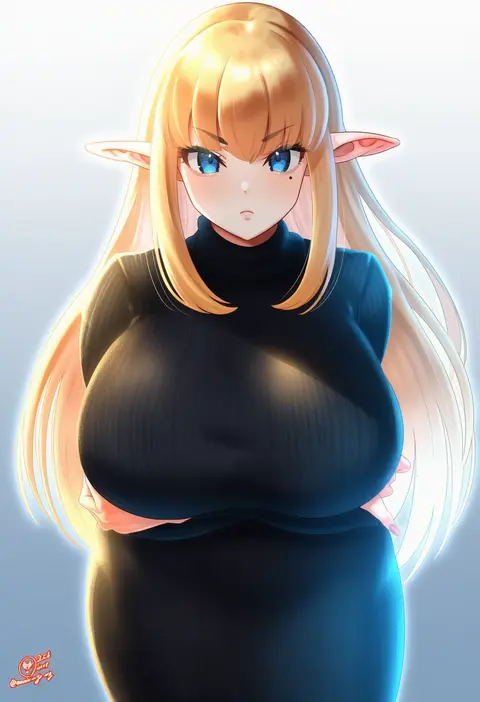
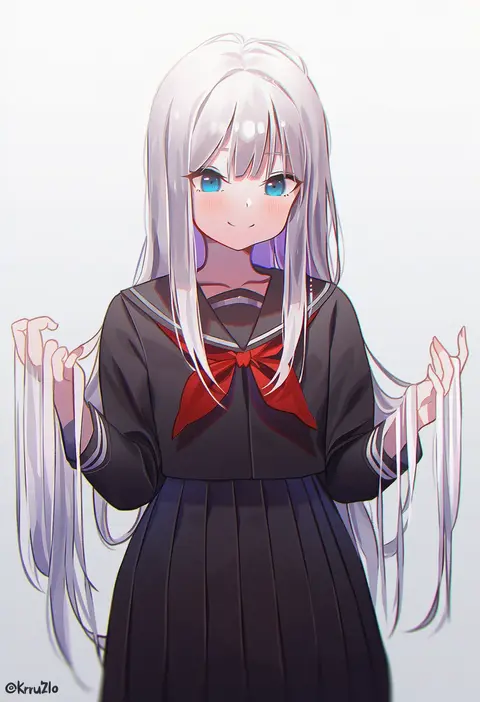
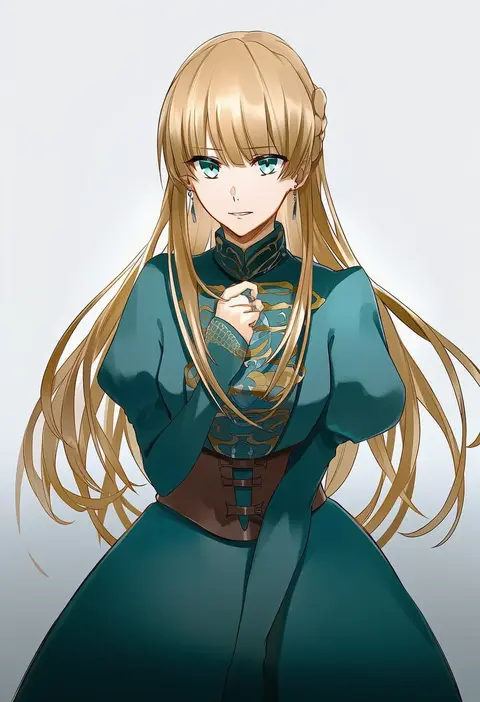
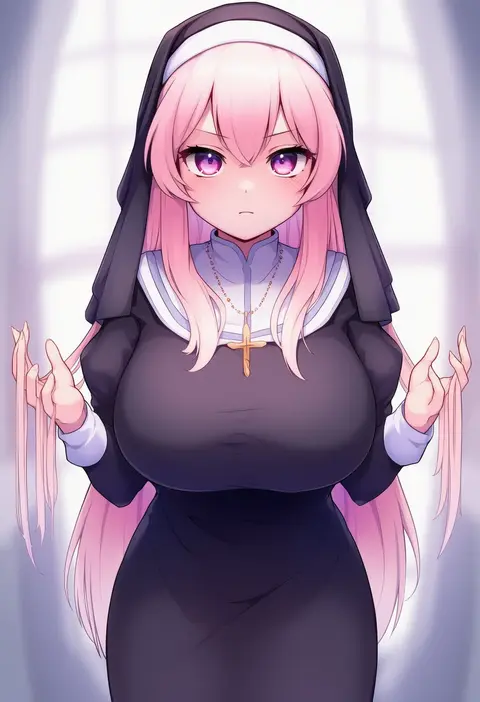
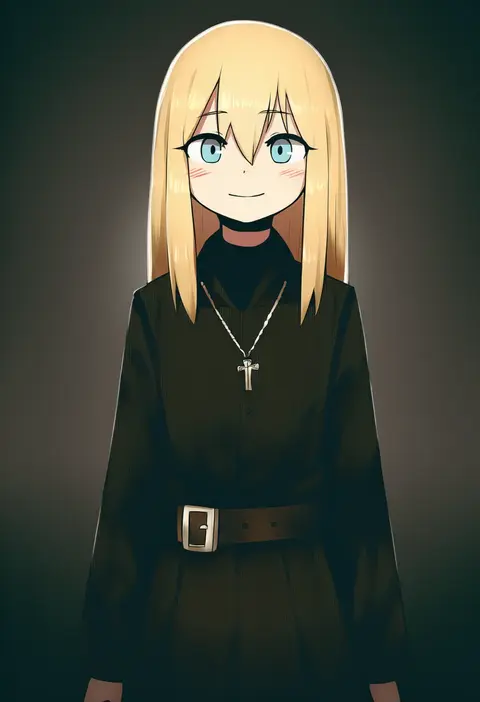
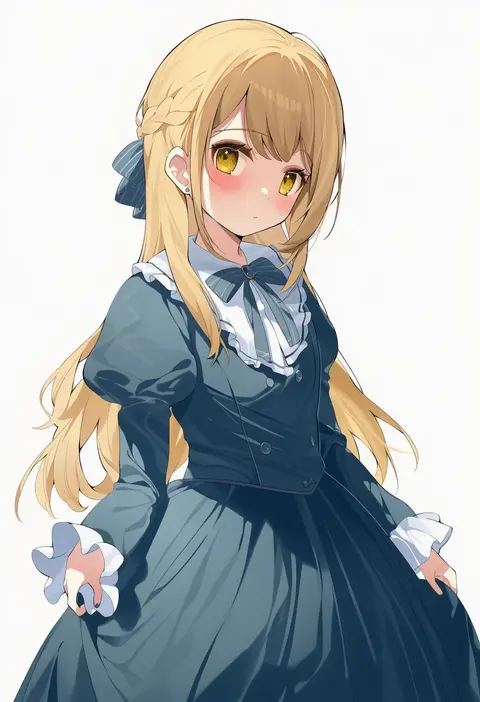
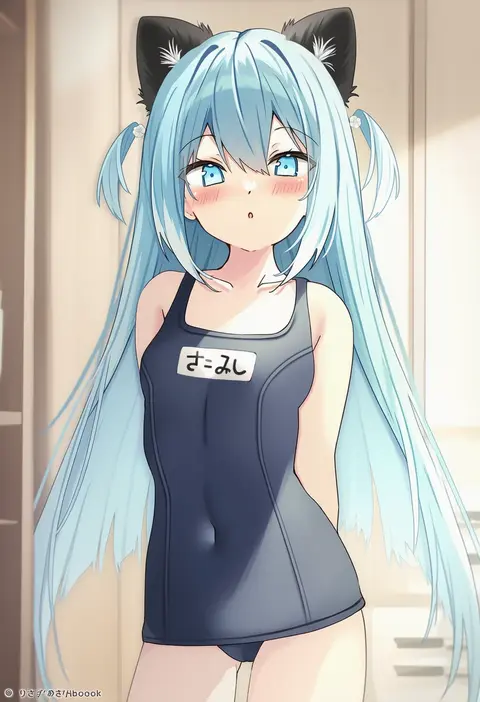
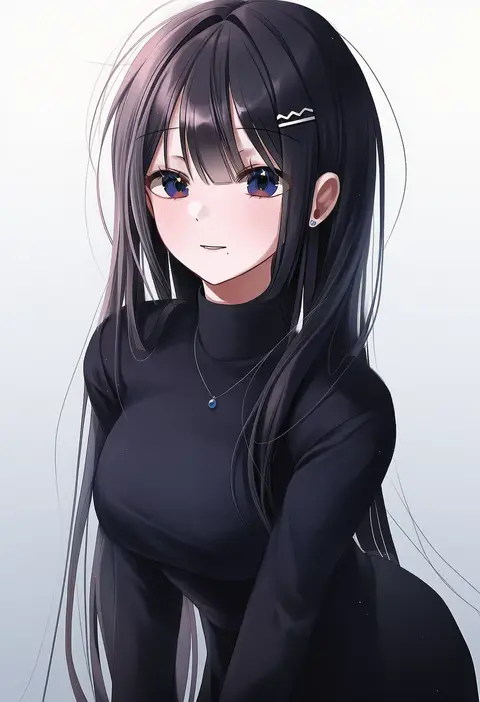
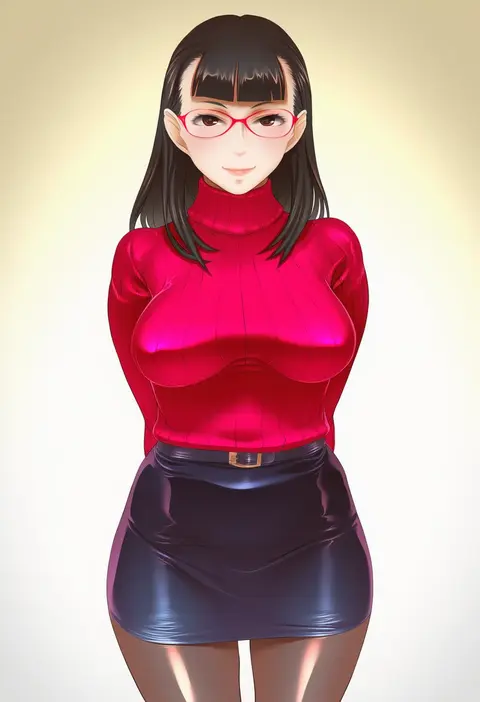
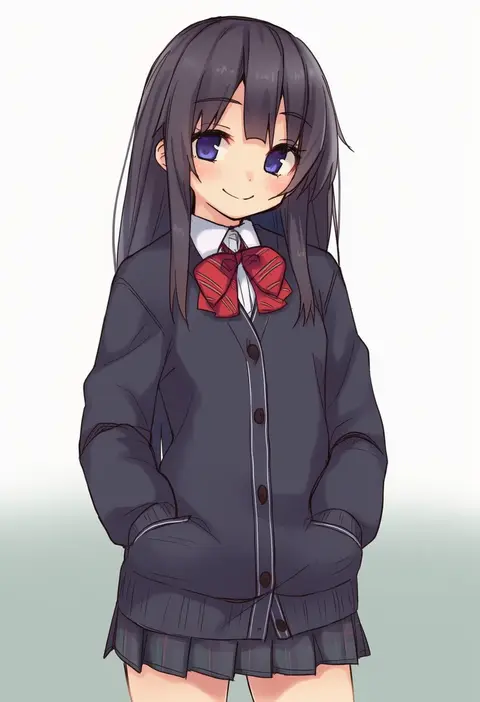
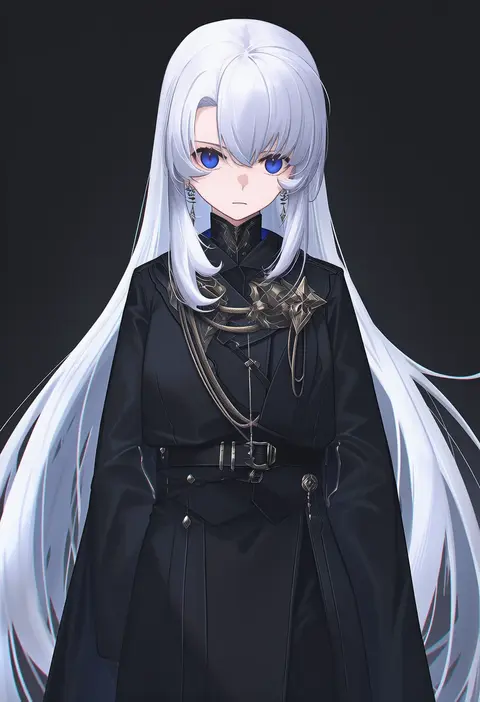
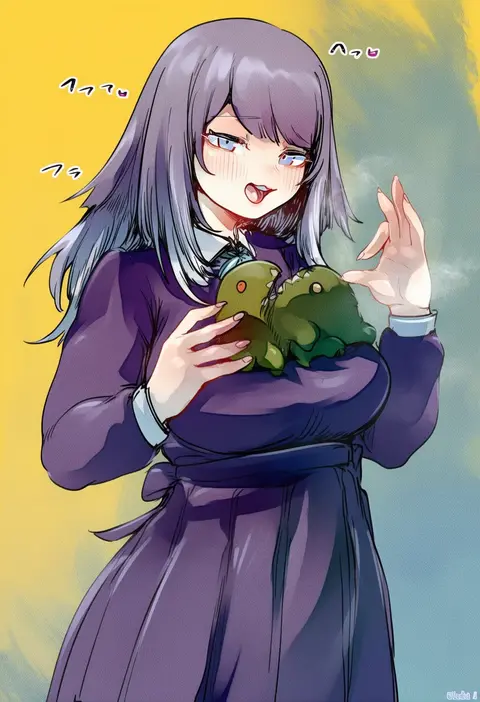
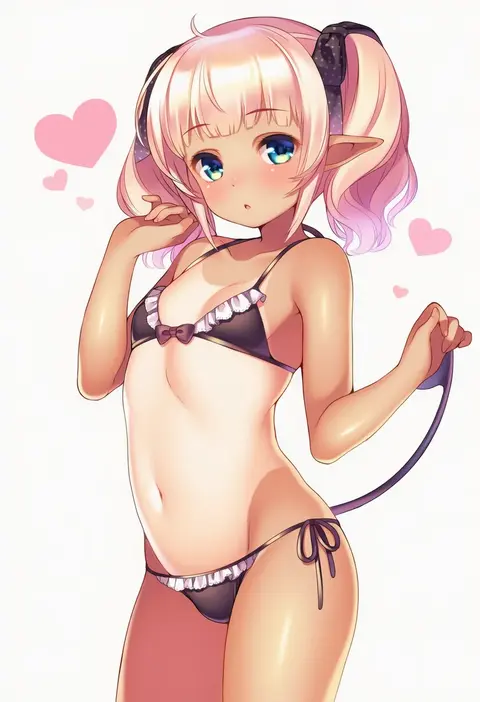
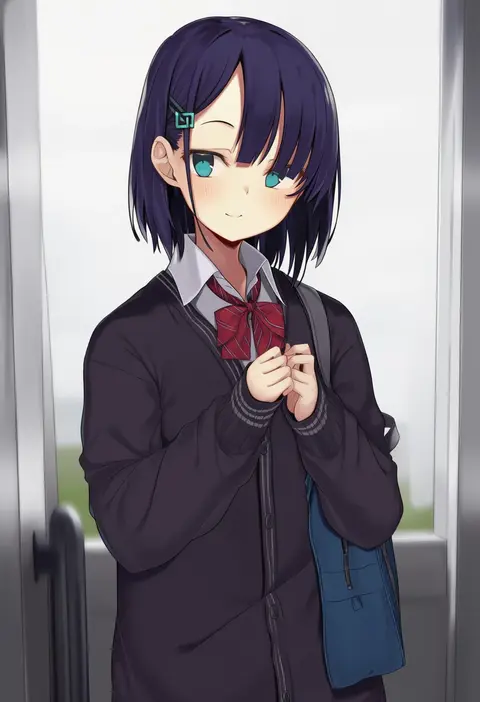
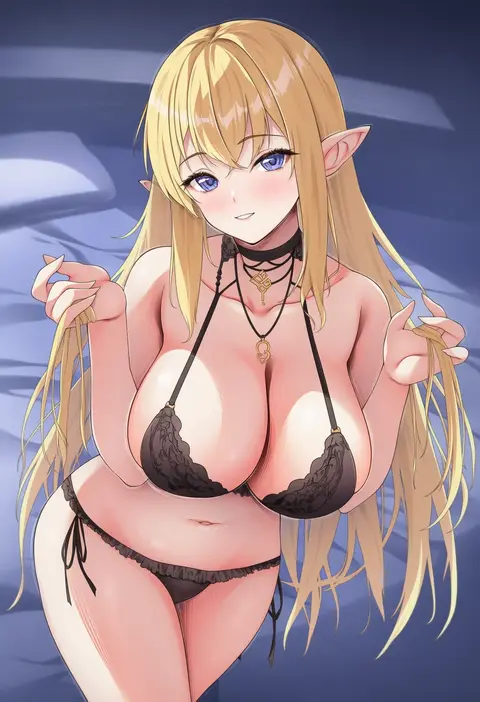
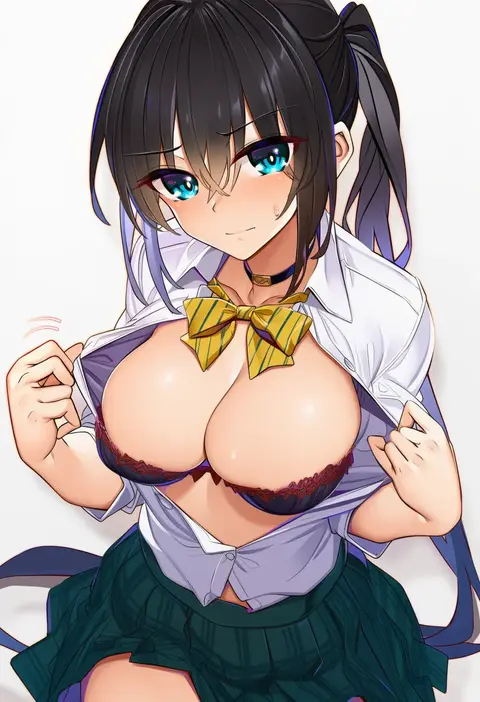
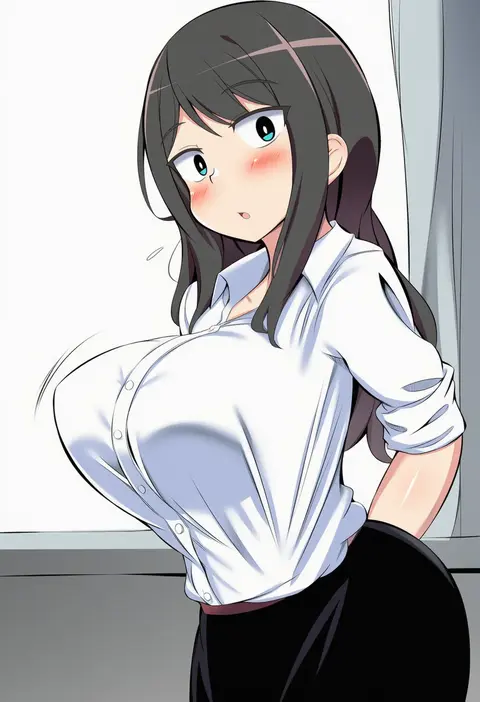
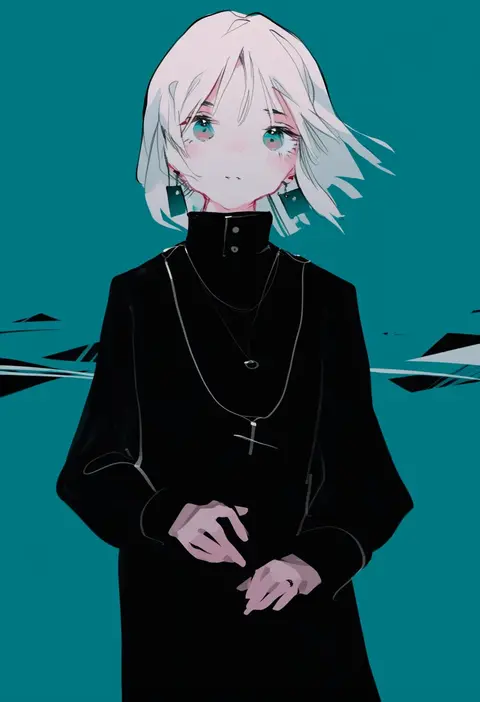
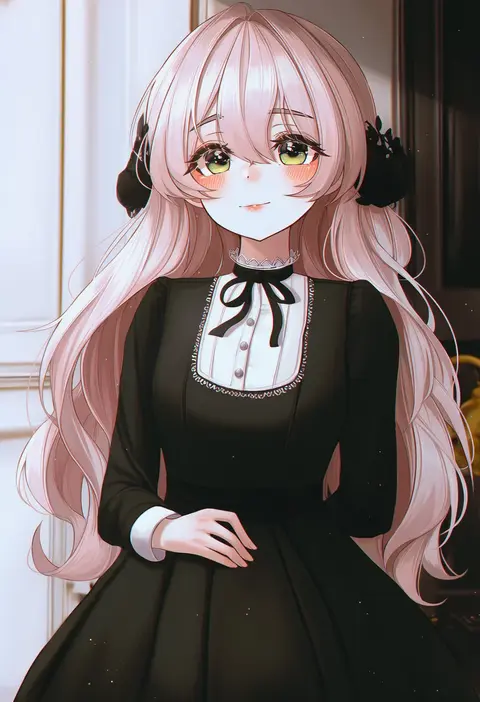
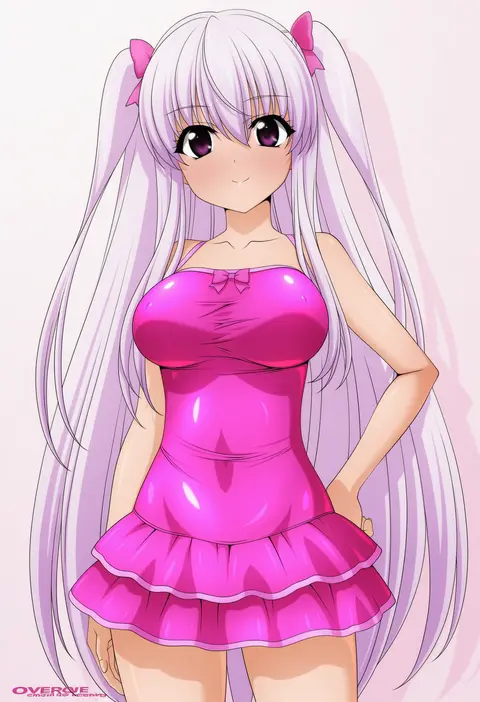
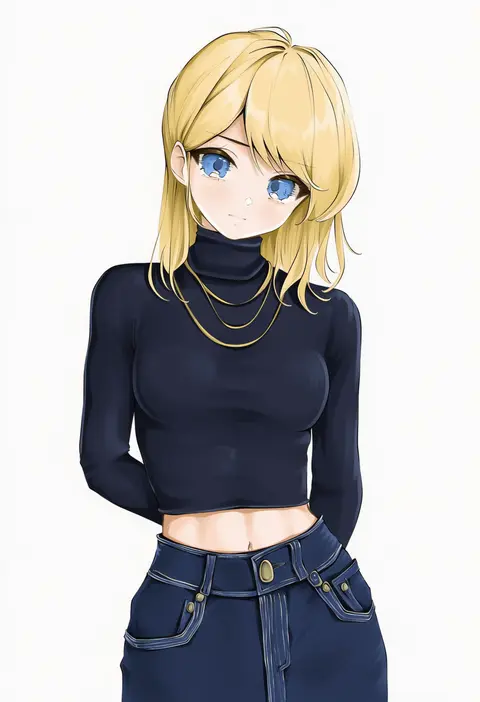
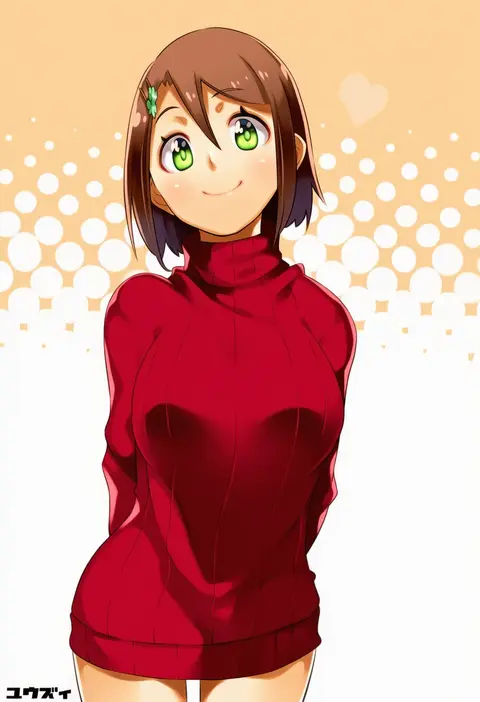
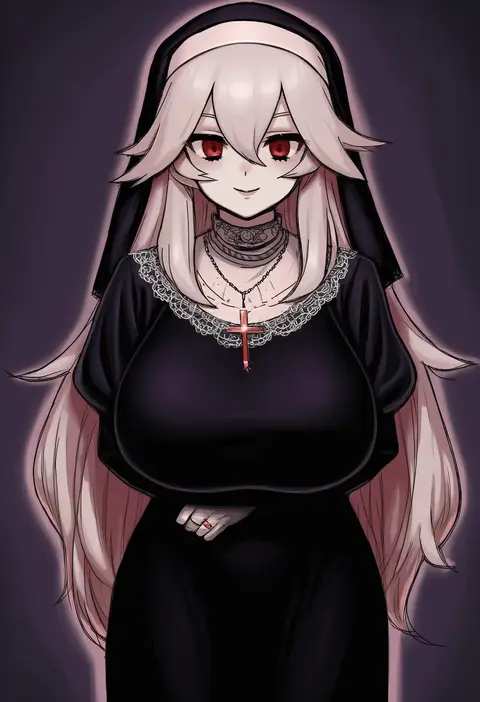
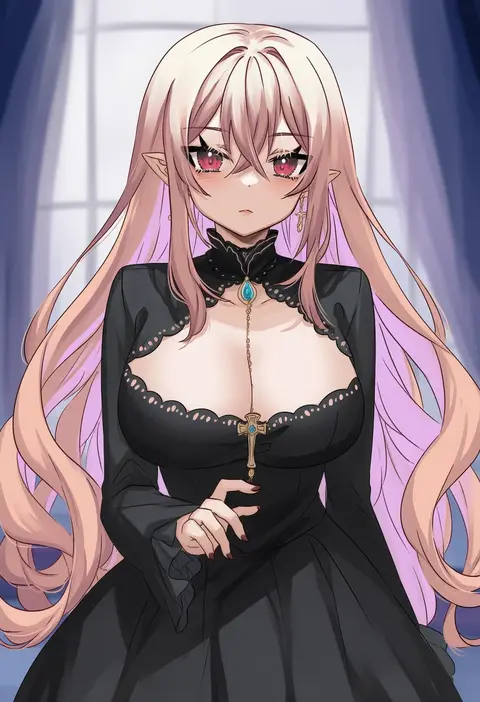
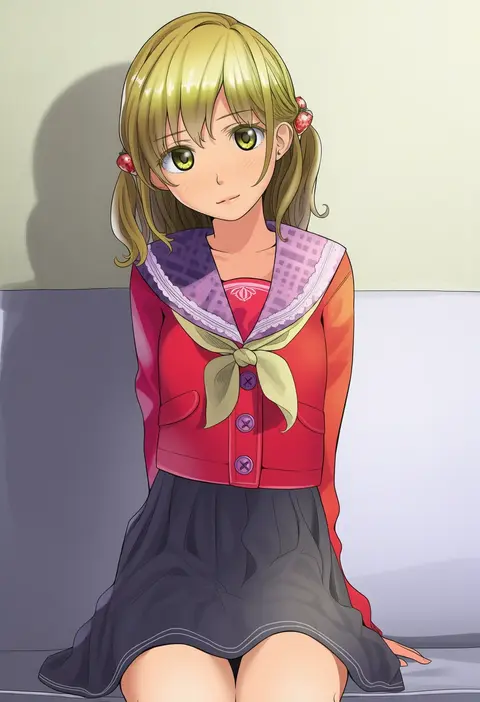
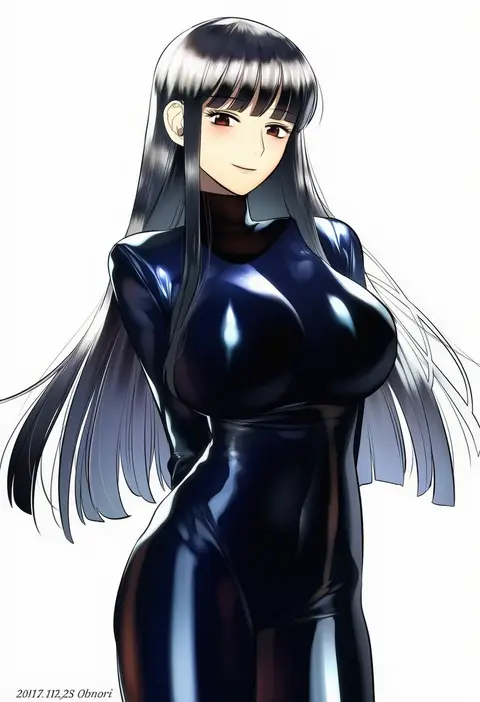
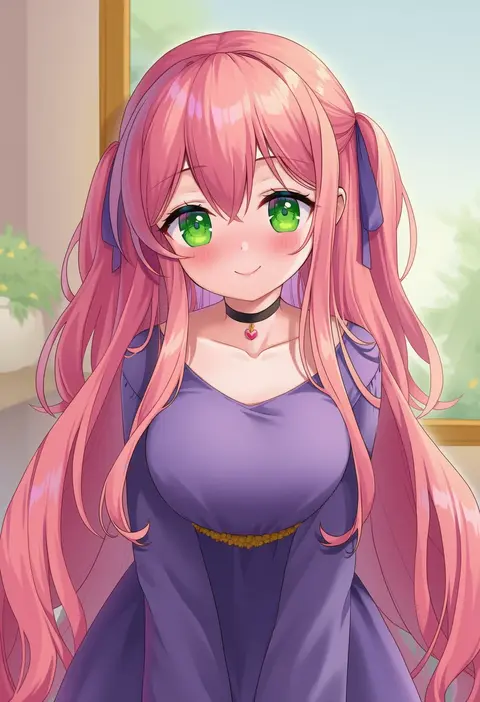
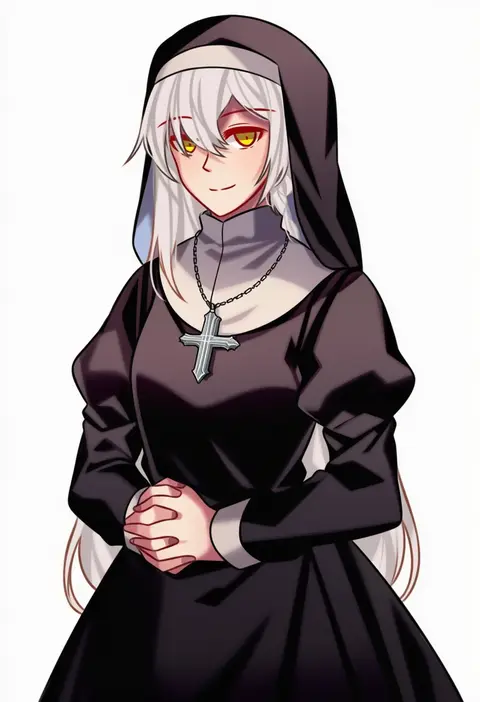
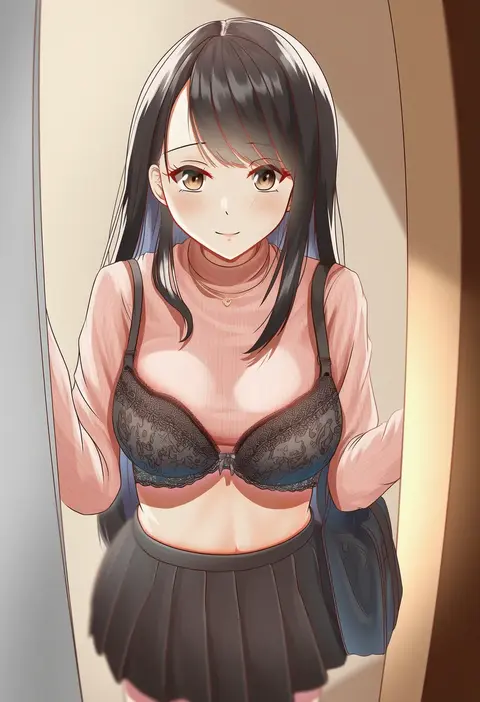
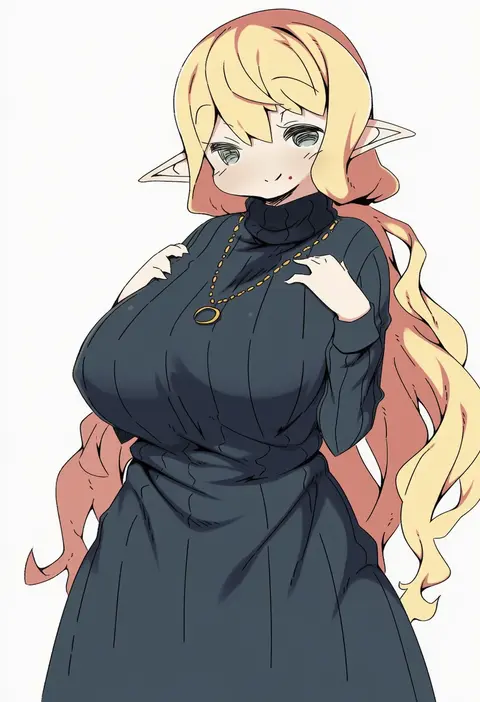
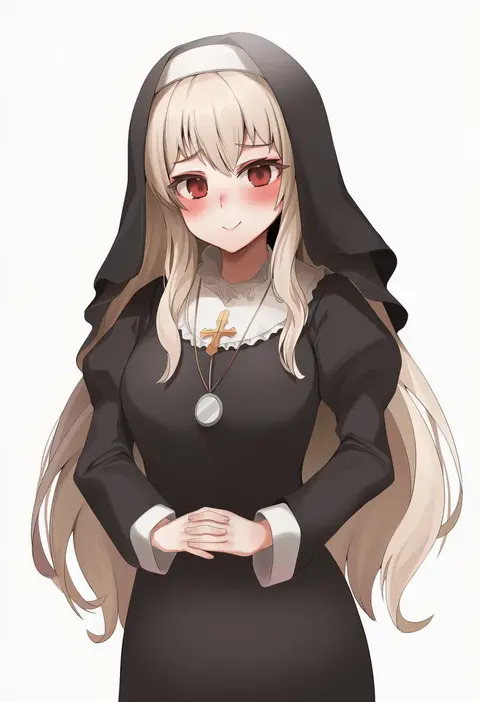
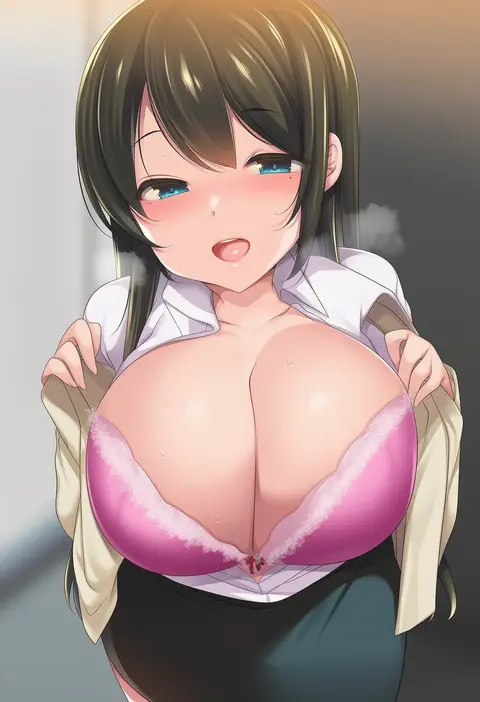
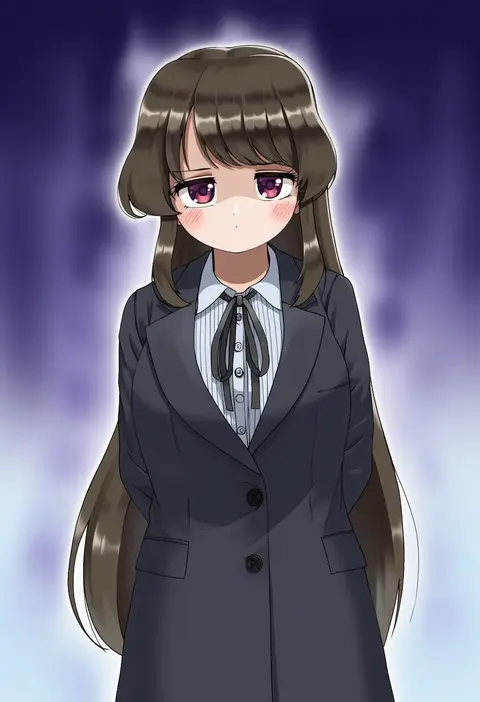
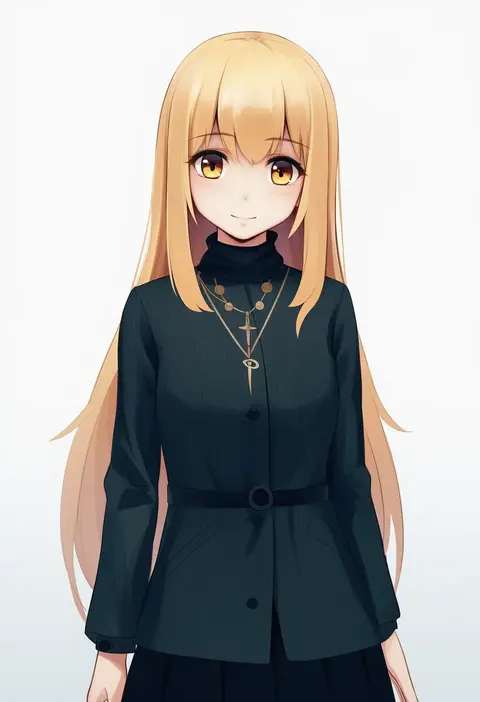
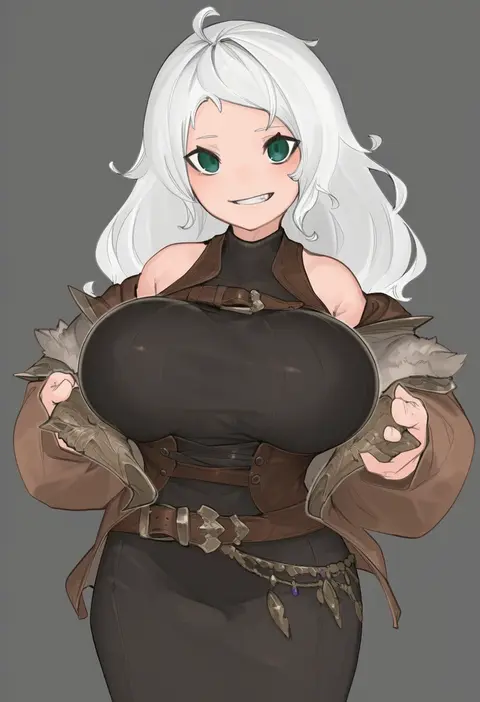
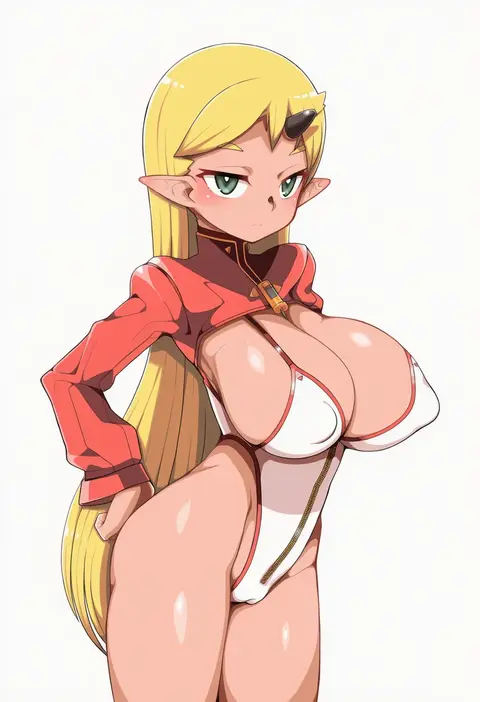
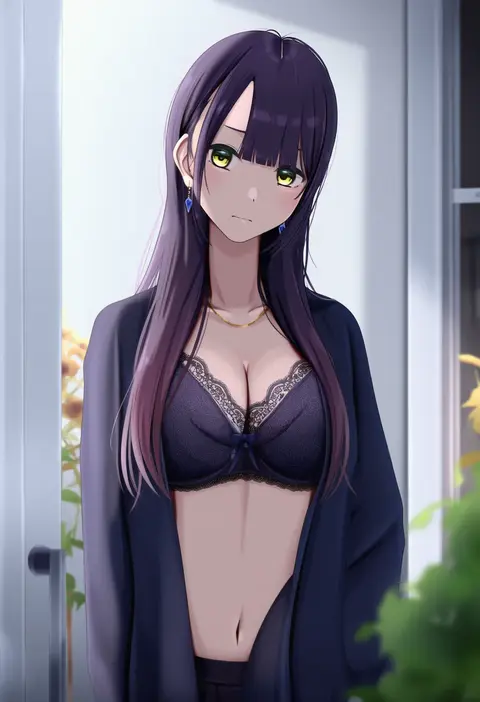
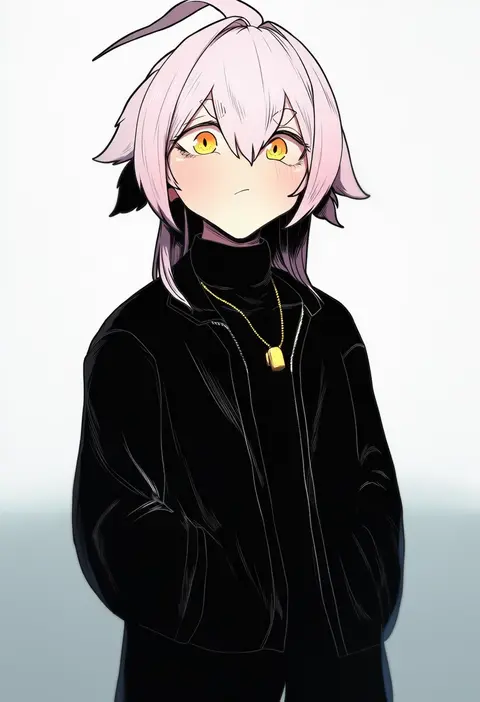
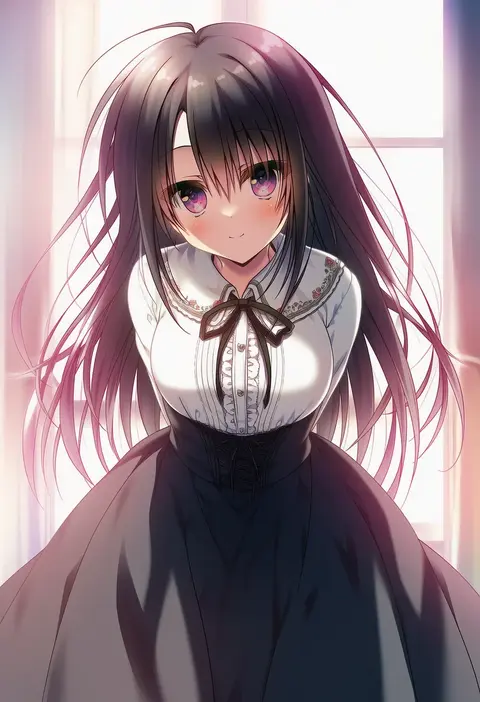
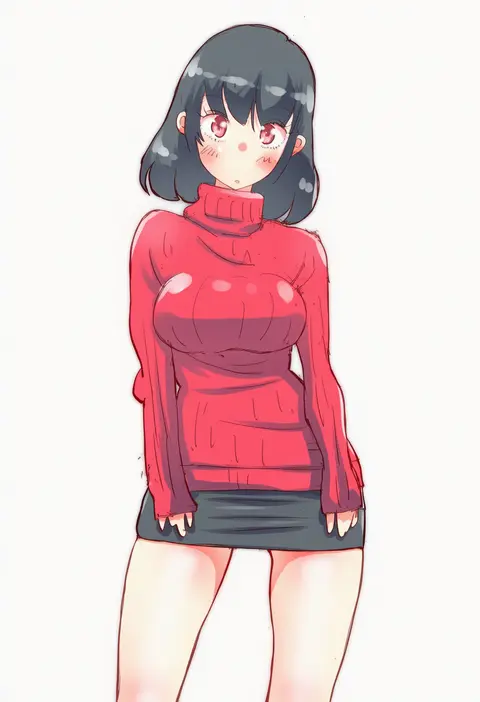
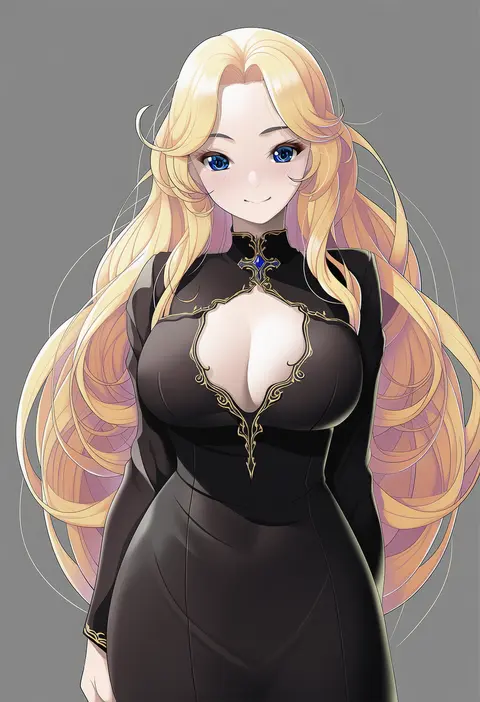
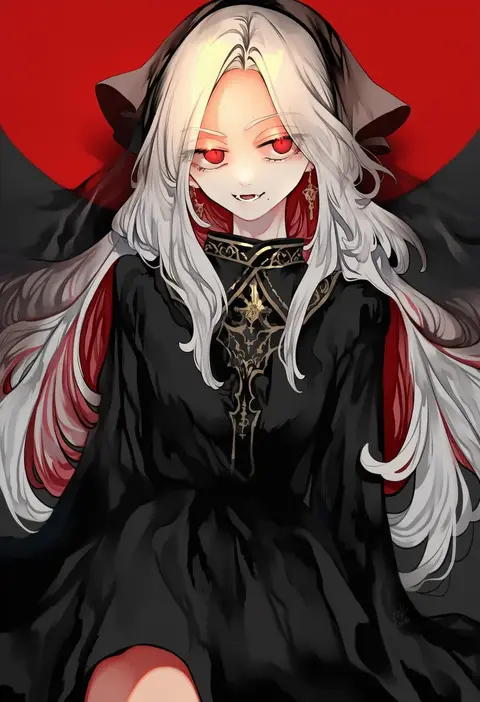
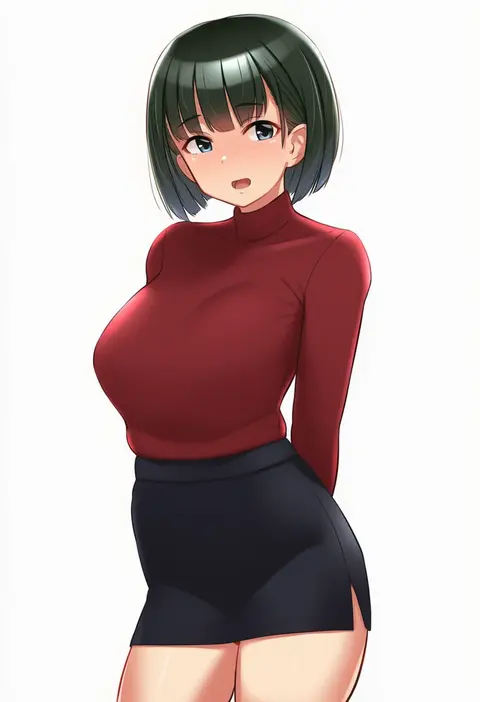
Every tag listed here is verified to react in NovelAI. All images use the same prompt, seed and settings with only the artist tag swapped, so the difference between two images is the style that tag brings in.

How to use them

Put the artist tag near the front of the prompt, e.g. "<artist>, 1girl, solo, best quality, masterpiece, cowboy shot". Two or three artist tags blend styles; lower the weight with "0.8::<artist>::" when the style overpowers the character.

SCORE sorts by Danbooru's top score, POSTS by post count, FAVS by hearts on this site. Open a card to see V5 and V4.5 side by side on the same seed.

V5 vs V4.5

V5 usually lands closer to the artist's real style, and tags that did nothing on V4.5 often react on V5. V4.5 still fits older and doujin-heavy artists better. Try V5 first, fall back to V4.5.

FAQ

Where does the artist tag go?
Near the front of the prompt. Use "0.8::tag::" to adjust its weight.

Can I stack artist tags?
Yes, styles blend. Past two or three the result stops looking like anyone.

Are these the artists' own works?
No. Every image is a NovelAI sample generated from the tag.