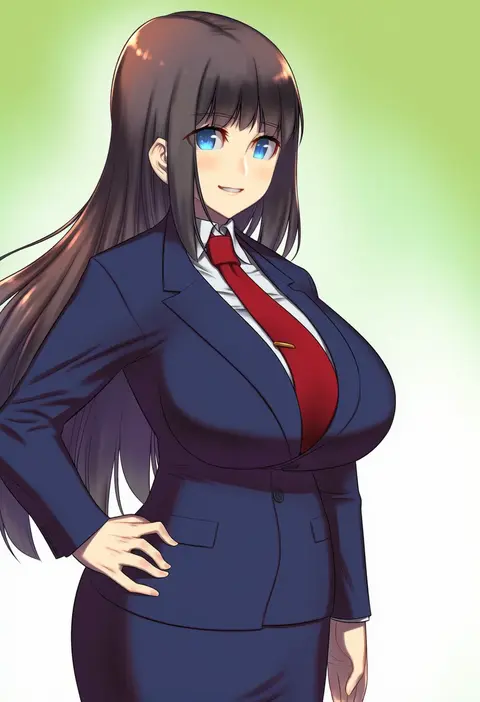
V4.5Artists
sort: FAVS▾
▾
>
$

NovelAI Artist Tags List — V4.5

artist --count 16,352[104/273]
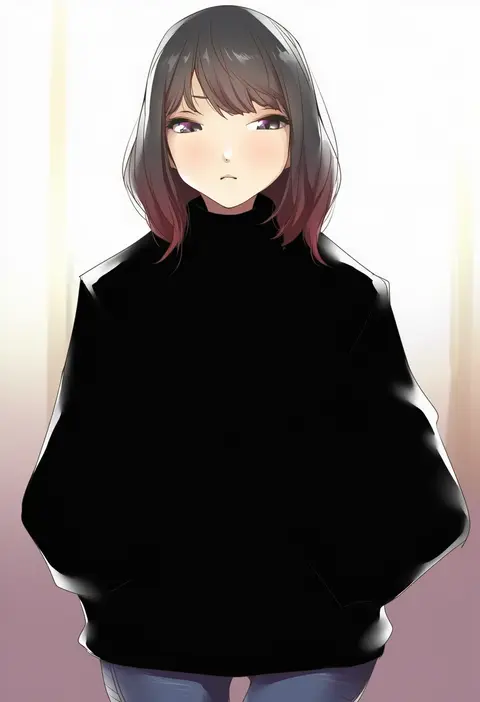
nukkoru
ARTIST0x1824
0
guriguri (arayotto4351)
ARTIST0x1825
0
green (greeniris)
ARTIST0x1826
0
drie
ARTIST0x1827
0
funsexydb
ARTIST0x1828
0
yuugatou (yuuzutu)
ARTIST0x1829
0
hopepe
ARTIST0x182A
0
bishi (bishi)
ARTIST0x182B
0
mashima jirou
ARTIST0x182C
0
tanaka ken'ichi
ARTIST0x182D
0
amano kusatsu
ARTIST0x182E
0
cang se ye hua
ARTIST0x182F
0
kurikabacha
ARTIST0x1830
0
rin31153336
ARTIST0x1831
0
hanako (peanut)
ARTIST0x1832
0
yoshikawa hiro
ARTIST0x1833
0
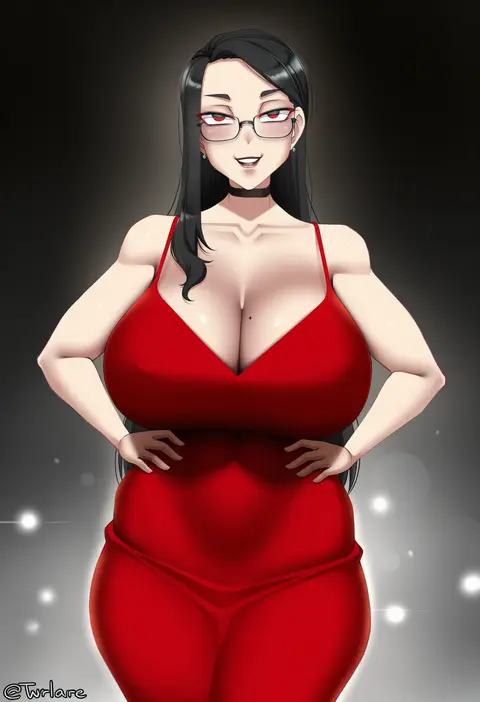
twrlare
ARTIST0x1834
0
miwano rag
ARTIST0x1835
0
go-1
ARTIST0x1836
0
mameshiba (pixiv 59310)
ARTIST0x1837
0
sayakata katsumi
ARTIST0x1838
0
donmin h
ARTIST0x1839
0
obj shep
ARTIST0x183A
0
osame
ARTIST0x183B
0
hinami (hinatamizu)
ARTIST0x183C
0
miri (cherryjelly)
ARTIST0x183D
0
lolicom
ARTIST0x183E
0
monaim
ARTIST0x183F
0
mocchisake
ARTIST0x1840
0
fukutchi
ARTIST0x1841
0
erubusubori
ARTIST0x1842
0
gc3
ARTIST0x1843
0
archvermin
ARTIST0x1844
0
marmoset (marmoset0)
ARTIST0x1845
0
hina (cassissoda)
ARTIST0x1846
0
sabamen
ARTIST0x1847
0
aiko (kanl)
ARTIST0x1848
0
vococo
ARTIST0x1849
0
chabo (fuketsudan)
ARTIST0x184A
0
yamada auto
ARTIST0x184B
0
manjirou (manji illust)
ARTIST0x184C
0
tonchan
ARTIST0x184D
0
jet yowatari
ARTIST0x184E
0
irori (irorixc)
ARTIST0x184F
0
hira-san
ARTIST0x1850
0
shirouzu myuuta
ARTIST0x1851
0
terra bose
ARTIST0x1852
0
motizou
ARTIST0x1853
0
rindoriko
ARTIST0x1854
0
kamiyama sumu
ARTIST0x1855
0
norio (noriosub)
ARTIST0x1856
0
bifidus
ARTIST0x1857
0
courreges ace
ARTIST0x1858
0
cube85
ARTIST0x1859
0
igusaharu
ARTIST0x185A
0
machimura komori
ARTIST0x185B
0
himuhino
ARTIST0x185C
0
zocehuy
ARTIST0x185D
0
kasuga ayumu (haruhipo)
ARTIST0x185E
0
makishima azusa
ARTIST0x185F
0

What these tags change

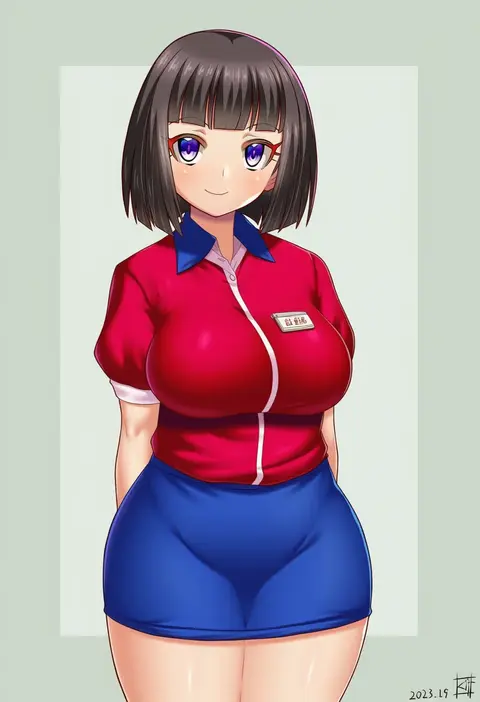
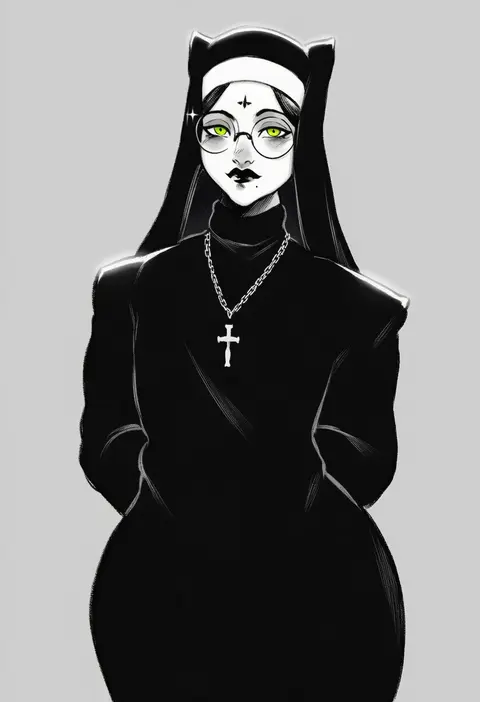
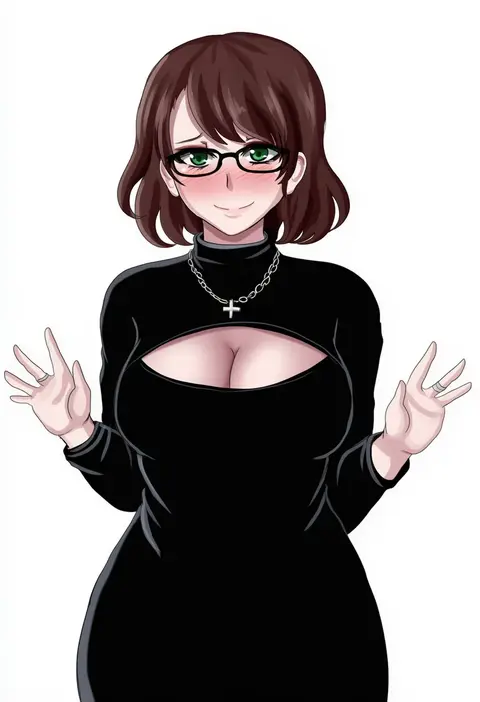
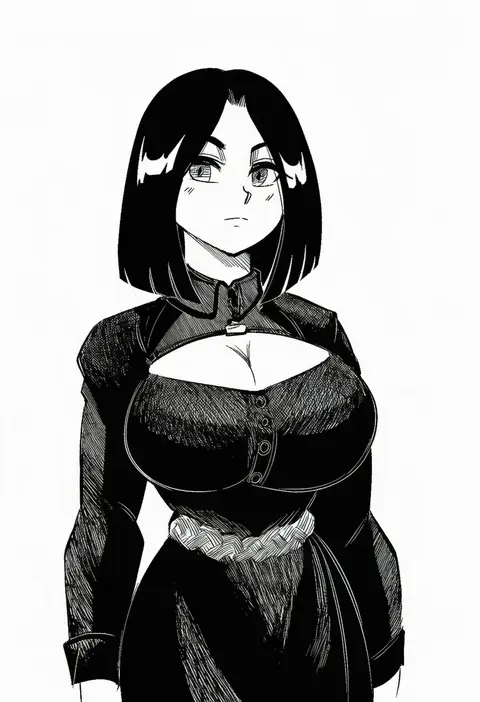
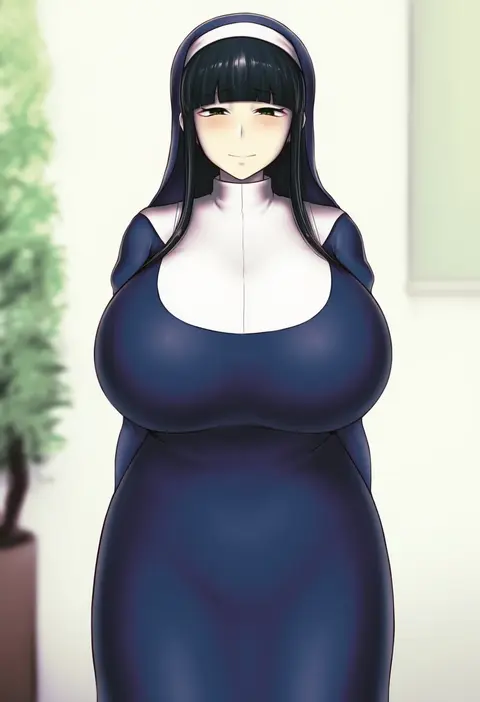
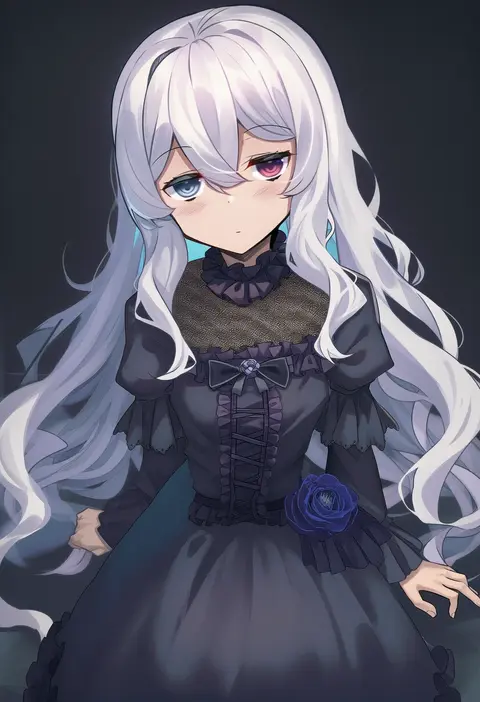
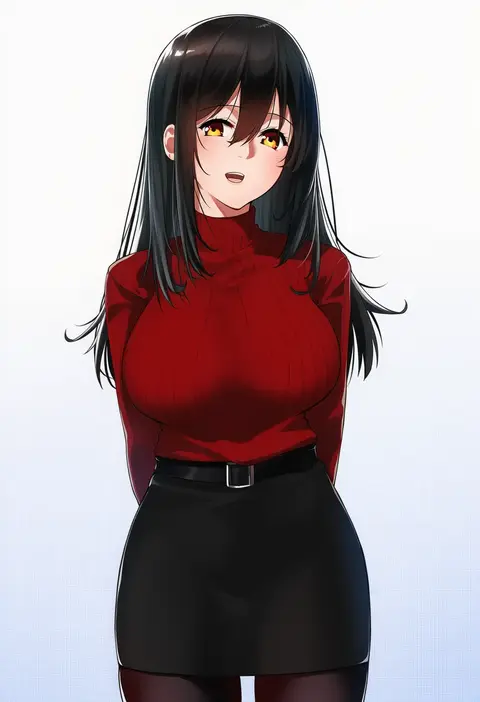
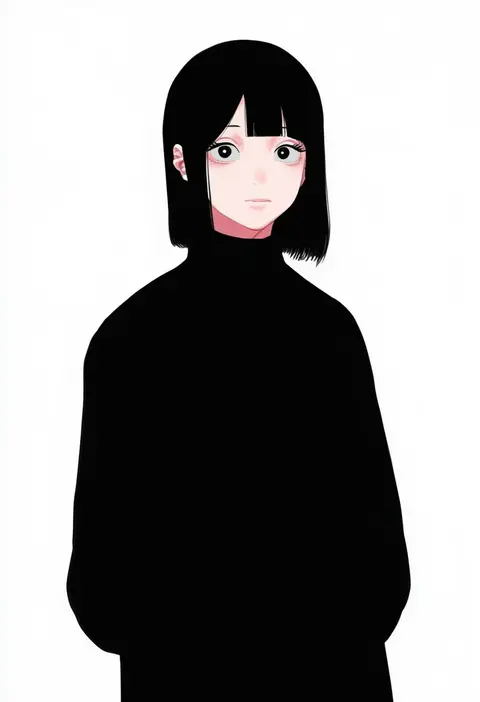
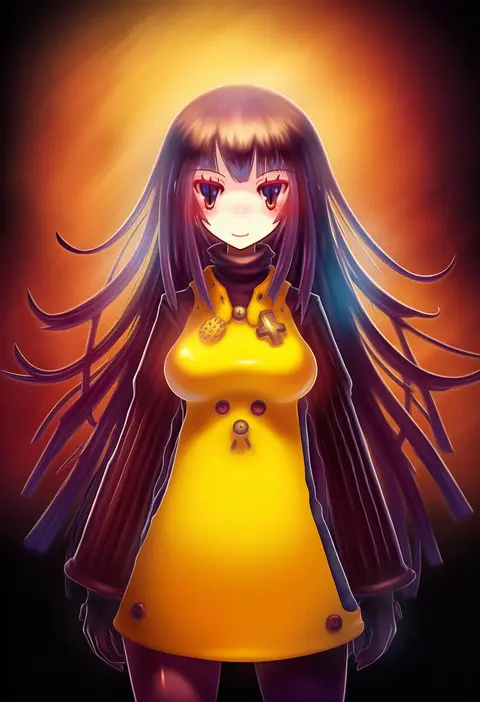
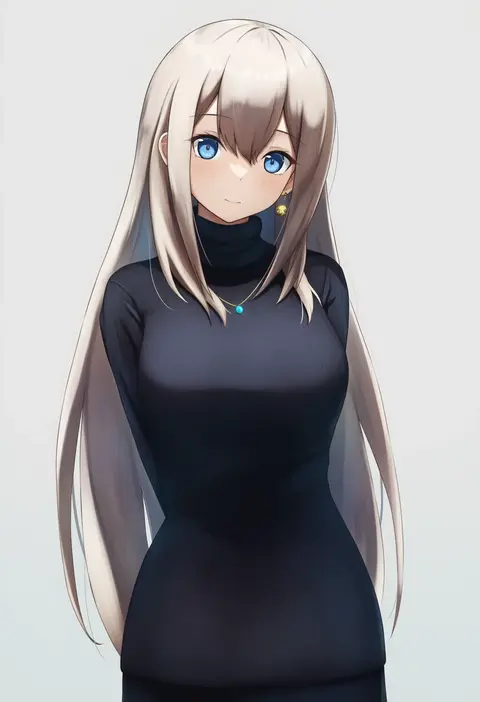
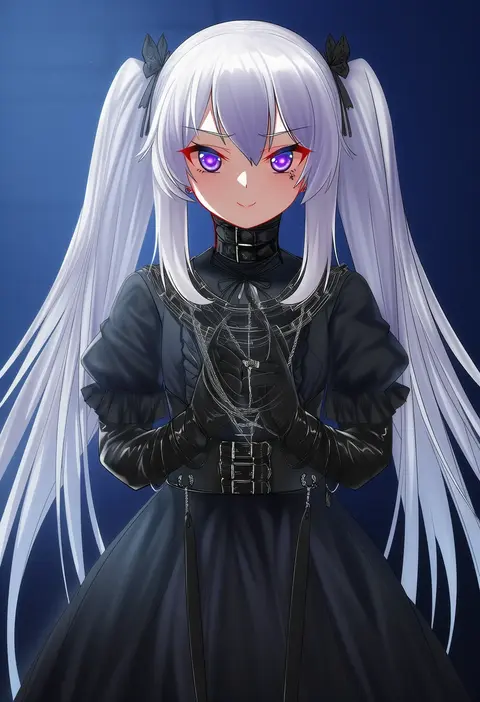
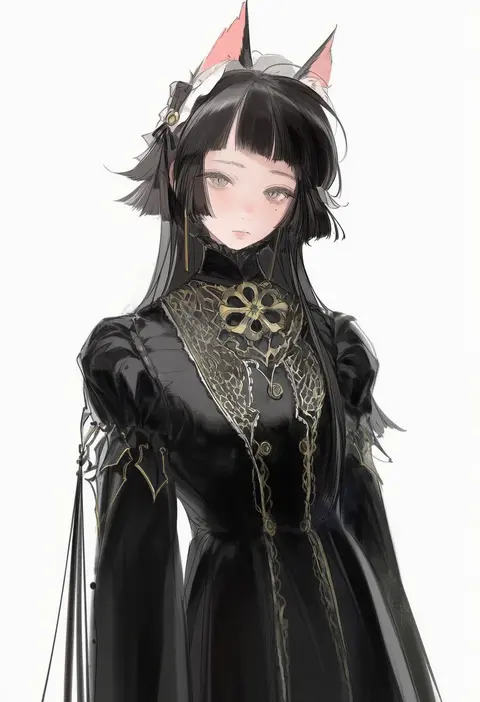
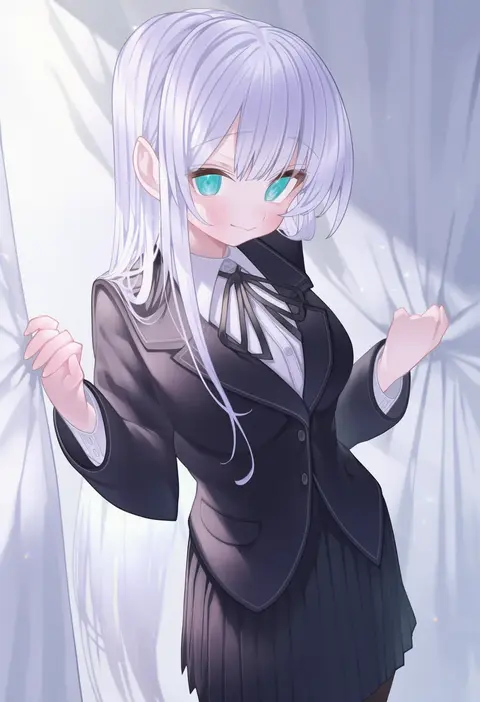
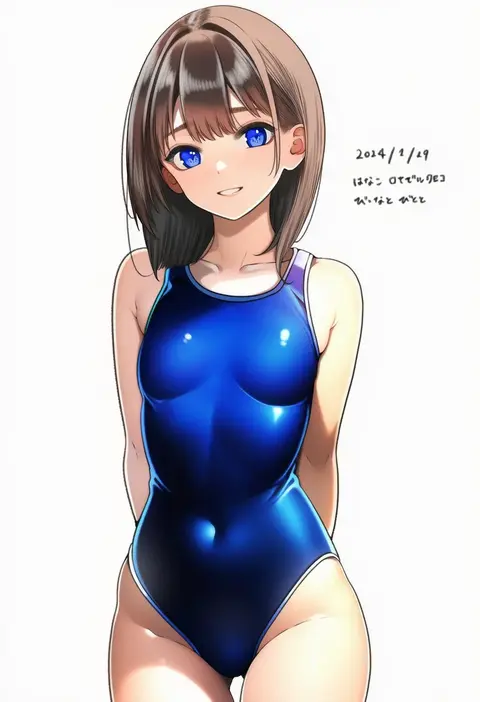
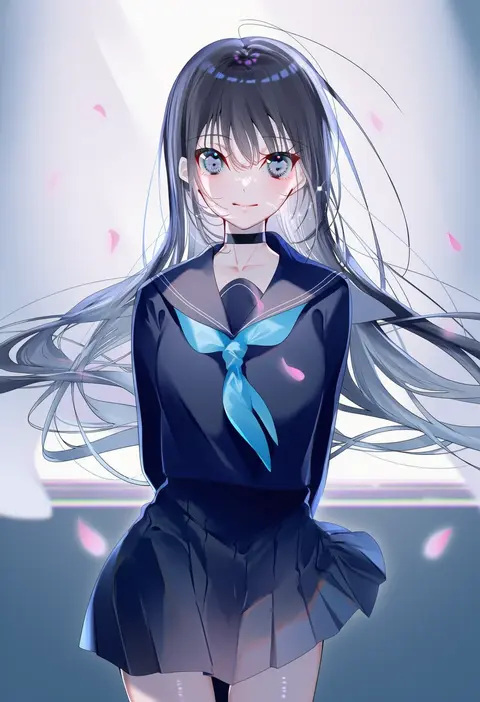
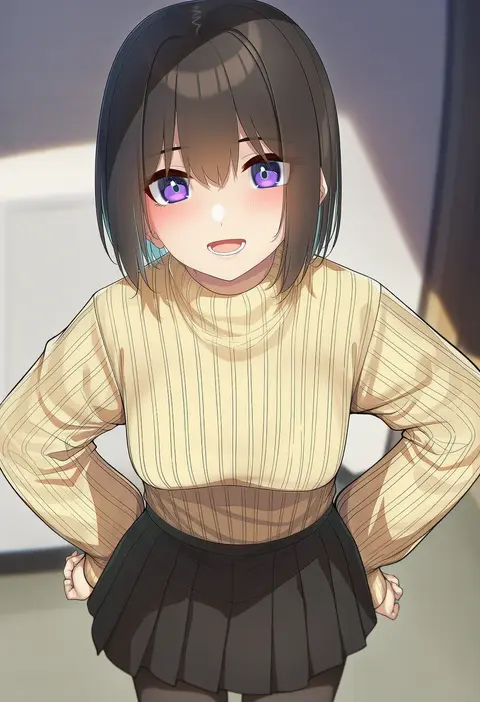
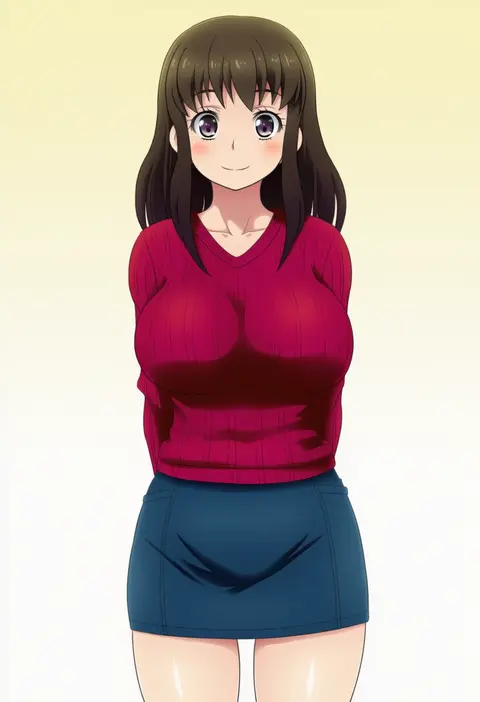
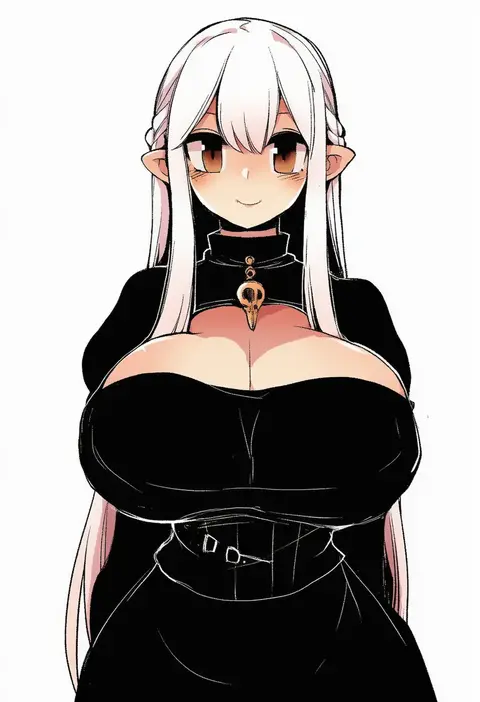
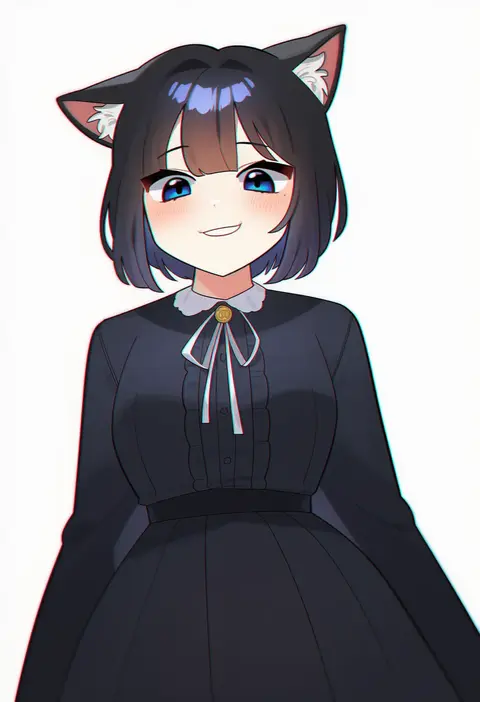
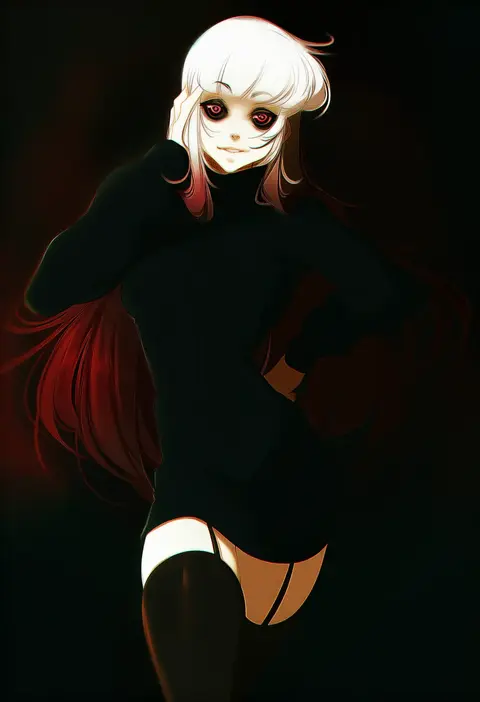
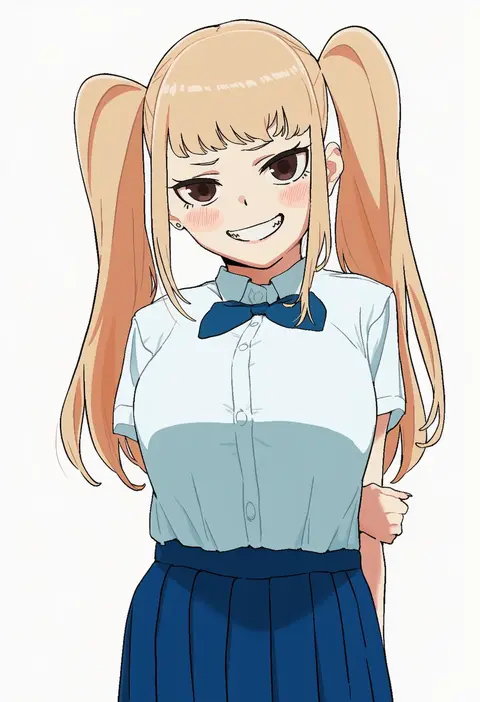
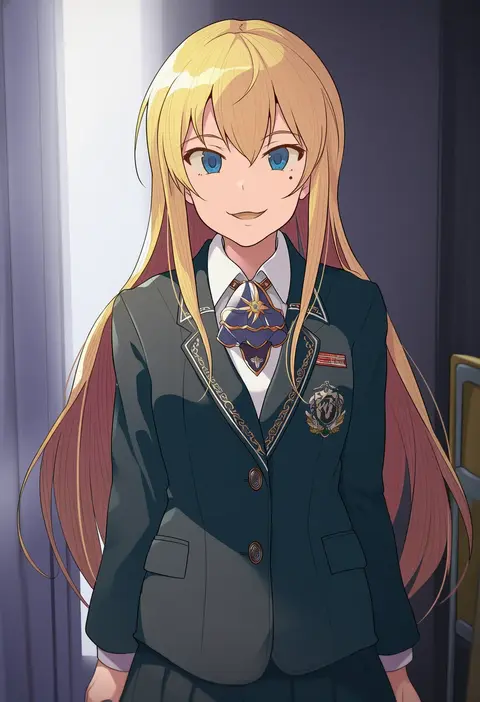
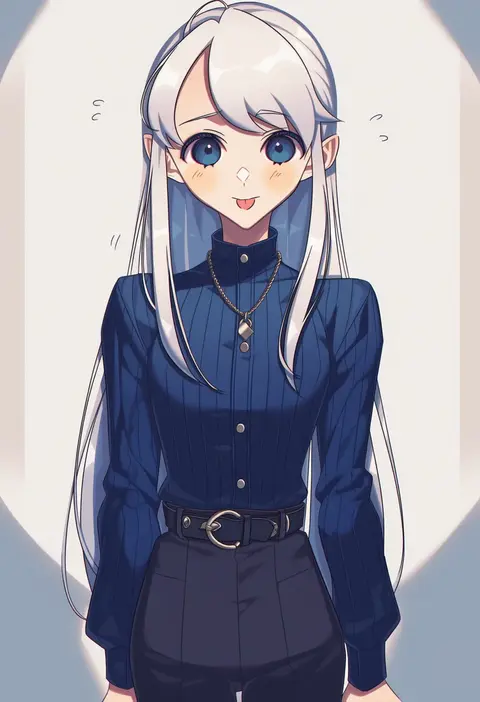
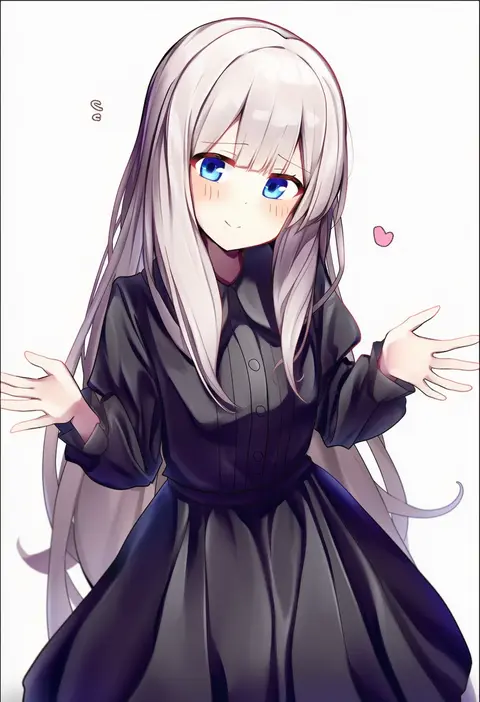
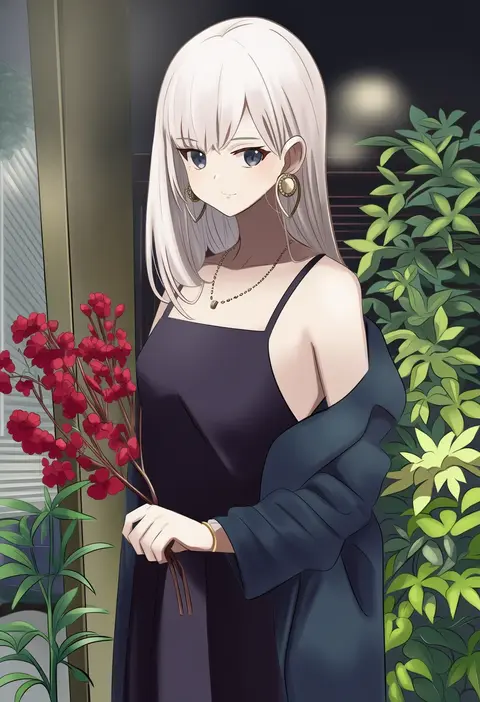
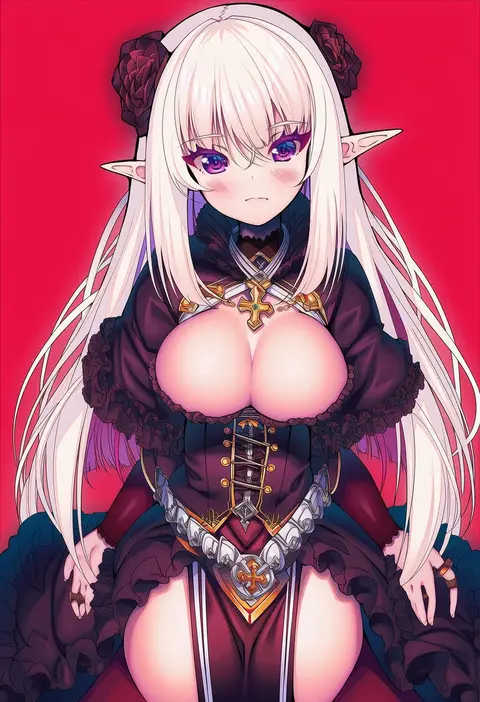
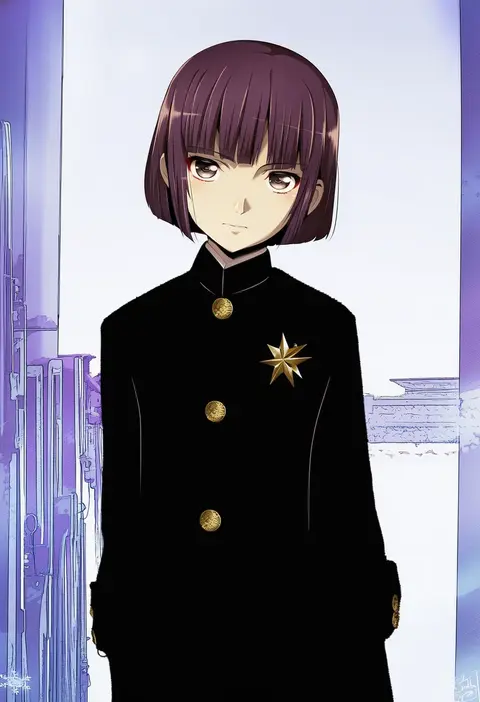
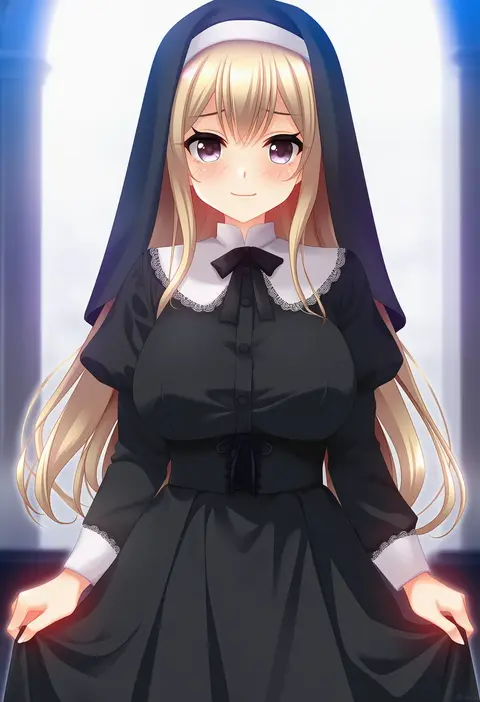
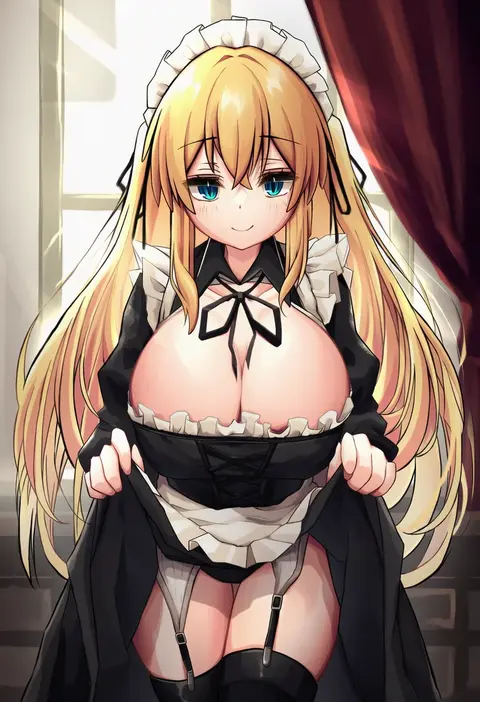
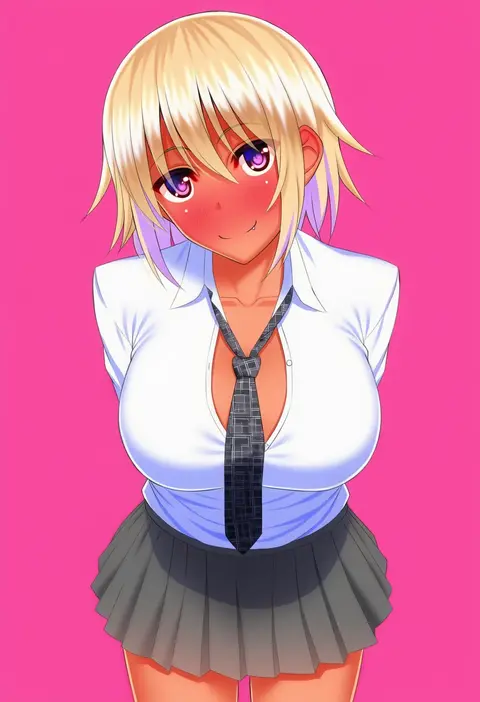
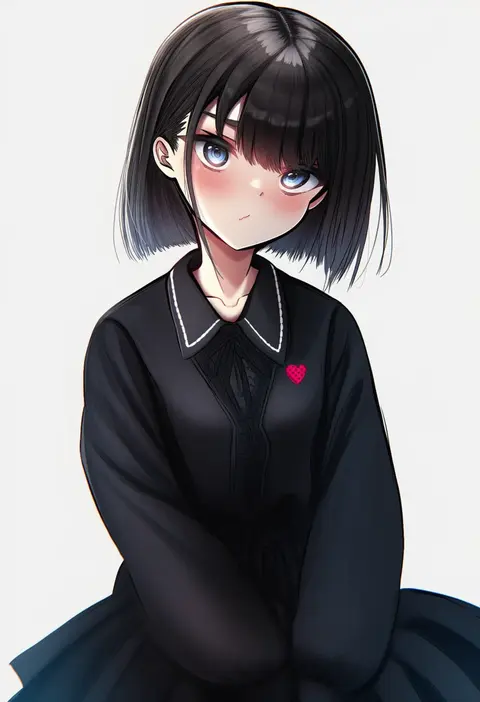
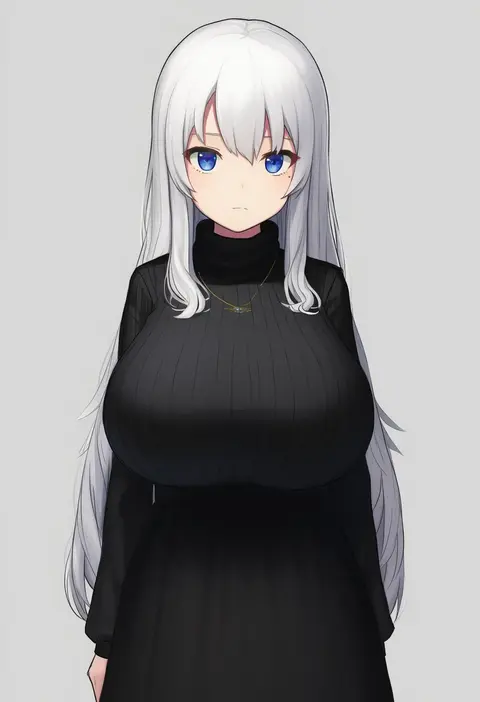
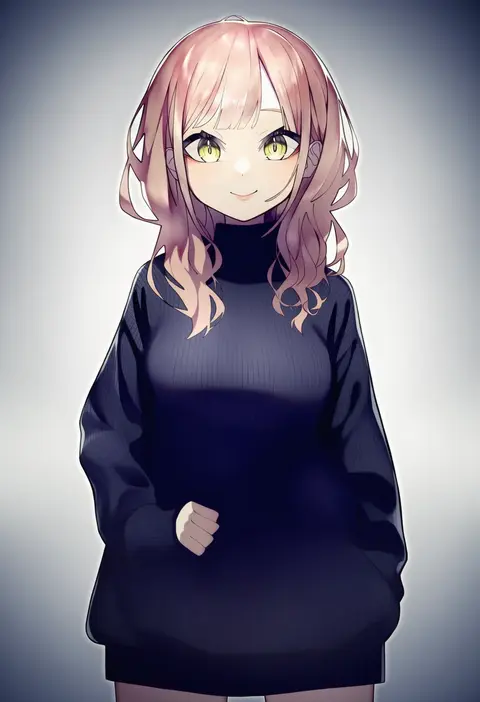
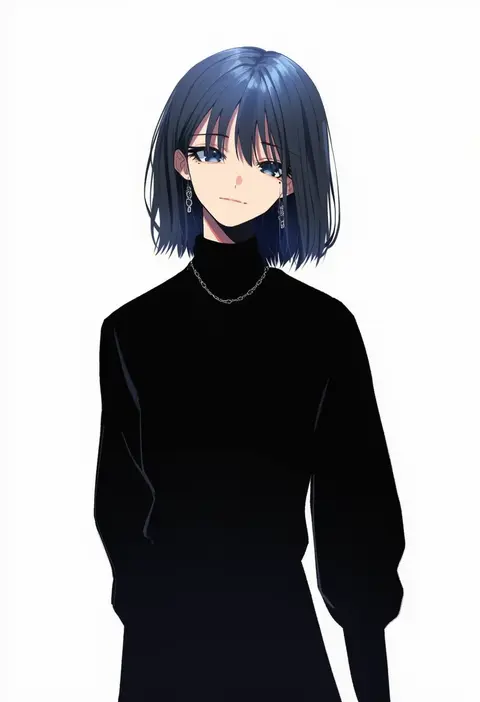
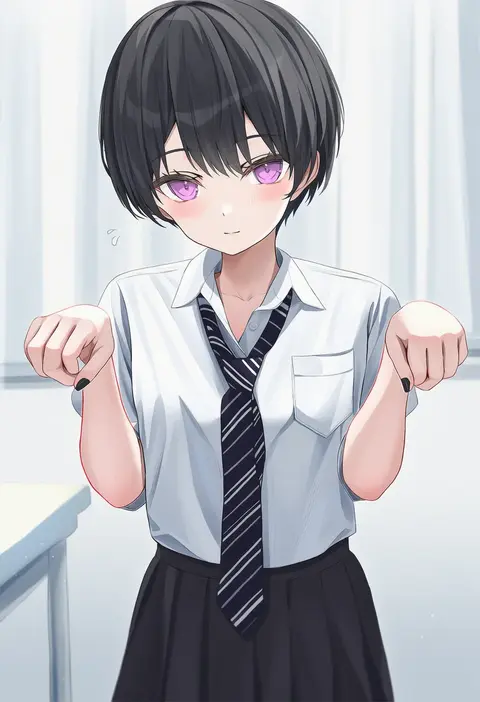
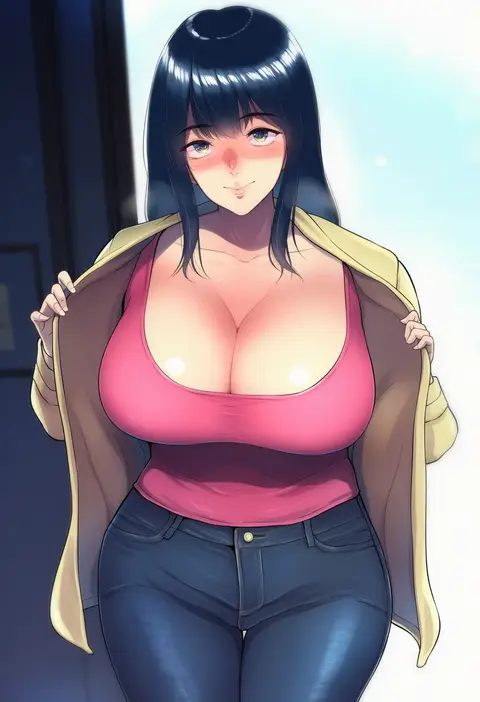
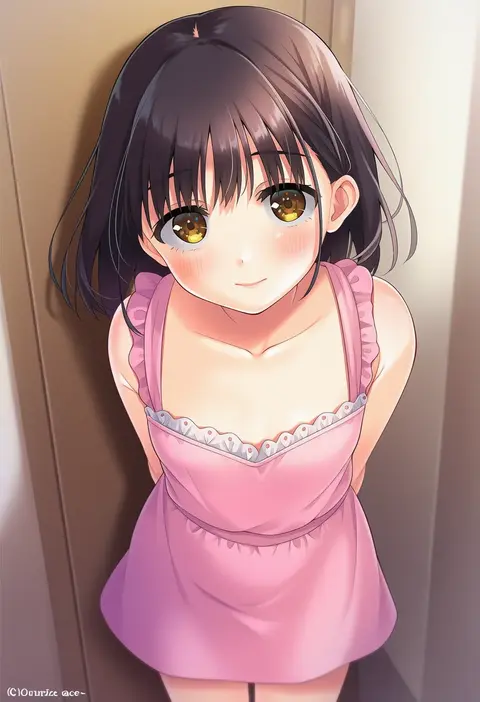
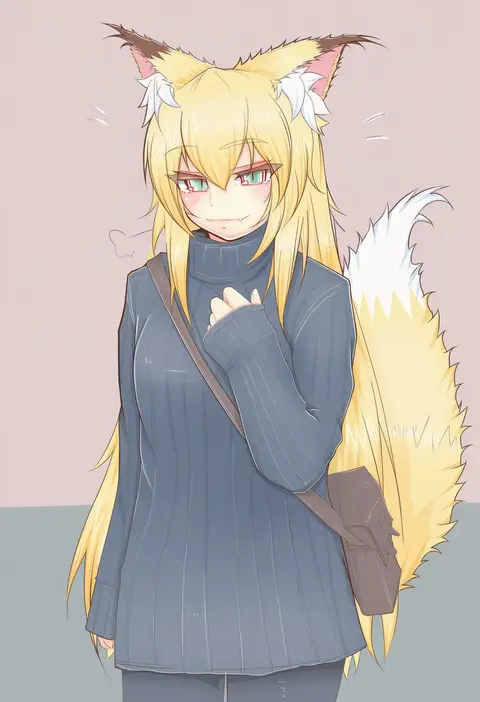
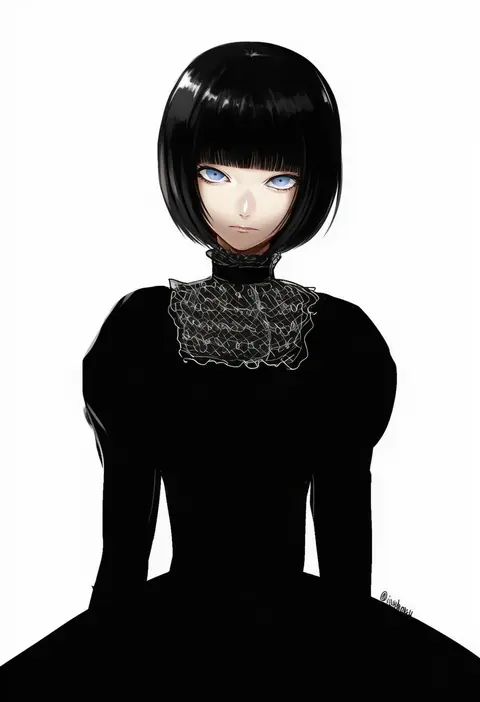
Artist tags tell NovelAI Diffusion to draw in a specific artist's style: line weight, paint texture, face shapes and palette all shift at once. Character and outfit tags decide what is drawn; artist tags decide how. 16,352 tags are listed for V4.5.
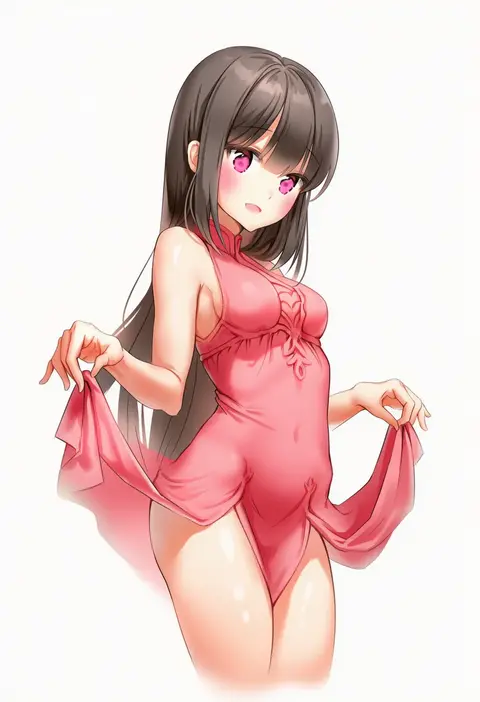
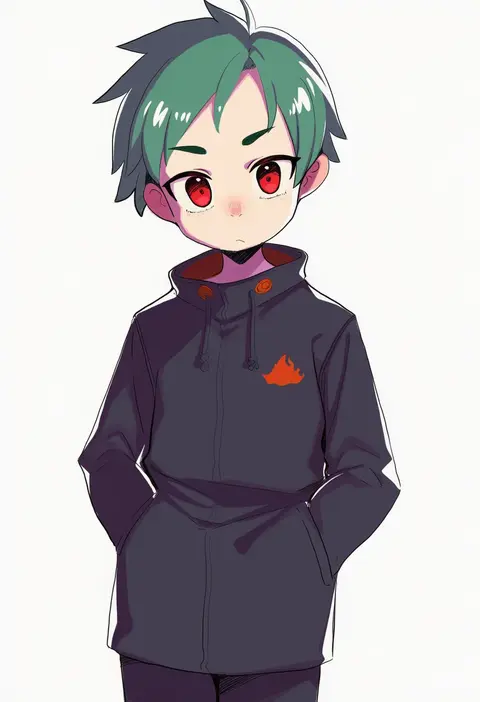
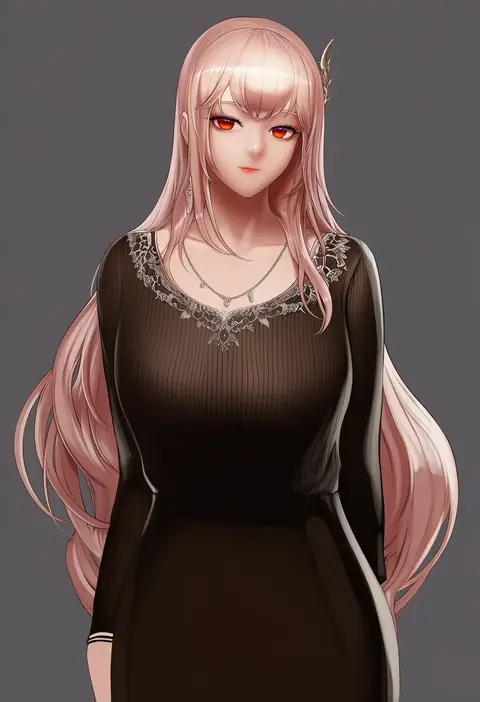
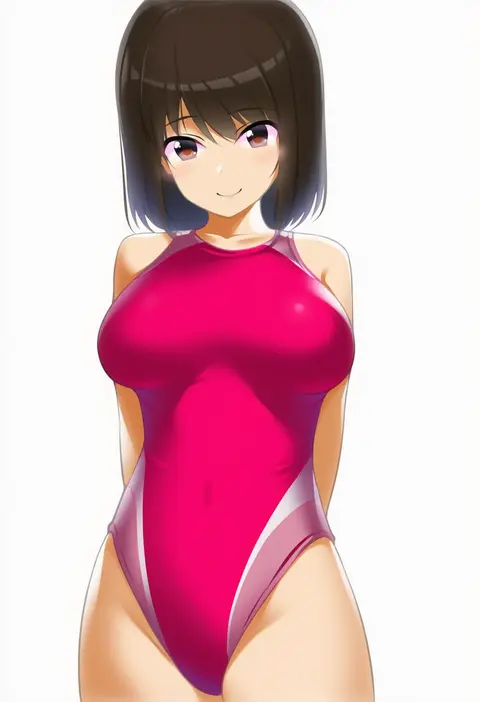
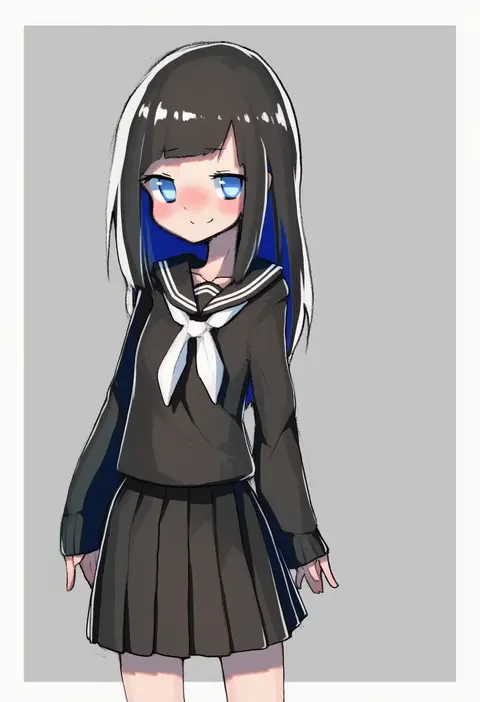
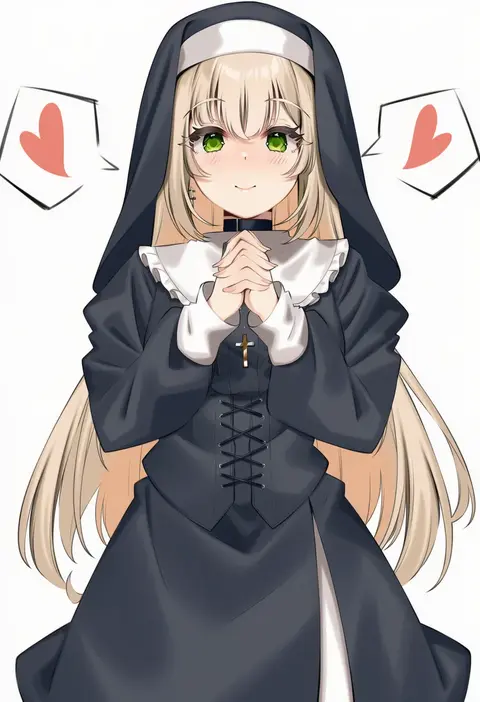
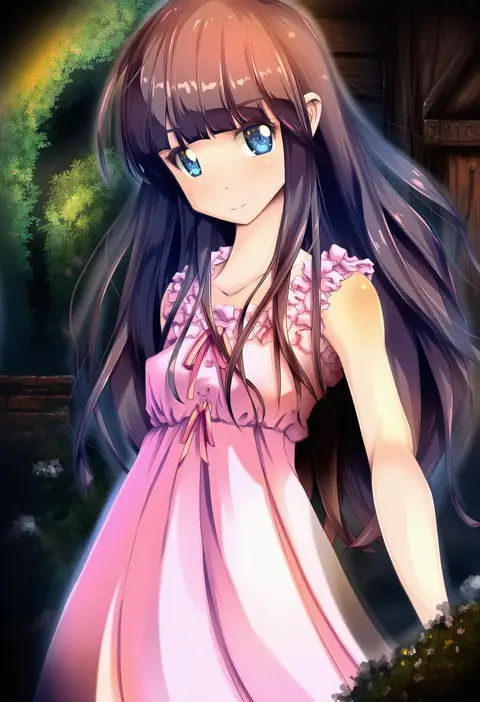
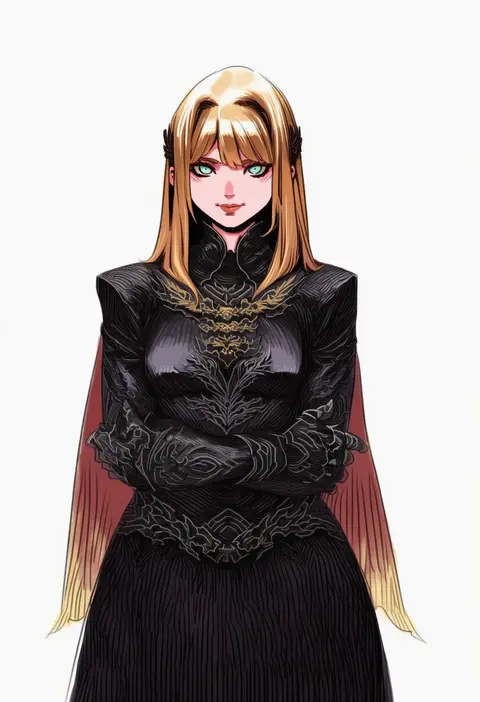
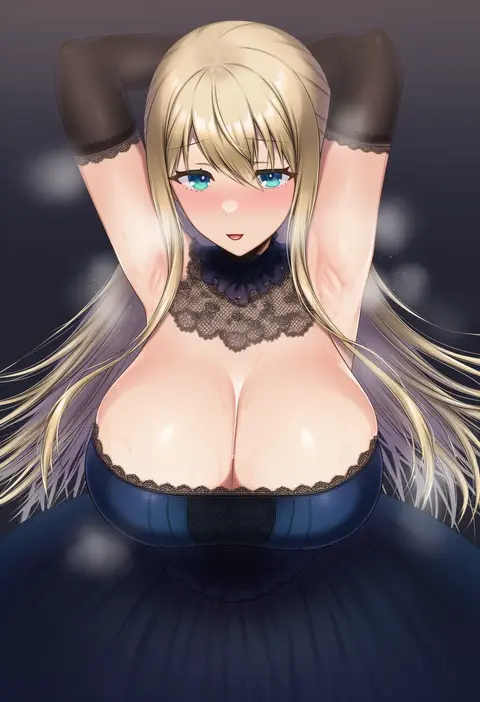
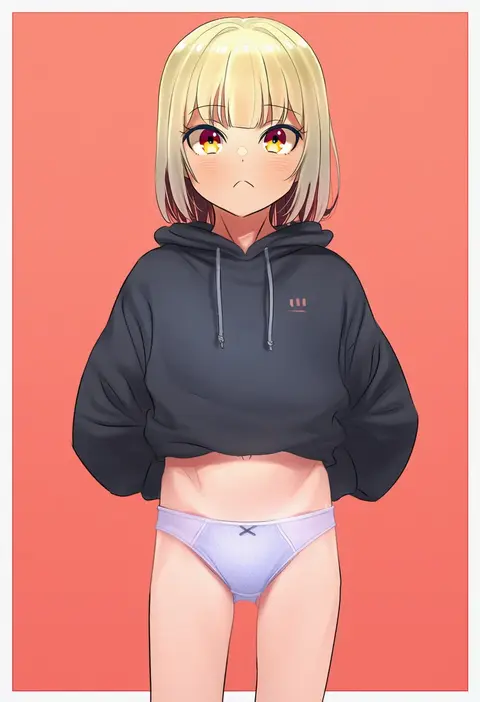
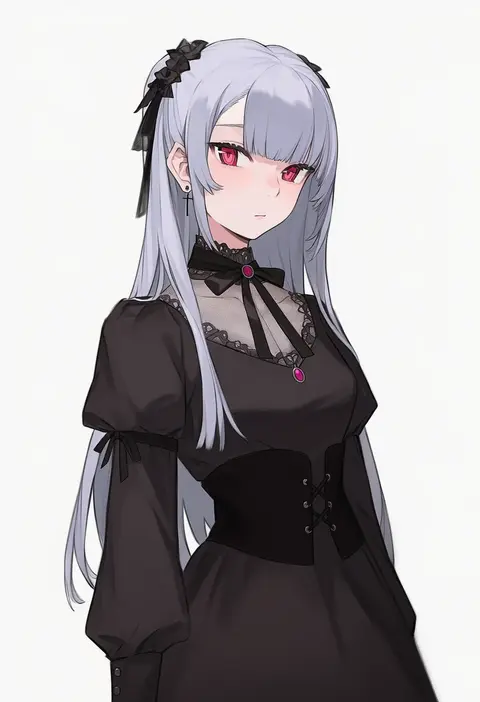
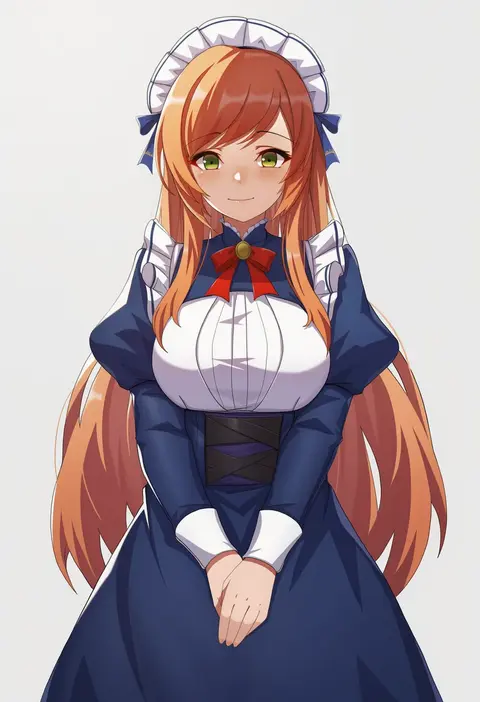
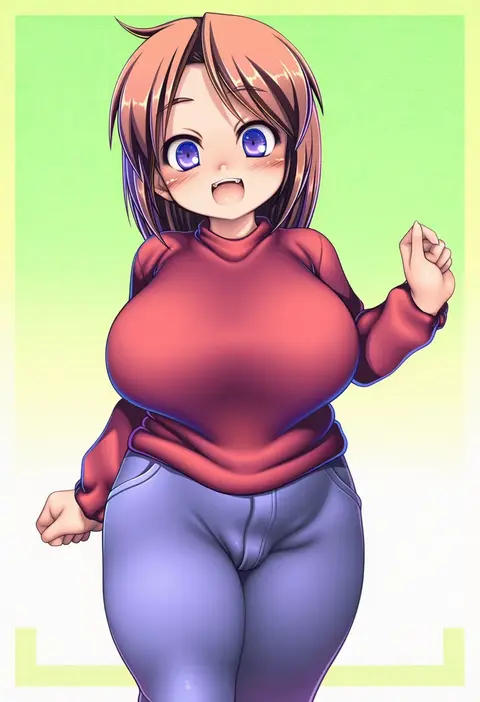
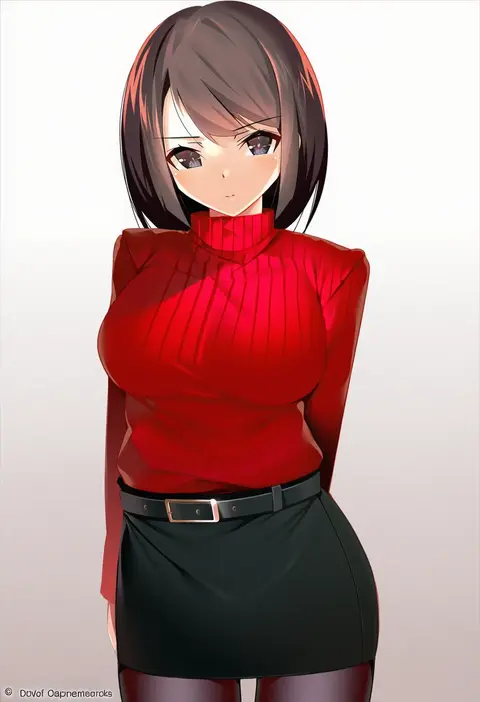
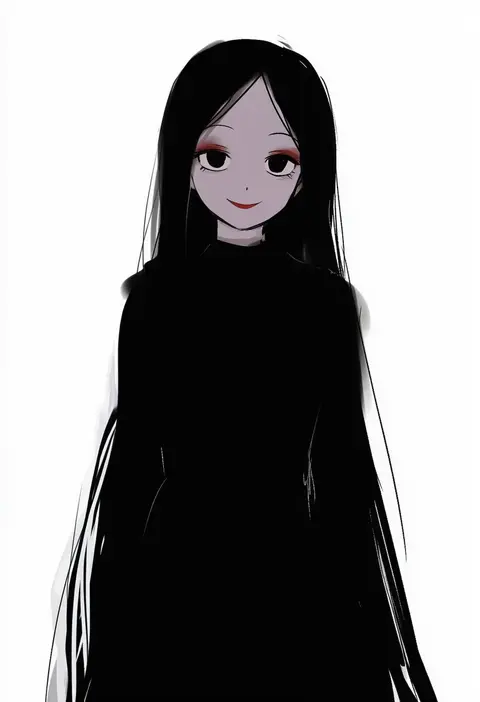
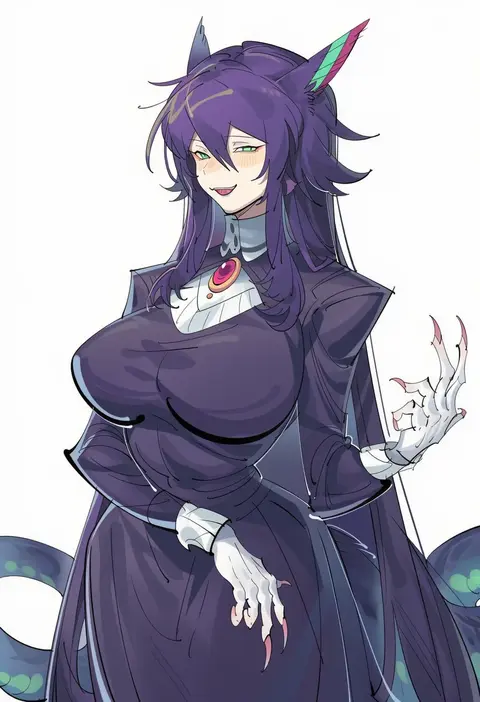
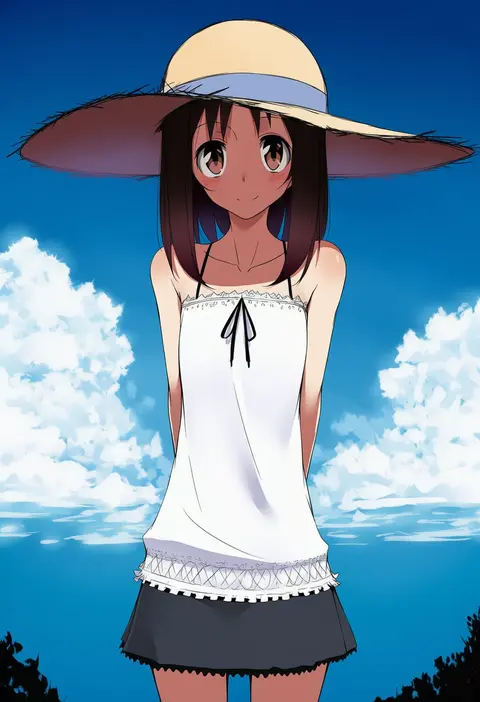
Every tag listed here is verified to react in NovelAI. All images use the same prompt, seed and settings with only the artist tag swapped, so the difference between two images is the style that tag brings in.

How to use them

Put the artist tag near the front of the prompt, e.g. "<artist>, 1girl, solo, best quality, masterpiece, cowboy shot". Two or three artist tags blend styles; lower the weight with "0.8::<artist>::" when the style overpowers the character.

SCORE sorts by Danbooru's top score, POSTS by post count, FAVS by hearts on this site. Open a card to see V5 and V4.5 side by side on the same seed.

V5 vs V4.5

V5 usually lands closer to the artist's real style, and tags that did nothing on V4.5 often react on V5. V4.5 still fits older and doujin-heavy artists better. Try V5 first, fall back to V4.5.

FAQ

Where does the artist tag go?
Near the front of the prompt. Use "0.8::tag::" to adjust its weight.

Can I stack artist tags?
Yes, styles blend. Past two or three the result stops looking like anyone.

Are these the artists' own works?
No. Every image is a NovelAI sample generated from the tag.