V4.5Artists
sort: FAVS▾
▾
>
$

NovelAI Artist Tags List — V4.5

artist --count 16,352[101/273]
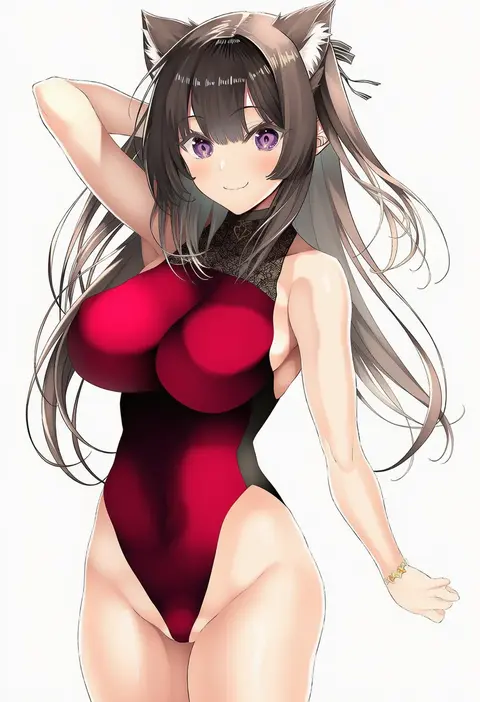
inuzumi masaki
ARTIST0x1770
0
fukuroumori
ARTIST0x1771
0
moruchi (rinaka moruchi)
ARTIST0x1772
0
rimukoro
ARTIST0x1773
0
kisamu (ksmz)
ARTIST0x1774
0
tirotata
ARTIST0x1775
0
ikuta takanon
ARTIST0x1776
0
kawanakajima
ARTIST0x1777
0
gairou (takakuan)
ARTIST0x1778
0
crimecrime
ARTIST0x1779
0
niizuka (c-drop)
ARTIST0x177A
0
kochipu
ARTIST0x177B
0
ryuya
ARTIST0x177C
0
kuzu (miduhana)
ARTIST0x177D
0
maguro27
ARTIST0x177E
0
abusoru
ARTIST0x177F
0
tenken (gotannda)
ARTIST0x1780
0
ransusan
ARTIST0x1781
0
hyakumangoku masurao
ARTIST0x1782
0
sody
ARTIST0x1783
0
shimhaq
ARTIST0x1784
0
topia
ARTIST0x1785
0
z.o.b
ARTIST0x1786
0
xinaelle
ARTIST0x1787
0
katou itsuwa
ARTIST0x1788
0
youmou usagi
ARTIST0x1789
0
pon (ponidrop)
ARTIST0x178A
0
heartbreak juan
ARTIST0x178B
0
negija
ARTIST0x178C
0
chronozbergh
ARTIST0x178D
0
annindoufu (oicon)
ARTIST0x178E
0
s zenith lee
ARTIST0x178F
0
mg renders
ARTIST0x1790
0
gumilkx
ARTIST0x1791
0
nyome991
ARTIST0x1792
0
usamiusamimii
ARTIST0x1793
0
warashi
ARTIST0x1794
0
aramaru
ARTIST0x1795
0
gomano rio
ARTIST0x1796
0
kurokawa otogi
ARTIST0x1797
0
mochi (k620803n)
ARTIST0x1798
0
jtleeklm
ARTIST0x1799
0
amagaeru (hylathewet)
ARTIST0x179A
0
sutoroa
ARTIST0x179B
0
mexif
ARTIST0x179C
0
isao
ARTIST0x179D
0
mutomorokoshi
ARTIST0x179E
0
shibata masahiro
ARTIST0x179F
0
rero (bigdoorbig2)
ARTIST0x17A0
0
fuji yoshida
ARTIST0x17A1
0
narisokonai
ARTIST0x17A2
0
marvin (omarvin)
ARTIST0x17A3
0
nora neko (fjya7473)
ARTIST0x17A4
0
cel da lin
ARTIST0x17A5
0
akina tsukako
ARTIST0x17A6
0
futatsuki hisame
ARTIST0x17A7
0
fuchi (nightmare)
ARTIST0x17A8
0
sakura chiyo (konachi000)
ARTIST0x17A9
0
minazuki juuzou
ARTIST0x17AA
0
doko tetora
ARTIST0x17AB
0

What these tags change

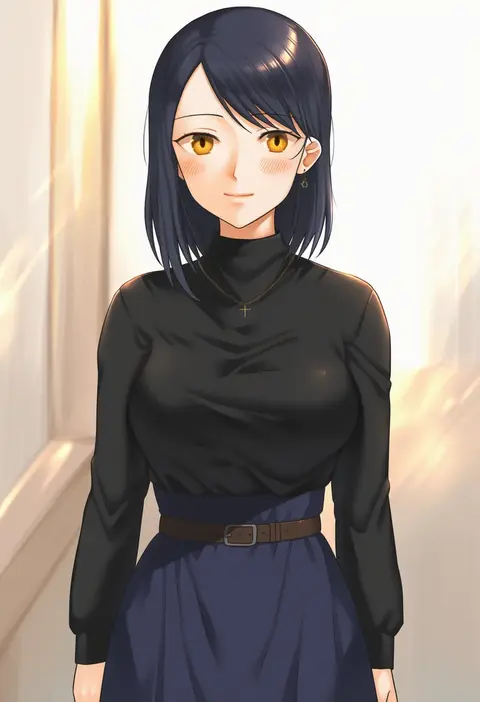
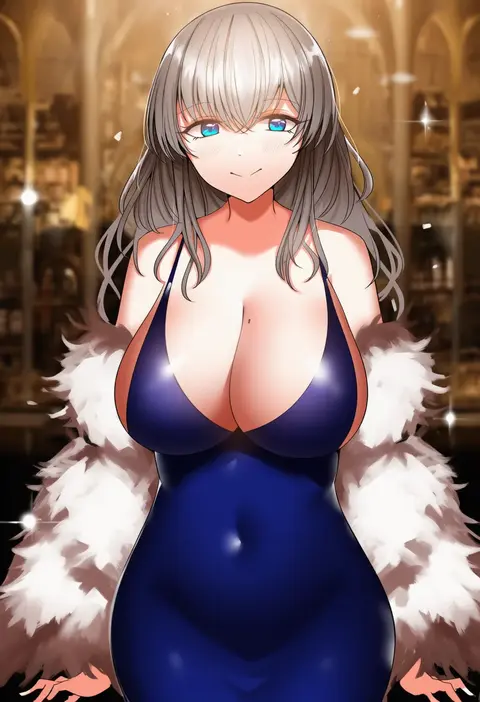
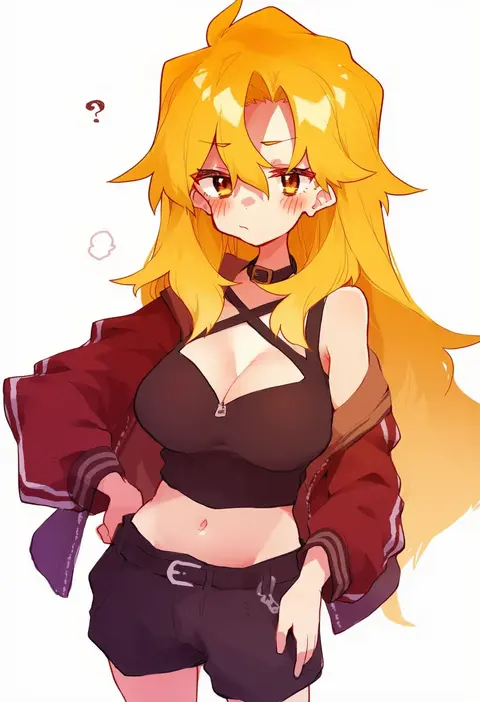
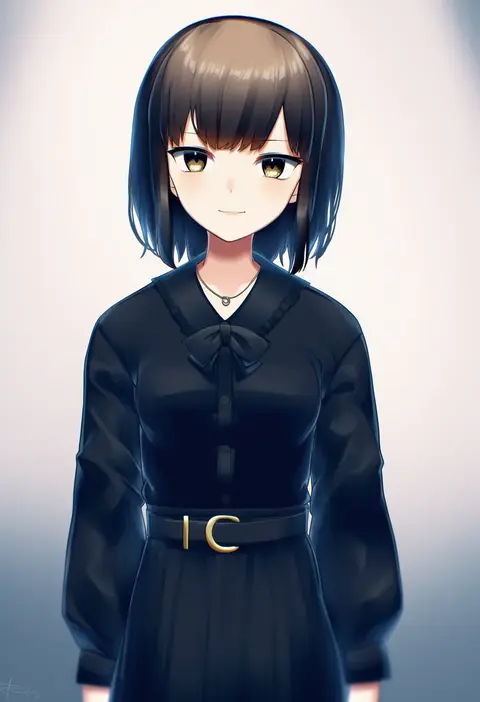
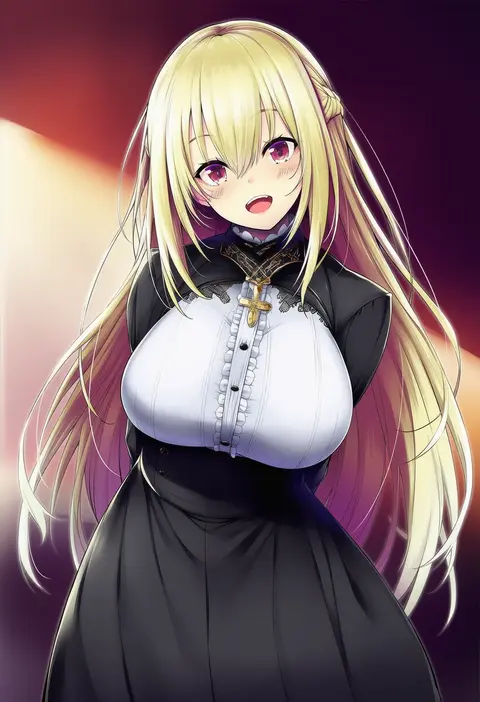
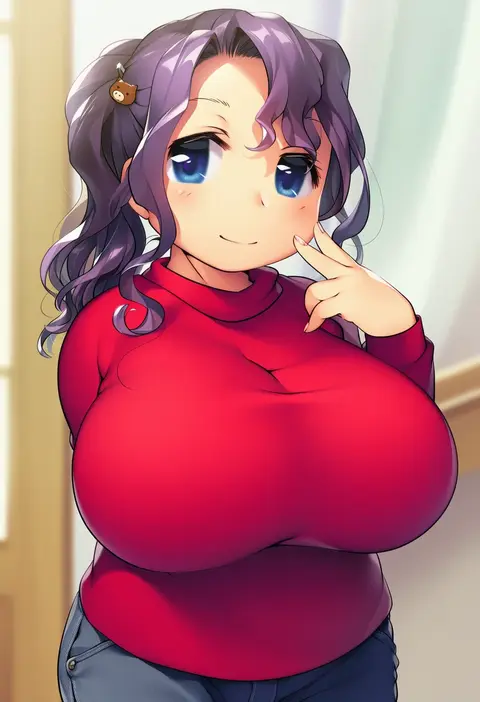
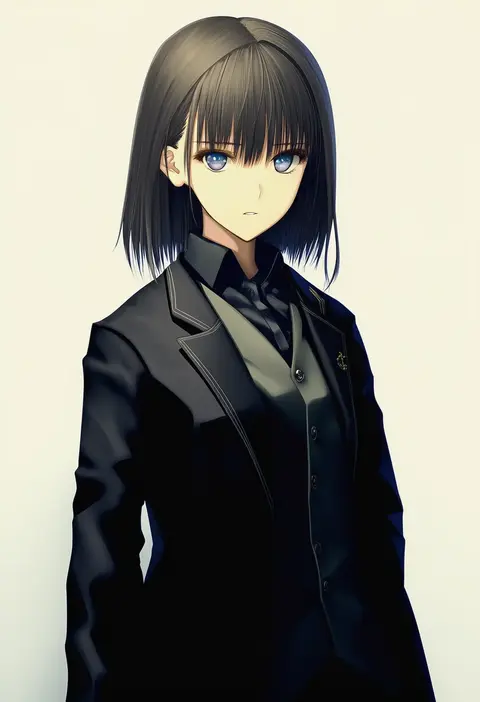
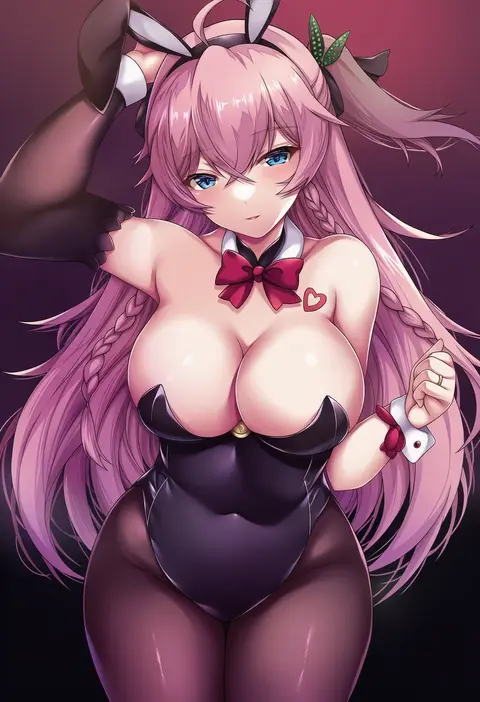
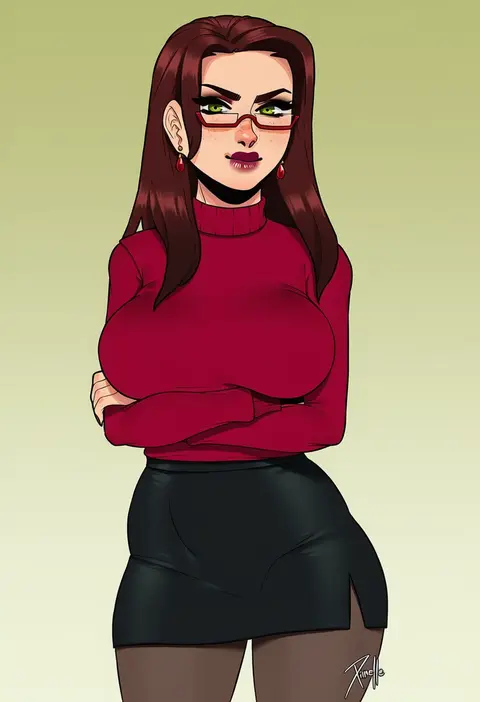
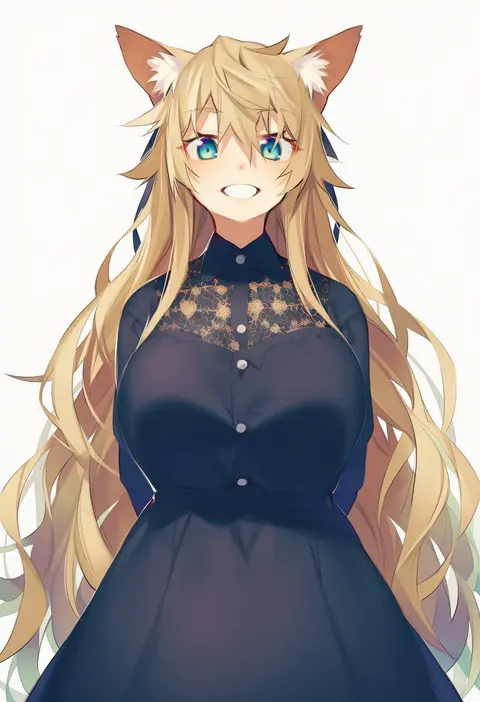
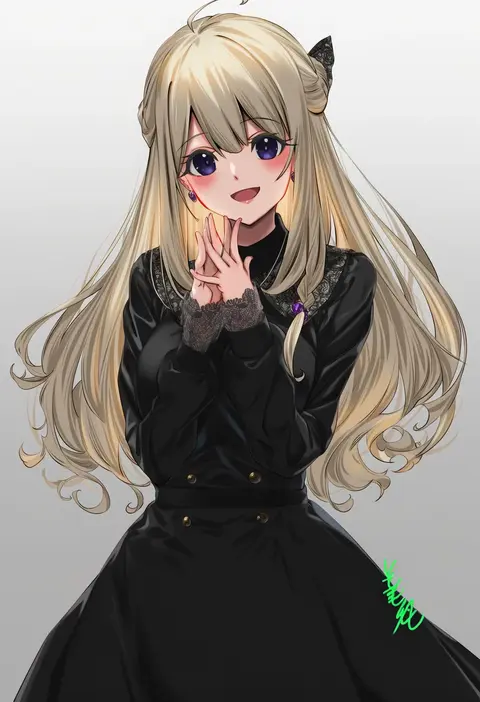
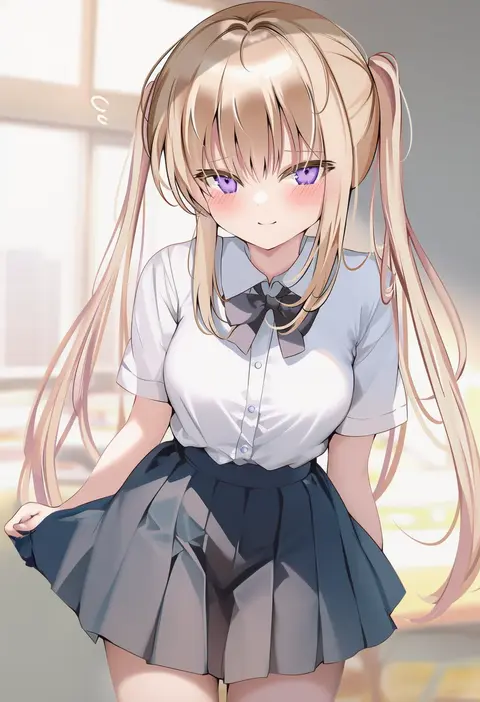
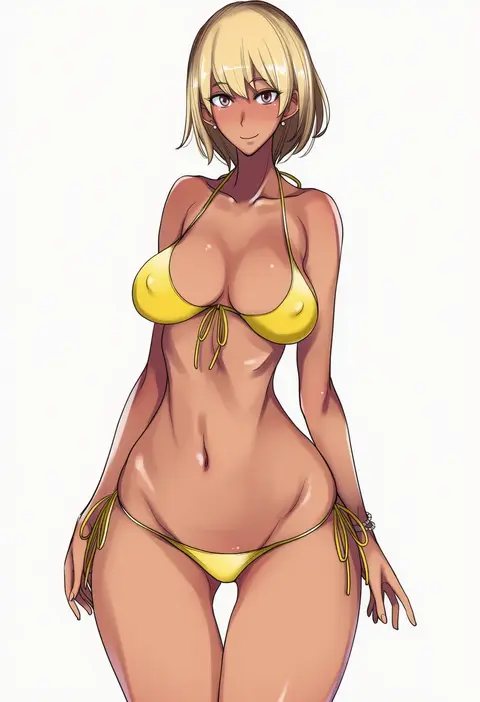
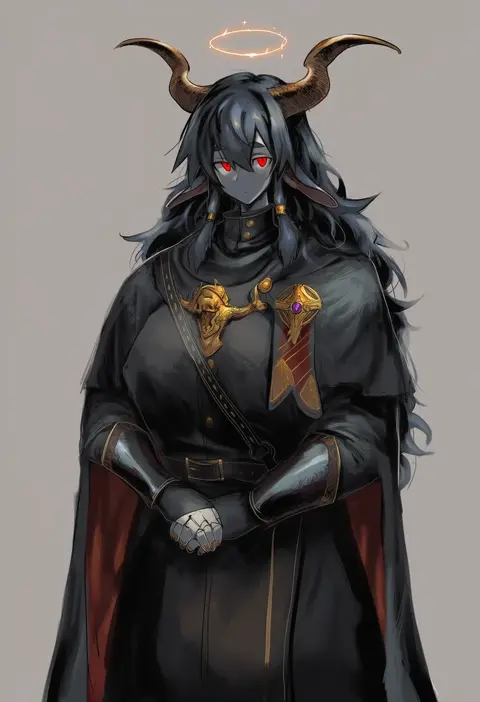
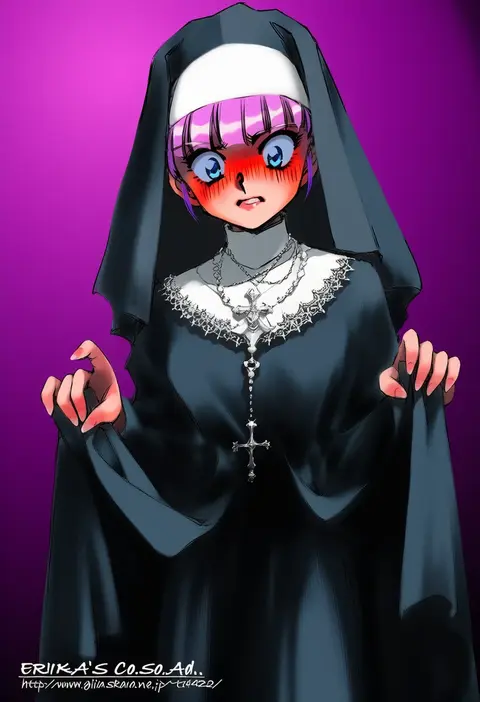
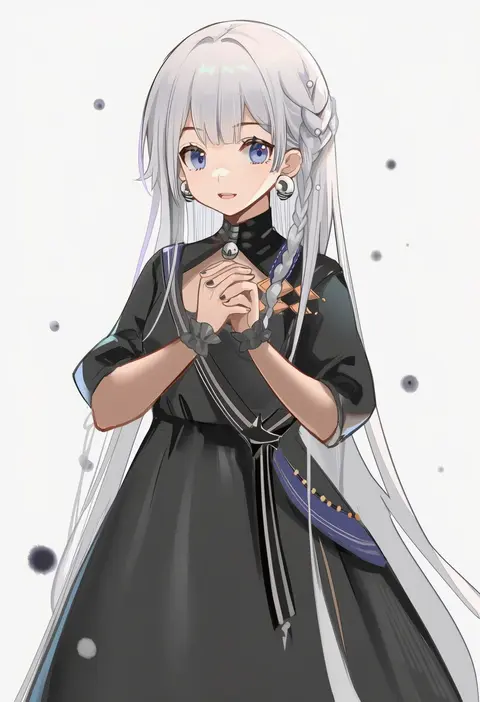
Artist tags tell NovelAI Diffusion to draw in a specific artist's style: line weight, paint texture, face shapes and palette all shift at once. Character and outfit tags decide what is drawn; artist tags decide how. 16,352 tags are listed for V4.5.
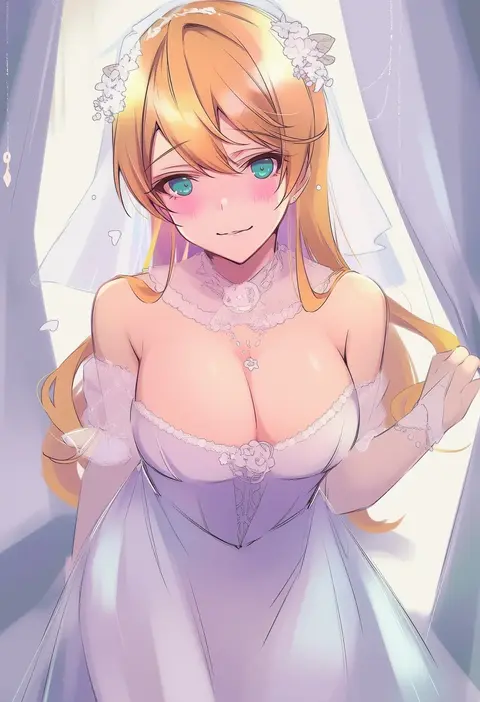
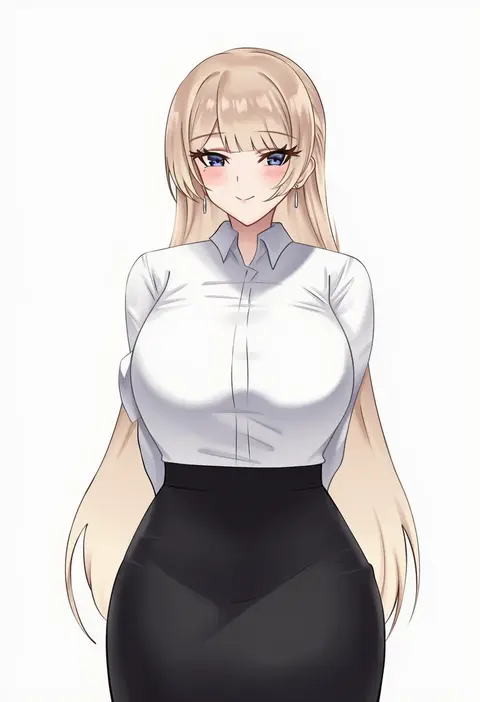
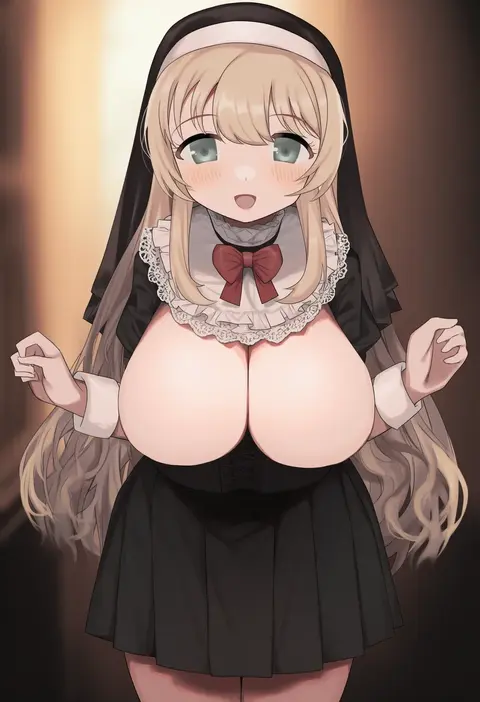
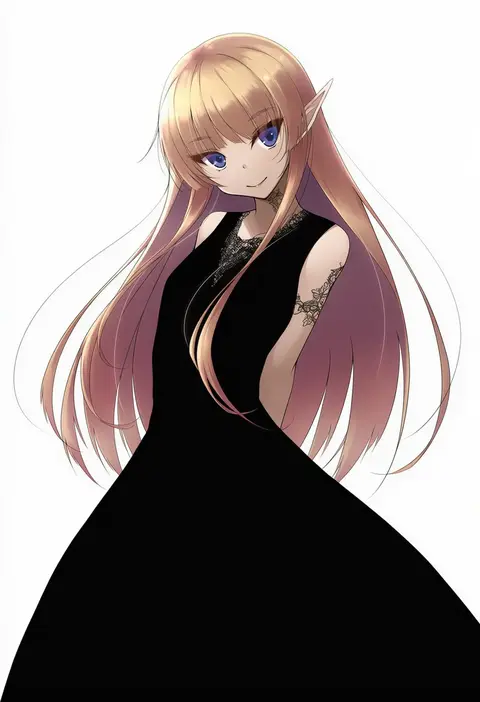
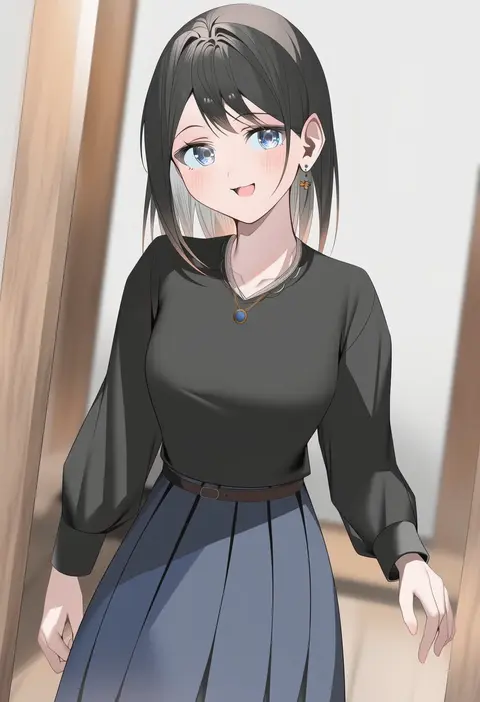
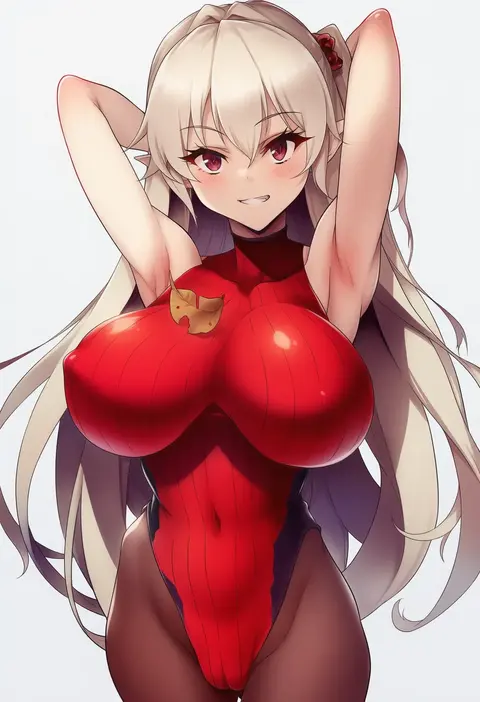
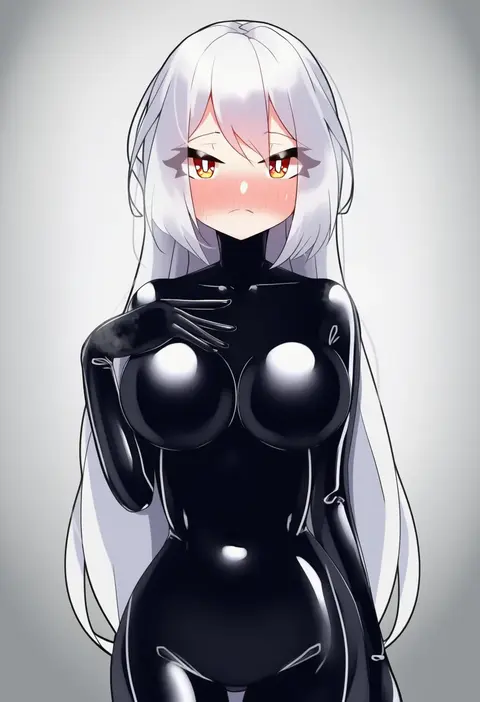
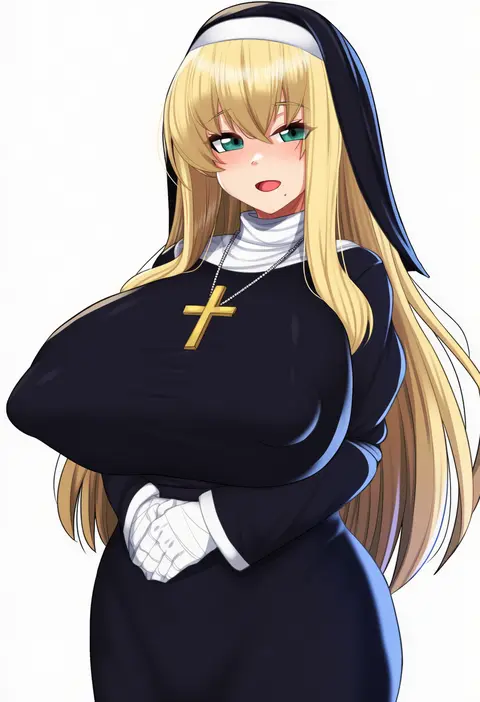
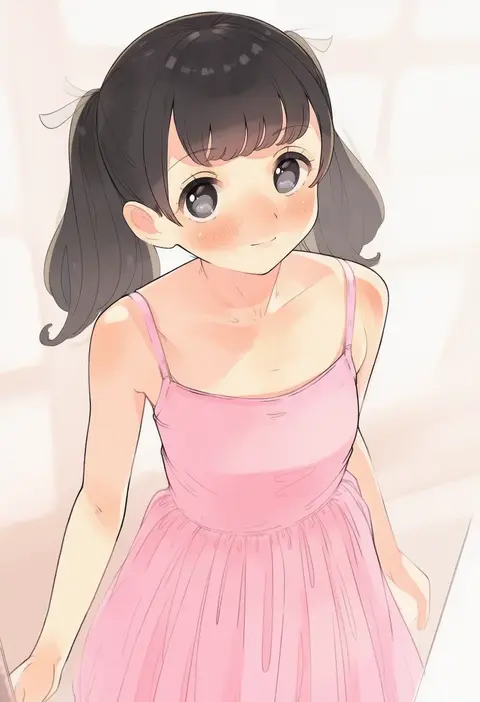
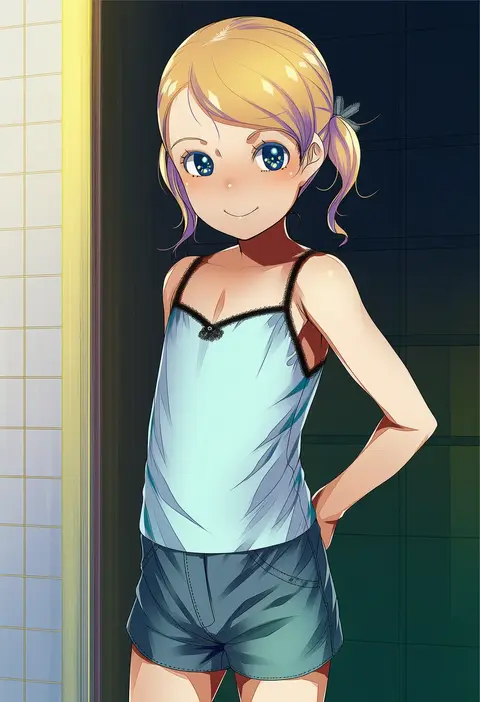
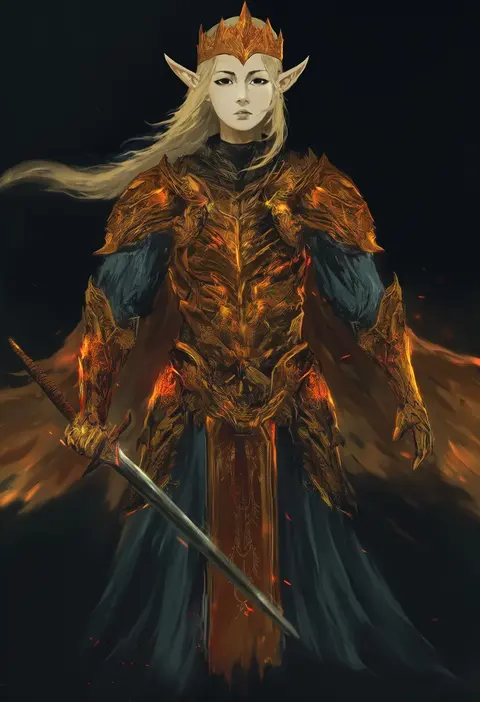
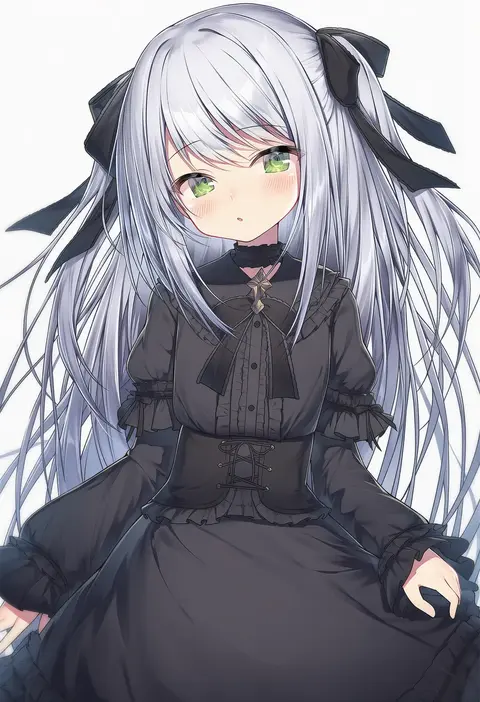
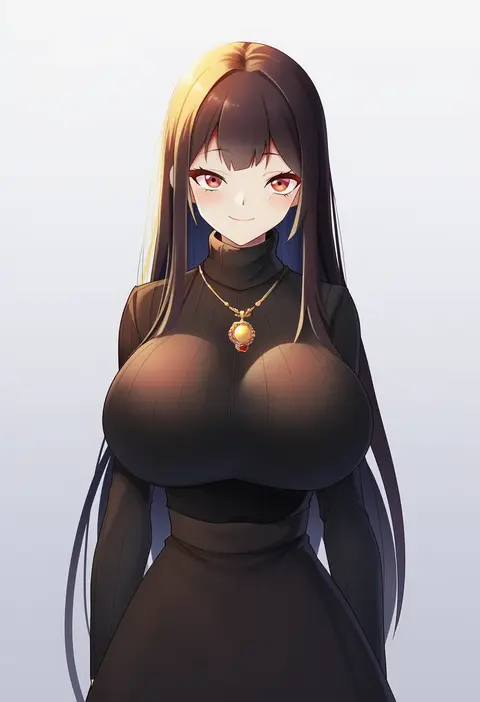
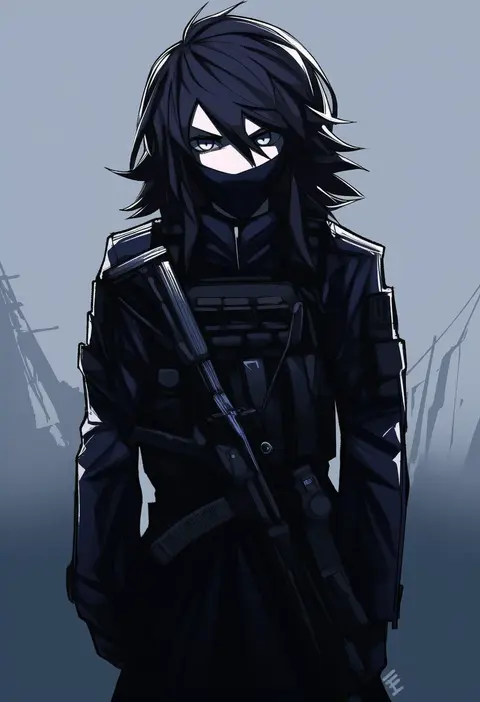
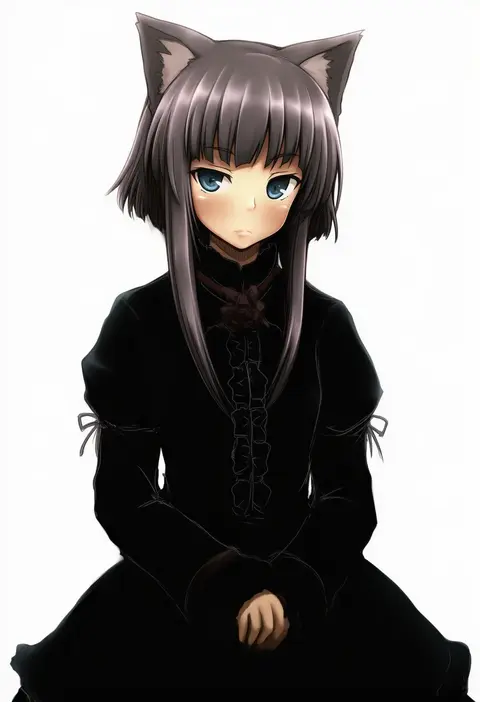
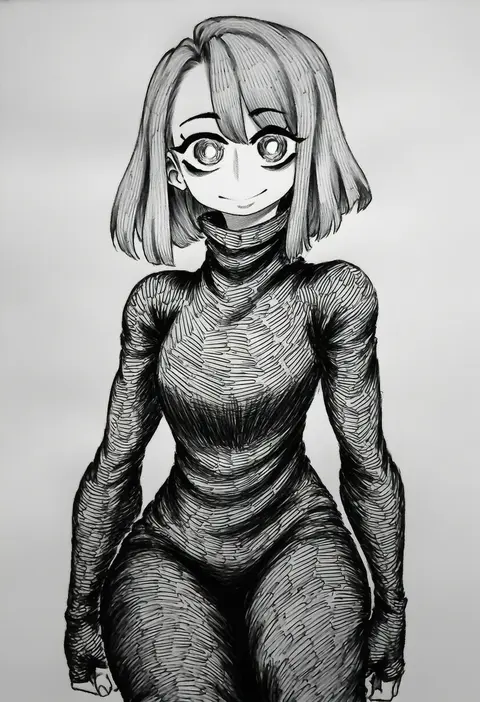
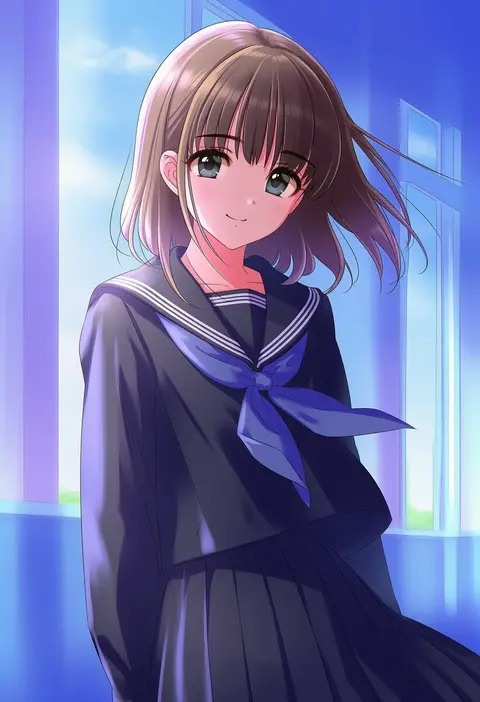
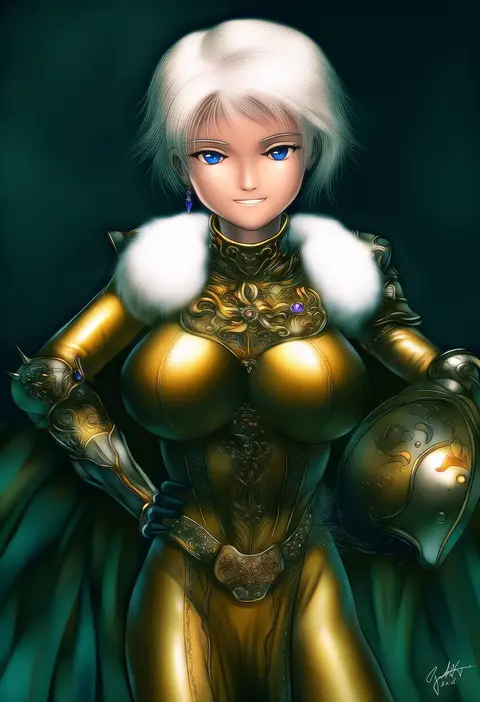
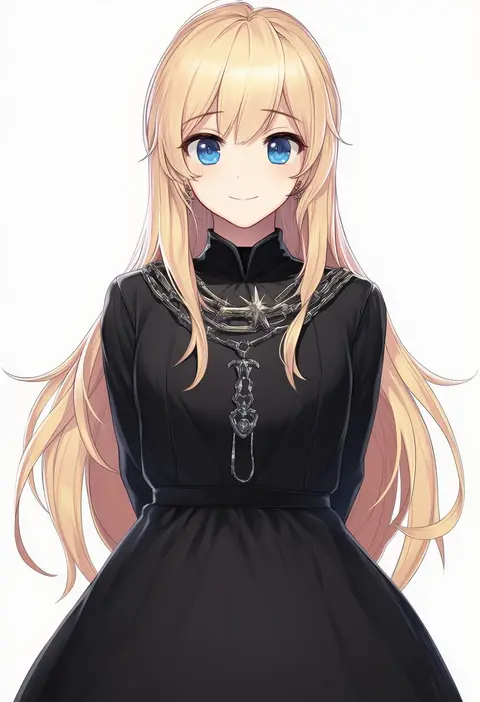
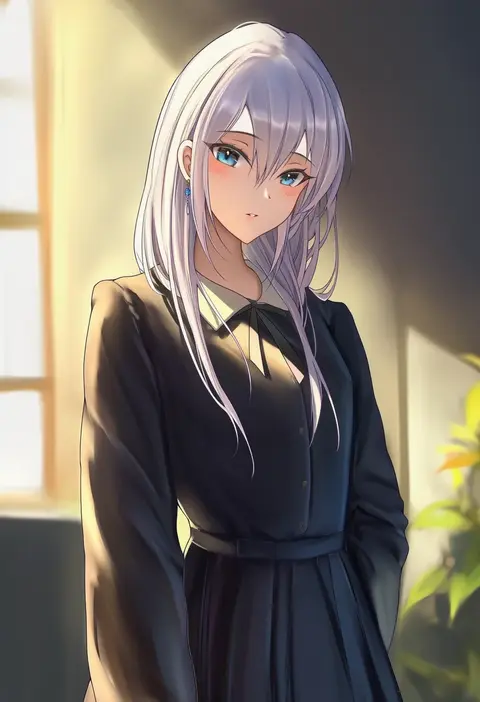
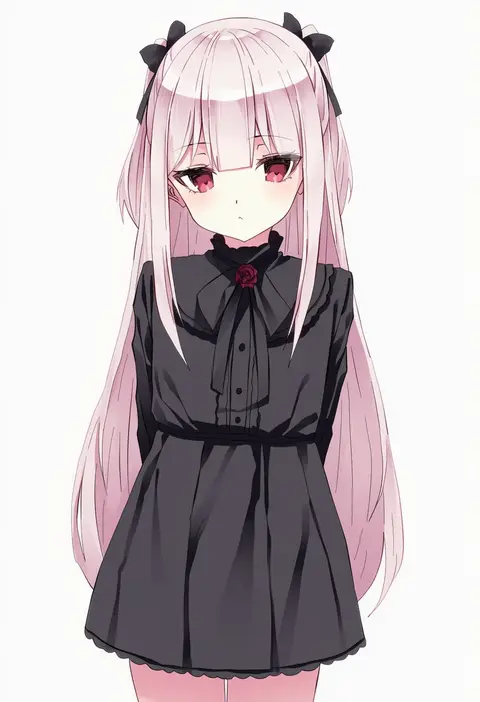
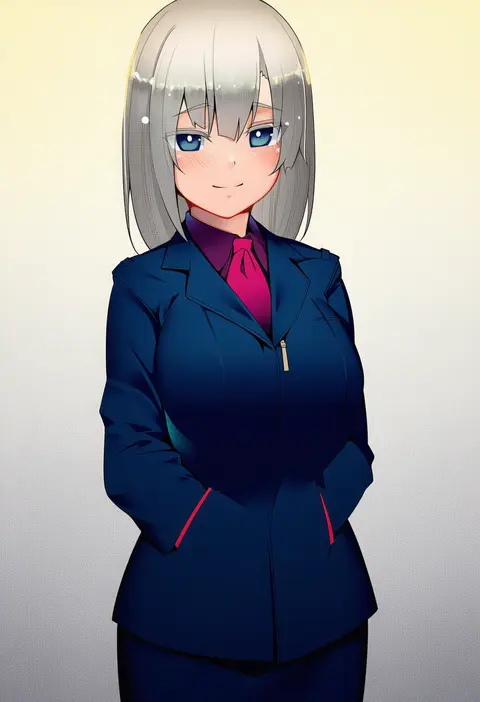
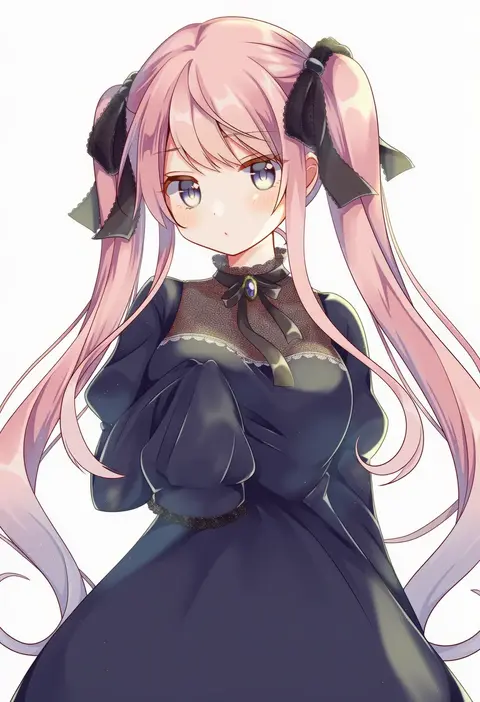
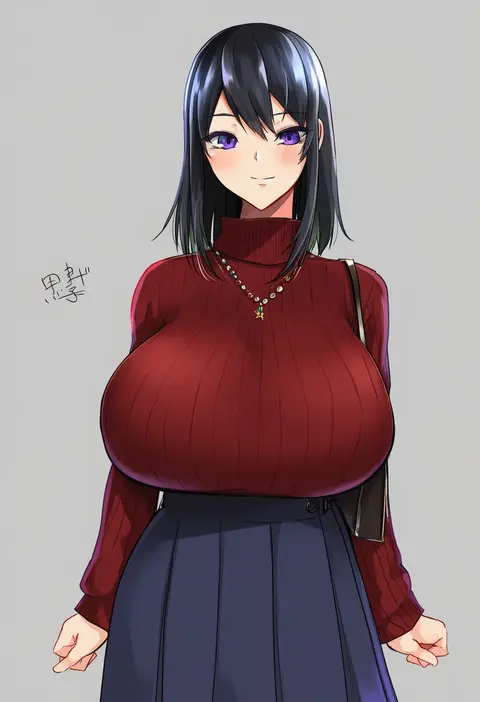
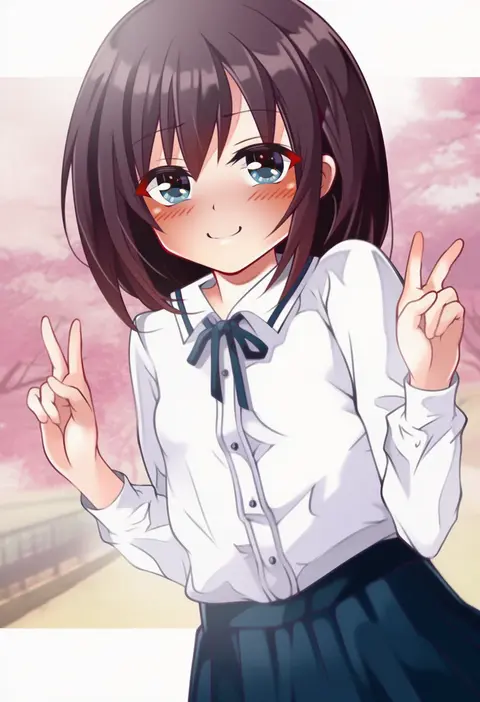
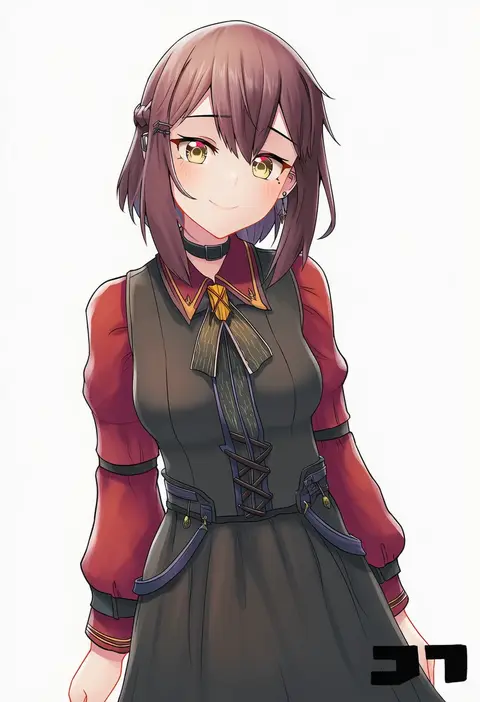
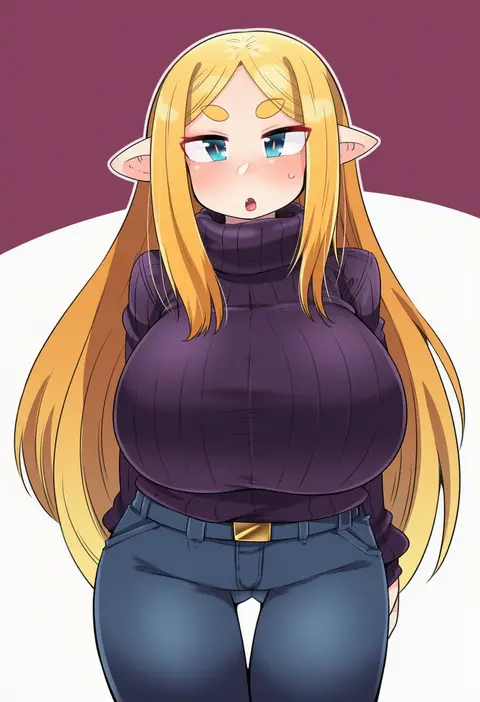
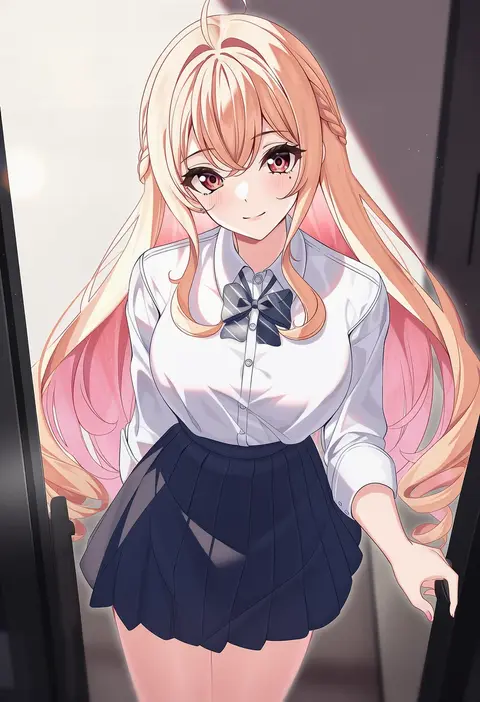
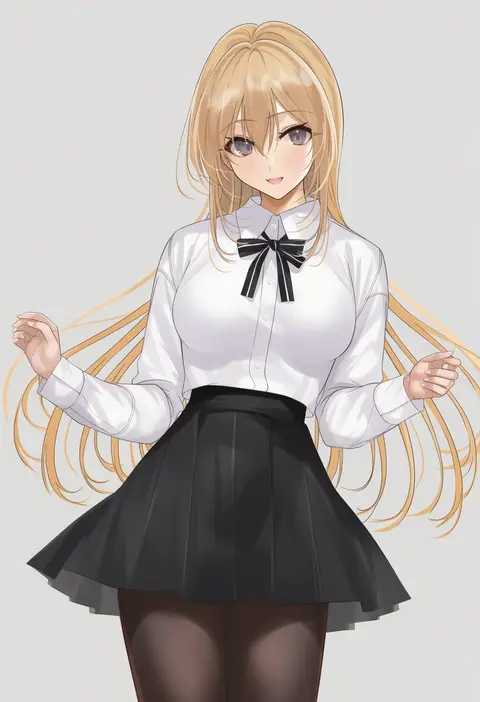
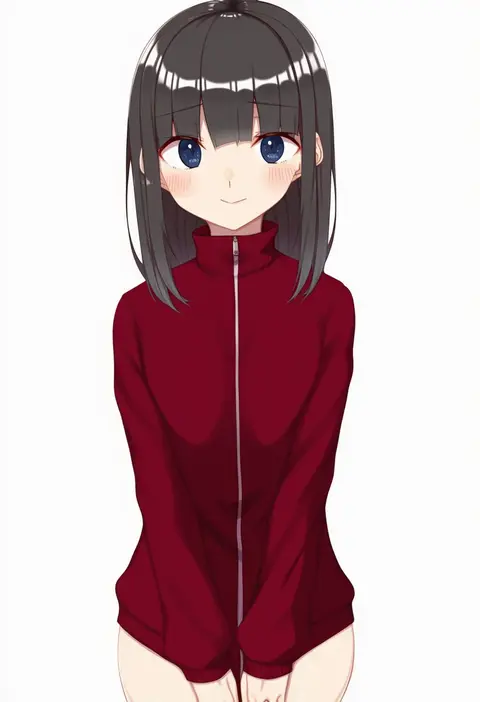
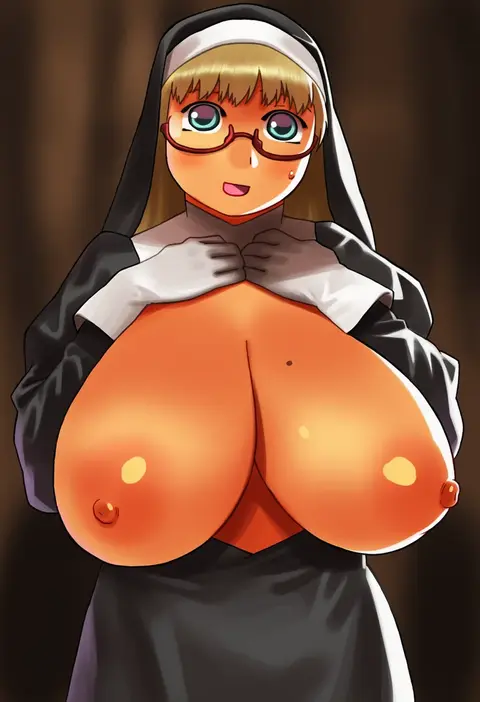
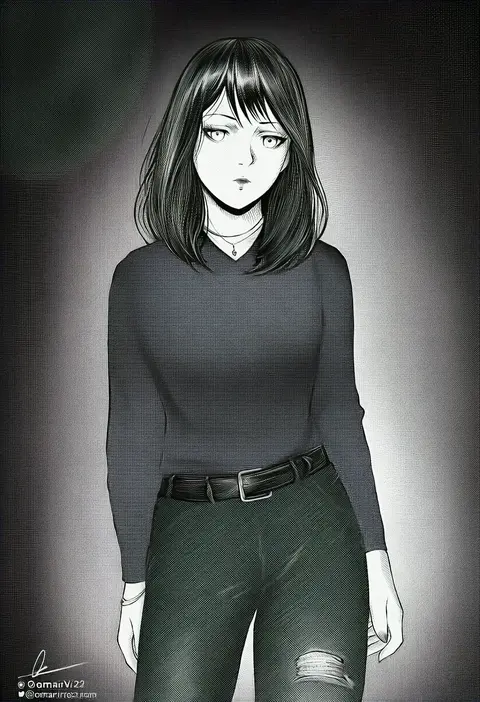
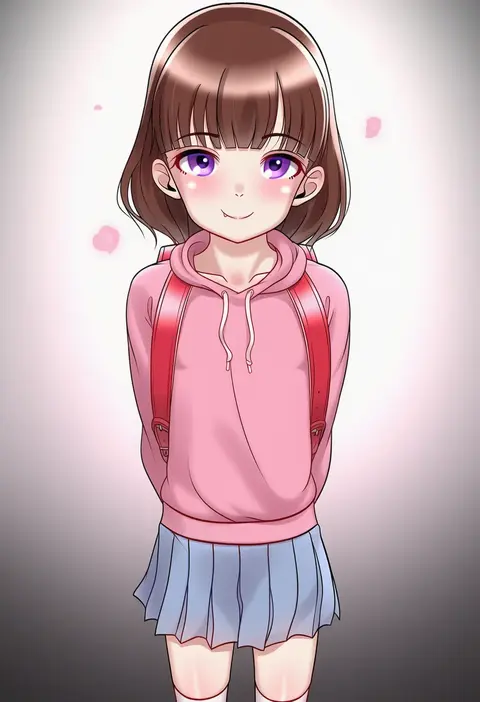
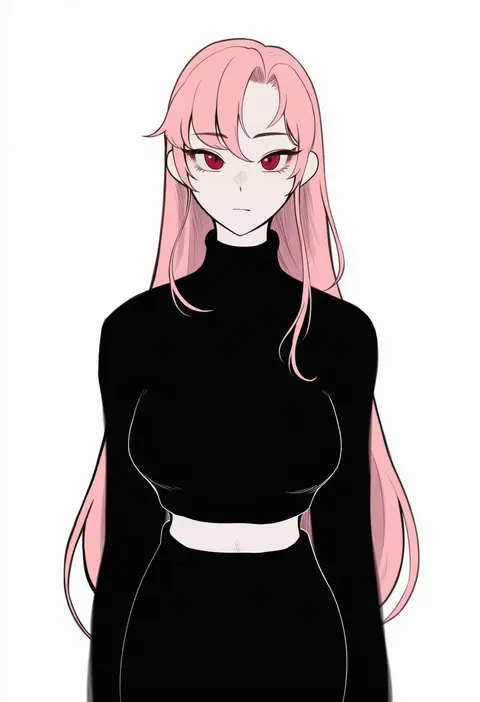
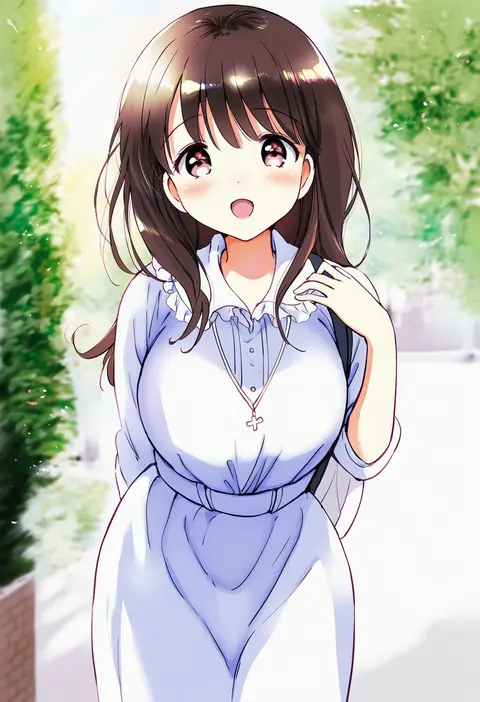
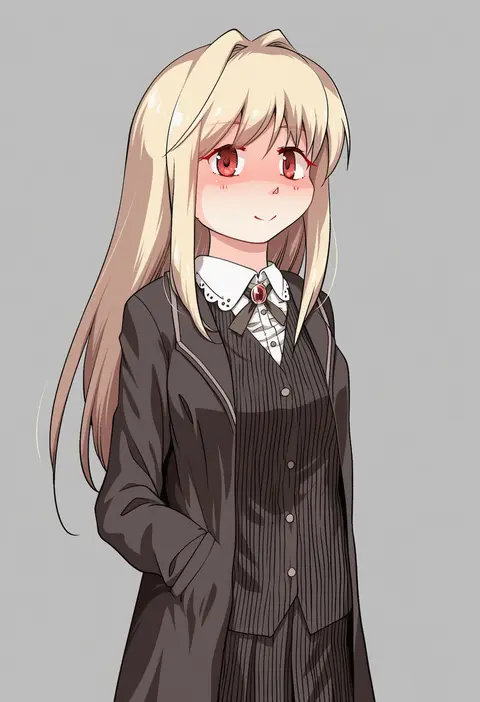
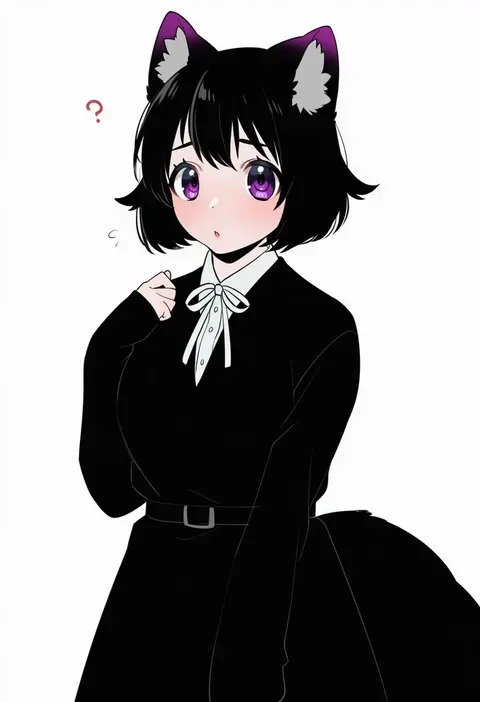
Every tag listed here is verified to react in NovelAI. All images use the same prompt, seed and settings with only the artist tag swapped, so the difference between two images is the style that tag brings in.

How to use them

Put the artist tag near the front of the prompt, e.g. "<artist>, 1girl, solo, best quality, masterpiece, cowboy shot". Two or three artist tags blend styles; lower the weight with "0.8::<artist>::" when the style overpowers the character.

SCORE sorts by Danbooru's top score, POSTS by post count, FAVS by hearts on this site. Open a card to see V5 and V4.5 side by side on the same seed.

V5 vs V4.5

V5 usually lands closer to the artist's real style, and tags that did nothing on V4.5 often react on V5. V4.5 still fits older and doujin-heavy artists better. Try V5 first, fall back to V4.5.

FAQ

Where does the artist tag go?
Near the front of the prompt. Use "0.8::tag::" to adjust its weight.

Can I stack artist tags?
Yes, styles blend. Past two or three the result stops looking like anyone.

Are these the artists' own works?
No. Every image is a NovelAI sample generated from the tag.