V4.5Artists
sort: FAVS▾
▾
>
$

NovelAI Artist Tags List — V4.5

artist --count 16,352[100/273]
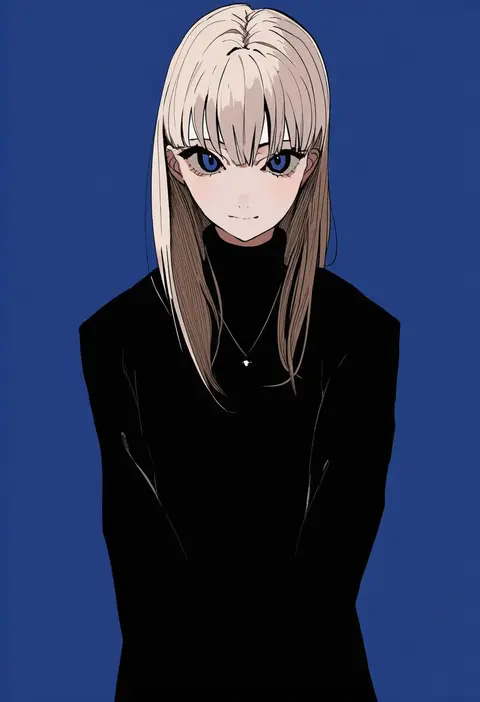
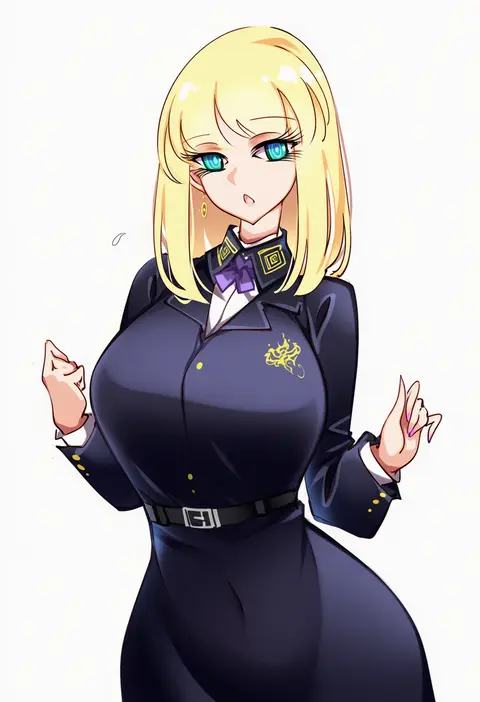
kurokawa (kurokashi655)
ARTIST0x1734
0
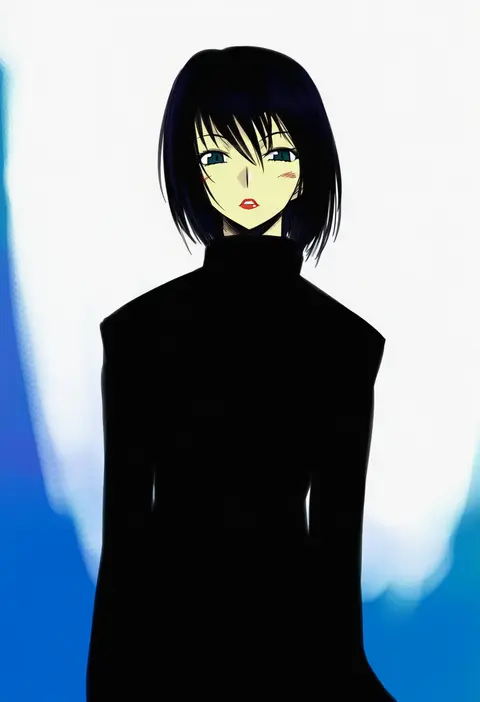
mutou mame
ARTIST0x1735
0
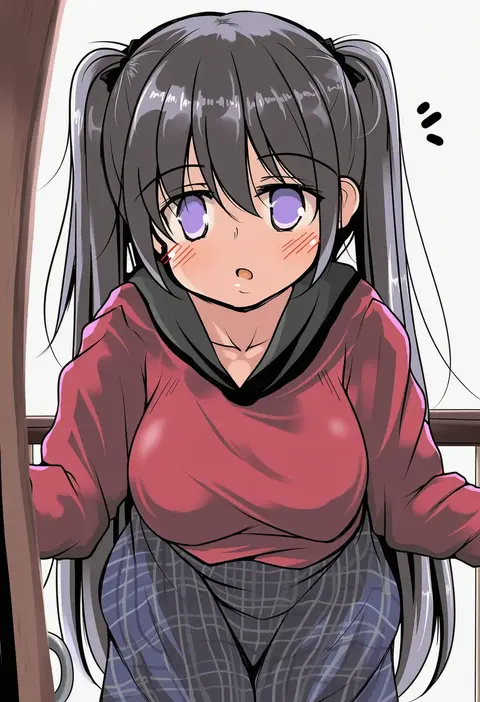
kuroida
ARTIST0x1736
0
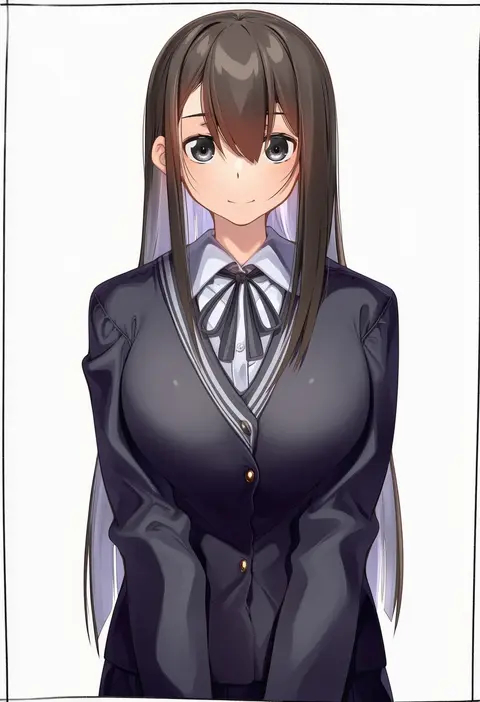
bebetang
ARTIST0x1737
0
zonotaida
ARTIST0x1738
0
xintianou
ARTIST0x1739
0
raptor7
ARTIST0x173A
0
michael f91
ARTIST0x173B
0
tsuzuri (tuzuri)
ARTIST0x173C
0
kei (soundcross)
ARTIST0x173D
0
hagure kedama
ARTIST0x173E
0
kokomi (aniesuakkaman)
ARTIST0x173F
0
rantana (lalalalackluster)
ARTIST0x1740
0
sagami jon
ARTIST0x1741
0
rafaelaaa
ARTIST0x1742
0
xephonia
ARTIST0x1743
0
shenbei xiaoqiu
ARTIST0x1744
0
jimmy madomagi
ARTIST0x1745
0
volyz
ARTIST0x1746
0
splush wave
ARTIST0x1747
0
sob (submar1089)
ARTIST0x1748
0
baniran dorosu
ARTIST0x1749
0
kasumi komo
ARTIST0x174A
0
agemono
ARTIST0x174B
0
memeno
ARTIST0x174C
0
tama yu
ARTIST0x174D
0
godiva ghoul
ARTIST0x174E
0
sleepyowl (jobkung15)
ARTIST0x174F
0
eugle na
ARTIST0x1750
0
nisi ki no
ARTIST0x1751
0
coffee-break
ARTIST0x1752
0
nectar (fujiya)
ARTIST0x1753
0
london inu
ARTIST0x1754
0
ravenhart
ARTIST0x1755
0
spam (spamham4506)
ARTIST0x1756
0
maze (gochama ze gohan)
ARTIST0x1757
0
hanada yanochi
ARTIST0x1758
0
gintarou (kurousagi108)
ARTIST0x1759
0
takeda yukimura
ARTIST0x175A
0
sakurai energy
ARTIST0x175B
0
ikeda shouko
ARTIST0x175C
0
toriniku29
ARTIST0x175D
0
canking
ARTIST0x175E
0
kakitama
ARTIST0x175F
0
minarai zouhyou
ARTIST0x1760
0
the olphy
ARTIST0x1761
0
mokorei
ARTIST0x1762
0
yaki apple
ARTIST0x1763
0
nootomo
ARTIST0x1764
0
jorori
ARTIST0x1765
0
flatculture
ARTIST0x1766
0
rotroto
ARTIST0x1767
0
togemaru34
ARTIST0x1768
0
yuj (moemarket)
ARTIST0x1769
0
roco (rocoroco1115)
ARTIST0x176A
0
nanachides
ARTIST0x176B
0
kine-c
ARTIST0x176C
0
emily (pure dream)
ARTIST0x176D
0
ebizome
ARTIST0x176E
0
kanekiyo miwa
ARTIST0x176F
0

What these tags change

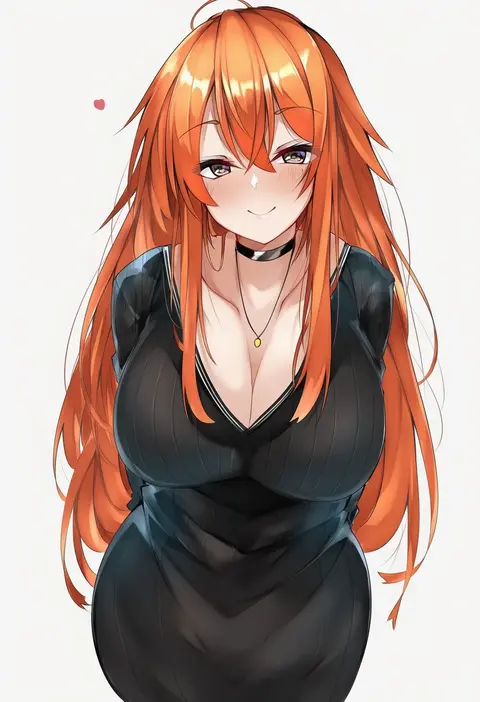
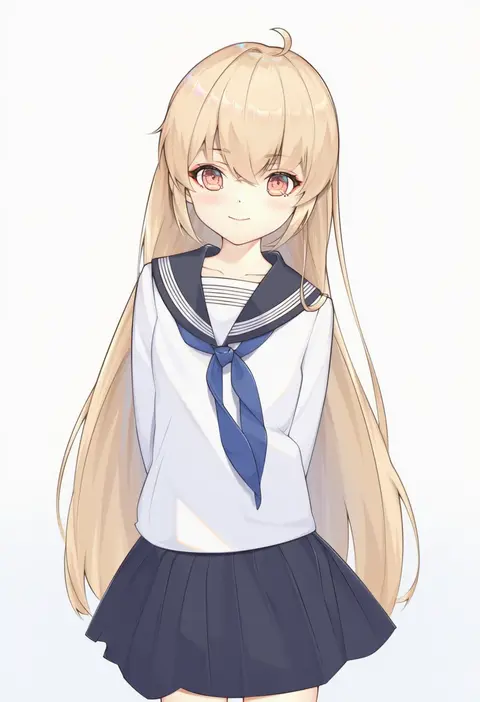
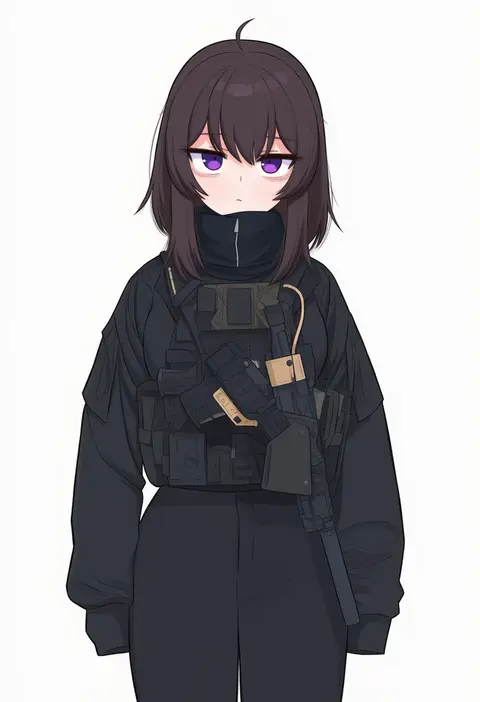
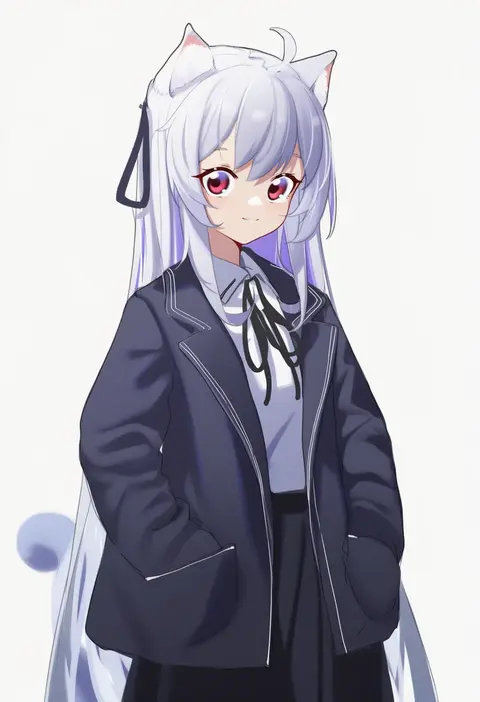
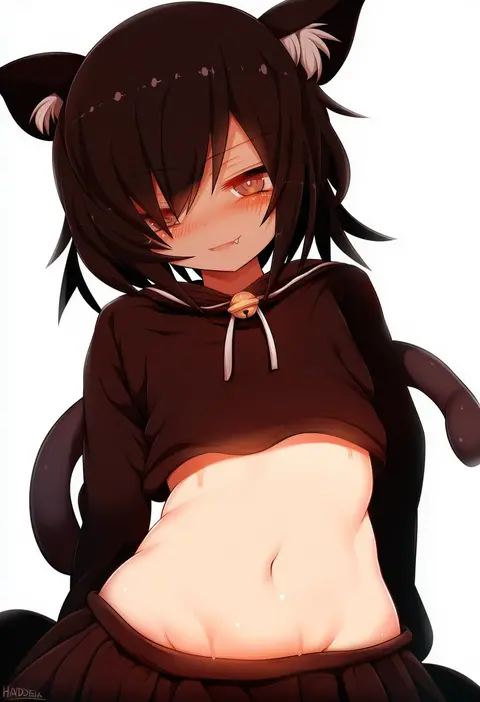
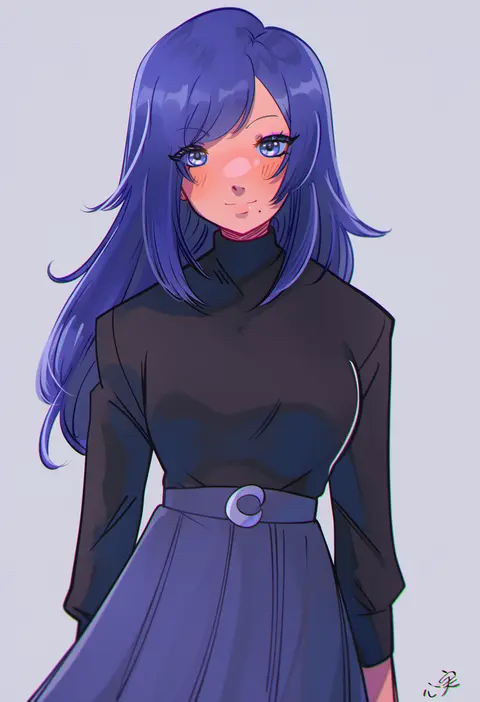
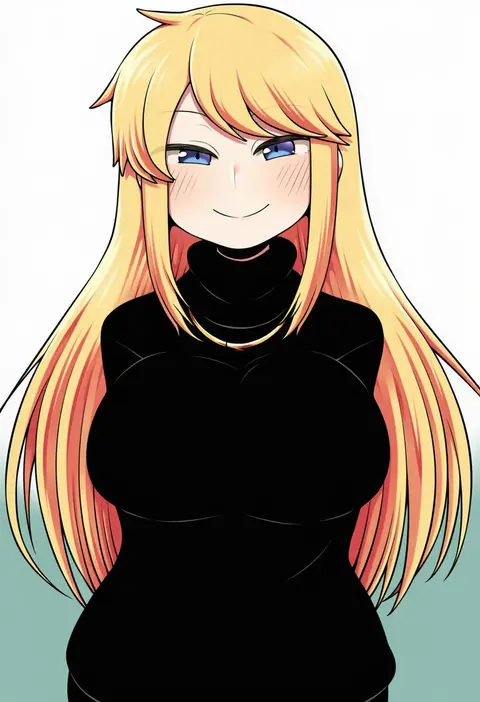
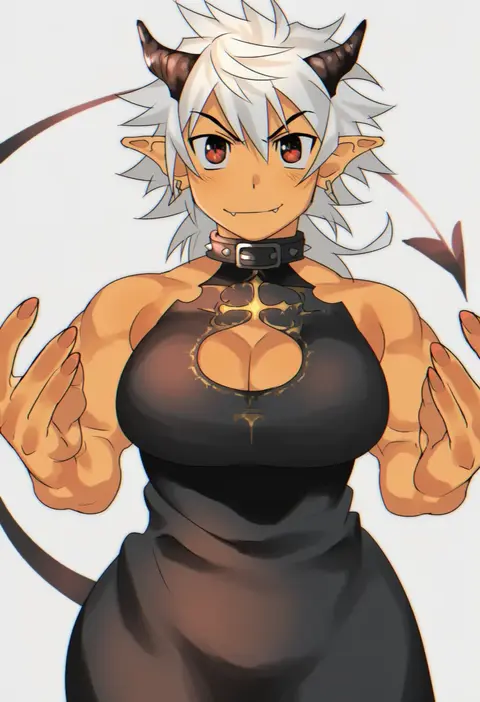
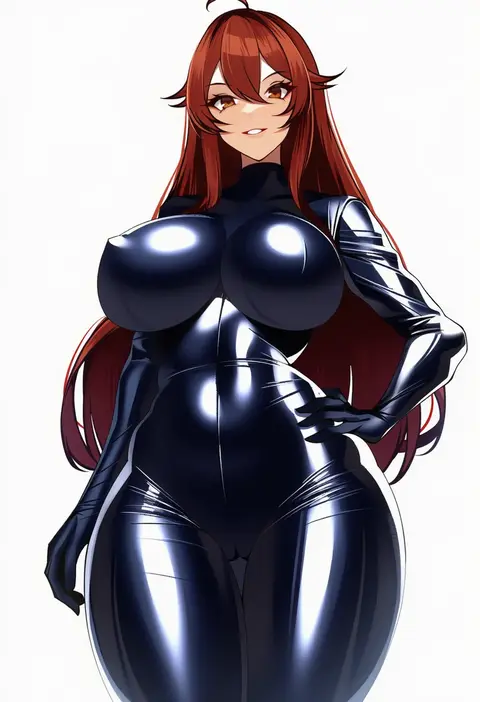
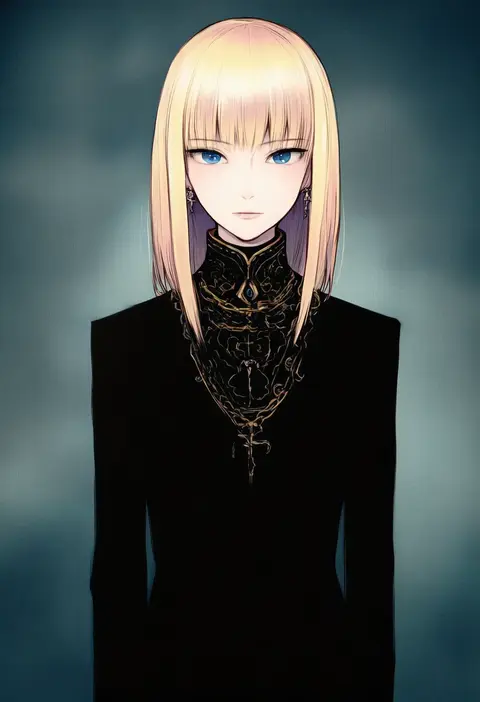
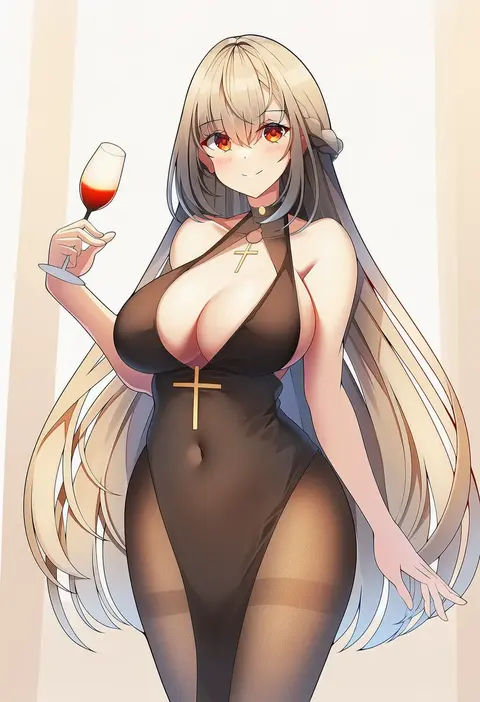
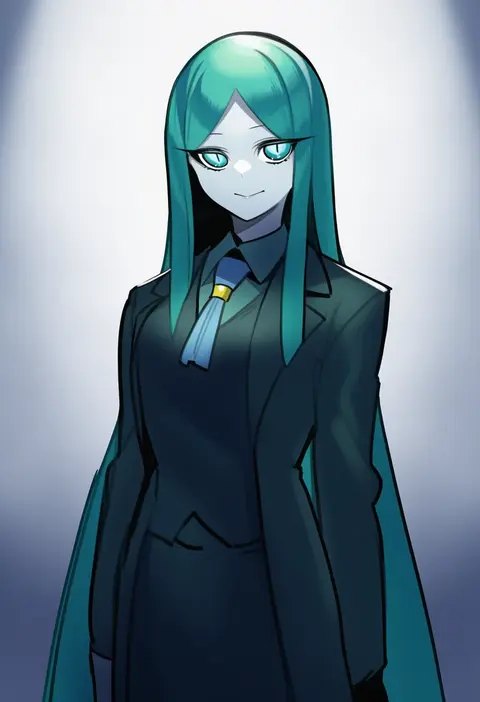
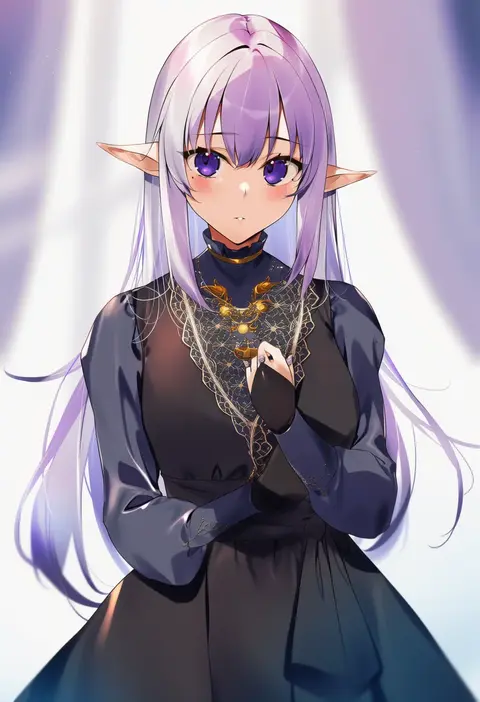
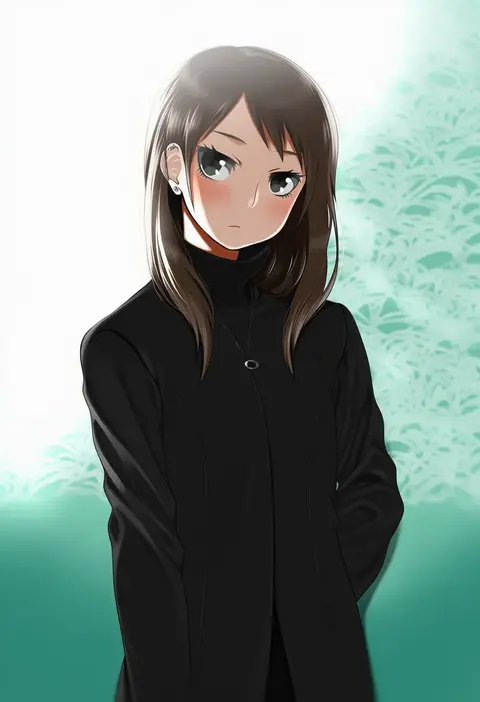
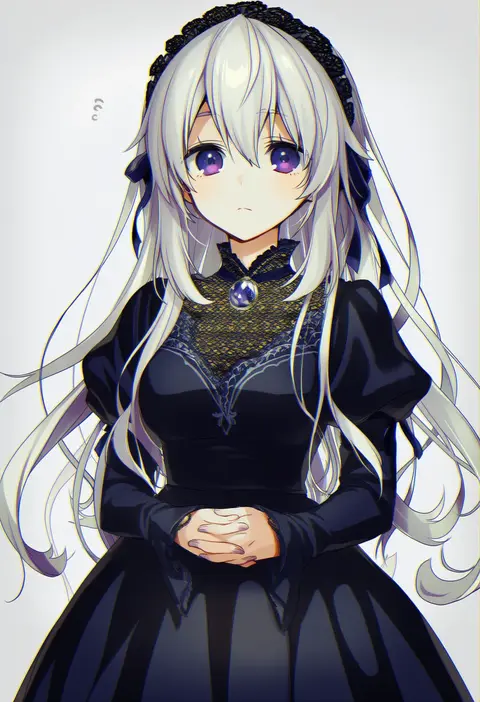
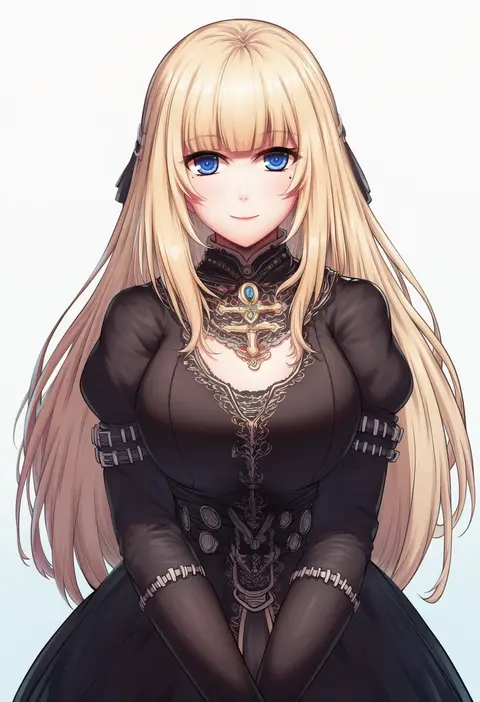
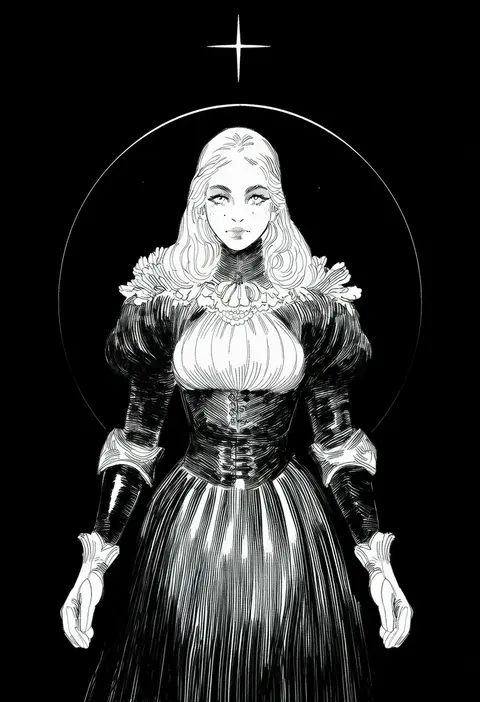
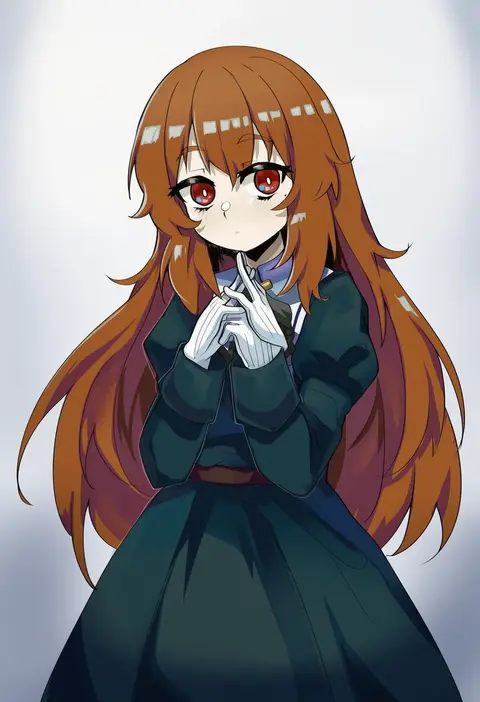
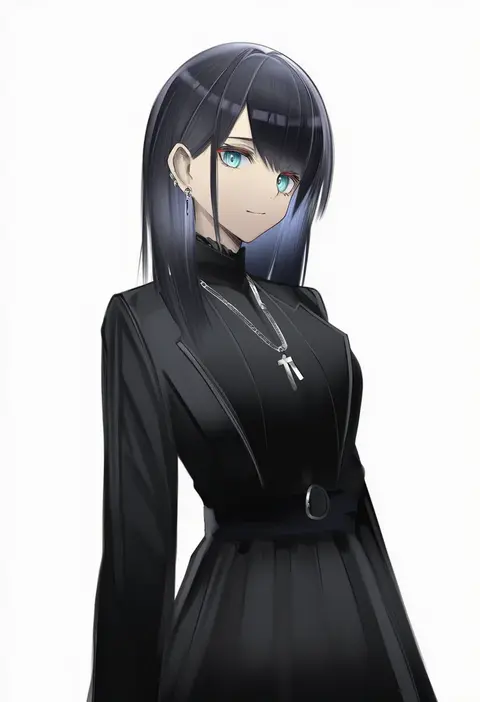
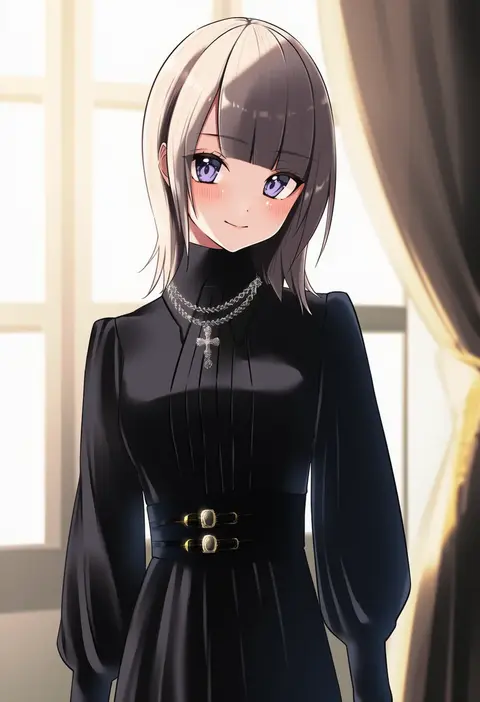
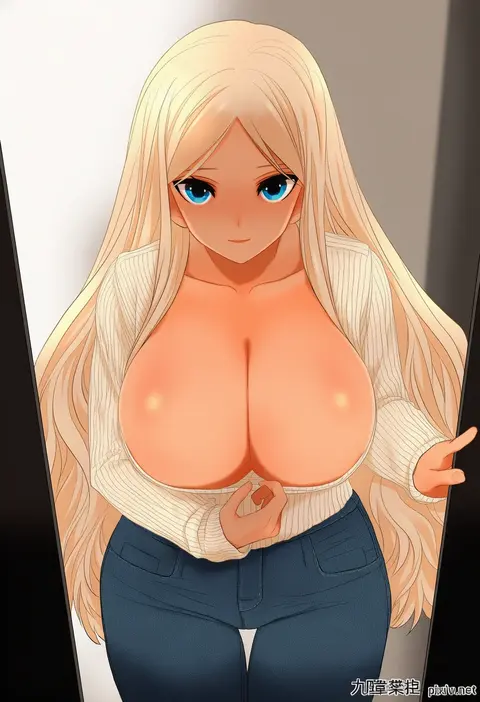
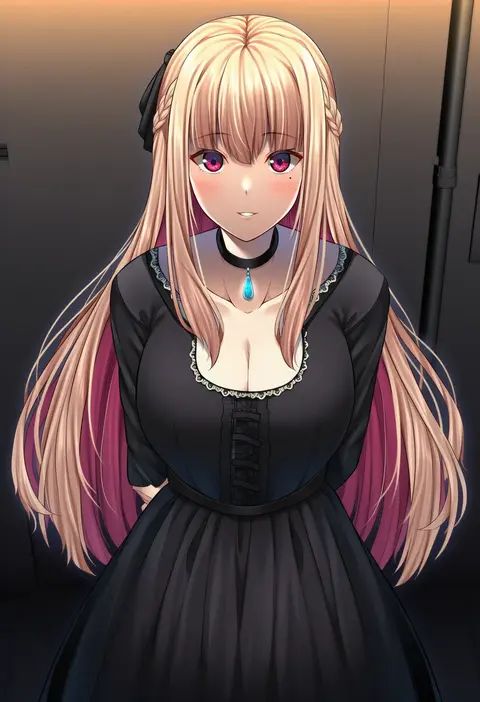
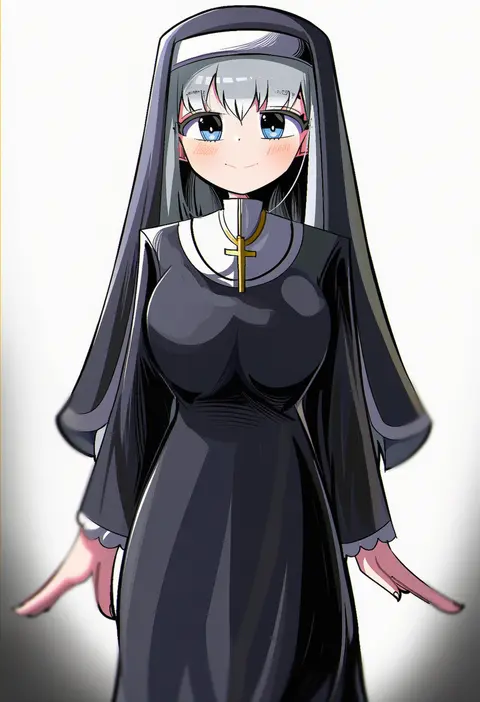
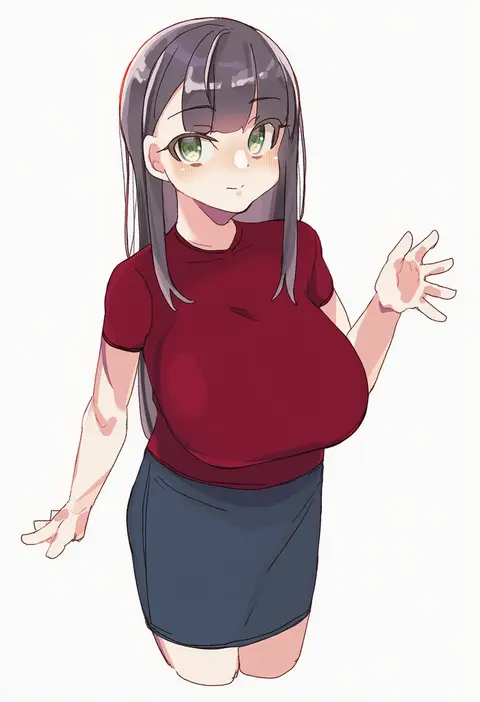
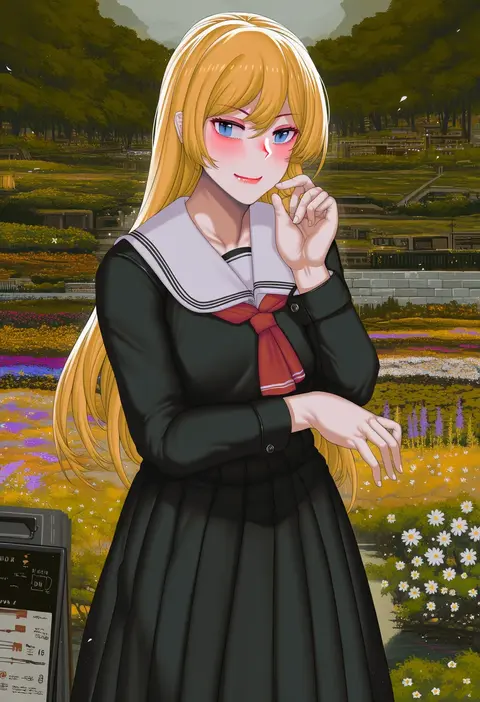
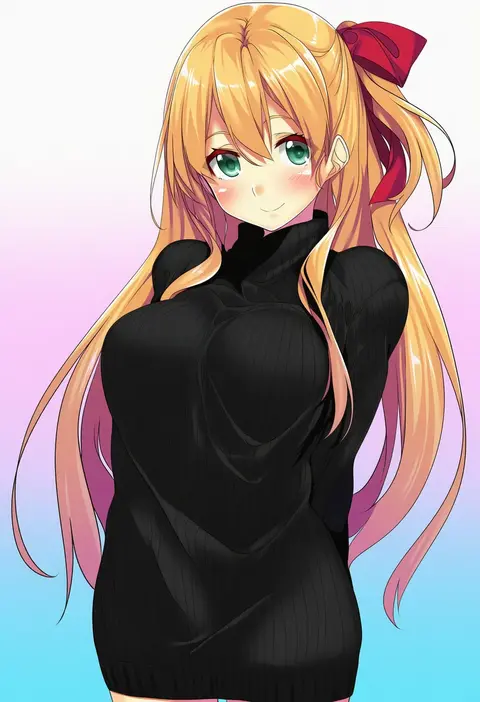
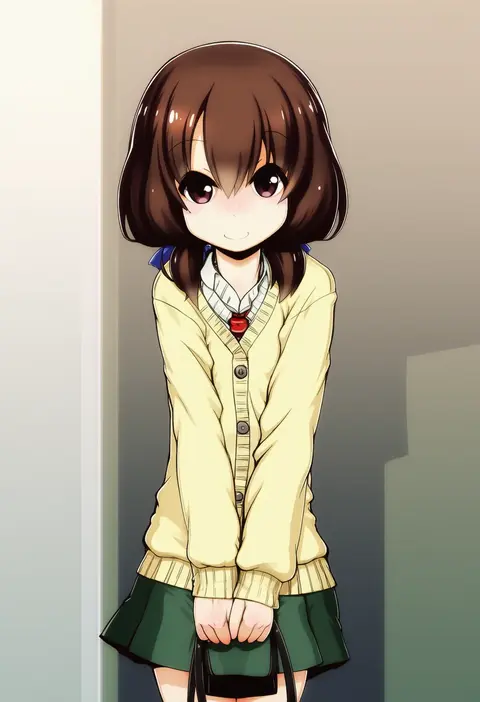
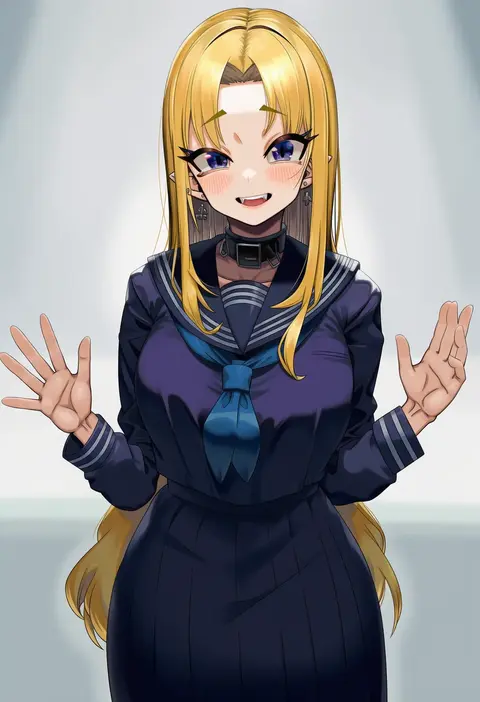
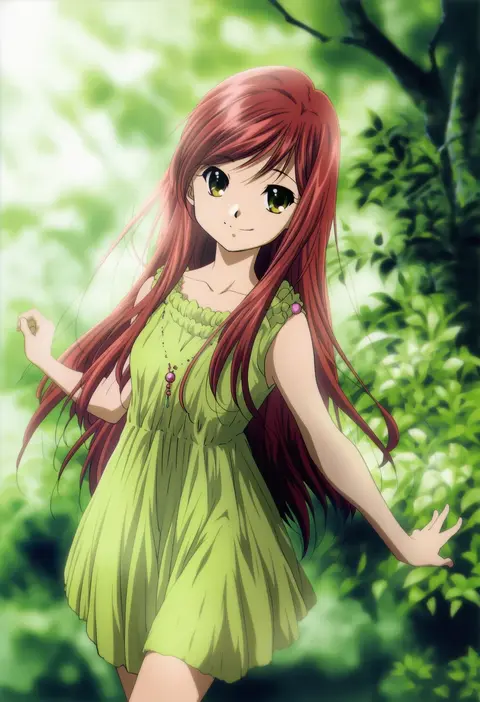
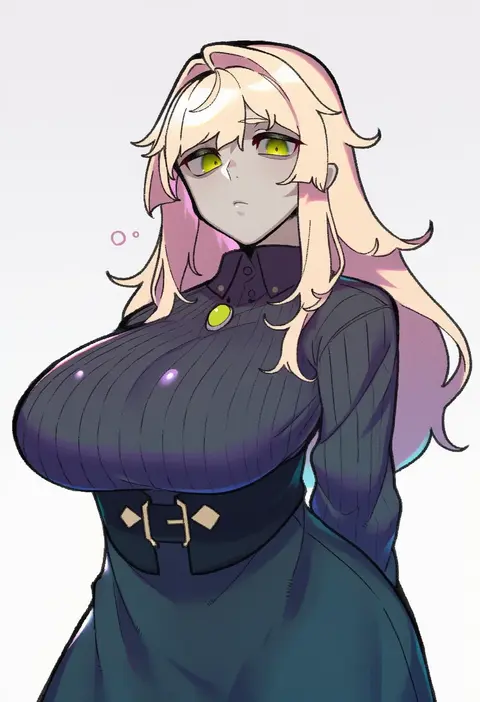
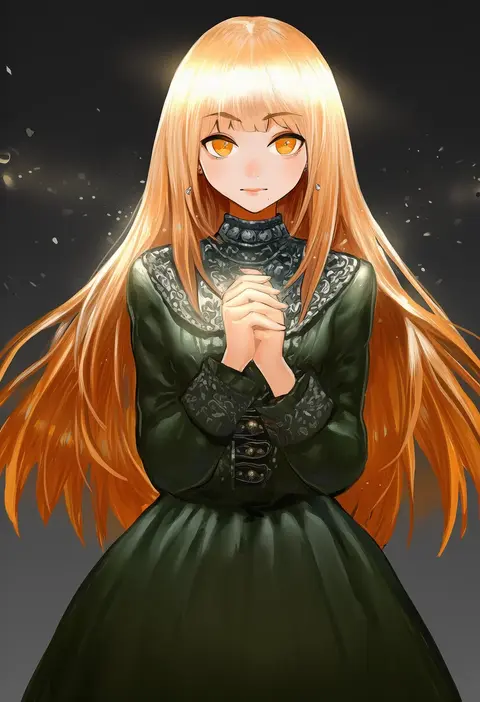
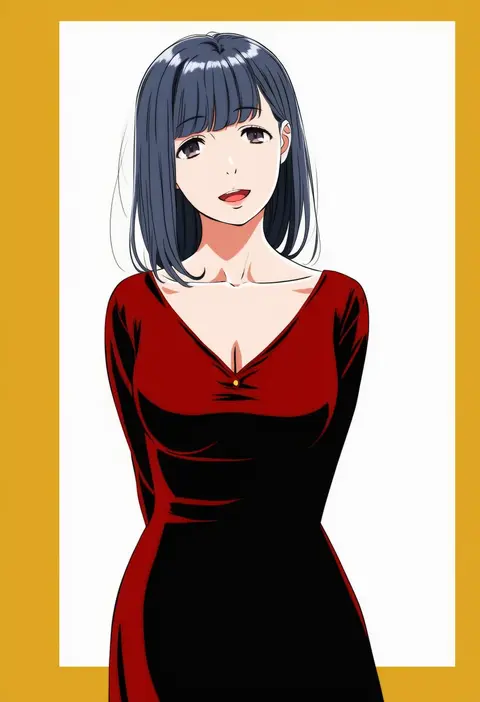
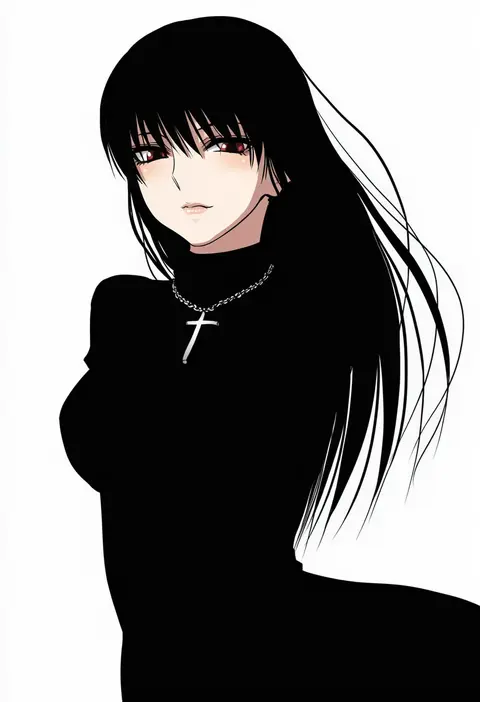
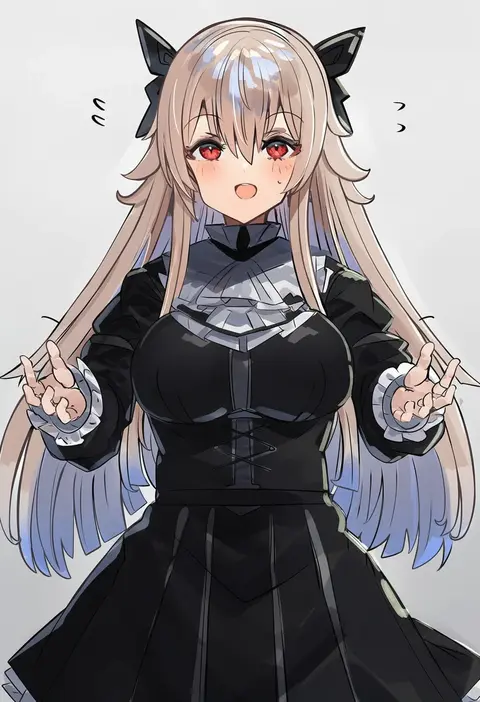
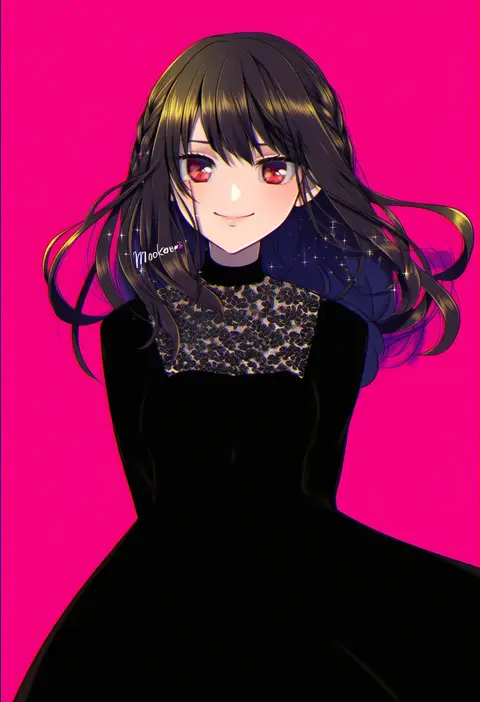
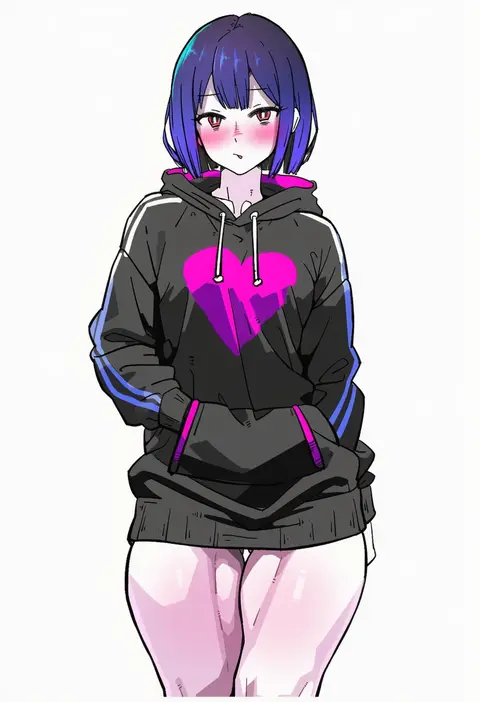
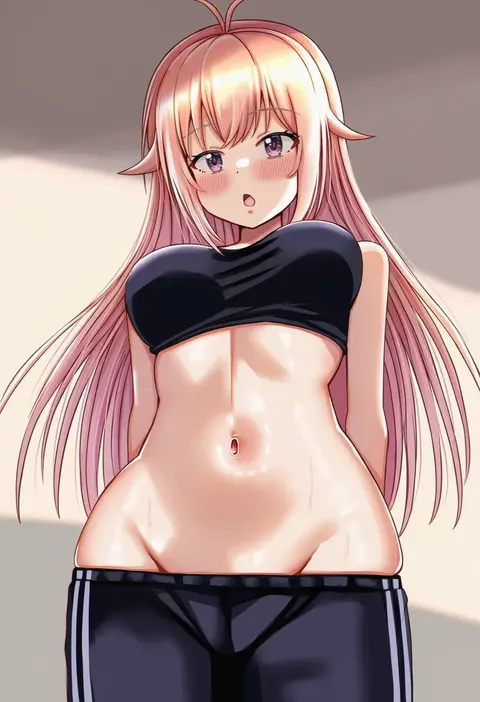
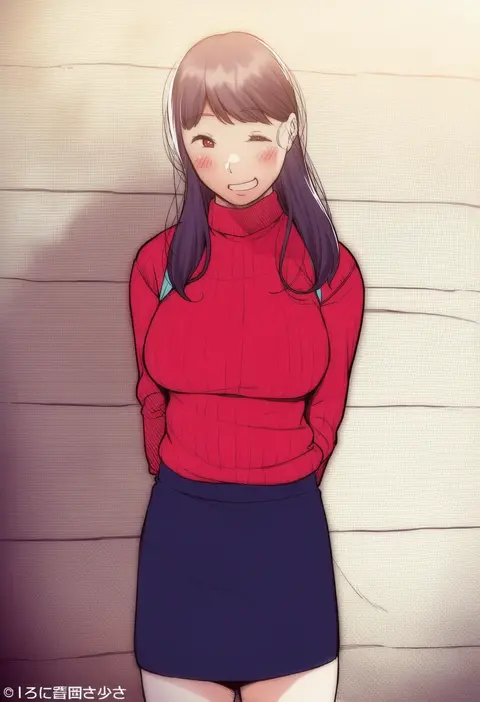
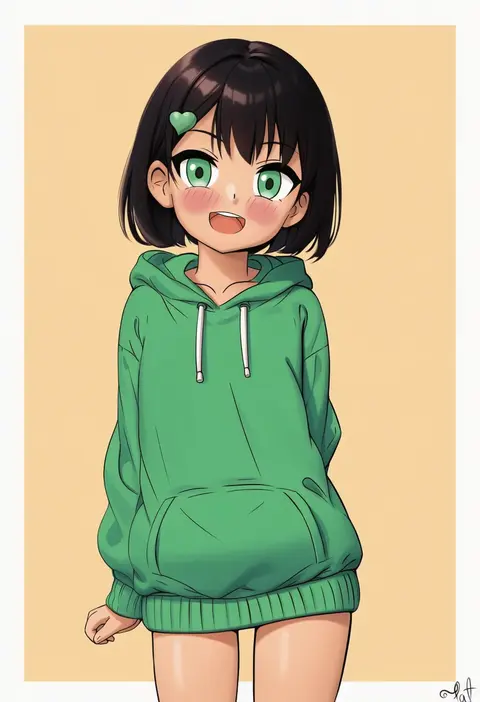
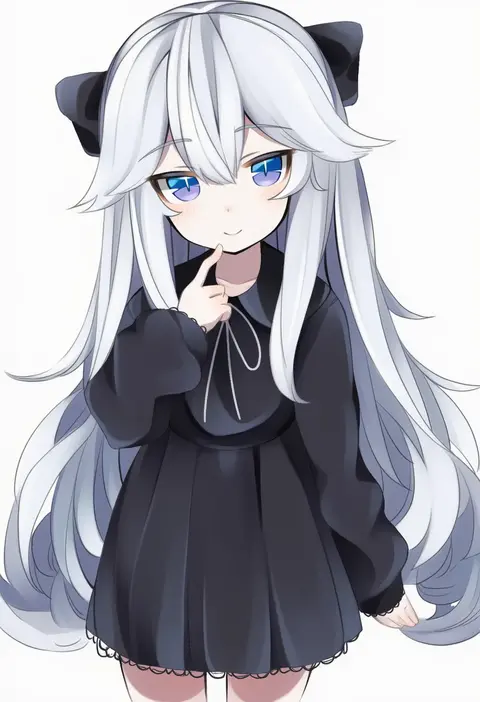
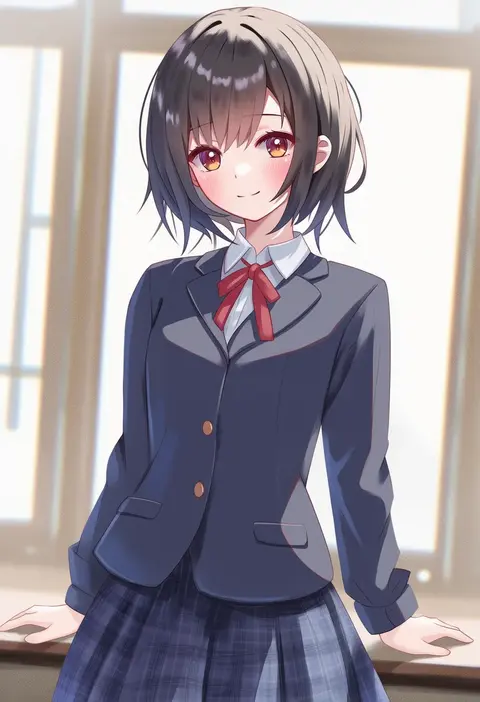
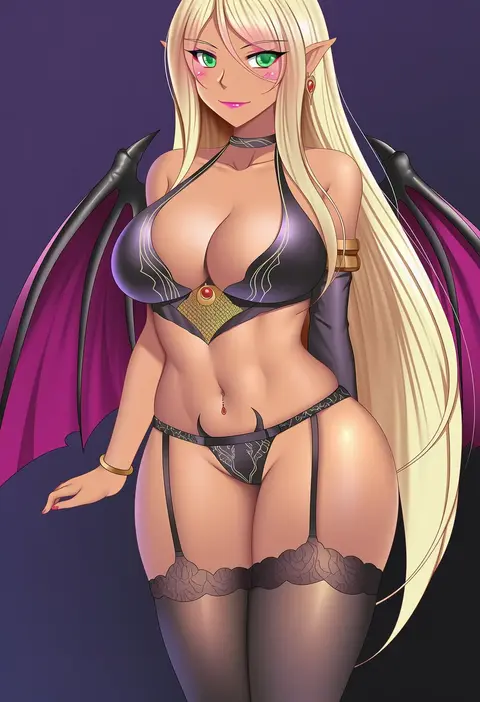
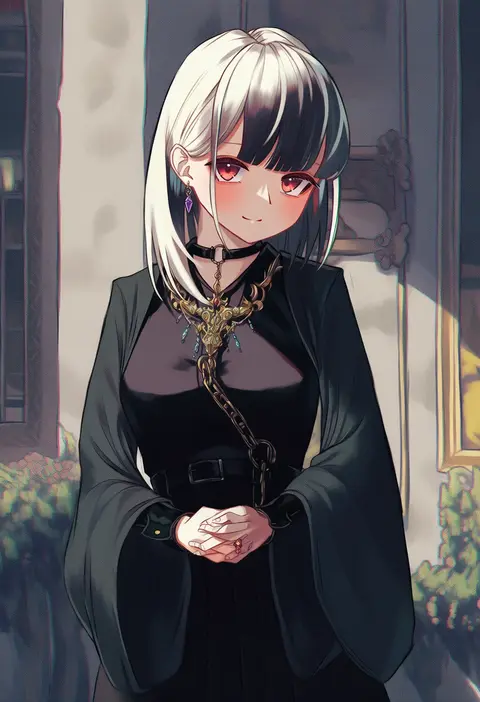
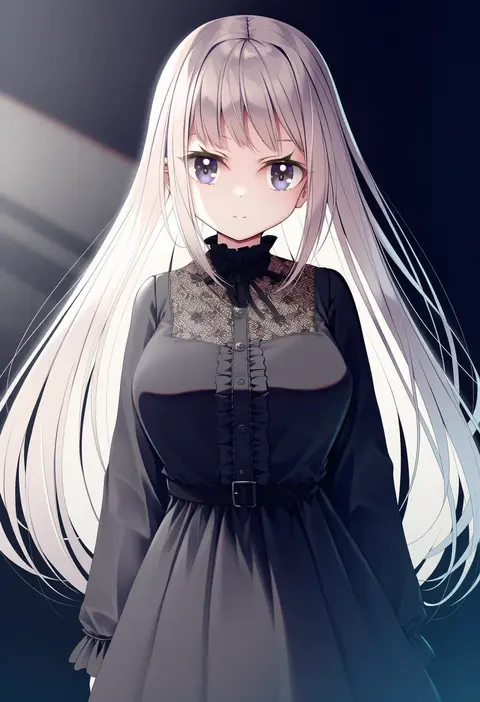
Artist tags tell NovelAI Diffusion to draw in a specific artist's style: line weight, paint texture, face shapes and palette all shift at once. Character and outfit tags decide what is drawn; artist tags decide how. 16,352 tags are listed for V4.5.
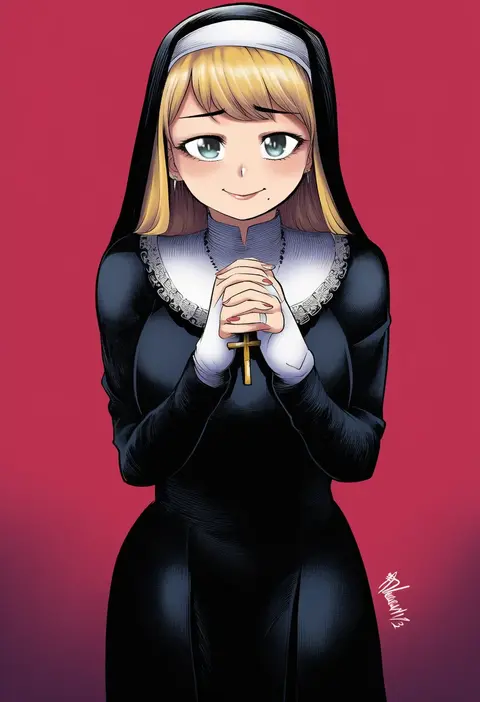
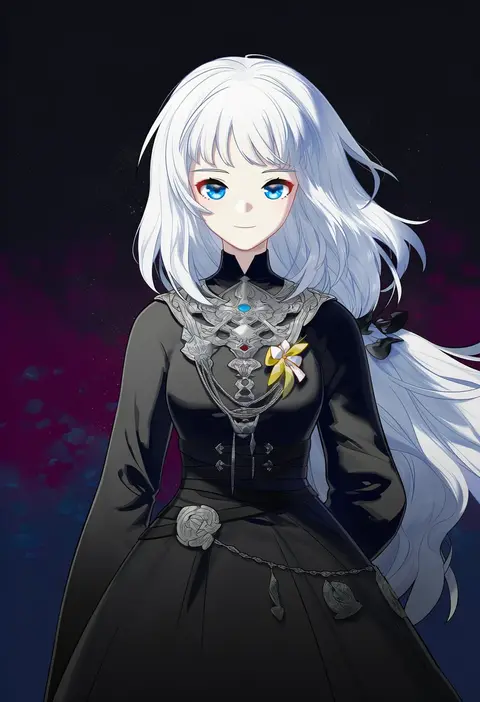
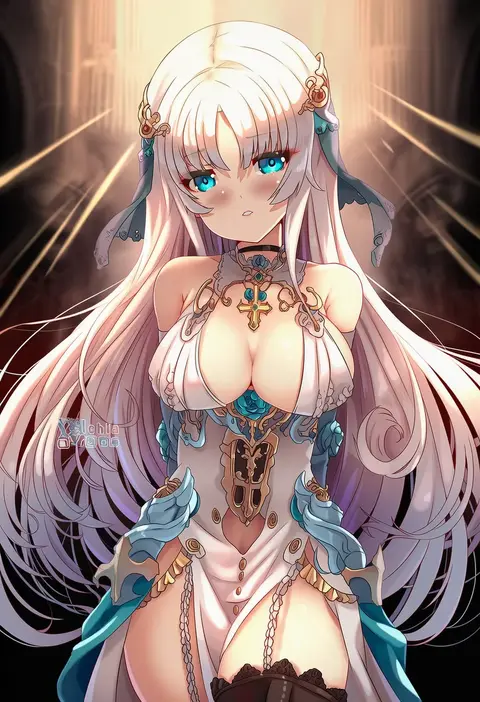
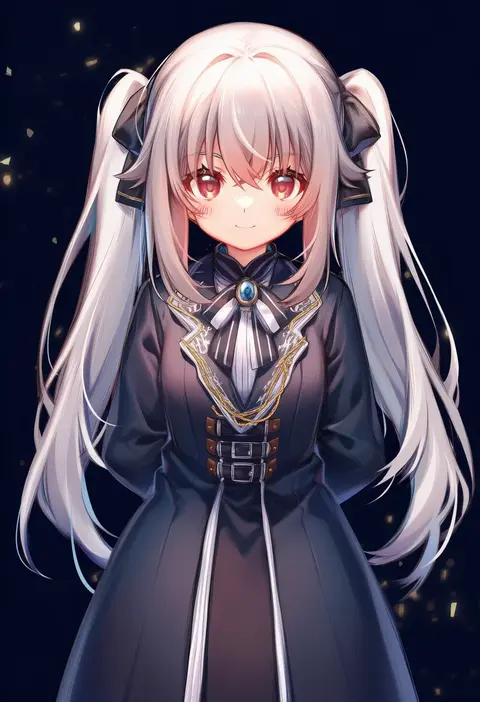
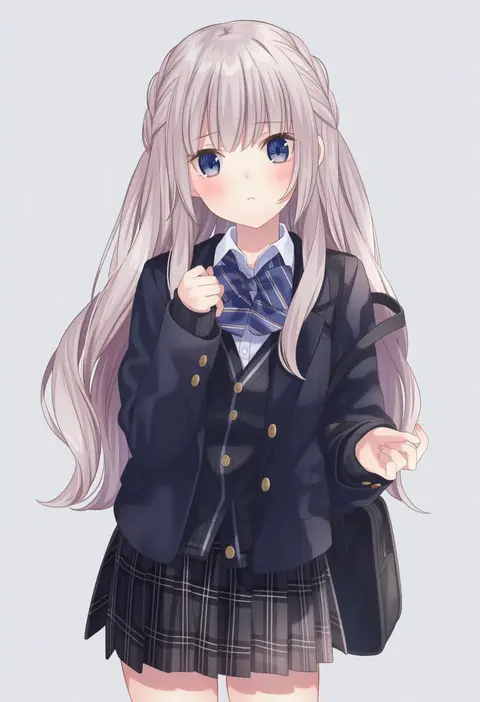
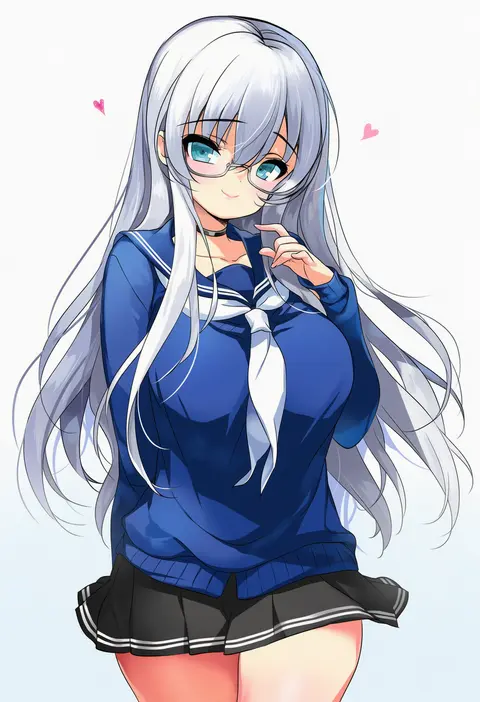
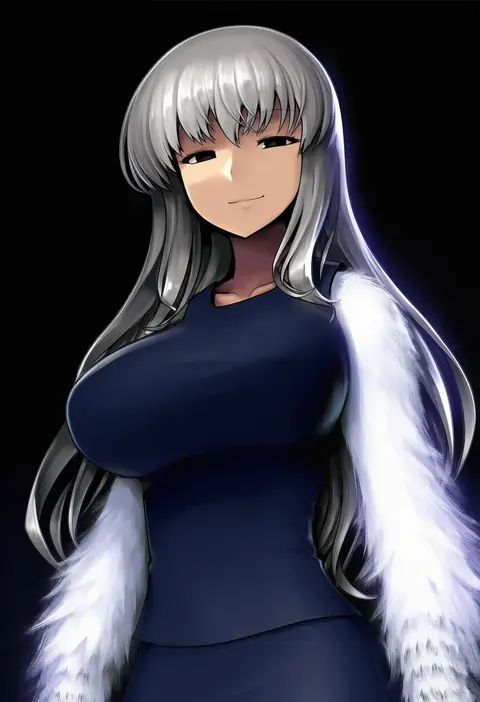
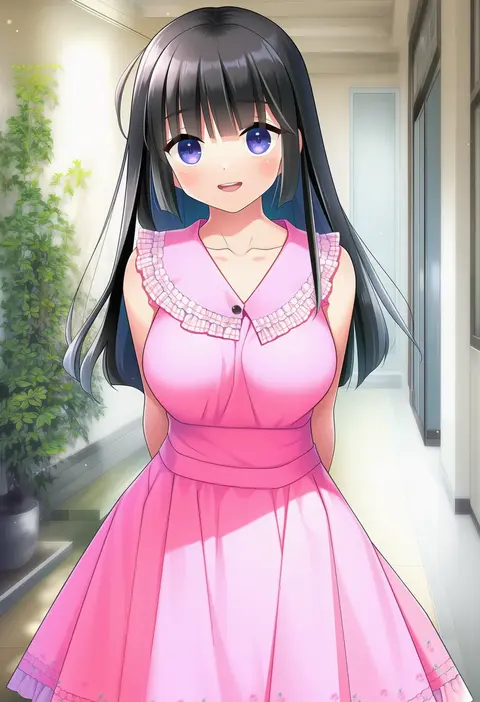
Every tag listed here is verified to react in NovelAI. All images use the same prompt, seed and settings with only the artist tag swapped, so the difference between two images is the style that tag brings in.

How to use them

Put the artist tag near the front of the prompt, e.g. "<artist>, 1girl, solo, best quality, masterpiece, cowboy shot". Two or three artist tags blend styles; lower the weight with "0.8::<artist>::" when the style overpowers the character.

SCORE sorts by Danbooru's top score, POSTS by post count, FAVS by hearts on this site. Open a card to see V5 and V4.5 side by side on the same seed.

V5 vs V4.5

V5 usually lands closer to the artist's real style, and tags that did nothing on V4.5 often react on V5. V4.5 still fits older and doujin-heavy artists better. Try V5 first, fall back to V4.5.

FAQ

Where does the artist tag go?
Near the front of the prompt. Use "0.8::tag::" to adjust its weight.

Can I stack artist tags?
Yes, styles blend. Past two or three the result stops looking like anyone.

Are these the artists' own works?
No. Every image is a NovelAI sample generated from the tag.